



LG Monitors Explained: UltraGear, UltraWide and UltraFine
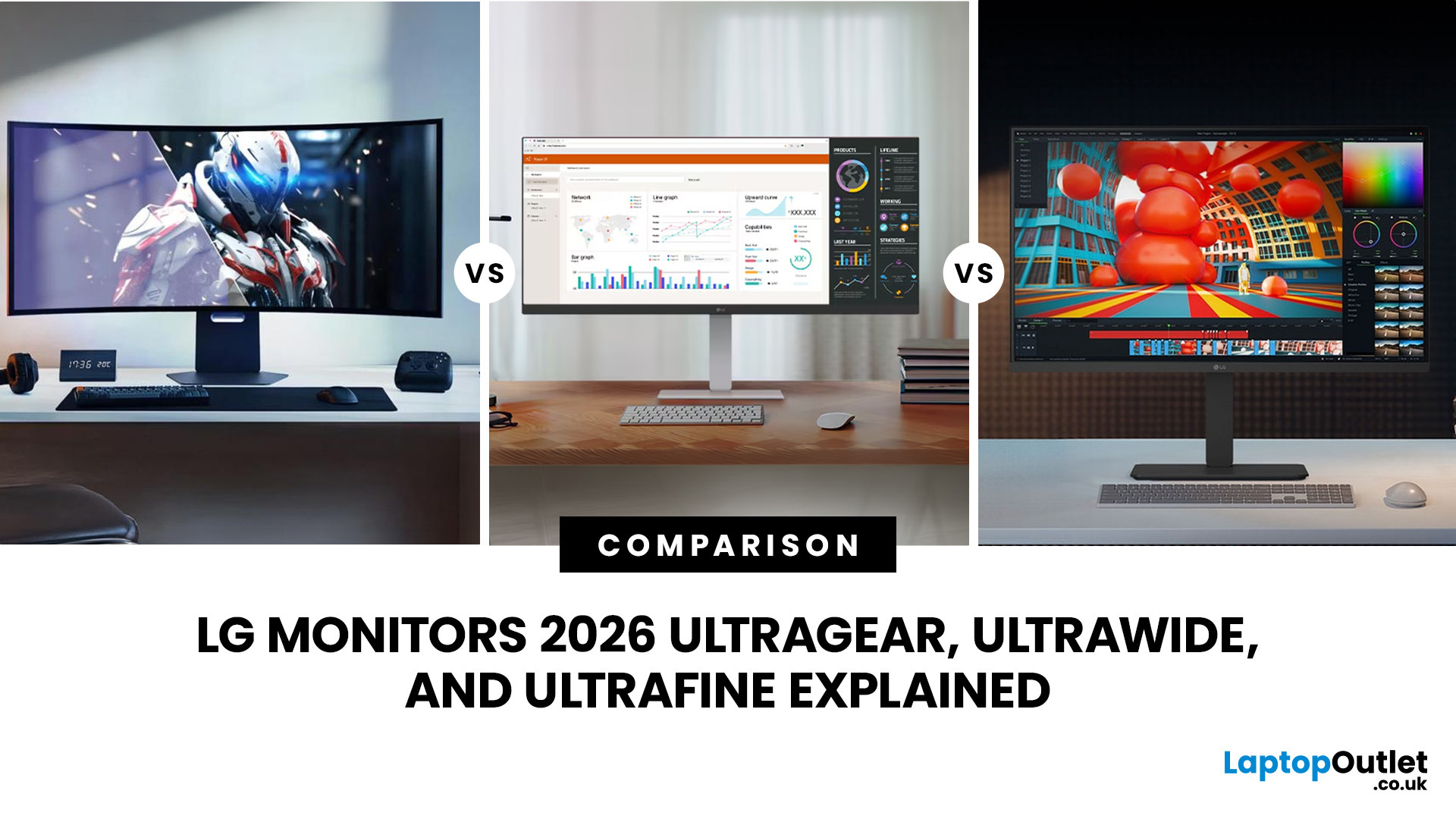
LG monitors are kinda like picking your vibe for your setup. Some are built to make games feel insanely smooth, some give you that extra-wide screen real estate for multitasking chaos, and others are all about crisp detail for creative work. UltraGear is the speed demon for gaming, UltraWide is your “I need 10 tabs open at once” bestie, and UltraFine is the clean, high-res perfectionist. And yeah, they overlap more than you’d think. This guide breaks down what actually matters so you can figure out which LG display fits your setup without the guesswork.
LG UltraGear Gaming Monitors: Built for Speed and Smooth Gameplay
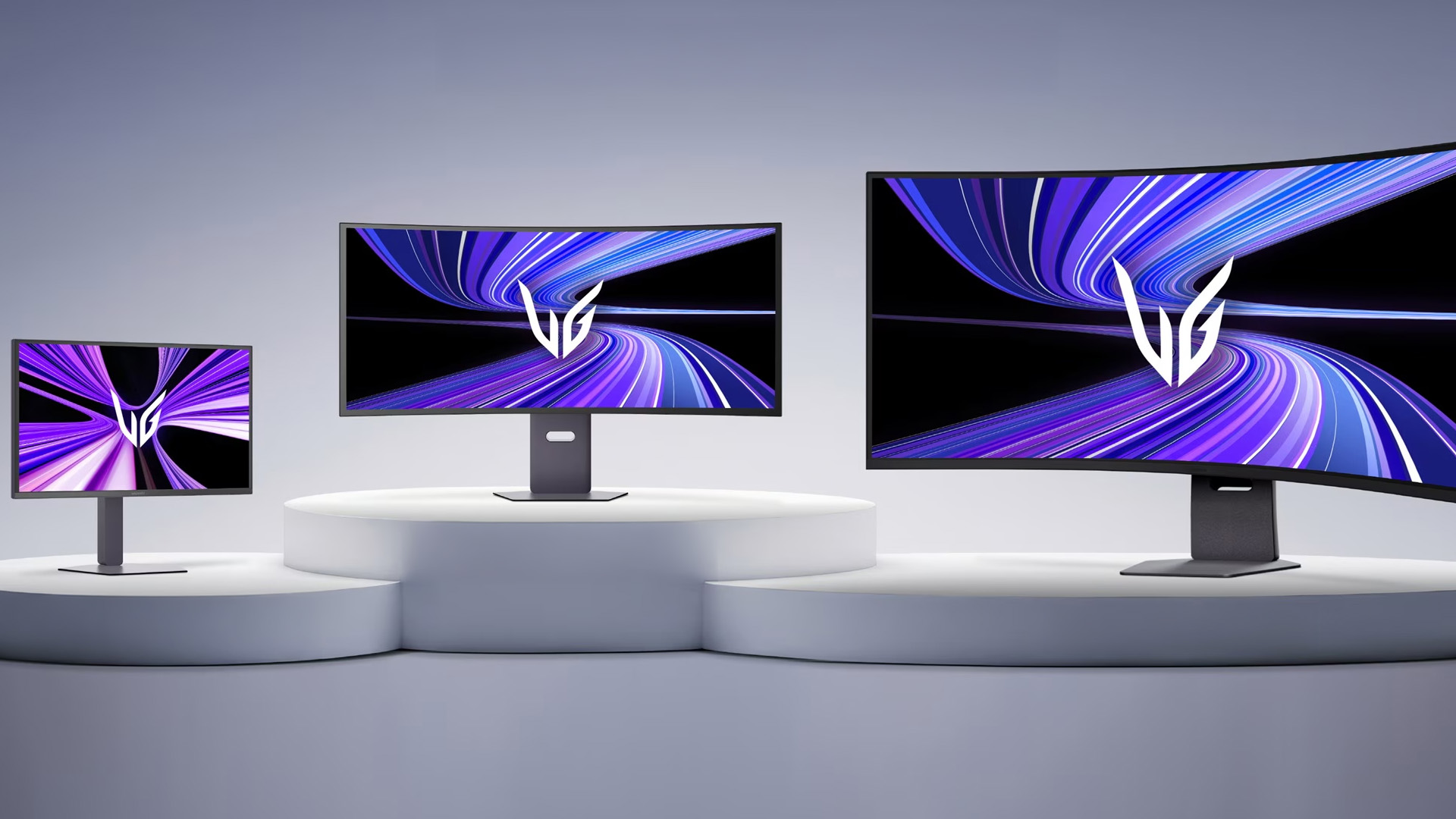
LG UltraGear is the company's dedicated gaming monitor range. These displays are designed around features that matter when games move quickly, including high refresh rates, low response times, adaptive sync technology, and gaming-focused panel options.
Depending on the model, an LG UltraGear gaming monitor may use IPS, VA, or OLED technology. Resolution also varies from Full HD and QHD through to 4K and ultrawide formats, which means there are UltraGear options for competitive gaming as well as visually demanding single-player titles.
Higher refresh rates make motion appear smoother when your PC can generate enough frames per second. Current UltraGear models range from mainstream high-refresh displays to dual-mode screens capable of switching between higher resolution and an even faster refresh rate at a lower resolution.
You will also find support for technologies such as AMD FreeSync and NVIDIA G-SYNC Compatible on selected models. These technologies help synchronise the monitor's refresh rate with the graphics card to reduce visible tearing and improve the overall smoothness of gameplay.
Who Should Choose an LG UltraGear Display?
An LG UltraGear display makes the most sense if gaming performance is your main priority.
Competitive players should pay particular attention to refresh rate, response time and resolution. A high-refresh QHD monitor can offer an effective balance between image quality and performance, while players with powerful graphics hardware may prefer a 4K UltraGear screen.
For cinematic games and visually rich titles, an OLED UltraGear monitor can add deeper blacks, strong contrast and extremely fast pixel response. Curved and ultrawide options can also increase immersion by filling more of your field of view.
If gaming is the main reason you are upgrading, browse gaming monitors and compare refresh rate, resolution, panel technology and adaptive sync support before choosing.
LG UltraWide Monitors: More Space for Work and Entertainment
Most traditional monitors use a 16:9 aspect ratio. UltraWide gaming monitors commonly expand this to 21:9, while larger super-ultrawide displays can use a 32:9 format. The additional width allows several applications, documents or timeline panels to remain visible at the same time. That makes an LG UltraWide monitor particularly useful for:
- Working across multiple browser windows
- Large spreadsheets
- Video and audio editing timelines
- Programming and development
- Financial analysis
- Content creation
- Multitasking from a laptop
- Immersive PC gaming
A 34-inch 3440 x 1440 ultrawide is a popular middle ground because it provides noticeably more working space without becoming as physically demanding as a 49-inch display.
Larger 49-inch models can effectively provide the horizontal workspace of two conventional monitors without a bezel running through the centre. They work particularly well for users who previously relied on dual-screen setups.
Curved models can also make a wide panel easier to view by bringing the edges of the screen closer to the user's natural viewing position. If you spend long hours in front of your screen, our guide to LG monitor eye-care and ergonomics explains Reader Mode, Flicker-Safe technology and practical setup tips for a more comfortable workspace.
What is an UltraGear Ultrawide Monitor?
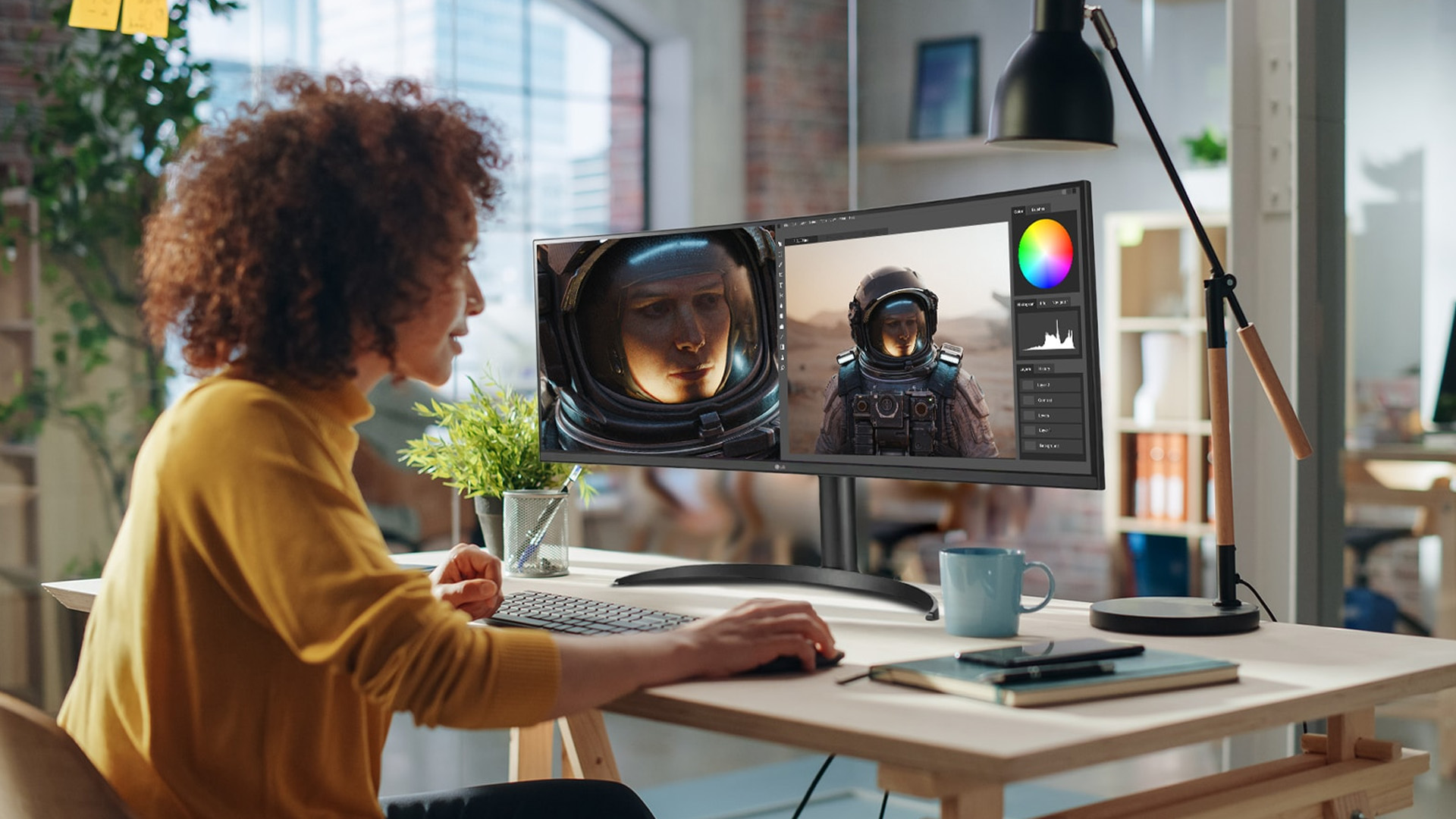
An UltraGear ultrawide monitor combines the wider aspect ratio associated with ultrawide displays with LG's gaming-focused UltraGear features. This gives gamers extra peripheral screen space without giving up the high refresh rates and fast response times expected from a gaming display.
For example, a 34-inch WQHD OLED UltraGear screen can combine a 3440 x 1440 resolution and 21:9 aspect ratio with a very high refresh rate. This type of display works especially well for racing games, simulations, open-world titles and other games that benefit from a wider field of view.
However, ultrawide gaming requires more graphics processing power than standard 16:9 gaming at a similar vertical resolution. You should check that your graphics card can comfortably run your preferred games at the monitor's native resolution before upgrading.
LG UltraFine Monitors: High Resolution for Creative and Professional Work
LG UltraFine monitors take a different approach.
Instead of making gaming speed the main priority, UltraFine displays focus on resolution, image detail, colour reproduction and productivity features. They are particularly relevant to photographers, designers, video editors and professionals who work with detailed visual content.
The range includes 4K displays as well as higher-resolution options such as 5K and 5K2K screens. Selected premium UltraFine models also provide wider colour coverage, HDR capabilities and high-bandwidth connectivity such as Thunderbolt.
A higher resolution gives creative applications more usable workspace while making fine details, text and interface elements appear sharper. It can be especially useful when editing high-resolution images or working with 4K video.
Connectivity should also be considered. USB-C and Thunderbolt-equipped models can simplify laptop-based setups by carrying video, data and power through fewer cables, although capabilities vary between individual monitors.
LG UltraGear vs UltraWide vs UltraFine: Which is Better?
There is no single LG monitor series that is better for everyone. Each range prioritises a different type of user.
|
LG Monitor Range |
Best For |
Main Strengths |
Consider It If |
|
UltraGear |
PC and console gaming |
High refresh rates, fast response, adaptive sync, OLED and gaming features |
Gaming performance is your priority |
|
UltraWide |
Productivity and immersive viewing |
Wider workspace, 21:9 and 32:9 formats, multitasking |
You regularly use multiple windows or want more horizontal space |
|
UltraFine |
Creative and professional work |
High resolution, colour-focused displays, professional connectivity |
Detail, resolution and creative workflows matter most |
Creators comparing higher-resolution displays can explore our LG UltraFine and UltraFine Evo monitors guide for a closer look at 4K, 5K and 6K options for photography, video editing and design workflows.
LG Monitors to Consider
LG's range covers everything from compact gaming screens to large productivity displays. The following models demonstrate how differently UltraGear, UltraWide, and UltraFine monitors can be configured.
1. LG UltraGear 32GX850A-B 32-Inch 4K OLED Gaming Monitor
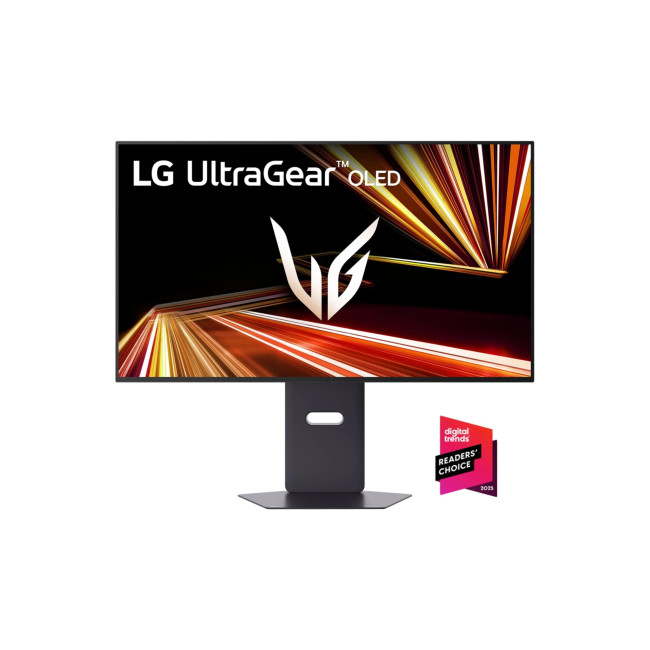
The LG UltraGear 32GX850A-B is designed for gamers who want both high resolution and high-speed gameplay.
Its 32-inch OLED panel runs at 3840 x 2160 and supports a dual-mode configuration. You can use the display at 4K with a 165Hz refresh rate or switch to Full HD at up to 330Hz when maximum motion performance is more important.
A 0.03ms GtG response time and OLED panel make it particularly well suited to fast games while still providing the contrast benefits associated with OLED technology.
This LG UltraGear display is a strong option for gamers who play a mixture of competitive and visually demanding titles rather than committing exclusively to one resolution or refresh rate.
2. LG UltraGear 34GX900A-B 34-Inch WQHD OLED Curved Gaming Monitor
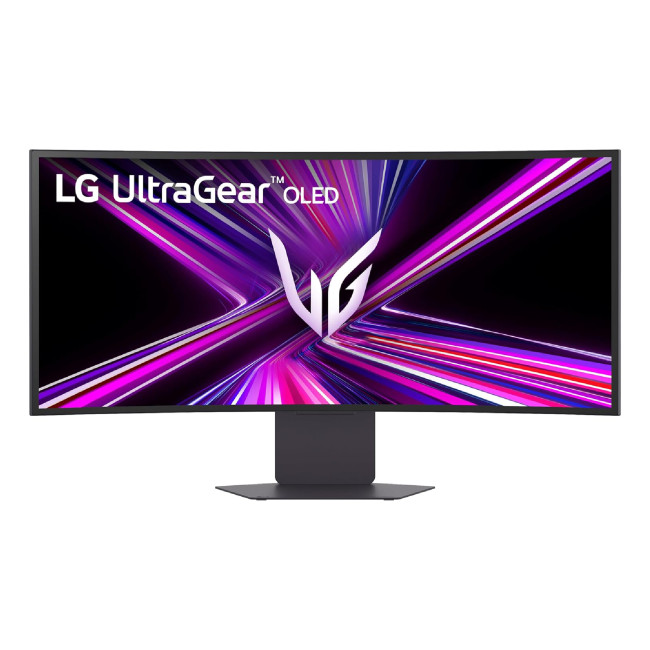
The 34GX900A-B shows what an UltraGear ultrawide monitor can offer.
Its 34-inch OLED screen uses a 3440 x 1440 WQHD resolution with a 21:9 aspect ratio. A 240Hz refresh rate and 0.03ms GtG response time give it the speed expected from a premium gaming monitor, while the curved ultrawide format creates a more immersive field of view.
Support for NVIDIA G-SYNC Compatible, AMD FreeSync Premium Pro and VESA AdaptiveSync adds further flexibility for different gaming systems.
It is particularly appealing to players who want OLED image quality and high-refresh performance without returning to a conventional 16:9 screen.
3. LG UltraWide 34BA75QE-B 34-Inch WQHD Curved IPS Monitor
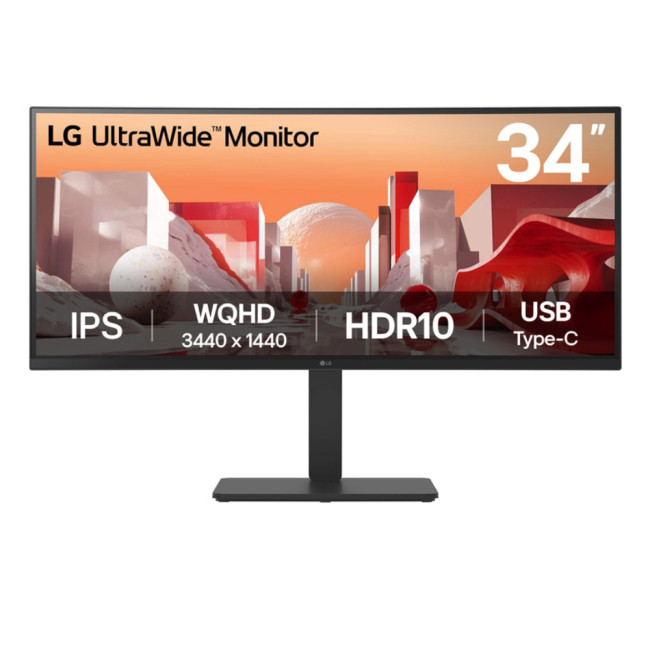
Not every ultrawide monitor needs gaming-level specifications.
The LG 34BA75QE-B combines a 34-inch 3440 x 1440 IPS panel with a curved design aimed at productivity and business use.
USB-C connectivity with power delivery, RJ45 networking, built-in speakers and an adjustable stand make it particularly useful for laptop-based workstations. Instead of connecting a notebook separately to power, display and peripherals, a compatible USB-C setup can significantly reduce cable clutter.
This is a more practical choice than a premium gaming screen if your main priorities are multitasking, office work and connectivity. If productivity is your priority, our guide to LG UltraWide and DualUp monitors explains how different screen formats can support multitasking, coding, content creation and more complex workflows.
4. LG UltraFine 40U990A-W 40-Inch 5K2K Monitor
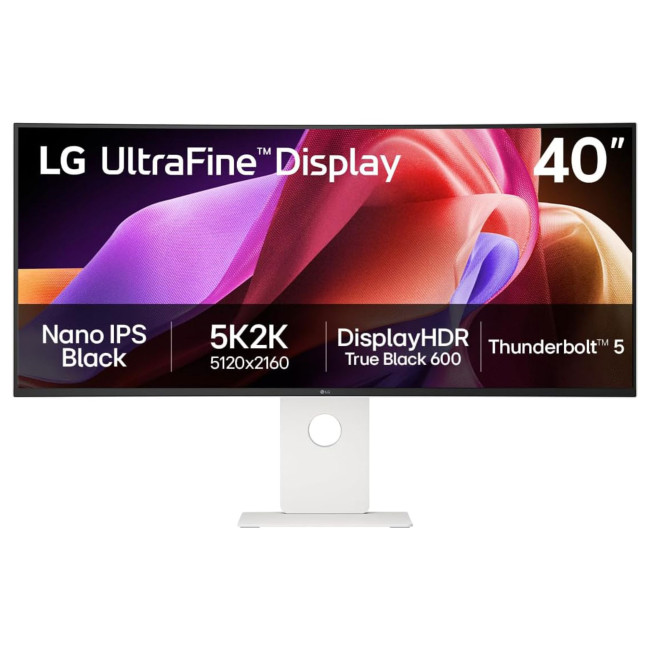
The LG UltraFine 40U990A-W moves into professional-display territory.
Its 5120 x 2160 5K2K Nano IPS Black panel provides both high pixel resolution and an extended horizontal workspace. The combination is useful for video editing, design, music production, large creative applications and other workflows where both detail and screen area matter.
Thunderbolt 5 connectivity adds further appeal for compatible professional systems, while the high-resolution panel makes this an alternative to using multiple smaller creative displays.
It is best suited to users who can genuinely benefit from the additional resolution and connectivity rather than someone simply looking for a basic everyday monitor.
5. LG UltraFine Ergo 32UN880K-B 31.5-Inch 4K IPS Monitor
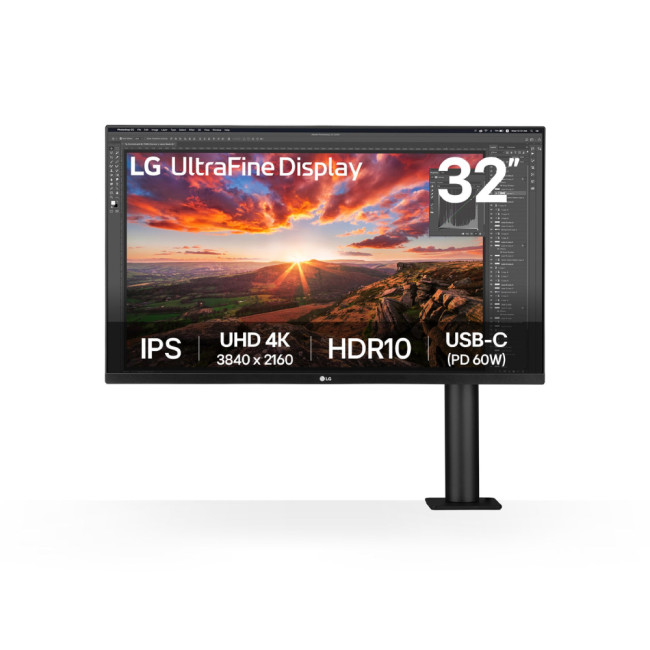
The LG UltraFine Ergo 32UN880K-B offers a more conventional 31.5-inch 4K workspace but combines it with LG's flexible Ergo stand.
Its 3840 x 2160 IPS screen is well suited to detailed productivity and creative applications, while the desk-clamp stand supports extensive adjustment and frees up more desk space than a large traditional monitor base.
USB-C power delivery also makes it suitable for streamlined laptop workstations.
This model is worth considering when display quality and physical workspace ergonomics are equally important.

Final Verdict: Which LG Monitor Should You Buy?
The best LG monitor depends on what you expect your display to do most often.
- Choose an LG UltraGear gaming monitor if high refresh rates, low response times and gaming features are your main priorities. UltraGear covers everything from conventional QHD gaming displays to premium OLED and ultrawide models.
- Choose LG UltraWide when screen space is the priority. Its wider aspect ratios make multitasking easier and can create a more immersive experience for supported games and entertainment.
- Choose LG UltraFine when resolution, detailed visual work and professional connectivity matter more than maximum gaming speed.
There is no need to pay for features your workload will not use. A competitive player, video editor and office multitasker may all benefit from LG monitors, but each should be looking at a very different specification.
Browse the full range of LG monitors to compare the latest UltraGear, UltraWide, and UltraFine options and choose a display that suits your setup, performance requirements and budget.

In Case You’re Wondering...
Is LG UltraGear Good for Gaming?
Yes. UltraGear is LG's gaming-focused monitor range and includes models with high refresh rates, low response times, adaptive sync support and gaming-oriented IPS, VA and OLED panels. The exact features depend on the individual model.
Is an LG UltraGear Display Better Than an UltraWide Monitor?
Not necessarily. UltraGear prioritises gaming, while UltraWide primarily describes a wider display format. Some UltraGear monitors are ultrawide, allowing you to have both gaming performance and a wider aspect ratio.
What is an UltraGear Ultrawide Monitor?
An UltraGear ultrawide monitor is an LG gaming display that uses a wider aspect ratio such as 21:9 instead of the conventional 16:9 format. It combines additional horizontal viewing space with gaming features such as high refresh rates and low response times.
Is LG UltraFine Better for Photo and Video Editing?
UltraFine is generally the more relevant LG range for colour-focused creative work because it concentrates on high-resolution displays, image quality and professional connectivity. You should still compare the colour gamut, resolution, and calibration capabilities of the specific model you are considering.
Is LG Ultra Gear the Same as LG UltraGear?
Yes. LG Ultra Gear is a common way people search for the range, but LG's official product name is LG UltraGear. It is the company's dedicated gaming monitor family.
Which LG Monitor is Best for Both Work and Gaming?
An ultrawide LG monitor with a higher refresh rate can provide a useful balance. It gives you extra horizontal workspace during the day while offering smoother motion for gaming. An UltraGear ultrawide is the stronger option when gaming performance takes priority.
Related Articles

Last Updated: August 11, 2026
Picking the best gaming monitor size isn’t just about going big or going home. Your screen size actually changes how your games look, feel, and perform. A 24-inch setup is clutch for competitive play, a 27-inch hits that sweet spot between clarity and immersion, and a 32-inch screen? That’s where things get seriously cinematic.
Size alone isn’t the whole story. Resolution, desk space, refresh rate, and what you actually play all matter. This gaming monitor size comparison breaks down 24, 27, and 32-inch displays so you can find your perfect match.
24 Inch vs 27 Inch vs 32 Inch Gaming Monitors: Quick Comparison
The following table provides a quick overview of how the three most popular gaming monitor sizes compare.
| Feature | 24-Inch Monitor | 27-Inch Monitor | 32-Inch Monitor |
| Recommended resolution | 1920 × 1080 | 2560 × 1440 | 2560 × 1440 or 3840 × 2160 |
| Best suited to | Competitive gaming | Mixed gaming and everyday use | Immersive and cinematic gaming |
| Typical desk requirement | Small | Medium | Large |
| Graphics |
Last Updated: August 11, 2026
Last Updated: September 03, 2026
An AOC curved gaming monitor can be a strong choice for immersive gaming, especially if you play racing, simulation, RPG, open-world or cinematic single-player games. The curved screen helps draw more of the display into your natural field of view, which can make gameplay feel more engaging on larger panels. For many PC gamers, the sweet spot is a 27-inch or 32-inch high-resolution QHD monitors. For maximum immersion, an AOC 34 curved gaming monitor or another ultrawide curved gaming monitor can offer a wider, more cinematic view.
Are AOC Curved Gaming Monitors Good for Immersive Gaming?
Yes, AOC curved gaming monitors can be good for immersive gaming, but the experience depends on three things:
- Screen size
- Resolution
- Refresh rate
A curved display is most effective when the screen is large enough for the curve to matter. On a 24-inch screen, the curve may feel subtle. On a 32-inch or 34-inch screen, it becomes much more noticeable because the edges of the panel sit further into your peripheral
Published: July 27, 2026
Last Updated: September 03, 2026
Last Updated: August 11, 2026
The ASUS VG27AQM5F is a 27 inch QHD gaming monitor built primarily for competitive PC players who want a higher refresh rate without dropping to Full HD resolution. As an ASUS QHD monitor, it combines a 2560 x 1440 Fast IPS panel with a maximum 320Hz refresh rate, adaptive-sync support and ASUS ELMB Sync. This ASUS new gaming display launch is aimed at players seeking smoother competitive gameplay, although its tilt-only stand, basic HDR capability and service-only USB-C port remain important limitations.
ASUS VG27AQM5F Quick Answer
| Question | Answer |
| Best suited to | Competitive PC gamers who regularly play above 200fps and still want QHD detail |
| Main strengths | 320Hz refresh rate, Fast IPS panel, 95% DCI-P3 coverage and broad adaptive-sync support |
| Main limitations | Tilt-only stand, modest 300cd/m² brightness, basic HDR10 support and no functional USB-C display input |
| Testing status | Specification-based assessment, not a hands-on review |
| UK availability | Available through UK retail channels, but not |
Last Updated: August 13, 2026
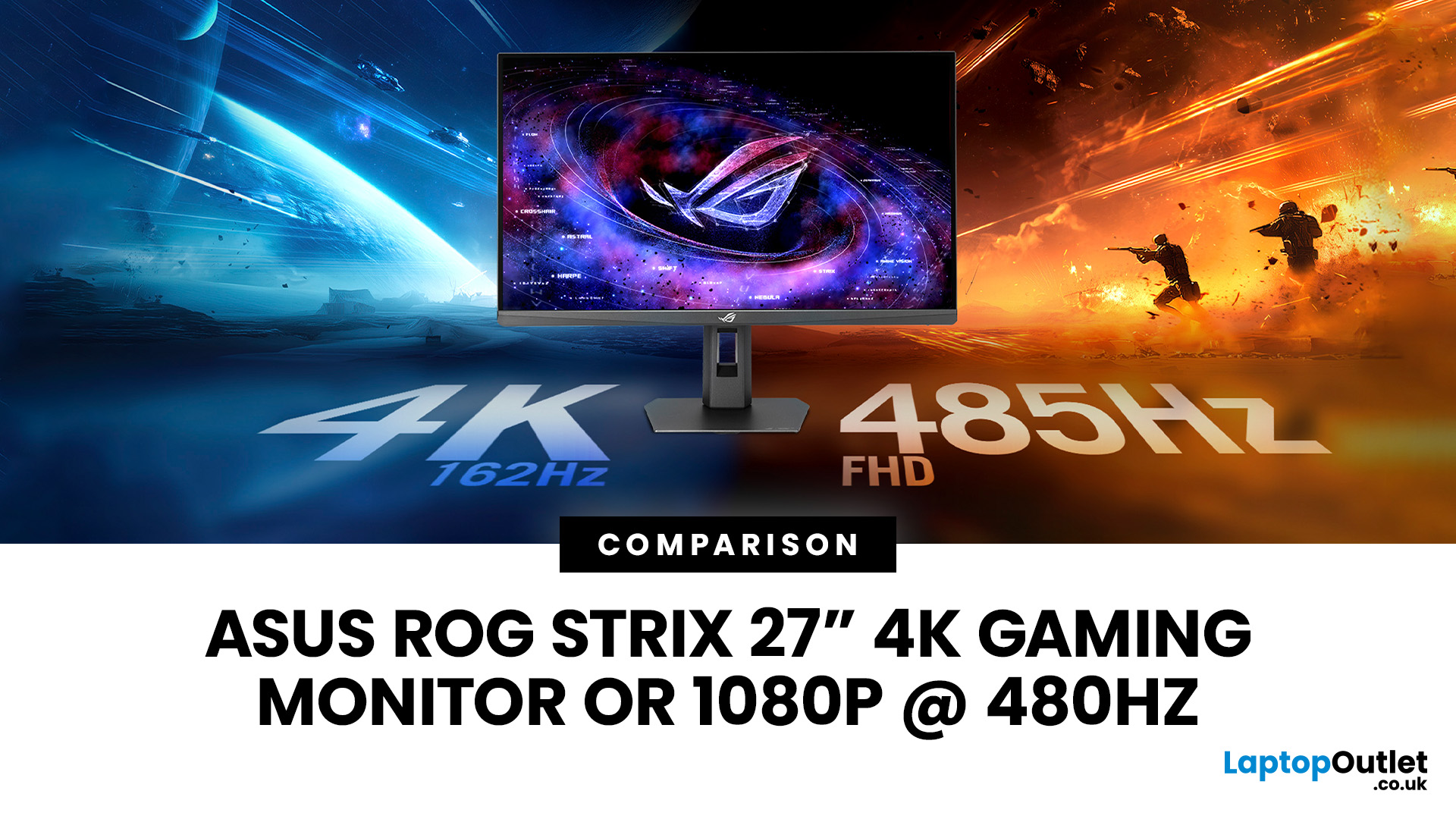
The ASUS ROG Strix XG27UCGR Gen2 is a 27 inch 4K gaming monitor that runs at up to 162Hz in 4K and switches to Full HD at 485Hz for esports. It succeeds the original XG27UCG’s 160Hz and 320Hz dual mode, adding a much faster competitive setting, Smart Pixel processing and a lower quoted minimum response time.
Most gaming monitors make you choose between resolution and refresh rate. A sharp 4K screen suits visually detailed games, while an ultra-fast Full HD display is usually better suited to competitive titles where responsiveness matters more than image detail.
The ASUS ROG Strix XG27UCGR Gen2 attempts to cover both uses. Its native mode delivers 3840 x 2160 resolution at up to 162Hz. Activating Frame Rate Boost changes the monitor to 1920 x 1080 and raises the refresh rate to 485Hz. ASUS confirms both modes for the XG27UCGR, alongside a Fast IPS panel, Smart Pixel processing and a manufacturer-rated minimum response time of 0.3ms.
ASUS ROG Strix XG27UCGR Specifications
The XG27UCGR Gen2
Last Updated: September 03, 2026
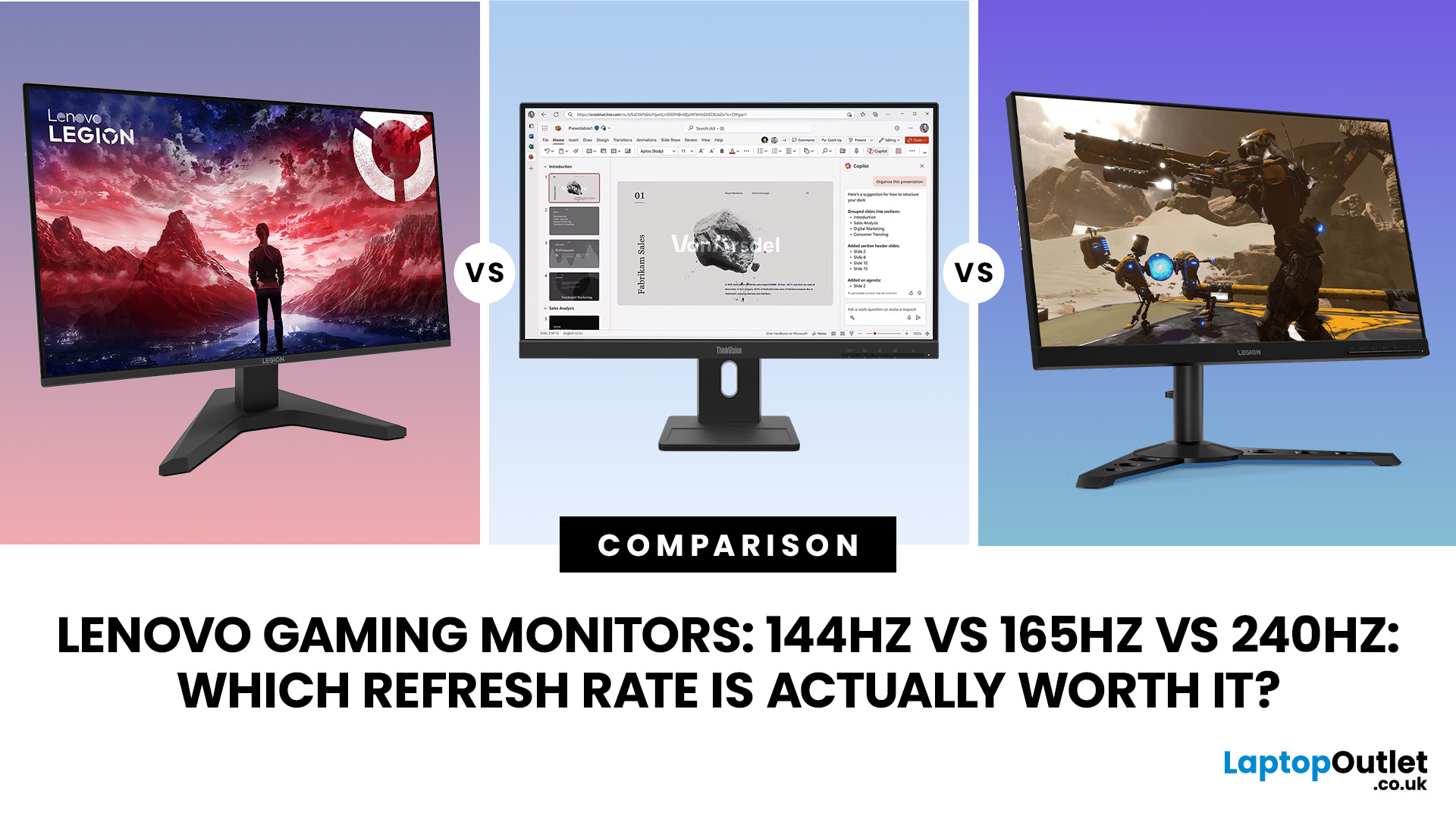
Refresh rate is one of the first specifications you will notice when shopping for a gaming monitor. A higher number promises smoother movement and faster feedback, but that does not automatically mean a 240Hz display is the right choice for your setup.
The best Lenovo monitor refresh rate depends on the games you play, the frame rates your computer can produce and whether you prioritise competitive responsiveness or sharper graphics. A casual player running cinematic games at 70 frames per second will gain little from 240Hz, while a competitive FPS player maintaining more than 200fps may notice a meaningful improvement.
This guide compares 144Hz, 165Hz, and 240Hz Lenovo gaming monitors so you can pay for performance you will actually use.
Quick Answer: Is 144Hz, 165Hz or 240Hz Best?
For most PC gamers, 144Hz or 165Hz offers the best balance of smoothness, hardware requirements, and value. Choose 240Hz when you mainly play competitive shooters and your PC can regularly produce close to 240fps
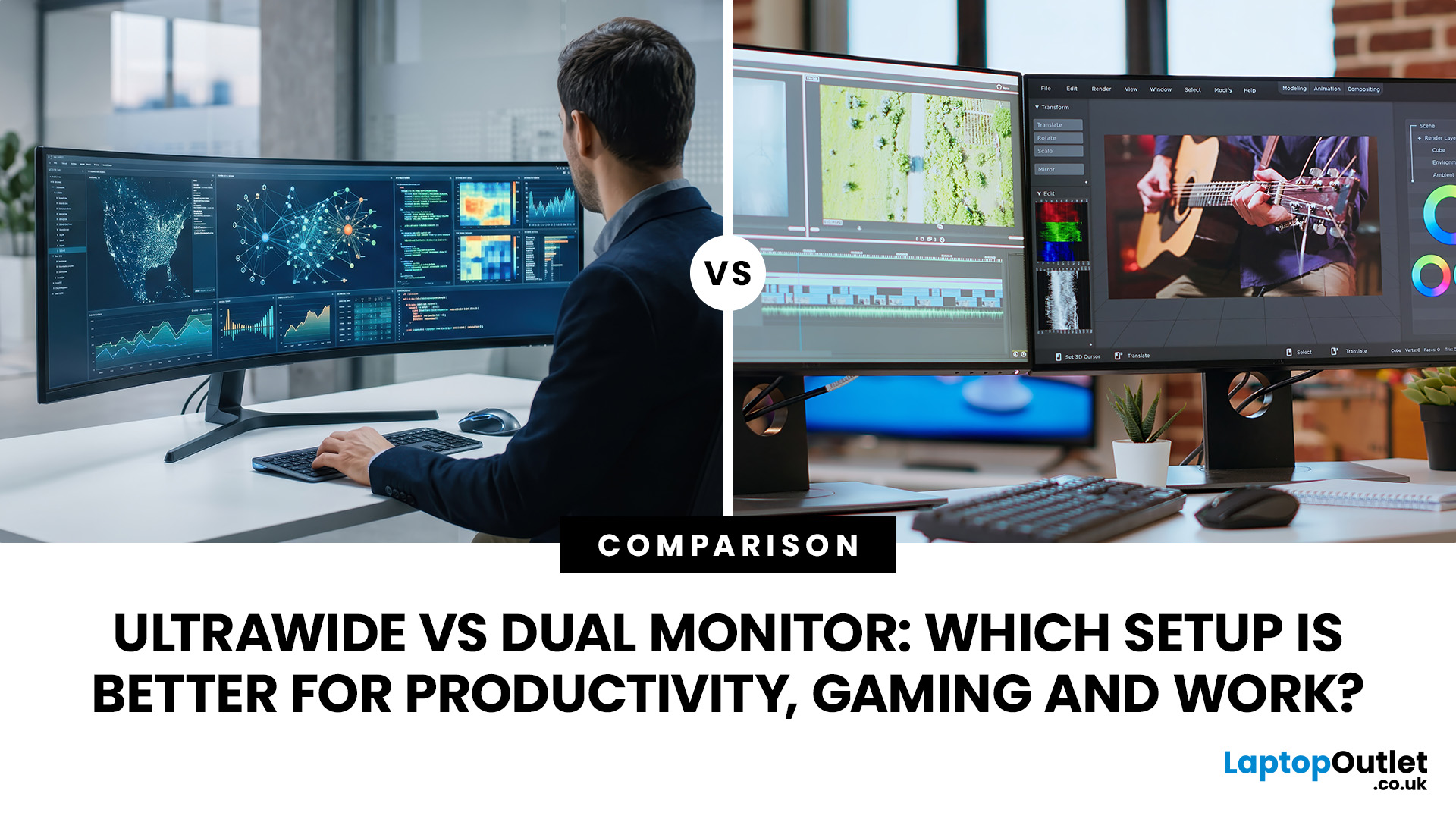
Last Updated: August 24, 2026
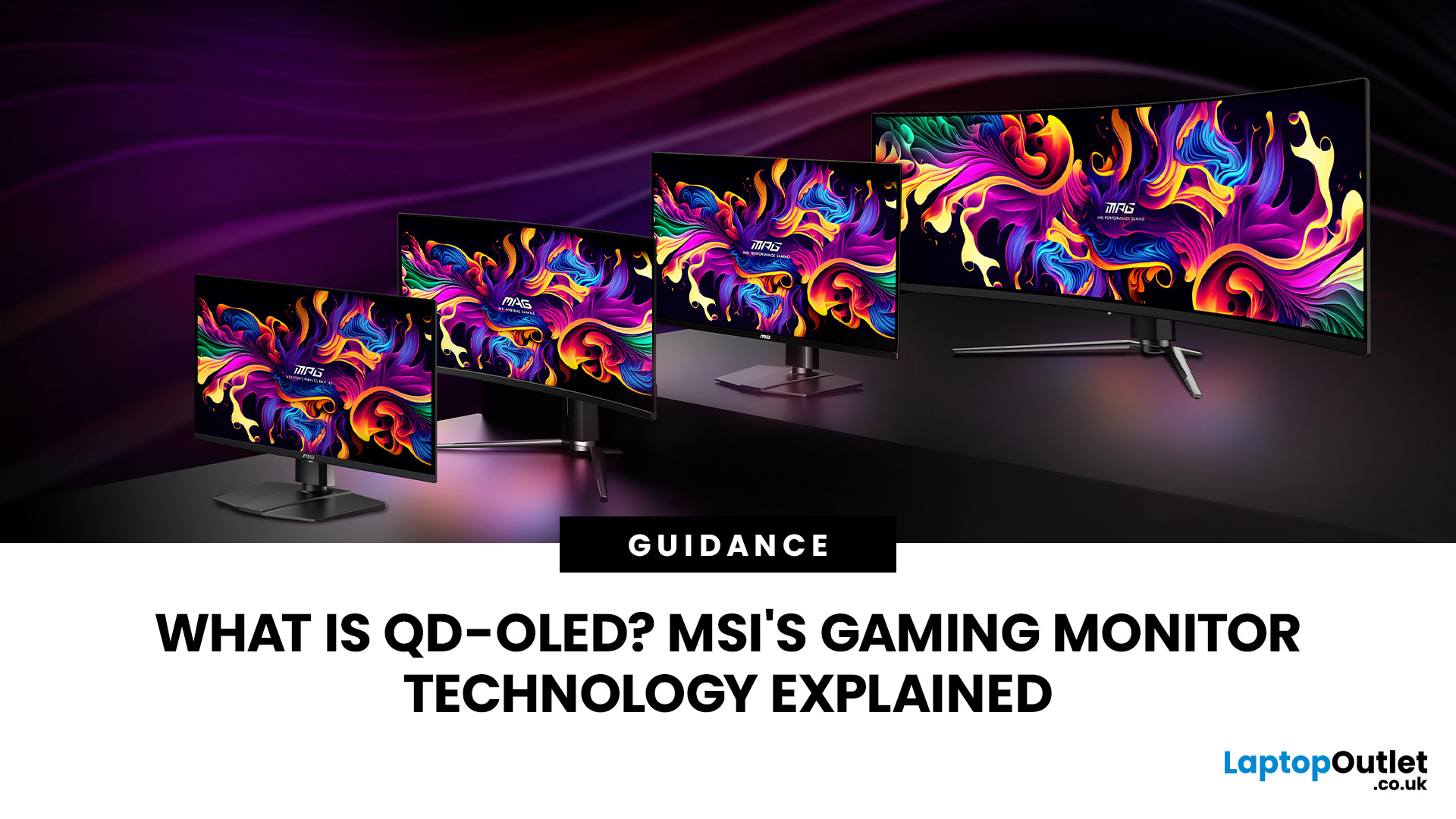
Published: August 06, 2026
An MSI QD OLED monitor combines the individual pixel control of OLED with a quantum-dot colour conversion layer. The result is a display designed to produce deep blacks, vivid colours, fast response times, and convincing HDR performance. That sounds impressive, but specifications such as 0.03ms response times, True Black certification, and OLED Care can make choosing a monitor confusing. This guide explains how the technology works, what MSI adds and whether a QD-OLED display is right for your gaming setup.
How Does QD OLED Technology Work?
A conventional LCD monitor needs a backlight behind its pixels. Even when displaying a dark scene, some light can pass through the panel, which may make black areas appear grey. QD-OLED works differently because it is self-emissive. Its pixels generate their own light and can switch off individually when the image requires black. The process involves three main stages:
- A blue OLED layer produces the original light.
- Quantum dots convert part of that blue

