



Black Friday is here! Get an extra £10 off when you spend £200 with code: BF10LO. T&Cs apply*

Blog Categories




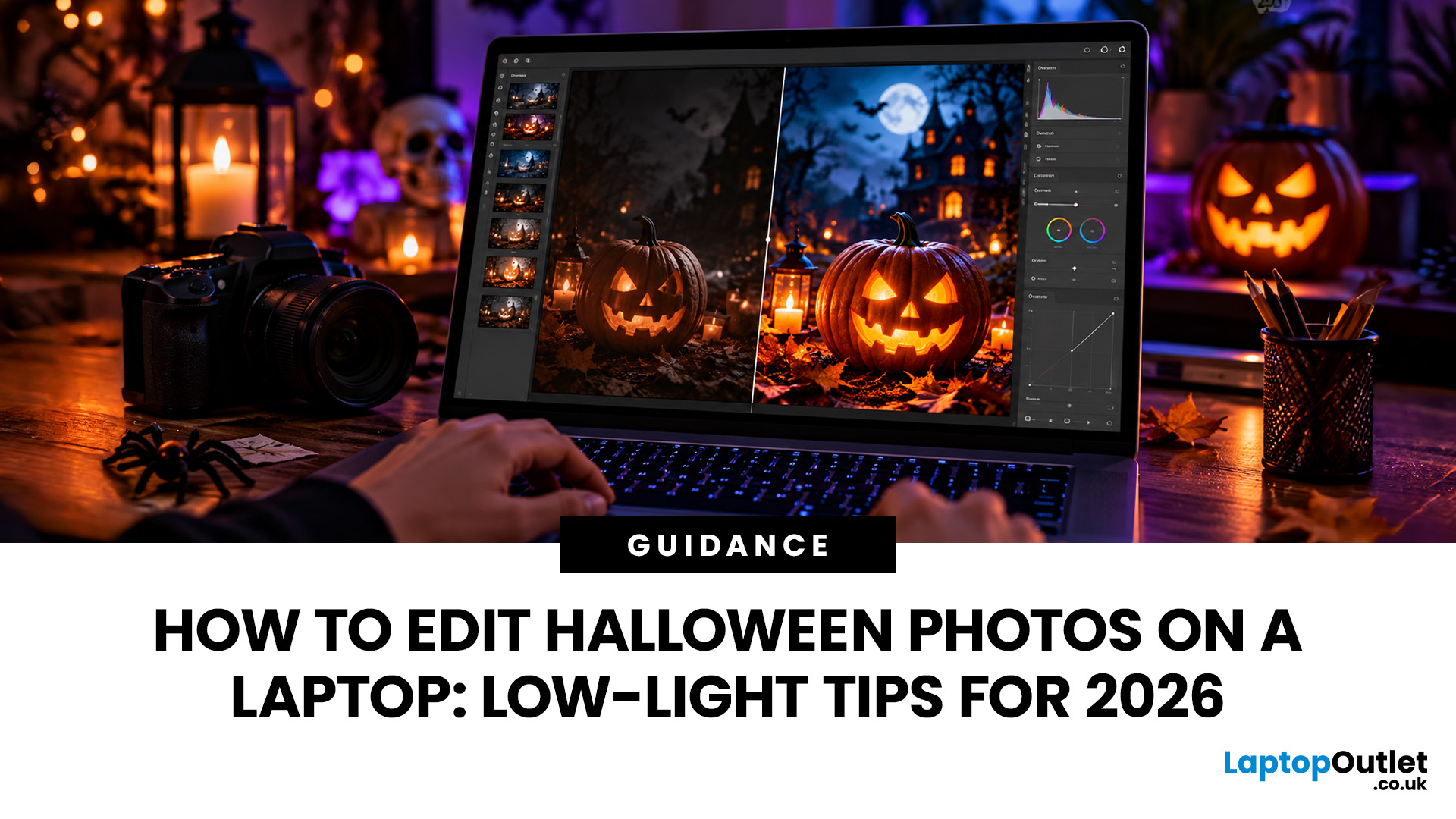 How to Edit Halloween Photos on a Laptop: Low-Light Tips for 2026

Halloween photographs can be tricky to get right. Glowing pumpkins look brilliant in person, but appear washed out on camera. Costumes lose their detail in dark rooms, while party pictures often turn out grainy or blurry.
Fortunately, you don't need professional photography skills to improve them.
With the right Halloween photo editing techniques, you can brighten dark pictures, reduce unwanted noise and create an eerie atmosphere without ruining the original shot.
This guide explains how to edit low-light photos on your laptop, including practical Lightroom and Photoshop methods, free editing tools and creative effects for Halloween 2026.
Why Do Halloween Photos Look Dark, Grainy or Blurry?
Halloween photographs are often captured in difficult lighting conditions, including candlelit rooms, dark gardens, colourful LEDs and evening parties.
Three common problems affect the results:
- Underexposure: Insufficient light makes faces, costumes and decorations difficult to see.
- Image noise: High
 How to Set Up a Halloween Horror Movie Night at Home in 2026
The lights flicker. A floorboard creaks. Someone screams from the screen, and suddenly, nobody wants to sit closest to the door. That's the magic of a Halloween horror movie night!
Quick Answer
For the perfect Halloween movie night setup, choose a dark, comfortable room and position your laptop or monitor where everyone can see. Use a 4K or OLED display for detailed horror scenes, add external speakers for atmospheric sound and decorate with dim orange or purple lighting. Finish with spooky snacks, comfortable seating and a terrifying film playlist.
This Halloween 2026, forget crowded cinemas and expensive tickets. Turn your living room, bedroom or even your garden into a haunted screening room. With the right screen, chilling sound effects, eerie lighting and a few devilishly good snacks, you can create a night your guests won't forget. And no, you don't need a massive TV or an expensive home cinema system to pull it off.
1. Turn Your Living Room into a Haunted Cinema
Before worrying about
 Halloween: The Game | System Requirements for PCs and Laptops
Michael Myers is back, and this time, he's coming for your gaming setup!
Halloween: The Game brings the terror of Haddonfield to PCs and consoles. With eerie neighbourhoods, unsettling shadows, and a relentless masked killer, every second could mean the difference between escaping and becoming Michael's next victim.
But before you enter the nightmare, there's one thing to check: can your PC or laptop handle it?
We've broken down the official Halloween the game PC requirements, recommended hardware, graphics settings, and practical performance fixes. Whether you're playing on a desktop or gaming laptop, here's how to prepare your system for a night of scares.
Halloween: The Game: What is it About?
Developed by IllFonic, Halloween: The Game is an asymmetrical survival horror experience inspired by John Carpenter's original 1978 film. The game takes you back to Haddonfield, where the seemingly peaceful streets have become Michael Myers' hunting ground.
In its 1v4 multiplayer mode, one player
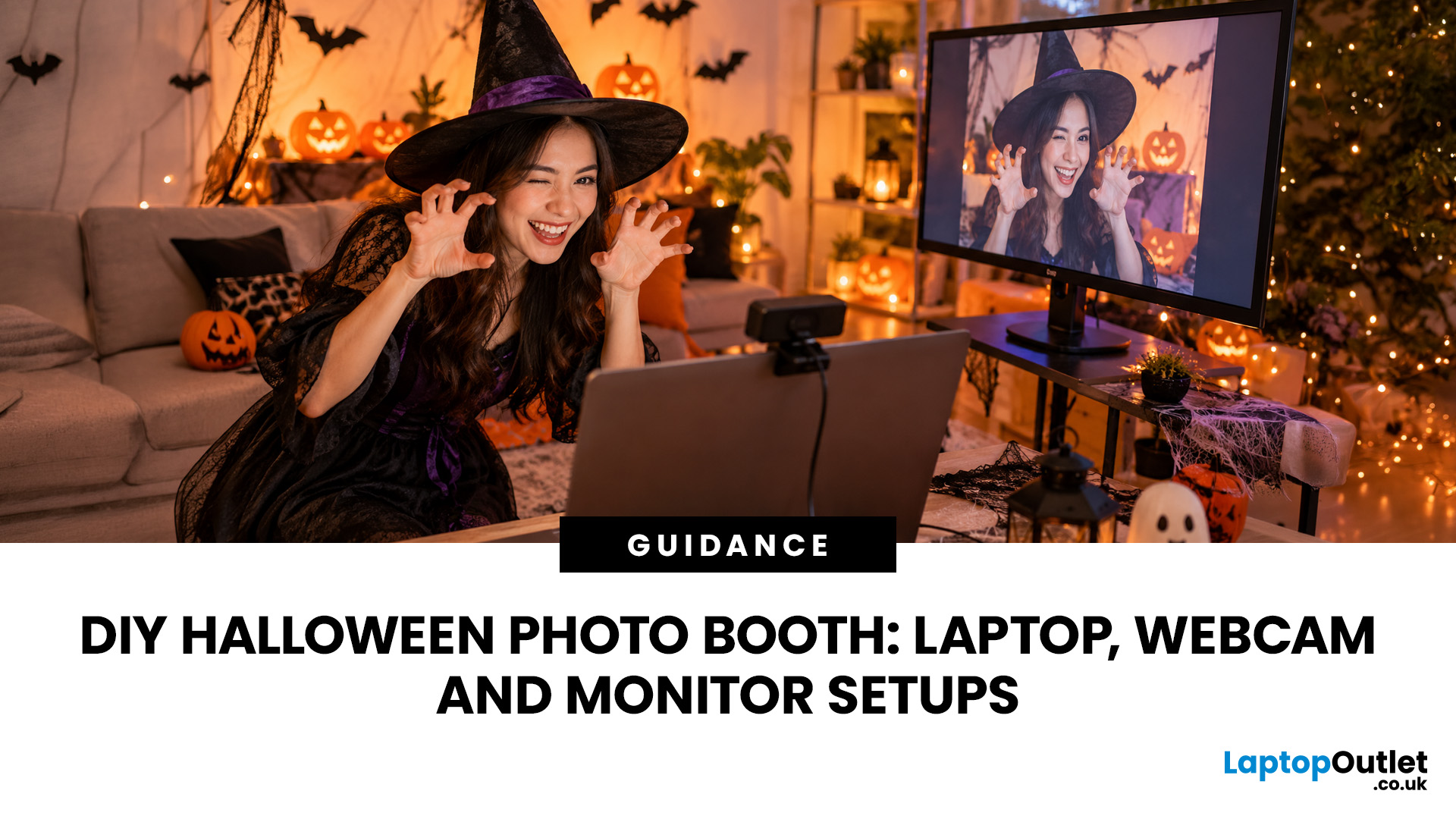 DIY Halloween Photo Booth: Laptop, Webcam and Monitor Setups
A spooky photo booth gives guests somewhere to show off costumes, try ridiculous poses and leave with photos from the night. Better still, you do not need professional photography equipment to build one.
A laptop, webcam, screen, a little lighting, and a suitably creepy backdrop can turn a spare corner into a working DIY Halloween photo booth. You can keep things simple with your laptop's built-in camera or create a more polished setup using an external webcam and separate monitor. Here is how to put everything together without turning your party into an IT project.
What Do You Need for a Halloween Photo Booth?
The key is making the setup reliable. Guests should be able to walk up, pose and take a picture without adjusting cables or camera settings every time. Start with equipment you may already have:
- Laptop or desktop computer
- Built-in or USB webcam
- Monitor or portable display
- Tripod, webcam mount or stable surface
- LED lamp, ring light or another soft light source
- Halloween backdrop
- Props


October 15, 2026
 How to Choose the Best Printer for Small Business
Quick Answer: Choosing the best printer for small business comes down to your print volume, budget, and document types. For mostly text, a laser printer offers fast speeds and low running costs. For colour-rich output, an inkjet is worth a look. If you need to print, scan, and copy, an all-in-one covers every base.
Running a small business means every purchase needs to earn its keep. A printer is no different. Whether you're producing invoices, contracts, client proposals, or marketing materials, finding the best printer for small business use can save you a surprising amount of time, money, and frustration over a year.
The UK printer market in 2026 is packed with options. Getting this decision wrong costs you far more in ink, toner, and paper waste than the device itself. This guide covers everything you genuinely need to know before you buy a printer, from print technology and running costs to connectivity and security.
What Types of Printer Are Available for Small Businesses?
March 10, 2026
Every year, the back-to-school season brings a rush of shopping. But in 2026, it is not just about stationery and backpacks. Tech has become one of the biggest spending categories on every student's list.
Whether you are a parent, a student, or simply trying to stay informed, knowing the latest back-to-school tech trends can save you time, money, and a few headaches.
So, what are students actually buying this year? Let's break it down.
Why Tech Is Now a Back-to-School Essential
Learning has changed. Most schools and universities across the UK now expect students to have access to their own devices. Hybrid learning, digital coursework, and online collaboration tools have made tech a necessity rather than a luxury.
In fact, a growing number of UK schools have moved to fully digital classrooms. This means students need reliable, capable devices from day one.
Parents and students are also more tech-savvy than ever. They know what to look for. And they are not just buying cheap.
 PS5 Pro vs PS5: Why 2026 Is a Great Time to Upgrade
PS5 Pro vs PS5 is not really about which console can play the games you want. They both can. The real question is how cleanly those games run on your screen, and how often you have to accept compromises to get there.
If you are happy picking between a sharper 30fps mode and a smoother but softer 60fps mode, the standard PS5 still does a brilliant job. But if you have moved to a 4K 120Hz TV or a decent gaming monitor, or you are noticing more games leaning heavily on resolution scaling to hit performance targets, the PS5 Pro is the sort of upgrade you feel every session.
2026 is a particularly good moment to make the jump. The PS5 Pro now has a much healthier library of Pro Enhanced patches than it did early on, and Sony has already discussed further image-quality improvements for 2026 titles. Add clearer UK pricing, more bundle choice, and better second-hand value for older hardware, and the decision is less of a guess than it was at launch.
PS5 Pro vs PS5 at a Glance
Here is the fast,
 Find the Perfect Valentine’s Day Gift at Laptop Outlet
Valentine’s Day is basically a high-pressure speedrun of “prove you know me.” Flowers are fine. Chocolate is predictable. But if you want a gift that lands (and lasts), tech is the move.
This year, we’re making it easy to shop Valentine’s Day laptop gifts and other Valentine’s Day tech gifts that feel personal, useful, and genuinely exciting, without paying full-price panic-tax. At Laptop Outlet, we stock both new and refurbished tech in the UK, so you can pick something premium, practical, and still stay in your budget.
Why a Laptop is a Top-Tier Valentine’s Gift in 2026
A laptop gift for Valentine’s Day isn’t just “a laptop.” It’s a whole lifestyle upgrade. It’s better WFH days, smoother university deadlines, cleaner creative projects, cosier film nights, and finally not fighting with a slow machine that sounds like it’s trying to take off.
And because 2026 is not the year to overpay, laptop deals for Valentine’s Day (especially on refurbished models) can get you more performance for
 Budget-Friendly & Sustainable: Refurb Tech Gifts for Christmas
As the cost of living continues to rise and sustainability becomes a priority for more households, refurbished tech has quickly shifted from a niche option to a smart and mainstream gifting choice. This Christmas, Refurb Tech Gifts for Christmas offer the perfect balance between budget-friendliness, reliable performance and conscious shopping. Whether you're buying a laptop for a student, a tablet for the family, or stylish accessories for a friend, refurbished devices make meaningful presents that do not compromise on quality.
This guide highlights why refurbished tech is the festive trend of 2025, which categories offer the best value, and how to find high-quality renewed devices that feel like new - without the new price tag.
Why Refurbished Tech Makes Great Christmas Gifts

Refurbished devices stand out during the festive season for three key reasons:
1. You Save Money Without Sacrificing Quality
Refurbished laptops, tablets and accessories often cost significantly less than their
 Best-Selling Christmas Tech Gifts 2025 — Crowd Favourites
Christmas is right around the corner, and the big question is: what is everyone really hoping to find under the tree?
Every year, tech dominates the wish lists, and 2025 is no exception. We’ve done the homework for you to unearth the best-selling Christmas tech gifts 2025 that everyone is talking about. These are the crowd favourites, the ones that are sure to earn you major points when unwrapped on Christmas morning.
Let’s explore these options, covering pocket-friendly picks right up to our most coveted premium gifts.
Laptops
Laptops remain one of the best-selling Christmas tech gifts 2025 because they offer versatility for work, study, and play. Gifting a new laptop is giving someone the tool they need to succeed in the New Year. It is a fantastic investment.
- Everyday Laptops: These affordable models are perfect for browsing and emails. They provide reliable performance for daily home use. (e.g., HP Pavilion)
- Student Laptops: Lightweight and long-lasting battery life for lectures
 Affordable Christmas Tech: Best Gifts Under £50 for Everyone
The festive season is approaching fast, and finding the perfect presents often means balancing quality with cost. The good news? You can pick up brilliant, up-to-date gadgets without spending a fortune.
This guide highlights the best affordable Christmas tech options under £50 that are sure to delight any recipient.
Headphones & Earphones
A great pair of headphones or earphones is a universal gift, ideal for commuters, gym-goers, or anyone who enjoys their music, podcasts, or games in private. You can find surprisingly high-fidelity audio equipment within a small budget, making them truly affordable Christmas tech winners.
MSI Gaming Headset Over-Ear
|
| Pricing: Was £39.99, Now £27.99 This comfortable, wired gaming headset is perfect for the gamer in your life, providing immersive sound and a clear microphone for team communication during long sessions. |

Oppo Enco Buds2, White
|
| Pricing: Was £59.99, Now £15.00 These true wireless earbuds are a stunning bargain, offering crisp |
