



AMD Graphics Cards
Shop AMD Radeon graphics cards for gaming, creative work and supported professional workloads. Compare Radeon RX 9060 XT, RX 9070 GRE, RX 9070 and RX 9070 XT options from ASUS, GIGABYTE and PowerColor, alongside the separate Radeon AI PRO R9700 for memory-intensive AI tasks. Compare GPU performance, video memory, software compatibility and live price before you order.
Finance available
Free Delivery *

Finance available
Free Delivery *
Finance available
Free Delivery *
Finance available
Free Delivery *
Finance available
Free Delivery *
Finance available
Free Delivery *
Finance available
Free Delivery *
Showing 9 of 9 Items
Compare AMD Radeon RX 90 Series Graphics Cards
Choose your Radeon GPU around the games you play, your monitor and how much performance you want from your build. The AMD RX 90 Series at available Laptop Outlet gives you clear steps in GPU power and memory, so you can spend where it makes the biggest difference to your setup.
- Radeon RX 9060 XT: A strong place to start for 1080p and 1440p gaming. Pick 8GB or 16GB depending on your games, texture settings and applications.
- RX 9070 GRE: Choose this 12GB option when you want more GPU headroom than the RX 9060 XT without stepping straight up to a 16GB RX 9070.
- RX 9070: Move up to 16GB VRAM and additional performance for more demanding 1440p gaming and heavier graphics workloads.
- RX 9070 XT: Shop this tier when higher graphics settings, high-refresh 1440p or selected 4K gaming are higher priorities.
Your games and settings still matter, particularly with demanding presets and ray tracing enabled. If you want to see Radeon alongside NVIDIA and other GPU tiers before ordering, shop our gaming graphics cards.
RX 9060 XT 8GB vs 16GB: Which Should You Choose?
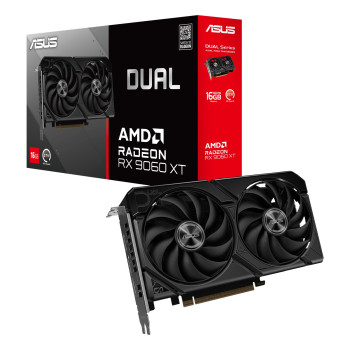
The ASUS Dual RX 9060 XT gives you a choice of 8GB or 16GB VRAM without changing to another GPU family. Your buying decision therefore comes down to memory requirements and the live price difference.
- Pick the 8GB model if your target games and settings stay within its available VRAM and you would rather put more of your PC spend towards another component.
- Choose the RX 9060 XT 16GB if you use higher-resolution textures, larger mods or applications that can make use of additional graphics memory. The extra capacity also gives memory-heavy workloads more room before VRAM becomes a constraint.
Check both ASUS Dual prices when you order. If the 16GB premium suits your build and software, the additional capacity may make sense. If your workloads remain comfortably within 8GB, paying for unused VRAM may not improve the experience you actually get.
Shop ASUS, GIGABYTE & PowerColor Radeon Graphics Cards
Picked your Radeon GPU? Now choose the card design that works with your case, cooling preferences and spend.
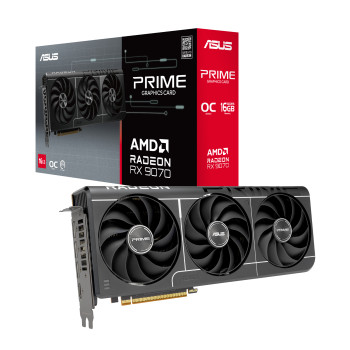
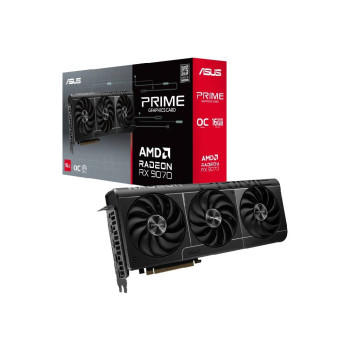
ASUS Radeon options include Dual, Prime and TUF Gaming designs. Dual cards provide a more compact route within the supported RX 9060 XT selection, while Prime and TUF Gaming give you larger multi-fan designs across higher-tier Radeon models. Explore our ASUS graphics cards if ASUS cooling, dimensions or styling suit your build.
GIGABYTE Radeon GAMING OC cards give you another route into Radeon gaming hardware, with multi-fan cooling and factory-overclocked variants. See our GIGABYTE graphics cards if you want more options from the brand.
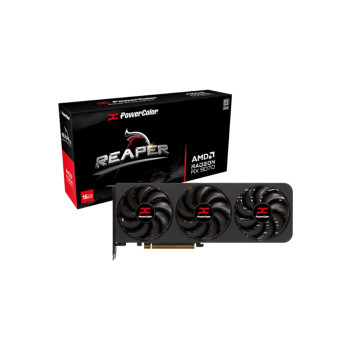
PowerColor Reaper models provide another choice for Radeon builds where card dimensions, cooler design and live price fit your requirements.
Choose Your RX 9070 XT: Prime, TUF Gaming or GAMING OC
Already decided on an RX 9070 XT? Your next choice is the card itself. ASUS Prime, ASUS TUF Gaming and GIGABYTE GAMING OC all give you RX 9070 XT performance, but their dimensions, cooling designs and power recommendations can make one a better fit for your PC than another.
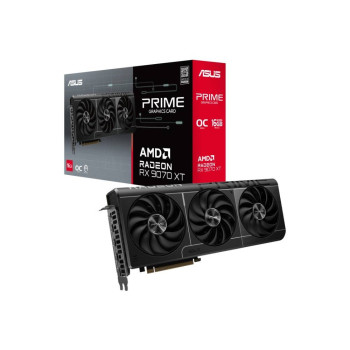
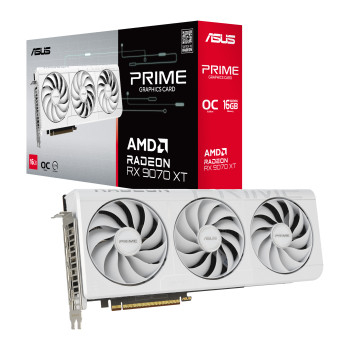
- ASUS Prime RX 9070 XT: 312mm long with a 2.5-slot design, up to 3030MHz boost in OC mode and a 750W recommended PSU. Choose the white Prime version if you want the same GPU tier for a light-coloured build.
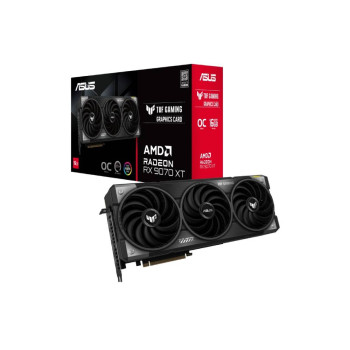
- ASUS TUF Gaming RX 9070 XT: 330mm long with a larger 3.125-slot cooler and up to 3080MHz boost in OC mode. ASUS recommends an 850W PSU, making case space and power capacity important checks before ordering.
- GIGABYTE GAMING OC RX 9070 XT: 288mm long with up to 3060MHz boost and an 850W recommended PSU. Its shorter length can make it attractive where your case has less room for a longer RX 9070 XT.
Choose according to the space available in your PC, the cooler design you prefer and the live price you are comfortable paying. A larger cooler or slightly higher factory clock does not automatically make the more expensive card the right purchase for every build.
Need 32GB for Local AI? Explore Radeon AI PRO R9700
Need more graphics memory for local AI rather than a gaming-first upgrade? The Radeon AI PRO R9700 gives you a different route.
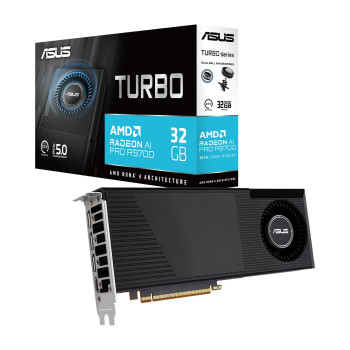
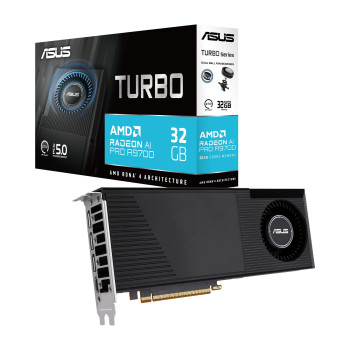
The ASUS Turbo model pairs the Radeon AI PRO R9700 with 32GB GDDR6, making it particularly relevant where local AI models, development tools and memory-intensive professional workloads need substantially more VRAM than a gaming-focused Radeon RX card can provide.
Buy it around your software requirements. Check that your AI application, framework, operating system and AMD driver stack support the acceleration you intend to use before ordering.
If gaming is your main priority, stay with the Radeon RX selection and choose the gaming GPU that matches your monitor and titles. If local AI and high-memory professional workloads come first, the Radeon AI PRO R9700 deserves its own place on your shortlist.
Check Your PC Before Ordering an AMD GPU
Found the Radeon card you want? Make sure it fits your PC before checkout.
- Measure your case: check the card's length, height and slot thickness against the space around fans, radiators and other components.
- Check your PCIe slot: make sure a suitable full-length slot is available and the cooler will not obstruct hardware you still need.
- Check your PSU: use the wattage recommendation for the exact ASUS, GIGABYTE or PowerColor card you are buying.
- Check the connectors: confirm your PSU has the correct number and type of GPU power connections.
- Check your displays: make sure the card's HDMI and DisplayPort outputs suit your monitor setup.
You can use an AMD Radeon graphics card in a compatible Intel-based PC, so you do not need to match an AMD GPU with an AMD processor. If your existing PSU does not meet the requirements of your chosen card, shop computer power supplies by wattage, connectors and form factor before completing your upgrade.
Buy AMD Graphics Cards from Laptop Outlet
Order your AMD graphics card from Laptop Outlet with the specifications, payment flexibility and purchase support you need to buy with confidence.
- Radeon choice from leading brands: Get AMD Radeon GPUs from ASUS, GIGABYTE and PowerColor, with options for gaming, creative work and supported professional AI workloads.
- Clear product specifications: Check VRAM, card dimensions, cooling design, display outputs, power requirements and warranty information before placing your order.
- Warranty-backed products: Products include a standard one-year manufacturer warranty unless a different warranty is stated on the individual product page.
- UK delivery options: Eligible Radeon graphics cards display free delivery, with the applicable delivery information shown before checkout.
- Flexible ways to pay: Pay securely using major credit and debit cards, PayPal, Klarna, Apple Pay or Google Pay. Eligible orders can also use PayPal Pay in 3, PayPal Credit or Klarna payment options, subject to eligibility and provider terms.
Read More
Read more