



Internal Hard Drives
Shop internal hard drives for desktop PCs, NAS systems, and surveillance recorders at Laptop Outlet. Choose SATA HDD storage from Seagate, Western Digital, and Synology across capacities from 1TB to 26TB. Check the exact model, form factor, recording technology, and system compatibility before ordering, then select the capacity suited to your workload.
Finance available

Finance available
Free Delivery *
Finance available
Free Delivery *
Finance available
Finance available
Free Delivery *
Finance available
Free Delivery *
Finance available

Finance available
Free Delivery *
Finance available
Free Delivery *

Finance available
Finance available
Free Delivery *
Finance available
Free Delivery *

Finance available
Free Delivery *
Finance available
Free Delivery *
Finance available
Free Delivery *
Showing 15 of 47 Items
Shop Internal HDDs for Desktop, NAS & Surveillance
Whether you are adding bulk storage to a desktop, expanding compatible network storage or equipping a video recorder, choosing the right drive starts with its intended workload. Laptop Outlet stocks internal HDDs across desktop, NAS, and surveillance-focused ranges, with capacities suited to everything from smaller storage additions to high-capacity installations.
Not every 3.5-inch hard drive is designed for the same job, so check the series, capacity, and system requirements rather than choosing on size alone. You can also compare all hard drives if you want to see the wider HDD range.
Desktop Hard Drives
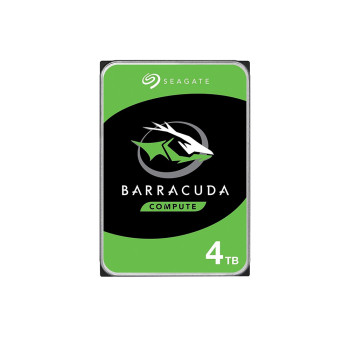
Desktop HDDs such as Seagate BarraCuda provide additional space for documents, photos, videos, backups, and other suitable bulk-storage workloads in compatible desktop PCs.
Before ordering, make sure your PC has the correct drive bay plus the SATA data and power connections required by the exact model. These SATA hard drives are particularly useful when storage capacity matters more than SSD-level responsiveness.
NAS Hard Drives
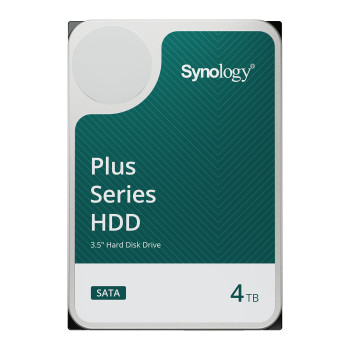
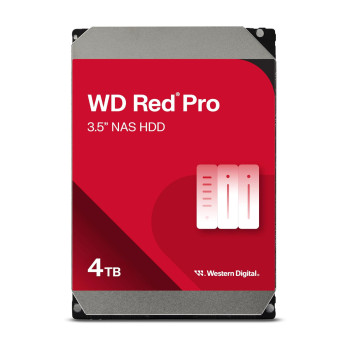
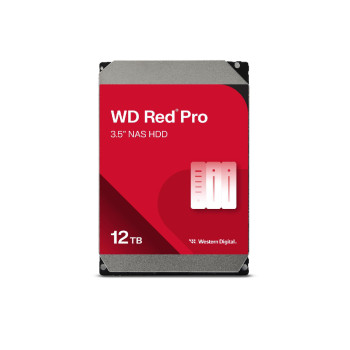
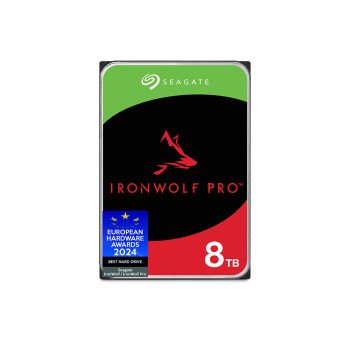
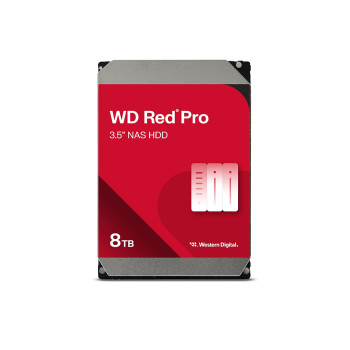
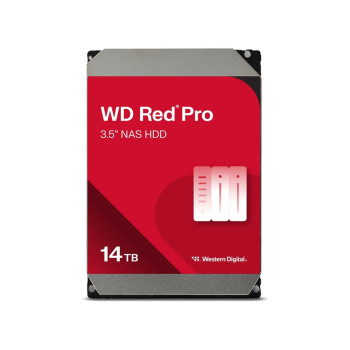
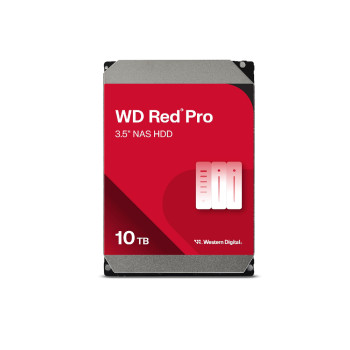
For network storage, look at dedicated NAS hard drives such as WD Red Plus, WD Red Pro, Seagate IronWolf Pro, and Synology Plus. These ranges are designed around NAS workloads rather than standard desktop use.
Always check your NAS manufacturer's compatibility list before buying. Confirm the exact drive model, maximum supported capacity, number of bays, RAID requirements, and expected workload, especially when you are expanding an existing array.
Surveillance Hard Drives
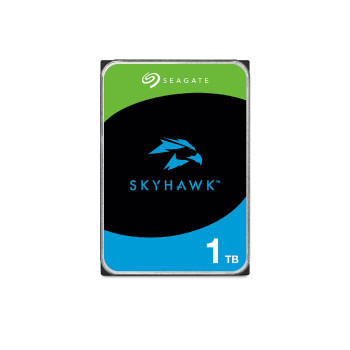
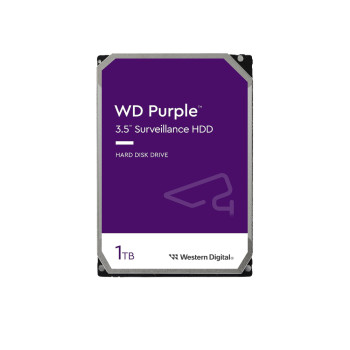
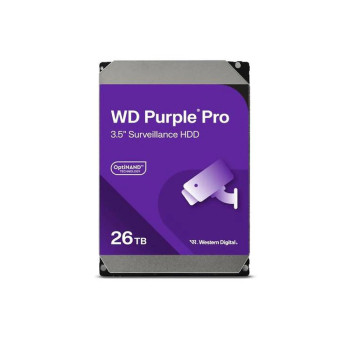
Surveillance hard drives including WD Purple, Purple Pro, Seagate SkyHawk, and SkyHawk AI are built around continuous video recording and compatible recorder workloads.
Match the drive to your DVR or NVR's supported capacity, recording requirements, and expected retention period. For systems using video analytics or AI-assisted recording, check whether the recorder and chosen drive are designed for those additional workloads.
Compare Capacity and Cost per Terabyte
Our internal HDD range covers capacities from 1TB to 26TB, giving you room to select storage around the amount of data you actually need rather than a fixed customer type.
- 1TB-4TB: Useful where a smaller storage expansion meets your required file, media or recording capacity.
- 6TB-14TB: More room for larger data sets, NAS pools, archives or longer surveillance retention where supported.
- 16TB-26TB: High-capacity options for compatible systems with substantial storage or recording requirements.
To judge cost per terabyte, look at the current price alongside the drive's raw capacity. Remember that your usable space may differ after formatting, while RAID configuration can also change how much of the installed capacity is available for data.
If you want to assess HDDs alongside SSDs and portable options, browse all storage.
Check Drive Size, Interface & Recording Technology
Before adding an internal hard drive to your basket, check the specification against the system or recorder it will be installed in.
- Form factor: Confirm the physical dimensions and whether a suitable drive bay is available.
- Interface: Check the SATA interface plus the required data and power connections.
- Capacity support: Make sure your PC, NAS or recorder supports the selected drive capacity.
- CMR or SMR: Verify the recording technology against the exact model number where it matters to your workload.
- Drive specification: Review workload rating, rotational speed, cache and warranty alongside the intended application.
If your system does not have an appropriate internal bay, external hard drives provide another route to additional storage without fitting a drive inside the chassis.
Adding Storage Alongside an SSD?
An HDD and SSD can serve different roles in the same compatible desktop. An internal HDD is practical for suitable bulk storage such as media libraries, archives, backups, and files that do not require SSD-level access speeds.
For your operating system, demanding applications and software where loading performance matters, consider internal SSDs for faster loading.
The same applies to gaming. Do not assume every modern title is suited to running from an HDD. Check the game's published storage and performance requirements, particularly where an SSD is recommended or required.
Order Your Internal Hard Drive from Laptop Outlet
Ready to add more storage? Use our product listings to check current availability, delivery information, and the warranty shown for the exact drive before you order. Match the manufacturer part number as well as the capacity so you know you are purchasing the intended model.
It is also worth checking the box contents. Mounting screws, drive trays, adapters, or SATA cables should not be assumed to be included unless the product information confirms them.
Where genuine promotions are running, internal hard drive deals will be identified with the relevant products rather than treated as a permanent price claim. For other upgrades around your build, you can also shop PC components at Laptop Outlet.
Read More:
How to Clone Your Hard Drive to an SSD: Upgrade Guide
SSD vs HDD: Which Storage Option is Right for You?
Hard Drive Prices: Storage Capacity, Robustness and Reliability
Read more