



Black Friday is here! Get an extra £10 off when you spend £200 with code: BF10LO. T&Cs apply*
Philips Monitors
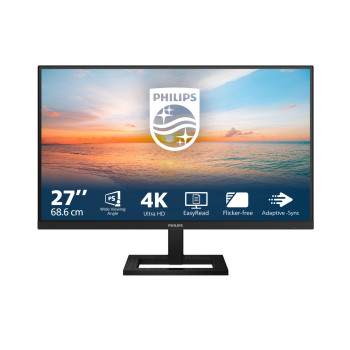
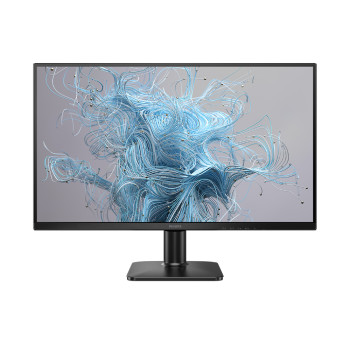
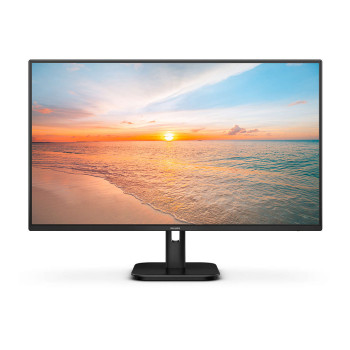
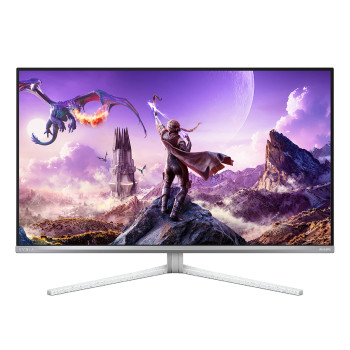
Shop Philips monitors at Laptop Outlet for work, gaming and everyday viewing. Compare Full HD, QHD, 4K, curved and Evnia displays with fast refresh rates and vivid visuals. Browse the wider Philips range or explore gaming tech for high-performance setups at competitive UK prices.
Finance available
Finance available
Finance available
Finance available
Free Delivery *
Finance available
Free Delivery *
Finance available
Free Delivery *
Finance available
Finance available
Free Delivery *
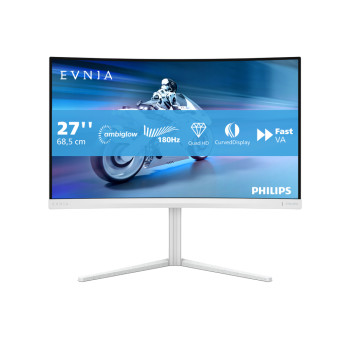
Finance available
Finance available
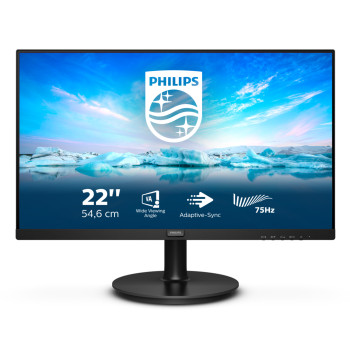
Finance available
Finance available
Finance available
Finance available
Free Delivery *
Finance available
Showing 15 of 53 Items
Buy Philips Monitors for Work, Gaming and Home
Upgrade your screen with a Philips monitor built for office work, gaming, study or everyday entertainment. Shop current models across Full HD, QHD and 4K resolutions, with flat, curved and ultrawide designs available to suit different desks and viewing preferences.
Philips monitor prices at Laptop Outlet currently start from around £60 for selected Full HD models, with QHD, 4K, business, curved and ultrawide options available at different price points.
Whether you need a practical Philips PC monitor for daily tasks, a responsive gaming display or a larger screen for multitasking, Laptop Outlet brings together affordable deals, detailed specifications and a diverse range in one place.
Shop Philips Monitors by Use
Philips Business and Office Monitors
Build a more productive workspace with a Philips desktop monitor designed for documents, spreadsheets, browser windows and video calls. Current options include Full HD and QHD business displays, with USB-C, built-in speakers, USB hubs, height-adjustable stands and energy-saving features available on selected models.
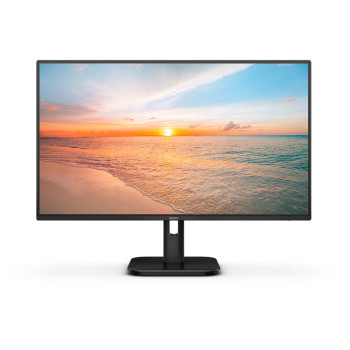
A 24-inch Philips monitor works well on a compact desk or in a dual-screen setup, while a Philips 27-inch monitor provides more space for multitasking. Buyers who want straightforward clarity for emails, documents and online meetings can also browse Full HD monitors for work.
Philips Gaming and Evnia Monitors
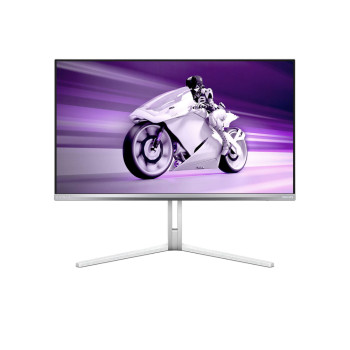
Gaming-focused Philips and Evnia displays are available with refresh rates ranging from smooth everyday performance to 144Hz, 180Hz, 240Hz, 260Hz or higher on selected models. Available features include Fast IPS, VA and QD-OLED panels, low response times, Adaptive Sync, HDR, curved designs and height-adjustable stands.
Choose Full HD when higher frame rates and value are the priority, QHD for a sharper balance of speed and detail, or a Philips 4K monitor for more demanding visual setups. You can also explore our wider selection of 4K gaming monitors when building a more demanding gaming setup.
Philips Monitors for Home and Entertainment
A Philips display monitor can give you a larger, clearer view for streaming, browsing, studying and everyday computing. Selected models include IPS panels for consistent colour, VA panels for stronger contrast, built-in speakers for a tidier desk and refresh rates above 60Hz for smoother on-screen movement.
Choose a Philips Monitor by Screen Size
Screen size affects workspace, viewing distance and how comfortably the display fits on your desk. Check the stand footprint and overall dimensions rather than relying only on the diagonal screen measurement.
- Around 21 inches: A Philips 21-inch monitor, often listed as 21.5 inches, can suit reception desks, compact offices and straightforward computing.
- Around 24 inches: A 24-inch Philips monitor offers a practical balance of screen space and desk-friendly dimensions for work, study and everyday use.
- 27 inches: A Philips 27-inch monitor gives you more room for multitasking, gaming and creative applications without requiring an oversized desk.
- Around 32 inches: A 32-inch Philips monitor works well when you want a larger desktop area, more immersive entertainment or additional space for detailed content.
- Ultrawide sizes: A Philips ultrawide monitor can accommodate several windows across one screen and may reduce the need for a separate dual-monitor arrangement.
Get Your Ideal Resolution and Refresh Rate
Resolution:
Resolution determines the amount of detail and usable workspace a screen can display. The right choice depends on screen size, intended use and the output supported by your computer or console.
- Philips Full HD monitors: A strong-value choice for office work, study, browsing, streaming and high-frame-rate gaming. Full HD is widely available across compact business screens and responsive gaming models.
- Philips QHD monitors: Choose QHD when you want sharper text, more workspace and detailed gaming at 2560 x 1440. It is especially well suited to many 27-inch and 32-inch displays.
- Philips 4K monitors: Upgrade to 3840 x 2160 displays for fine visual detail, larger workspaces, 4K media and professional applications. Check that your computer or console supports the resolution and refresh rate you intend to use.
Refresh Rate:
Refresh rate affects how frequently the image updates each second. Standard 60Hz and 75Hz displays are suitable for everyday computing, while 100Hz can make scrolling and general motion feel smoother. Gaming models with 144Hz, 180Hz, 240Hz or higher refresh rates can provide more fluid movement when paired with compatible hardware.
| Tip: Always check that the laptop, desktop PC, console, cable and selected connection can output the required resolution at the monitor’s advertised refresh rate. |
Compare Philips Curved Monitors and Ultrawide Displays
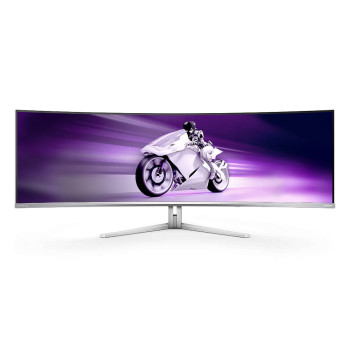
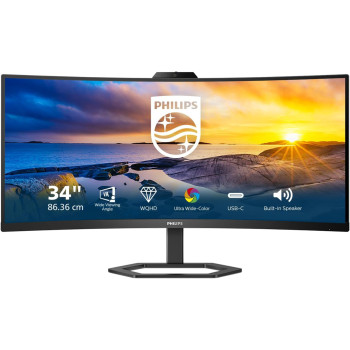
Philips curved monitors are available for customers who want a more enveloping view for gaming, entertainment or wide desktop applications. Curved screens are particularly useful at larger sizes, where the edges of a flat display may sit further from your natural viewing position.
A Philips curved display may use a standard 16:9 format or a wider ultrawide aspect ratio. Before ordering, check the curvature, stand depth, screen width and VESA-mount compatibility to make sure it suits your desk.
Ultrawide models provide additional horizontal workspace for timelines, wide spreadsheets and side-by-side applications. They can also deliver a more immersive view in games that properly support the selected aspect ratio.
Find the Monitor Features Your Setup Needs
Once you have chosen the size, resolution and refresh rate, check the product specification for the features that will affect daily use.
- HDMI and DisplayPort: Check the available ports and their support for your chosen resolution and refresh rate.
- USB-C: Selected displays support video, data and laptop charging through one cable. Confirm the stated power-delivery wattage before ordering.
- Built-in speakers: Available on selected office, home and gaming models for a simpler desktop setup.
- Height adjustment: Look for adjustable stands when you need more control over screen position and everyday comfort.
- VESA mounting: Choose a compatible model if you plan to use a monitor arm or wall mount.
- Adaptive Sync: Available on selected gaming screens to help reduce visible tearing with compatible hardware.
- Touch input: If you specifically need a Philips touchscreen monitor, check that touch functionality is clearly listed, as it is not standard across the range.
Why Buy Philips Monitors at Laptop Outlet?
We make it easier for you to choose and order the right screen with clear specifications, current availability and competitive pricing.
- Shop new and refurbished options where available.
- See live prices, current savings and product availability.
- Check resolution, refresh rate, ports and condition before ordering.
- Access finance and flexible payment options on eligible purchases.
- Find free UK delivery on selected products.
- Review product-specific warranty information and customer ratings.
- Browse current PC monitor deals for additional savings.
- Shop Philips products across other technology categories.
Laptop Outlet accepts major debit and credit cards alongside PayPal, Klarna, Apple Pay and Google Pay. Available payment and finance options depend on eligibility, order value and the product selected.
Browse our complete collection of affordable computer monitors if you want to consider other brands and display types.
Read More
Monitor Buying Guide: How to Choose the Right Resolution and Refresh Rate
Read more