



Portable Monitors
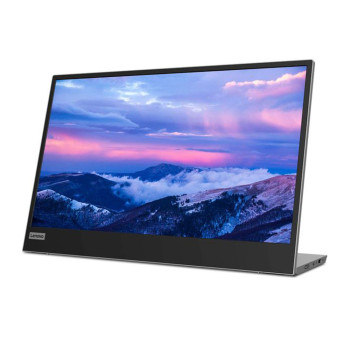
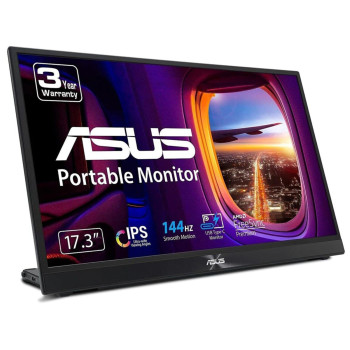
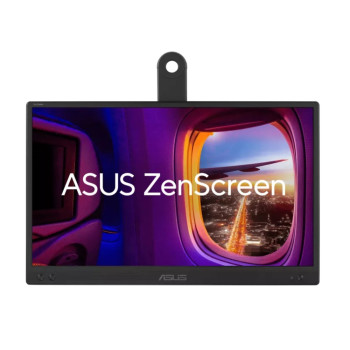
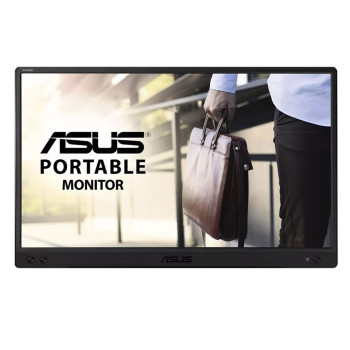
Portable monitors give you the flexibility to extend your screen space wherever you go. Lightweight, slim and easy to connect, they're ideal for boosting productivity, enhancing multitasking and creating a more comfortable workspace whether you're travelling, working remotely or setting up a dual-screen environment at home. With features like USB-C connectivity, Full HD displays and ultra-portable designs, portable monitors pair perfectly with modern laptops, tablets and other mobile devices for seamless, on-the-go performance.
For even more versatility, pair your portable monitor with our latest laptop accessories, explore refurbished devices for value-focused upgrades.

Finance available

Finance available
Free Delivery *
Finance available
Finance available
Free Delivery *

Finance available
Finance available
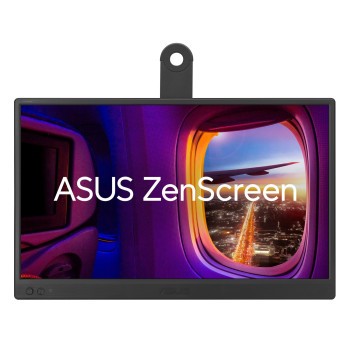
Finance available
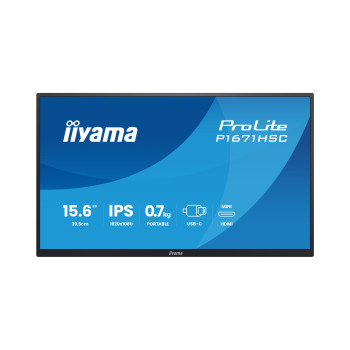
Finance available
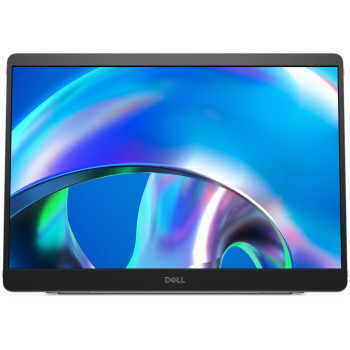
Finance available
Free Delivery *
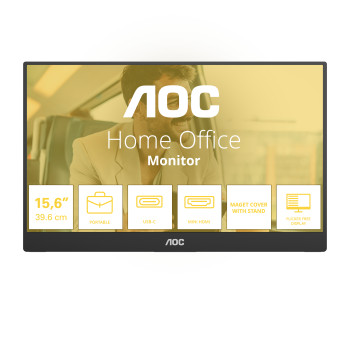
Finance available
Finance available
Finance available
Finance available
Finance available
Free Delivery *
Showing 14 of 14 Items
Shop Portable Monitors for Remote Work & Business Travel at Laptop Outlet
Looking for portable monitors that are easy to carry but still crisp for work and entertainment? Explore our range of portable monitors for laptops, featuring travel-friendly displays, laptop screen extenders and portable HDMI monitors for hybrid working, studying and gaming on the go.
Why Choose Portable Monitors?
A good portable display can transform how you work and play away from your desk:
- Instant dual-screen productivity anywhere: A portable second screen is ideal for spreadsheets, research, coding, content planning, video calls, and keeping chat/email open while you focus.
- Simple, modern connectivity: Many models support single-cable USB-C (DisplayPort Alt Mode) for video (and often power), while others include HDMI for wider device compatibility.
- Travel-ready designs: Slim bezels, lightweight builds, and integrated folio/kickstands are common, making a portable computer monitor easy to slip into the same bag as your laptop.
Whether you need a foldable monitor, a sleek portable monitor with HDMI option for consoles, or a premium laptop monitor extender for business travel, there's a monitor at Laptop Outlet that fits your routine.
If portability isn’t essential, explore our full range of monitors for larger screen sizes, desktop displays and more setup options.
How to Pick the Right Portable Monitor
Choosing the best portable computer screens for laptop use comes down to how (and where) you'll use it. Here are the key things to check before buying:
1) Screen size and aspect ratio
Most buyers choose 14—16 inches for a balance of portability and usable space (great for train commutes, hot-desking, or working from cafés). If you want extra vertical room for documents, look for 16:10 panels (often 1920×1200) rather than 16:9.
2) Connectivity: USB-C vs HDMI
- USB-C (DP Alt Mode): Ideal for a “single cable” setup - video and often power through one connection, as long as your laptop portable display supports DisplayPort Alt Mode.
- HDMI / mini HDMI: Best if you need to plug-and-play with older laptops, consoles, or devices without video over USB-C.
Tip: If you're using USB-C, confirm your port supports video output (not all USB-C ports do).
3) Power and pass-through charging
Some portable monitors can draw power from the laptop, while others benefit from an external power source for stable brightness. Many modern options offer Power Delivery pass-through, letting you charge the laptop through the monitor to keep cables tidy.
4) Panel type, brightness, and colour
- IPS panels are popular for wide viewing angles and consistent colour (handy for collaboration and creative work).
- If you edit photos/video, look for strong colour coverage and a brighter panel (Full HD -useful under office lighting or daylight).
5) Ergonomics: stand, portrait mode, and mounting
If you'll use your portable second monitor laptop setup daily, a stable kickstand (and portrait rotation for coding or reading) makes a big difference. Some models also support VESA mounting for a more permanent desk setup.
6) Refresh rate for gaming
For casual use, 60Hz is fine. If you game on handheld PCs or want smoother motion, you'll find portable displays with 120Hz+ options (often larger and less “backpack-first”).
Why Buy Your Portable Display from Laptop Outlet?
We make it easy to upgrade your setup with competitive pricing, fast UK delivery, and a wide choice of specs from compact travel screens to bigger laptop screen extender styles. Plus, you can pay your way: we accept all major credit and debit cards (MasterCard, Visa, Visa Debit, Maestro, American Express), and you can checkout securely via PayPal (Credit & Pay in 3), Klarna, Apple Pay, and Google Pay.
Explore more monitor types while you shop with us: View all monitors, or narrow it down by Full HD, IPS monitors and LED Screen monitors. If you're matching a specific brand for your setup, you can also view ViewSonic computer screen options.
Read More:
Why Curved Monitors Are a Game-Changer?
Read more