



ASUS ROG Strix 27-Inch 4K Gaming Monitor Can Switch to 1080p at 485Hz for Esports
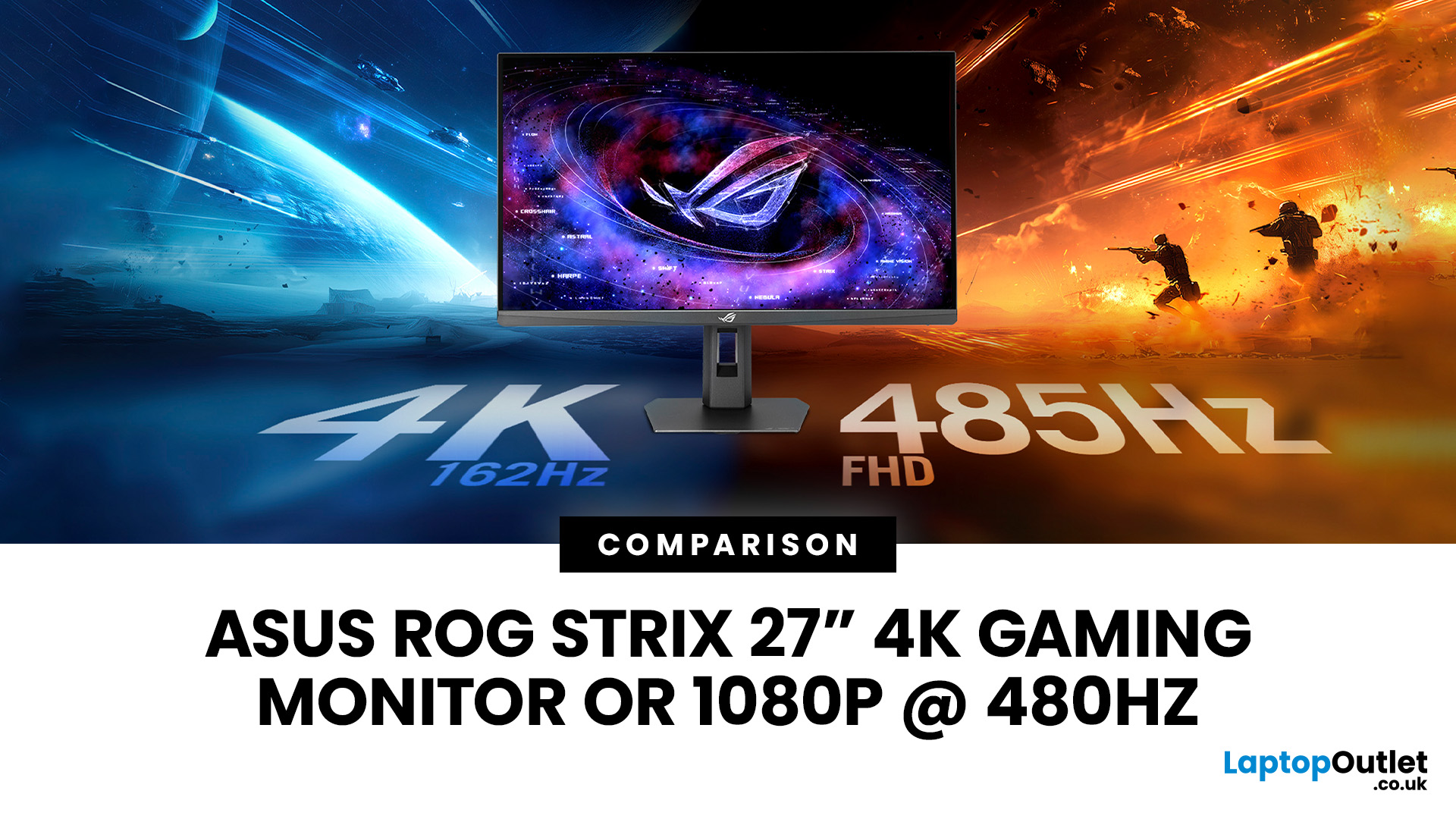
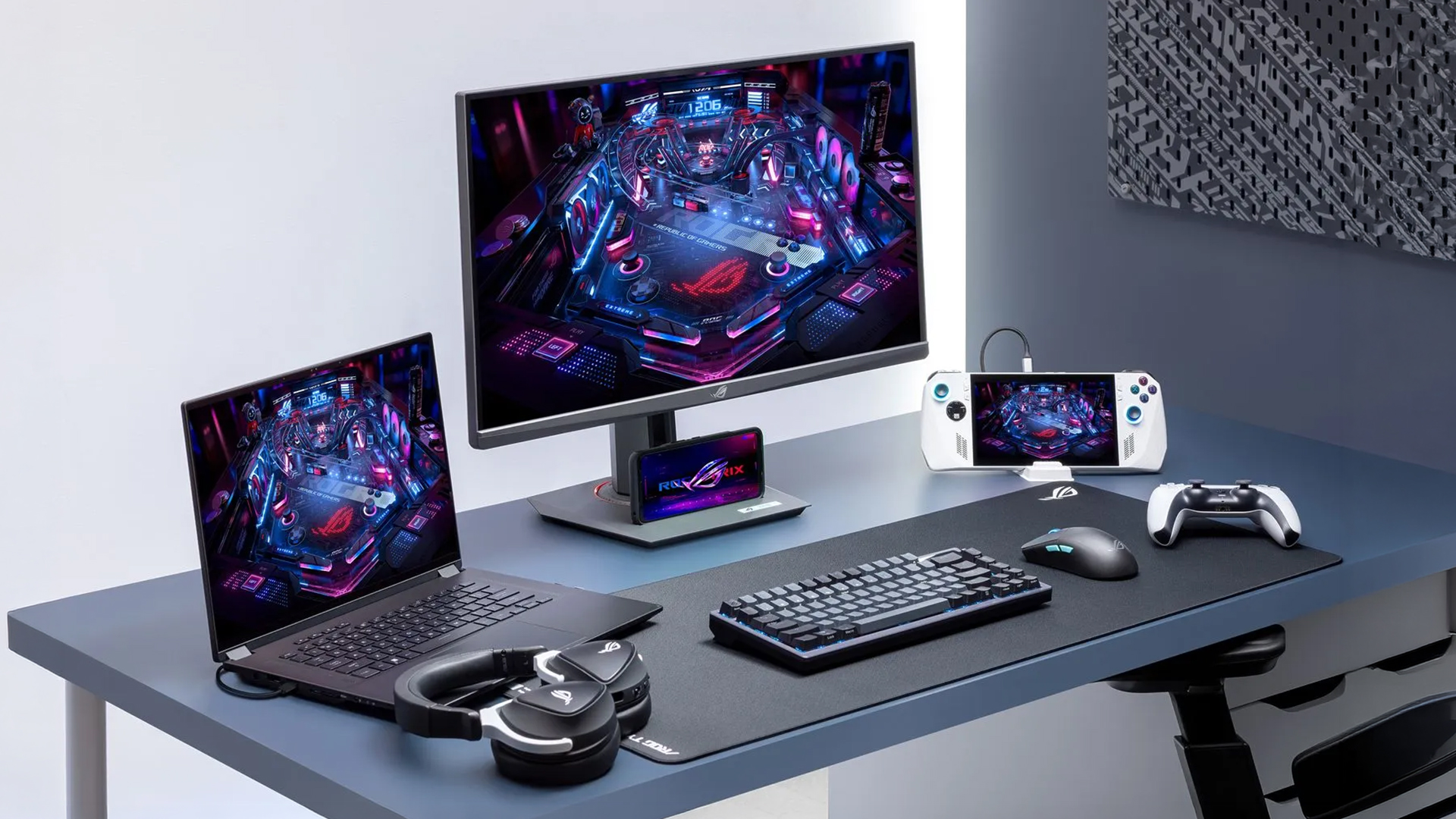
The ASUS ROG Strix XG27UCGR Gen2 is a 27 inch 4K gaming monitor that runs at up to 162Hz in 4K and switches to Full HD at 485Hz for esports. It succeeds the original XG27UCG’s 160Hz and 320Hz dual mode, adding a much faster competitive setting, Smart Pixel processing and a lower quoted minimum response time.
Most gaming monitors make you choose between resolution and refresh rate. A sharp 4K screen suits visually detailed games, while an ultra-fast Full HD display is usually better suited to competitive titles where responsiveness matters more than image detail.
The ASUS ROG Strix XG27UCGR Gen2 attempts to cover both uses. Its native mode delivers 3840 x 2160 resolution at up to 162Hz. Activating Frame Rate Boost changes the monitor to 1920 x 1080 and raises the refresh rate to 485Hz. ASUS confirms both modes for the XG27UCGR, alongside a Fast IPS panel, Smart Pixel processing and a manufacturer-rated minimum response time of 0.3ms.
ASUS ROG Strix XG27UCGR Specifications
The XG27UCGR Gen2 sits within a broader range of ASUS gaming monitors, including ROG and TUF displays built for different resolutions, refresh rates and gaming styles.
|
Feature |
ASUS ROG Strix XG27UCGR Gen2 |
|
Screen size |
27 inches |
|
Native resolution |
3840 x 2160 |
|
4K refresh rate |
Up to 162Hz |
|
Full HD refresh rate |
Up to 485Hz |
|
Panel type |
Fast IPS |
|
Response time |
1ms GTG, 0.3ms minimum |
|
Typical brightness |
400cd/m² |
|
Typical contrast ratio |
1,300:1 |
|
Colour coverage |
95% DCI-P3 and 130% sRGB |
|
HDR support |
HDR10 and VESA DisplayHDR 400 |
|
Adaptive sync |
AMD FreeSync Premium, G-SYNC Compatible and Adaptive-Sync |
|
Connections |
HDMI 2.1, DisplayPort 1.4, USB-C and earphone output |
|
USB-C charging |
Up to 15W |
|
Stand adjustment |
Height, tilt, swivel and pivot |
|
VESA mounting |
100 x 100mm |
|
Built-in speakers |
No |
The specifications above have been verified against the official ASUS ROG Strix XG27UCG Gen2 (XG27UCGR) product page.
What Is a Dual-Mode Gaming Monitor?
A dual-mode gaming monitor supports two resolution and refresh-rate combinations.
On the ROG Strix XG27UCGR Gen2, you can choose between:
- 4K at up to 162Hz for image detail
- Full HD at up to 485Hz for competitive speed
Reducing the resolution gives the monitor enough processing and signal bandwidth to refresh the image more frequently. The graphics card also has fewer pixels to render, which makes higher frame rates more achievable.
This does not mean the monitor displays 4K at 485Hz. The 485Hz setting is available only after changing to 1920 x 1080 resolution. That distinction should remain clear throughout any product description or comparison.
ASUS provides a hotkey-based Frame Rate Boost feature for changing modes. Switching may still cause a short pause while Windows and the graphics driver detect the new resolution and refresh setting. Testing of the original XG27UCG found that the mode change required a brief resynchronisation rather than happening without interruption.
How Does the Gen2 Model Improve on the XG27UCG?
The original XG27UCG remains relevant because it established the same 4K and Full HD concept. However, the current XG27UCGR Gen2 pushes the competitive mode considerably further.
|
Feature |
XG27UCG |
XG27UCGR Gen2 |
|
4K mode |
160Hz |
162Hz |
|
Full HD mode |
320Hz |
485Hz |
|
Quoted response time |
1ms GTG |
1ms GTG, 0.3ms minimum |
|
Smart Pixel |
Not listed |
Included |
|
Typical contrast ratio |
1,000:1 |
1,300:1 |
|
Main esports mode |
1080p at 320Hz |
1080p at 485Hz |
The increase from 160Hz to 162Hz in 4K is minor and unlikely to change the experience noticeably. The important upgrade is the move from 320Hz to 485Hz at Full HD.
The original was effectively a 1080p 320Hz monitor when Frame Rate Boost was enabled. The Gen2 version raises that ceiling by more than 50%, targeting players whose systems can deliver frame rates well above 300fps.
ASUS has also added Smart Pixel technology. The company says this processing improves sharpness and colour when the screen operates below its native resolution. Independent results for the original XG27UCG found that Full HD could look softer than a native 1080p display, so Smart Pixel addresses a genuine weakness of the earlier design.
However, Smart Pixel cannot recreate the physical detail of 4K. Full HD still contains only one-quarter of the pixels, so users should expect a visible reduction in sharpness.
Why Does 4K at 162Hz Matter?
The native 4K mode is likely to be the most useful setting for everyday gaming.
A 3840 x 2160 image on a 27-inch screen produces a high pixel density of approximately 163 pixels per inch. Fine text, game interfaces and distant environmental details can therefore look considerably sharper than they would on a 27-inch Full HD display.
The 162Hz refresh rate also makes movement smoother than on a standard 60Hz or 75Hz 4K monitor. It is fast enough for action games, racing titles, role-playing games and many competitive games, provided the computer can produce a suitably high frame rate.
This mode makes the most sense for:
- Story-led action and adventure games
- Racing and flight simulators
- Role-playing and strategy games
- Visually demanding single-player releases
- Desktop work and general browsing
- Photo and video work that does not require a specialist reference monitor
Gamers comparing the XG27UCGR with other top 4K display monitors should look beyond resolution alone. Panel technology, HDR capability, adaptive sync, port selection and the performance of the connected PC all affect the final experience.
Is the 1080p 485Hz Mode Useful for Esports?
A 485Hz refresh rate allows the panel to begin a new refresh roughly every 2.06 milliseconds. A 320Hz display refreshes approximately every 3.13 milliseconds, while a 162Hz screen refreshes around every 6.17 milliseconds.
That reduction can improve motion definition and reduce the delay between a newly rendered frame and its appearance on screen. The difference is most relevant in fast esports gaming, where players track moving targets and react to small changes in position.
Suitable games may include:
- Counter-Strike 2
- Valorant
- Overwatch 2
- Rainbow Six Siege
- Rocket League
- Other lightweight competitive titles capable of extremely high frame rates
The monitor does not create extra frames. A game running at 180fps will not suddenly behave as though it is running at 485fps simply because the display is set to 485Hz.
To benefit fully, the PC must produce several hundred frames per second with stable frame times. That usually means lowering graphics settings and avoiding demanding visual effects.
The practical difference between 320Hz and 485Hz will also be smaller than the jump from 60Hz to 144Hz. Competitive players with suitable hardware are most likely to notice the improvement. Casual players may value the flexibility more than the maximum refresh rate itself.
What Happens to Image Quality at 1080p?
The differences between 4K, 1440p and 1080p resolutions are worth understanding before deciding whether sharper visuals or easier high-frame-rate gaming matters more to you.
Full HD looks noticeably less detailed on a 27-inch screen than native 4K. At this size, 1920 x 1080 produces a pixel density of roughly 82 pixels per inch. Text and fine interface elements can look softer, particularly when viewed from a typical desktop distance.
The original XG27UCG was criticised in independent testing for a somewhat blurry Full HD presentation because the screen was operating below its native resolution. The issue was less distracting during fast gameplay than on the Windows desktop, but it remained an important limitation.
The XG27UCGR Gen2 uses ASUS Smart Pixel processing to improve lower-resolution definition. ASUS says it enhances sharpness and colour, but this is a manufacturer claim rather than proof that 1080p will match a native Full HD esports monitor.
A sensible setup would be:
- Use 4K 162Hz for Windows and general applications
- Keep 4K enabled for detailed or cinematic games
- Switch to Full HD 485Hz only for competitive titles
- Return to 4K after finishing an esports session
Someone who plays exclusively at 1080p may still be better served by a smaller native Full HD monitor. The ASUS model makes more sense for players who genuinely use both modes.
What Hardware is Needed for 4K 162Hz?
Running a monitor at 162Hz does not mean every game must reach 162fps. Adaptive-sync support can keep games looking smooth across a broader frame-rate range.
However, native 4K remains demanding. Modern games at maximum settings may not approach 162fps even on powerful hardware, especially when ray tracing is enabled.
Resolution upscaling can help. Technologies such as DLSS, FSR and XeSS render a game internally at a lower resolution before reconstructing the image for 4K output. Frame-generation features may increase displayed smoothness further, although they do not reduce input latency in the same way as genuinely rendered frames.
Players considering high-end NVIDIA GPUs should check benchmarks for the exact games they play. Performance varies according to the graphics card, processor, settings, ray-tracing workload and upscaling mode.
Full HD at 485Hz places a different demand on the system. The lower resolution reduces GPU load, but the processor must prepare hundreds of frames per second. A fast-gaming CPU, correctly configured memory and low competitive settings may matter as much as the graphics card.
However, there is no single GPU that guarantees 4K 162fps or Full HD 485fps in every game.
Motion Clarity and Adaptive Sync
The XG27UCGR supports AMD FreeSync Premium, G-SYNC Compatible operation and VESA AdaptiveSync certification in both its 162Hz and 485Hz modes. Variable refresh rate allows the display to align its refresh timing with the frames delivered by the graphics card.
This helps reduce visible tearing and uneven frame delivery when performance changes.
ASUS also includes ELMB Sync, which combines its motion-blur-reduction system with variable refresh rate. Variable Overdrive adjusts the monitor’s overdrive behaviour as frame rates rise or fall, helping limit unwanted pixel trails.
ASUS quotes a response time of 1ms grey-to-grey and a 0.3ms minimum. These figures describe pixel behaviour under selected conditions. They should not be treated as a measurement of complete system latency, which also includes rendering, processing, input devices and the game engine.
Colour and HDR Performance
The Fast IPS panel covers a manufacturer-rated 95% of the DCI-P3 colour space and 130% of sRGB. ASUS also lists a typical brightness of 400cd/m², a 1,300:1 contrast ratio and support for 1.07 billion colours.
These specifications should support vivid colour and wide viewing angles. The monitor may also suit general creative work after appropriate calibration, although it is not positioned as a professional reference display.
VESA DisplayHDR 400 provides basic HDR compatibility. It does not promise the deep blacks, precise local dimming or high peak brightness associated with more advanced Mini LED and OLED monitors.
HDR should therefore be considered a supporting feature. The main reasons to consider this model are its 4K clarity, high refresh rates and dual-mode flexibility.
Connectivity and Everyday Practicality
The monitor includes:
- 1 HDMI 2.1 port
- 1 DisplayPort 1.4 connection
- 1 USB-C port with DisplayPort Alt Mode
- 1 earphone output
USB-C power delivery is limited to 15W. That can provide light charging for smaller devices, but it is not enough to power most gaming laptops during demanding use.
The stand supports height, tilt, swivel and pivot adjustment. A 100 x 100mm VESA mount is also supported, giving users the option of attaching the screen to a compatible monitor arm.
This monitor doesn’t come with built-in speakers, so external speakers, a headset or another audio solution will be required.
HDMI 2.1 makes the monitor relevant to console use, but the 485Hz mode remains primarily a PC feature. Buyers should check the maximum resolution and refresh rate supported by their individual console and game.
Who Should Buy the ASUS Strix XG27UCGR Gen2?
The ASUS ROG Strix XG27UCGR Gen2 is best suited to players who divide their time between competitive and visually demanding games.
It is a strong fit for:
- Competitive players who also enjoy single-player games
- Users who want one monitor instead of separate 4K and esports displays
- PC gamers with hardware capable of high frame rates
- People who use the same screen for gaming and desktop work
- Players who value adjustable ergonomics and broad adaptive-sync support
It may not be the right choice for:
- Gamers who play only at 1080p
- Users expecting OLED-level black levels
- Buyers who need powerful USB-C laptop charging
- Console-only players who cannot use the 485Hz ceiling
- Professional creators who require a specialist reference monitor
- Players whose PC rarely exceeds 144fps
Players who do not need both operating modes can compare other 27-inch gaming monitors by resolution, panel type and refresh rate.

Final Verdict
The ASUS ROG Strix XG27UCGR Gen2 takes the original XG27UCG’s dual-mode idea and makes its esports setting considerably faster. Its 4K 162Hz mode provides sharp visuals for demanding games and desktop use, while Full HD at 485Hz targets competitive players with hardware capable of producing several hundred frames per second.
The main compromise is still Full HD sharpness on a 27-inch 4K panel. Smart Pixel may improve presentation, but it cannot preserve native 4K detail. This 27 inch 4K gaming monitor makes the most sense for someone who will regularly use both modes rather than treating 485Hz as an impressive specification they rarely need.
Ready to switch between sharp 4K gaming and ultra-fast 485Hz esports play? Check out the ASUS ROG Strix XG27UCGR Gen2 at Laptop Outlet for the latest price, availability and full specifications.

Before You Choose the ASUS XG27UCGR
Is a 27-inch 4K gaming monitor with 485Hz good for esports?
Yes, but only in its Full HD mode. The XG27UCGR runs at 4K 162Hz or 1080p 485Hz. The faster setting is most useful when a competitive game and the connected PC can produce several hundred frames per second.
Is 1080p 485Hz better than 4K 162Hz for esports?
Full HD 485Hz prioritises responsiveness and motion clarity, making it better suited to high-level competitive play. The 4K 162Hz mode provides much sharper visuals and remains the stronger choice for detailed single-player games and everyday desktop use.
Is a dual-mode monitor better than buying separate monitors?
A dual-mode monitor saves desk space, cables and the cost of maintaining two displays. Separate native monitors may provide better image quality in each resolution, so the right choice depends on how often you switch between competitive and 4K gaming.
Does the ASUS XG27UCGR run at 4K 485Hz?
No. The monitor runs at up to 162Hz when using its native 3840 x 2160 resolution. The 485Hz refresh rate becomes available only after switching to 1920 x 1080 through its dual-mode Frame Rate Boost feature.
What GPU is needed for 4K 162Hz or 1080p 485Hz?
No graphics card guarantees those frame rates in every game. Native 4K generally requires a powerful GPU, while 485fps at Full HD also depends heavily on processor speed, memory configuration, competitive settings and the game engine.
What is the difference between XG27UCG and XG27UCGR Gen2?
The original XG27UCG supports 4K 160Hz and Full HD 320Hz. The XG27UCGR Gen2 raises those limits to 4K 162Hz and Full HD 485Hz while adding Smart Pixel processing and a lower quoted minimum response time.
Can PS5 or Xbox Series X use the 485Hz mode?
No. The 485Hz setting is primarily intended for gaming PCs. PlayStation 5 and Xbox Series X support gaming at up to 4K 120Hz through HDMI 2.1, depending on the game and selected console settings.
Related Articles

Last Updated: April 14, 2026
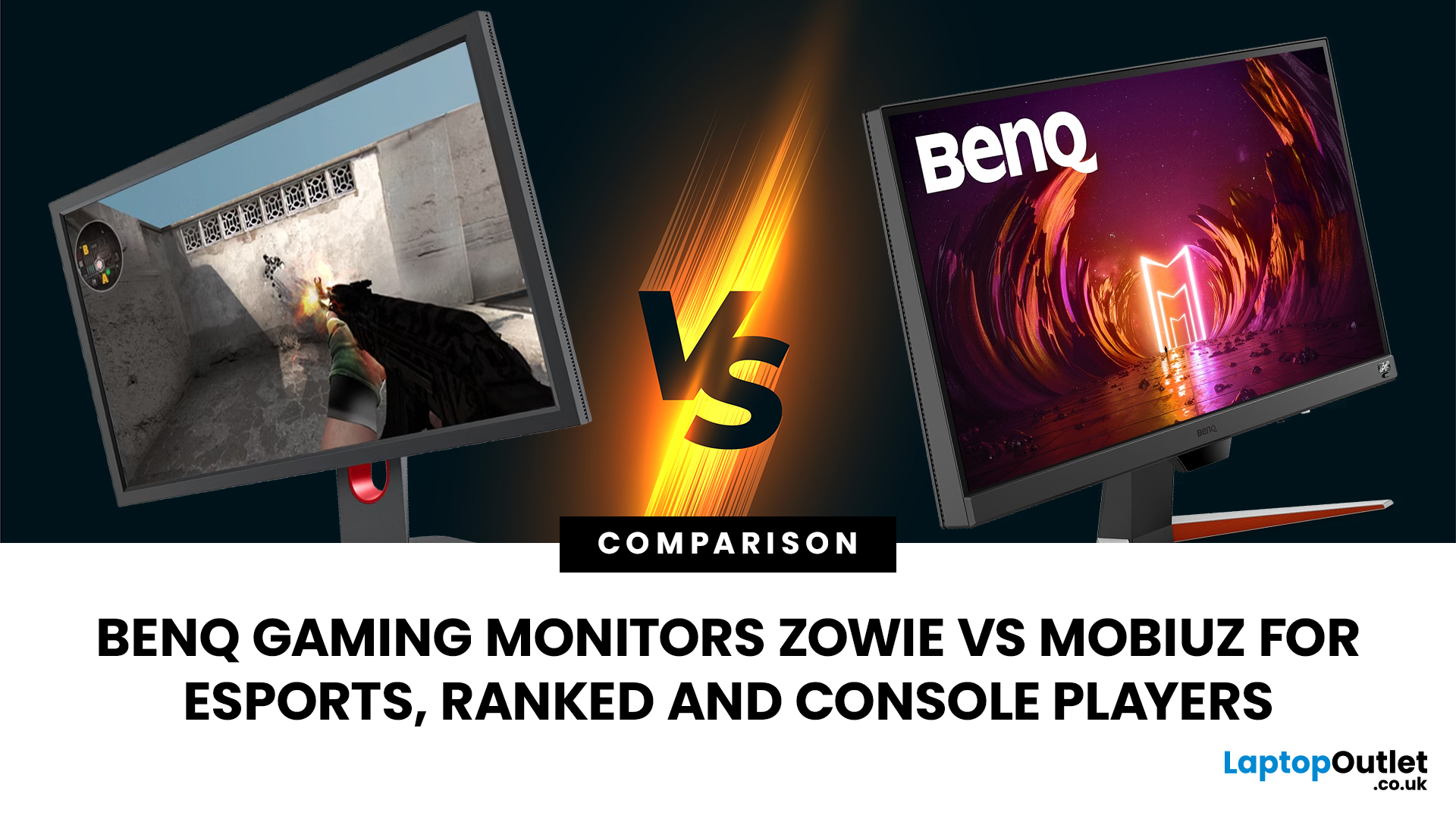
Choosing the right monitor can genuinely change how you play. Whether you’re grinding ranked matches, competing in esports, or just kicking back on your console, your display has a direct impact on performance, clarity and overall experience.
That’s where BenQ gaming monitors stand out. Known for precision engineering and gamer-first features, BenQ offers two standout ranges: ZOWIE and MOBIUZ. But when it comes to BenQ gaming monitors ZOWIE vs MOBIUZ, which one is right for you? Let’s break it down in a way that makes sense for how you play.
BenQ Gaming Monitors Explained
BenQ doesn’t take a one-size-fits-all approach to gaming. Instead, it splits its lineup into two clearly defined categories:
- BenQ ZOWIE esports monitors – built purely for competitive performance
- BenQ MOBIUZ gaming monitors – designed for immersive, all-round gaming
ZOWIE is about speed, precision and winning. MOBIUZ is about visuals, versatility and enjoying the full gaming experience. Both are excellent, but they serve
Last Updated: April 06, 2026
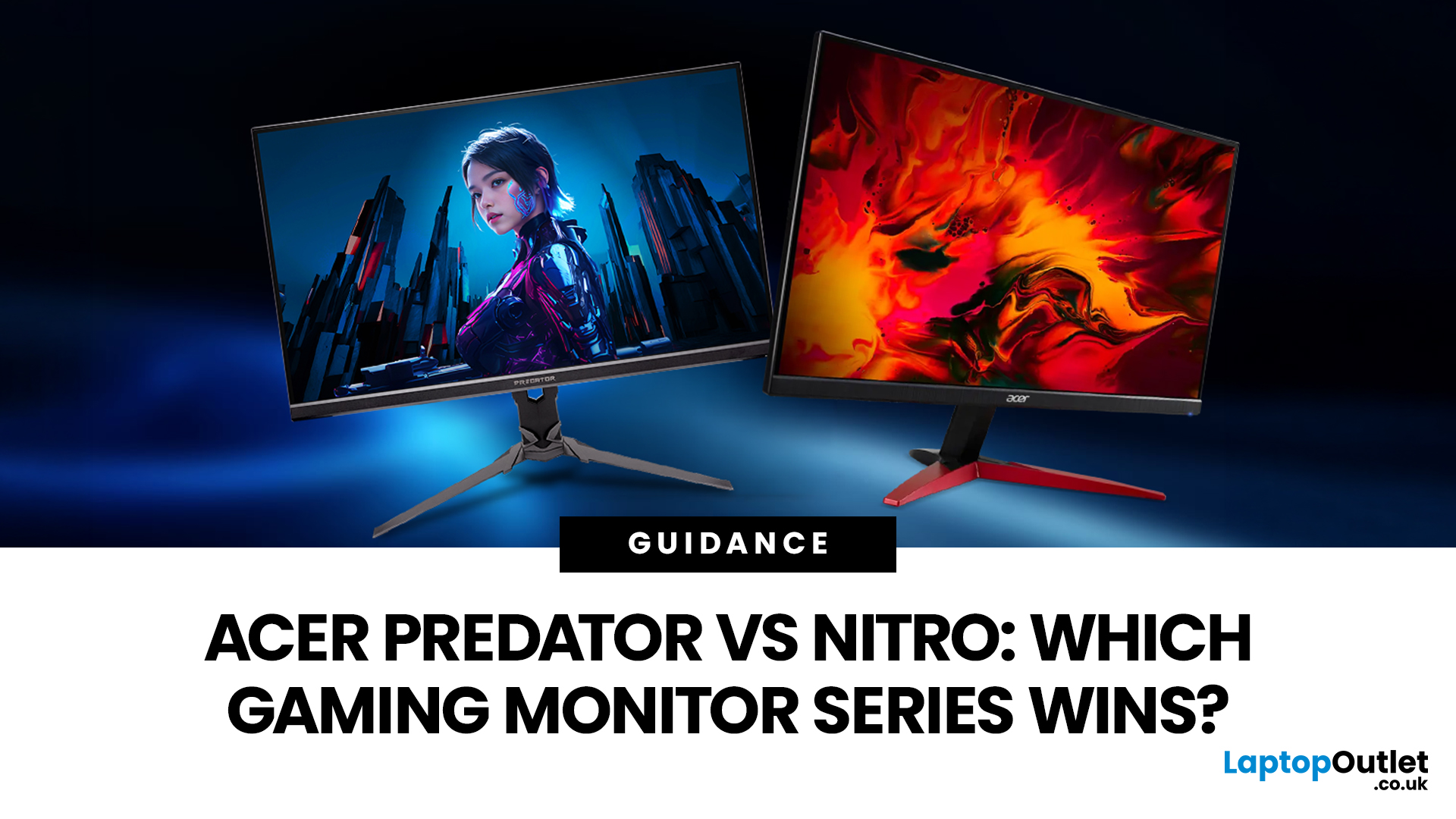
If you are comparing Acer Predator vs Nitro, you are likely at a point where a standard monitor no longer cuts it. Maybe you are upgrading your setup, moving into competitive gaming, or simply trying to get better value for your money.
Acer has made this decision slightly more complex by offering two strong Acer gaming monitor ranges that, at first glance, seem similar. Both support high refresh rates, both look like gaming displays, and both are widely available across the UK.
But once you dig deeper, Predator and Nitro are built for very different types of users. This guide breaks it down properly. No fluff, no brand hype, just a clear explanation of what matters when you are choosing between them.
Why Acer Splits Predator and Nitro in the First Place
Before comparing specs, it helps to understand Acer’s thinking. The company is not just offering two versions of the same product. These are two separate strategies:
- Predator is where Acer pushes performance, display innovation, and premium
Last Updated: April 14, 2026
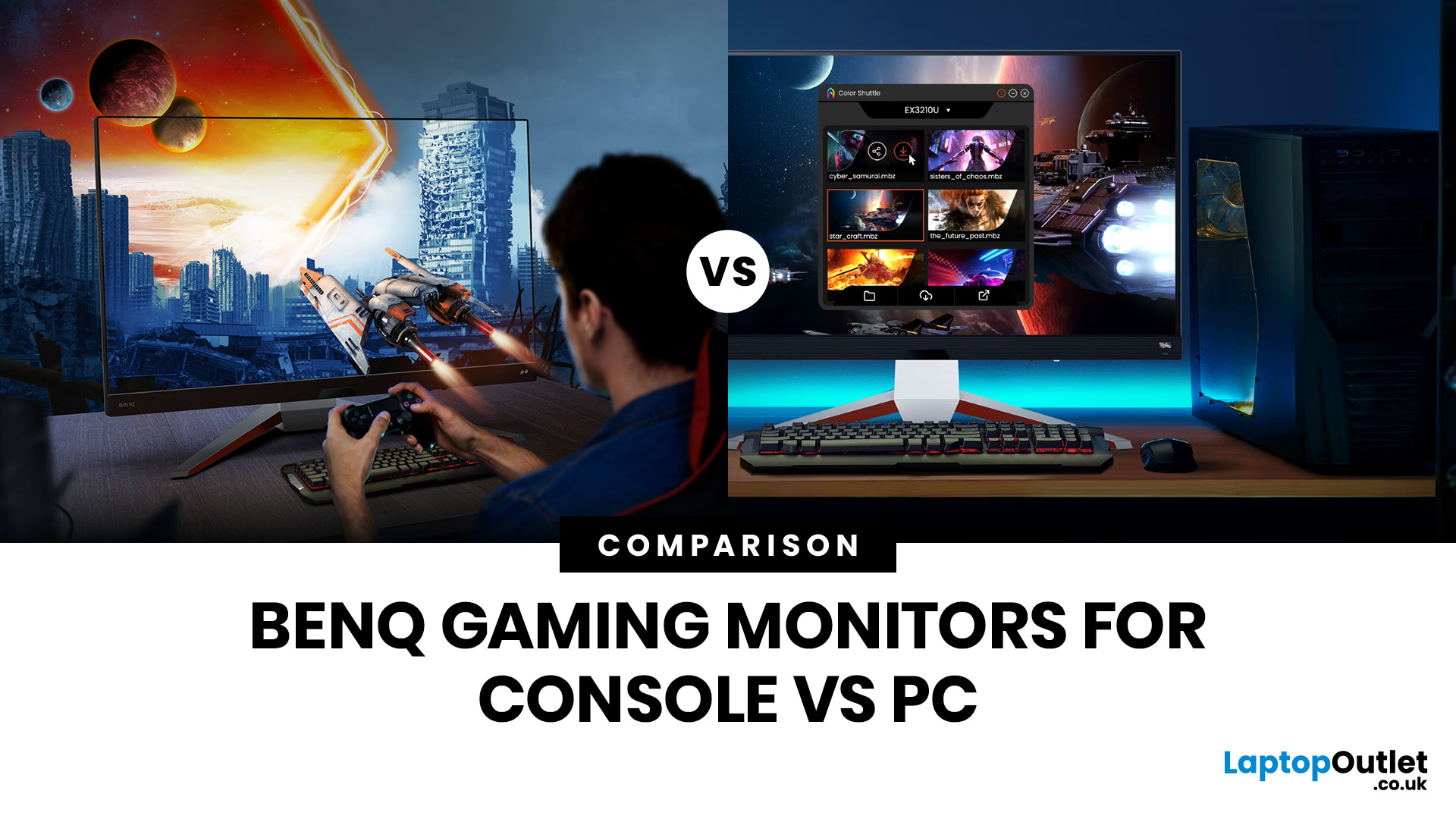
Picking the right gaming monitor is no longer as simple as choosing the biggest screen you can afford. Your setup matters, your platform matters, and the way you play matters even more. A monitor that feels perfect for a competitive PC player might not be the best fit for someone gaming on a PS5 or Xbox Series X.
That’s exactly why choosing the right BenQ gaming monitor for console or PC comes down to more than specs on a product page. You need to think about refresh rate, resolution, connectivity and whether you care more about raw speed or immersive visuals.
BenQ makes that decision easier by offering two clear gaming monitor families. ZOWIE is built for fast, focused competitive PC play, while MOBIUZ is designed for players who want strong performance with more visual depth and better console-friendly features. If you’ve been stuck comparing 1080p, 1440p and 4K, this guide breaks it all down in a way that helps.
Do Console and PC Gamers Need Different BenQ Monitors?
Console and PC
Last Updated: September 01, 2026
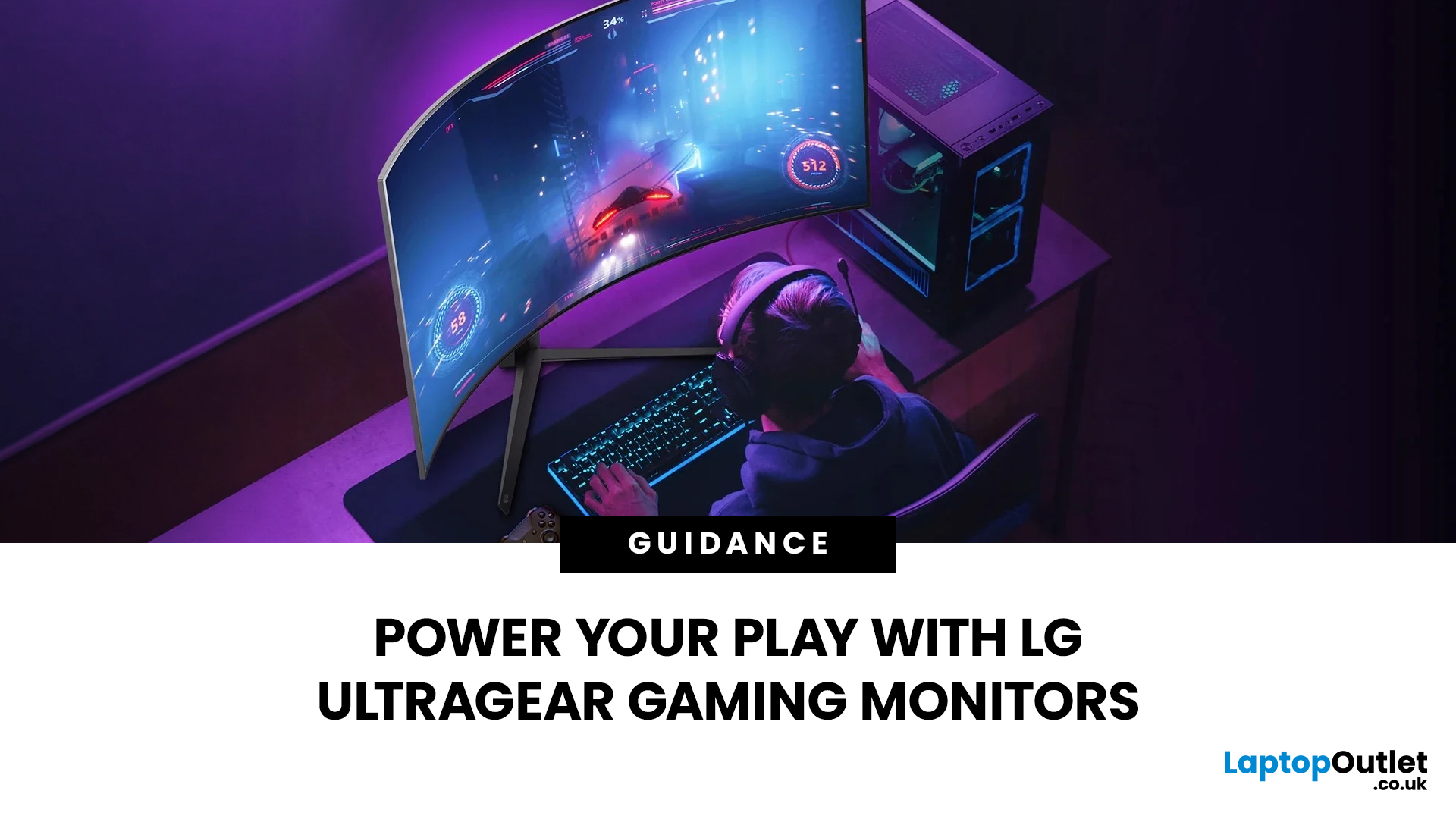
Not all gaming monitors are built the same, and the LG UltraGear range makes that very clear. Whether you're playing for fun on weekends, grinding ranked matches on a mid-range rig, or competing at a serious level, there's a specific UltraGear model that fits your needs.
This LG UltraGear guide breaks down the full lineup by player type so you can make a genuinely informed decision before spending your money.
What Makes LG UltraGear Different from Standard LG Monitors?
LG produces monitors for all sorts of uses, from office work to content creation to home cinema. UltraGear is the gaming-focused sub-brand, and it comes with a noticeably different spec sheet compared to LG's standard displays.
The core differences come down to priorities. Standard LG monitors are built around colour accuracy, ergonomics, and value for office use. UltraGear monitors are tuned for speed, responsiveness, and visual clarity under fast-moving gaming conditions.
In practical terms, this means LG UltraGear gaming
Last Updated: September 01, 2026
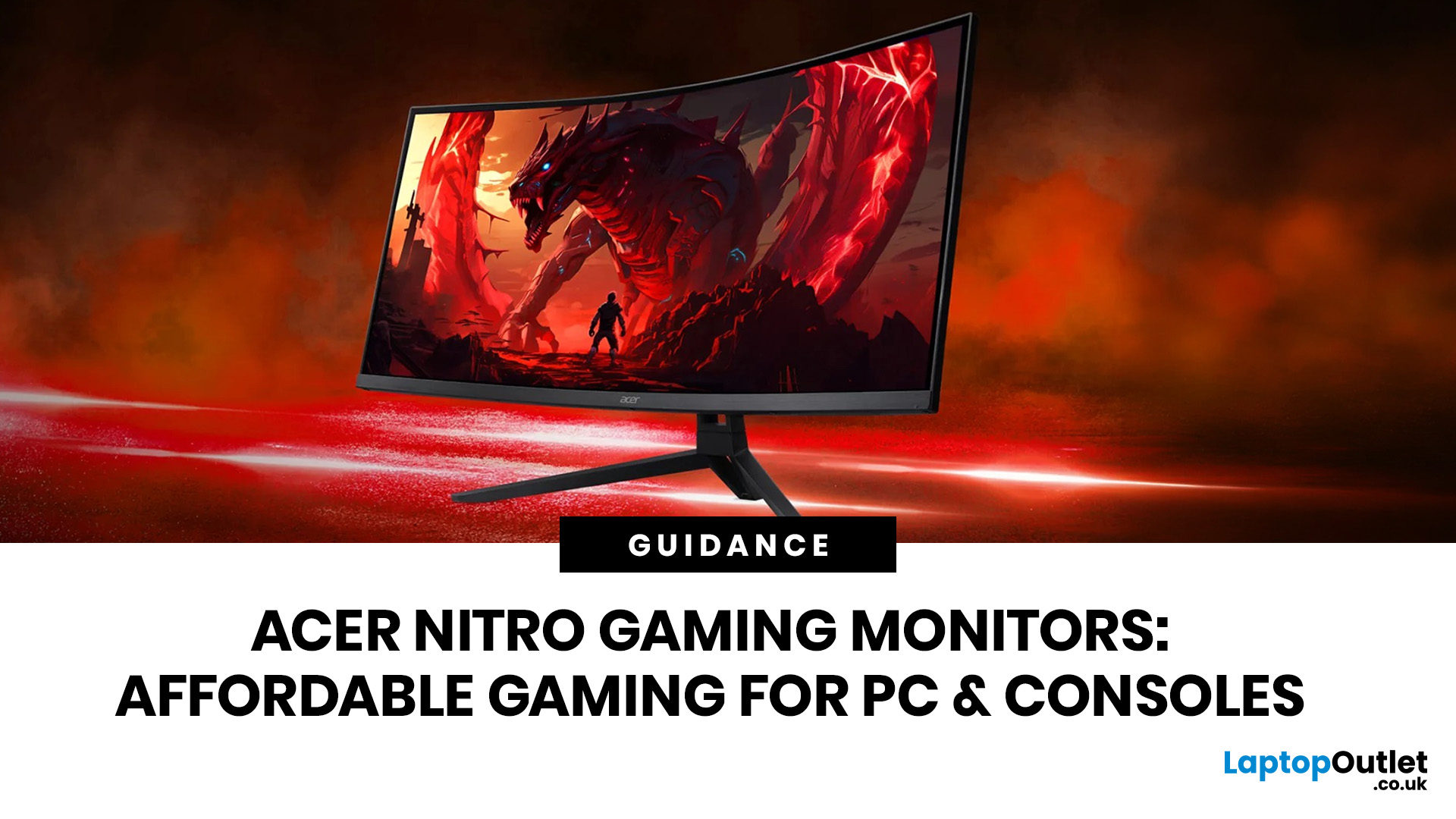
If you want smooth gameplay without jumping straight into premium OLED pricing, Acer Nitro gaming monitors are one of the easiest ranges to shortlist. Acer positions the Nitro line as a gaming family with options for fast-paced play, ultrawide immersion and richer colour, while Our Acer monitor range backs that up with Full HD, QHD, curved and ultrawide Nitro models aimed at buyers who want value, not just spec-sheet flexing.
That is exactly why Acer Nitro monitors UK shoppers keep coming back to the series. The range is broad enough to cover casual desk gaming, PS5 and Xbox setups, and entry-level PC esports, but it still stays realistic on price compared with high-end Predator and OLED alternatives. Nitro models from compact 23.8-inch Full HD panels up to 34-inch curved UWQHD displays, with refresh rates running from 120Hz to 240Hz.
Are Acer Nitro Gaming Monitors Good for Budget Gaming?
Yes. For casual gaming, console play and entry-level PC builds, Acer Nitro sits in a very practical
Last Updated: July 06, 2026
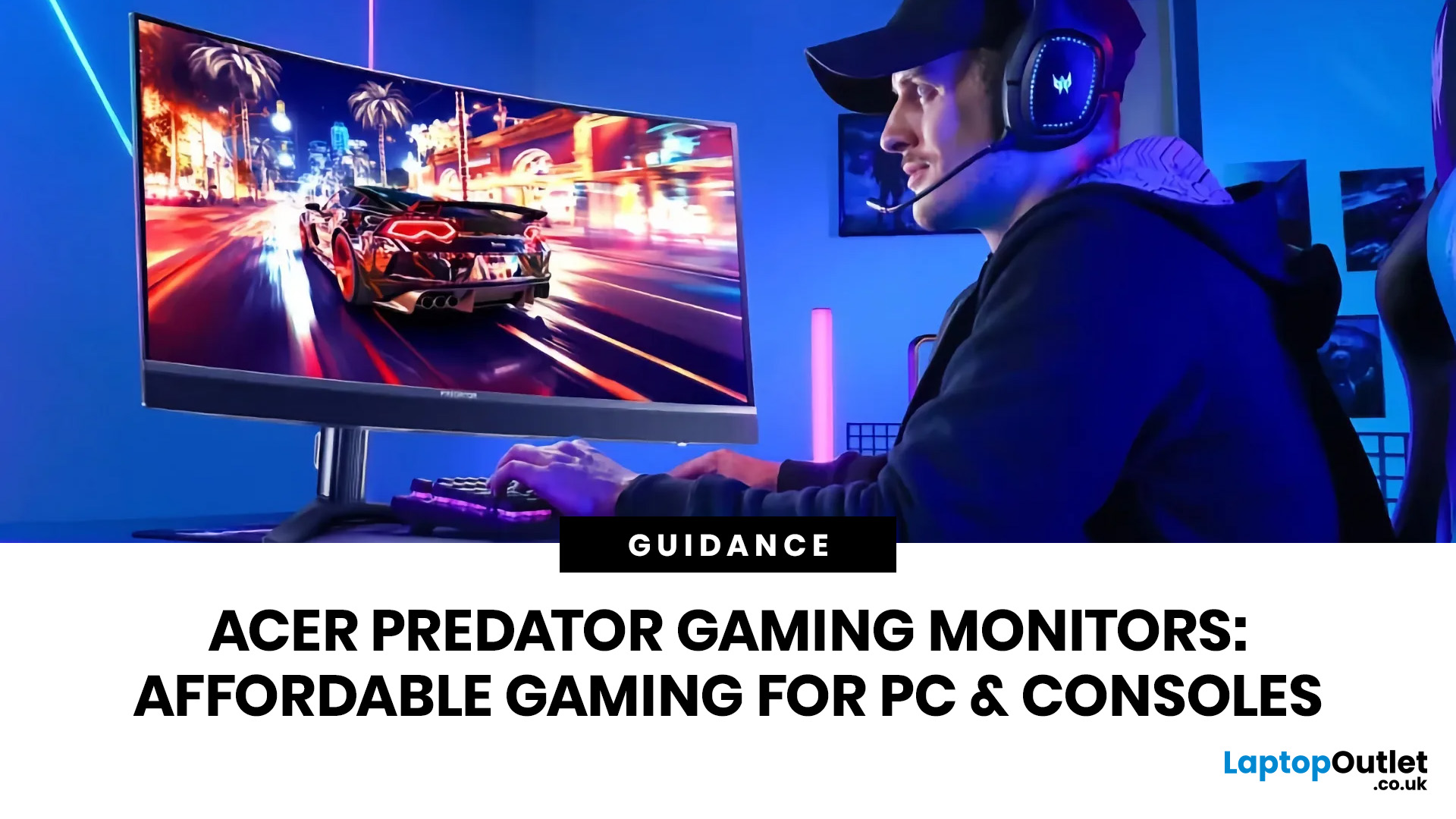
you are shopping for Acer Predator gaming monitors, you are usually not looking for a basic panel. You are looking for speed, image quality and a monitor that genuinely fits the kind of games you play. For some buyers, that means a fast 27-inch display for ranked shooters and esports titles. For others, it means a bigger 4K panel for high-detail single-player games. And for enthusiasts building the kind of setup that makes every desk photo look dramatic, it means an ultrawide or super-ultrawide screen that turns a gaming PC into the centrepiece of the room.
That is why Predator remains such an interesting range. Acer's broader monitor line covers different budgets and uses cases, but the Predator family is where Acer pushes harder on premium gaming features like OLED and QD-OLED panels, very high refresh rates, ultrawide formats and esports-level response times.
If you want the simple answer: Why choose Acer Predator monitor
Here is the short version.
- For competitive esports and fast shooters,
Last Updated: August 25, 2026
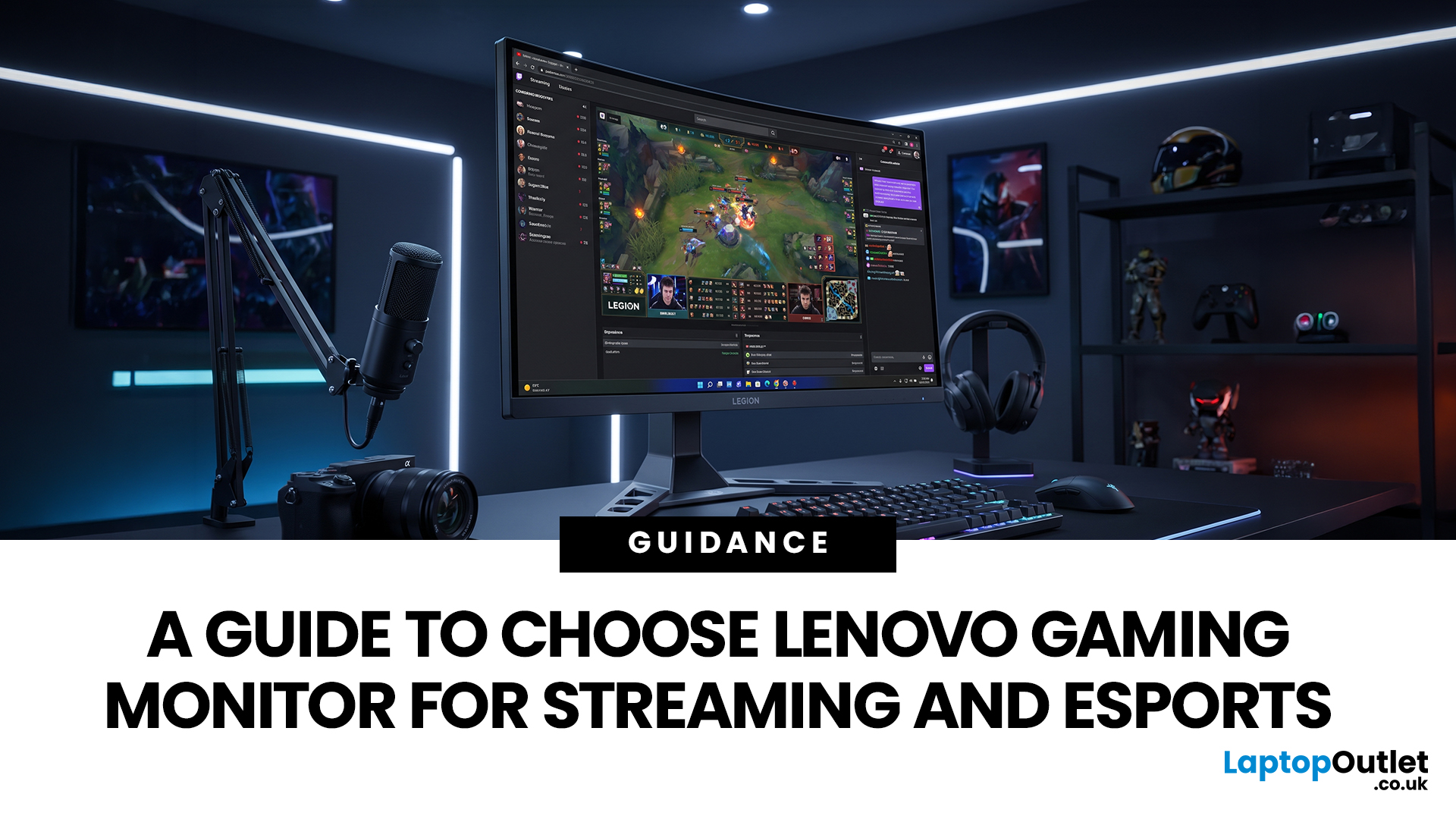
Quick answer: The best Lenovo gaming monitor for streaming and esports is the one your PC can drive consistently at its native resolution while it also handles your broadcast workflow. For many mixed-use setups, a 27-inch QHD display at 165Hz to 180Hz is the balanced choice. A 24.5-inch or 27-inch Full HD screen at 240Hz or above prioritises competitive speed, while a 34-inch UWQHD display at 165Hz to 180Hz provides more room for a single-screen streaming workspace.
Those are useful profiles, not universal rules. Your real decision depends on sustained frame rate, encoder load, game genre, desk space and whether OBS, chat and alerts live on the same display. A monitor does not encode the stream, and a 240Hz panel does not make viewers receive a 240fps broadcast. It changes the experience in front of you, which can still matter greatly during competitive play.
Last Updated: July 30, 2026
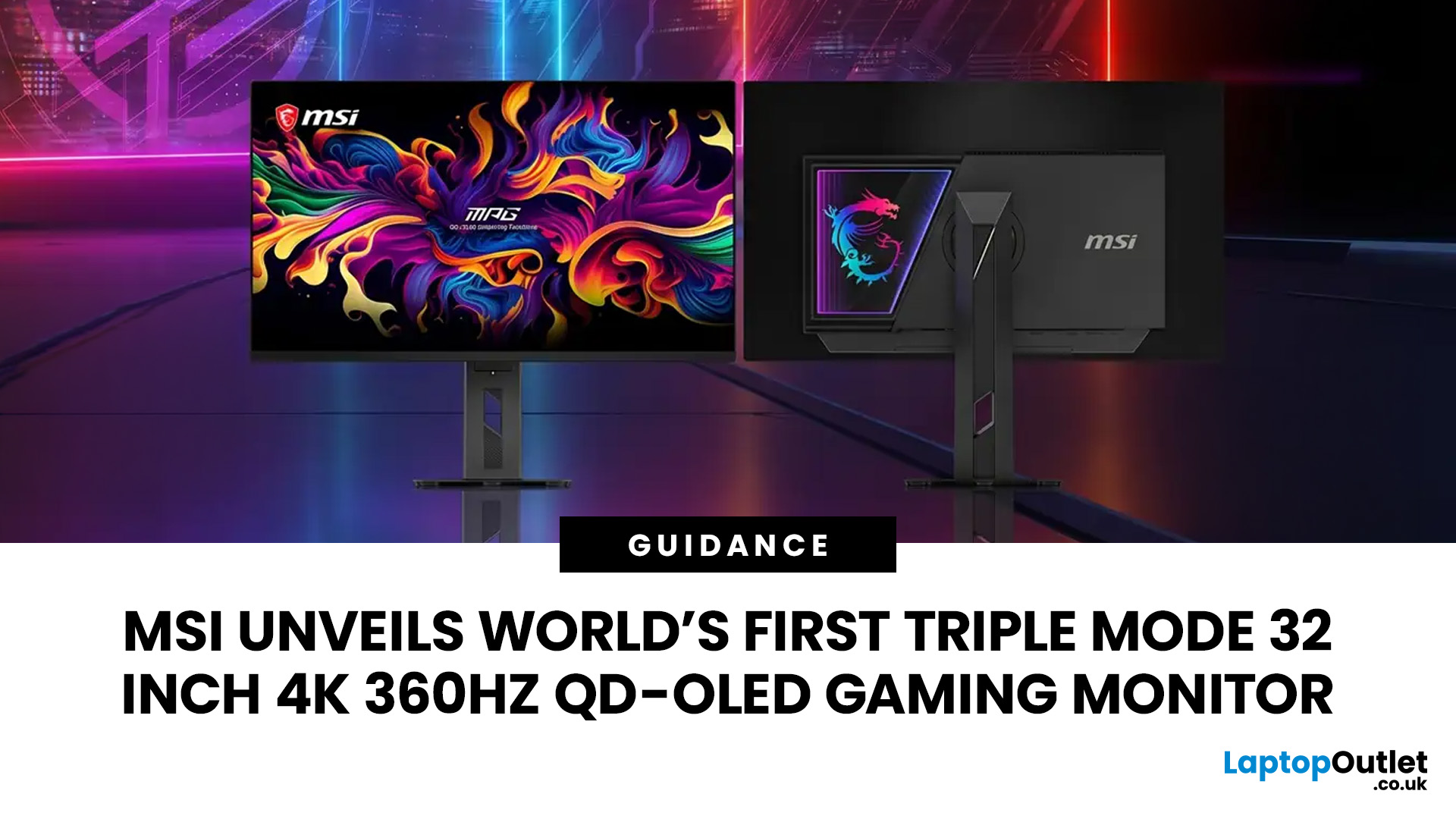
MSI has revealed a gaming monitor that sounds almost unreal on paper: a 32 inch 4K monitor with a 360Hz refresh rate, QD-OLED visuals, and a Triple Mode feature that lets gamers switch between different resolution and speed settings. Officially known as the MSI MPG OLED 322URDX36 (MSI lists the panel at 31.5 inches, though it's widely rounded to 32 inches), this display was unveiled ahead of COMPUTEX 2026 and is designed for players who want sharp 4K detail, ultra-smooth motion, and flexible performance in one premium screen.
For years, gamers had to choose between resolution and speed. A 4K monitor gave better image quality, while a lower-resolution, high-refresh-rate screen gave smoother competitive gameplay. MSI's new Triple Mode gaming monitor aims to close that gap, letting users move between 4K 360Hz, 1440p 520Hz, and Full HD 680Hz depending on the game, their hardware, and personal preference.
That makes it one of the most interesting display announcements for serious PC gamers,
Last Updated: August 11, 2026
Picking the best gaming monitor size isn’t just about going big or going home. Your screen size actually changes how your games look, feel, and perform. A 24-inch setup is clutch for competitive play, a 27-inch hits that sweet spot between clarity and immersion, and a 32-inch screen? That’s where things get seriously cinematic.
Size alone isn’t the whole story. Resolution, desk space, refresh rate, and what you actually play all matter. This gaming monitor size comparison breaks down 24, 27, and 32-inch displays so you can find your perfect match.
24 Inch vs 27 Inch vs 32 Inch Gaming Monitors: Quick Comparison
The following table provides a quick overview of how the three most popular gaming monitor sizes compare.
| Feature | 24-Inch Monitor | 27-Inch Monitor | 32-Inch Monitor |
| Recommended resolution | 1920 × 1080 | 2560 × 1440 | 2560 × 1440 or 3840 × 2160 |
| Best suited to | Competitive gaming | Mixed gaming and everyday use | Immersive and cinematic gaming |
| Typical desk requirement | Small | Medium | Large |
| Graphics |
Last Updated: October 26, 2026

