



LG UltraWide & DualUp Monitors for Productivity, Coding & Creation
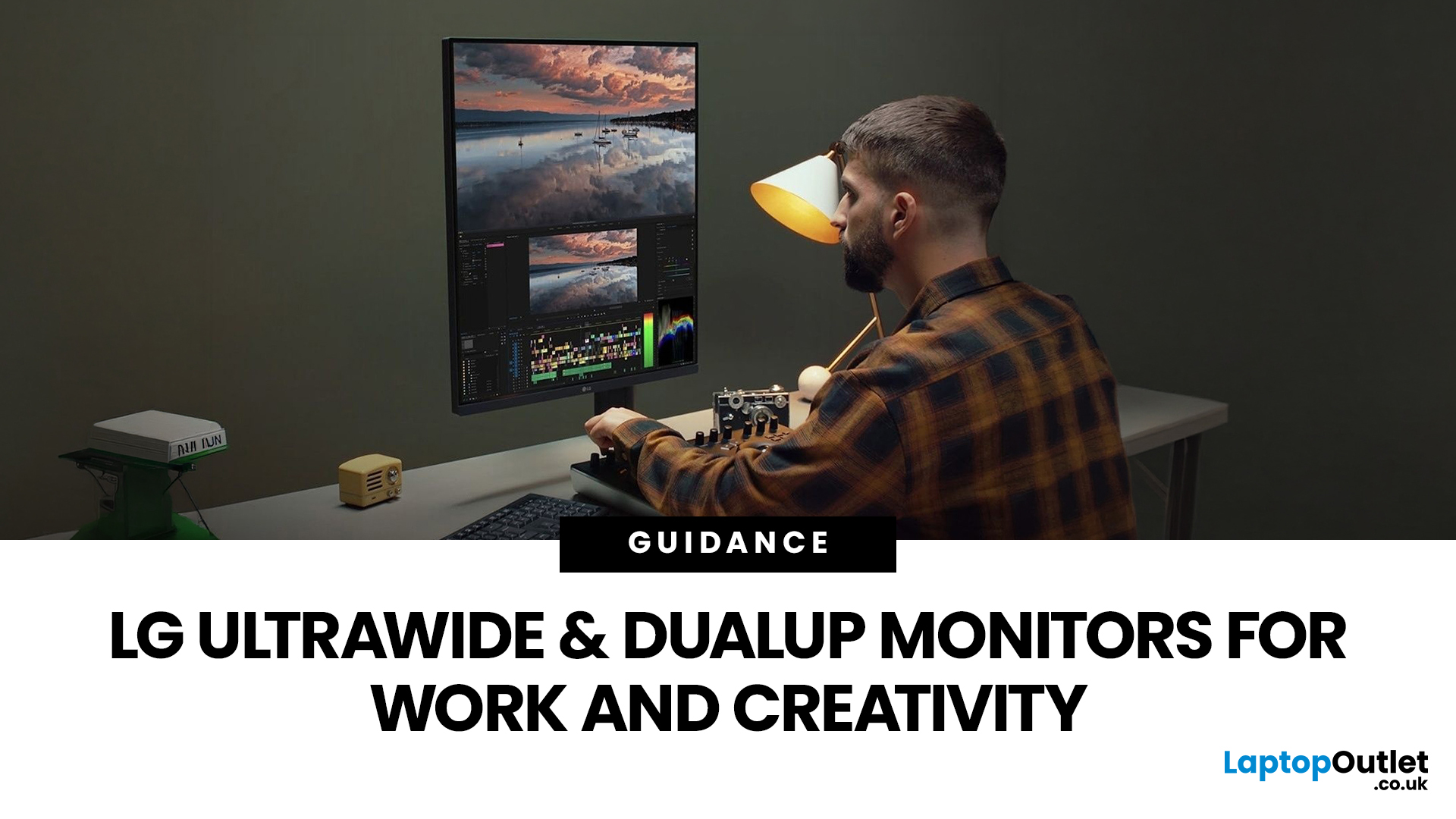
Choosing the right monitor format can transform how you work. Whether you are a developer, analyst, designer, or remote professional, your display shapes your entire workflow.
LG UltraWide and DualUp productivity monitors have become a firm favourite across the UK for professionals who need more screen space without the cable clutter of multiple setups.
This guide breaks down how each format performs for coding, content creation, dashboards, and day-to-day productivity, so you can pick the right one for your desk.
Why Screen Format Changes Everything
The shape of your display directly influences how many windows you can manage, how much you need to scroll, and whether your neck stays comfortable after a full working day. It is worth understanding the two non-standard formats LG offers before deciding which suits your setup.
LG monitors come in two distinctive formats: the horizontal 21:9 or 32:9 UltraWide and the vertical 16:18 DualUp. Both give you significantly more usable space than a traditional 16:9 display, but in very different directions.
The 21:9 and 32:9 UltraWide Format
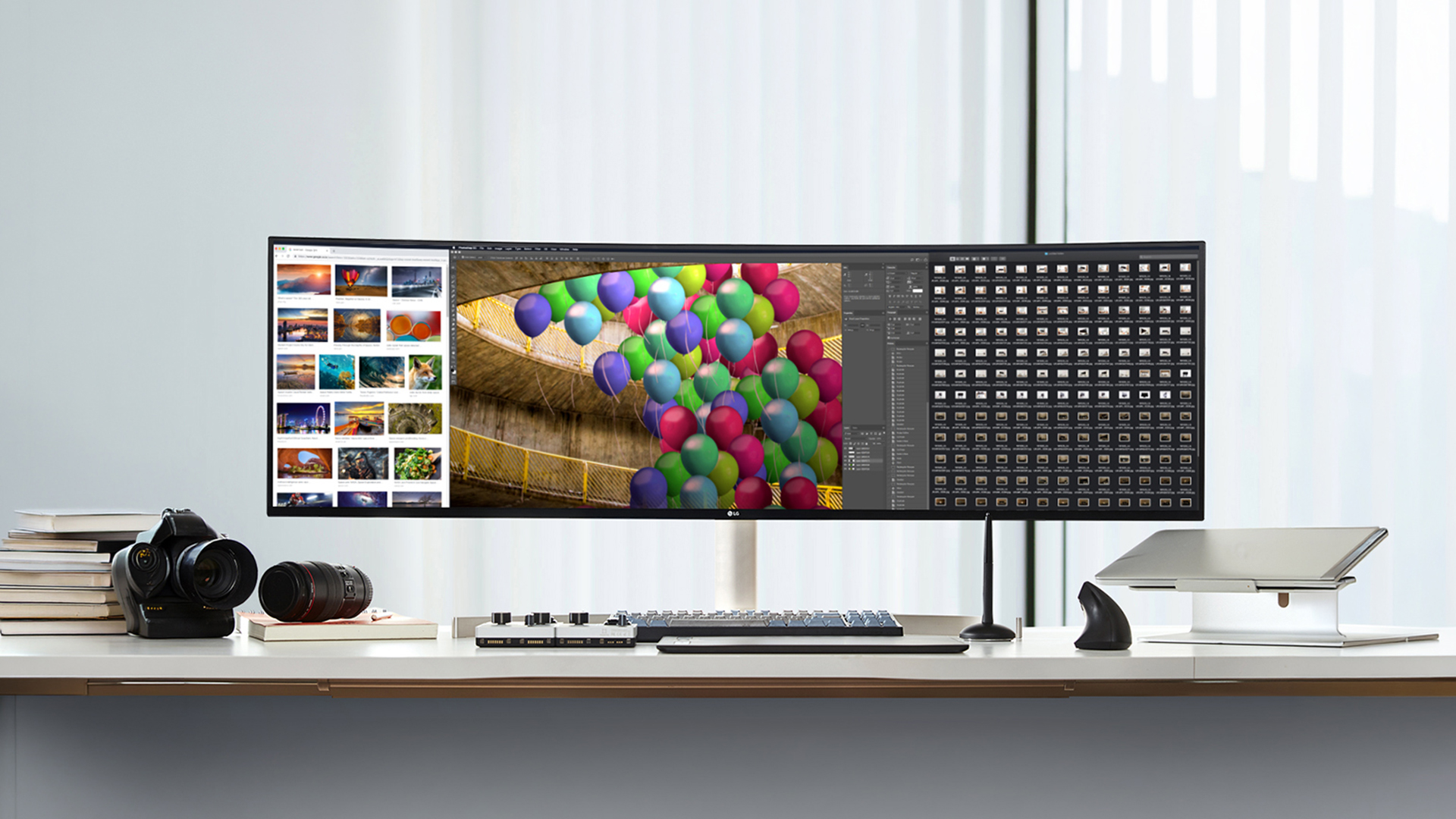
The LG UltraWide productivity monitor stretches your display horizontally, giving you extra columns of space on either side of your central focus. A 34-inch QHD+ model at 3,440 x 1,440 offers the same vertical height as a 27-inch display but with considerably more horizontal room.
Step up to a 40-inch widescreen display at 5,120 x 2,160 (5K2K) and you have resolution that rivals two standard monitors placed side by side, with no bezel gap in the middle. That seamless canvas suits workflows where multiple panels need to be visible at once.
The 16:18 DualUp Format
The DualUp takes the opposite approach. Rather than going wider, it goes taller, stacking the equivalent of two 21.5-inch monitors vertically into a single 28-inch panel at 2,560 x 2,880. It is barely wider than a typical 21-inch display, yet taller than a 32-inch monitor.
This unique shape is better suited to vertical scrolling workflows such as coding, reading, and document editing than a standard stretched horizontal display.
LG UltraWide Monitors: Specs and Work Benefits
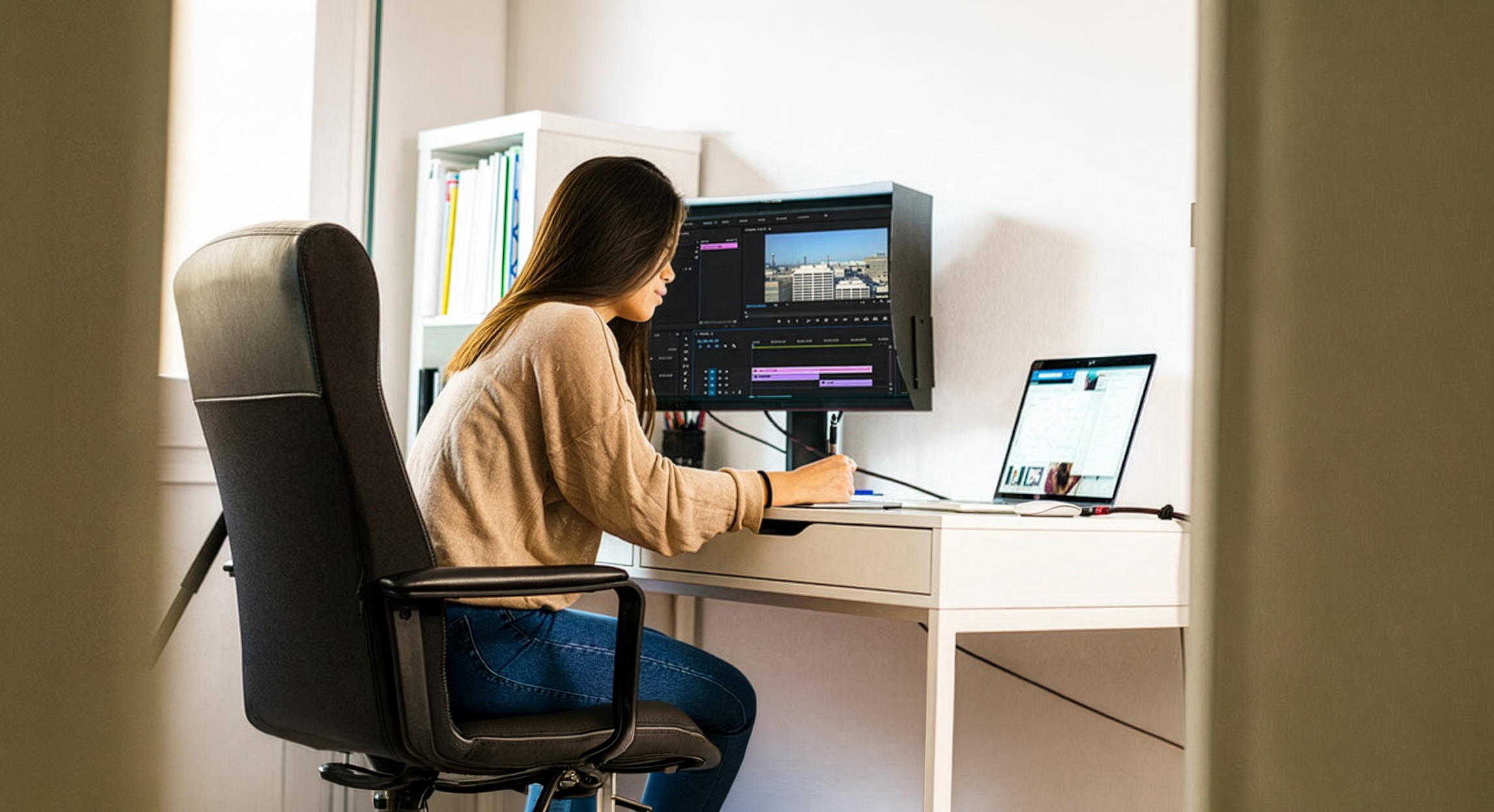
LG UltraWide productivity monitors cover a broad range of sizes and price points, making them practical for different budgets and professional environments. The most popular models sit at 34 inches and 40 inches, with resolutions scaling from WFHD up to full 5K2K WUHD.
Understanding what each specification tier delivers in real-world use is key before you commit.
Core Specs at a Glance
Note: Specs below are representative of mid-to-higher-range models within each size category. Individual models vary. Always check the product page for confirmed specifications before purchasing.
|
Spec |
34" UltraWide |
40" UltraWide |
|
Aspect ratio |
21:9 |
21:9 |
|
Resolution |
3440x1440 (WQHD) |
5120x2160 (5K2K WUHD) |
|
Panel type |
IPS / Nano IPS |
Nano IPS |
|
Colour gamut |
sRGB 99% / DCI-P3 95% |
DCI-P3 98% |
|
USB-C power delivery |
Up to 90W |
Up to 96W |
|
Thunderbolt 4 |
Selected models |
Yes |
|
KVM switch |
Selected models |
Yes |
|
Refresh rate |
Up to 160Hz |
Up to 75Hz |
|
Curved option |
Yes (1800R) |
Yes (2300R) |
Many mid-to-high-end LG widescreen monitors also include LG's TÜV-certified Low Blue Light and Flicker Safe technology on most models, which matters during long working sessions.
For Productivity and Multi-App Work
When it comes to everyday work, the LG ultrawide monitor earns its keep in multi-window setups. The wide canvas lets you keep a spreadsheet, email client, and browser open at the same time, without any of them feeling cramped.
LG's on-screen control software allows you to divide your display into up to six customisable zones, removing the need to manually resize windows throughout the day. Picture-by-Picture (PBP) mode also lets you connect two devices and view both on a single screen simultaneously.
Best productivity use cases:
- Managing email alongside project tools like Jira, Asana, or Trello
- Reviewing documents and spreadsheets side by side
- Video conferencing with reference material open at the same time
- Financial trading with multiple data feeds visible at once
For Coding and Development
An LG ultrawide monitor for coding gives developers a wide canvas to keep a code editor, terminal, and documentation open simultaneously. This significantly reduces Alt+Tab switching and helps maintain focus during long sessions.
At 3440x1440 on a 34-inch panel, text rendering is sharp at a comfortable pixel density. Developers working with frameworks, APIs, or version control benefit from having diff views, terminal output, and documentation in view without losing context.
Why developers prefer the ultrawide format:
- View code, terminal, and documentation all at once
- Ideal for debugging: console visible without switching screens
- Multi-pane editors like VS Code or JetBrains work particularly well
- WQHD resolution keeps text crisp even at smaller font sizes
For Content Creation
Content creators working in video editing, graphic design, or motion work benefit enormously from the extended horizontal canvas. Video timelines in particular expand significantly on a 34-inch or 40-inch screen, reducing the scrolling needed to navigate long projects.
At 5120x2160 on the 40-inch model, colour graders and photo editors get near-studio accuracy with DCI-P3 98% colour coverage. Thunderbolt 4 connectivity also supports high-bandwidth file transfers, which matters when moving large project files between devices.
Content creation benefits:
- Expanded video timeline for long-form edits in Premiere or Resolve
- Near-accurate DCI-P3 colour for photo and video grading
- Multiple tool panels open alongside the main canvas
- Single cable setup keeps the workspace tidy
For Dashboard Monitoring
Analytics professionals and data engineers who work with multiple live dashboards running simultaneously will appreciate the UltraWide's horizontal reach. You can monitor several panels, feeds, or data sources without switching tabs.
LG's Split Screen functionality assigns each dashboard or application to a fixed zone, so your layout stays consistent across the working day. This is particularly useful in financial services, DevOps monitoring, and operations management environments.
LG DualUp Monitor: Specs and Use Cases
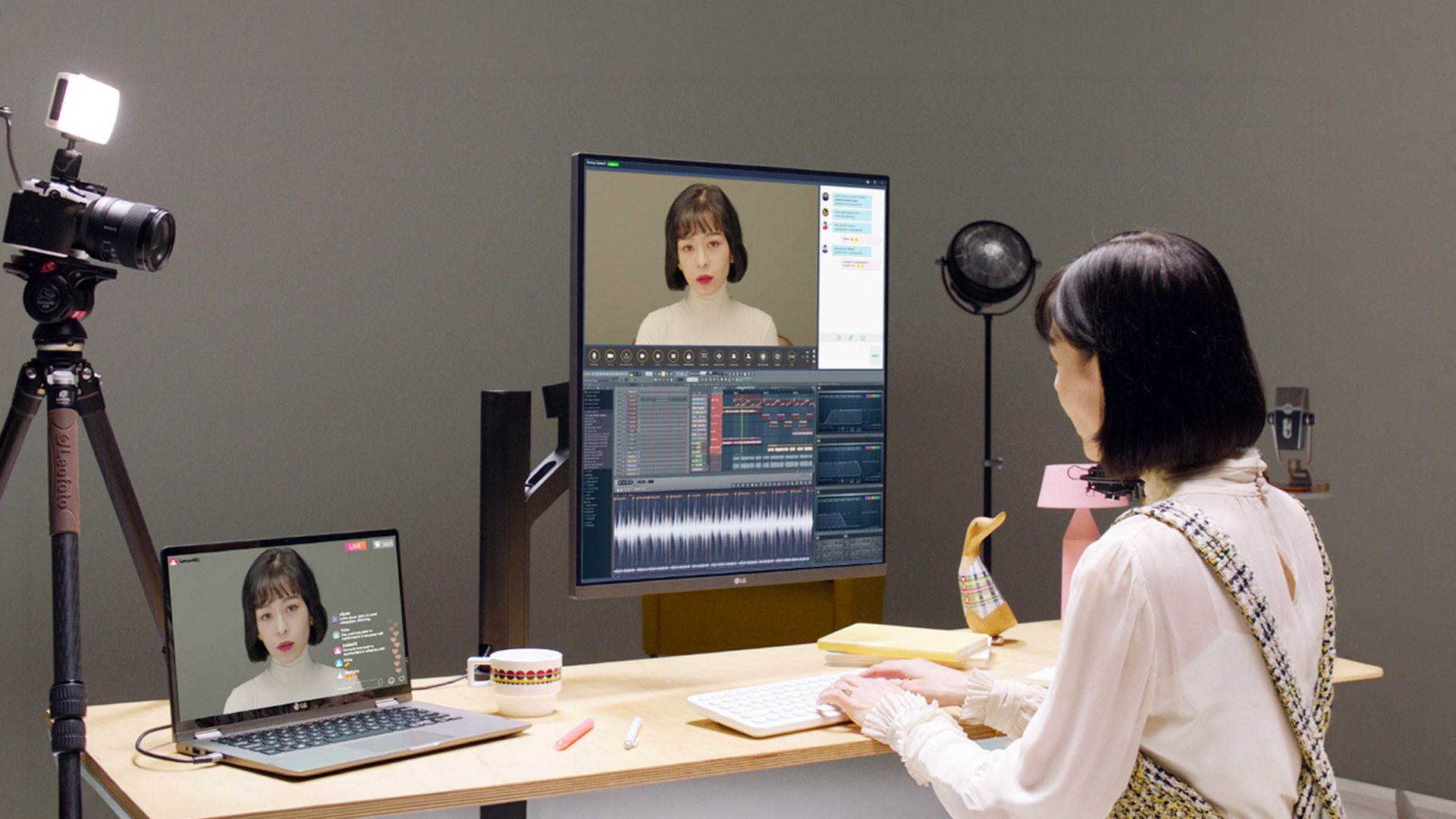
The LG DualUp takes a completely different approach to screen real estate. Rather than going wider, it goes taller, using a unique 16:18 aspect ratio that effectively stacks two QHD displays on top of each other without any bezel in between.
Getting to grips with the LG DualUp monitor use cases helps clarify whether this format suits the way you actually work.
Core Specs at a Glance
Note: Specs below are based on the 28MQ780 model. Check the product page for the most up-to-date specifications.
|
Spec |
LG DualUp (28MQ780) |
|
Screen size |
27.6 inches (diagonal) |
|
Aspect ratio |
16:18 (taller than wide) |
|
Resolution |
2560x2880 (SDQHD) |
|
Panel type |
Nano IPS |
|
Colour gamut |
DCI-P3 98% |
|
USB-C power delivery |
Up to 90W |
|
Additional inputs |
2x HDMI, 1x DisplayPort |
|
KVM support |
Yes |
|
Stand |
Ergo Arm (full motion: pivot, swivel, height, tilt) |
|
Refresh rate |
60Hz |
DualUp for Coding
For developers, the DualUp's vertical space is genuinely impressive. You can view significantly more lines of code without scrolling, which reduces cognitive load and keeps you in the flow of writing and debugging.
The logical split works naturally: code editor on the top half, terminal output or documentation below. With KVM support, you can switch between two machines using the same keyboard and mouse, which is handy for developers running separate environments or testing on multiple systems.
DualUp coding benefits:
- See up to twice as many code lines compared to a standard 16:9 screen
- Vertical split: editor on top, terminal or docs below
- KVM for switching between development and staging environments
- Compact footprint despite the large viewable area
DualUp for Content Creation
The DualUp's taller format suits photo editing particularly well. Most photographs are captured in portrait or square formats, which match the screen's proportions far better than any wide 16:9 display.
Video editors can use the vertical layout to keep the preview window in the upper half whilst the editing timeline occupies the lower section. Multi-layer editing in tools like Adobe Premiere or DaVinci Resolve becomes more manageable when you can see additional layers without scrolling.
DualUp for Dashboard and Data Work
Analysts working with vertically-oriented data, such as long financial reports, extended CRM dashboards, or spreadsheets with many rows, benefit from the DualUp's additional height. Scrolling through lengthy datasets becomes far less frequent.
The PBP (Picture-by-Picture) feature allows two separate data sources to occupy individual halves of the screen. This means monitoring two dashboards from different systems is seamless, with no overlap and no need to switch between windows.
Ultrawide vs Dual Monitor: Which Makes More Sense?
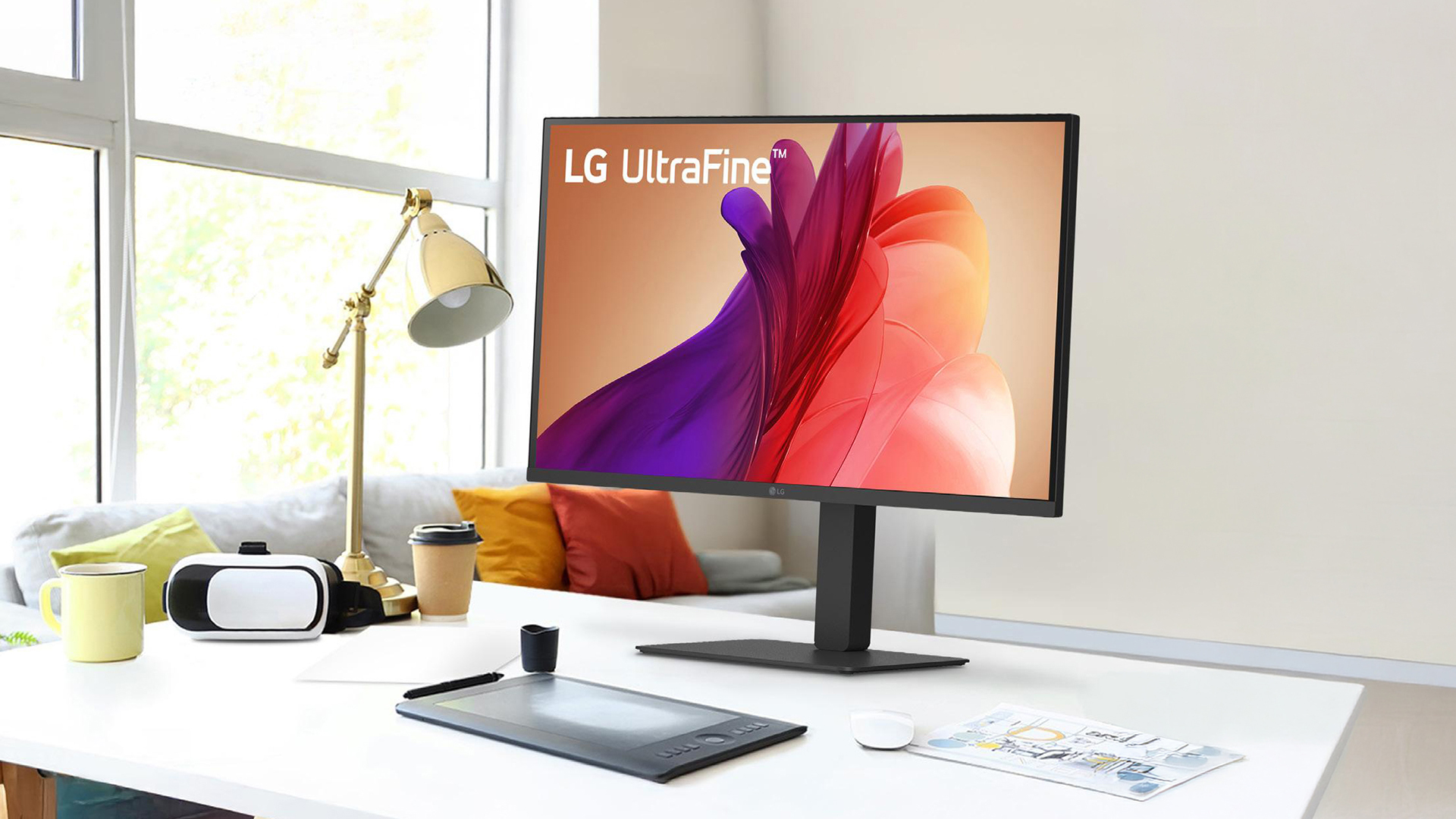
When weighing up the ultrawide vs dual monitor LG debate, both formats offer distinct advantages depending on your working style. A dual-monitor setup delivers more total pixels, but comes with a physical gap between screens that fragments your visual field.
An LG UltraWide removes that gap entirely, giving you a seamless, uninterrupted canvas to work on. Cable management is also simpler with a single display, and USB-C passthrough means you can power and connect a laptop with just one cable.
Quick comparison:
|
Factor |
LG UltraWide |
Dual Monitor Setup |
|
Screen continuity |
Seamless, no bezel gap |
Visible gap between screens |
|
Desk footprint |
Less clutter, one stand |
More space required |
|
Cable management |
Single USB-C or Thunderbolt |
Multiple cables per monitor |
|
Horizontal space |
Significantly more |
Depends on screen sizes |
|
Head movement |
Reduced, centre-focused |
More frequent turning |
|
Setup cost |
Mid to premium, single purchase |
Two screens needed |
For most professionals, the single-screen UltraWide approach wins on focus, ergonomics, and tidiness. A dual setup remains useful when you need to run two completely independent display environments, for instance a design preview screen alongside a tools panel.
Explore the LG monitor eye-care & ergonomics guide for a full breakdown of display comfort features.
Full Comparison: UltraWide vs DualUp at a Glance
Here is a detailed side-by-side breakdown of how both formats compare across every specification that matters for professional use. This should help you quickly identify which format fits your workflow.
Note: Specs are representative of popular models within each format. Features such as Thunderbolt 4, KVM, and USB-C power delivery vary by model. Always confirm specifications on the individual product page.
|
Feature |
LG UltraWide (34") |
LG UltraWide (40") |
LG DualUp (27.6") |
|
Aspect ratio |
21:9 |
21:9 |
16:18 |
|
Resolution |
3440x1440 |
5120x2160 |
2560x2880 |
|
Panel type |
IPS / Nano IPS |
Nano IPS |
Nano IPS |
|
Colour gamut |
sRGB 99% / DCI-P3 95% |
DCI-P3 98% |
DCI-P3 98% |
|
HDR support |
HDR10 |
HDR10 |
HDR10 |
|
USB-C PD |
Up to 90W |
Up to 96W |
Up to 90W |
|
Thunderbolt 4 |
Selected models |
Yes |
No |
|
KVM switch |
Selected models |
Yes |
Yes |
|
PBP mode |
Yes |
Yes |
Yes |
|
Refresh rate |
Up to 160Hz |
Up to 75Hz |
60Hz |
|
Curved option |
Yes (1800R) |
Yes (2300R) |
No (flat) |
|
Ergo stand |
Height/tilt/swivel |
Height/tilt/swivel |
Full-motion Ergo Arm |
|
Best for |
Coding, editing, multitasking |
Professional colour work, 5K clarity |
Coding, long docs, tight desks |
|
Gaming suitability |
Yes (higher-refresh models) |
Moderate |
Not recommended |
Both formats support USB-C single-cable connectivity, eye-care features, and high-fidelity colour output. The 40-inch UltraWide commands a premium but delivers the most colour-accurate, immersive professional experience in the range.
Check out our detailed LG monitors buying guide to find the right spec for your workflow and budget.

Which to Choose: UltraWide or DualUp?
Both formats solve a real productivity problem, but they do it in different ways and for different types of workers. The right choice comes down to your workflow, your desk space, and how your eyes naturally scan information throughout the day.
Choose LG UltraWide productivity monitor When...
- You work across several apps simultaneously, such as code, browser, and terminal
- Your job involves wide data sets, trading screens, or multi-column spreadsheets
- Video editing timelines are a daily part of your workflow
- You want a display that doubles for gaming or streaming after hours
- You have a deep, wide desk with room to accommodate a large footprint
Choose LG DualUp productivity monitor When...
- You write and read long documents, reports, or lines of code all day
- Your desk space is limited horizontally but you still want dual-screen real estate
- You work with portrait-format images, tall spreadsheets, or stacked data rows
- You want to connect two devices and switch between them using a single keyboard and mouse via KVM
- Neck movement and ergonomic comfort are a high priority for you
Neither is universally better; it depends entirely on how you work. Browse the full range of LG monitors at Laptop Outlet to find the right fit.

In Case You Were Wondering...
Are LG ultrawide monitors good for productivity as well as entertainment?
Yes. LG UltraWide productivity monitors handle both well, offering wide screen real estate for multitasking at work and immersive viewing for streaming and gaming.
When should I choose a DualUp monitor instead of a standard ultrawide?
Choose the DualUp when your work involves long documents, vertically-scrolling code, or a compact desk where extra horizontal width is not practical.
Is a curved ultrawide better than a flat one for work?
Curved monitors reduce eye strain on wide screens by keeping content at a consistent focal distance, making them better suited to long working sessions.
What resolution is ideal on a 34" or 40" LG ultrawide monitor?
On a 34-inch screen, 3440x1440 delivers sharp, well-balanced clarity. On a 40-inch panel, 5120x2160 is the recommended choice for detailed creative and professional work.
Can an LG UltraWide replace a dual-monitor setup without drawbacks?
For most users, yes. The seamless canvas and single-cable connection remove the bezel gap and cable clutter that are common in dual-screen arrangements.
Related Articles

Last Updated: August 25, 2026
If you spend hours a day on a screen, you’ve probably felt it: tired eyes, headaches, dryness or that slightly gritty end-of-day sensation. While no monitor can solve every cause of screen-related discomfort, BenQ Eye-Care monitors include features designed to make longer sessions more comfortable by managing brightness, reducing flicker and giving you control over blue-heavy light, particularly for evening use.
What BenQ Eye-Care Means: Features and What They’re For
Several BenQ monitor ranges include comfort-focused tools under the Eye-Care umbrella. The exact feature set varies by model, but the typical options include:
- BenQ Brightness Intelligence, sometimes called Brightness Intelligence Plus or B.I.+, to adjust the screen according to your surroundings and displayed content
- Visual Optimizer, the newer name for B.I.+ on supported BenQ monitors, which can adapt brightness and colour temperature
- BenQ Low Blue Light or Low Blue Light Plus modes to reduce blue-heavy light output
- BenQ
Last Updated: March 13, 2026
Choosing the right ASUS monitor with a webcam can significantly simplify how modern meeting rooms operate. As hybrid work becomes the norm, businesses are looking for cleaner, more efficient conferencing setups that don’t rely on multiple external peripherals. An integrated solution that combines display, camera, microphone, and speakers into one device makes deployment faster and more cost-effective. For small meeting spaces and huddle rooms in particular, an ASUS business monitor with speakers and a built-in webcam offers a practical alternative to a full conferencing kit.
What to Know About Microsoft Teams Rooms Compatibility
It’s important to clarify how an ASUS monitor with webcam fits into a Microsoft Teams Rooms environment.
Microsoft Teams Rooms (MTR) systems are typically powered by a dedicated PC or collaboration bar. The monitor itself is not the Teams Rooms system, instead, it acts as the display and USB conferencing endpoint. When paired with a Teams-enabled PC, many ASUS
Last Updated: August 13, 2026
A 27-inch display gives you enough screen space for documents, spreadsheets, online classes, streaming, and gaming without taking over the average desk. Better still, choosing an affordable model no longer means settling for a basic 60Hz or 75Hz screen.
Today’s budget-friendly BenQ range includes Full HD IPS displays with 100Hz and 144Hz refresh rates, eye-care features, built-in speakers, USB-C connectivity, and ergonomic stands on selected models. That gives buyers considerably more choice, whether the priority is office productivity, studying, or smoother casual gaming.
What Can You Expect from a BenQ 27-Inch Monitor Under £200?
The specifications available at this price have improved significantly. Rather than assuming every affordable display will have a low refresh rate and a basic stand, it is better to compare individual models. Features available across the models in this guide include:
- Full HD 1920 x 1080 resolution
- IPS panel technology
- 100Hz or 144Hz refresh rates
- BenQ Eye-Care
Last Updated: August 11, 2026
Getting the right monitor is no longer just about picking a size and hoping for the best. In 2026, the best results come from matching the screen to the job. That is where BenQ tends to do well. Instead of trying to make every display “good at everything”, the range is split into clear families built around specific uses: creative colour work, programming and text-heavy productivity, competitive gaming, immersive gaming, and comfortable home office setups.
This guide focuses on BenQ monitors uses in real setups, the key differences between series, and what to look for when you want one monitor for both gaming and work.
BenQ as a Brand in 2026
BenQ is a Taiwan-based electronics brand known globally for displays, including monitors and projectors. The BenQ name is tied to the idea of “Bringing Enjoyment ‘N’ Quality to life,” and the company’s display focus shows up most clearly in how it splits monitors into specialised series instead of pushing one “flagship for everyone.”
That specialisation
Last Updated: September 01, 2026
Choosing a new monitor is not always straightforward. With so many screen sizes, panel types, and resolution options on the market, it is easy to get lost before you even reach a shortlist. This LG monitors buying guide cuts through all of that.
It walks you through every major LG screen series, explains the specs that actually matter, and helps you find the right display for your needs and budget. Whether you are gaming, working from home, editing photos, or simply upgrading a tired old screen, LG has a monitor built for the job. Let’s get started.
Why Choose an LG Monitor in 2026?
LG is one of the few brands that designs and manufactures its own display panels. That matters because it gives LG direct control over colour accuracy, panel quality, and how quickly new technology reaches the market.
Whether you need a budget-friendly Full HD screen or a professional-grade OLED display, LG offers a broad, well-priced range. They continue to lead with innovations like Nano IPS for
Last Updated: September 01, 2026
A monitor can suit very different tasks depending on its resolution, refresh rate, panel type, colour performance, screen format, and connectivity. That is why understanding LG monitor uses is more helpful than simply comparing model names or product lines.
For gaming, the priority may be smooth motion and responsiveness. For office work, text clarity, screen space and ergonomics usually matter more. Creative workplaces greater emphasis on colour consistency, detail and a display that can be set up accurately for visual tasks.
This guide explains how LG displays can support gaming, productivity and creative applications, and how the most important display requirements change depending on what you do at your desk.
How LG Monitors Support Gaming
Refresh Rate and Motion Smoothness
Gaming places different demands on a display from office or general home use. Fast-moving scenes, rapid camera movement and competitive play can make refresh rate, response behaviour and motion clarity much more
Last Updated: April 14, 2026
Choosing the right monitor can genuinely change how you play. Whether you’re grinding ranked matches, competing in esports, or just kicking back on your console, your display has a direct impact on performance, clarity and overall experience.
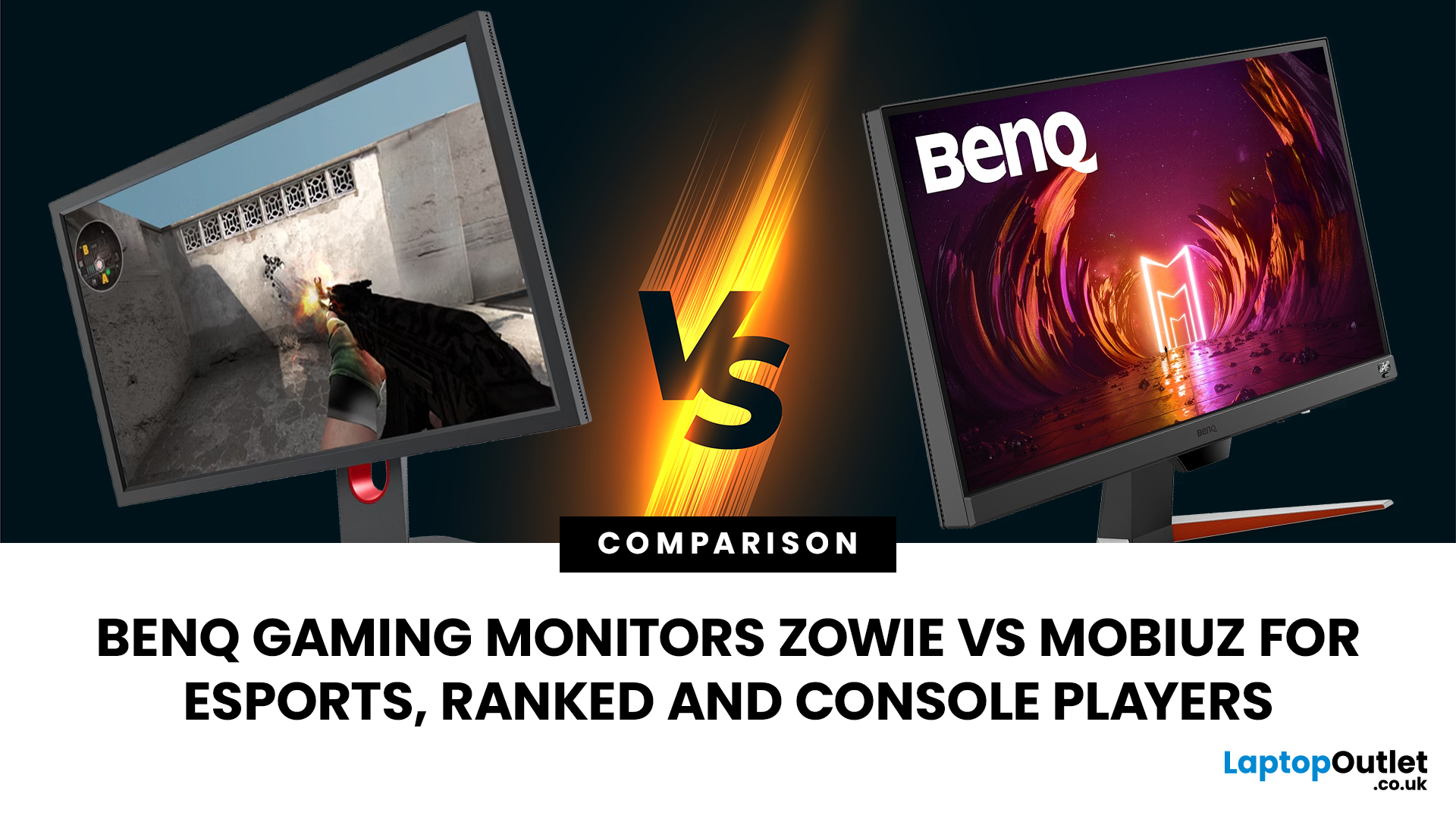
That’s where BenQ gaming monitors stand out. Known for precision engineering and gamer-first features, BenQ offers two standout ranges: ZOWIE and MOBIUZ. But when it comes to BenQ gaming monitors ZOWIE vs MOBIUZ, which one is right for you? Let’s break it down in a way that makes sense for how you play.
BenQ Gaming Monitors Explained
BenQ doesn’t take a one-size-fits-all approach to gaming. Instead, it splits its lineup into two clearly defined categories:
- BenQ ZOWIE esports monitors – built purely for competitive performance
- BenQ MOBIUZ gaming monitors – designed for immersive, all-round gaming
ZOWIE is about speed, precision and winning. MOBIUZ is about visuals, versatility and enjoying the full gaming experience. Both are excellent, but they serve
Last Updated: April 14, 2026
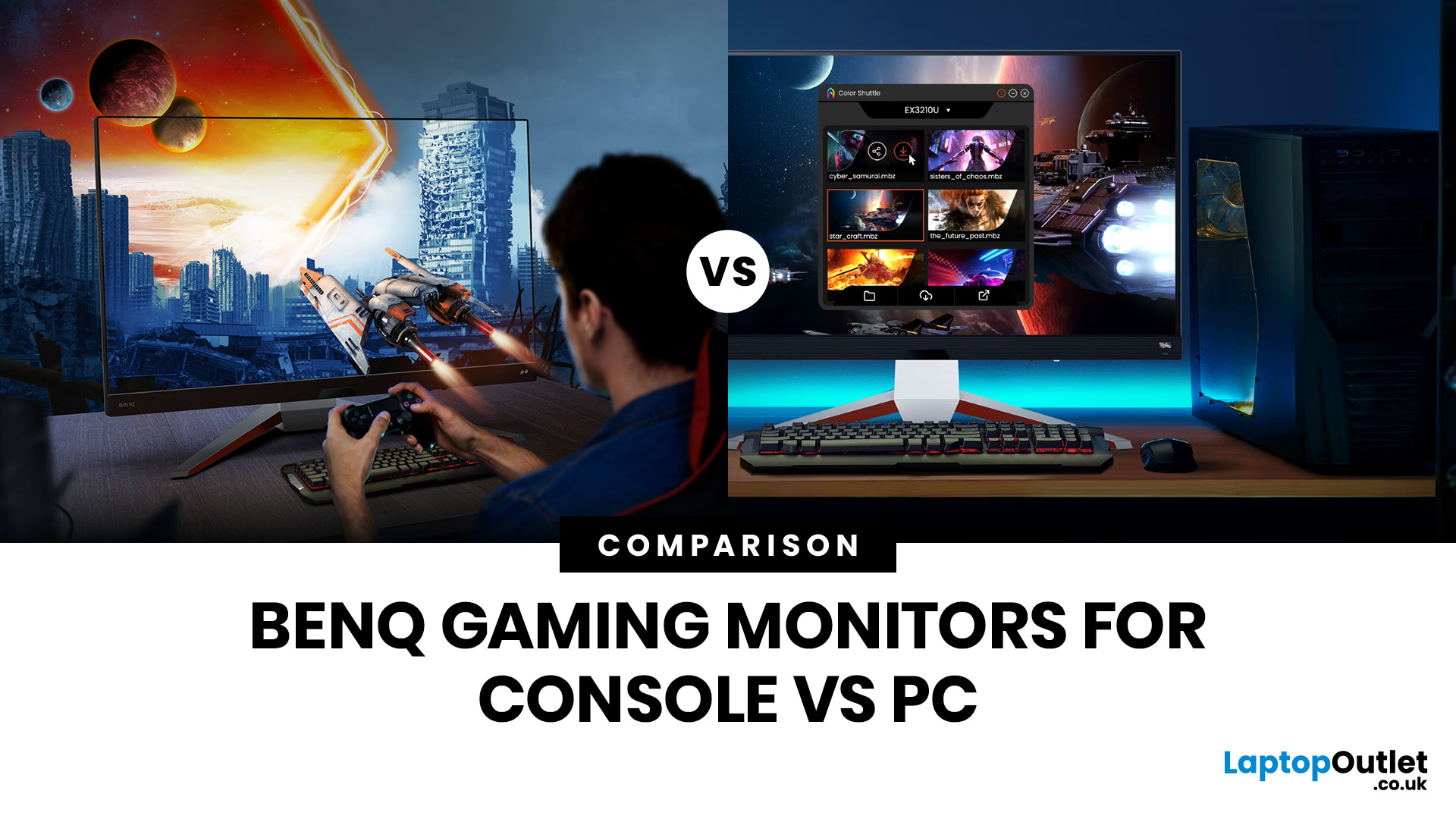
Picking the right gaming monitor is no longer as simple as choosing the biggest screen you can afford. Your setup matters, your platform matters, and the way you play matters even more. A monitor that feels perfect for a competitive PC player might not be the best fit for someone gaming on a PS5 or Xbox Series X.
That’s exactly why choosing the right BenQ gaming monitor for console or PC comes down to more than specs on a product page. You need to think about refresh rate, resolution, connectivity and whether you care more about raw speed or immersive visuals.
BenQ makes that decision easier by offering two clear gaming monitor families. ZOWIE is built for fast, focused competitive PC play, while MOBIUZ is designed for players who want strong performance with more visual depth and better console-friendly features. If you’ve been stuck comparing 1080p, 1440p and 4K, this guide breaks it all down in a way that helps.
Do Console and PC Gamers Need Different BenQ Monitors?
Console and PC
Last Updated: April 28, 2026
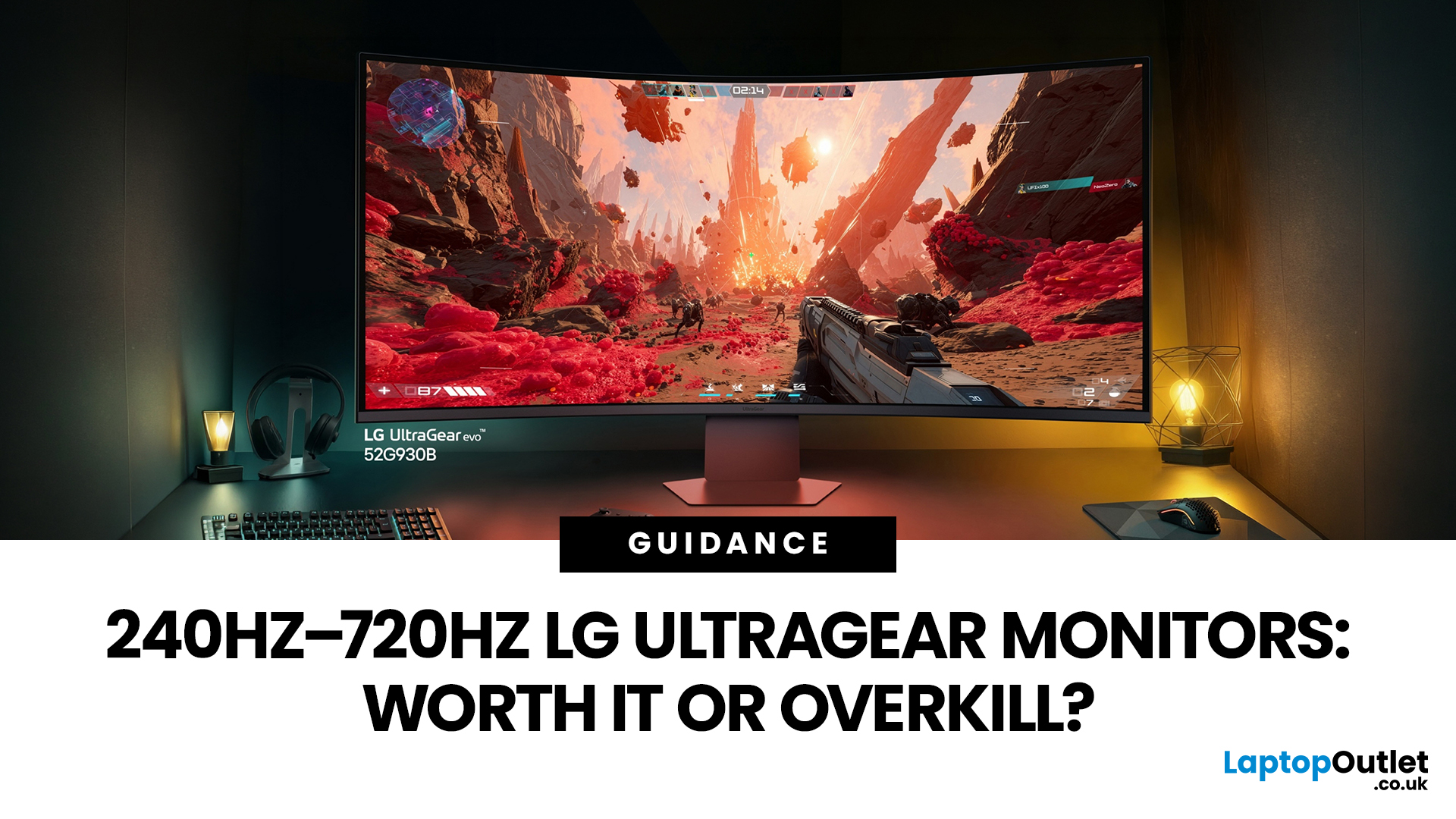
If you've been shopping for a gaming monitor lately, you've probably noticed the numbers getting a bit daft. 240Hz, 330Hz, 480Hz, 540Hz, and now 720Hz.
High refresh LG UltraGear monitors are pushing the boundaries of what gaming displays can do, and the specs are genuinely impressive. But the real question isn't what these monitors can do. It's whether you'll actually notice the difference when you're in the thick of a match.
This guide cuts through the spec sheet jargon and answers what most gamers genuinely want to know: when does a higher refresh rate actually matter, who benefits from it, and which part of the spectrum makes sense for your setup?
What Refresh Rate Actually Does During Gameplay
Refresh rate is one of the most talked-about monitor specs, yet it is also one of the most misunderstood. Before diving into the numbers, it helps to know what is actually happening at the hardware level, because the real-world experience comes from two separate things working together.
A monitor's
Last Updated: September 01, 2026
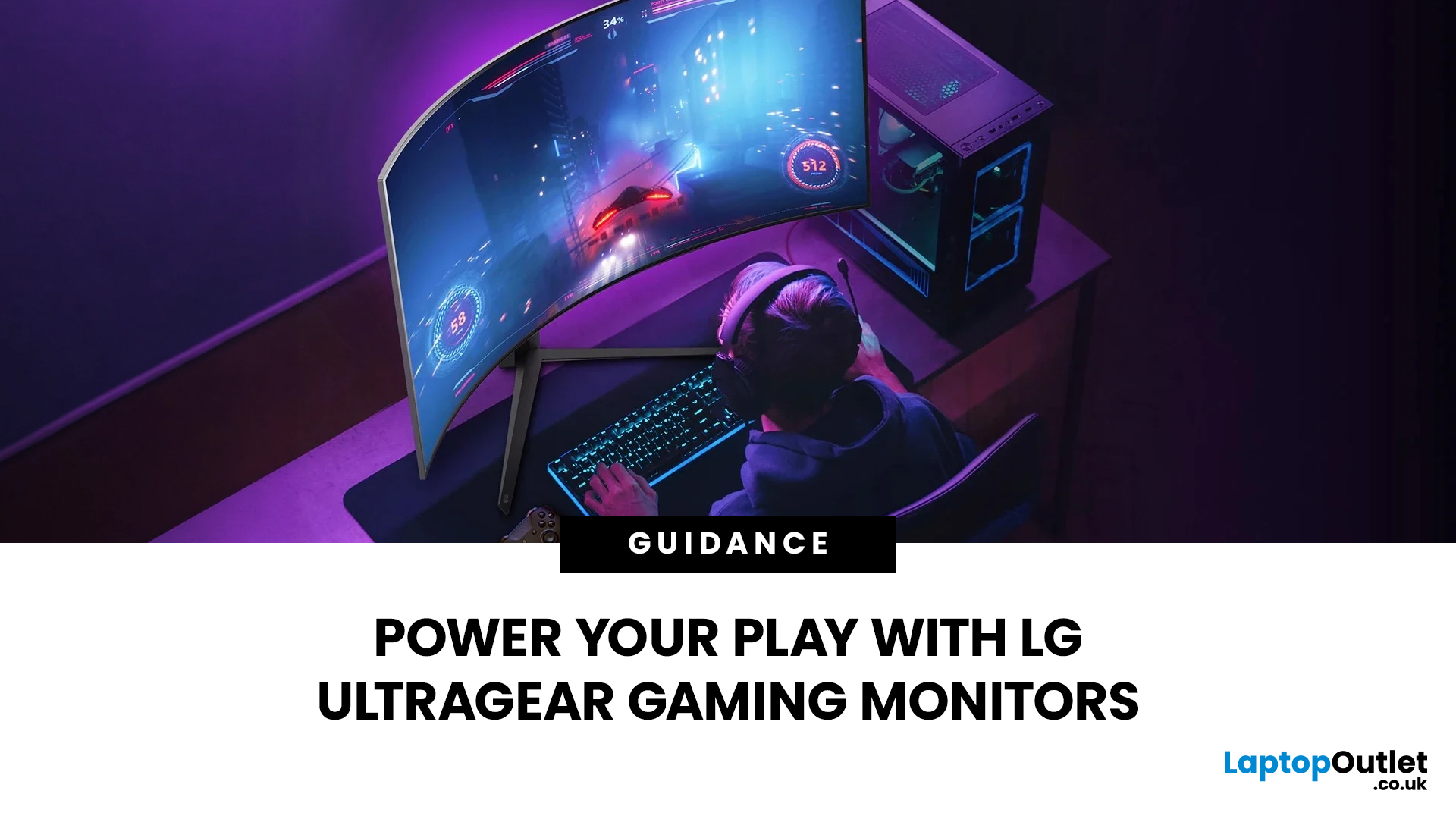
Not all gaming monitors are built the same, and the LG UltraGear range makes that very clear. Whether you're playing for fun on weekends, grinding ranked matches on a mid-range rig, or competing at a serious level, there's a specific UltraGear model that fits your needs.
This LG UltraGear guide breaks down the full lineup by player type so you can make a genuinely informed decision before spending your money.
What Makes LG UltraGear Different from Standard LG Monitors?
LG produces monitors for all sorts of uses, from office work to content creation to home cinema. UltraGear is the gaming-focused sub-brand, and it comes with a noticeably different spec sheet compared to LG's standard displays.
The core differences come down to priorities. Standard LG monitors are built around colour accuracy, ergonomics, and value for office use. UltraGear monitors are tuned for speed, responsiveness, and visual clarity under fast-moving gaming conditions.
In practical terms, this means LG UltraGear gaming

