



USB Sticks
Shop USB sticks for carrying documents, photos, presentations and other files between compatible devices. Choose Kingston and SanDisk USB flash drives in 32GB, 64GB, 128GB, 256GB and 512GB capacities, with USB-A and dual USB-A/USB-C options available. Pick by capacity, connector, transfer performance and design to match how and where you store or move files.
Finance available
Finance available

Finance available

Finance available
Showing 15 of 27 Items
Shop USB Memory Sticks from 32GB to 512GB
Choose the capacity around the files you actually need to carry rather than paying for storage you are unlikely to use. Laptop Outlet offers USB memory sticks across 32GB, 64GB, 128GB, 256GB and 512GB capacities, giving you several ways to balance storage space and spend.
- 32GB: a practical choice for documents, presentations, spreadsheets and smaller collections of photos or other files.
- 64GB: gives you more room for mixed work, study and personal files while keeping the drive compact and easy to carry.
- 128GB: a strong all-round option when you regularly move larger folders, photo collections or media between devices.
- 256GB: worth stepping up to for larger project files, media libraries or frequent transfers where 128GB may fill quickly.
- 512GB: choose this capacity when you want substantially more portable storage without moving to a larger drive format.
If 512GB is not enough for your backups, media library or long-term file storage, external hard drives give you higher-capacity options for larger collections.
A 128GB USB stick, 256GB USB stick or 512GB USB stick does not tell you how fast the drive will be, so check the model and published read/write specification as well as capacity before ordering.
Choose Between USB-A and Dual USB-A & USB-C Drives
Start with the ports on the devices you use most.
A USB-A flash drive suits laptops, desktops, TVs and other equipment with the traditional rectangular USB port. Kingston DataTraveler Exodia, Kyson, SE9 G3 and Micro options give you several USB-A designs to choose from.
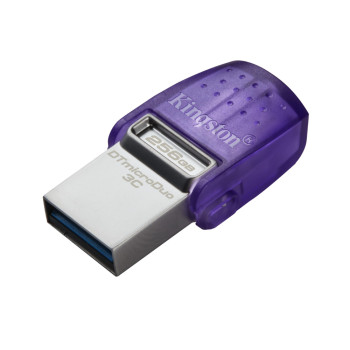
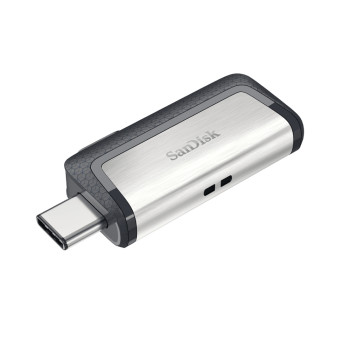
Need to move files between newer USB-C hardware and traditional USB-A devices? A dual USB drive such as the Kingston DataTraveler microDuo gives you both connectors in one compact drive. That makes it particularly useful for transferring compatible files between a laptop and USB-C phone or tablet without carrying a separate adaptor.
Do not choose a USB-C flash drive purely because USB-C looks newer. Connector shape and transfer speed are separate specifications. Check the USB standard and the published performance of the exact drive as well as the connector.
Compare Kingston DataTraveler & SanDisk USB Flash Drives
Once you know the capacity and connector you need, narrow your choice by design and performance.
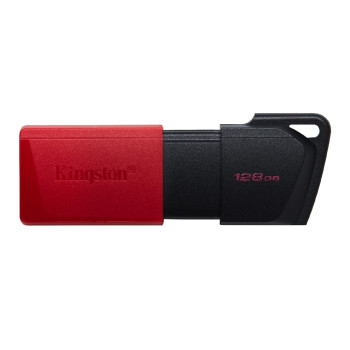
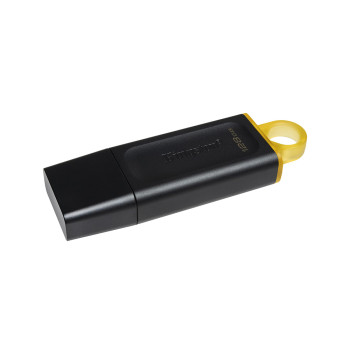
Kingston DataTraveler Exodia is a straightforward USB-A option with a protective cap, while Exodia M uses a moving-cap design. Both suit shoppers who want convenient everyday file storage without paying for features they do not need.
For a more compact metal design, look at the Kingston DataTraveler Kyson. It combines a capless USB-A format with higher published read performance, making it worth considering when you transfer files regularly.
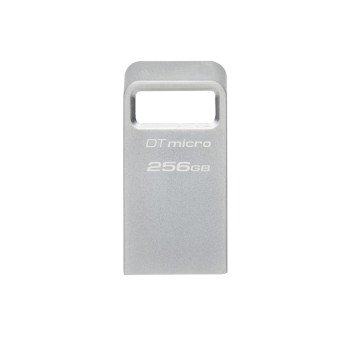
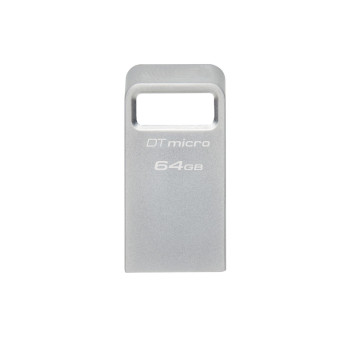
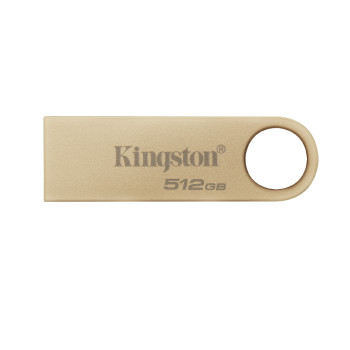
The DataTraveler SE9 G3 moves further towards performance and a premium metal housing. Kingston rates the range at up to 220MB/s read and 100MB/s write, with capacities reaching 512GB. The DataTraveler Micro is the route to consider when a low-profile metal USB-A drive is more useful around a laptop or desktop.
For dual-device use, the DataTraveler microDuo combines USB-A and USB-C in one drive and supports read speeds up to 200MB/s on compatible hardware.
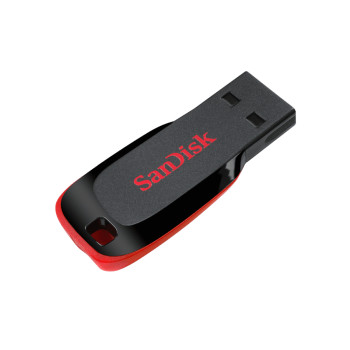
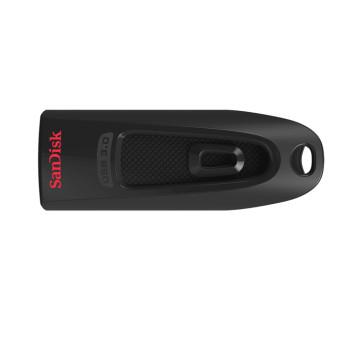
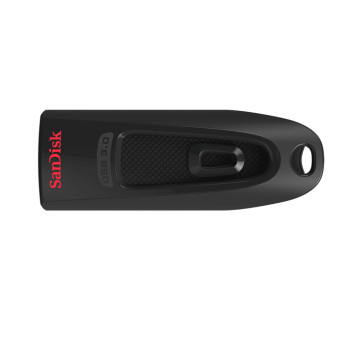
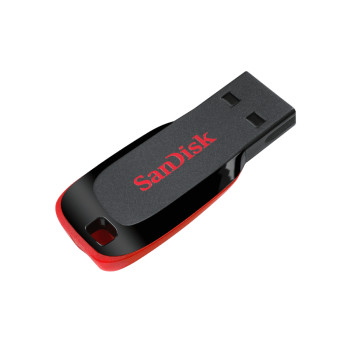
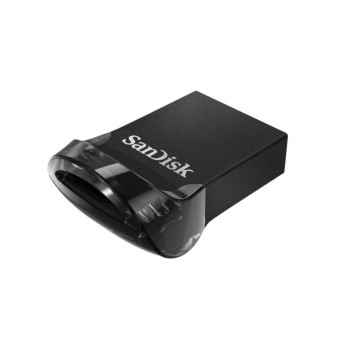
Prefer a SanDisk USB stick? Cruzer Blade provides simple USB-A storage for everyday transfers, while SanDisk Ultra models move into faster USB specifications. Ultra Fit is designed for shoppers who want a small, low-profile drive that does not protrude as far from the USB port.
Need Faster Data Transfers? Compare USB Read & Write Speeds
If you regularly copy large folders, photos or media, transfer speed should influence which drive you add to your basket.
Write speed affects how quickly files are copied onto the USB stick, while read speed matters when retrieving them. A drive with a strong read figure may therefore still take longer to fill if its write performance is lower.
Treat USB 3.2 Gen 1 as an interface specification rather than a guarantee that every USB 3.2 drive performs alike. If frequent large-file transfers are more important than pocket-sized portability, compare external SSDs alongside USB flash drives before deciding which storage format suits you.
Find a Compact, Sliding or Metal USB Stick
The right physical design depends on how and where you carry the drive.
Choose a low-profile USB stick such as SanDisk Ultra Fit or Kingston DataTraveler Micro when you want less of the drive protruding from a laptop or desktop port.
Prefer more protection around the connector? Kingston DataTraveler Exodia uses a removable cap, while Exodia M provides a moving-cap design so there is no separate cap to keep track of.
For shoppers who prefer a metal housing, Kingston Kyson and SE9 G3 provide slim capless designs. SE9 G3 also includes a large loop that can make it easier to attach the drive to a keyring or lanyard.
Focus on the design that suits everyday handling. Do not assume a metal housing makes a drive waterproof, drop-proof or impact-resistant unless the manufacturer specifically states that protection for the model you are buying.
Pick a USB Drive for Your Laptop, Desktop, Phone or TV
Check the device first, then buy the USB stick.
- For a laptop or desktop, identify whether you have USB-A, USB-C or both and make sure the chosen drive connects directly or through an adaptor you already use.
- For a phone or tablet, a USB-C connector is only the first requirement. The device must also support external USB storage and the file system used by the drive.
- For a TV, car stereo, printer or other USB-equipped device, check the manufacturer's storage guidance before ordering. Some devices only accept particular file systems, maximum capacities or media formats even when the connector fits physically.
Formatting also matters. A device may expect FAT32, exFAT or another supported file system, and changing the format can erase existing files. Check the device manual before buying or reformatting a drive if compatibility is important.
Buy USB Flash Drives at Laptop Outlet
Order your USB flash drive from Laptop Outlet with clear specifications, recognised storage brands and capacities for different everyday storage needs.
- Kingston and SanDisk options: choose everyday, compact, metal and dual-connector drives for different devices and file-transfer needs.
- Clear specifications: check capacity, connector, interface, physical design, published speeds and warranty information before ordering.
- Warranty information: review the applicable cover on the individual product page before checkout.
- UK delivery options: available delivery methods and charges are shown for the product and delivery address you select.
- Flexible ways to pay: use major credit and debit cards, PayPal, Klarna, Apple Pay or Google Pay. Eligible orders may also use PayPal Pay in 3, PayPal Credit or available Klarna payment options, subject to eligibility and provider terms.
Choose your USB stick by the capacity, connector and design that fit how you store and move files. If you are still deciding between flash storage, portable SSDs and higher-capacity drives, explore all storage options before placing your order.
READ MORE
Read more