



ASUS TUF Gaming 27-Inch QHD Monitor with 320Hz Refresh Rate
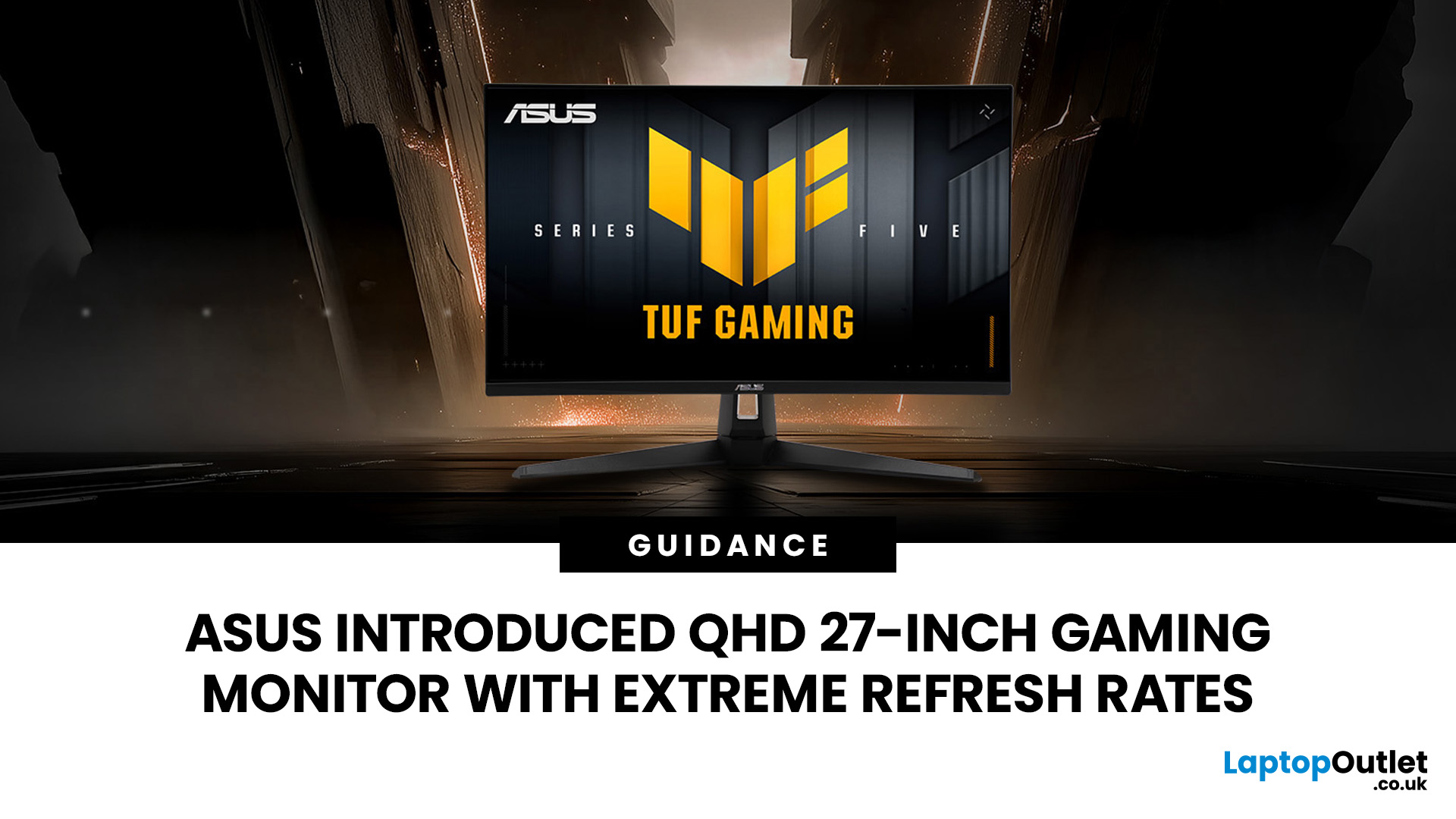
The ASUS VG27AQM5F is a 27 inch QHD gaming monitor built primarily for competitive PC players who want a higher refresh rate without dropping to Full HD resolution. As an ASUS QHD monitor, it combines a 2560 x 1440 Fast IPS panel with a maximum 320Hz refresh rate, adaptive-sync support and ASUS ELMB Sync. This ASUS new gaming display launch is aimed at players seeking smoother competitive gameplay, although its tilt-only stand, basic HDR capability and service-only USB-C port remain important limitations.
ASUS VG27AQM5F Quick Answer
|
Question |
Answer |
|
Best suited to |
Competitive PC gamers who regularly play above 200fps and still want QHD detail |
|
Main strengths |
320Hz refresh rate, Fast IPS panel, 95% DCI-P3 coverage and broad adaptive-sync support |
|
Main limitations |
Tilt-only stand, modest 300cd/m² brightness, basic HDR10 support and no functional USB-C display input |
|
Testing status |
Specification-based assessment, not a hands-on review |
|
UK availability |
Available through UK retail channels, but not listed by Laptop Outlet at publication |
ASUS VG27AQM5F Specifications
|
Specification |
ASUS TUF Gaming VG27AQM5F |
|
Screen size |
27-inch, 16:9 |
|
Native resolution |
2560 x 1440 QHD |
|
Panel type |
Fast IPS with LED backlight |
|
Screen finish |
Anti-glare |
|
Maximum refresh rate |
320Hz |
|
Response time |
1ms GTG, 0.3ms minimum GTG |
|
Adaptive sync |
AMD FreeSync Premium, NVIDIA G-SYNC Compatible, VESA AdaptiveSync Display 320Hz |
|
Colour coverage |
95% DCI-P3 |
|
Colour depth |
1.07 billion colours, 10-bit |
|
Typical brightness |
300cd/m² |
|
Typical contrast |
1300:1 |
|
HDR |
HDR10 compatibility |
|
DisplayPort |
1 x DisplayPort 1.4 HBR3 |
|
HDMI |
2 x HDMI 2.1 FRL |
|
USB-C |
1 x USB 3.2 Gen 1 Type-C service port |
|
Audio |
Two 2W speakers and headphone socket |
|
Stand adjustment |
Tilt from -5° to +20° |
|
VESA mounting |
100 x 100mm |
|
Dimensions with stand |
615 x 455 x 170mm |
|
Weight with stand |
4.5kg |
What Makes the VG27AQM5F Different?
The defining feature is not one individual specification but the combination of QHD resolution and a 320Hz refresh rate on a mainstream 27-inch Fast IPS panel. This makes it a particularly speed-focused QHD 27 inch monitor for competitive gaming, while retaining more image detail than a typical Full HD esports display.
For buyers comparing screen sizes and resolutions, this 27 inch QHD monitor offers a useful middle ground between smaller Full HD esports displays and more demanding 4K alternatives.
Traditional esports monitors often prioritise refresh rate at the expense of resolution. The ASUS VG27AQM5F instead provides the 3.69 million pixels of QHD, approximately 78% more than Full HD, while still refreshing up to 320 times each second. That makes it more adaptable to mixed use than a Full HD esports display. Games, text and desktop applications should all appear sharper at the same 27-inch size, assuming appropriate scaling and viewing distance.
The monitor is therefore aimed at players who want highly competitive speed but do not want their display limited to low-resolution gaming. It also sits naturally within the broader selection of top 27 inch gaming displays, where QHD is often the practical middle ground between Full HD performance and 4K image detail.
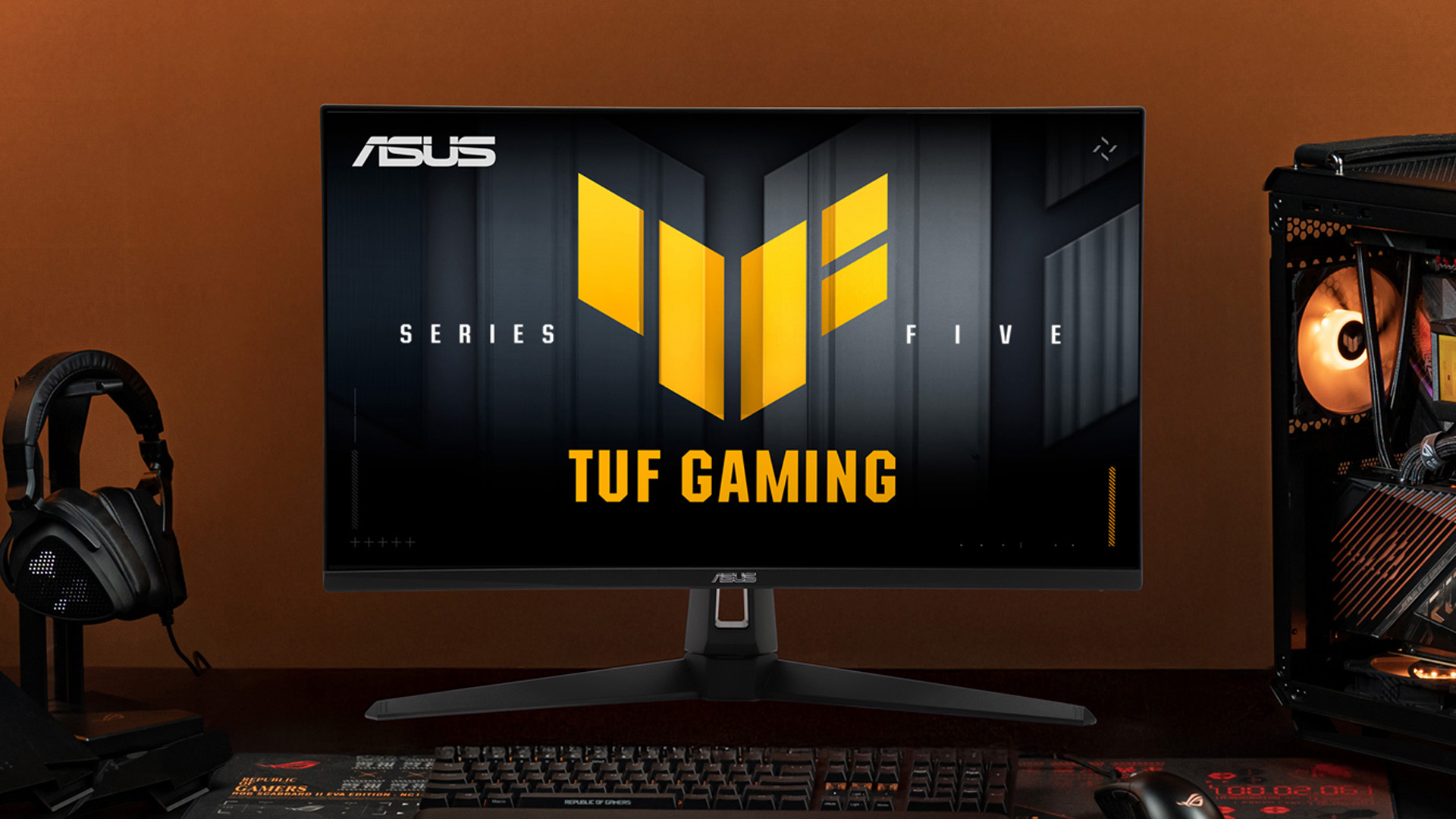
How Much Difference Does 320Hz Make?
Refresh rate describes how frequently the monitor can update its image. It is not the same as the number of frames produced by the PC.
The time available for each refresh becomes shorter as the refresh rate rises:
|
Refresh rate |
Time between refreshes |
|
165Hz |
Approximately 6.06ms |
|
240Hz |
Approximately 4.17ms |
|
320Hz |
Approximately 3.13ms |
These figures help explain why ASUS positions the VG27AQM5F as an ultra smooth refresh rate monitor. However, the difference becomes progressively smaller at higher refresh rates, so the jump from 240Hz to 320Hz is less noticeable than moving from 60Hz to 144Hz.
Moving from 165Hz to 320Hz reduces the refresh interval by about 2.93ms. Moving from 240Hz to 320Hz saves only about 1.04ms. This illustrates diminishing returns. The improvement from 60Hz to 144Hz is much easier for most people to notice than the improvement from 240Hz to 320Hz.
Players of Counter-Strike 2, Valorant, Overwatch 2 and similarly fast competitive games are the most likely to value the extra refresh headroom. However, a 320Hz monitor does not automatically improve reaction time, aim or overall skill.
The computer also does not need to maintain exactly 320fps for the monitor to remain useful. Frame rates of 180fps, 220fps or 270fps can still benefit from a high-refresh-rate panel, particularly when adaptive sync is active. Reaching closer to 320fps simply allows more of the monitor’s maximum capability to be used.
Is QHD Suitable for Competitive Gaming?
QHD has a native resolution of 2560 x 1440, compared with 1920 x 1080 for Full HD. As a 27 inch 1440p monitor, the VG27AQM5F can provide clearer text, finer environmental detail and improved visibility at longer in-game distances.
The trade-off is GPU demand. Rendering 3.69 million pixels per frame requires more graphics processing than rendering the 2.07 million pixels of Full HD. A game that runs comfortably above 300fps at 1080p may produce a lower frame rate at QHD, especially when visual settings are increased.
Competitive players commonly reduce shadows, effects, anti-aliasing and other demanding settings to maximise frame rate and minimise visual distractions. QHD nevertheless gives the VG27AQM5F more versatility for single-player games, productivity and everyday use than a Full HD 320Hz display.
This also makes the VG27AQM5F a more versatile ASUS 1440p monitor for players who divide their time between competitive titles, visually detailed single-player games and everyday desktop work.
Fast IPS and Response-Time Claims
Fast IPS is an IPS-derived panel technology designed to improve pixel transition speed while retaining the wide viewing angles and colour characteristics associated with IPS displays.
ASUS specifies a standard 1ms GTG response time and a 0.3ms minimum GTG response time. The minimum figure should not be interpreted as every pixel transition completing in 0.3ms. Actual response times vary according to the colours involved, refresh rate, overdrive mode, temperature and other panel behaviour.
Overdrive can accelerate pixel transitions, but overly aggressive settings may introduce inverse ghosting or bright trails. No comprehensive independent laboratory test of the VG27AQM5F was located during research, so its average response time, overshoot, input lag, ghosting and best overdrive setting cannot yet be confirmed.
Fast IPS should not be treated as equivalent to OLED response behaviour. OLED pixels operate differently, and any meaningful comparison would require measured transition and motion-performance data from both displays.
Adaptive Sync and ASUS ELMB Sync
The monitor carries AMD FreeSync Premium, NVIDIA G-SYNC Compatible and VESA AdaptiveSync Display 320Hz certifications. These technologies aim to align display refreshes with frames produced by the graphics card, reducing visible tearing and some forms of stuttering when the frame rate remains within a supported variable-refresh-rate range.
AMD states that FreeSync Premium adds low-frame-rate compensation and requires at least 120Hz support at Full HD. NVIDIA explains that a G-SYNC Compatible display does not contain a native NVIDIA G-SYNC processor. Instead, it has been validated for a basic variable-refresh-rate experience with compatible GeForce hardware.
Results still depend on the graphics card, driver, connection, frame-rate range and game configuration. Variable-refresh-rate displays may also behave differently at very low or rapidly fluctuating frame rates.
ASUS ELMB Sync is a separate motion-blur-reduction feature. ASUS says it allows backlight strobing and variable refresh rate to operate together. That differs from ordinary adaptive sync, which changes refresh timing but does not itself strobe the backlight. Brightness, clarity, crosstalk and image duplication with ELMB Sync would need independent testing before firm conclusions could be made.
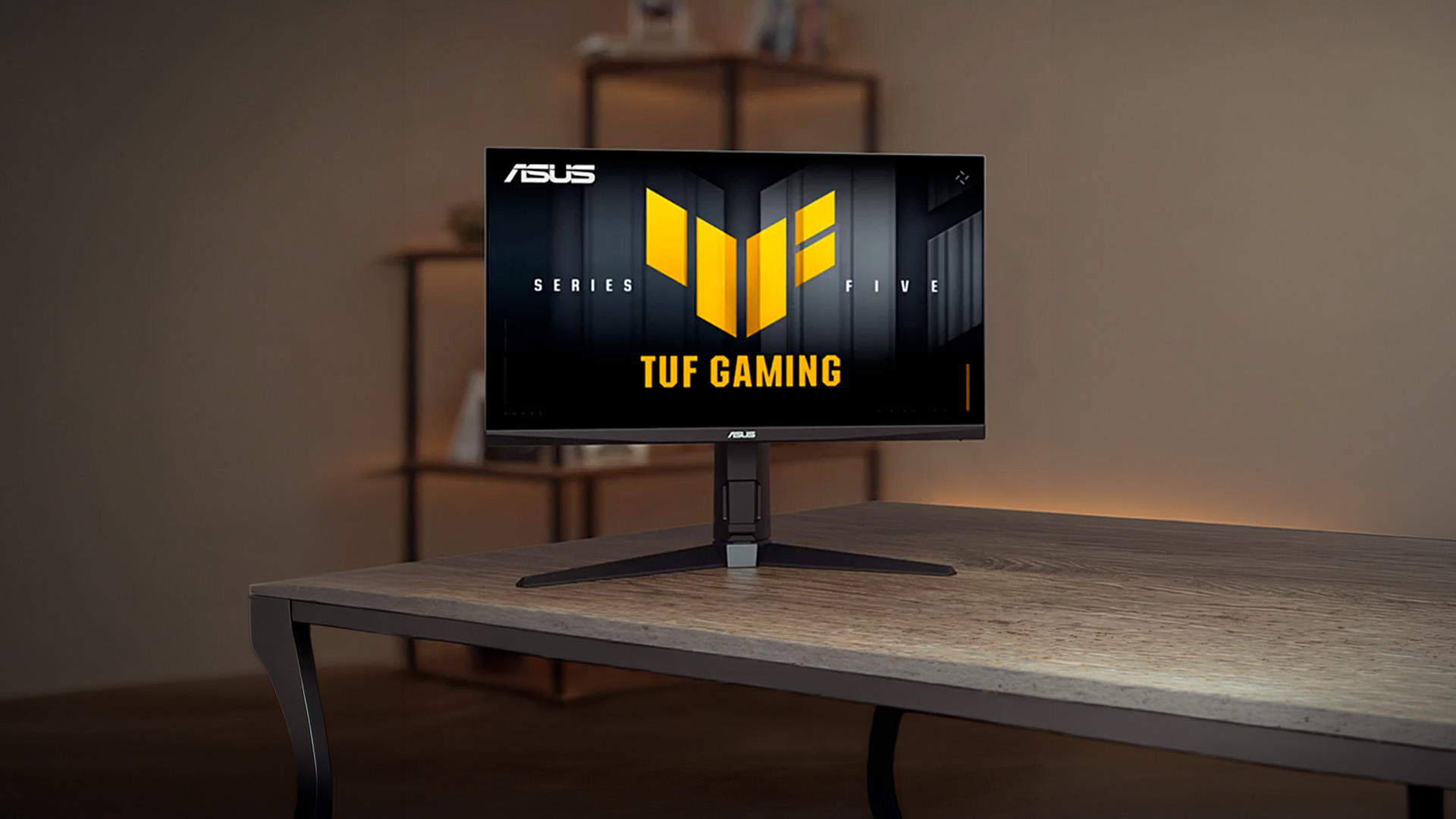
Colour and HDR Performance
ASUS specifies 95% DCI-P3 coverage, 10-bit colour support and 1.07 billion displayable colours. These figures suggest a wider colour range than a basic sRGB-only gaming monitor, but advertised gamut coverage does not confirm factory accuracy, white-point accuracy or low Delta E results. Calibration measurements would still be required for colour-critical work.
HDR support is limited to HDR10 compatibility. The VG27AQM5F does not carry a VESA DisplayHDR certification on ASUS’s specification page.
It's typical brightness is 300cd/m², while the stated contrast ratio is 1300:1. That brightness should be workable for SDR gaming in a normally lit room, but it is modest for impactful HDR highlights. The IPS panel also lacks the per-pixel lighting of OLED, and no local-dimming system is listed. Buyers prioritising convincing HDR contrast should look beyond basic HDR10 compatibility.
Gaming AI and DisplayWidget Center
ASUS includes Dynamic Crosshair, Dynamic Shadow Boost and AI Visual. According to ASUS, Dynamic Crosshair changes colour to remain visible against different backgrounds, Dynamic Shadow Boost adjusts darker areas, and AI Visual detects onscreen content before applying a default or user preset. These are manufacturer-described functions rather than independently verified competitive advantages.
DisplayWidget Center provides mouse-based access to monitor settings, firmware notifications, profiles and multiscreen controls. It may be more convenient than navigating every option through the monitor’s physical controls.
Connectivity and 320Hz Support
The VG27AQM5F provides one DisplayPort 1.4 HBR3 input, two HDMI 2.1 FRL inputs, a headphone socket and two 2W speakers. ASUS lists a vertical signal range of 48Hz to 320Hz for both DisplayPort and HDMI.
That does not guarantee QHD at 320Hz from every PC. The available refresh rate and colour format depend on the graphics card, output implementation, cable, graphics driver, operating-system settings, colour depth and chroma configuration. Buyers should confirm that their GPU output supports the required bandwidth and select 320Hz manually in Windows or the graphics control panel where available.
The USB-C connector is a USB 3.2 Gen 1 service port. ASUS does not list DisplayPort Alt Mode or USB Power Delivery for this port. It should not be treated as a video input, laptop dock or laptop charging connection.
Design and Ergonomics
The monitor uses an anti-glare surface and a relatively compact stand, but its adjustment range is limited. ASUS lists tilt from -5° to +20° and no height adjustment. Swivel and pivot are not included in the published mechanical specification.
This limitation matters if the default screen height does not suit your chair, desk or viewing position. The 100 x 100mm VESA mount allows the monitor to be fitted to a compatible arm or wall mount, which may be worth budgeting for.
Its 4.5kg weight and 615mm width should make it manageable on a smaller desk, although the stand still extends the total depth to 170mm.
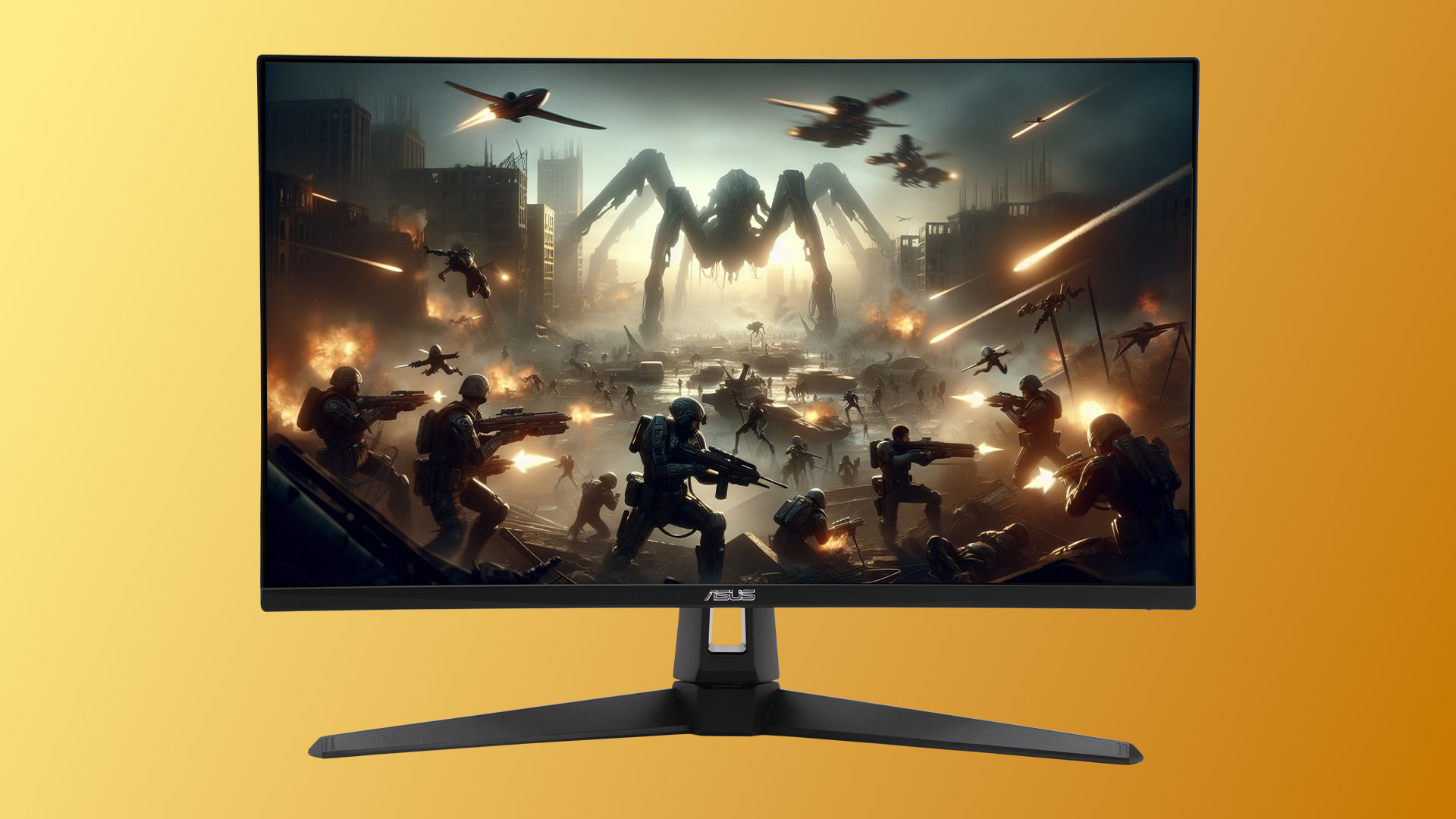
What PC Performance Do You Need?
There is no single graphics-card requirement because performance varies substantially by game, graphics settings, processor and rendering technology.
A practical way to judge suitability is by the frame rates your system produces:
- Below 144fps: The monitor will work, but much of its 320Hz capability will remain unused. A slower QHD display may offer better value.
- 144 to 240fps: Gameplay can still feel highly responsive, and adaptive sync can help manage changing frame rates. The monitor offers useful headroom.
- 240 to 320fps: This is the range where the VG27AQM5F becomes most relevant to competitive players.
- Above 320fps: The monitor can display up to 320 complete refreshes per second. Frames beyond that may still affect latency within the rendering chain, but they cannot all be shown as separate full refreshes.
High frame rates in esports games can become CPU-limited, particularly at reduced graphics settings. The processor must prepare frames quickly enough, while the graphics card must render QHD frames at the target rate. Background applications, memory performance, game updates, and busy multiplayer scenes can also affect consistency.
ASUS VG27AQM5F vs Related ASUS Monitors
|
Feature |
ASUS ROG Strix XG27ACMS |
|
Panel & Resolution |
QHD Fast IPS |
|
Refresh rate |
320Hz |
|
HDR support |
DisplayHDR 400, HDR10 |
|
Stand adjustments |
Height, tilt, swivel and pivot |
|
USB-C functionality |
Video input and 15W charging |
|
Connectivity |
DP 1.4, HDMI 2.1, USB-C |
|
Best suited for |
Buyers prioritising connectivity, ergonomics and ROG features |
|
Availability |
No live listing located |
The VG27AQML5F is the closest step-up alternative. It retains the 320Hz Fast IPS panel concept but adds a fully adjustable stand, 350cd/m² typical brightness, 400cd/m² HDR peak brightness and VESA DisplayHDR 400 certification.
The VG27AQM5A reduces the maximum refresh rate to 300Hz and its published colour specification is 16.7 million colours. Laptop Outlet had this model available to order at publication.
The VG27AQML5A combines 300Hz with a 130mm height-adjustable stand and DisplayHDR 400 certification. The ROG Strix XG27ACMS is more substantially equipped, adding a 120mm height-adjustable stand and a functional USB-C input with DisplayPort Alt Mode and 15W Power Delivery.
Who Should Consider the VG27AQM5F?
The VG27AQM5F makes the most sense for players who specifically want a fast ASUS 27 QHD monitor for high-frame-rate PC gaming without sacrificing the sharper presentation of 1440p resolution:
- Competitive PC players regularly reaching more than 200fps
- Gamers who want both esports speed and sharper QHD image quality
- Users upgrading from a 144Hz or 165Hz monitor
- Mixed competitive and single-player gamers
- People who want a 27-inch display rather than a larger desktop monitor
The case is less convincing for someone already using a good 240Hz QHD monitor. The improvement to 320Hz is measurable, but relatively small, so panel tuning, ergonomics, image quality and price should carry more weight.
Consider another monitor if your system rarely exceeds 144fps, you want premium HDR, you require height adjustment, or you need USB-C video and meaningful laptop charging. Console-only players will also be unable to use the full 320Hz ceiling. PS5 and Xbox Series consoles support gaming at up to 120Hz, subject to the game, resolution, display and connection.

ASUS VG27AQM5F Specification-Based Verdict
The strongest reason to shortlist the ASUS VG27AQM5F is its balance of QHD sharpness and a genuinely high 320Hz refresh ceiling. For anyone seeking a 27 inch QHD monitor that can support competitive gaming as well as everyday desktop use, its overall specification is more versatile than that of a Full HD esports display.
Its main compromise is not panel speed but everyday usability. The tilt-only stand and service-only USB-C port make it less flexible than the VG27AQML5F or ROG Strix XG27ACMS. Its 300cd/m² brightness and HDR10 support should also be viewed as basic compatibility rather than premium HDR performance.
Competitive PC players who value speed above stand adjustment should keep it on their shortlist. Buyers whose systems remain below 144fps, or who prioritise ergonomics, USB-C connectivity or HDR impact, should choose a slower or better-equipped alternative.

Frequently Asked Questions
Can the ASUS VG27AQM5F run QHD at 320Hz over HDMI?
ASUS lists two HDMI 2.1 FRL inputs and a vertical HDMI signal range of up to 320Hz. However, ASUS does not guarantee that every computer will expose a QHD 320Hz mode. Support depends on the graphics output, HDMI implementation, cable, driver, colour settings and operating system.
What is the difference between VG27AQM5F and VG27AQML5F?
Both use 27-inch QHD Fast IPS panels with a maximum 320Hz refresh rate. The VG27AQML5F adds a height-adjustable, swivel and pivot stand, raises typical brightness from 300cd/m² to 350cd/m² and carries VESA DisplayHDR 400 certification.
Is the ASUS VG27AQM5F suitable for PS5 or Xbox Series X?
It can accept an HDMI connection, but ASUS’s reviewed documentation does not provide a model-specific console compatibility table. PS5 and Xbox Series consoles cannot use the full 320Hz refresh rate. Their supported modes reach up to 120Hz, subject to the console, game and detected display capabilities. Buyers should verify 1440p, HDR and VRR operation after connection.
Does its USB-C port support video or laptop charging?
No. ASUS identifies it as a USB 3.2 Gen 1 Type-C service port. DisplayPort Alt Mode and USB Power Delivery are not listed, so it should not be used as a video input or laptop charger.
Is the VG27AQM5F stand height adjustable?
No. Its supplied stand supports tilt adjustment from -5° to +20° but not height adjustment. The monitor supports a 100 x 100mm VESA mount if you need a separate adjustable arm.
Is 300cd/m² bright enough for HDR gaming?
It should generally be sufficient for SDR gaming in a normally lit room, but 300cd/m² is limited for strong HDR highlights. The monitor supports HDR10 input but does not carry a VESA DisplayHDR certification, so buyers should expect basic HDR compatibility rather than premium HDR impact.
Related Articles

Last Updated: April 14, 2026
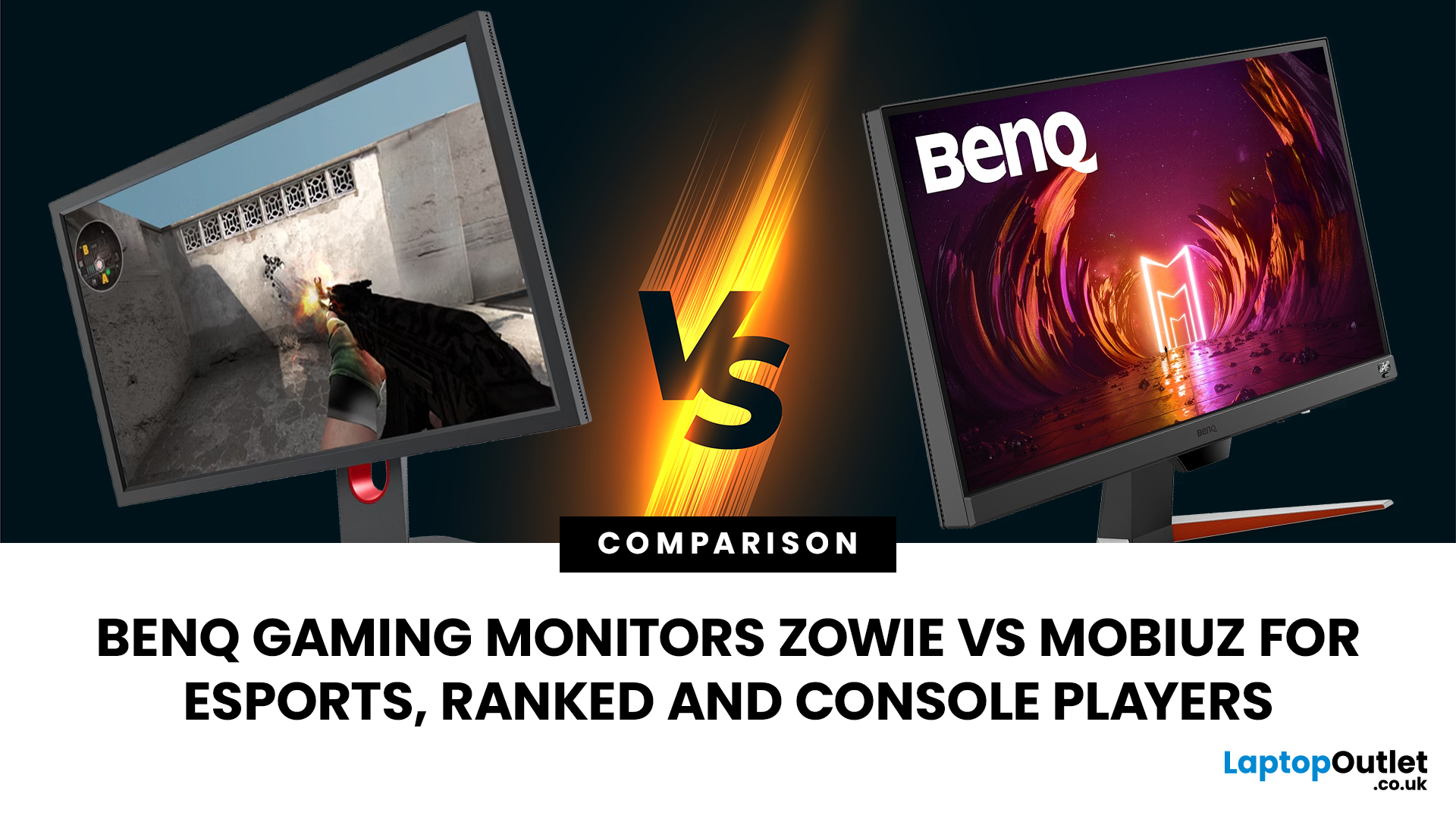
Choosing the right monitor can genuinely change how you play. Whether you’re grinding ranked matches, competing in esports, or just kicking back on your console, your display has a direct impact on performance, clarity and overall experience.
That’s where BenQ gaming monitors stand out. Known for precision engineering and gamer-first features, BenQ offers two standout ranges: ZOWIE and MOBIUZ. But when it comes to BenQ gaming monitors ZOWIE vs MOBIUZ, which one is right for you? Let’s break it down in a way that makes sense for how you play.
BenQ Gaming Monitors Explained
BenQ doesn’t take a one-size-fits-all approach to gaming. Instead, it splits its lineup into two clearly defined categories:
- BenQ ZOWIE esports monitors – built purely for competitive performance
- BenQ MOBIUZ gaming monitors – designed for immersive, all-round gaming
ZOWIE is about speed, precision and winning. MOBIUZ is about visuals, versatility and enjoying the full gaming experience. Both are excellent, but they serve
Last Updated: April 06, 2026
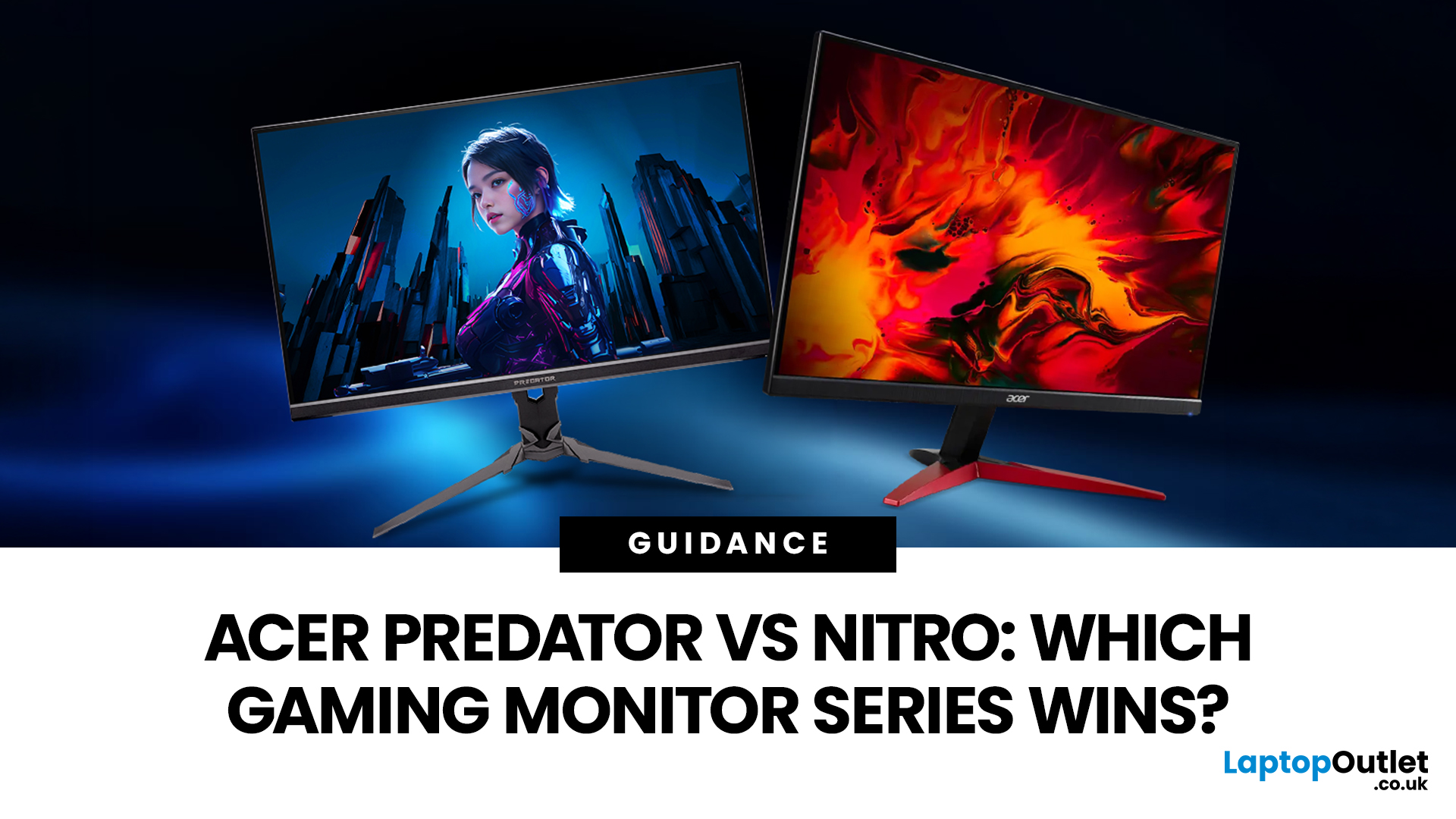
If you are comparing Acer Predator vs Nitro, you are likely at a point where a standard monitor no longer cuts it. Maybe you are upgrading your setup, moving into competitive gaming, or simply trying to get better value for your money.
Acer has made this decision slightly more complex by offering two strong Acer gaming monitor ranges that, at first glance, seem similar. Both support high refresh rates, both look like gaming displays, and both are widely available across the UK.
But once you dig deeper, Predator and Nitro are built for very different types of users. This guide breaks it down properly. No fluff, no brand hype, just a clear explanation of what matters when you are choosing between them.
Why Acer Splits Predator and Nitro in the First Place
Before comparing specs, it helps to understand Acer’s thinking. The company is not just offering two versions of the same product. These are two separate strategies:
- Predator is where Acer pushes performance, display innovation, and premium
Last Updated: April 14, 2026
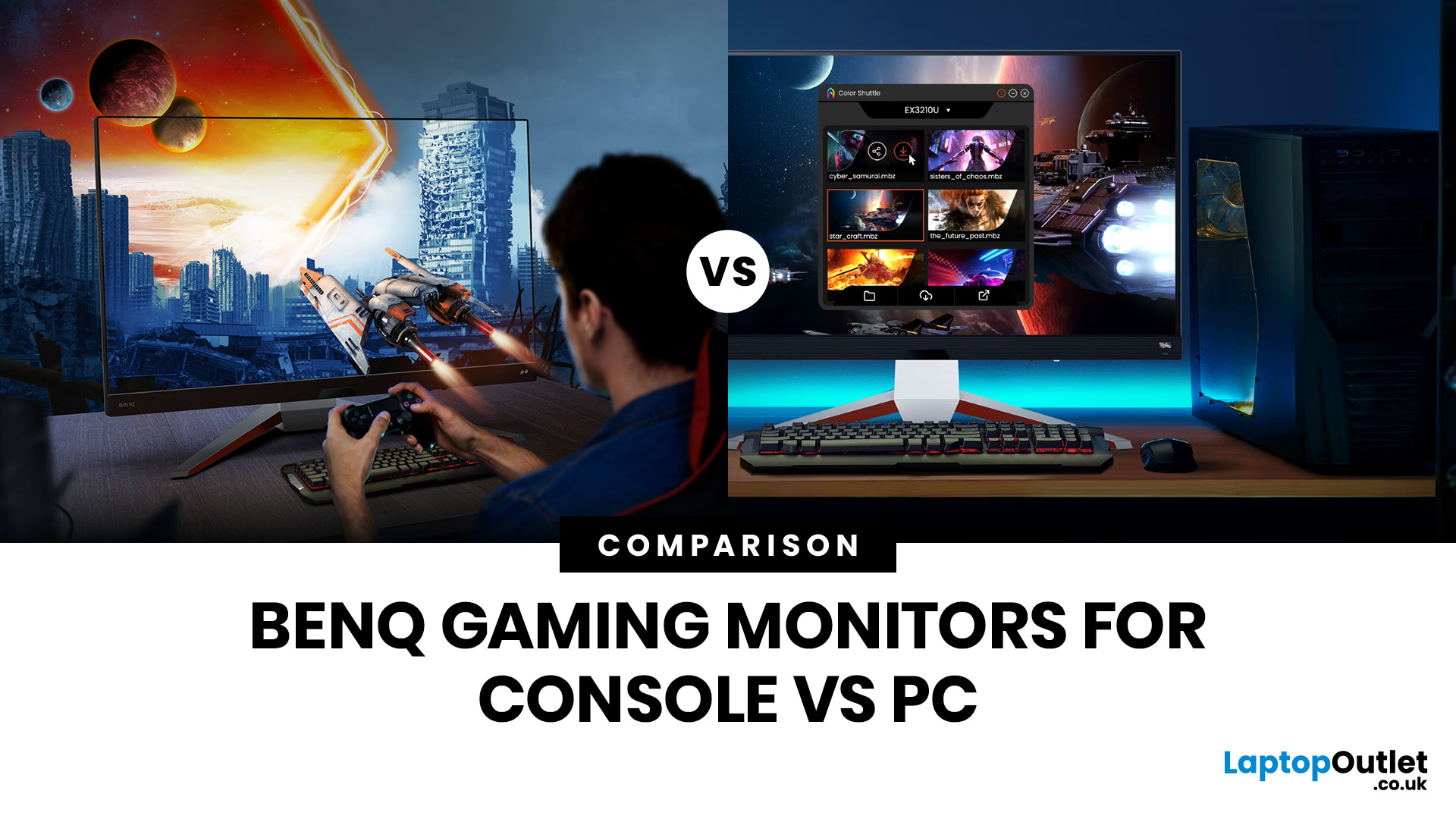
Picking the right gaming monitor is no longer as simple as choosing the biggest screen you can afford. Your setup matters, your platform matters, and the way you play matters even more. A monitor that feels perfect for a competitive PC player might not be the best fit for someone gaming on a PS5 or Xbox Series X.
That’s exactly why choosing the right BenQ gaming monitor for console or PC comes down to more than specs on a product page. You need to think about refresh rate, resolution, connectivity and whether you care more about raw speed or immersive visuals.
BenQ makes that decision easier by offering two clear gaming monitor families. ZOWIE is built for fast, focused competitive PC play, while MOBIUZ is designed for players who want strong performance with more visual depth and better console-friendly features. If you’ve been stuck comparing 1080p, 1440p and 4K, this guide breaks it all down in a way that helps.
Do Console and PC Gamers Need Different BenQ Monitors?
Console and PC
Last Updated: September 01, 2026
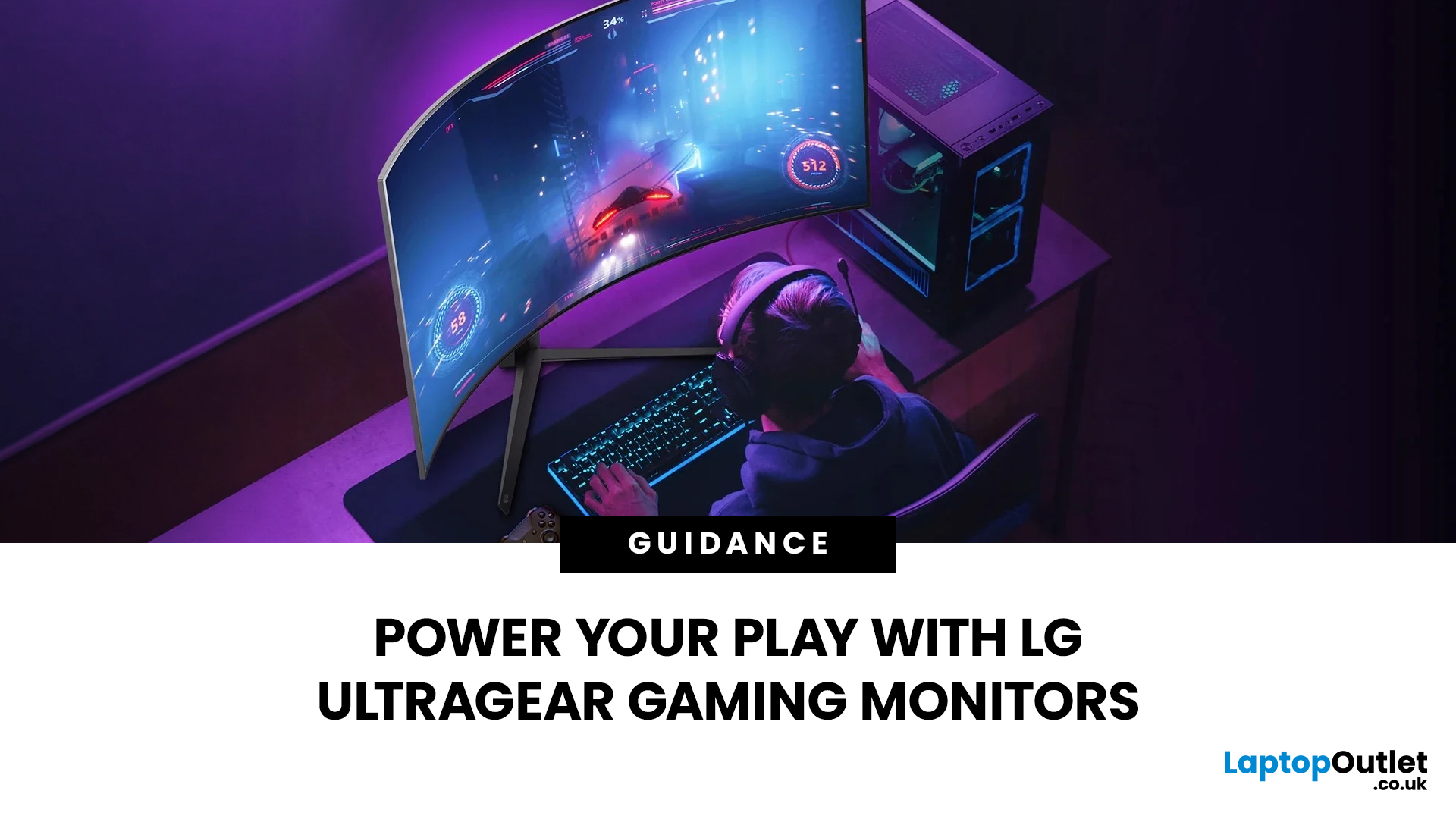
Not all gaming monitors are built the same, and the LG UltraGear range makes that very clear. Whether you're playing for fun on weekends, grinding ranked matches on a mid-range rig, or competing at a serious level, there's a specific UltraGear model that fits your needs.
This LG UltraGear guide breaks down the full lineup by player type so you can make a genuinely informed decision before spending your money.
What Makes LG UltraGear Different from Standard LG Monitors?
LG produces monitors for all sorts of uses, from office work to content creation to home cinema. UltraGear is the gaming-focused sub-brand, and it comes with a noticeably different spec sheet compared to LG's standard displays.
The core differences come down to priorities. Standard LG monitors are built around colour accuracy, ergonomics, and value for office use. UltraGear monitors are tuned for speed, responsiveness, and visual clarity under fast-moving gaming conditions.
In practical terms, this means LG UltraGear gaming
Last Updated: September 01, 2026
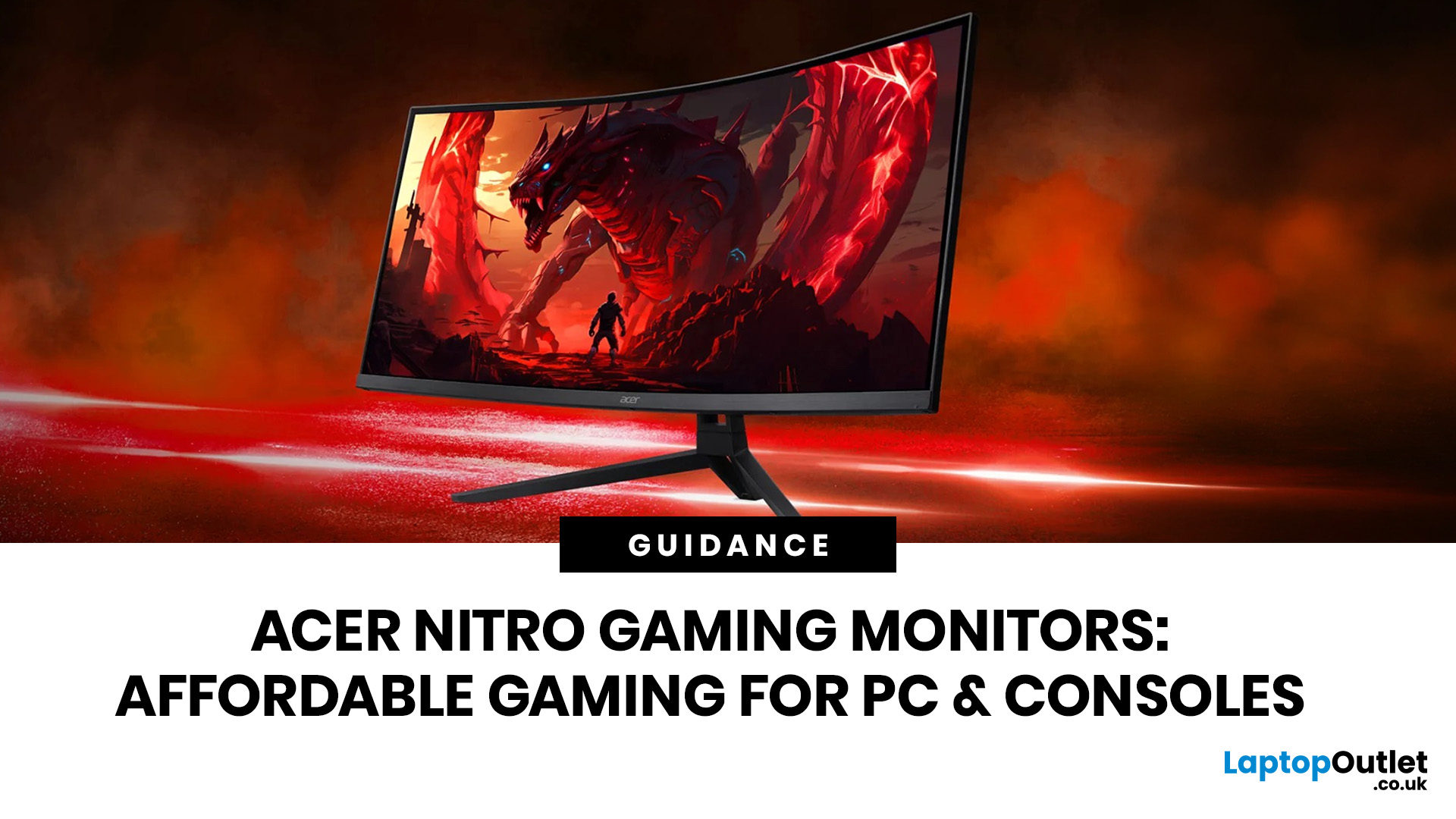
If you want smooth gameplay without jumping straight into premium OLED pricing, Acer Nitro gaming monitors are one of the easiest ranges to shortlist. Acer positions the Nitro line as a gaming family with options for fast-paced play, ultrawide immersion and richer colour, while Our Acer monitor range backs that up with Full HD, QHD, curved and ultrawide Nitro models aimed at buyers who want value, not just spec-sheet flexing.
That is exactly why Acer Nitro monitors UK shoppers keep coming back to the series. The range is broad enough to cover casual desk gaming, PS5 and Xbox setups, and entry-level PC esports, but it still stays realistic on price compared with high-end Predator and OLED alternatives. Nitro models from compact 23.8-inch Full HD panels up to 34-inch curved UWQHD displays, with refresh rates running from 120Hz to 240Hz.
Are Acer Nitro Gaming Monitors Good for Budget Gaming?
Yes. For casual gaming, console play and entry-level PC builds, Acer Nitro sits in a very practical
Last Updated: July 06, 2026
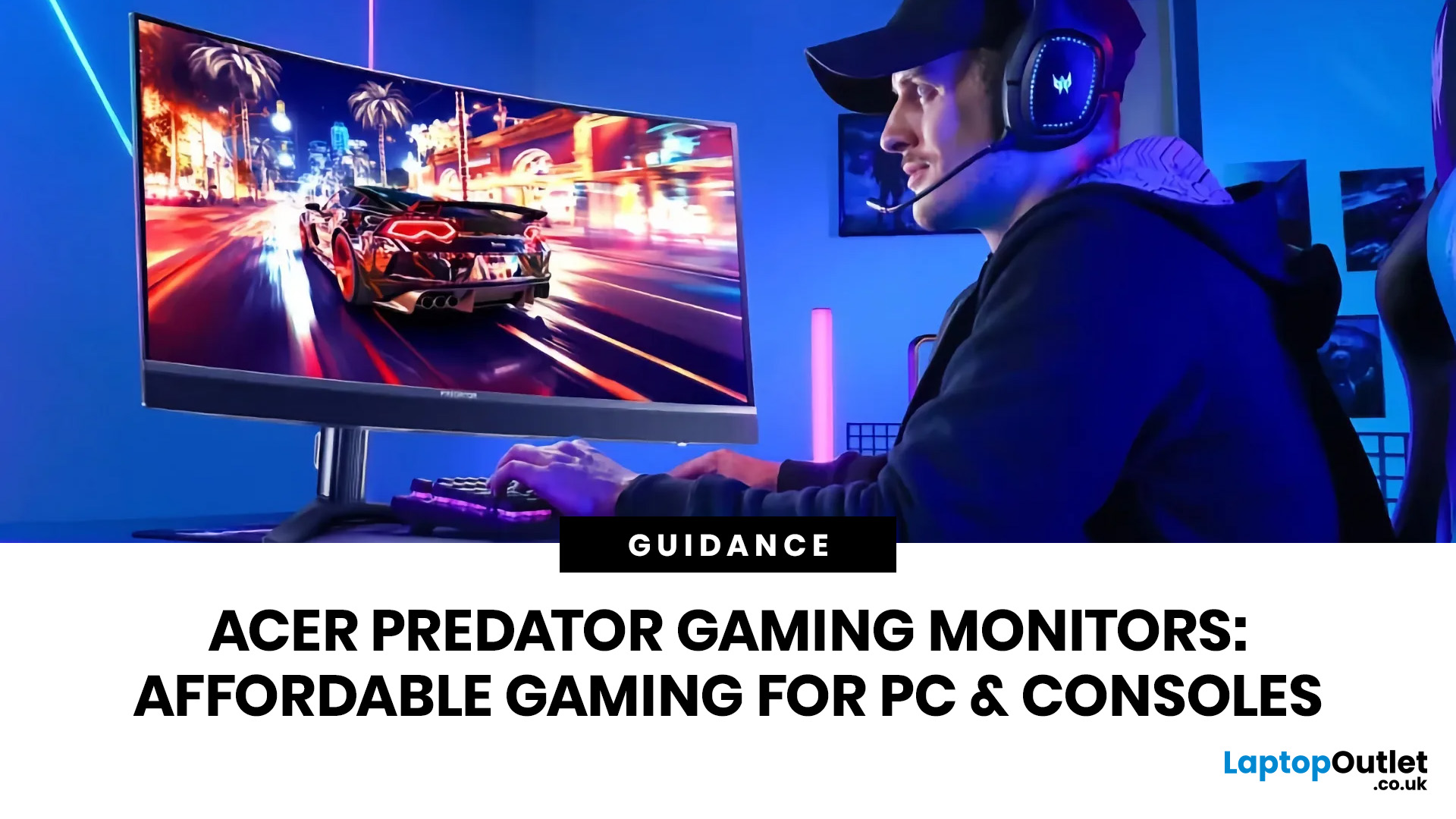
you are shopping for Acer Predator gaming monitors, you are usually not looking for a basic panel. You are looking for speed, image quality and a monitor that genuinely fits the kind of games you play. For some buyers, that means a fast 27-inch display for ranked shooters and esports titles. For others, it means a bigger 4K panel for high-detail single-player games. And for enthusiasts building the kind of setup that makes every desk photo look dramatic, it means an ultrawide or super-ultrawide screen that turns a gaming PC into the centrepiece of the room.
That is why Predator remains such an interesting range. Acer's broader monitor line covers different budgets and uses cases, but the Predator family is where Acer pushes harder on premium gaming features like OLED and QD-OLED panels, very high refresh rates, ultrawide formats and esports-level response times.
If you want the simple answer: Why choose Acer Predator monitor
Here is the short version.
- For competitive esports and fast shooters,
Last Updated: August 25, 2026
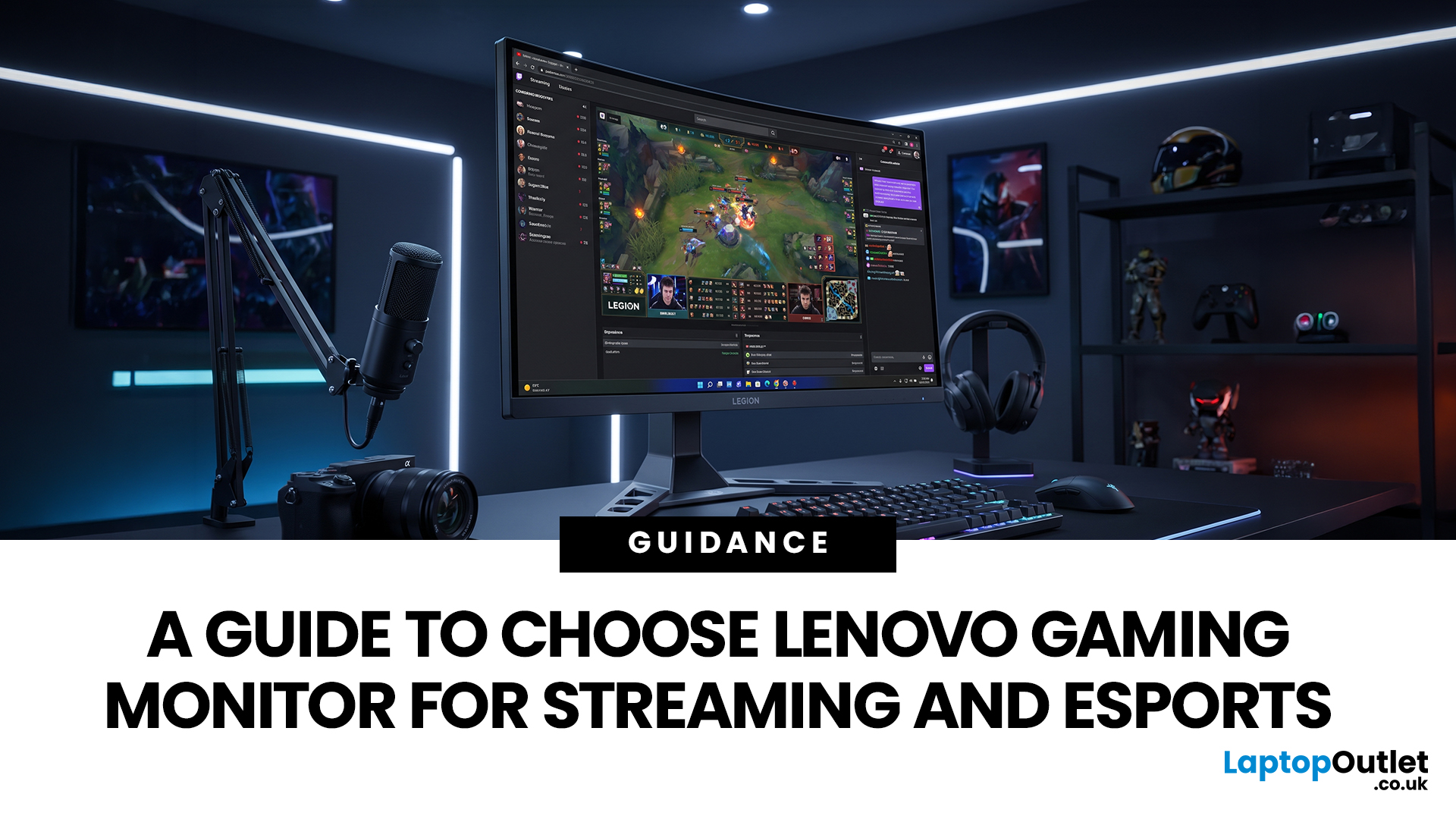
Quick answer: The best Lenovo gaming monitor for streaming and esports is the one your PC can drive consistently at its native resolution while it also handles your broadcast workflow. For many mixed-use setups, a 27-inch QHD display at 165Hz to 180Hz is the balanced choice. A 24.5-inch or 27-inch Full HD screen at 240Hz or above prioritises competitive speed, while a 34-inch UWQHD display at 165Hz to 180Hz provides more room for a single-screen streaming workspace.
Those are useful profiles, not universal rules. Your real decision depends on sustained frame rate, encoder load, game genre, desk space and whether OBS, chat and alerts live on the same display. A monitor does not encode the stream, and a 240Hz panel does not make viewers receive a 240fps broadcast. It changes the experience in front of you, which can still matter greatly during competitive play.
Last Updated: July 30, 2026
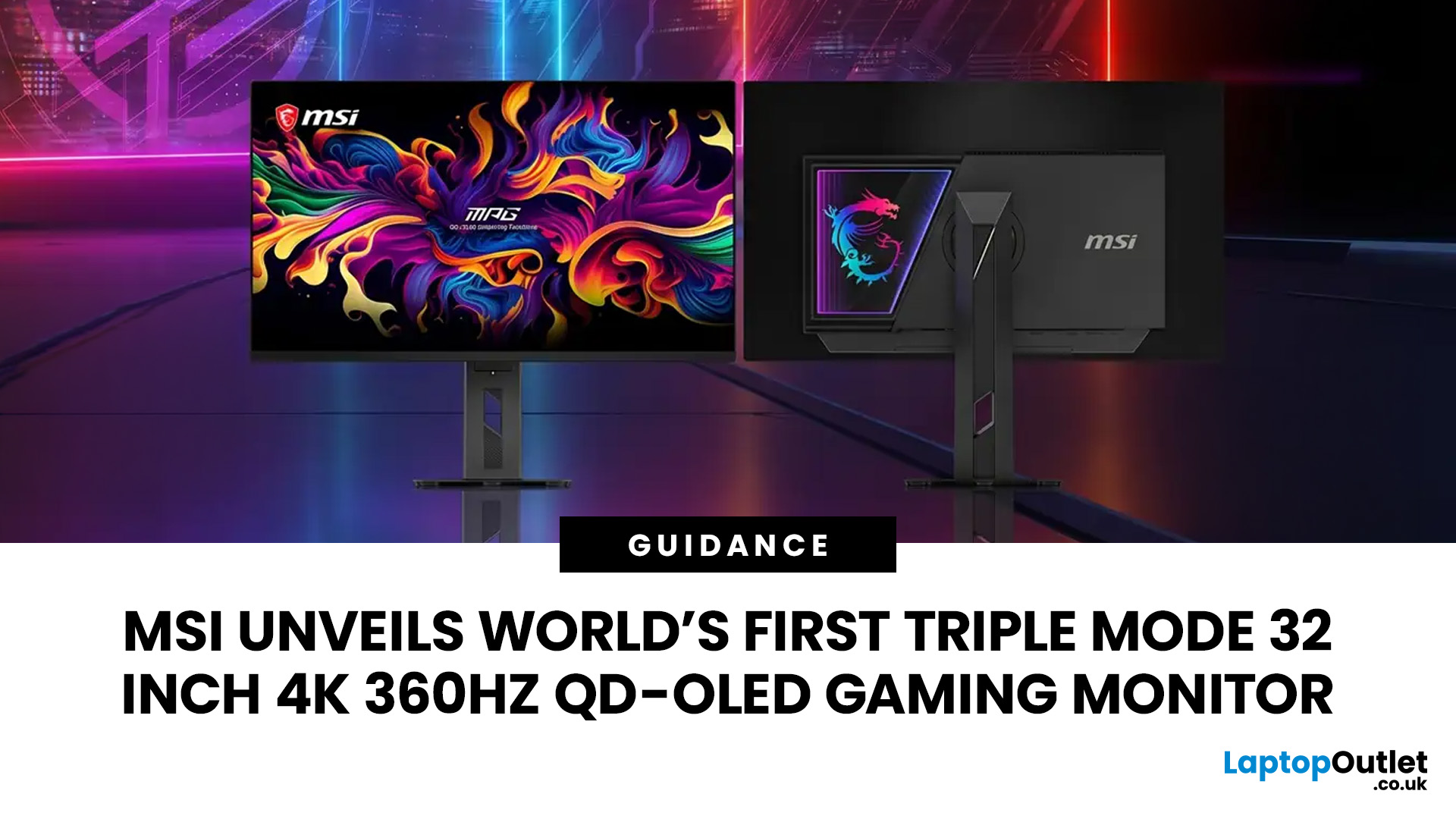
MSI has revealed a gaming monitor that sounds almost unreal on paper: a 32 inch 4K monitor with a 360Hz refresh rate, QD-OLED visuals, and a Triple Mode feature that lets gamers switch between different resolution and speed settings. Officially known as the MSI MPG OLED 322URDX36 (MSI lists the panel at 31.5 inches, though it's widely rounded to 32 inches), this display was unveiled ahead of COMPUTEX 2026 and is designed for players who want sharp 4K detail, ultra-smooth motion, and flexible performance in one premium screen.
For years, gamers had to choose between resolution and speed. A 4K monitor gave better image quality, while a lower-resolution, high-refresh-rate screen gave smoother competitive gameplay. MSI's new Triple Mode gaming monitor aims to close that gap, letting users move between 4K 360Hz, 1440p 520Hz, and Full HD 680Hz depending on the game, their hardware, and personal preference.
That makes it one of the most interesting display announcements for serious PC gamers,
Last Updated: August 11, 2026
Picking the best gaming monitor size isn’t just about going big or going home. Your screen size actually changes how your games look, feel, and perform. A 24-inch setup is clutch for competitive play, a 27-inch hits that sweet spot between clarity and immersion, and a 32-inch screen? That’s where things get seriously cinematic.
Size alone isn’t the whole story. Resolution, desk space, refresh rate, and what you actually play all matter. This gaming monitor size comparison breaks down 24, 27, and 32-inch displays so you can find your perfect match.
24 Inch vs 27 Inch vs 32 Inch Gaming Monitors: Quick Comparison
The following table provides a quick overview of how the three most popular gaming monitor sizes compare.
| Feature | 24-Inch Monitor | 27-Inch Monitor | 32-Inch Monitor |
| Recommended resolution | 1920 × 1080 | 2560 × 1440 | 2560 × 1440 or 3840 × 2160 |
| Best suited to | Competitive gaming | Mixed gaming and everyday use | Immersive and cinematic gaming |
| Typical desk requirement | Small | Medium | Large |
| Graphics |
Last Updated: October 26, 2026

