




Blog Categories







October 02, 2026

September 30, 2026
September 30, 2026
 CPU_OPT vs CPU_FAN vs AIO_PUMP: Where Should You Connect Your Cooler?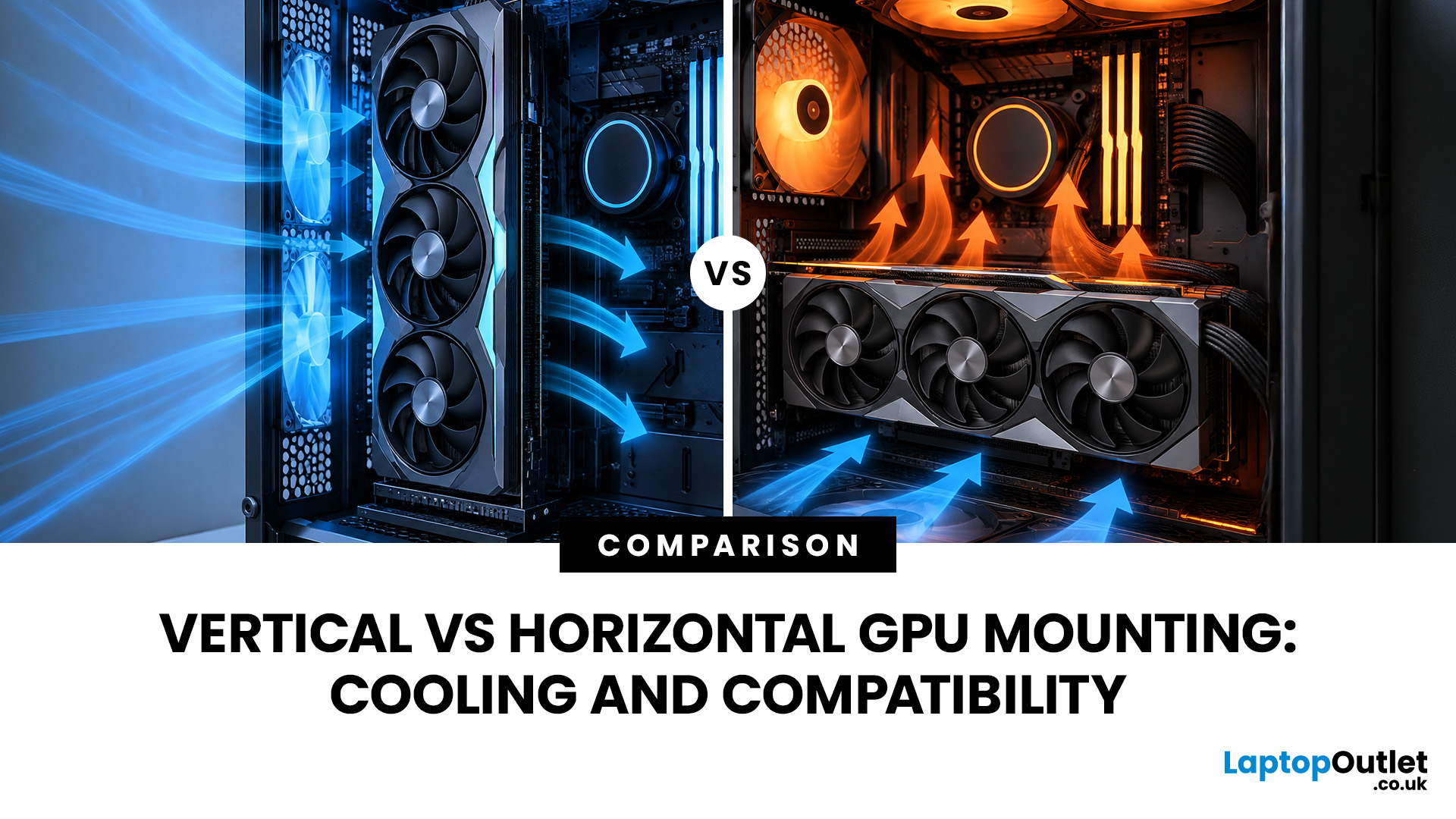
September 29, 2026
A graphics card is normally installed horizontally, with its fans facing down towards the bottom of the PC case. However, many modern cases also support vertical GPU installation, allowing the graphics card to sit upright and display its cooling shroud, RGB lighting or custom design through a side panel.
Vertical vs horizontal GPU mounting refers to the different ways a graphics card can be positioned inside a PC case. A horizontal GPU mount installs the graphics card directly into the motherboard’s PCIe slot, while a vertical GPU mount uses a bracket and often a GPU riser cable to reposition the card. Horizontal mounting usually offers simpler installation and airflow, while vertical mounting can improve aesthetics but requires careful compatibility checks.
The choice between a vertical vs horizontal graphics card setup is not only about appearance. The position of the GPU can affect airflow, temperatures, installation requirements and long-term compatibility. A vertical GPU mount may
September 29, 2026
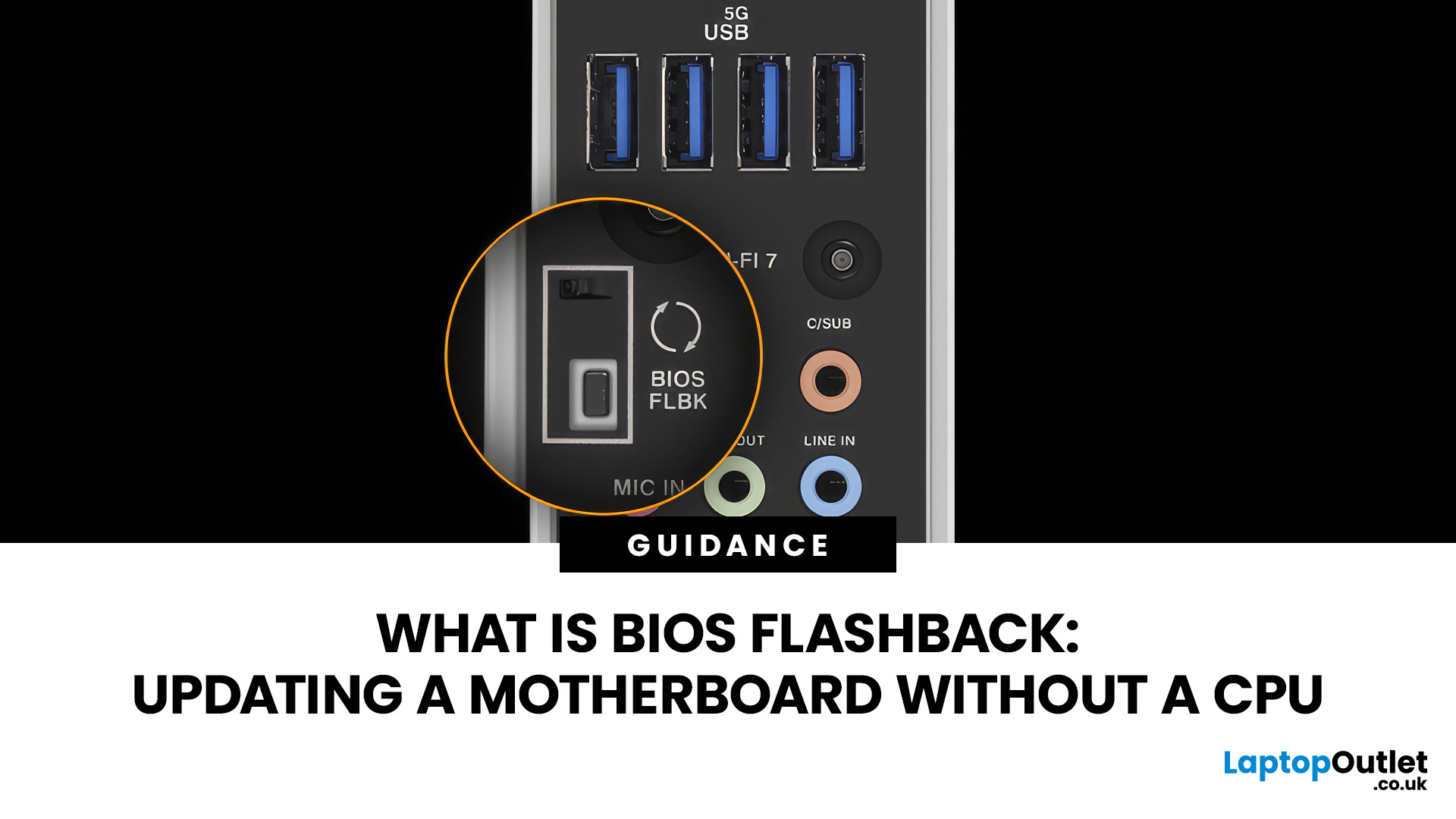
A conventional BIOS update normally requires a working processor so the computer can start, complete POST and enter its UEFI firmware interface. BIOS Flashback changes that on supported motherboards by allowing the firmware to be programmed from a USB drive without completing a normal CPU-driven boot.
That makes BIOS Flashback particularly useful when a motherboard needs newer firmware before it can recognise an otherwise compatible processor. However, it is a motherboard-specific feature rather than a standard function available on every board, and the exact USB, filename, button and power requirements can differ between manufacturers and models.
What Is BIOS Flashback?
BIOS Flashback is a hardware-assisted motherboard feature that can update or restore supported motherboard firmware without relying on a conventional system boot. On compatible boards, the process typically uses a prepared USB drive, motherboard power and a dedicated BIOS Flashback button or equivalent control.
This differs
September 25, 2026
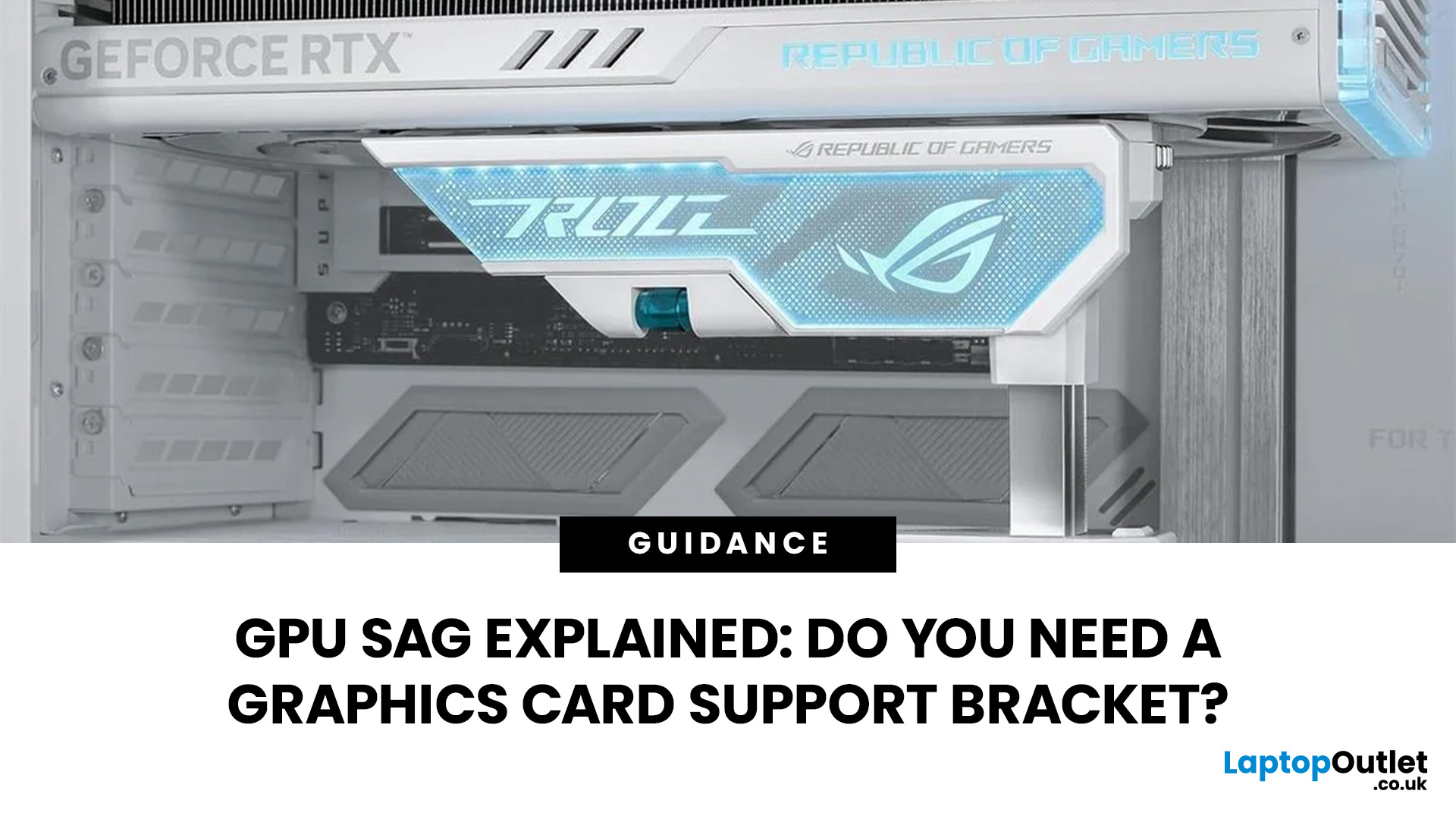
GPU sag is the downward tilt of a graphics card caused by its weight pulling on the unsupported end of the card. It is most noticeable with long, heavy GPUs using large multi-fan coolers. A slight tilt is not automatically a sign of damage, but obvious sag is worth checking rather than ignoring.
GPU sag is the downward tilt of a graphics card caused by its weight pulling on the unsupported end. A GPU support bracket is not always necessary, but it can help stabilise long or heavy graphics cards that visibly droop after correct installation. Before adding support, check the card is fully seated, securely screwed in and not being pulled by cables.
Before buying a GPU support bracket, make sure the graphics card is fully seated and properly secured to the case. If it still droops, a bracket, stand or holder can support the free end of the card without placing unnecessary upward pressure on it.
What Is GPU Sag?
GPU sag happens when one end of a horizontally mounted graphics card sits lower
September 25, 2026
September 25, 2026
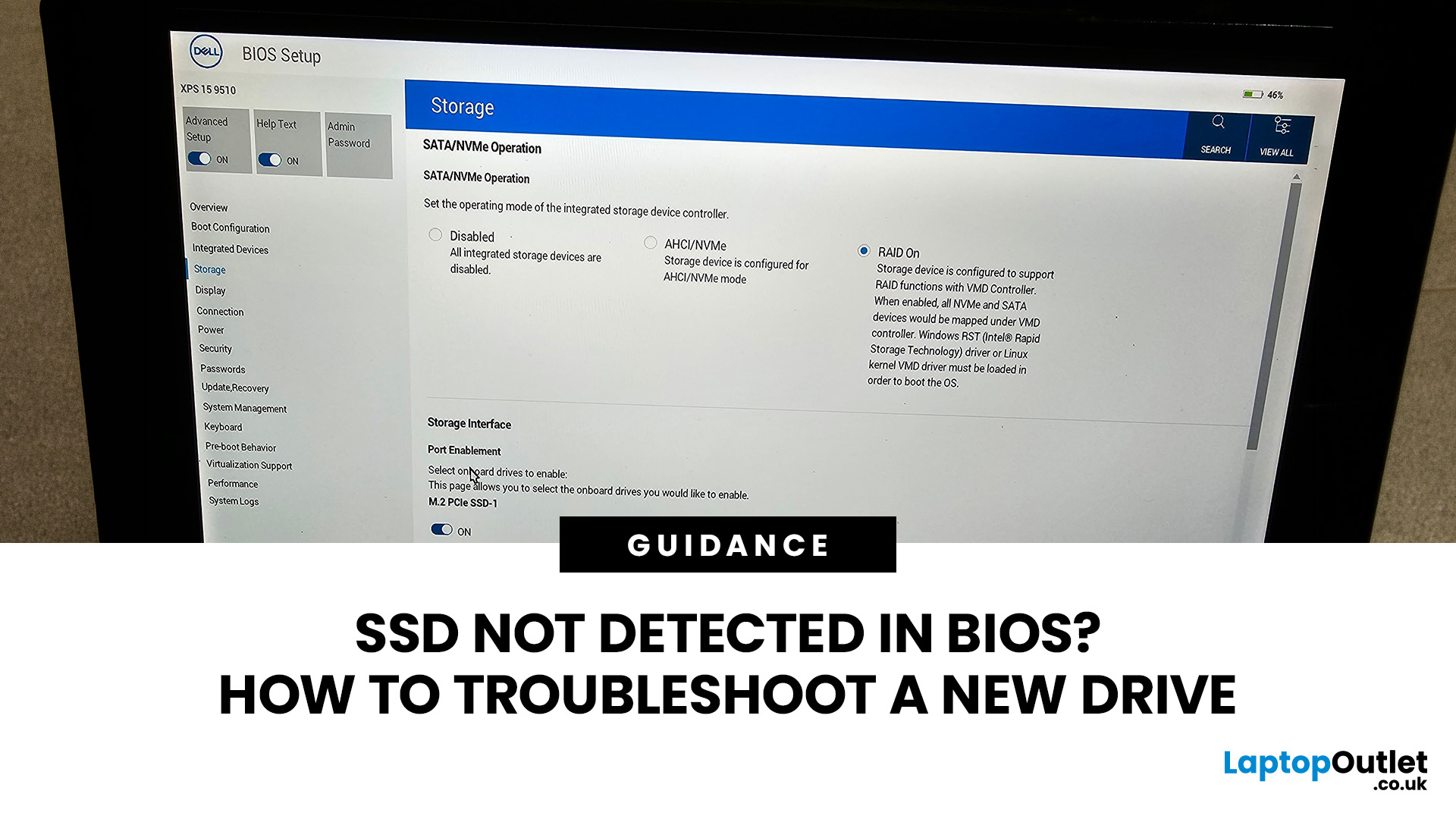
You install a new SSD, power the PC back on and expect extra storage or a faster boot drive. Instead, the drive is nowhere to be found. If your SSD is not detected in BIOS, the problem usually needs to be solved before changing anything inside Windows.
The good news is that a missing drive does not automatically mean the SSD is faulty. A loose connection, incompatible M.2 slot, disabled storage port, outdated BIOS, or incorrect storage configuration can all cause the same symptom. Here is how to work through the problem without randomly changing settings.
First, Check Where the SSD is Missing
Before opening the PC, confirm exactly where the drive disappears.
Enter your BIOS or UEFI firmware and look under sections such as Storage Information, NVMe Configuration, SATA Configuration or System Status. The exact menu varies between motherboard manufacturers. There are three different scenarios:
| What you see | What it usually means |
| SSD missing from BIOS/UEFI | Check installation, slot compatibility, |
September 24, 2026
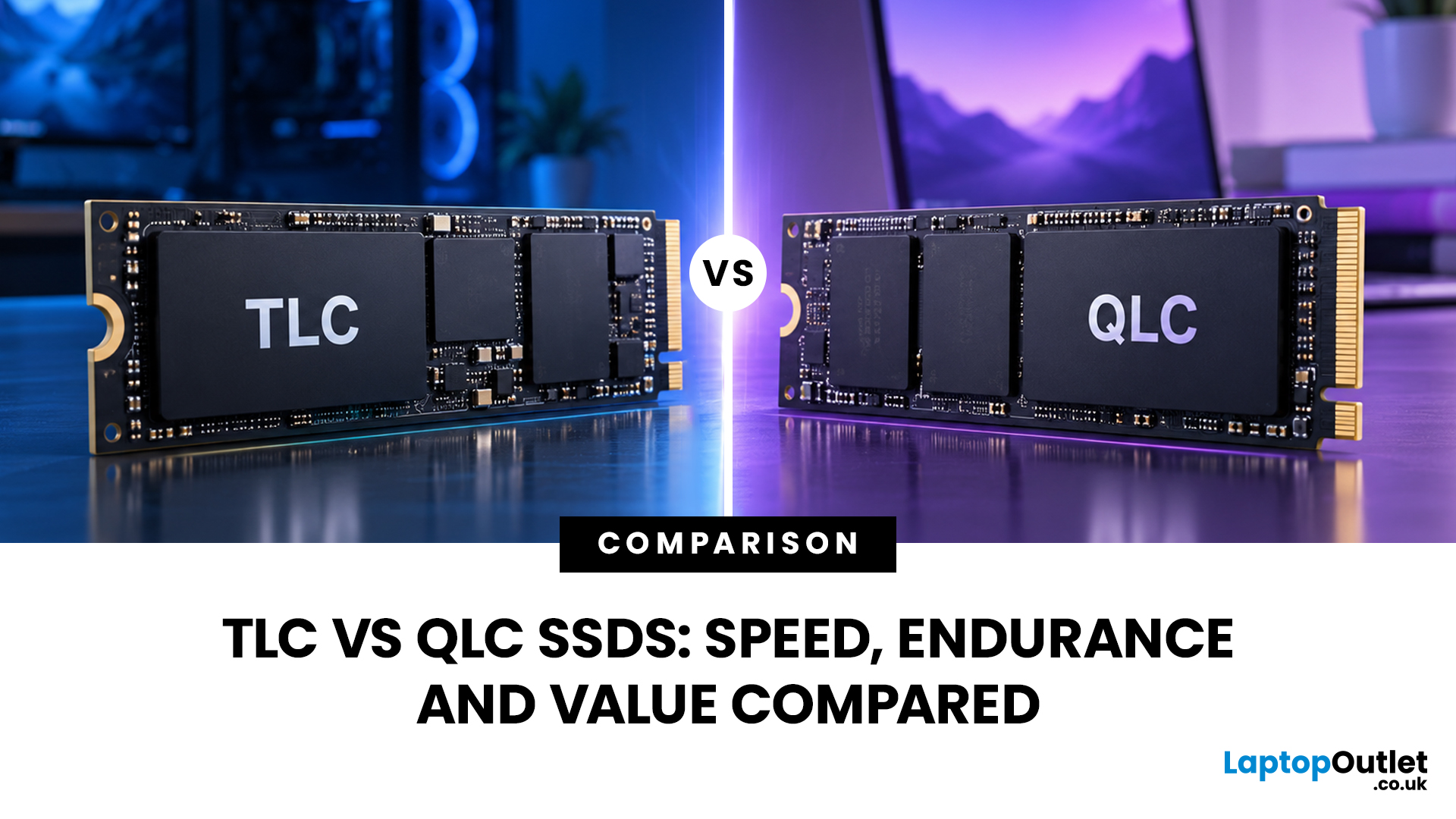
TLC SSDs store three bits of data in each NAND cell, while QLC SSDs store four. TLC generally provides higher write endurance and more consistent performance during sustained writes. QLC increases storage density, which can make larger capacities available at a lower cost per GB.
For most people, however, a TLC vs QLC SSD decision should not be based on NAND type alone. Controller design, SLC cache, firmware, capacity, interface and thermal performance can all affect how an SSD behaves in real-world use.
The right choice ultimately comes down to workload. Frequent large writes tend to favour TLC, while QLC can make sense for gaming libraries, media storage and everyday computing where capacity is more important than sustained write performance.
What TLC and QLC Mean
An SSD stores data in NAND flash, a type of non-volatile memory that retains information when your computer is switched off.
TLC and QLC are two common NAND flash types used in modern SSDs:
- TLC SSD: A triple level cell SSD stores
September 25, 2026
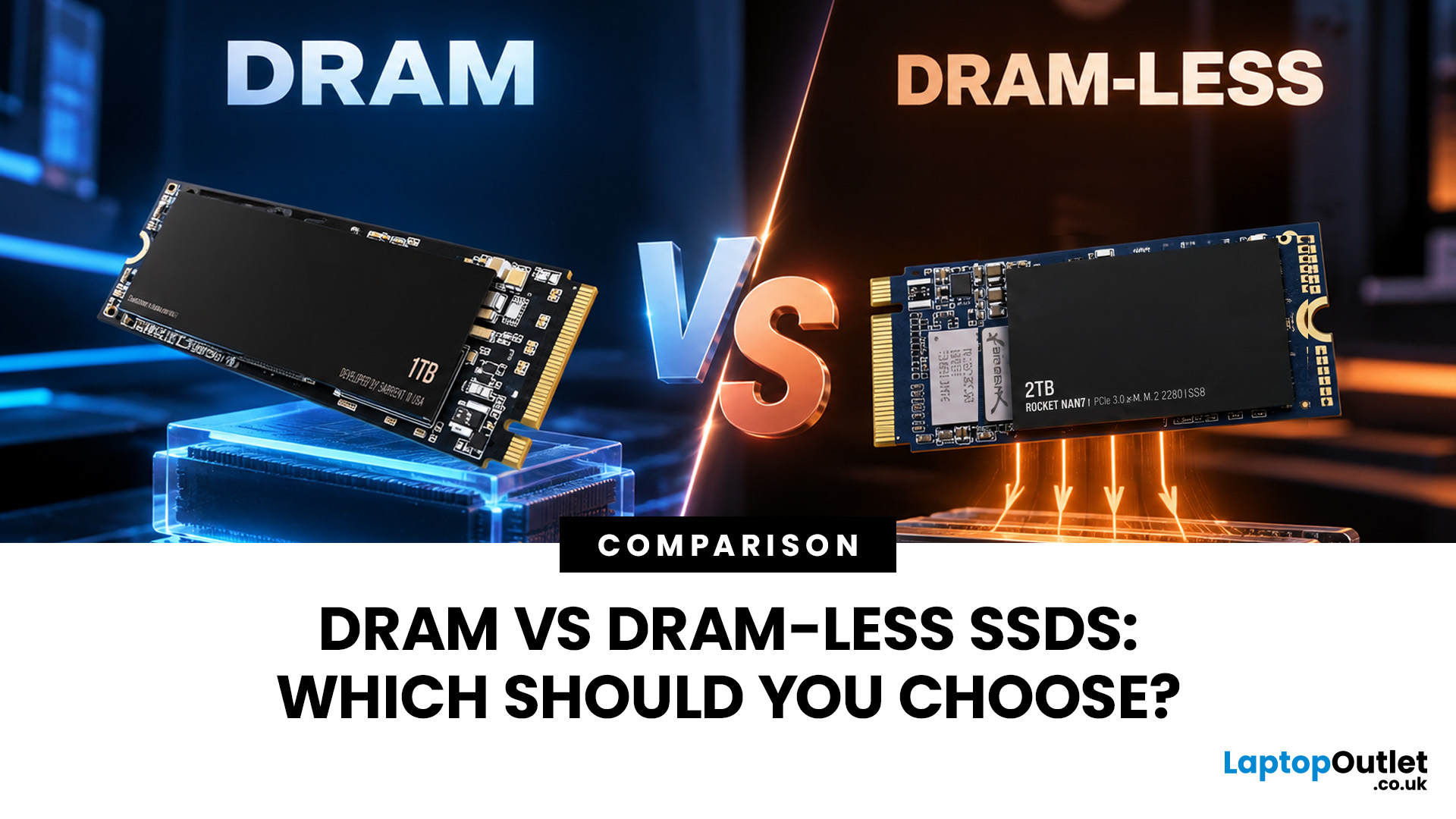
Two SSDs can both claim seriously fast read speeds while hiding one pretty important difference: one has dedicated DRAM, and the other does not.
A DRAM vs DRAM-less SSD choice depends on how you use your PC. SSDs with DRAM generally offer more consistent random performance and sustained speeds, making them better suited to heavy workloads, large file transfers and professional use. Modern DRAM-less NVMe SSDs can still perform very well by using Host Memory Buffer (HMB), making them a strong choice for gaming, Windows 11 and everyday computing.
But the DRAM vs DRAM-less SSD debate is not as simple as “DRAM good, DRAM-less bad”. Modern NVMe drives have changed the game with Host Memory Buffer, smarter controllers and better caching. So, what actually matters when choosing one? Let’s break it down.
DRAM vs DRAM-Less SSD: Quick Answer
An SSD with DRAM has dedicated memory that helps its controller quickly locate and manage data stored across the NAND flash. This can improve responsiveness and

September 23, 2026
A better sim racing experience does not always start with a new wheel, pedals, or graphics card. Many racing games use default settings designed to work across a broad range of controllers, displays and hardware, rather than being optimised for your exact driving position and setup.
Small adjustments to steering rotation, force feedback, pedal calibration, field of view, graphics, and audio can make your inputs easier to interpret and the car more consistent to control. This guide walks through some of the most overlooked settings worth checking in racing titles such as Assetto Corsa Competizione, iRacing, Gran Turismo, Forza Motorsport and EA Sports WRC. Menu names and available controls vary between games, platforms and hardware.
Before You Change Anything: Create a Repeatable Test
Before searching for the best settings for sim racing, create a repeatable way to judge whether a change has actually helped.
Choose one familiar car and circuit, then keep the weather, fuel load, tyres, and