



Are Curved 4K Gaming Monitors Worth It for Gaming
A curved 4K gaming monitor is worth considering if you play cinematic single-player games, racing titles, flight simulators, RPGs, strategy games, or console games from a desk. The curve helps large screens feel more natural, while 4K adds crisp detail.
It is less of an easy win for esports-first players who mainly want the highest frame rate at the lowest possible latency. In that case, a 24-inch or 27-inch flat Full HD or QHD monitor can still make more sense.
In 2026, the market is much better than it was a few years ago. UK buyers can now find curved 4K options from affordable 60Hz VA panels through to 240Hz QD-OLED models, with some high-performance gaming monitors offering HDMI 2.1, USB-C, adaptive sync, and stronger HDR support.
What Is a Curved 4K Gaming Monitor?
A curved 4K monitor for gaming is a display with a 3840 x 2160 resolution and a panel that bends slightly towards the viewer. That curve is usually described with an R rating, such as 1000R, 1500R, 1700R, or 1800R.
The lower the R number, the tighter the curve. A 1000R screen feels more wrapped around you, while a 1700R or 1800R curve feels gentler and easier to use for mixed gaming and work.
4K UHD has four times the pixel count of 1080p Full HD, so it can show finer detail in textures, menus, foliage, distant scenery, and user interfaces. On a 32-inch screen, that extra pixel density is easy to notice without sitting uncomfortably close.
|
Specification |
What it means |
Why it matters for gaming |
|
4K UHD |
3840 x 2160 pixels |
Sharper game worlds, cleaner text, and better detail on larger screens. |
|
Curve rating |
1000R to 1800R is common |
Brings screen edges closer to your field of view for better immersion. |
|
Refresh rate |
60Hz, 120Hz, 144Hz, 165Hz, 240Hz |
Higher rates make motion look smoother if your device can output enough frames. |
|
Response time |
Often 1ms on fast LCD or 0.03ms on OLED |
Lower response times can reduce visible blur and ghosting. |
|
Adaptive sync |
FreeSync, G-Sync Compatible, VESA AdaptiveSync, HDMI VRR |
Helps reduce screen tearing and stutter when frame rates fluctuate. |
How Does a Curved Gaming Monitor Compare with a Flat Gaming Monitor?
The curved vs flat gaming monitor debate is not about one shape always being better. It is about how the screen will be used, how large it is, and how close you sit.
On a 27-inch screen, the curve can feel subtle. On a 32-inch, 34-inch, 49-inch, or 57-inch display, the difference becomes easier to notice because the screen edges sit further from your eyes on a flat panel.
|
Use case |
Curved 4K display |
Flat 4K display |
Better fit |
|
Cinematic gaming |
More immersive on larger screens |
Sharp and simple |
Curved, especially 32 inches+ |
|
Competitive shooters |
Can work well at 165Hz or 240Hz |
Easier to track the whole screen at smaller sizes |
Flat for most esports-first players |
|
Console gaming |
Strong if 16:9, HDMI 2.1, and 120Hz+ |
Strong and widely compatible |
Either, depending on size |
|
Creative work |
Useful for timelines, less ideal for geometry |
Better for straight-line accuracy |
Flat for design precision |
|
Work and multitasking |
Comfortable on big single displays |
Good for dual-screen symmetry |
Depends on desk layout |
Many of the latest 4K gaming monitors are available in both shapes, so it makes sense to choose based on viewing distance and the type of games you play rather than shape alone.
When a Curved 4K Gaming Monitor Is Worth It
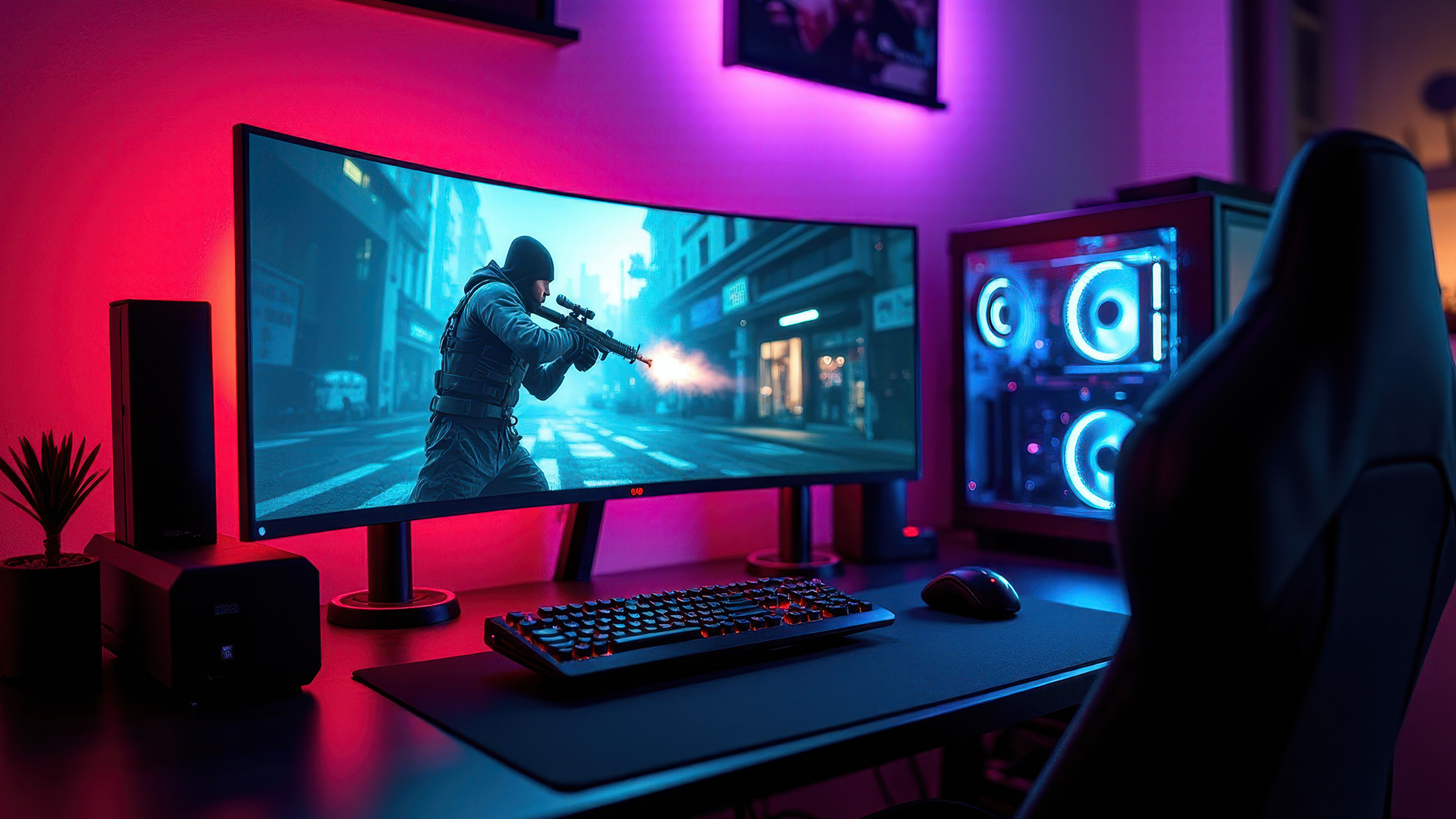
A curved 4K gaming display makes the most sense when screen size, sitting distance, hardware power, and game genre all line up. It is not just about buying the highest specification on the shelf.
You are more likely to benefit if you sit around arm's length from a 32-inch or larger screen. At that size, the curve helps the edges feel less distant, and 4K keeps the picture sharp.
|
Worth it for immersive play Open-world games, racing sims, RPGs, strategy games, and flight simulators benefit from the extra detail and wider-feeling view. |
Worth it for hybrid setups If your desk doubles for work and gaming, 4K gives space for apps while the curve can make a large display easier to scan. |
|
Worth it for powerful PCs A modern mid-high to high-end GPU is useful if you want high settings, ray tracing, and triple-digit frame rates at 4K. |
Worth it for current consoles PS5 and Xbox Series X can use 4K 120Hz on compatible HDMI 2.1 displays, although game support varies by title and mode. |
When It Is Probably Not Worth It
- You mainly play competitive shooters at low settings and want maximum FPS above image quality.
- Your graphics card struggles at 1440p, never mind 4K.
- Your desk is too shallow for comfortable viewing distance.
- You need perfect straight-line geometry for design, CAD, or print layout work.
- You are choosing a 60Hz model only because it is curved, even though gaming performance matters to you.
What Size Curved 4K Monitor Is Best for Gaming?
For most people, 32 inches is the most balanced size for a curved 4K display. It gives you enough physical screen space to appreciate 4K detail and enough width for the curve to feel useful.
A smaller 27-inch 4K screen can look extremely sharp, but the curve adds less. Larger ultrawide screens can feel brilliant for supported PC games, but they need more desk space, more graphics power, and sometimes more patience with game compatibility.
|
Size |
Best for |
Watch-outs |
Verdict |
|
27-inch 4K |
Sharp image, compact desks, mixed office use |
Curve benefit is modest at this size |
Better flat for many buyers |
|
32-inch 4K |
PC gaming, PS5, Xbox Series X, productivity |
Needs a desk deep enough for comfortable viewing |
Best all-round choice |
|
34-inch ultrawide |
PC immersion, racing, flight sims, multitasking |
Most are 3440 x 1440 rather than true 4K 16:9 |
Great, but check resolution |
|
49-inch or 57-inch super-ultrawide |
Sim rigs, power users, command-centre desks |
Expensive, demanding, and not ideal for every game |
Specialist enthusiast choice |
If you are comparing a 4k curved monitor for a standard desk, start with 32 inches and a gentle 1500R to 1700R curve. Tighter 1000R curves can feel impressive, but they work best when your seating position is centred and consistent.
Wider displays can be excellent, but even the best ultrawide gaming monitors are not always the same thing as 16:9 4K monitors. Many ultrawides use 3440 x 1440 or 5120 x 1440, which changes both sharpness and GPU load.
Refresh Rate: Is 4K 144Hz Enough?
For most gamers, 144Hz at 4K is already a strong target. A 4k curved monitor with144hz resolution feels much smoother than 60Hz, while still being more realistic to drive than 4K 240Hz in demanding AAA games.
That said, 165Hz and 240Hz curved 4K models are now much more common in 2026. They are useful if your PC can produce high frame rates, or if you want a premium display that will outlast your current graphics card.
|
Refresh rate |
Gaming feel |
Best match |
Buying advice |
|
60Hz |
Fine for casual play and work |
Budget 4K, strategy, older games |
Avoid if fast gaming is your main use. |
|
120Hz |
Noticeably smoother |
PS5, Xbox Series X, mid-range PC gaming |
A good minimum for modern console desks. |
|
144Hz to 165Hz |
Very smooth for most players |
PC gaming across mixed genres |
The practical sweet spot for many 4K gamers. |
|
240Hz |
Extremely responsive if frame rates keep up |
High-end PC, competitive players, OLED buyers |
Worth paying for only if your games and hardware can use it. |
The best curved 4K monitor for gaming is not automatically the one with the biggest Hz number. Look at real response times, input lag, VRR range, HDMI bandwidth, DisplayPort version, and whether the stand is comfortable for long sessions.
Panel Technology: VA, IPS, Mini LED, or OLED?
Panel type affects contrast, motion, HDR, brightness, black levels, viewing angles, and price. This matters just as much as the curve.
Many curved 4K LCD monitors use VA panels because VA can bend more easily and offers stronger contrast than typical IPS. Premium models increasingly use QD-OLED or Mini LED to improve motion clarity and HDR.
|
Panel type |
Strengths |
Weaknesses |
Best for |
|
VA |
High contrast, good dark-room depth, common in curved screens |
Some models show dark smearing or slower transitions |
Budget to mid-range immersive gaming |
|
IPS |
Wide viewing angles and strong colour consistency |
Lower contrast than VA or OLED, less common in curved 4K |
Mixed gaming and creative work |
|
Mini LED |
High brightness, improved HDR, local dimming |
Can show blooming around bright objects |
HDR games, bright rooms, cinematic play |
|
QD-OLED or WOLED |
Near-instant response, true blacks, per-pixel contrast |
Higher price, burn-in care needed for static content |
Premium PC and console gaming |
OLED monitors for gaming are especially strong for response time and contrast, but they are not the only sensible option. A good Mini LED or VA model can be a better fit if you play in a bright room or use the screen for long static workdays.
VESA DisplayHDR and DisplayHDR True Black badges help compare HDR tiers, but do not treat the badge as the whole story. Real HDR performance also depends on peak brightness, black level, local dimming quality, tone mapping, and the game itself.
If you've already got a curved monitor and you're spotting patchy grey areas on a dark screen, this guide covers causes and fixes of curved monitor backlight bleed before you assume the unit is faulty.
Do Curved 4K Gaming Monitors Affect Performance?

The curve does not affect frame rate. Your FPS is affected by the resolution, game engine, graphics settings, ray tracing, VRAM, CPU limits, GPU power, and whether you use upscaling technologies.
4K is demanding because it asks the GPU to render more than eight million pixels per frame. That is why a game that runs brilliantly at 1080p or 1440p can become much harder to drive at 4K.
Hardware Guidance for 2026
For 4K 60Hz, many current mid-range gaming PCs can cope if settings are managed sensibly. For 4K 144Hz, 165Hz, or 240Hz, you should expect to need a stronger GPU, more VRAM, and often help from DLSS, FSR, XeSS, or similar upscaling.
Do not buy a 240Hz 4K panel assuming every game will run at 240 FPS. Esports games may get close with the right settings, but heavy ray-traced AAA titles are a different story.
|
Casual 4K gaming Target 60Hz to 120Hz with balanced settings, VRR, and sensible expectations. |
Mixed PC gaming Target 144Hz or 165Hz if your GPU is strong enough for your favourite games. |
High-end competitive 4K Target 240Hz only if you play lighter competitive titles or own a top-tier GPU. |
Are Curved 4K Monitors Good for PS5 and Xbox Series X?
Yes, a curved 4K monitor can work well for PS5 and Xbox Series X if it uses a standard 16:9 aspect ratio, supports HDMI 2.1, and handles 4K at 120Hz properly. Both consoles can output 4K 120Hz with compatible displays, but not every game runs at that mode.
For console use, avoid buying purely by PC specifications. Some monitors have high DisplayPort performance but limited HDMI bandwidth, which can restrict console features.
Console checklist
- HDMI 2.1 input with support for 4K 120Hz.
- VRR support over HDMI, not just FreeSync over DisplayPort.
- 16:9 aspect ratio for clean console compatibility.
- Low input lag in 60Hz and 120Hz modes.
- Good HDR handling, not only an HDR label.
- A stand that suits controller gaming from your chair.
If you play mostly on console, a 32-inch 4K 120Hz or 144Hz monitor is usually more practical than a massive ultrawide. Most console games are designed around 16:9 screens, so super-ultrawide panels often add unused space or scaling issues.
Which Games Benefit Most from a Curved 4K Display?
Curved 4K is strongest when you have time to notice detail and screen space. It is less essential when your eyes are locked to a small crosshair and the whole goal is reaction speed. In other words, the curved screen gaming monitors tend to suit immersive genres better than pure esports desks.
|
Game type |
Benefit level |
Why |
Suggested priority |
|
Racing and driving sims |
High |
The curve can make cockpit and track views feel more natural. |
Size, curve, refresh rate, VRR |
|
Flight simulators |
High |
Large curved screens improve instrument and scenery visibility. |
Screen width, resolution, desk setup |
|
Open-world RPGs |
High |
4K detail helps landscapes, textures, and distant objects. |
HDR, contrast, colour, 120Hz+ |
|
Strategy and city builders |
Medium to high |
4K helps map detail and UI space, while curve helps large panels. |
Resolution, clarity, comfortable stand |
|
Competitive shooters |
Mixed |
High refresh helps, but large screens can be harder to scan quickly. |
Refresh rate, input lag, response time |
|
MOBA and esports titles |
Mixed |
Many players prefer smaller flat screens for focus. |
Frame rate and low latency |
HDR, VRR, and Ports: The Specs That Matter After Resolution
After 4K and screen shape, the next important details are HDR quality, variable refresh rate support, and port bandwidth. These are the features that decide whether the monitor actually performs as expected with your PC or console.
HDR
HDR can improve highlights, shadows, and perceived depth, but entry-level HDR labels are often limited. OLED and Mini LED panels usually provide more convincing HDR because they can control light more precisely than basic edge-lit LCDs.
VRR
Variable refresh rate helps match the display to the frame rate coming from your GPU or console. AMD FreeSync Premium Pro, NVIDIA G-Sync Compatible testing, VESA AdaptiveSync, and HDMI VRR all sit in this wider conversation.
Ports
For PC, DisplayPort 1.4 with DSC can support many 4K high-refresh monitors, while newer DisplayPort 2.1 gives more headroom on supported hardware. For PS5 and Xbox Series X, HDMI 2.1 is the key specification to check for 4K 120Hz.
Buying Checklist: How to Choose Without Overpaying
The best 4k curved gaming monitor for your setup is the one that balances clarity, speed, ergonomics, and hardware compatibility. Use this checklist before spending your budget.
- Choose 32 inches if you want the safest curved 4K size.
- Pick 120Hz minimum for modern console gaming.
- Pick 144Hz or 165Hz for a sensible PC gaming sweet spot.
- Pick 240Hz only if your PC and games can benefit.
- Check HDMI 2.1 for PS5 and Xbox Series X.
- Check DisplayPort version for PC high-refresh 4K.
- Look for adaptive sync support matching your setup.
- Compare real reviews for ghosting, input lag, and HDR quality.
- Make sure your desk depth suits the curve.
- Check warranty, return policy, and OLED care features.

Pros and Cons of 4K Curved Monitors for Gaming
Pros of Curved 4K Gaming Monitors
- Sharper detail than QHD or Full HD, especially at 32 inches.
- More immersive feel for large single-screen gaming.
- Useful for racing, simulation, RPG, and open-world games.
- Can double nicely as a productivity display.
- Modern models now offer 144Hz, 165Hz, or 240Hz options.
Cons of Curved 4K Gaming Monitors
- More expensive than many flat QHD or Full HD gaming monitors.
- 4K high refresh demands a powerful GPU.
- The curve can feel awkward on shallow desks.
- Not ideal for every creative workflow.
- Some competitive players prefer smaller flat screens.
Common Mistakes to Avoid
Many buyers focus on the curve first, then notice the important details later. That can lead to overspending or buying a monitor that looks good on paper but feels wrong on your desk.
- Buying 4K 60Hz for fast gaming: It can look sharp, but motion will not feel as smooth as 120Hz or above.
- Ignoring GPU power: 4K is demanding, especially with ray tracing and high settings.
- Overbuying refresh rate: 240Hz is useful only when your games can approach those frame rates.
- Assuming all HDMI 2.1 is equal: Check supported resolution, refresh rate, VRR, and bandwidth details.
- Forgetting ergonomics: Height adjustment, tilt, VESA mount support, and desk depth matter during long sessions.
- Expecting every game to support ultrawide properly: Many do, but menus, cutscenes, or competitive modes can vary.
Final Verdict by Gamer Type
|
Gamer type |
Should you buy one? |
Best specification target |
|
PS5 or Xbox Series X player at a desk |
Yes, if it has HDMI 2.1 and 4K 120Hz support |
32-inch, 4K, 120Hz+, 16:9, HDMI VRR |
|
Open-world and RPG PC player |
Yes, if your GPU is ready for 4K |
32-inch, 144Hz to 165Hz, good HDR |
|
Racing or flight sim fan |
Very likely, especially at larger sizes |
32-inch curved 4K or supported ultrawide |
|
Competitive FPS player |
Maybe, but flat QHD or Full HD may be more practical |
24-inch to 27-inch, 240Hz+, low input lag |
|
Student or budget gamer |
Only if the price is right |
QHD high refresh may offer better value |
|
Creator who also games |
Maybe, but check colour accuracy and curve suitability |
4K OLED or IPS, factory calibration, gentle curve or flat |

The Long Story Short
A curved 4K gaming monitor is worth it when your setup can benefit from both resolution and screen shape.
For most UK gamers, that means a 32-inch or larger panel, 120Hz or higher refresh rate, HDMI 2.1, adaptive sync, and enough GPU or console power to drive 4K smoothly. It is less compelling for tiny desks, budget esports builds, colour-critical work, or players who value maximum frame rate above image detail.
The best choice is not simply curved or flat. It is the monitor that matches your games, sitting distance, hardware, space, and budget without forcing compromises.

A Few More Things to Know...
Is it worth buying a 4K monitor for gaming?
Yes, if your PC or console can run 4K well. A 4K gaming monitor offers sharper detail, but high refresh rate and response time still matter.
Do they make 4K curved gaming monitors?
Yes. Brands including MSI, Dell, Samsung, Philips, Gigabyte, and Alienware sell curved 4K gaming models, usually around 32 inches, with VA, Mini LED, or OLED panels.
What size curved 4K monitor is best for gaming?
A 32 inch curved 4K gaming monitor is usually the sweet spot. It gives visible 4K detail, useful curvature, and manageable desk space for most players.
Do curved 4K gaming monitors affect performance?
The curve itself does not reduce FPS. Performance depends on the 4K resolution, refresh rate, game settings, GPU power, VRAM, and whether upscaling is enabled.
Are curved 4K monitors good for competitive gaming?
They can be, especially at 165Hz or 240Hz with low response times. However, many esports players still prefer smaller flat monitors for focus and speed.
Read More
Are Curved Monitors Good for Competitive Gaming?
Related Articles

Last Updated: August 28, 2026
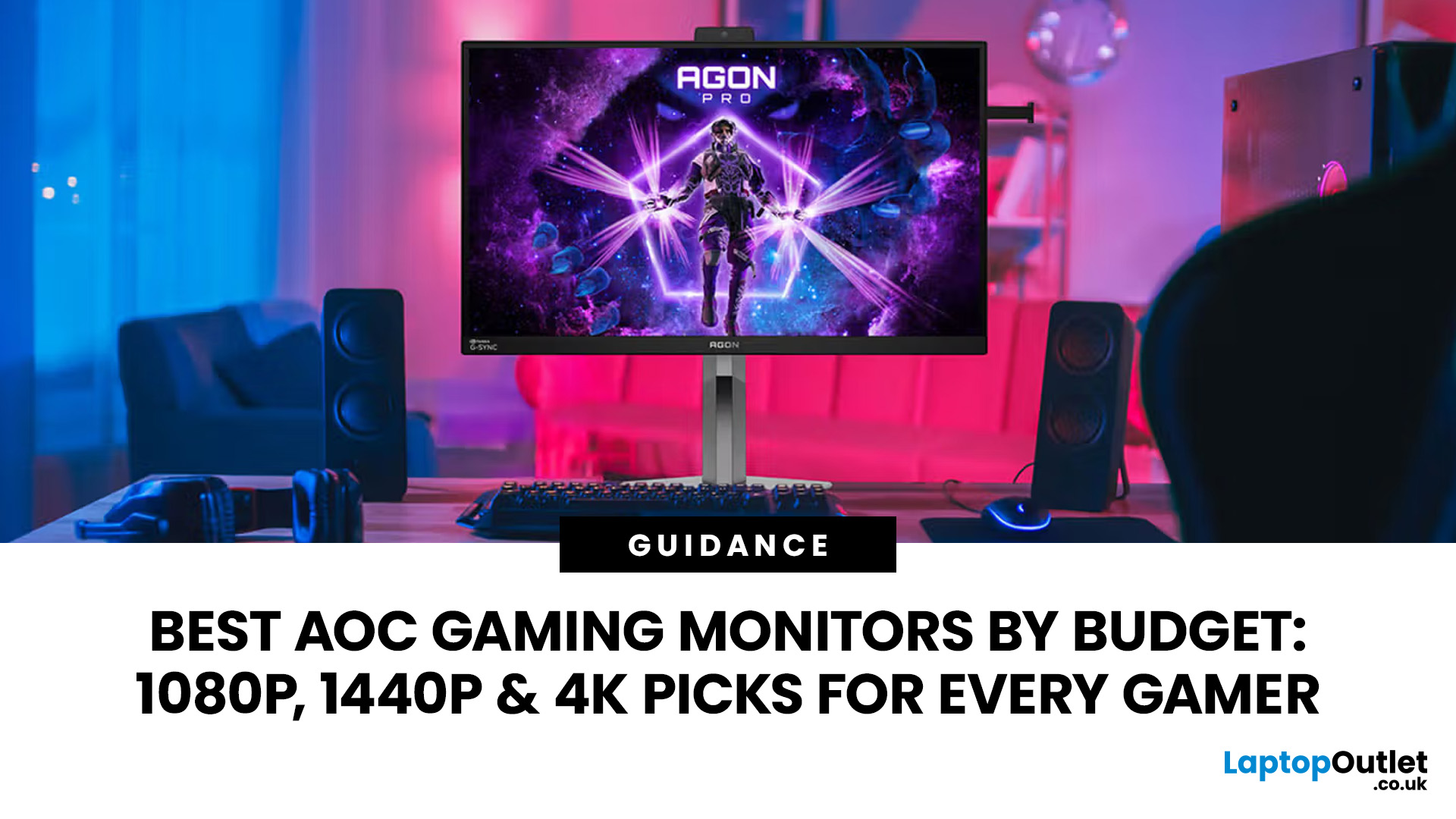
Gaming monitors have moved from 144Hz to 240Hz, then 360Hz and 500Hz in just a few years. Now AOC is pushing even further with its new AOC 1000Hz gaming monitor, the AGON PRO AGP277QK. At 1000Hz, the screen refreshes 1000 times per second, cutting frame time to just 1 millisecond. That is half the frame time of 500Hz and one quarter of 240Hz.
AOC’s new dual-mode 1000Hz monitor can switch between 500Hz at QHD and 1000Hz at a lower resolution, targeting elite competitive players. But who actually benefits from refresh rates this extreme, and should most gamers even consider waiting for it?
What AOC’s 1,000Hz Dual-Mode Monitors Actually Are
The AOC 1000Hz gaming monitor, known as the AOC AGON PRO AGP277QK, is part of a new wave of next-gen AOC AGON PRO monitors focused purely on competitive performance. It introduces a dual-mode 1000Hz monitor design, meaning it can operate at two different refresh rate and resolution combinations.
In its standard mode, the panel runs at QHD resolution with
Last Updated: August 28, 2026
Choosing the right gaming monitor depends on factors like refresh rate, resolution, panel type, response time, and HDR support.
AOC offers gaming monitors across every budget, making it hard to know which one is right for you.
This guide highlights the best AOC gaming monitors by budget and helps you choose between 1080p, 1440p, and 4K options based on your gaming needs.
How to Choose an AOC Gaming Monitor for Your Budget
Before looking at specific recommendations, it's important to understand what you're paying for.
Resolution Matters More Than Most Gamers
Last Updated: August 28, 2026
Choosing the best gaming monitor brand can make a huge difference to your gaming experience. Whether you play competitive esports titles, immersive AAA games, or console exclusives on PS5 and Xbox Series X, the right monitor brand delivers smoother performance, better visuals, and long-term reliability.
In the UK gaming market, several brands consistently stand out for quality, innovation, and value. Companies like ASUS, LG, BenQ, AOC, Philips, and iiyama offer gaming monitors across every price range - from affordable 144Hz displays to cutting-edge OLED and 4K panels.
But with so many options available, it’s not always obvious which gaming monitor brand is best for your setup, budget, and gaming style.
Let’s discuss the best gaming monitor brands in the UK, compare their strengths, and help you choose the right one based on resolution, refresh rate, and platform compatibility.
What Makes a Gaming Monitor Brand Worth Buying in 2026?
When comparing the top gaming monitor brands, it’s important
Last Updated: April 14, 2026
Choosing the right monitor can genuinely change how you play. Whether you’re grinding ranked matches, competing in esports, or just kicking back on your console, your display has a direct impact on performance, clarity and overall experience.
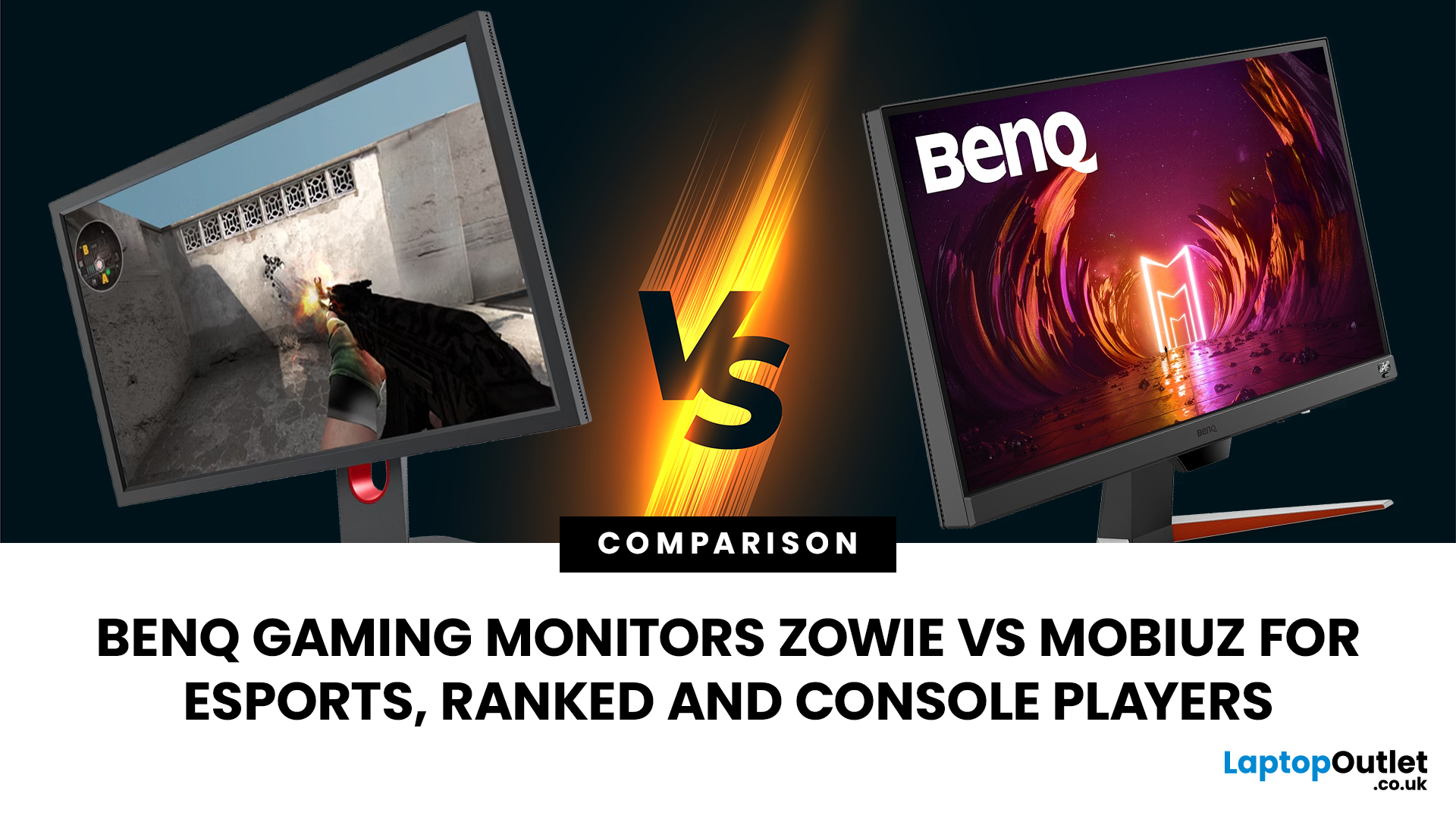
That’s where BenQ gaming monitors stand out. Known for precision engineering and gamer-first features, BenQ offers two standout ranges: ZOWIE and MOBIUZ. But when it comes to BenQ gaming monitors ZOWIE vs MOBIUZ, which one is right for you? Let’s break it down in a way that makes sense for how you play.
BenQ Gaming Monitors Explained
BenQ doesn’t take a one-size-fits-all approach to gaming. Instead, it splits its lineup into two clearly defined categories:
- BenQ ZOWIE esports monitors – built purely for competitive performance
- BenQ MOBIUZ gaming monitors – designed for immersive, all-round gaming
ZOWIE is about speed, precision and winning. MOBIUZ is about visuals, versatility and enjoying the full gaming experience. Both are excellent, but they serve
Last Updated: April 06, 2026
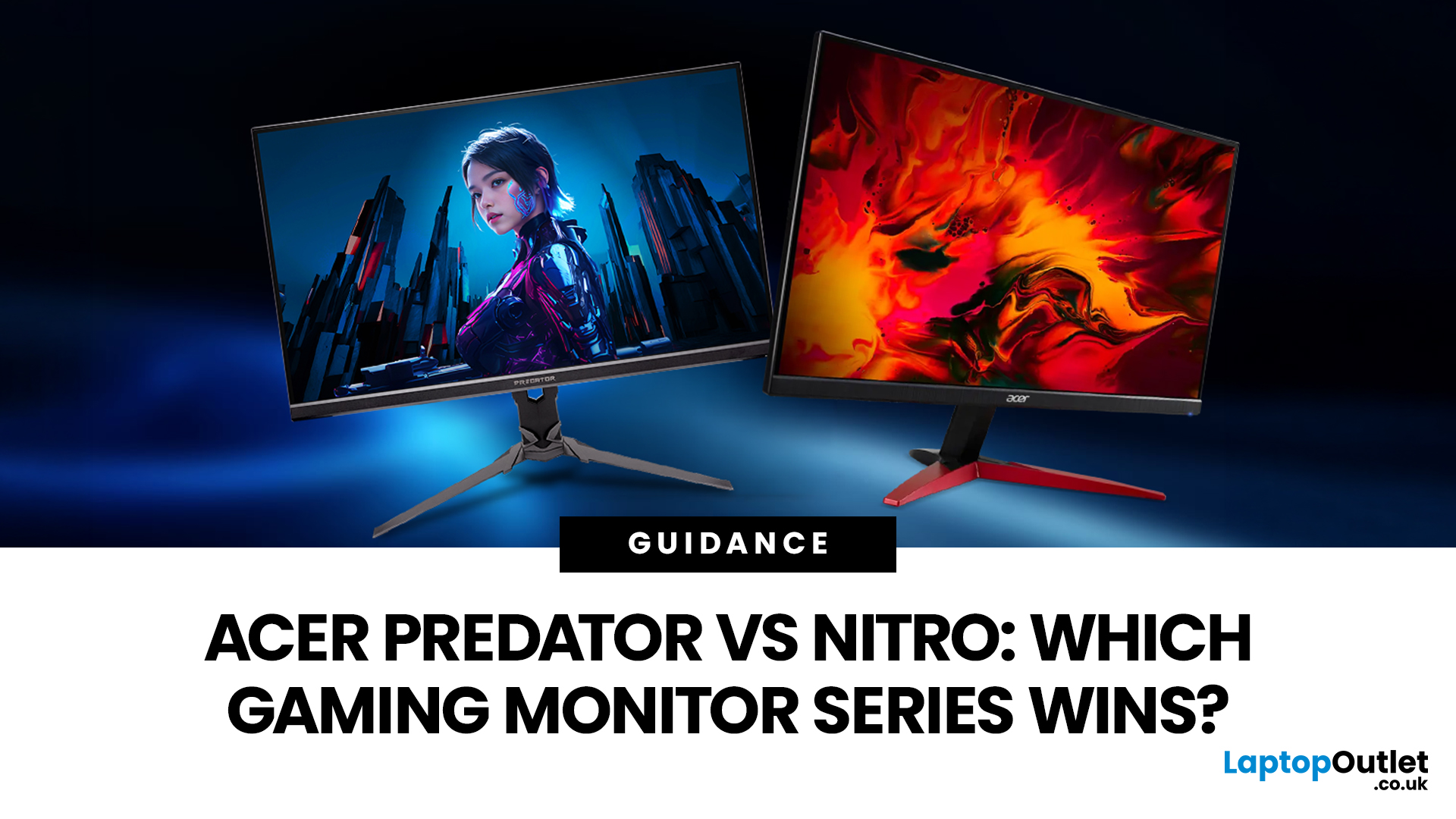
If you are comparing Acer Predator vs Nitro, you are likely at a point where a standard monitor no longer cuts it. Maybe you are upgrading your setup, moving into competitive gaming, or simply trying to get better value for your money.
Acer has made this decision slightly more complex by offering two strong Acer gaming monitor ranges that, at first glance, seem similar. Both support high refresh rates, both look like gaming displays, and both are widely available across the UK.
But once you dig deeper, Predator and Nitro are built for very different types of users. This guide breaks it down properly. No fluff, no brand hype, just a clear explanation of what matters when you are choosing between them.
Why Acer Splits Predator and Nitro in the First Place
Before comparing specs, it helps to understand Acer’s thinking. The company is not just offering two versions of the same product. These are two separate strategies:
- Predator is where Acer pushes performance, display innovation, and premium
Last Updated: April 14, 2026
Picking the right gaming monitor is no longer as simple as choosing the biggest screen you can afford. Your setup matters, your platform matters, and the way you play matters even more. A monitor that feels perfect for a competitive PC player might not be the best fit for someone gaming on a PS5 or Xbox Series X.
That’s exactly why choosing the right BenQ gaming monitor for console or PC comes down to more than specs on a product page. You need to think about refresh rate, resolution, connectivity and whether you care more about raw speed or immersive visuals.
BenQ makes that decision easier by offering two clear gaming monitor families. ZOWIE is built for fast, focused competitive PC play, while MOBIUZ is designed for players who want strong performance with more visual depth and better console-friendly features. If you’ve been stuck comparing 1080p, 1440p and 4K, this guide breaks it all down in a way that helps.
Do Console and PC Gamers Need Different BenQ Monitors?
Console and PC
Last Updated: September 01, 2026
Not all gaming monitors are built the same, and the LG UltraGear range makes that very clear. Whether you're playing for fun on weekends, grinding ranked matches on a mid-range rig, or competing at a serious level, there's a specific UltraGear model that fits your needs.
This LG UltraGear guide breaks down the full lineup by player type so you can make a genuinely informed decision before spending your money.
What Makes LG UltraGear Different from Standard LG Monitors?
LG produces monitors for all sorts of uses, from office work to content creation to home cinema. UltraGear is the gaming-focused sub-brand, and it comes with a noticeably different spec sheet compared to LG's standard displays.
The core differences come down to priorities. Standard LG monitors are built around colour accuracy, ergonomics, and value for office use. UltraGear monitors are tuned for speed, responsiveness, and visual clarity under fast-moving gaming conditions.
In practical terms, this means LG UltraGear gaming
Last Updated: September 01, 2026
If you want smooth gameplay without jumping straight into premium OLED pricing, Acer Nitro gaming monitors are one of the easiest ranges to shortlist. Acer positions the Nitro line as a gaming family with options for fast-paced play, ultrawide immersion and richer colour, while Our Acer monitor range backs that up with Full HD, QHD, curved and ultrawide Nitro models aimed at buyers who want value, not just spec-sheet flexing.
That is exactly why Acer Nitro monitors UK shoppers keep coming back to the series. The range is broad enough to cover casual desk gaming, PS5 and Xbox setups, and entry-level PC esports, but it still stays realistic on price compared with high-end Predator and OLED alternatives. Nitro models from compact 23.8-inch Full HD panels up to 34-inch curved UWQHD displays, with refresh rates running from 120Hz to 240Hz.
Are Acer Nitro Gaming Monitors Good for Budget Gaming?
Yes. For casual gaming, console play and entry-level PC builds, Acer Nitro sits in a very practical
Last Updated: July 06, 2026
you are shopping for Acer Predator gaming monitors, you are usually not looking for a basic panel. You are looking for speed, image quality and a monitor that genuinely fits the kind of games you play. For some buyers, that means a fast 27-inch display for ranked shooters and esports titles. For others, it means a bigger 4K panel for high-detail single-player games. And for enthusiasts building the kind of setup that makes every desk photo look dramatic, it means an ultrawide or super-ultrawide screen that turns a gaming PC into the centrepiece of the room.
That is why Predator remains such an interesting range. Acer's broader monitor line covers different budgets and uses cases, but the Predator family is where Acer pushes harder on premium gaming features like OLED and QD-OLED panels, very high refresh rates, ultrawide formats and esports-level response times.
If you want the simple answer: Why choose Acer Predator monitor
Here is the short version.
- For competitive esports and fast shooters,
Last Updated: August 25, 2026
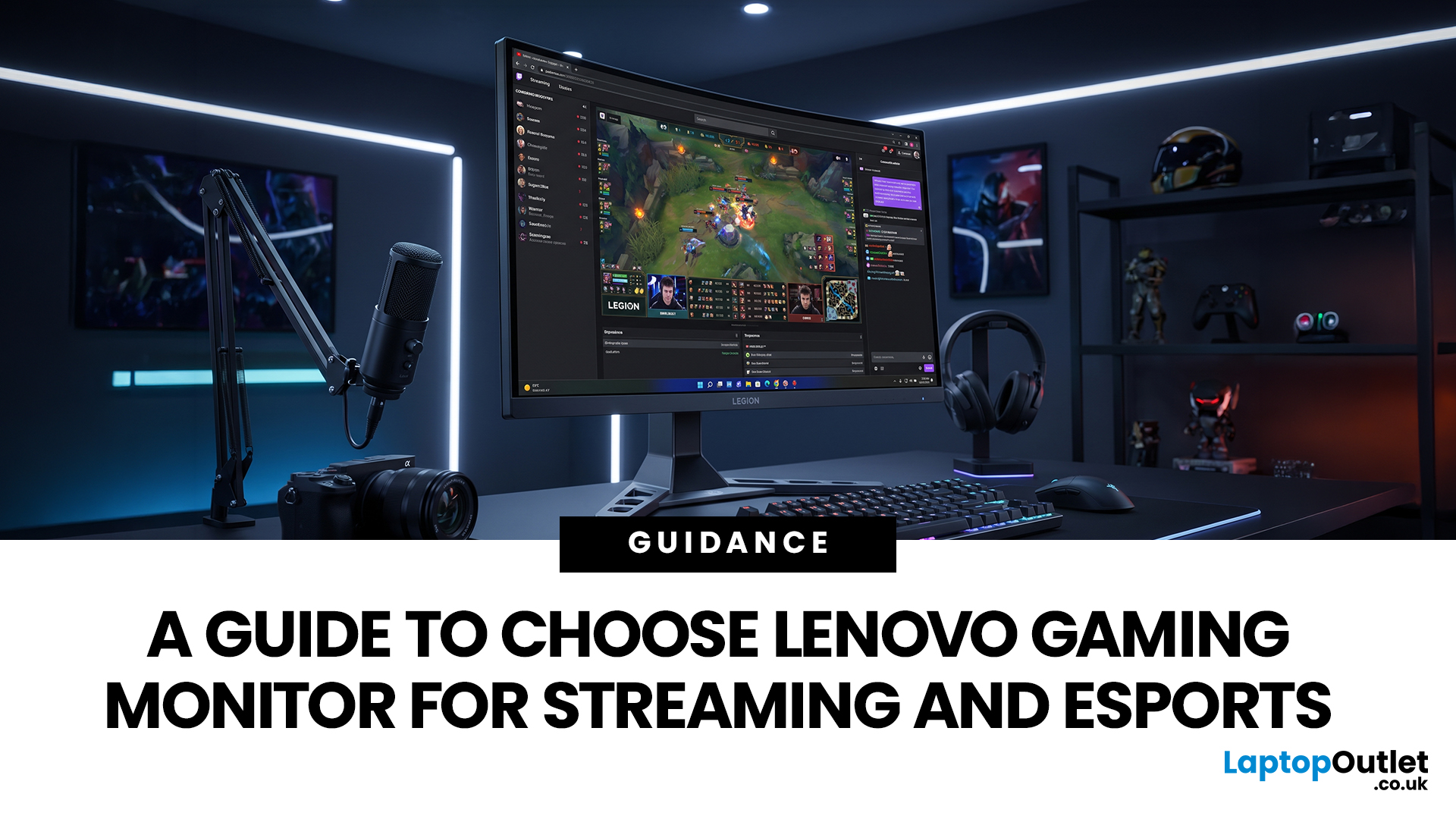
Quick answer: The best Lenovo gaming monitor for streaming and esports is the one your PC can drive consistently at its native resolution while it also handles your broadcast workflow. For many mixed-use setups, a 27-inch QHD display at 165Hz to 180Hz is the balanced choice. A 24.5-inch or 27-inch Full HD screen at 240Hz or above prioritises competitive speed, while a 34-inch UWQHD display at 165Hz to 180Hz provides more room for a single-screen streaming workspace.
Those are useful profiles, not universal rules. Your real decision depends on sustained frame rate, encoder load, game genre, desk space and whether OBS, chat and alerts live on the same display. A monitor does not encode the stream, and a 240Hz panel does not make viewers receive a 240fps broadcast. It changes the experience in front of you, which can still matter greatly during competitive play.

