



Black Friday is here! Get an extra £10 off when you spend £200 with code: BF10LO. T&Cs apply*
Access Points
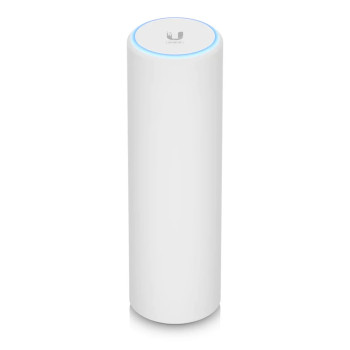
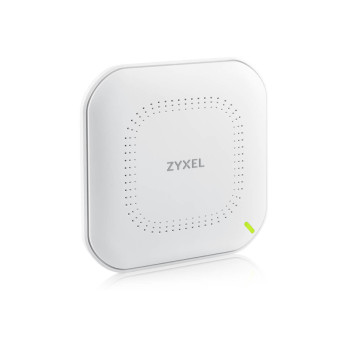
Shop wireless access points for reliable WiFi at home, in the office or outdoors. Find WiFi 6, WiFi 6E and WiFi 7 models from Ubiquiti, TP-Link, NETGEAR, Zyxel and more, with indoor, outdoor and PoE options for different spaces and setups. Match coverage, power and Ethernet needs to your network.

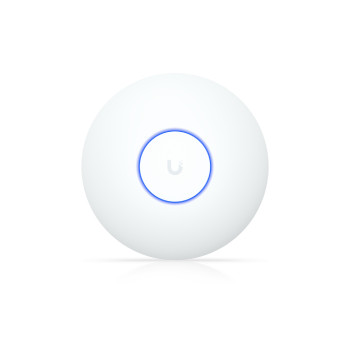
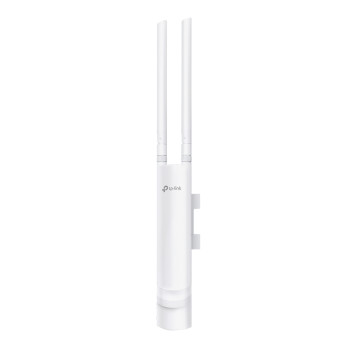
Finance available
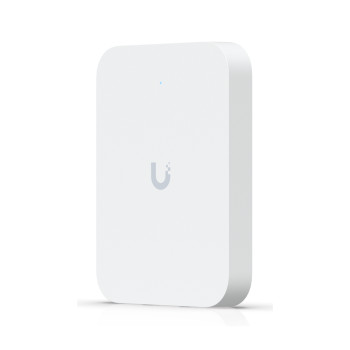
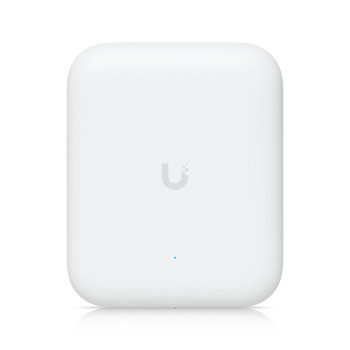
Finance available
Free Delivery *
Finance available
Free Delivery *
Finance available
Free Delivery *
Finance available
Free Delivery *
Finance available
Free Delivery *
Finance available
Free Delivery *
Finance available
Showing 15 of 31 Items
Wireless Access Points for Home & Business
Need WiFi in a room, floor or outdoor space your main router does not reach well? A WiFi access point connects to your network and adds wireless coverage where you need it, making it useful for larger homes, offices, shops and other shared spaces.
Laptop Outlet stocks business wireless access points and home networking options from Ubiquiti, TP-Link, NETGEAR, Zyxel, ASUS, HPE Aruba, DrayTek and more. The range includes ceiling, wall and outdoor models, as well as office WiFi access points designed for managed networks.
If you need a device to manage the main internet connection as well as WiFi, browse our WiFi routers .
Shop Access Points by WiFi Standard
The newest WiFi generation is not automatically the right one for every setup. Start with the devices you already use, then look at your wired network and how much capacity you actually need.
WiFi 7 Access Points
WiFi 7 suits newer networks where compatible laptops, phones and other devices can make use of the extra capacity. Some business models also use faster 2.5GbE or 10GbE Ethernet and higher PoE requirements, so check the rest of your network before paying for features it cannot support.
Planning a wider upgrade? See our latest WiFi 7 routers .
WiFi 6E Access Points
WiFi 6E adds the 6GHz band for compatible devices. It can be useful when you want extra wireless capacity, but your phones, laptops and other clients must also support WiFi 6E to use that band.
WiFi 6 Access Points
WiFi 6 is a sensible fit for many homes and businesses. It supports modern devices well and is available across indoor, outdoor and managed access points without automatically pushing you into higher-cost networking hardware.
WiFi 5 Access Points
WiFi 5 can still suit lighter workloads, older devices or lower-cost network extensions. If browsing, email and everyday office use are the priority, you may not need to pay more simply for a newer standard.
How to Choose a WiFi Access Point
The best WiFi access point is the one that fits your space, devices and existing network. Before you buy a network access point, check these practical points:
- Coverage: Are you adding WiFi to one room, a whole floor, an office or an outdoor area?
- WiFi standard: Match WiFi 5, 6, 6E or 7 to the devices that will actually connect.
- Ethernet connection: Faster models may use 2.5GbE or 10GbE rather than standard Gigabit Ethernet.
- Power: Check whether the unit needs a mains adapter, PoE, PoE+ or PoE++.
- Management: For several access points, platforms such as UniFi, Omada, Insight or Nebula can make setup and monitoring easier.
- Placement: Ceiling, wall, desktop and outdoor designs suit different spaces.
If you are building around TP-Link Omada, browse more TP-Link networking products .
For a larger home where you want several wireless nodes working together with less network setup, a mesh network may be the simpler route.
Indoor, Outdoor & PoE Access Points
Indoor access points work well for rooms, offices, corridors and shared workspaces. Outdoor models are built for areas such as gardens, courtyards, external offices or customer seating, but always check the product’s exact weather rating before installation.
Many access points use Power over Ethernet (PoE), which carries network data and power through one Ethernet cable. This can make ceiling and wall installations tidier.
The important part is compatibility. Your network switch must provide the PoE standard and power budget the access point needs. If it does not, you may also need a compatible PoE injector or switch. Higher-spec WiFi 7 models can require PoE+ or PoE++, while other access points need less power.
Access Point vs Router vs WiFi Extender
These products solve different network problems:
- Router: Manages your main network and internet connection.
- Access point: Adds WiFi to an existing network, usually through a wired Ethernet connection.
- WiFi extender: Repeats an existing wireless signal to help with a smaller coverage gap.
If Ethernet can be run to the area, an access point is often the better fit for a permanent home or office installation. If you only need to improve signal in one nearby room without new cabling, WiFi range extenders may be easier.
You can also browse wider networking equipment when adding switches, routers or adapters to the same setup.
Buy Wireless Access Points from Laptop Outlet
Find wireless access points for homes, offices and outdoor networks at Laptop Outlet, with options across different WiFi standards, mounting styles and budgets.
- Find the right fit for your network: Shop WiFi 5, WiFi 6, WiFi 6E and WiFi 7 models alongside indoor, outdoor and PoE access points.
- Pick from established networking brands: Our range includes Ubiquiti, TP-Link, NETGEAR, Zyxel, ASUS, HPE Aruba, DrayTek and other options depending on availability.
- Pay in the way that suits you: Use major credit or debit cards, PayPal, Klarna, Apple Pay or Google Pay. PayPal Pay in 3 splits eligible purchases into three interest-free payments, while PayPal Credit and Klarna offer additional payment options on qualifying orders.
- See delivery options before ordering: Available delivery services and expected timeframes are shown during checkout, so you can see what applies before placing the order.
- Buy with added peace of mind: Warranty cover is shown on the product page, and Laptop Outlet can help with qualifying returns, repairs or exchanges if something goes wrong.
Start with the area you need to cover, then match the access point to your devices, wired network and power setup. That keeps the purchase practical and avoids paying for networking features you will not use.
Read More:
Access Points: Extend Your Wi-Fi Coverage Easily in the UK
How to Set Up UniFi WiFi 7 Access Points for Maximum Performance
Read more