




Blog Categories







September 25, 2026

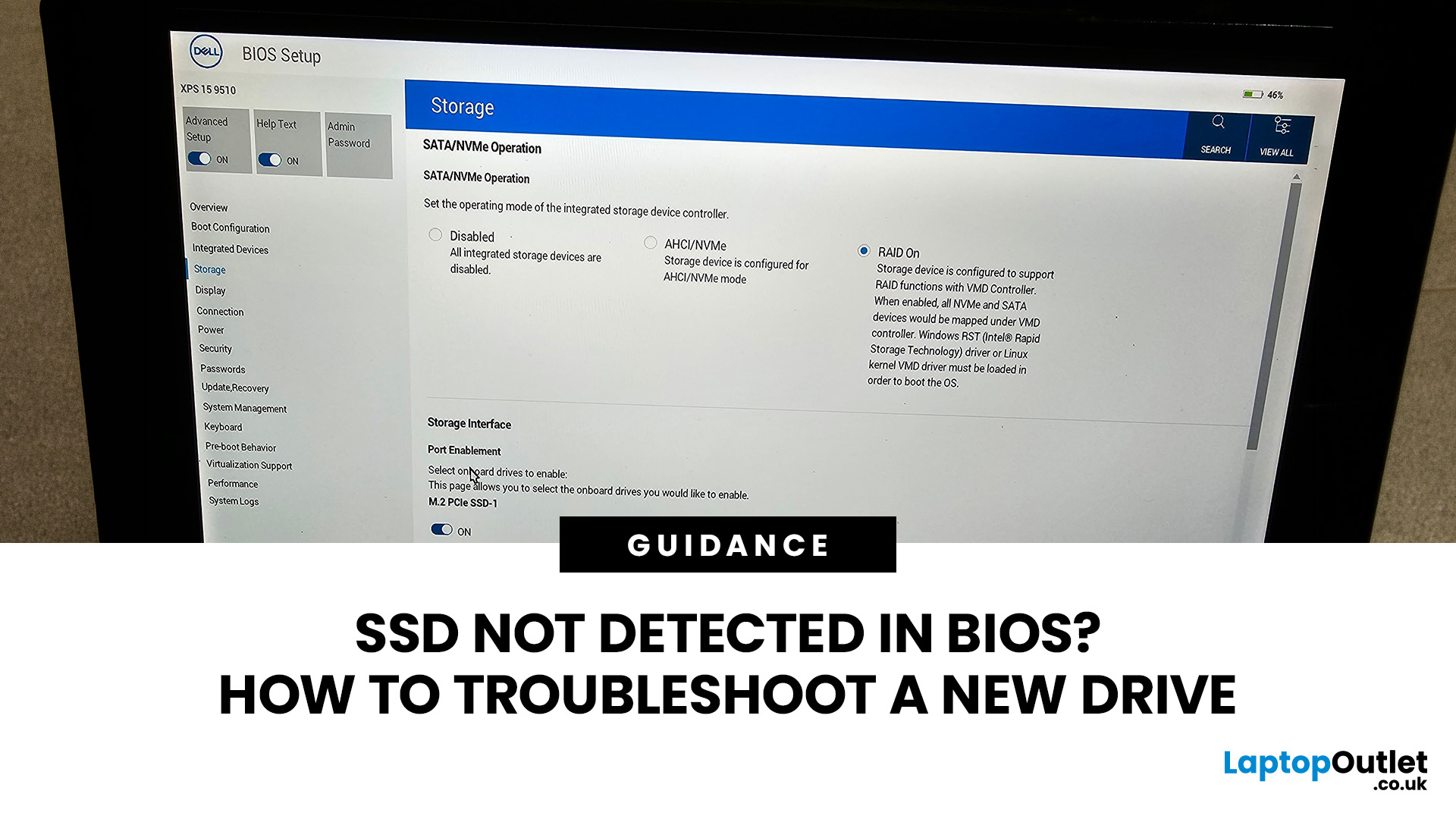
You install a new SSD, power the PC back on and expect extra storage or a faster boot drive. Instead, the drive is nowhere to be found. If your SSD is not detected in BIOS, the problem usually needs to be solved before changing anything inside Windows.
The good news is that a missing drive does not automatically mean the SSD is faulty. A loose connection, incompatible M.2 slot, disabled storage port, outdated BIOS, or incorrect storage configuration can all cause the same symptom. Here is how to work through the problem without randomly changing settings.
First, Check Where the SSD is Missing
Before opening the PC, confirm exactly where the drive disappears.
Enter your BIOS or UEFI firmware and look under sections such as Storage Information, NVMe Configuration, SATA Configuration or System Status. The exact menu varies between motherboard manufacturers. There are three different scenarios:
| What you see | What it usually means |
| SSD missing from BIOS/UEFI | Check installation, slot compatibility, |
September 08, 2026
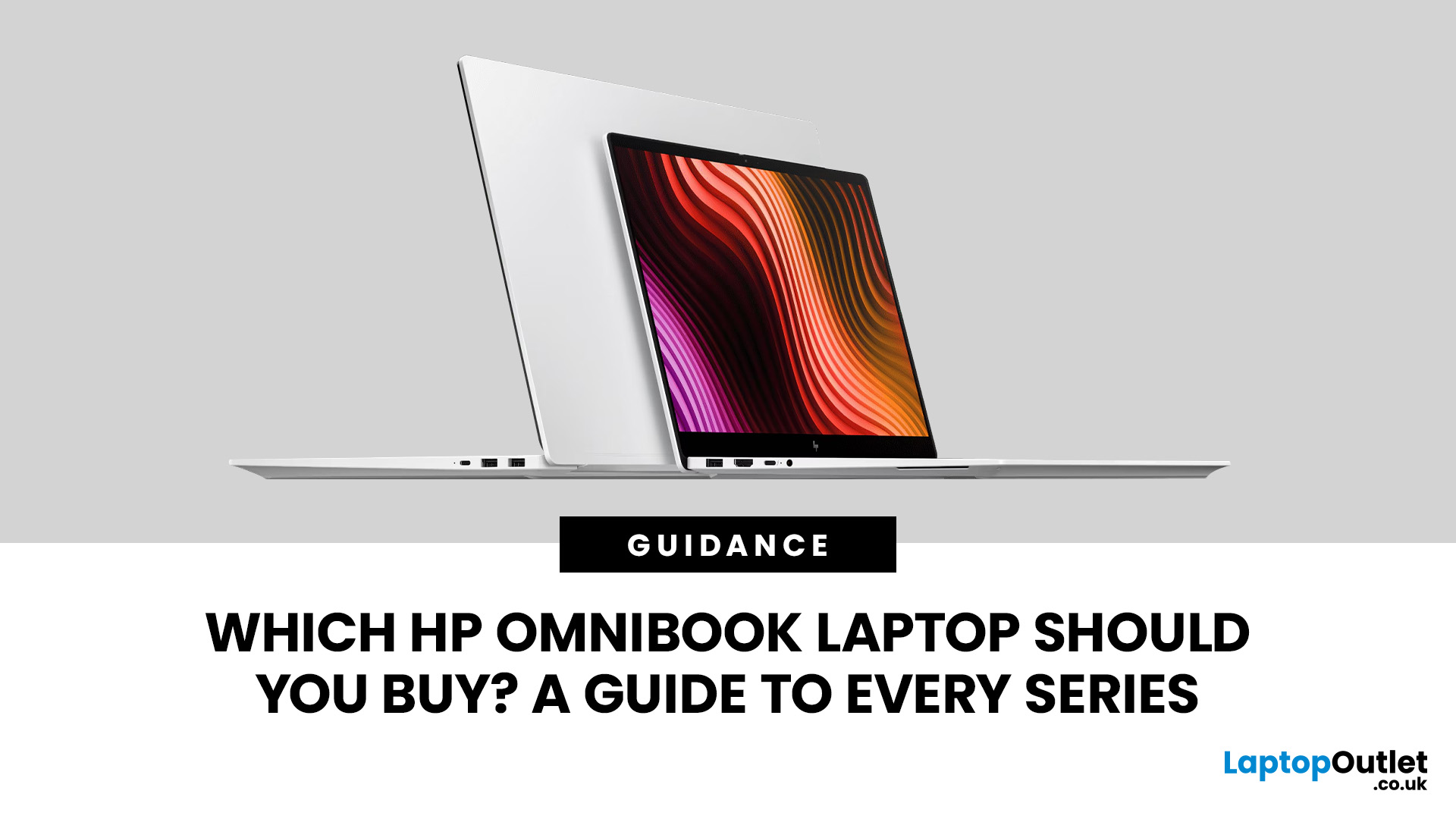
Choosing from the HP OmniBook series looks simple at first: OmniBook 3, 5, 7, X and Ultra appear to form a neat ladder from everyday to flagship. In practice, the exact processor, memory, screen, form factor and AI hardware can change the experience so much that the series badge alone should never make the decision for you.
That matters more in 2026 because HP now sells OmniBook configurations across Intel, AMD and Snapdragon platforms, with standard clamshell, Flip and lightweight Aero designs appearing at different tiers. This guide shows what each range is really for, where the ranges overlap, and when paying for the next tier is actually worthwhile.
Quick answer
Start with OmniBook 3 for straightforward everyday use, OmniBook 5 for the broadest all-round balance, OmniBook 7 for more sustained performance, OmniBook X for premium flexibility and mobility, and OmniBook Ultra for the flagship experience. Then verify the exact configuration before buying - especially the processor platform,
August 27, 2026
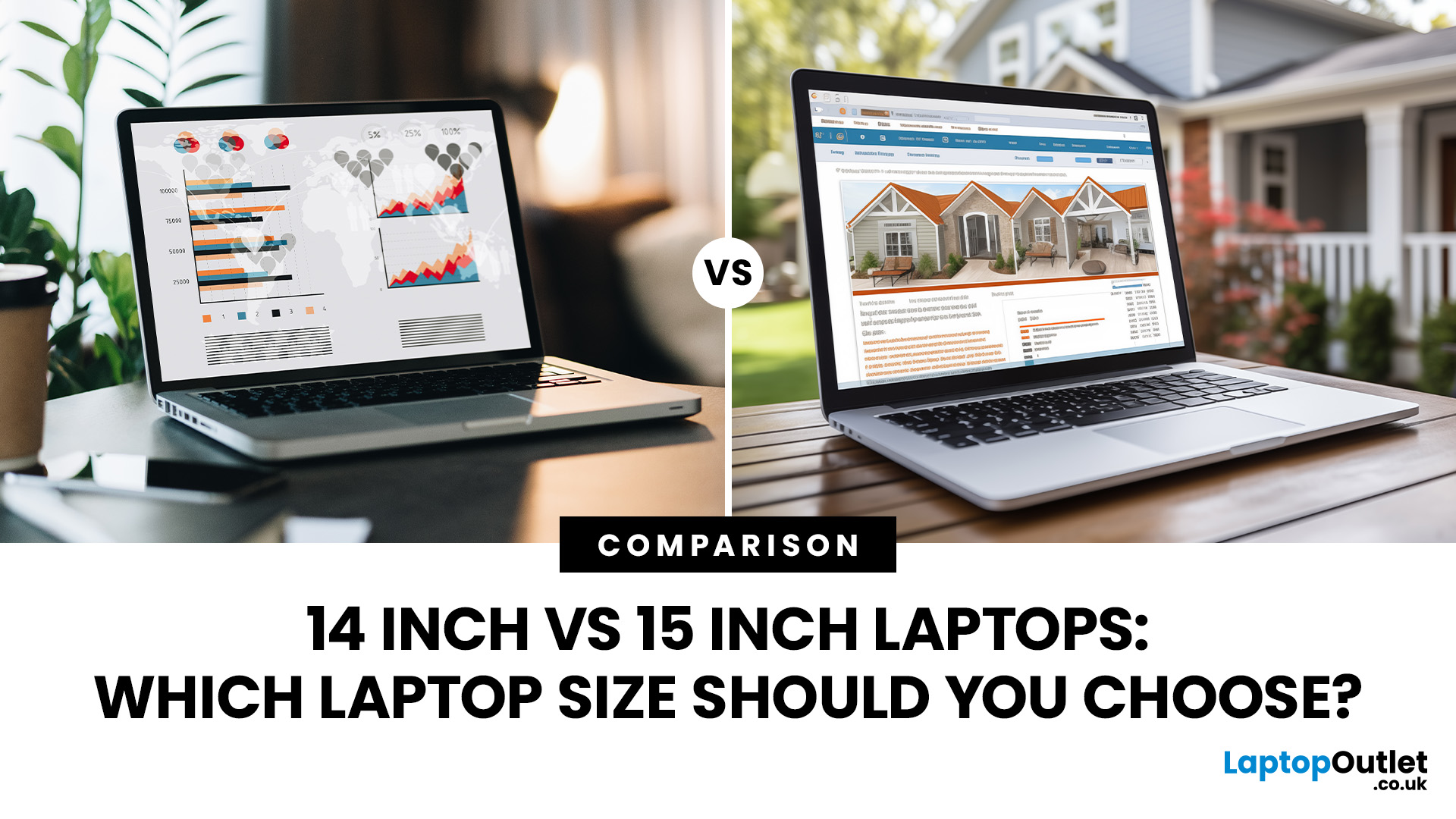
Choosing between a 14-inch and 15-inch laptop is mainly portability vs screen space: 14-inch is lighter and easier to carry, while 15-inch offers a larger display and more comfortable keyboard for work, entertainment and multitasking.
A 14-inch laptop is generally better for students, commuters and frequent travellers because it is lighter and easier to carry. A 15-inch or 15.6-inch laptop is better for multitasking, spreadsheets, gaming and entertainment because its larger display provides more screen space. Choose 14-inch if portability matters most, or 15-inch if the laptop will mainly stay on a desk. Performance and battery life depend more on the individual specifications than the screen size alone. For most users, 14 inches offers the best overall balance.
However, screen size alone does not define performance, battery life or quality. Two laptops of different sizes can have the same processor, memory and storage but still feel different due to variations in display resolution, aspect
September 21, 2026
August 25, 2026

August 18, 2026
Carrying a heavy laptop between home, work, university and client meetings can quickly become inconvenient. A slim laptop offers a more portable alternative, combining a thinner design with the performance needed for everyday computing, study, business and entertainment.
However, buyers should compare processor performance, RAM, screen quality, ports, cooling and upgradeability before choosing. The best lightweight laptop balances low weight with the features and power required for its intended daily use.
The right thin and light laptop reduces bag weight without losing key features, but performance, battery life and connectivity vary, so understanding the trade-offs is important before choosing.
Why Heavy Laptops Are Becoming a Dealbreaker
A larger,
August 17, 2026
Dell laptops are built for everything from everyday study to demanding business workloads, but any device can develop faults over time. Common Dell laptop problems can involve slow performance, charging, overheating, displays, connectivity, or startup. The useful first step is not replacing parts at random, but identifying exactly what the laptop is doing. In this guide, you’ll learn how to recognise common symptoms, try safe, practical Dell laptop troubleshooting steps and decide when a repair or replacement makes practical sense.
What are the Most Common Dell Laptop Problems?
Slow Performance and System Lag
A Dell laptop may slow down because of too many startup apps, limited free storage, demanding background processes or outdated software. These Dell laptop issues often appear as slow boot times, freezing, or delayed app launches.
Battery Draining Too Quickly
Fast battery drain can result from high brightness, heavy workloads, background activity or an ageing battery. If runtime has

August 12, 2026
From mouse sensitivity and key commands to macros and RGB lighting, Razer Synapse 4 puts your entire compatible Razer gaming setup under one control panel.
Razer Synapse 4 is Razer’s free device-management software for compatible gaming laptops, mice, keyboards, headsets, controllers and RGB accessories. It gives gamers one place to change performance settings, remap controls, create profiles and macros, and manage lighting. The software is not required for every basic device function, but it unlocks the advanced features that make Razer hardware more customisable.
August 17, 2026
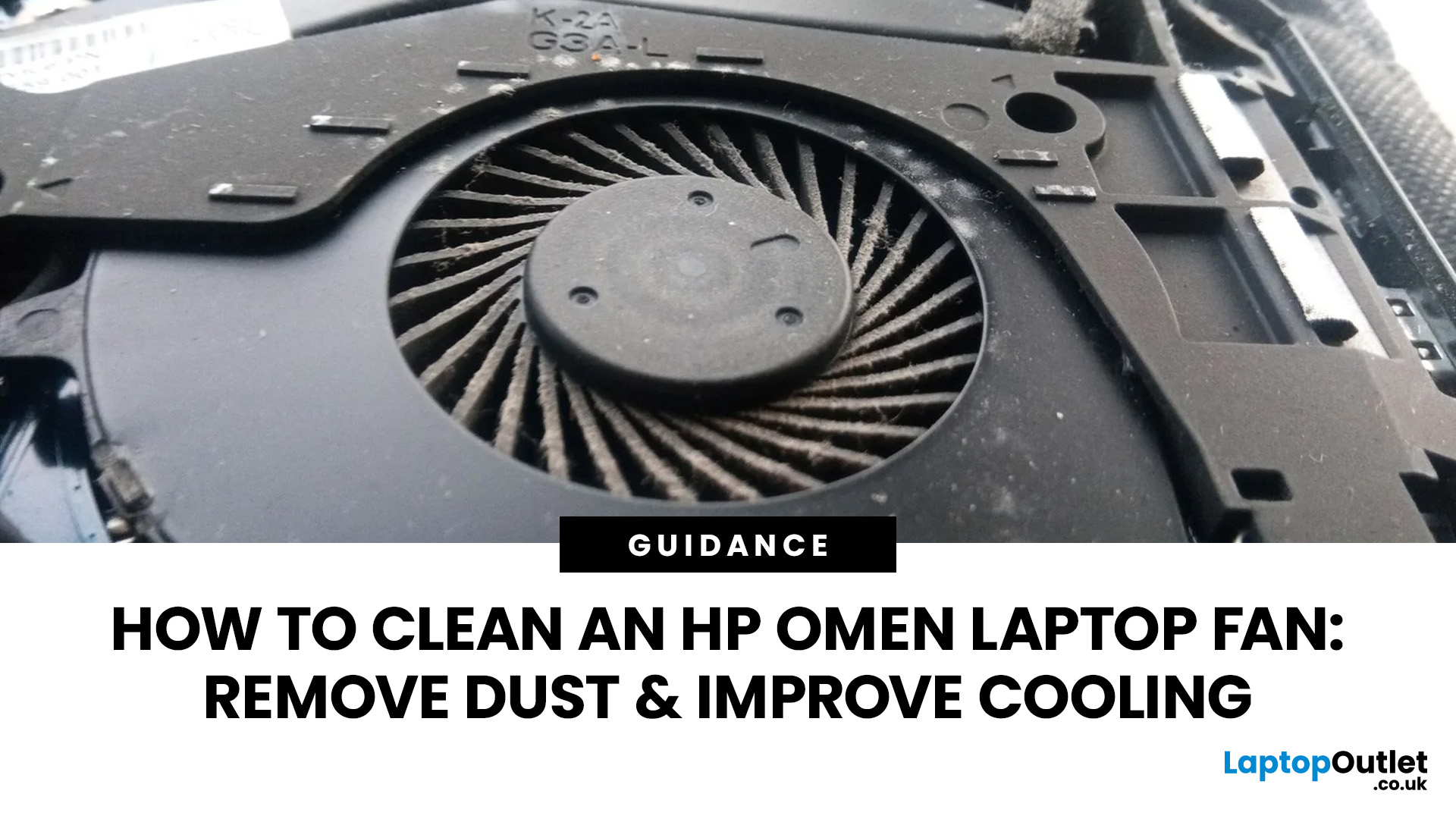
An HP OMEN laptop moves plenty of air during gaming and other demanding work. That airflow can draw dust, lint and pet hair towards its intake vents. As debris builds up, cooling may become louder, airflow can weaken and sustained performance can suffer.
The safest approach is to start with external cleaning. Only remove the bottom cover when deeper cleaning is necessary and you have checked the service instructions for your exact OMEN model. This guide covers both methods, essential safety precautions and post-cleaning checks.
Why HP OMEN Fan Cleaning Matters
Gaming laptops generate considerable heat because the processor and dedicated graphics chip can remain under heavy load for long periods. Their fans draw cooler air through the chassis and push warm air across the heatsink fins towards the exhausts.
Effective laptop fan dust removal prevents debris from reducing the space available for air to pass through. A thin layer of dust may only increase noise, while a compacted blockage can
August 11, 2026
If you’re considering an Intel Core Ultra 7 Series 3 laptop in 2026, the processor name is only part of the story. Intel’s latest Core Ultra Series 3 generation brings a new architecture, Intel 18A process technology, built-in AI acceleration and updated graphics capabilities.
However, different Series 3 processors can have significantly different core and graphics configurations, so it is important to look beyond the “Core Ultra 7” label when choosing a laptop.
Series 3 is aimed at modern laptops that need to balance
August 10, 2026
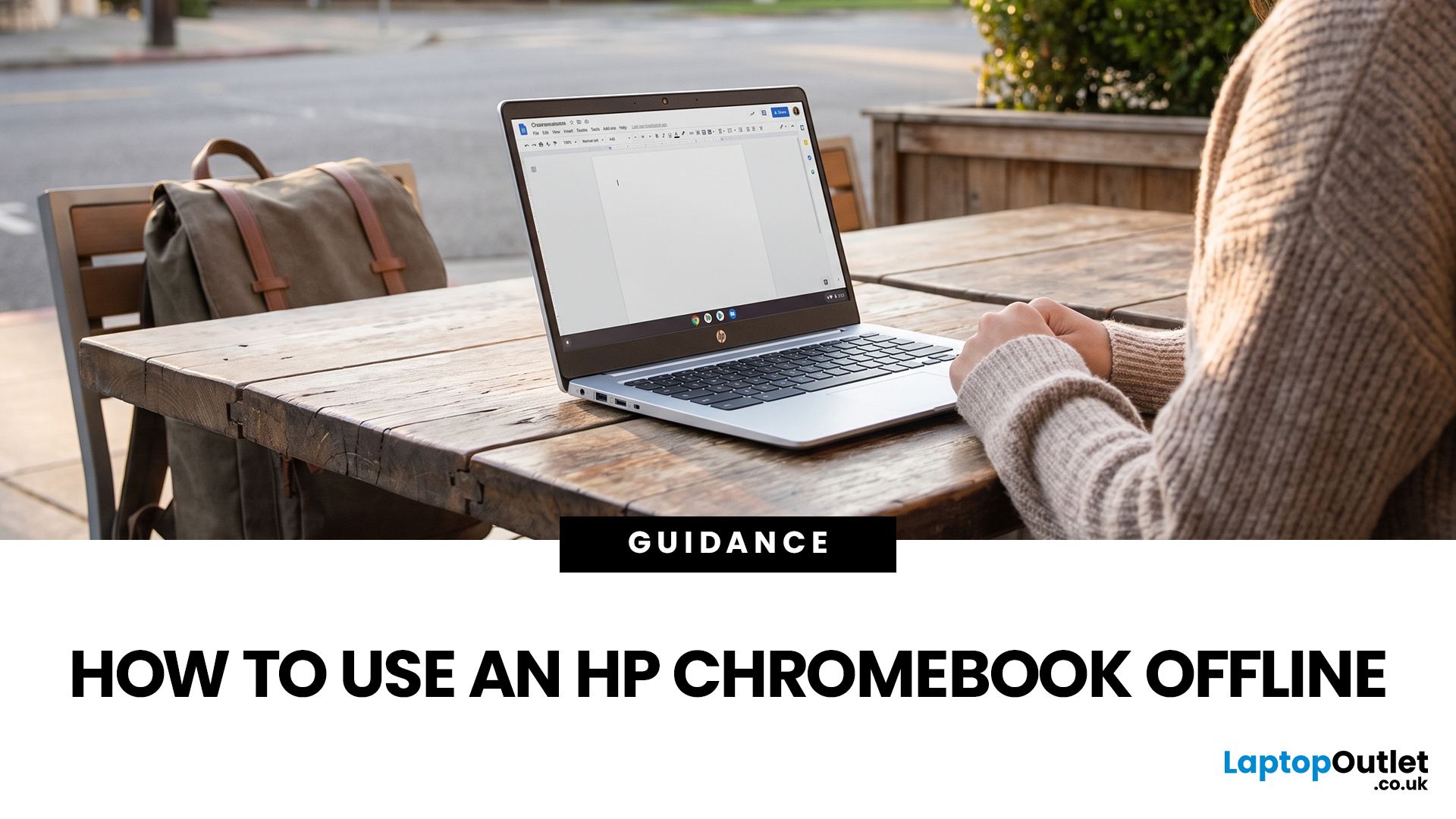
No Wi-Fi doesn't have to mean no work, no films and no games. Whether you're on a train, up a mountain, a long-haul flight or your home broadband has dropped out, using an HP Chromebook offline is easier than most people expect. With a little preparation while you're still connected, your Chromebook keeps working, playing and entertaining you long after the signal disappears.
Can You Use an HP Chromebook Without Wi-Fi?
Yes. HP uses the same ChromeOS offline features as other Chromebook brands. You can open local files, run supported web or Android apps, edit prepared Google Drive documents, use built-in tools and play downloaded media.
Online-only actions pause. You cannot load new websites, receive fresh email, stream undownloaded content, join video calls or use cloud gaming until internet access returns.
| Task | Works offline? | Preparation required |
| Edit Google Docs, Sheets and Slides | Yes | Enable Drive offline access and select key files |
| Read or draft Gmail messages | Yes | Enable Gmail offline |
August 07, 2026
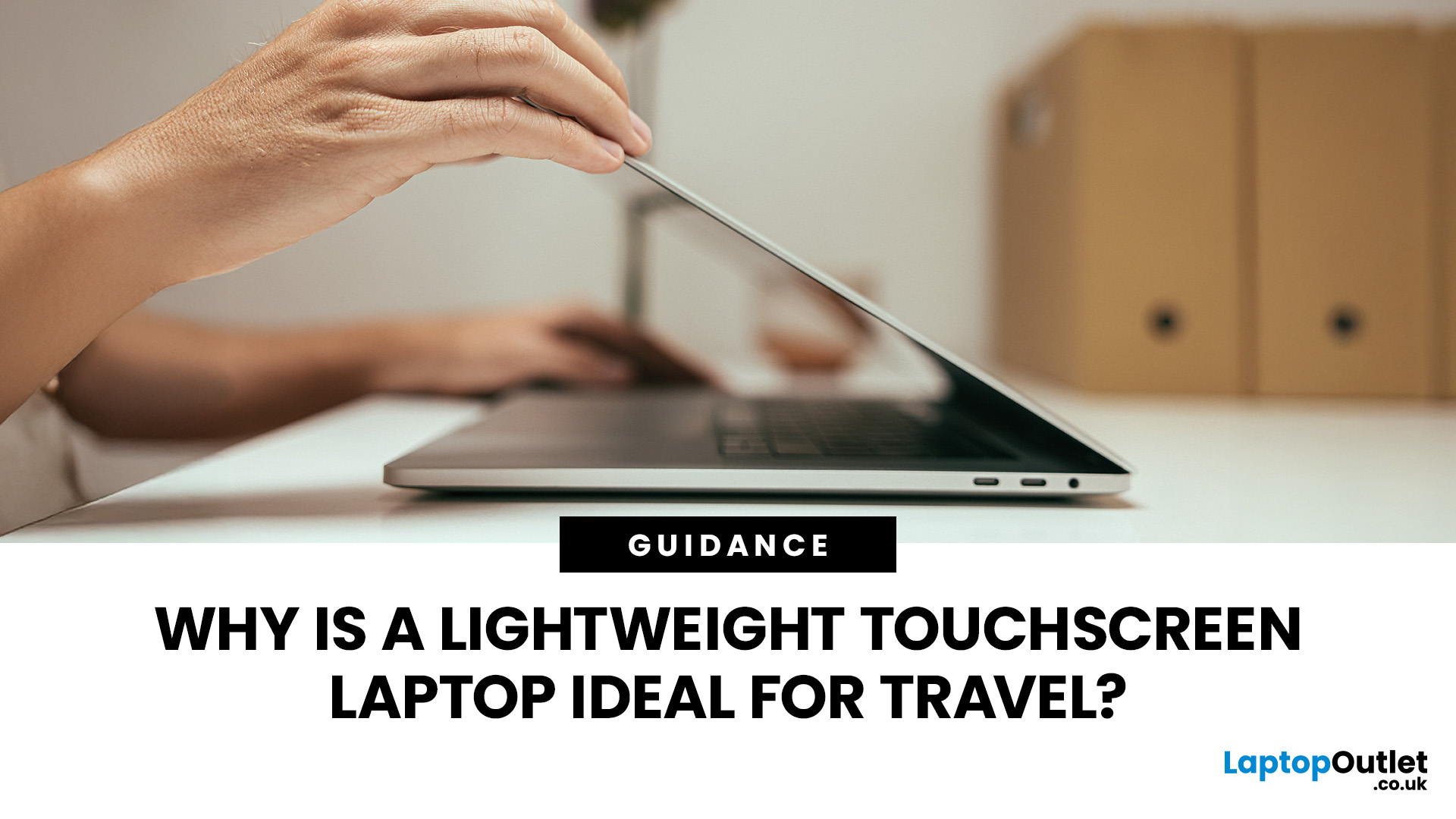
Travel exposes a laptop to crowded trains, small café tables, airport queues, limited sockets and long periods inside a backpack. A lightweight touchscreen laptop addresses these problems by combining easier portability with direct, phone-like control.
It can be quicker to tap, scroll, zoom, sign or annotate when there is little room for a mouse. The right model can also replace a separate tablet, when it has a 360-degree hinge and pen support.
However, weight alone is not enough. Battery endurance, screen visibility, keyboard comfort, charging options, durability and software compatibility all determine whether a device is genuinely suitable for journeys.
Why Does a Lightweight Touchscreen Laptop Suit Travel?
1. It Reduces the Weight You Carry All Day
A lighter computer makes a noticeable difference when it shares a backpack with a charger, phone, headphones, water bottle and travel documents. For regular commuting or cabin-only trips, the complete kit matters more than the laptop weight