



ASUS Graphics Cards
Shop ASUS graphics cards at Laptop Outlet, including GeForce RTX and Radeon RX GPUs across ROG Astral, TUF Gaming, Prime, and Dual ranges. Compare current models for gaming, creative work, and PC upgrades, with options for compact and white builds.
Finance available
Free Delivery *

Finance available
Free Delivery *
Finance available
Free Delivery *
Finance available
Free Delivery *
Finance available
Free Delivery *
Finance available
Free Delivery *
Finance available
Free Delivery *
Finance available
Free Delivery *
Finance available
Free Delivery *

Finance available
Free Delivery *
Finance available
Free Delivery *
Finance available
Free Delivery *
Showing 15 of 35 Items
Shop ASUS NVIDIA GeForce RTX & AMD Radeon RX Graphics Cards
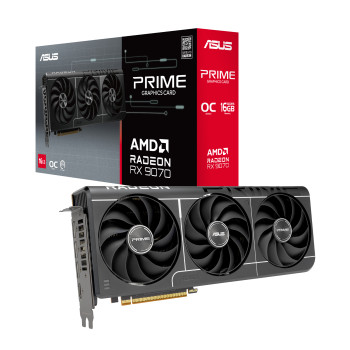
Upgrade your PC with ASUS graphics cards powered by current NVIDIA GeForce RTX and AMD Radeon RX GPUs. The range covers everything from RTX 5060 and RTX 5060 Ti models through RTX 5070, RTX 5070 Ti, and RTX 5080 options, alongside Radeon RX 9060 XT, RX 9070 and RX 9070 XT cards.
Choose ASUS GeForce RTX if NVIDIA features, ray tracing, DLSS, or NVIDIA-supported creative workflows are priorities. RTX 50 Series GPUs use NVIDIA's Blackwell architecture. For an AMD-powered build, ASUS Radeon RX options give you current Radeon RX 9000 Series choices with RDNA 4 technology.
You can also compare the wider range of NVIDIA graphics cards if the latest ASUS graphics card is not the only brand on your shortlist.
Compare ASUS ROG Astral, TUF Gaming, Prime, & Dual Graphics Cards
Start with the GPU model, then choose the ASUS design that suits your build. An RTX 5080 remains a different performance tier from an RTX 5060 regardless of whether the card carries Prime, TUF, Dual, or ROG branding.
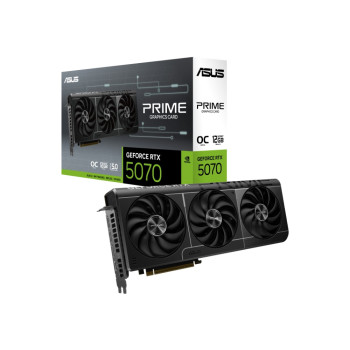
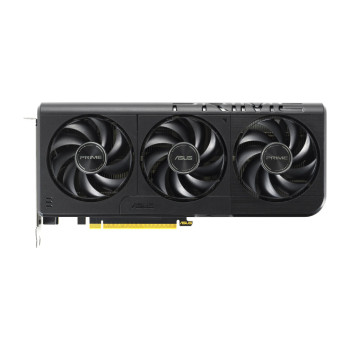
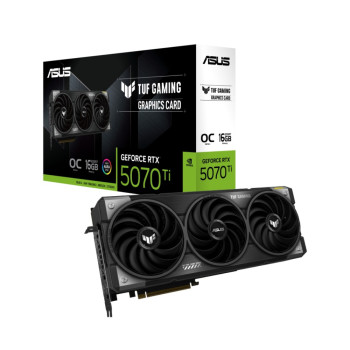
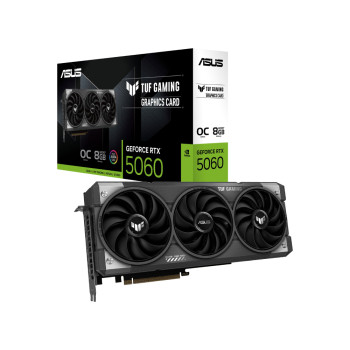
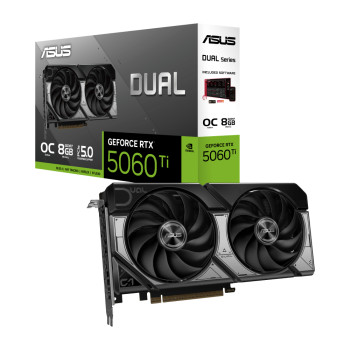
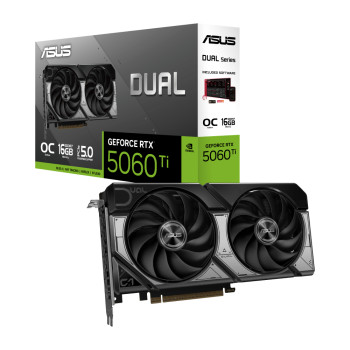
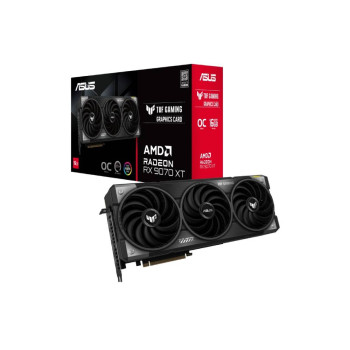
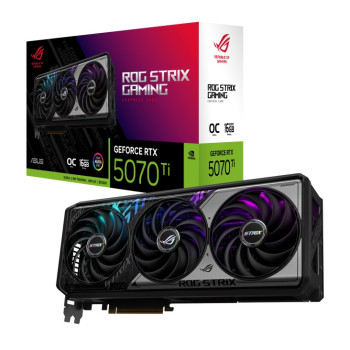
Our range shows how the designs differ. The white ASUS ROG Astral RTX 5080 uses a substantial 3.8-slot, quad-fan design, while the ASUS Prime graphics card range includes SFF-ready models such as the triple-fan RTX 5070. The ASUS Dual graphics card RTX 5060 Ti uses two Axial-tech fans in a compact 2.5-slot format, while the ASUS TUF Gaming graphics card range includes larger triple-fan models such as the RTX 5060. ROG Strix options are also available on selected GPUs, including the RTX 5070 Ti.
Planning a wider upgrade? Compare compatible computer hardware alongside your new GPU.
Choose an ASUS Graphics Card for Your Budget and Gaming Resolution
Your monitor and the games you actually play should narrow the shortlist quickly. For mainstream 1080p gaming, start by comparing cards such as the RTX 5060, RTX 5060 Ti and Radeon RX 9060 XT. For higher-detail or high-refresh 1440p gaming, look further up the range at RTX 5070, RTX 5070 Ti, RX 9070, and RX 9070 XT options.
If 4K gaming, heavier ray tracing or demanding creative workloads are the priority, cards such as the RTX 5080 deserve closer consideration. Actual frame rates still depend on the game, settings, processor and use of supported upscaling technologies.
Not fixed on ASUS? Compare more graphics cards for PC before you order.
How Much VRAM Do You Need in an ASUS Graphics Card?
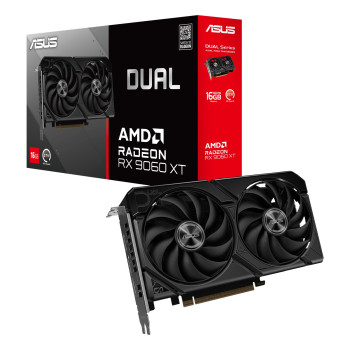
Do not judge a graphics card by VRAM capacity alone, but make sure you have enough for your games and applications.Our ASUS stock includes 8GB and 16GB versions of GPUs such as the RTX 5060 Ti and Radeon RX 9060 XT.
An 8GB model can make sense for many mainstream gaming builds, while 16GB gives you more video-memory headroom for demanding texture settings, higher resolutions, modded games and memory-heavy creative workloads. Choosing 16GB does not automatically move the card into a higher GPU performance tier, so compare the underlying GPU as well as memory capacity.
Prefer Radeon? See the wider selection of AMD graphics cards.
ASUS Graphics Cards for White, Low-Profile, & Compact PC Builds
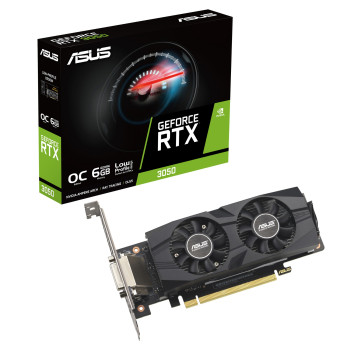
ASUS also gives you options when the physical build matters as much as performance. The white ROG Astral RTX 5080 can complement a premium white gaming setup, while cards such as the ASUS RTX 3050 LP BRK target systems that specifically require a low-profile design. Current Prime options also include the RTX 5060 PRIME SFF for smaller builds.
Remember that low-profile and SFF are not interchangeable terms. Low-profile refers to card height and bracket format, while SFF-ready cards can still use a full-height bracket and multiple slots.
Check your available space against the card's exact height, length and thickness, then compare suitable desktop PC cases if your current chassis is too restrictive.
Check Fit, Power, & Connections Before You Buy
Before adding an ASUS GPU to your basket, check three specifications on the individual product page:
- Case clearance: compare the card's exact length, height and slot thickness.
- Power: check both the recommended PSU capacity and required connector.
- Displays: confirm the available HDMI and DisplayPort connections suit your monitors.
Requirements can vary even within the same ASUS family. For example, the PRIME RTX 5060 SFF listing specifies a 550W recommended PSU and one 8-pin connector, while the ROG Strix RTX 5070 Ti listing specifies an 850W recommendation and a 16-pin connection.
If your existing unit does not meet the selected card's requirements, compare computer power supplies before completing the upgrade.
Why Buy Your ASUS Graphics Card from Laptop Outlet
Shop ASUS GPUs at Laptop Outlet and compare current specifications, availability and prices directly on the product listings. You can choose across ASUS NVIDIA and Radeon models without locking yourself into a single performance tier or card design.
Current listings clearly show available delivery, finance, and warranty information, with free delivery displayed on qualifying ASUS graphics cards. Laptop Outlet accepts major credit and debit cards, PayPal, Klarna, Apple Pay and Google Pay, with PayPal Credit, PayPal Pay in 3 and eligible Klarna payment options available subject to applicable terms.
Compare the cards currently available and choose the ASUS GPU that matches your games, monitor, case, and power supply.
Read More:
High-End Graphics Cards for Gamers and Creators
ASUS vs Gigabyte Graphics Card: Which Brand Is Better for Gaming?
Read more