



Storage
Shop computer storage for upgrades, file transfers and backups, including internal SSDs, hard drives, external drives, USB flash drives, and memory cards. Compare capacity, speed, connection type and compatibility to find suitable storage for your PC, laptop or everyday setup.
Finance available
Finance available
Free Delivery *
Finance available
Free Delivery *
Finance available
Showing 15 of 147 Items
Storage Devices for Upgrades, File Transfers & Backups
Computer storage can replace an existing drive, expand laptop storage, move files between devices or keep a separate backup copy. The right option depends on capacity, speed, portability, connection type and compatibility, so match the storage device to the job before buying.
Choose Your Storage Type
Internal SSDs
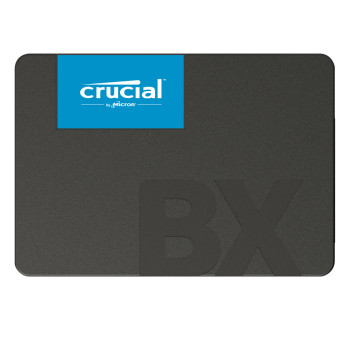
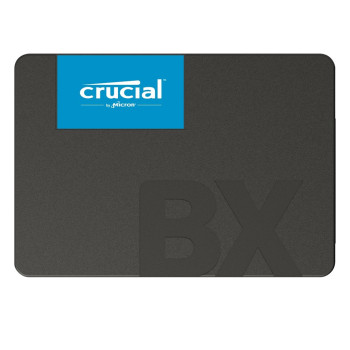
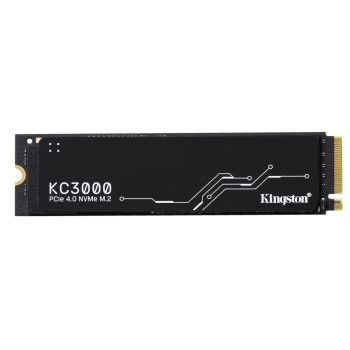
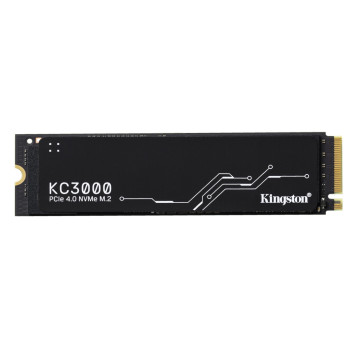
Internal SSDs are installed inside compatible PCs and laptops. SATA SSDs suit many systems with 2.5-inch drive support, while NVMe SSDs use an M.2 slot and can deliver much higher transfer speeds in supported devices. They suit operating systems, applications and games.
Internal Hard Drives
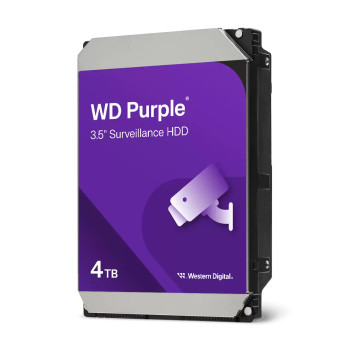
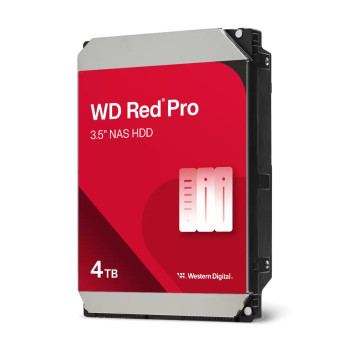
Internal HDDs provide high capacity at a lower cost per terabyte. Desktop drives suit general PC storage, NAS drives are designed for network storage systems, and surveillance drives target continuous recording workloads. Check the intended use, interface and drive size before ordering.
External SSDs & Hard Drives
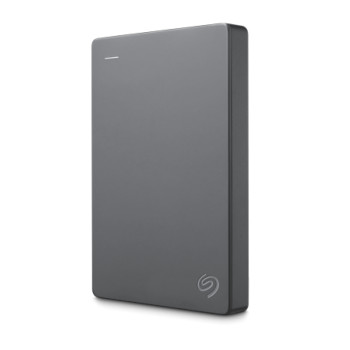
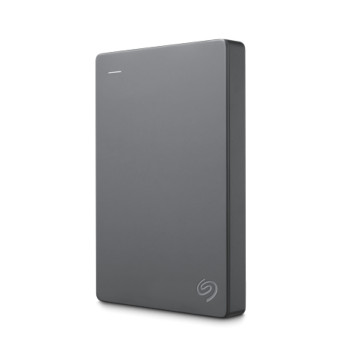
Portable SSDs focus on faster transfers and portability, while portable hard drives can offer more capacity for the money. These external SSDs and external hard drives suit file transfers, media libraries and backup copies without an internal upgrade.
USB Flash Drives
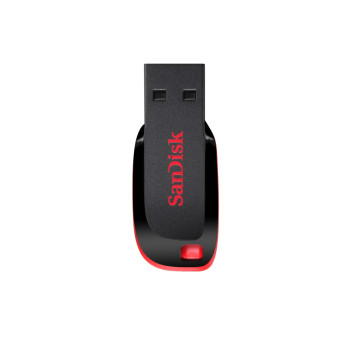
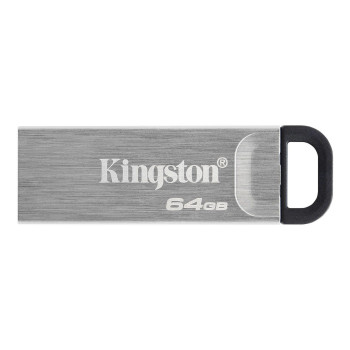
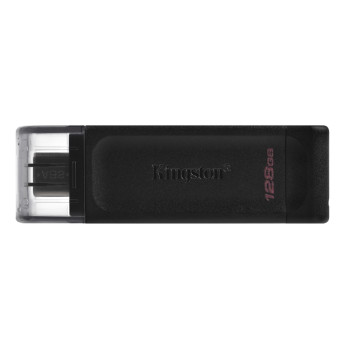
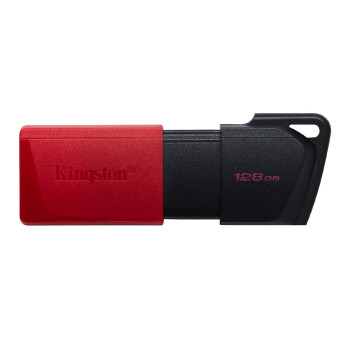
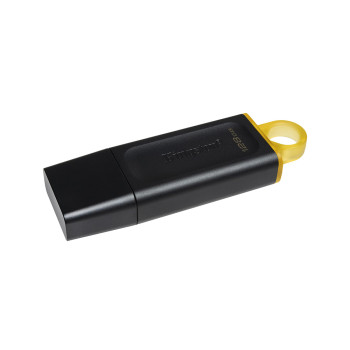
Pen drives are compact options for moving documents, photos and other files between compatible devices. Compare capacity, USB connector and transfer speed, especially if you regularly move larger files.
Memory Cards
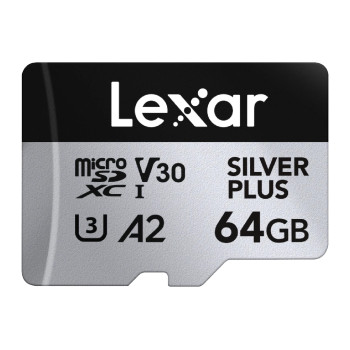
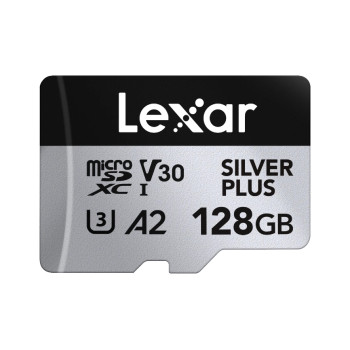
Memory cards provide removable storage for compatible cameras, phones, handheld consoles, drones and other devices. Check whether your device requires SD, microSD or another format, plus its supported capacity and speed standard.
SSD vs HDD: Which Should You Choose?
SSDs use flash memory with no moving mechanical parts, making them quiet and generally faster for access times and transfers. HDDs use spinning disks and usually cost less per terabyte, which can make them better for large libraries, archives and bulk storage.
An SSD can improve storage-dependent tasks, but it will not speed up every workload equally. Both SSDs and HDDs can fail, so important data still needs a separate backup.
How to Choose Compatible Storage
For internal storage, check whether your system supports SATA or NVMe, whether it has an available M.2 slot and which M.2 dimensions it accepts. For 2.5-inch or 3.5-inch drives, confirm that a suitable drive bay and connection are available.
For external storage, match the USB connector to your device and check the supported transfer standard, as the connection can limit performance. Also confirm operating-system compatibility and formatting requirements. For memory cards, check the required format, maximum supported capacity, and recommended speed class.
How Much Storage Capacity Do You Need?
Start with how much space your applications, games, photos, videos and work files use, then allow room for future downloads and backups. Large games and high-resolution media can grow quickly.
Advertised capacity can appear lower once connected because manufacturers and operating systems calculate capacity differently, with some space also used for formatting or system requirements.
Storage for Gaming, Creative Work & Everyday Use
Gamers may prioritise fast internal storage for shorter loading and installation times, while creative work can benefit from faster large-file transfers and portable storage. Everyday users may value capacity and convenience more than peak performance.
For console extended storage, check compatibility with the exact console model. Some external drives can store games without being able to run every title directly from that drive.
Storage & Backup: Protecting Your Files
Expanding storage is not automatically a backup. Moving the only copy of a file from a laptop to an external drive simply changes where it is stored.
For important documents, photos and projects, keep separate copies in different locations. External SSDs and hard drives can form part of a backup plan, but protection comes from maintaining another copy.
Top Storage Brands Available
Laptop Outlet lists Kingston, Crucial, ADATA, Western Digital, Seagate and Lexar across SSDs, hard drives, portable storage, USB flash drives and memory cards. Compare specifications, capacity, interface, form factor and intended workload rather than choosing a brand alone.
Buy Computer Storage Devices from Laptop Outlet
Compare computer storage by type, capacity, speed and compatibility for internal upgrades, extended storage or portable use. You can also shop essential PC parts for a wider system upgrade.
Free next-day delivery is available on most items. Check the product page and checkout for current delivery, returns and warranty terms.
Spread the Cost of Your Storage Upgrade
Spread the cost of eligible storage purchases with PayPal finance. Choose PayPal Pay in 3 or PayPal Credit at checkout, subject to eligibility and approval, for more flexibility when upgrading your storage setup.
Read More
SSD vs HDD: Which Storage Option is Right for You?
Which Is The Best External Hard Drive? Top Brands And Prices
Read more