



Black Friday is here! Get an extra £10 off when you spend £200 with code: BF10LO. T&Cs apply*
IPS Monitors
Shop IPS monitors at Laptop Outlet for work, gaming and everyday use. Compare 24-inch and 27-inch IPS screens, from Full HD to QHD and 4K, with refresh rates and connectivity to suit your setup. Browse leading brands, check specifications and prices, and buy with confidence.
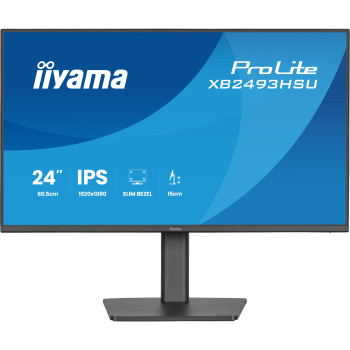
Finance available
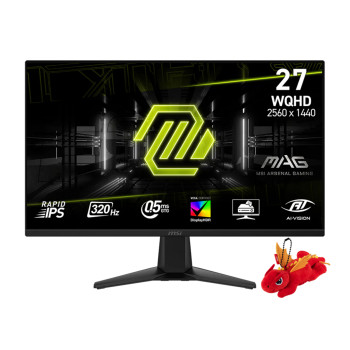
Finance available
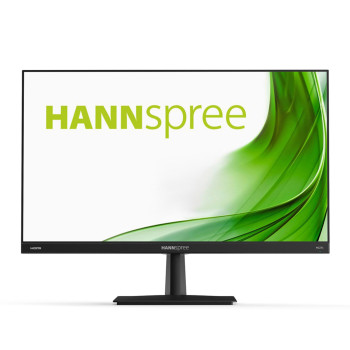
Finance available
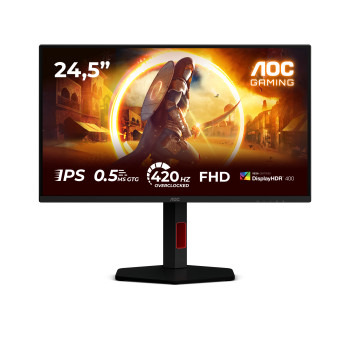
Finance available
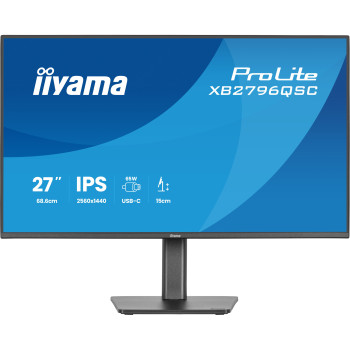
Finance available
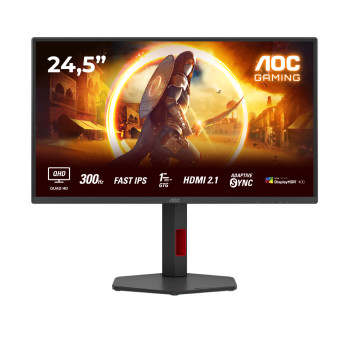
Finance available
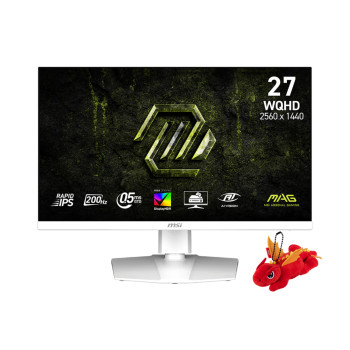
Finance available
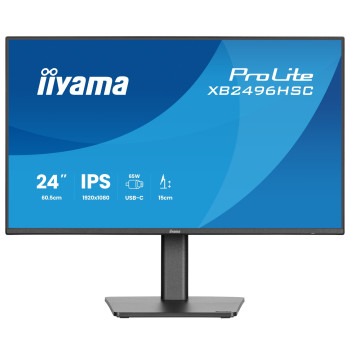
Finance available
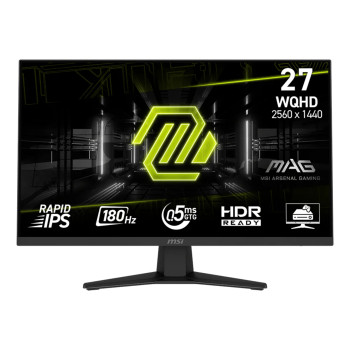
Finance available
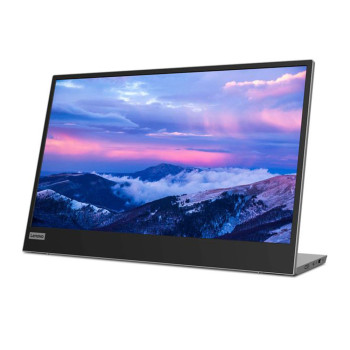
Finance available
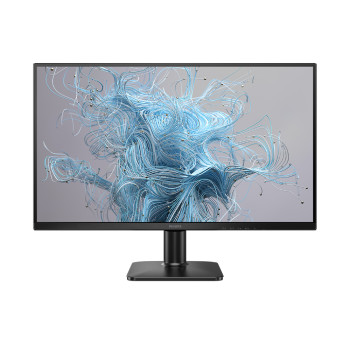
Finance available
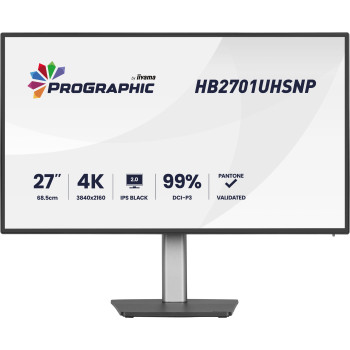
Finance available
Free Delivery *
Finance available
Finance available
Free Delivery *
Finance available
Showing 15 of 355 Items
Buy an IPS Desktop Monitor That Fits Your Desk and Budget
Upgrade to an IPS desktop monitor and get sharper detail, richer colour and a clearer picture from every angle, whether you’re working from home, gaming or editing photos. Shop compact 24-inch screens, versatile 27-inch monitors, sharp 4K displays and ultrawide models from AOC, MSI, ASUS, iiyama, Dell and more, with new and refurbished options to suit every budget.
Find your next screen in minutes: filter the range above by size, resolution and refresh rate, then spread the cost with finance on eligible orders.
How to Choose the Right IPS Monitor
Whether you need a new screen monitor for computer work at home or a sharper display for gaming, IPS monitors are one of the most versatile choices. IPS (In-Plane Switching) LCD technology keeps colours consistent from wider viewing angles, which is why so many people choose IPS for monitors they use all day.
To choose the right IPS desktop monitor, start with five things: resolution, screen size, refresh rate, connectivity and how you’ll use it. Our range covers AOC, iiyama, MSI, ASUS, Dell, BenQ and more, so you can match each of these to your budget.
IPS vs VA vs OLED: Which Panel Should You Choose?
For a computer monitor, IPS panel technology is the safest all-rounder. It offers reliable colour reproduction and viewing-angle consistency for work, gaming and creative use. Its main limitation is native contrast: blacks can look slightly grey in a dark room, because the backlight is always on.
- IPS: best for mixed use, colour consistency and sharing a screen with others.
- VA: stronger native contrast and deeper black levels, with narrower viewing angles.
- OLED: perfect blacks and very fast response, at a higher price.
If deep blacks and premium contrast matter most for films and gaming, compare our OLED monitors to see whether the upgrade is worth it for you.
Full HD, QHD or 4K: Which IPS Resolution Is Best?
Resolution decides how sharp text and images look and how much fits on screen. Pixel density matters too: the same resolution looks sharper on a smaller screen, and you may need to adjust scaling on high-resolution displays so text stays comfortable to read.
Full HD IPS Monitors for Everyday Tasks
Full HD (1920 × 1080) is ideal for browsing, documents, study and everyday gaming. On a 24-inch screen it stays crisp at a normal viewing distance, making a Full HD IPS computer monitor a smart, affordable choice for most homes and offices.
QHD IPS Monitors for More Working Space
QHD (2560 × 1440) gives you noticeably more desktop space and sharper detail, and it’s the sweet spot for 27-inch screens. Want room for two documents side by side without paying for 4K? Explore our QHD monitors and find the right balance of sharpness and price.
4K IPS Monitors for Fine Detail
A 4K IPS monitor (3840 × 2160) delivers the sharpest text and finest detail, ideal for photo editing, design and large 27 or 32-inch screens. If clarity is your priority, our 4K Ultra HD monitors give you more detail on screen for creative work and entertainment.
Is a 24-inch, 27-inch or 32-inch IPS Screen Better?
Choose a size based on your desk depth, your viewing distance and how many windows you work with. A 24-inch screen suits compact desks and Full HD. For a space-saving setup, our 23-25-inch monitors are a practical place to start.
A 27-inch screen is the most popular all-rounder and pairs best with QHD. Find your ideal match in our 26-28-inch monitors. At 32 inches, QHD or 4K keeps text sharp across the larger canvas. If you need width more than height, an ultrawide IPS monitor gives spreadsheets and editing timelines extra room and can replace a dual-screen setup.
Are IPS Monitors Good for Gaming?
Yes. A modern IPS gaming monitor combines rich colour with fast refresh rates. 60Hz suits office work, while 144Hz monitors make gameplay noticeably smoother. Competitive players benefit from 180Hz or 240Hz, as long as their PC can deliver the frames. Adaptive sync, such as FreeSync or G-SYNC compatibility, prevents screen tearing.
Look beyond the “1ms” claim on the box. Real response time and overshoot affect motion clarity more than the headline figure. A Fast IPS monitor is tuned for quicker pixel response. If smooth gameplay is your priority, our gaming monitors let you filter by refresh rate, size and resolution.
How to Buy an IPS Monitor for Photo Editing and Design
For creative work, check colour gamut coverage first. sRGB suits web and everyday content, Adobe RGB matters for print, and DCI-P3 is the standard for video. Factory calibration and good uniformity across the screen help colours stay accurate from corner to corner.
Resolution matters too. A 4K IPS display shows fine detail at full size and leaves more room for toolbars and timelines, so you spend less time zooming in and out of your work.
IPS Monitors for Home Working and Business
For a productive desk setup, comfort and connectivity count as much as picture quality. A height-adjustable stand helps you sit comfortably through long days. HDMI and DisplayPort cover most laptops and PCs, while an IPS display monitor with USB-C can carry video and, on supported models, laptop charging through one cable. USB-C power delivery varies by model, so check that the wattage matches your laptop.
Built-in audio keeps calls and meetings clutter-free. If you’d rather not add separate speakers to your desk, choose from our monitors with speakers for a simpler, tidier workspace.
IPS Black, Fast IPS and Other IPS Labels You Need to Know About
Monitor brands use different IPS labels, and each one points to a different strength:
- Fast IPS and Rapid IPS: tuned for quicker response and better motion clarity on high-refresh gaming screens.
- IPS Black: improves native contrast for deeper blacks, and is often found on an IPS panel 4K monitor built for creative and professional work.
Treat these labels as a starting point, then compare the actual specifications: refresh rate, response time, contrast ratio, colour coverage and resolution.
Shortlist Your IPS Monitor by the Features You Will Actually Use
The best IPS monitor is the one that matches how you work and play. Use this as a quick shortlist before you filter the range above:
|
If you mainly… |
Look for |
Worth paying more for |
|
Browse, study and work from home |
24-inch Full HD, 60–100Hz |
Height adjustment |
|
Multitask and use spreadsheets |
27-inch QHD |
USB-C with power delivery |
|
Play games |
144Hz or higher, adaptive sync |
Fast IPS, 240Hz |
|
Edit photos or video |
4K, wide colour coverage |
IPS Black, factory calibration |
|
Work with wide timelines |
Ultrawide IPS |
Built-in USB-C hub |
Still comparing panel types and sizes? Browse all monitors to see every option side by side and find the right screen for your desk and budget.
Why Buy IPS Monitors from Laptop Outlet?
Laptop Outlet makes it easy to find the right IPS screen at the right price, whether you’re upgrading a home desk, kitting out an office or building a gaming setup.
- Compare everything in one place: filter hundreds of IPS screens [check count] by size, resolution, refresh rate and price, so you only see the monitors that fit your setup.
- Get more screen for your budget: choose refurbished monitors alongside new models to step up a size or resolution for less. Every refurbished screen is tested and graded and comes with a warranty [check terms].
- Trusted brands across every budget: shop AOC, iiyama, MSI, ASUS, Dell, BenQ and more [check LG before adding], from affordable office screens to professional creative displays.
- Spread the cost: pay by card, PayPal, Klarna, Apple Pay or Google Pay, or choose finance on eligible orders so a better monitor doesn’t have to wait [confirm payment options].
- Buying for a business? Switch to ex-VAT prices in one click and get help with bulk orders from our sales team.
- Order with confidence: enjoy free delivery on selected monitors and support from our UK team if you need help after you buy.
Read More:
Can We Set Up Multiple Monitors for Windows or Mac Computer
Read more