



LG UltraFine & UltraFine Evo Monitors: 4K, 5K & 6K for Creators
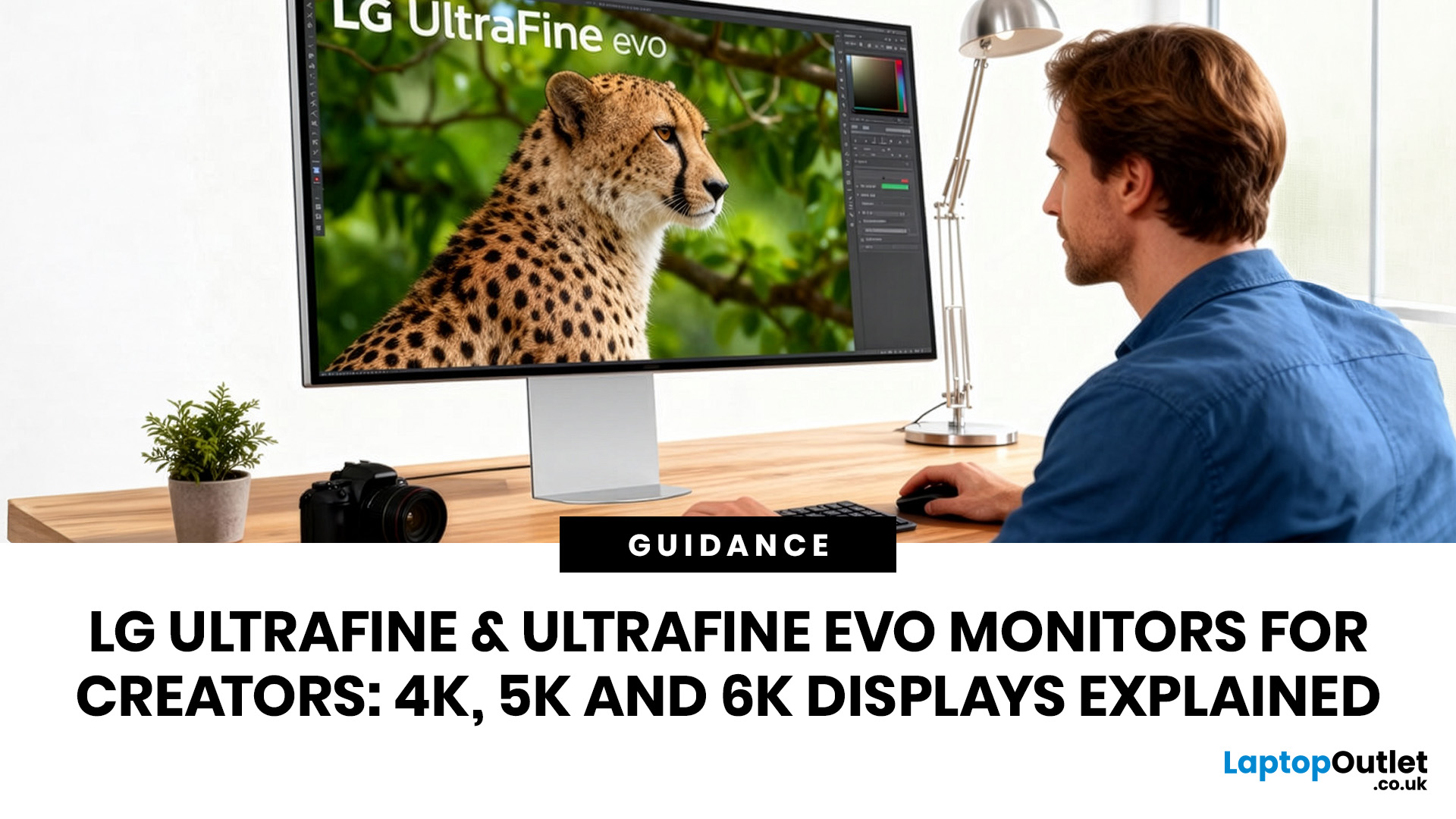
LG UltraFine monitors for creators cover three resolutions: 4K (entry-level colour accuracy), 5K (high pixel density), and 6K (the new UltraFine evo flagship). All prioritise wide colour gamut, IPS panel quality, and clean USB-C or Thunderbolt connectivity.
If you work in photo editing, video production, graphic design, or any colour-critical discipline, LG UltraFine monitors have been a trusted name for years. The right choice depends on your budget, resolution needs, and the software you rely on daily.
What Makes LG UltraFine Monitors Stand Apart for Creative Professionals?
Before going model by model, it helps to understand what the UltraFine brand actually stands for. It is a fundamentally different product category from general office or gaming displays, built around a single non-negotiable: colour and detail accuracy.
The Core Focus: Colour, Calibration, And Pixel Precision
Every UltraFine model ships with wide colour gamut coverage, typically covering 98–99% of the DCI-P3 colour space. That is the professional cinema standard used in digital content delivery, broadcast, and high-end print workflows. The gamut gap between DCI-P3 and standard sRGB represents a significant range of deep reds, oranges, and greens that sRGB-only displays simply cannot render.
All models also support LG Calibration Studio, which works alongside a separately purchased colorimeter to enable hardware-level calibration of your specific panel. Over time, displays drift from their factory settings; hardware calibration corrects for that drift and gives you a profiled ICC colour profile you can trust in Lightroom, Capture One, DaVinci Resolve, or Photoshop.
Who Is LG UltraFine Range Actually For?
The UltraFine range is genuinely suited to:
- Photographers editing RAW files who need to see accurate skintones, shadow detail, and colour transitions
- Video editors and colourists working in DCI-P3 or wider colour spaces
- Graphic designers balancing colour between screen and print
- Motion designers and 3D artists who need both sharpness and a generous canvas
- Architects and CAD professionals who rely on fine linework and accurate rendering
- Finance professionals who prioritise sharp text, broad screen space, and single-cable desk setups
Tip: If you are currently working on a standard sRGB office monitor and then sending work to print or broadcast, you are almost certainly making colour decisions you cannot fully see. Any UltraFine 4K model is a meaningful upgrade for this.
To get a broader sense of LG's entire monitor ecosystem, the LG monitors explained guide covers the full range from Smart Monitors to UltraGear gaming models and beyond.
What Is the Current LG UltraFine 2026 Lineup?
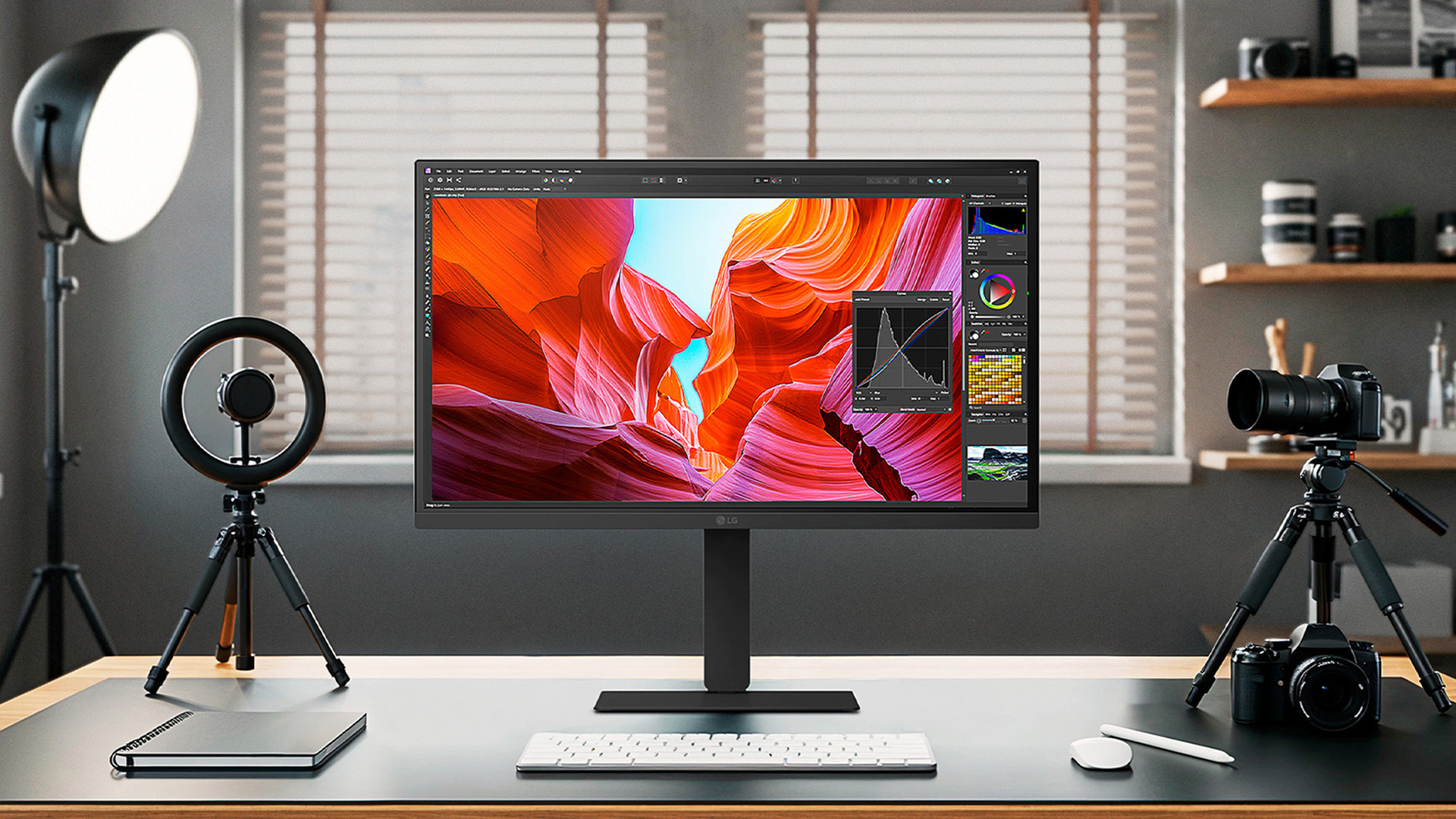
LG's UltraFine range currently spans four main resolution tiers, from well-priced 4K entry models up to the flagship 6K evo. Each tier makes distinct trade-offs across price, pixel density, screen size, and connectivity and understanding those trade-offs is exactly what this section is for.
LG UltraFine 4K series (27-Inch and 32-Inch)
The 27UQ850V (27-inch) and 32UQ850V (32-inch) are the accessible entry points into the UltraFine range. Both use a Nano IPS Black panel at 3840 x 2160 resolution, with a 2000:1 contrast ratio that doubles the depth of a standard IPS panel. For desk-bound creative professionals who do not need the extreme pixel counts of the upper tier, these are genuinely capable displays.
Key specifications:
|
Spec |
27UQ850V |
32UQ850V |
|
Resolution |
3840 x 2160 (4K) |
3840 x 2160 (4K) |
|
Panel |
Nano IPS Black |
Nano IPS Black |
|
Brightness |
400 nits SDR |
400 nits SDR |
|
HDR |
VESA DisplayHDR 400 |
VESA DisplayHDR 400 |
|
Colour gamut |
98% DCI-P3 |
98% DCI-P3 |
|
Contrast |
2000:1 |
2000:1 |
|
Refresh rate |
60Hz |
60Hz |
|
Connectivity |
USB-C 90W PD, DP, 2x HDMI |
USB-C 90W PD, DP, 2x HDMI |
|
Built-in KVM |
Yes |
Yes |
|
Approx. UK price |
~£399–£449 |
~£499–£549 |
The integrated KVM switch is a genuinely useful feature for creators who run a laptop and a desktop PC simultaneously. You can manage both machines from one keyboard and mouse connected through the monitor, without any extra switching hardware on your desk.
LG UltraFine 5K Series (27-Inch)
The 27MD5KL is LG's established 27-inch 5K monitor, still available in the UK and particularly favoured by Mac users. At 5120 x 2880 and 218 PPI, text and fine image detail are noticeably crisper than at 4K. The jump in pixel density is visibly meaningful for retouching, detailed illustration work, and any workflow where you spend time closely scrutinising fine areas of an image.
Key specifications:
- Resolution: 5120 x 2880 (5K)
- Panel: IPS
- Brightness: 500 nits
- Colour: 99% DCI-P3
- Refresh rate: 60Hz
- Connectivity: Thunderbolt 3 (94W PD), 3x USB-C
- Extras: Built-in webcam, microphone, stereo speakers
- Approx. UK price: ~£699–£749
Worth knowing: The 27MD5KL uses an older IPS panel rather than the newer Nano IPS Black technology found in the rest of the current range. Its contrast ratio sits at 1100:1 compared to 2000:1 on newer models. It remains a solid choice for Mac-centric workflows but is showing its age against more recent competition.
LG UltraFine Evo 5K2K Series (40-Inch Ultrawide Curved)
The 40U990A takes a completely different approach to screen real estate. Rather than scaling a standard 16:9 screen upwards, this is a 40-inch ultrawide curved display at 5120 x 2160 in a 21:9 aspect ratio. The result is an expansive horizontal canvas that functions like having two monitors without the gap between them.
It holds the distinction of being the world's first 5K2K monitor with Thunderbolt 5 connectivity.
Key specifications:
- Resolution: 5120 x 2160 (5K2K, 21:9 aspect ratio)
- Panel: Nano IPS Black, 2500R curved
- Brightness: 450 nits SDR
- HDR: VESA DisplayHDR 600
- Colour: 99% DCI-P3
- Contrast: 2000:1
- Refresh rate: 120Hz
- Connectivity: 2x Thunderbolt 5 (96W PD), HDMI 2.1, DisplayPort 2.1, USB-C
- Extras: Daisy chain support, KVM switch, LG Switch software, FreeSync Premium, TÜV 5-Star Eye Comfort, dual 10W built-in speakers
- Approx. UK price: ~£1,099–£1,299
The 120Hz refresh rate makes this the most versatile model in the range — equally at home in a professional editing suite and on a gaming desk. The 2500R curve gently wraps the image around your field of view, reducing eye movement across the wide canvas without the distortion of tighter curves.
LG UltraFine Evo 6K series (32-Inch)
The 32U990A-S is LG's flagship creator monitor and one of the most significant professional display launches in recent years. Unveiled at CES 2025 and widely available since late 2025, it is the world's first 6K monitor with Thunderbolt 5.
At 6144 x 3456 and 224 PPI, it packs 156% more pixels than standard 4K and approaches the pixel density of Apple's Pro Display XDR at a significantly lower price point.
Key specifications:
- Resolution: 6144 x 3456 (6K)
- Panel: Nano IPS Black
- Pixel density: 224 PPI
- Brightness: 450 nits SDR
- HDR: VESA DisplayHDR 600 (600+ nits peak)
- Colour: 98% DCI-P3, 99.5% Adobe RGB
- Contrast: 2000:1
- Refresh rate: 60Hz
- Connectivity: 2x Thunderbolt 5 (96W PD upstream), 1x Thunderbolt 4 downstream, DisplayPort 2.1 (UHBR 13.5), HDMI 2.1, multiple USB-C ports
- Extras: Dual 6K daisy chain support, KVM switch, Studio Mode for Mac, LG Switch software, hardware calibration, TÜV Rheinland Eye Comfort certification
- Approx. UK price: ~£1,599–£1,799
For comparison, Apple's Pro Display XDR starts from around £4,999 before the stand. The 32U990A delivers a native 6K panel at roughly one-third of that cost.
How Does Display Quality Stack Up Across the UltraFine Range?
The resolution numbers tell one part of the story, but panel technology and pixel density are equally important to understand before committing to a model. These specs directly affect your day-to-day experience in ways that resolution figures alone do not convey.
What Is Nano IPS Black and Why Does It Matter for Creative Work?
Standard IPS panels deliver excellent colour accuracy and viewing angles, but their typical 1000:1 contrast ratio leaves blacks looking slightly grey rather than deep.
Nano IPS Black uses a modified panel construction that doubles the contrast ratio to 2000:1, giving you noticeably deeper blacks without the colour accuracy compromises or off-angle colour shift associated with VA panels.
For editing dark scenes in video, working on shadow tones in photography, or reviewing UI designs with dark mode elements, this is a meaningful real-world improvement. The only current UltraFine model without Nano IPS Black is the older 27MD5KL, which uses a standard IPS panel.
Pixel Density Across The Range: What It Means in Practice
|
Model |
Resolution |
Screen Size |
Pixel Density |
|
27UQ850V |
4K (3840 x 2160) |
27" |
~163 PPI |
|
32UQ850V |
4K (3840 x 2160) |
32" |
~138 PPI |
|
27MD5KL |
5K (5120 x 2880) |
27" |
218 PPI |
|
40U990A evo |
5K2K (5120 x 2160) |
40" |
~146 PPI |
|
32U990A evo |
6K (6144 x 3456) |
32" |
224 PPI |
The jump from 163 PPI (4K at 27 inches) to 218 PPI (5K at 27 inches) is immediately visible when looking at fine text and image detail. The 6K model at 224 PPI on a larger 32-inch canvas combines the sharpness of a 5K display with more usable screen real estate - a genuinely compelling combination for detail-heavy creative work.
What About Refresh Rate?
Most UltraFine models run at 60Hz. For photography, design, video editing, and general creative workflows, 60Hz is entirely adequate. The exception is the 40U990A evo, which runs at 120Hz with AMD FreeSync Premium, making it the most versatile model for creators who also game or work with fast-moving video content.
The 60Hz ceiling on the 6K model is a reasonable trade-off given the sheer bandwidth required to drive a 6K panel at that pixel count.
How Accurate Are the Colours, HDR, and Calibration Across the Range?
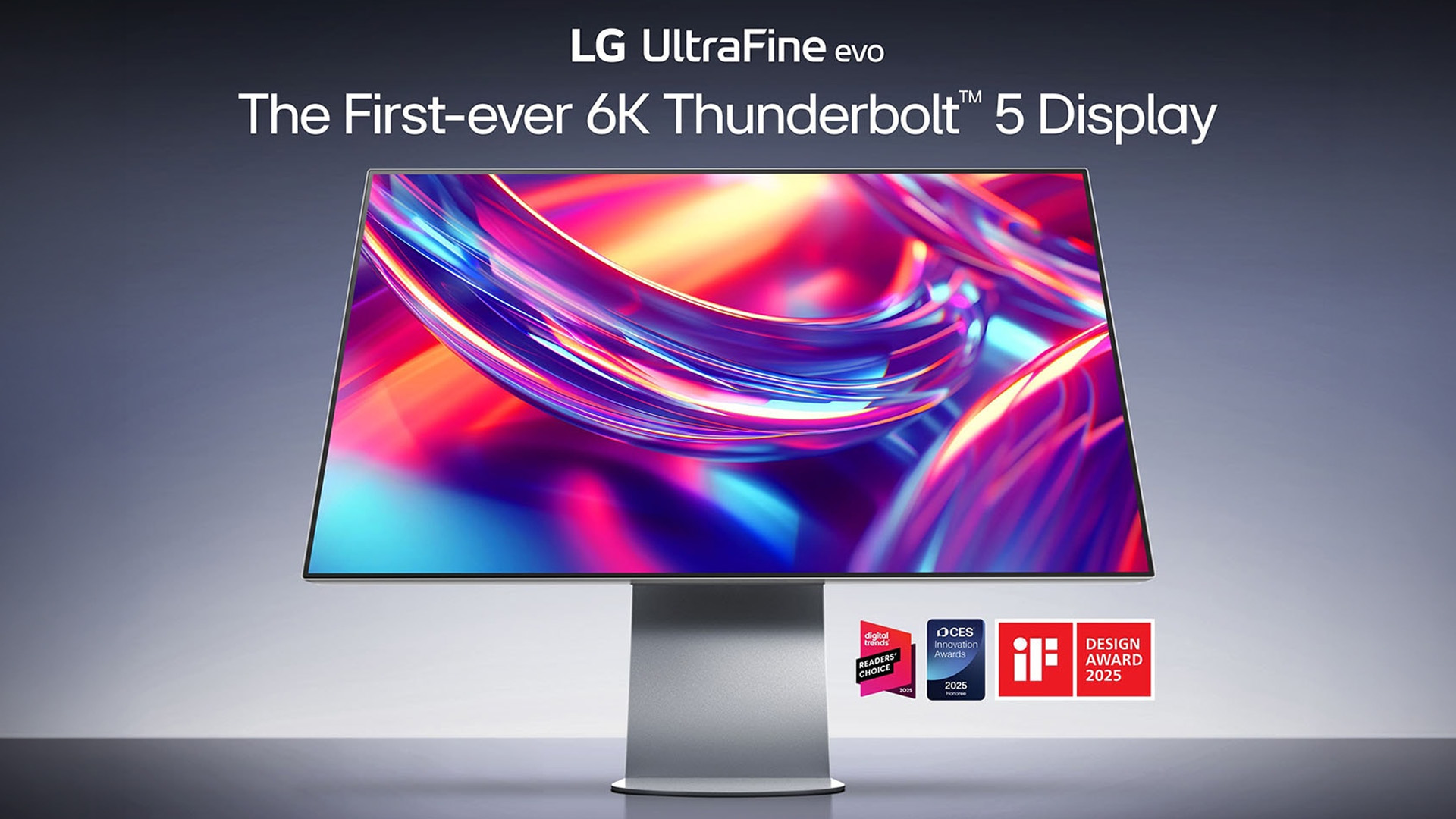
Colour accuracy is where the UltraFine range earns its position. These displays are not marketing a wide gamut figure while quietly falling short in practice, they are properly equipped for professional-grade colour work, with real tools to back it up.
Colour Gamut Coverage in Detail
- All models hit 98–99% DCI-P3, the professional cinema and digital content delivery standard
- The 32U990A evo 6K expands further to 99.5% Adobe RGB, covering the wider gamut essential for print workflows and photographers who need accuracy beyond the sRGB boundary
- Every model in the range supports 10-bit colour depth, rendering 1.07 billion colours for smoother gradients and more precise tonal control
Important for print professionals: If you work with printed output or supply files to a print house, Adobe RGB coverage matters enormously. Standard 4K UltraFine models cover sRGB and DCI-P3 well but do not specify Adobe RGB. The 32U990A evo 6K is the only model in the range with specified Adobe RGB coverage of 99.5%.
HDR Tiers Across the UltraFine Range Explained
|
Model |
HDR Certification |
SDR Brightness |
Peak HDR Brightness |
|
27UQ850V / 32UQ850V |
VESA DisplayHDR 400 |
400 nits |
400 nits |
|
27MD5KL |
HDR10 |
500 nits |
500 nits |
|
40U990A evo |
VESA DisplayHDR 600 |
450 nits |
600+ nits |
|
32U990A evo |
VESA DisplayHDR 600 |
450 nits |
600+ nits |
The DisplayHDR 600 certification on the two evo models is genuinely useful for anyone who grades or reviews HDR content. It is not a dedicated HDR reference monitor, but it gives a far more meaningful indication of how HDR content will appear on consumer screens than a DisplayHDR 400 panel.
Calibration: What Does LG Actually Provide?
Every UltraFine model ships with support for LG Calibration Studio software, which works with a separately purchased colorimeter to enable hardware-level panel calibration. You can profile your specific panel against a reference and generate a custom ICC colour profile for use in macOS or Windows. This corrects for display drift over time and accounts for variations between individual panels.
The 32U990A evo 6K adds Studio Mode: a set of colour presets specifically optimised for Mac creative workflows. It is activated via the LG Switch software (version 3.05 or later) and provides a tailored starting point for different types of creative work without requiring a full hardware calibration session from scratch.
What Screen Sizes Does the LG UltraFine Range Cover?
LG keeps the UltraFine range deliberately focused. There are no confusing mid-sizes or overlapping models; each size slot serves a specific type of workspace need.
27 inches remains the sweet spot for most desk setups. At this size, 4K (163 PPI) is sharp and comfortable; 5K (218 PPI) reaches retina-class density. It fits well in a compact workspace, and it works perfectly as a single primary display or as part of a dual-monitor setup.
32 inches offers more usable screen real estate for the same resolution tier. The 4K 32-inch model (32UQ850V) has slightly lower pixel density than its 27-inch sibling at ~138 PPI, but gains canvas space that benefits multi-window workflows. The 6K 32-inch (32U990A) completely inverts this trade-off; it has higher PPI than the 4K 27-inch model while also being physically larger.
40 inches (ultrawide) is a different category entirely. The 40U990A's 5K2K 21:9 canvas is not a "bigger version" of a standard screen; it is a fundamentally different workspace tool that suits video editors, motion designers, and heavy multitaskers who want their entire workflow visible at once without toggling between windows.
What Connectivity Do LG UltraFine Monitors Offer for Creators?
Connectivity is one of the sharpest differentiators between UltraFine models, and it matters more than most creators initially realise. Choosing the wrong model for your machine can mean managing multiple cables, losing charging capability, or being unable to drive the full resolution.
All UltraFine and UltraFine evo models are built around the principle of single-cable convenience: connect your laptop once and get display output, data, and device charging through a single Thunderbolt or USB-C cable.
USB-C Versus Thunderbolt: What You Actually Get
- USB-C (90W PD) on the 4K models delivers solid single-cable convenience for laptops with USB4 or USB 3.x ports. It handles 4K video output, data, and up to 90W charging without any drama.
- Thunderbolt 3 on the 27MD5KL (5K) provides 40 Gbps bandwidth and 94W power delivery, plus the ability to daisy-chain additional displays via the secondary ports.
- Thunderbolt 5 on both evo models (40U990A and 32U990A) delivers 80 Gbps bi-directional bandwidth (up to 120 Gbps one-way display bandwidth), 96W power delivery, and enough throughput to drive 6K and 5K2K resolutions reliably while simultaneously handling fast peripheral connections.
Why The LG Thunderbolt 5 Creator Monitor Matters for Serious Workflows?
The LG Thunderbolt 5 creator monitor advantage is most tangible when your workflow involves heavy concurrent demands: driving a high-resolution display while pulling 4K or 8K footage from fast external NVMe storage and charging your laptop simultaneously. Thunderbolt 4 starts to struggle under this kind of combined load. Thunderbolt 5 handles it without throttling or reliability issues.
The 32U990A evo 6K includes two upstream Thunderbolt 5 ports and multiple downstream USB-C ports, meaning it acts as a fully capable USB hub. For many creators, this eliminates the need for a separate dock entirely.
Daisy-Chaining: How Far Can You Extend Your Setup?
Both evo models support daisy-chaining via Thunderbolt 5 and DisplayPort 2.1:
- The 40U990A can daisy-chain a second 5K2K display, or a combination of compatible monitors, from a single cable to your host machine
- The 32U990A can daisy-chain a second 6K display, giving you dual 6K output from a single laptop connection — an extraordinary setup that until recently was not achievable without multiple discrete connections
This is particularly powerful for Mac users running M3 Pro, M4 Pro, or M4 Max chips that support multiple high-resolution external displays. Note that daisy chain functionality may be limited depending on GPU and OS version, and LG recommends confirming compatibility with your specific host device.
For a detailed look at managing multi-screen setups and ultrawide layouts in practice, the UltraWide / DualUp productivity guide walks through the key configurations and workspace options worth considering.
How Ergonomic Are LG UltraFine Monitors for All-Day Creative Sessions?
A brilliant display becomes a liability if the stand design makes it difficult to achieve a comfortable working position. LG has addressed this consistently across the UltraFine range, with adjustments that genuinely serve long-session creative workflows.
What Every UltraFine Model Gives You
Across the full range, all UltraFine monitors include:
- Height adjustment so the top of the screen aligns with your natural eye level
- Tilt adjustment to reduce neck strain during extended sessions
- Pivot / 90-degree portrait rotation for reading long documents, reviewing code, or working with vertical video content
The 32U990A evo 6K rotates 90 degrees in either direction, giving you genuine flexibility to position it in portrait orientation alongside a landscape secondary display. The four-sided virtually borderless design and minimalist L-shaped stand keep the overall footprint compact without sacrificing stability.
Eye Comfort: What Certifications Actually Mean
LG takes eye comfort seriously across the range, and the certification levels reflect this:
- Flicker-safe backlight across all models reduces the flicker-related fatigue that affects some users during long sessions with PWM-dimmed displays
- Reader Mode reduces blue light output for extended document reading and text work
- The 32U990A evo 6K carries TÜV Rheinland Eye Comfort certification, independently verified for low blue light emission (certification ID: 1111305154)
- The 40U990A evo achieves the higher TÜV 5-Star Eye Comfort rating, covering brightness management, colour accuracy under extended use, and overall display comfort — one of the most comprehensive eye health certifications available on a professional monitor
Tip: Even the best eye comfort certifications are not a substitute for following the 20-20-20 rule (every 20 minutes, look at something 20 feet away for 20 seconds), taking proper breaks, and calibrating your ambient lighting to match your display brightness. These certifications reduce risk; they do not eliminate it.
LG UltraFine Monitor Comparison Table: Full Range at a Glance
Here is the quick comparison of UltraFine 2026 lineup for creators:
|
Model |
Resolution |
Size |
Panel |
DCI-P3 |
Adobe RGB |
Connectivity |
HDR |
Refresh Rate |
Approx. UK Price |
|
27UQ850V |
4K (3840x2160) |
27" |
Nano IPS Black |
98% |
— |
USB-C 90W, DP, 2x HDMI |
HDR 400 |
60Hz |
~£399–£449 |
|
32UQ850V |
4K (3840x2160) |
32" |
Nano IPS Black |
98% |
— |
USB-C 90W, DP, 2x HDMI |
HDR 400 |
60Hz |
~£499–£549 |
|
27MD5KL |
5K (5120x2880) |
27" |
IPS |
99% |
— |
Thunderbolt 3 (94W), 3x USB-C |
HDR10 |
60Hz |
~£699–£749 |
|
40U990A evo |
5K2K (5120x2160) |
40" curved |
Nano IPS Black |
99% |
— |
2x TB5 96W, HDMI 2.1, DP 2.1 |
HDR 600 |
120Hz |
~£1,099–£1,299 |
|
32U990A evo |
6K (6144x3456) |
32" |
Nano IPS Black |
98% |
99.5% |
2x TB5 96W, TB4, HDMI 2.1, DP 2.1 |
HDR 600 |
60Hz |
~£1,599–£1,799 |
Prices are approximate and subject to change. Always check current retailer listings before purchasing.
Is LG UltraFine Compatible with Both Mac and PC?
Platform compatibility is one of the most common concerns around the UltraFine range, and the honest answer is: yes to both, but with some differences worth knowing about. LG UltraFine for Mac and PC functionality varies slightly by model and connection type.
Mac Compatibility
LG UltraFine monitors are deeply integrated with macOS workflows, particularly when connected via Thunderbolt. On compatible Apple Silicon Macs:
- Brightness, volume, and basic settings are managed directly from the macOS keyboard, without touching the monitor's OSD menu
- The LG Switch software enables M-Control for Mac keyboard input on the 6K evo model
- Studio Mode on the 32U990A provides colour presets specifically tuned for Mac-based creative workflows
Minimum macOS requirements for the 32U990A: macOS Sequoia (version 15) or later is required for full functionality. Older macOS versions or non-Apple Silicon Macs may see reduced feature availability.
Warning: Some early users reported Thunderbolt bus limitations when running multiple 32U990A units simultaneously on the 2025 Mac M4 Max Studio via Thunderbolt. DisplayPort connections on PC avoided this issue. If you plan a multi-monitor 6K setup, verify your specific host device's Thunderbolt configuration before purchasing.
PC and Windows Compatibility
All UltraFine and UltraFine evo monitors work with Windows PCs using HDMI 2.1, DisplayPort 2.1, or USB-C / Thunderbolt connections. The Thunderbolt 5 evo models carry the following minimum Windows requirements:
- Intel 12th Generation processor or later
- Windows 11 or later
On Windows, you will not get macOS-specific keyboard brightness and volume integration, but all core display features, colour calibration, KVM switching, and USB hub functionality work fully. For Windows-only creatives, the 4K UltraFine models (27UQ850V, 32UQ850V) offer the most straightforward and broadly compatible experience.
Which LG UltraFine Monitor Is Right for You?
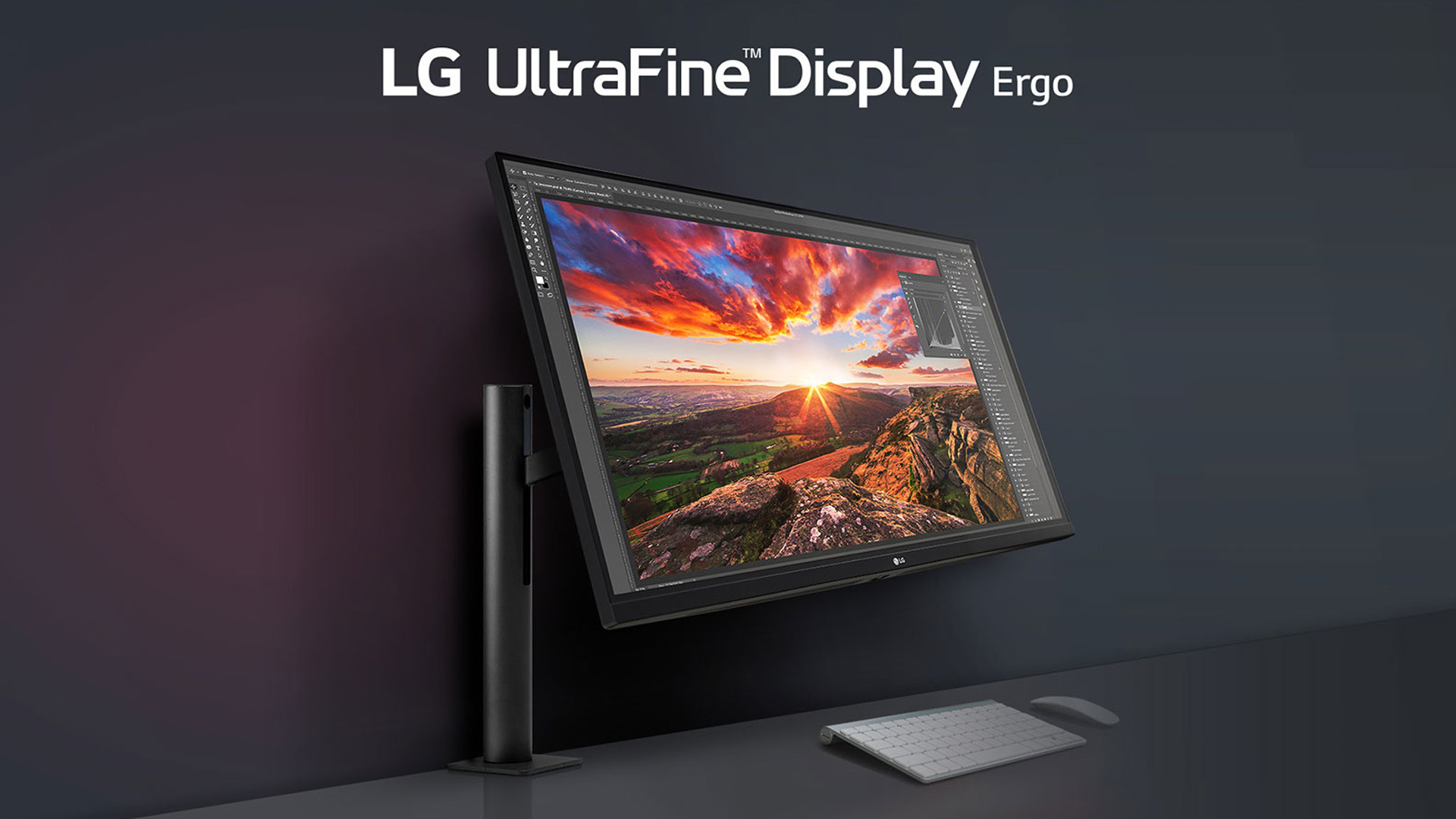
Rather than picking based on raw resolution numbers, match the model to your actual workflow, your machine's output capability, and your budget. Here is an honest breakdown of who should buy what.
Photography And Image Editing
Best pick: 27UQ850V or 32UQ850V for most photographers, 32U990A evo 6K for colour-critical professionals.
The 4K UltraFine models are excellent for Lightroom, Capture One, Photoshop, and Affinity Photo workflows. They deliver 98% DCI-P3 coverage with hardware calibration support at a professional price point. If you supply work to print houses or broadcast clients and absolutely cannot afford any colour doubt, the 32U990A evo 6K adds full Adobe RGB coverage, 224 PPI sharpness, and the widest colour accuracy available in the range.
Video Editing And Colour Grading
Best pick: 40U990A evo for timeline-heavy editing, 32U990A evo 6K for colour-critical grading.
The 40-inch ultrawide canvas is genuinely transformative for timeline work in Premiere Pro, DaVinci Resolve, or Final Cut Pro. Your timeline, source monitor, preview monitor, and panels can all be visible simultaneously without constant resizing. The 120Hz refresh rate helps when scrubbing through high-frame-rate footage. If your focus is colour grading accuracy over canvas size, the 6K evo's 99.5% Adobe RGB, hardware calibration, and DisplayHDR 600 make it the better grading reference.
Mac-Centric Professional
Best pick: 27MD5KL for budget-conscious Mac users, 32U990A evo 6K if you want the best.
The 27MD5KL remains a solid choice for Mac users who want 218 PPI sharpness with Thunderbolt 3 single-cable simplicity and a built-in webcam and microphone. If budget allows, the 32U990A evo 6K leaps ahead with 224 PPI on a larger canvas, dual Thunderbolt 5, full Adobe RGB, Studio Mode, and macOS keyboard control integration.
Graphic Design And Multi-Application Workflows
Best pick: 40U990A evo for multitasking designers, 32U990A evo 6K for colour-critical design professionals.
Illustrators, branding designers, and UI/UX designers who keep multiple apps open simultaneously will find the 40-inch ultrawide format reduces application switching to a minimum. The 99% DCI-P3 and DisplayHDR 600 deliver the colour accuracy needed for professional design work. For print designers who need Adobe RGB, only the 6K evo model covers it.
General Professional with a Tight Budget
Best pick: 27UQ850V
At around £399–£449, the 27-inch 4K UltraFine model delivers Nano IPS Black panel quality, 98% DCI-P3 coverage, hardware calibration support, KVM switching, and USB-C 90W single-cable desk setup in a well-built package. It is not a compromise display — it is a genuinely professional tool at an accessible price.
When weighing up the LG 4K vs 5K vs 6K monitor question, the honest answer is that resolution should not be the first thing you think about. Think first about your machine's output capability, your primary workflow, the colour standards you work to, and whether screen real estate or pixel density is the bigger constraint. The resolution choice follows logically from there.

Reliable Performance at Every Tier
LG UltraFine monitors for creators represent some of the most carefully considered professional displays available at their respective price points. From the well-specified 4K models through to the flagship LG UltraFine evo 6K monitor with Thunderbolt 5, every tier offers a meaningful and well-defined upgrade over the one below it.
In short, whatever your workflow, the UltraFine range means you can trust what you see on screen.

A Few More Details...
Do I really need a 5K or 6K LG monitor for creative work, or is 4K enough?
For most creative work, 4K is entirely capable. 5K and 6K become worthwhile for fine retouching, higher pixel density clarity, and professional colour grading accuracy.
Is LG UltraFine a good match for Mac as well as Windows?
Yes. All UltraFine models work on both platforms. Thunderbolt evo models offer deeper macOS integration, but core features function fully on Windows 11.
How important is Thunderbolt 5 on an LG creator monitor?
Most valuable for driving 6K or 5K2K output, transferring large media files, and 96W laptop charging simultaneously over a single cable connection.
Are UltraFine evo 6K monitors safe for long editing sessions from an eye-health point of view?
Yes. The 32U990A carries TÜV Rheinland Eye Comfort certification, independently verified for low blue light output during extended professional work sessions.
Can UltraFine monitors also be used comfortably for everyday office tasks?
Absolutely. Sharp resolution, ergonomic stands, KVM switching, and LG's OnScreen Control software make UltraFine displays excellent choices for all-day office use.
Related Articles

Last Updated: April 28, 2026
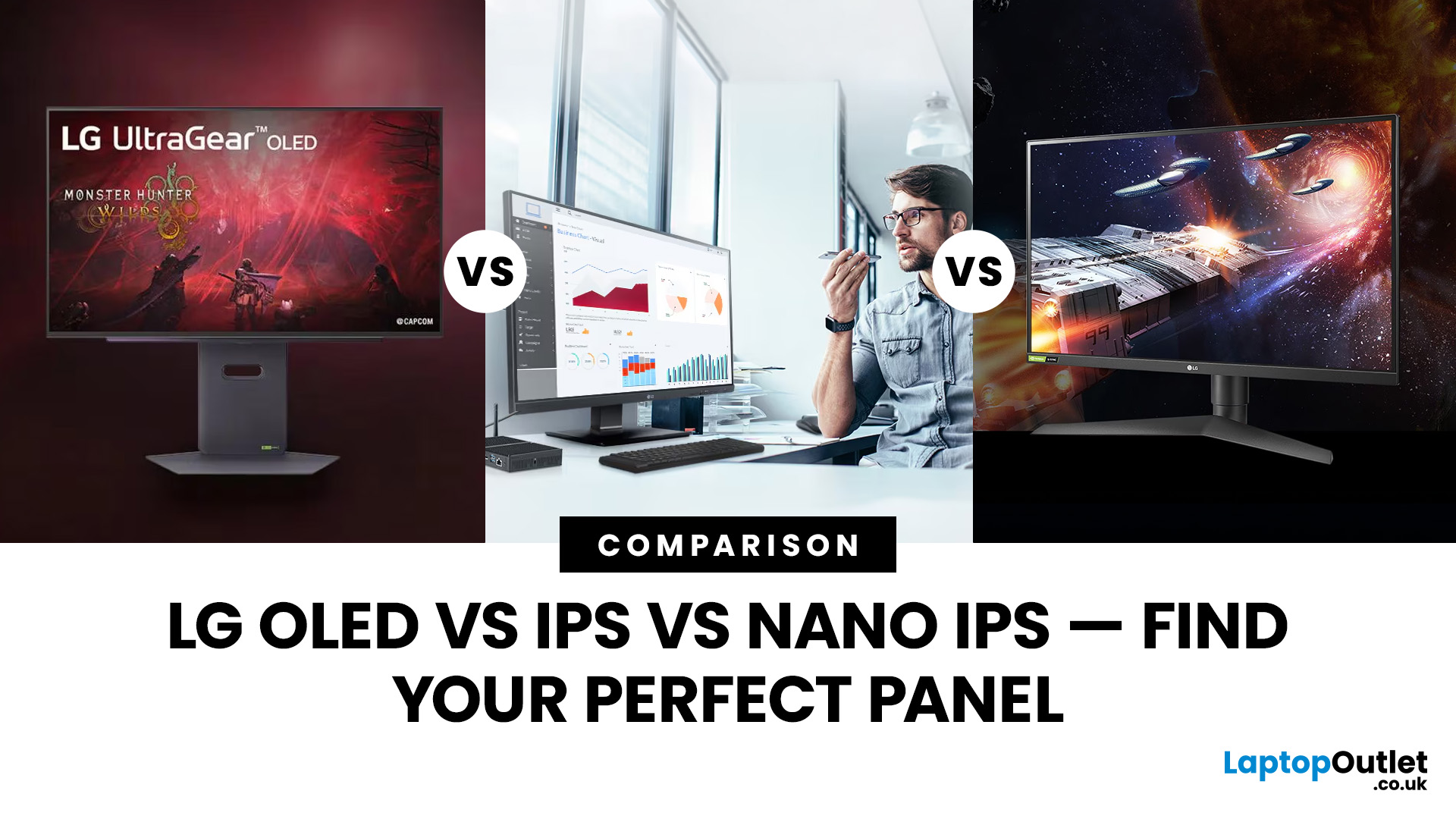
Choosing a new monitor is never as simple as picking the biggest screen you can afford. The panel technology underneath the glass makes a huge difference. It shapes how colours look, how fast the screen responds, and how comfortable it is to use for hours on end.
LG monitors feature all three major panel types under one roof — OLED, IPS, and Nano IPS. Each one has a distinct character. And each one suits a different kind of user.
So, if you are weighing up the LG OLED vs IPS vs Nano IPS debate, this guide cuts through the noise. We will explain what each panel actually does, where it excels, and where it falls short. By the end, you will know exactly which display belongs on your desk.
Understanding the Three Panel Types
Before diving into comparisons, it helps to understand what each technology actually does. The differences go deeper than just price.
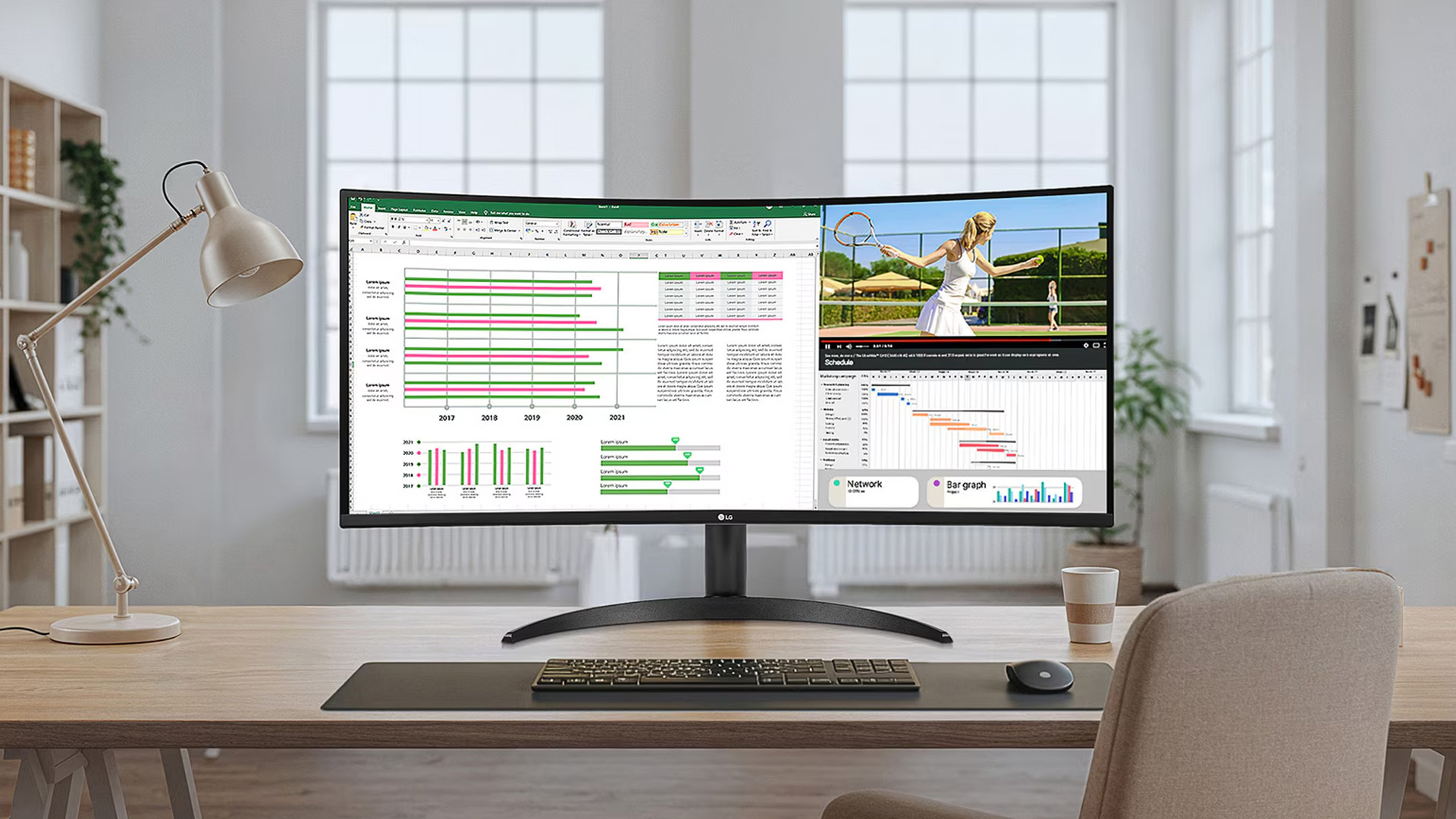
What Is an IPS Panel?
IPS stands for In-Plane Switching. This technology uses a backlight to illuminate liquid crystals, which then twist
Last Updated: September 01, 2026
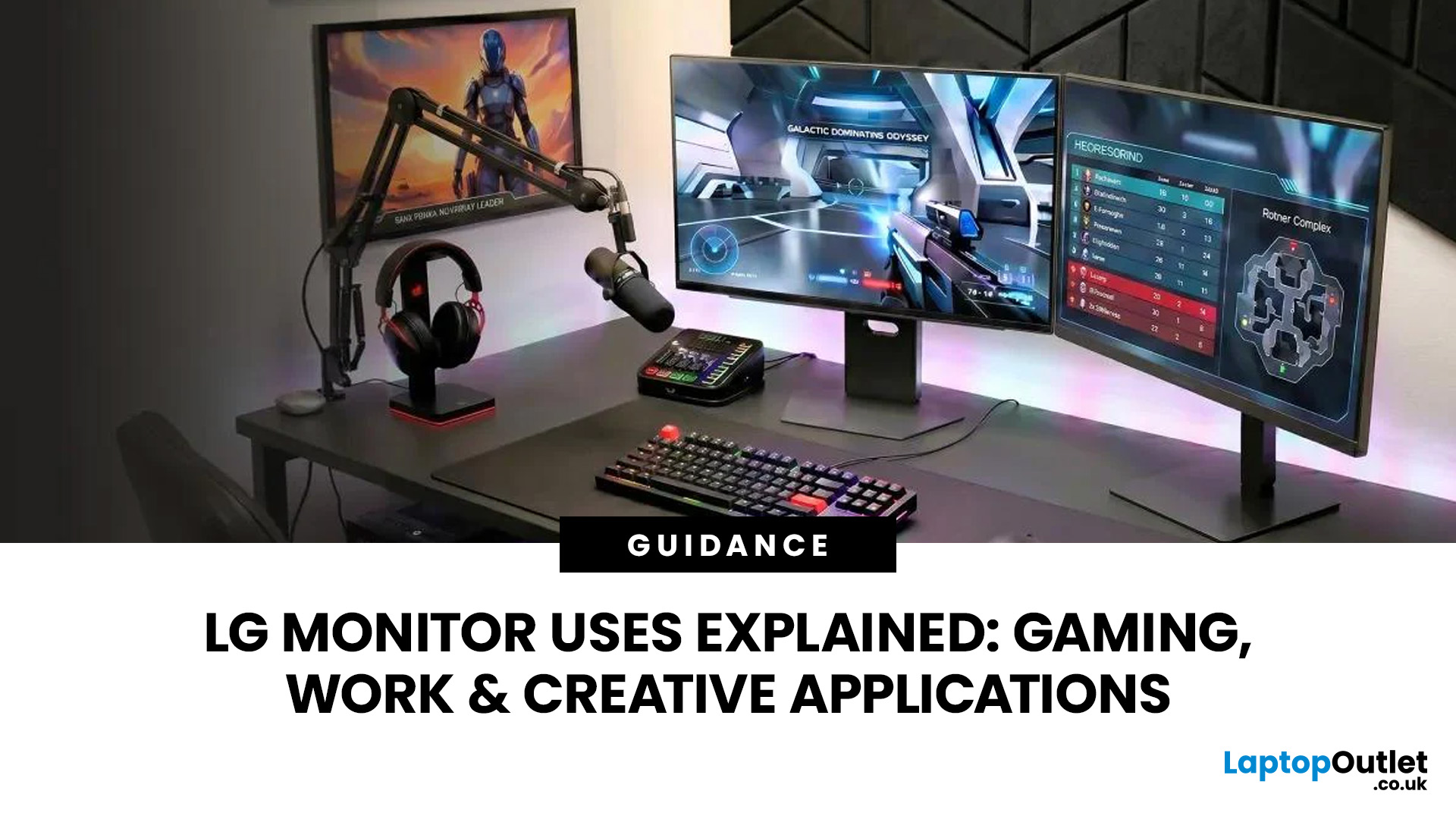
A monitor can suit very different tasks depending on its resolution, refresh rate, panel type, colour performance, screen format, and connectivity. That is why understanding LG monitor uses is more helpful than simply comparing model names or product lines.
For gaming, the priority may be smooth motion and responsiveness. For office work, text clarity, screen space and ergonomics usually matter more. Creative workplaces greater emphasis on colour consistency, detail and a display that can be set up accurately for visual tasks.
This guide explains how LG displays can support gaming, productivity and creative applications, and how the most important display requirements change depending on what you do at your desk.
How LG Monitors Support Gaming
Refresh Rate and Motion Smoothness
Gaming places different demands on a display from office or general home use. Fast-moving scenes, rapid camera movement and competitive play can make refresh rate, response behaviour and motion clarity much more
Last Updated: August 28, 2026
Choosing the best gaming monitor brand can make a huge difference to your gaming experience. Whether you play competitive esports titles, immersive AAA games, or console exclusives on PS5 and Xbox Series X, the right monitor brand delivers smoother performance, better visuals, and long-term reliability.
In the UK gaming market, several brands consistently stand out for quality, innovation, and value. Companies like ASUS, LG, BenQ, AOC, Philips, and iiyama offer gaming monitors across every price range - from affordable 144Hz displays to cutting-edge OLED and 4K panels.
But with so many options available, it’s not always obvious which gaming monitor brand is best for your setup, budget, and gaming style.
Let’s discuss the best gaming monitor brands in the UK, compare their strengths, and help you choose the right one based on resolution, refresh rate, and platform compatibility.
What Makes a Gaming Monitor Brand Worth Buying in 2026?
When comparing the top gaming monitor brands, it’s important
Last Updated: April 14, 2026
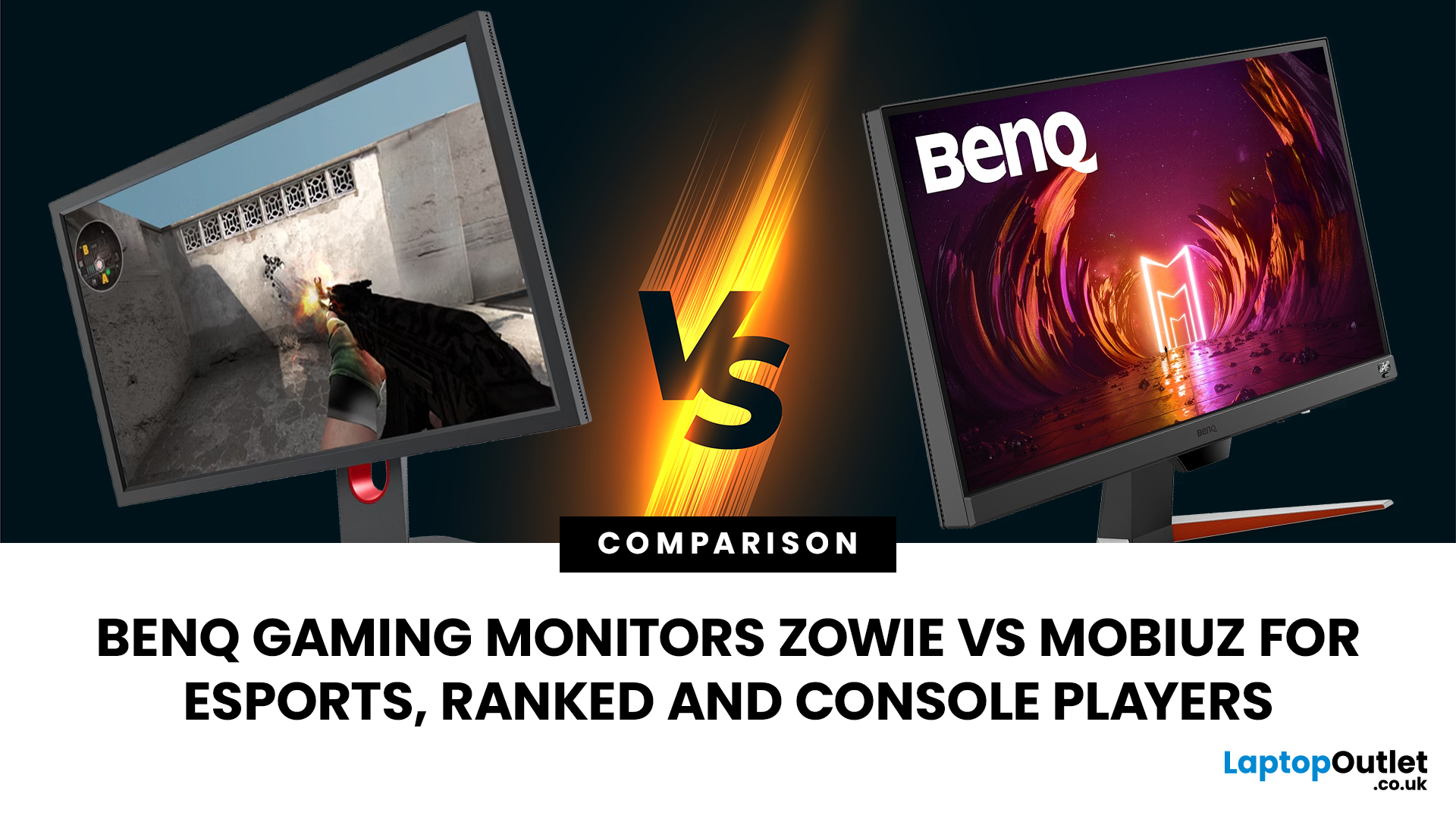
Choosing the right monitor can genuinely change how you play. Whether you’re grinding ranked matches, competing in esports, or just kicking back on your console, your display has a direct impact on performance, clarity and overall experience.
That’s where BenQ gaming monitors stand out. Known for precision engineering and gamer-first features, BenQ offers two standout ranges: ZOWIE and MOBIUZ. But when it comes to BenQ gaming monitors ZOWIE vs MOBIUZ, which one is right for you? Let’s break it down in a way that makes sense for how you play.
BenQ Gaming Monitors Explained
BenQ doesn’t take a one-size-fits-all approach to gaming. Instead, it splits its lineup into two clearly defined categories:
- BenQ ZOWIE esports monitors – built purely for competitive performance
- BenQ MOBIUZ gaming monitors – designed for immersive, all-round gaming
ZOWIE is about speed, precision and winning. MOBIUZ is about visuals, versatility and enjoying the full gaming experience. Both are excellent, but they serve
Last Updated: April 06, 2026
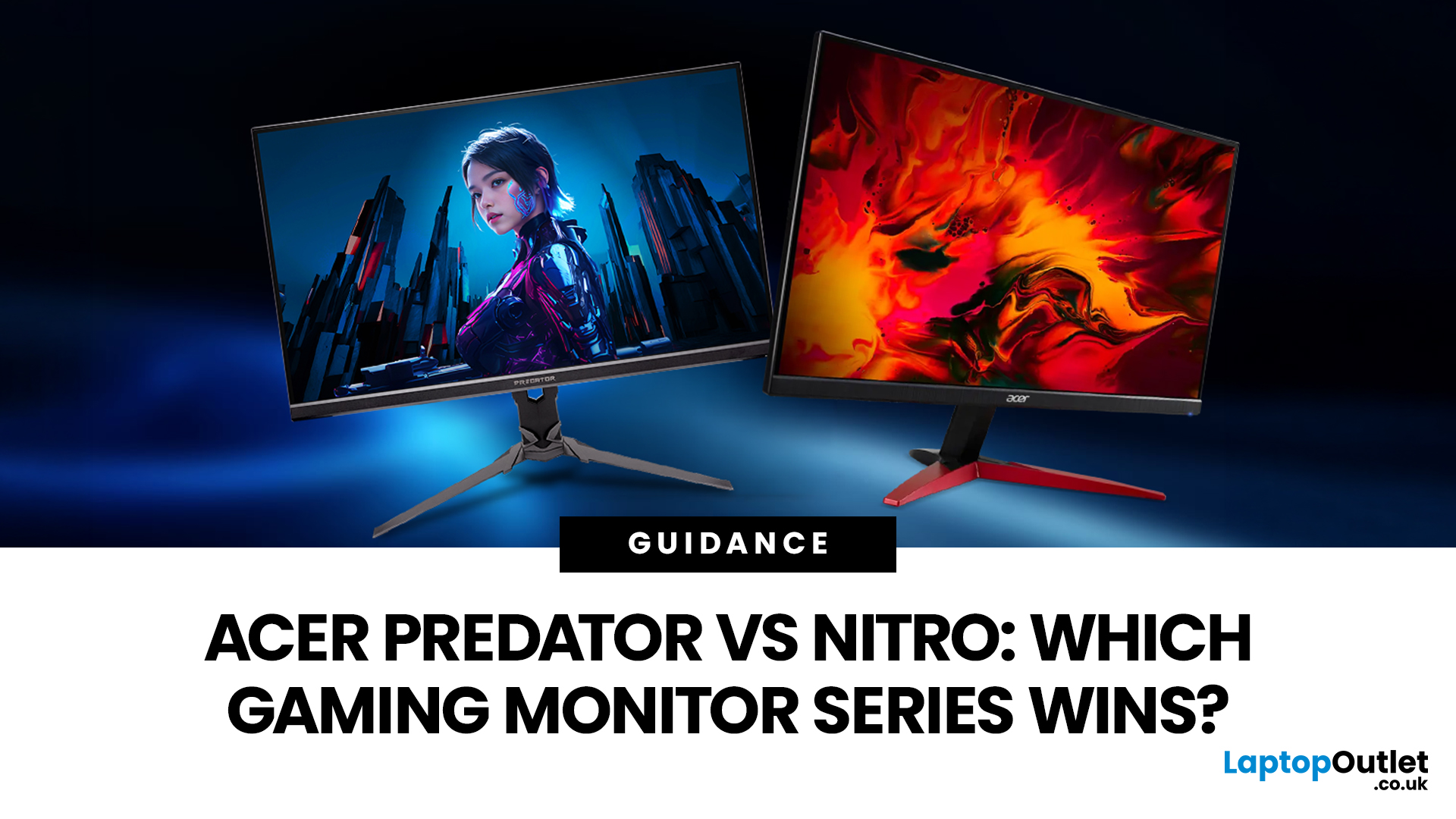
If you are comparing Acer Predator vs Nitro, you are likely at a point where a standard monitor no longer cuts it. Maybe you are upgrading your setup, moving into competitive gaming, or simply trying to get better value for your money.
Acer has made this decision slightly more complex by offering two strong Acer gaming monitor ranges that, at first glance, seem similar. Both support high refresh rates, both look like gaming displays, and both are widely available across the UK.
But once you dig deeper, Predator and Nitro are built for very different types of users. This guide breaks it down properly. No fluff, no brand hype, just a clear explanation of what matters when you are choosing between them.
Why Acer Splits Predator and Nitro in the First Place
Before comparing specs, it helps to understand Acer’s thinking. The company is not just offering two versions of the same product. These are two separate strategies:
- Predator is where Acer pushes performance, display innovation, and premium
Last Updated: April 14, 2026
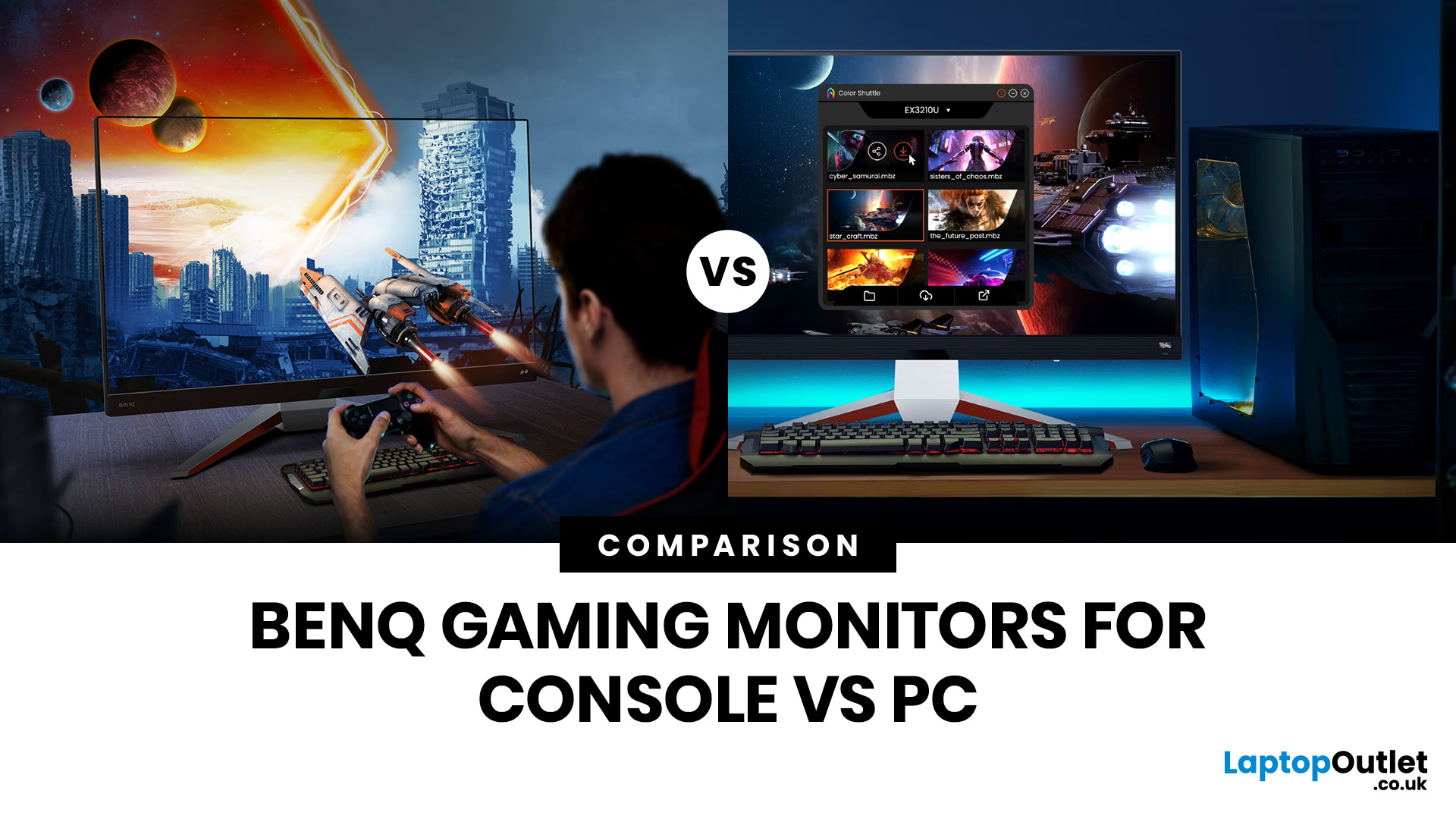
Picking the right gaming monitor is no longer as simple as choosing the biggest screen you can afford. Your setup matters, your platform matters, and the way you play matters even more. A monitor that feels perfect for a competitive PC player might not be the best fit for someone gaming on a PS5 or Xbox Series X.
That’s exactly why choosing the right BenQ gaming monitor for console or PC comes down to more than specs on a product page. You need to think about refresh rate, resolution, connectivity and whether you care more about raw speed or immersive visuals.
BenQ makes that decision easier by offering two clear gaming monitor families. ZOWIE is built for fast, focused competitive PC play, while MOBIUZ is designed for players who want strong performance with more visual depth and better console-friendly features. If you’ve been stuck comparing 1080p, 1440p and 4K, this guide breaks it all down in a way that helps.
Do Console and PC Gamers Need Different BenQ Monitors?
Console and PC
Last Updated: April 28, 2026
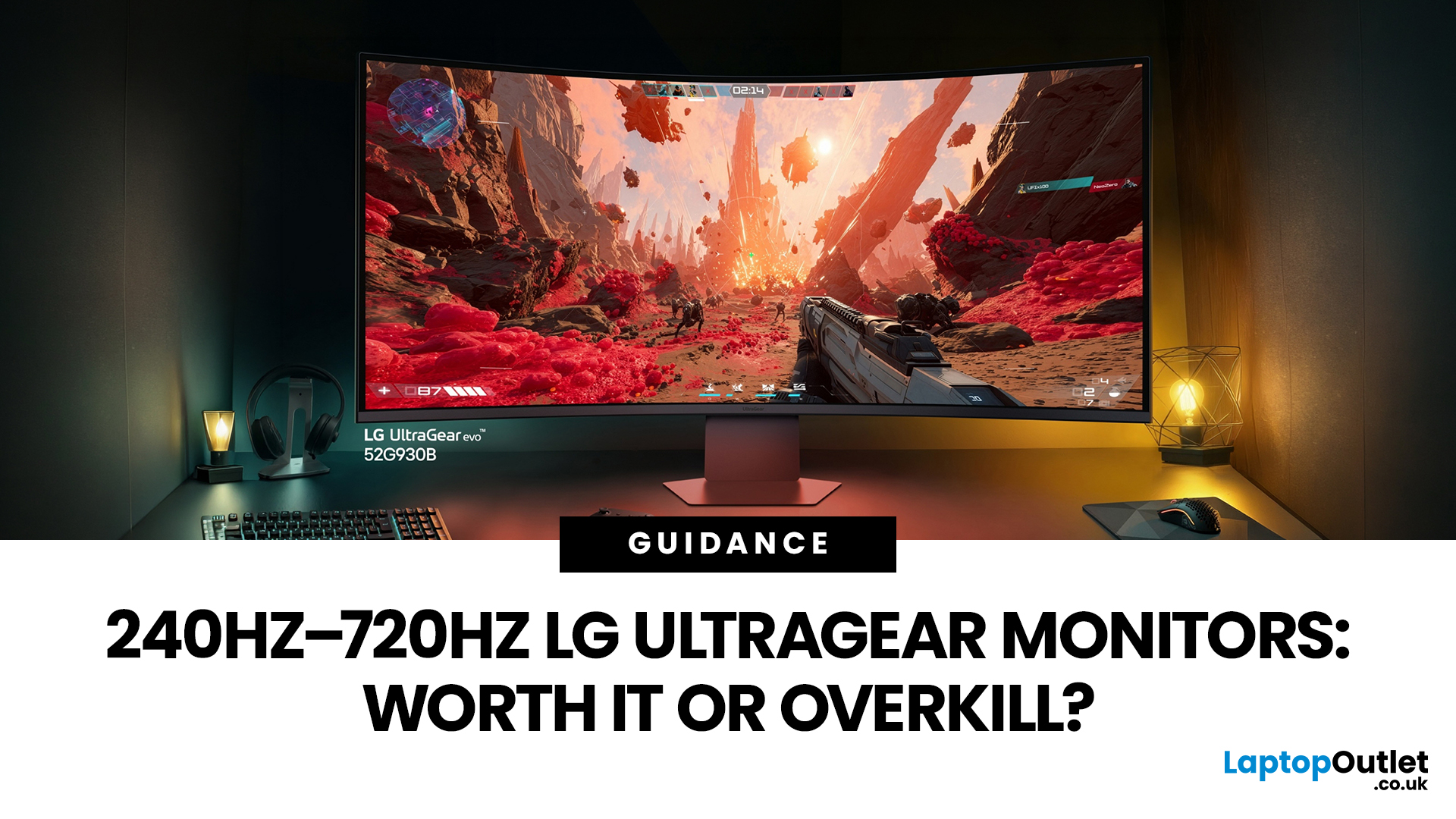
If you've been shopping for a gaming monitor lately, you've probably noticed the numbers getting a bit daft. 240Hz, 330Hz, 480Hz, 540Hz, and now 720Hz.
High refresh LG UltraGear monitors are pushing the boundaries of what gaming displays can do, and the specs are genuinely impressive. But the real question isn't what these monitors can do. It's whether you'll actually notice the difference when you're in the thick of a match.
This guide cuts through the spec sheet jargon and answers what most gamers genuinely want to know: when does a higher refresh rate actually matter, who benefits from it, and which part of the spectrum makes sense for your setup?
What Refresh Rate Actually Does During Gameplay
Refresh rate is one of the most talked-about monitor specs, yet it is also one of the most misunderstood. Before diving into the numbers, it helps to know what is actually happening at the hardware level, because the real-world experience comes from two separate things working together.
A monitor's
Last Updated: September 01, 2026
Not all gaming monitors are built the same, and the LG UltraGear range makes that very clear. Whether you're playing for fun on weekends, grinding ranked matches on a mid-range rig, or competing at a serious level, there's a specific UltraGear model that fits your needs.
This LG UltraGear guide breaks down the full lineup by player type so you can make a genuinely informed decision before spending your money.
What Makes LG UltraGear Different from Standard LG Monitors?
LG produces monitors for all sorts of uses, from office work to content creation to home cinema. UltraGear is the gaming-focused sub-brand, and it comes with a noticeably different spec sheet compared to LG's standard displays.
The core differences come down to priorities. Standard LG monitors are built around colour accuracy, ergonomics, and value for office use. UltraGear monitors are tuned for speed, responsiveness, and visual clarity under fast-moving gaming conditions.
In practical terms, this means LG UltraGear gaming
Last Updated: April 28, 2026
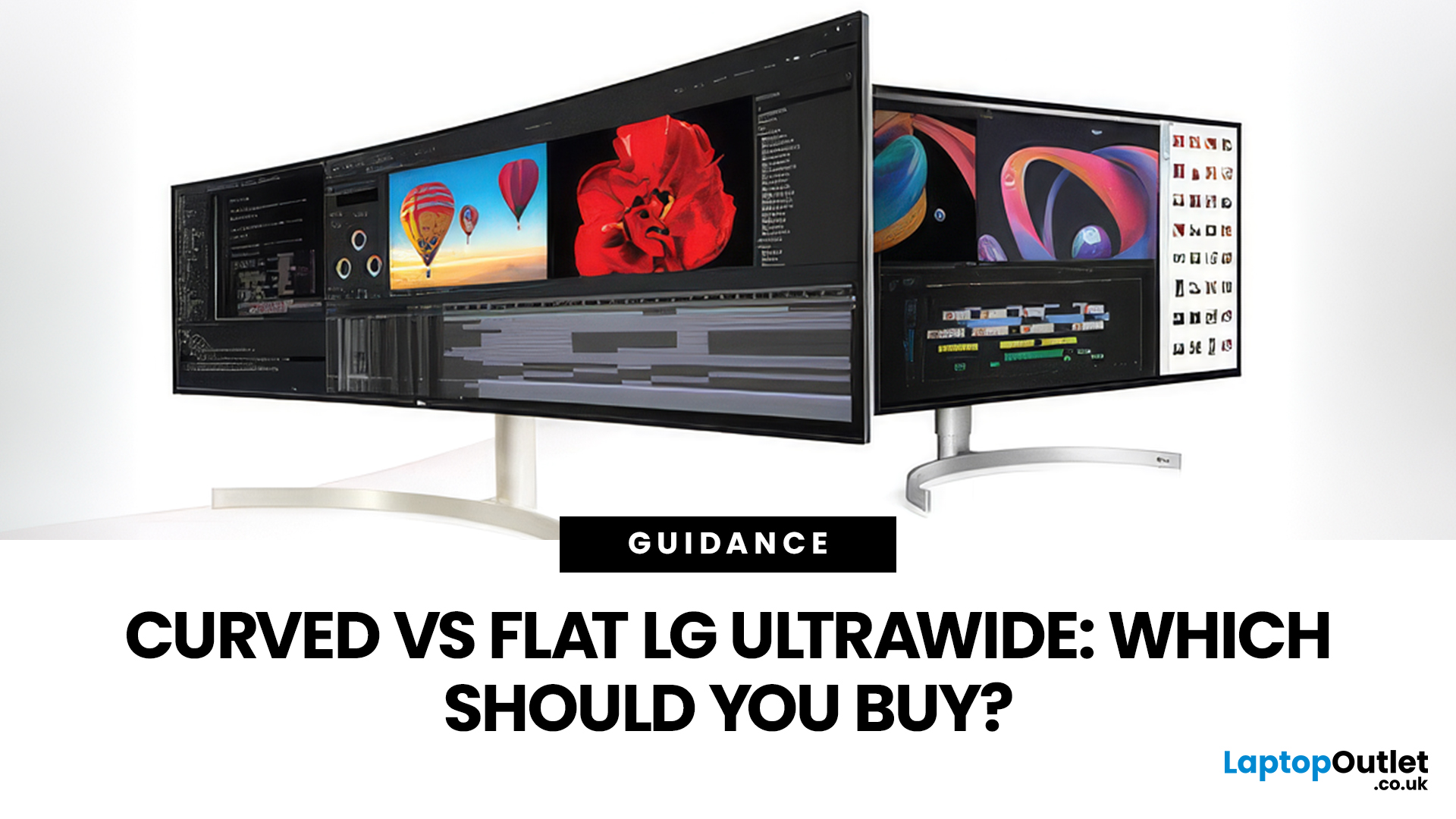
If you're choosing between a curved vs flat LG UltraWide monitor, the decision is more nuanced than it first appears. The right choice depends on what you do, how long you sit at your desk, and the kind of experience you want from your screen.
This guide breaks down every major use case side by side, with a clear verdict for each one, so you can make the right call before you spend your money.
What Makes LG UltraWide Monitors Different?
LG UltraWide monitors use a 21:9 aspect ratio, giving you roughly a third more horizontal screen space than a standard 16:9 display. That extra width is what makes the curved vs flat debate so relevant on these screens specifically.
On standard 26 to 28-inch monitors, the curve debate is largely down to personal preference. But once you hit 34 inches and beyond, the physics of how your eyes scan left-to-right starts to matter. On ultrawide displays of 34 inches or larger, the curvature brings the edges of the screen closer to you, covering more of your
Last Updated: April 14, 2026
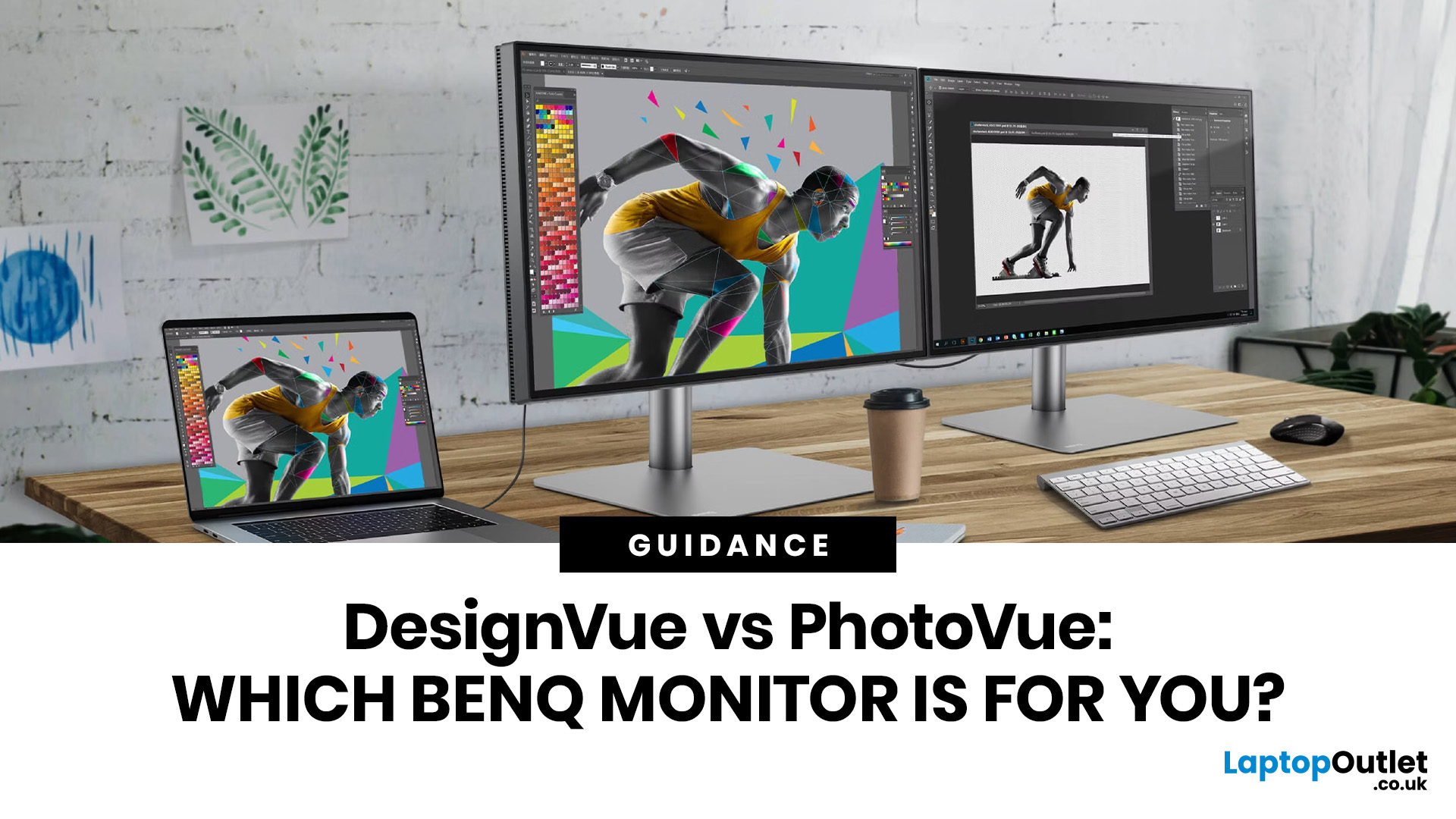
If you work with colour professionally, your monitor is your most critical piece of kit. BenQ monitors for creators are built around one principle: what you see on screen should accurately reflect what you print, publish, or deliver to a client.
Whether you are a photographer editing RAW files, a designer producing brand assets, or a video editor reviewing colour grades, accuracy matters at every stage. BenQ addresses this through two dedicated series: the DesignVue PD range and the PhotoVue SW range.
Each is engineered for a different creative discipline. This guide explains both series, covers the key specs to look for, highlights how they compare, and helps you decide which one fits your workflow best.
BenQ’s Creator Series: DesignVue & PhotoVue SW
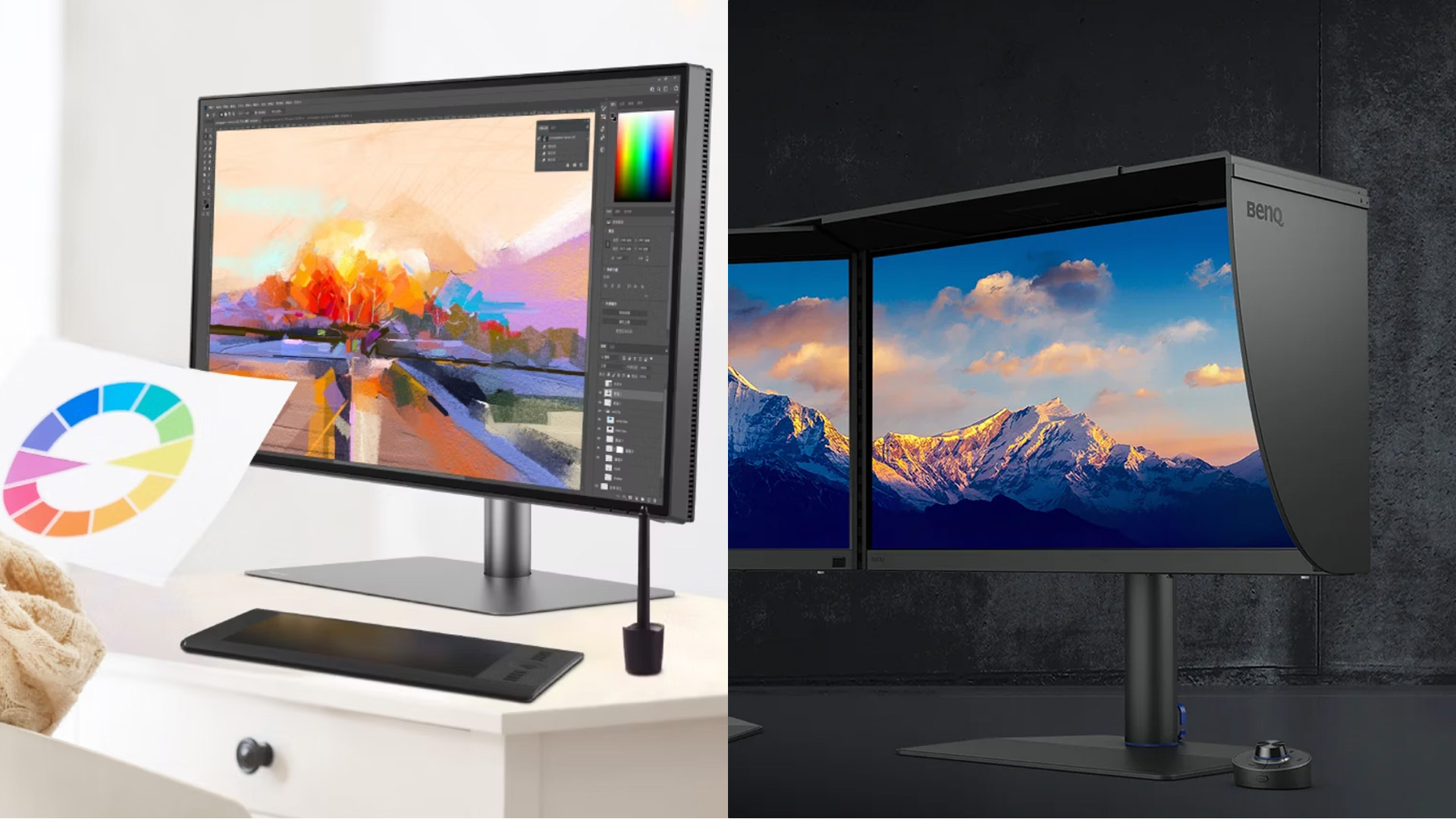
Finding the right BenQ monitors for creators starts with understanding why BenQ separates its professional range into two distinct families, each tailored to a different core workflow. Rather than one catch-all creative

