



LG UltraGear Gaming Monitors: Best Options for Casual, Ranked and Esports Players
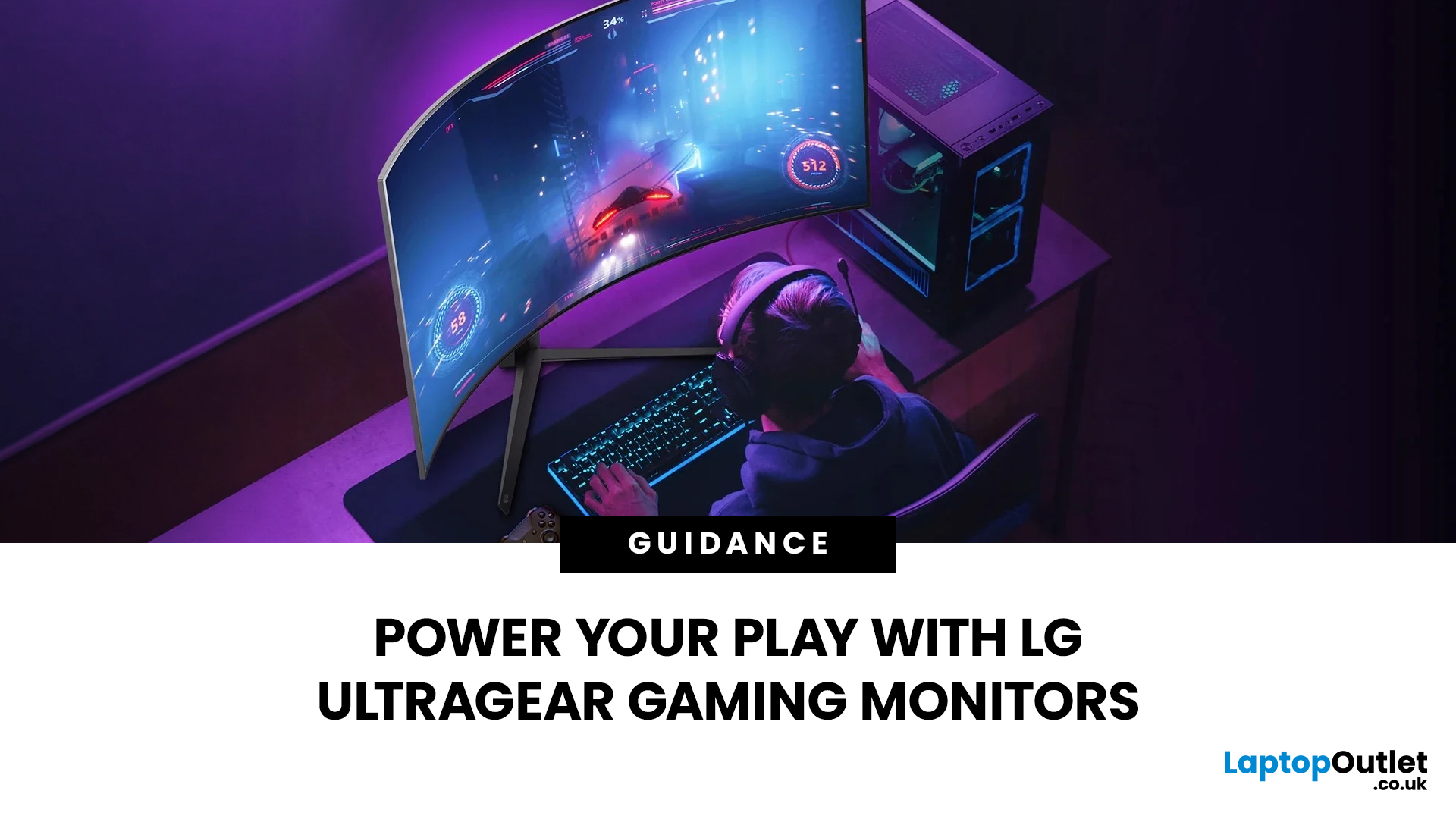
Not all gaming monitors are built the same, and the LG UltraGear range makes that very clear. Whether you're playing for fun on weekends, grinding ranked matches on a mid-range rig, or competing at a serious level, there's a specific UltraGear model that fits your needs.
This LG UltraGear guide breaks down the full lineup by player type so you can make a genuinely informed decision before spending your money.
What Makes LG UltraGear Different from Standard LG Monitors?
LG produces monitors for all sorts of uses, from office work to content creation to home cinema. UltraGear is the gaming-focused sub-brand, and it comes with a noticeably different spec sheet compared to LG's standard displays.
The core differences come down to priorities. Standard LG monitors are built around colour accuracy, ergonomics, and value for office use. UltraGear monitors are tuned for speed, responsiveness, and visual clarity under fast-moving gaming conditions.
In practical terms, this means LG UltraGear gaming monitors offer:
- High Refresh Rates: UltraGear displays start at 144Hz as a baseline and scale up significantly to meet competitive demands.
- Rapid Response Times: These monitors feature 1ms or lower response times to ensure fluid motion and minimal ghosting.
- Seamless Synchronisation: VRR support comes as standard across the entire range, including FreeSync and frequent G-SYNC compatibility.
- Premium Panel Technology: Depending on the tier, models utilise advanced Nano IPS or OLED panels for superior visual depth.
- Elite Gaming Innovations: The UltraGear lineup represents the pinnacle of LG gaming technology for those seeking a professional-grade display.
Check out our detailed LG monitors guide for a full breakdown of the different display series and their unique features.
Key Specs That Matter in LG UltraGear Gaming Monitors
Before picking a model, it helps to understand what each specification actually does for your gaming experience. The UltraGear range spans a wide variety of specs, so knowing what to look for will save you from overspending or buying the wrong thing.
1. Refresh Rate and Response Time
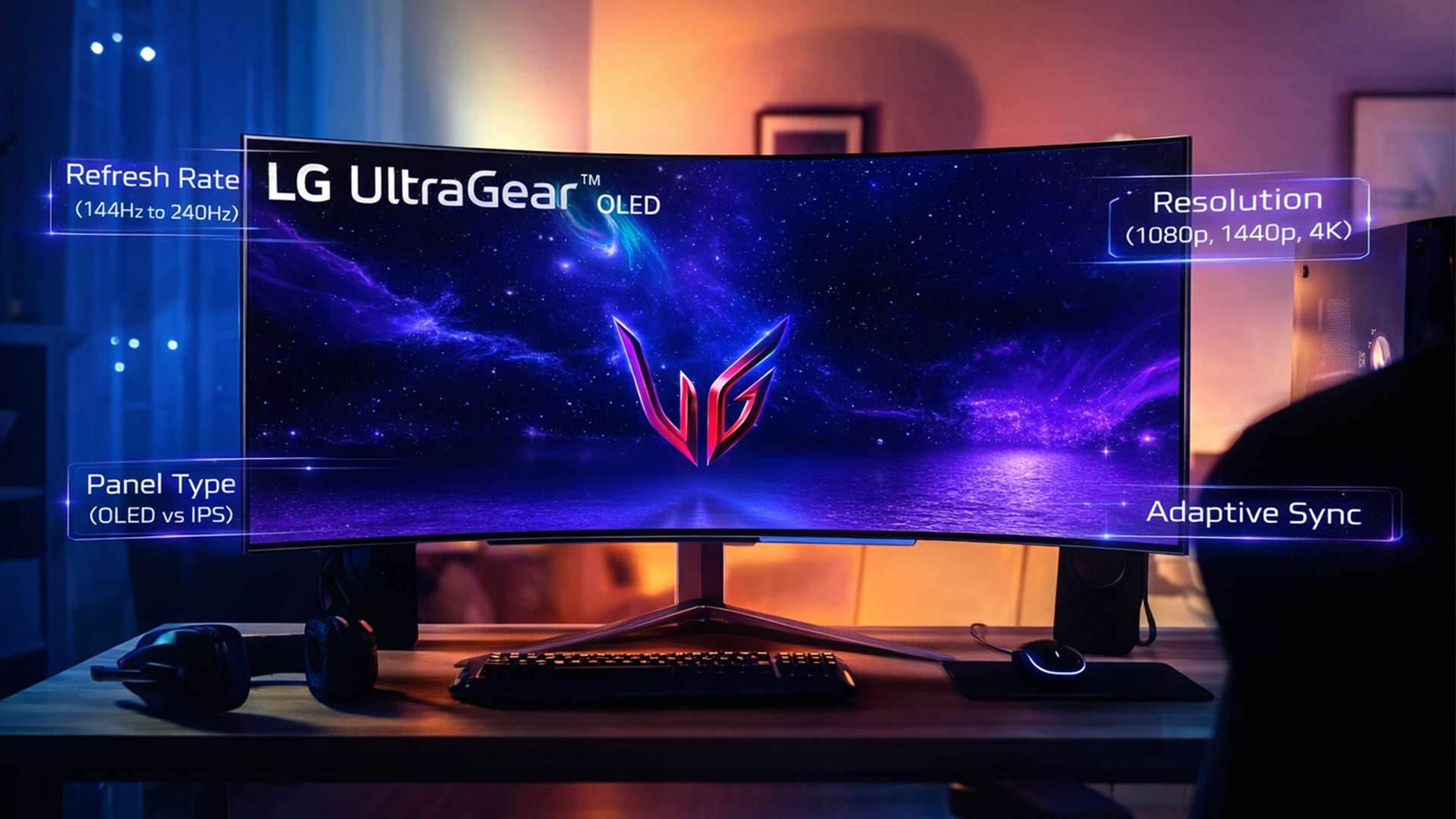
Refresh rate refers to how many frames per second your monitor can display. A higher refresh rate means motion looks smoother and more fluid. The UltraGear range currently spans 144Hz to 240Hz, with 180Hz being the sweet spot for most mid-range options.
Response time measures how quickly a pixel changes from one colour to another. UltraGear IPS models typically deliver 1ms response times, while the OLED models drop that down to an incredible 0.03ms, which essentially eliminates ghosting and motion blur entirely.
For casual gaming, 144Hz to 180Hz is more than sufficient. For competitive ranked play, 180Hz feels immediately snappier. For esports and sim racing where fractions of a second count, the 240Hz OLED options deliver a genuinely different experience.
Read our high-refresh UltraGear explainer for a full breakdown of everything from 240Hz to 720Hz performance.
2. Resolution (1080p, 1440p, 4K)
Resolution determines image sharpness. Higher resolutions look better but demand more from your GPU to hit high frame rates.
- 1080p (Full HD): Easy to push at high frame rates; great for competitive gaming and budget builds
- 1440p (QHD): The sweet spot for balance between visual quality and performance
- 4K (Ultra HD): Stunning clarity, but requires a powerful graphics card to maintain smooth frame rates
3. Panel Type (OLED vs IPS)
LG uses three main panel technologies across the UltraGear range. Here's a quick comparison:
|
Panel Type |
Strengths |
Best For |
|
IPS |
Wide colour gamut, accurate colours, wide viewing angles |
Casual and ranked gaming |
|
Nano IPS |
Wider colour than standard IPS, better contrast |
Competitive and content creation |
|
OLED |
True blacks, 0.03ms response, perfect contrast |
Esports, sim racing, high-end setups |
Explore our panel tech comparison guide to get a complete breakdown of every feature and specification.
4. VRR, G-SYNC Compatible and FreeSync
Variable Refresh Rate (VRR) syncs your monitor's refresh rate to your GPU's output in real time. This eliminates screen tearing and stuttering without adding input lag.
All UltraGear monitors support AMD FreeSync, and most are also NVIDIA G-SYNC Compatible, which means they work properly whether you're running an AMD or NVIDIA graphics card. If you see "FreeSync Premium Pro" on a model, that's a higher-tier certification that adds low-framerate compensation and HDR support to the mix.
UltraGear for Casual & Mixed-Use Gaming
If you game a few hours a week across a mix of genres, such as RPGs, sports titles or the occasional FPS, you do not need to spend a fortune. The entry-level UltraGear models are genuinely capable displays, and they will make an immediate difference when upgrading from a standard office monitor or 60Hz screen.
The main things to look for at this tier are a solid IPS panel, a 144Hz to 200Hz refresh rate and variable refresh rate support. You do not necessarily need 4K or OLED here, especially if your PC is better suited to pushing high frame rates at Full HD.
Suitable Models
Good examples at this tier include the LG UltraGear G5 25G523B-B (24.4", Full HD IPS, 200Hz, 1ms, FreeSync Premium and G-SYNC Compatible) and the LG UltraGear 27GS60F-B.AEK (27", Full HD IPS, 180Hz, 1ms, FreeSync and G-SYNC Compatible). Both support HDR10, flicker-free technology, HDMI and DisplayPort connectivity, with 2-year warranties.
The 25G523B-B is the stronger option if you want a more compact screen and higher refresh rate, while the 27GS60F-B gives you extra physical screen space for gaming, streaming and everyday use.
UltraGear for Ranked & Competitive PC Players
Once you start playing ranked or competitive multiplayer games seriously, the specifications you care about shift. Visual detail becomes more important, but so does responsiveness. QHD resolution gives you noticeably sharper visuals than Full HD, while higher refresh rates help keep fast movement smooth when your PC can produce the necessary frame rates.
This tier of the UltraGear range suits players who game regularly and want a stronger balance of resolution, refresh rate and motion performance.
Best Matches
Two strong examples at this level are the LG UltraGear 27GS85Q-B.AEK (27", QHD Nano IPS, 180Hz with overclocking up to 200Hz, DisplayHDR400, USB hub and height-adjustable stand) and the LG UltraGear G6 32G620B-B (31.5", QHD IPS, 200Hz, 1ms, HDR10, FreeSync Premium and G-SYNC Compatible).
The 27GS85Q-B is the better fit if you want a more compact QHD display with Nano IPS colour performance and additional connectivity. The 32G620B-B gives you a noticeably larger gaming canvas while retaining QHD resolution and a 200Hz refresh rate, making it well suited to players who want more screen space without stepping up to 4K.
Both offer fast 1ms response times and height adjustment, while the 27GS85Q-B adds a USB hub plus pivot and swivel adjustment for greater desk flexibility.
UltraGear OLED and High-End Setups for Esports & Sim Racing
At the top of the range, LG UltraGear OLED monitor range represents a significant jump in quality. The difference between a 1ms IPS and a 0.03ms OLED isn't just a spec sheet number; you genuinely notice it in fast-paced titles. Combined with ultrawide formats and curved panels, these displays are built for players who demand the absolute best and play to win.
Top Picks
Good examples of LG UltraGear for esports & sim racing include LG UltraGear 34GX900A-B.AEK (34" ultrawide curved OLED, 3440x1440, 240Hz, 0.03ms, dual HDMI 2.1, USB-C, FreeSync Premium Pro, built-in speakers) and the LG UltraGear 39GX90SA-W.AEK (39" curved OLED WQHD, 240Hz, 0.03ms) for those who want an even larger immersive canvas.
The 34-inch model is particularly well suited to sim racing and competitive shooters, thanks to the 21:9 field of view and near-instant pixel response. The 39-inch variant takes that immersion further, making it a natural choice for cockpit setups and ultrawide gaming rigs.
Connectivity, Ergonomics & Multi-Device Use with UltraGear
A gaming monitor is only as useful as its connectivity and comfort allow. Across the UltraGear range, both improve significantly as you move up in tier, so it's worth knowing what to expect at each level before buying.
Connectivity by tier:
- Entry-level models include HDMI 1.4 or 2.0 and DisplayPort, plus a headphone output
- Mid-range models add HDMI 2.0, DisplayPort, a USB 3.0 hub (useful for peripherals), and headphone out
- High-end and OLED models include HDMI 2.1 (essential for 4K console gaming), USB-C, DisplayPort, and built-in USB hubs
Ergonomics by tier:
- Entry-level stands offer tilt adjustment only
- Mid-range and above include height adjustment, tilt, and pivot for proper desk ergonomics
- Top-tier OLED models add full ergonomic adjustment plus low blue light and flicker-free certification
General points across the range:
- All UltraGear monitors are VESA compatible, so any model can be mounted on an arm or wall bracket
- FreeSync and G-SYNC compatibility are standard, covering both AMD and NVIDIA GPU users
- Built-in speakers are available on select OLED models, removing the need for separate audio equipment
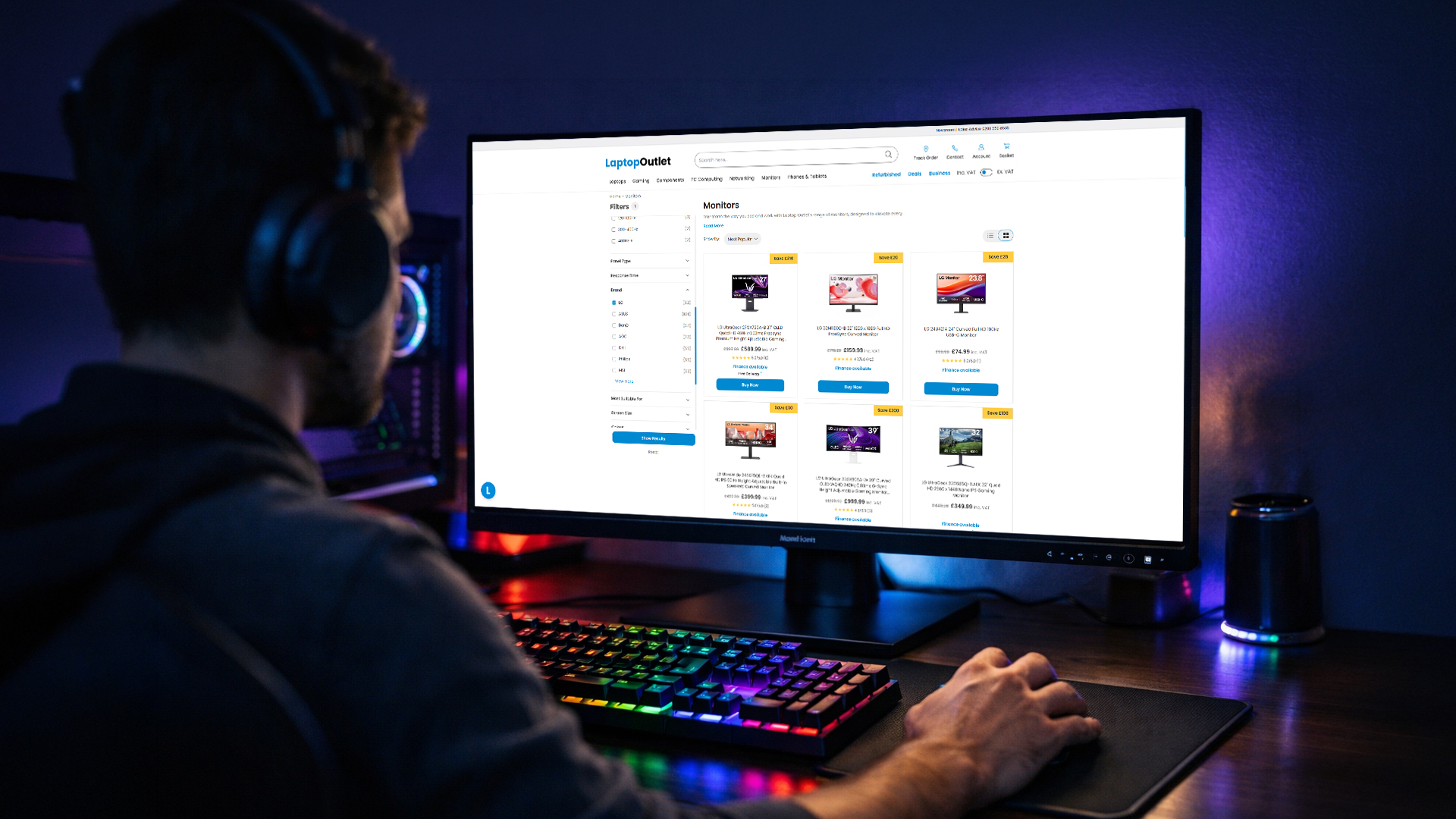
How to Choose the Right UltraGear Monitor for Your Platform
The right UltraGear monitor comes down to more than specs on a page. Several real-world factors determine which model actually suits how, what, and where you play.
1. Budget
This sets your starting point. The UltraGear range runs from under £150 to well over £700. Be realistic about what you'll actually use. Spending £700 on an OLED ultrawide when you play two hours a week is hard to justify. If you're serious about gaming daily, investing in a higher-tier panel pays off long-term.
2. Your Hardware (PC or Console)
Your platform dictates which specs actually matter, so it's worth thinking through both sides carefully.
→ PC Gamers
Match your monitor's resolution and refresh rate to what your GPU can realistically deliver. Buying above your hardware is money wasted.
|
GPU Tier |
Example Cards |
Target Resolution |
Target Refresh Rate |
Panel to Consider |
|
Entry to mid-range |
GTX 1660, RTX 3060, or similar |
1080p |
144Hz to 180Hz |
IPS |
|
Mid-range |
RTX 3070, RX 6700 XT, or similar |
1440p |
144Hz to 180Hz |
Nano IPS |
|
High-end |
RTX 4070, RX 7800 XT, or similar |
4K or ultrawide |
144Hz to 240Hz |
IPS or OLED |
|
Flagship |
RTX 4090, RX 7900 XTX, or above |
Ultrawide 4K or WQHD |
240Hz |
OLED |
Also check your outputs: you need DisplayPort 1.4 or HDMI 2.1 on your PC to unlock the full refresh rate and resolution of whichever panel you choose.
→ Console Gamers (PS5 and Xbox Series X)
Both current-gen gaming consoles output up to 4K at 120Hz, but only over HDMI 2.1. Without it on your monitor, you're immediately bottlenecked regardless of the panel's capabilities.
|
Console |
Max Output |
Key Requirement |
VRR Support |
|
PS5 |
4K at 120Hz |
HDMI 2.1 |
Yes (via firmware) |
|
Xbox Series X |
4K at 120Hz |
HDMI 2.1 |
Yes (native) |
|
Xbox Series S |
1440p at 120Hz |
HDMI 2.1 |
Yes (native) |
If you split time between desktop PC and console, prioritise a model that combines HDMI 2.1 with G-SYNC compatibility and FreeSync Premium so it performs well across both without compromise.
3. Game Genre
- FPS, battle royale, fighting games: Prioritise refresh rate (180Hz to 240Hz) and response time over resolution
- RPGs, open-world, strategy: Resolution and panel quality matter more; 1440p or 4K IPS/OLED makes a real difference
- Sim racing, flight sims: Ultrawide curved panels add significant immersion; OLED contrast makes environments feel more realistic
4. Desk Space and Screen Size
A 34" ultrawide needs a deep, wide desk to sit comfortably. A 24" or 27" flat panel works in most setups. Measure your available space before committing to a larger model.
5. Ergonomics and Long Sessions
If you game for several hours at a stretch, height adjustment, tilt, and pivot matter more than most buyers expect. Entry-level UltraGear stands offer tilt only. Mid-range and above include full height and pivot adjustment, which makes a genuine difference to posture and comfort over time.

Upgrade Your Play with LG UltraGear
The LG UltraGear range covers a wide spectrum of gaming needs, from accessible 1080p 180Hz IPS options at under £150 all the way up to flagship OLED ultrawide displays built for esports and sim racing.
The key is matching the monitor to your actual use case. A casual gamer doesn't need 240Hz OLED, and a serious competitive player will feel hamstrung on a 1080p 60Hz screen. Start with your GPU, decide on your resolution priority, then look at the UltraGear model that hits those marks within your budget.
Browse the full gaming monitors range at Laptop Outlet and find the right fit for your setup.

What You Might Want to Ask...
Are LG UltraGear monitors only for PC gamers, or also for consoles?
UltraGear monitors work with consoles too. Higher-tier models include HDMI 2.1 ports, which support PS5 and Xbox Series X at full performance settings.
Is it worth choosing a 4K UltraGear monitor over a 1440p model?
4K offers sharper visuals but demands a powerful GPU. If your graphics card struggles at 4K, a 1440p model will give you better frame rates and smoother gameplay.
Do I need 240Hz or higher for casual games?
No. For casual gaming, 144Hz to 180Hz is more than enough. The jump to 240Hz is most noticeable in fast-paced competitive titles where reaction time matters.
What is the difference between LG UltraGear OLED and IPS gaming monitors?
OLED delivers true blacks, perfect contrast, and 0.03ms response versus 1ms on IPS. IPS panels are brighter and more affordable but cannot match OLED's visual depth.
Can UltraGear monitors be used comfortably for work as well as gaming?
Yes. All UltraGear models handle office tasks well. Higher-tier models with Nano IPS or OLED panels offer excellent colour accuracy for creative work too.
Related Articles

Last Updated: March 13, 2026
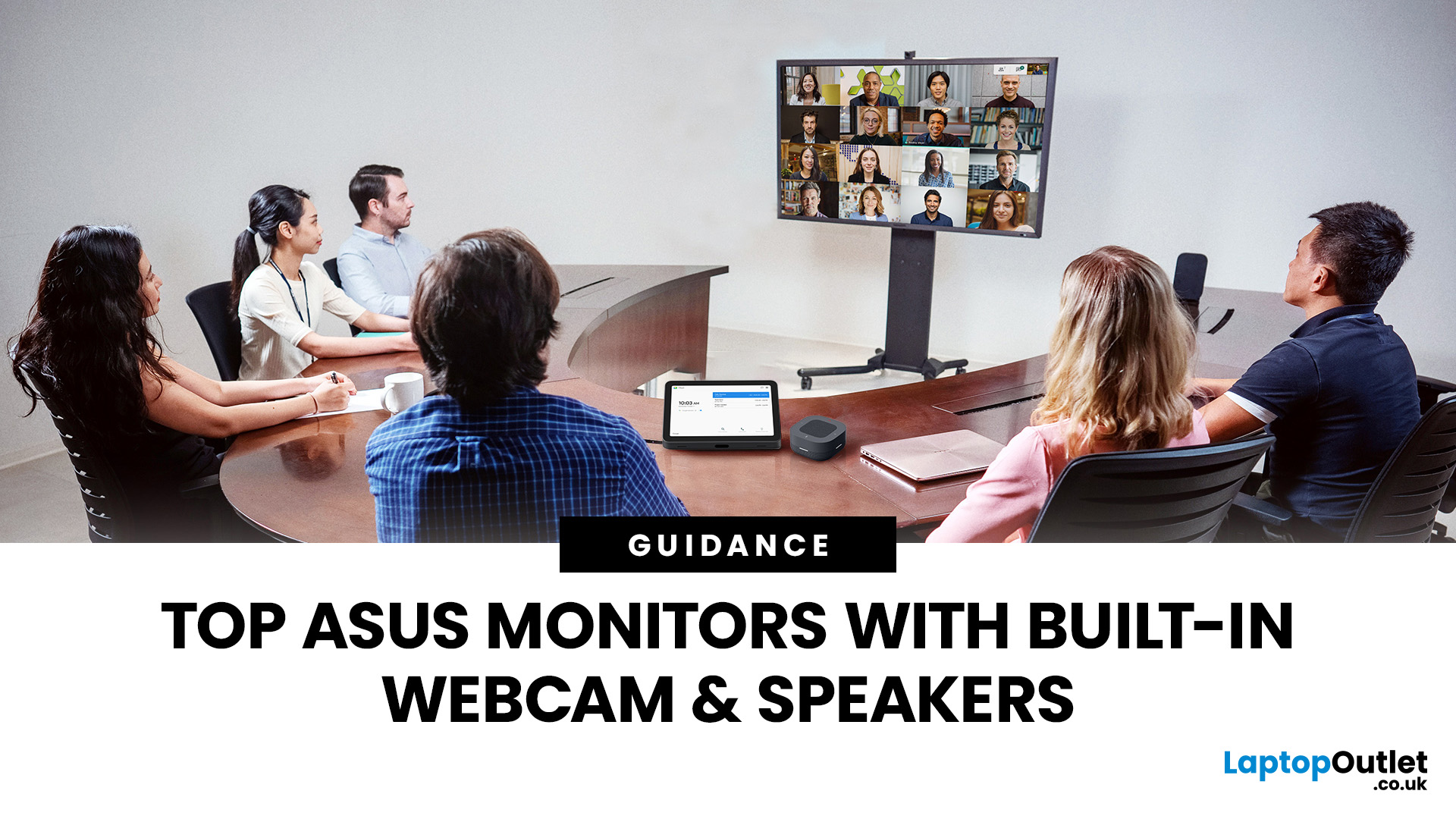
Choosing the right ASUS monitor with a webcam can significantly simplify how modern meeting rooms operate. As hybrid work becomes the norm, businesses are looking for cleaner, more efficient conferencing setups that don’t rely on multiple external peripherals. An integrated solution that combines display, camera, microphone, and speakers into one device makes deployment faster and more cost-effective. For small meeting spaces and huddle rooms in particular, an ASUS business monitor with speakers and a built-in webcam offers a practical alternative to a full conferencing kit.
What to Know About Microsoft Teams Rooms Compatibility
It’s important to clarify how an ASUS monitor with webcam fits into a Microsoft Teams Rooms environment.
Microsoft Teams Rooms (MTR) systems are typically powered by a dedicated PC or collaboration bar. The monitor itself is not the Teams Rooms system, instead, it acts as the display and USB conferencing endpoint. When paired with a Teams-enabled PC, many ASUS
Last Updated: August 13, 2026
A 27-inch display gives you enough screen space for documents, spreadsheets, online classes, streaming, and gaming without taking over the average desk. Better still, choosing an affordable model no longer means settling for a basic 60Hz or 75Hz screen.
Today’s budget-friendly BenQ range includes Full HD IPS displays with 100Hz and 144Hz refresh rates, eye-care features, built-in speakers, USB-C connectivity, and ergonomic stands on selected models. That gives buyers considerably more choice, whether the priority is office productivity, studying, or smoother casual gaming.
What Can You Expect from a BenQ 27-Inch Monitor Under £200?
The specifications available at this price have improved significantly. Rather than assuming every affordable display will have a low refresh rate and a basic stand, it is better to compare individual models. Features available across the models in this guide include:
- Full HD 1920 x 1080 resolution
- IPS panel technology
- 100Hz or 144Hz refresh rates
- BenQ Eye-Care
Last Updated: August 11, 2026
Getting the right monitor is no longer just about picking a size and hoping for the best. In 2026, the best results come from matching the screen to the job. That is where BenQ tends to do well. Instead of trying to make every display “good at everything”, the range is split into clear families built around specific uses: creative colour work, programming and text-heavy productivity, competitive gaming, immersive gaming, and comfortable home office setups.
This guide focuses on BenQ monitors uses in real setups, the key differences between series, and what to look for when you want one monitor for both gaming and work.
BenQ as a Brand in 2026
BenQ is a Taiwan-based electronics brand known globally for displays, including monitors and projectors. The BenQ name is tied to the idea of “Bringing Enjoyment ‘N’ Quality to life,” and the company’s display focus shows up most clearly in how it splits monitors into specialised series instead of pushing one “flagship for everyone.”
That specialisation
Last Updated: April 08, 2026
Choosing the right display can dramatically impact your workflow, especially when it comes to colour grading, motion graphics, and smooth timeline playback. If you're deciding between ASUS ProArt vs ROG for video editing, you're essentially choosing between two different philosophies: precision-focused colour accuracy or high refresh performance.
Both ranges are among the best ASUS monitors available today, but they serve different types of creators. In this guide, we’ll break down everything you need to know about ASUS ProArt vs ROG, including panel technology, refresh rates, HDR performance, and which models make the most sense for editors in the UK.
What Video Editors Actually Need from a Monitor
Before comparing models, it’s important to understand what really matters in a video editing monitor UK buyers should consider.
1. Colour Accuracy (ΔE, Rec.709 & DCI-P3)
For editors, colour accuracy is critical. If you're delivering to YouTube or broadcast, your monitor must reproduce colours
Last Updated: September 01, 2026
Choosing a new monitor is not always straightforward. With so many screen sizes, panel types, and resolution options on the market, it is easy to get lost before you even reach a shortlist. This LG monitors buying guide cuts through all of that.
It walks you through every major LG screen series, explains the specs that actually matter, and helps you find the right display for your needs and budget. Whether you are gaming, working from home, editing photos, or simply upgrading a tired old screen, LG has a monitor built for the job. Let’s get started.
Why Choose an LG Monitor in 2026?
LG is one of the few brands that designs and manufactures its own display panels. That matters because it gives LG direct control over colour accuracy, panel quality, and how quickly new technology reaches the market.
Whether you need a budget-friendly Full HD screen or a professional-grade OLED display, LG offers a broad, well-priced range. They continue to lead with innovations like Nano IPS for
Last Updated: April 28, 2026
Choosing a new monitor is never as simple as picking the biggest screen you can afford. The panel technology underneath the glass makes a huge difference. It shapes how colours look, how fast the screen responds, and how comfortable it is to use for hours on end.
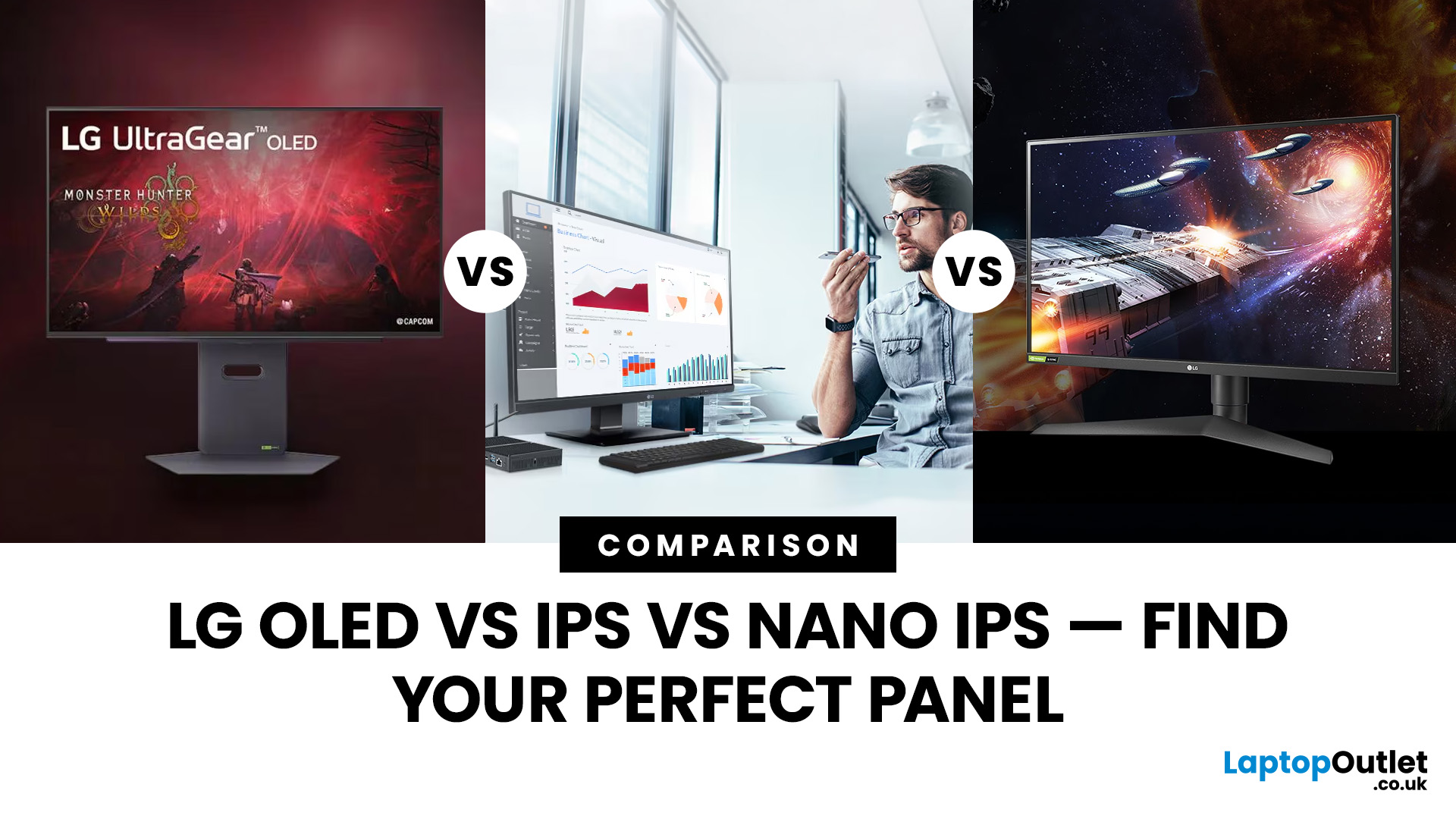
LG monitors feature all three major panel types under one roof — OLED, IPS, and Nano IPS. Each one has a distinct character. And each one suits a different kind of user.
So, if you are weighing up the LG OLED vs IPS vs Nano IPS debate, this guide cuts through the noise. We will explain what each panel actually does, where it excels, and where it falls short. By the end, you will know exactly which display belongs on your desk.
Understanding the Three Panel Types
Before diving into comparisons, it helps to understand what each technology actually does. The differences go deeper than just price.
What Is an IPS Panel?
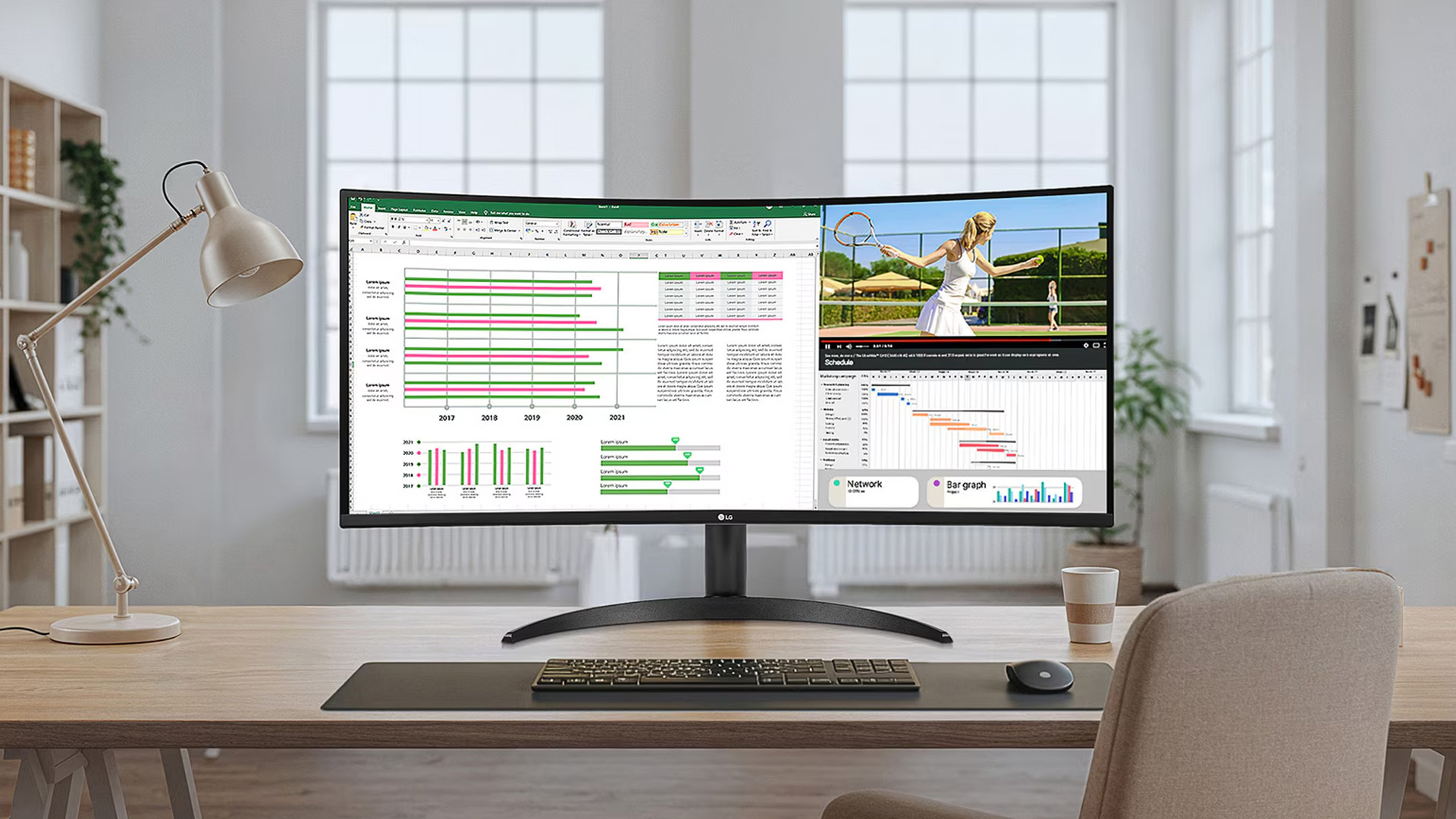
IPS stands for In-Plane Switching. This technology uses a backlight to illuminate liquid crystals, which then twist
Last Updated: September 01, 2026
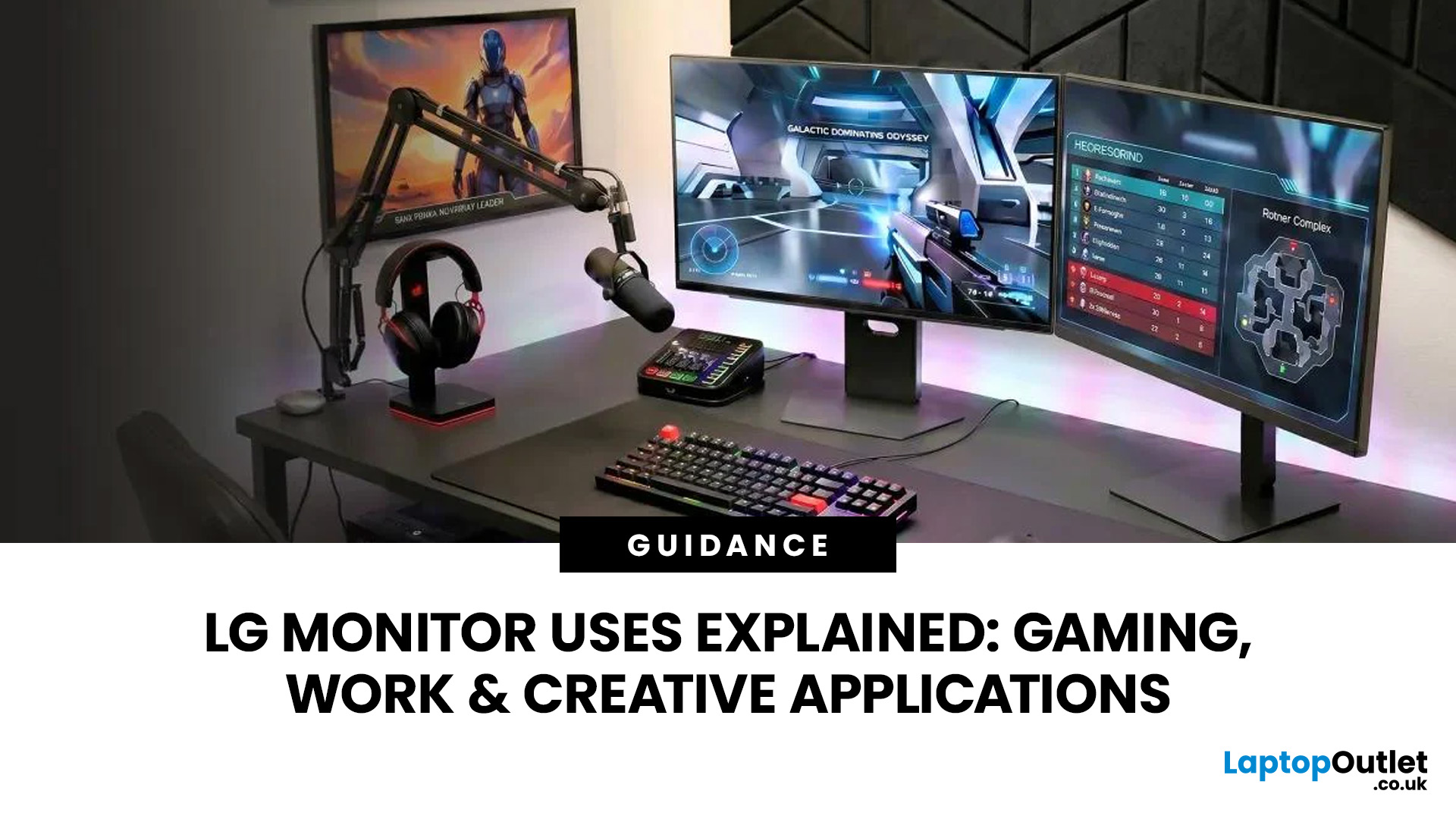
A monitor can suit very different tasks depending on its resolution, refresh rate, panel type, colour performance, screen format, and connectivity. That is why understanding LG monitor uses is more helpful than simply comparing model names or product lines.
For gaming, the priority may be smooth motion and responsiveness. For office work, text clarity, screen space and ergonomics usually matter more. Creative workplaces greater emphasis on colour consistency, detail and a display that can be set up accurately for visual tasks.
This guide explains how LG displays can support gaming, productivity and creative applications, and how the most important display requirements change depending on what you do at your desk.
How LG Monitors Support Gaming
Refresh Rate and Motion Smoothness
Gaming places different demands on a display from office or general home use. Fast-moving scenes, rapid camera movement and competitive play can make refresh rate, response behaviour and motion clarity much more
Last Updated: August 28, 2026
Choosing the best gaming monitor brand can make a huge difference to your gaming experience. Whether you play competitive esports titles, immersive AAA games, or console exclusives on PS5 and Xbox Series X, the right monitor brand delivers smoother performance, better visuals, and long-term reliability.
In the UK gaming market, several brands consistently stand out for quality, innovation, and value. Companies like ASUS, LG, BenQ, AOC, Philips, and iiyama offer gaming monitors across every price range - from affordable 144Hz displays to cutting-edge OLED and 4K panels.
But with so many options available, it’s not always obvious which gaming monitor brand is best for your setup, budget, and gaming style.
Let’s discuss the best gaming monitor brands in the UK, compare their strengths, and help you choose the right one based on resolution, refresh rate, and platform compatibility.
What Makes a Gaming Monitor Brand Worth Buying in 2026?
When comparing the top gaming monitor brands, it’s important
Last Updated: April 14, 2026
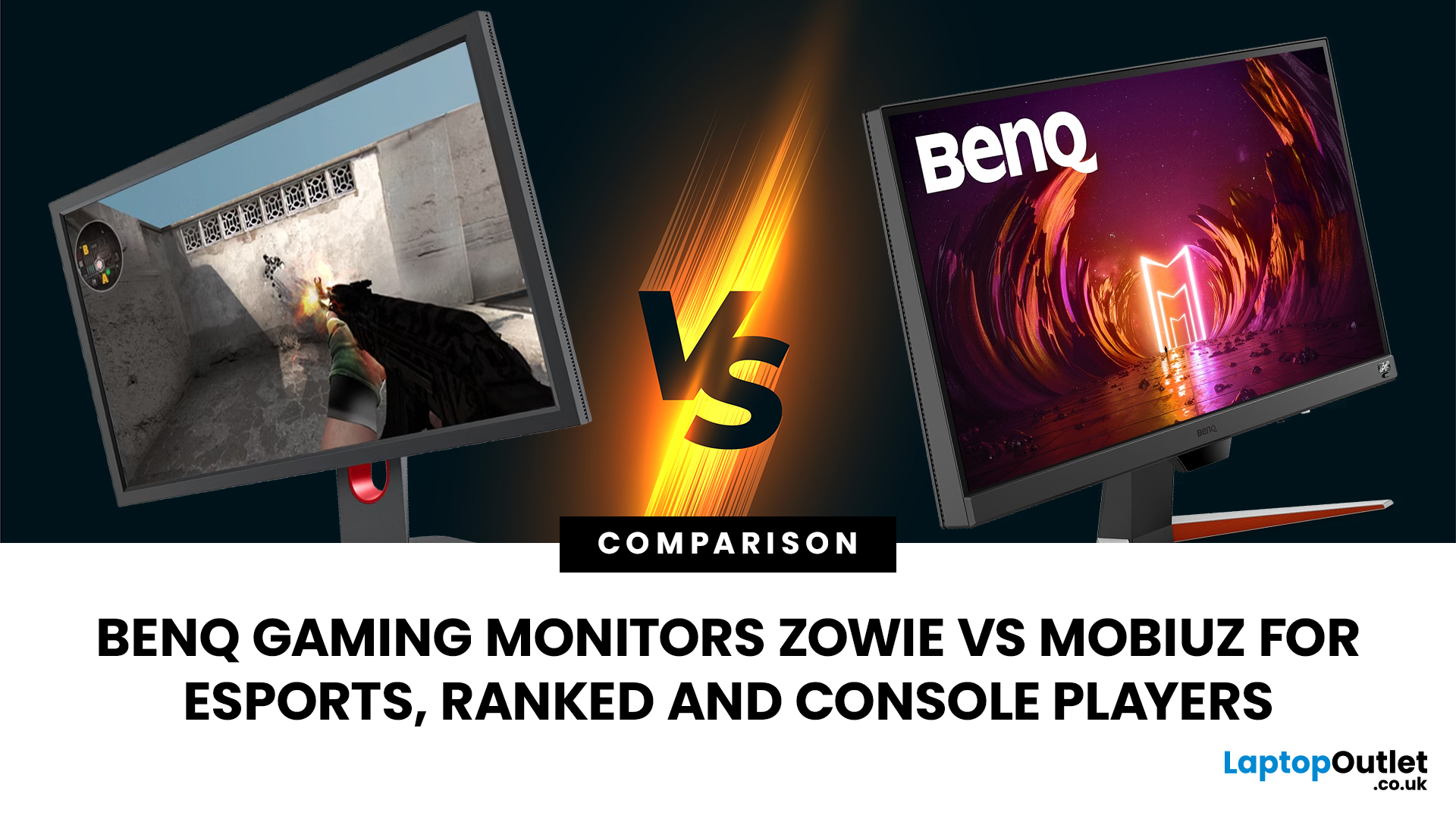
Choosing the right monitor can genuinely change how you play. Whether you’re grinding ranked matches, competing in esports, or just kicking back on your console, your display has a direct impact on performance, clarity and overall experience.
That’s where BenQ gaming monitors stand out. Known for precision engineering and gamer-first features, BenQ offers two standout ranges: ZOWIE and MOBIUZ. But when it comes to BenQ gaming monitors ZOWIE vs MOBIUZ, which one is right for you? Let’s break it down in a way that makes sense for how you play.
BenQ Gaming Monitors Explained
BenQ doesn’t take a one-size-fits-all approach to gaming. Instead, it splits its lineup into two clearly defined categories:
- BenQ ZOWIE esports monitors – built purely for competitive performance
- BenQ MOBIUZ gaming monitors – designed for immersive, all-round gaming
ZOWIE is about speed, precision and winning. MOBIUZ is about visuals, versatility and enjoying the full gaming experience. Both are excellent, but they serve
Last Updated: April 06, 2026
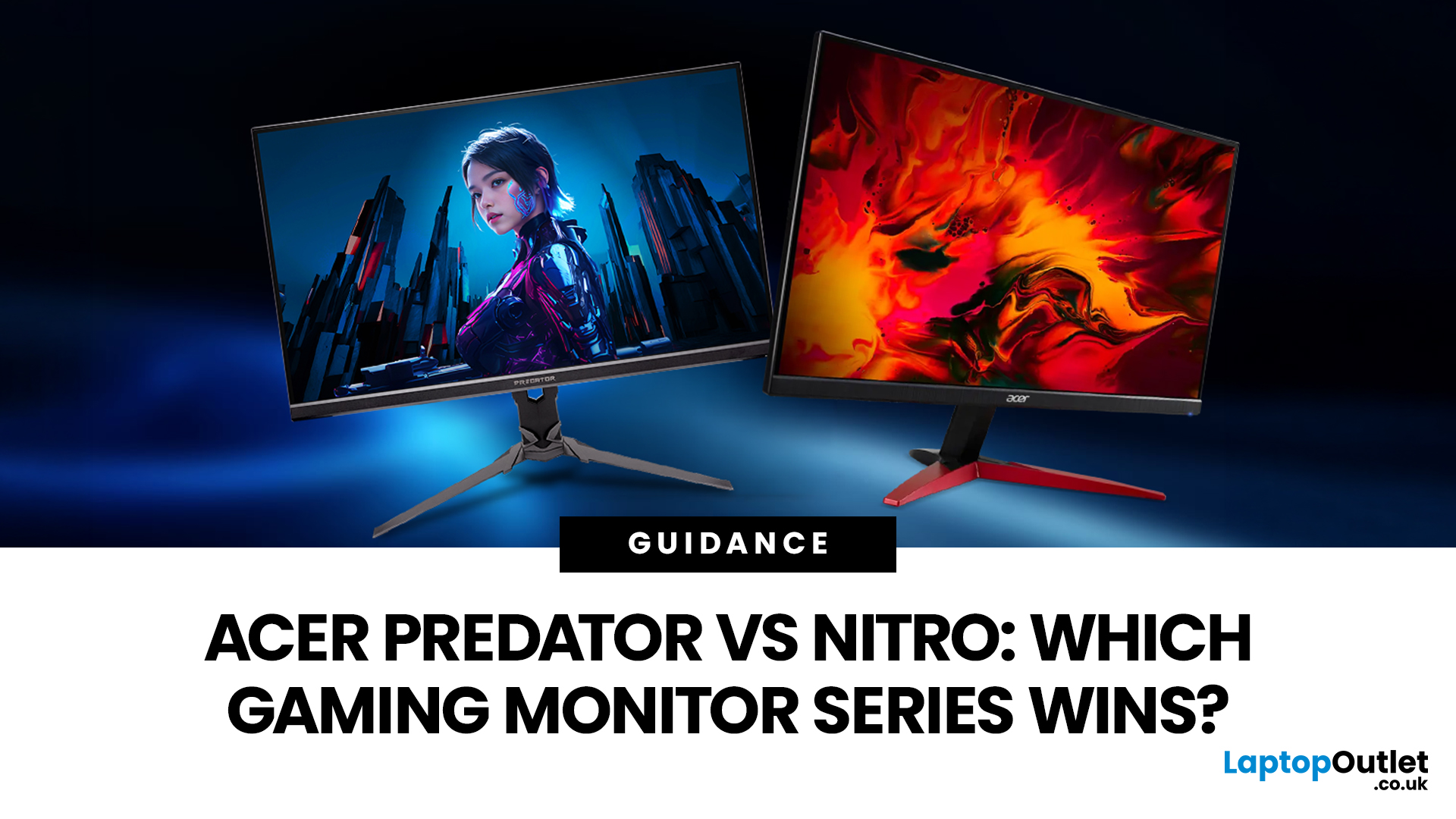
If you are comparing Acer Predator vs Nitro, you are likely at a point where a standard monitor no longer cuts it. Maybe you are upgrading your setup, moving into competitive gaming, or simply trying to get better value for your money.
Acer has made this decision slightly more complex by offering two strong Acer gaming monitor ranges that, at first glance, seem similar. Both support high refresh rates, both look like gaming displays, and both are widely available across the UK.
But once you dig deeper, Predator and Nitro are built for very different types of users. This guide breaks it down properly. No fluff, no brand hype, just a clear explanation of what matters when you are choosing between them.
Why Acer Splits Predator and Nitro in the First Place
Before comparing specs, it helps to understand Acer’s thinking. The company is not just offering two versions of the same product. These are two separate strategies:
- Predator is where Acer pushes performance, display innovation, and premium

