



What is QD-OLED? MSI's Gaming Monitor Technology Explained
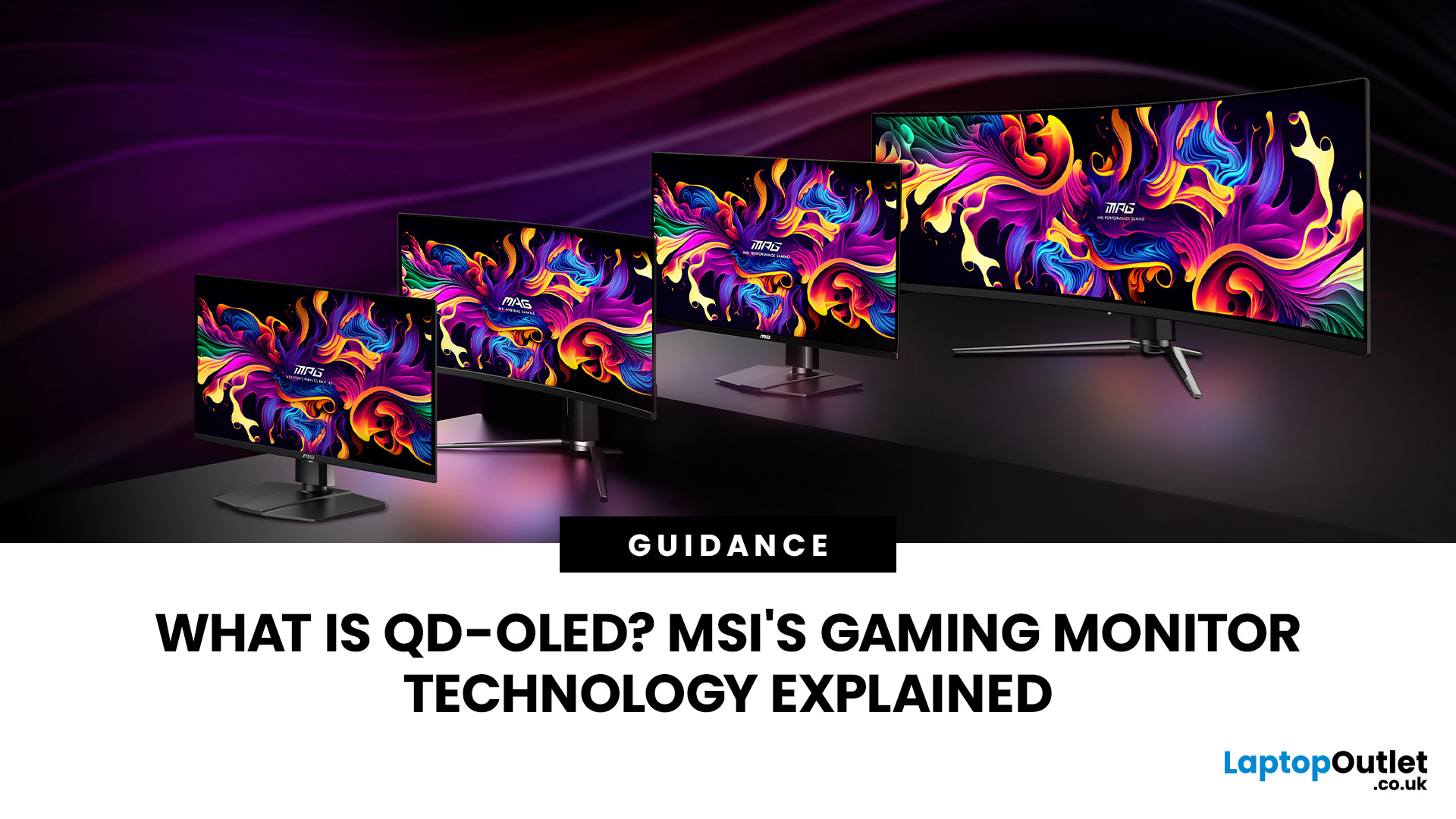
An MSI QD OLED monitor combines the individual pixel control of OLED with a quantum-dot colour conversion layer. The result is a display designed to produce deep blacks, vivid colours, fast response times, and convincing HDR performance. That sounds impressive, but specifications such as 0.03ms response times, True Black certification, and OLED Care can make choosing a monitor confusing. This guide explains how the technology works, what MSI adds and whether a QD-OLED display is right for your gaming setup.
How Does QD OLED Technology Work?
A conventional LCD monitor needs a backlight behind its pixels. Even when displaying a dark scene, some light can pass through the panel, which may make black areas appear grey. QD-OLED works differently because it is self-emissive. Its pixels generate their own light and can switch off individually when the image requires black. The process involves three main stages:
- A blue OLED layer produces the original light.
- Quantum dots convert part of that blue light into red and green.
- The monitor combines the red, green, and blue outputs to create the required colour.
Quantum dots produce highly pure colours and distribute light effectively across different viewing angles. This helps a QD OLED monitor retain consistent colour and brightness when you are not sitting directly in front of it.
Why is QD-OLED Suitable for Gaming?
MSI displays for gaming must handle dark scenes, rapid movement, bright visual effects, and frequent changes in frame rate. QD-OLED addresses each of these areas differently from an ordinary LCD monitor.
Deep Blacks and Detailed Dark Scenes
As individual OLED pixels can switch off, a QD OLED gaming monitor does not need to block light from a permanently illuminated backlight. Dark areas can therefore look substantially deeper than they would on many IPS or VA screens.
This improves perceived contrast and helps reveal detail in shadow-heavy games. Horror titles, space games, and cinematic action adventures particularly benefit from stronger separation between dark backgrounds and bright objects.
Richer Colour at Higher Brightness
Quantum dots convert blue OLED light into highly saturated red and green light. This allows QD-OLED panels to maintain strong colour volume across bright and dark parts of an image.
The practical difference is most visible in HDR games. Neon lights, fire, reflections and colourful environmental effects can look more intense without washing out nearby colours.
However, brightness varies by monitor, picture mode and the size of the bright area on screen. You should compare tested performance and certification rather than relying only on the highest advertised peak-brightness figure.
Rapid Pixel Response
OLED pixels change state much faster than the liquid crystals used by most LCD monitors. Current MSI QD-OLED models can advertise response times as low as 0.03ms GtG, alongside refresh rates ranging from high-refresh 4K configurations to extremely fast competitive-gaming models.
This can reduce visible smearing around moving players, vehicles and crosshairs. Nevertheless, a 360Hz or 500Hz screen will only deliver its full benefit when your graphics card and processor can generate sufficiently high frame rates.
What Does MSI Add to QD-OLED Panels?
The underlying panel is only part of an MSI OLED monitor. MSI combines the display with gaming features, thermal management, connectivity and software intended to make the technology more practical.
MSI OLED Care
Burn-in can occur when bright, static elements remain in the same position for extended periods. Common examples include taskbars, channel logos, game interfaces and fixed application windows.
MSI OLED Care uses features such as pixel shifting, static-screen detection and panel refresh cycles. OLED Care 2.0 can also detect taskbars, logos, borders and split-screen lines, reducing their luminance to lower the risk of uneven pixel wear.
Newer OLED Care 3.0 implementations can include an AI Care Sensor that detects user presence and activates protection when the display is left idle. Availability depends on the exact model, so check the specification rather than assuming every MSI OLED monitor includes the same version.
MSI also offers a three-year OLED warranty that includes burn-in protection on listed models. Warranty conditions can vary by product and region, so review the UK terms before purchasing.
OLED vs QD OLED: What is the Difference?
QD-OLED is a type of OLED display technology, not a completely separate alternative. When buyers compare OLED vs QD OLED, they are usually comparing QD-OLED with WOLED, or White OLED.
WOLED creates white light from OLED elements and uses a filtering or colour-management structure to produce the final image. QD-OLED begins with blue OLED light and uses quantum dots to create red and green.
Both technologies offer pixel-level lighting, extremely deep blacks and fast response times. QD-OLED generally focuses on high colour purity and strong colour volume, while modern WOLED panels can offer excellent brightness, motion clarity and surface treatments. The better choice depends on the specific models rather than the technology name alone.
Older QD-OLED panels could also show colour fringing around fine text because of their subpixel layouts. This mattered more during office work than gaming, especially when viewing small text at close range.
What has Changed in MSI QD-OLED Monitors in 2026?
Selected 2026 MSI QD OLED models use fifth-generation tandem QD-OLED panels. These panels introduce a five-layer light-emitting structure intended to improve light efficiency, alongside an RGB stripe subpixel layout designed to produce clearer text and reduce colour fringing.
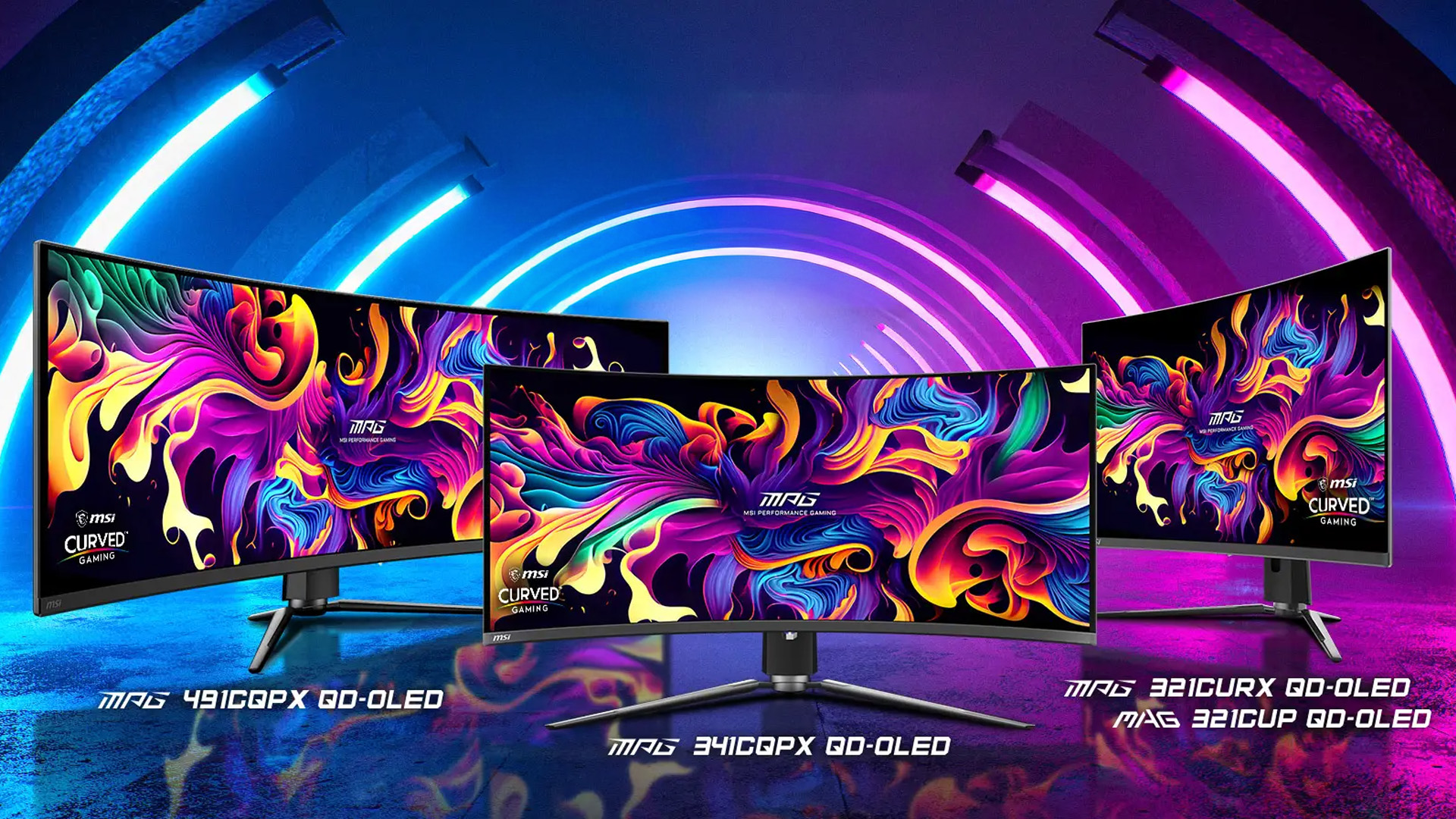
MSI’s 34-inch MPG 341CQR QD-OLED X36, for example, combines a 3440 × 1440 resolution with a 360Hz refresh rate and 0.03ms response time. Its DarkArmor film is designed to absorb more ambient light, reduce the purple tint associated with earlier QD-OLED surfaces and improve resistance to minor scratches.
These improvements make a modern MSI ultrawide OLED more practical for mixed gaming, content creation and general computer use. Buyers interested in a wider field of view can explore immersive ultrawide gaming displays, but should confirm that their favourite games support the 21:9 format.
Not every MSI monitor uses the latest panel generation or DarkArmor film. These are model-specific technologies, so avoid applying flagship specifications to the entire range. Furthermore, MSI is also expanding what one display can offer with its first triple-mode 32-inch 4K 360Hz QD-OLED gaming monitor, which lets players switch between resolution and refresh-rate combinations for different types of games.
Which MSI QD-OLED Monitor Should You Choose?
Start with your graphics card and the games you play.
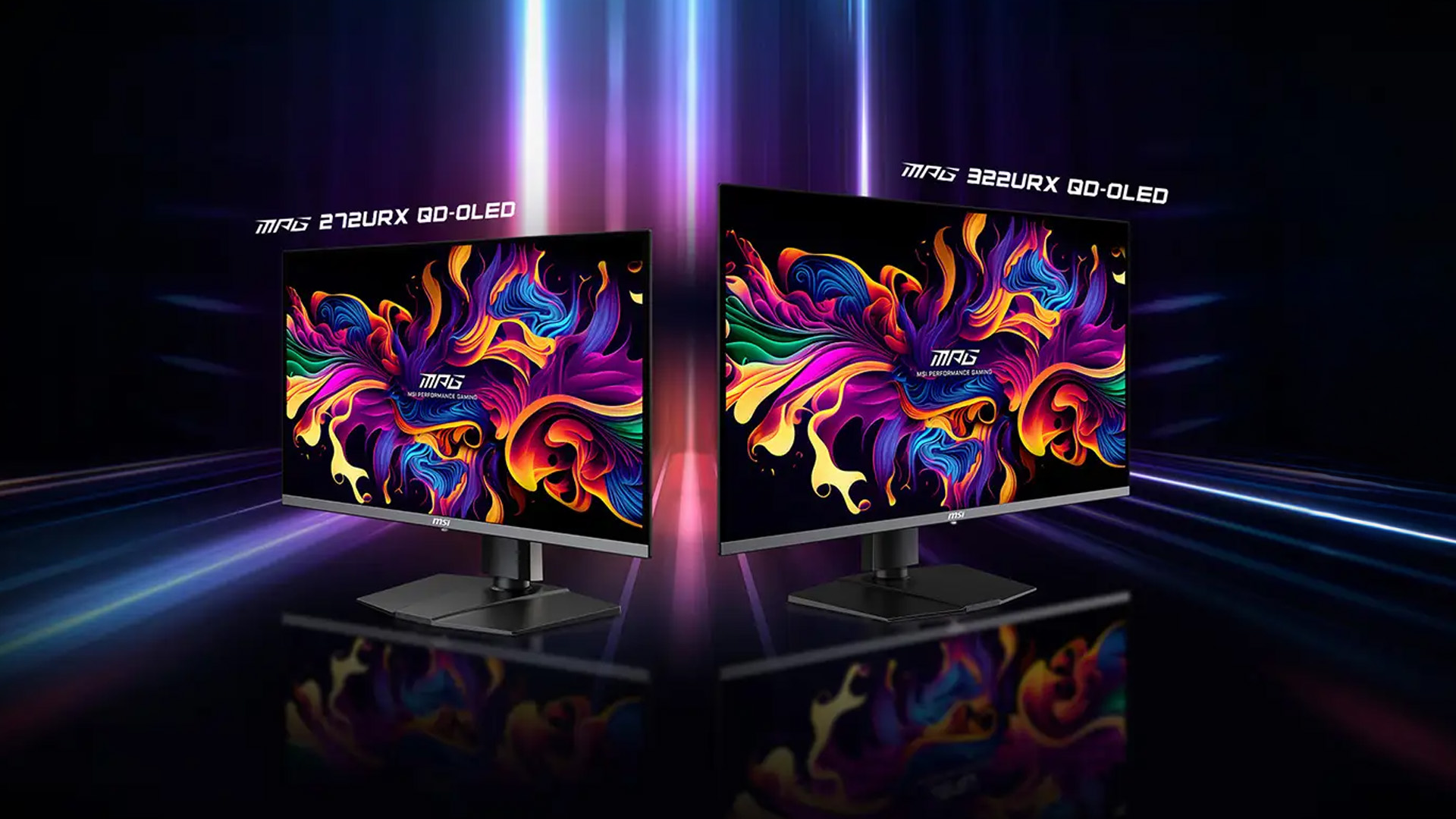
Monitors with QHD resolution such as a 27-inch QHD model is usually a sensible match for competitive gaming because the resolution is less demanding than 4K. This gives a capable GPU a better chance of reaching the high frame rates needed for 240Hz, 360Hz or faster gameplay.
A 32-inch 4K model is better suited to detailed single-player games, console gaming and content creation. Look for HDMI 2.1, variable refresh rate support and 4K at 120Hz if you plan to connect a PlayStation 5 or Xbox Series X.
A 34-inch ultrawide model offers a broader, more immersive view for racing, simulation and open-world games. It also gives you additional desktop space, although the increased width requires a reasonably deep desk.
Expert Buying Advice
Check these points before ordering:
- Confirm the native resolution and refresh rate.
- Make sure your graphics card has suitable DisplayPort or HDMI support.
- Check whether console features include 4K 120Hz, VRR and ALLM.
- Look for the exact OLED Care version included.
- Confirm the panel warranty and burn-in conditions.
- Consider room lighting, viewing distance and desk depth.
How Can You Reduce the Risk of OLED Burn-In?
Modern protection features reduce the risk, but they cannot change the fact that OLED uses organic light-emitting materials.
Allow automatic panel-refresh processes to complete, use a sensible brightness setting and avoid leaving a static desktop or game menu visible for hours. Hiding the Windows taskbar and enabling a short screen timeout can also help.
Do not unplug the monitor immediately after every session. Some panel-maintenance processes run while the display is in standby or after it has been switched off using its power control. MSI advises leaving the monitor powered during its protection cycle.

Is an MSI QD-OLED Monitor Worth it?
An MSI QD OLED monitor is worth considering when you value HDR gaming, deep black levels, rapid pixel response and vivid colour more than the lowest possible price.
It makes the most sense alongside a powerful gaming PC or current-generation console. Competitive players can benefit from fast refresh rates, while single-player gamers will notice the contrast and colour performance in visually detailed titles.
At Laptop Outlet, compare the resolution, connectivity, panel generation and OLED Care features of each model. The best choice is not necessarily the most expensive one, but the monitor that matches your system and the way you actually play.

Still Got Questions?
Is QD-OLED better than normal OLED?
QD-OLED can deliver stronger colour volume and vivid HDR, but modern WOLED panels also perform extremely well. Compare complete monitor specifications, brightness behaviour, coating and refresh rate.
Does an MSI QD-OLED monitor suffer from burn-in?
Burn-in remains possible with prolonged static content. MSI OLED Care, panel refreshing and static-element detection reduce the risk, while selected MSI models include three-year burn-in warranty coverage.
Is QD-OLED good for competitive gaming?
Yes. Its rapid pixel response reduces motion smearing, while MSI models with 240Hz, 360Hz or higher refresh rates can provide clear, responsive gameplay when paired with suitable hardware.
Can I use an MSI QD-OLED monitor for office work?
Yes, especially with newer RGB stripe panels. However, users displaying static spreadsheets, menus or taskbars throughout the day should enable OLED protection and allow regular panel-maintenance cycles.
Is an MSI QD-OLED monitor good for PS5 and Xbox Series X?
It can be an excellent choice. Look for HDMI 2.1, 4K 120Hz, variable refresh rate and automatic low-latency mode support on the specific monitor you are considering.
| Read More: |
| Are Ultrawide Monitors Worth Buying in 2026? A Complete Guide |
| How to Set Up Dual Monitors: A Complete Step-by-Step Guide |
| Best MSI Monitors 2026: Top Gaming & Creator Picks |
Related Articles

Last Updated: September 03, 2026
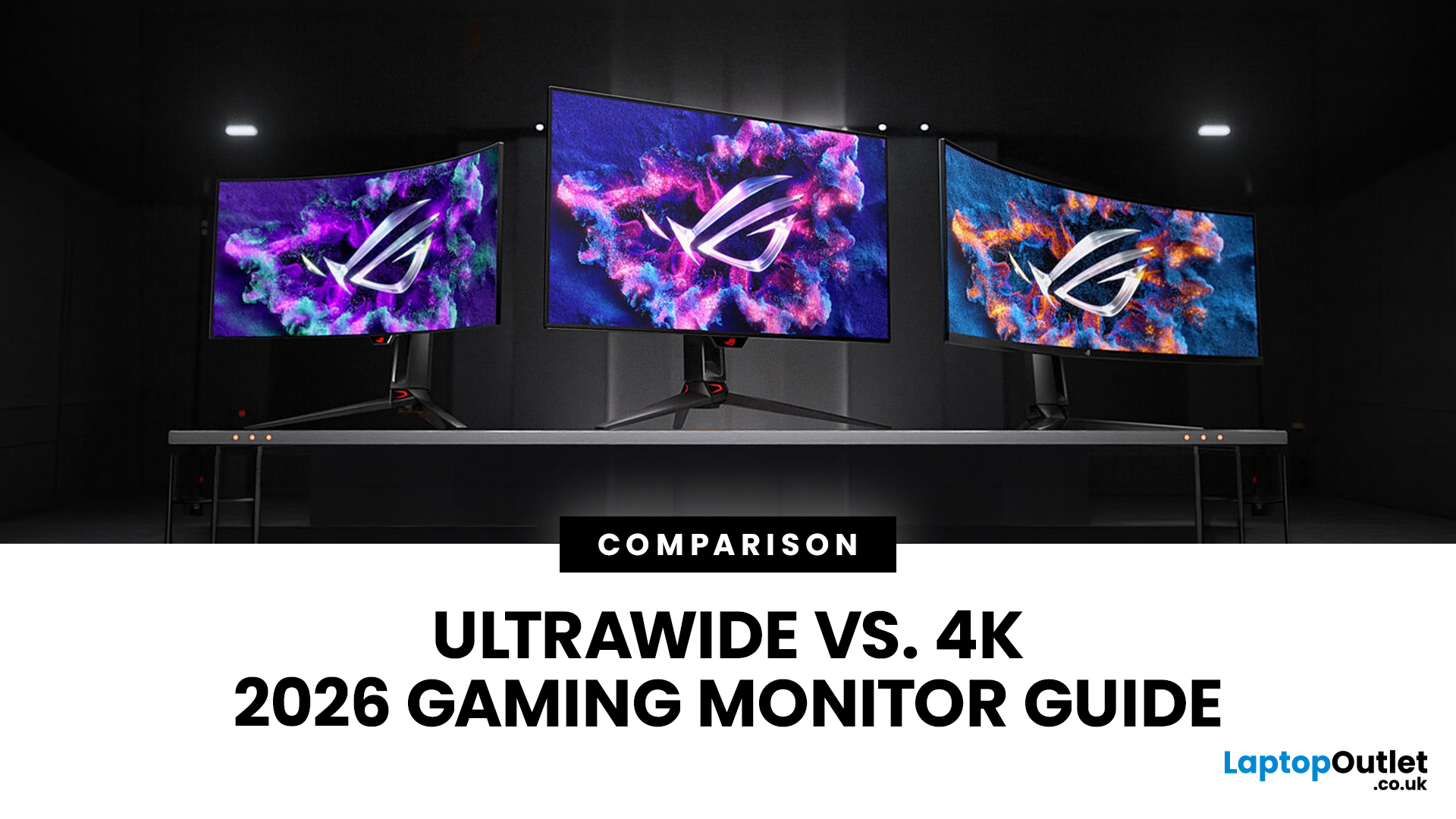
Choosing between an Ultrawide vs 4K monitor is one of the biggest decisions for gamers upgrading their setup in 2026. Both options can transform your gaming experience, but they do it in very different ways. The right choice depends on your games, GPU, desk space and budget, as well as whether you prioritise immersive gameplay or sharper resolution. This gaming monitor guide compares ultrawide and 4K displays across performance, game genres, GPU requirements, refresh rates, response time, and overall value.
Ultrawide vs 4K Monitor: Quick Comparison
| Feature | Ultrawide Gaming Monitor | 4K Gaming Monitor |
| Best for | Immersion, racing, RPGs, simulators, multitasking | Sharp visuals, AAA games, console gaming, creative use |
| Common aspect ratio | 21:9 or 32:9 | 16:9 |
| Main strength | Wider field of view | Higher pixel density |
| Image sharpness | Very good, especially at 3440 x 1440 | Excellent at 3840 x 2160 |
| GPU demand | Moderate to high | Very high |
| Competitive gaming | Good with high refresh rate | Good, but harder to drive |
Last Updated: July 16, 2026
Last Updated: September 24, 2026
Last Updated: July 30, 2026
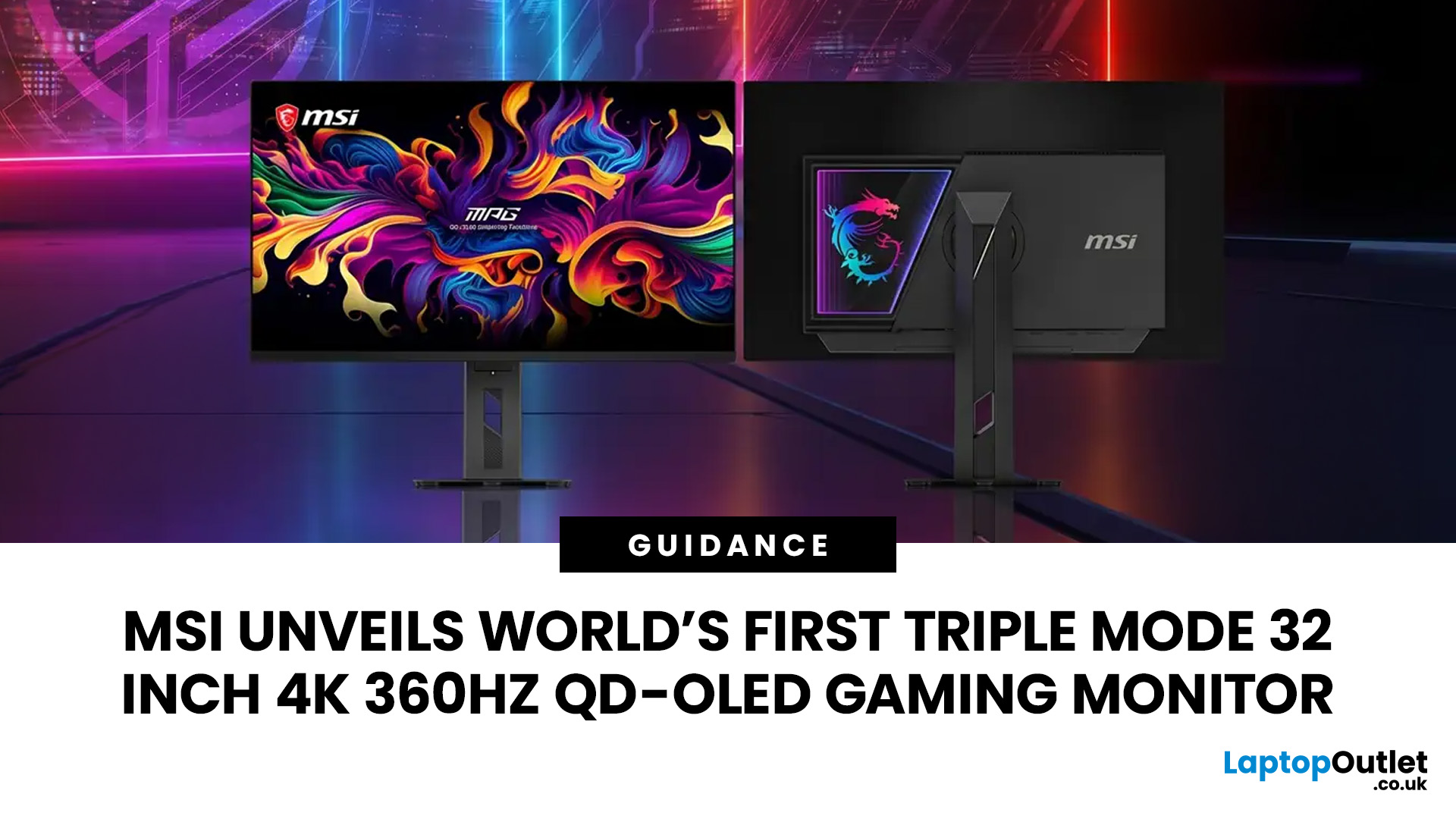
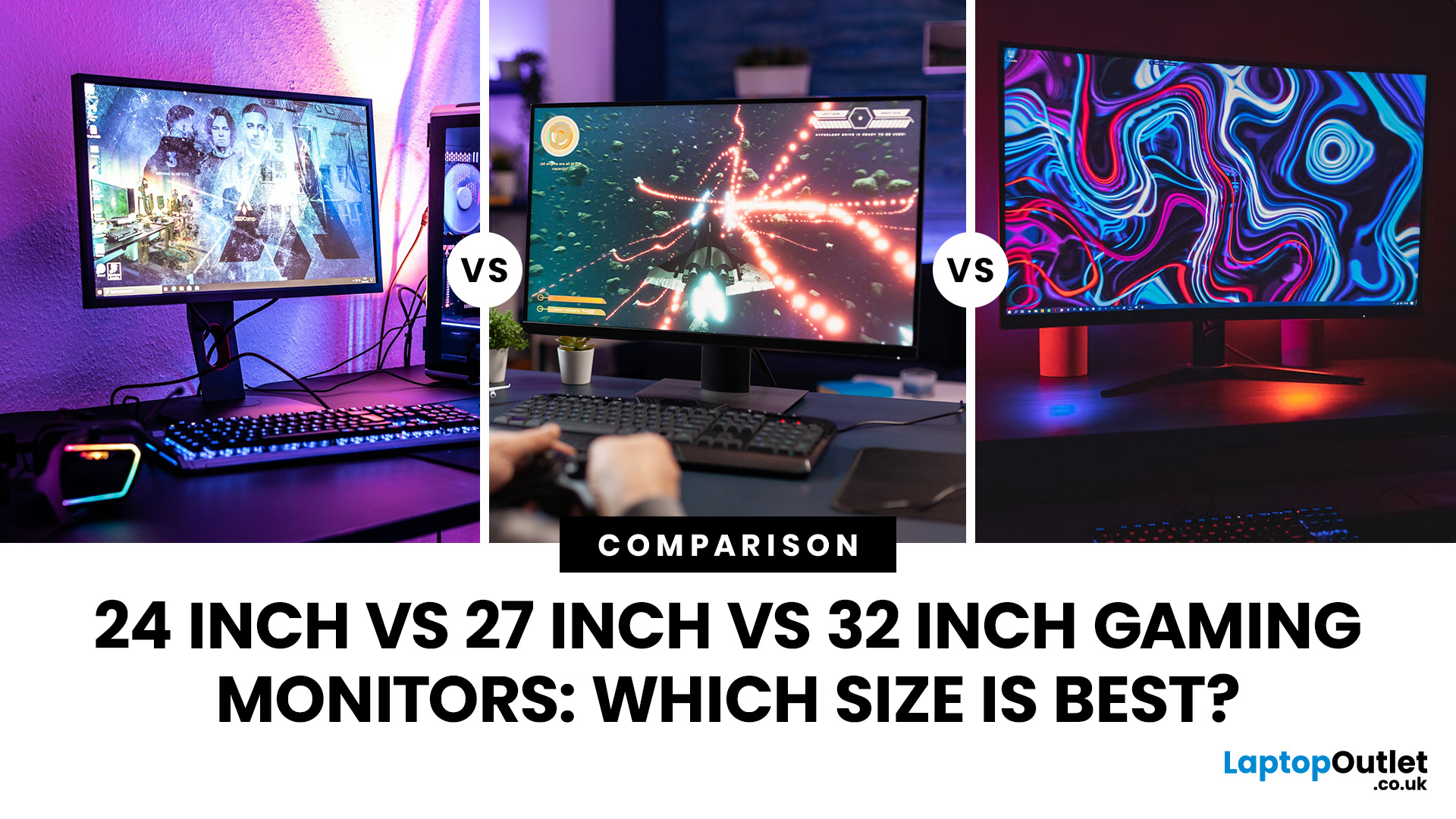
MSI has revealed a gaming monitor that sounds almost unreal on paper: a 32 inch 4K monitor with a 360Hz refresh rate, QD-OLED visuals, and a Triple Mode feature that lets gamers switch between different resolution and speed settings. Officially known as the MSI MPG OLED 322URDX36 (MSI lists the panel at 31.5 inches, though it's widely rounded to 32 inches), this display was unveiled ahead of COMPUTEX 2026 and is designed for players who want sharp 4K detail, ultra-smooth motion, and flexible performance in one premium screen.
For years, gamers had to choose between resolution and speed. A 4K monitor gave better image quality, while a lower-resolution, high-refresh-rate screen gave smoother competitive gameplay. MSI's new Triple Mode gaming monitor aims to close that gap, letting users move between 4K 360Hz, 1440p 520Hz, and Full HD 680Hz depending on the game, their hardware, and personal preference.
That makes it one of the most interesting display announcements for serious PC gamers,
Last Updated: August 11, 2026
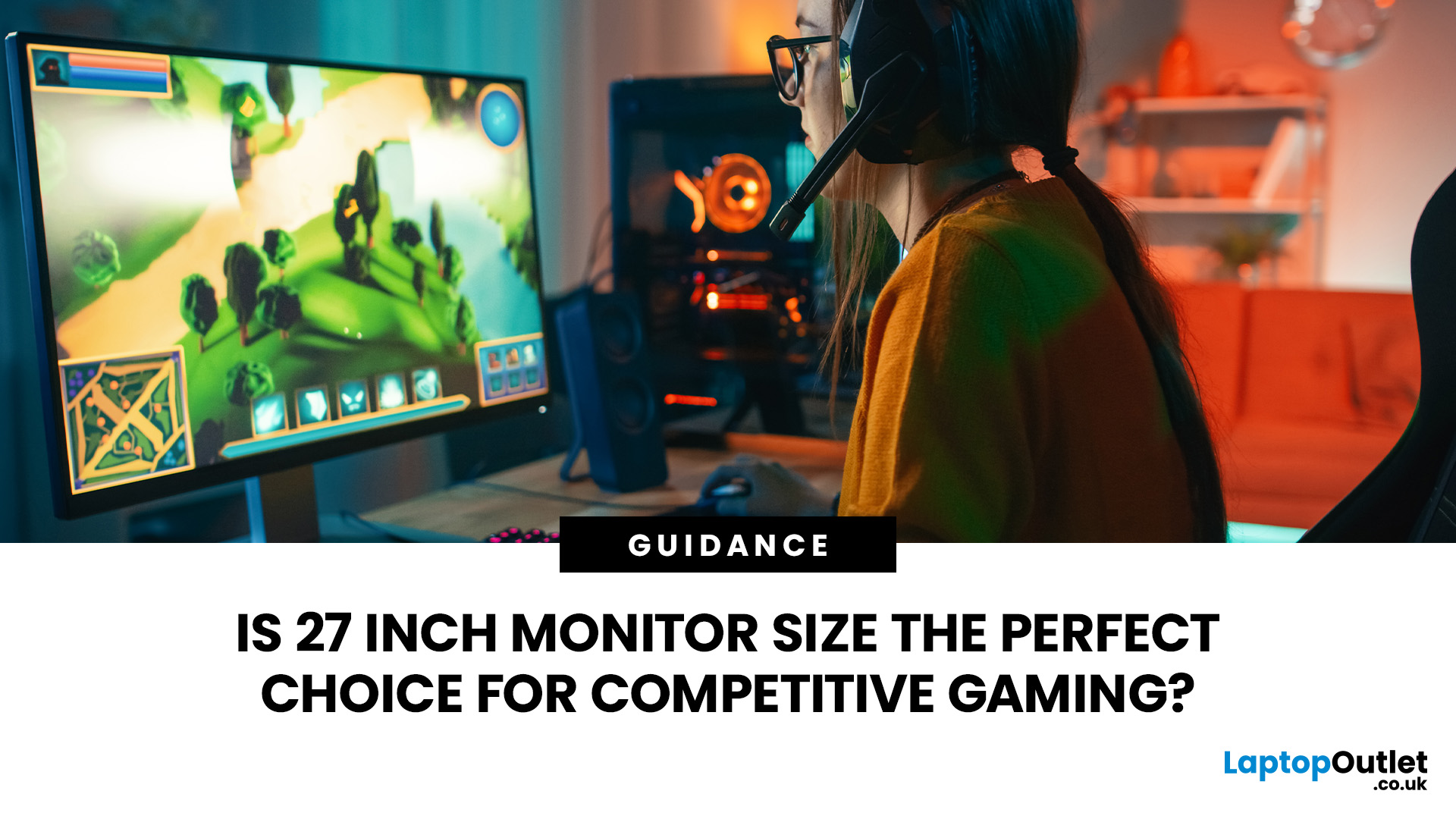
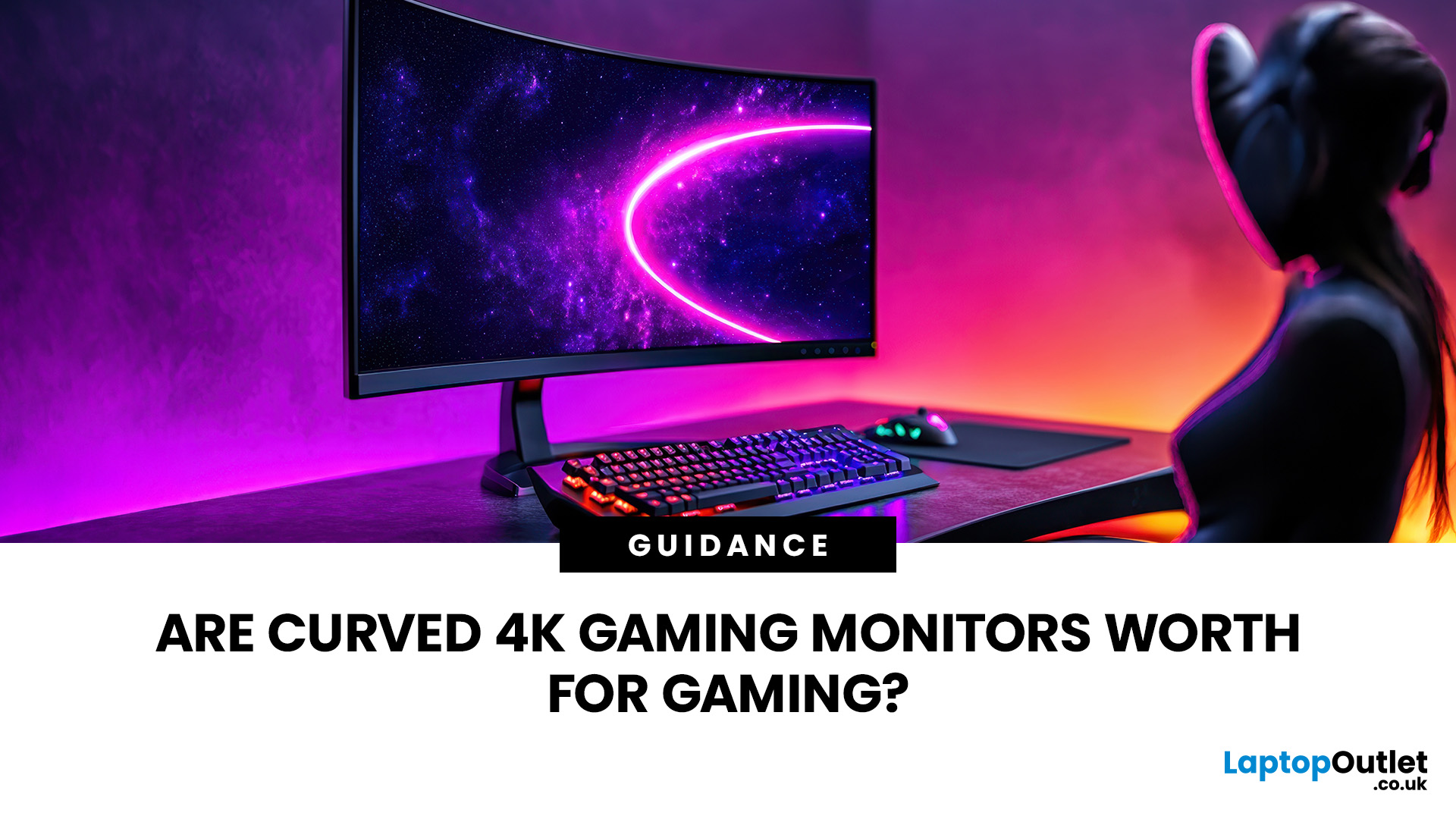
Picking the best gaming monitor size isn’t just about going big or going home. Your screen size actually changes how your games look, feel, and perform. A 24-inch setup is clutch for competitive play, a 27-inch hits that sweet spot between clarity and immersion, and a 32-inch screen? That’s where things get seriously cinematic.
Size alone isn’t the whole story. Resolution, desk space, refresh rate, and what you actually play all matter. This gaming monitor size comparison breaks down 24, 27, and 32-inch displays so you can find your perfect match.
24 Inch vs 27 Inch vs 32 Inch Gaming Monitors: Quick Comparison
The following table provides a quick overview of how the three most popular gaming monitor sizes compare.
| Feature | 24-Inch Monitor | 27-Inch Monitor | 32-Inch Monitor |
| Recommended resolution | 1920 × 1080 | 2560 × 1440 | 2560 × 1440 or 3840 × 2160 |
| Best suited to | Competitive gaming | Mixed gaming and everyday use | Immersive and cinematic gaming |
| Typical desk requirement | Small | Medium | Large |
| Graphics |
Last Updated: October 26, 2026
Last Updated: September 03, 2026
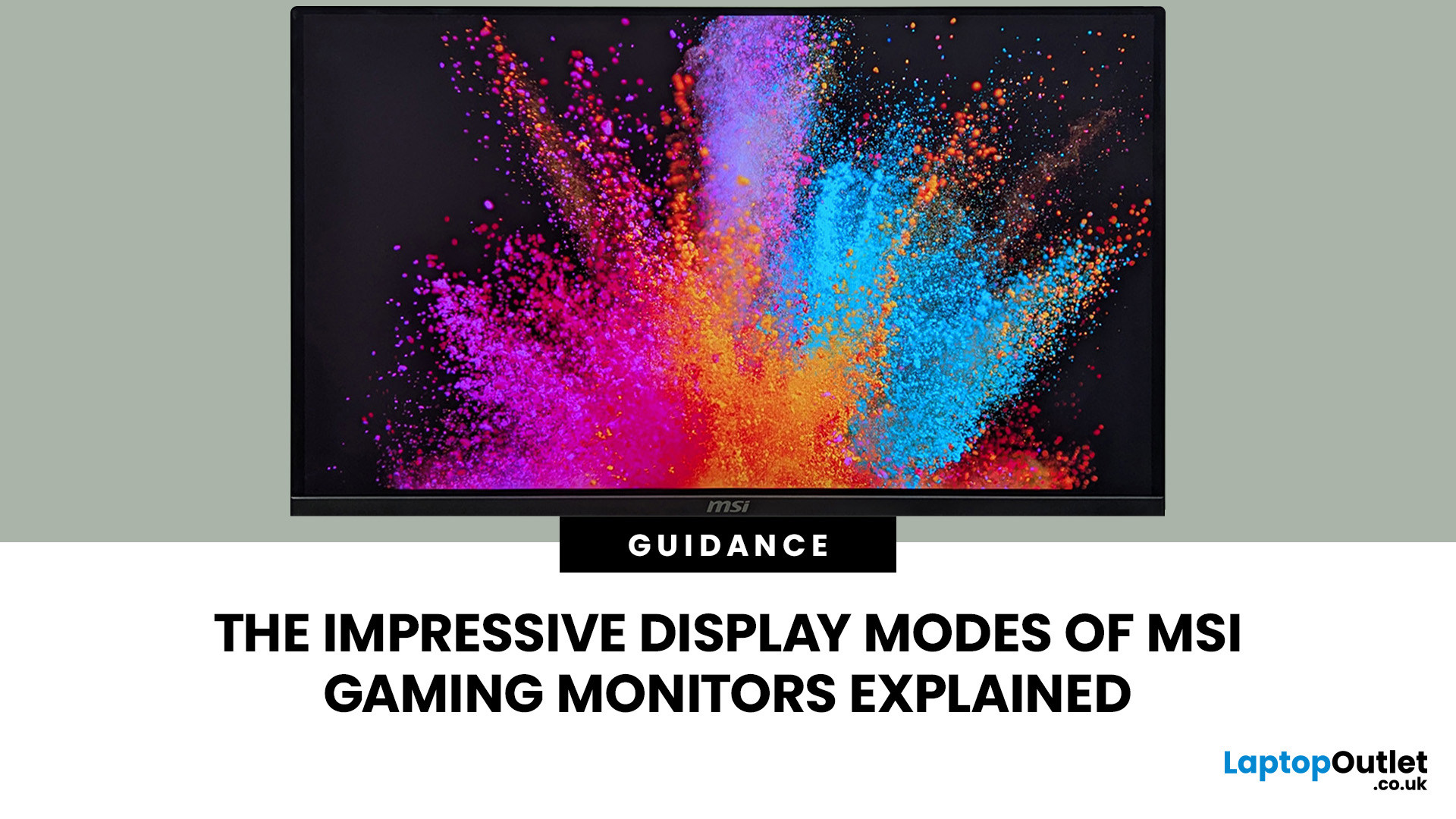
An AOC curved gaming monitor can be a strong choice for immersive gaming, especially if you play racing, simulation, RPG, open-world or cinematic single-player games. The curved screen helps draw more of the display into your natural field of view, which can make gameplay feel more engaging on larger panels. For many PC gamers, the sweet spot is a 27-inch or 32-inch high-resolution QHD monitors. For maximum immersion, an AOC 34 curved gaming monitor or another ultrawide curved gaming monitor can offer a wider, more cinematic view.
Are AOC Curved Gaming Monitors Good for Immersive Gaming?
Yes, AOC curved gaming monitors can be good for immersive gaming, but the experience depends on three things:
- Screen size
- Resolution
- Refresh rate
A curved display is most effective when the screen is large enough for the curve to matter. On a 24-inch screen, the curve may feel subtle. On a 32-inch or 34-inch screen, it becomes much more noticeable because the edges of the panel sit further into your peripheral
Published: July 27, 2026
Last Updated: September 03, 2026
Last Updated: August 11, 2026
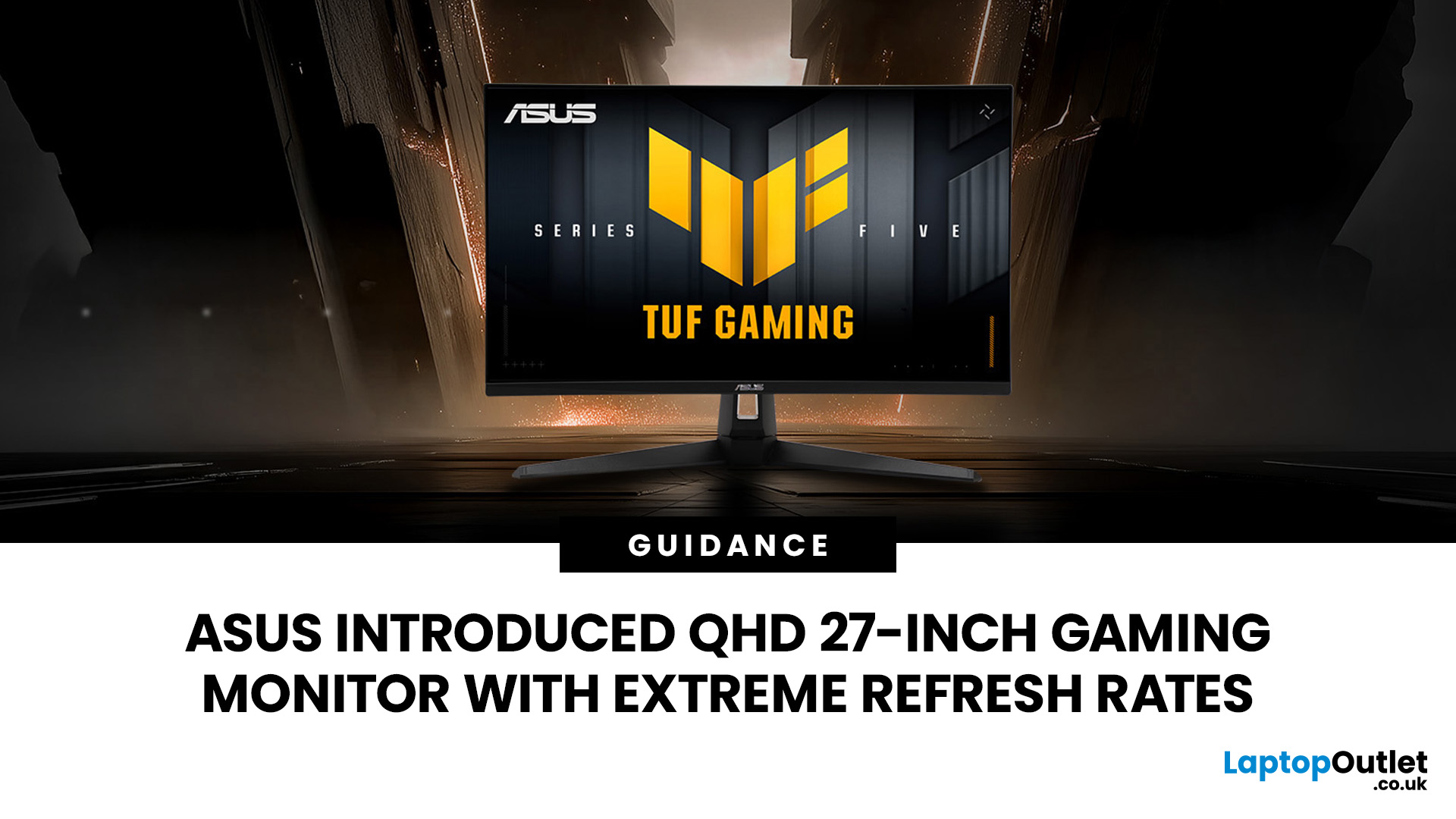
The ASUS VG27AQM5F is a 27 inch QHD gaming monitor built primarily for competitive PC players who want a higher refresh rate without dropping to Full HD resolution. As an ASUS QHD monitor, it combines a 2560 x 1440 Fast IPS panel with a maximum 320Hz refresh rate, adaptive-sync support and ASUS ELMB Sync. This ASUS new gaming display launch is aimed at players seeking smoother competitive gameplay, although its tilt-only stand, basic HDR capability and service-only USB-C port remain important limitations.
ASUS VG27AQM5F Quick Answer
| Question | Answer |
| Best suited to | Competitive PC gamers who regularly play above 200fps and still want QHD detail |
| Main strengths | 320Hz refresh rate, Fast IPS panel, 95% DCI-P3 coverage and broad adaptive-sync support |
| Main limitations | Tilt-only stand, modest 300cd/m² brightness, basic HDR10 support and no functional USB-C display input |
| Testing status | Specification-based assessment, not a hands-on review |
| UK availability | Available through UK retail channels, but not |

