



AOC Curved Gaming Monitors: Are They Good for Immersive Gaming?
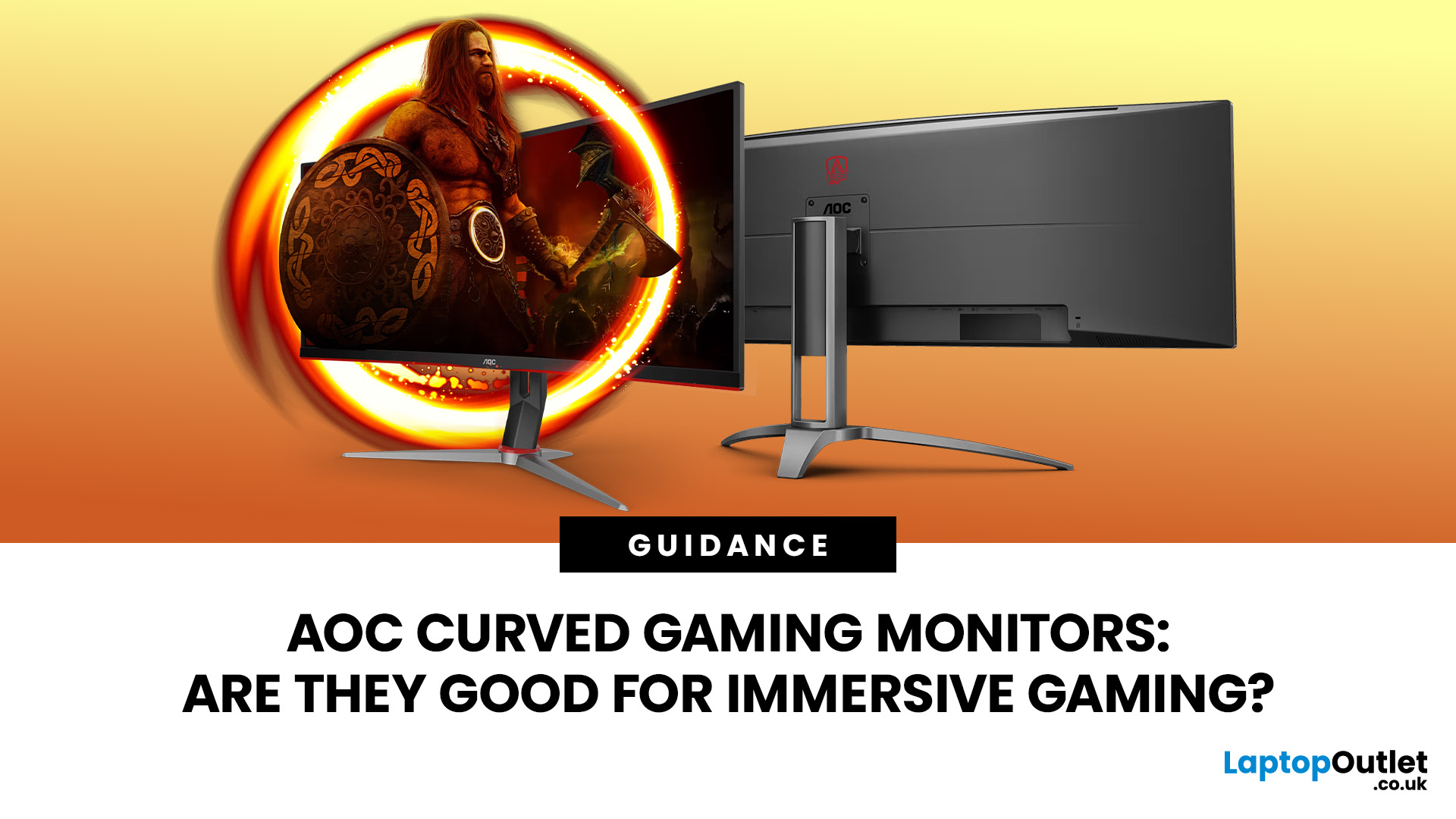
An AOC curved gaming monitor can be a strong choice for immersive gaming, especially if you play racing, simulation, RPG, open-world or cinematic single-player games. The curved screen helps draw more of the display into your natural field of view, which can make gameplay feel more engaging on larger panels. For many PC gamers, the sweet spot is a 27-inch or 32-inch high-resolution QHD monitors. For maximum immersion, an AOC 34 curved gaming monitor or another ultrawide curved gaming monitor can offer a wider, more cinematic view.
Are AOC Curved Gaming Monitors Good for Immersive Gaming?
Yes, AOC curved gaming monitors can be good for immersive gaming, but the experience depends on three things:
- Screen size
- Resolution
- Refresh rate
A curved display is most effective when the screen is large enough for the curve to matter. On a 24-inch screen, the curve may feel subtle. On a 32-inch or 34-inch screen, it becomes much more noticeable because the edges of the panel sit further into your peripheral vision. A curved PC gaming monitors in UK is especially useful for:
- Racing games
- Flight simulators
- Driving simulators
- Open-world adventures
- Role-playing games
- Strategy games
- Cinematic single-player titles
- Multitasking between gaming, streaming and chat windows
How Monitor Curvature Works & What Does 1500R Mean?
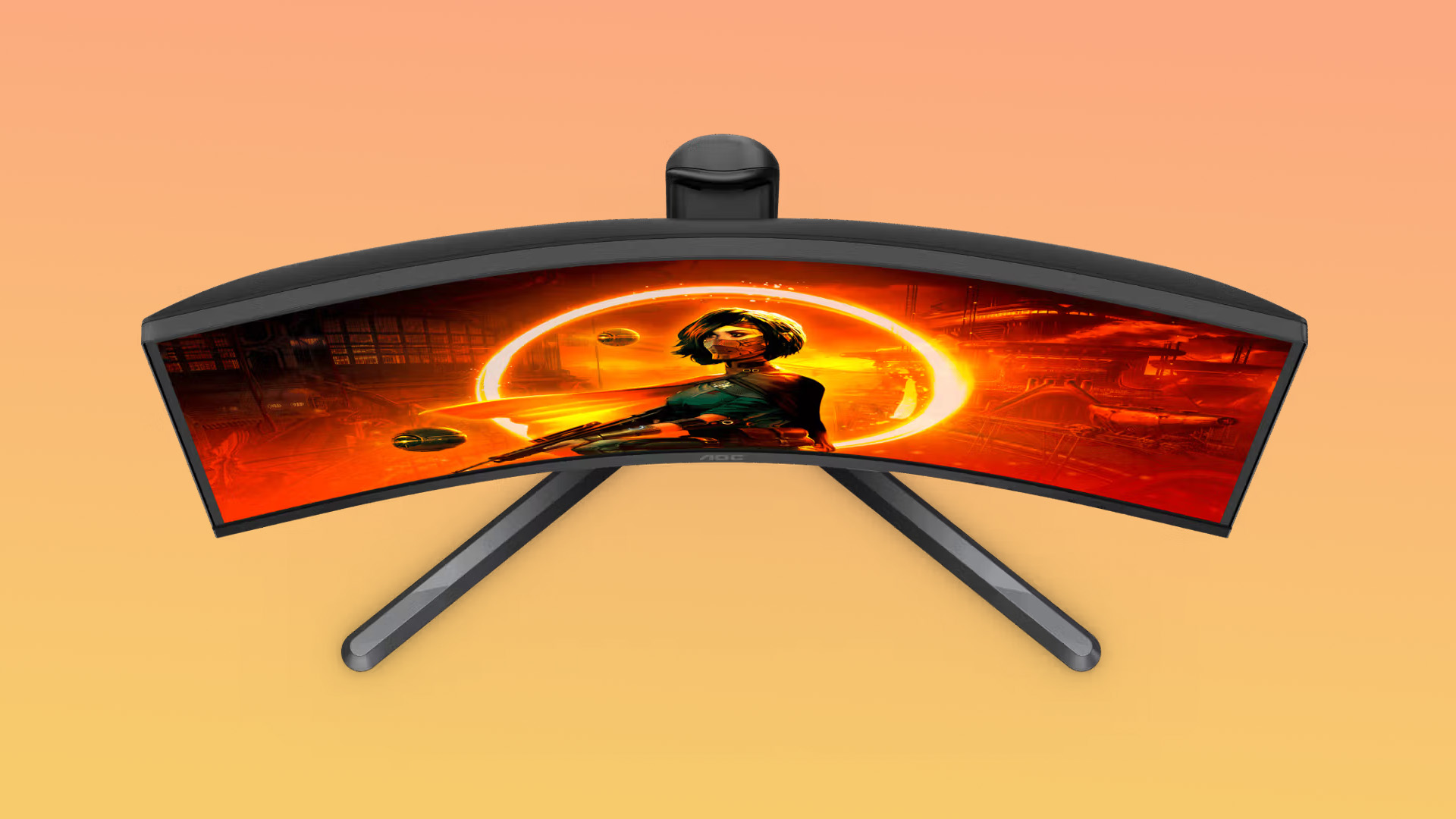
Curved monitors are usually described with numbers such as 1000R, 1500R or 1800R. The “R” refers to the radius of the curve in millimetres. A 1500R curve means the screen forms part of a circle with a 1,500mm radius. A lower number means a tighter curve.
Many AOC curved gaming displays use a 1500R curve. The 1500R models as designed to pull the player further into the scene, while 31.5-inch AOC curved monitors commonly pair the curve with VA panels and high refresh rates.
Is a stronger curve always better?
Not necessarily.
A tighter curve can feel more immersive, especially on a large screen. But it may not suit every desk setup or every type of work. If you also use your monitor for spreadsheets, design work or editing straight lines, a milder curve or flat monitor may feel more natural. For gaming, 1500R is a practical middle ground. It feels more immersive than a flat panel without being too aggressive for everyday use.
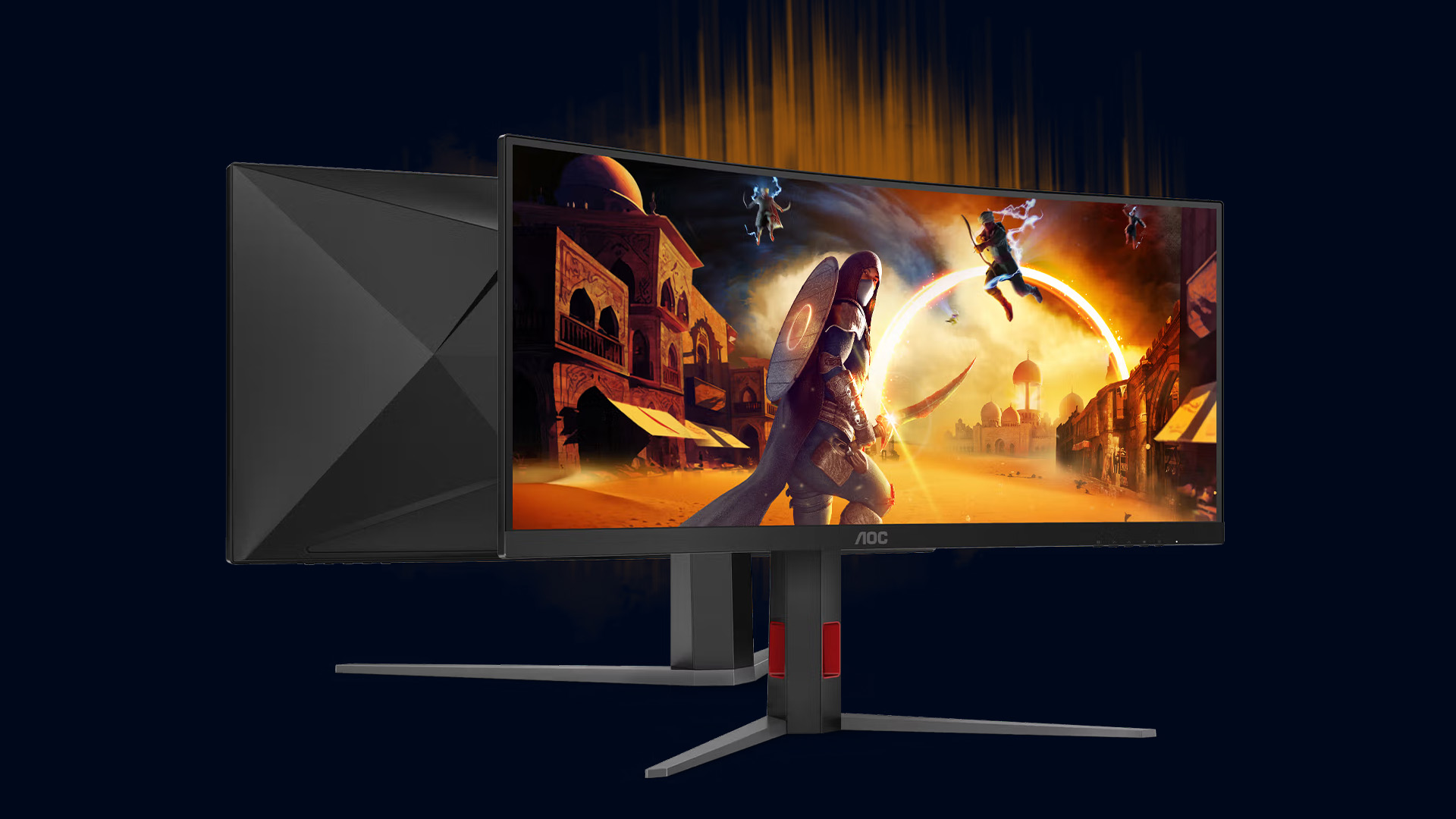
AOC Curved Monitor for Gaming: Main Benefits
A good AOC curved monitor for gaming can improve the experience in several ways.
1. Better sense of depth
A curved screen can make game worlds feel more surrounding, particularly when you sit at the correct distance. This is useful in games where atmosphere matters as much as reaction speed.
2. Wider-feeling view
The screen does not actually show more content unless it is ultrawide, but the curved shape can make the display feel more natural to look across. On a 34-inch 21:9 panel, the wider aspect ratio can also provide a genuine increase in horizontal screen space in supported games.
3. Comfortable viewing on larger panels
On large flat monitors, the edges can feel further away from your eyes. A curve helps bring those edges closer, which can reduce the need to move your head as much during long sessions.
4. Stronger immersion for single-player games
If you enjoy visually rich titles, a curved display can make the experience feel more cinematic. This is where an AOC gaming curved monitor often makes more sense than a small flat office-style monitor.
AOC 24 Inch Curved Gaming Monitor: Compact and Budget-Friendly
An AOC 24 inch curved gaming monitor is best for gamers who want a compact screen for a small desk. It usually makes sense for Full HD gaming, especially if you sit close to the monitor.
Best for:
- Small gaming desks
- Budget PC builds
- Students and bedroom setups
- Casual gaming
- Fast-paced games where a smaller screen is easier to scan
Things to consider:
- The curve is less dramatic on a 24-inch display.
- Full HD looks sharp at this size, but it is not as detailed as QHD.
- It may feel less cinematic than 32-inch or 34-inch options.
A 24-inch curved AOC gaming monitor can still be a sensible buy, but it should be chosen for value and practicality rather than maximum immersion.
AOC Gaming Monitor 32 Curved: A Strong Sweet Spot
An AOC gaming monitor 32 curved display is often a better match for immersive gaming. At 32 inches, the curve becomes more noticeable, and the extra screen space gives games a larger, more cinematic feel.
Why 32 inches works well
A 32-inch curved screen gives you:
- A larger image without needing an ultrawide desk setup
- Better immersion than most 24-inch monitors
- More comfortable split-screen multitasking
- A strong match for QHD resolution
- A better balance between gaming and productivity
AOC 34 Curved Gaming Monitor: Best for Ultrawide Immersion
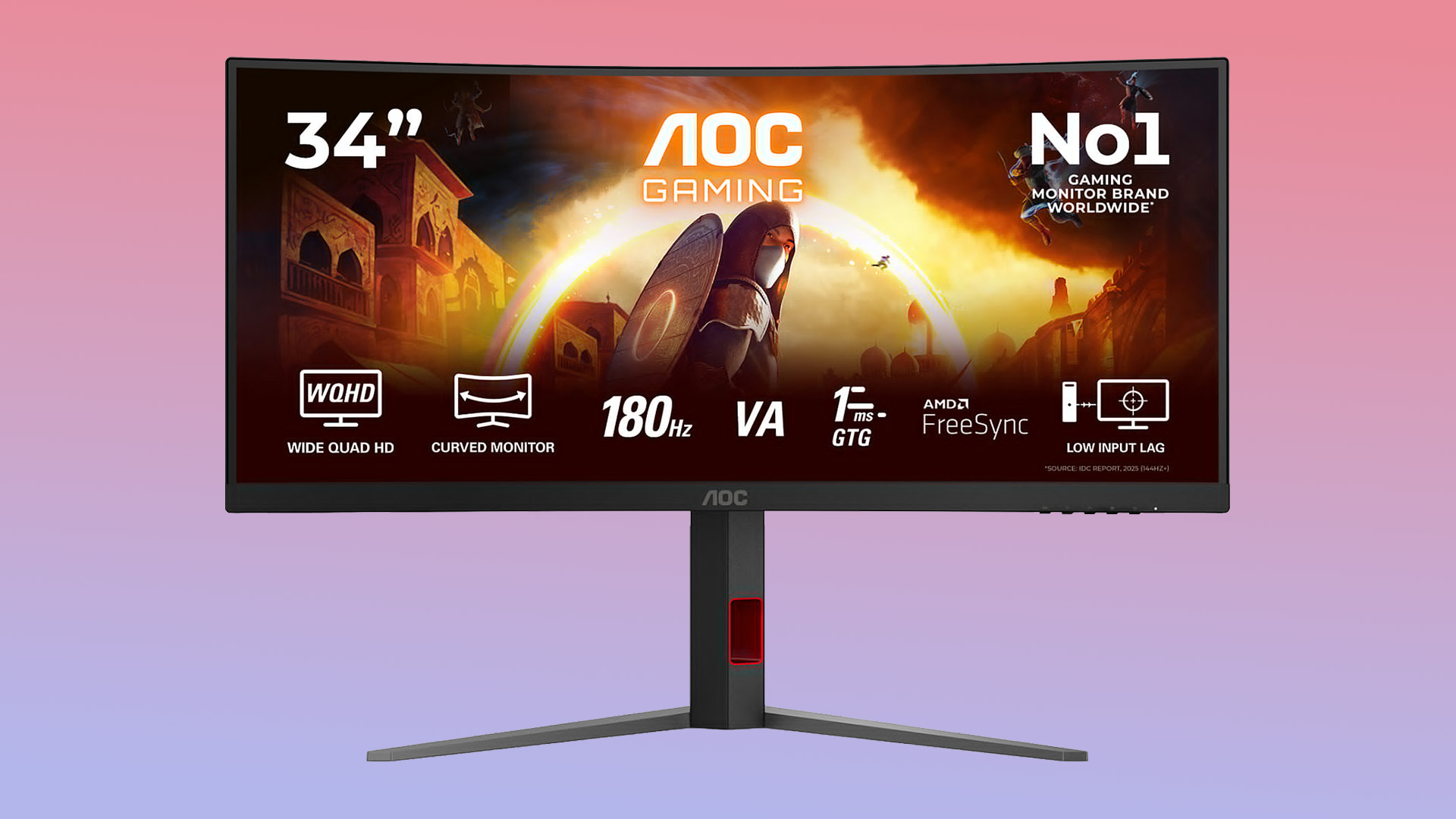
An AOC 34 curved gaming monitor is one of the most immersive options for PC gaming. The key difference is the ultrawide 21:9 aspect ratio. Instead of only making the image bigger, it makes the screen wider.
Best for:
- Racing games
- Simulation titles
- Open-world games
- MMOs
- Story-driven adventures
- Productivity alongside gaming
Not ideal for:
- Very small desks
- Low-end graphics cards
- Console players expecting full ultrawide support
- Competitive players who prefer seeing the full screen without moving their eyes much
If your goal is cinematic immersion, an ultrawide screen may be the best AOC curved monitor style to consider. It gives you a broader view, extra workspace and a more premium gaming feel. For similar options, you can explore affordable wide-screen gaming monitors and select the one which suits your daily needs the best.
144Hz vs 240Hz: Which AOC Curved Gaming Monitor Should You Choose?
Refresh rate affects how many times the monitor can update the image per second. A higher refresh rate can make motion feel smoother, especially when your PC can produce enough frames.
AOC Curved Gaming Monitor 144Hz
An AOC curved gaming monitor 144hz model is a good choice for most gamers. It offers a major improvement over standard 60Hz monitors and is usually easier to drive than 240Hz. Choose 144Hz if you:
- Play a mix of single-player and multiplayer games
- Want smooth motion without overspending
- Use a mid-range gaming PC
- Prefer better resolution over extreme refresh rate
- Want a balanced everyday gaming monitor
AOC Gaming Monitor 240Hz Curved
An AOC gaming monitor 240hz curved display is better for competitive players who prioritise speed and high-performance gaming monitors. Choose 240Hz if you:
- Play FPS, esports or fast reaction-based games
- Have a PC powerful enough to push high frame rates
- Value motion clarity over maximum resolution
- Want a monitor built for competitive responsiveness
Curved vs Flat Gaming Monitors: Balanced Comparison
A curved monitor can be excellent, but it is not the only good choice. Here is a balanced comparison.
|
Feature |
Curved Gaming Monitor |
Flat Gaming Monitor |
|
Immersion |
Stronger on large and ultrawide screens |
Good, but less surrounding |
|
Competitive FPS |
Good with high refresh rate, but large curves may not suit everyone |
Often preferred for simple screen scanning |
|
Desk space |
Larger curved models need more depth |
Usually easier to fit |
|
Console gaming |
Works well in 16:9 models |
Often simpler for PS5 and Xbox |
|
Productivity |
Great for multitasking on ultrawide screens |
Better for design work involving straight lines |
|
Price |
Can be affordable, but ultrawide models cost more |
Wider range of budget options |
|
Best use case |
Immersive PC gaming |
Competitive, creative and general use |
The best monitor type depends on how you play. If you mostly play cinematic titles, a curved display is appealing. If you focus on esports, a smaller flat or gently curved high-refresh screen may be more practical.
Are AOC Curved Monitors Good for FPS Games?
Curved monitors can be good for FPS games, but refresh rate and response time matter more than the curve itself.
For competitive FPS gaming, many players prefer 24-inch or 27-inch screens because they are easier to scan quickly. Research on FPS display size has also noted that 24-inch to 27-inch monitors are common among PC gamers, with performance influenced by size, resolution and viewing distance rather than size alone. A curved monitor can still work well for FPS if it has:
- A high refresh rate
- Low response time
- Low input lag
- Adaptive sync support
- A size you can view comfortably
For casual FPS, a 27-inch or 32-inch AOC gaming monitor curved screen can feel exciting. For serious esports, consider whether 240Hz matters more to you than screen size or resolution.
Are AOC Curved Monitors Good for PS5 and Xbox?
AOC curved monitors can work well with PS5 and Xbox, but console users should check the specifications carefully.
PS5 supports 4K 120Hz output through HDMI 2.1 on compatible displays, and PlayStation also states that 1440p output requires a TV or PC monitor that supports 1440p at 60Hz or 120Hz.
Xbox Series X|S can also use 1440p resolution on compatible monitors and can support 120Hz over HDMI when the display supports it. However, if a 32-inch or ultrawide curved screen feels too large for your desk, a 27-inch AOC gaming monitor may offer the ideal middle ground for 1080p and 1440p gaming.
What console gamers should check
Before buying a curved AOC gaming monitor for console use, check:
- HDMI version and supported refresh rate
- Whether the monitor supports 120Hz over HDMI
- Resolution compatibility with your console
- VRR support
- Whether the monitor uses 16:9 or ultrawide 21:9
Most PS5 and Xbox games are designed for 16:9. An ultrawide curved gaming monitor may still work, but it may display console games with black bars or a stretched image depending on settings. For console-first setups, a 27-inch or 32-inch 16:9 curved monitor is usually safer than a 34-inch ultrawide.
How to Choose the Best AOC Curved Monitor for Your Setup
The best AOC curved monitor is not simply the biggest or fastest model. It is the one that fits your gaming habits, hardware and space.
1. Choose the right screen size
Use this as a quick guide:
|
Screen Size |
Best For |
Key Consideration |
|
24 inch |
Small desks, Full HD, budget gaming |
Curve is subtle |
|
27 inch |
Balanced PC gaming |
Good for Full HD or QHD |
|
32 inch |
Immersive QHD gaming |
Needs more desk depth |
|
34 inch ultrawide |
Cinematic PC gaming and multitasking |
Needs a stronger GPU |
2. Pick the right resolution
Full HD is fine for 24-inch and some fast esports monitors. QHD is better for 27-inch and 32-inch displays because it gives sharper detail. Ultrawide QHD is ideal for a 34-inch 21:9 panel, but it needs more graphics power.
3. Match refresh rate to your games
- 144Hz: Best for most gamers
- 165Hz: A strong upgrade for smoother QHD play
- 240Hz: Best for competitive gaming
- 300Hz and above: Useful only if your PC can consistently deliver very high frame rates
4. Check panel type
Many curved gaming monitors use VA panels. VA panels often provide strong contrast, which is great for dark scenes and atmospheric games. However, some VA panels may show more motion smearing than fast IPS or OLED options, so always check reviews and response time performance before buying.
5. Measure your desk
A larger curved screen needs enough viewing distance. If you sit too close, the display may feel overwhelming. If you sit too far away, you may lose some of the immersive effect.
6. Buy from a relevant category
For brand-specific options, start with reliable AOC monitors for gaming. This keeps your search focused instead of comparing every monitor type at once.

Pros and Cons of AOC Curved Gaming Monitors
Pros
- More immersive than flat monitors on larger screens
- Good range of screen sizes and refresh rates
- Strong options for QHD and ultrawide gaming
- Useful for racing, simulation and open-world titles
- Can double as a productivity display
- Often competitive on value compared with premium gaming brands
Cons
- Curve is less noticeable on smaller screens
- Ultrawide models are less console-friendly
- Larger screens need more desk space
- Competitive FPS players may prefer compact flat monitors
- Some VA panels may not suit players sensitive to motion blur
- The best model depends heavily on your PC or console output

Wrapping Up
You should consider an AOC curved gaming monitor if you want a more engaging gaming setup without immediately jumping to the most expensive premium display brands. Whether you prefer fast-paced competitive titles or cinematic open-world adventures, there is a model suited to your needs. Larger screens and ultrawide formats enhance immersion, while higher refresh rates improve responsiveness for competitive play. The key is choosing affordable wide-screen gaming monitors that aligns with your gaming style, hardware, and desk space. By balancing size, resolution and performance, you can enjoy a smoother, more captivating experience that truly elevates your gameplay.

FAQs
Are AOC curved gaming monitors good?
Yes, AOC curved gaming monitors can be good for gaming, especially if you want a more immersive screen for racing, simulation, RPG or open-world games. They are available in different sizes, refresh rates and resolutions, so the right model depends on your setup.
Is a curved monitor better for gaming?
A curved monitor can be better for immersive gaming, particularly on 32-inch and ultrawide screens. However, it is not always better for competitive gaming. FPS players may prefer smaller displays with very high refresh rates and fast response times.
What does 1500R mean on an AOC monitor?
1500R is the curve of the monitor. It means the screen forms part of a circle with a 1,500mm radius. A lower number means a tighter curve, while a higher number means a gentler curve.
Are curved monitors good for FPS games?
Curved monitors can be good for FPS games if they have a high refresh rate, low response time and low input lag. For competitive FPS, many players still prefer 24-inch or 27-inch monitors because they are easier to scan quickly.
Are AOC curved monitors good for PS5 and Xbox?
Yes, many AOC curved monitors can work well with PS5 and Xbox, but you should check HDMI support, resolution, and refresh rate before buying. For consoles, a 16:9 Full HD or QHD curved monitor is usually more practical than a 34-inch ultrawide display.
Related Articles

Last Updated: September 03, 2026
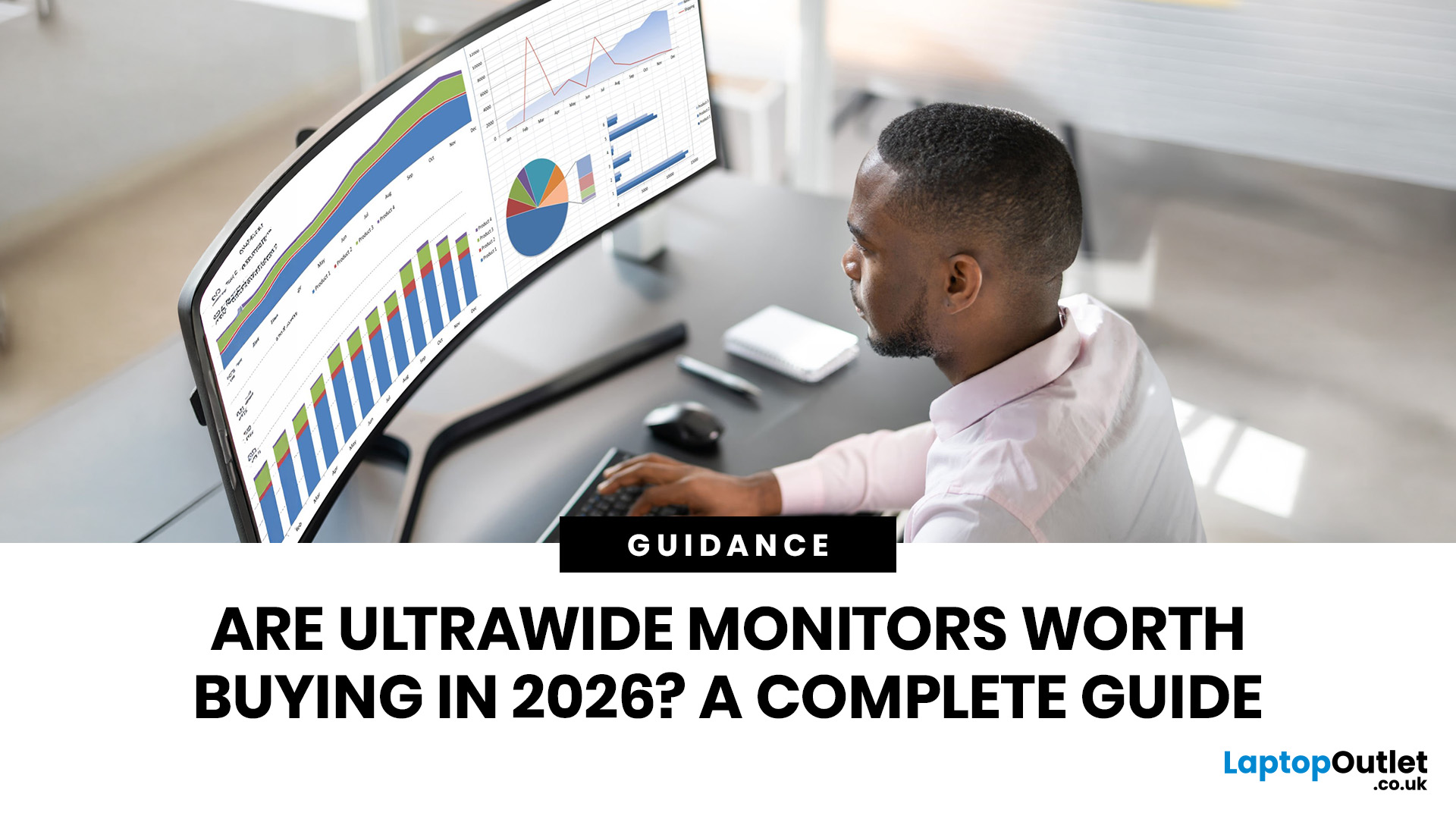
Ultrawide monitors look seriously clean on a desk. One big screen, loads of horizontal space, fewer bezels, and that “main character workstation” vibe. But are they actually useful, or are they just a pricey way to make your setup look dramatic?
If you are asking, “is an ultrawide monitor worth it?”, the answer is: yes, for the right person. An ultrawide screen monitor can be a massive upgrade for multitasking, gaming, editing, streaming, and hybrid work. But it is not the perfect choice for everyone. This complete ultrawide monitor buying guide breaks down the benefits, drawbacks, best use cases and key specs to check before you buy.
Are Ultrawide Monitors Worth it in 2026?
Yes, ultrawide monitors are worth it in 2026 if you want more horizontal workspace, better multitasking, immersive gaming or a cleaner alternative to dual monitors. They are especially worth it for:
- Hybrid workers
- Multitaskers
- Gamers
- Video editors
- Designers
- Streamers
- Coders
- Finance and dashboard users
- Anyone who wants
Last Updated: May 20, 2026
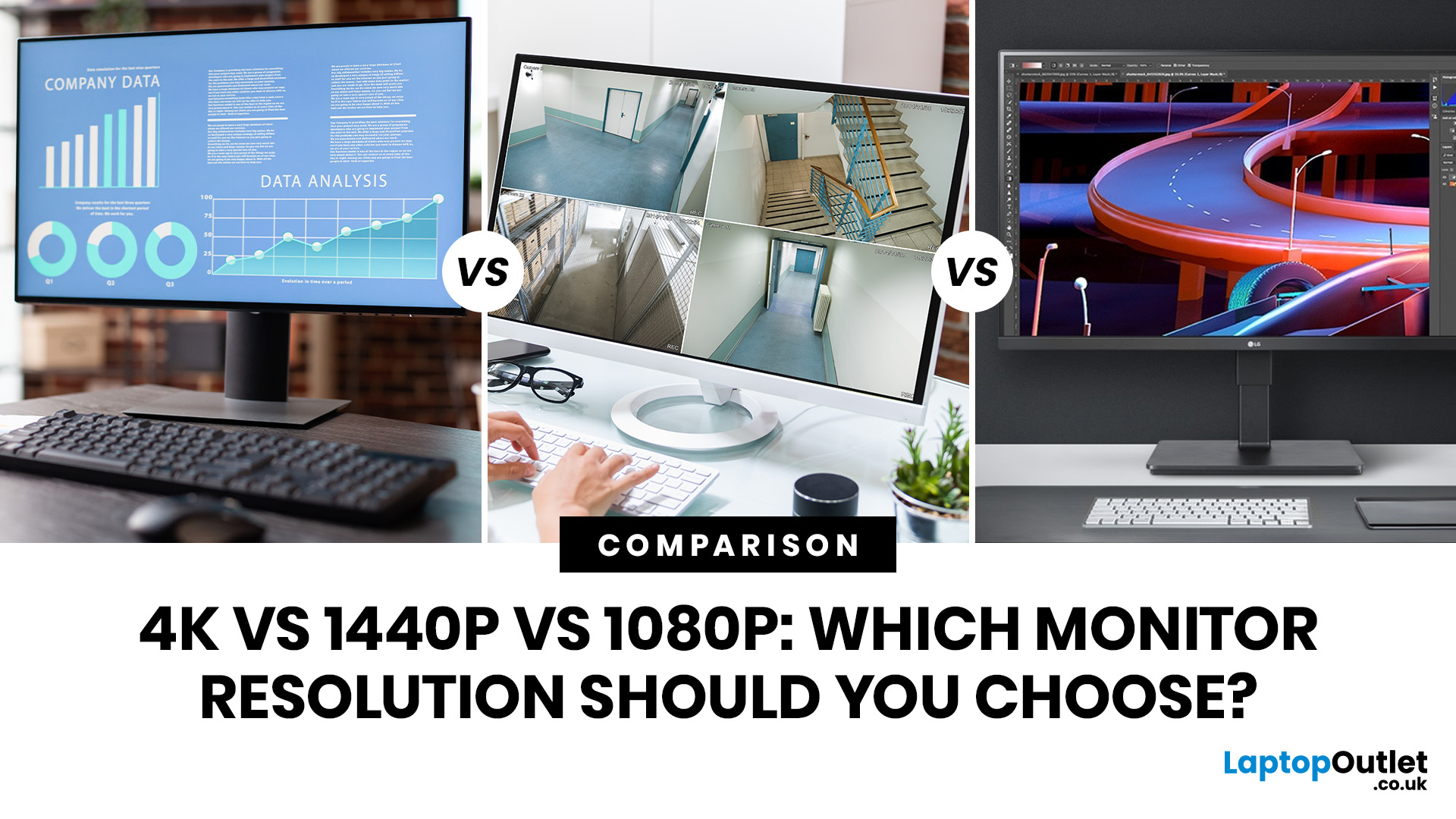
Choosing a monitor resolution should be simple, right? You pick a screen, plug it in, and get on with your day. Except the moment you start shopping, you get hit with 1080p, 1440p, QHD, 4K, Ultra HD, scaling, refresh rates and a whole lot of spec-sheet chaos.
So, which one should you actually buy?
This guide breaks down the 4K vs 1440p vs 1080p monitor debate in plain English. Whether you need a screen for gaming, work, studying, streaming, editing or a bit of everything, we’ll help you choose the right resolution without overpaying for pixels you do not need.
Quick Answer: 1080p vs 1440p vs 4K Monitor
Here’s the no-drama answer.
| User Type | Best Resolution | Why |
| Budget buyers | 1080p / Full HD | Affordable, reliable and easy to run |
| Students | 1080p or 1440p | Good value with enough clarity for study |
| Home office users | 1440p / QHD | Sharper text and better multitasking |
| Hybrid workers | 1440p or 4K | More screen space for apps and documents |
| Casual gamers | 1080p or 1440p | Good mix of smoothness, price and quality |
Last Updated: June 10, 2026
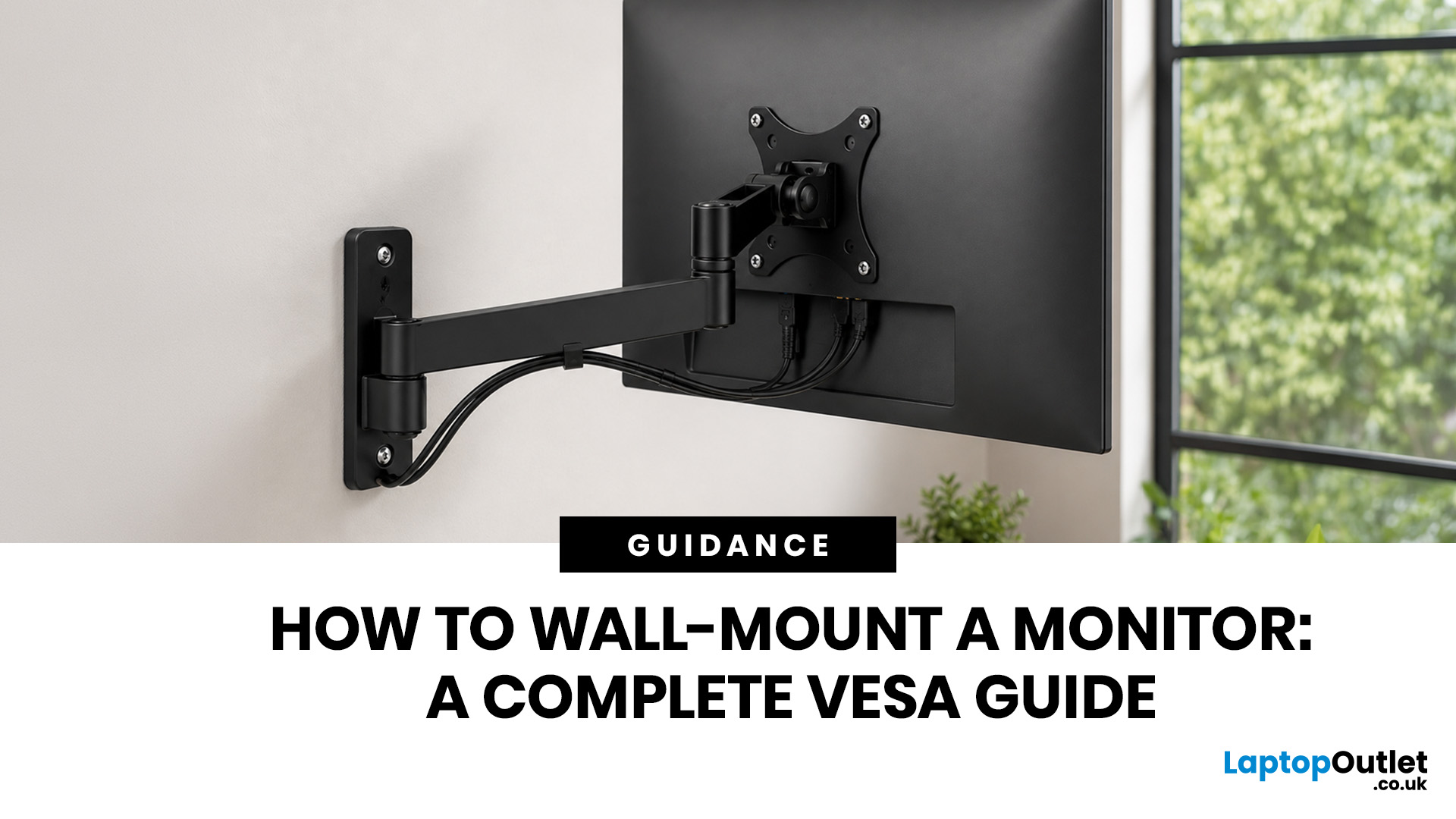
Quick Answer: Wall-mounting a monitor is worth it if you want to save desk space, improve posture and create a cleaner setup. Before you start, check that your monitor supports VESA mounting, confirm the correct VESA mounting pattern, choose a wall mount that supports your monitor’s weight, and make sure your wall can safely hold it. This VESA mount monitor guide explains what VESA mounting is, how to check compatibility, what tools you need, and how to wall mount a monitor safely step by step.
Wall-mounting a monitor can make your setup look instantly cleaner. No bulky stand. More desk space. Better cable management. A screen that actually sits at the right height instead of forcing your neck into questionable positions. Before you grab a drill and start making holes in the wall like you’re on a home renovation show, there are a few things to check. Not every monitor can be mounted, not every wall is suitable, and not every mount fits every screen.
What is VESA Mounting?
VESA mounting
Last Updated: June 10, 2026
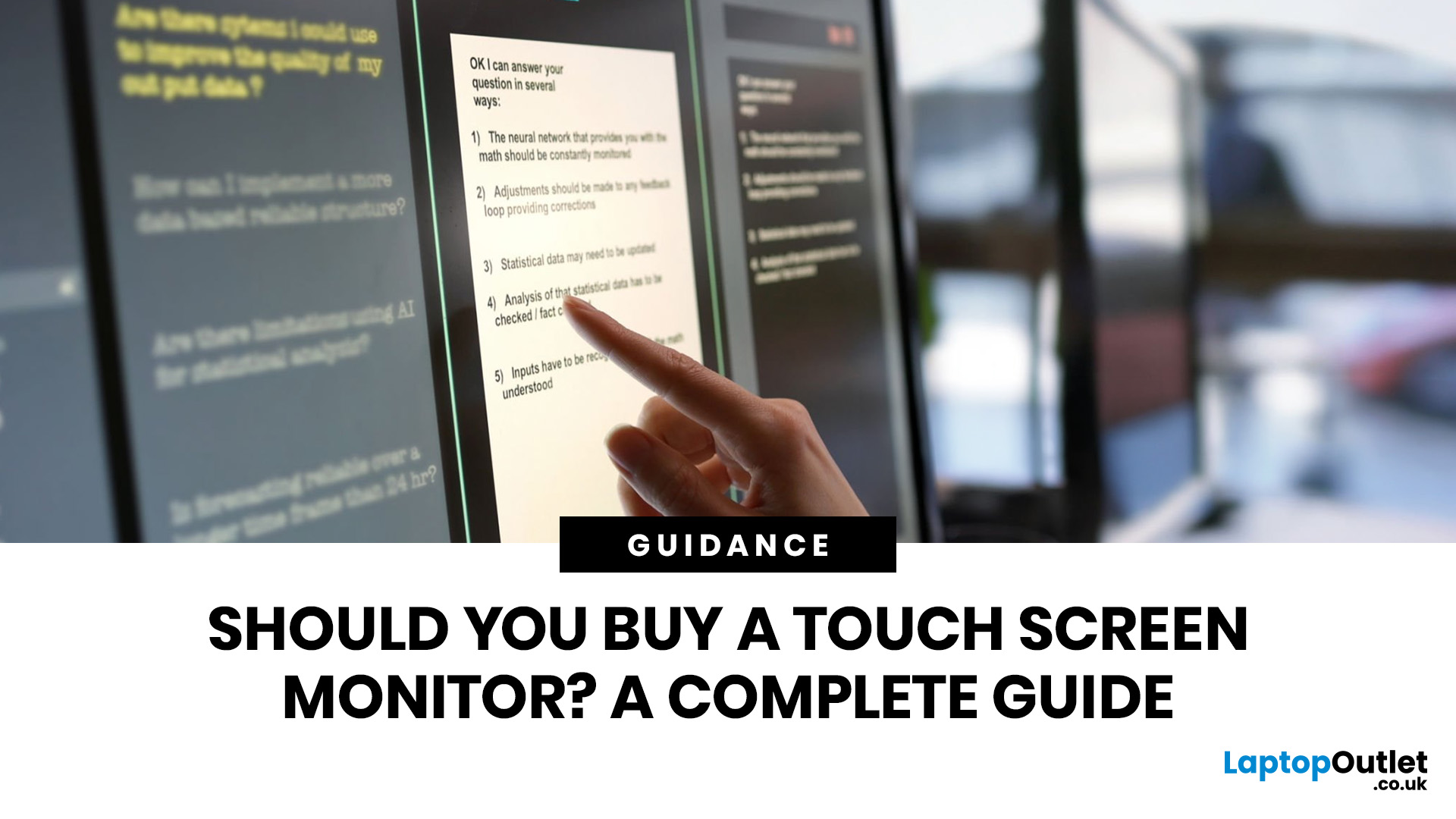
Quick Answer: Yes, touch screen monitors are worth it if you need a more interactive display for work, business, education, presentations, creative tasks or customer-facing setups. They let you tap, swipe, scroll, zoom and sometimes draw directly on the screen, which can feel much more natural than using only a mouse and keyboard.
A touch screen monitor sounds cool. You can tap apps, swipe through pages, pinch to zoom, sign documents, control presentations and interact with your PC like it is a giant tablet. Very futuristic. Very clean setup energy. But before you spend extra, it is worth asking: should I buy a touch screen monitor, or would a standard display do the job better?
The answer depends on how you use your computer. For business, education, creative work and interactive setups, touch can be genuinely useful. For spreadsheets, typing, gaming and everyday browsing, it may be more of a nice bonus than a must-have. This touch screen monitor buying guide breaks down the benefits,
Last Updated: June 10, 2026
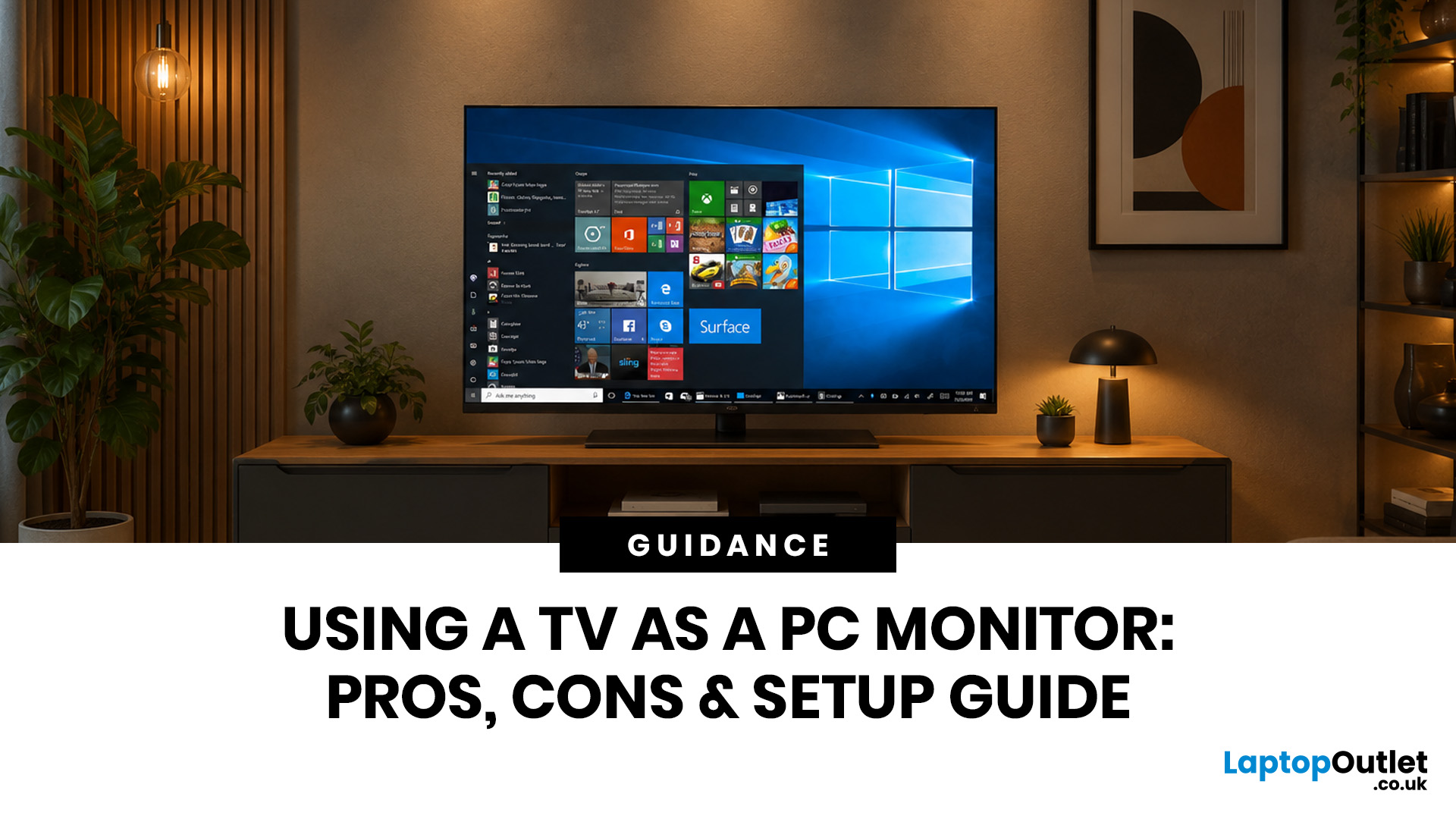
Quick Answer: Yes, you can use TV as PC monitor if your computer and TV have compatible ports, usually HDMI. It works well for films, casual gaming, presentations, sofa browsing and large-screen entertainment. However, using a TV as PC monitor is not always ideal for daily desk work because TVs can have higher input lag, lower pixel density, blurry text up close and fewer ergonomic adjustments than proper monitors. For entertainment and casual use, a TV can be a great option. For work, study, competitive gaming and sharp close-up text, a dedicated monitor is usually the better choice.
Using a big TV as your computer screen sounds like a genius move. Bigger display, built-in speakers, great for Netflix, and you may already have one sitting in the living room. Honestly, it sounds like a setup hack.
Before you plug in your PC and call it a day, there are a few things to know. A TV as computer monitor setup can work brilliantly for some people, especially for media, casual gaming and
Last Updated: October 12, 2026
Last Updated: August 25, 2026
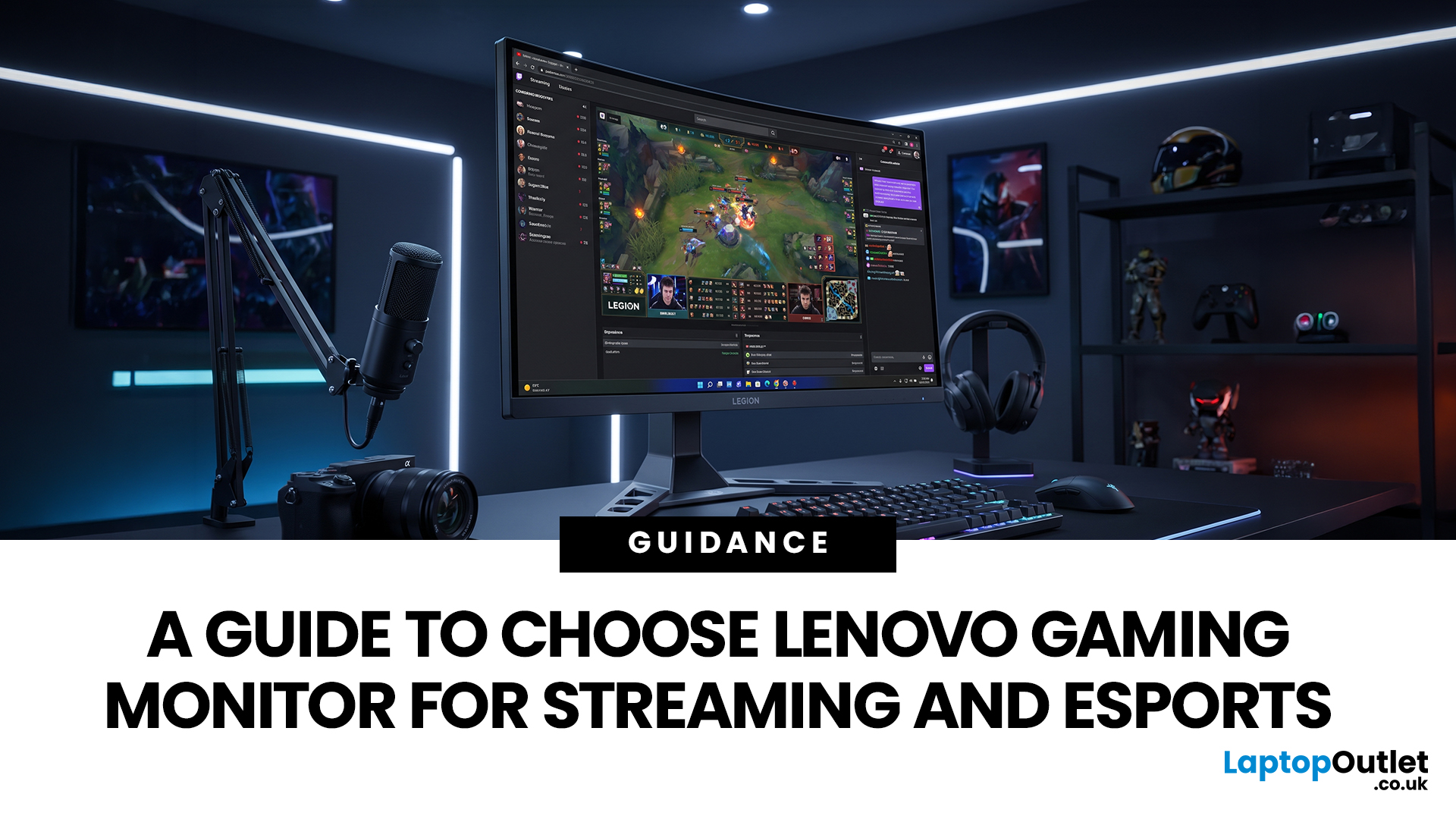
Quick answer: The best Lenovo gaming monitor for streaming and esports is the one your PC can drive consistently at its native resolution while it also handles your broadcast workflow. For many mixed-use setups, a 27-inch QHD display at 165Hz to 180Hz is the balanced choice. A 24.5-inch or 27-inch Full HD screen at 240Hz or above prioritises competitive speed, while a 34-inch UWQHD display at 165Hz to 180Hz provides more room for a single-screen streaming workspace.
Those are useful profiles, not universal rules. Your real decision depends on sustained frame rate, encoder load, game genre, desk space and whether OBS, chat and alerts live on the same display. A monitor does not encode the stream, and a 240Hz panel does not make viewers receive a 240fps broadcast. It changes the experience in front of you, which can still matter greatly during competitive play.
Last Updated: September 03, 2026
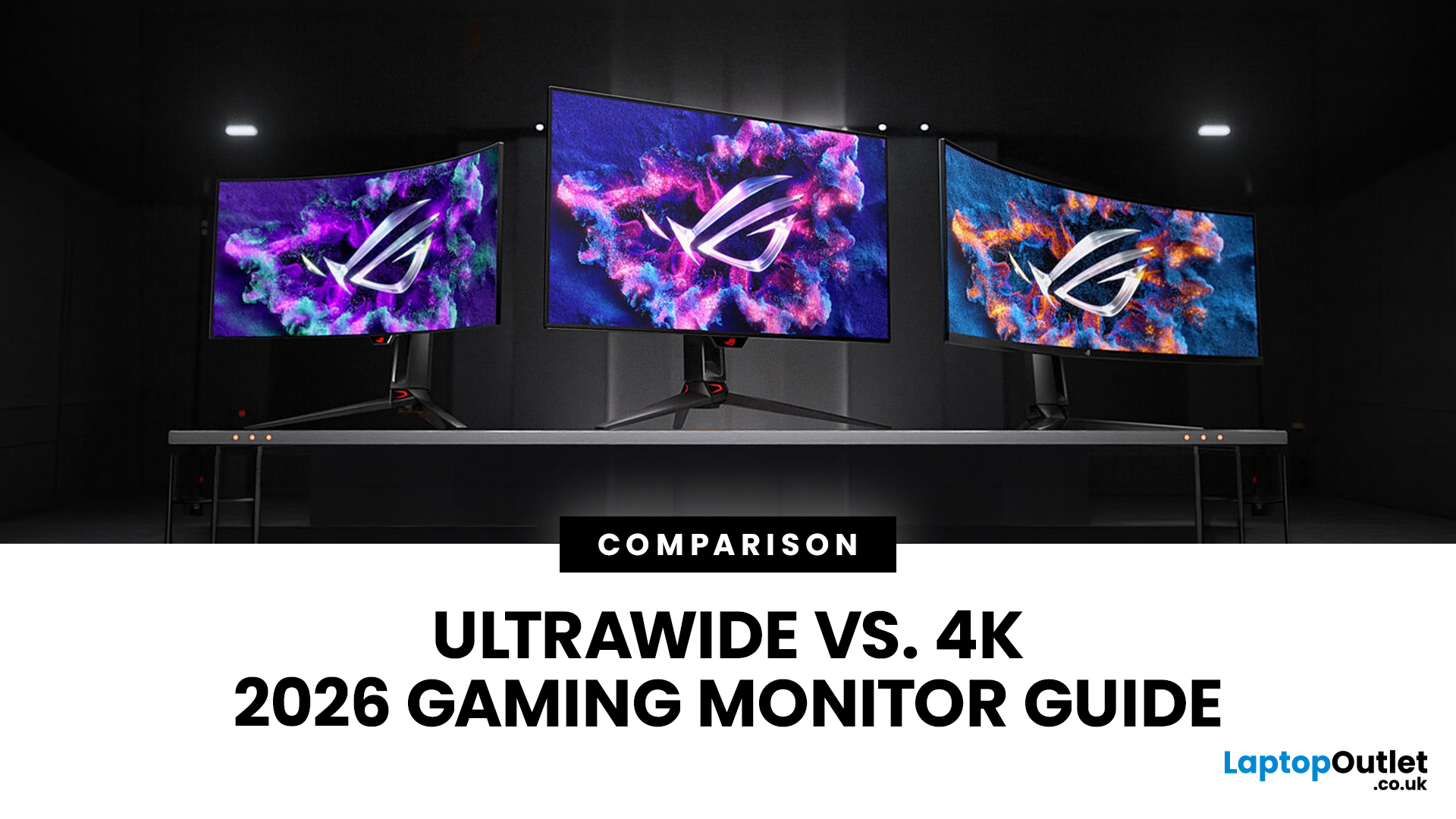
Choosing between an Ultrawide vs 4K monitor is one of the biggest decisions for gamers upgrading their setup in 2026. Both options can transform your gaming experience, but they do it in very different ways. The right choice depends on your games, GPU, desk space and budget, as well as whether you prioritise immersive gameplay or sharper resolution. This gaming monitor guide compares ultrawide and 4K displays across performance, game genres, GPU requirements, refresh rates, response time, and overall value.
Ultrawide vs 4K Monitor: Quick Comparison
| Feature | Ultrawide Gaming Monitor | 4K Gaming Monitor |
| Best for | Immersion, racing, RPGs, simulators, multitasking | Sharp visuals, AAA games, console gaming, creative use |
| Common aspect ratio | 21:9 or 32:9 | 16:9 |
| Main strength | Wider field of view | Higher pixel density |
| Image sharpness | Very good, especially at 3440 x 1440 | Excellent at 3840 x 2160 |
| GPU demand | Moderate to high | Very high |
| Competitive gaming | Good with high refresh rate | Good, but harder to drive |
Last Updated: July 16, 2026
Last Updated: September 24, 2026

