



Internal SSDs
Upgrade your PC or laptop with internal SSDs for faster start-ups, quicker loading and responsive everyday performance. Compare SATA and M.2 NVMe SSDs across different capacities, speeds and specifications to find compatible storage for gaming, work, creative projects and everyday computing.
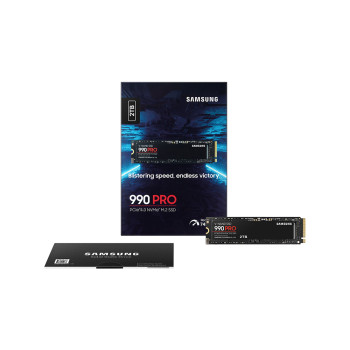
Finance available
Free Delivery *
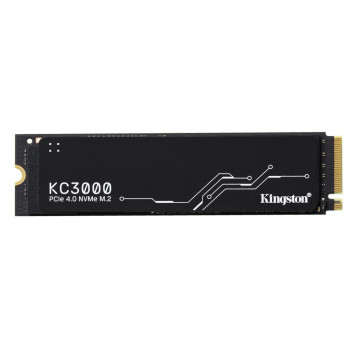
Finance available
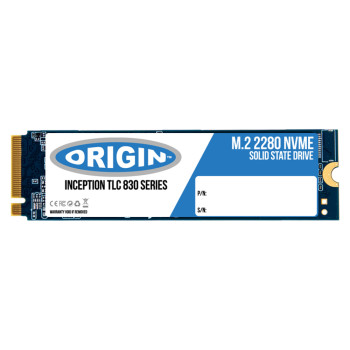
Finance available
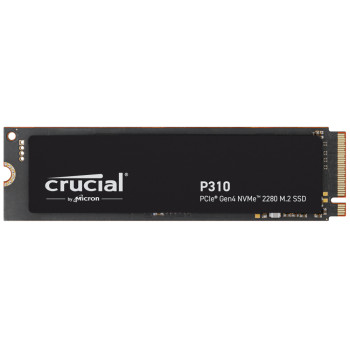
Finance available
Free Delivery *
Finance available
Finance available
Free Delivery *
Finance available
Finance available
Free Delivery *

Finance available
Free Delivery *
Finance available
Free Delivery *
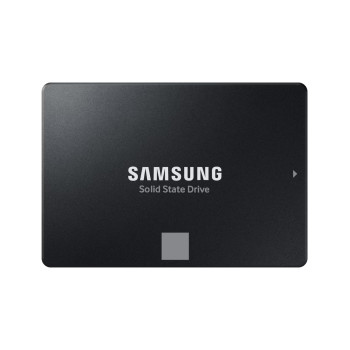
Finance available
Free Delivery *

Finance available
Free Delivery *
Showing 15 of 96 Items
Internal SSDs for Faster PC & Laptop Storage
Internal SSDs use flash memory to store your operating system, applications, games and files, offering faster access than traditional mechanical hard drives. Upgrading to an internal SSD can improve boot times, application loading and file transfers while running quietly with no moving parts.
Choose from internal solid state drives for compatible PCs and laptops across different capacities, speeds and interfaces. For high-capacity secondary storage, you can also compare internal hard drives.
SATA vs NVMe SSDs: What's the Difference?
Choosing between SATA and NVMe mainly comes down to your system's compatibility and the performance you need.
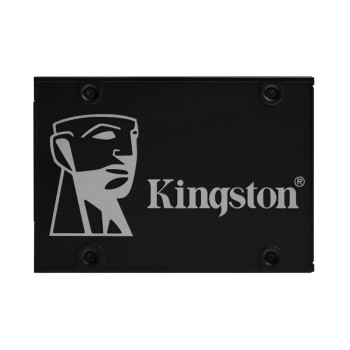
SATA SSDs commonly use a 2.5-inch form factor and SATA III interface. They are a practical upgrade for many older desktops and laptops, delivering faster performance than traditional hard drives.
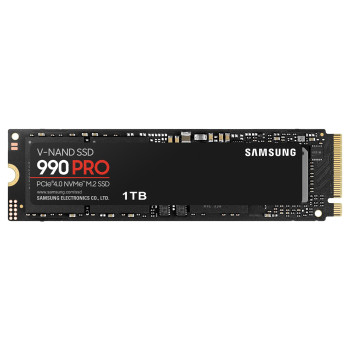
NVMe SSDs use the PCIe interface and offer significantly greater bandwidth, making them well suited to gaming, demanding applications and large file transfers.
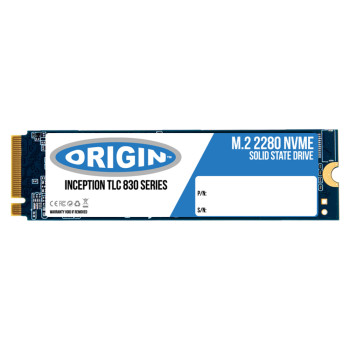
Many NVMe drives use the compact M.2 form factor, but M.2 does not automatically mean NVMe. M.2 SSDs can use SATA or PCIe depending on the drive and system.
Need portable high-speed storage instead? Compare portable SSDs.
How to Choose an Internal SSD
Before buying an internal SSD drive, compare the specifications that affect compatibility, capacity and performance:
- Capacity: Allow enough space for your operating system, applications, games and files.
- Read/write speed: Higher speeds are useful for large transfers and demanding workloads.
- Interface: Check whether your device supports SATA or PCIe/NVMe.
- Form factor: Confirm whether you need a 2.5-inch drive or compatible M.2 SSD.
- Compatibility: Match the SSD to your motherboard or laptop specifications.
- Usage: Everyday computing, gaming and creative workloads can have different storage requirements.
Upgrading more than your storage? View our wider range of components for compatible PC hardware.
What SSD Capacity Do I Need?
Choosing the right capacity depends on how much you plan to store and whether the SSD will be your main or secondary drive.
- 500GB SSD: Suitable for Windows, everyday applications, documents and lighter storage needs.
- 1TB SSD: A versatile option for everyday computing, work and larger application or game libraries.
- 2TB SSD: Provides more room for games, creative projects, media files and professional software.
- 4TB+ SSD: Suited to large game collections, high-resolution media and storage-intensive workloads.
For backups or files that do not require SSD speeds, portable hard drives offer another way to expand your storage.
Internal SSD Compatibility
Compatibility is one of the most important checks when buying internal SSD storage. Not every SATA, NVMe or M.2 SSD will work with every laptop or desktop.
Before ordering, check:
- M.2 slot support: Confirm whether the slot accepts SATA, PCIe/NVMe or both.
- Physical size: M.2 drives are available in different lengths, with 2280 being common.
- PCIe generation: Check which PCIe generation your motherboard or laptop supports.
- SATA connections: 2.5-inch SATA SSDs require the correct SATA connection and mounting space.
- Laptop or desktop support: Check your exact device or motherboard specifications.
- Expansion options: Some systems have spare SSD slots, while others require the existing drive to be replaced.
A newer PCIe SSD may work in some older compatible slots at a reduced speed, so always check the manufacturer's specifications before purchasing.
Internal SSDs for Gaming, Work & Everyday Use
Match your SSD storage to the way you use your computer:
- Gaming: Store larger game libraries and reduce loading times on a compatible gaming PC.
- Work: Improve access to applications, documents and larger business files.
- Creative: Higher-capacity NVMe SSDs can handle media libraries, project files and frequent transfers.
- Everyday: Faster booting and application loading can make everyday PC and laptop use more responsive.
You do not always need the highest SSD speed available. Choosing the right balance of capacity, performance and compatibility can deliver better value for your system.
Shop Internal SSDs at Laptop Outlet
Shop internal SSDs for PCs and laptops across SATA and NVMe options, with capacities including 500GB, 1TB, 2TB and 4TB. Compare internal SSD storage from brands including Samsung, Kingston, Crucial, Western Digital, ADATA, Lexar and Origin Storage for gaming, work, upgrades and everyday use.
| Buying a higher-spec workstation? Spread the cost with flexible payment options including PayPal Pay in 3, PayPal Credit and Klarna, or pay securely using major cards, Apple Pay or Google Pay. |
Need another type of storage? Compare our wider range of storage devices for internal and external options.
Find the right capacity, interface and performance for your system and shop internal SSDs at Laptop Outlet today.
Read More
Choosing the Best Storage for Your PC or Laptop
Storage Speed on the 512GB SSD: What to Expect & How to Optimise
Read more