



Are 240Hz–720Hz LG UltraGear Monitors Worth It?
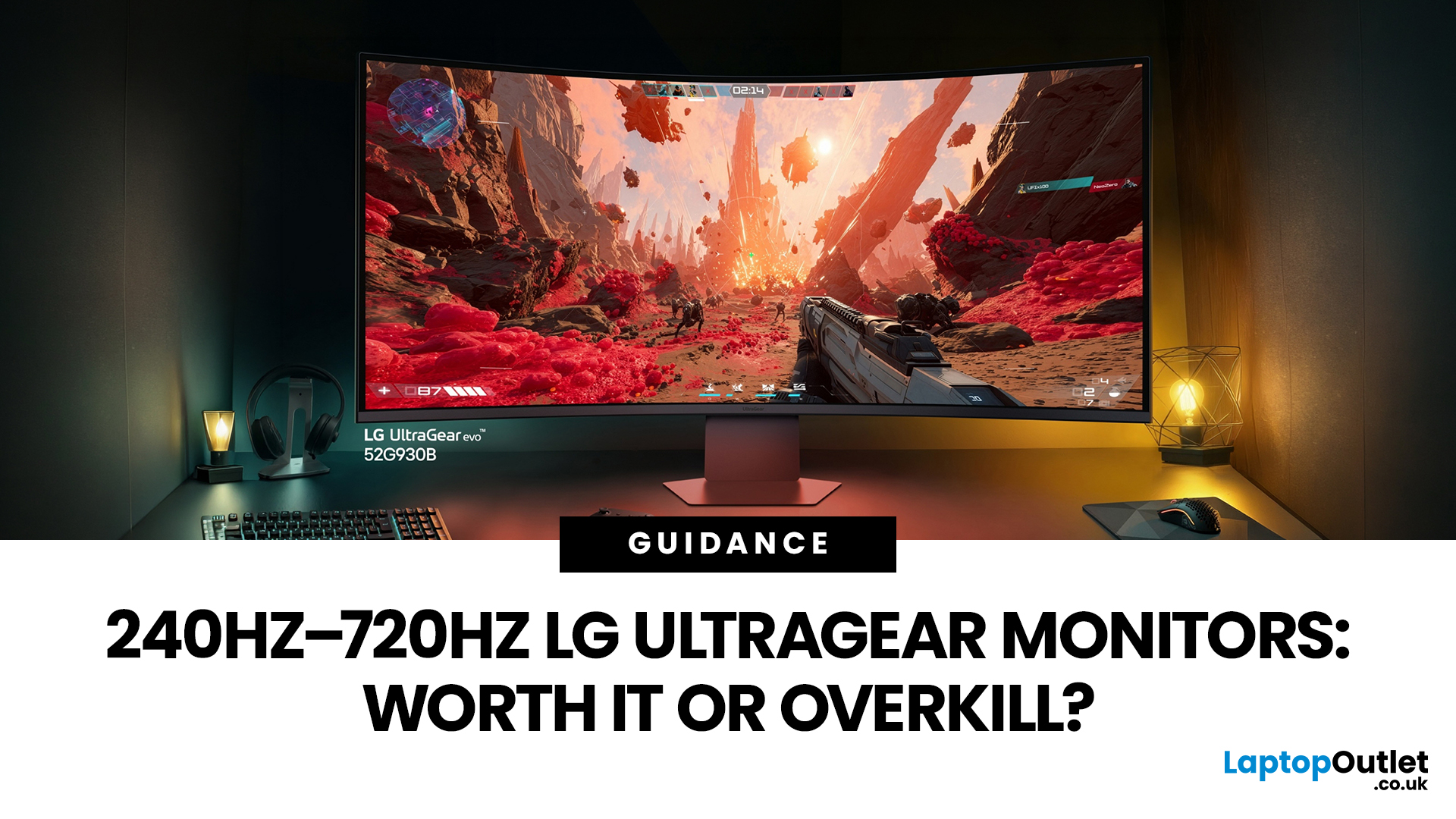
If you've been shopping for a gaming monitor lately, you've probably noticed the numbers getting a bit daft. 240Hz, 330Hz, 480Hz, 540Hz, and now 720Hz.
High refresh LG UltraGear monitors are pushing the boundaries of what gaming displays can do, and the specs are genuinely impressive. But the real question isn't what these monitors can do. It's whether you'll actually notice the difference when you're in the thick of a match.
This guide cuts through the spec sheet jargon and answers what most gamers genuinely want to know: when does a higher refresh rate actually matter, who benefits from it, and which part of the spectrum makes sense for your setup?
What Refresh Rate Actually Does During Gameplay
Refresh rate is one of the most talked-about monitor specs, yet it is also one of the most misunderstood. Before diving into the numbers, it helps to know what is actually happening at the hardware level, because the real-world experience comes from two separate things working together.
A monitor's refresh rate tells you how many times per second the screen draws a new image. At 144Hz, it updates 144 times per second. At 240Hz, that becomes 240 times. Each update takes a fixed window of time: at 144Hz, each frame lasts approximately 6.94 milliseconds; at 240Hz, it drops to 4.17 milliseconds.
Input Lag and Motion Clarity: Two Distinct Advantages
These two benefits are often grouped under "high refresh rate gaming," but they are different and worth separating.
Input lag is the delay between a physical action (moving your mouse, pressing a key) and that action appearing on screen. A lower frame interval means the monitor can display your input sooner. At 240Hz, that window is narrower, which translates to tighter, more responsive feedback during fast gameplay.
Motion clarity is about how sharp moving objects appear during rapid camera movement or fast panning. Faster pixel response times reduce the trailing or ghosting effect you see behind moving targets. On OLED panels, response times can fall as low as 0.03ms, which is essentially instantaneous. This is why an OLED at 240Hz can look cleaner in motion than many IPS monitors running at 360Hz.
The Real Jumps: 60Hz, 144Hz, and 240Hz Compared
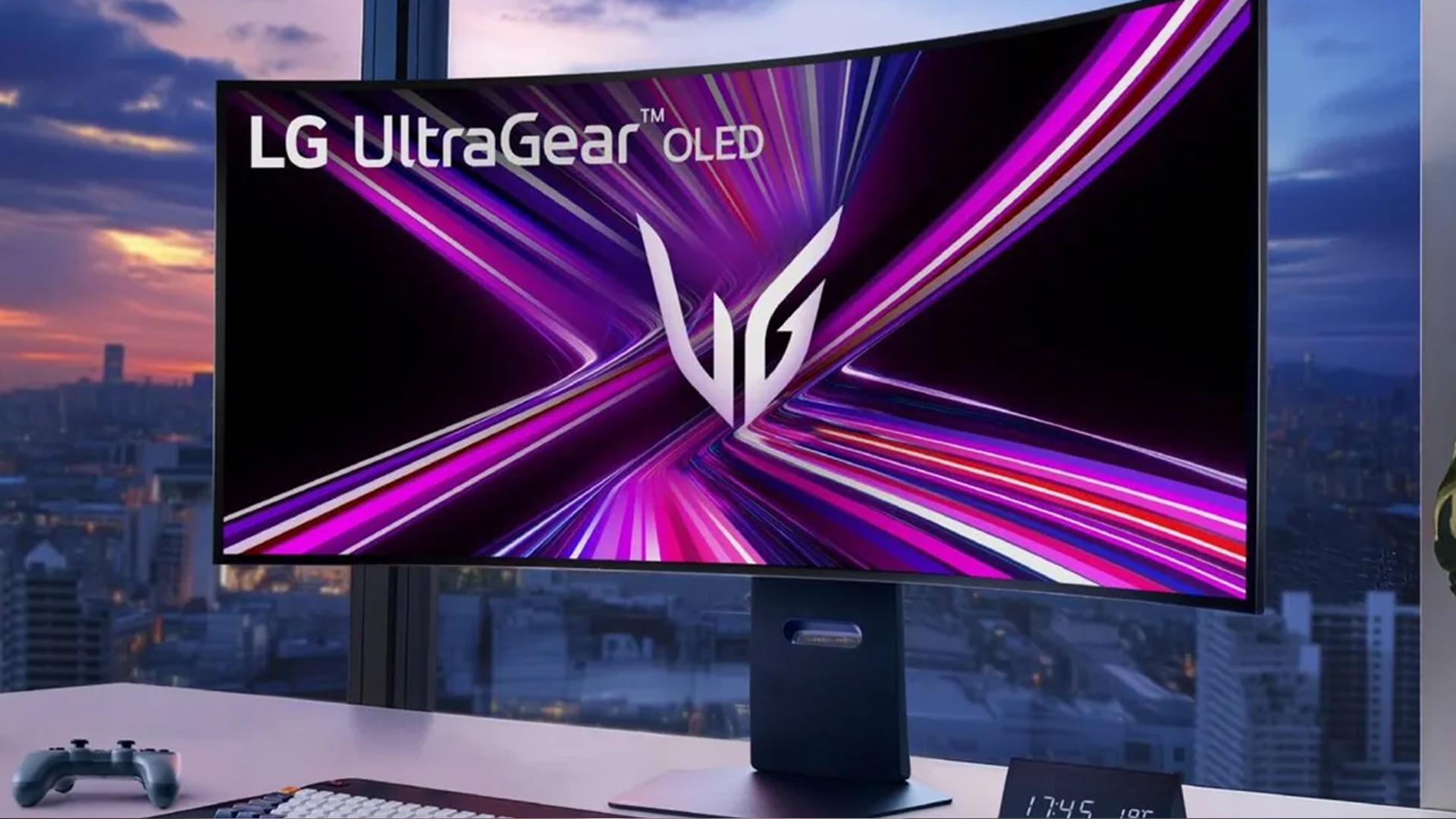
Not all refresh rate upgrades feel equal. Understanding where the genuine leaps happen will save you money and help you set sensible expectations before you buy.
Moving from 60Hz to 144Hz is a transformation almost everyone notices instantly. Motion becomes dramatically smoother, ghosting all but vanishes, and everything from scrolling menus to in-game movement feels far more alive. This is, by a wide margin, the single biggest display upgrade a gamer can make.
Going from 144Hz to 240Hz is noticeable, but it requires the right games and hardware to feel meaningful. In fast-paced competitive titles, trained players pick up the added smoothness. Casual gamers switching between the two on the same day may struggle to notice much difference during general play.
What the Research Shows
Studies on human visual perception suggest most people can detect refresh rate differences well beyond 100Hz, particularly during fast lateral movement and with peripheral vision.
Professional esports players using 240Hz have shown measurable improvements in reaction time and tracking accuracy compared to those on 144Hz setups. The advantage is real, but it is a refinement rather than a revolution.
When 240Hz and Beyond Actually Makes a Difference
Is 240Hz worth it for gaming? It depends almost entirely on what you play and how seriously you play it. Asking whether it is "worth it" without that context is a bit like asking whether a sports car is worth it without knowing how often you use a motorway.
There are clear scenarios where going beyond 144Hz genuinely pays off, and just as clear scenarios where it simply does not.
Competitive FPS and Esports Players
If you regularly play Counter-Strike 2, Valorant, Apex Legends, or similar titles at high frame rates, 240Hz delivers a real edge. Target tracking becomes more precise, opponent movements are rendered with less motion blur, and inputs feel almost instantaneous on screen.
This is where high refresh LG UltraGear monitors truly shine. The combination of OLED's sub-millisecond pixel response times with refresh rates above 240Hz produces motion clarity that IPS panels at the same Hz simply cannot match.
The LG UltraGear 27GX790A-B, for instance, pairs a 480Hz refresh rate with a 0.03ms response time on a 27" QHD OLED panel. For competitive players, that combination leaves almost no room for display-side latency to cost you rounds.
Story-Driven, RPG, and Casual Gamers
For single-player RPGs, open-world titles, or slower-paced strategy games, gains beyond 144Hz are minimal. The textures, lighting, and scale of a game like Cyberpunk 2077 will look dramatically better on a high-contrast OLED at full resolution than on a lower-resolution panel pushing 480Hz.
For immersive, story-driven play, resolution and contrast matter far more than raw refresh rate. The LG UltraGear 39GX90SA-W makes this case well. Its 39" WQHD OLED panel with an 800R curve wraps your peripheral vision in the action at 240Hz, delivering an experience where size, colour depth, and immersion leave a far bigger impression than a higher number at the top of the spec sheet.
What 330Hz, 480Hz, and 720Hz Actually Offer
Once you go beyond 240Hz, the gains become increasingly specific. That does not mean they are irrelevant, but context becomes even more important at this end of the range.
LG UltraGear Evo monitor refresh rates represent the current commercial peak of what is available, and understanding each tier helps set honest expectations before spending serious money.
330Hz is a meaningful step for dedicated competitive players who can consistently push 300+ FPS in their games. The added smoothness when tracking fast-moving targets is detectable with trained eyes, and the reduction in frame time (roughly 3ms per frame) contributes to tighter reaction windows in high-stakes matches.
480Hz is firmly ultra-competitive territory. Input lag per frame drops to around 2ms, which matters significantly at tournament level. The LG 32GS95UV-B achieves this through Dual Mode: press one button and it switches between 4K at 240Hz for immersive, graphically rich play and Full HD at 480Hz for your most competitive sessions.
How LG Dual Mode Works
Dual Mode is LG's hardware-level answer to the perennial resolution-versus-refresh-rate compromise. Rather than forcing you to choose at the point of purchase, it lets you toggle between two distinct display configurations with a single hotkey press.
On Dual Mode monitors, that means being able to run 3840x2160 at 240Hz for cinematic gaming, then switching to 1920x1080 at 480Hz for an esports session. The switch takes only a few seconds, requires no system restart, and all adaptive sync functions remain fully active in both modes.
720Hz is currently the highest commercially available refresh rate. It is only achievable by dropping to HD (720p) resolution in Dual Mode, and it targets professional esports environments where eliminating every possible millisecond of display-side delay is the goal.
Outside of Counter-Strike 2 or Valorant at elite, tournament-standard play, the practical benefit over 480Hz will go unnoticed by the vast majority of gamers.
Does Your PC Match What the Monitor Can Do?
A 480Hz monitor paired with a desktop PC consistently outputting 150 FPS is not a 480Hz experience. Getting the most from high refresh LG UltraGear monitors means making sure your hardware can actually push the frame rates your display is built to receive.
As a practical guide:
- 240Hz: A capable mid-range GPU such as an RTX 4070 or RX 7800 XT handles most competitive titles at 1440p very comfortably.
- 360–480Hz: Top-tier cards and a CPU that avoids bottlenecking are needed to sustain the frame rates required in competitive esports titles.
- 480Hz+: Realistically achievable only in less demanding esports games, even on the very best current hardware.
If your PC produces a wide range of frame rates depending on the game, a monitor that performs well across scenarios makes far more practical sense.
The LG 34G630A-B is a solid example of this thinking. Its 34" 21:9 WQHD curved panel at 240Hz lets you enjoy both the breadth of single-player gaming and a competitive edge, without your GPU needing to sustain 400+ FPS to extract real value from the display.
High Refresh Rates and Console Gaming
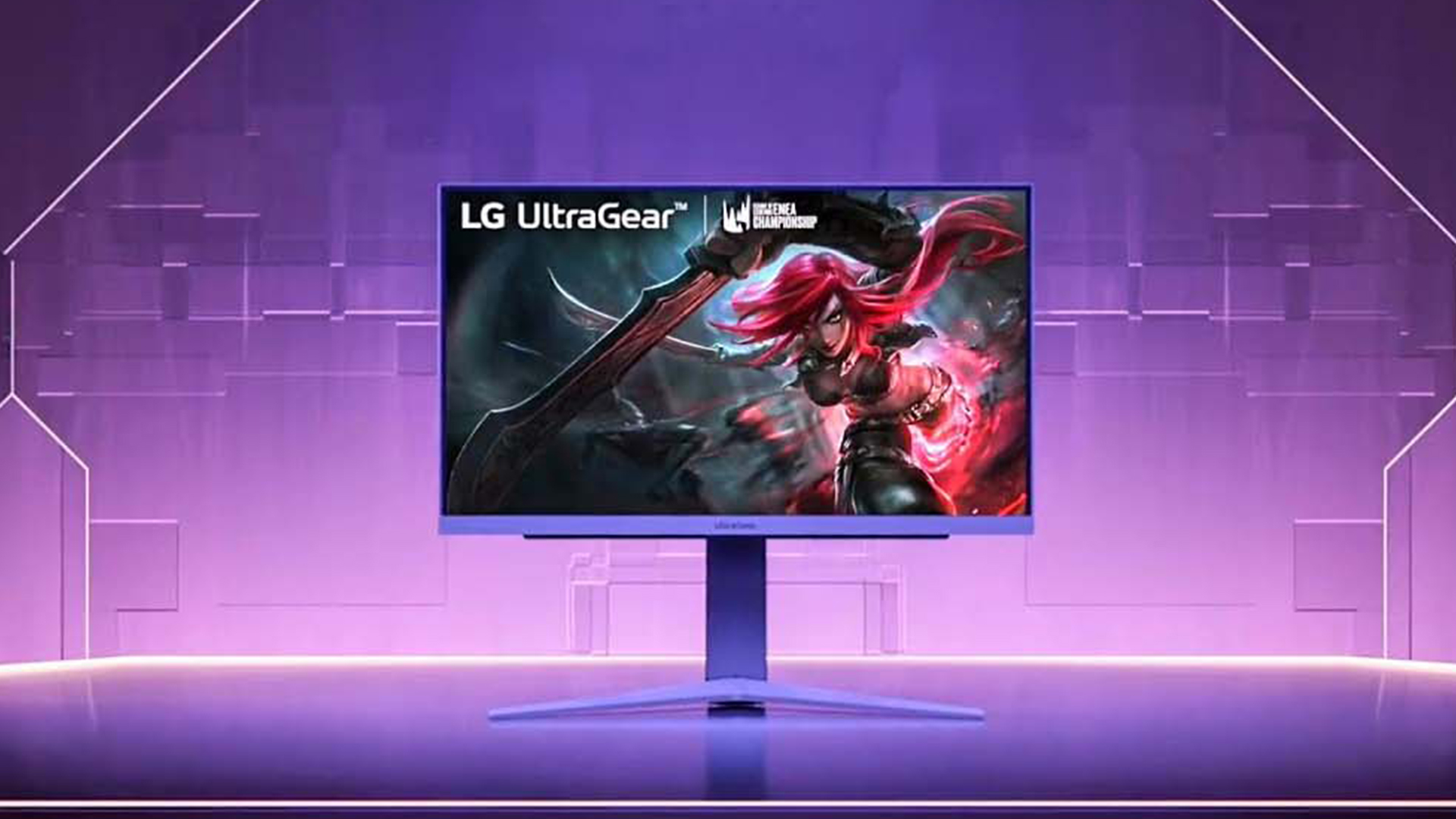
Console players should approach high refresh rate monitors with tempered expectations. Current-generation gaming consoles, including the PS5 and Xbox Series X, top out at 120Hz, meaning anything above that goes entirely unused in console-only setups.
That said, pairing a console with a 144Hz or 240Hz OLED monitor is still a worthwhile upgrade for several reasons:
- Gaming at 120Hz looks noticeably smoother than 60Hz in supported titles
- OLED panels deliver vastly better contrast, deeper blacks, and faster response times compared with IPS screens at similar price points
- HDMI 2.1 with Variable Refresh Rate (VRR) reduces screen tearing when frame rates fluctuate, which is common even on modern consoles
The LG UltraGear 45GX90SA-B is built with this dual-purpose audience in mind. Its 45" 800R curved OLED display, HDMI 2.1 connectivity, webOS smart platform, and 240Hz refresh rate give console players a genuinely stunning experience at up to 120Hz, while remaining fully capable for PC gaming too.
For console players, buying for the OLED quality and immersion makes considerably more sense than buying for a refresh rate figure the console cannot reach.
Which Refresh Rate Is Right for You?
Knowing which tier suits you comes down to three things: what you play, what your PC can produce, and what your budget allows. High refresh LG UltraGear monitors cover the full spectrum, so it is well worth identifying your primary use case before committing.
|
Player Type |
Recommended Refresh Rate |
Priority |
|
Casual or multimedia user |
144Hz to 240Hz |
Resolution and colour |
|
Competitive enthusiast |
240Hz to 360Hz |
Consistent high FPS |
|
Serious esports player |
360Hz to 480Hz |
Input lag and response time |
|
Pro or tournament player |
480Hz to 720Hz |
Every millisecond counts |
If you want a deeper breakdown of features and how they compare before you decide, the LG UltraGear gaming monitors guide is well worth reading first.

The Bottom Line on High Refresh Rates
The refresh rate debate is not settled by numbers alone. High refresh LG UltraGear monitors offer real, measurable improvements in competitive gaming, but only when paired with the right hardware and the right game types.
At 144Hz-240Hz, most gamers will feel a meaningful upgrade. Beyond that, the gains become more incremental, and whether you notice them depends on your game type, skill level, and the quality of your hardware.
The sweet spot for most gamers in 2026 is a 240Hz OLED panel in the 27–34 inch range. It delivers performance that outpaces the vast majority of gaming needs, alongside stunning image quality that makes every session worth sitting down for.
For the full range of what is available, the LG gaming monitors page at Laptop Outlet covers every current model.

A Few Things to Note...
Can you actually feel a difference between 144Hz and 240Hz?
Yes, especially in fast-paced shooters. The improvement in mouse tracking smoothness and input responsiveness is noticeable to most active players.
Is there any point going above 240Hz for non-competitive players?
Minimal. Story gamers and casual players rarely push frame rates high enough to benefit meaningfully from anything beyond 240Hz.
Do I need to hit the same FPS as my monitor's refresh rate?
Not exactly, but the closer your frame rate is to your refresh rate, the more benefit you get from a high-refresh panel.
Is a high-refresh LG monitor useful for console gaming?
Partly. Consoles like PS5 and Xbox Series X cap out at 120Hz, so 240Hz and above goes unused. However, OLED quality and VRR support still noticeably improve the overall experience.
Should I choose a 1440p 144Hz or 1080p 240Hz LG monitor?
For competitive gaming, lean towards 1080p 240Hz. For a balanced all-round experience, 1440p 144Hz offers better visual quality overall.
Related Articles

Last Updated: August 28, 2026
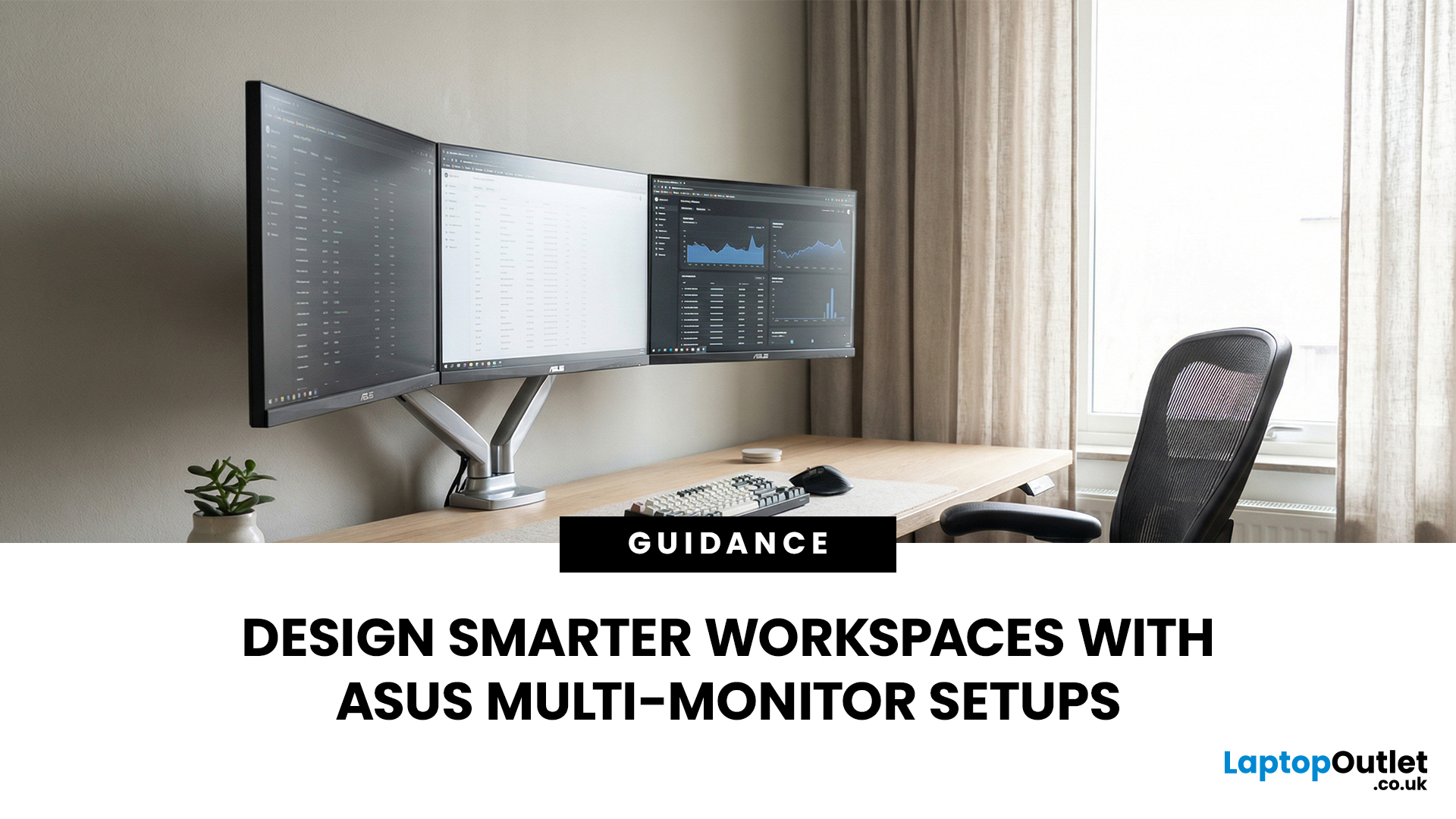
A single screen just does not cut it anymore. Whether you are writing code, managing client accounts, or analysing live market data, a well-built ASUS multi monitor setup can transform how you work. It gives you more room to think, less time switching between tabs, and a setup that genuinely supports your workflow.
This guide walks you through everything — from picking the right monitors to cabling, ergonomics, and ready-to-use layout ideas for teams and individuals alike.
Why Multi-Monitor Setups Boost Productivity
The case for multiple screens is not just about having more space. It is about working smarter. Research consistently shows that extended display setups can cut task-switching time and reduce cognitive load. When your reference document, communication tool, and primary work window each have their own screen, you stay in flow longer.
Suitable Roles: Devs, Finance, Support, Creatives
Not every job benefits equally, but a wide range of professionals gain a clear edge from multi-screen
Last Updated: August 28, 2026
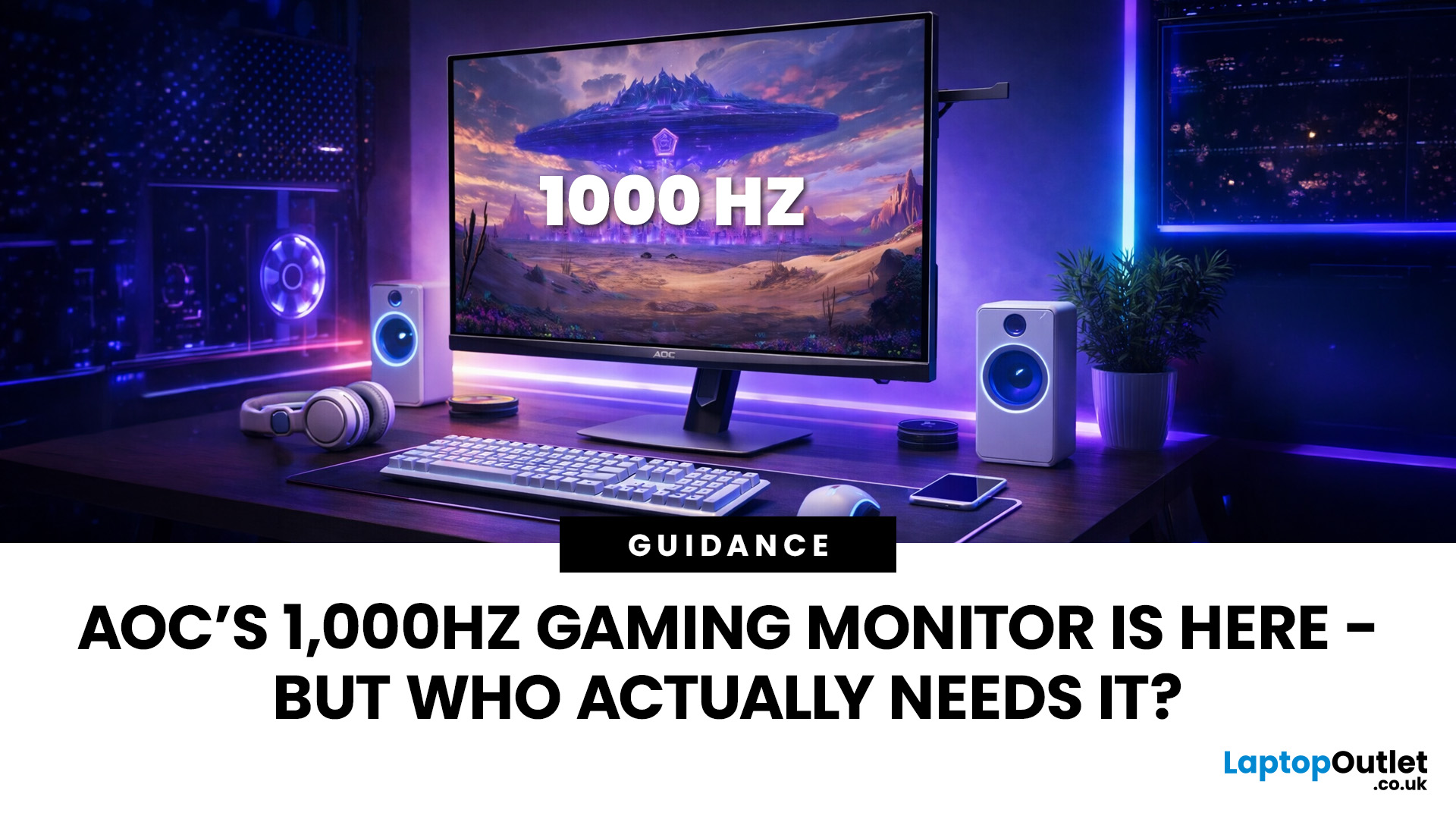
Gaming monitors have moved from 144Hz to 240Hz, then 360Hz and 500Hz in just a few years. Now AOC is pushing even further with its new AOC 1000Hz gaming monitor, the AGON PRO AGP277QK. At 1000Hz, the screen refreshes 1000 times per second, cutting frame time to just 1 millisecond. That is half the frame time of 500Hz and one quarter of 240Hz.
AOC’s new dual-mode 1000Hz monitor can switch between 500Hz at QHD and 1000Hz at a lower resolution, targeting elite competitive players. But who actually benefits from refresh rates this extreme, and should most gamers even consider waiting for it?
What AOC’s 1,000Hz Dual-Mode Monitors Actually Are
The AOC 1000Hz gaming monitor, known as the AOC AGON PRO AGP277QK, is part of a new wave of next-gen AOC AGON PRO monitors focused purely on competitive performance. It introduces a dual-mode 1000Hz monitor design, meaning it can operate at two different refresh rate and resolution combinations.
In its standard mode, the panel runs at QHD resolution with
Last Updated: August 28, 2026
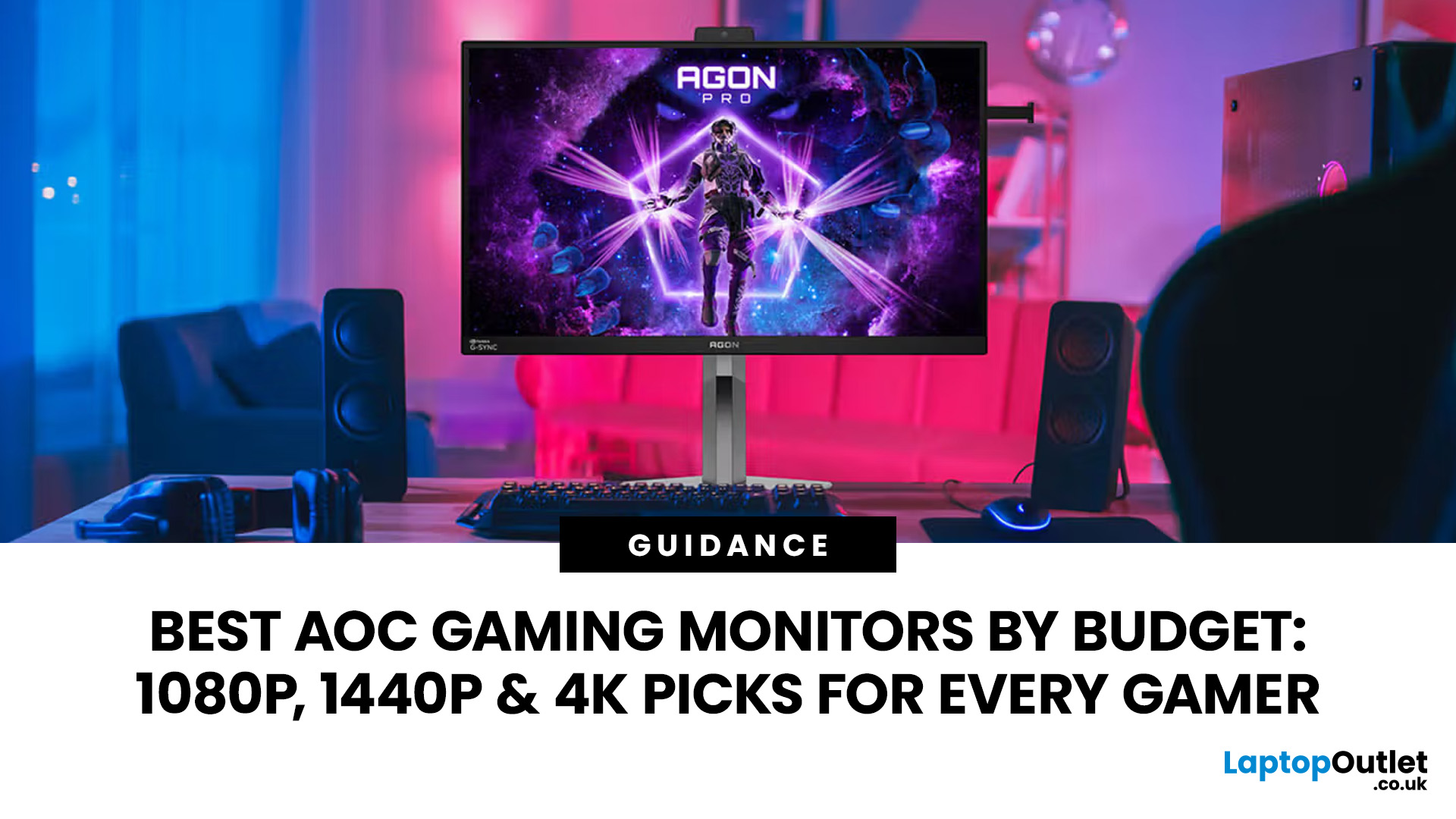
Choosing the right gaming monitor depends on factors like refresh rate, resolution, panel type, response time, and HDR support.
AOC offers gaming monitors across every budget, making it hard to know which one is right for you.
This guide highlights the best AOC gaming monitors by budget and helps you choose between 1080p, 1440p, and 4K options based on your gaming needs.
How to Choose an AOC Gaming Monitor for Your Budget
Before looking at specific recommendations, it's important to understand what you're paying for.
Resolution Matters More Than Most Gamers
Last Updated: March 13, 2026
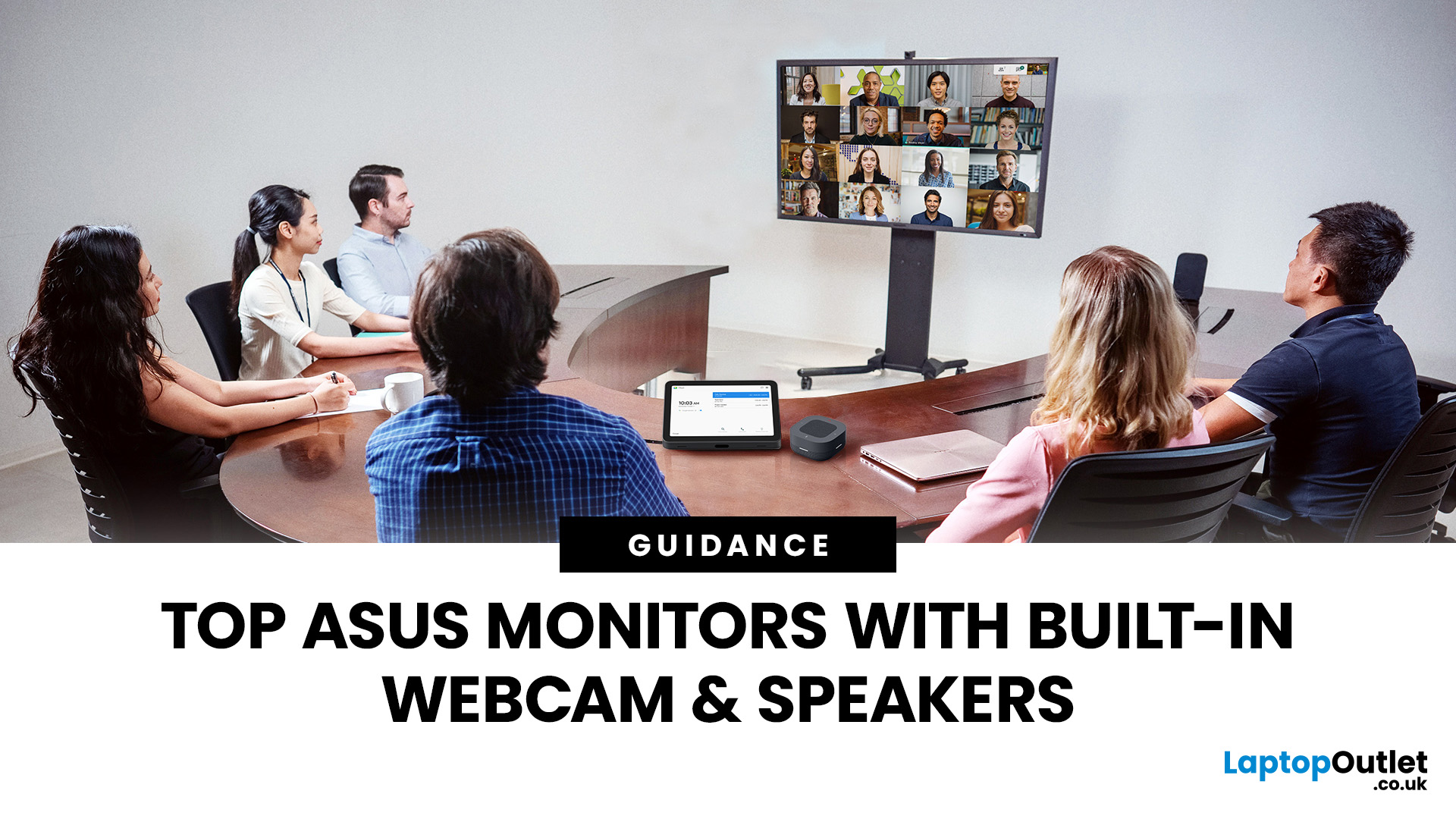
Choosing the right ASUS monitor with a webcam can significantly simplify how modern meeting rooms operate. As hybrid work becomes the norm, businesses are looking for cleaner, more efficient conferencing setups that don’t rely on multiple external peripherals. An integrated solution that combines display, camera, microphone, and speakers into one device makes deployment faster and more cost-effective. For small meeting spaces and huddle rooms in particular, an ASUS business monitor with speakers and a built-in webcam offers a practical alternative to a full conferencing kit.
What to Know About Microsoft Teams Rooms Compatibility
It’s important to clarify how an ASUS monitor with webcam fits into a Microsoft Teams Rooms environment.
Microsoft Teams Rooms (MTR) systems are typically powered by a dedicated PC or collaboration bar. The monitor itself is not the Teams Rooms system, instead, it acts as the display and USB conferencing endpoint. When paired with a Teams-enabled PC, many ASUS
Last Updated: August 13, 2026
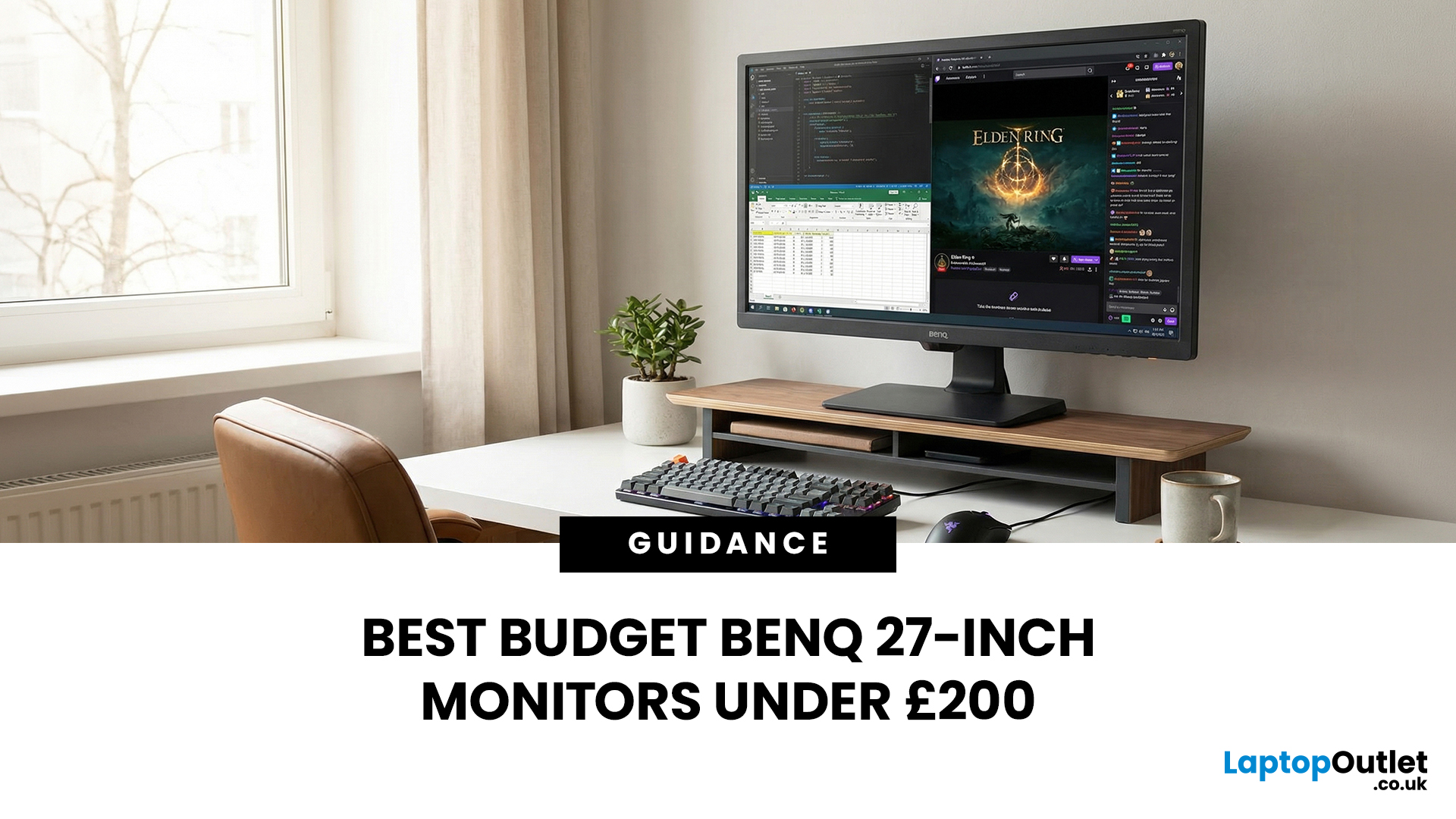
A 27-inch display gives you enough screen space for documents, spreadsheets, online classes, streaming, and gaming without taking over the average desk. Better still, choosing an affordable model no longer means settling for a basic 60Hz or 75Hz screen.
Today’s budget-friendly BenQ range includes Full HD IPS displays with 100Hz and 144Hz refresh rates, eye-care features, built-in speakers, USB-C connectivity, and ergonomic stands on selected models. That gives buyers considerably more choice, whether the priority is office productivity, studying, or smoother casual gaming.
What Can You Expect from a BenQ 27-Inch Monitor Under £200?
The specifications available at this price have improved significantly. Rather than assuming every affordable display will have a low refresh rate and a basic stand, it is better to compare individual models. Features available across the models in this guide include:
- Full HD 1920 x 1080 resolution
- IPS panel technology
- 100Hz or 144Hz refresh rates
- BenQ Eye-Care
Last Updated: August 11, 2026
Getting the right monitor is no longer just about picking a size and hoping for the best. In 2026, the best results come from matching the screen to the job. That is where BenQ tends to do well. Instead of trying to make every display “good at everything”, the range is split into clear families built around specific uses: creative colour work, programming and text-heavy productivity, competitive gaming, immersive gaming, and comfortable home office setups.
This guide focuses on BenQ monitors uses in real setups, the key differences between series, and what to look for when you want one monitor for both gaming and work.
BenQ as a Brand in 2026
BenQ is a Taiwan-based electronics brand known globally for displays, including monitors and projectors. The BenQ name is tied to the idea of “Bringing Enjoyment ‘N’ Quality to life,” and the company’s display focus shows up most clearly in how it splits monitors into specialised series instead of pushing one “flagship for everyone.”
That specialisation
Last Updated: October 09, 2026
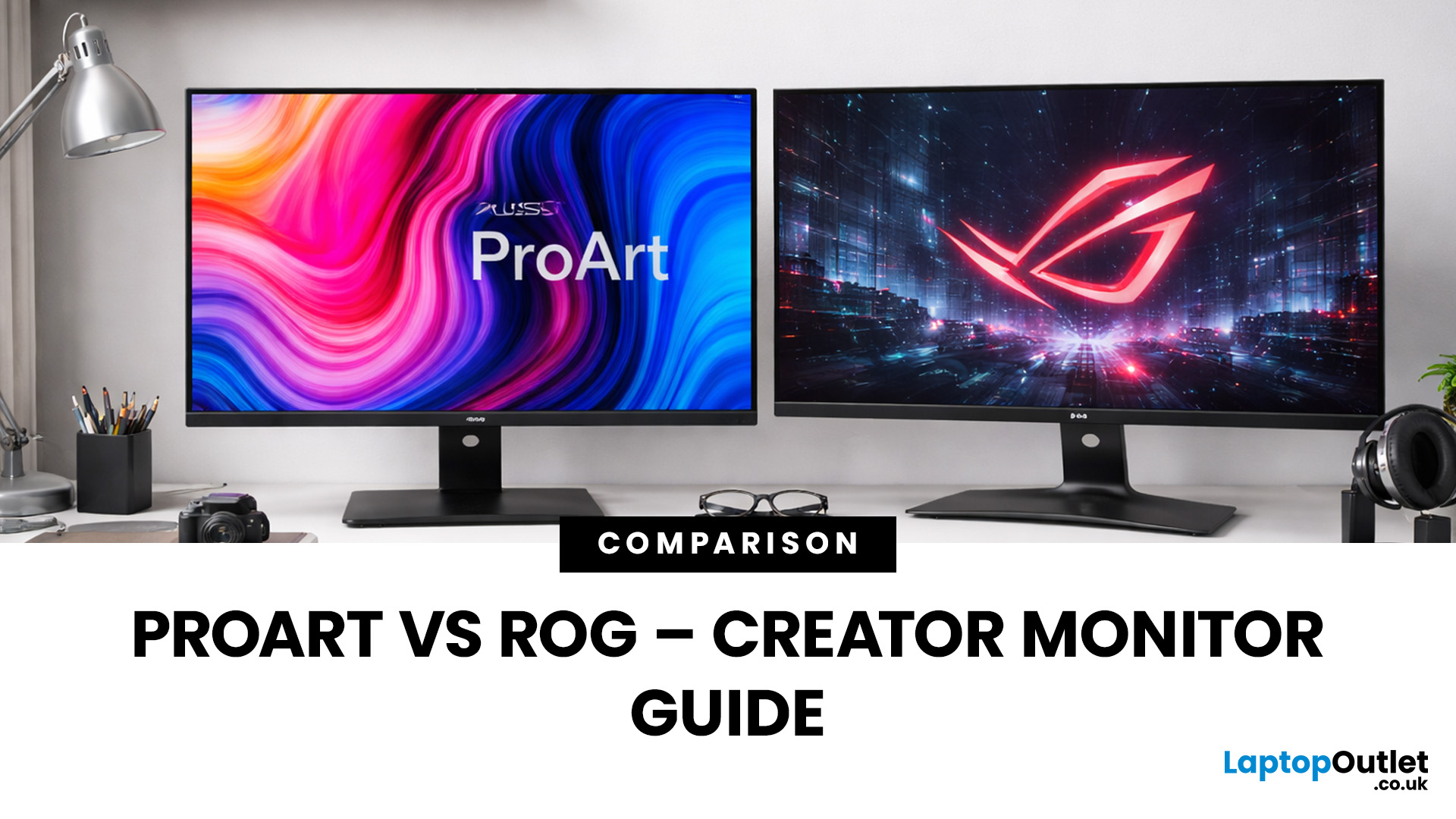
Choosing the right display can dramatically impact your workflow, especially when it comes to colour grading, motion graphics, and smooth timeline playback. If you're deciding between ASUS ProArt vs ROG for video editing, you're essentially choosing between two different philosophies: precision-focused colour accuracy or high refresh performance.
Both ranges are among the best ASUS monitors available today, but they serve different types of creators. In this guide, we’ll break down everything you need to know about ASUS ProArt vs ROG, including panel technology, refresh rates, HDR performance, and which models make the most sense for editors in the UK.
What Video Editors Actually Need from a Monitor
Before comparing models, it’s important to understand what really matters in a video editing monitor UK buyers should consider.
1. Colour Accuracy (ΔE, Rec.709 & DCI-P3)
For editors, colour accuracy is critical. If you're delivering to YouTube or broadcast, your monitor must reproduce colours
Last Updated: September 01, 2026
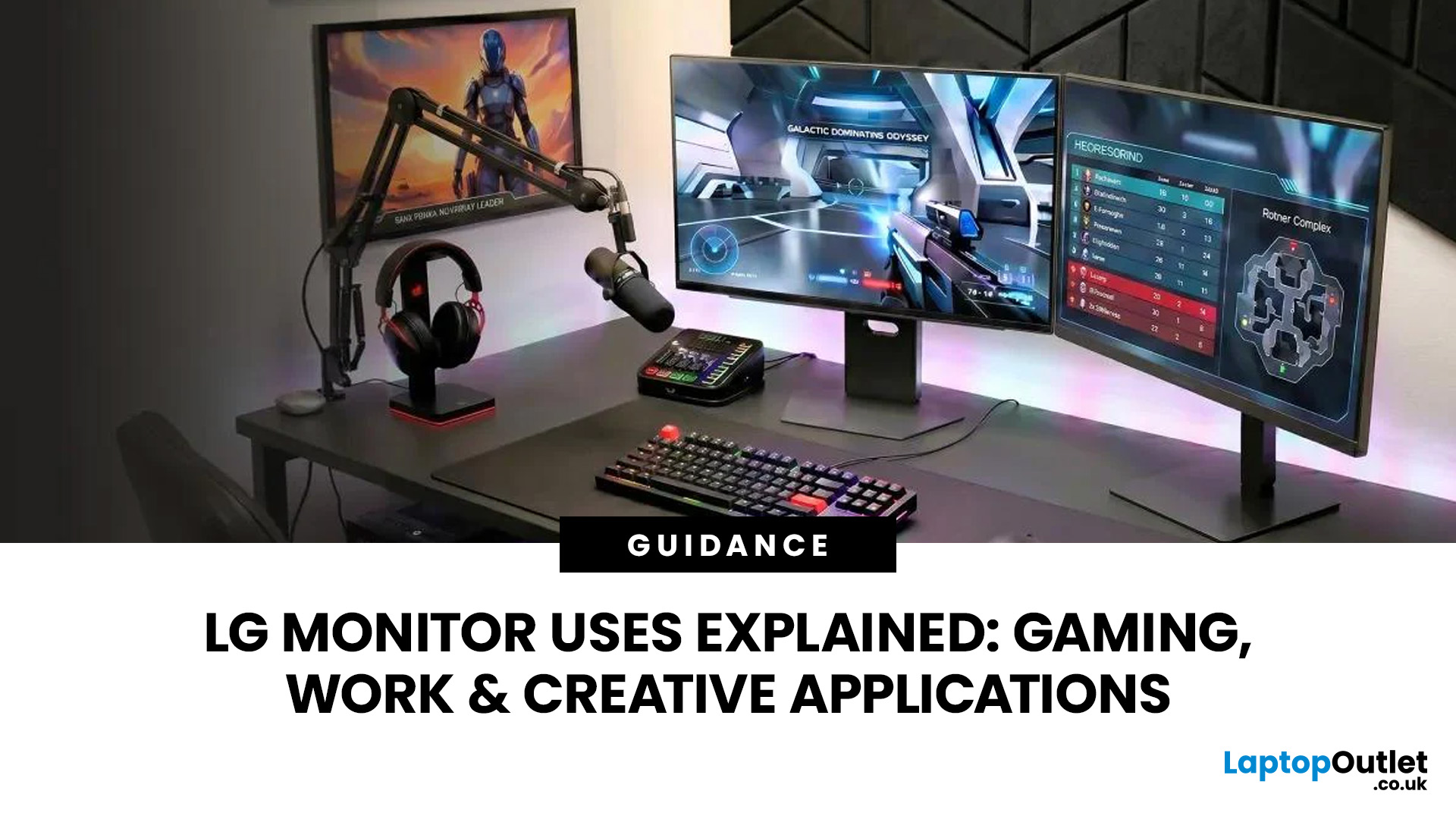
A monitor can suit very different tasks depending on its resolution, refresh rate, panel type, colour performance, screen format, and connectivity. That is why understanding LG monitor uses is more helpful than simply comparing model names or product lines.
For gaming, the priority may be smooth motion and responsiveness. For office work, text clarity, screen space and ergonomics usually matter more. Creative workplaces greater emphasis on colour consistency, detail and a display that can be set up accurately for visual tasks.
This guide explains how LG displays can support gaming, productivity and creative applications, and how the most important display requirements change depending on what you do at your desk.
How LG Monitors Support Gaming
Refresh Rate and Motion Smoothness
Gaming places different demands on a display from office or general home use. Fast-moving scenes, rapid camera movement and competitive play can make refresh rate, response behaviour and motion clarity much more
Last Updated: August 28, 2026
Choosing the best gaming monitor brand can make a huge difference to your gaming experience. Whether you play competitive esports titles, immersive AAA games, or console exclusives on PS5 and Xbox Series X, the right monitor brand delivers smoother performance, better visuals, and long-term reliability.
In the UK gaming market, several brands consistently stand out for quality, innovation, and value. Companies like ASUS, LG, BenQ, AOC, Philips, and iiyama offer gaming monitors across every price range - from affordable 144Hz displays to cutting-edge OLED and 4K panels.
But with so many options available, it’s not always obvious which gaming monitor brand is best for your setup, budget, and gaming style.
Let’s discuss the best gaming monitor brands in the UK, compare their strengths, and help you choose the right one based on resolution, refresh rate, and platform compatibility.
What Makes a Gaming Monitor Brand Worth Buying in 2026?
When comparing the top gaming monitor brands, it’s important
Last Updated: April 06, 2026
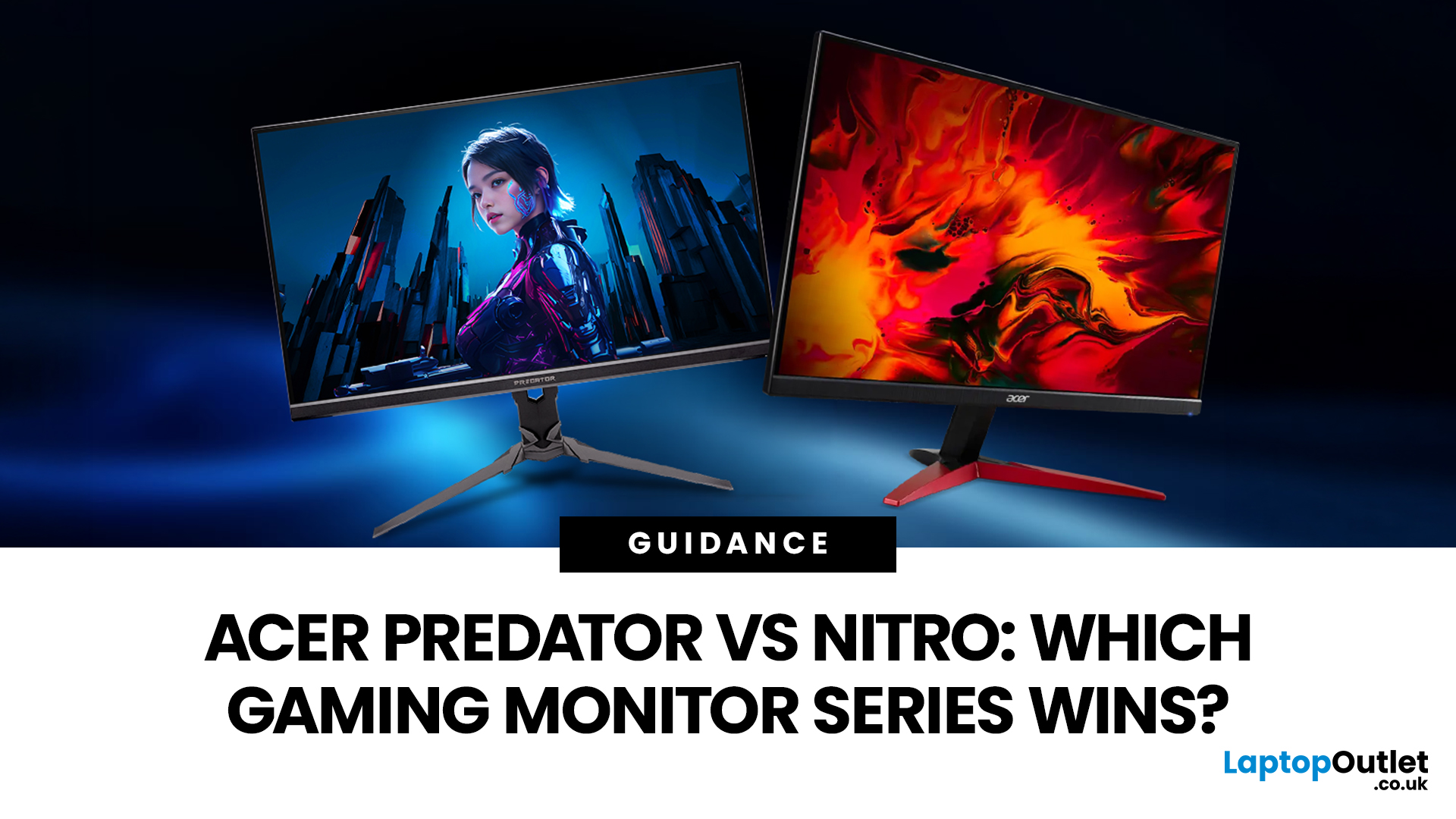
If you are comparing Acer Predator vs Nitro, you are likely at a point where a standard monitor no longer cuts it. Maybe you are upgrading your setup, moving into competitive gaming, or simply trying to get better value for your money.
Acer has made this decision slightly more complex by offering two strong Acer gaming monitor ranges that, at first glance, seem similar. Both support high refresh rates, both look like gaming displays, and both are widely available across the UK.
But once you dig deeper, Predator and Nitro are built for very different types of users. This guide breaks it down properly. No fluff, no brand hype, just a clear explanation of what matters when you are choosing between them.
Why Acer Splits Predator and Nitro in the First Place
Before comparing specs, it helps to understand Acer’s thinking. The company is not just offering two versions of the same product. These are two separate strategies:
- Predator is where Acer pushes performance, display innovation, and premium

