



Curved vs Flat LG UltraWide Monitors: Gaming & Productivity Compared
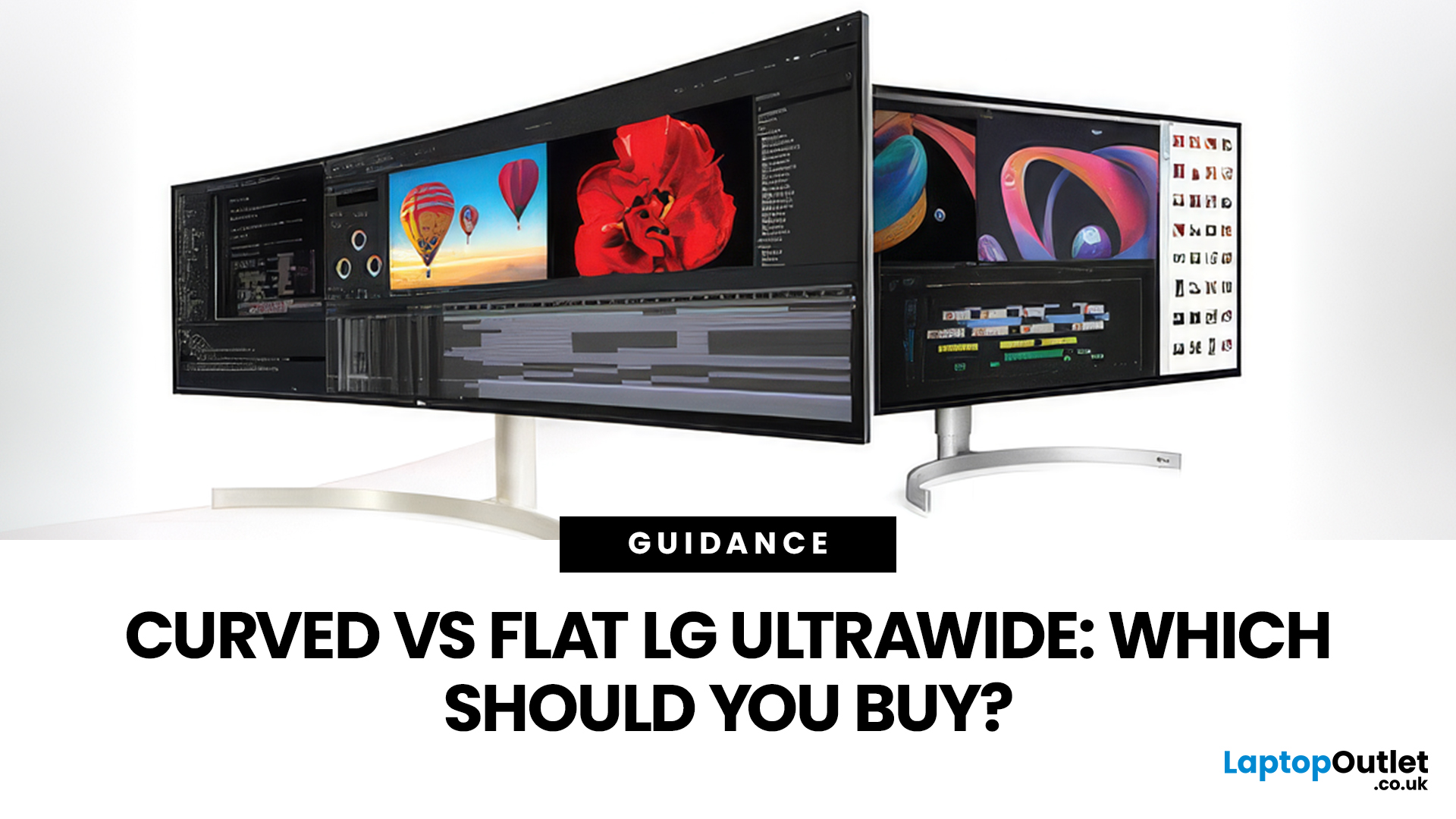
If you're choosing between a curved vs flat LG UltraWide monitor, the decision is more nuanced than it first appears. The right choice depends on what you do, how long you sit at your desk, and the kind of experience you want from your screen.
This guide breaks down every major use case side by side, with a clear verdict for each one, so you can make the right call before you spend your money.
What Makes LG UltraWide Monitors Different?
LG UltraWide monitors use a 21:9 aspect ratio, giving you roughly a third more horizontal screen space than a standard 16:9 display. That extra width is what makes the curved vs flat debate so relevant on these screens specifically.
On standard 26 to 28-inch monitors, the curve debate is largely down to personal preference. But once you hit 34 inches and beyond, the physics of how your eyes scan left-to-right starts to matter. On ultrawide displays of 34 inches or larger, the curvature brings the edges of the screen closer to you, covering more of your peripheral vision, which adds depth and eliminates distortion at the edges.
LG offers both curved and flat options across its UltraWide lineup, from budget 34-inch QHD panels to flagship 49-inch OLED displays.
Understanding Curvature Ratings (R Numbers)
Before comparing, it helps to know what those R numbers on curved monitors actually mean.
The "R" rating describes the radius of the circle the panel follows, measured in millimetres. 1000R has a 1-metre radius and matches the approximate curvature of the human visual field. 1500R is a moderate curve, and 1800R is the most subtle.
Here's a quick guide:
|
Curvature |
Feel |
Best For |
|
800R |
Very aggressive |
Sim racing, esports immersion |
|
1000R |
Strong curve |
Gaming, long sessions |
|
1500R |
Moderate |
Mixed work and gaming |
|
1800R |
Subtle |
General office use |
|
Flat |
None |
Precision work, multi-monitor |
The rule of thumb is: the deeper the curve (lower R number), the more immersive, but the more important it is to sit centred in front of the screen. LG's 34-inch curved UltraWide models typically use 1500R or 1800R, while the UltraGear gaming range can go as aggressive as 800R on larger OLED models.
Gaming: Which Screen Gives You the Edge?
Gaming is where the curved vs flat LG UltraWide debate becomes most interesting. Both types have genuine advantages, but they suit different kinds of games and players.
Immersion in Single-Player and Open-World Games
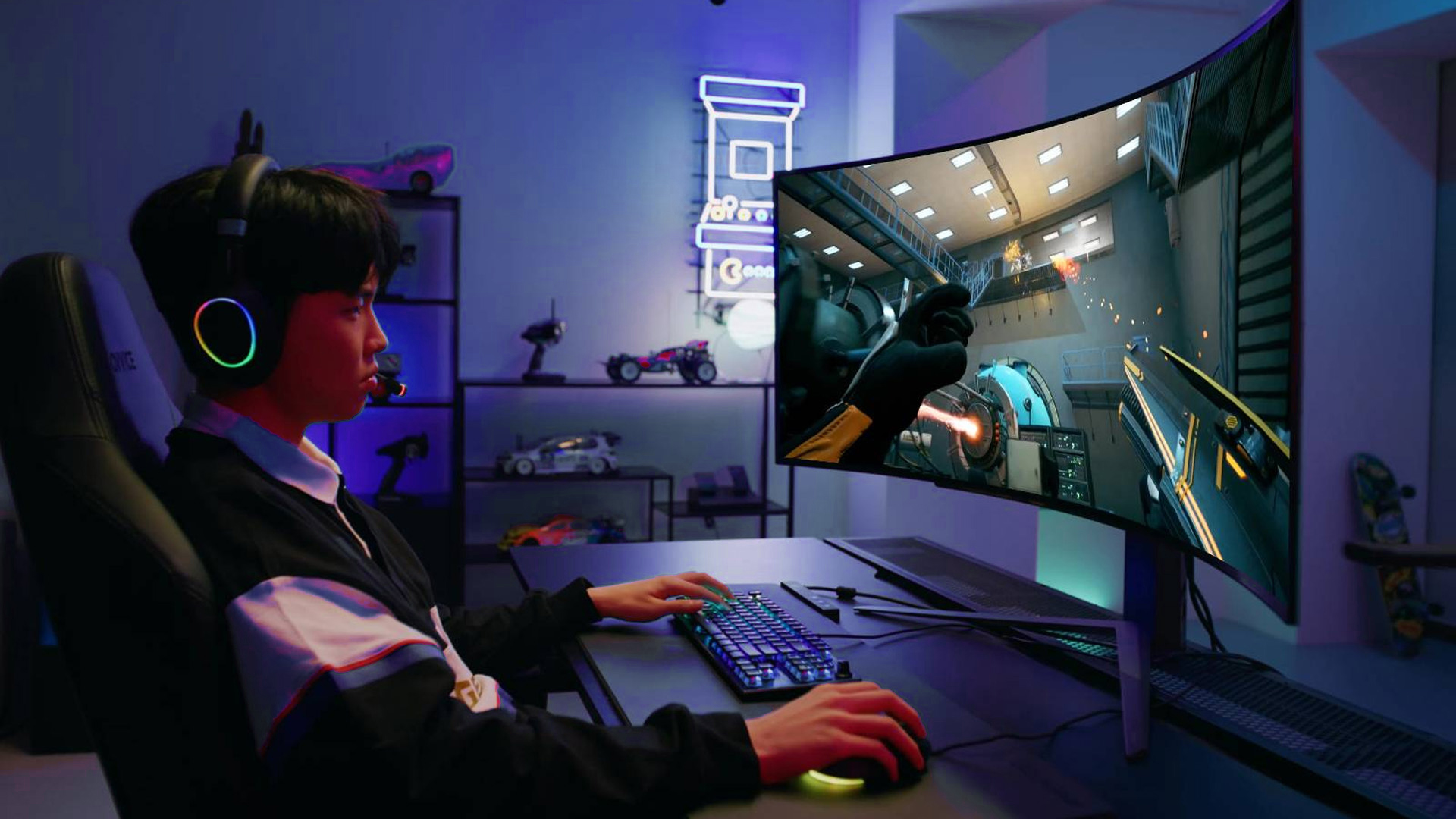
Curved monitors have a clear edge here. Open-world games, racing simulators, and cinematic RPGs feel dramatically more engaging on a curved screen. The wraparound effect creates a sense of depth that flat displays simply cannot replicate, especially on 32-inch-plus ultrawide panels.
Racing games, flight sims, and RPGs like Elden Ring benefit enormously from that peripheral wrap. You feel genuinely inside the game world rather than looking at it through a rectangle. This is precisely where the LG curved ultrawide gaming monitor shines, and LG's UltraGear lineup is built with this in mind.
In 2026, deeper curves of up to 1000R are becoming the industry standard, with the curvature radius designed to match the average human eye's curvature for maximum comfort.
Competitive and Esports Gaming
Flat monitors hold their ground in competitive play. For competitive shooters like CS2 or Valorant, many esports players prefer flat monitors because the lack of curvature keeps crosshair geometry perfectly consistent across the entire screen.
Most esports professionals use flat 24 to 25-inch monitors. At this size, the curve provides no benefit, and tournament setups use flat displays so pros practice on the same equipment.
That said, most UK gamers aren't competing at LAN events. For casual to mid-level competitive play on an ultrawide, a gentle 1500R or 1800R curve barely affects geometry.
Refresh Rate and Panel Options
LG's flat UltraWide gaming monitors sit mostly in the 100Hz to 165Hz range. Curved UltraGear models push higher, with OLED options offering 240Hz and ultra-fast response times. If refresh rate is your priority, the curved OLED models are currently ahead.
| Gaming Verdict: Go curved if you play single-player, open-world, or simulation games. Go flat if you're purely competitive or want consistent crosshair geometry across the full 21:9 width. |
Productivity: Getting More Done at Your Desk
The flat ultrawide monitor for work has historically been the safe choice in professional settings. But that picture is changing, and the right answer depends on what kind of work you actually do.
Multitasking and Window Management
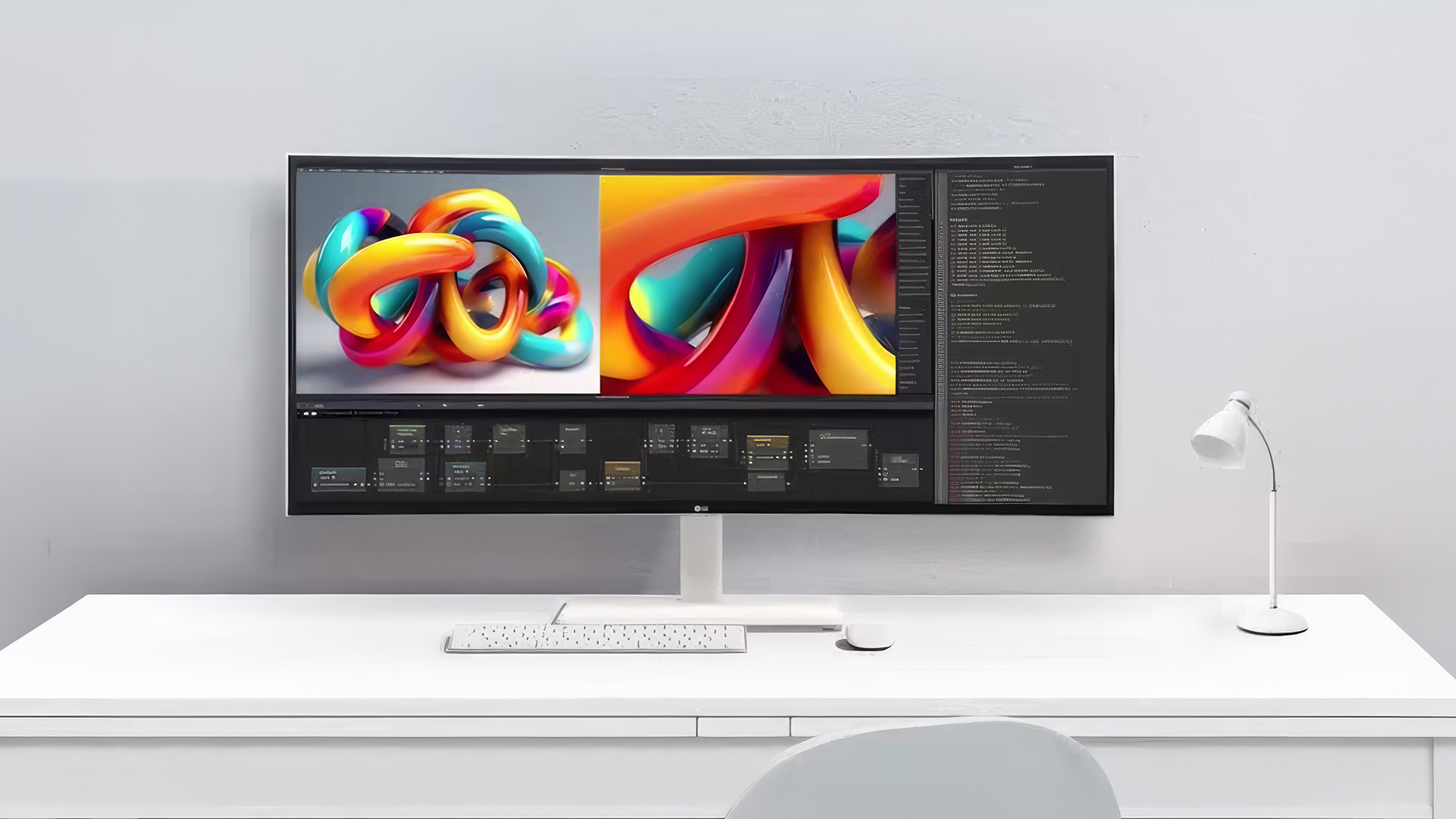
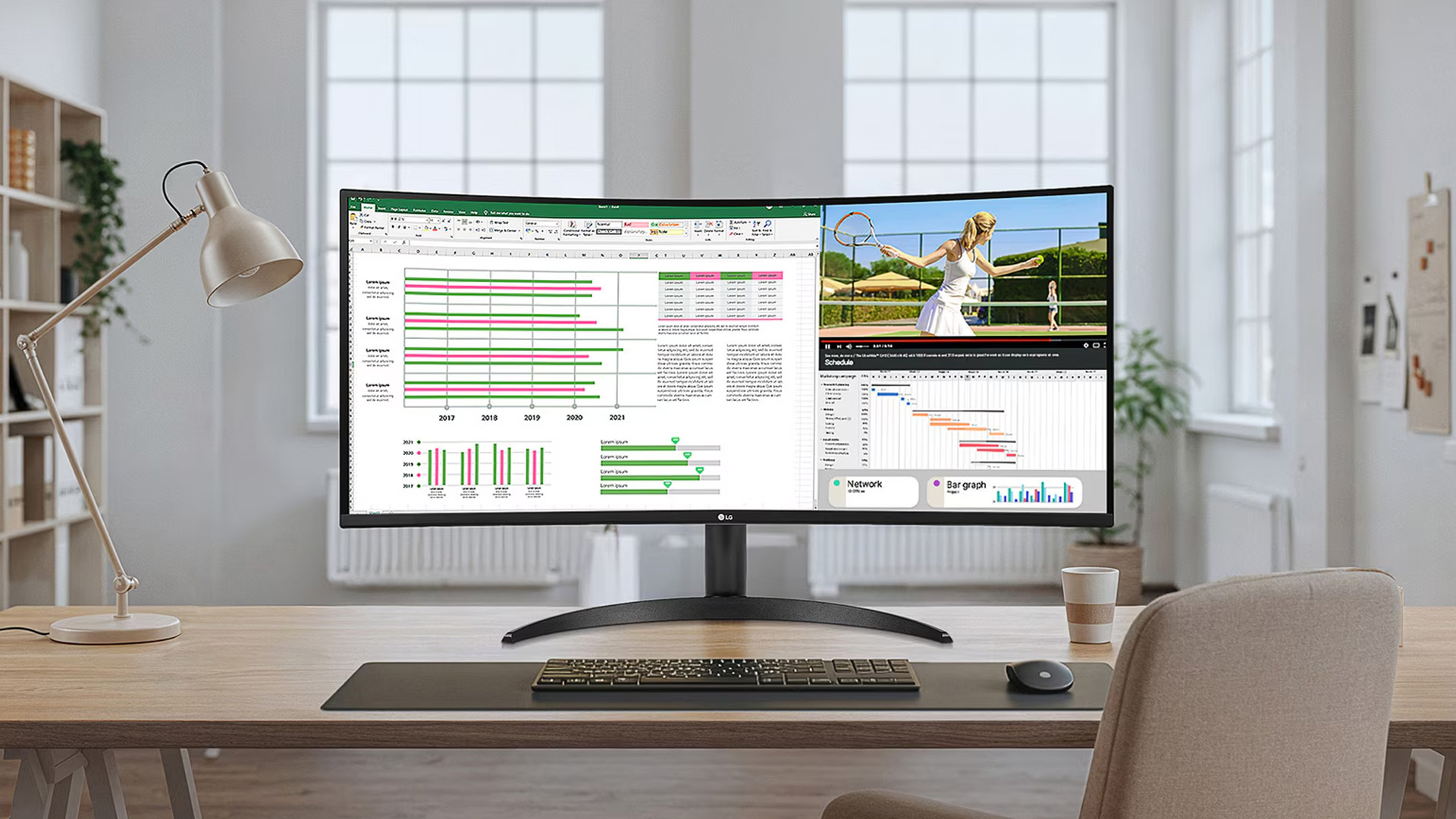
Both curved and flat ultrawide monitors are excellent for multitasking. Their wide shape lets you keep two full-size windows open side by side, so you do not have to constantly switch between tabs. One ultrawide screen can easily replace two or three standard monitors, giving you a clean setup without any gaps or borders in the middle.
Curved models offer an extra comfort boost. Because the screen wraps around you, the left and right edges stay the same distance from your eyes as the centre. On a flat 34-inch screen, the far corners are actually further away from you than the middle. With a curved screen, your eyes do not have to work as hard or refocus when you look from a document on one side to a spreadsheet on the other.
Coding and Document Work
Coders and writers tend to find curved monitors comfortable after a short adjustment period. Document editing and coding adapt well to curves, and the gentle 1500R or 1800R curve on most LG productivity models is subtle enough that text doesn't feel warped.
Creative and Colour-Critical Work
This is where the flat panel holds a meaningful advantage. Flat monitors remain essential for print-accurate work, typography, architecture, CAD, and any task requiring perfectly straight lines.
Photographers editing images, graphic designers building layouts, and video editors grading colour will generally prefer a flat ultrawide. Precision design work requires flat monitors to preserve geometry, as curved screens introduce some degree of geometric distortion where straight lines appear slightly curved.
| Productivity Verdict: Curved wins for general multitasking and desk comfort. Flat wins for precision creative work, colour grading, and pixel-accurate design. |
Deciding between panel types? Our breakdown of LG OLED, IPS, and Nano IPS panels covers which technology suits your specific use case.
Eye Comfort and Long Sessions
LG ultrawide monitor comfort is a genuine selling point of the curved form factor, backed by research rather than just marketing.
Why Curved Screens Reduce Eye Fatigue
On any screen wider than 30 inches, a flat surface can be tiring for your eyes. This is because the corners of the screen are further away from your face than the middle, forcing your eyes to constantly refocus as you look around.
Curved monitors solve this by wrapping the screen toward you, keeping the whole image at a more consistent distance from your eyes. To make long working days even easier, look for monitors with flicker-free technology and blue light filters, which help prevent headaches and eye fatigue.
LG offers these eye care features across both their curved and flat UltraWide models. Whether you choose a flat or curved screen, features like Flicker Safe and Reader Mode help keep your eyes feeling fresh during long shifts.
Flat Monitors and Glare
One area where flat panels have an advantage is glare control. A glossy curved screen can be prone to glare when viewed at certain angles, as the curvature encompasses more light sources to reflect. The best way to mitigate this is to go with a matte curved screen. LG's matte-coated UltraWide models are significantly better in this regard.
| Eye Comfort Verdict: Curved monitors are more comfortable for long sessions on screens 34 inches and above. Flat monitors have fewer glare issues in bright rooms. |
For a deeper dive into eye care setup on LG screens, our guide to LG monitor eye care and ergonomics covers positioning, Reader Mode, and Flicker Safe in detail.
Desk Space and Physical Setup
Curved monitors require more physical depth on your desk because the panel bows towards you at the sides. This is a practical consideration worth thinking about before you buy.
How Much Desk Depth Do You Need?
If you choose a 34-inch curved monitor, you should sit about 80cm to 100cm away from it. To fit the monitor and your keyboard comfortably, a deep desk of around 100cm to 120cm is best. This gives you enough room to push the screen back so it does not feel too close to your face.
As screens get bigger, such as a 40-inch curved model, you will need even more space. These monitors often have very wide stands that take up a lot of room. If your desk is narrow or shallow (less than 60cm deep), a flat ultrawide is a better choice because it takes up less space and sits further back.
Flat monitors are also better for:
- Wall Mounting: They sit flush against the wall.
- Multi-Monitor Setups: It is much easier to line up two flat screens side by side than it is to align two curved ones.
Weight and Build
Curved ultrawide monitors tend to be heavier and bulkier than their flat counterparts, partly due to the structural requirements of the curved panel. This matters if you're frequently moving your monitor or working with a monitor arm with limited weight capacity.
| Desk Setup Verdict: Flat monitors are easier to fit into tighter desk setups and multi-display arrangements. Curved monitors need more depth but reward you with a more ergonomic single-screen experience. |
Curved Monitor Pros and Cons at a Glance
Here is a quick reference to help you weigh up the pros and cons before making your decision. This table covers the most important factors in the curved vs flat LG UltraWide debate at a glance.
|
Factor |
Curved |
Flat |
|
Gaming immersion |
Excellent |
Good |
|
Competitive gaming |
Good |
Better |
|
Multitasking |
Excellent |
Excellent |
|
CAD and precision work |
Not ideal |
Best |
|
Eye comfort (long sessions) |
Better |
Good |
|
Colour-critical creative work |
Good |
Best |
|
Desk space required |
More depth needed |
More flexible |
|
Multi-monitor compatibility |
Trickier |
Easier |
|
Glare in bright rooms |
More susceptible |
Less susceptible |
As you can see, neither option is universally better. The right choice depends entirely on how you use your screen.
Which LG UltraWide Should You Actually Buy?
Here's a simple breakdown based on use case.
Choose a curved LG UltraWide if you:
- Game regularly, especially immersive or open-world titles
- Spend long hours at your desk and want to reduce eye fatigue
- Primarily use one monitor rather than a multi-screen setup
- Do general productivity work: documents, spreadsheets, video calls
Choose a flat LG UltraWide if you:
- Work in graphic design, photography, video colour grading, or CAD
- Need a monitor to work alongside other screens without visual inconsistency
- Have a shallow desk or limited space
- Do precision line-based work where geometric accuracy matters
For reference, LG's flat UltraWide monitors typically start from around £300 to £400 for 34-inch QHD models. Curved equivalents with similar specs sit at a similar price point, though the gap widens as you move into OLED territory.
Want a full picture of the LG monitor lineup before committing? Our overview of LG monitor series and best uses in 2026 covers every major range in one place.

Elevate Your Desk Setup with LG UltraWide
Choosing between curved vs flat LG UltraWide monitors comes down to how you spend your time at the screen. Curved panels win on comfort and immersion, particularly for gaming and long desk sessions. Flat panels win on precision and flexibility, especially for creative professionals and multi-monitor setups.
Either way, LG's UltraWide range is one of the strongest on the market right now. Whether you go curved or flat, you're getting a genuinely wide, high-quality screen that will improve almost any desk setup.
Explore the full LG monitor range at Laptop Outlet to find the right screen at the right price.

Things You Might Want to Know...
Are curved LG ultrawide monitors better for gaming than flat ones?
For immersive single-player games, yes. Curved LG ultrawides wrap your peripheral vision and add depth, making open-world and racing titles feel significantly more engaging.
Is a curved monitor OK for spreadsheets and text work?
Absolutely. Curved screens suit wide data work well. The gentle arc reduces eye travel across large spreadsheets, making long sessions noticeably more comfortable.
How deep should my desk be for a 34″ or 40″ curved LG ultrawide?
Aim for at least 80 to 100 cm of desk depth for a 34-inch model. A 40-inch curved ultrawide benefits from 100 cm or more for comfortable, eye-friendly viewing.
Do curved LG monitors cause distortion in design or CAD work?
Tight curves like 1000R can cause slight geometric distortion on straight lines. For precision CAD or design work, a flat ultrawide is generally the safer, more accurate choice.
Is there any difference in eye-strain between curved and flat ultrawide screens?
Yes. On screens 34 inches and above, curved panels keep all areas at a similar focal distance, which research suggests reduces eye fatigue during long sessions.
Related Articles

Last Updated: August 28, 2026
Choosing the right gaming monitor depends on factors like refresh rate, resolution, panel type, response time, and HDR support.
AOC offers gaming monitors across every budget, making it hard to know which one is right for you.
This guide highlights the best AOC gaming monitors by budget and helps you choose between 1080p, 1440p, and 4K options based on your gaming needs.
How to Choose an AOC Gaming Monitor for Your Budget
Before looking at specific recommendations, it's important to understand what you're paying for.
Resolution Matters More Than Most Gamers
Last Updated: August 25, 2026
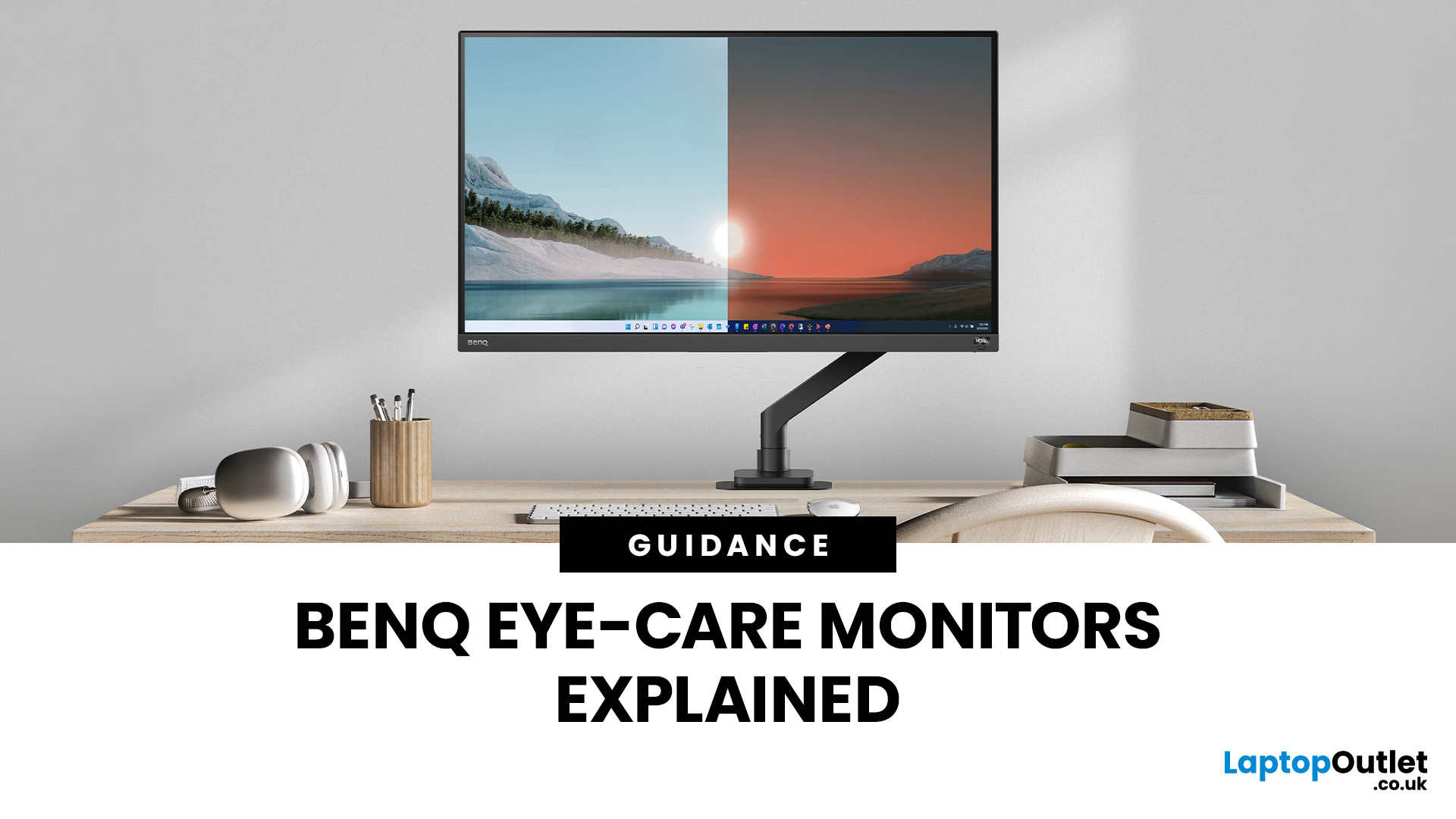
If you spend hours a day on a screen, you’ve probably felt it: tired eyes, headaches, dryness or that slightly gritty end-of-day sensation. While no monitor can solve every cause of screen-related discomfort, BenQ Eye-Care monitors include features designed to make longer sessions more comfortable by managing brightness, reducing flicker and giving you control over blue-heavy light, particularly for evening use.
What BenQ Eye-Care Means: Features and What They’re For
Several BenQ monitor ranges include comfort-focused tools under the Eye-Care umbrella. The exact feature set varies by model, but the typical options include:
- BenQ Brightness Intelligence, sometimes called Brightness Intelligence Plus or B.I.+, to adjust the screen according to your surroundings and displayed content
- Visual Optimizer, the newer name for B.I.+ on supported BenQ monitors, which can adapt brightness and colour temperature
- BenQ Low Blue Light or Low Blue Light Plus modes to reduce blue-heavy light output
- BenQ
Last Updated: March 13, 2026
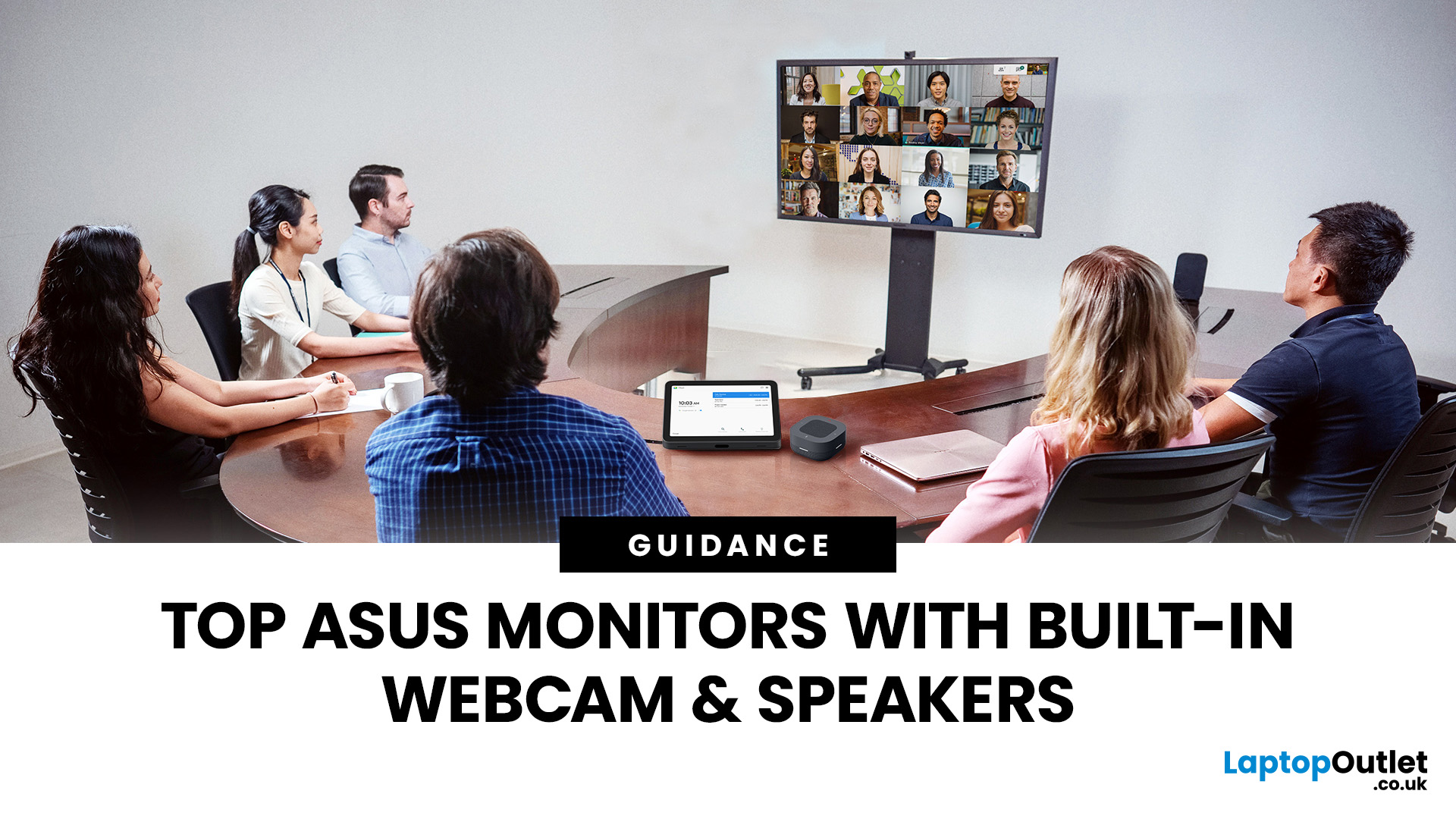
Choosing the right ASUS monitor with a webcam can significantly simplify how modern meeting rooms operate. As hybrid work becomes the norm, businesses are looking for cleaner, more efficient conferencing setups that don’t rely on multiple external peripherals. An integrated solution that combines display, camera, microphone, and speakers into one device makes deployment faster and more cost-effective. For small meeting spaces and huddle rooms in particular, an ASUS business monitor with speakers and a built-in webcam offers a practical alternative to a full conferencing kit.
What to Know About Microsoft Teams Rooms Compatibility
It’s important to clarify how an ASUS monitor with webcam fits into a Microsoft Teams Rooms environment.
Microsoft Teams Rooms (MTR) systems are typically powered by a dedicated PC or collaboration bar. The monitor itself is not the Teams Rooms system, instead, it acts as the display and USB conferencing endpoint. When paired with a Teams-enabled PC, many ASUS
Last Updated: August 13, 2026
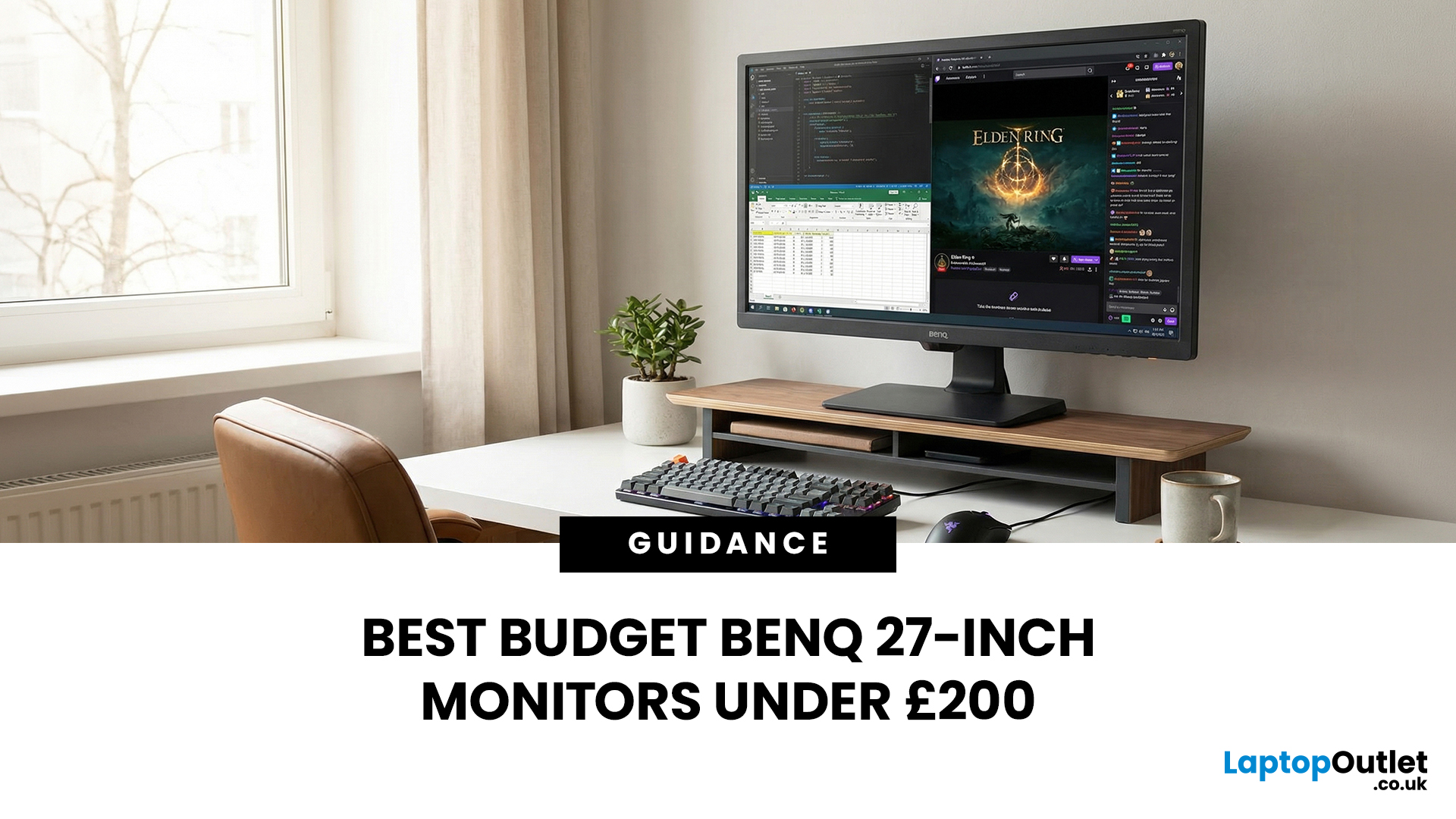
A 27-inch display gives you enough screen space for documents, spreadsheets, online classes, streaming, and gaming without taking over the average desk. Better still, choosing an affordable model no longer means settling for a basic 60Hz or 75Hz screen.
Today’s budget-friendly BenQ range includes Full HD IPS displays with 100Hz and 144Hz refresh rates, eye-care features, built-in speakers, USB-C connectivity, and ergonomic stands on selected models. That gives buyers considerably more choice, whether the priority is office productivity, studying, or smoother casual gaming.
What Can You Expect from a BenQ 27-Inch Monitor Under £200?
The specifications available at this price have improved significantly. Rather than assuming every affordable display will have a low refresh rate and a basic stand, it is better to compare individual models. Features available across the models in this guide include:
- Full HD 1920 x 1080 resolution
- IPS panel technology
- 100Hz or 144Hz refresh rates
- BenQ Eye-Care
Last Updated: August 11, 2026
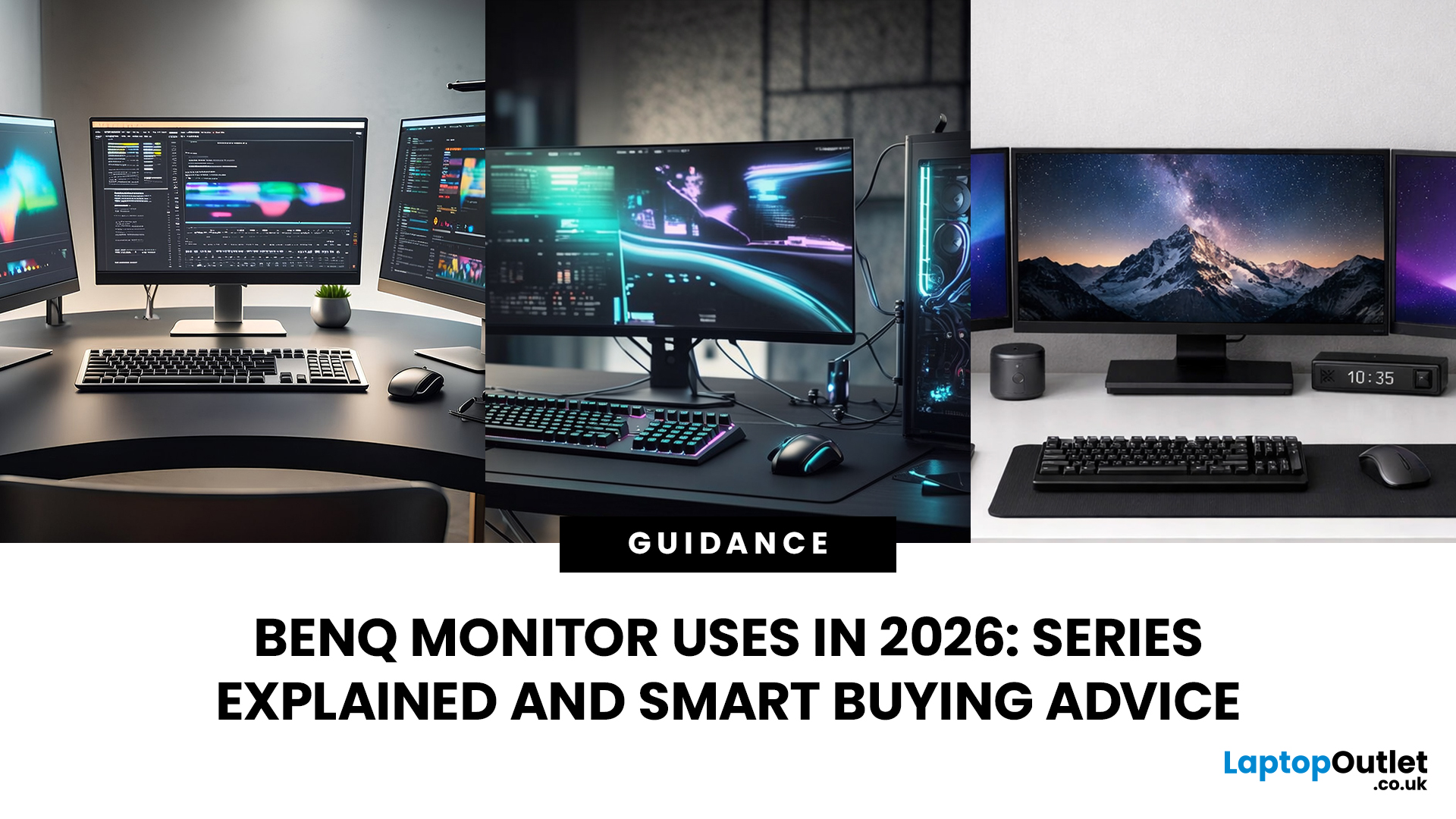
Getting the right monitor is no longer just about picking a size and hoping for the best. In 2026, the best results come from matching the screen to the job. That is where BenQ tends to do well. Instead of trying to make every display “good at everything”, the range is split into clear families built around specific uses: creative colour work, programming and text-heavy productivity, competitive gaming, immersive gaming, and comfortable home office setups.
This guide focuses on BenQ monitors uses in real setups, the key differences between series, and what to look for when you want one monitor for both gaming and work.
BenQ as a Brand in 2026
BenQ is a Taiwan-based electronics brand known globally for displays, including monitors and projectors. The BenQ name is tied to the idea of “Bringing Enjoyment ‘N’ Quality to life,” and the company’s display focus shows up most clearly in how it splits monitors into specialised series instead of pushing one “flagship for everyone.”
That specialisation
Last Updated: October 09, 2026
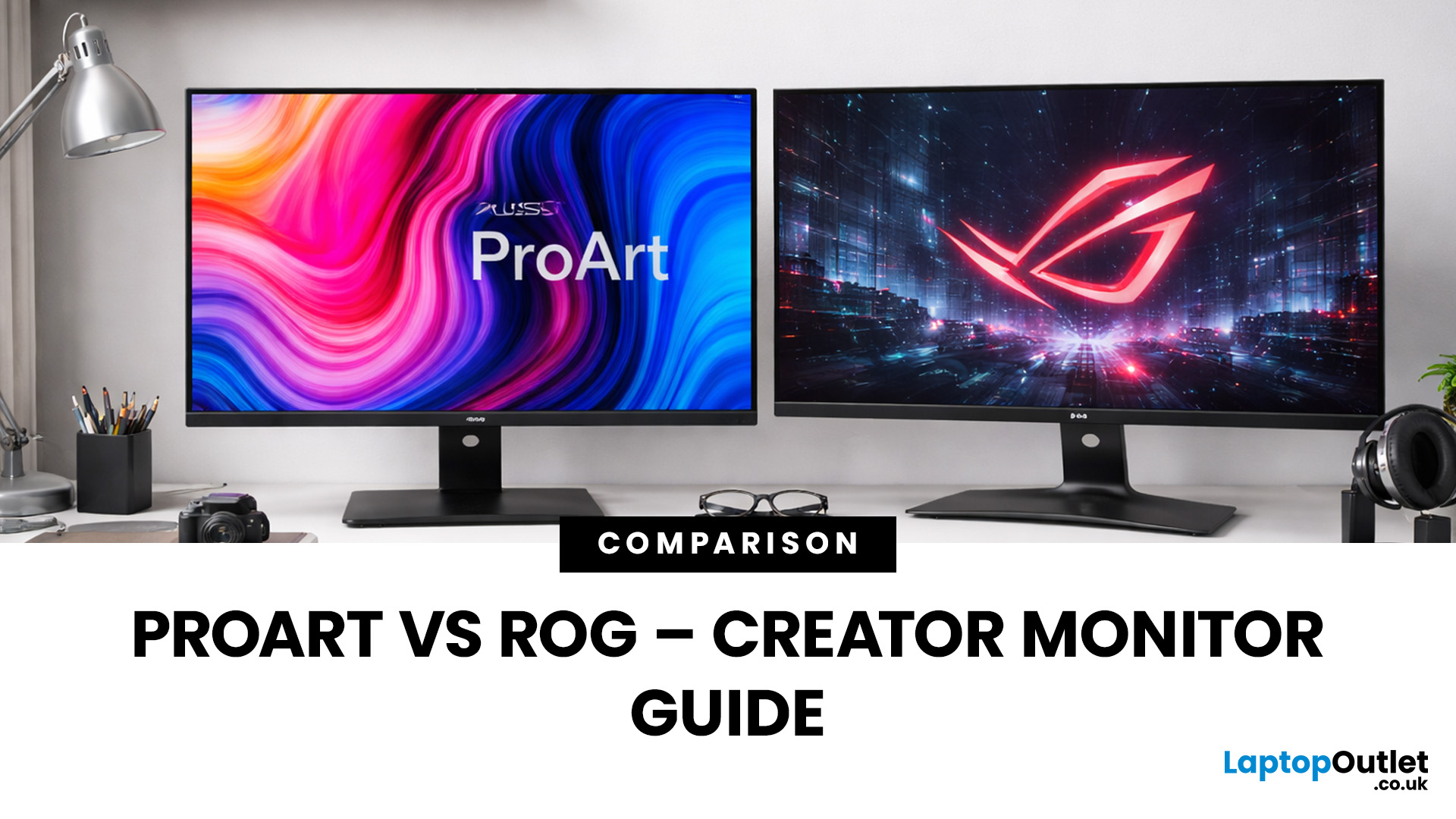
Choosing the right display can dramatically impact your workflow, especially when it comes to colour grading, motion graphics, and smooth timeline playback. If you're deciding between ASUS ProArt vs ROG for video editing, you're essentially choosing between two different philosophies: precision-focused colour accuracy or high refresh performance.
Both ranges are among the best ASUS monitors available today, but they serve different types of creators. In this guide, we’ll break down everything you need to know about ASUS ProArt vs ROG, including panel technology, refresh rates, HDR performance, and which models make the most sense for editors in the UK.
What Video Editors Actually Need from a Monitor
Before comparing models, it’s important to understand what really matters in a video editing monitor UK buyers should consider.
1. Colour Accuracy (ΔE, Rec.709 & DCI-P3)
For editors, colour accuracy is critical. If you're delivering to YouTube or broadcast, your monitor must reproduce colours
Last Updated: September 01, 2026
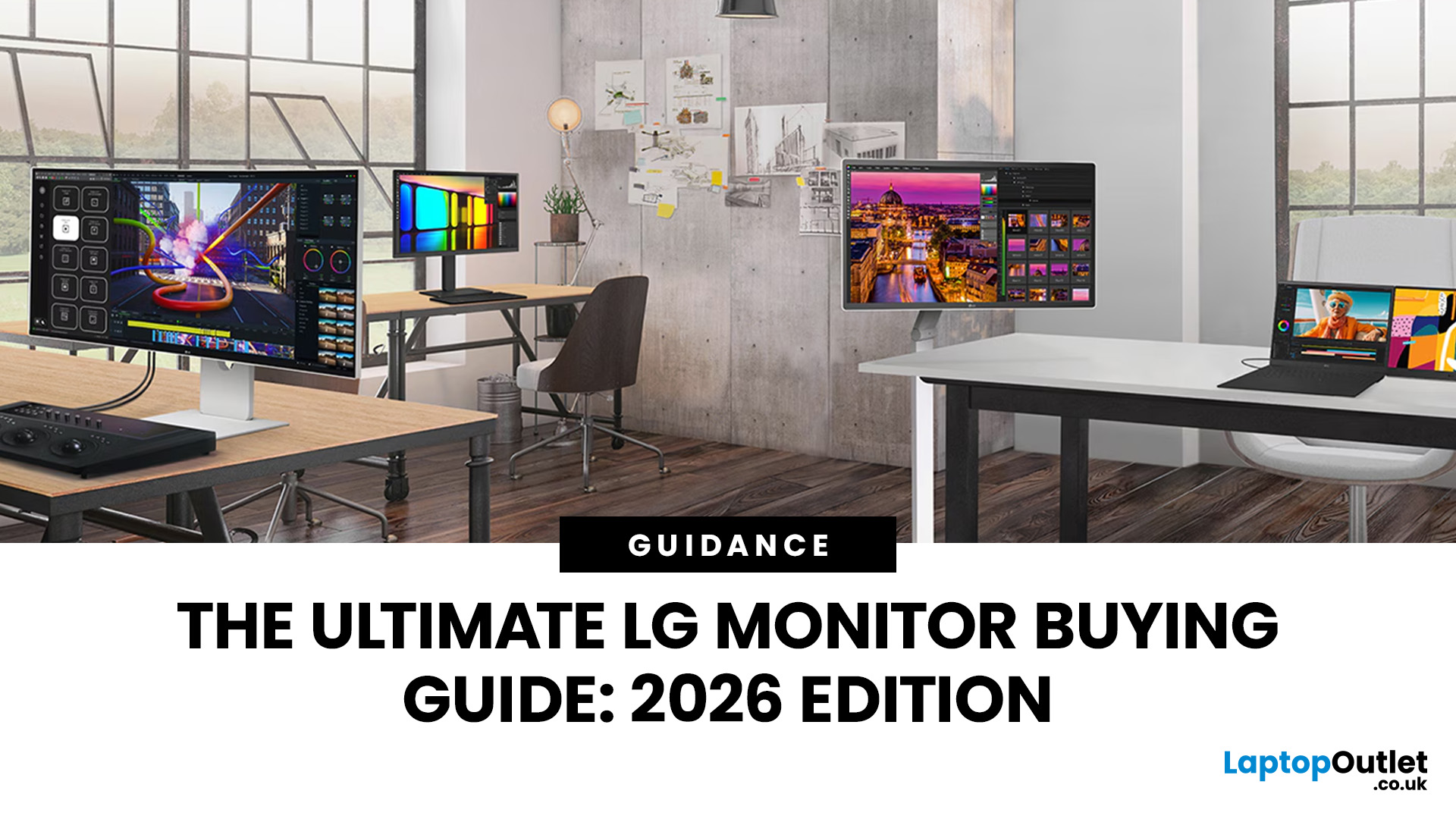
Choosing a new monitor is not always straightforward. With so many screen sizes, panel types, and resolution options on the market, it is easy to get lost before you even reach a shortlist. This LG monitors buying guide cuts through all of that.
It walks you through every major LG screen series, explains the specs that actually matter, and helps you find the right display for your needs and budget. Whether you are gaming, working from home, editing photos, or simply upgrading a tired old screen, LG has a monitor built for the job. Let’s get started.
Why Choose an LG Monitor in 2026?
LG is one of the few brands that designs and manufactures its own display panels. That matters because it gives LG direct control over colour accuracy, panel quality, and how quickly new technology reaches the market.
Whether you need a budget-friendly Full HD screen or a professional-grade OLED display, LG offers a broad, well-priced range. They continue to lead with innovations like Nano IPS for
Last Updated: April 28, 2026
Choosing a new monitor is never as simple as picking the biggest screen you can afford. The panel technology underneath the glass makes a huge difference. It shapes how colours look, how fast the screen responds, and how comfortable it is to use for hours on end.
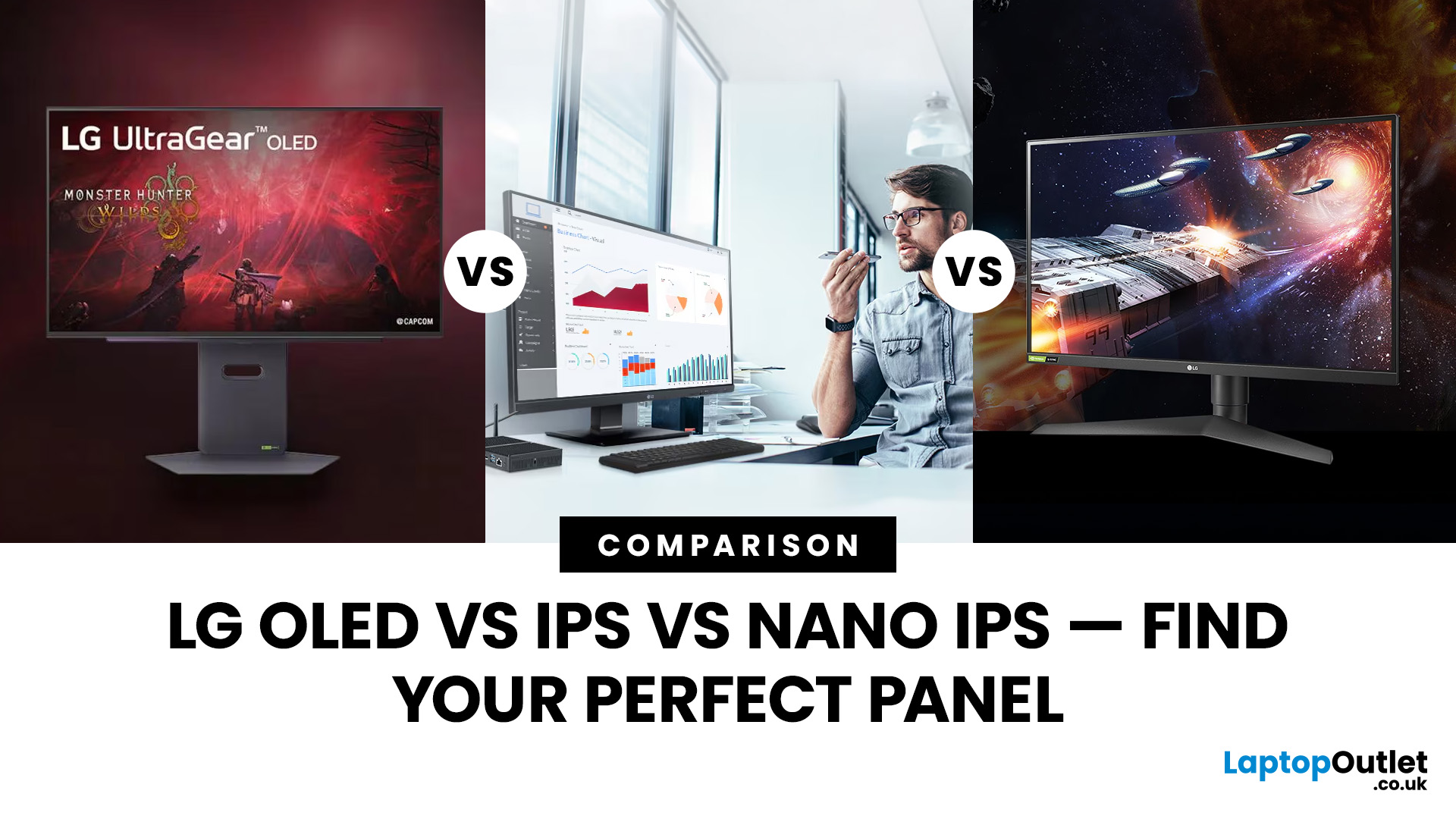
LG monitors feature all three major panel types under one roof — OLED, IPS, and Nano IPS. Each one has a distinct character. And each one suits a different kind of user.
So, if you are weighing up the LG OLED vs IPS vs Nano IPS debate, this guide cuts through the noise. We will explain what each panel actually does, where it excels, and where it falls short. By the end, you will know exactly which display belongs on your desk.
Understanding the Three Panel Types
Before diving into comparisons, it helps to understand what each technology actually does. The differences go deeper than just price.
What Is an IPS Panel?
IPS stands for In-Plane Switching. This technology uses a backlight to illuminate liquid crystals, which then twist
Last Updated: September 01, 2026
A monitor can suit very different tasks depending on its resolution, refresh rate, panel type, colour performance, screen format, and connectivity. That is why understanding LG monitor uses is more helpful than simply comparing model names or product lines.
For gaming, the priority may be smooth motion and responsiveness. For office work, text clarity, screen space and ergonomics usually matter more. Creative workplaces greater emphasis on colour consistency, detail and a display that can be set up accurately for visual tasks.
This guide explains how LG displays can support gaming, productivity and creative applications, and how the most important display requirements change depending on what you do at your desk.
How LG Monitors Support Gaming
Refresh Rate and Motion Smoothness
Gaming places different demands on a display from office or general home use. Fast-moving scenes, rapid camera movement and competitive play can make refresh rate, response behaviour and motion clarity much more
Last Updated: August 28, 2026
Choosing the best gaming monitor brand can make a huge difference to your gaming experience. Whether you play competitive esports titles, immersive AAA games, or console exclusives on PS5 and Xbox Series X, the right monitor brand delivers smoother performance, better visuals, and long-term reliability.
In the UK gaming market, several brands consistently stand out for quality, innovation, and value. Companies like ASUS, LG, BenQ, AOC, Philips, and iiyama offer gaming monitors across every price range - from affordable 144Hz displays to cutting-edge OLED and 4K panels.
But with so many options available, it’s not always obvious which gaming monitor brand is best for your setup, budget, and gaming style.
Let’s discuss the best gaming monitor brands in the UK, compare their strengths, and help you choose the right one based on resolution, refresh rate, and platform compatibility.
What Makes a Gaming Monitor Brand Worth Buying in 2026?
When comparing the top gaming monitor brands, it’s important

