



Which Laptop Accessories Do You Actually Need?
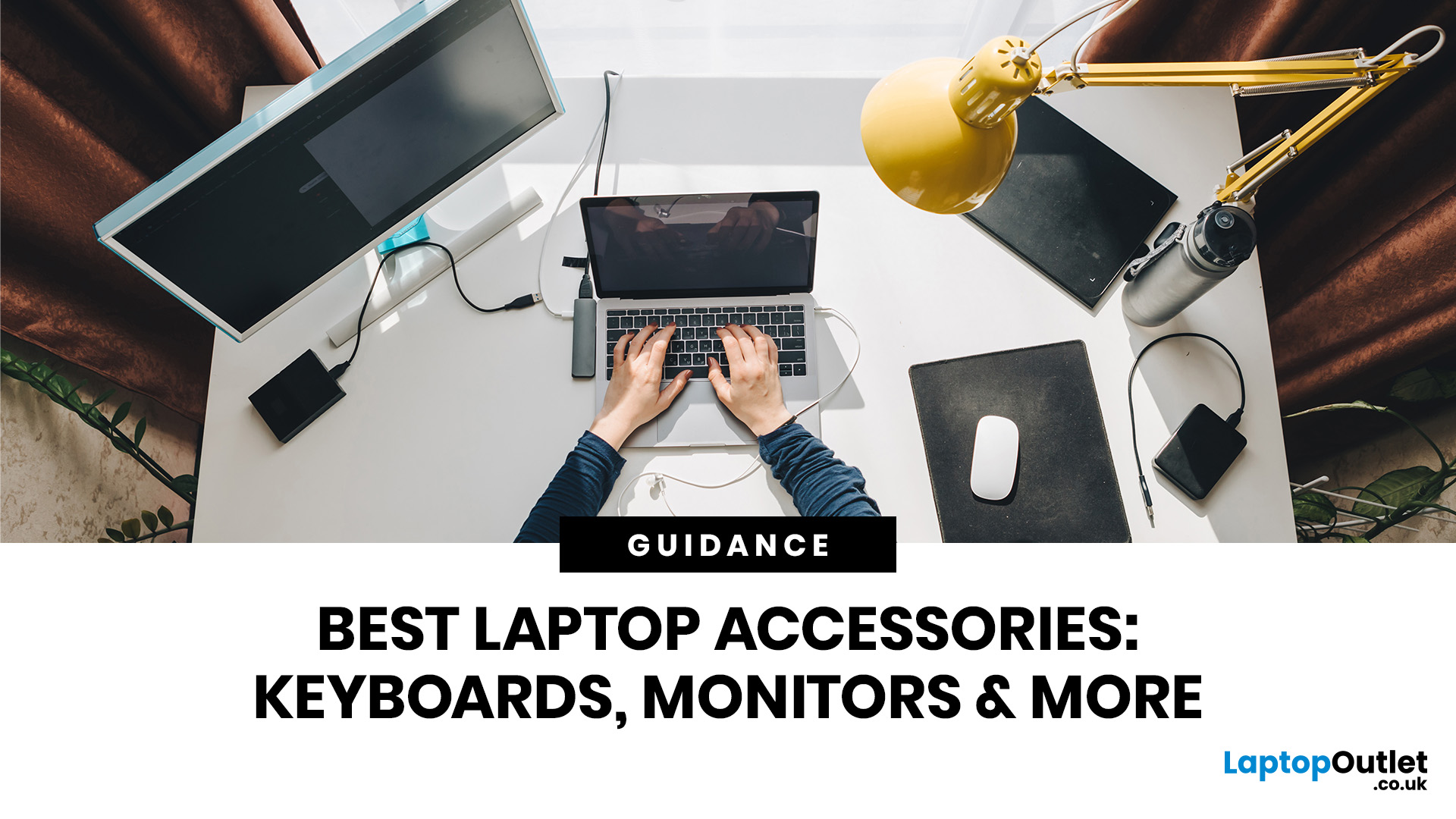
Quick Answer: A student carrying a laptop between lectures has very different requirements from someone running a permanent desk setup. A gamer may care about mouse control, audio and display performance, while someone working remotely might need better connectivity and a more comfortable workstation.
You probably do not need ten different devices plugged into your laptop just because they appear on an accessories' checklist. What is useful depends on what your laptop is missing, where you use it, and which problems actually slow you down.
The simplest approach is to start with the problem rather than the product. Are you short on ports? Is the screen too low when you work for several hours? Do you regularly run out of storage? Does your current charger make travelling inconvenient? This guide will help you decide which laptop add-ons are worth considering, which specifications matter and which ones you can probably skip.
Do You Actually Need Laptop Accessories?
Not necessarily.
A modern laptop can already handle most everyday computing without extra equipment. If you mainly browse the web, stream content, answer emails, or complete occasional documents, the built-in screen, keyboard, trackpad, speakers, and ports may be perfectly adequate.
For example, a laptop with only two USB-C ports may become awkward once you need a monitor, storage drive, and several peripherals connected at the same time. Similarly, using a laptop screen at desk height for several hours can make a stand and separate keyboard more practical than continuing with the laptop alone.
Think of accessories as tools for fixing gaps in your current laptop setup rather than compulsory purchases.
Why Laptop Accessories Matter
Extra equipment can make a laptop easier to use when its built-in hardware does not suit a particular task.
A hub can improve connectivity, a larger display can provide more workspace, external storage can increase available capacity, and a stand can help position the screen more comfortably at a desk.
The value comes from solving a real limitation. Adding more equipment simply because it looks useful can create extra cost, cables, and clutter without meaningfully improving your setup.
10 Accessories That Can be Worth Adding to Your Laptop
Rather than treating every accessory as essential, consider what each one actually changes.
1. USB-C Hub or Docking Station
What Problem Does it Solve?
Thin laptops often have fewer physical connections than larger machines. A USB-C hub can turn one compatible port into connections for USB devices , displays, memory cards, Ethernet, and sometimes power delivery.
A docking station can go further, particularly for a permanent productivity setup where several external devices stay connected at your desk.
Who Needs it?
A hub is particularly useful if you regularly connect external drives, a monitor, keyboard, mouse, Ethernet cable, or other peripherals. It can also make a portable setup easier because you can connect several devices through one central unit.
Who Doesn't Need it?
If your laptop already provides every connection you use, adding a hub achieves very little. Someone using only Bluetooth peripherals and the laptop's own display may rarely need one.
What Specifications Matter?
Check:
- Available USB-A and USB-C ports
- HDMI or DisplayPort outputs
- Supported display resolution and refresh rate
- Ethernet speed
- SD or microSD card support
- USB data-transfer speeds
- USB Power Delivery support
- Maximum power pass-through
Most importantly, check what your laptop's USB-C port actually supports. USB-C describes the connector shape, but individual ports can differ in data, video and charging capabilities. If you decide a dock makes more sense than a basic hub, our guide on how to set up a docking station explains the connection, display and power checks involved.
When is it Worth Spending More?
Consider a higher-specification hub or dock when you need multiple high-resolution displays, faster external storage, high-speed networking or higher charging power. For basic keyboard, mouse, and occasional HDMI use, a simpler hub may be enough.
2. Laptop Stand
What Problem Does it Solve?
A laptop stand raises the display from desk level and can make it easier to position the screen within your workstation . It can also free space beneath the device and, depending on the stand design and laptop ventilation, avoid obstructing cooling vents.
Who Needs it?
A stand makes the most sense when you use your laptop at the same desk for long periods, particularly alongside an external keyboard and mouse . Foldable designs may also suit people who regularly move between different desks.
Who Doesn't Need it?
If you mostly use your laptop for short sessions or regularly work with it on your lap, carrying another piece of equipment may add inconvenience without much benefit.
What Specifications Matter?
Make sure the stand does not block intake or exhaust vents on your particular laptop. Look at:
- Maximum supported laptop size
- Weight capacity
- Height and angle adjustment
- Base stability
- Ventilation around the laptop
- Folded size if portability matters
When is it Worth Spending More?
More expensive adjustable stands can make sense for a permanent desk setup where you want greater control over screen position. A basic fixed or folding model may be sufficient for occasional use.
3. External Keyboard and Mouse
What Problem Do They Solve?
Your laptop's built-in keyboard and trackpad are designed around portability. Separate input devices give you more freedom over typing position, key layout and pointer control. They are especially useful when the laptop itself is raised on a stand.
Who Needs Them?
Consider them if your laptop forms the centre of a regular desk setup or you spend much of the day typing, editing, navigating spreadsheets or using applications where precise pointer control matters.
Who Doesn't Need Them?
You probably do not need separate peripherals if you enjoy your laptop keyboard and trackpad and mainly use the machine while travelling or moving between locations.
What Specifications Matter?
For keyboards, consider:
- Full-size, compact or tenkeyless layout
- Key travel and feel
- Wired, Bluetooth or wireless receiver connectivity
- Battery life
- Backlighting
- Operating-system compatibility
For a mouse, consider shape, button layout, sensitivity, connection type, and whether it suits your dominant hand.
When is it Worth Spending More?
Spend more when comfort, durability, or specialist controls genuinely matter to your workload. You do not need an expensive mechanical keyboard simply to answer emails.

4. External Monitor
What Problem Does it Solve?
A laptop screen prioritises portability. An external display gives you additional screen space when a single smaller panel starts limiting your workflow.
It can be useful for comparing documents, working across several applications, editing images or video, programming or keeping reference material visible while you work.
Who Needs it?
An external monitor is worth considering for anyone who spends substantial time working from a fixed desk and regularly feels restricted by the laptop screen.
Who Doesn't Need it?
If you are constantly mobile, rarely multitask, or already use a large-screen laptop comfortably, a monitor may become an expensive piece of workstation equipment that you rarely use.
What Specifications Matter?
Gamers should also check whether their laptop and chosen connection can output the required resolution and refresh rate. Consider:
- Screen size
- Resolution
- Refresh rate
- Panel type
- Brightness
- Colour requirements
- HDMI, DisplayPort or USB-C connectivity
- Stand adjustment
- Whether USB-C supports display, data and laptop charging
Your monitor is only part of the equation, so check our guide to HDMI vs DisplayPort vs USB-C vs VGA if you are unsure which connection can support your intended resolution and refresh rate.
When is it Worth Spending More?
Higher-resolution displays, better colour reproduction and high refresh rates make sense when your workload benefits from them. For general office applications and web browsing, paying for professional colour accuracy or extremely high refresh rates may offer little practical value.
5. External SSD or Hard Drive
What Problem Does it Solve?
External storage helps when your laptop's internal drive is becoming full or when you need another location for files, projects or backups. It can also make moving large files between computers easier.
Who Needs it?
Photographers, video editors, students with large project libraries and anyone working with substantial files may benefit from additional storage. External drives are also useful as part of a wider backup strategy.
Who Doesn't Need it?
If your laptop already has plenty of free storage and most of your documents are safely stored elsewhere, buying another drive may not be a priority.
What Specifications Matter?
Consider:
- SSD or HDD
- Storage capacity
- Interface and connection speed
- Physical size
- Durability
- Hardware encryption where required
- Compatibility with your operating system
External SSDs are generally better suited to situations where speed and portability are important, while hard drives can still make sense where large capacity is the main consideration.
When is it Worth Spending More?
Faster drives become worthwhile when you frequently transfer large files or work directly from external storage. For occasional backups, maximum transfer speed may be less important than capacity and reliability.
6. Headset or Headphones
What Problem Do They Solve?
Built-in laptop speakers are convenient, but headphones provide private listening and can reduce distractions around you. A headset with a microphone can also provide a more consistent position for voice input during calls or gaming.
Who Needs Them?
They are useful for video meetings, online classes, gaming , shared workspaces, travel and any situation where private audio matters.
Who Doesn't Need Them?
If you mainly use your laptop alone in a quiet room and are satisfied with its speakers and microphone, another audio device may not be necessary.
What Specifications Matter?
Consider:
- Wired or wireless connectivity
- Microphone quality
- Comfort
- Battery life for wireless models
- Weight
- Noise isolation or active noise cancellation
- Device compatibility
For gaming, microphone clarity and directional audio may matter more than features designed mainly for music listening.
When is it Worth Spending More?
Better noise cancellation can be valuable for regular travel or noisy shared environments. Otherwise, comfort and microphone performance may be more useful than premium features you rarely use.
7. Webcam
What Problem Does it Solve?
Most laptops already contain a webcam, but built-in cameras vary considerably in image quality, positioning and features.
An external webcam lets you position the camera independently from the laptop screen and may provide better image quality under suitable lighting.
Who Needs it?
Consider one if you attend frequent video meetings, teach online, stream, or create video content and your built-in camera is a noticeable limitation.
Who Doesn't Need it?
For occasional family calls or infrequent online meetings, your integrated webcam may already be completely adequate.
What Specifications Matter?
Remember that better lighting can sometimes improve video more than simply moving to a higher-resolution camera. Look at:
- Supported resolution
- Frame rate
- Autofocus
- Field of view
- Microphone provision
- Low-light performance
- Mounting options
- Privacy shutter
When is it Worth Spending More?
Spend more when video quality is important to your work, teaching or content creation. For occasional calls, premium 4K models may be unnecessary.
8. Laptop Sleeve or Protective Case
What Problem Does it Solve?
A laptop sleeve provides another layer between your laptop and the other objects in your bag. That can be useful when a device regularly travels between home, work, university or other locations.
Who Needs it?
Anyone carrying a laptop frequently should consider basic physical protection, particularly if their main bag does not include a padded laptop compartment.
Who Doesn't Need it?
If your laptop rarely leaves your desk or already travels in a well-padded dedicated compartment, a separate sleeve may be redundant.
What Specifications Matter?
Check:
- Exact laptop dimensions rather than screen size alone
- Padding
- Interior material
- Zip positioning
- Water resistance where available
- Additional pockets
- Overall bulk
A 14-inch sleeve is not automatically suitable for every 14-inch laptop because chassis dimensions vary.
When is it Worth Spending More?
A more robust design can make sense for frequent commuting or travel. Otherwise, good fit and adequate padding matter more than branding.

9. Laptop Charger or USB-C Power Adapter
What Problem Does it Solve?
A second charger can reduce the need to repeatedly unplug your main power supply, particularly if you use your laptop between home, university and work. A compact USB-C charger can also simplify a portable setup when the laptop supports compatible USB-C charging.
Who Needs it?
A spare charger is useful for people who regularly move between two locations or carry several USB-C devices.
Who Doesn't Need it?
If your laptop remains at one desk most of the time, the supplied charger may be all you need.
What Specifications Matter?
Check:
- Required wattage
- Voltage and charging protocol
- USB Power Delivery support
- Connector type
- Cable wattage rating
- Manufacturer compatibility requirements
Do not assume that any USB-C charger can power any USB-C laptop. The charger, cable, and laptop must support suitable charging specifications.
A lower-powered charger may charge some laptops slowly or fail to provide enough power while the system is under a heavy workload.
When is it Worth Spending More?
A multi-port charger can be worthwhile if one adapter can safely charge your laptop, phone and other devices. Pay for the power output and standards you actually require rather than simply choosing the charger with the largest advertised wattage.
10. Laptop Cooling Pad
What Problem Does it Solve?
A cooling pad positions the laptop on a raised surface and uses one or more fans to move additional air around the chassis. Its usefulness depends heavily on the laptop's own cooling design and ventilation layout.
Who Needs it?
It may be worth considering if you run sustained workloads or long gaming sessions and want additional airflow around a laptop that takes in air from underneath.
Who Doesn't Need it?
A cooling pad should not be treated as a universal fix for overheating. If a laptop is overheating because of blocked vents, dust, failing fans, dried thermal material or another hardware issue, the underlying problem needs attention.
What Specifications Matter?
Consider:
- Fan placement
- Fan speed
- Noise
- Laptop size support
- Height adjustment
- Whether the pad aligns with the laptop's intake vents
When is it Worth Spending More?
Usually, it is better to prioritise suitable airflow and physical fit over RGB lighting or a large number of fans. Cooling results vary between laptop designs, so avoid buying one solely on claims of dramatically higher gaming performance. A cooling pad should not hide an underlying thermal problem, so if your system is unusually hot, first work through the common causes of laptop overheating and their fixes.
Reliable Laptop Accessories for Students
Students usually benefit most from equipment that fixes everyday problems without making their bag considerably heavier.
A protective sleeve is a sensible starting point if the laptop moves between lectures, libraries and home. A compact mouse can also be useful for longer study sessions if you prefer it to the trackpad.
A USB-C hub becomes more useful when your course involves presentations, memory cards, external storage or lab equipment. Check your laptop's available ports before buying one rather than assuming you need a hub immediately.
Headphones can make studying easier in shared environments, while external storage may be worthwhile for large creative or technical projects. However, important coursework should not exist on only one external drive. Keep another backup or approved cloud copy where appropriate.
A portable stand can improve a temporary desk setup, but remember that raising the laptop usually works best with a separate keyboard and mouse. If you are carrying all three every day, decide whether the improvement is worth the extra weight.
For most students, the sensible order is protection first, then connectivity, input and storage according to the course and daily routine.
Laptop Accessories Gamers May Actually Need
Gaming laptops already include a display, keyboard and speakers, so gaming does not automatically mean building an entire collection of external devices.
A good mouse is often one of the first useful additions, particularly for shooters, strategy games and other titles where a trackpad is unsuitable. A larger mouse mat can then provide a more consistent surface.
A headset becomes more relevant for multiplayer gaming, voice chat or late-night play. Choose according to comfort and microphone requirements rather than assuming the most expensive option provides the biggest advantage.
An external monito r can make sense when you want a larger screen or a different combination of resolution and refresh rate. Before buying, check the laptop's graphics outputs and what refresh rate and resolution they support through each connection.
Extra storage can also become important as game libraries grow. Check whether your laptop has an available internal M.2 slot before immediately choosing an external drive. An internal upgrade may be more convenient on compatible systems, although upgradeability varies between laptop models.
Cooling pads are optional rather than essential. They can improve airflow around some designs, but results depend on vent position and the laptop's existing thermal system.
The aim should be to fix limitations in control, audio, display space, storage or cooling, not to add gaming-branded equipment for its own sake.
Which Accessories Should You Buy First?
If you are building a setup gradually, prioritise according to the problem that affects you most.
Priority 1: Fix Connectivity Problems
If you constantly disconnect one device to make room for another, start with an appropriate USB-C hub or docking solution.
Check your laptop's port capabilities first because that determines which display, data and charging features can actually work.
Priority 2: Improve a Permanent Desk Setup
If you work or study at the same desk for several hours at a time, consider your screen and input arrangement next.
A stand plus external keyboard and mouse can make the laptop easier to position. If you regularly need more screen space, an external monitor may become the more significant upgrade.
Priority 3: Address Storage Limits
If your internal drive is nearly full, decide whether your laptop supports an internal storage upgrade or whether an external SSD or hard drive is the more practical option.
Do not wait until a drive is completely full before deciding how important files will be stored and backed up.
Priority 4: Solve Communication or Audio Problems
Poor call quality, shared working spaces or multiplayer gaming can justify upgrading your headset, microphone or webcam.
Choose the device that fixes the actual weak point. A new webcam will not fix poor audio, and an expensive microphone will not improve bad lighting.
Priority 5: Add Convenience
Once the functional problems have been addressed, you can consider secondary additions such as a spare charger, additional stand or other equipment that makes moving between setups easier.
That approach prevents you from spending your budget on minor conveniences before solving the limitations that affect you every day.
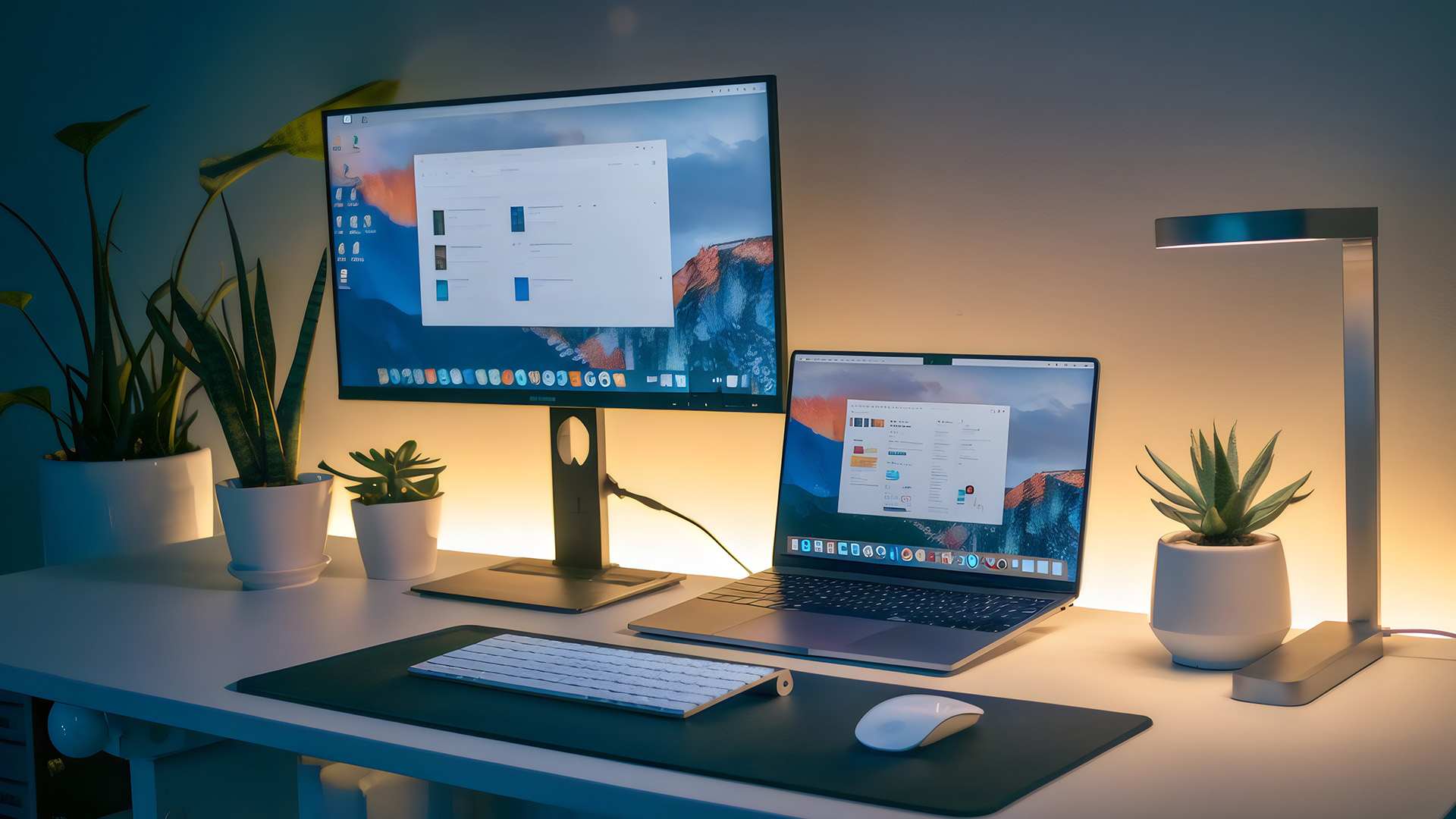
How to Choose Laptop Accessories
Choosing well starts with compatibility, not branding. Before ordering anything, work through the following checks.
Check Your Laptop's Ports
Look at the physical connections on your laptop and then check their specifications.
USB-C is particularly important because identical-looking USB-C ports can support different combinations of data transfer, display output and power delivery.
Check the laptop manufacturer's specification rather than assuming a feature is supported because the connector fits. Furthermore, if the labels around USB-C, USB4 and Thunderbolt are causing confusion, our USB types explained guide breaks down the differences in connectors, speeds, charging and display support.
Decide Whether the Setup is Permanent or Portable
A full-size keyboard, monitor and dock can create an effective workstation but make little sense if you spend most of the week moving between locations.
For a portable setup, size and weight matter almost as much as functionality. Ask whether you will actually carry each item regularly.
Match the Accessory to the Real Workload
Avoid paying for capabilities your laptop or workload cannot use.
For example, an extremely high-refresh-rate monitor may provide little value for general document work, while someone editing high-resolution media might place much greater importance on display resolution, colour requirements and fast external storage.
The same principle applies to every external device.
Check Power Requirements Carefully
Power accessories deserve more attention than simply matching the connector.
Check the laptop's required charging wattage, supported charging standard and the rating of the cable. This becomes particularly important when using multi-port USB-C chargers because available power may be distributed differently when several devices are connected.
Check Display Compatibility at Both Ends
When connecting an external monitor, check both your laptop and display.
The laptop's port, cable or adapter, monitor connection, graphics hardware and chosen resolution can all affect the refresh rates available. Buying a high-specification display does not guarantee that every laptop can drive it at its maximum settings.
Think About Your Existing Peripherals
You may already own equipment that solves the problem.
Before buying another keyboard, headset or storage drive, check whether your existing peripherals are compatible with the laptop. Bluetooth, USB receivers and adapters can sometimes make current equipment usable without replacing it.
Consider Desk Space
A larger productivity setup can quickly become a cluttered one. Measure the available area before adding a monitor, laptop stand, keyboard, speakers and docking station. Think about where cables, chargers and external drives will sit as well.
A simpler desk setup that is comfortable to use is often better than one filled with equipment.
Consider Software and Operating-System Compatibility
Most common accessories work across several platforms, but specialist features may require particular software or operating systems.
Check compatibility when buying equipment with programmable buttons, advanced lighting controls, specialist audio software or manufacturer-specific management applications.
Don't Pay for Features You Cannot Use
Premium models often add faster connections, extra outputs, higher charging wattages or specialist controls. Those features can be worthwhile, but only when your laptop and workload can take advantage of them.
A better purchasing question is therefore not “Which accessory has the most features?” but “Which features will I actually use?”
Think About How Long You Will Keep It
Some external devices can outlast the laptop they were originally bought for.
A good monitor, keyboard, mouse, dock or external storage device may move to your next computer, which can make spending more on quality worthwhile when the specifications are likely to remain useful. On the other hand, products bought specifically to work around a temporary limitation may not justify the same investment.
A Simple Laptop Setup Checklist
Before adding anything to your setup, ask:
- Am I running out of physical ports?
- Do I regularly need more screen space?
- Is my current desk arrangement uncomfortable?
- Am I running short of storage?
- Do I need more reliable audio or video for calls?
- Do I frequently carry the laptop?
- Does the laptop need additional physical protection?
- Would a second charger genuinely save me time?
- Do my existing peripherals already solve the problem?
- Is the accessory fully compatible with my laptop?
If you answer no to most of these questions, you probably do not need to add much at all.

Final Thoughts: Buy for the Problem, Not the Checklist
There is no universal list of equipment that every laptop owner needs.
Start with how you actually use your computer. Someone creating a permanent productivity setup may benefit most from a monitor, stand and external input devices. A student might prioritise protection and connectivity, while a gamer may get more value from a mouse, headset or additional storage.
Compatibility matters just as much as the product itself. Check ports, power requirements, physical dimensions, and supported features before spending more on specifications that your laptop may never use.
Most importantly, build your setup gradually. Solve the biggest limitation first and add other equipment only when you can identify what it will improve.
Ready to compare products? Browse our laptop accessories range at Laptop Outlet.
| Read More: |
| Best Laptop Cooling Pads for Gaming |
| How to Install or Upgrade a Laptop SSD: Step-by-Step Guide |
| How to Set Up Dual Monitors: A Complete Step-by-Step Guide |
Related Articles


Last Updated: December 19, 2025
Emojis have become a language of their own, especially for the Gen Z and Alphas. You’re replying to an email, chatting on WhatsApp Web, creating social posts, or even completing work messages with a little personality, being able to type emojis using your keyboard saves time and makes communication more expressive.
Let’s learn the easiest ways to type emojis on Windows, Mac, Chromebooks, and even mobile keyboards. No more copy-and-paste from emoji websites, you’ll be able to insert any emojy in seconds.
Why Use Keyboard Emojis?
Before we get into shortcuts, here’s why knowing them matters:
- Fast: Add emojis without switching tabs or using your mouse.
- Professional + fun: Modern workplaces increasingly accept emojis for clarity and tone.
- Easy to remember: Once you learn shortcuts, they feel natural.
- Universal: Works across apps - Word, Slack, Teams, Gmail, Instagram, web browsers, and more.
Now let’s jump into the shortcuts for every device. If you enjoy adding creativity to your messages,

Last Updated: December 31, 2025
There’s a certain kind of satisfaction that comes with starting 2026 with a faster, cooler, cleaner PC setup. Maybe you’re planning a full build. Maybe you’re simply trying to fix the two things that quietly ruin daily performance—slow storage and noisy cooling. Either way, the New Year PC components & accessories season is when upgrades feel both exciting and sensible: you can refresh your system without committing to an entirely new machine.
If you’re shopping at Laptop Outlet, it’s worth starting by simply browsing and filtering the wider sale selection, think of it as your “big picture” view, so you can spot bundle-worthy deals across categories. It’s the fastest way to explore New Year tech discounts while keeping an eye on the parts you actually need.
The “smart upgrade order” for 2026 (what to buy first)
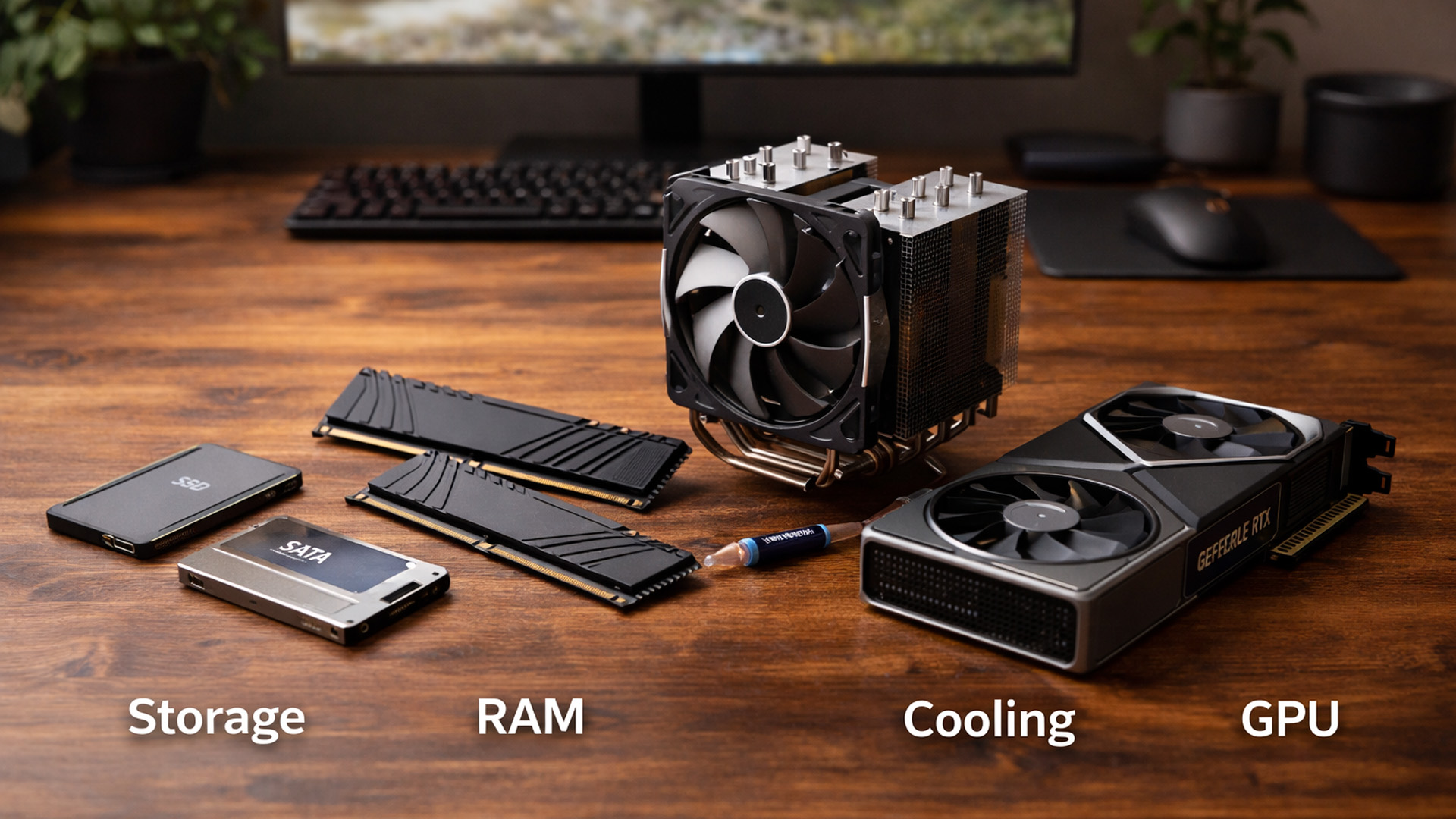
When you’re surrounded by deals, it’s easy to buy what looks exciting rather than what fixes your bottlenecks. A better approach is to upgrade in the order you’ll actually notice:
Last Updated: January 26, 2026
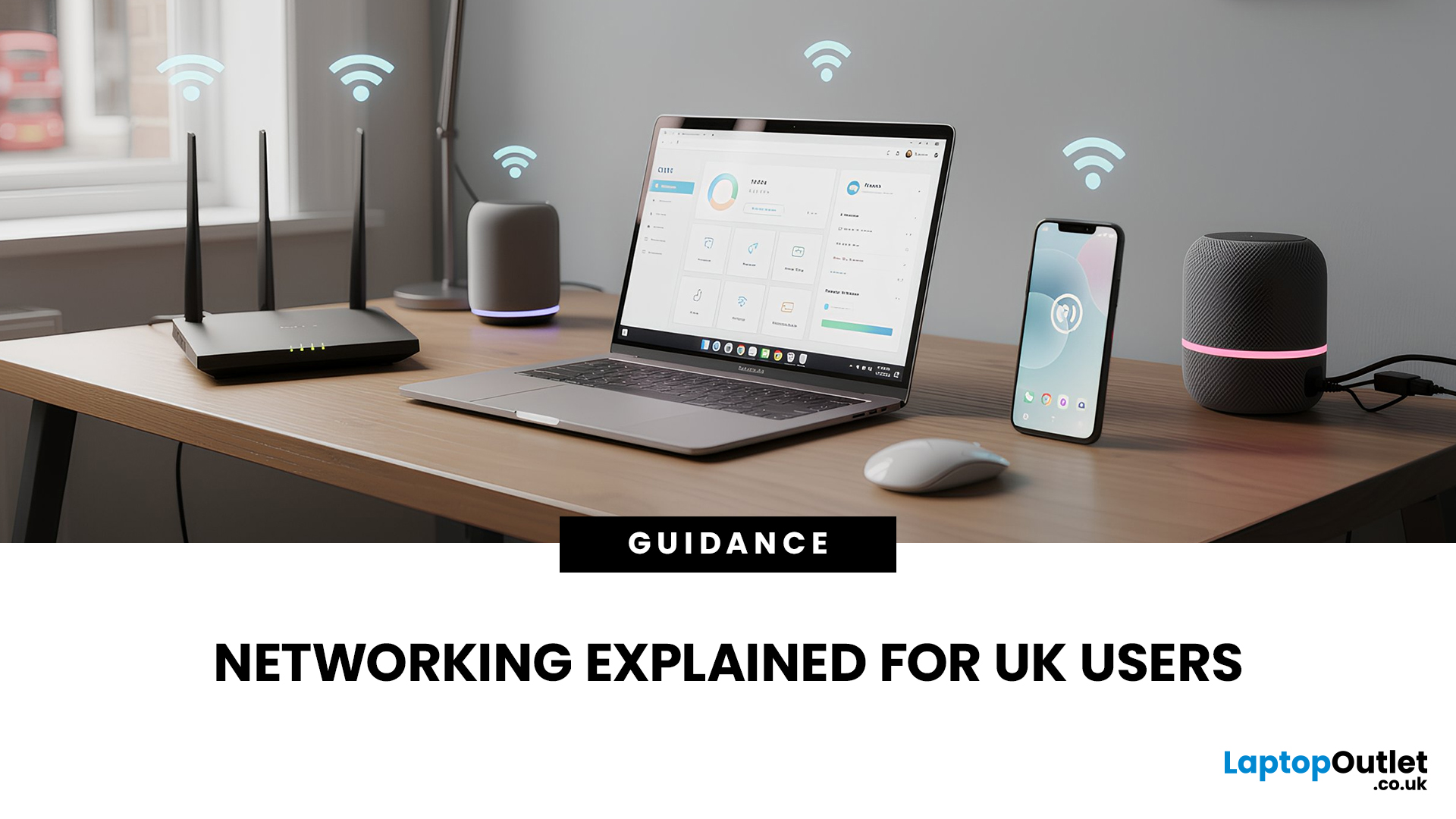
In today’s UK homes and offices, networking isn’t optional - it’s the backbone of how we work, study, stream, and stay connected. From remote meetings and online gaming to smart homes and cloud storage, everything relies on reliable networking accessories and networking devices working together behind the scenes.
Yet many people still struggle with slow Wi-Fi, unstable connections, or poor coverage, not because their internet provider is bad, but because their networking equipment isn’t set up correctly.
What Is Networking? (A Simple Explanation)
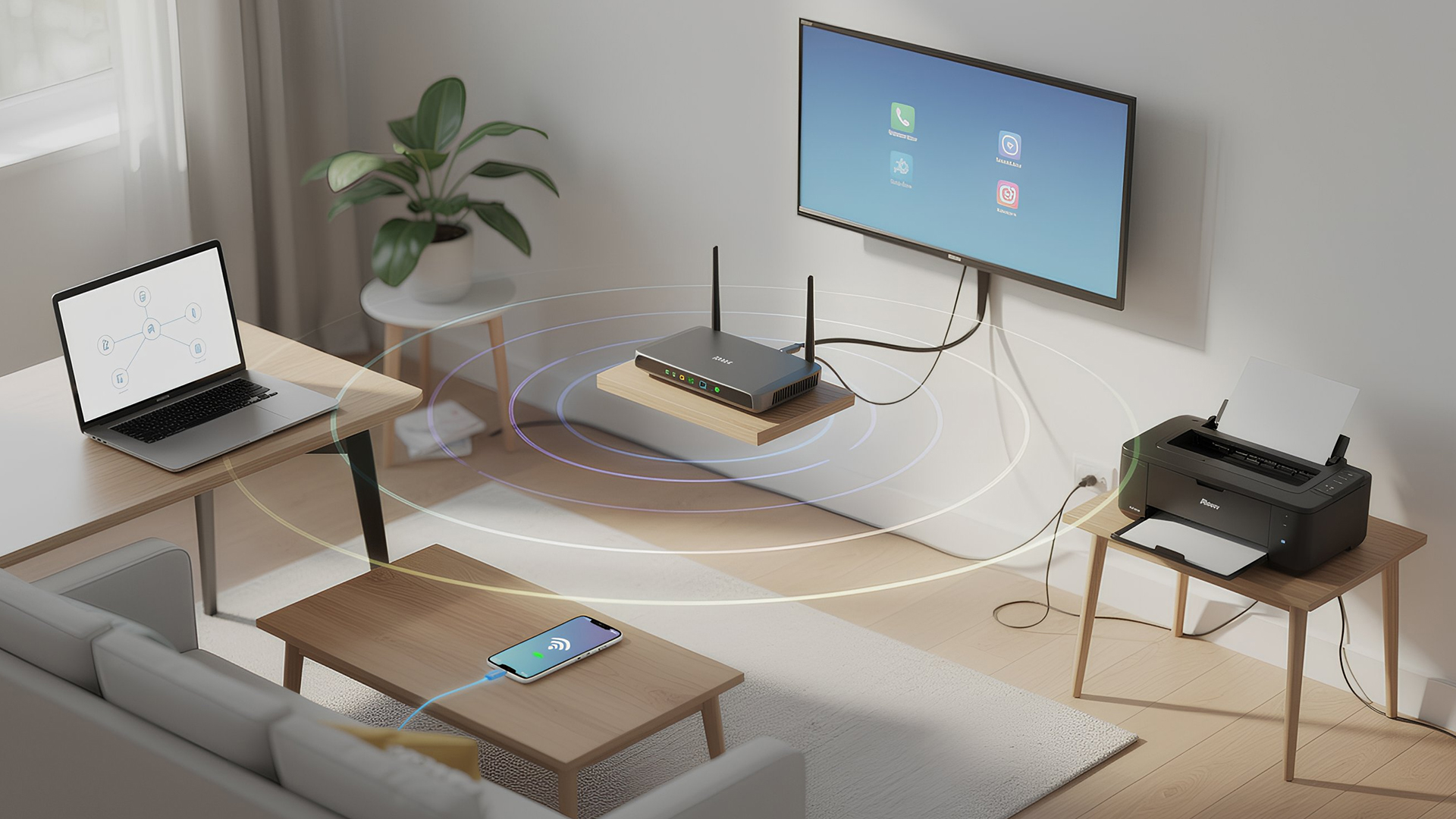
Networking is the process of connecting devices so they can communicate, share data, and access the internet. These devices might include:
- Laptops and desktops
- Smartphones and tablets
- Printers and scanners
- Smart TVs and streaming devices
- Smart home systems (lights, cameras, thermostats)
To make this possible, you need a combination of networking devices (like routers and access points) and networking accessories (such as network cards, adapters,

Last Updated: February 13, 2026
Because nothing kills the vibe faster than a laptop, that suddenly decides your fingers are irrelevant.
You sit down. You open your laptop. You’re mentally prepared to be productive (or at least pretend). And then .....boom... your laptop touchpad is not working. Or your laptop keyboard is not working. Or worse… both.
At this point, your laptop isn’t broken; it’s personally offended by you.
Before you rage-buy a new device or spiral into tech despair, here’s the good news: most laptop keyboard problems and touchpad issues are completely fixable. And no, you don’t need a computer science degree or a sacrifice to the tech gods.
This guide is not one of those vague “restart your device” articles and call it a day. This is a deep-dive, all-reasons, all-solutions, no-BS troubleshooting guide, written in human language, with enough detail to actually solve the problem.
We’ll cover:
- Software vs hardware problems (and how to tell the difference)
- Every common and uncommon reason your laptop input
Last Updated: March 13, 2026
Choosing the right ASUS monitor with a webcam can significantly simplify how modern meeting rooms operate. As hybrid work becomes the norm, businesses are looking for cleaner, more efficient conferencing setups that don’t rely on multiple external peripherals. An integrated solution that combines display, camera, microphone, and speakers into one device makes deployment faster and more cost-effective. For small meeting spaces and huddle rooms in particular, an ASUS business monitor with speakers and a built-in webcam offers a practical alternative to a full conferencing kit.
What to Know About Microsoft Teams Rooms Compatibility
It’s important to clarify how an ASUS monitor with webcam fits into a Microsoft Teams Rooms environment.
Microsoft Teams Rooms (MTR) systems are typically powered by a dedicated PC or collaboration bar. The monitor itself is not the Teams Rooms system, instead, it acts as the display and USB conferencing endpoint. When paired with a Teams-enabled PC, many ASUS
Last Updated: April 22, 2026
Stop reaching for the mouse every five seconds. Windows keyboard shortcuts are one of the fastest, simplest ways to boost your daily output - whether you're writing reports, navigating spreadsheets, or juggling a dozen open tabs at once.
This complete guide covers every shortcut worth knowing across Windows 10 and Windows 11, from the basics to the more advanced tricks that most people never discover.
Why Keyboard Shortcuts Are Worth Learning
Most people pick up one or two shortcuts by accident and never go any further. Yet the productivity gap between someone who relies on a mouse and someone genuinely fluent in shortcuts is striking - you spend less time clicking, less time searching, and considerably more time actually doing the work.
Here's what mastering shortcuts gives you:
- Speed: Tasks that take three clicks happen in milliseconds
- Concentration: Your hands stay on the keyboard, your eyes on the screen
- Less strain: Reduced repetitive mouse movement means fewer aches over a long
Last Updated: May 06, 2026
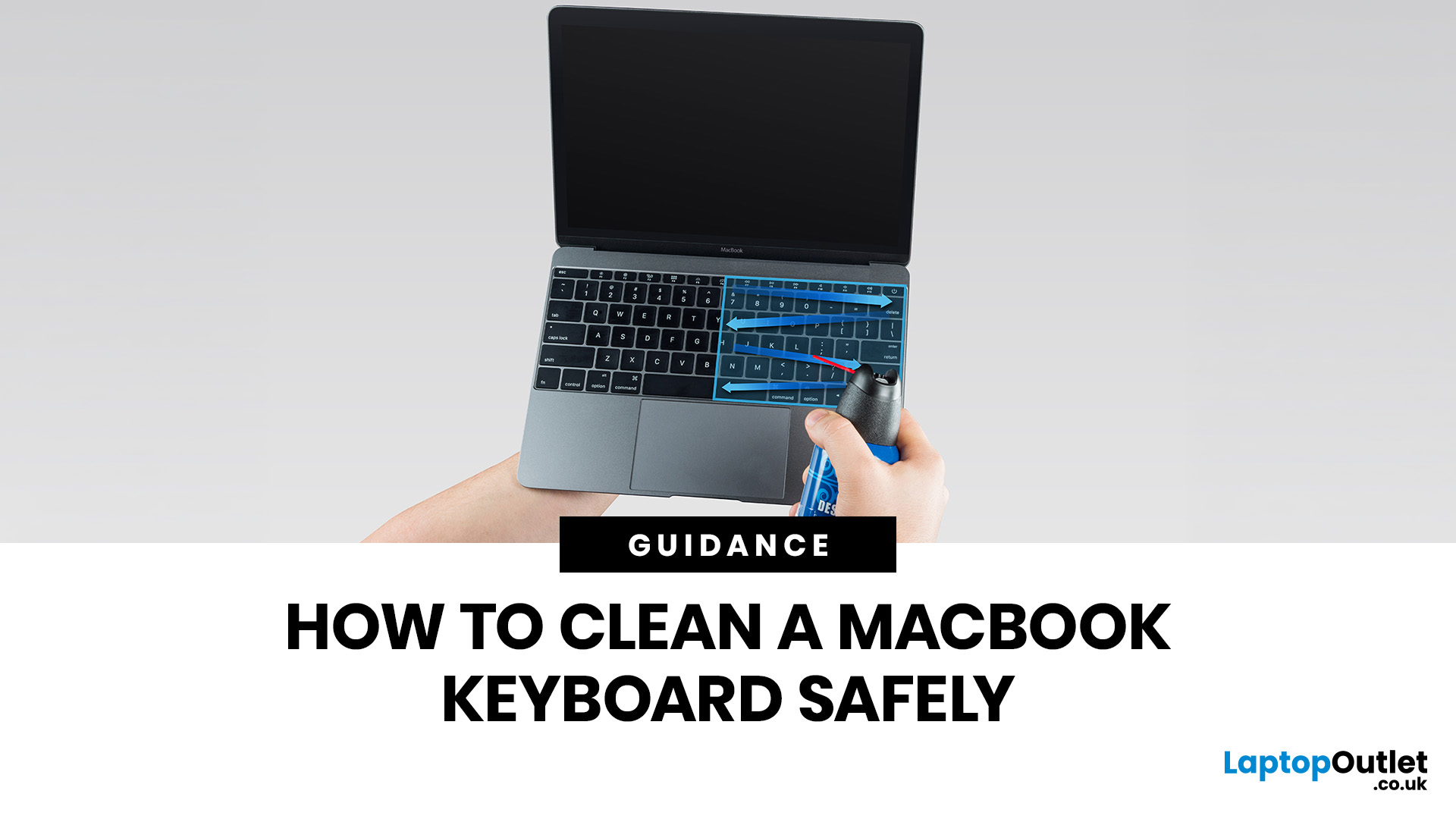
MacBook keyboard cleaning is simple when you do it the Apple-safe way: shut the laptop down, unplug it, use a soft lint-free cloth, keep moisture out of the openings, and never spray cleaner directly onto the keyboard. If you need to disinfect the surface, Apple says you can gently wipe off the hard, non-porous exterior, including the keyboard, with a 70 per cent isopropyl alcohol wipe, a 75 per cent ethyl alcohol wipe, or a disinfectant wipe.
That is the short version. The longer version matters because MacBook keyboards are not built for chaotic cleaning energy. Too much liquid, the wrong cleaner, or one “quick” spray straight onto the keys can turn a dusty keyboard into an expensive repair story. We will discuss today how to clean a Mac keyboard properly, how to remove dirt from MacBook keys, when compressed air makes sense, what not to use, and when a keyboard issue is no longer a cleaning job.
Quick Answer: How Can We Clean a MacBook Keyboard Safely?
The safest way to clean a MacBook
Last Updated: June 10, 2026
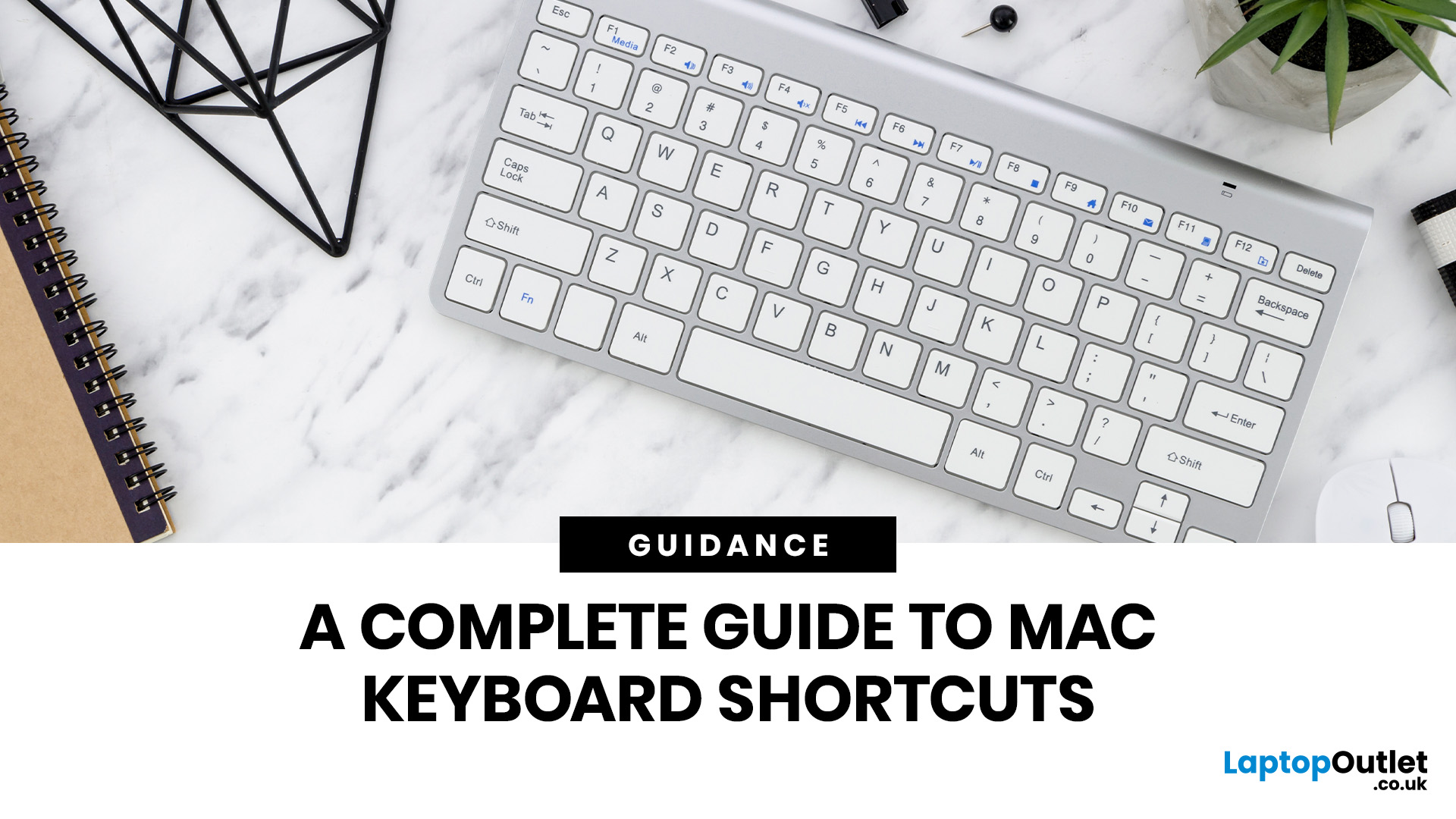
Mac keyboard shortcuts help you copy, paste, search, switch apps, manage files, take screenshots, and control system features faster from the keyboard. This 2026 guide explains the essential shortcuts, the meaning of Apple's modifier keys, practical shortcuts for everyday work, and the easiest ways to customise them for a smoother workflow.
What Are Mac Keyboard Shortcuts, And Why Should You Use Them?

Mac keyboard shortcuts are key combinations that carry out actions you would otherwise do with a mouse or trackpad. Apple notes that these shortcuts can save time, but also points out that some shortcuts vary by app, keyboard layout, and language.
For most people, the biggest benefit is speed. Copying text, opening Spotlight, closing tabs, switching apps, and locking the screen all feel quicker when your hands stay on the keyboard.
The same core shortcuts work across modern Macs, including MacBook, iMac, and Mac mini, as long as the keyboard layout matches.
If you are also comparing machines
Last Updated: June 17, 2026
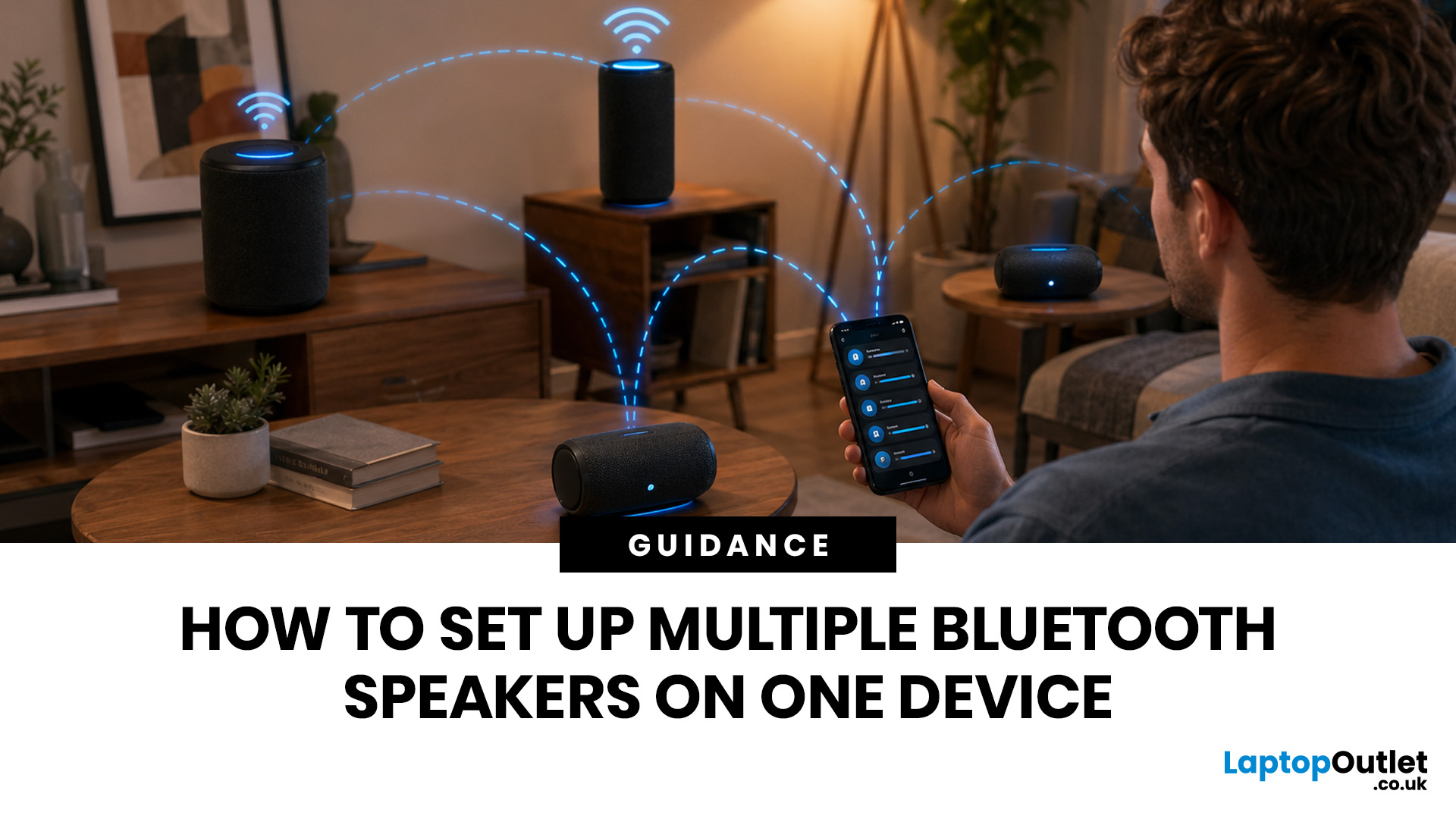
Quick Answer: You can set up multiple Bluetooth speakers on one device when your phone, laptop, tablet, or speakers support multi-speaker audio. The easiest method is to use compatible speakers from the same range and link them via the speaker’s party mode, stereo pair mode, the connect button, or the companion app.
Standard Bluetooth pairing does not always let you play sound through multiple Bluetooth speakers simultaneously. Your device may remember several speakers yet only send audio to one. For two-speaker playback, Samsung Galaxy Dual Audio, AirPlay-compatible speakers, Bluetooth LE Audio, Auracast, same-brand speaker pairing, or a Bluetooth transmitter are usually the best routes.
Introduction
You can connect multiple Bluetooth speakers, but the right setup depends on your device and the compatibility of your speakers. A Samsung Galaxy phone, an iPhone, an Android phone, a Windows laptop, a MacBook, or a TV may all need a slightly different method.
The main thing to know is
Last Updated: September 02, 2026
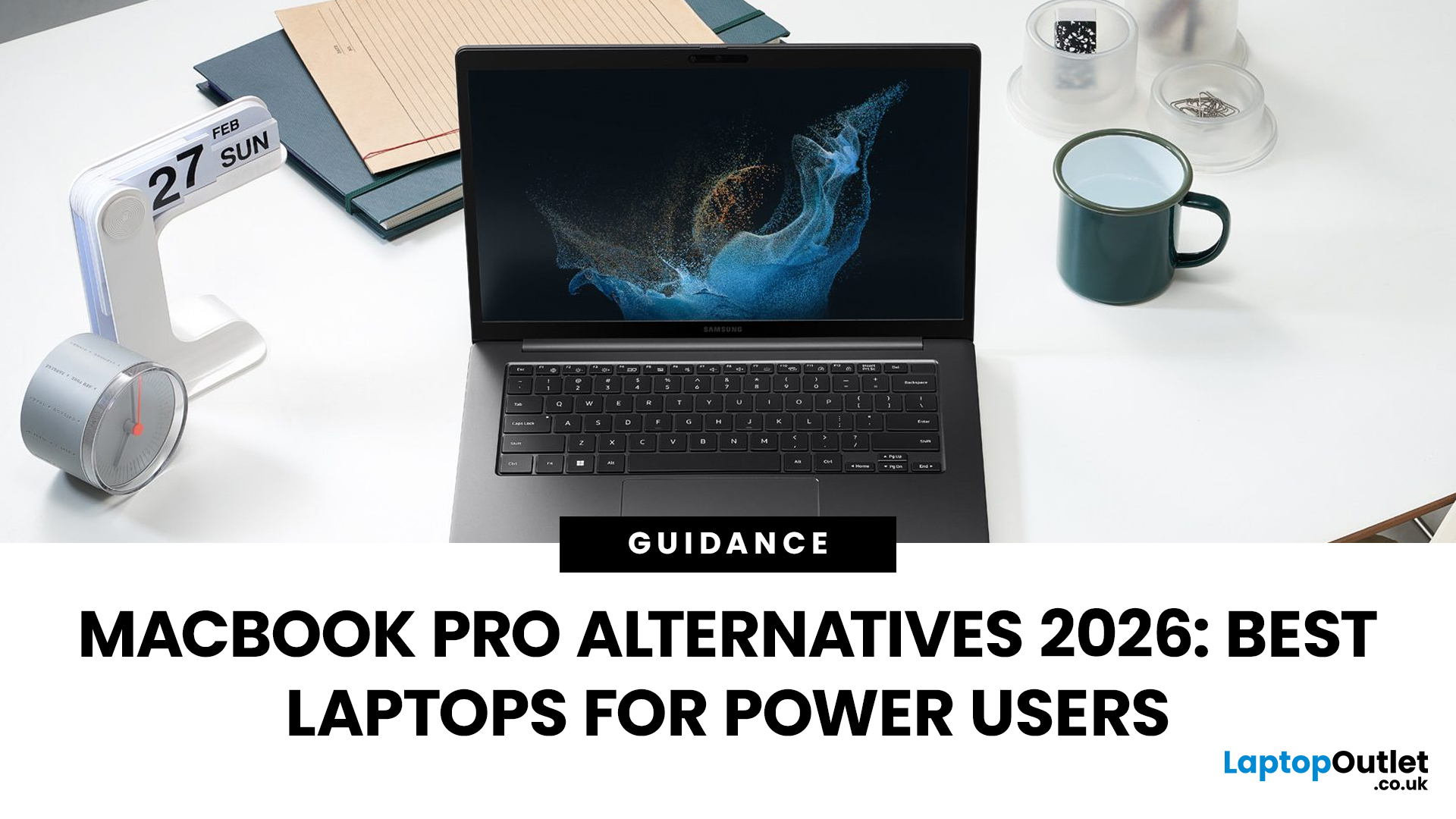
Looking beyond the MacBook Pro in 2026? This guide explores the best high-performance laptop alternatives for creators, developers, designers, and power users who want premium speed, displays, battery life, and value without being locked into Apple’s ecosystem.
If you're searching for the best MacBook Pro alternatives 2026 has to offer, you're not alone. Apple's flagship laptop remains one of the most impressive machines on the market, but it comes at a significant cost, and it isn't the right fit for everyone. Whether you're moving from macOS to Windows, exploring a different ecosystem, or simply want to know your options before spending over £1,500, this guide is for you.
Why Look for MacBook Pro Alternatives in 2026?
Apple's engineering is exceptional, but there are compelling reasons why even dedicated Mac users are reconsidering their options.
Price
The MacBook Pro starts at well over £1,500 in the UK. For many buyers, particularly students, freelancers, and small business owners,

