



MacBook Pro Alternatives 2026: Best Laptops for Power Users

Looking beyond the MacBook Pro in 2026? This guide explores the best high-performance laptop alternatives for creators, developers, designers, and power users who want premium speed, displays, battery life, and value without being locked into Apple’s ecosystem.
If you're searching for the best MacBook Pro alternatives 2026 has to offer, you're not alone. Apple's flagship laptop remains one of the most impressive machines on the market, but it comes at a significant cost, and it isn't the right fit for everyone. Whether you're moving from macOS to Windows, exploring a different ecosystem, or simply want to know your options before spending over £1,500, this guide is for you.
Why Look for MacBook Pro Alternatives in 2026?
Apple's engineering is exceptional, but there are compelling reasons why even dedicated Mac users are reconsidering their options.
Price
The MacBook Pro starts at well over £1,500 in the UK. For many buyers, particularly students, freelancers, and small business owners, that price point is a genuine barrier. Several Windows alternatives offer comparable (or superior) performance for hundreds of pounds less.
The Windows Ecosystem
Windows 11 continues to mature as a professional operating system. Wider software compatibility, deeper customisation, better peripheral support, and a broader range of hardware choices make Windows an attractive option for many professional workflows, especially in enterprise environments.
AI-Ready Hardware
The latest Windows laptops feature dedicated Neural Processing Units (NPUs) built around Intel's Core Ultra series and AMD's Ryzen AI chips. These processors are purpose-built for on-device AI tasks, from real-time transcription and image generation to smart noise cancellation and productivity tools powered by Windows Copilot.
Gaming and Dedicated Graphics
The MacBook Pro's GPU performance is impressive for creative tasks, but macOS gaming support remains limited. Windows laptops offer full compatibility with Steam, PC Game Pass, and a vast library of titles, a significant advantage if gaming is part of your lifestyle.
Upgradeability and Flexibility
Apple's machines are largely sealed systems. By contrast, many Windows laptops offer more accessible RAM, storage upgrades, and a wider choice of accessories and peripherals that work seamlessly without adapters.
What Makes the Best MacBook Pro Alternative?
Not every Windows laptop qualifies as a genuine rival to Apple's flagship. Here's what separates the best from the rest:
- Processor performance: Look for Intel Core Ultra (Series 2) or AMD Ryzen AI chips with dedicated NPU support.
- Display quality: A high-resolution IPS or OLED panel with accurate colour reproduction is essential for creative professionals.
- Battery life: Aim for at least 10 hours of real-world use, ideally closer to 15.
- Build quality: Premium magnesium alloy or aluminium chassis, not plastic. The laptop should feel as premium as it looks.
- Portability: Under 1.5 kg is ideal for frequent travellers and commuters.
- Software compatibility: Windows 11 with full support for your professional tools, Adobe Creative Suite, Microsoft 365, development IDEs, and more.
- Value for money: A laptop that delivers MacBook Pro-level quality at a lower price point, without cutting corners on what matters.
If display quality is your priority, our guide to OLED laptops is worth reading before you decide.
Best MacBook Pro Alternatives 2026
All models below are available from Laptop Outlet. We've selected them based on their real-world performance, build quality, and suitability as credible MacBook Pro alternatives.
1. Dell XPS 13 9345 (Snapdragon X1E)
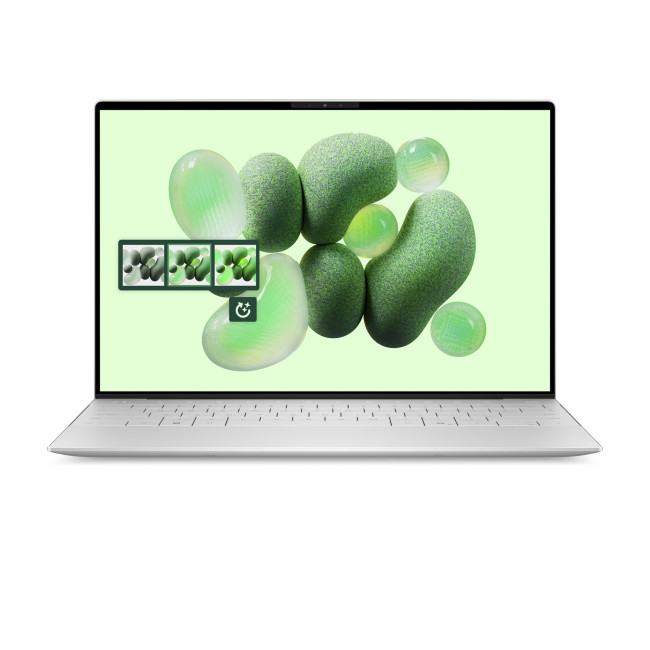
The Dell XPS laptops range has long been the go-to MacBook Pro Windows alternative for professionals who want premium design without switching ecosystems. The XPS 13 9345 with Qualcomm Snapdragon X1E-80-100 represents a particularly compelling option.
Key Specifications
- Processor: Qualcomm Snapdragon X1E-80-100
- RAM: 32GB LPDDR5X
- Storage: 1TB NVMe SSD
- Display: 13.4" (options include 2K IPS and OLED touch)
- OS: Windows 11 Pro
- Weight: 1.19 kg
- Price: From £1,392.60 at Laptop Outlet
Main Strengths
The XPS 13 is strikingly thin and well-built, machined aluminium with a precision-engineered hinge and an edge-to-edge display. The Snapdragon X1E chip offers excellent efficiency with strong multi-threaded performance, and 32GB of LPDDR5X RAM means this machine handles serious multitasking without breaking a sweat. Battery life is excellent for its size.
Potential Drawbacks
The XPS 13 has limited port selection. You'll likely need a dock or hub for day-to-day use. ARM-based Snapdragon compatibility with older x86 software has improved significantly, but some legacy tools may require emulation.
Ideal For
Business professionals, travellers, and anyone who wants a MacBook Air-rivalling form factor with Windows Pro features.
2. ASUS ZenBook 14 OLED (Intel Core Ultra 7/9)
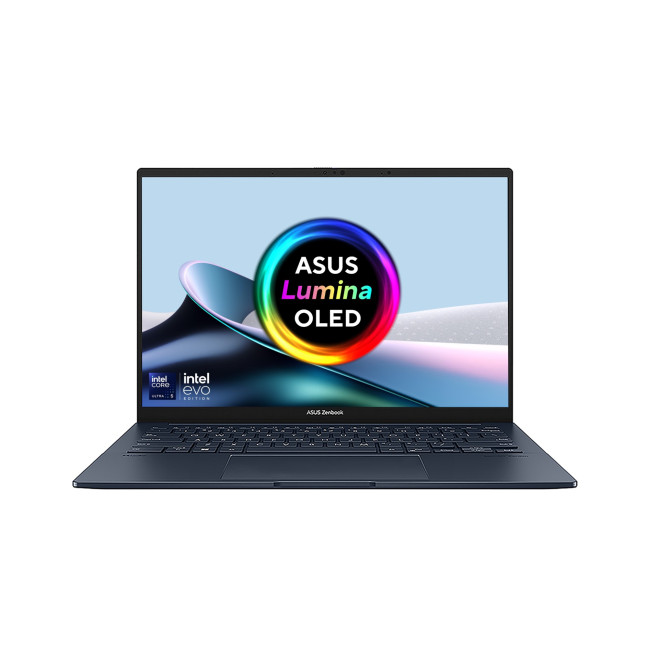
The ASUS ZenBook laptops series has earned a strong reputation as one of the best value alternatives to the MacBook Pro. The ZenBook 14 OLED, available with Intel Core Ultra 7 255H (16GB RAM) or the premium Core Ultra 9 285H (32GB RAM), punches well above its price bracket.
Key Specifications
- Processor: Intel Core Ultra 9 285H
- RAM: 32GB
- Storage: 1TB SSD
- Display: 14" OLED Touchscreen
- OS: Windows 11 Home
- Weight: ~1.28 kg
- Price: From £1129.99 (was £1,349.99) at Laptop Outlet
Main Strengths
The ZenBook 14 OLED delivers something Apple charges a significant premium for: a stunning OLED display with exceptional contrast, deep blacks, and outstanding colour accuracy. The Core Ultra 7 255H provides strong performance for everyday and creative tasks, and the dedicated Intel Arc GPU in the Core Ultra 9 variant handles lighter creative work well. At this price point, the value is remarkable.
For a deeper look at why OLED matters for creative work, see our article on ZenBook OLED display advantages.
Potential Drawbacks
The 16GB base RAM configuration may feel limiting for very heavy video editing or large virtual machine usage. Battery life is competitive but won't match Apple Silicon's efficiency.
Ideal For
Creative professionals, students, writers, and anyone who values a premium display without MacBook Pro pricing.
3. ASUS ZenBook S 14 (Intel Core Ultra 7 256V)
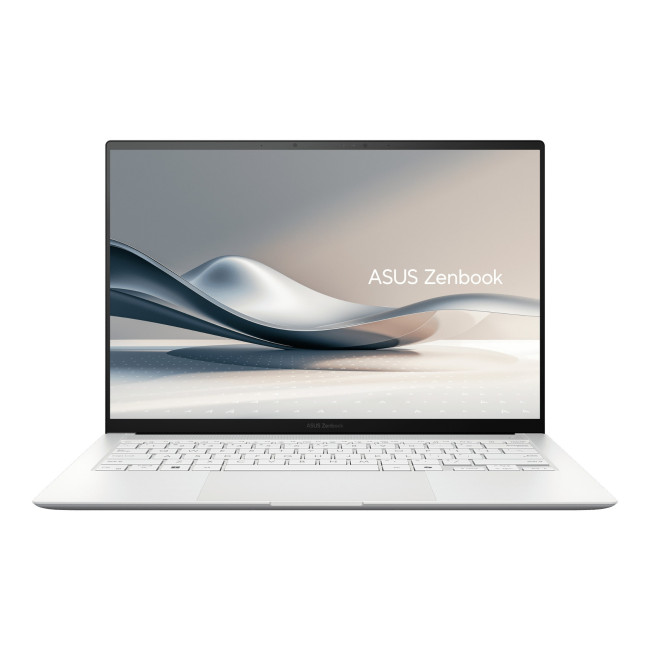
The ZenBook S 14 represents ASUS's most refined take on the ultra-slim premium laptop. Powered by Intel's Core Ultra 7 256V, a chip designed specifically for thin-and-light systems with impressive AI credentials, this is the ZenBook for users who want maximum portability with no performance compromise.
Key Specifications
- Processor: Intel Core Ultra 7 256V
- RAM: 16GB
- Storage: 1TB NVMe SSD
- Display: 14" Touchscreen (2.8K OLED, 120Hz)
- OS: Windows 11 Home
- Weight: 1.10 kg
- Price: From £1099.99 (was £1,499.99) at Laptop Outlet
Main Strengths
At just 1.10 kg, the ZenBook S 14 is lighter than the MacBook Pro 14 and is arguably the closest Windows laptop to Apple's form-factor philosophy. The 256V chip's NPU delivers strong AI feature support, and the 2.8K OLED display at 120Hz is breathtaking for a machine in this price range.
Potential Drawbacks
As with many ultra-thin designs, port selection is minimal. Heavy sustained workloads, like rendering large video files, may push thermals harder than a MacBook Pro, which benefits from Apple's tightly integrated cooling architecture.
Ideal For
Frequent travellers, remote workers, and professionals who need a MacBook-like experience on Windows.
4. ASUS ZenBook 14 (AMDRyzenAI 7 445 OLED)
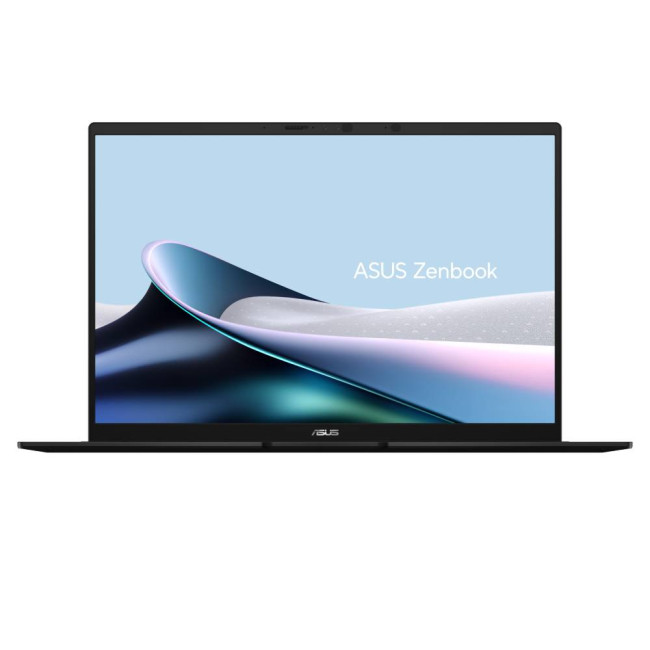
For buyers who want strong performance and an OLED display at a genuinely competitive price, the AMD-powered ZenBook 14 OLED is one of the best value laptop alternatives to the MacBook Pro currently available at Laptop Outlet.
Key Specifications
- Processor: AMD Ryzen AI 7 445
- RAM: 32GB
- Storage: 1TB NVMe SSD
- Display: 14" WQXGA+ OLED (2880×1800)
- OS: Windows 11 Home
- Weight: ~1.2 kg
- Price: From £999 (was £1,199.99) at Laptop Outlet
Main Strengths
AMD's Ryzen AI platform is excellent for creative and development workloads. Paired with a 1920×1200 OLED panel, colour reproduction is outstanding, ideal for designers and photo editors who need accurate colour without spending MacBook Pro money. The Ryzen AI 7 445 built-in NPU also future-proofs the machine for on-device AI applications.
If you're new to ASUS, our introduction to ASUS laptops is a helpful starting point.
Ideal For
Graphic designers, photographers, students, and budget-conscious buyers who refuse to compromise on display quality.
MacBook Pro vs Windows Alternatives: Comparison Table
Here's how the leading options stack up side by side across the criteria that matter most to professional and power users.
|
FEATURE |
MACBOOK PRO M5 |
DELL XPS 13 |
ASUS ZENBOOK 14 OLED |
ASUS ZENBOOK S 14 |
Dell XPS 14/16 |
|---|---|---|---|---|---|
|
Processor |
Apple M5 (10-core) |
Snapdragon X1E |
Core Ultra 7/9 255H |
Core Ultra 7 256V |
Core Ultra 7/9 |
|
RAM |
16GB–48GB |
32GB LPDDR5X |
16GB–32GB |
16GB |
16GB–32GB |
|
Storage |
512GB–8TB SSD |
1TB NVMe |
1TB NVMe |
1TB NVMe |
512GB–2TB |
|
Display |
Liquid Retina XDR |
2K IPS |
14" OLED Touch |
14" OLED Touch |
OLED/IPS Touch |
|
Battery Life |
Up to 22 hrs |
Up to 15 hrs |
Up to 15 hrs |
Up to 20 hrs |
Up to 13 hrs |
|
Weight |
1.55 kg |
1.19 kg |
1.28 kg |
1.10 kg |
1.46–1.86 kg |
|
OS |
macOS |
Windows 11 Pro |
Windows 11 Home |
Windows 11 Home |
Windows 11 |
|
Gaming Support |
Limited |
Integrated only |
Integrated only |
Integrated only |
Limited dGPU |
|
Value Rating |
★★★☆☆ |
★★★★☆ |
★★★★★ |
★★★★★ |
★★★★☆ |
Note: Prices correct at time of publication. Always check Laptop Outlet for current pricing.
Which MacBook Pro Alternative is Best for You?
The right choice depends entirely on your workflow, priorities, and budget. Here's our recommendation by user type:
Creative Professionals (Video Editors, Graphic Designers)
Go for the ASUS ZenBook 14 OLED with Intel Core Ultra 9 285H and 32GB RAM. The OLED display delivers the colour accuracy professionals demand, the Core Ultra 9 provides genuine grunt for rendering and editing, and the price undercuts a comparable MacBook Pro significantly.
Developers
The Dell XPS 13 9345 with 32GB RAM is a strong pick. Windows 11 Pro, a compact build, and excellent performance for compiling, containerisation, and remote development make it a credible daily driver. The ZenBook S 14 is another excellent choice if you value portability.
Students
The AMD-powered ASUS ZenBook 14 OLED is the standout recommendation. Brilliant display, capable performance, strong battery life, and a price that leaves meaningful budget for software, accessories, and course materials. It's a genuinely good alternative to the MacBook Pro for study and creative work.
Business Professionals
The Dell XPS 13 with Windows 11 Pro is the natural fit. Microsoft 365 integration is seamless, the build quality is board-room ready, and enterprise IT management tools are far better supported on Windows. Our guide to business laptop categories can help you narrow down further.
Frequent Travellers
The ASUS ZenBook S 14 at 1.10 kg is the clear winner here. It's among the lightest premium Windows laptops available, and its Core Ultra 7 256V chip maintains excellent battery efficiency for long-haul journeys.
Budget-Conscious Buyers
The refurbished ASUS ZenBook 14 OLED with AMD Ryzen AI 7 350 at £749.99 offers extraordinary value. A high-resolution OLED display, solid AI-capable processor, and premium chassis for under £800 is genuinely exceptional, and a fraction of MacBook Pro pricing.
Who Should Still Buy a MacBook Pro?
This guide advocates for Windows alternatives, but intellectual honesty demands a balanced view. There are real scenarios where the MacBook Pro remains the superior choice.
- Deep Apple Ecosystem Users: If you rely heavily on iCloud, iPhone, iPad, Apple Watch, and AirDrop workflows, the integration between Apple devices is genuinely best-in-class. No Windows machine replicates it.
- Final Cut Pro and Logic Pro Professionals: Apple's own creative software, Final Cut Pro and Logic Pro, is Mac-exclusive and remains industry-leading for video and audio production. If your workflow depends on either, macOS is your home.
- Sustained Workloads Requiring Consistent Performance: Apple Silicon's thermal management is exceptional. For sustained 8-hour rendering sessions, the M-series chips maintain performance levels that thin Windows machines can't always match.
- Resale Value: MacBook Pros hold their value remarkably well compared to Windows laptops. If you plan to resell in 3–4 years, Apple hardware typically returns more.
For the latest on Apple's chip roadmap and what's coming next, see our article on the MacBook new release.

Conclusion: What is the Best Alternative to MacBook Pro in 2026?
The best MacBook Pro alternative in 2026 depends on what you value most, but based on our analysis of the options available at Laptop Outlet, here's the definitive short answer:
- Best overall: ASUS ZenBook 14 OLED (Intel Core Ultra 9 285H, 32GB) — outstanding display, genuine performance, and exceptional value.
- Best for portability: ASUS ZenBook S 14 (Core Ultra 7 256V) — lightest, thinnest, and beautifully designed.
- Best for business: Dell XPS 13 9345 (Snapdragon X1E, 32GB) — premium build, Windows 11 Pro, and strong productivity credentials.
- Best value: ASUS ZenBook 14 OLED (AMD Ryzen AI 7 350) — OLED display and AI-ready performance for under £800.
The Windows laptop market in 2026 has never been stronger. MacBook Pro Windows alternatives have closed the gap significantly in display quality, build standards, battery life, and AI performance, and they often do it at a considerably lower price.
Ready to find your ideal machine? Explore the full range of premium Windows 11 and Apple laptops at Laptop Outlet. Whether you're after a sleek ultrabook, a powerhouse creative workstation, or a business laptop that works as hard as you do, Laptop Outlet offers competitive pricing, flexible finance options, and free delivery on qualifying orders.
Shop premium laptops at Laptop Outlet today!

Still Got Questions?
What is the best alternative to MacBook Pro in 2026?
The ASUS ZenBook 14 OLED (Intel Core Ultra 9 285H, 32GB RAM) is the best overall MacBook Pro alternative for most users in 2026. It combines a stunning OLED display, strong processor performance, and a premium build at a fraction of MacBook Pro pricing. For the absolute best value, the AMD Ryzen AI 7 350 variant is hard to beat at under £800.
Which Windows laptop is most similar to a MacBook Pro?
The ASUS ZenBook S 14 comes closest to the MacBook Pro's design philosophy, ultra-thin, lightweight (1.10 kg), premium aluminium construction, and a high-resolution touchscreen display. The Dell XPS 13 is another strong contender, particularly for those who prioritise a compact form factor with Windows 11 Pro.
Is Dell XPS better than a MacBook Pro?
It depends on your priorities. The Dell XPS 13 offers a more compact chassis, Windows 11 Pro compatibility, and significantly lower pricing for comparable specifications. However, the MacBook Pro's Apple Silicon performance, battery life, and macOS ecosystem remain difficult to beat for specific professional workflows, particularly those relying on Final Cut Pro or Logic Pro.
Is ASUS ZenBook a good MacBook Pro alternative?
Yes. The ASUS ZenBook range is consistently one of the most recommended laptop alternatives to the MacBook Pro. OLED display options, Intel Core Ultra and AMD Ryzen AI processors, premium build quality, and strong battery life make ZenBook a genuine rival at a far lower price point. The ZenBook 14 OLED in particular has earned widespread praise from professional users.
Are Windows laptops better value than MacBook Pro models?
In most cases, yes. A Windows laptop with comparable specifications to a MacBook Pro typically costs £300–£600 less. You gain greater flexibility, wider software compatibility, and upgradeability. The trade-off is the tightly integrated Apple ecosystem and Apple Silicon's exceptional efficiency under sustained workloads. For most users, especially those outside the Apple ecosystem, Windows alternatives offer significantly better value for money.
| Read More: |
| Top 7 MacBook Pro M5 Features You Should Know |
| MacBook Neo vs Budget Windows Laptops |
| Top 10 AI-Powered Features to Look for in a Laptop in 2026 |
Related Articles

Last Updated: March 09, 2026
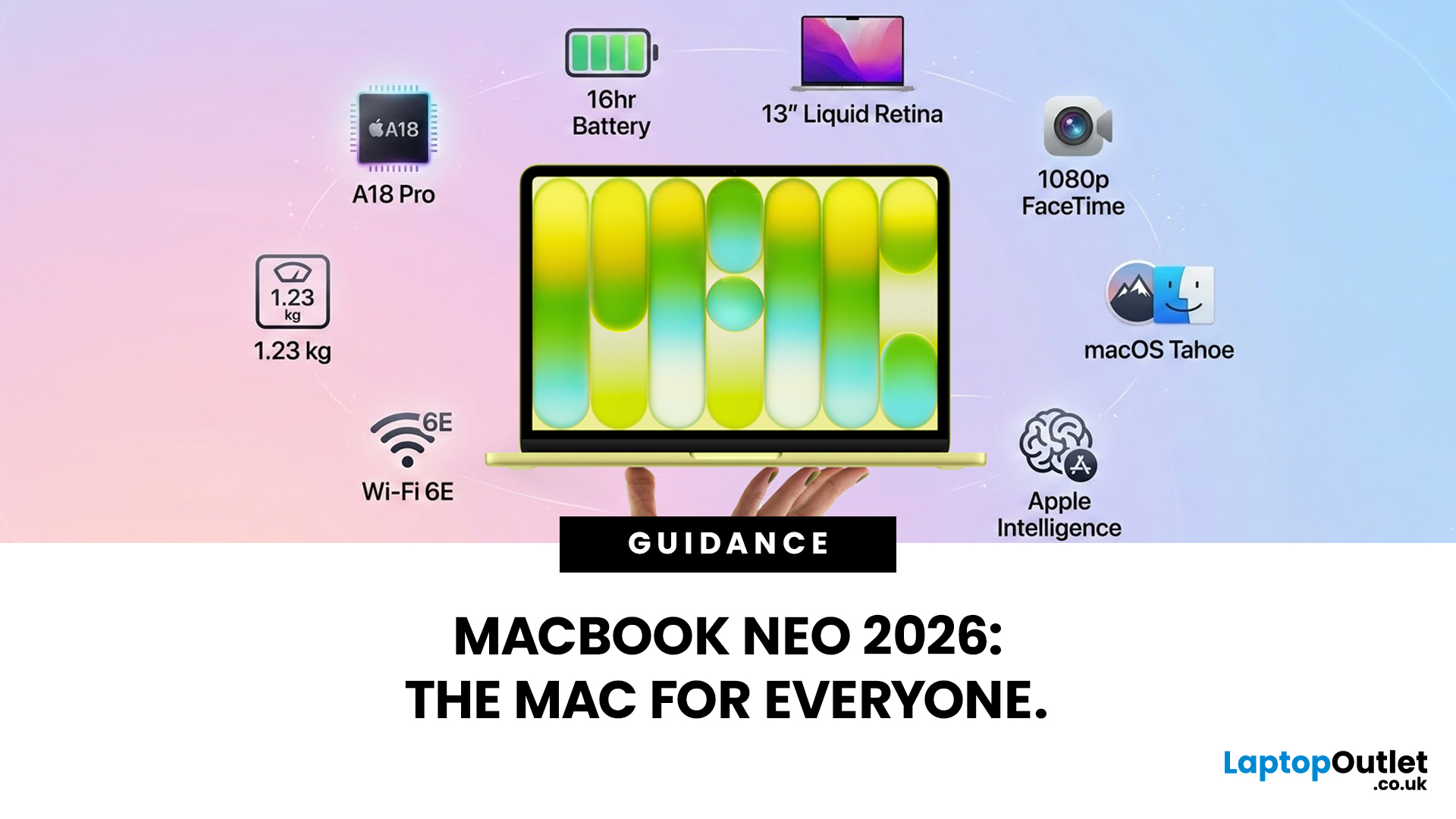
Apple has done something it has not done in years. It has built a MacBook that almost anyone can actually afford.
The MacBook Neo 2026 was announced on 4th March 2026 and went on sale from 11th March 2026. Starting at just £599, it is the most affordable Mac laptop Apple has ever made. That is a bold statement. And this time, Apple means it.
So, what exactly is the MacBook Neo, what can it do, and is it worth buying? Let us break it all down.
What Is the MacBook Neo 2026?
The MacBook Neo is Apple's brand new entry-level laptop. It sits below the MacBook Air and MacBook Pro in the lineup. Think of it as a proper Mac for everyone.
For years, the cheapest way into the Mac world was the MacBook Air at £999. That was too steep for many students and first-time buyers. The MacBook Neo changes that. It brings macOS, Apple silicon, and the full Mac experience to people who want a quality laptop without paying a premium price.
It is not a watered-down product. It is simply a smarter, more accessible
Last Updated: March 09, 2026
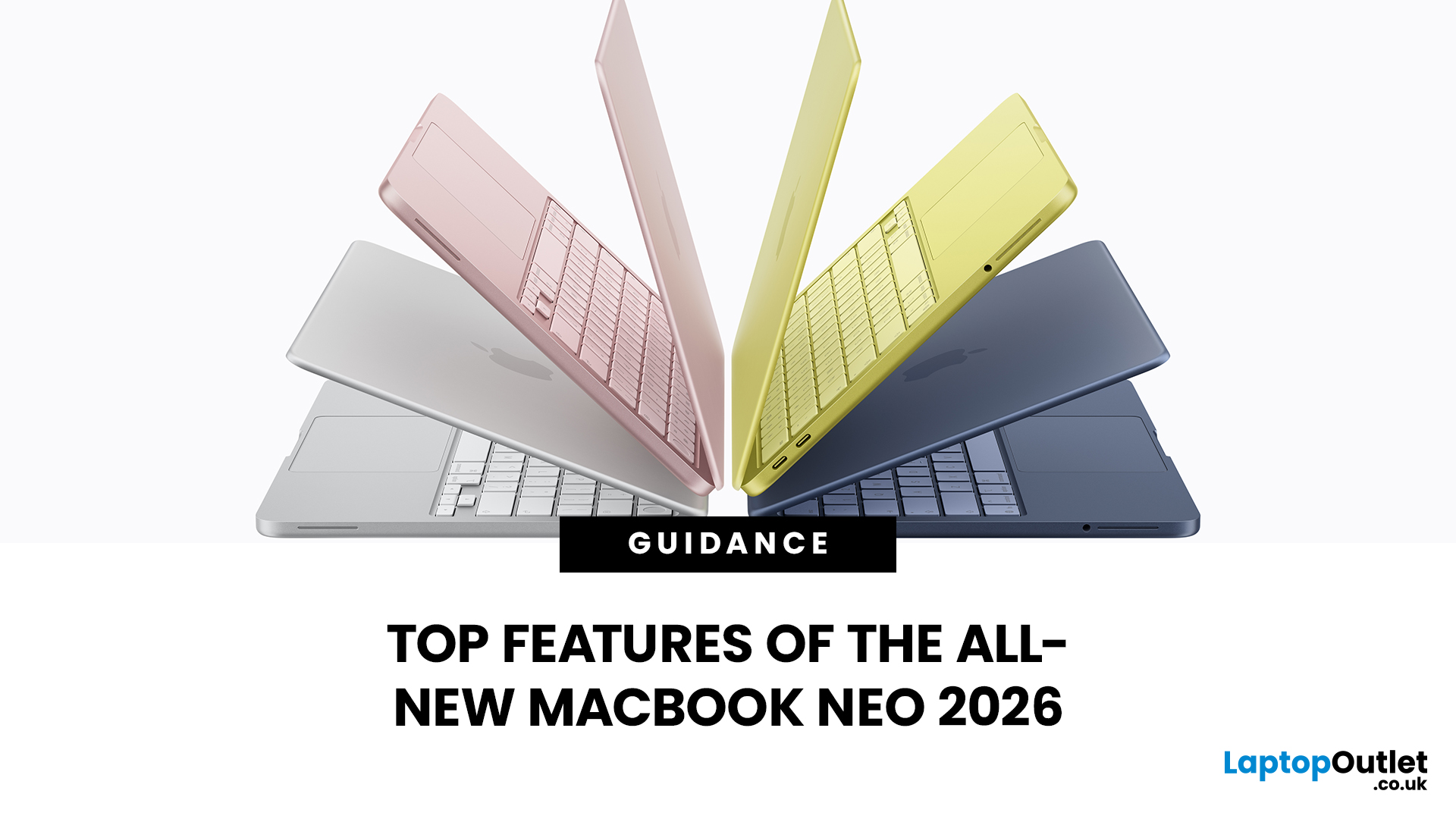
Apple has done something surprising. In March 2026, the company unveiled its most affordable laptop ever: the MacBook Neo.
Starting at just £599, it brings the full Mac experience to a much wider audience: students, first-time buyers, and budget-conscious shoppers who have long been priced out of the Apple ecosystem.
This is not just a stripped-down machine. The MacBook Neo features a beautiful aluminium design, a sharp Liquid Retina display, the A18 Pro chip, and up to 16 hours of battery life. In short, it packs a serious punch for its price.
So, what exactly makes this laptop worth your attention? Let us walk through every key MacBook Neo feature in detail.
MacBook Neo: Full Specs at a Glance
Before diving deep, here is a quick overview of everything the MacBook Neo brings to the table.
| Specification | Details |
| Processor | Apple A18 Pro (6-core CPU, 5-core GPU, 16-core Neural Engine) |
| Display | 13-inch Liquid Retina, 2408 x 1506 resolution, 500 nits |
| Memory | 8GB unified memory |
Last Updated: March 09, 2026
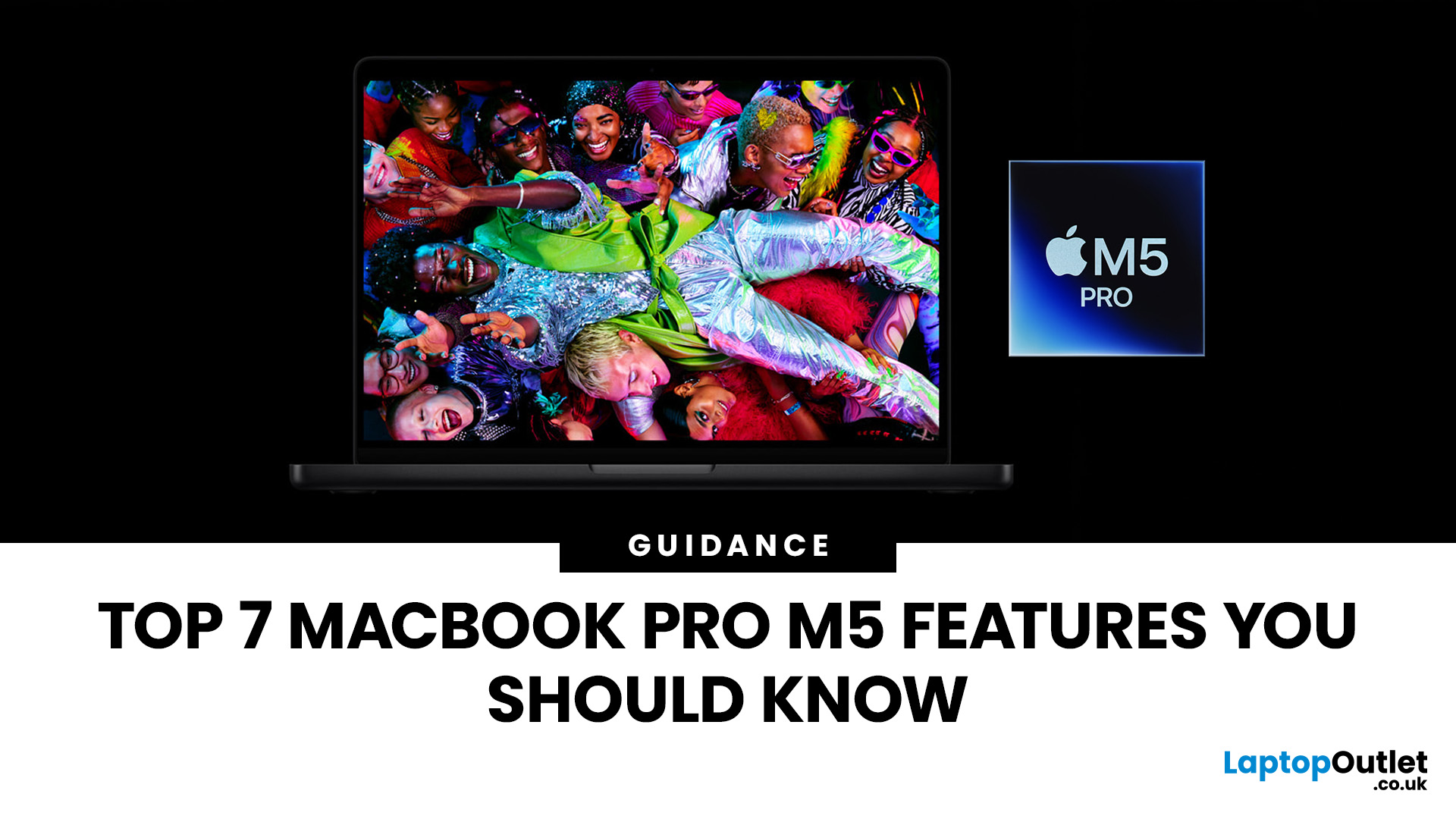
Apple’s MacBook Pro lineup has consistently defined what professional laptops can do, but the introduction of the M5 generation pushes the category even further. Powered by Apple’s latest silicon architecture and backed by upgrades in storage, connectivity, and AI performance, the MacBook Pro M5 is designed to handle modern workflows, from video production and software development to AI experimentation and heavy multitasking.
While the external design remains familiar, the real upgrades are under the hood. Apple has focused heavily on improving computational power, on-device AI processing, wireless capabilities, and storage performance. These changes make the MacBook Pro M5 one of the most capable laptops available for professionals and power users.
Below are the top seven MacBook Pro M5 features that stand out in the latest generation.
1. Next-Generation Apple Silicon: M5 Pro and M5 Max Chips
The biggest upgrade in the MacBook Pro M5 lineup is the introduction of Apple’s M5 Pro and M5

Last Updated: March 09, 2026
If you have been waiting for a proper budget Mac, it is finally here. MacBook Neo launched as Apple’s most affordable laptop ever, and it is clearly built for students, first-time Mac buyers, and anyone who just needs a reliable everyday laptop for browsing, documents, streaming, and calls. The big headline is the price. In the UK, MacBook Neo starts at £599, with £499 education pricing, and it goes on sale on Wednesday, March 11, 2026. Pre-orders are open now.
This guide breaks down what MacBook Neo is, who it is for, what you get for the money, and the trade-offs you should know before ordering.
Want to Buy a MacBook Neo? Quick Verdict
Buy MacBook Neo If You Want the Cheapest New Mac
MacBook Neo makes sense if your daily laptop life looks like this:
- Browsing and web apps
- Word, PowerPoint, Google Docs
- Email and admin
- Zoom or FaceTime calls
- School work and research
- Light photo editing and creative hobbies
It is designed to feel like a real MacBook, just at a lower cost.
Skip MacBook
Last Updated: March 09, 2026
If you’ve been thinking about buying a MacBook Air this year, you’ve probably run into the same question everyone in the UK tech community is asking:
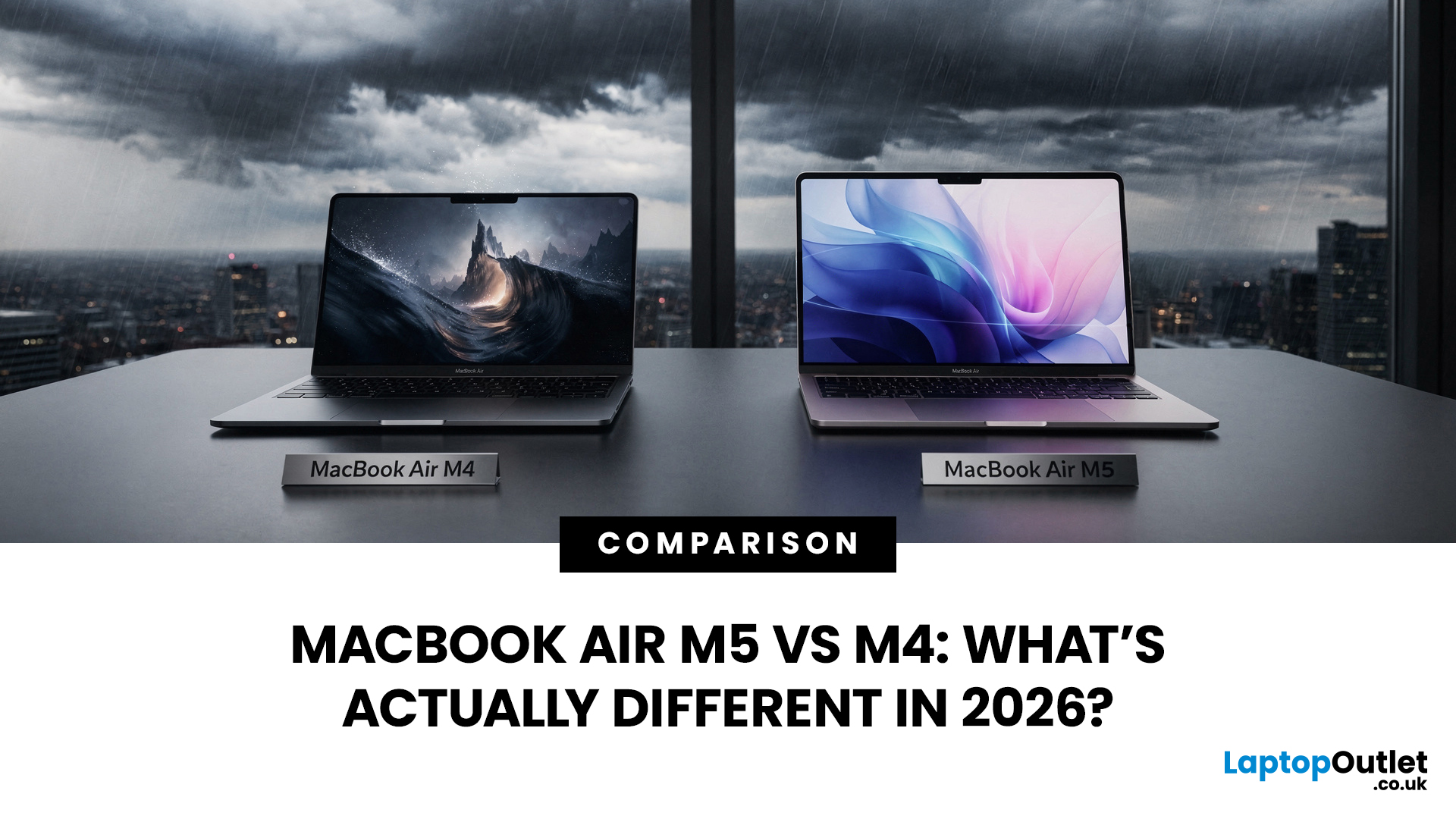
Should you buy the new MacBook Air M5 or save money with the M4?
At first glance, the two laptops look almost identical. Same ultra-thin aluminium design. Same beautiful display. Same lightweight build that makes the MacBook Air perfect for working in cafés, trains, or university libraries.
But once you dig a little deeper, the MacBook Air M5 vs M4 comparison starts to reveal some interesting differences.
Apple hasn’t completely reinvented the MacBook Air in 2026, but the company has quietly improved several areas including performance, storage, wireless connectivity, and AI features.
So, if you're planning to buy an Apple MacBook from UK, Laptop Outlet or Amazon, this guide will help you decide which model actually makes more sense.
Let’s break it down.
MacBook Air M5 vs M4: Quick Comparison
Before diving into details, here’s a quick overview

Last Updated: March 09, 2026
Apple laptops have never really been known for being “cheap.” For years, the entry point into the MacBook world started at around £999 or more. But that has finally changed.
In March 2026, Apple unveiled something unexpected: MacBook Neo, the company’s most affordable MacBook ever. Designed for students, casual users, and first-time Mac buyers, the Neo brings the macOS experience to a much lower price point than previous Apple laptops.
So how much does it cost in the UK? What specs do you get? And is it worth buying?
Let’s break it all down.
MacBook Neo Price UK
The MacBook Neo price in the UK starts at around £599 for the base configuration.
That makes it the cheapest MacBook Apple has ever released, significantly undercutting the MacBook Air, which currently starts at around £1,099 in the UK.
Here’s a quick breakdown of expected pricing tiers:
| Model | Storage | Expected UK Price |
| MacBook Neo (Base) | 256GB SSD | ~£599 |
| MacBook Neo | 512GB SSD | ~£699 |
| Education pricing | 256GB SSD | ~£499 (students/educators) |
Last Updated: March 09, 2026
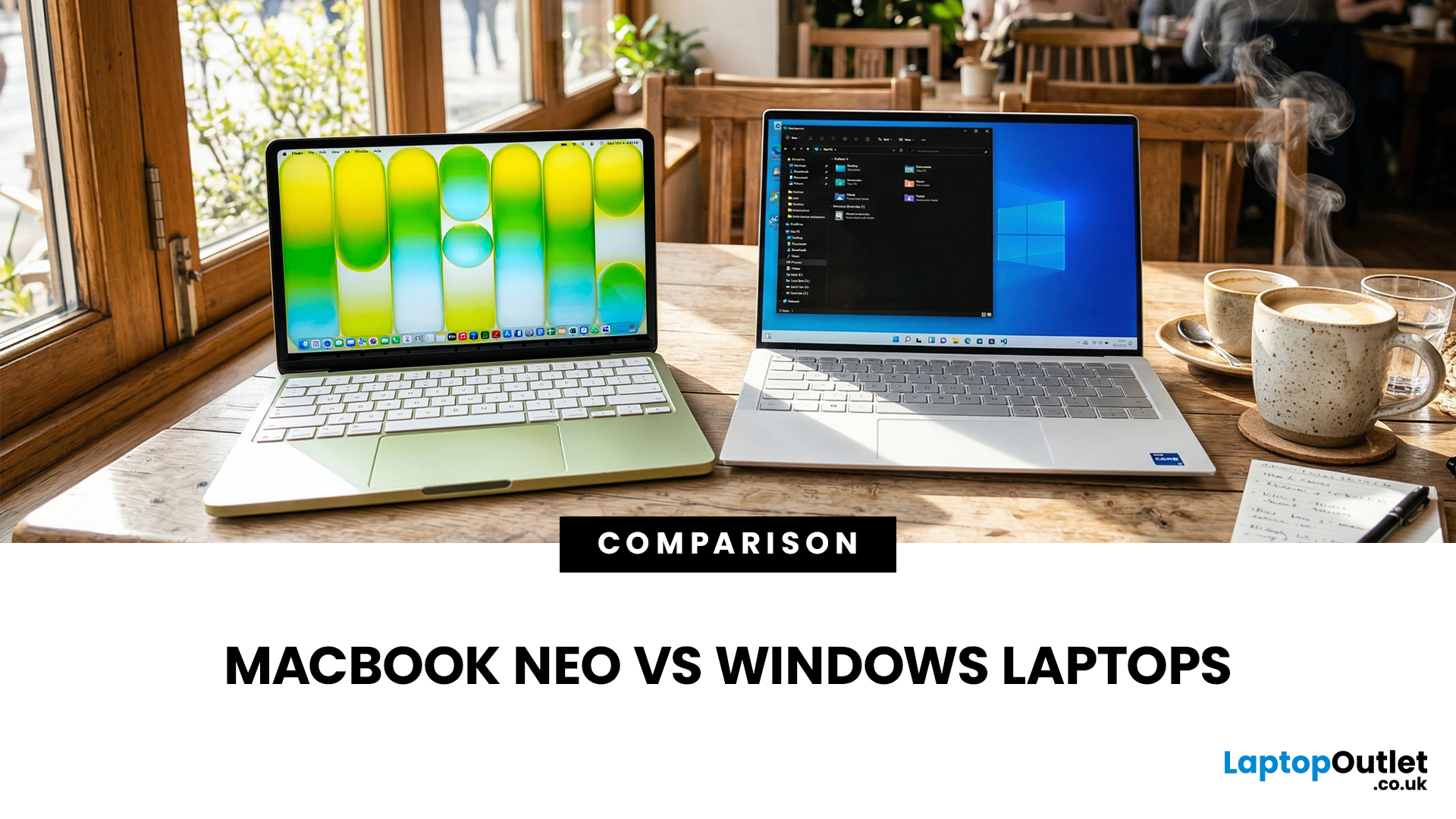
If you are comparing MacBook Neo vs Windows laptops, you are really asking one question: should you buy Apple’s cheapest Mac, or get a budget Windows laptop with more ports and more choice?
MacBook Neo is new, starts at £599, and is designed to be a simple, premium-feeling everyday laptop with macOS, long battery life, and strong call quality.
Budget Windows laptops can offer more screen sizes, more ports, and sometimes better upgrade options. But quality is inconsistent in this price range, and that’s where Neo tries to win.
Below is the practical, buyer-focused breakdown.
10-Second Answer Box
Choose MacBook Neo if
- You want the cleanest everyday experience for browsing, school, docs, and calls
- You value build quality and trackpad feel
- You want a laptop that stays fast and quiet for years, without tweaking settings
Choose a budget Windows laptop if
- You want more ports like HDMI and USB-A built in
- You need a bigger screen for the money
- You want the flexibility of Windows software and lots
Last Updated: March 09, 2026
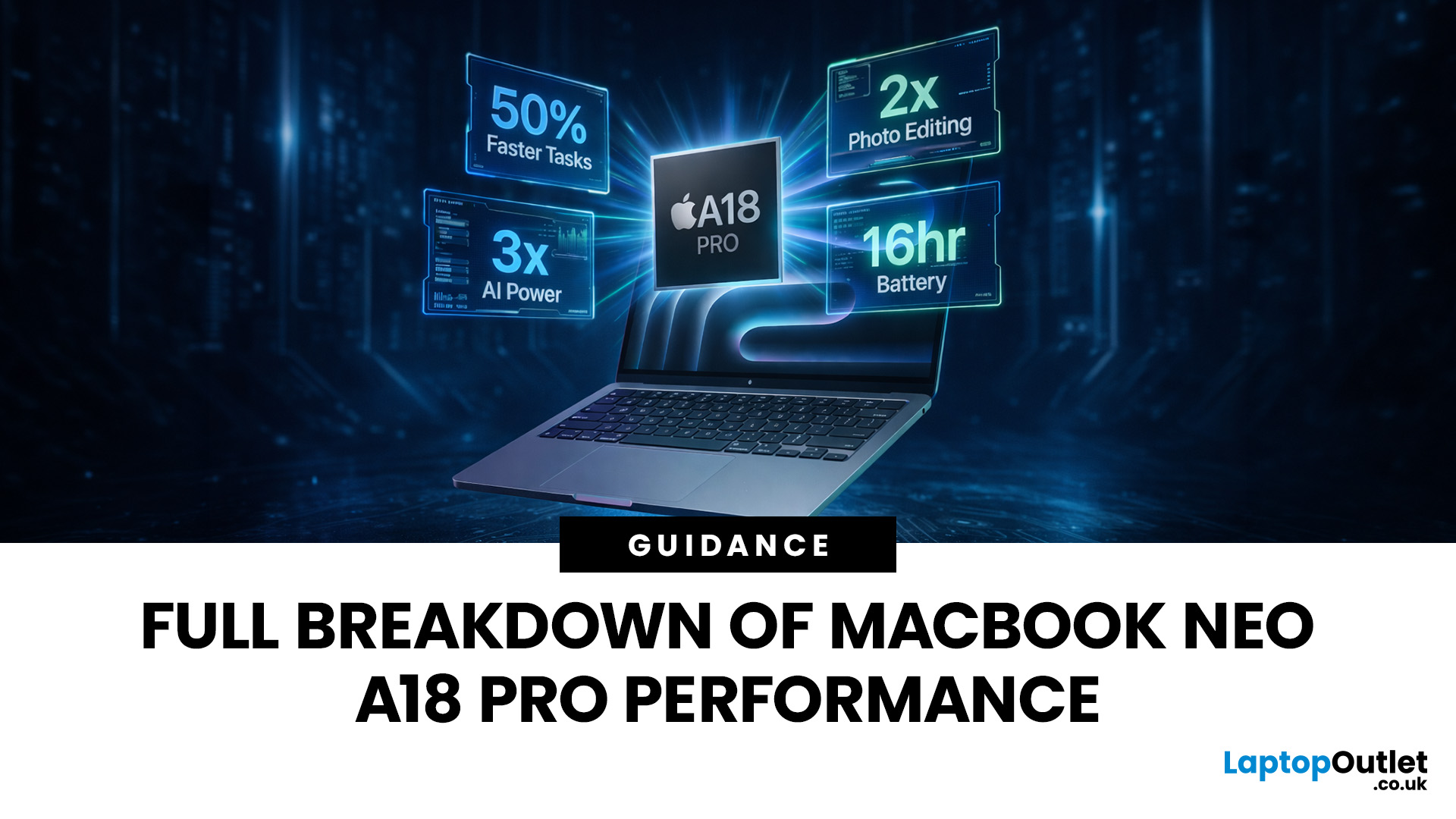
Apple made a bold move on 4 March 2026. It introduced the MacBook Neo — a laptop that starts at just £599 and runs on a chip that, until now, only lived inside iPhones.
That chip is the A18 Pro. And its arrival in a Mac laptop raises a very obvious question: what does it actually mean for performance?
The answer is more interesting than you might expect. This article breaks it all down — the architecture, the real-world gains, the trade-offs, and who this machine is really built for.
What Is the A18 Pro Chip?
The A18 Pro is not a new chip. It first appeared in the iPhone 16 Pro in late 2024. But placing it inside a laptop is entirely new territory for Apple.
This is the first time Apple has ever used a mobile-class chip to power a Mac. That alone makes the A18 Pro MacBook Neo a significant moment in computing history.
The Core Architecture
Here is what sits inside the A18 Pro:
- 6-core CPU — 2 performance cores and 4 efficiency cores
- 5-core GPU — hardware-accelerated ray tracing included

Last Updated: April 28, 2026
Apple’s Studio Display and Pro Display XDR are among the most advanced monitors available for professionals. With ultra-sharp 5K and 6K resolutions, these displays are designed for creatives who need exceptional colour accuracy, brightness, and detail.
However, to get the best experience, you need a powerful MacBook with strong graphics performance and Thunderbolt connectivity. Apple’s latest MacBooks powered by M3, M4, M5, M5 Pro, and M5 Max chips bring major improvements in performance, AI capabilities, and external display support.
Can MacBooks Support the Studio Display or Pro Display XDR?
Yes. Most modern Apple Silicon MacBooks can connect to these displays.
Studio Display
- Resolution: 5K (5120 × 2880)
- Thunderbolt / USB-C connection
- Works with most Apple Silicon Macs
Pro Display XDR
- Resolution: 6K (6016 × 3384)
- Requires high bandwidth Thunderbolt connection
- Best paired with MacBook Pro models
Modern MacBooks with Thunderbolt ports and Apple Silicon chips can drive high-resolution

Published: March 12, 2026
Apple’s new MacBook Air M5 is officially here, and after spending time testing it myself, I can confidently say one thing: it’s fast. Like, open-all-my-tabs, edit-4K, switch-between-apps-without-thinking fast. But benchmarks and real use aren’t always the same thing. So, I ran several tests, used it for everyday work, and compared it with previous Air models to answer the real question: Are the MacBook Air M5 benchmarks strong enough to justify the upgrade?
For UK buyers in particular, this is shaping up to be one of the easiest MacBooks to recommend in 2026. Apple kept the thin, fanless design that people already love, but added the new M5 chip, improved base storage, faster wireless connectivity, and stronger performance across both benchmarks and daily workflows. Let’s break down the numbers and the real-world experience.
MacBook Air M5 Overview
Like iPhone 17e, iPad Air M4, and MacBook M5 Pro and M5 Max, Apple announced the MacBook Air M5 on 3 March 2026, with availability beginning

