



Laptop Keyboard & Touchpad Not Working? A Troubleshooting Guide

Because nothing kills the vibe faster than a laptop, that suddenly decides your fingers are irrelevant.
You sit down. You open your laptop. You’re mentally prepared to be productive (or at least pretend). And then .....boom... your laptop touchpad is not working. Or your laptop keyboard is not working. Or worse… both.
At this point, your laptop isn’t broken; it’s personally offended by you.
Before you rage-buy a new device or spiral into tech despair, here’s the good news: most laptop keyboard problems and touchpad issues are completely fixable. And no, you don’t need a computer science degree or a sacrifice to the tech gods.
This guide is not one of those vague “restart your device” articles and call it a day. This is a deep-dive, all-reasons, all-solutions, no-BS troubleshooting guide, written in human language, with enough detail to actually solve the problem.
We’ll cover:
- Software vs hardware problems (and how to tell the difference)
- Every common and uncommon reason your laptop input device is not working
- Step-by-step fixes, checklists, tables, and quick tests
- When to DIY vs when to call in professional help
Let’s fix your laptop and restore peace.
First Things First: The 5-Minute Reality Check
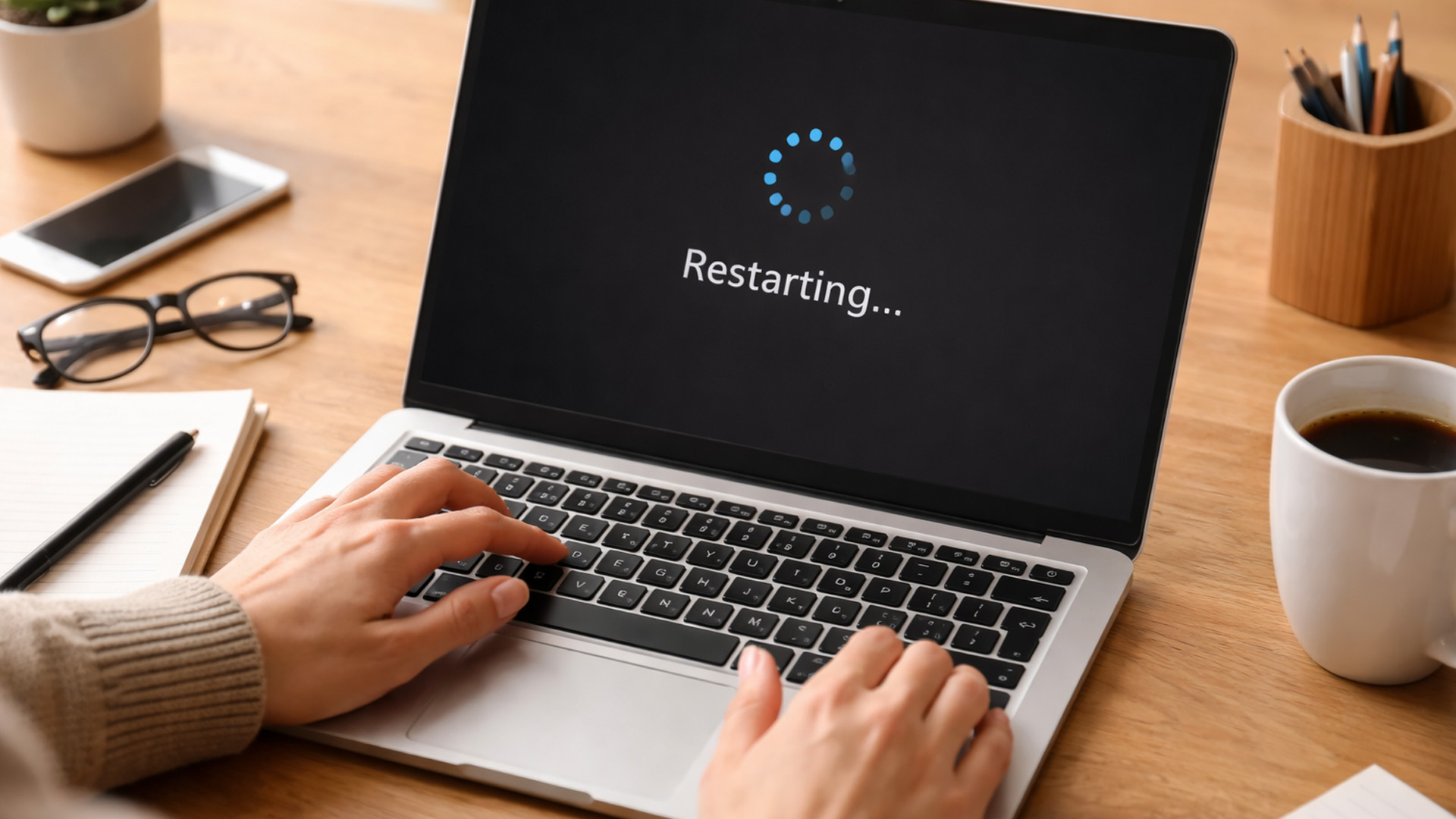
Before we go full detective mode, run through this checklist. These fixes solve way more issues than they deserve credit for.
Quick Checklist
☐ Restart the laptop (yes, actually restart, not sleep)
☐ Disconnect all external devices (mouse, keyboard, USB hubs)
☐ Clean the keyboard and touchpad surface
☐ Check if only some keys or gestures are affected
☐ Test with an external mouse or keyboard
If things magically start working again, congrats, you escaped early.
Understanding the Problem: Keyboard, Touchpad, or Both?
Before fixing anything, identify what exactly is broken. This matters.
|
Scenario |
What It Usually Means |
|
Touchpad not working, keyboard fine |
Settings or touchpad driver issues |
|
Keyboard not working, touchpad fine |
Keyboard driver or hardware issue |
|
Both not working |
System-level, BIOS, or hardware problem |
|
Works in BIOS, not in OS |
Software or driver issue |
|
Doesn’t work anywhere |
Hardware problem |
This table alone can save you hours of guessing.
Laptop Touchpad Not Working: Causes & Fixes (Deep Dive)
Let’s start with the trackpad, the drama queen of input devices.
1. Touchpad Accidentally Disabled (Happens More Than You Think)
Many latest laptops include a keyboard shortcut that disables the touchpad instantly. One accidental key press and poof, no cursor.
Common shortcuts include:
- Fn + F6
- Fn + F7
- Fn + F9
Look for a tiny touchpad icon on your function keys.
Fix:
- Press the shortcut once
- Wait a few seconds
- Test movement and clicks
2. Touchpad Settings Are Misconfigured
Sometimes the touchpad isn’t broken, it’s just… misunderstood.
Symptoms:
- Cursor moves but won’t click
- Gestures don’t work
- Laptop touchpad lag or delayed response
Windows fix:
- Settings → Bluetooth & Devices → Touchpad
- Ensure the touchpad is ON
- Increase sensitivity
- Re-enable taps and gestures
Mac fix:
- System Settings → Trackpad → Reset gesture settings
This step alone fixes a huge chunk of touchpad issues.
3. External Mouse Conflict
Some laptops auto-disable the touchpad when an external mouse is connected.
Fix:
- Go to touchpad settings
- Disable “Turn off touchpad when mouse is connected”
- Unplug the mouse and test
4. Touchpad Driver Issues
Drivers are the middlemen between hardware and software—and they love to cause chaos.
Common signs:
- Touchpad disappeared from settings
- Cursor freezes randomly
- Touchpad stopped working after update
Fix laptop touchpad driver:
- Open Device Manager
- Expand “Mice and other pointing devices”
- Update the driver
- If that fails → uninstall → restart
Windows will reinstall the driver automatically.
5. BIOS or Firmware Disabled Touchpad
If your laptop touchpad not working even before Windows loads, check BIOS.
Steps:
- Restart laptop
- Enter BIOS (F2 / DEL / ESC)
- Ensure touchpad is enabled
If disabled here, software fixes won’t help. If your keyboard or touchpad problems are happening alongside freezing, lag, or delayed response times, you may also want to read why your laptop is running slow: top causes & quick fixes to rule out deeper performance-related causes.
Laptop Keyboard Not Working: Causes & Fixes (No Guesswork)

Keyboard issues feel worse because typing is life.
6. Keyboard Shortcut or Software Lock
Some laptops allow keyboard lock via:
- Function keys
- Gaming software
- Accessibility tools
Fix:
- Check Fn key combinations
- Disable third-party keyboard software
7. Some Keys Work, Others Don’t
This usually points to physical issues.
Likely causes:
- Dust buildup
- Liquid spills
- Worn key switches
Quick test:
- Plug in an external keyboard
- If it works → internal keyboard problem
8. Keyboard Driver Issues
Yes, keyboards have drivers too and yes, they break.
Fix laptop keyboard driver:
- Device Manager → Keyboards
- Update driver
- If unresolved → uninstall → restart
This resolves many keyboard troubleshooting cases.
9. Language or Layout Changed
Typing one letter and getting another? Not a ghost—just settings.
Fix:
- Check keyboard language
- Remove extra layouts
This happens often on latest laptops with pre-installed regional settings.
When BOTH Keyboard & Touchpad Are Not Working

This is the “okay, now I’m concerned” zone.
10. System File Corruption
Corrupt OS files can disable multiple input devices at once.
Fix:
- Run system file checker
- Use built-in OS repair tools
11. Malware or Background Software
Some malware hijacks input permissions.
Checklist:
☐ Run full antivirus scan
☐ Remove unknown startup apps
☐ Check for suspicious cursor movement
12. Hardware Failure (The Unfun Truth)
If nothing works, even in BIOS—you’re likely facing:
- Loose ribbon cable
- Failed keyboard or touchpad
- Motherboard issue
This requires professional repair. Corrupted system files are often linked to storage or disk problems, so it’s worth reviewing fix laptop storage issues: SSD/HDD failure, disk errors & low space fixes if your input devices stopped working after a disk error or update failure.
Temporary Workarounds (Because Deadlines Exist)
While fixing the root issue, stay functional:
- External keyboard & mouse
- On-screen keyboard
- Voice typing tools
Not ideal, but survival > perfection.
Prevention: Keep It From Happening Again
Smart habits = fewer breakdowns
- Update drivers regularly
- Avoid eating near your laptop (we all ignore this)
- Use protective sleeves
- Shut down properly
Image Recommendation
Image Required:
- High-quality image of a modern laptop
- Keyboard and touchpad highlighted
- Alt text: Laptop keyboard and touchpad troubleshooting guide
If your laptop struggles to start properly or gets stuck in restart loops while your input devices remain unresponsive, explore laptop boot problems & solutions: BIOS, startup errors & boot loops for deeper startup-level troubleshooting.

Final Thoughts: You’re Smarter Than Your Laptop
A laptop keyboard not working or laptop touchpad not working situation feels catastrophic, but now you know exactly how to break it down, test it, and fix it.
You didn’t just skim, you actually understand the problem now. Bookmark this guide. Share it. Become the tech hero of your group chat.
And if your laptop still refuses to cooperate… yeah, it might be time to let it go.

Frequently Asked Questions (FAQs)
Whyismy laptop keyboard and touchpad not working at the same time?
When both input devices stop working together, it usually points to a system-level issue rather than a physical one. Common causes include corrupted system files, failed updates, BIOS settings disabling input devices, or serious keyboard driver issues. Always test whether the keyboard and touchpad work in BIOS, if they do, the problem is almost certainly software-related.
How do I fix a laptop touchpad not working after a Windows update?
Windows updates can sometimes install incompatible drivers, causing laptop touchpad issues or complete failure. To fix this:
- Update the touchpad driver manually via Device Manager
- Roll back the recent Windows update if the issue started immediately after updating
- Check touchpad settings to ensure it wasn’t disabled automatically
This is one of the most common reasons for laptop touchpad lag or unresponsive gestures.
What should I do if my laptop keyboardworksbut some keys don’t?
If only certain keys are unresponsive, the issue is usually hardware-related. Dust buildup, liquid spills, or worn key switches are common culprits. You can try cleaning the keyboard with compressed air, but if the problem persists, using an external keyboard or seeking professional repair is the safest way to fix laptop keyboard problems.
Can outdated drivers cause laptop input devices to stop working?
Absolutely. Outdated or corrupted drivers are a major reason behind laptop input device not working errors. Both keyboards and touchpads rely on drivers to communicate with the operating system. Regularly updating drivers or reinstalling them when issues appear, is one of the most effective keyboard troubleshooting steps.
When should I consider replacing my laptop instead of fixing it?
If your laptop keyboard and touchpad issues are caused by repeated hardware failures, motherboard damage, or expensive repairs, upgrading may be the smarter move. Modern latest laptops offer improved input reliability, better drivers, and smoother gesture support, often making replacement more cost-effective than ongoing repairs.
| Read More: |
| Laptop Battery Draining Fast? Reasons & Easy Solutions |
| Laptop Screen Not Working? Common Reasons & Quick Fixes |
| How to Fix Wi-Fi Connection Issues on my Laptop? |
Related Articles


Last Updated: April 29, 2026
If you’re buying a gaming or creator PC in 2025, you’ve probably asked the same question as everyone else:
“Do I get more performance for my money from a desktop, or from a laptop?”
Marketing loves to tell you that gaming laptops are “desktop-class”. The reality is more nuanced. In this 2025 study we’ve combined UK market data, global hardware surveys, independent GPU benchmarks, and real UK pricing to see where the better performance per pound actually is.
How we ran this 2025 “performance per pound” study

Rather than running our own gamer survey, we pulled from large, trusted datasets and combined them:
UK ownership & market context
- ONS / Living Costs and Food Survey: 90% of UK private households had a home computer in 2020–21.
- Grand View Research(UK gaming PC market): UK gaming PC revenue was about £2.12bn in 2024, projected to reach £3.88bn by 2030, with desktops still the largest product segment (≈59% of 2024 revenue) and laptops the fastest-growing category.
Global gaming hardware

Last Updated: December 24, 2025
Technology never stands still, and if the past few years have taught us anything, it’s that innovation moves fast. As we look ahead, tech trends 2026 are shaping up to be smarter, faster and more user-focused than ever before. From AI-powered laptops to next-level PCs and sustainable tech, the future is all about performance with purpose. So, whether you’re upgrading your setup, planning ahead, or just love staying in the know, here’s a breakdown of the biggest tech trends set to define 2026.
AI Everywhere: Smarter Devices, Smarter Decisions
Artificial Intelligence is no longer a “nice to have” by 2026, it’s expected to be built into almost every device we use. We’re talking about laptops that learn your preferences, PCs that optimise performance in real time, and software that adapts to how you work or play.
AI-driven features such as predictive battery management, real-time security monitoring and intelligent multitasking will become standard. For users, this means less time managing

Published: December 24, 2025
Heading into 2026, the student laptop vibe is basically: lightweight enough to carry all day, fast enough to handle 27 Chrome tabs + a Zoom call, and affordable enough that you can still buy snacks. Whether you’re doing GCSE homework, uni essays, coding projects, or just living in Google Docs, this blog on Student Laptops 2026 breaks down what matters (and what’s just marketing fluff).
What to look for in Student Laptops 2026 (aka the “don’t get scammed” checklist)

1) RAM (memory):
- 8GB = the realistic minimum for 2026 if you want smooth multitasking.
- 16GB = the “I’m serious about this degree” upgrade (especially for creative apps, coding, or heavy research).
2) Storage:
- 256GB is okay, but 512GB is comfy if you keep lots of files, downloads, photos, and videos.
- If you see 128GB, it can work for light use - but you’ll want cloud storage habits.
3) Screen size:
- 14" laptop = the sweet spot (portable, still comfy for essays).
- 15" laptop = bigger and nicer for split-screen, but less “throw-it-in-your-bag”
Last Updated: April 21, 2026
The world of computing is changing fast. We are no longer just looking for faster processors or thinner designs. Today, the focus has shifted to intelligence.
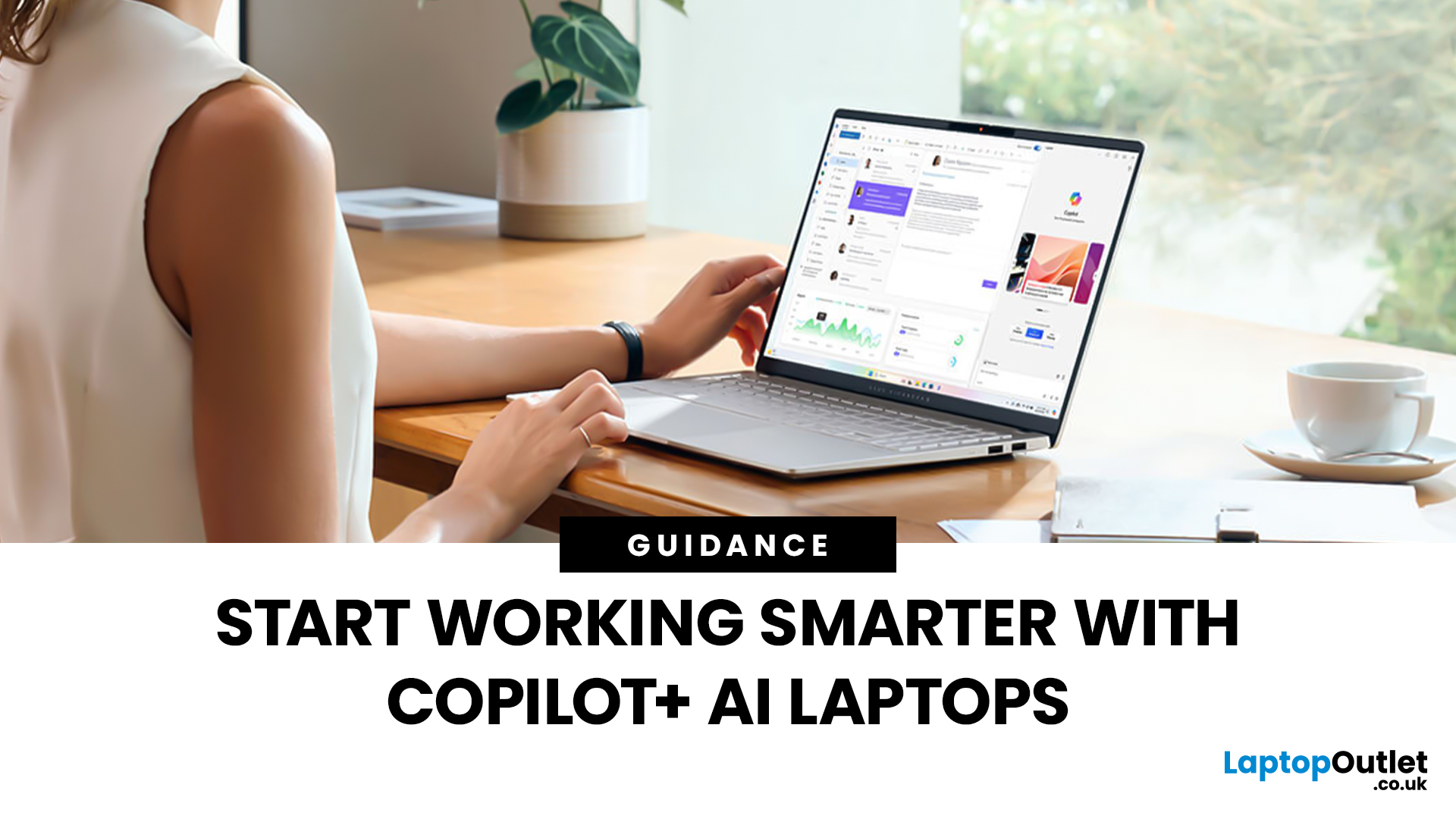
To understand this shift, we need to look at a new category of devices: Copilot+ Laptops. These are not just standard computers; they are AI-powered laptops designed to think, learn, and assist you in real-time.
Whether you are a busy professional, a digital artist, or a student, Windows Copilot+ PCs offer a new way to interact with technology. By integrating hardware and software more tightly than ever before, these machines handle complex tasks with ease.
In this guide, we will explore why these next-generation Windows laptops are the ultimate choice for your next upgrade.
What are Copilot+ Laptops?
Copilot+ Laptops are a new class of Windows 11 laptops with dedicated hardware for advanced Artificial Intelligence (AI) tasks. They offer enhanced performance, security, and unique features that run locally on the device.
Unlike

Last Updated: January 21, 2026
Let’s be honest - most of us don’t work (or study, or relax) in just one way anymore. One minute you’re typing notes, the next you’re scrolling, watching something, sketching ideas, or replying to emails from the sofa.
That’s exactly why convertible tablets exist.
Also called 2-in-1 laptops, laptop tablets, or the very literal notebook two-in-one, these devices are designed to adapt to how you use tech throughout the day - not force you into one setup.
But choosing the right 2 in 1 laptop convertible isn’t always straightforward. Some lean more laptop. Some feel more like tablets. And some just… try to do everything and don’t quite nail it.
This guide breaks it all down in a way that actually makes sense.
What Is a Convertible Tablet (And Why Do People Buy Them)?
A convertible tablet is a hybrid device that combines:
- A laptop’s power (keyboard, trackpad, desktop software)
- A tablet’s flexibility (touchscreen, pen input, portability)
Most convertible tablets run Windows, which means you’re

Last Updated: April 28, 2026
Struggling to find HP laptop deals that don’t feel overpriced, outdated, or just not worth it? Yeah — scrolling through endless specs, inflated prices, and “fake” discounts can be frustrating, especially when you just need a laptop that actually works for study, work, or everyday life.
The problem? Too many laptops either cost way too much or cut corners where it matters. Slow performance, tiny storage, poor screens, not the vibe. And when you’re on a budget, finding reliable HP laptops UK shoppers can trust shouldn’t feel like a gamble.
That’s where Laptop Outlet comes in. We’ve rounded up some of the best HP laptops on sale in the UK, with prices starting from just £149.99. From cheap HP laptops for everyday use to powerful business-ready machines, our handpicked HP laptop offers give you serious value without compromising on quality.
HP 15-fc0045na – Everyday Power for You
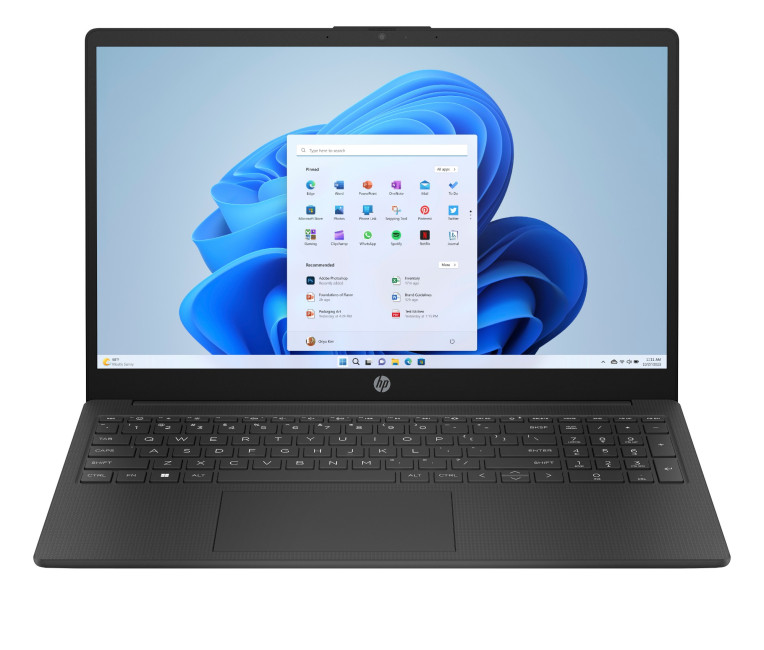
- The HP 15-fc0045na is a well-balanced 15.6-inch laptop that perfectly blends performance with everyday

Last Updated: January 28, 2026
We don’t usually abandon a tech purchase because of the price. It’s the delivery that makes us hesitate to move the things from whislist to place the order. Unexpected charges, unclear arrival dates, or slow dispatch can stop us right at checkout. And it feels unfair and cruel that we need to sacrifice our favourite gadget due to this delivery obstacle.
That’s why Laptop Outlet’s free standard delivery is kept clear and upfront, so you know exactly what you’re paying and when your order will arrive before you commit.
Let’s make it simple for you to understand that how free standard delivery by Laptop Outlet works, explore the key shipping benefits, and explain why it’s one of the smartest ways to stretch your tech budget further.
What Is Laptop Outlet’s Free Standard Delivery?
Free standard delivery by Laptop Outlet is designed to keep things simple, transparent, and affordable for customers across the UK.
Here’s how it works:
- Spend over £200 and your order qualifies for free standard
Last Updated: January 28, 2026
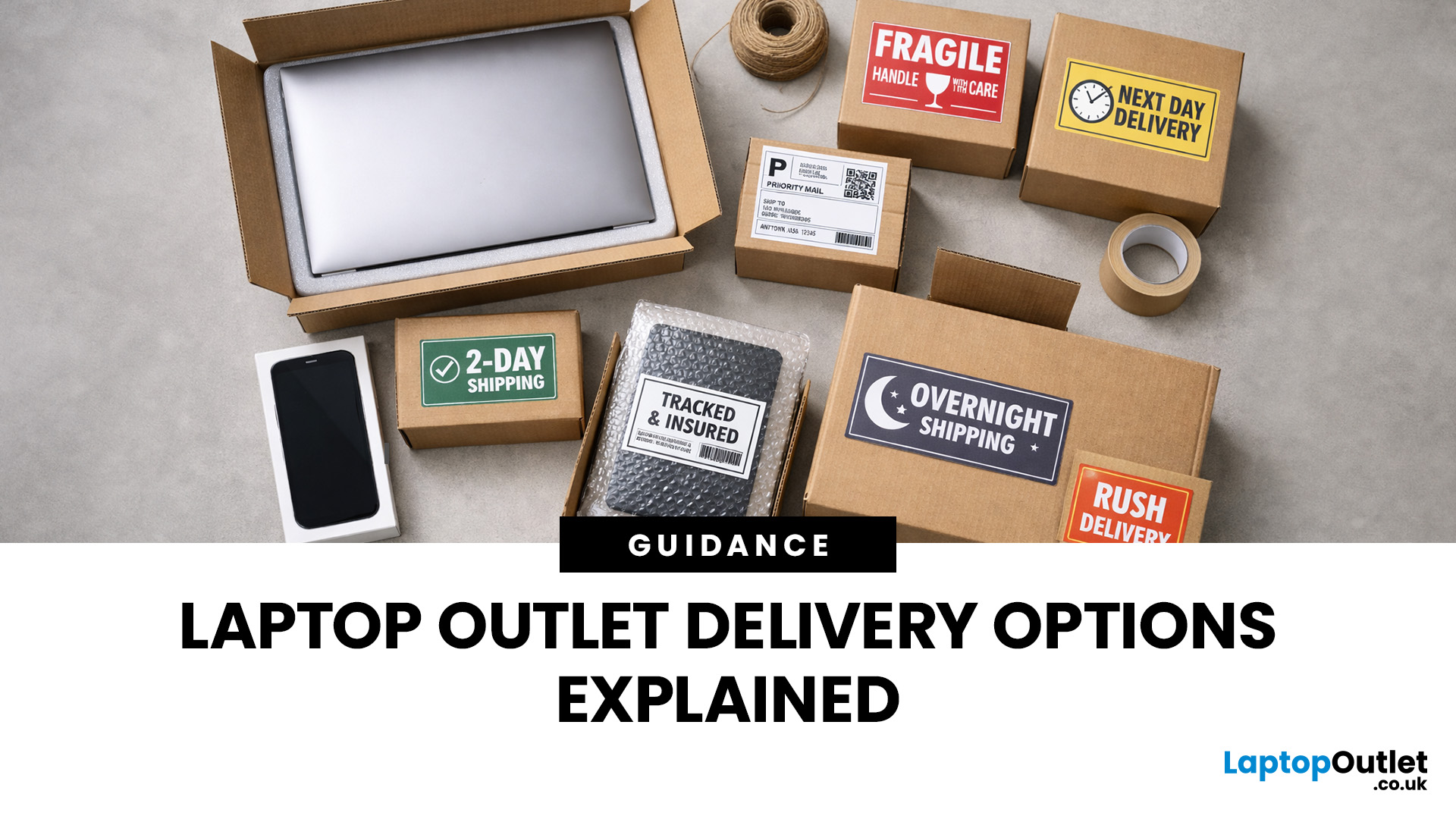
Buying tech online isn’t just about specs and price; delivery speed, flexibility, and reliability matter just as much. Whether you’re replacing a broken work laptop, upgrading your home setup, or ordering a last-minute gift, knowing your delivery options can make all the difference. In this guide, we explain Laptop Outlet delivery services options, how they work, and which service is best for your needs, from free standard delivery to next-day and book-a-slot delivery.
What Delivery Options Does Laptop Outlet Offer?
Laptop Outlet provides multiple delivery services designed to suit different customer needs, budgets, and timeframes. Each option is clearly shown at checkout, so you can choose the delivery speed and convenience level that works best for you. These include:
- Free Standard Delivery
- Next-Day/Priority Delivery
- Book-a-Slot Scheduled Delivery
How Does Laptop Outlet Delivery Work?
For full details, customers can always refer to the dedicated delivery info page. Laptop Outlet’s
Last Updated: January 28, 2026
Let’s be honest — when your tech lets you down, waiting is the last option you want. Maybe your laptop stopped working the night before a deadline, your PC failed mid-project, or you’ve just realised you need a new device now, not next week. That’s exactly where Laptop Outlet next-day / priority delivery comes in. If you need fast, reliable tech delivery in the UK, this guide explains how Laptop Outlet’s next-day service works, what you can order, and why it’s the smart choice for urgent tech needs.
Why Speed Matters When Ordering Tech Online
When your laptop or PC breaks, everything slows down — work, study, gaming, even staying connected. Waiting days for a replacement just isn’t practical. With next-day laptop delivery, you don’t have to put life on pause. Laptop Outlet’s express service is built for:
- Last-minute replacements
- Urgent work-from-home setups
- Business and study deadlines
- Time-sensitive gifts or upgrades
If speed matters to you, Laptop Outlet Express shipping delivers when

Last Updated: January 28, 2026
Let’s be real — waiting around all day for a delivery is no one’s idea of fun. You’ve got meetings, errands, school runs, and about a million other things going on. The last thing you want is to be stuck at home wondering “Will it arrive now… or later?” That’s exactly why customers love Laptop Outlet book-a-slot delivery.
This delivery option puts you in control, letting you choose when your tech arrives, not the other way around. Here’s how it works, why it’s so popular, and whether it’s the right choice for your next order.
What is Laptop Outlet Book-a-Slot Delivery?
Laptop Outlet’s book-a-slot delivery service is a scheduled tech delivery service that allows you to pick a specific delivery day and time slot at checkout. Instead of waiting around all day, you get a clearly defined delivery window, so you know exactly when your order is arriving. In short:
- You choose the day, time, and location
- The courier delivers within that slot
- Your tech arrives when it suits you
It’s one of Laptop

