



ASUS Laptop Comparison Guide: ASUS vs Lenovo, HP, Dell, & More

A laptop can be a study companion, workhorse, creative studio, or gaming rig, so the right choice depends on far more than the logo on the lid. ASUS, Lenovo, HP, Dell, Samsung, LG, and Razer each excel in different areas. ASUS stands out for its broad 2026 range, from portable Zenbooks and everyday Vivobooks to business ExpertBooks, ProArt creator systems, and TUF Gaming and ROG machines. This comparison shows where ASUS fits, and which brand may suit your needs best.
ASUS Laptop Line-up Explained
Before comparing a reliable ASUS laptop with other brands, it helps to understand what ASUS's main families are designed to do.
|
ASUS Family |
Primarily Suited to |
What to Expect |
|
Vivobook |
Students, home users, everyday work |
Broad price range, conventional laptops and Flip models |
|
Zenbook |
Mobile professionals and premium buyers |
Thin designs, OLED options and premium materials |
|
ExpertBook |
Businesses and organisations |
Security, management features, durability and support options |
|
ProArt |
Creators and visual professionals |
Colour-focused displays, creator workflows and higher-end configurations |
|
TUF Gaming |
Mainstream performance gaming |
High-refresh displays, dedicated GPUs and more value-focused gaming designs |
|
ROG |
Enthusiasts and serious gamers |
Higher performance ceilings, advanced cooling and premium gaming displays |
ASUS Laptop Specs to Compare First
Before deciding which brand is better, compare laptops at roughly the same hardware level.
|
Specification |
Everyday Use |
Heavier Workloads |
What to Check |
|
Processor |
Core Ultra 5/7, Ryzen AI 5/7, Snapdragon |
Core Ultra 9/HX, Ryzen AI 9 |
Generation, core count, power class |
|
RAM |
16GB |
32GB or more |
Soldered or upgradeable |
|
Storage |
512GB SSD |
1TB–2TB SSD |
Extra M.2 slots, PCIe generation |
|
Graphics |
Intel Arc, Radeon, Adreno |
NVIDIA RTX |
GPU model and power limit |
|
Display |
FHD+/2K IPS or OLED |
2.5K/3K OLED, Mini LED |
Brightness, colour, refresh rate |
|
Battery |
Important for study/travel |
Often traded for performance |
Battery size and CPU efficiency |
|
Cooling |
Basic cooling is sufficient |
Larger cooling system needed |
Sustained rather than peak performance |
ASUS Laptop Comparison 2026: Quick Answer
|
Comparison |
ASUS is stronger when you want |
The alternative is stronger when you want |
|
ASUS vs Lenovo |
OLED options, creator features, gaming choice |
Business-focused ThinkPad options |
|
ASUS vs HP |
Wide consumer and gaming range |
Strong business lines and OmniBook choice |
|
ASUS vs Dell |
More variety across mainstream and gaming |
XPS premium design or Dell Pro |
|
ASUS vs Samsung |
More gaming and creator configurations |
Galaxy ecosystem integration |
|
ASUS vs LG |
More performance tiers and gaming choice |
Very light large-screen laptops |
|
Razer vs ASUS ROG |
More form factors and price points |
Minimalist premium gaming design |
|
Zenbook vs HP Envy |
Current thin-and-light ASUS options |
Older premium HP models may offer value |
There is no single winner. Compare the processor, graphics, RAM, display, battery, ports, weight and warranty of the exact models you are considering.
ASUS vs Lenovo: Business Specs and Upgrades
The ASUS vs Lenovo decision becomes particularly interesting for business users.
ASUS Zenbook models focus more on premium portability and display quality. Current Zenbook configurations include Snapdragon and AMD Ryzen AI processors, LPDDR5x memory and PCIe SSD storage, with OLED available widely across the family. For example, ASUS currently lists Zenbook 14 configurations with up to AMD Ryzen AI 7 345 and up to 24GB LPDDR5x RAM.
Lenovo ThinkPad takes a different approach. The 2026 ThinkPad X1 Carbon Gen 14 can be configured with Intel Core Ultra X7 Series 3 processors, up to 64GB LPDDR5x memory and up to 2TB PCIe Gen 5 SSD storage. ThinkPad T-series models also place greater emphasis on serviceability; Lenovo specifically lists replaceable components including memory and SSD on supported T14 configurations.
That gives Lenovo an advantage if high memory capacity, business manageability, or serviceability matters. ASUS makes more sense if OLED quality and slim consumer-premium design are higher priorities.
ASUS vs HP: Compare CPU Platforms Carefully
There is considerable hardware overlap between ASUS vs HP laptops, so this comparison often comes down to the exact configuration.
HP's current OmniBook range includes Intel Core Ultra, AMD Ryzen AI, and Snapdragon platforms. A current OmniBook Ultra, for example, can combine Snapdragon X2 Elite with 32GB RAM, a 1TB SSD, and a 3K 120Hz display. Intel Core Ultra versions are also available.
ASUS offers similar processor diversity through Zenbook and Vivobook. That makes processor architecture important. Snapdragon laptops can offer strong efficiency and AI performance, but you should confirm compatibility with any specialist Windows applications or peripherals you rely on.
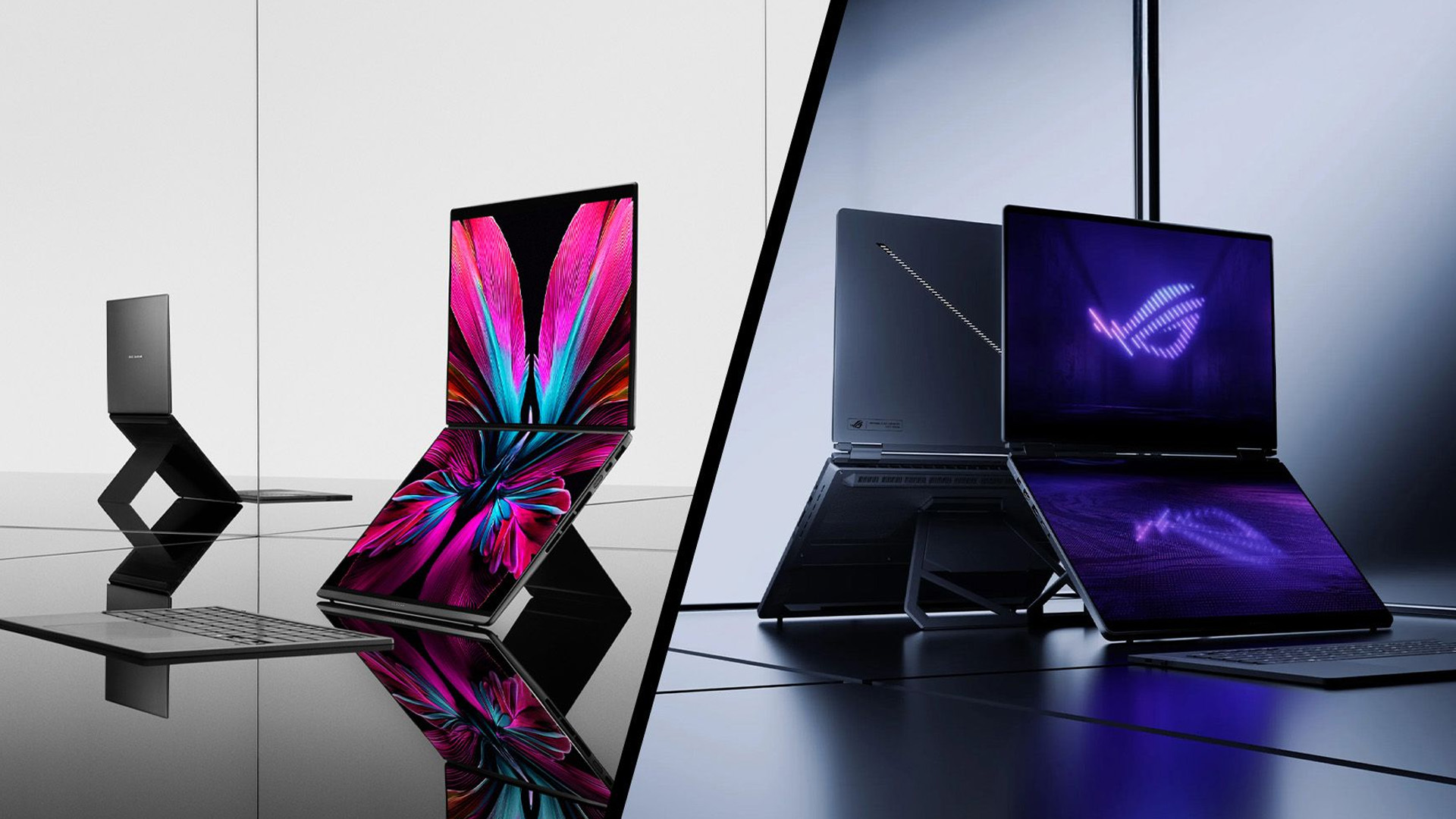
For heavier creative work, also look at dedicated graphics rather than CPU branding alone. ASUS has ProArt and ROG systems that move considerably beyond the integrated graphics normally found in thin everyday laptops.
ASUS vs Dell: Look Beyond the Processor Name
Dell and ASUS both cover premium Windows laptops, but specifications can vary significantly even when two systems use processors from the same family.
The current 14-inch Dell XPS can be configured with Intel Core Ultra Series 3 processors. One XPS 14 configuration combines a Core Ultra X7 358H, 32GB LPDDR5x RAM, a 512GB SSD and a 2.8K OLED touchscreen.
Comparable ASUS Zenbook models place similar emphasis on portability, high-resolution OLED panels and efficient processors. ASUS, however, also lets you move further into dedicated graphics through ProArt, TUF Gaming and ROG without leaving the brand.
Pay particular attention to RAM configuration. LPDDR5x memory used in thin laptops is commonly soldered, meaning the amount you buy initially may be the amount you keep for the life of the machine.
Samsung vs ASUS: Integrated or Dedicated Graphics?
For everyday work, the Samsung vs ASUS comparison increasingly centres on efficient AI-PC hardware.
Galaxy Book6 systems use Intel Core Series 3 and Core Ultra Series 3 processors. Standard Galaxy Book6 models rely primarily on integrated graphics, while the Galaxy Book6 Ultra can add NVIDIA GeForce RTX graphics for more demanding visual workloads.
ASUS provides a much wider graphics ladder. A lightweight Zenbook may use integrated Intel, AMD or Qualcomm graphics, while ProArt, TUF, and ROG systems can provide dedicated RTX GPUs.
If you mainly use Office, browsers, streaming and light image editing, integrated graphics are normally enough. Video editing, 3D work, and modern gaming benefit much more from dedicated graphics.
LG vs ASUS: Weight or Performance Headroom?
LG gram laptops are designed around portability. The 2026 gram generation continues with Intel Core Ultra and AMD Ryzen AI processors, while selected gram Pro configurations can include NVIDIA GeForce RTX graphics.
That makes LG more technically capable than its lightweight reputation may suggest, but ASUS still offers a much wider performance range.
If you mainly work in documents, spreadsheets and browser-based applications, a lightweight gram with 16GB RAM and integrated graphics may be more useful than carrying a heavier performance laptop. For 4K editing, rendering or gaming, an ASUS model with a stronger cooling system and higher-powered GPU can provide more sustained performance.
If portability and lightweight design are high on your list, see our LG vs ASUS laptops comparison to compare performance, displays, battery life and everyday usability between the two brands.
Razer vs ASUS ROG: GPU Wattage Matters
Processor and GPU specifications become much more important when comparing Razer vs ASUS ROG.
Current Razer Blade systems combine processors such as AMD Ryzen AI 9 or Intel Core Ultra 9 with NVIDIA RTX 50 Series Laptop GPUs. The Blade 14, for example, supports RTX 50 Series graphics at up to 115W TGP.
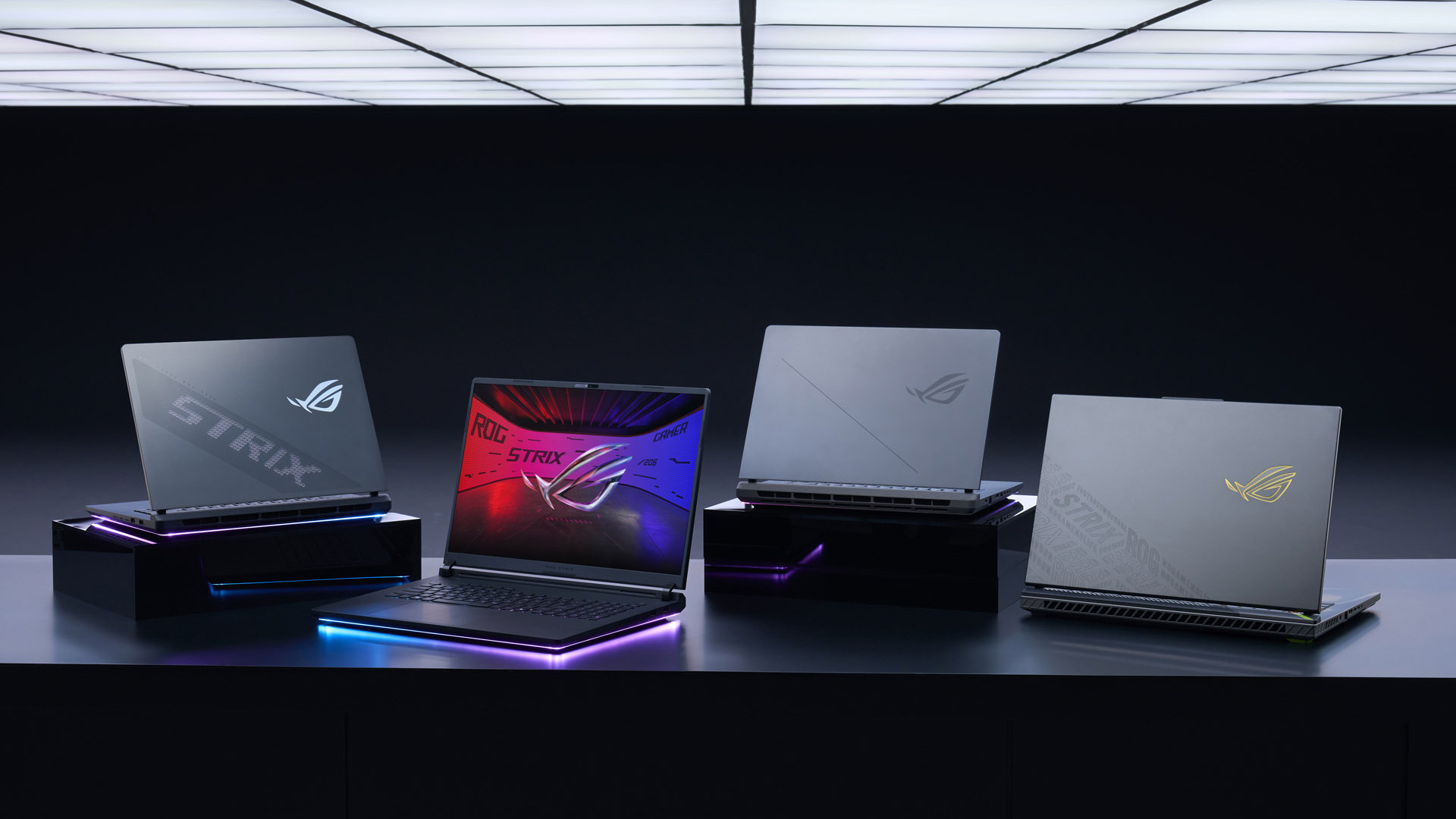
ASUS ROG stretches further across performance levels. The 2026 ROG Strix G16 can use an Intel Core Ultra 9 290HX Plus and RTX 5080 Laptop GPU with up to 175W TGP, alongside up to 64GB DDR5 memory and 2TB PCIe 4.0 SSD storage.
This is why comparing “RTX 5080 vs RTX 5080” from different brands is not enough. Laptop GPU power limits and cooling can materially affect sustained performance.
ROG also offers 240Hz and 300Hz gaming displays on current models, while Zephyrus systems combine high refresh rates with OLED panels.
ASUS Zenbook vs HP Envy: Check the Generation
An ASUS Zenbook vs HP Envy comparison needs more care in 2026 because HP has largely moved its current consumer range towards OmniBook.
That means an Envy you find today may belong to an earlier generation. It can still represent good value, particularly as discounted or refurbished stock, but compare its CPU generation rather than simply looking at “Core i7” or “Ryzen 7”.
A newer Core Ultra or Ryzen AI processor may offer a newer integrated GPU, NPU support and improved efficiency. Also check whether the laptop has 8GB, 16GB or 32GB RAM. For a machine you expect to keep for several years, 16GB is the more sensible starting point for most Windows users.
Which Laptop Specification Should You Choose?
For everyday work, study and general home use, start around 16GB RAM and a 512GB SSD. You generally do not need dedicated graphics unless your applications can use them.
For heavier multitasking, programming, large spreadsheets or creative software, consider 32GB RAM and a 1TB SSD. Video editors, 3D users, and gamers should then decide which dedicated GPU class they actually need.
Also check whether RAM and storage can be upgraded. A £100 specification difference today can be far less important than discovering later that soldered 16GB memory cannot be expanded.
Laptop Outlet stocks portable ASUS laptops alongside other major laptop brands, so comparing similar CPU, RAM, storage, and graphics configurations side by side is more useful than choosing purely by manufacturer.

Which ASUS Rival is Right for You?
There is no technical reason to declare one brand the overall winner.
Lenovo is particularly strong where business features and serviceability matter. HP offers a broad selection of current processor platforms through OmniBook. Dell XPS competes closely with Zenbook in premium thin-and-light hardware. Samsung suits users who value the Galaxy ecosystem, while LG gram prioritises low weight. Razer is a much closer competitor to ASUS ROG when dedicated gaming performance is the priority.
Start with your workload, then set your minimum CPU, RAM, storage, GPU and display requirements. Once those are fixed, comparing ASUS with the alternative brands becomes much easier.

Are ASUS laptops reliable for long-term use?
ASUS laptops can last several years with normal care, but reliability varies by series, cooling design and workload. Regular software updates, sensible thermal management and choosing suitable hardware for your needs can help extend usable lifespan.
Are ASUS laptops good for students?
Yes. ASUS offers lightweight and affordable laptops suited to research, assignments, video calls and everyday study. Students should prioritise battery life, comfortable keyboards, 16GB RAM and manageable weight rather than choosing solely by processor speed.
How good is ASUS laptop battery life?
Battery life varies significantly between ASUS models. Thin Zenbook and Vivobook laptops generally prioritise efficiency, while gaming systems consume more power. Display brightness, processor type, battery capacity and workload all influence real-world runtime between charges.
Do ASUS laptops support Copilot+ PC features?
Selected ASUS laptops qualify as Copilot+ PCs when they include compatible processors with sufficiently powerful NPUs. Features vary by Windows version and hardware, so check Microsoft Copilot+ requirements and the exact ASUS model specification before buying.
Are ASUS laptops suitable for photo and video editing?
Many ASUS laptops suit creative work, particularly models with colour-accurate OLED displays, 32GB RAM and dedicated graphics. ProArt models are specifically creator-focused, while higher-spec Zenbook and ROG systems can also handle demanding editing workflows.
What ports should I look for on an ASUS laptop?
Look for USB-C or USB4, HDMI and standard USB-A according to your peripherals. Thunderbolt may also be useful for fast storage and docking. Port selection differs by ASUS series, so check specifications before relying on adapters.
Is a refurbished ASUS laptop worth buying?
A refurbished ASUS laptop can offer strong value if its condition, battery health, warranty and specification are clearly stated. Compare the processor generation, RAM, and SSD capacity with newer alternatives rather than judging value from the discount alone.
Related Articles


Last Updated: August 05, 2026
I made almost every mistake possible when I bought my first laptop as a student. I focused on the processor name, ignored the RAM, underestimated how heavy it would feel in my backpack and had no idea what half the technical jargon meant.
Within months, I realised I had paid for features I barely used while missing the ones I actually needed. Choosing between Core i5, Core Ultra, SSD sizes and different Dell series can still feel just as confusing today.
To help you avoid the same blunder, we reviewed the best Dell laptops for students in 2026 and narrowed them down based on real student needs, including performance, mobility,
Last Updated: August 20, 2026
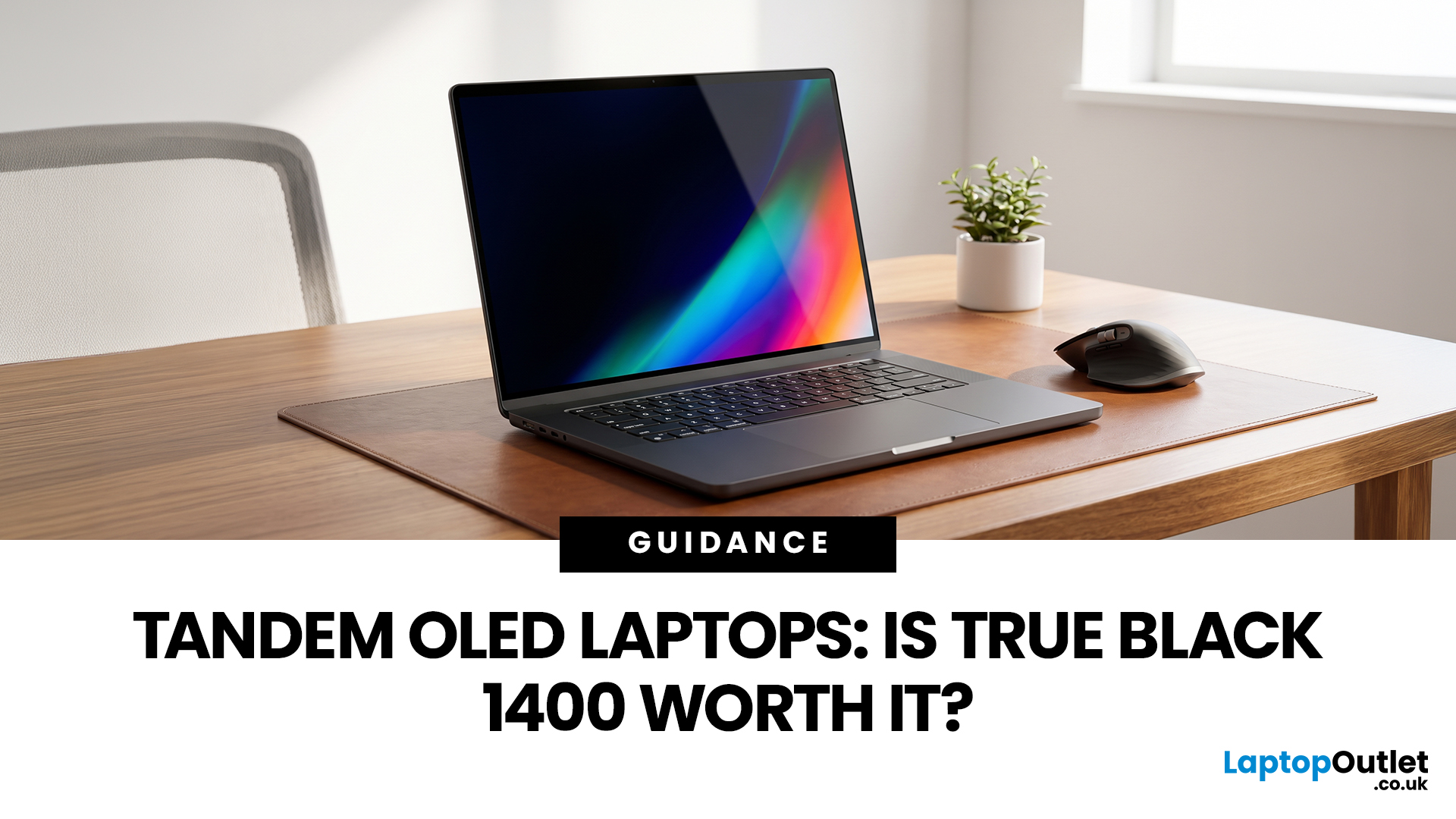
OLED laptops are already known for deep blacks, rich colour and fast pixel response, but a newer display design is pushing brightness further.
Tandem OLED laptops use stacked light-producing layers to deliver stronger HDR highlights while retaining the pixel-level control that makes OLED attractive.
That improvement now has an official benchmark. VESA introduced DisplayHDR True Black 1400 in July 2026 as its highest True Black certification tier, aimed at next-generation OLED screens for professional HDR creation and premium entertainment. The first certified laptop display shows that tandem OLED is becoming a buying consideration.
Understanding the Real Impact of True Black 1400 Displays
DisplayHDR True Black 1400 is worth considering if you edit HDR video, review colour-critical content, watch high-quality HDR films

Last Updated: August 17, 2026
Last Updated: August 06, 2026

Last Updated: August 07, 2026
Travel exposes a laptop to crowded trains, small café tables, airport queues, limited sockets and long periods inside a backpack. A lightweight touchscreen laptop addresses these problems by combining easier portability with direct, phone-like control.
It can be quicker to tap, scroll, zoom, sign or annotate when there is little room for a mouse. The right model can also replace a separate tablet, when it has a 360-degree hinge and pen support.
However, weight alone is not enough. Battery endurance, screen visibility, keyboard comfort, charging options, durability and software compatibility all determine whether a device is genuinely suitable for journeys.
Why Does a Lightweight Touchscreen Laptop Suit Travel?
1. It Reduces the Weight You Carry All Day
A lighter computer makes a noticeable difference when it shares a backpack with a charger, phone, headphones, water bottle and travel documents. For regular commuting or cabin-only trips, the complete kit matters more than the laptop weight
Last Updated: August 11, 2026
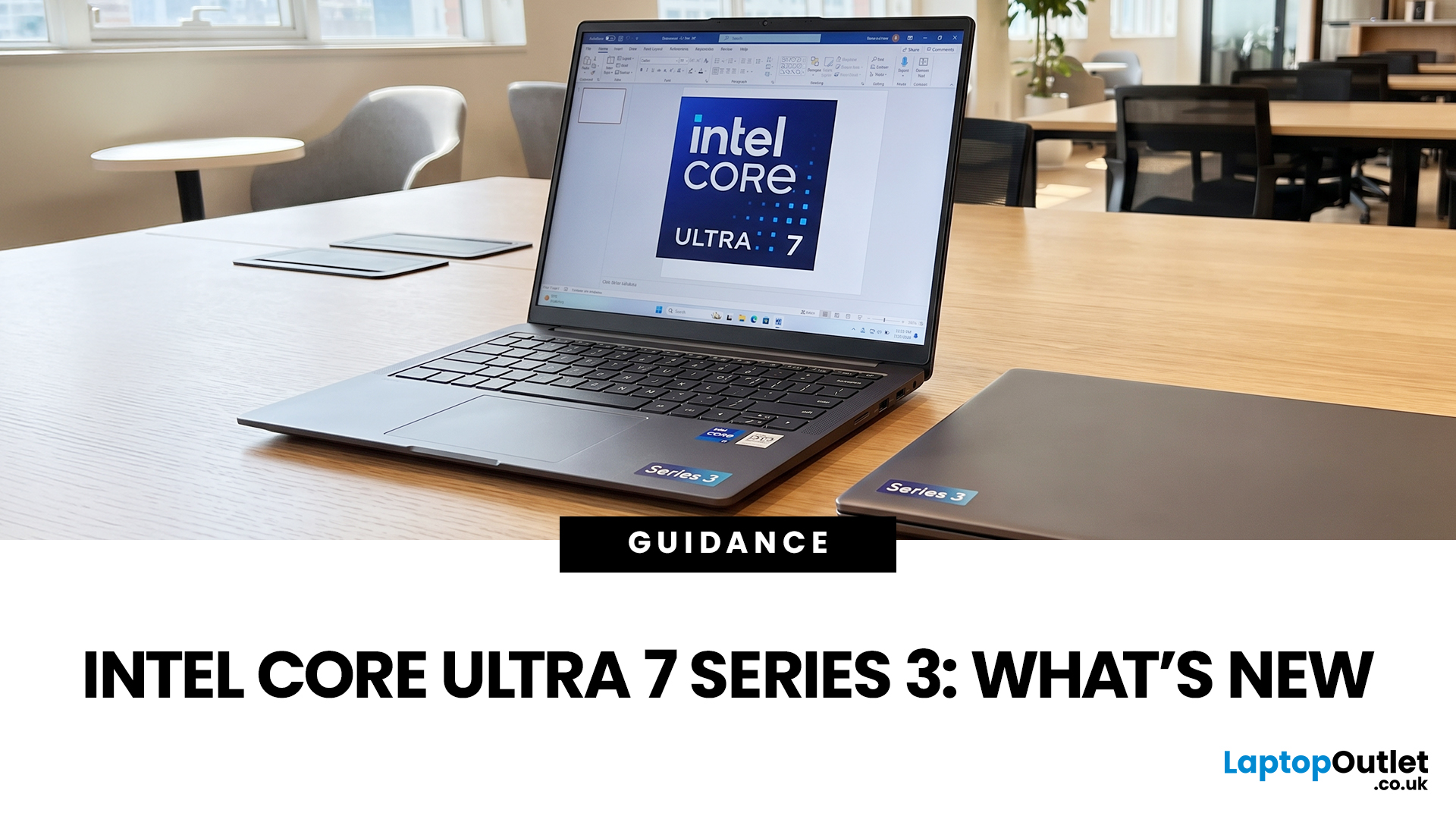
If you’re considering an Intel Core Ultra 7 Series 3 laptop in 2026, the processor name is only part of the story. Intel’s latest Core Ultra Series 3 generation brings a new architecture, Intel 18A process technology, built-in AI acceleration and updated graphics capabilities.
However, different Series 3 processors can have significantly different core and graphics configurations, so it is important to look beyond the “Core Ultra 7” label when choosing a laptop.
Series 3 is aimed at modern laptops that need to balance

Last Updated: August 17, 2026
An HP OMEN laptop moves plenty of air during gaming and other demanding work. That airflow can draw dust, lint and pet hair towards its intake vents. As debris builds up, cooling may become louder, airflow can weaken and sustained performance can suffer.
The safest approach is to start with external cleaning. Only remove the bottom cover when deeper cleaning is necessary and you have checked the service instructions for your exact OMEN model. This guide covers both methods, essential safety precautions and post-cleaning checks.
Why HP OMEN Fan Cleaning Matters
Gaming laptops generate considerable heat because the processor and dedicated graphics chip can remain under heavy load for long periods. Their fans draw cooler air through the chassis and push warm air across the heatsink fins towards the exhausts.
Effective laptop fan dust removal prevents debris from reducing the space available for air to pass through. A thin layer of dust may only increase noise, while a compacted blockage can

Published: August 17, 2026
Dell laptops are built for everything from everyday study to demanding business workloads, but any device can develop faults over time. Common Dell laptop problems can involve slow performance, charging, overheating, displays, connectivity, or startup. The useful first step is not replacing parts at random, but identifying exactly what the laptop is doing. In this guide, you’ll learn how to recognise common symptoms, try safe, practical Dell laptop troubleshooting steps and decide when a repair or replacement makes practical sense.
What are the Most Common Dell Laptop Problems?
Slow Performance and System Lag
A Dell laptop may slow down because of too many startup apps, limited free storage, demanding background processes or outdated software. These Dell laptop issues often appear as slow boot times, freezing, or delayed app launches.
Battery Draining Too Quickly
Fast battery drain can result from high brightness, heavy workloads, background activity or an ageing battery. If runtime has

Published: August 18, 2026
Carrying a heavy laptop between home, work, university and client meetings can quickly become inconvenient. A slim laptop offers a more portable alternative, combining a thinner design with the performance needed for everyday computing, study, business and entertainment.
However, buyers should compare processor performance, RAM, screen quality, ports, cooling and upgradeability before choosing. The best lightweight laptop balances low weight with the features and power required for its intended daily use.
The right thin and light laptop reduces bag weight without losing key features, but performance, battery life and connectivity vary, so understanding the trade-offs is important before choosing.
Why Heavy Laptops Are Becoming a Dealbreaker
A larger,
Last Updated: August 24, 2026

