



Samsung vs ASUS Laptops: Which Brand Wins in 2026?
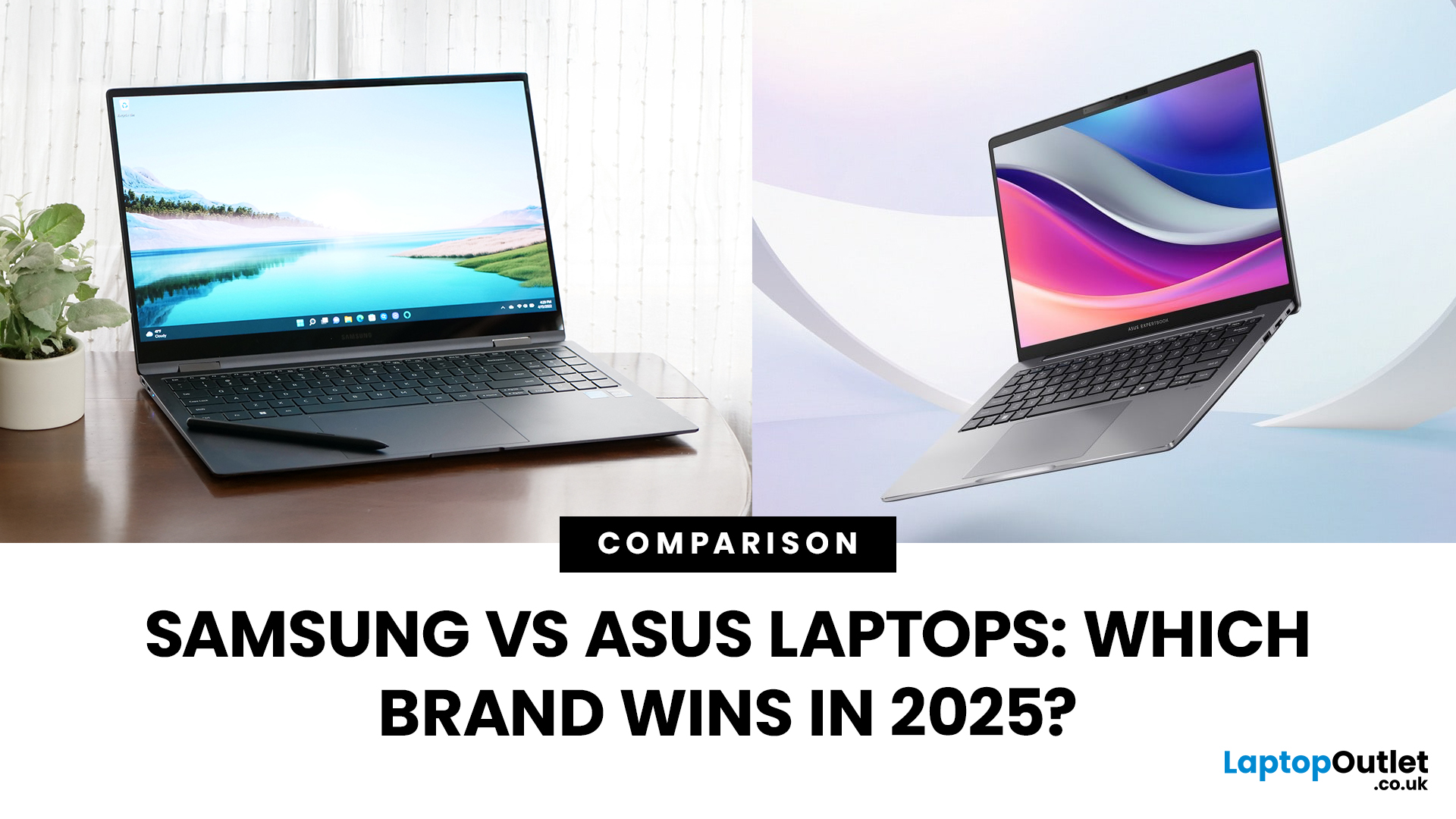
Samsung and ASUS take noticeably different approaches to laptops in 2026. Samsung concentrates its Windows range around the Galaxy Book6 family, combining slim designs with Galaxy device integration, while ASUS spreads its options across Vivobook, Zenbook, ExpertBook, ProArt, TUF Gaming, and ROG. This Samsung vs ASUS laptops comparison looks at processors, RAM, storage, displays, battery life, connected features, and graphics to help you decide which approach suits you.
Samsung vs ASUS: Key Differences at a Glance
|
Area |
Samsung |
ASUS |
|
Everyday |
Galaxy Book6 |
Vivobook |
|
Premium |
Galaxy Book6 Pro |
Zenbook |
|
High performance |
Galaxy Book6 Ultra |
ProArt / ROG |
|
Business |
Galaxy Book6 / Pro |
ExpertBook |
|
Processors |
Mainly Intel Core/Core Ultra |
Intel Core Ultra, AMD Ryzen AI, Snapdragon |
|
Displays |
IPS and Dynamic AMOLED 2X |
IPS, OLED, Mini LED, dual OLED |
|
Dedicated graphics |
Up to RTX 5070 on Book6 Ultra |
Broad RTX range through ProArt, TUF and ROG |
|
Key advantage |
Galaxy ecosystem |
Wider hardware and form-factor choice |
Samsung has the more focused line-up. ASUS gives you considerably more choice if you want to move between everyday, business, creative and gaming hardware without changing brands.
Which Samsung and ASUS Range Fits Your Needs?
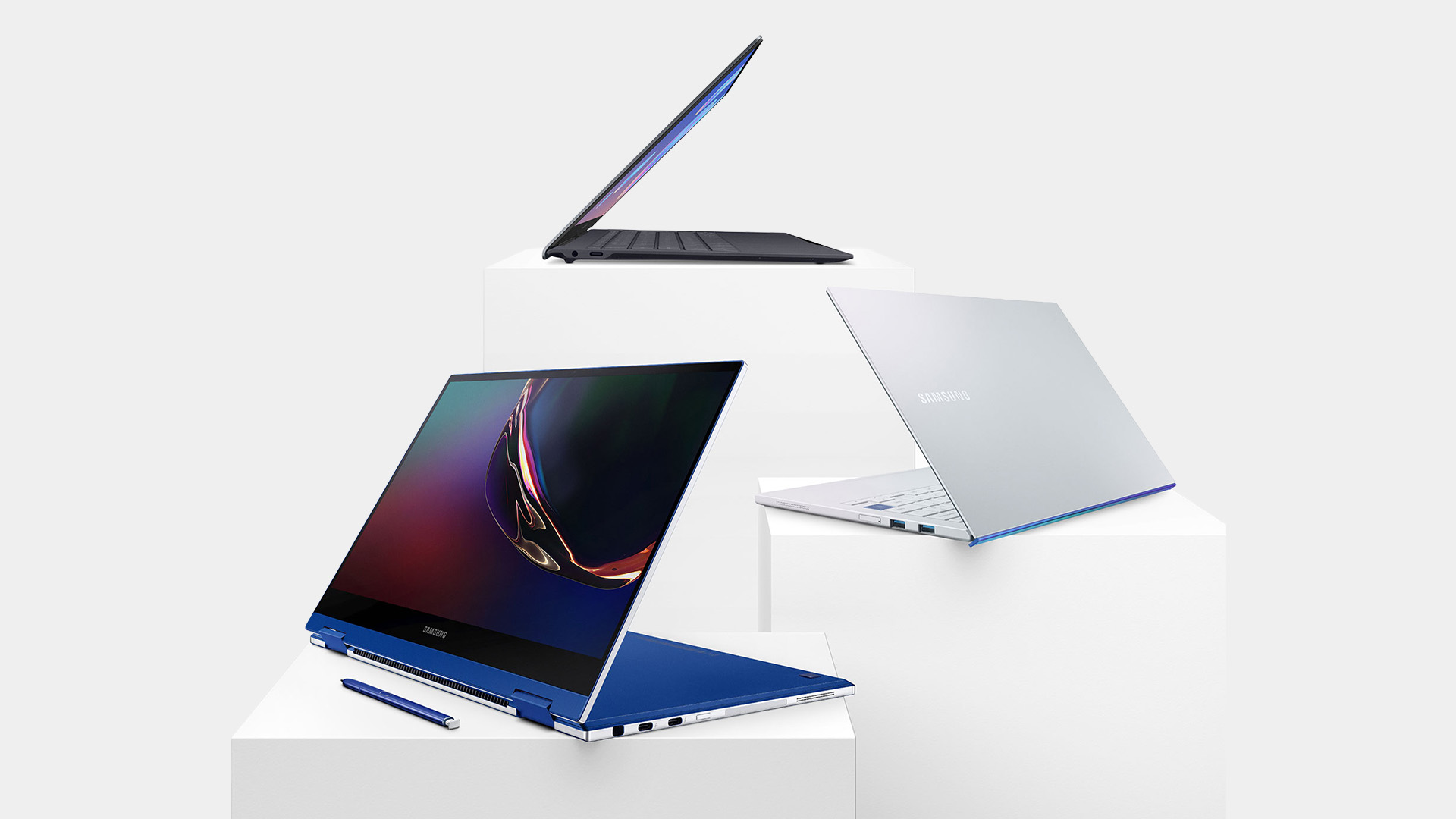
Samsung's current range is centred on Galaxy Book6.
The standard Galaxy Book6 targets everyday productivity, while Galaxy Book6 Pro moves towards premium portability and Dynamic AMOLED 2X displays. Galaxy Book6 Ultra adds much stronger graphics and higher memory options for demanding workloads. Samsung also expanded the family on 1st September 2026 with a new 14-inch Galaxy Book6 starting at £799 RRP. ASUS separates its laptops more clearly by use:
- Vivobook: everyday computing, study, and general work
- Zenbook: premium thin-and-light laptops
- ExpertBook: professional and business use
- ProArt: creative workloads
- TUF Gaming: mainstream gaming
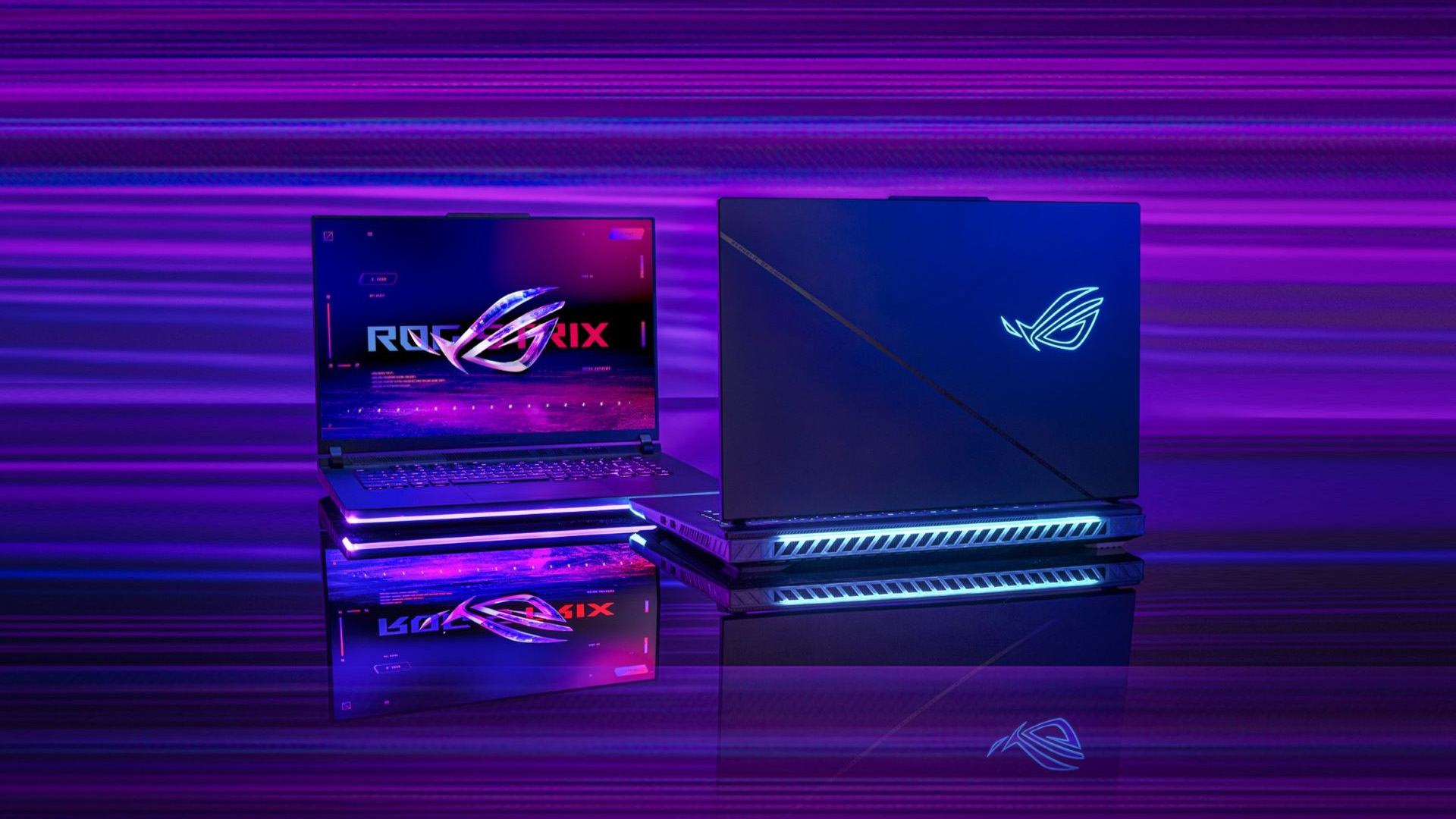
- ROG: high-performance gaming
Which Gives You More CPU and AI Choice?
The Galaxy Book6 family is strongly Intel-focused.
Galaxy Book6 Pro and Ultra use Intel Core Ultra Series 3 Panther Lake processors, while the broader Book6 range also includes Intel Core Series 3 configurations. Integrated Intel graphics handle everyday machines, while the Ultra adds dedicated NVIDIA graphics.
ASUS gives you more processor architectures to choose from. Depending on the family, current ASUS laptops use:
- Intel Core Ultra
- AMD Ryzen AI
- Qualcomm Snapdragon
The latest Zenbook range includes Snapdragon X2 Elite hardware, while Zenbook Duo reaches Intel Core Ultra X9 Series 3 with an NPU rated up to 50 TOPS. That flexibility matters. Snapdragon can prioritise efficiency, while Intel, and AMD systems may be preferable when you depend on specialist x86 applications or particular peripherals.
Which Gives You Better RAM and Storage?
Memory differences become important once your workload moves beyond basic web and office use.
Galaxy Book6 and Book6 Pro configurations offer 16GB or 32GB LPDDR5X RAM, while Galaxy Book6 Ultra reaches 32GB or 64GB. Storage ranges from 256GB to 1TB on mainstream models and up to 2TB on the Ultra, with additional SSD expansion available on selected configurations. For most users:
- 16GB + 512GB SSD: good everyday starting point
- 32GB + 1TB SSD: better for heavier multitasking and creative software
- 64GB: worthwhile mainly for demanding professional workloads
ASUS varies more widely. Thin Zenbooks commonly use onboard LPDDR memory, while selected ExpertBook and ROG laptops offer replaceable DDR5 and can reach 64GB. ASUS ExpertBook B5, for example, provides two DDR5 SO-DIMM slots.
If upgradeability and specification flexibility are important, our Lenovo vs ASUS laptops comparison also looks at RAM, SSD capacity, processor options and how the two brands approach different workloads.
Which Brand Gives You the Better Display?
Samsung's strongest display hardware sits in Galaxy Book6 Pro and Ultra.
Both use Dynamic AMOLED 2X panels with 2880 × 1800 resolution, adaptive refresh rates up to 120Hz, touchscreen support and anti-reflective treatment. The standard Galaxy Book6 instead uses more conventional WUXGA IPS panels, so AMOLED is not standard across the entire family.
ASUS offers greater display variety. OLED appears extensively through Zenbook and Vivobook, while gaming machines add high-refresh IPS and Mini LED options.
The 2026 Zenbook Duo pushes that further with two 14-inch 3K 144Hz OLED touchscreens, 100% DCI-P3 coverage and up to 1,000 nits HDR peak brightness.
For gaming, the ROG Strix G16 can reach 2.5K and 300Hz, prioritising refresh rate over the touchscreen-focused experience of Galaxy Book.
Furthermore, for another premium-laptop comparison, see our ASUS Zenbook vs HP Envy guide for a closer look at displays, performance, portability and everyday usability.
Which is Better for Battery and Portability?
Samsung remains highly competitive for thin-and-light computing.
Its newly introduced 14-inch Galaxy Book6 is rated for up to 25 hours of video playback under Samsung's testing conditions. It also brings the Galaxy Book6 experience into a more accessible and portable format.
ASUS reaches even further into ultraportable territory. Current Zenbook models include lightweight Snapdragon systems, while the 16-inch Zenbook A16 weighs around 1.2kg despite its larger display and is advertised with more than 21 hours of battery life under ASUS's specified conditions.
Do not compare manufacturer battery-hour claims directly unless the test methods are identical. Screen brightness, processor load, wireless activity, and display type can change actual runtime considerably.
Which Works Better with Your Other Devices?
This is where Samsung has its clearest advantage.
Galaxy Book6 can work closely with compatible Galaxy devices through features including Storage Share, Multi Control, Second Screen, Nearby Devices, and Quick Share. Multi Control lets you use the laptop's keyboard and mouse across supported Galaxy devices, while Second Screen can extend your PC workspace.
If you already own a Galaxy phone or tablet, those features can make the laptop more useful without relying on separate third-party tools.
ASUS counters with GlideX, which supports Windows, Android, iOS and macOS devices. It can extend or mirror screens, transfer files and allow one keyboard and mouse to control connected devices. Its cross-platform approach is particularly useful if your devices come from different manufacturers.
Which is Better for Creative Work and Gaming?
Samsung has considerably strengthened its performance offering with Galaxy Book6 Ultra.
Current Ultra specifications reach RTX 5070 Laptop graphics with 8GB GDDR7, up to 64GB LPDDR5X RAM and up to 2TB SSD storage. A current RTX 5070 model also includes a 16-inch 2880 × 1800 Dynamic AMOLED 2X touchscreen and an 80.2Wh battery.
That makes Book6 Ultra a credible option for video editing, GPU-accelerated creative software and some gaming.
ASUS still goes much further for dedicated gaming. The 2026 ROG Strix G16 reaches an RTX 5080 Laptop GPU with 16GB GDDR7 and up to 175W GPU power, while the Zephyrus G16 extends as high as an RTX 5090 Laptop GPU on selected configurations.
For a more gaming-focused comparison, our Razer vs ASUS ROG laptops guide compares dedicated graphics, cooling, displays and premium gaming hardware.
Which Brand Gives You Better Value?
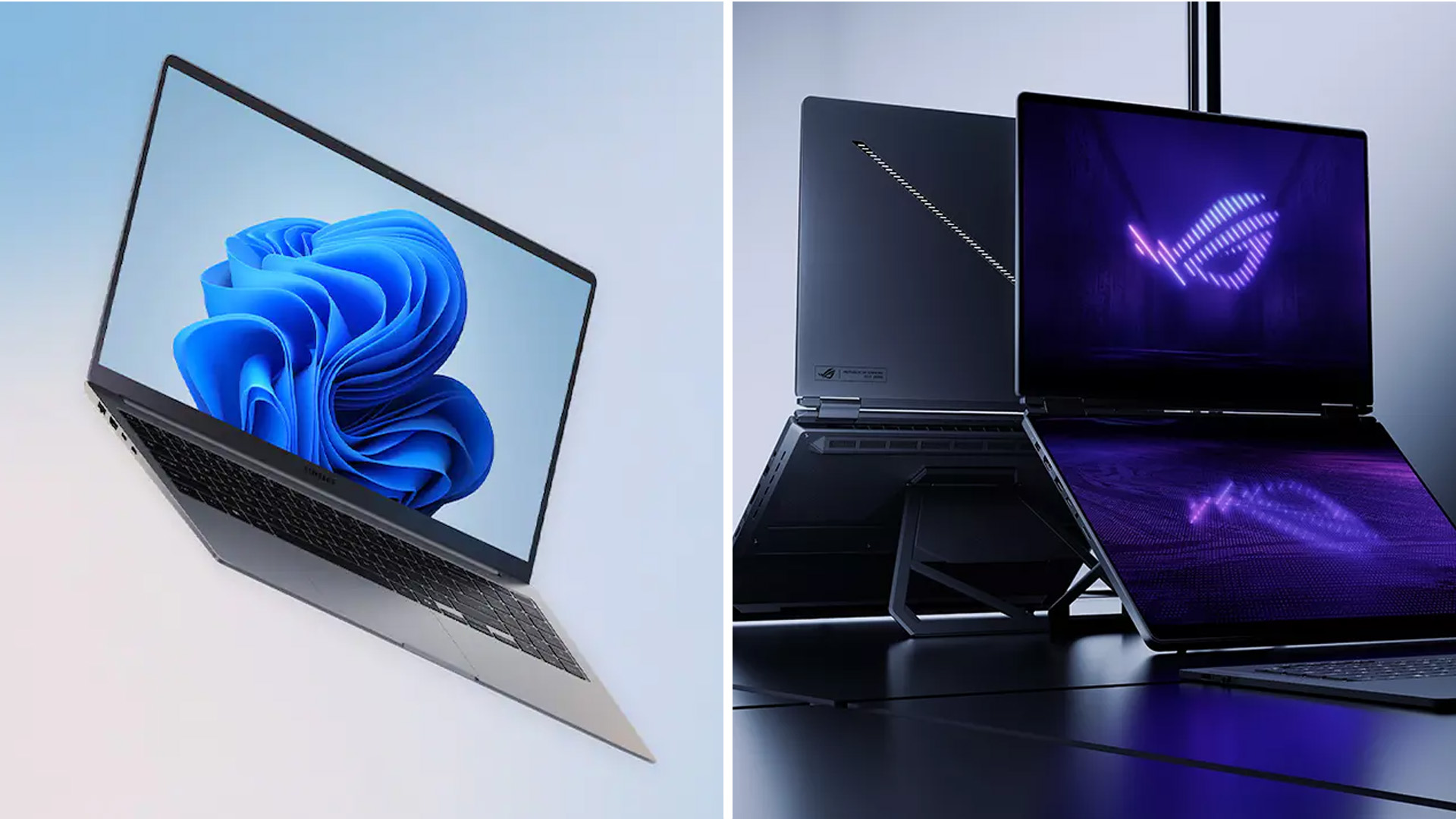
Samsung's range is becoming more accessible. The new 14-inch Galaxy Book6 announced in September starts at £799 RRP, rather than restricting the family entirely to premium pricing.
ASUS still covers more price and performance levels because it has many more laptop families. That gives you greater opportunity to prioritise one feature, such as RAM, an OLED screen or dedicated graphics, without necessarily stepping into a premium flagship.
If you’re are considering other ASUS alternatives too? Our ASUS laptop comparison guide 2026 covers ASUS against Lenovo, HP, Dell, LG and other major brands.

Samsung or ASUS: Which Should You Buy in 2026?
- Choose Samsung device if you already use Galaxy devices, want a streamlined premium Windows experience or particularly value the Dynamic AMOLED 2X displays available on Book6 Pro and Ultra.
- Go towards ASUS models if you want more processor platforms, greater upgradeability on selected models, dual-screen hardware or a much broader choice for gaming and creative work.
The specification still matters more than the badge. Decide how much RAM and storage you need, whether integrated graphics are enough, and what type of screen and portability suit your routine before comparing prices.

Is Samsung or ASUS better for students?
Both work well for students. Samsung Galaxy Book6 offers strong portability and connected Galaxy features, while ASUS Vivobook provides greater configuration choice. Prioritise 16GB RAM, manageable weight and enough SSD storage for your course.
Is Samsung or ASUS better for video editing?
Galaxy Book6 Ultra suits editing with RTX graphics and AMOLED displays. ASUS offers a wider creator range through ProArt, Zenbook and ROG, making it easier to choose different GPU, display and performance levels.
Are Samsung laptops good for gaming?
Galaxy Book6 Ultra can handle gaming with RTX 5060 or RTX 5070 graphics, but Samsung does not have a dedicated gaming range. ASUS TUF and ROG provide substantially more gaming-focused configurations and cooling options.
Can you upgrade Samsung and ASUS laptop RAM?
It depends on the model. Galaxy Book6 systems generally use onboard LPDDR5X memory. Thin ASUS laptops often do too, while selected ExpertBook, TUF and ROG models provide replaceable DDR5 memory.
Is a Galaxy Book worth buying if you have a Samsung phone?
It can be particularly useful because compatible Galaxy devices support features such as Multi Control, Quick Share and Storage Share. These make transferring files and working across your Samsung devices more seamless.
| Read More: |
| ASUS vs HP Laptops: Design, Performance & Price Compared |
| LG vs ASUS Laptops: Comparing Performance & Innovation |
| ASUS vs Dell Laptops: Which is Better for Work and Gaming? |
Related Articles


Published: March 12, 2026
The foldable phone market is growing fast. And 2026 is shaping up to be its most exciting year yet.
Samsung's Galaxy Z Fold 7 is already here, refined and polished after seven generations. Apple's iPhone Fold, set to arrive in autumn 2026, is the most anticipated foldable debut in smartphone history. So, when it comes to iPhone Fold vs Galaxy Z Fold 7, which one is actually worth your money?
This foldable smartphone buying guide covers every major spec, feature, and difference between the two. Whether you are a longtime Samsung user or a loyal iPhone owner eyeing something new, read on.
| Important note: The iPhone Fold has not been officially announced at the time of writing. All iPhone Fold details are based on credible leaks, analyst reports from Ming-Chi Kuo and Mark Gurman (Bloomberg), and supply-chain sources. |
Full Specs at a Glance: Apple iPhone Fold vs Galaxy Z Fold 7
Here is a complete, detailed Galaxy Z Fold 7 specs comparison against the expected iPhone Fold. Every
Published: March 12, 2026
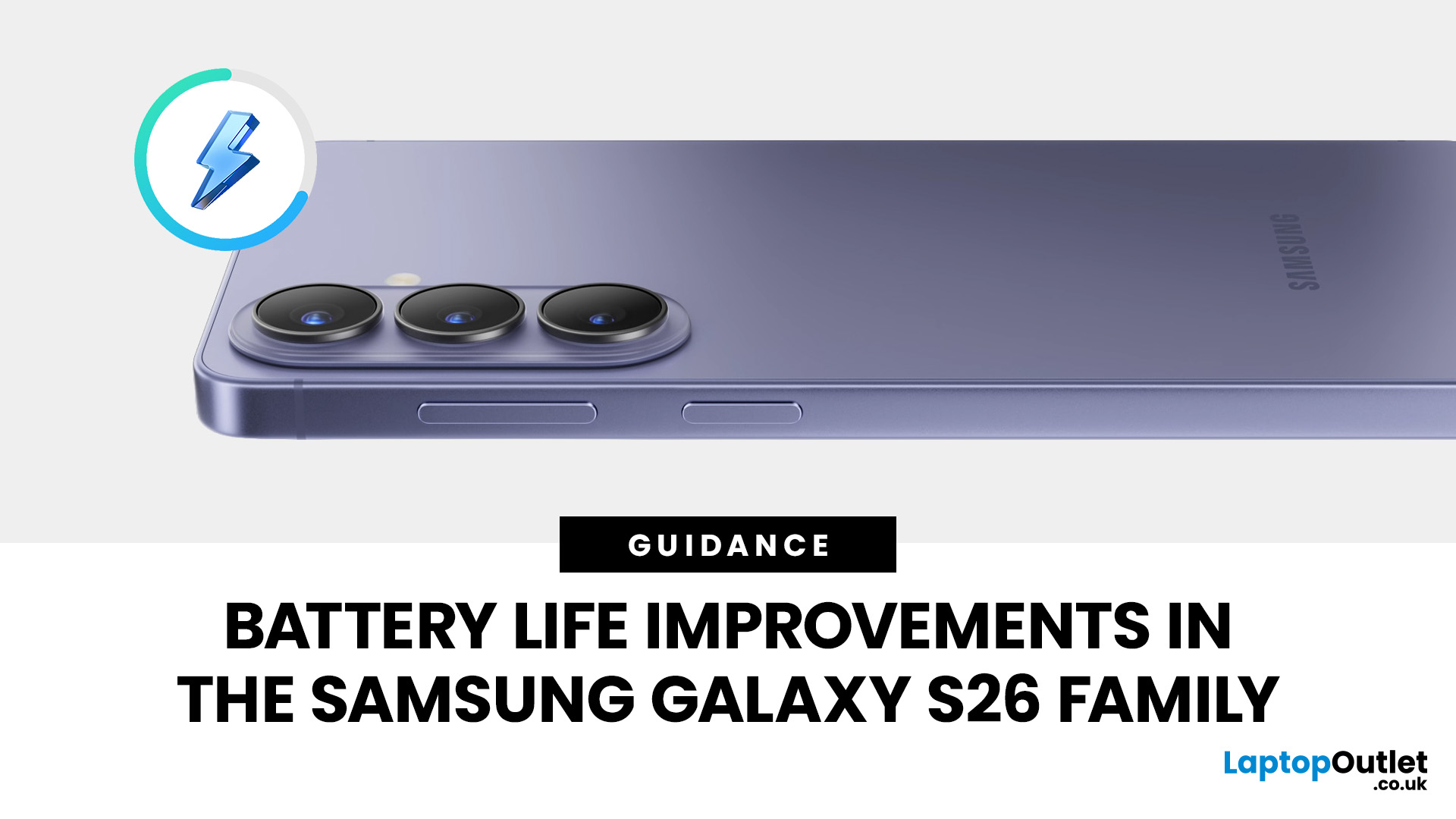
Samsung didn’t “solve” phone batteries in one generation (sadly), but the Galaxy S26 family does bring a very specific set of upgrades that add up to noticeably better day-to-day endurance, especially if you live on 5G, doomscroll with high brightness, or treat your phone like a tiny laptop.
What’s new isn’t just one headline spec. The S26 series combines:
- a bigger battery in the standard Galaxy S26,
- faster charging on the Ultra (finally),
- faster wireless charging on Plus and Ultra, and
- a real focus on improved efficiency (chip + cooling + software).
And crucially: we can point to published specs and measured test results for several of these claims, no vibes, no fluff.
The S26 battery story in one line (UK edition)
If you’re tracking Samsung Galaxy S26 battery life improvements, here’s the clean summary:
- Galaxy S26: bigger battery than last year
- Galaxy S26+: same battery size, but faster wireless charging
- Galaxy S26 Ultra: same battery size, but better efficiency + 60W wired charging

Last Updated: June 10, 2026
The 2026 RAM crunch is being driven by AI data centre demand. Memory makers are shifting capacity towards high-bandwidth memory, server DDR5, and enterprise SSDs, leaving less supply for consumer laptops. As a result, laptop RAM and SSD costs may rise, making many 2026 laptops more expensive or less generously specified.
If you were hoping laptop prices would settle down in 2026, the RAM market may have other plans.
The AI boom is pushing huge demand for memory chips, including DDR5, SSD storage, and high-bandwidth memory used in data centres. As manufacturers prioritise these high-margin AI products, consumer laptops could face tighter supply and higher component costs.
For UK buyers, that may mean more expensive laptops in 2026, fewer strong discounts, and budget models with weaker specs than before.
What Is the 2026 RAM Crunch?
The 2026 RAM crunch is a global memory shortage caused by rising demand for AI servers, high-bandwidth memory, DDR5 server memory, and enterprise SSDs.
In

Last Updated: June 10, 2026
The best free AI apps that work offline include Ollama, LM Studio, GPT4All, Jan, Msty Studio, AnythingLLM, PocketPal AI, llamafile, Upscayl, and DiffusionBee. These tools help users run offline chatbots, local AI assistants, AI writing apps, document Q&A tools, and AI image tools without relying on the internet after setup.
Looking for the best free AI apps offline? You are not alone. More users now want AI tools that can work without constant internet access, protect private data, and run directly on a phone or laptop.
Offline AI apps are especially useful for writing, coding, document chat, transcription, image generation, image upscaling, and personal productivity. Instead of sending every prompt to the cloud, these local AI tools use models stored on your own device.
What Are Offline AI Apps?
Offline AI apps are tools that run AI models directly on your device instead of depending fully on cloud servers. Once installed and configured, they can perform tasks like chatting, summarizing,
Last Updated: July 15, 2026
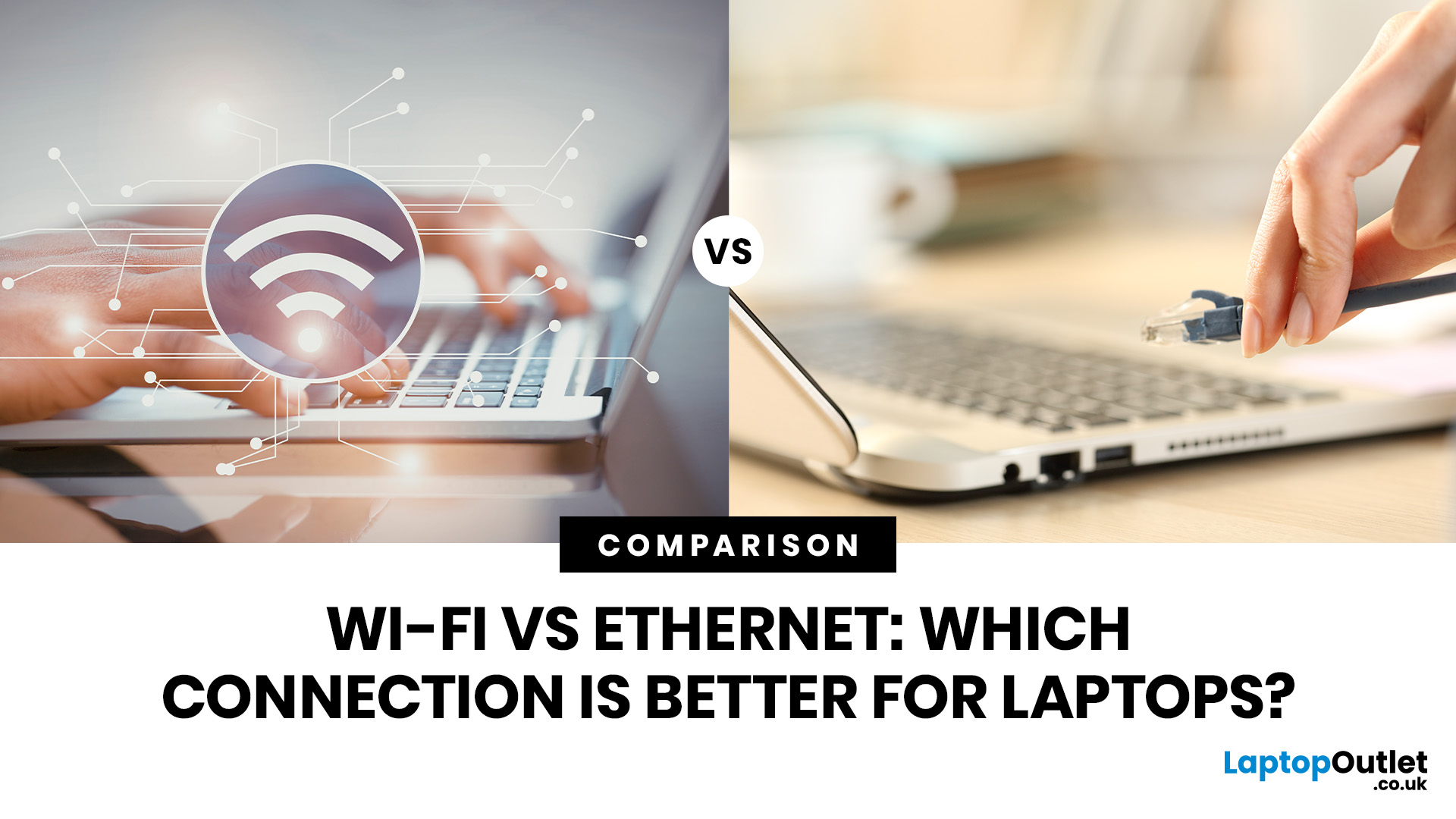
Ethernet is faster, more stable, and lower-latency than Wi-Fi for laptops, making it the better choice for gaming, video calls, and large file transfers. Wi-Fi wins on convenience and flexibility, especially for everyday browsing and light tasks where a physical cable is not practical. The right connection depends on your specific use case.
The debate around Ethernet vs WiFi is one that most laptop users run into at some point, whether you are setting up a home office, getting into PC gaming, or just trying to stop your video calls from dropping out mid-meeting.
Both connection types are perfectly capable of getting you online, but they work in very different ways and perform quite differently depending on what you are doing. This guide breaks everything down clearly so you can make the right call for your setup.
How Does Each Connection Actually Work?
Before comparing the two, it helps to understand the basics of how each technology functions. Knowing this makes it much easier to understand
Last Updated: July 15, 2026
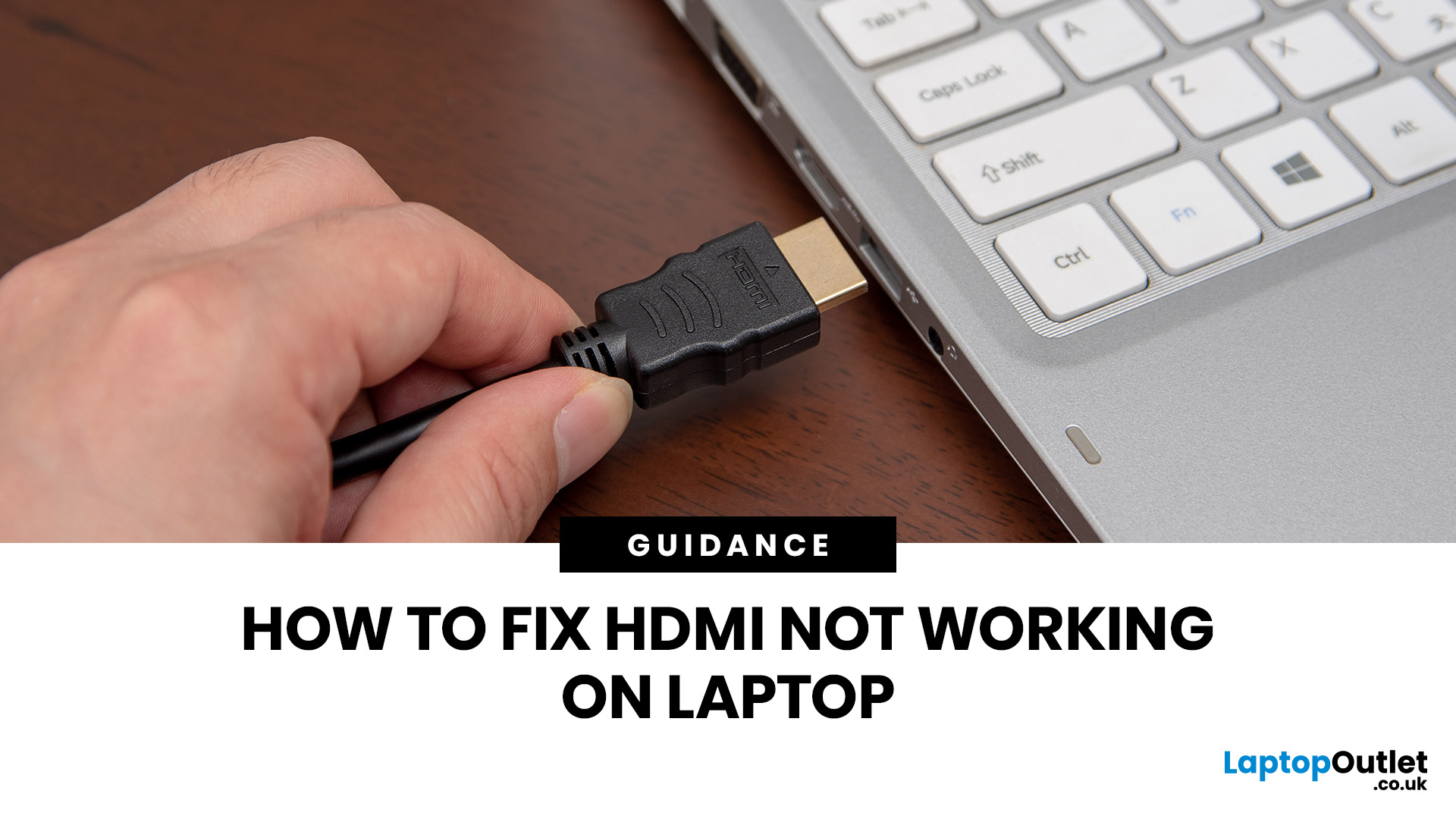
If HDMI is not working on your laptop, start by checking the cable and port for damage, then select the correct input on your monitor or TV. Press Windows + P to choose your display mode. If the screen stays blank, update or reinstall your graphics driver in Device Manager. Most HDMI not working laptop issues are resolved by these steps alone, without needing any specialist help.
There are few things more frustrating than plugging in your HDMI cable and being greeted by a black screen or a "No Signal" message. Whether you are connecting your laptop to a smart TV, an external monitor, or a projector, the issue can almost always be sorted without a trip to a repair shop.
This guide covers most common HDMI not working laptop fixes, from the simplest physical checks right through to driver reinstalls and BIOS settings. Work through the steps in order and you will find your fix quickly.
Why Is Laptop Not Connecting to HDMI?
Before diving into fixes, it helps to understand what causes
Last Updated: June 10, 2026
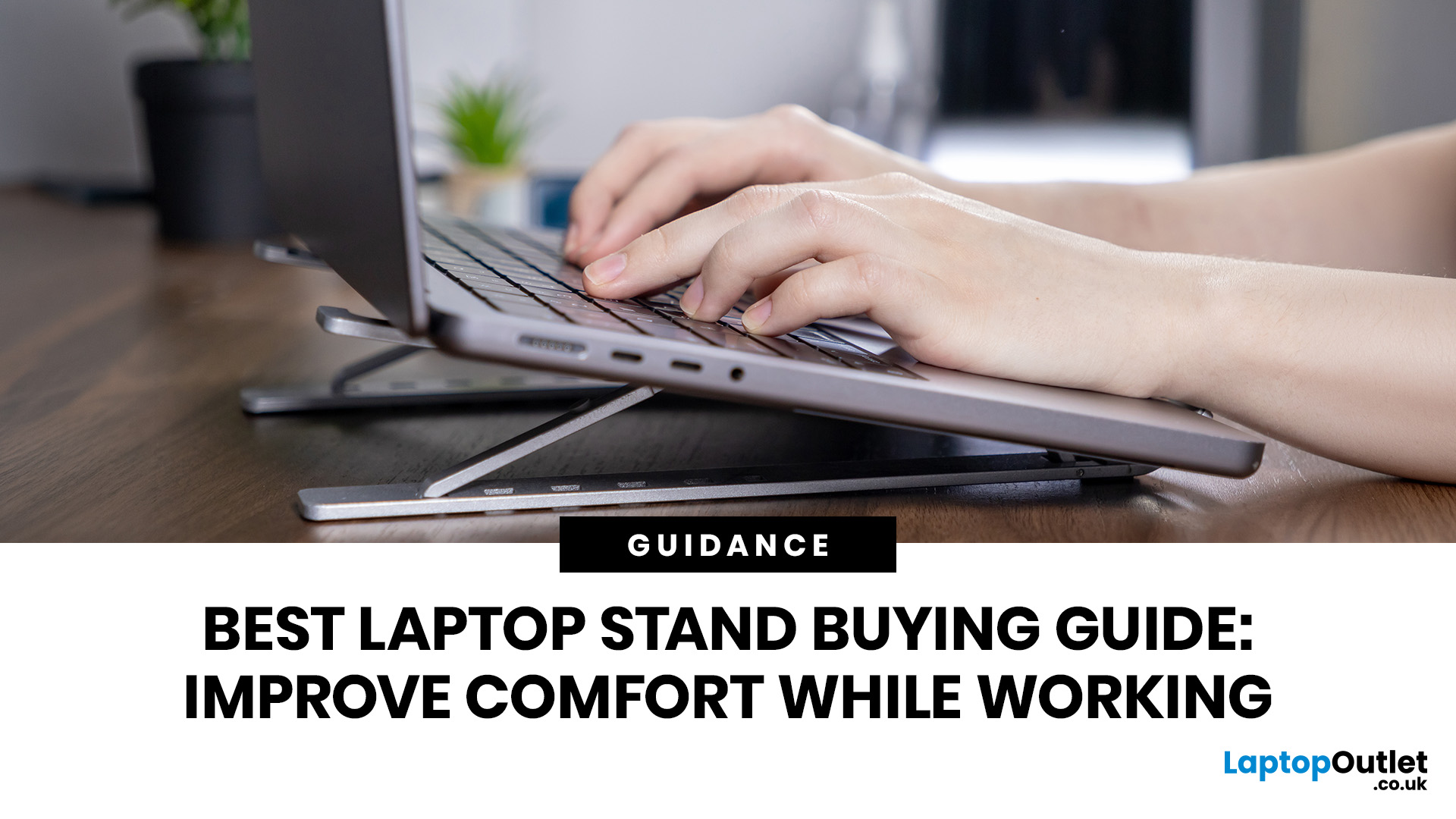
Looking for the best laptop stands UK buyers can choose for better comfort and posture? A good laptop stand raises your screen to a more natural viewing height, helping reduce neck strain, improve desk setup and make long working hours more comfortable. This guide explains how to choose the right laptop stand for desk use, adjustable setups, bed or couch working, travel, standing desks and dual-screen workstations.
A laptop is convenient, portable and easy to use anywhere, but it is not always the most comfortable device for long working hours. When your laptop sits flat on a desk, bed or couch, the screen is usually too low, which can make you bend your neck, hunch your shoulders and sit in an awkward position.
That is where a good laptop stand can make a big difference. Whether you need a laptop stand for desk use, an adjustable laptop stand for flexible working, a portable laptop stand for travel or a laptop table for bed, the right setup can help you work more comfortably every day.
Last Updated: July 15, 2026
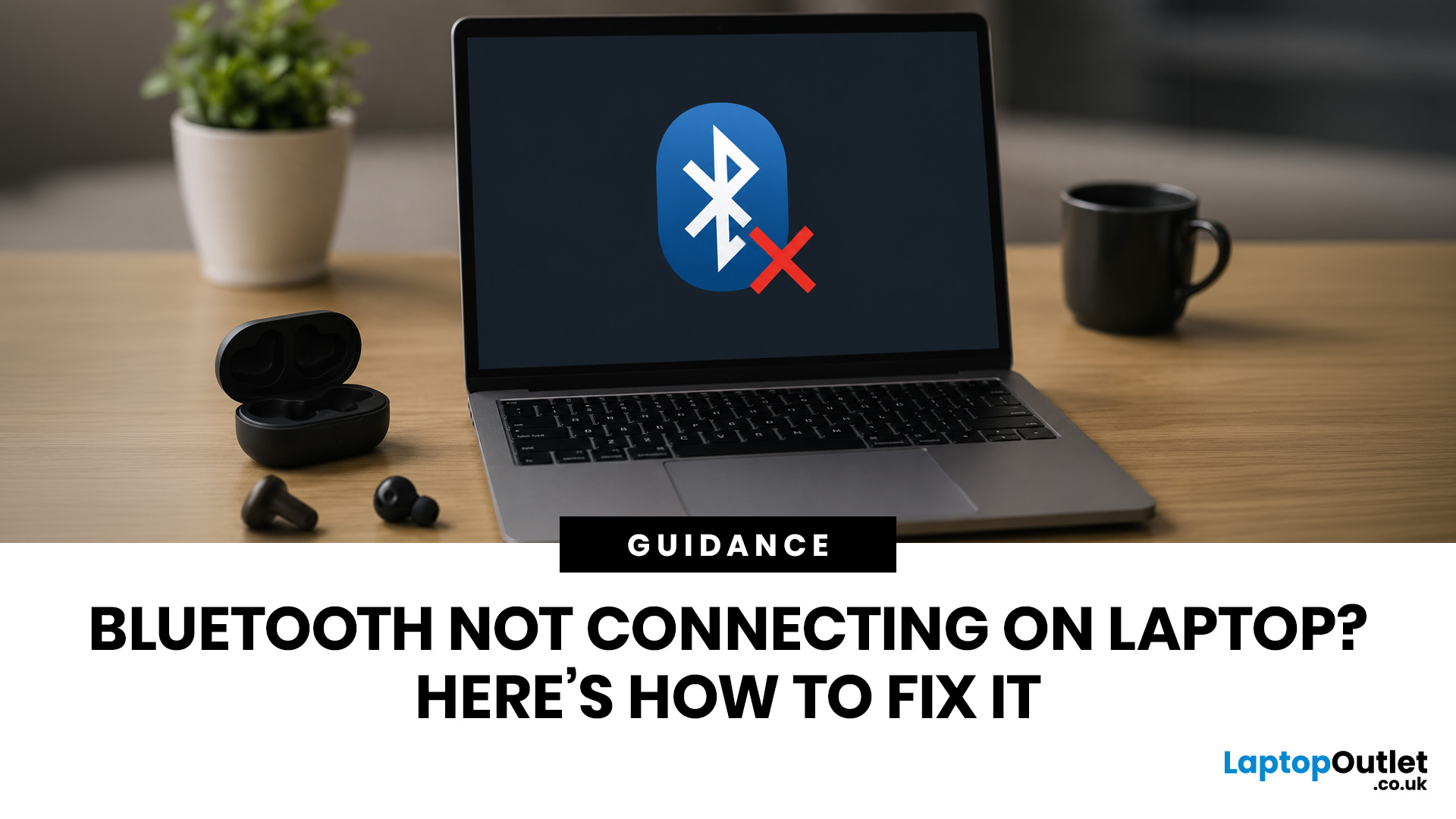
To fix Bluetooth connection issues on your laptop, start by turning Bluetooth off and on, restarting your laptop, removing the problem device, and pairing it again. If that fails, update or reinstall your Bluetooth driver on Windows, or forget and reconnect the device on macOS.
A “Bluetooth not connecting laptop fix” is one of the most searched tech support queries, and it is easy to see why. One minute your wireless mouse, keyboard, or headphones are working fine, and the next they simply will not pair. It is frustrating, especially when you have work to get done.
The good news? Most Bluetooth issues can be resolved at home without spending a penny. This guide will walk you through every step to get you back online.
Why Is Bluetooth Not Connecting on Your Laptop?
The question “why is my Bluetooth not working” has more than one answer. Bluetooth connection problems can stem from a wide range of causes, both software and hardware related.
The Most Common Causes
- Bluetooth is switched
Last Updated: May 22, 2026
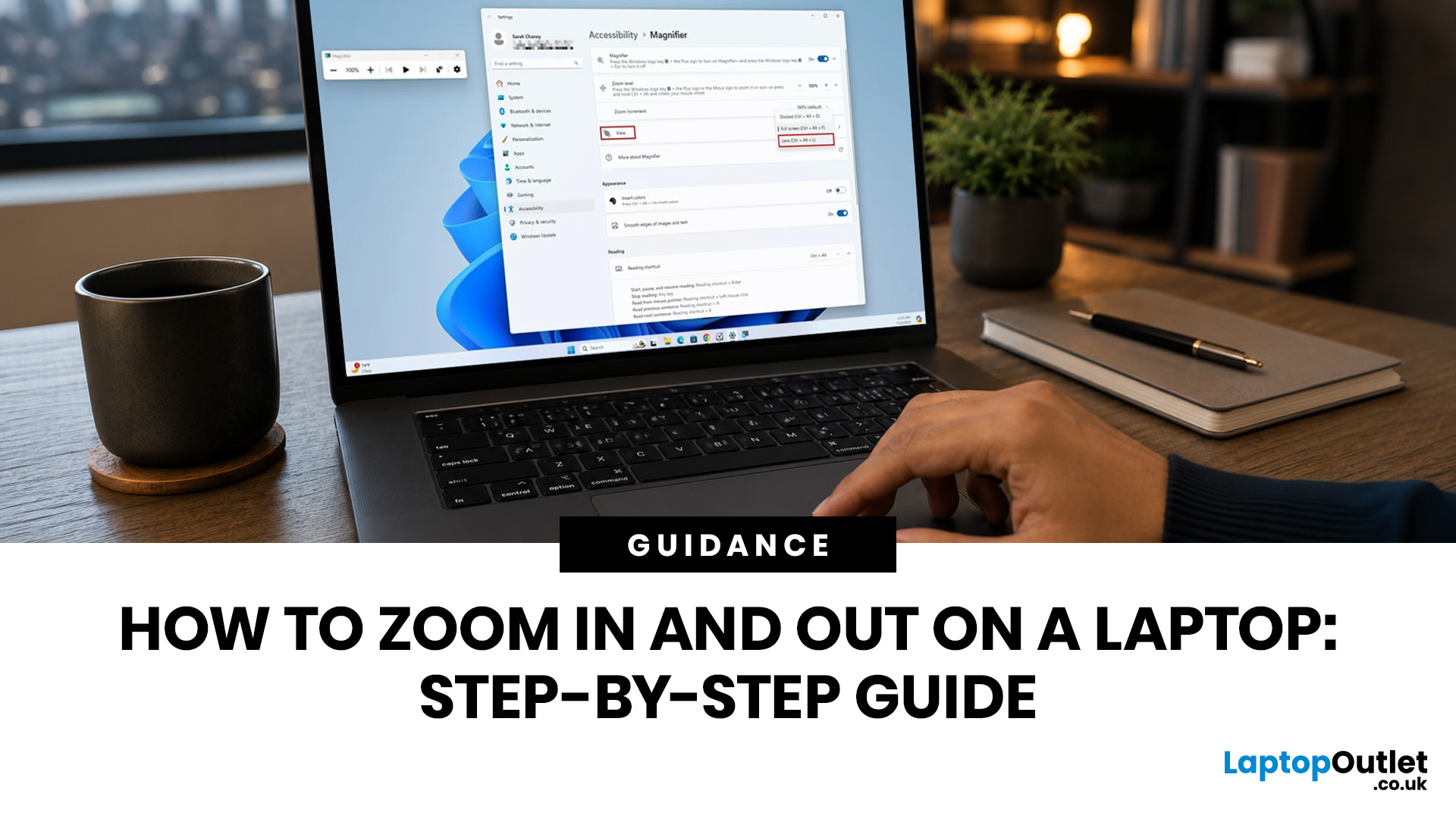
To zoom in and out on a laptop, press Ctrl + + to zoom in and Ctrl + - to zoom out in most browsers, documents, PDFs, pictures, and apps. To reset a webpage to normal size, press Ctrl + 0. If you need to quickly zoom out on a laptop screen, this shortcut is usually the fastest fix.
If the whole Windows screen is zoomed in, press Windows key + Esc to turn off Magnifier. If everything on your laptop still looks too big or too small, open Settings > System > Display and check Scale and Display resolution.
Most laptop Zoom problems happen in one of 5 places: the browser, an app, Windows Magnifier, display scale, or display resolution. The quickest fix depends on what exactly looks too large or too small.
Quick Answer: Laptop Zoom Shortcuts
| WHAT YOU WANT TO DO | SHORTCUT OR SETTING | USE THIS WHEN |
|---|---|---|
| Zoom in on a webpage, document, PDF, or picture | Ctrl + + | Text, images, or details are too small |
| Zoom out on a webpage, document, PDF, or picture | Ctrl + - | A page, file, or app looks too large |
| Reset browser |
Last Updated: September 02, 2026
Looking beyond the MacBook Pro in 2026? This guide explores the best high-performance laptop alternatives for creators, developers, designers, and power users who want premium speed, displays, battery life, and value without being locked into Apple’s ecosystem.
If you're searching for the best MacBook Pro alternatives 2026 has to offer, you're not alone. Apple's flagship laptop remains one of the most impressive machines on the market, but it comes at a significant cost, and it isn't the right fit for everyone. Whether you're moving from macOS to Windows, exploring a different ecosystem, or simply want to know your options before spending over £1,500, this guide is for you.
Why Look for MacBook Pro Alternatives in 2026?
Apple's engineering is exceptional, but there are compelling reasons why even dedicated Mac users are reconsidering their options.
Price
The MacBook Pro starts at well over £1,500 in the UK. For many buyers, particularly students, freelancers, and small business owners,

