



ASUS ZenBook or HP ENVY: Which Laptop is Right for You?
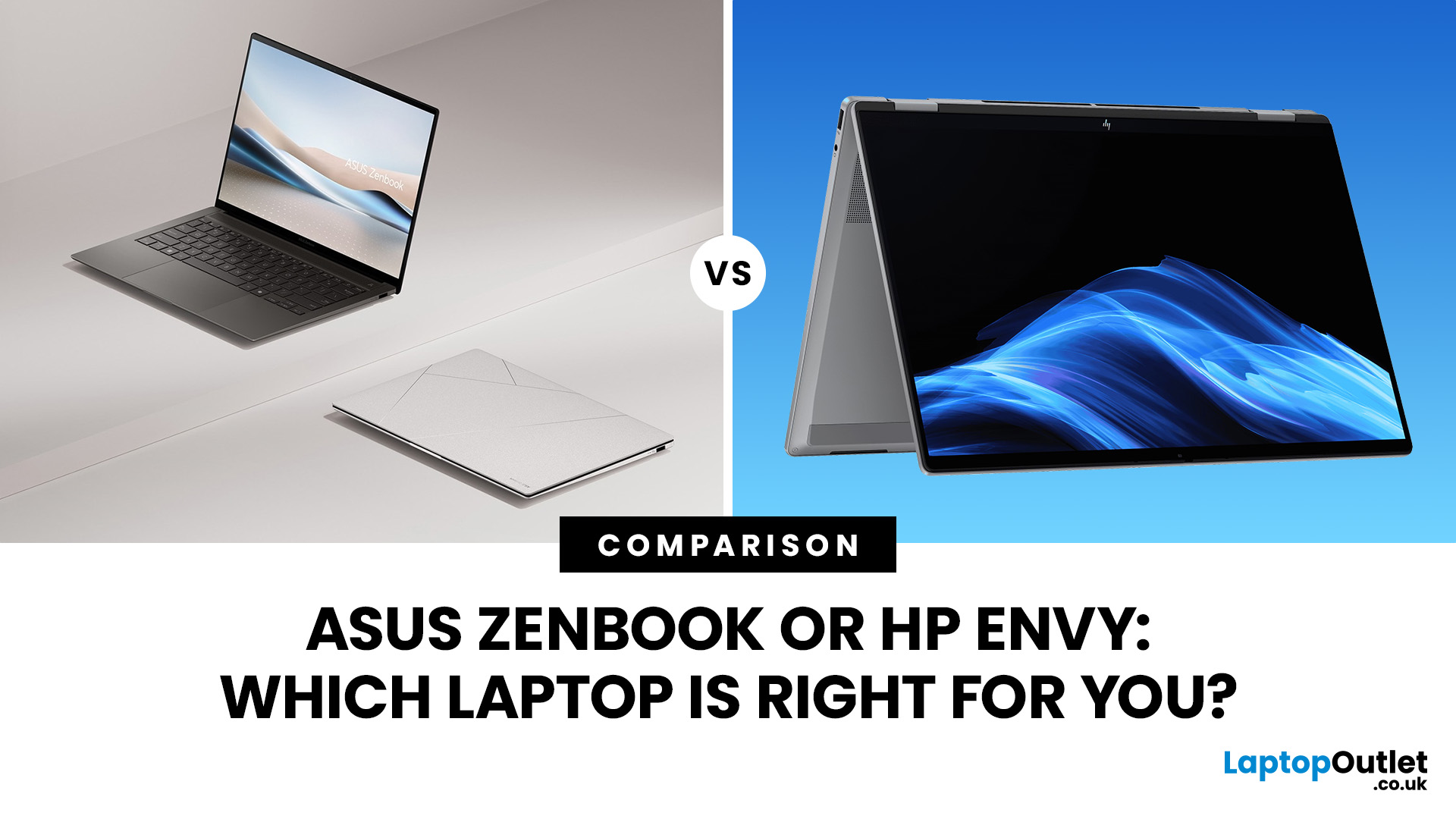
ASUS Zenbook and HP Envy have long competed for buyers wanting a premium Windows laptop without moving into workstation or gaming territory. That comparison has changed though: Zenbook remains an active ASUS family, while HP has retired Envy as part of its move to the OmniBook range.
So, is an ASUS Zenbook better than an HP Envy today? That depends on whether you are comparing a new Zenbook against an older or refurbished Envy, or looking for HP's current equivalent.
ASUS Zenbook vs HP Envy: Quick Answer
Buying new? ASUS Zenbook is the more relevant choice because HP Envy is no longer an active current-generation range. HP says its newer OmniBook X family replaces Envy in its reorganised consumer line-up.
Buying refurbished or discounted? An HP Envy can still make sense if the processor generation, RAM, storage, battery condition and price compare favourably with newer alternatives.
|
Area |
ASUS Zenbook |
HP Envy |
HP's Current Alternative |
|
Status |
Current |
Legacy/discontinued family |
OmniBook X |
|
Processors |
Current Intel Core Ultra and Snapdragon options |
Depends on generation |
Intel Core Ultra and AMD Ryzen AI options |
|
AI hardware |
NPU/Copilot+ on qualifying models |
Limited on older models |
NPU/Copilot+ options |
|
Displays |
Strong OLED range |
IPS/OLED depending on model |
IPS, touch and OLED options |
|
Memory |
Mostly onboard LPDDR on slim models |
Varies by generation |
Commonly 16GB/32GB on current models |
|
Best reason to buy |
Current premium portability |
Refurbished/discounted value |
Current premium HP experience |
What Replaced the HP Envy?
HP has reorganised its consumer laptop portfolio under OmniBook. Pavilion, Envy and Spectre have been incorporated into the newer structure, with OmniBook X positioned as the successor to Envy.
That means an Envy you find today will generally be from an earlier generation rather than HP's latest premium consumer hardware.
Current OmniBook X models now include standard laptops and convertible OmniBook X Flip systems. UK configurations cover Intel Core Ultra and AMD Ryzen AI processors, with options including 16GB or 32GB RAM, 512GB or 1TB SSDs and OLED touchscreens on selected models.
However, for a broader look at their current line-ups, our ASUS vs HP laptops comparison compares performance, displays, gaming hardware, business options and overall value across both brands.

Which Gives You Better Performance?
This is where comparing a current Zenbook directly with an older Envy can become misleading.
ASUS's latest Zenbook range includes current Intel Core Ultra Series 3 hardware. The Zenbook 14 UX3480, for example, reaches Core Ultra 9 Series 3 and includes an NPU rated at up to 50 TOPS for supported local AI workloads.
ASUS also offers Snapdragon-based Zenbooks. The larger Zenbook A16 can be configured with Snapdragon X2 Elite Extreme, Adreno graphics and an NPU rated at up to 80 TOPS.
An older Envy may still be perfectly capable for Office, browsing, university work and everyday multitasking, but check its exact CPU generation. A laptop labelled “Core i7” is not automatically faster or more desirable than a newer Core Ultra 5 system. However, if your workload extends into high-performance gaming and dedicated graphics, our Razer vs ASUS ROG laptops comparison looks more closely at GPU power, cooling, displays and upgradeability.
How Much RAM and Storage Do You Need?
For most people buying a premium Windows laptop, 16GB RAM should be the starting point.
Move to 32GB if you regularly work with demanding creative applications, large datasets, software development tools or heavy multitasking. Storage requirements depend on how much you keep locally:
- 512GB SSD: everyday work, study and cloud-focused use
- 1TB SSD: larger applications, photos, videos and long-term use
- 2TB SSD: useful for substantial creative libraries or local project files
One important consideration is upgradeability. Many thin Zenbooks use onboard LPDDR memory. Current models can offer generous capacities, but you should assume the RAM cannot be expanded unless the exact specification says otherwise.
The same applies to many slim HP machines. In addition, for another specification-focused comparison, see our Lenovo vs ASUS laptops guide for a closer look at RAM, SSD storage, processor options and upgradeability.
Which Gives You the Better Display?
Display technology was traditionally one of Zenbook's strongest advantages, and it remains a major part of the range.
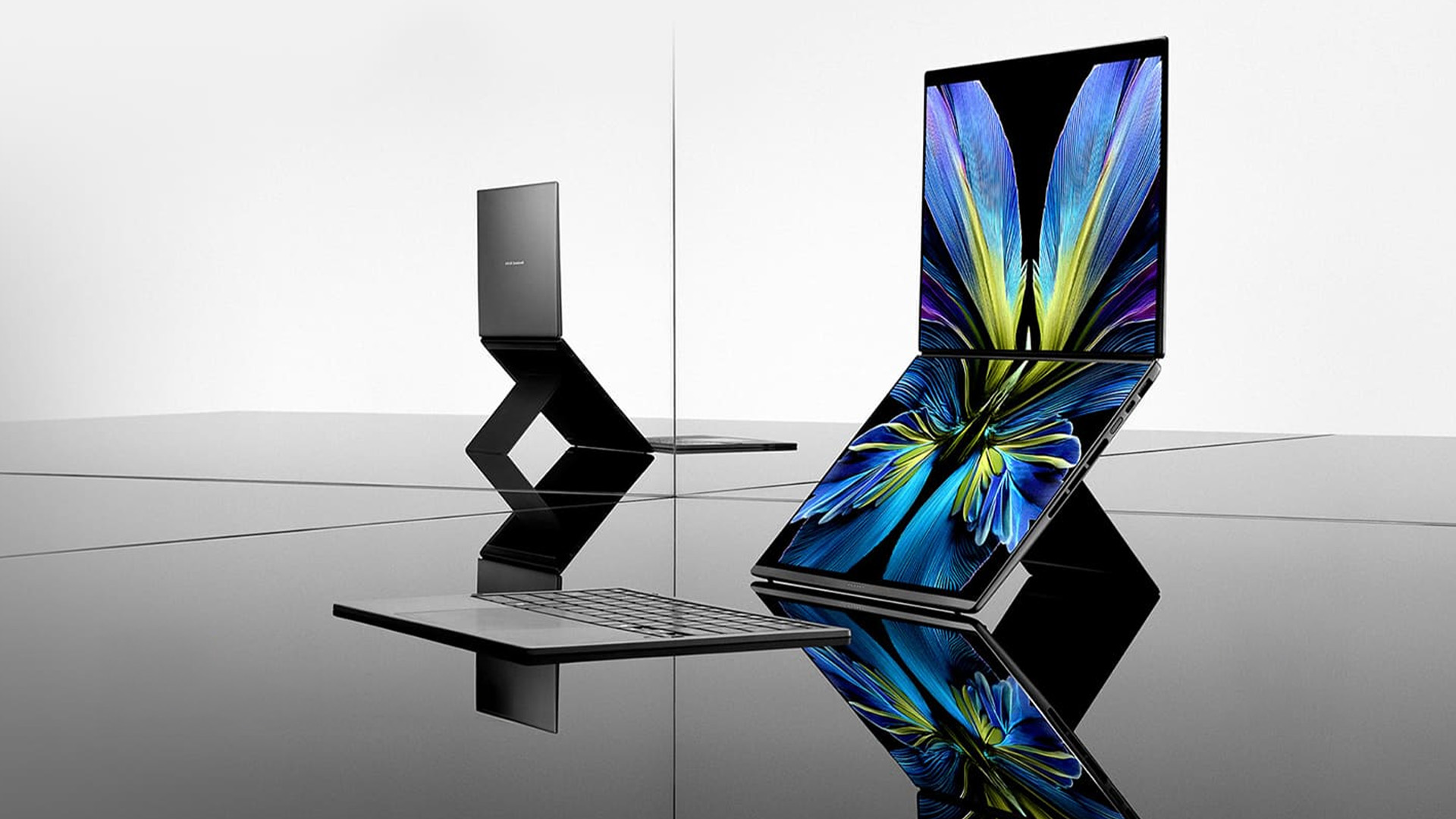
Current Zenbook options include 3K 120Hz OLED panels, while the Zenbook Duo extends that idea to two 14-inch 3K OLED touchscreens running at up to 144Hz.
HP has also moved significantly beyond the older Envy configurations that relied heavily on conventional IPS panels. Current OmniBook X Flip options include 2K OLED touchscreens, while selected configurations offer 3K 120Hz displays.
If you are comparing against an older Envy, look at the actual panel rather than the family name. Some Envy generations offered excellent OLED screens, while others used more conventional 60Hz IPS displays. If screen quality is one of your main priorities, our Samsung vs ASUS laptops comparison covers AMOLED and OLED displays, refresh rates and premium display features.
You should check:
- OLED versus IPS
- resolution
- refresh rate
- brightness
- touchscreen support
- colour coverage
- glossy versus anti-glare finish
Which is Better for Portability and Battery Life?
Zenbook remains highly competitive for travel and hybrid work.
The current 14-inch Zenbook UX3480 weighs around 1.1kg, while ASUS also has sub-1kg Zenbook A14 models and a 1.2kg 16-inch Zenbook A16.
Battery comparisons need more care. Manufacturer claims are produced under specific test conditions and should not be treated as guaranteed everyday runtime. Display brightness, video calls, browser activity and processor load can substantially change battery life.
An older Envy may also have lost usable battery capacity through normal ageing, making battery health especially important when buying refurbished.
Which is Better for Work, Calls, and Connectivity?
Modern premium laptops need more than raw CPU performance.
Current Zenbooks offer features such as USB-C/USB4 or Thunderbolt connectivity depending on the model, alongside conventional ports on selected systems. The Zenbook A16, for example, includes two USB4 ports and an SD card reader.
Current HP OmniBook X models also bring newer connectivity and AI-focused collaboration features than older Envy generations.
If you are comparing a refurbished Envy, check the webcam resolution, biometric login, Wi-Fi generation and ports carefully. Older laptops may require adapters or offer weaker webcams than current premium systems.
Is an Older HP Envy Still Worth Buying?
Yes, but only when the saving is meaningful.
A refurbished HP Envy can still be a good laptop for study, office work, browsing and general home use. Before buying, compare:
- processor generation
- at least 16GB RAM where possible
- SSD capacity
- battery condition
- screen type
- Windows 11 support
- physical condition
- included warranty
Do not judge the deal solely by its original retail price. A newer mid-range laptop can sometimes give you better efficiency, connectivity and longer software relevance than an older premium model.
At Laptop Outlet, checking the specification and condition alongside the price makes it easier to decide whether an older premium laptop still represents genuine value.
If you are comparing ASUS with more than just HP, our ASUS laptop comparison guide covers Lenovo, Dell, Samsung, LG and other major alternatives.

ASUS Zenbook or HP Envy: Which Should You Buy?
For a new laptop, ASUS Zenbook is the straightforward winner because it remains a current range with modern Intel and Snapdragon processors, Copilot+ options and extensive OLED choice.
If you specifically want HP, compare Zenbook with OmniBook X, not Envy.
An HP Envy still makes sense as a refurbished or discounted purchase. Focus on the exact CPU generation, RAM, SSD, battery condition and warranty rather than assuming a formerly premium model is automatically the better deal.

Has HP discontinued the Envy laptop range?
Yes. HP has consolidated its consumer laptops under OmniBook, with OmniBook X positioned as the replacement for Envy in the current product hierarchy.
What is the current alternative to an HP Envy?
HP OmniBook X is the closest current successor. It offers modern Intel and AMD AI processors, current connectivity and OLED touchscreen options on selected configurations.
Is an HP Envy still worth buying refurbished?
It can be. Check processor age, battery condition, RAM, SSD capacity, screen quality and warranty, then compare the final price with newer laptops offering similar specifications.
Can ASUS Zenbook RAM be upgraded?
Many thin Zenbook models use onboard LPDDR memory, so RAM often cannot be upgraded. Always check the exact model specification and buy sufficient memory from the start.
Is ASUS Zenbook good for university?
Yes. Lightweight construction, strong battery-focused designs and 14-inch options make Zenbook well suited to university. For most students, 16GB RAM and a 512GB SSD provide a sensible specification.
Is Zenbook or Envy better for video editing?
A current Zenbook will generally offer newer CPU, NPU and integrated-graphics technology. An older Envy may still suit lighter editing, but performance depends heavily on its exact processor, RAM and GPU.
Related Articles

Published: October 28, 2025
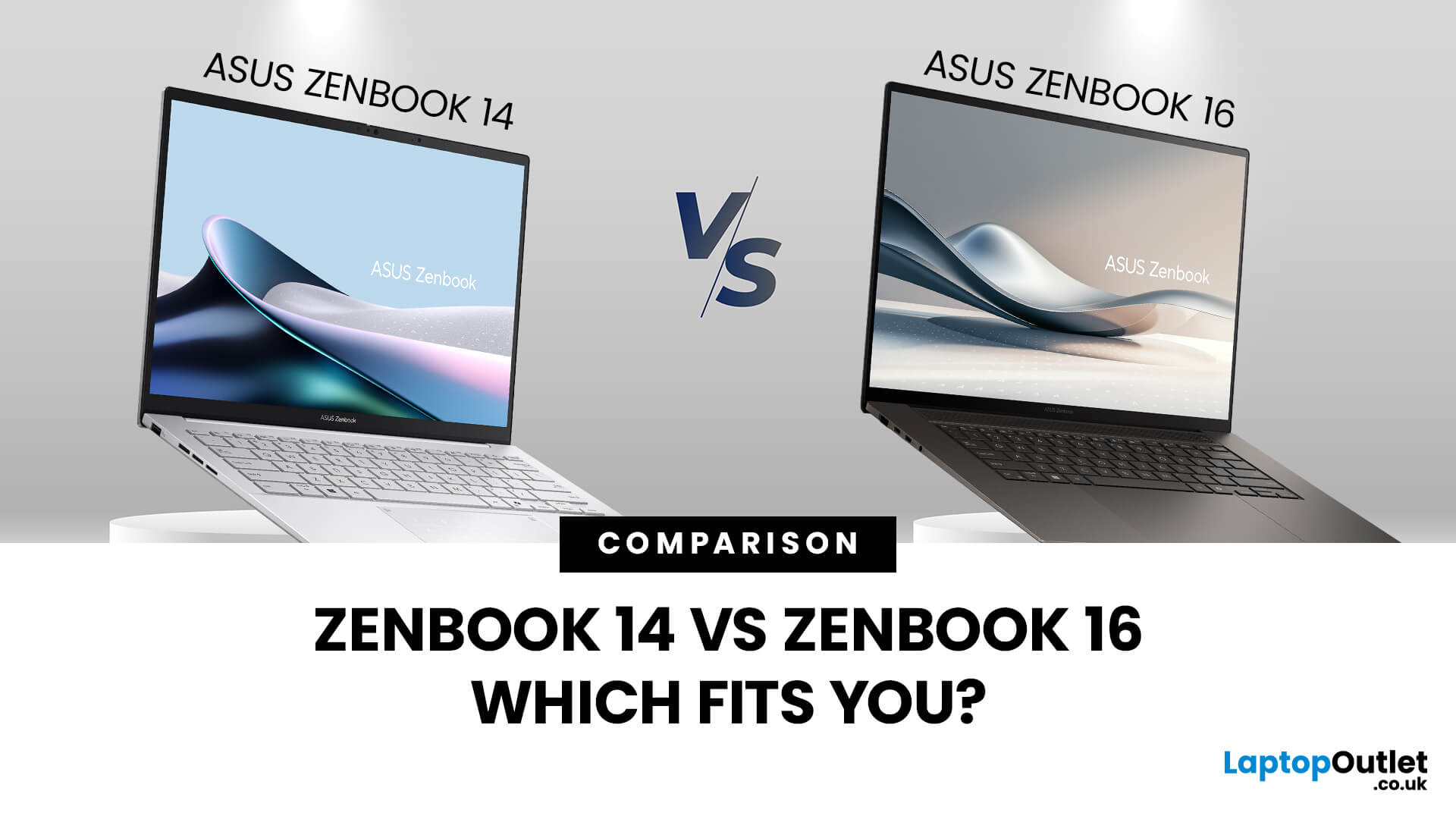
When you’re shopping around and weighing up the choice between the ASUS ZenBook 14 vs ZenBook 16, you’ll find there’s more than just the screen size difference. The ASUS ZenBook 14 and ZenBook 16 bring together premium design, OLED displays, and strong performance in sleek ultrabook form. The ZenBook 14 is ideal for portability and everyday productivity, while the ZenBook 16 offers a larger screen and extra power for creative professionals. Both models reflect ASUS’s commitment to quality and innovation, making them top choices for modern users. This blog is a comparison of both for user to choose according to their requirements.
Overview of the ZenBook Series
The Appeal of Ultrabooks
Ultrabooks such as the ZenBook line from ASUS deliver a potent mix of portability, premium build quality and enough performance for modern tasks. As the ultra-thin, ultra-light category has matured, buyers have come to expect metal-chassis design, high-resolution or OLED displays, quick SSD storage and long
Last Updated: November 05, 2025
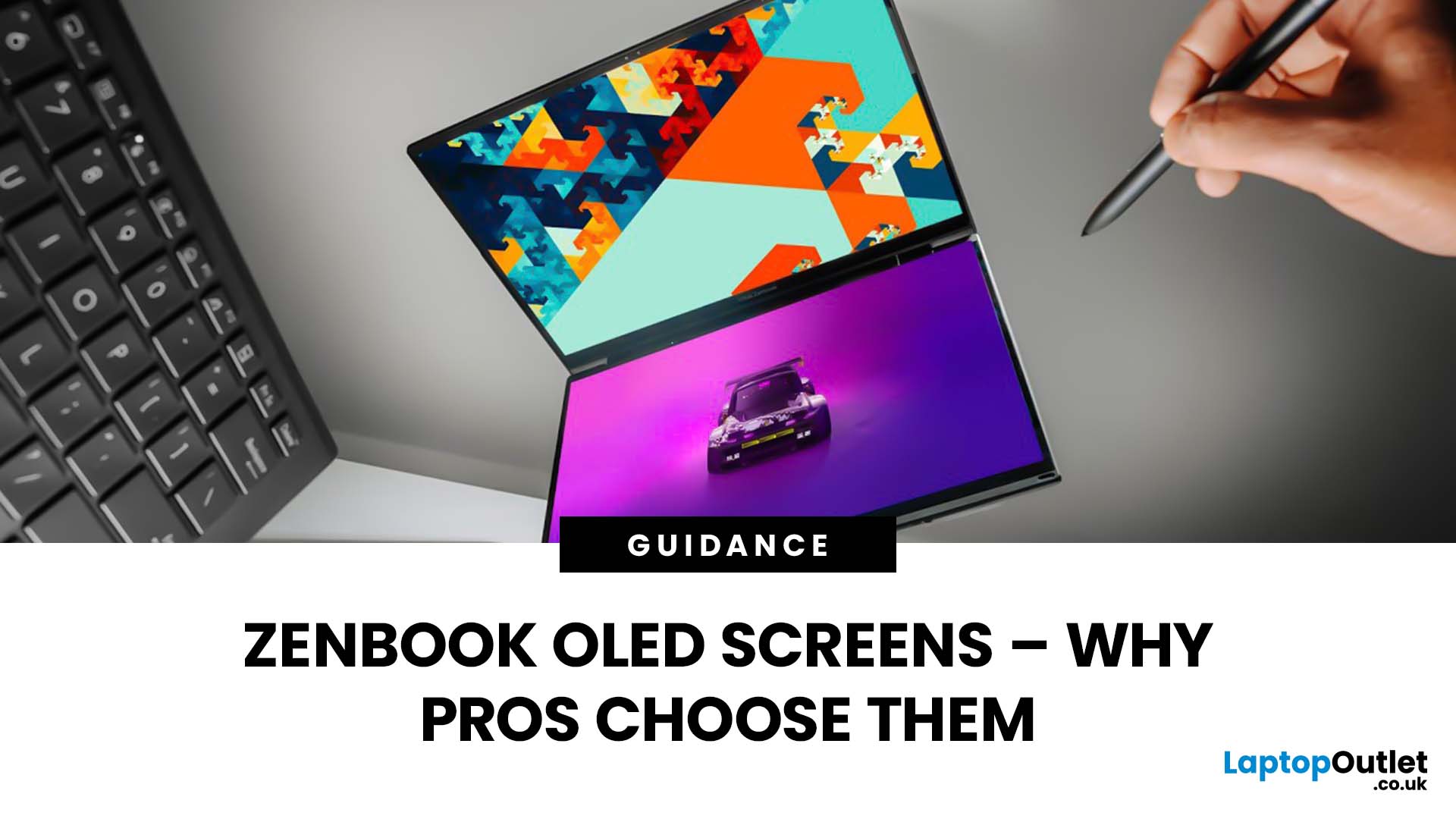
Stunning visuals are essential for modern creators and ASUS delivers. Whether you’re editing photos, grading videos, or designing digital art, display quality defines the precision of your work. That’s where the ASUS ZenBook OLED display steps in, delivering deep blacks, lifelike colour accuracy, and remarkable clarity that outshines traditional screens. In this blog, we’ll explore what makes ZenBook OLED displays so special, how they compare to IPS panels, and why they’ve become a go-to choice for photographers, video editors, and creative professionals who demand exceptional visuals without compromising portability or eye comfort.
What is ZenBook OLED Display?
The term “OLED” (Organic Light-Emitting Diode) refers to a display technology where each pixel emits its own light rather than relying on backlighting as with IPS/LCD panels. In the ASUS ZenBook series, the use of OLED means deeper blacks, higher contrast and more vibrant colours compared to many mainstream IPS laptops.
For example,

Last Updated: October 30, 2025
Remote work has become part of everyday life. Whether you’re working from home, hopping between meetings, or travelling across cities, a reliable laptop can make all the difference. That’s where the ASUS laptops come in - sleek, powerful, and designed for people who get things done on the move.
It’s not just about specs or looks. The ASUS ZenBook laptop is built for real-world use: strong performance for multitasking, battery life that actually lasts, and a design that doesn’t hold you back. If your workdays shift between kitchen tables, co-working spaces, and coffee shops, this laptop fits right in.
Why the ASUS ZenBook Is Ideal for Remote Work

For anyone who works remotely, the perfect laptop should be light enough to carry everywhere, powerful enough to multitask, and reliable enough to last the entire working day. The ZenBook range hits this sweet spot effortlessly.
Modern ZenBook models are thin, light, and stylish – yet surprisingly powerful under the hood. They combine Intel Core
Last Updated: March 06, 2026
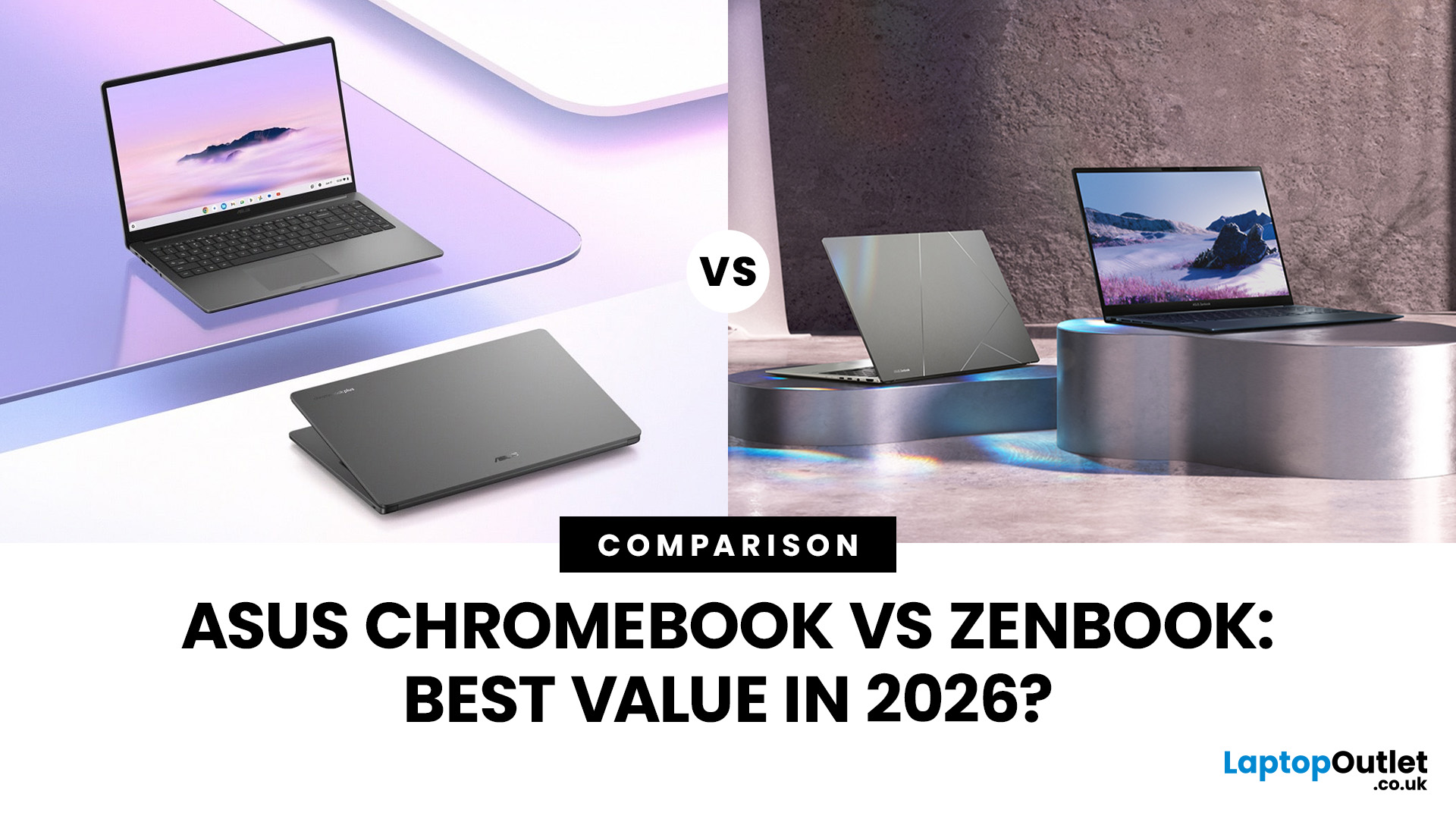
In 2026, ASUS continues to lead the ultrabook market with two standout options, the ASUS Chromebook and the ASUS ZenBook. Both deliver sleek design, portability, and performance, but they cater to different users. ASUS Chromebooks are lightweight, affordable, and perfect for students and everyday tasks, while ZenBooks offer premium craftsmanship, powerful hardware, and superior productivity for professionals and creators.
This comparison explores their specs, performance, battery life, and value, helping you decide which ultrabook suits your needs best. Whether you’re after effortless portability or all-day performance, we’ll uncover which ASUS laptop truly offers better value in 2026.
ASUS Chromebook vs ZenBook – The 2026 Ultrabook Showdown
In 2026, ASUS continues to lead the ultrabook arena with two stellar lineups that capture the essence of modern computing, the ASUS Chromebook and the ASUS ZenBook. Both are sleek, reliable, and performance-driven, but they serve very different lifestyles.
Last Updated: December 22, 2025
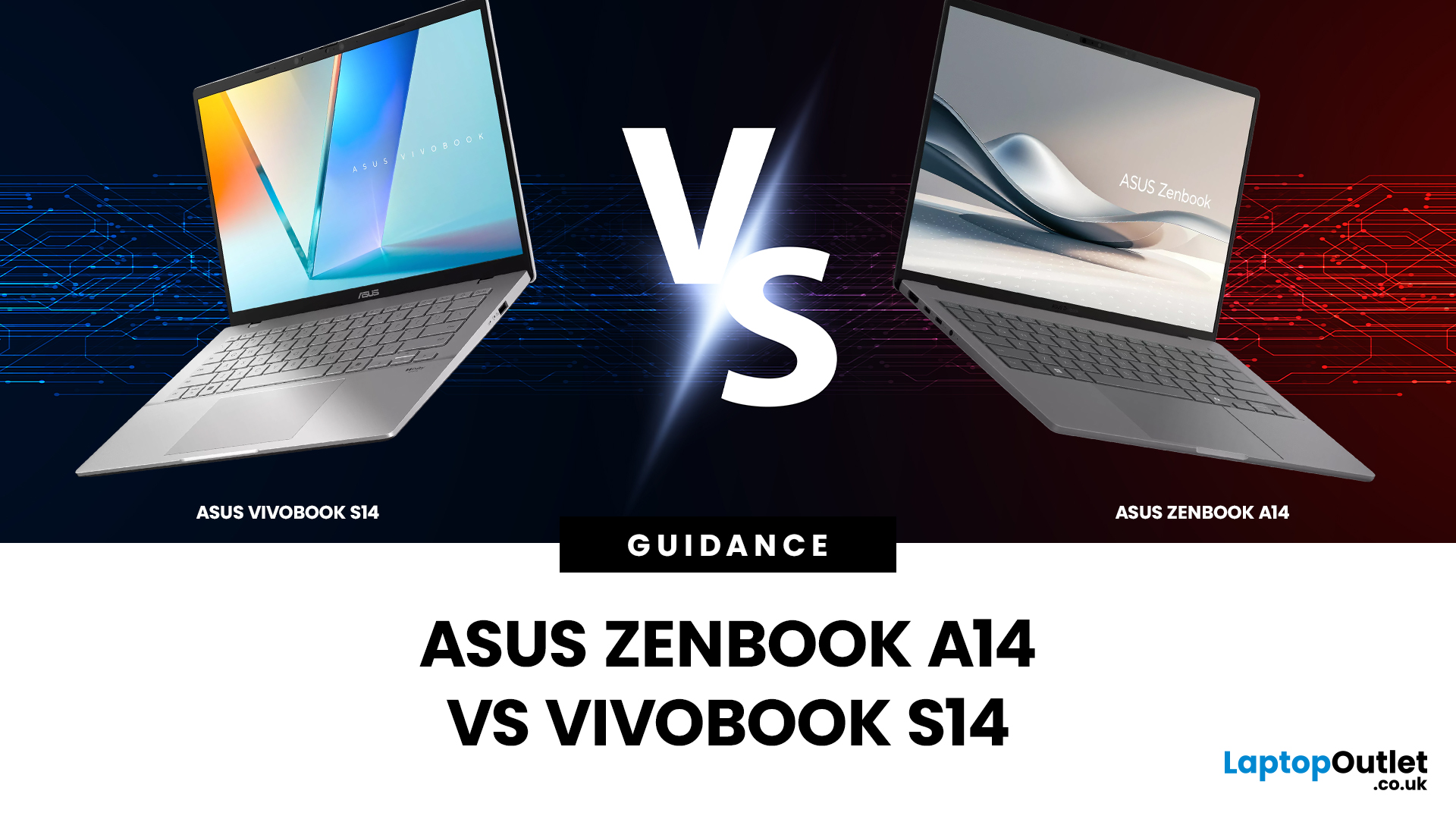
Choosing the right laptop isn’t just about specs on paper; it’s about finding a device that fits your lifestyle, workload, and budget. If you’re deciding between two of ASUS’s most popular lightweight laptops, this ASUS Zenbook A14 vs Vivobook S14 comparison will help you make the right call.
Both models are designed for portability, productivity, and everyday performance, but they target slightly different users. The Zenbook A14 leans towards premium design and long battery life, while the Vivobook S14 focuses on versatility and value. In this guide, we’ll compare everything from build quality and display to performance, battery life and real-world use cases, so you can choose with confidence.
Which Laptop Looks and Feels Better? Design and Build Quality Compared
Design is often the first thing you notice when choosing a laptop, especially if you’re carrying it around every day.
ASUS Zenbook A14: Premium and Minimalist
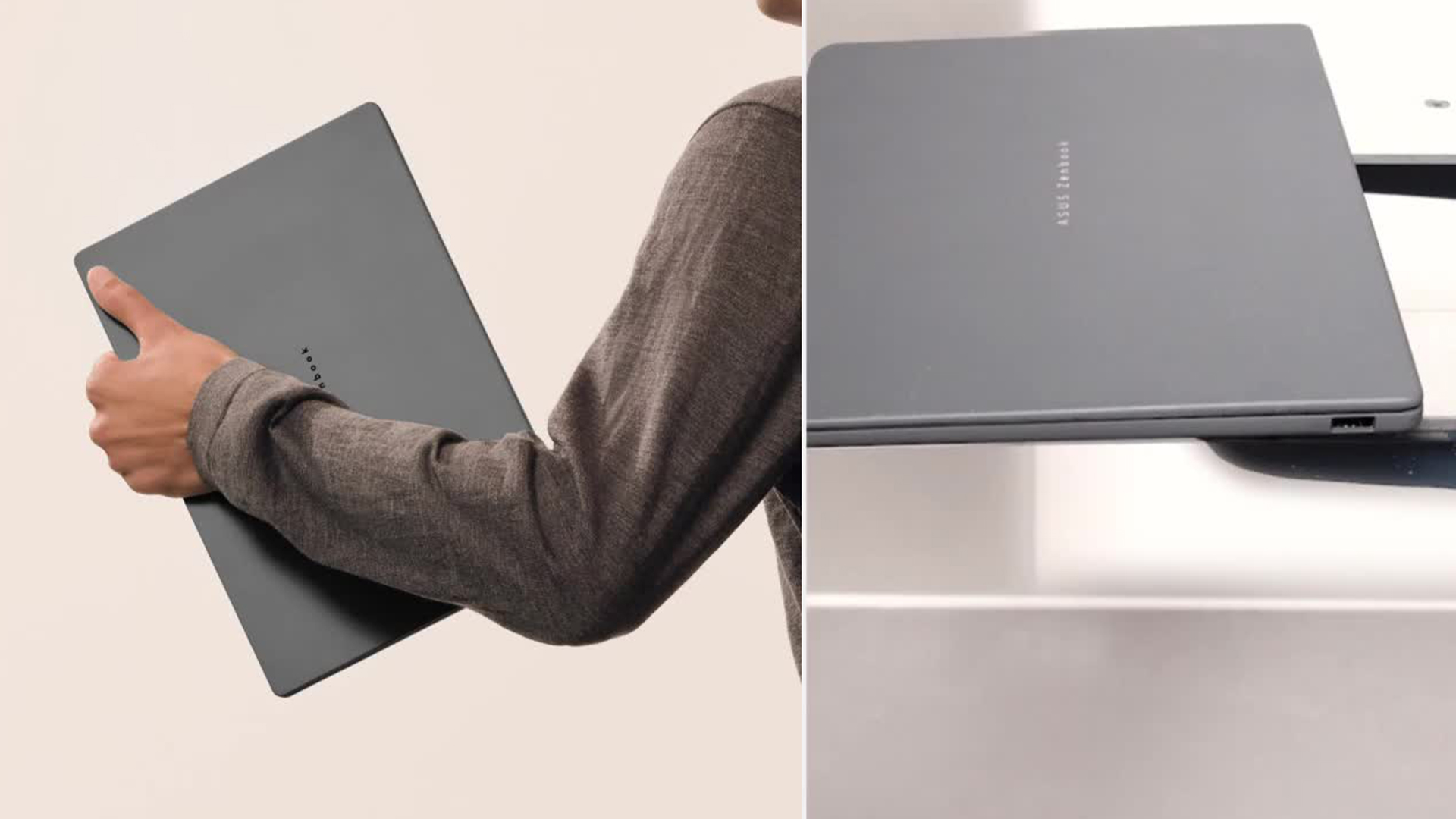
The Zenbook A14 is built with portability and elegance in mind. It

Last Updated: April 28, 2026
Struggling to find HP laptop deals that don’t feel overpriced, outdated, or just not worth it? Yeah — scrolling through endless specs, inflated prices, and “fake” discounts can be frustrating, especially when you just need a laptop that actually works for study, work, or everyday life.
The problem? Too many laptops either cost way too much or cut corners where it matters. Slow performance, tiny storage, poor screens, not the vibe. And when you’re on a budget, finding reliable HP laptops UK shoppers can trust shouldn’t feel like a gamble.
That’s where Laptop Outlet comes in. We’ve rounded up some of the best HP laptops on sale in the UK, with prices starting from just £149.99. From cheap HP laptops for everyday use to powerful business-ready machines, our handpicked HP laptop offers give you serious value without compromising on quality.
HP 15-fc0045na – Everyday Power for You
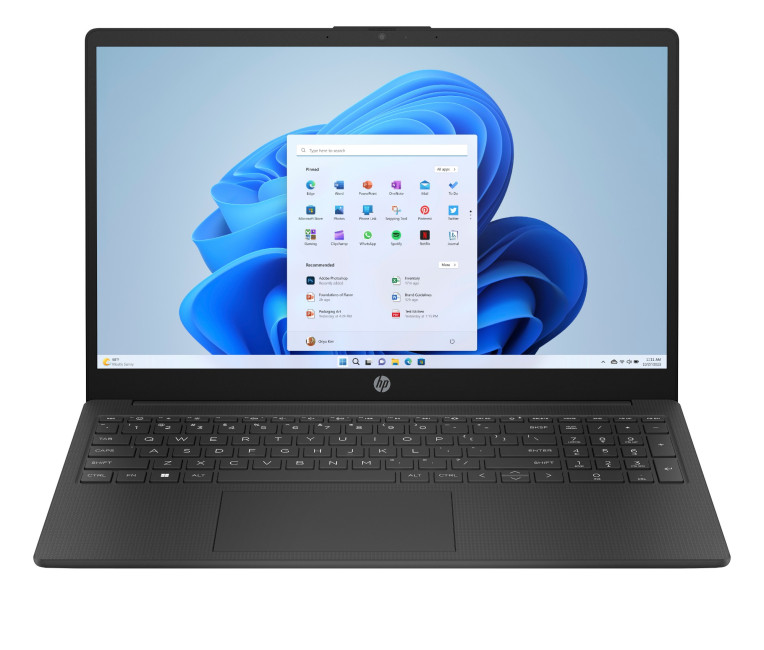
- The HP 15-fc0045na is a well-balanced 15.6-inch laptop that perfectly blends performance with everyday

Last Updated: September 04, 2026
If you’re shopping for a new laptop this year, HP continues to be one of the most reliable and exciting brands to watch. From premium Ultrabooks and powerful gaming machines to flexible 2-in-1 devices built for modern work and study, the latest releases bring something for everyone.
In this guide, we’ll explore the latest HP laptops you shouldn’t miss in 2026, highlighting what makes them stand out, which users they suit best, and why HP remains a top choice for shoppers across the UK. Whether you’re upgrading your home setup, buying for university, or looking for a performance machine that keeps up with your workload, these HP laptop models are worth considering.
Top HP Laptop Models You Can Choose in 2026
The latest HP laptops in 2026 are redefining versatility, performance and AI-enabled productivity across the board. Let’s explore few of them:
HP OmniBook X FlipNGAI 14-fm0005na – Compact AI-Ready Performance
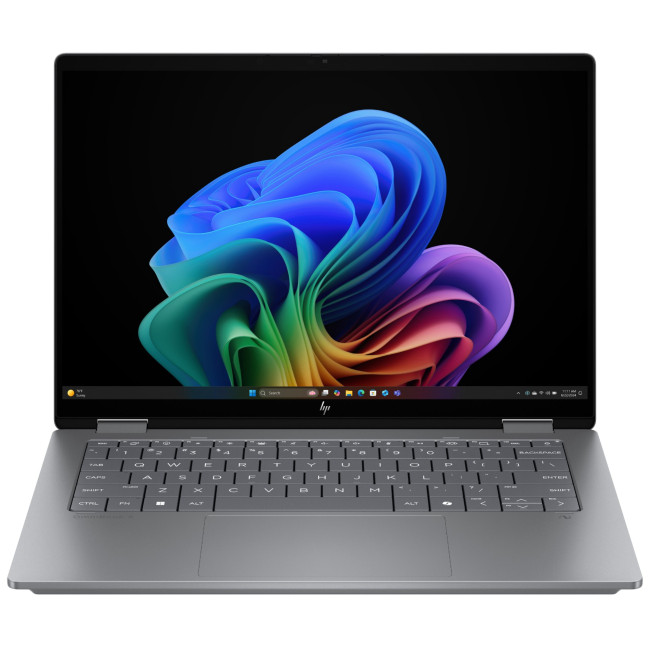
The HP OmniBook X FlipNGAI 14-fm0005na Intel® Core™ Ultra 5 226V

Last Updated: February 13, 2026
Because nothing kills the vibe faster than a laptop, that suddenly decides your fingers are irrelevant.
You sit down. You open your laptop. You’re mentally prepared to be productive (or at least pretend). And then .....boom... your laptop touchpad is not working. Or your laptop keyboard is not working. Or worse… both.
At this point, your laptop isn’t broken; it’s personally offended by you.
Before you rage-buy a new device or spiral into tech despair, here’s the good news: most laptop keyboard problems and touchpad issues are completely fixable. And no, you don’t need a computer science degree or a sacrifice to the tech gods.
This guide is not one of those vague “restart your device” articles and call it a day. This is a deep-dive, all-reasons, all-solutions, no-BS troubleshooting guide, written in human language, with enough detail to actually solve the problem.
We’ll cover:
- Software vs hardware problems (and how to tell the difference)
- Every common and uncommon reason your laptop input

Published: March 12, 2026
The 2026 edition of the Zenbook Duo is a significant step up from its predecessor. It brings Intel's latest Core Ultra Series 3 processor, a redesigned hinge, brighter OLED panels, and a much larger battery.
But here’s the real question… do you actually need it?
This ASUS Zenbook Duo review breaks it down. You will get the full picture on performance, display quality, battery life, build quality, and most importantly, whether the dual-screen design is worth your money.
Design and Build Quality: Smaller, Stronger, and More Refined
At first glance, the Zenbook Duo looks deceptively ordinary. Closed up, it resembles a slightly chunky premium laptop. Open it, and the picture changes entirely. This section of our ASUS Zenbook Duo review looks at just how well-built this machine really is.
Ceraluminum Chassis
ASUS has built the entire chassis, including the hinge, kickstand, and screen surrounds, from Ceraluminum. This is their proprietary material that is 30% lighter and three times stronger
Last Updated: September 03, 2026
Buying an HP gaming laptop in 2026 can feel like being asked to pick between “save money now” and “avoid regret later.”
Choose HP Victus if you want the best price-to-performance balance for esports, coursework, everyday use, and casual AAA gaming. Choose HP OMEN if you want higher frame rates, better display quality, stronger cooling, and a laptop that feels ready for heavier games over the next few years.
The HP Victus gaming laptop is the value pick: more affordable, more student-friendly, and solid for 1080p gaming. The HP OMEN gaming laptop is the performance pick: stronger cooling, better displays, higher-end GPUs, and more headroom for AAA games, streaming, and long-term use.
So, which one should you actually buy?
HP OMEN vs HP Victus: The Simple Difference
HP uses Victus and OMEN for different types of gamers.
The HP Victus gaming laptop is built for mainstream buyers who want a proper gaming laptop without paying premium money. It usually targets 1080p gaming, 144Hz displays, and

