



Best Dell Laptops for Students in 2026: Which One Should You Buy?

I made almost every mistake possible when I bought my first laptop as a student. I focused on the processor name, ignored the RAM, underestimated how heavy it would feel in my backpack and had no idea what half the technical jargon meant.
Within months, I realised I had paid for features I barely used while missing the ones I actually needed. Choosing between Core i5, Core Ultra, SSD sizes and different Dell series can still feel just as confusing today.
To help you avoid the same blunder, we reviewed the best Dell laptops for students in 2026 and narrowed them down based on real student needs, including performance, mobility, affordability and everyday usability. You can browse the full top Dell laptop range at any point if you want to compare beyond our shortlist.
How We Evaluated the Best Dell Laptops for Students
We set one rule before looking at individual laptops: a good student laptop should make studying easier, not simply look impressive on a specification sheet.
Rather than ranking these Dell laptops by processor name alone, we assessed how well each configuration matched real student routines, a lecture running in Microsoft Teams, several research tabs open, a PDF on one side of the screen and Word or Excel on the other.
A note on our scoring: the ratings below are built from spec comparison, manufacturer documentation, and independent third-party test data (cited throughout) rather than in-house lab testing of every unit. Where we've drawn on an outside review, we've named it and flagged anywhere the tested configuration differs from the one Laptop Outlet sells.
The Benchmarks We Used
We compared each laptop across six areas:
- Everyday performance: how suitable the processor and memory were for browsing, assignments, presentations, video calls and regular multitasking.
- Mobility: the laptop's weight, screen size and whether it would be comfortable to carry between home, lectures and the library.
- Battery practicality: whether the hardware was designed for mobile use or would likely need frequent access to a charger.
- Display usability: screen resolution, aspect ratio and how comfortably students could work with two windows open.
- Connectivity: the availability of useful ports such as USB-C, HDMI and USB-A for monitors, storage drives and classroom equipment.
- Long-term value: whether the RAM, storage and overall performance would remain useful throughout a three or four-year course.
We gave preference to laptops with 16GB RAM and a 512GB SSD. In our view, this is currently the safest starting point for most students - enough room for applications, coursework and multitasking without pushing the laptop into an unnecessarily expensive category.

Some Laptop Buying Tips Most Students Miss
One of the biggest mistakes students make - and one I made myself - is overpaying for a Core i7 processor while settling for just 8GB of RAM. In real-world student use, this is often backwards. A well-balanced Core i5 laptop with 16GB RAM will usually feel faster, smoother, and more reliable for everyday tasks like research, writing, and multitasking.
Weight: What It Really Feels Like
A laptop that weighs 1.9kg might not sound heavy on paper, but that number changes completely once you add your charger, textbooks, notebooks, and a water bottle. After a full day on campus, you will feel every extra gram.
If you commute regularly, aim for a 13-inch or 14-inch laptop. The difference in comfort is noticeable every single day.
Screen Size: Comfort vs Portability
Bigger screens are great for productivity. They make it easier to work with spreadsheets, coding environments and split-screen research. But there's a trade-off: larger laptops take up more desk space in lectures and are less convenient to carry around all day. It's a balance between workspace comfort and everyday portability.
Final Buying Reality Check
Check the software your course actually requires before you buy. Most students will be perfectly fine without a dedicated graphics card. However, courses like engineering, architecture, or advanced design and creative work may rely on software that struggles on basic integrated graphics.
The key takeaway: buy for your workload, not for the most impressive spec sheet.
Chose These Student Laptops for Your Need
We selected and evaluated each laptop based on real student needs, not just specs or marketing claims, focusing on performance, multitasking, battery life, portability, display, connectivity and value. Independent battery tests are included where available and clearly marked as reference figures, since real-world battery life varies by configuration and usage. Prices below reflect Laptop Outlet's live listings at the time of publication and are worth double-checking before you buy, since retail pricing changes often.
1. Dell Pro 15 Essential Core i5-Best Affordable Dell Laptop for Students
|
Highlights:
|
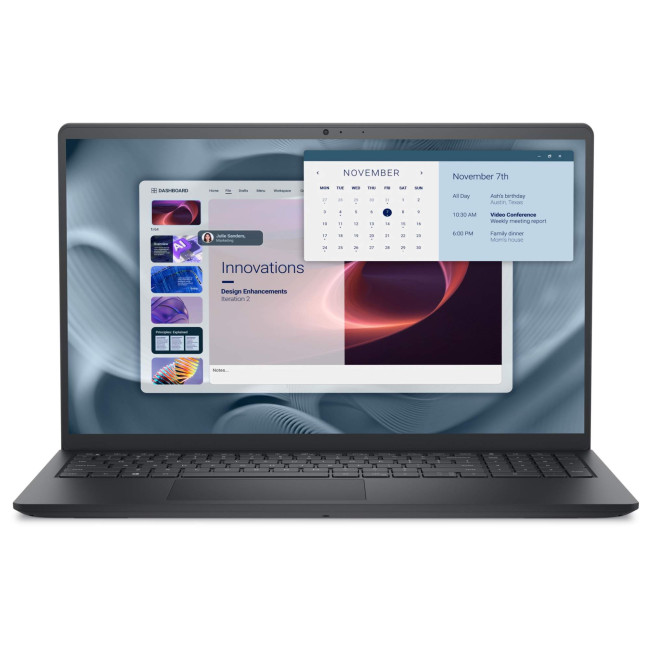
Tested battery reference: CHIP independently tested a Dell Pro 15 Essential with the smaller 41Wh battery and recorded 6 hours 50 minutes in PCMark 10 work, 8 hours 48 minutes of intensive web browsing and 9 hours 15 minutes of Full HD video playback. That review used the AMD-based PV15255 rather than this Intel Core i5 PV15250, so treat these as family-level reference figures rather than an exact runtime for this configuration.
Battery takeaway: it should cover several lectures and library sessions, but we'd still carry the charger on a full campus day.
Best suited to: school, college and general university study
Main strength: balanced performance at an accessible level
Main compromise: its 1.9kg chassis is heavier than Dell's 14-inch options
2. Dell Pro 15 Essential Core i7-Best for Heavier Multitasking
|
Highlights:
|
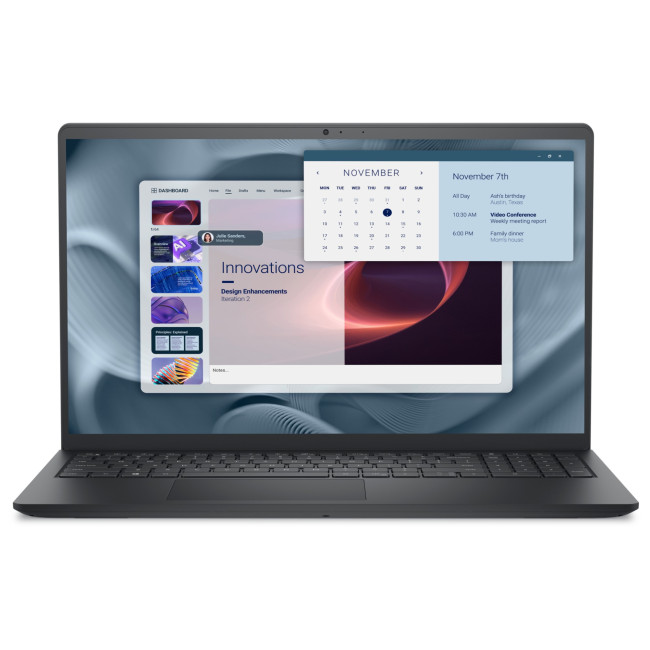
Tested battery reference: the closest repeatable test we found is CHIP's result for the related Dell Pro 15 Essential PV15255 with a 41Wh battery, 6 hours 50 minutes in the PCMark 10 work test, 8 hours 48 minutes of web browsing and 9 hours 15 minutes of video playback. The tested laptop used an AMD processor, so these results should not be presented as measurements of this Core i7 model.
Battery takeaway: the U-series Core i7 is designed for mobile productivity, but this isn't a laptop we'd confidently take through a long day without its charger unless the exact SKU includes the larger battery option.
Best suited to: data analysis, large spreadsheets and heavier student multitasking
Main strength: more processing headroom than the Core i5 model
Main compromise: the additional cost may bring little benefit for ordinary coursework
3. Dell 15 DC15250-Best for Everyday Study and Online Classes
|
Highlights:
|
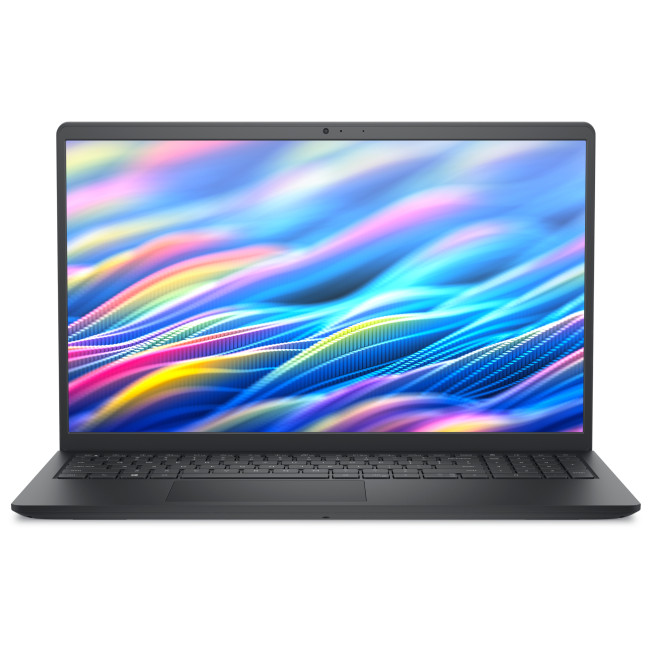
Independently tested battery life: LaptopMedia tested the Core i5-1334U version with the smaller 41Wh battery. It lasted 5 hours 12 minutes in video playback at 180 nits with Windows Best Power Efficiency and Dell Quiet mode enabled. Dell also offers a larger 54Wh battery in this laptop family, but buyers must check the exact configuration.
Configuration warning: don't assume every DC15250 has the same battery. The 54Wh version should last longer, but the published 5-hour result applies specifically to the tested 41Wh unit.
Battery takeaway: this is the weakest battery performer in our shortlist when fitted with the 41Wh pack - suitable for a few classes or a library session, but not a dependable all-day option.
Best suited to: online classes, assignments and home-based study
Main strength: strong memory and storage for the price
Main compromise: limited unplugged runtime with the smaller battery
4. Refurbished Dell Pro 14 Plus PB14255-Best Portable Value
|
Highlights:
|
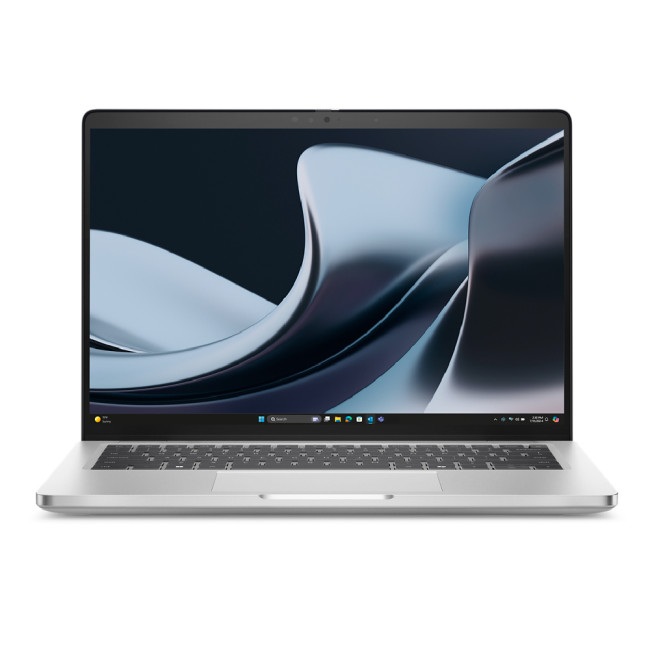
Independently tested battery life: Notebookcheck tested the Dell Pro 14 Plus PB14255 with a Ryzen AI 7 Pro 350 processor and 55Wh battery, achieving 11 hours 48 minutes in Wi-Fi web browsing at 150cd/m², with a maximum-load runtime of 1 hour 46 minutes. Our shortlisted model uses the lower-tier Ryzen AI 5 340, so its exact result may differ.
Battery takeaway: the underlying laptop platform has enough endurance for a normal teaching day under light productivity use. This particular unit is refurbished, so real runtime will also depend on the health of the installed battery.
Refurbished battery warning: ask whether the battery has been tested and whether minimum battery health is covered by the condition grade or warranty. A strong result from a new review unit doesn't guarantee identical endurance from a previously used battery.
Best suited to: commuters and students moving between lectures
Main strength: good portability and modern AMD performance
Main compromise: battery condition may vary because it's refurbished
5. Dell Latitude 3450-Best for Business Students
|
Highlights:
|
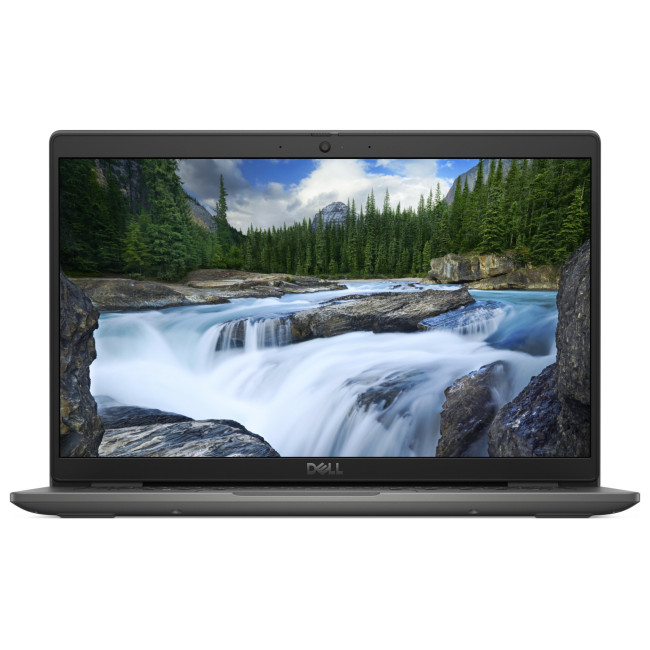
Battery source note: Dell officially lists both 42Wh and 54Wh battery options for the current Latitude 3450. We didn't find a trustworthy independent runtime test for the exact Core i7-1355U Laptop Outlet configuration, so we won't publish a specific number of hours for this model.
Battery takeaway: the 54Wh version is the one to prioritise for university travel. A 42Wh configuration may be adequate for shorter mobile sessions, but battery capacity must be confirmed before purchase.
We won't describe this laptop as offering "up to 11 hours" unless the original manufacturer methodology and exact tested configuration can be verified.
Best suited to: business, accounting, finance and placement-year students
Main strength: excellent practical connectivity in a compact design - you'll find it alongside the rest of the latest Dell Latitude laptops if you want to compare other models in the range
Main compromise: battery endurance depends heavily on whether it has the 42Wh or 54Wh pack
6. Dell Pro 14 PC14250-Best Overall for University Students
|
Highlights:
|
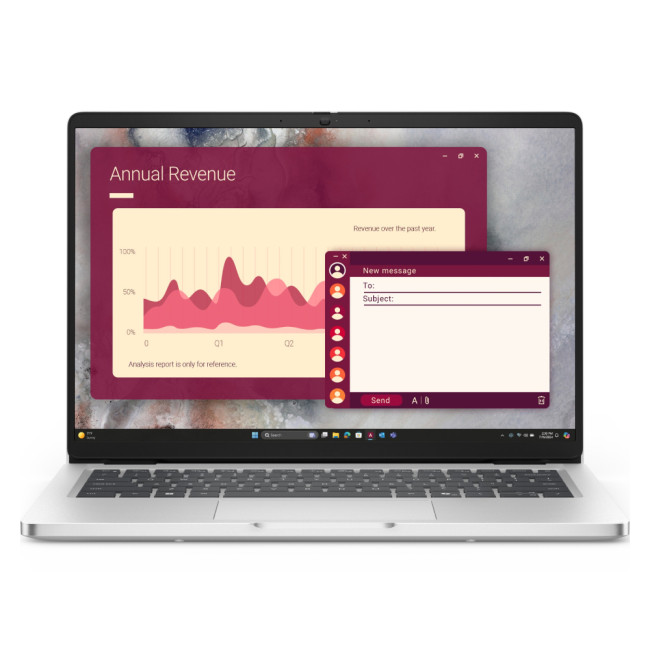
Independently tested battery life: We tested the Dell Pro 14 PC14250 with its larger 55Wh battery and recorded 10 hours 44 minutes of video playback at 180 nits in Dell Optimizer's Quiet mode. The reviewer notes that some configurations use a smaller 45Wh battery, so the exact Laptop Outlet SKU should be checked.
Battery takeaway: with the 55Wh battery, it's one of the safest choices here for lectures, library work and commuting. The combination of nearly 11 hours in controlled video playback and a light 14-inch form factor is a major reason it ranks first overall.
Battery buying tip: confirm that the model includes the 55Wh pack - the smaller 45Wh battery could materially reduce one of this laptop's biggest advantages.
Best suited to: university students who commute regularly - a genuinely portable student laptop if daily carrying is your priority
Main strength: the strongest balance of mobility, battery life and connectivity
Main compromise: the basic display is better for coursework than colour-sensitive creative work
7. Dell Pro 16 Plus PB16250-Best for Coding and Large-Screen Multitasking
|
Highlights:
|
Real-world battery reference: Mighty Gadget reviewed the same Dell Pro 16 Plus PB16250 family with a more efficient Core Ultra 7 268V and 55Wh battery, recording around 8 to 10 hours during Teams calls, web browsing, remote desktop use and document editing, dropping to roughly 5 to 6 hours under more intensive use. Our shortlisted model uses the Core Ultra 7 265U, so its runtime may differ.
Battery takeaway: it can provide a full productive day under lighter workloads, but the 16-inch display and different Core Ultra 7 processor mean we wouldn't promise the same 8-to-10-hour result for this exact configuration.
Performance warning: coding itself may not drain the battery quickly, but compiling large projects, running virtual machines or using local AI tools can reduce runtime substantially.
Best suited to: coding, spreadsheets, research and split-screen study
Main strength: excellent screen space and business connectivity
Main compromise: less portable and potentially less efficient than the tested Lunar Lake configuration

How These Dell Laptops Fit Real Student Workloads
Specifications show what a laptop has, but not how it feels to use daily. Across these seven Dell models, the biggest differences come down to portability, screen size, and how well they handle multitasking.
Essays, research and everyday work:
all seven laptops are more than capable. 16GB RAM and a 512GB SSD matter more here than choosing a higher-end processor. The Dell Pro 15 Essential and Dell 15 DC15250 suit students who like larger screens for split-screen work, though they're heavier to carry. The Dell Pro 14 PC14250 is the best-balanced option, and the Dell Pro 16 Plus is ideal if you want extra room for spreadsheets, coding, or multiple windows.
Online classes and video calls:
webcam quality, microphones, thermals and Wi-Fi stability matter as much as raw performance here. The Dell Pro 14, Pro 14 Plus, and Latitude 3450 are the most practical for students moving between classrooms or study spaces - compact, easy to set up, with useful ports for headsets and external displays. The 15-inch models work well for home study but are less convenient to carry daily. For long video calls, use a hard surface to avoid overheating and fan noise.
Coding and computer science:
most programming tasks don't need a high-end gaming laptop - Python, Java, VS Code and databases run smoothly on all seven models. The Dell Pro 16 Plus is the strongest choice for coding thanks to its larger screen and Core Ultra 7 processor. The Dell Pro 14 PC14250 suits students who prioritise portability instead. For heavier workloads like virtual machines or Docker, 32GB RAM is recommended - check whether RAM is upgradeable before buying.
Light creative work:
these laptops handle Canva, Photoshop basics, presentations and light video editing well, though none are built for professional 3D or high-end editing. The Dell Pro 14 Plus offers slightly better graphics flexibility, and the Dell Pro 16 Plus gives more workspace. Design-heavy students should check colour accuracy and consider our dedicated laptops built for creativity if your course needs more than these seven can offer.
Portability:
Weight differences become noticeable when carrying a laptop daily. The Dell Pro 14 PC14250 is the easiest to transport, followed by the Latitude 3450 and Pro 14 Plus. The 15-inch models are heavier but offer better value and screen space, and the 16-inch Pro 16 Plus is still portable but better suited to students who work mostly in one place.
Which Dell Laptop Should You Buy?
- School students: the Dell Pro 15 Essential Core i5 offers strong performance for homework and online learning. The Dell 15 DC15250 is a cheaper alternative but better suited to home use given its smaller battery.
- College students: it's a choice between the Dell Pro 15 Essential (more screen space) and Pro 14 Plus (easier to carry daily).
- University students: the Dell Pro 14 PC14250 is the best overall option, balancing performance, portability and battery life for lectures, research and assignments. Students who stay in one place more often may prefer the Pro 15 Essential.
- Business students: the Dell Latitude 3450 is the most suitable thanks to its professional design and strong connectivity, working equally well for study and internships.
- Computer science students: the Dell Pro 16 Plus is best for coding and multitasking; the Pro 14 PC14250 is better for portability. For advanced development work, 32GB RAM is recommended.
- Engineering and architecture students: the Dell Pro 16 Plus can handle basic engineering software, but advanced CAD, simulation and rendering need a Dell Precision laptop with dedicated graphics and more RAM.
- Creative students: the Pro 14 Plus and Pro 16 Plus suit light design work, but not professional video production or 3D animation - a dedicated creative laptop is the better fit for demanding workloads.
Students considering a more premium design should also compare Dell Premium and Dell Pro laptops, as the differences in build quality, display options, portability and upgradeability can affect whether the extra cost is worthwhile.
Best Dell Laptops for Different Student Majors
Different courses place very different demands on a laptop. A lightweight model may be ideal for law or education students, while computer science, engineering and creative courses need more memory, screen space or graphics performance.
|
Student major or course |
Recommended Dell laptop |
Why it fits |
Important consideration |
|
English, history and humanities |
Dell Pro 14 PC14250 |
Lightweight, easy to carry and powerful enough for essays, research, PDFs and presentations |
The standard display is designed for productivity rather than professional creative work |
|
Law |
Dell Pro 14 PC14250 |
Its portable design suits lectures, library research and long document-based workloads |
Students who mainly study from home may get better value from the Pro 15 Essential |
|
Business and management |
Dell Latitude 3450 |
Professional design, strong connectivity and good portability suit coursework, internships and placement years |
Compare its price with newer Dell Pro models before buying |
|
Accounting and finance |
Dell Pro 15 Essential Core i5 |
The larger display and numeric keypad are useful for spreadsheets, financial models and data entry |
Its 1.9kg weight may be noticeable during daily commuting |
|
Economics |
Dell Pro 15 Essential Core i7 |
Offers enough processing power for large spreadsheets, statistical tools and heavier multitasking |
The Core i5 version may offer better value for lighter workloads |
|
Computer science and software engineering |
Dell Pro 16 Plus PB16250 |
The 16-inch display provides more room for code, documentation and terminal windows |
Students running several virtual machines should consider 32GB RAM |
|
Data science and statistics |
Dell Pro 16 Plus PB16250 |
Its Core Ultra 7 processor and larger display suit coding, spreadsheets and data analysis |
Local AI models and large datasets may require more than 16GB RAM |
|
Mechanical and electrical engineering |
Dell Pro 16 Plus PB16250 |
Suitable for programming, MATLAB, reports and introductory engineering software |
Advanced simulation and 3D CAD may require a Dell Precision with dedicated graphics |
|
Architecture |
Dell Pro 16 Plus PB16250 (introductory work) |
The larger screen is useful for plans, research and basic design applications |
Complex Revit, Lumion and 3D rendering workloads need dedicated graphics and preferably 32GB RAM |
|
Graphic design |
Dell Pro 14 Plus PB14255 |
Its Radeon integrated graphics offer more flexibility for Canva, Photoshop and lighter design work |
Check colour-gamut coverage before using it for colour-critical projects |
|
Media and communications |
Dell Pro 14 Plus PB14255 |
Portable enough for campus work and capable of presentations, content creation and light editing |
Professional video production will require stronger graphics and more storage |
|
Film and video production |
Dell Pro 16 Plus PB16250 |
The larger display is better for timelines, previews and multitasking |
Dedicated graphics and a colour-accurate screen are preferable for advanced editing |
|
Medicine and nursing |
Dell Pro 14 PC14250 |
Its lightweight design suits lectures, placements, research and digital note-taking |
Battery capacity should be confirmed if it will be used throughout long placement days |
|
Biology, chemistry and other sciences |
Dell Pro 14 PC14250 |
Suitable for research, reports, laboratory software and everyday data handling |
Specialist modelling or analysis software may have higher hardware requirements |
|
Mathematics |
Dell Pro 15 Essential Core i7 |
A good fit for statistical tools, large spreadsheets and processor-based calculations |
Most undergraduate students can still manage comfortably with the Core i5 version |
|
Education and teacher training |
Dell Pro 14 PC14250 |
Easy to transport between lectures and placements, with useful ports for displays and accessories |
A 15-inch model may be better for students working mostly from home |
|
Psychology and social sciences |
Dell Pro 15 Essential Core i5 |
Handles research, survey platforms, statistical software and document-heavy assignments well |
Choose a 14-inch alternative if regular commuting is more important than screen size |
|
Marketing and digital marketing |
Dell Pro 14 Plus PB14255 |
Suitable for presentations, analytics, social platforms and light creative work |
It is refurbished, so warranty and battery health should be checked |
|
Online and distance learning |
Dell 15 DC15250 |
Its larger display works well for video classes, assignments and home-based study |
The 41Wh version has limited tested battery life, so it is better near a power socket |
14-inch vs 15-inch vs 16-inch Dell Laptops
14-inch laptops: best for portability and commuting - the Dell Pro 14 PC14250 is the strongest option for students who move between classes daily.
15-inch laptops: best for affordability and screen space. These models are heavier but offer good value for home or campus-based study.
16-inch laptops: best for productivity and multitasking. The Dell Pro 16 Plus is ideal for coding, spreadsheets, and split-screen workflows.
Key Observations
Most of these laptops include 16GB RAM and 512GB SSD storage - a strong starting point for students. Dell's business laptops also offer good connectivity, including USB-C, HDMI, and Thunderbolt support on select models.
That said, there are some real drawbacks to weigh up:
- Naming conventions across the Dell range can be confusing.
- Battery sizes vary between configurations of the same model.
- 15-inch models are heavier for daily travel.
- Core i7 isn't always better value than Core i5.
- Refurbished models need careful checking before you buy.
Buying Tips
- Start with 16GB RAM.
- Choose at least 512GB SSD storage.
- Check battery capacity carefully - the same model name can hide different Wh packs.
- Consider total travel weight, not just laptop weight.
- Verify processor generation, not just the i5 or i7 label.
- Confirm whether RAM is upgradeable before you buy, if that matters for your course length.
- Match specs to your course requirements.
- Avoid paying for a dedicated GPU unless your course genuinely needs one.
- Check refurbished warranty and battery-health details.
- Buy for long-term use, not just first-year needs.
Final Ranking
- Dell Pro 14 PC14250 - best overall
- Dell Pro 15 Essential Core i5 - best value
- Dell Pro 14 Plus - best portable option
- Dell Pro 16 Plus - best for coding
- Dell Latitude 3450 - best for business students
- Dell Pro 15 Essential Core i7 - best for heavier multitasking
- Dell 15 DC15250 - best for home study
It is also worth learning how to identify and resolve common Dell laptop problems, including charging issues, overheating, Wi-Fi dropouts and unexpected performance slowdowns, before assuming the laptop needs replacing.

Final Thoughts
The best student laptop is not always the most powerful one. It's the one that fits your course, travel needs, and budget.
The Dell Pro 14 PC14250 is the best all-round choice for most students. The Pro 15 Essential is the best budget-friendly option, while the Pro 16 Plus is ideal for coding and multitasking.
Before buying, always check RAM, storage, battery size, and upgrade options - these matter more than processor labels. Ready to compare the full range? Browse Dell laptops at Laptop Outlet, or head straight to our student laptops hub if you want to see options across every brand we stock.

Still Have Some Questions
Which Dell laptop is best for university?
The Dell Pro 14 PC14250, due to its balance of performance and portability.
Is 16GB RAM enough for most students?
Yes, for most students. Only advanced engineering, CAD or virtual-machine-heavy users are likely to need 32GB.
Can I upgrade the RAM later on any of these laptops?
It depends on the model - some thinner Dell chassis use soldered memory that can't be changed after purchase, while others use replaceable modules.
Are Dell laptops good for engineering and architecture students?
Generally yes for coursework and light modelling, but advanced CAD, simulation and rendering software may need a Dell Precision model with dedicated graphics rather than any of the seven laptops in this list.
Related Articles

Last Updated: September 03, 2026
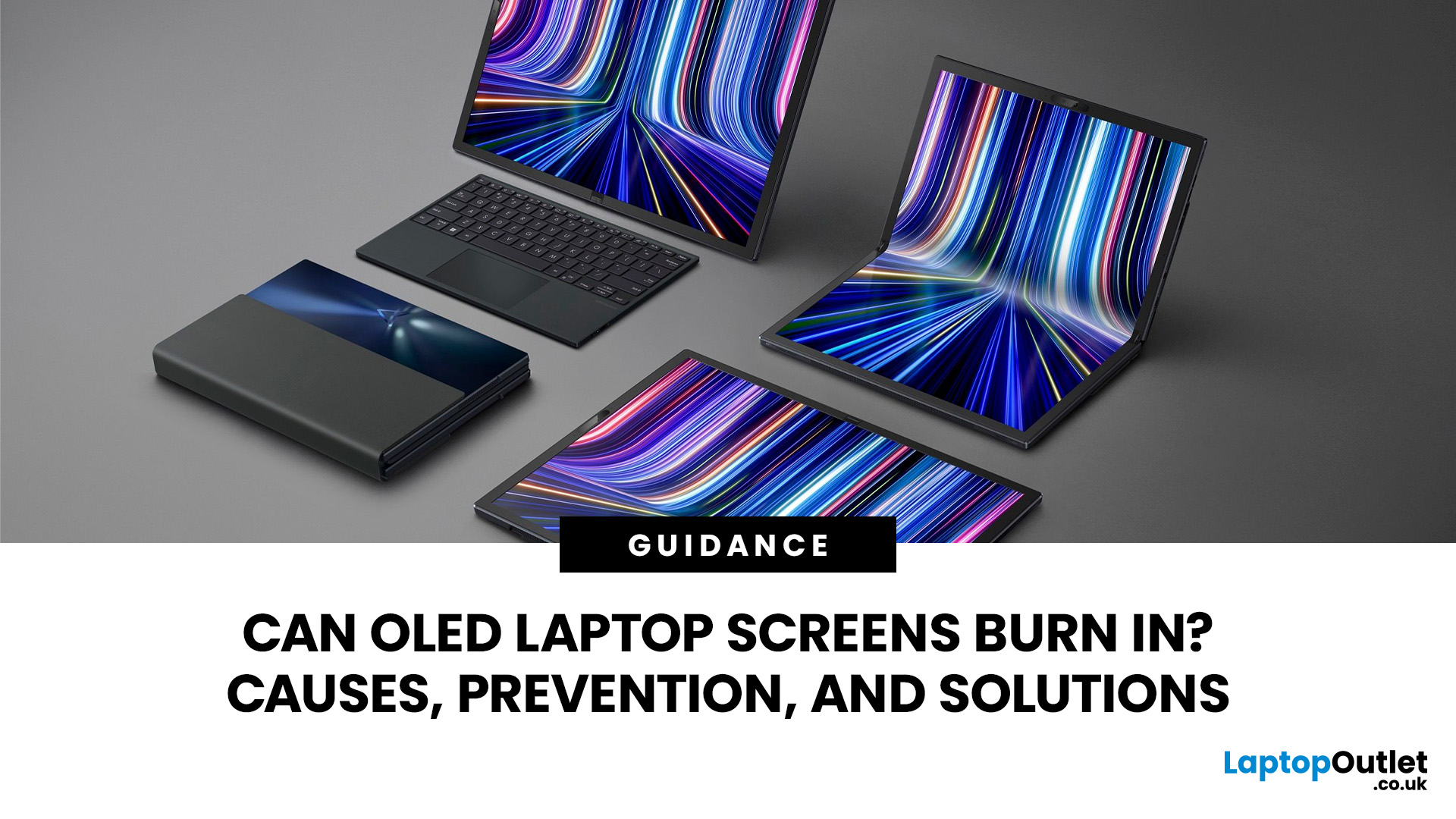
Yes, OLED laptop screens can develop permanent burn-in, but it is unlikely to happen quickly during normal, varied use. Risk increases when the same bright interface elements remain in one position for long periods, particularly at high brightness.
Modern OLED laptops reduce the risk through pixel shifting, automatic dimming and pixel-refresh routines. However, no OLED panel is completely immune.
For buyers considering laptops with OLED screen, burn-in is a manageable long-term consideration rather than a reason to avoid OLED. Sensible settings let you enjoy deep blacks, rapid response times and exceptional contrast while protecting the display.
For help comparing suitable models, see our guide to the best OLED laptops for work, gaming and creative use, covering options for different workloads and performance needs.
What Is OLED Screen Burn-In?
OLED screen burn in is a permanent shadow, outline or colour change caused by some pixels ageing faster than others.
OLED is a self-emissive display.
Published: July 27, 2026
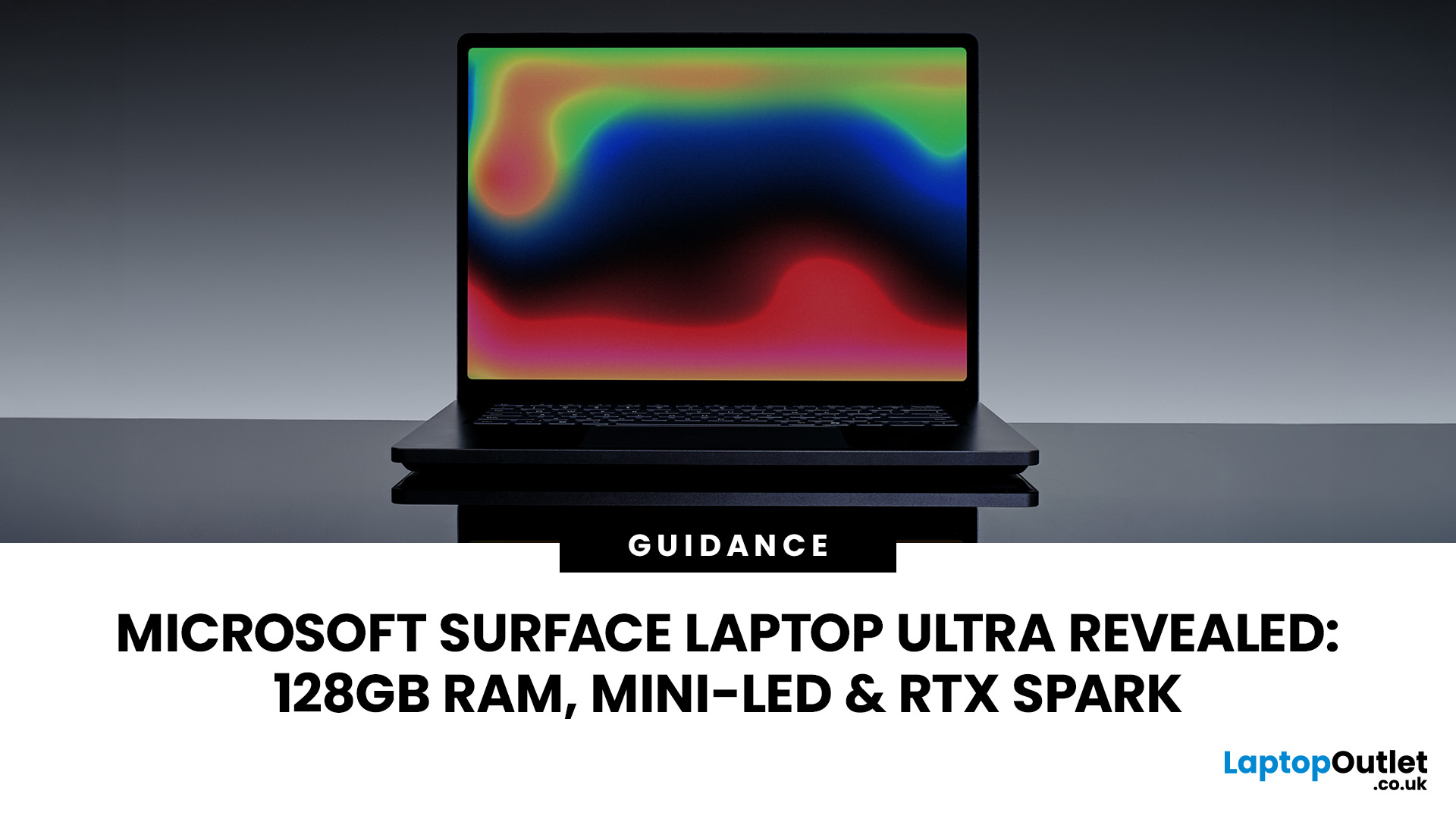
The Surface Laptop Ultra is Microsoft’s boldest laptop yet, built for local AI, 3D work, coding and demanding creative projects. It combines NVIDIA RTX Spark, Blackwell graphics, full CUDA support, and up to 128GB of unified memory, giving it serious workstation-level potential in a much slimmer design.
The 15-inch Mini-LED PixelSense Ultra display, upgraded cooling, and wider port selection make it even more appealing for power users. The only catch is that the exact UK price, full configurations and release date are still under wraps.
Microsoft Surface Ultra Specs at a Glance
The confirmed Microsoft Surface Ultra specs place the device above Microsoft’s conventional

Last Updated: August 06, 2026
Published: July 27, 2026
Last Updated: August 06, 2026
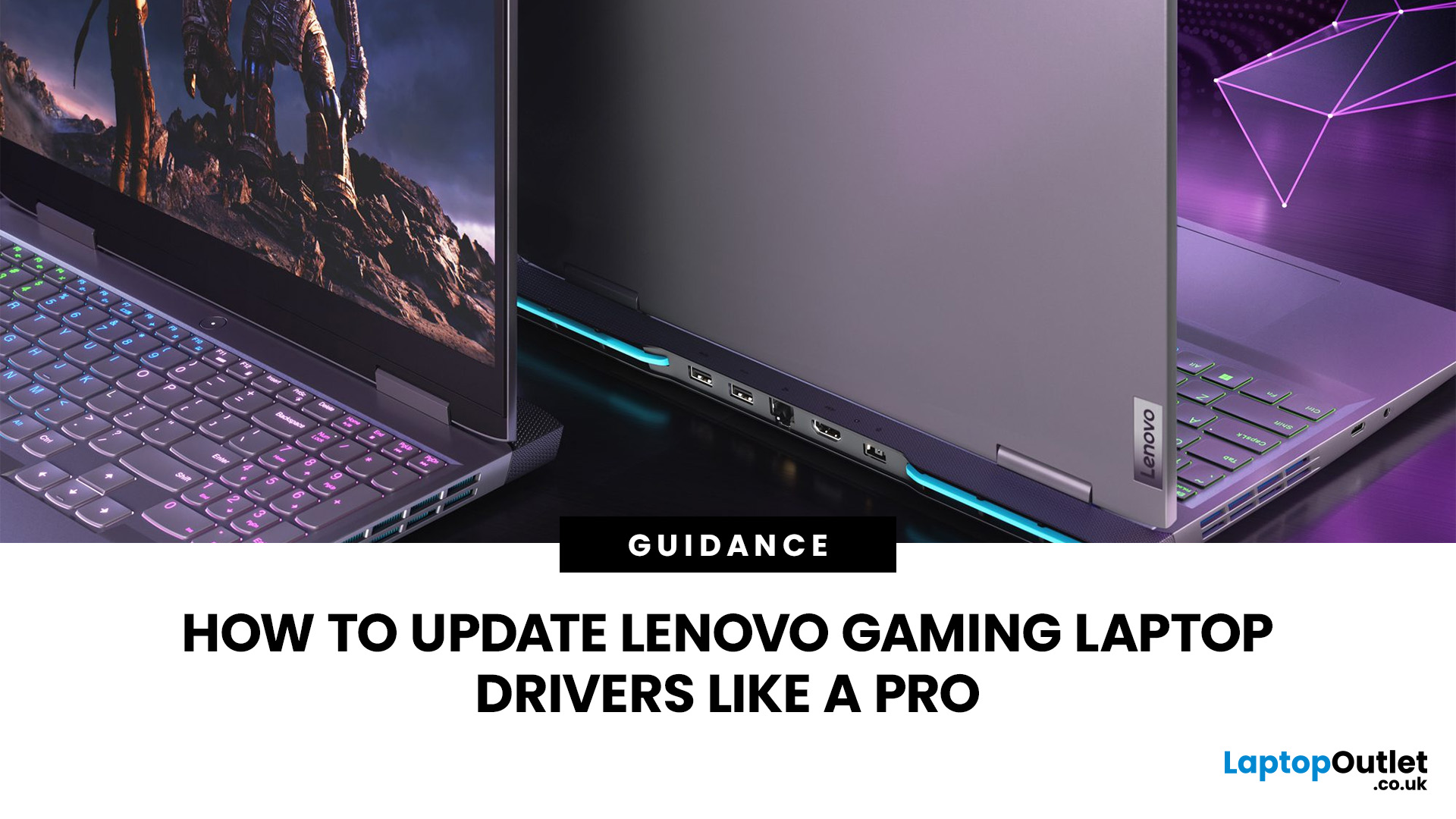
A safe Lenovo drivers update should begin with Lenovo Vantage or Lenovo Support, followed by Windows Update and, when needed, the official NVIDIA or AMD graphics software. Using these trusted sources helps ensure that chipset, graphics, audio, network, firmware and system drivers are matched to your specific Lenovo Legion or LOQ laptop.
Updating drivers can fix hardware problems, improve compatibility with newer games and address security or stability issues. However, installing every available update immediately is not always necessary. Graphics drivers often change frequently, while BIOS and firmware updates require more caution.
This guide explains how to check your current versions, install Lenovo laptop drivers safely and recover if an update causes problems. The same general process can also apply to professional Lenovo laptops for work, although gaming systems require additional attention to graphics and performance-related drivers.
Quick Driver Update Order
For most Lenovo gaming
Last Updated: July 28, 2026

Last Updated: October 22, 2026
Last Updated: July 29, 2026
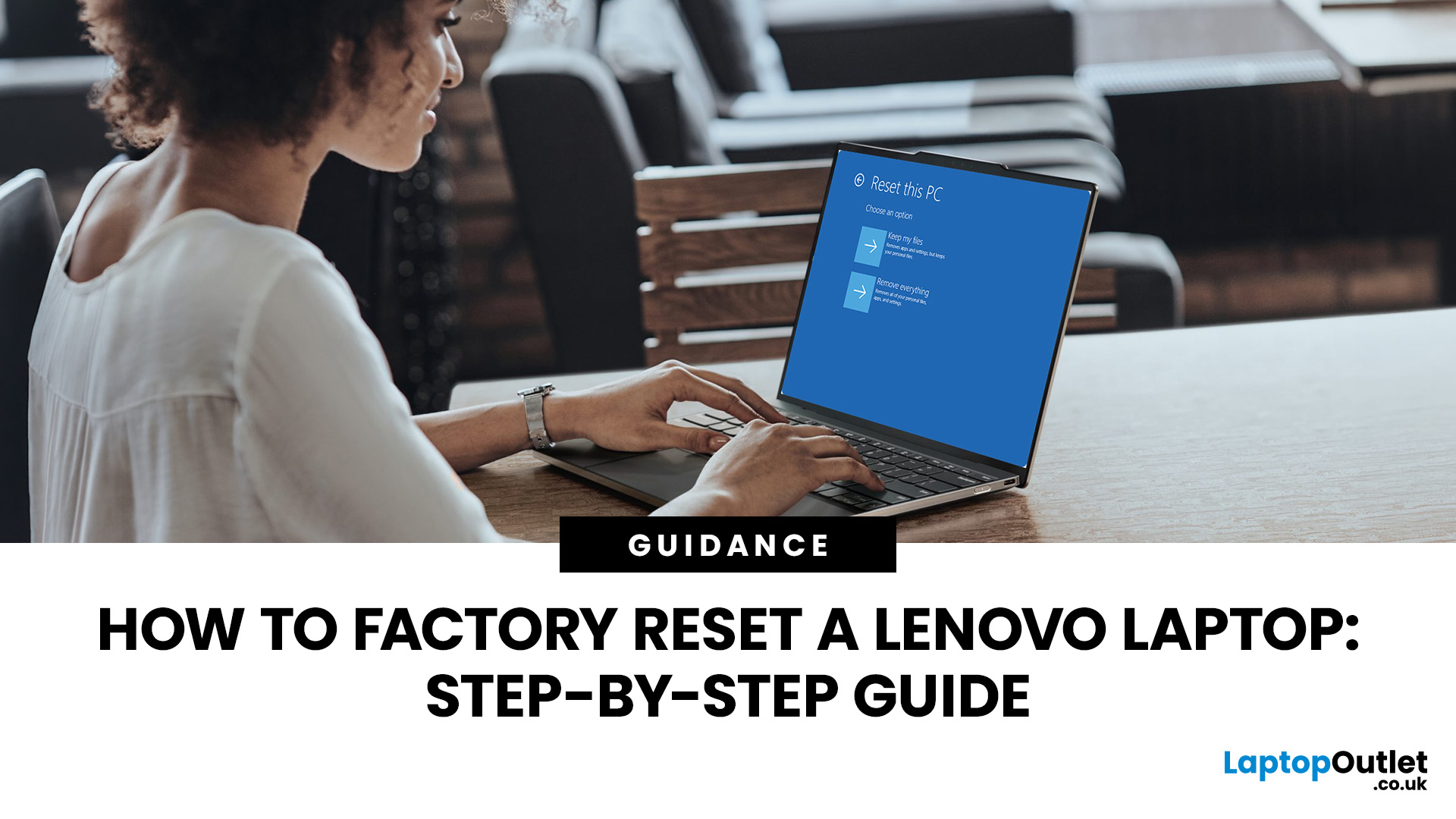
Your Lenovo laptop is slow, crashing, affected by persistent software problems or being prepared for a new owner; don't panic, it’s simply time for a factory reset.
A proper Lenovo factory reset reinstalls Windows and may remove applications, settings and personal data. This guide explains how to reset Lenovo laptop systems through Settings, the sign-in screen, Lenovo recovery mode, the Novo button or recovery media.
Before You Factory Reset Your Lenovo Laptop
- Back up documents, photos and other important files to cloud storage or an external drive.
- Keep the charger connected, remove unnecessary laptop accessories

Last Updated: September 03, 2026
When comparing premium laptop screens, the OLED vs AMOLED debate is simpler than it seems. Both deliver deep blacks, vibrant colours, fast response times and strong contrast. OLED is the broader technology, while AMOLED is a type of OLED that uses an active-matrix system to control pixels. Many modern OLED laptops already use this system, even if not labelled AMOLED. Instead of focusing on the name, buyers should compare resolution, refresh rate, brightness, colour accuracy, battery life and burn-in protection. This guide helps you understand the differences and choose the right display for your needs.
OLED vs AMOLED: The Quick Answer
OLED, or Organic Light-Emitting Diode (OLED), is a display technology in which each pixel creates its own light. An OLED screen does not require the separate backlight used by traditional LCD panels.
AMOLED, or Active Matrix OLED (AMOLED), is a type of OLED display that uses an active-matrix transistor system to control each pixel quickly and individually.

Last Updated: August 17, 2026
HP OMEN laptops use powerful processors and dedicated graphics, so their cooling systems can become clearly audible during gaming and other demanding work. Some HP OMEN fan noise is normal, but constant noise at idle, grinding or repeated overheating deserves attention. This guide explains how to identify the sound, diagnose the cause and choose a safe fix across the top HP OMEN laptop range.
| HP OMEN Fan Noise: Quick Answer Loud fan noise is normal while an OMEN laptop starts, updates, games, renders or runs a demanding AI task. HP says a brief fan surge for about five to twenty seconds at startup can be normal, while Performance mode deliberately increases fan speed to manage higher CPU and GPU power and temperature. Investigate an HP OMEN loud fan when it remains noisy during light use, produces mechanical sounds or appears with weak airflow, throttling or shutdowns. Many cases improve after reducing background load, changing settings, updating HP software and BIOS, restoring airflow |

