



LG vs ASUS Laptops: Comparing Performance & Innovation

LG and ASUS now overlap far more than their reputations suggest. LG gram still specialises in exceptionally light laptops, but its latest range adds OLED displays, Intel Core Ultra and AMD Ryzen AI processors, Copilot+ features, and improved connectivity. ASUS stretches much further, from portable Zenbooks and everyday Vivobooks to creator-focused ProArt and powerful ROG gaming machines.
This LG vs ASUS laptops comparison looks at performance, RAM, storage, displays, battery life, AI features and graphics so you can see which approach suits you.
Which LG and ASUS Range Fits Your Needs?
LG's current family includes gram Book, gram, gram Pro, and gram Pro 2-in-1. The focus remains thin-and-light computing, but the latest gram Pro hardware is considerably more capable than the “light office laptop” label suggests.
The current 16-inch gram Pro, for example, combines a 3K OLED screen, Intel Core Ultra processor, LPDDR5X memory and a 77Wh battery while weighing just 1.199kg.
ASUS separates different workloads more explicitly:
- Vivobook: everyday work, study and general computing
- Zenbook: premium portability
- ExpertBook: business
- ProArt: creative workloads
- TUF Gaming: mainstream gaming
- ROG: enthusiast gaming
Which Gives You More Performance and AI Choice?
LG's current gram range now covers both Intel Core Ultra and AMD Ryzen AI processors.
The latest gram Pro uses current Core Ultra hardware with integrated Intel Arc graphics and an NPU for local AI acceleration. The AMD-powered gram Book also offers a Ryzen AI processor with up to 50 TOPS of NPU performance on supported configurations.
ASUS gives you another architecture as well: Qualcomm Snapdragon.
The 2026 Zenbook A16 reaches an 18-core Snapdragon X2 Elite Extreme with an 80-TOPS NPU, while weighing just 1.2kg. ASUS also offers current Intel Core Ultra and AMD Ryzen AI hardware elsewhere in its range.
For standard web, Office and everyday multitasking, any suitable modern platform can be enough. Specialist applications, software development or creative tools make compatibility and sustained CPU/GPU performance more important. However, for another hardware-focused comparison, see our Lenovo vs ASUS laptops guide for a closer look at current processors, RAM, storage, AI features, and upgradeability.
Which Gives You Better RAM and Storage Options?
For most buyers, 16GB RAM is the sensible starting point in 2026. Consider 32GB if you regularly work with large spreadsheets, development tools, photo/video applications or demanding multitasking.
LG's current laptops vary by model. The AMD gram Book supports up to 32GB LPDDR5X and up to 1TB NVMe storage, with two M.2 slots providing useful SSD expansion.
Premium gram Pro models use LPDDR5X memory, so RAM flexibility is more limited.
ASUS follows a similar split. Thin Zenbooks commonly use onboard LPDDR memory; the latest Zenbook Duo, for example, reaches 32GB LPDDR5X and provides a PCIe 4.0 M.2 SSD. Gaming and selected business ranges can offer more conventional upgrade options.
Which Brand Gives You the Better Display?
LG is no longer mainly an IPS-laptop brand.
The current gram Pro 16 uses a 2880 × 1800 OLED panel with 100% DCI-P3 coverage and a 30–120Hz variable refresh rate. That makes it well suited to media consumption and colour-sensitive work as well as everyday productivity.
ASUS still provides greater display variety. Zenbook A16 combines portability with a 3K 120Hz OLED, while the 2026 Zenbook Duo uses two 14-inch 3K 144Hz OLED touchscreens with up to 1,000-nit HDR peak brightness.
ROG then moves further into gaming territory. The 2026 Zephyrus G16 offers a 2.5K OLED screen at 240Hz, alongside G-Sync and 100% DCI-P3 coverage. Furthermore, if display quality is high on your list, our Samsung vs ASUS laptops comparison covers AMOLED and OLED technology, refresh rates, portability and premium everyday features.

Which is Better for Portability and Battery Life?
Portability remains one of LG's strongest arguments.
LG introduced Aerominum across its 2026 gram generation to preserve the range's low weight while increasing structural strength and scratch resistance. The 16-inch gram Pro weighs only 1.199kg and carries a 77Wh battery. LG rates it for up to 27 hours under its specified testing conditions.
ASUS is much closer than it once was. The 16-inch Zenbook A16 weighs 1.2kg and ASUS advertises more than 21 hours of battery life under its own test methodology.
Manufacturer battery claims should not be compared as though they came from identical real-world tests. Brightness, wireless activity, processor load, and display type all affect runtime. In addition, if you are considering other premium Windows laptops for travel, our ASUS vs Dell laptops comparison also looks at battery priorities, lightweight designs and current hardware options.
Which Gives You Better AI and Connected Features?
LG has made AI and cross-device working a much bigger part of gram in 2026.
Selected gram laptops combine on-device and cloud-based AI through Dual AI, alongside Copilot+ capabilities and LG's gram chat. LG has also expanded gram Link, allowing compatible Android, iOS and webOS devices to share files, mirror screens and transfer content.
ASUS provides its own Copilot+ PCs alongside GlideX. GlideX works across Windows, macOS, Android and iOS and supports screen extension, mirroring, file transfer and unified keyboard/mouse control.
That creates a useful distinction: LG is especially attractive if you already use compatible LG hardware, while ASUS takes a broader cross-platform approach.
Which is Better for Creative Work and Gaming?
LG gram Pro has become considerably more capable for creative work. Its Core Ultra processor, Arc graphics, 32GB-class memory options and 3K OLED display are suitable for photo editing, lighter video workloads and GPU-accelerated productivity.
But buyers in the UK should not mistake gram for a dedicated gaming range. LG's globally announced 17-inch RTX 5050 gram Pro is North America-only, so it does not represent LG's current UK gaming choice.
ASUS has a clear advantage here through ProArt, TUF Gaming, and ROG.
The current Zephyrus G16 alone supports powerful RTX 50 Series configurations and a 240Hz OLED display, giving ASUS much greater headroom for modern games, 3D rendering and heavier GPU-accelerated creative work. In addition, for a deeper look at ASUS gaming hardware, our Razer vs ASUS ROG laptops guide compares GPU power, cooling, displays, upgradeability, and high-performance gaming configurations.
Which Brand Gives You Better Value?
There is no useful brand-wide price winner.
LG's value comes from combining a large screen, low weight, premium construction and strong battery capacity in one machine. You may therefore be paying for portability rather than maximum CPU or GPU performance.
ASUS covers many more hardware tiers, so it is easier to prioritise a particular feature such as OLED, dedicated graphics, upgradeable memory or a lower entry price.
At Laptop Outlet, compare current LG and ASUS laptops by processor, RAM, SSD capacity, display, weight, and graphics, rather than assuming the cheaper machine offers better value.

LG or ASUS: Which Should You Buy in 2026?
Go with LG if carrying a large-screen laptop regularly is your biggest concern. The 2026 gram range combines remarkably low weight with improved Aerominum construction, current AI hardware, and increasingly capable OLED options.
Choose ASUS laptops if you want more freedom. Zenbook competes directly with gram for portability, while Vivobook, ProArt, ExpertBook, TUF, and ROG cover workloads LG does not target as extensively.
For the closest comparison, look at LG gram Pro versus ASUS Zenbook. Then choose based on the exact CPU, RAM, SSD, display, ports, and weight rather than the manufacturer alone.

Is LG or ASUS better for university?
Both work well, but LG gram is particularly attractive if you carry your laptop around campus frequently. ASUS offers more affordable and performance-focused options across Vivobook and Zenbook.
Is LG or ASUS better for programming?
Either brand can handle programming. Aim for at least 16GB RAM and a modern processor. More demanding virtual machines, containers and large development projects may justify 32GB memory.
Can LG gram RAM and storage be upgraded?
It depends on the model. Some gram laptops use onboard memory, while selected gram Book configurations provide additional M.2 SSD expansion. Check the exact specification before buying.
Is LG gram Pro good for video editing?
Yes, for many editing workloads. Current gram Pro models offer Core Ultra processors, 3K OLED displays and generous memory, although ASUS provides stronger dedicated-GPU choices for demanding 4K, effects-heavy or 3D workflows.
Do LG and ASUS offer Copilot+ PCs?
Yes. Both manufacturers offer qualifying Copilot+ hardware with dedicated NPUs. ASUS covers Intel, AMD and Snapdragon platforms, while current LG gram models include Intel Core Ultra and AMD Ryzen AI options.
Is LG gram better than ASUS Zenbook for travel?
LG gram remains exceptional for large-screen portability, while Zenbook now competes very closely on weight and battery efficiency. Compare the exact screen size, laptop weight, charger and ports before deciding.
Related Articles


Last Updated: July 21, 2026
Using your laptop in public is normal now. Cafés, trains, airports, libraries, lecture halls, shared offices, the laptop comes everywhere. But if the person sitting next to you can casually read your emails, bank details, work chats or assignments, that is not exactly ideal.
That is where privacy screen protectors laptops come in. Whether you are a student, business user, commuter or hybrid worker, this guide explains how privacy screens work, their benefits, disadvantages, types and whether they are actually worth buying.
How Does a Privacy Screen Protector Work?
Most laptop privacy screens use tiny vertical filter layers, often called micro-louvres. These work a bit like blinds. When you look at the laptop straight on, you can see the display clearly. When someone looks from the side, the filter blocks the view.
This is also how laptops and notebooks privacy screens work in everyday spaces. If you are working on a train, someone sitting beside you should find it much harder to read your
Last Updated: July 22, 2026
Last Updated: July 27, 2026
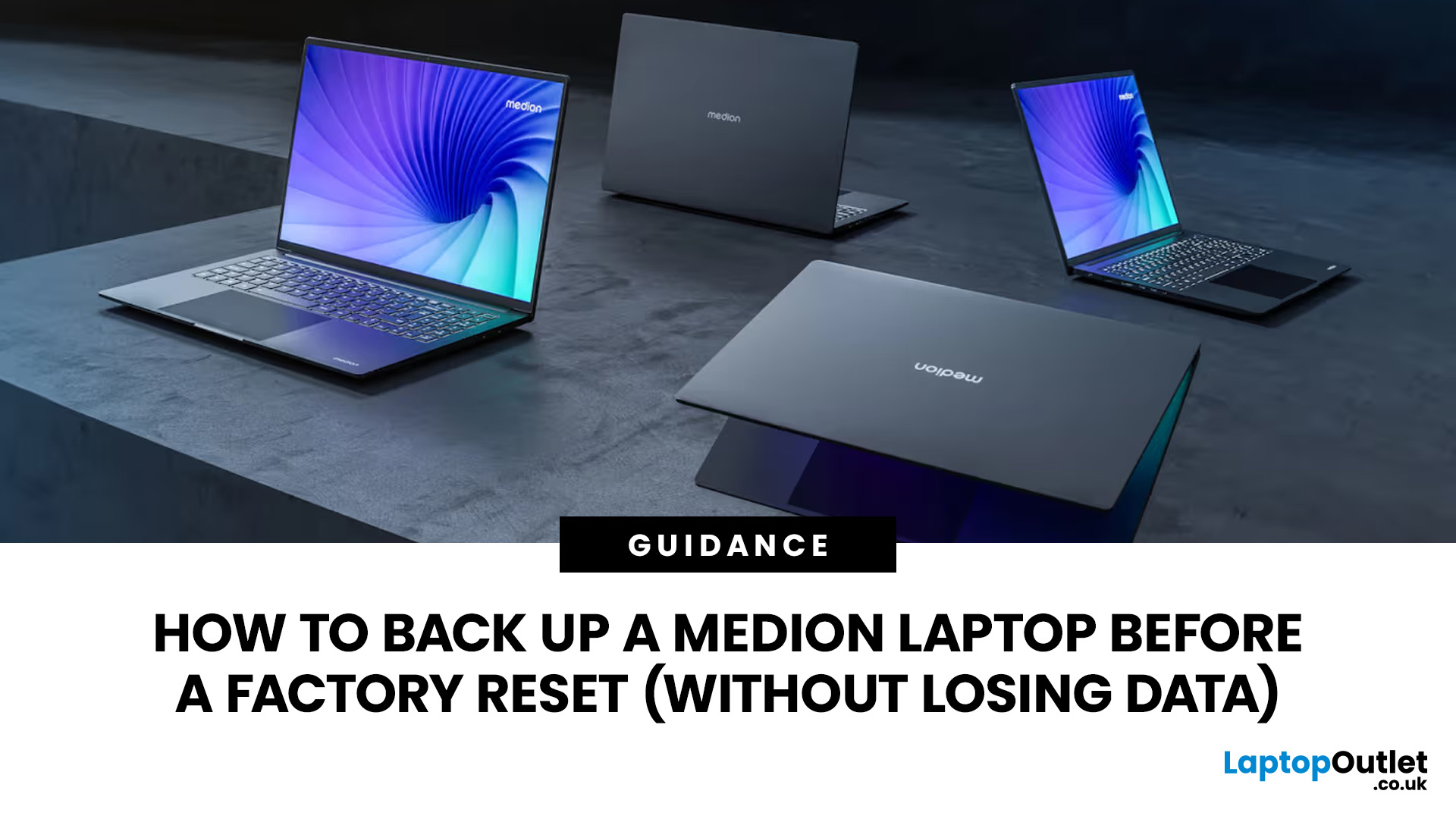
Before you reset MEDION laptop settings or reinstall Windows, copy your personal files to an external drive and create a second copy with Windows Backup and OneDrive or another drive.
Check Desktop, Documents, Downloads, Pictures, Videos, email archives, browser data, game saves and application folders. Open several files directly from the backup to confirm that they work.
Save your BitLocker recovery key, record essential applications and licences, then safely eject and disconnect the external drive before starting the reset.
A factory reset can solve persistent Windows problems, but it may remove applications, settings and personal files. Even when you choose Keep my files, treat it as a recovery option rather than a substitute for a verified backup.
Last Updated: July 23, 2026
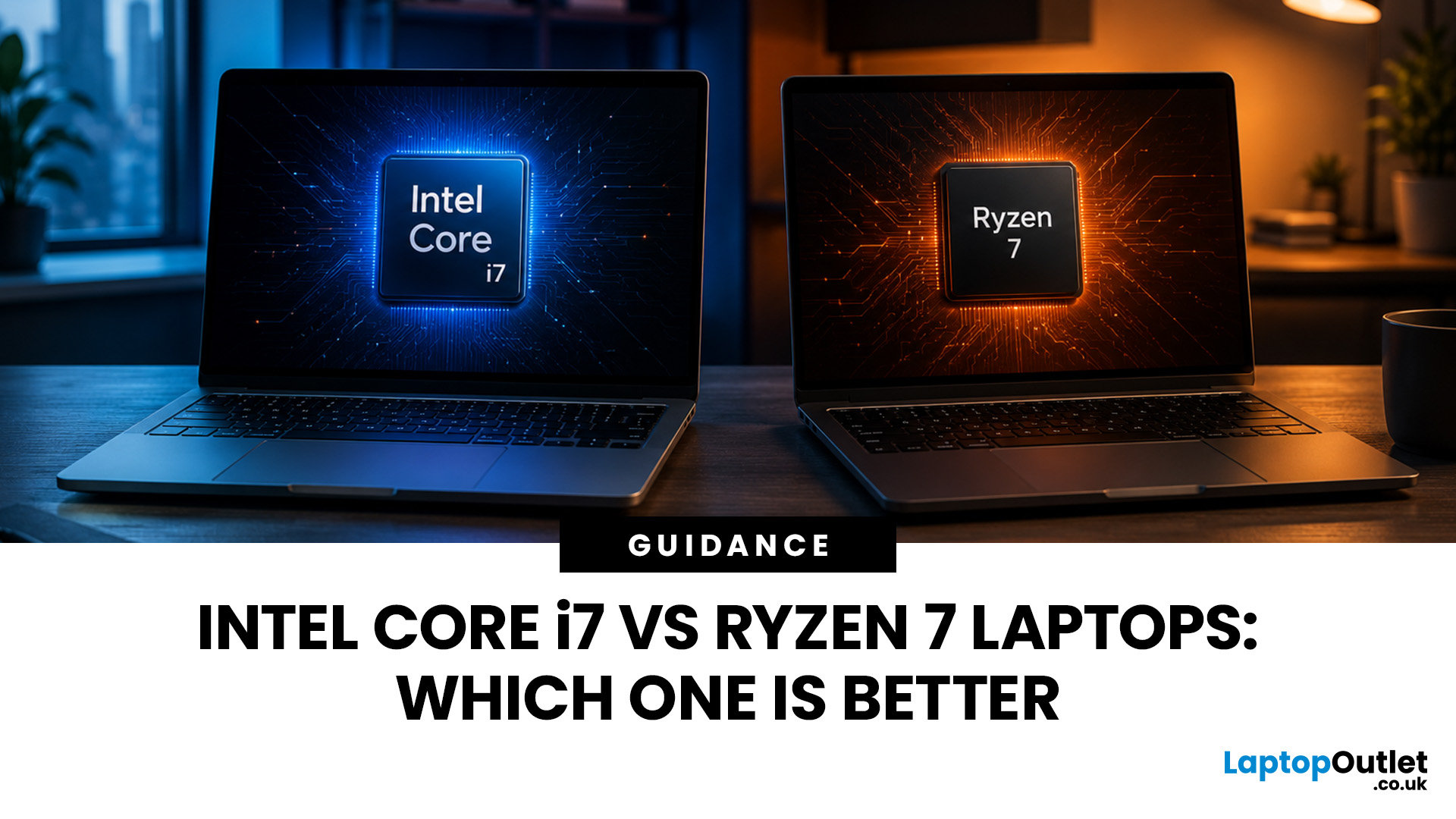
Neither processor family is automatically better. An Intel Core i7 laptop is often a strong choice for demanding productivity, supported video workflows and high-powered gaming configurations. A Ryzen 7 laptop can be especially attractive for efficient multitasking, capable integrated graphics and specification value.
When comparing an i7 vs Ryzen 7 laptop, the exact processor number matters more than the badge. A Core i7 U-series processor designed for a lightweight laptop is not equivalent to a Core i7 H-series gaming chip. The same applies to Ryzen 7 U, HS and HX processors.
For the broader brand-level differences, read our AMD vs Intel laptop guide. This guide goes deeper into the Core i7 and Ryzen 7 performance tier.
Intel Core i7 vs Ryzen 7 Laptops: Quick Answer
| Your priority | Better starting point | What to check |
| Everyday office work | Either | RAM, battery, screen and price |
| Heavy multitasking | Either | Exact CPU model, cooling and at least 16GB RAM |
| Gaming with dedicated graphics | Either | GPU |
Last Updated: September 03, 2026
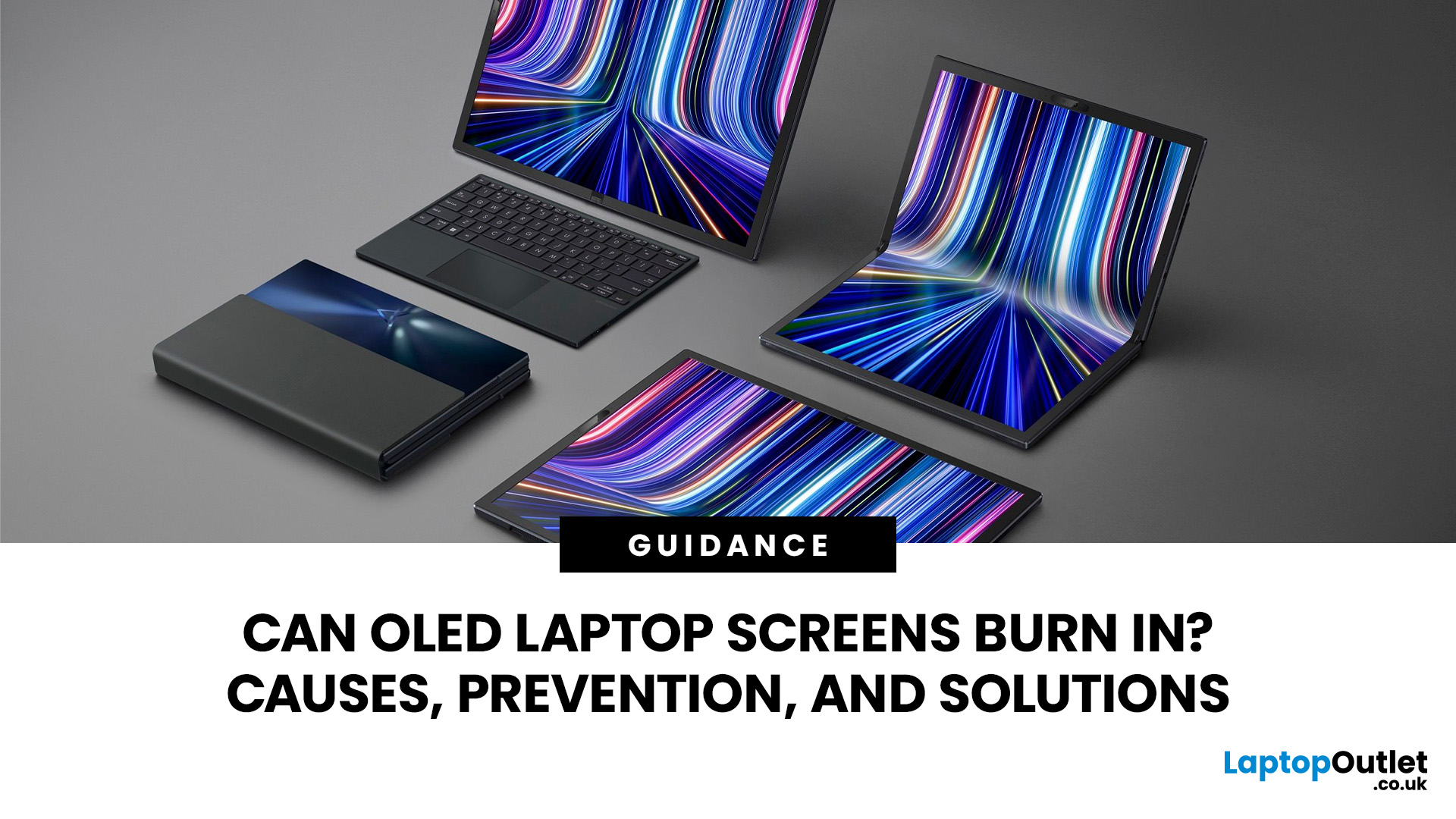
Yes, OLED laptop screens can develop permanent burn-in, but it is unlikely to happen quickly during normal, varied use. Risk increases when the same bright interface elements remain in one position for long periods, particularly at high brightness.
Modern OLED laptops reduce the risk through pixel shifting, automatic dimming and pixel-refresh routines. However, no OLED panel is completely immune.
For buyers considering laptops with OLED screen, burn-in is a manageable long-term consideration rather than a reason to avoid OLED. Sensible settings let you enjoy deep blacks, rapid response times and exceptional contrast while protecting the display.
For help comparing suitable models, see our guide to the best OLED laptops for work, gaming and creative use, covering options for different workloads and performance needs.
What Is OLED Screen Burn-In?
OLED screen burn in is a permanent shadow, outline or colour change caused by some pixels ageing faster than others.
OLED is a self-emissive display.
Published: July 27, 2026
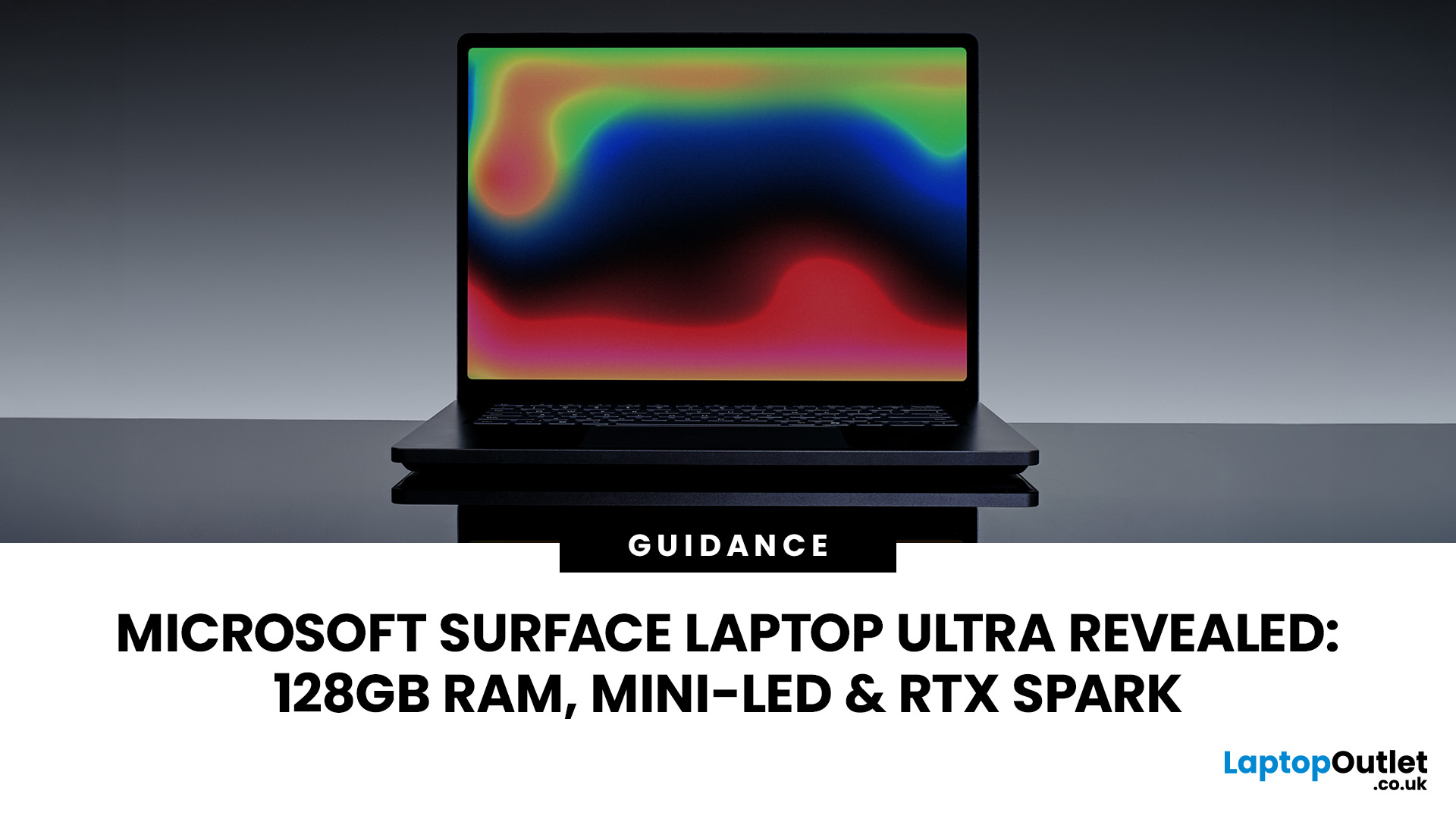
The Surface Laptop Ultra is Microsoft’s boldest laptop yet, built for local AI, 3D work, coding and demanding creative projects. It combines NVIDIA RTX Spark, Blackwell graphics, full CUDA support, and up to 128GB of unified memory, giving it serious workstation-level potential in a much slimmer design.
The 15-inch Mini-LED PixelSense Ultra display, upgraded cooling, and wider port selection make it even more appealing for power users. The only catch is that the exact UK price, full configurations and release date are still under wraps.
Microsoft Surface Ultra Specs at a Glance
The confirmed Microsoft Surface Ultra specs place the device above Microsoft’s conventional

Last Updated: August 06, 2026
Published: July 27, 2026
Last Updated: August 06, 2026
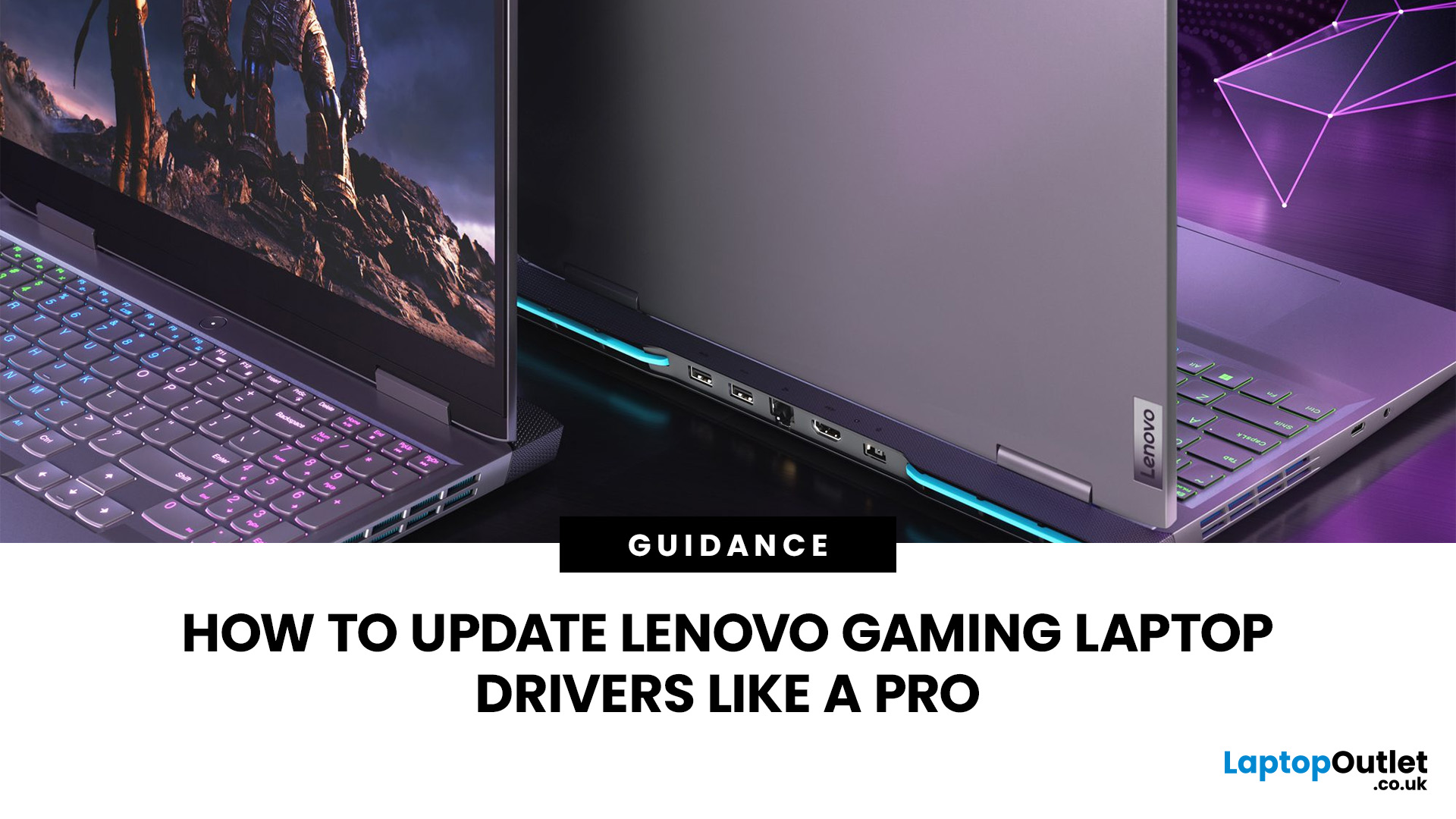
A safe Lenovo drivers update should begin with Lenovo Vantage or Lenovo Support, followed by Windows Update and, when needed, the official NVIDIA or AMD graphics software. Using these trusted sources helps ensure that chipset, graphics, audio, network, firmware and system drivers are matched to your specific Lenovo Legion or LOQ laptop.
Updating drivers can fix hardware problems, improve compatibility with newer games and address security or stability issues. However, installing every available update immediately is not always necessary. Graphics drivers often change frequently, while BIOS and firmware updates require more caution.
This guide explains how to check your current versions, install Lenovo laptop drivers safely and recover if an update causes problems. The same general process can also apply to professional Lenovo laptops for work, although gaming systems require additional attention to graphics and performance-related drivers.
Quick Driver Update Order
For most Lenovo gaming
Last Updated: July 28, 2026

