



Tired of Carrying a Heavy Laptop? Why You Should Buy a Slim Laptop

Carrying a heavy laptop between home, work, university and client meetings can quickly become inconvenient. A slim laptop offers a more portable alternative, combining a thinner design with the performance needed for everyday computing, study, business and entertainment.
However, buyers should compare processor performance, RAM, screen quality, ports, cooling and upgradeability before choosing. The best lightweight laptop balances low weight with the features and power required for its intended daily use.
The right thin and light laptop reduces bag weight without losing key features, but performance, battery life and connectivity vary, so understanding the trade-offs is important before choosing.
Why Heavy Laptops Are Becoming a Dealbreaker
A larger, heavier laptop can still make sense when maximum performance, advanced cooling or a bigger display matters more than portability. Gaming laptops and mobile workstations, for example, often need additional space for powerful components and cooling systems.
For many everyday users, however, that extra weight provides little practical benefit. If your daily workload mainly involves documents, spreadsheets, video calls, research, web browsing or streaming, carrying a bulky device may be unnecessary.
The Hidden Cost of Carrying Bulky Devices Daily
Laptop weight can seem like a minor specification until you start carrying the device regularly. A difference of a few hundred grams becomes more noticeable when the laptop is joined by its charger, protective case, mouse, notebooks and other everyday items.
This matters particularly for commuters using public transport, students moving between lectures and professionals travelling between offices. A bulky laptop can also occupy more space on trains, café tables and compact desks.
When comparing laptop portability, do not look at the device alone. Check the weight of the charger and consider whether you will need adapters or a separate docking station. Some slim models support charging through a compact USB-C adapter, which can further reduce the total weight of your everyday setup.
How Laptop Weight Affects Comfort, Posture and Productivity
A lighter laptop is generally easier to lift, carry and reposition, but low laptop weight does not automatically create an ergonomic workstation. When working for extended periods, screen position, chair support, keyboard height and viewing distance remain important.
A laptop stand with a separate keyboard and mouse can create a more comfortable setup for prolonged work. This allows the screen to be raised closer to eye level while keeping your hands at a suitable typing height.
The real productivity advantage of a best lightweight pc laptop is flexibility. It is easier to move between a home office, meeting room, classroom or shared workspace without making the journey itself feel like a chore.

What Exactly Is a Slim Laptop?
There is no single industry-wide measurement that determines whether a computer qualifies as slim or not. Manufacturers commonly use terms such as slim, lightweight, ultraportable and thin and light to describe devices designed for mobility.
In practical terms, a lightweight slim laptop usually combines a relatively thin body with a manageable carry weight. Many portable 13-inch and 14-inch models weigh around 1kg to 1.5kg, although the exact figure varies according to the screen, battery, materials and internal components.
A larger laptop can still be relatively light for its screen size. Similarly, a small laptop is not automatically lightweight. Always compare the listed weight rather than relying on the screen size or product name.
Slim vs Ultrabook vs Standard Laptop: What Is the Difference?
“Slim laptop” and “thin and light laptop” are broad descriptions rather than fixed technical standards. They can refer to Windows laptops, Chromebooks and other portable 2-in-1 laptops from many different manufacturers.
Ultrabook was introduced by Intel as a category for thin, responsive laptops using Intel processors and meeting particular design requirements. Today, the term is often used more generally for premium ultraportable devices, but not every laptop is formally an Ultrabook.
A standard laptop may be thicker and heavier, but that extra space can support more ports, greater upgradeability, a larger battery or stronger cooling. The best slim laptop choice depends on how you plan to use the device.
Average Weight and Thickness of Slim Laptops Today
Instead of searching for one exact measurement, use practical weight bands:
- Under 1kg: extremely light and ideal for frequent travel
- 1kg to 1.3kg: highly portable for commuting and study
- 1.3kg to 1.5kg: balanced portability for daily use
- Above 1.5kg: portability depends more on design and screen size
These are guidelines rather than strict rules. Build quality, keyboard comfort, battery life and performance matter more than saving a small amount of weight. If portability is your priority, compare easy-to-carry laptops using full specifications rather than weight alone.
Key Benefits of Switching to a Portable Laptop
The main advantage of a slim device is simple: it makes mobile computing easier. However, modern designs also offer several additional benefits when matched to the right user.
Improved Portability for Travel and Commuting
A thinner laptop takes up less space in a backpack or travel bag. This is especially useful on crowded trains, buses and flights where space is limited.
Compact laptops are also easier to use in tight environments such as train tables or lecture halls. Frequent travellers should also consider battery life, charger size and durability, as well as carrying a protective sleeve for added safety.
Travellers who want quicker navigation in restricted spaces may also benefit from a lightweight touchscreen laptop, particularly when using maps, documents or entertainment on the move.
Better Ergonomics for Everyday Use
Compact laptops are easier to reposition and integrate into different setups. You can use them on the move and then connect them to a monitor, keyboard and mouse when working at a desk.
However, the laptop itself does not guarantee good posture. Ergonomics still depend on how you position the screen and how long you work without breaks.
Modern Design Meets Real Performance
Thin laptops are no longer underpowered. Modern processors and SSD storage allow slim devices to handle everyday tasks smoothly, including office work, browsing, streaming and video calls.
For general use, 8GB of RAM is often sufficient, but 16GB provides better long-term performance and multitasking ability. Creative users or professionals working with large files should consider higher specifications.
Some laptops with thin structure include dedicated graphics, but these increase heat output and may reduce sustained performance. For heavy gaming or 3D work, a thicker performance laptop may still be more suitable.
Battery Life in Lightweight Portable Laptops
Many laptops use efficient processors designed to balance performance and power consumption. However, battery life depends on more than size alone.
Screen brightness, resolution, refresh rate and workload all affect runtime. High-resolution or OLED displays can consume more power, even if they look better visually.
Manufacturer estimates are useful for comparison, but real-world usage will vary. Adjusting brightness and using power-saving modes can significantly extend battery life.

Common Myths About These Laptops
Thin and light laptops have improved significantly, but misconceptions still exist.
Do these Laptops Sacrifice Performance?
Not necessarily. Many laptops have slim structure handle everyday tasks and professional workloads with ease. Processor generation and configuration matter more than thickness.
However, during long periods of heavy use, compact cooling systems may reduce performance to manage heat. This is most noticeable in gaming, rendering or large data processing tasks.
Are Thin Laptops Less Durable?
Not always. Durability depends on build quality, not just thickness. Aluminium and magnesium designs can be strong and lightweight, while well-built plastic models can also be reliable.
The key is hinge strength, chassis rigidity and overall construction quality rather than material alone.
Who Should Use a Slim Laptop?
These laptops are most useful for people who move frequently between locations.
Students and Professionals
Slim laptop for students benefits from such laptops that are easy to carry between lectures. Battery life, keyboard comfort and reliability are often more important than premium design as lightest laptops for students.
Professionals who travel or work across multiple locations can benefit from compact 13-inch laptops, although some may prefer larger screens for productivity.
Remote Workers
Hybrid workers need flexibility. Such laptop allows easy movement between home, office and shared workspaces.
For video calls and remote work, a good webcam, microphone and stable Wi-Fi are essential. Many users find lightweight 14-inch laptops offer a good balance between portability and screen space.
Creative Professionals
Designers, photographers and editors should prioritise display quality, memory and performance over weight alone. Some ultra thin laptops may limit upgrade options, so specifications should be chosen carefully.
What to Look for Before Buying
Choosing a laptop with slim design is about balance, not just size.
Weight and Screen Size
13-inch laptops are the most portable, while 14-inch models offer more workspace. Larger lightweight laptops can also be a good compromise.
Processor and RAM
- 8GB RAM: basic use
- 16GB RAM: multitasking and long-term use
- 32GB RAM: professional workloads
Check whether RAM is upgradeable before buying. Screen size is not the only decision, as convertible tablets and 2-in-1 laptops offer flexible viewing, typing and tablet-style modes for users who need a more adaptable device.

Build Quality
Aluminium, magnesium and plastic can all be durable if well designed. Focus on hinge strength and keyboard stability.
Ports and Connectivity
These laptops often rely on USB-C. Check whether you need HDMI, USB-A, SD card slots or Ethernet, and consider whether adapters will be required.
Slim vs Heavy Laptop Comparison
|
Feature |
Slim Laptop |
Heavy Laptop |
|
Portability |
Excellent |
Limited |
|
Performance |
Strong for most tasks |
Better for sustained heavy use |
|
Cooling |
Compact system |
More efficient cooling |
|
Battery |
Efficient but variable |
Can support larger batteries |
|
Ports |
Limited |
More extensive |
|
Best for |
Travel, study, hybrid work |
Gaming, workstation use |

Final Verdict
A slim laptop is ideal for users who value portability, flexibility and convenience. It makes commuting, studying and hybrid working significantly easier without sacrificing everyday performance. To explore the latest laptops, consider models that balance a lightweight design with the features and performance you need for everyday tasks.
However, the best choice depends on your needs. If you require maximum power, advanced cooling or extensive connectivity, a heavier laptop may still be the better option.
For most users, a well-balanced thin laptop offers the best combination of performance and portability, making daily computing simpler and more comfortable.

Why Do People Prefer Slim Laptops?
They are easier to carry, take up less space and are more convenient for travel and commuting.
What Is a Slim Laptop?
A lightweight, thin device typically weighing between 1kg and 1.5kg, designed for portability.
Are Slim Laptops Powerful Enough?
Yes, most handle everyday and professional tasks well, though heavy workloads may require more powerful systems.
Are They Good for Travel?
Yes, especially due to their low weight and compact size.
What Should I Check Before Buying?
Check weight, processor, RAM, battery life, ports and upgrade options before deciding.
Related Articles

Last Updated: July 29, 2026
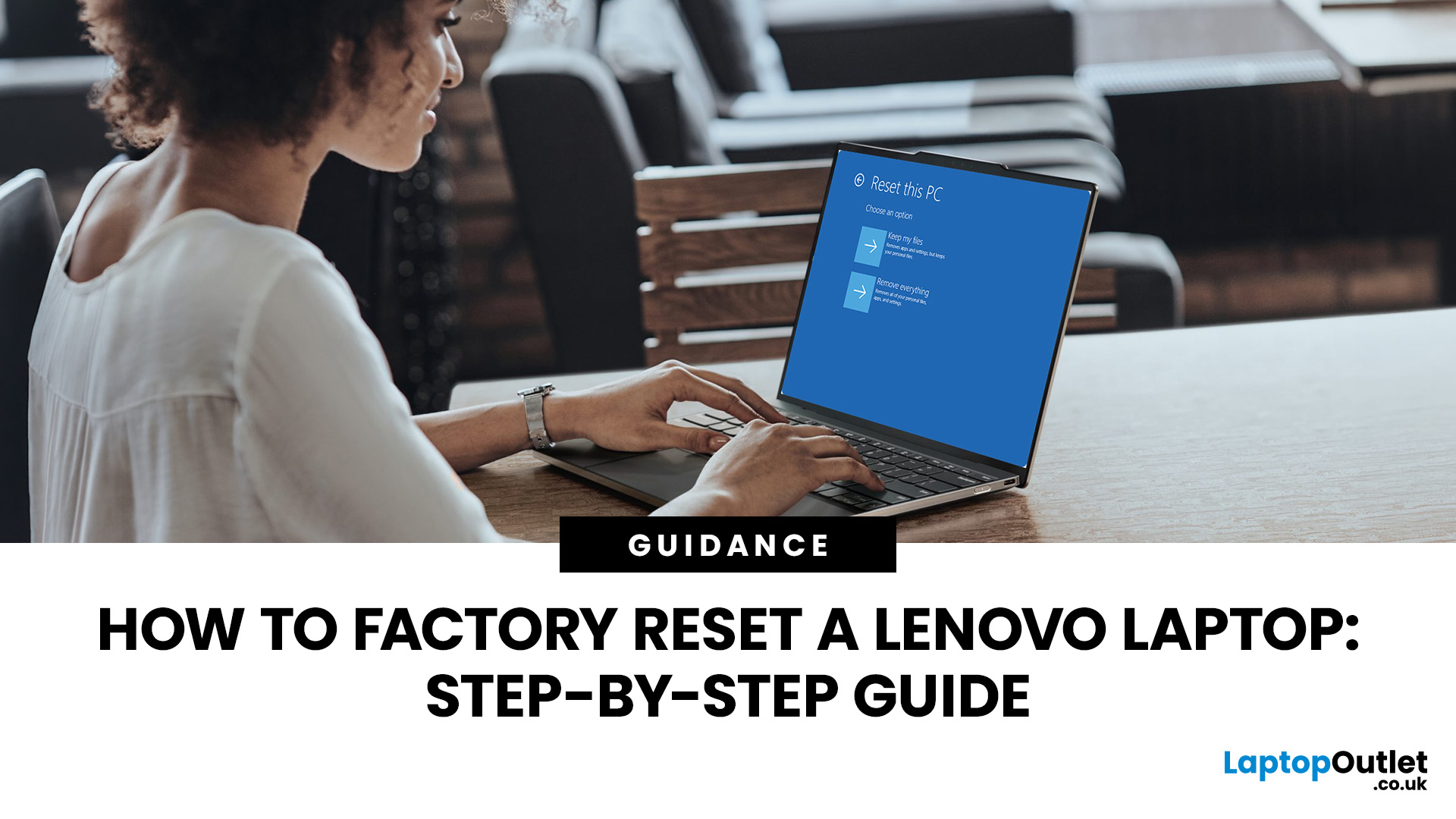
Your Lenovo laptop is slow, crashing, affected by persistent software problems or being prepared for a new owner; don't panic, it’s simply time for a factory reset.
A proper Lenovo factory reset reinstalls Windows and may remove applications, settings and personal data. This guide explains how to reset Lenovo laptop systems through Settings, the sign-in screen, Lenovo recovery mode, the Novo button or recovery media.
Before You Factory Reset Your Lenovo Laptop
- Back up documents, photos and other important files to cloud storage or an external drive.
- Keep the charger connected, remove unnecessary laptop accessories
Last Updated: September 03, 2026
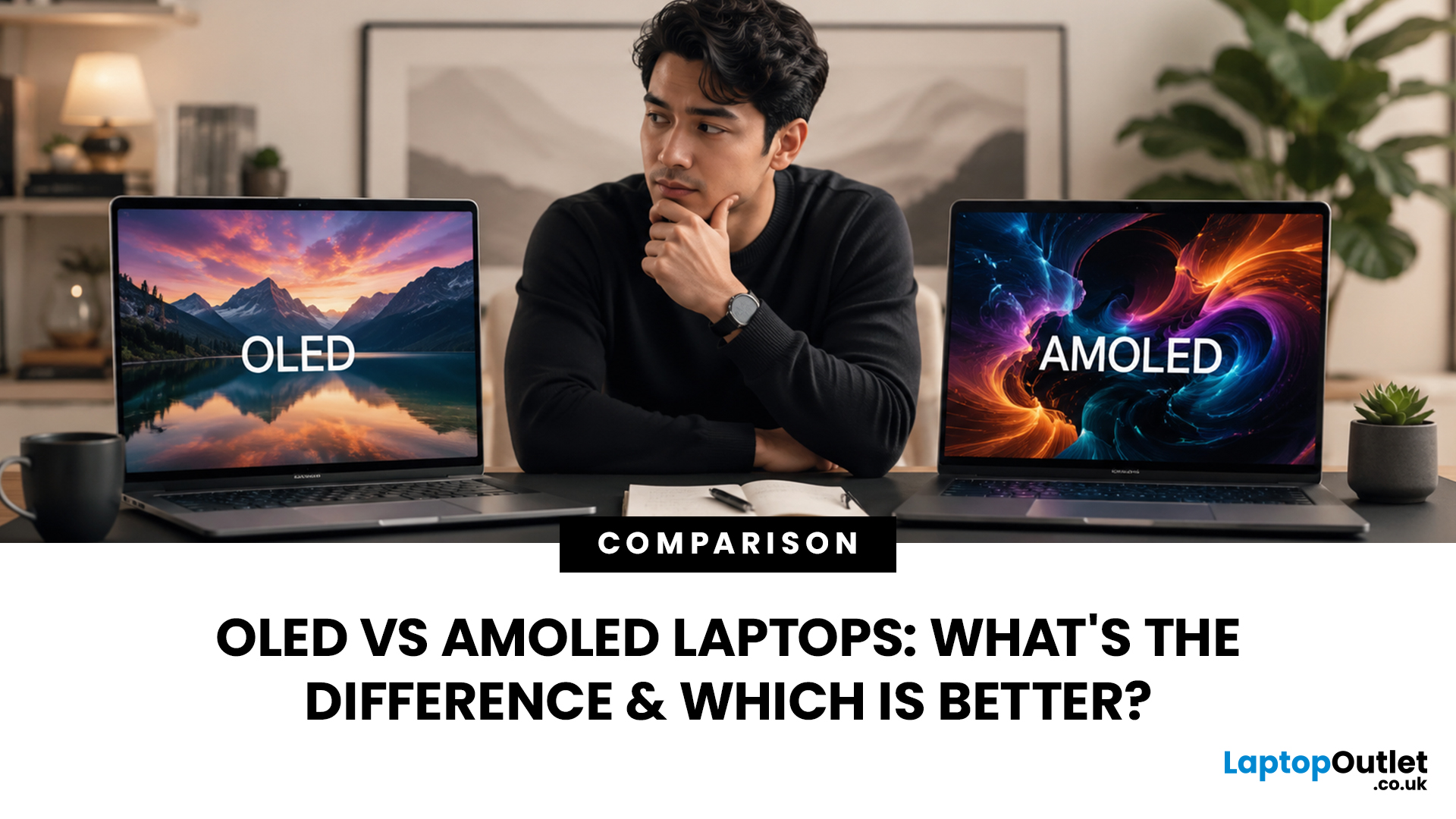
When comparing premium laptop screens, the OLED vs AMOLED debate is simpler than it seems. Both deliver deep blacks, vibrant colours, fast response times and strong contrast. OLED is the broader technology, while AMOLED is a type of OLED that uses an active-matrix system to control pixels. Many modern OLED laptops already use this system, even if not labelled AMOLED. Instead of focusing on the name, buyers should compare resolution, refresh rate, brightness, colour accuracy, battery life and burn-in protection. This guide helps you understand the differences and choose the right display for your needs.
OLED vs AMOLED: The Quick Answer
OLED, or Organic Light-Emitting Diode (OLED), is a display technology in which each pixel creates its own light. An OLED screen does not require the separate backlight used by traditional LCD panels.
AMOLED, or Active Matrix OLED (AMOLED), is a type of OLED display that uses an active-matrix transistor system to control each pixel quickly and individually.
Last Updated: August 17, 2026
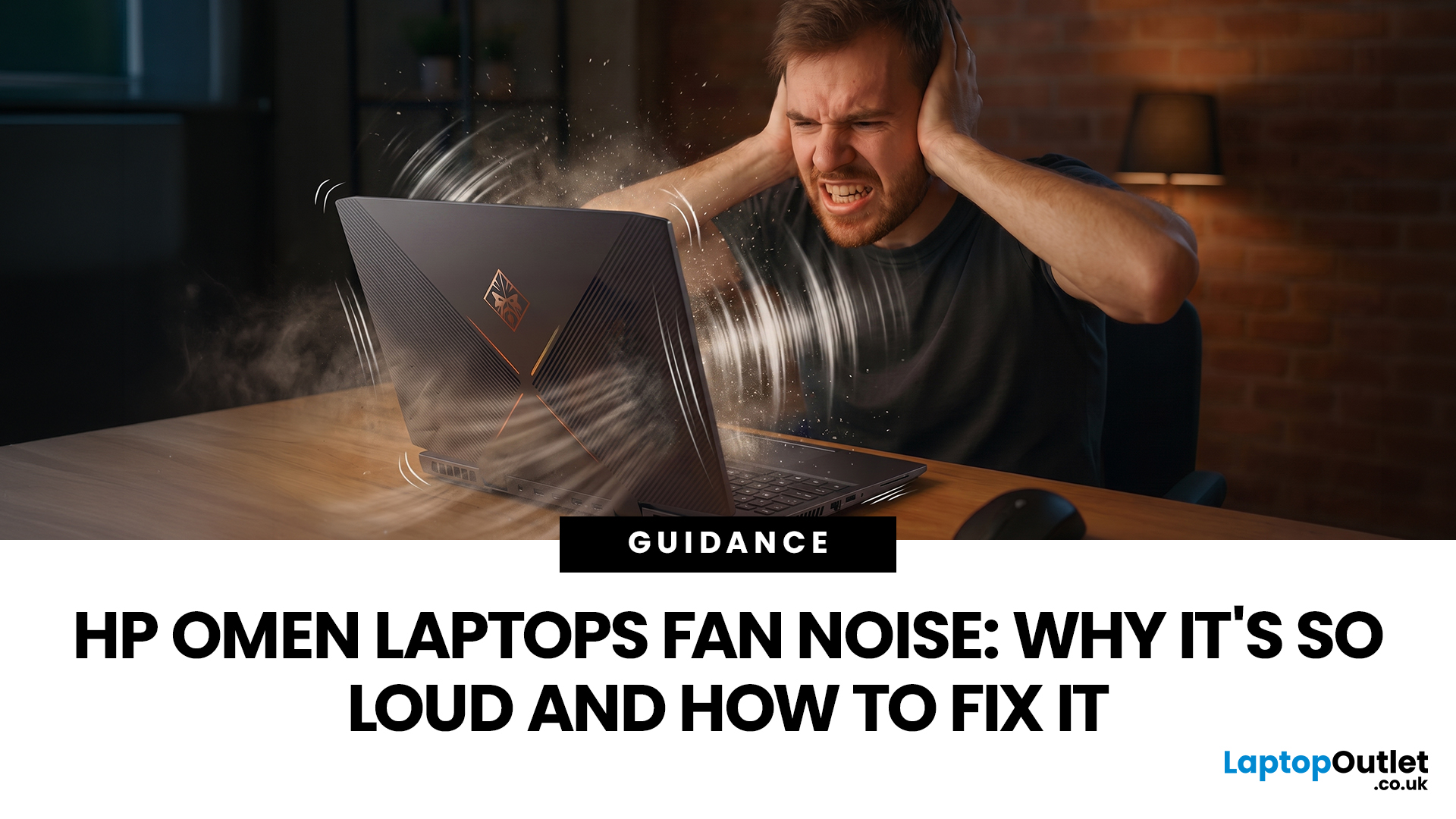
HP OMEN laptops use powerful processors and dedicated graphics, so their cooling systems can become clearly audible during gaming and other demanding work. Some HP OMEN fan noise is normal, but constant noise at idle, grinding or repeated overheating deserves attention. This guide explains how to identify the sound, diagnose the cause and choose a safe fix across the top HP OMEN laptop range.
| HP OMEN Fan Noise: Quick Answer Loud fan noise is normal while an OMEN laptop starts, updates, games, renders or runs a demanding AI task. HP says a brief fan surge for about five to twenty seconds at startup can be normal, while Performance mode deliberately increases fan speed to manage higher CPU and GPU power and temperature. Investigate an HP OMEN loud fan when it remains noisy during light use, produces mechanical sounds or appears with weak airflow, throttling or shutdowns. Many cases improve after reducing background load, changing settings, updating HP software and BIOS, restoring airflow |
Last Updated: August 20, 2026
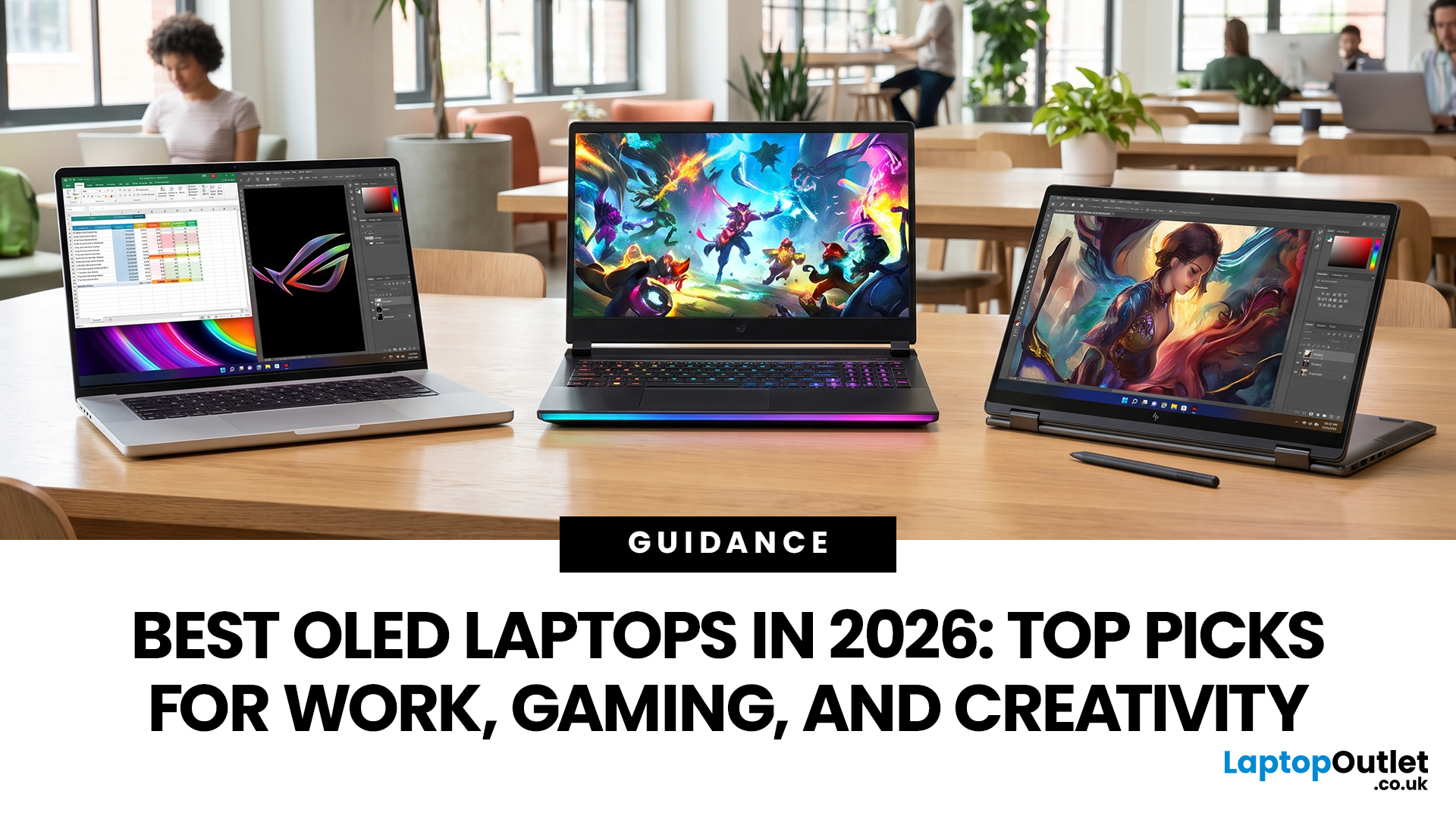
OLED screens are becoming more common across premium ultrabooks, creator workstations and gaming laptops in 2026. Newer panels offer higher resolutions, faster refresh rates and improved efficiency, while recent tandem OLED developments are also increasing brightness and durability.
However, an OLED screen does not automatically make a laptop suitable for every buyer. Processing power, graphics, memory, ports, battery life and weight remain equally important.
This guide compares the best OLED laptops for students, professionals, creators, gamers and everyday users. It also explains the specifications that matter, helping you understand what each feature means when choosing a laptop.
Quick Picks: Best OLED Laptops in 2026
| Category | Laptop |
| Best Overall | ASUS Zenbook S 16 |
| Best Premium | Samsung Galaxy Book5 Pro |
| Best Value | Samsung Galaxy Book4 |
| Best Student Laptop | ASUS Zenbook 14 OLED |
| Best Business Laptop | Samsung Galaxy XE550XGA |
| Best Creator Laptop | ASUS ProArt PX13 |
| Best Professional Workstation |
Published: August 03, 2026
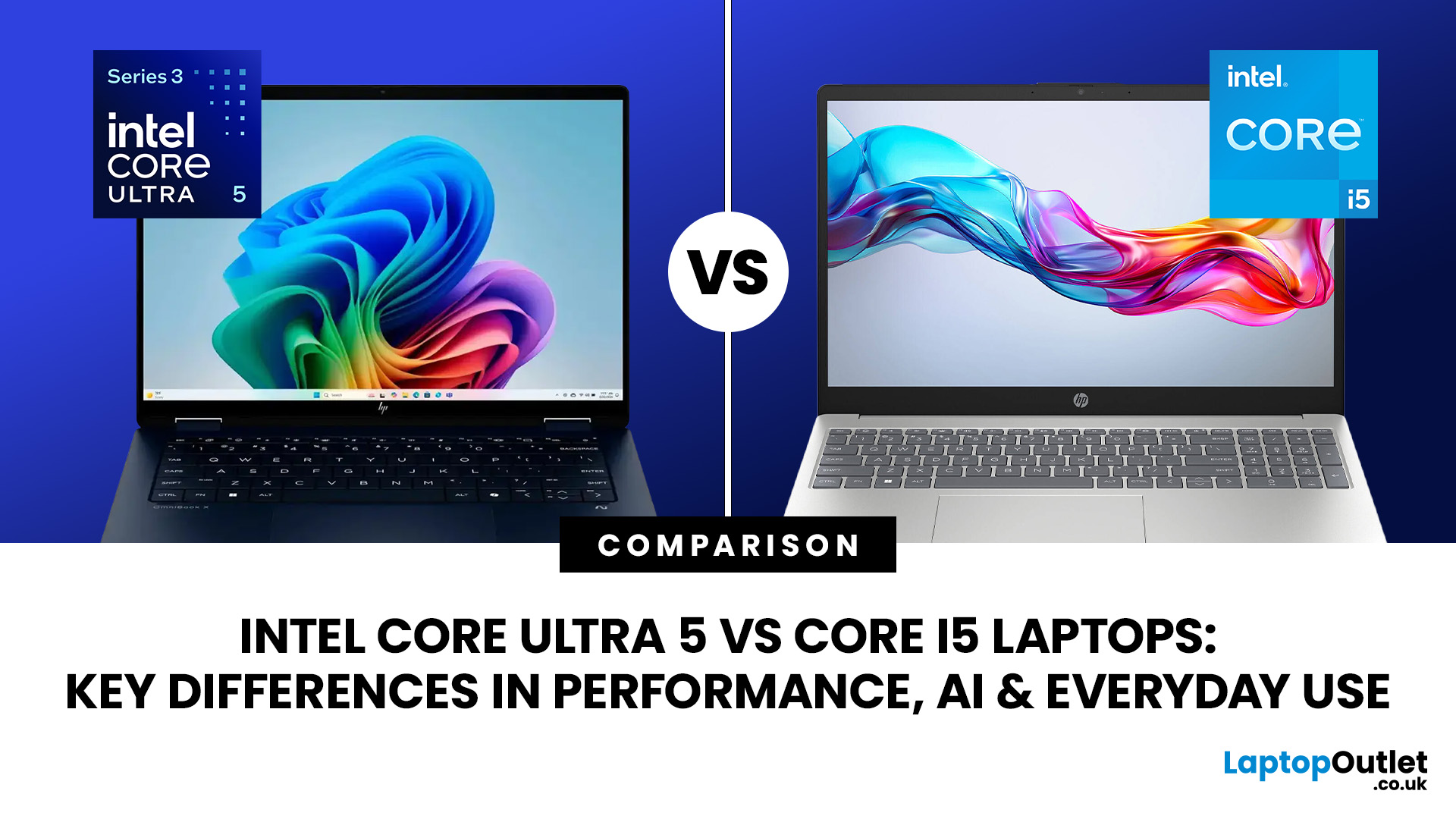
Intel has changed how it names and builds its laptop processors (CPUs). Traditional Core i5 chips remain widely available, but newer premium laptops increasingly use the Core Ultra 5 name, which Intel introduced alongside a major architectural redesign and built-in AI acceleration. That makes the Intel Core Ultra 5 vs i5 comparison more complicated than simply checking which number looks newer.
This guide explains the differences in everyday speed, multitasking, graphics, gaming, AI features, and battery life, without burying the answer under unnecessary technical jargon.
Quick Answer: Should You Buy Intel Core Ultra 5 or Core i5?
Buy Core Ultra 5 for stronger integrated graphics, on-device AI features and generally better efficiency. Buy Core i5 when price matters most, especially for office work or laptops with dedicated graphics card. Always compare the exact processor suffix and laptop configuration.
| If you want... | Buy | Why |
| Lowest price | Core i5 | Older i5 laptops are regularly discounted |
Last Updated: August 13, 2026
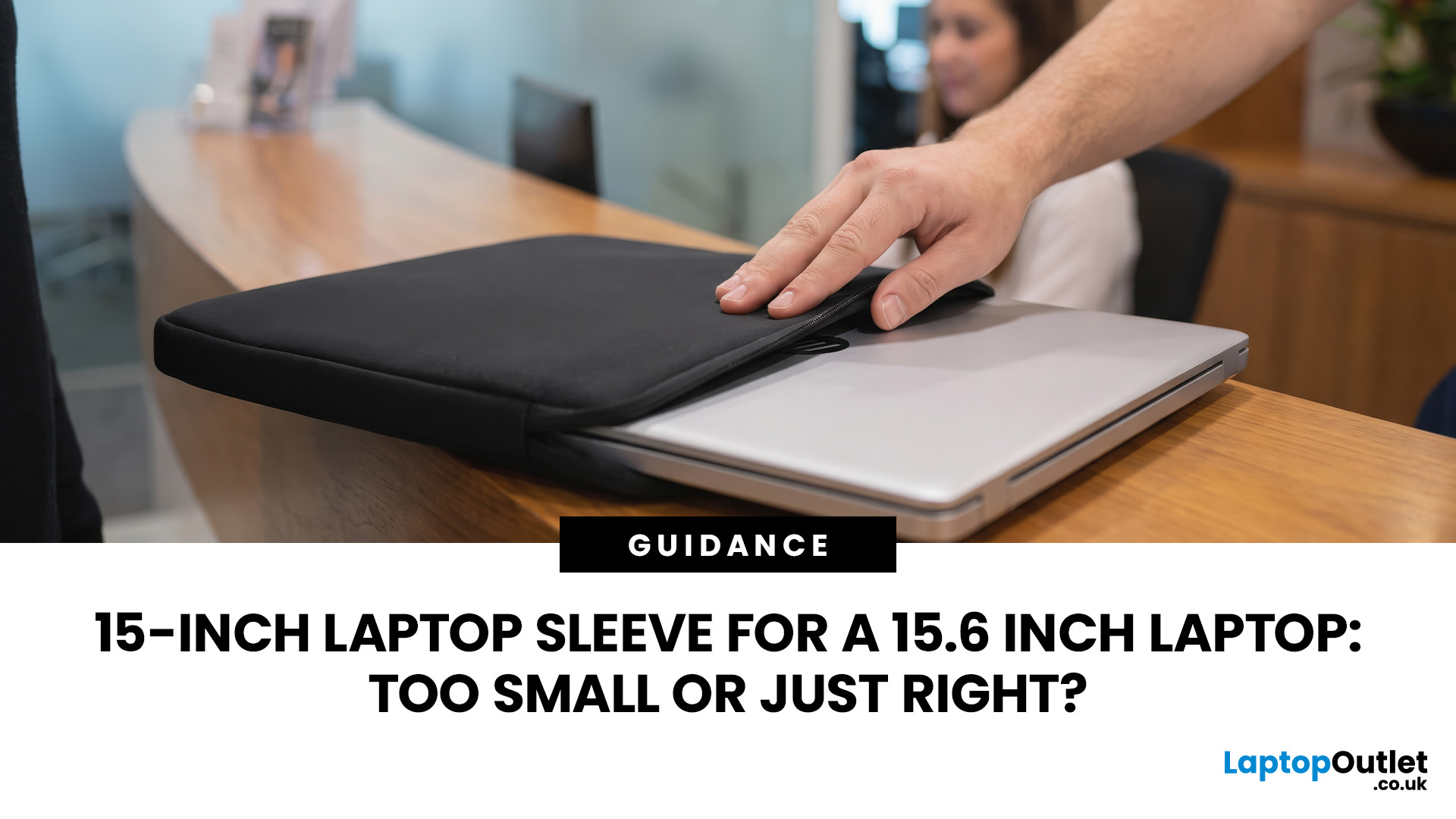
A 15 inch laptop sleeve can fit a 15.6-inch laptop, but the label alone does not guarantee it. The deciding factor is whether your laptop’s actual width, depth, and thickness fit within the sleeve’s internal measurements.
Laptop screen sizes are measured diagonally, whereas sleeves must accommodate the complete device. This means a slim 15.6-inch laptop may fit comfortably inside some 15 inch laptop sleeves, while a thicker model with wide bezels may not.
Before buying, compare the external dimensions of your laptop with the internal dimensions of the sleeve rather than relying only on the advertised screen size.
Why 15-Inch vs. 15.6-Inch Laptop Sleeve Sizing Causes Confusion
The 15-inch measurement usually refers to the diagonal display size, not the overall size of the laptop. It does not tell you the device’s width, depth, or thickness.
Retailers and accessory manufacturers also use “15-inch” as a broad size category. Laptop Outlet, for example, groups many 15-inch and 15.6-inch models

Last Updated: August 05, 2026
I made almost every mistake possible when I bought my first laptop as a student. I focused on the processor name, ignored the RAM, underestimated how heavy it would feel in my backpack and had no idea what half the technical jargon meant.
Within months, I realised I had paid for features I barely used while missing the ones I actually needed. Choosing between Core i5, Core Ultra, SSD sizes and different Dell series can still feel just as confusing today.
To help you avoid the same blunder, we reviewed the best Dell laptops for students in 2026 and narrowed them down based on real student needs, including performance, mobility,
Last Updated: August 20, 2026
OLED laptops are already known for deep blacks, rich colour and fast pixel response, but a newer display design is pushing brightness further.
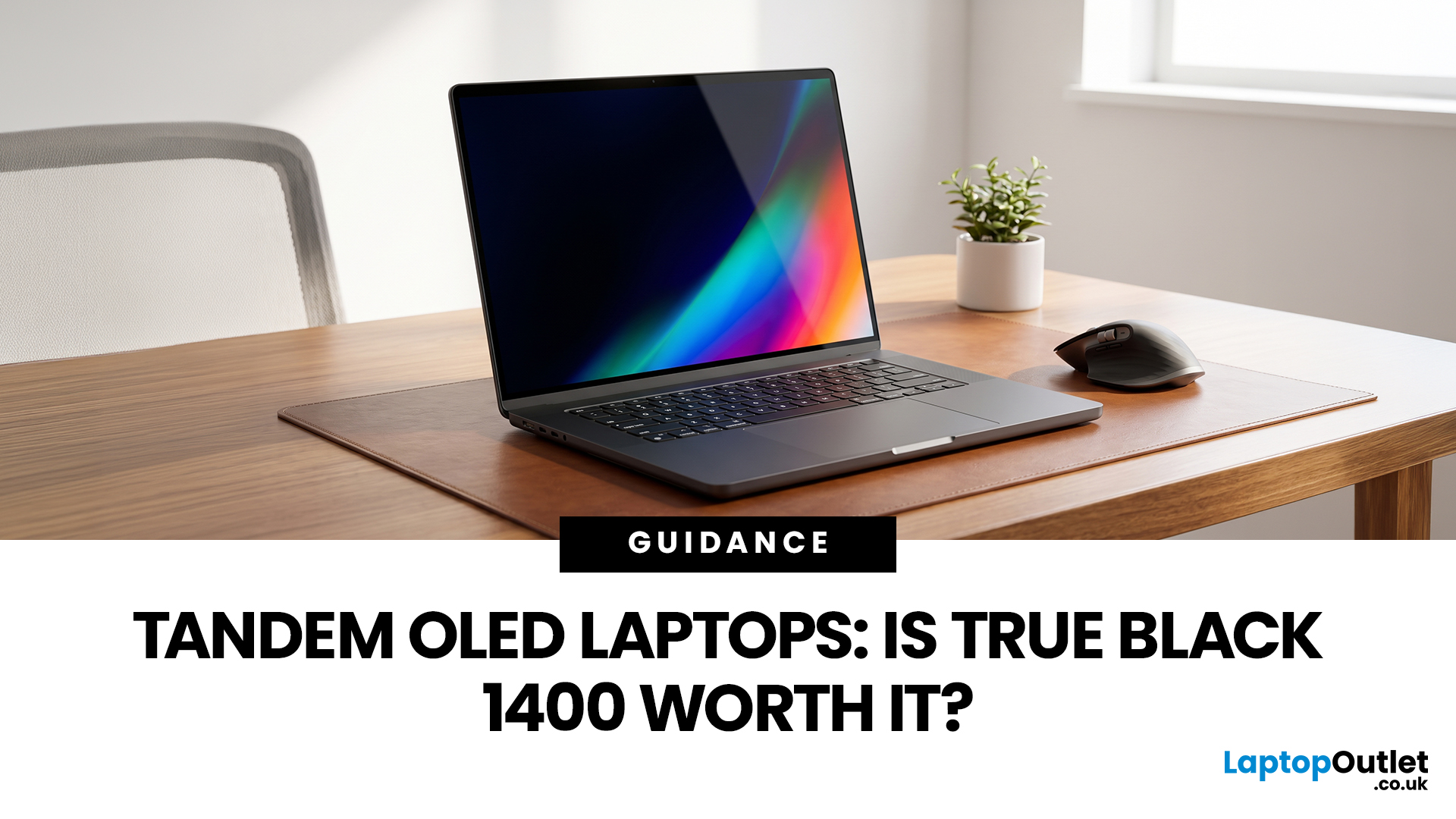
Tandem OLED laptops use stacked light-producing layers to deliver stronger HDR highlights while retaining the pixel-level control that makes OLED attractive.
That improvement now has an official benchmark. VESA introduced DisplayHDR True Black 1400 in July 2026 as its highest True Black certification tier, aimed at next-generation OLED screens for professional HDR creation and premium entertainment. The first certified laptop display shows that tandem OLED is becoming a buying consideration.
Understanding the Real Impact of True Black 1400 Displays
DisplayHDR True Black 1400 is worth considering if you edit HDR video, review colour-critical content, watch high-quality HDR films

Last Updated: August 17, 2026
Last Updated: August 06, 2026

