



ASUS vs HP Laptops: Design, Performance, & Price Compared
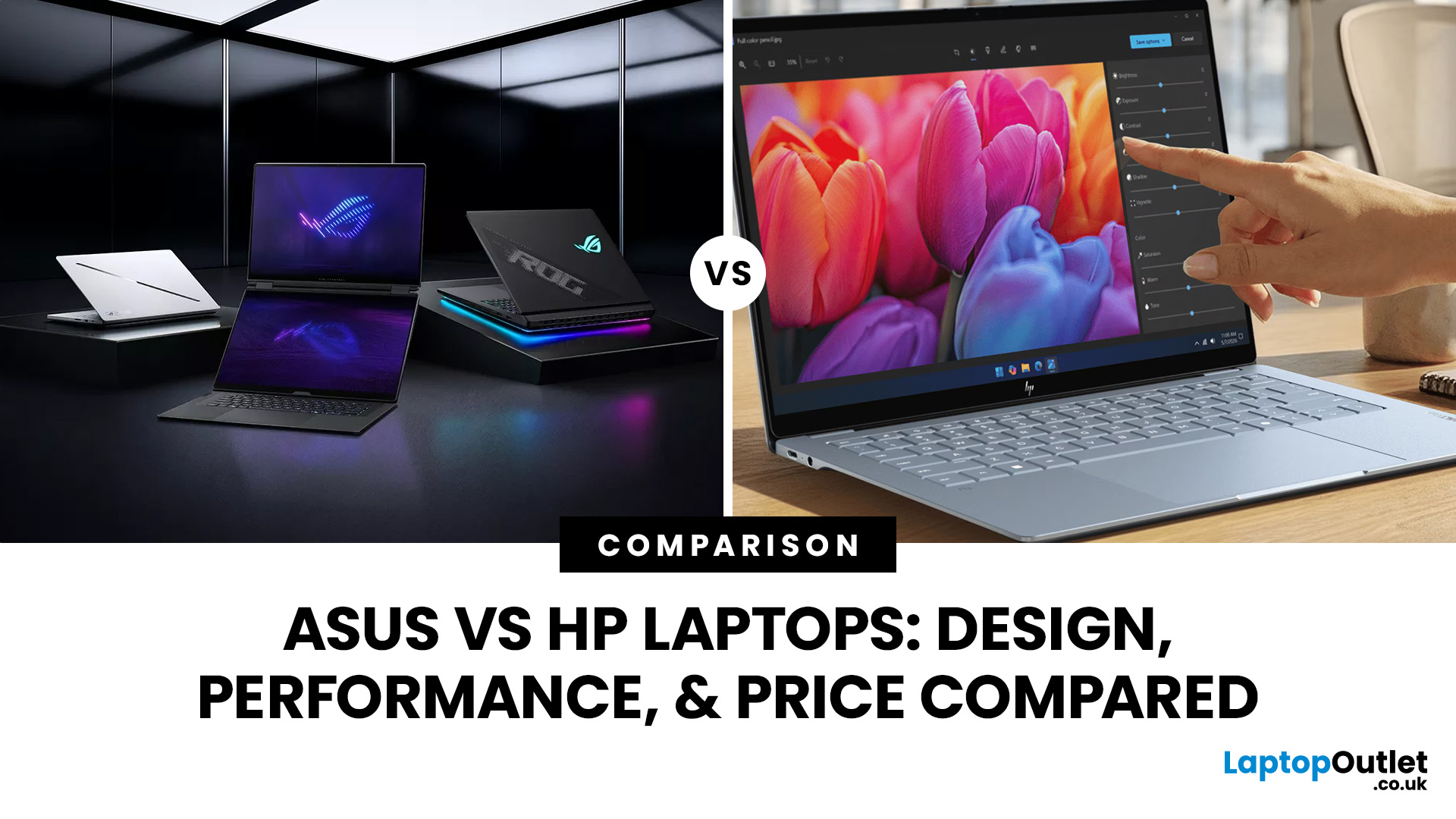
ASUS and HP now compete across almost every type of Windows laptop, from lightweight AI PCs to business machines and RTX-powered gaming systems. The real differences appear when you compare their processors, memory, storage, displays, portability, and product families. This ASUS vs HP laptops guide breaks those areas down so you can match the right brand and specification to the way you actually use your laptop.
ASUS vs HP: Quick Comparison
|
Feature |
ASUS |
HP |
|
Everyday laptops |
Vivobook |
OmniBook 3/5 |
|
Premium laptops |
Zenbook |
OmniBook X/Ultra |
|
Business |
ExpertBook |
ProBook/EliteBook |
|
Gaming |
TUF Gaming/ROG |
Victus/OMEN |
|
Creator/workstation |
ProArt |
ZBook |
|
Processors |
Intel Core Ultra, AMD Ryzen AI, Snapdragon |
Intel Core Ultra, AMD Ryzen AI, Snapdragon |
|
Displays |
Strong OLED, Mini LED and high-refresh choice |
IPS, OLED, touch and high-refresh options |
|
Best suited to |
Broad display and gaming choice |
Consumer, business and workstation depth |
Neither company wins every category. Compare equivalent ranges first rather than placing an entry-level HP against a premium ASUS or vice versa.
Current ASUS and HP Laptop Ranges
One of the biggest changes since earlier ASUS-versus-HP comparisons is HP's product structure.
HP has moved its consumer laptops towards the OmniBook family, replacing the older Pavilion, Envy, and Spectre hierarchy. OmniBook now ranges from more accessible OmniBook 3 and 5 systems through OmniBook 7, OmniBook X and premium OmniBook Ultra models.
ASUS retains more distinct families. Vivobook covers mainstream computing, Zenbook focuses on premium portability, ExpertBook targets business users, ProArt serves creators, and TUF Gaming and ROG address different levels of gaming performance.
Are you comparing ASUS with other manufacturers too? Our ASUS Laptop Comparison Guide 2026 covers Lenovo, Dell, Samsung, LG and other alternatives.
Which Brand Gives You Better Everyday Performance?
Both manufacturers now offer far more than conventional Core i5 and portable Core i7 laptops.
Current HP OmniBook models span Intel Core Ultra, AMD Ryzen AI and Snapdragon processors. For example, HP currently sells OmniBook Ultra configurations using Snapdragon X2 Plus, while OmniBook 7 models include Core Ultra and Ryzen AI options.
ASUS also uses Intel, AMD and Qualcomm platforms across its ranges. Zenbook A14 uses Snapdragon X processors, while other Zenbook, Vivobook and ExpertBook systems cover current Intel Core Ultra and AMD Ryzen AI hardware.
That means the processor architecture matters more than the brand.
For everyday office work, studying and web use, you generally do not need the highest CPU tier. Core Ultra 5/7, Ryzen AI 5/7 and suitable Snapdragon configurations already provide plenty of performance for most users. If you are comparing premium models from previous HP generations, our ASUS Zenbook vs HP Envy comparison looks more closely at their design, performance and everyday usability.
More demanding editing, development and professional workloads may benefit from stronger processors, additional memory and dedicated graphics.
How Much RAM and Storage Do You Really Need?
Do not overlook memory while comparing otherwise similar ASUS and HP laptops.
For most buyers, 16GB RAM is now the sensible starting point. It gives you enough headroom for Windows 11, multiple browser tabs, Microsoft Office and everyday multitasking without immediately pushing you towards premium hardware.
Consider 32GB RAM for heavier creative applications, development, large spreadsheets or more demanding multitasking. Workstation and high-performance machines can extend further; ASUS ExpertBook Ultra, for example, supports configurations with up to 64GB LPDDR5x memory. Storage follows a similar pattern:
- 512GB SSD: adequate for everyday use and study
- 1TB SSD: better for larger applications, games and media libraries
- 2TB+: useful for creators and users handling large local files
Also check whether RAM is soldered. Thin Zenbook and OmniBook systems commonly prioritise compact design over memory upgrades, whereas selected business and gaming laptops can provide replaceable memory or additional SSD slots.
Buying enough RAM from the start is particularly important if it cannot be upgraded later. For another specification-led comparison, our Lenovo vs ASUS laptops guide covers processors, RAM, storage, upgradeability and the differences between comparable laptop ranges.
Which Brand Gives You the Better Display Experience?
ASUS still places considerable emphasis on display technology, but describing HP as primarily an IPS-laptop brand is no longer accurate.
OLED appears across current HP OmniBook systems. HP's UK range includes OmniBook 5 laptops with 2K OLED displays and OmniBook Ultra configurations with OLED touchscreens.
ASUS also continues to use OLED extensively across Zenbook and selected Vivobook systems, while higher-end gaming models introduce fast Mini LED and high-refresh panels. Instead of simply asking which brand has the better screen, compare:
- resolution
- OLED, IPS or Mini LED
- refresh rate
- brightness
- colour coverage
- touchscreen support
- glossy or anti-glare finish
A 120Hz OLED panel may suit creative work and entertainment, while an anti-glare IPS display can be more practical for long office sessions. If Dell is also on your shortlist, see our ASUS vs Dell laptops comparison for another look at performance, specifications and premium Windows laptop options.
Which is Better for Battery Life and Portability?
Neither brand should automatically be declared the battery-life winner.
Processor efficiency, battery capacity, screen resolution and workload all affect runtime. ASUS's lightweight Zenbook A14, for example, is rated for up to 32 hours of continuous video playback under ASUS's specified laboratory conditions and weighs under 1kg. Actual mixed-use battery life will vary.
HP also has highly efficient Snapdragon-powered OmniBook systems alongside thin Intel and AMD models. If you travel regularly, look beyond the headline battery claim. Compare laptop weight, charger size, battery capacity and screen size together.
A highly portable 14-inch machine with integrated graphics will normally make more sense for commuting than a larger performance laptop, regardless of whether ASUS or HP made it.
Which Brand is Better for Gaming Performance?
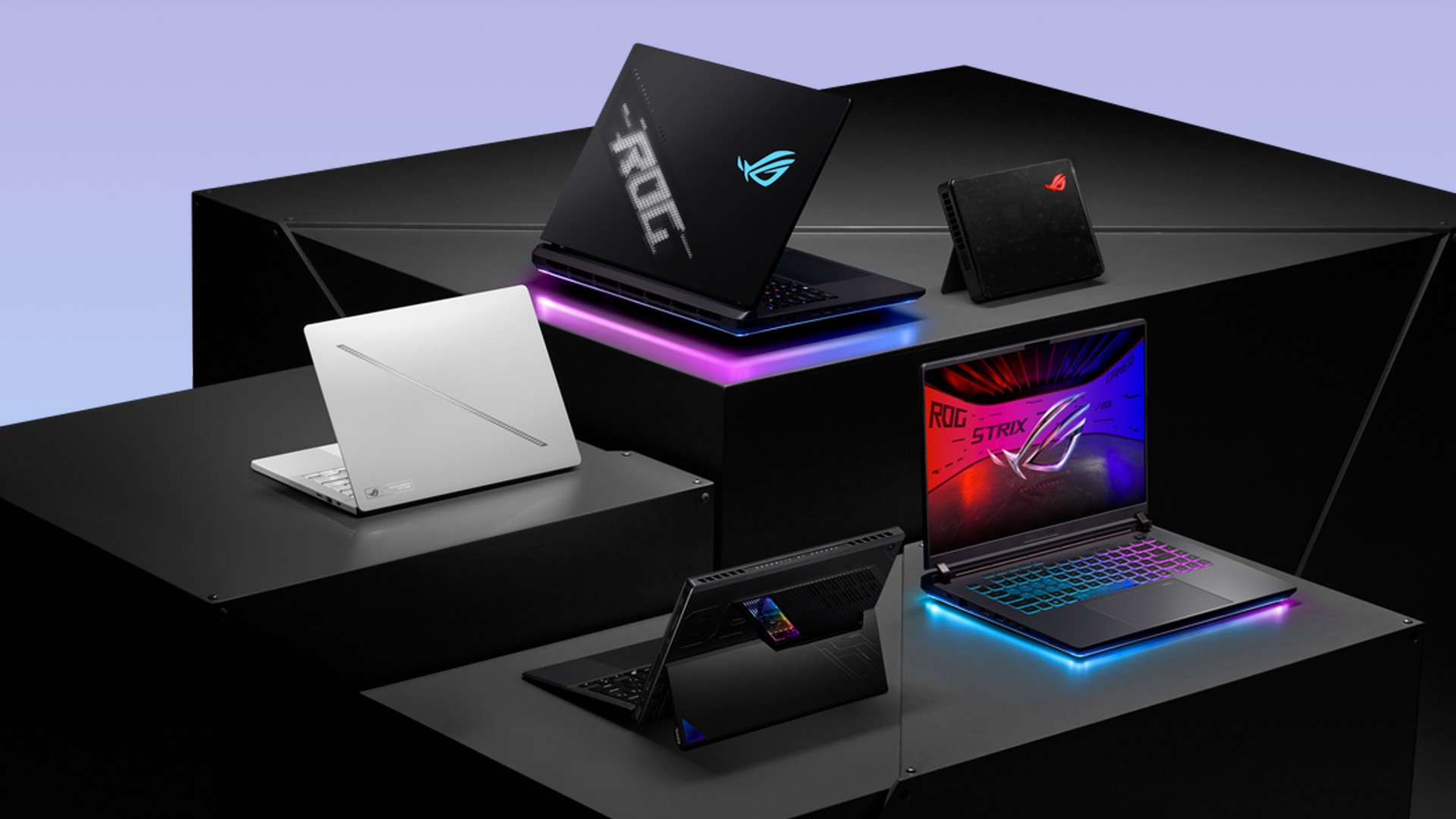
ASUS has the broader gaming identity through TUF Gaming and Republic of Gamers (ROG), but HP's gaming hardware is considerably stronger than older comparisons suggest.
ROG covers premium gaming machines such as the current Strix G16, which can be configured with an RTX 5080 Laptop GPU running at up to 175W maximum TGP, alongside high-refresh 2.5K display options.
HP counters through OMEN. The OMEN MAX 16 reaches an RTX 5090 Laptop GPU, Core Ultra 9 275HX processor, up to 64GB DDR5 RAM and a 2.5K OLED 240Hz display.
So the verdict is not simply ASUS for gaming and HP for work.
ASUS gives you a particularly broad gaming ladder through TUF, Zephyrus and Strix. HP provides capable Victus systems below its high-performance OMEN range.
If you are looking beyond HP for premium gaming hardware, our Razer vs ASUS ROG comparison examines GPU performance, cooling, displays and high-end gaming design. When comparing gaming laptops, check GPU TGP, cooling, VRAM, and display resolution rather than relying on the RTX model number alone.
Which is Better for Business and Professional Use?
HP remains particularly established in professional computing through ProBook, EliteBook and ZBook.
These ranges cover mainstream business laptops through to mobile workstations, making HP attractive for organisations that need security, manageability and multiple deployment tiers.
ASUS counters with ExpertBook. Its latest premium ExpertBook Ultra can combine Core Ultra X9 Series 3 processors, Intel vPro support, Arc Pro graphics and up to 64GB RAM while maintaining a lightweight chassis.
For individual professionals, either can work well. For larger deployments, compare the exact warranty, security features, docking support, repairability and management tools your organisation requires.
Which Brand Gives You Better Value for Your Budget?
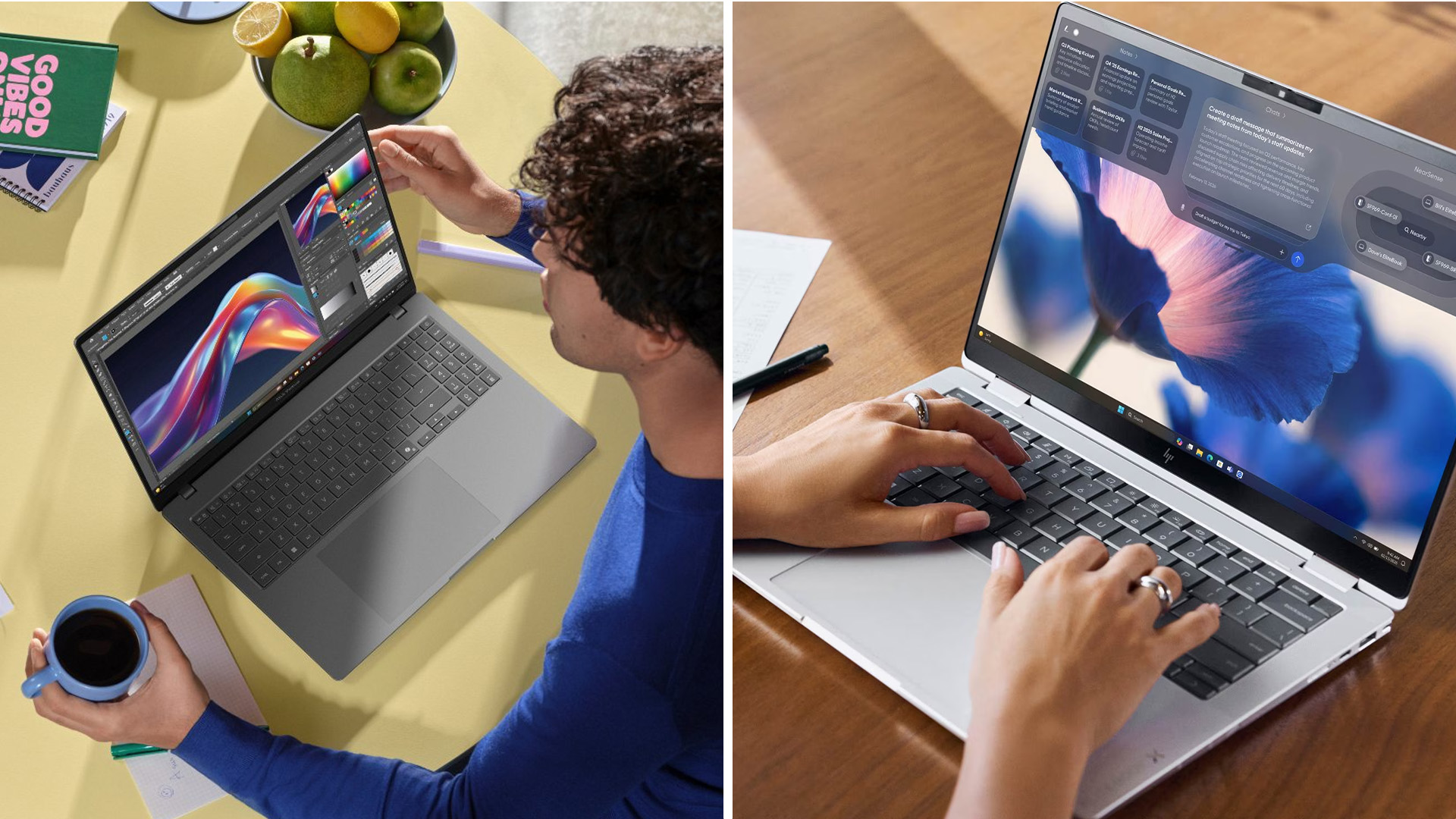
Avoid judging ASUS or HP from a fixed brand-wide price range. Both now stretch from relatively accessible everyday machines to premium gaming and professional hardware costing several thousand pounds.
Instead, compare like with like.
A Vivobook should generally be assessed against an appropriate OmniBook rather than an EliteBook. Likewise, compare ROG against OMEN and ExpertBook against ProBook or EliteBook.
A slightly cheaper laptop is not necessarily better value if it leaves you with 8GB RAM, insufficient storage or a display that does not suit your workload.

ASUS or HP: Which One Should You Buy?
- Go with ASUS range of laptops if its broad OLED selection, Zenbook portability, creator-focused hardware or TUF and ROG gaming options fit what you need.
- Consider HP laptop models if OmniBook suits your everyday or premium requirements, or if you need the deeper business and workstation ecosystem offered through ProBook, EliteBook and ZBook. OMEN also makes HP a serious option for high-performance gaming.
For most people, however, the brand should come after the specification. Decide on your processor, RAM, SSD capacity, graphics, screen, and portability requirements first, then compare ASUS and HP models that genuinely meet them.

Is ASUS or HP better for students?
Both offer suitable student laptops. ASUS Vivobook and HP OmniBook provide plenty of everyday options, but prioritise 16GB RAM, adequate battery life, manageable weight and enough SSD storage for your course.
Is ASUS or HP better for programming?
Either works well. Prioritise at least 16GB RAM and a modern multi-core processor. Developers running virtual machines, containers or larger projects may benefit from 32GB RAM and additional SSD capacity.
Which is easier to upgrade, ASUS or HP?
Upgradeability depends on the model rather than the manufacturer. Thin laptops often use soldered RAM, while selected business and gaming systems provide accessible SSD or memory slots. Check the service specification before buying.
Does ASUS or HP make better gaming laptops?
Both offer powerful gaming hardware. ASUS provides greater range depth through TUF and ROG, while HP's Victus and OMEN families cover mainstream through high-end gaming, including current RTX 50 Series configurations.
Are ASUS and HP laptops available as Copilot+ PCs?
Yes. Both manufacturers offer qualifying Copilot+ PCs using modern Intel, AMD and Snapdragon platforms. Eligibility depends on the processor and NPU specification, so confirm the exact model rather than relying on branding alone.
| Read More: |
| Samsung vs ASUS Laptops: Which Brand Wins in 2026? |
| LG vs ASUS Laptops: Comparing Performance & Innovation |
| How to Choose the Right ASUS Laptop Based on Your Needs |
Related Articles

Last Updated: July 28, 2026
Last Updated: October 22, 2026
Last Updated: July 29, 2026
Your Lenovo laptop is slow, crashing, affected by persistent software problems or being prepared for a new owner; don't panic, it’s simply time for a factory reset.
A proper Lenovo factory reset reinstalls Windows and may remove applications, settings and personal data. This guide explains how to reset Lenovo laptop systems through Settings, the sign-in screen, Lenovo recovery mode, the Novo button or recovery media.
Before You Factory Reset Your Lenovo Laptop
- Back up documents, photos and other important files to cloud storage or an external drive.
- Keep the charger connected, remove unnecessary laptop accessories
Last Updated: September 03, 2026
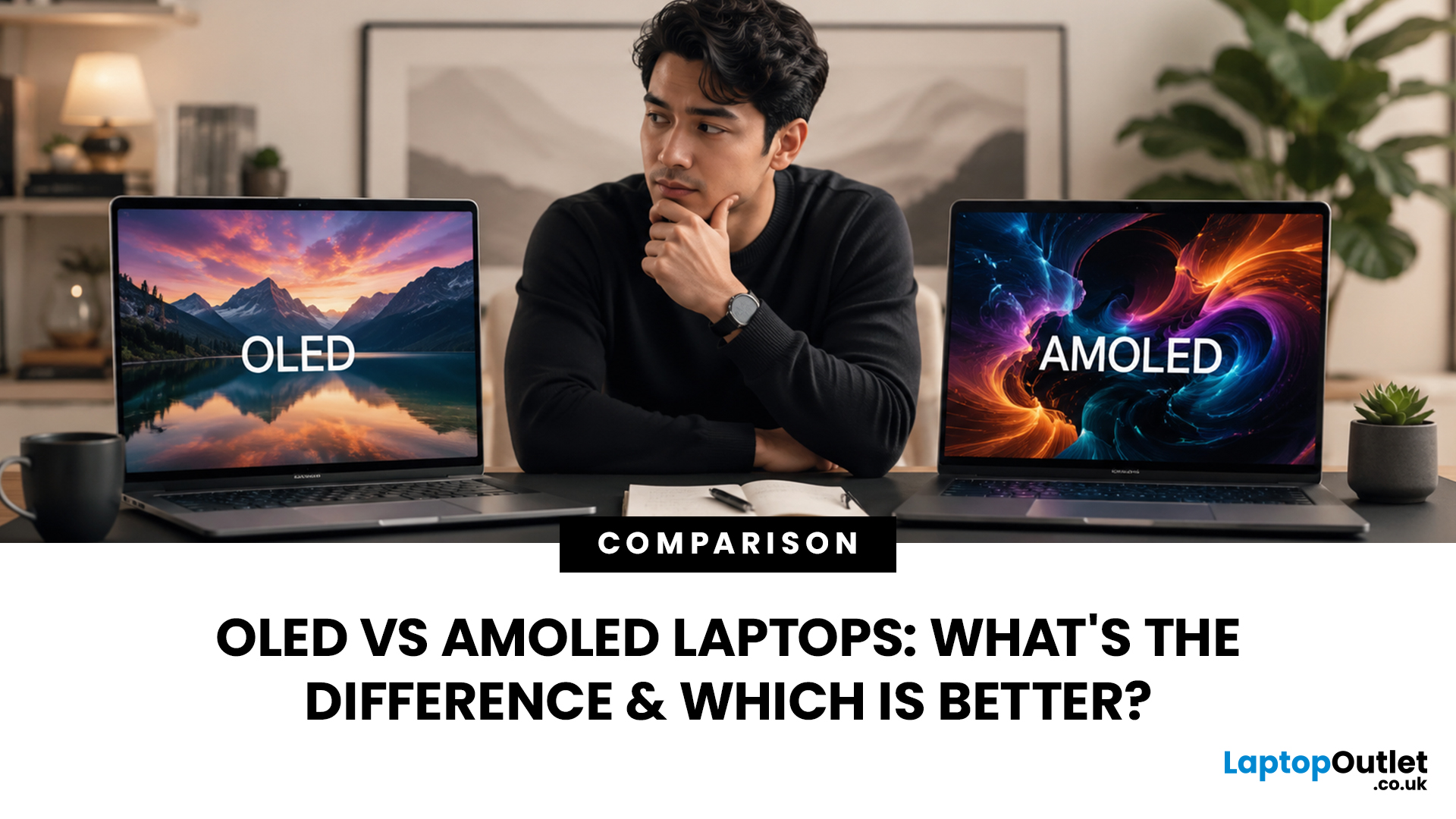
When comparing premium laptop screens, the OLED vs AMOLED debate is simpler than it seems. Both deliver deep blacks, vibrant colours, fast response times and strong contrast. OLED is the broader technology, while AMOLED is a type of OLED that uses an active-matrix system to control pixels. Many modern OLED laptops already use this system, even if not labelled AMOLED. Instead of focusing on the name, buyers should compare resolution, refresh rate, brightness, colour accuracy, battery life and burn-in protection. This guide helps you understand the differences and choose the right display for your needs.
OLED vs AMOLED: The Quick Answer
OLED, or Organic Light-Emitting Diode (OLED), is a display technology in which each pixel creates its own light. An OLED screen does not require the separate backlight used by traditional LCD panels.
AMOLED, or Active Matrix OLED (AMOLED), is a type of OLED display that uses an active-matrix transistor system to control each pixel quickly and individually.
Last Updated: August 17, 2026
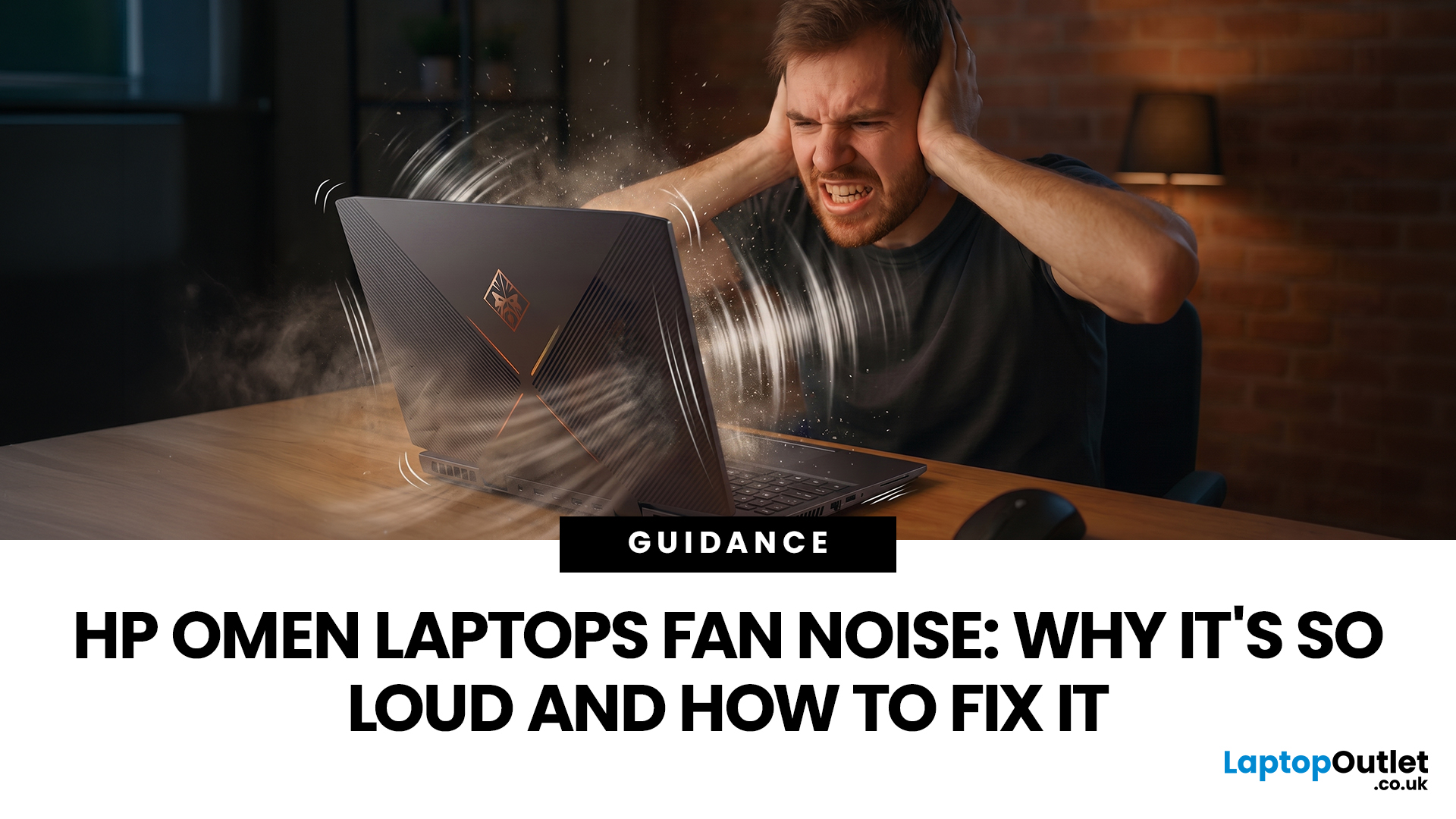
HP OMEN laptops use powerful processors and dedicated graphics, so their cooling systems can become clearly audible during gaming and other demanding work. Some HP OMEN fan noise is normal, but constant noise at idle, grinding or repeated overheating deserves attention. This guide explains how to identify the sound, diagnose the cause and choose a safe fix across the top HP OMEN laptop range.
| HP OMEN Fan Noise: Quick Answer Loud fan noise is normal while an OMEN laptop starts, updates, games, renders or runs a demanding AI task. HP says a brief fan surge for about five to twenty seconds at startup can be normal, while Performance mode deliberately increases fan speed to manage higher CPU and GPU power and temperature. Investigate an HP OMEN loud fan when it remains noisy during light use, produces mechanical sounds or appears with weak airflow, throttling or shutdowns. Many cases improve after reducing background load, changing settings, updating HP software and BIOS, restoring airflow |
Last Updated: August 20, 2026
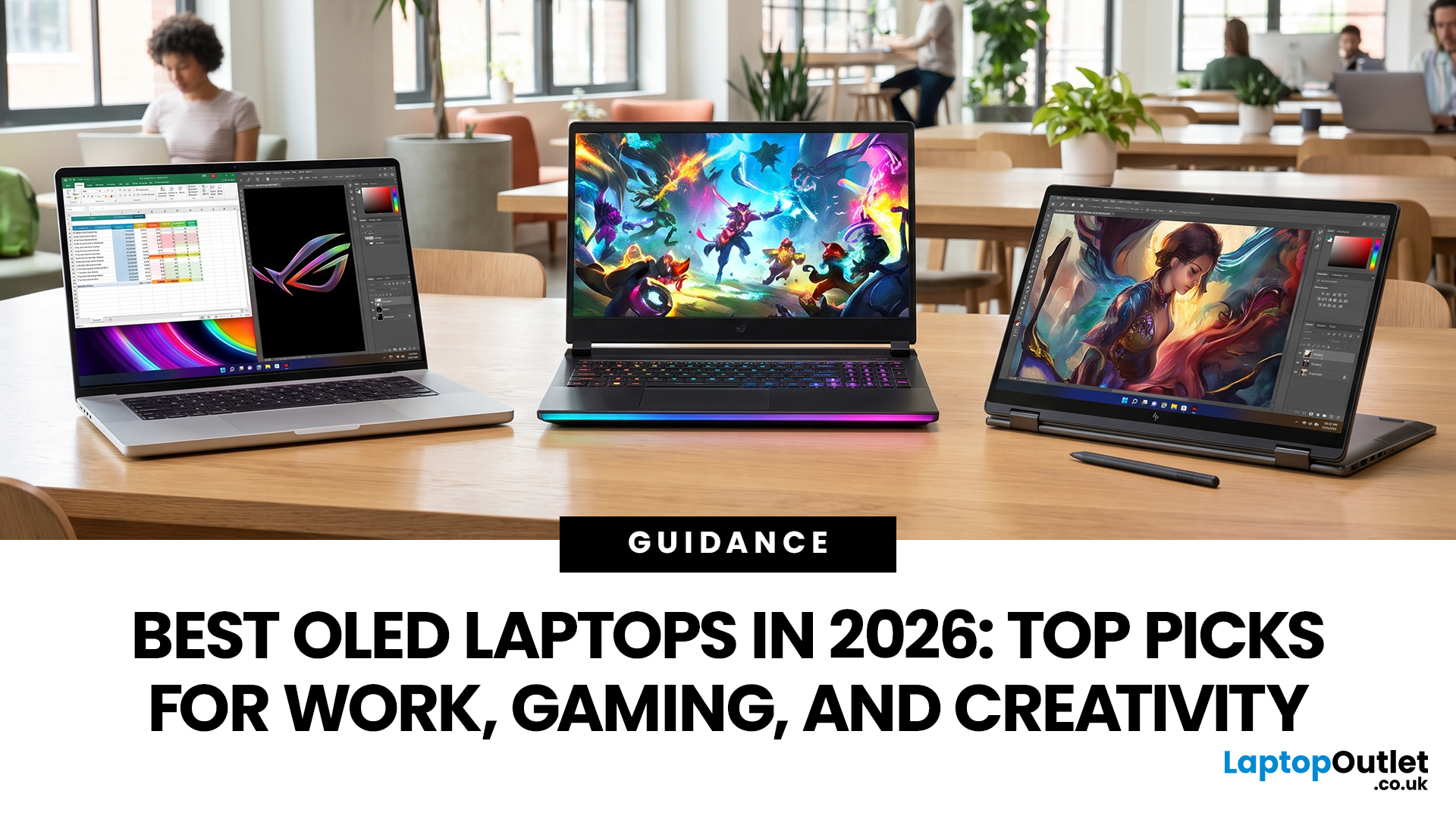
OLED screens are becoming more common across premium ultrabooks, creator workstations and gaming laptops in 2026. Newer panels offer higher resolutions, faster refresh rates and improved efficiency, while recent tandem OLED developments are also increasing brightness and durability.
However, an OLED screen does not automatically make a laptop suitable for every buyer. Processing power, graphics, memory, ports, battery life and weight remain equally important.
This guide compares the best OLED laptops for students, professionals, creators, gamers and everyday users. It also explains the specifications that matter, helping you understand what each feature means when choosing a laptop.
Quick Picks: Best OLED Laptops in 2026
| Category | Laptop |
| Best Overall | ASUS Zenbook S 16 |
| Best Premium | Samsung Galaxy Book5 Pro |
| Best Value | Samsung Galaxy Book4 |
| Best Student Laptop | ASUS Zenbook 14 OLED |
| Best Business Laptop | Samsung Galaxy XE550XGA |
| Best Creator Laptop | ASUS ProArt PX13 |
| Best Professional Workstation |
Published: August 03, 2026
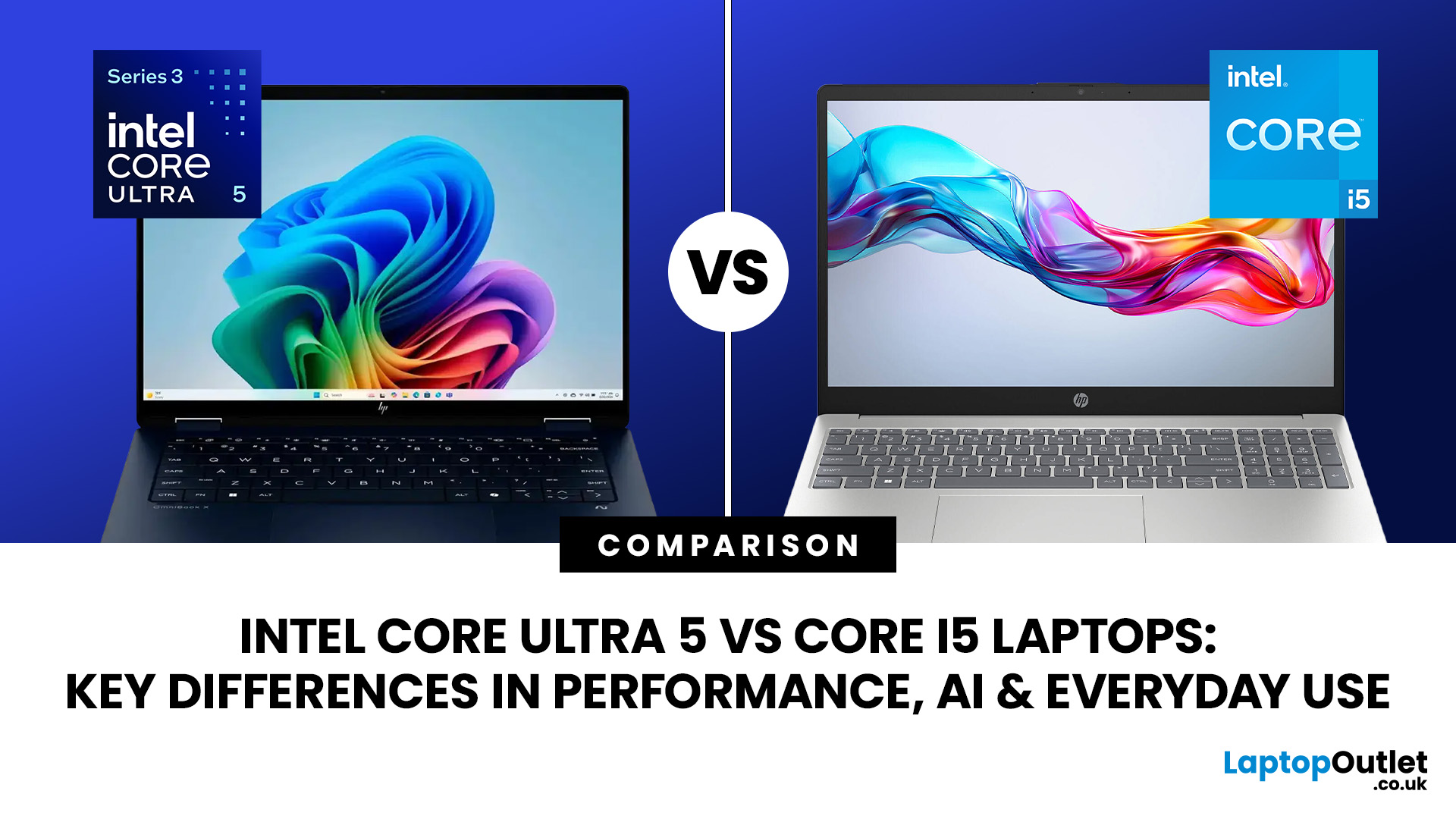
Intel has changed how it names and builds its laptop processors (CPUs). Traditional Core i5 chips remain widely available, but newer premium laptops increasingly use the Core Ultra 5 name, which Intel introduced alongside a major architectural redesign and built-in AI acceleration. That makes the Intel Core Ultra 5 vs i5 comparison more complicated than simply checking which number looks newer.
This guide explains the differences in everyday speed, multitasking, graphics, gaming, AI features, and battery life, without burying the answer under unnecessary technical jargon.
Quick Answer: Should You Buy Intel Core Ultra 5 or Core i5?
Buy Core Ultra 5 for stronger integrated graphics, on-device AI features and generally better efficiency. Buy Core i5 when price matters most, especially for office work or laptops with dedicated graphics card. Always compare the exact processor suffix and laptop configuration.
| If you want... | Buy | Why |
| Lowest price | Core i5 | Older i5 laptops are regularly discounted |
Last Updated: August 13, 2026
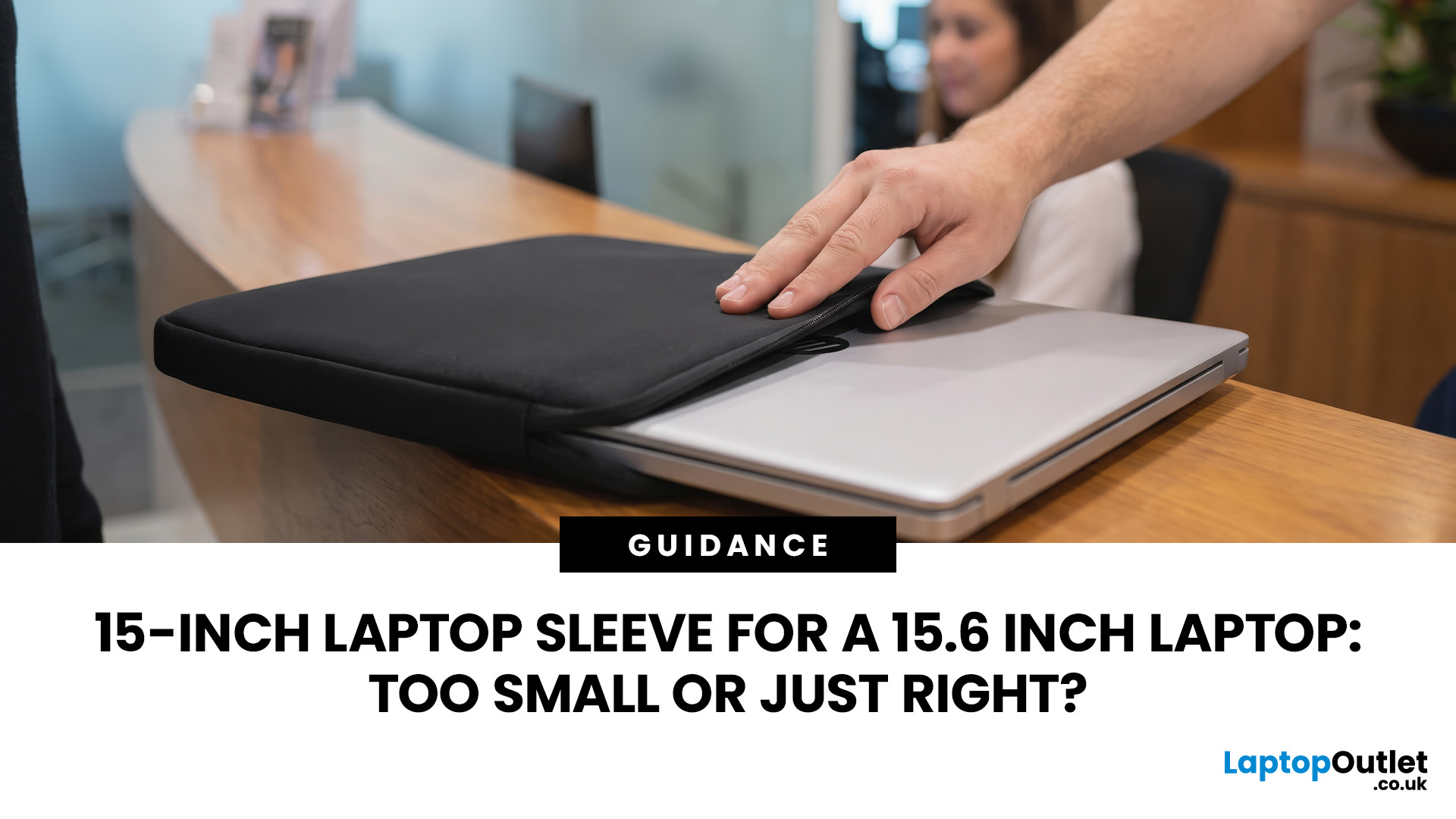
A 15 inch laptop sleeve can fit a 15.6-inch laptop, but the label alone does not guarantee it. The deciding factor is whether your laptop’s actual width, depth, and thickness fit within the sleeve’s internal measurements.
Laptop screen sizes are measured diagonally, whereas sleeves must accommodate the complete device. This means a slim 15.6-inch laptop may fit comfortably inside some 15 inch laptop sleeves, while a thicker model with wide bezels may not.
Before buying, compare the external dimensions of your laptop with the internal dimensions of the sleeve rather than relying only on the advertised screen size.
Why 15-Inch vs. 15.6-Inch Laptop Sleeve Sizing Causes Confusion
The 15-inch measurement usually refers to the diagonal display size, not the overall size of the laptop. It does not tell you the device’s width, depth, or thickness.
Retailers and accessory manufacturers also use “15-inch” as a broad size category. Laptop Outlet, for example, groups many 15-inch and 15.6-inch models

Last Updated: August 05, 2026
I made almost every mistake possible when I bought my first laptop as a student. I focused on the processor name, ignored the RAM, underestimated how heavy it would feel in my backpack and had no idea what half the technical jargon meant.
Within months, I realised I had paid for features I barely used while missing the ones I actually needed. Choosing between Core i5, Core Ultra, SSD sizes and different Dell series can still feel just as confusing today.
To help you avoid the same blunder, we reviewed the best Dell laptops for students in 2026 and narrowed them down based on real student needs, including performance, mobility,
Last Updated: August 20, 2026
OLED laptops are already known for deep blacks, rich colour and fast pixel response, but a newer display design is pushing brightness further.
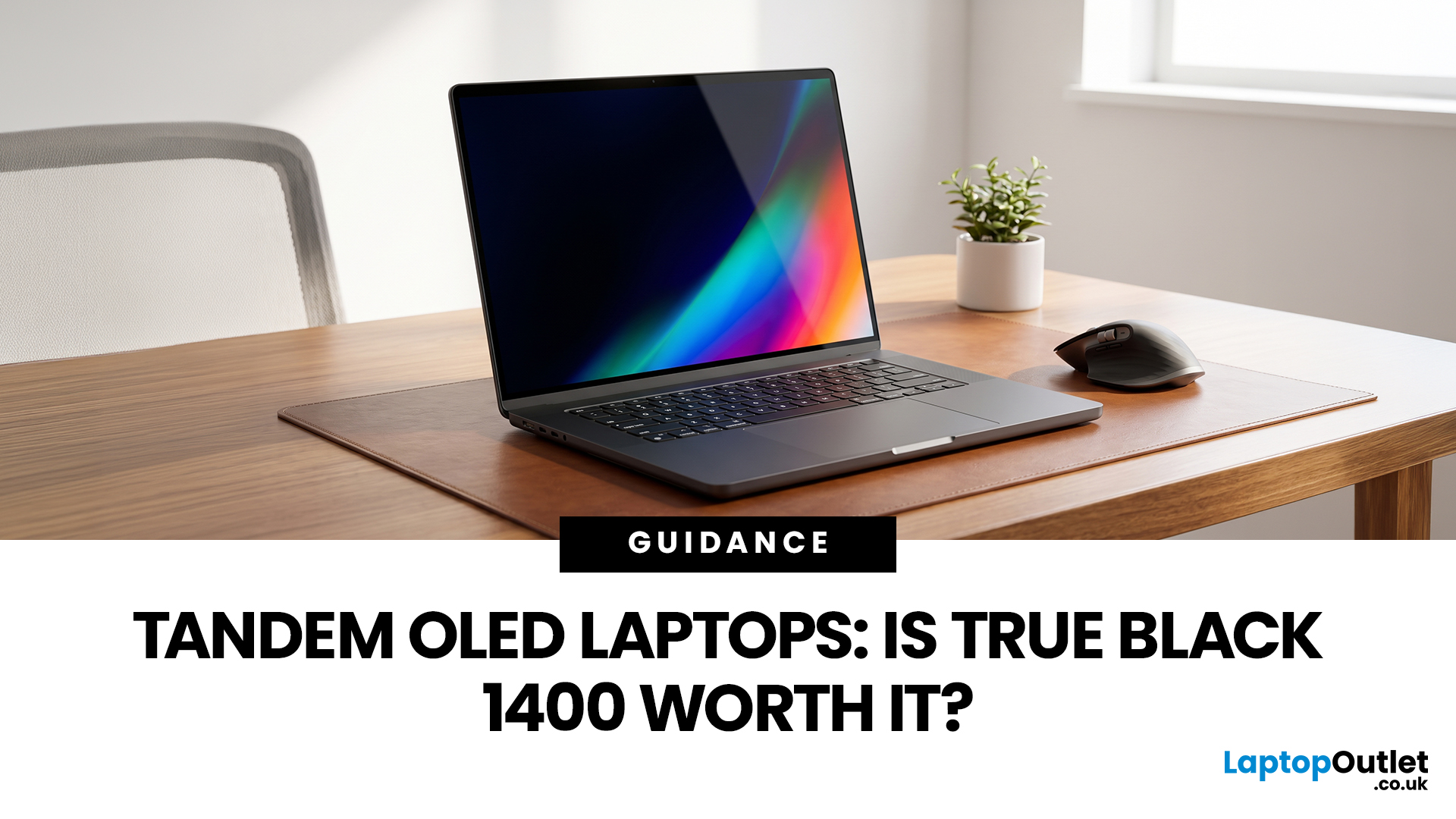
Tandem OLED laptops use stacked light-producing layers to deliver stronger HDR highlights while retaining the pixel-level control that makes OLED attractive.
That improvement now has an official benchmark. VESA introduced DisplayHDR True Black 1400 in July 2026 as its highest True Black certification tier, aimed at next-generation OLED screens for professional HDR creation and premium entertainment. The first certified laptop display shows that tandem OLED is becoming a buying consideration.
Understanding the Real Impact of True Black 1400 Displays
DisplayHDR True Black 1400 is worth considering if you edit HDR video, review colour-critical content, watch high-quality HDR films

