



Lenovo vs ASUS Laptops: Which Brand Should You Choose?

Lenovo and ASUS both cover everything from everyday laptops to premium business machines and high-performance gaming systems, but their strengths are not identical. Lenovo stands out through ThinkPad, Yoga, IdeaPad and Legion, while ASUS counters with Zenbook, Vivobook, ExpertBook, TUF Gaming and ROG. This Lenovo vs ASUS laptops comparison looks at processors, RAM, storage, displays, battery life, upgradeability and gaming hardware to help you see which brand fits your needs in 2026.
Lenovo vs ASUS: Quick Comparison
|
Area |
Lenovo |
ASUS |
|
Everyday laptops |
IdeaPad |
Vivobook |
|
Premium thin-and-light |
Yoga |
Zenbook |
|
Business |
ThinkPad |
ExpertBook |
|
Gaming |
Legion / LOQ |
ROG / TUF Gaming |
|
Current processors |
Intel Core Ultra, AMD Ryzen AI, Snapdragon options |
Intel Core Ultra, AMD Ryzen AI, Snapdragon options |
|
Memory |
Soldered or upgradeable depending on model |
Soldered or upgradeable depending on model |
|
Displays |
IPS, OLED, touch and high-refresh options |
IPS, OLED, touch, Mini LED and high-refresh options |
|
Main strength |
Business choice, repairability, broad product depth |
Display choice, ultraportables and gaming variety |
The important point is that series matters as much as brand. Comparing a ThinkPad against a Vivobook, for example, tells you less than comparing similarly priced ThinkPad and ExpertBook configurations.
If ASUS is only one of several brands you're considering, our broader ASUS laptop comparison guide 2026 covers ASUS against HP, Dell, Samsung, LG, and other alternatives.
1. Processors and AI Performance
Both brands have moved well beyond traditional Core i5, Core i7, and Ryzen naming.
- Current Lenovo models include Intel Core Ultra Series 3 and AMD Ryzen AI hardware. The 2026 ThinkPad X1 Carbon Gen 14 can be configured with up to an Intel Core Ultra X7 Series 3 processor and integrated Intel Arc graphics, while Yoga Slim 7i Gen 11 systems also use current Core Ultra hardware.
- ASUS covers a similarly wide spread. Current Vivobook models extend to Intel Core Ultra Series 3 and AMD Ryzen AI processors, while Zenbook also includes Qualcomm-based machines. The Zenbook A16, for example, is available with Snapdragon X2 Elite Extreme.
That means you should compare the exact processor, not simply Lenovo versus ASUS.
If you are also weighing reliable ASUS laptops against another mainstream Windows brand, our ASUS vs HP laptops comparison looks at processor options, everyday performance and which range suits different types of users.
2. RAM, Storage and Upgradeability
- Lenovo's ThinkPad X1 Carbon Gen 14 reaches 64GB LPDDR5x memory and up to 2TB PCIe Gen 5 storage, although its thin design means memory is not treated like conventional replaceable SO-DIMMs. The more service-oriented ThinkPad T14 Gen 7 goes further on repairability, with Lenovo listing customer-replaceable components on supported configurations including memory, SSD, battery, keyboard, and USB-C ports.
- ASUS takes a similarly mixed approach. Thin Zenbook models commonly use onboard LPDDR memory, while business and gaming machines can offer more flexibility. The ExpertBook P5 G2 supports up to 64GB DDR5 and 2TB storage, while ExpertBook B5 configurations can provide two DDR5 SO-DIMM slots.
For most users:
- 16GB RAM + 512GB SSD: sensible everyday starting point
- 32GB + 1TB SSD: better for heavier multitasking and creative work
- 64GB: mainly worthwhile for demanding professional workloads, virtual machines or large projects
Check whether the RAM is soldered before buying. You can often replace an SSD later; soldered memory usually cannot be expanded.
For another hardware-focused comparison, see our ASUS vs Dell laptops guide for a closer look at memory, storage, premium designs and performance across comparable models.
3. Displays: ASUS No Longer Wins by Default
The older idea that Lenovo mainly offers IPS while ASUS owns the OLED advantage is no longer accurate.
- ASUS still makes OLED a major part of Zenbook and selected Vivobook models. It also uses Mini LED and high-refresh panels higher up its gaming range. The 2026 ROG Strix G16, for example, can offer a 2.5K Mini LED display with up to a 300Hz refresh rate.
- Lenovo now has strong OLED coverage too. The Yoga Slim 7i Gen 11 offers PureSight Pro OLED configurations, the X1 Carbon Gen 14 has a 2.8K OLED option, and current Legion machines are also available with OLED displays. So don't choose ASUS purely because you want OLED.
Instead, compare:
- resolution and aspect ratio
- OLED, IPS or Mini LED panel type
- brightness
- colour gamut
- refresh rate
- touchscreen support
- glossy versus anti-glare finish
For photo and video work, colour accuracy matters more than simply having an OLED badge. Furthermore, if display quality and premium everyday use matter to you, our Samsung vs ASUS laptops comparison covers screen technology, portability and the wider Galaxy ecosystem.
4. Battery Life and Portability
- ASUS still has some exceptionally light machines. The Zenbook A14 weighs under 1kg, and ASUS rates it for up to 32 hours of continuous video playback under its specified test conditions. That figure should not be treated as the battery life you will necessarily see during mixed everyday use.
- Lenovo now competes much more closely on weight. The ThinkPad X1 Carbon Gen 14 is also engineered to weigh under 1kg, while the Yoga Slim 7i Gen 11 starts at 1.14kg and includes a 70Wh battery.
Therefore, neither brand automatically wins for portability. If you regularly travel, check the laptop plus charger weight, battery capacity, screen size, and processor platform together. A thin gaming machine will still usually consume considerably more power than an ultraportable using integrated graphics.
5. Business Laptops: ThinkPad vs ExpertBook
This is one of Lenovo's strongest areas, but ASUS is more competitive than the older version of this comparison suggests.
- ThinkPad remains particularly compelling when you need enterprise security, extensive ports and serviceability. Lenovo's latest X1 Carbon combines Thunderbolt 4 connectivity, ThinkShield security and a 9/10 iFixit repairability score, while current T14 designs place even greater emphasis on customer-replaceable components.
- ASUS ExpertBook has also moved firmly into enterprise territory. The 2026 ExpertBook Ultra supports Intel Core Ultra X9 Series 3, Intel vPro, up to 64GB LPDDR5x RAM and Intel Arc Pro graphics, while weighing from 0.99kg.
6. Lenovo Legion vs ASUS ROG for Gaming
For gaming, compare the GPU implementation rather than simply choosing Legion or ROG.
- Lenovo's current Legion 5i Gen 11 combines Intel Core Ultra Series 3 processors with OLED display options, and UK configurations include RTX 5060 graphics.
- ASUS offers a wider visible ladder through TUF Gaming and ROG. The 2026 ROG Strix G16 reaches an RTX 5080 Laptop GPU with 16GB GDDR7 and up to 175W maximum TGP, alongside an Intel Core Ultra 9 290HX Plus and upgradeable DDR5 memory.
TUF fills the more accessible gaming segment, with current models offering RTX 5060 and RTX 5070 options.
7. Which Brand Gives Better Value?
There is no reliable brand-wide winner because both companies cover too many price and performance levels. For a fair comparison, match equivalent families:
|
If you're considering |
Compare against |
|
Lenovo IdeaPad |
ASUS Vivobook |
|
Lenovo Yoga |
ASUS Zenbook |
|
Lenovo ThinkPad |
ASUS ExpertBook |
|
Lenovo Legion |
ASUS ROG |
|
Lenovo LOQ |
ASUS TUF Gaming |
Avoid paying extra for a premium family name if a less expensive laptop already gives you the processor, 16GB or 32GB RAM, SSD capacity and screen you need.

Lenovo or ASUS: Which Should You Choose?
- Choose Lenovo laptops if business features, repairability and the breadth of ThinkPad options matter most. Yoga also makes Lenovo increasingly competitive for users who want premium OLED ultraportables, while Legion covers serious gaming hardware.
- Choose portable ASUS laptops if you want particularly broad display choice, lightweight Zenbook designs or a larger spread of gaming configurations through TUF and ROG. ExpertBook also means ASUS should no longer be dismissed for professional use.
For most buyers, though, the deciding factor should be the specification. Compare the processor generation, RAM, SSD, GPU, display, battery, and upgrade options before the logo. You can also compare current ASUS laptops at Laptop Outlet once you know the hardware level you need.

Is Lenovo or ASUS better for students?
Both are suitable. Lenovo IdeaPad and ASUS Vivobook cover everyday study well, while Yoga and Zenbook offer more premium portability. Aim for 16GB RAM, adequate battery life and a comfortable weight.
Which lasts longer, Lenovo or ASUS?
Laptop lifespan depends more on model quality, cooling, workload and maintenance than brand alone. Business ranges such as ThinkPad and ExpertBook are specifically designed with professional durability and longer deployment cycles in mind.
Which is easier to upgrade, Lenovo or ASUS?
It depends on the series. Some ThinkPad, ExpertBook and gaming models provide replaceable RAM or storage, while thin Yoga and Zenbook machines frequently use soldered memory. Always check the exact model specification.
Are Lenovo and ASUS good for AI workloads?
Both sell Copilot+ and AI PCs with modern NPUs. For local AI work, check NPU performance, RAM and software compatibility; GPU capability may matter more for demanding generative or development workloads.
Can Lenovo and ASUS laptops use external monitors?
Yes, many models support external displays through HDMI, USB-C or Thunderbolt. The number and maximum resolution of supported monitors depends on the GPU, processor platform and ports of the individual laptop.
| Read More: |
| Slim and Mighty: The Dynamic Evolution of Lenovo Laptops |
| 5 Hidden Features and Tips Every Asus Laptop User Should Know |
| The Best Intel Laptop: Essential For Stock Market Success |
Related Articles

Last Updated: June 05, 2026
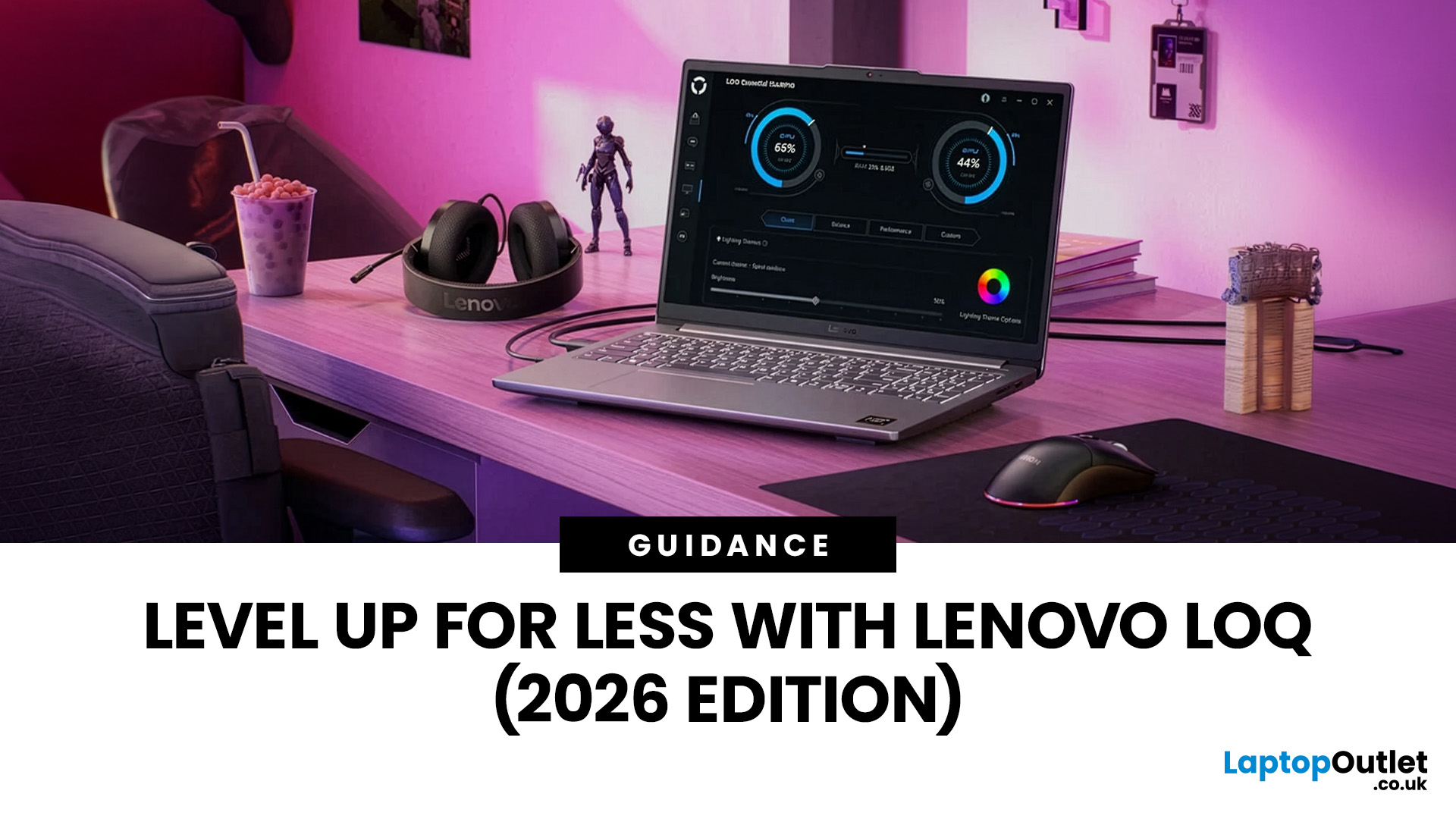
In 2026, you don’t need a four-figure budget to enjoy smooth, high-FPS gaming. With modern RTX 50-series graphics and 16GB RAM becoming the new standard, budget gaming laptops are more powerful and more accessible than ever. That’s where the Lenovo LOQ lineup comes in.
Designed as Lenovo’s entry-level gaming range, LOQ models deliver serious performance without the premium Legion price tag. Whether you’re grinding ranked matches, exploring open-world titles, or just want reliable everyday power, the best Lenovo LOQ laptops strike that sweet spot between price and performance.
In this guide, we’re breaking down the top Lenovo LOQ gaming laptops for 2026, who they’re perfect for, and how to choose the right one without overspending. Let’s get into it.
Why Lenovo LOQ Is Perfect for Budget Gaming in 2026
If you’re looking for a gaming laptop that doesn’t destroy your wallet but still runs modern games smoothly, Lenovo LOQ is basically the sweet spot in 2026.
Lenovo created the LOQ series
Last Updated: June 18, 2026
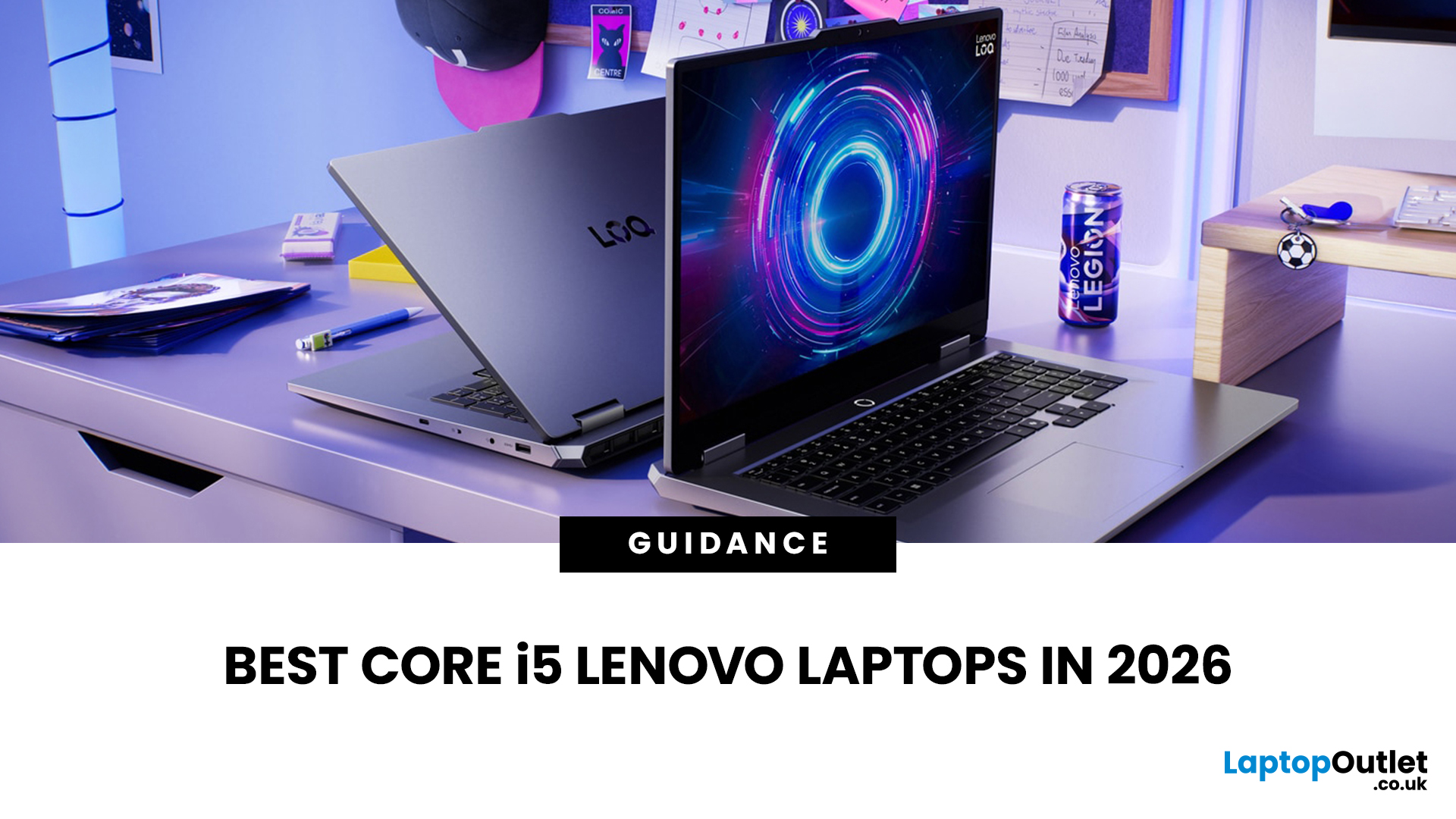
If you are searching for Core i5 Lenovo laptops, you are likely looking for a balance of performance, price, and reliability. And that is exactly where Lenovo stands out in 2026. From affordable everyday machines to durable business devices, Lenovo’s Core i5 lineup covers a wide range of use cases. Whether you need a laptop for work, study, or general productivity, there is a model that fits without pushing into premium pricing.
This guide breaks down the best options available right now, with a focus on real-world usability, value, and what each model is good for.
Why Choose a Lenovo Core i5 Laptop in 2026?
Lenovo continues to be one of the most consistent brands when it comes to mid-range laptops. Its Core i5 models are particularly popular because they offer:
- Reliable everyday performance
- Strong build quality across price ranges
- Good keyboard and typing experience
- Wide choice across business and budget segments
For most users, a Core i5 processor is more than enough for:
- Office work
Last Updated: July 09, 2026
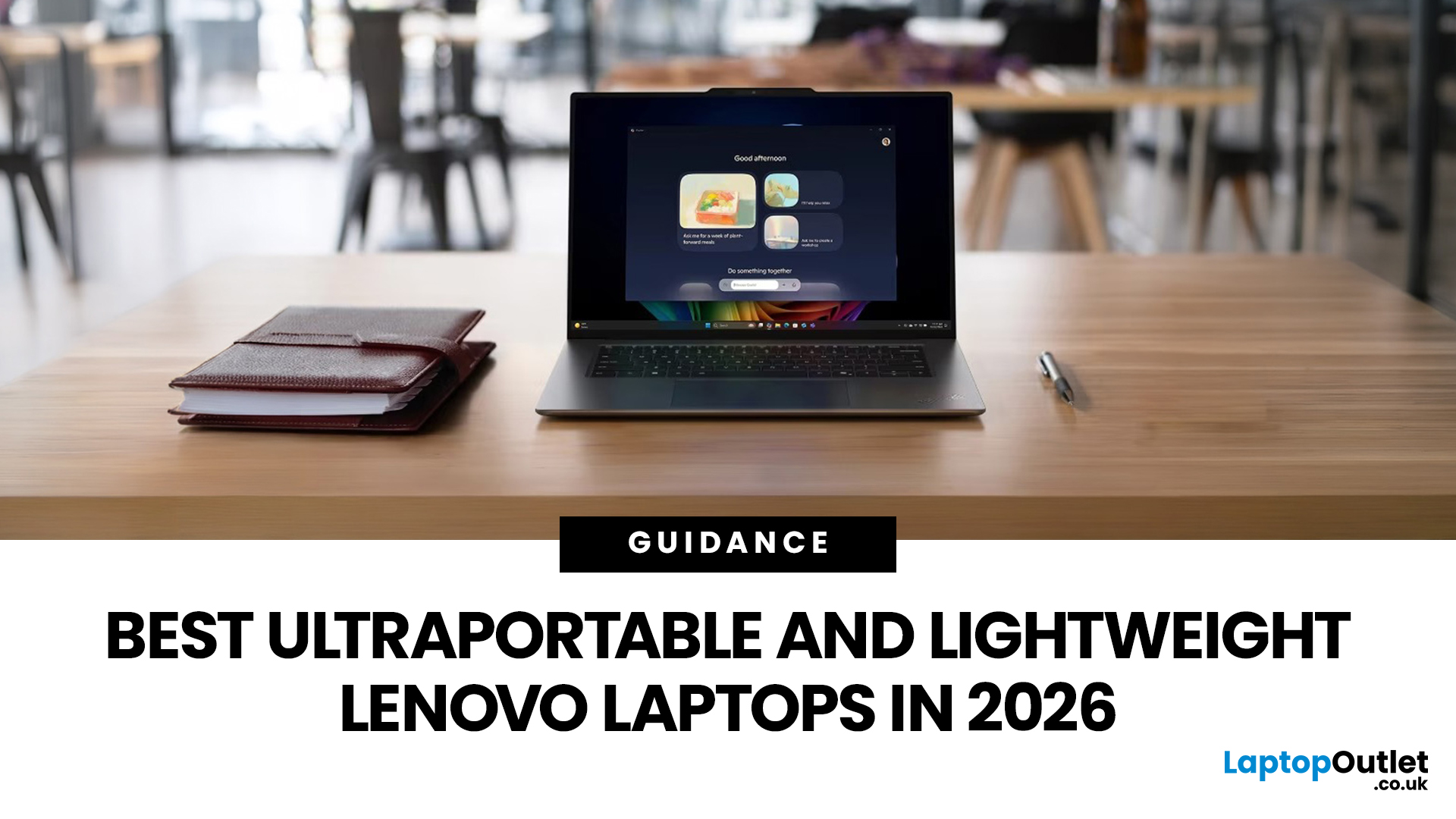
The best lightweight Lenovo laptops in 2026 are not all trying to do the same job. If we want the lightest premium 14-inch option, Lenovo’s Yoga Slim 7i Ultra Gen 11 Aura Edition stands out at 975g with a 75Wh battery. If business travel comes first, the ThinkPad X1 Carbon Gen 13 Aura Edition is still one of the strongest all-round choices thanks to its sub-1kg starting weight on some configs, proper business-grade connectivity, and classic ThinkPad focus.
That matters because buyers looking for ultraportable Lenovo laptops usually care about more than one thing at once: low carry weight, reliable battery life, enough ports to avoid living off dongles, and a screen that still feels good after a full day of work, study or travel. In this guide, we break down the best current Lenovo options for commuters, students, professionals, creators and home users, using Lenovo’s own 2026-era spec sheets first and independent reviews where they add useful trade-offs.
What Counts as a Genuinely Lightweight
Last Updated: August 06, 2026
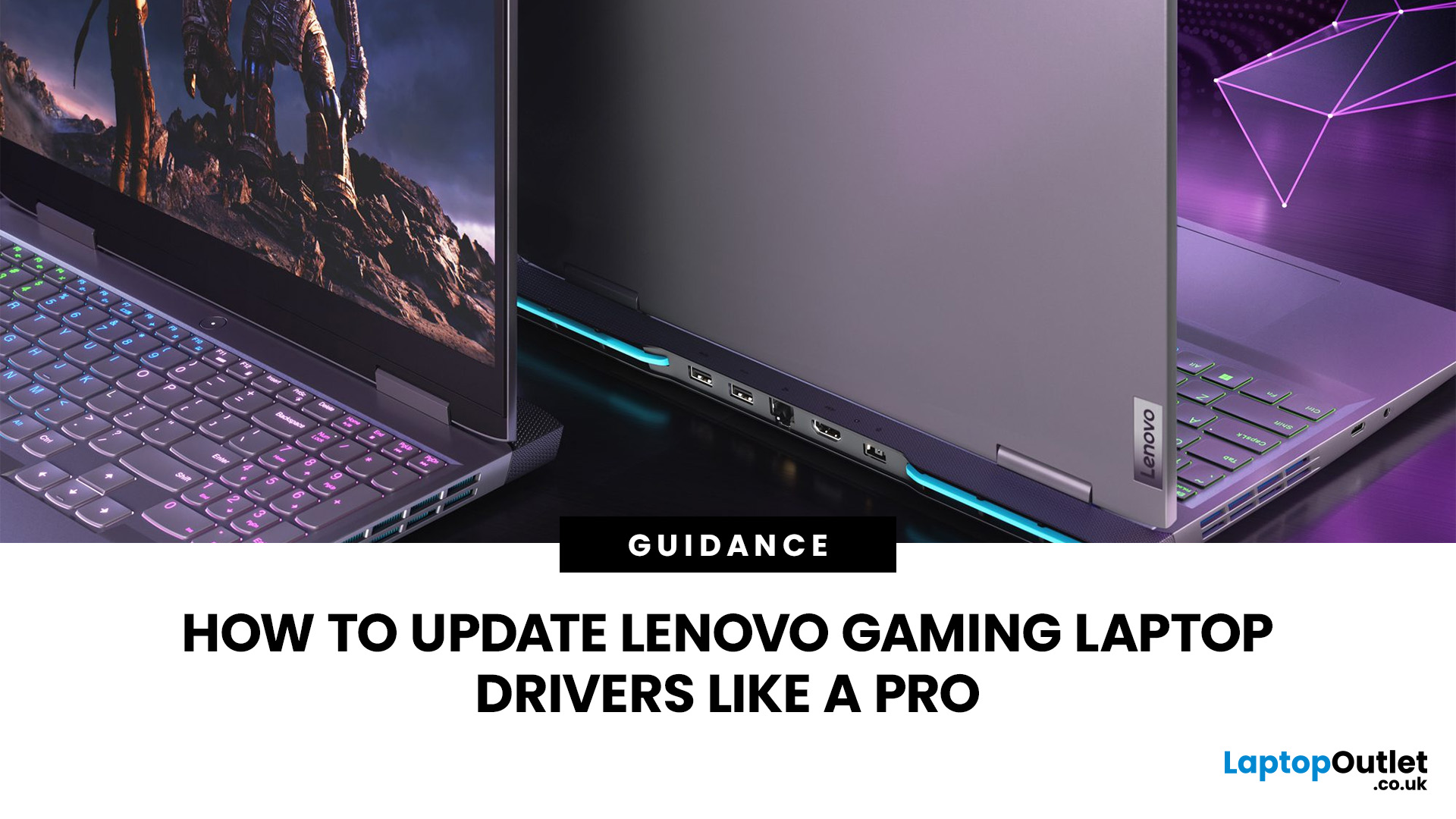
A safe Lenovo drivers update should begin with Lenovo Vantage or Lenovo Support, followed by Windows Update and, when needed, the official NVIDIA or AMD graphics software. Using these trusted sources helps ensure that chipset, graphics, audio, network, firmware and system drivers are matched to your specific Lenovo Legion or LOQ laptop.
Updating drivers can fix hardware problems, improve compatibility with newer games and address security or stability issues. However, installing every available update immediately is not always necessary. Graphics drivers often change frequently, while BIOS and firmware updates require more caution.
This guide explains how to check your current versions, install Lenovo laptop drivers safely and recover if an update causes problems. The same general process can also apply to professional Lenovo laptops for work, although gaming systems require additional attention to graphics and performance-related drivers.
Quick Driver Update Order
For most Lenovo gaming
Last Updated: July 28, 2026
Last Updated: September 28, 2026
Quick Answer
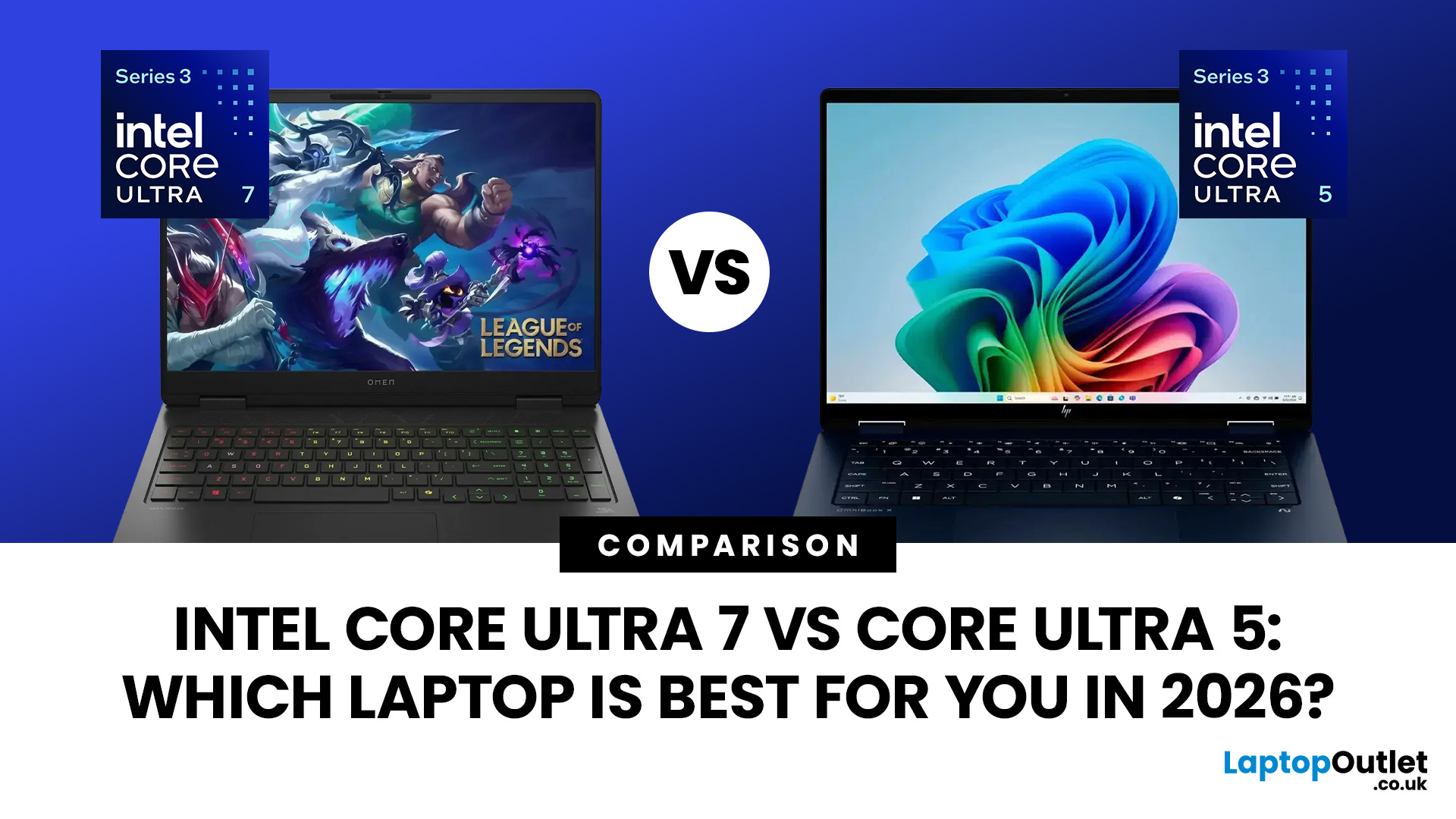
Intel Core Ultra 7 vs Core Ultra 5 comes down to workload, generation and laptop design. Core Ultra 5 is typically sufficient for productivity, study and moderate creative work, while Core Ultra 7 offers more CPU headroom for heavier multitasking and sustained workloads. However, graphics, NPU performance, cooling, RAM and processor suffix can matter more than the tier name alone.
Choosing between Intel Core Ultra 5 and Core Ultra 7 is more complicated in 2026 than simply assuming the higher number will always give you the better laptop.
Intel now has Core Ultra Series 1, Series 2 and Series 3 processors in circulation. Within those generations you will also find different processor classes designed for thin-and-light systems, efficient mobile computing and higher sustained performance. Intel identifies Ultra 5 and Ultra 7 as performance tiers, while the processor number indicates the series or generation.
That means the sensible comparison is not simply Ultra 5 vs Ultra 7.

Last Updated: July 29, 2026
Your Lenovo laptop is slow, crashing, affected by persistent software problems or being prepared for a new owner; don't panic, it’s simply time for a factory reset.
A proper Lenovo factory reset reinstalls Windows and may remove applications, settings and personal data. This guide explains how to reset Lenovo laptop systems through Settings, the sign-in screen, Lenovo recovery mode, the Novo button or recovery media.
Before You Factory Reset Your Lenovo Laptop
- Back up documents, photos and other important files to cloud storage or an external drive.
- Keep the charger connected, remove unnecessary laptop accessories

Last Updated: September 03, 2026
When comparing premium laptop screens, the OLED vs AMOLED debate is simpler than it seems. Both deliver deep blacks, vibrant colours, fast response times and strong contrast. OLED is the broader technology, while AMOLED is a type of OLED that uses an active-matrix system to control pixels. Many modern OLED laptops already use this system, even if not labelled AMOLED. Instead of focusing on the name, buyers should compare resolution, refresh rate, brightness, colour accuracy, battery life and burn-in protection. This guide helps you understand the differences and choose the right display for your needs.
OLED vs AMOLED: The Quick Answer
OLED, or Organic Light-Emitting Diode (OLED), is a display technology in which each pixel creates its own light. An OLED screen does not require the separate backlight used by traditional LCD panels.
AMOLED, or Active Matrix OLED (AMOLED), is a type of OLED display that uses an active-matrix transistor system to control each pixel quickly and individually.

Last Updated: August 17, 2026
HP OMEN laptops use powerful processors and dedicated graphics, so their cooling systems can become clearly audible during gaming and other demanding work. Some HP OMEN fan noise is normal, but constant noise at idle, grinding or repeated overheating deserves attention. This guide explains how to identify the sound, diagnose the cause and choose a safe fix across the top HP OMEN laptop range.
| HP OMEN Fan Noise: Quick Answer Loud fan noise is normal while an OMEN laptop starts, updates, games, renders or runs a demanding AI task. HP says a brief fan surge for about five to twenty seconds at startup can be normal, while Performance mode deliberately increases fan speed to manage higher CPU and GPU power and temperature. Investigate an HP OMEN loud fan when it remains noisy during light use, produces mechanical sounds or appears with weak airflow, throttling or shutdowns. Many cases improve after reducing background load, changing settings, updating HP software and BIOS, restoring airflow |

Last Updated: August 20, 2026
OLED screens are becoming more common across premium ultrabooks, creator workstations and gaming laptops in 2026. Newer panels offer higher resolutions, faster refresh rates and improved efficiency, while recent tandem OLED developments are also increasing brightness and durability.
However, an OLED screen does not automatically make a laptop suitable for every buyer. Processing power, graphics, memory, ports, battery life and weight remain equally important.
This guide compares the best OLED laptops for students, professionals, creators, gamers and everyday users. It also explains the specifications that matter, helping you understand what each feature means when choosing a laptop.
Quick Picks: Best OLED Laptops in 2026
| Category | Laptop |
| Best Overall | ASUS Zenbook S 16 |
| Best Premium | Samsung Galaxy Book5 Pro |
| Best Value | Samsung Galaxy Book4 |
| Best Student Laptop | ASUS Zenbook 14 OLED |
| Best Business Laptop | Samsung Galaxy XE550XGA |
| Best Creator Laptop | ASUS ProArt PX13 |
| Best Professional Workstation |

