



Why Is a Lightweight Touchscreen Laptop Ideal for Travel
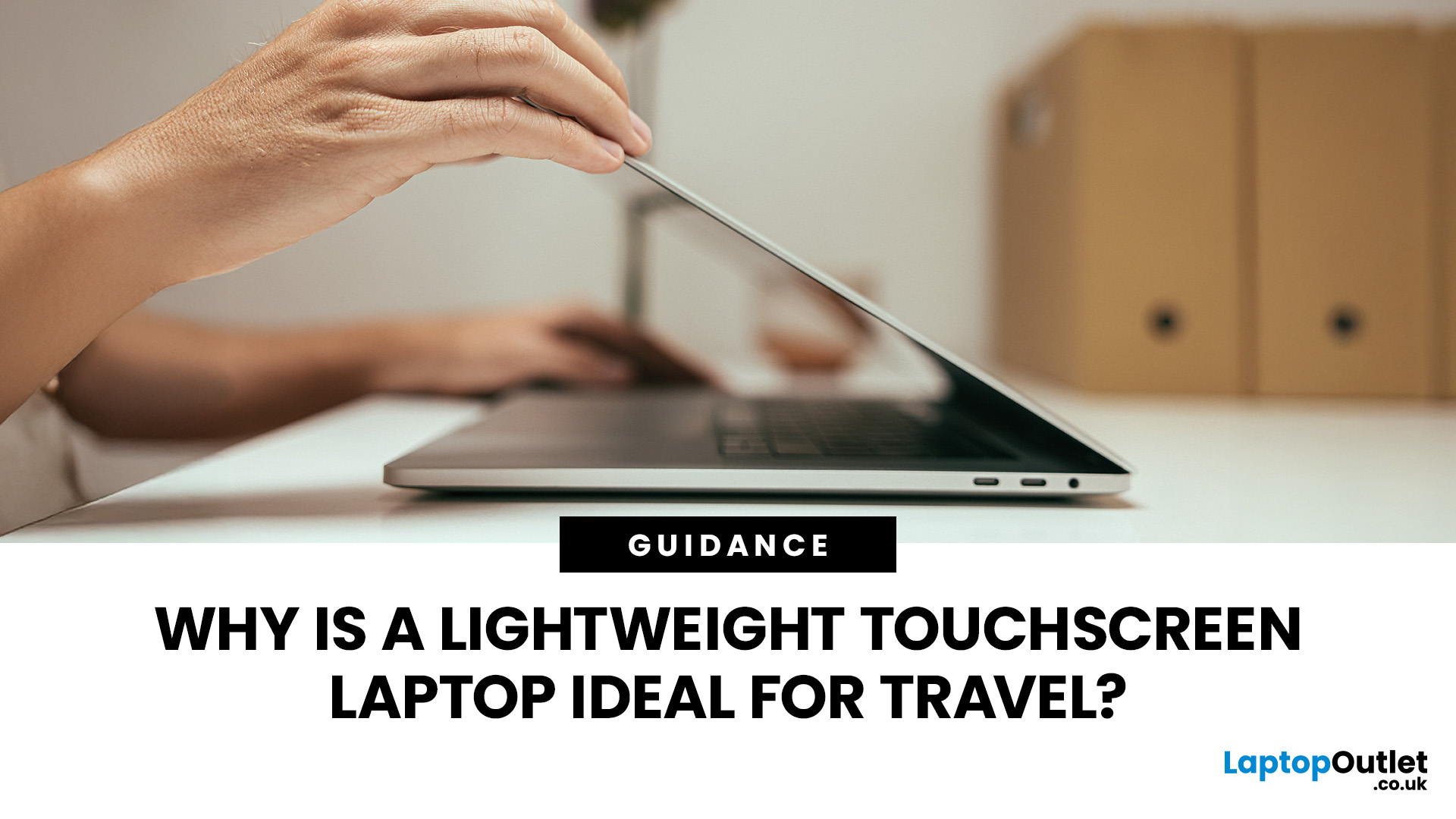
Travel exposes a laptop to crowded trains, small café tables, airport queues, limited sockets and long periods inside a backpack. A lightweight touchscreen laptop addresses these problems by combining easier portability with direct, phone-like control.
It can be quicker to tap, scroll, zoom, sign or annotate when there is little room for a mouse. The right model can also replace a separate tablet, when it has a 360-degree hinge and pen support.
However, weight alone is not enough. Battery endurance, screen visibility, keyboard comfort, charging options, durability and software compatibility all determine whether a device is genuinely suitable for journeys.
Why Does a Lightweight Touchscreen Laptop Suit Travel?
1. It Reduces the Weight You Carry All Day
A lighter computer makes a noticeable difference when it shares a backpack with a charger, phone, headphones, water bottle and travel documents. For regular commuting or cabin-only trips, the complete kit matters more than the laptop weight printed on the specification sheet.
As a practical guide, a machine below 1.5kg is portable enough for most travellers. Around 1.0kg to 1.3kg is especially convenient, provided the chassis, keyboard and battery have not been compromised simply to remove weight.
2. Touch Control Works Where a Mouse Does Not
Train trays, economy-seat tables and café counters often leave little space beside the laptop. Touch lets you select files, scroll webpages, zoom maps and move between apps without setting up a separate mouse.
Windows 11 supports taps, swipes, pinching and multi-finger gestures on compatible displays. This makes a lightweight laptop for travel easier to control while standing at a counter, checking a booking or working in a cramped seat.
3. It Can Replace a Second Device
A convertible model may serve as a normal laptop for typing, a tablet for reading and a tent-style screen for films or presentations. Carrying one adaptable device can reduce the need for a separate tablet, stand and charger.
This is where flexible 2-in-1 laptops have a clear travel advantage. The benefit is strongest when the hinge is stable, the screen responds accurately and the keyboard does not make tablet use awkward.

What Is a Good Weight for a Travel Laptop?
The right weight depends on journey length, screen size and whether the charger travels with you.
|
Laptop weight |
Travel suitability |
What to check |
|
Under 1.0kg |
Excellent for frequent flyers and long commutes |
Battery size, keyboard travel, port selection and chassis rigidity |
|
1.0kg to 1.3kg |
Ideal balance for many travellers |
Screen quality, cooling, webcam and charger weight |
|
1.3kg to 1.5kg |
Still comfortably portable |
Whether better ports or a stronger build justify the extra weight |
|
1.5kg to 1.8kg |
Manageable for occasional trips |
Bag comfort and total carrying weight |
|
Above 1.8kg |
Better for performance-led use |
Whether the extra power is genuinely needed away from home |
The best small laptop for travel is not necessarily the lightest one available. A slightly heavier model can be the wiser choice when it provides a larger battery, a more comfortable keyboard or enough built-in ports to avoid carrying several adapters.
When comparing the best lightweight laptops, include the adaptor, cable, sleeve and hub. A slightly heavier device with a compact USB-C charger can produce the lighter overall kit.
Is a 13-Inch or 14-Inch Laptop Better for Travel?
Both sizes are practical, but they suit different priorities. A 13-inch model usually occupies less tray and bag space, while a 14-inch screen gives more room for documents, video calls and split-screen work.
|
Factor |
13-inch laptop |
14-inch laptop |
|
Portability |
Usually has the smaller footprint |
Slightly larger, but still travel-friendly |
|
Workspace |
Best for single-window tasks |
Better for multitasking and spreadsheets |
|
Keyboard comfort |
Can feel compact on some models |
Often provides wider key spacing |
|
Media use |
Easy to hold in tablet mode |
More immersive for films and presentations |
|
Best suited to |
Minimal packing and frequent movement |
Work trips and longer productivity sessions |
For many people, 14-inch laptops for travel offer the strongest balance. A 16:10 display can provide useful vertical working space without making the chassis as bulky as a traditional 15.6-inch machine.
People prioritising the smallest possible bag may prefer small-screen laptops around 12 to 13.3 inches. Check keyboard layout and text scaling carefully, because an overly compact design can become tiring during long writing sessions.
Where Does the Touchscreen Help Most?
A touchscreen is not essential for every task, but it is particularly useful during short, interrupted travel sessions.
- Tickets and bookings: Tap through confirmations, forms and check-in pages without reaching for a touchpad.
- Maps and itineraries: Pinch to zoom, drag routes and switch quickly between transport information.
- Documents: Highlight text, add comments and sign forms directly in compatible apps.
- Presentations: Move through slides while facing colleagues rather than leaning over the keyboard.
- Entertainment: Use tent or tablet mode on a tray, bedside table or hotel desk.
- Creative work: Sketch, mark up images or write notes when the laptop supports an active pen.
Check pen support separately. A touch display does not automatically include an active digitiser, and Microsoft notes that digital pen functions depend on compatible hardware and apps.
The best touchscreen lightweight laptop should therefore match the way it will actually be used. Touch alone adds less value than a responsive panel, reliable palm rejection and a hinge that remains steady when tapped.
Is a 2-in-1 Better Than a Standard Touchscreen Laptop?
A standard clamshell touchscreen is usually lighter, simpler and more rigid. It suits travellers who mainly type but want easier navigation and occasional screen interaction.
A convertible is more versatile. Its 360-degree hinge supports laptop, stand, tent and tablet positions, which can be valuable in hotel rooms, meetings and passenger seats. Detachable designs can feel more tablet-like, although their kickstands and removable keyboards may be less comfortable on the lap.
Choose a 2-in-1 when you will regularly read, annotate, present or stream in folded modes. Choose a clamshell when keyboard work, lower weight and straightforward durability matter more.

Do Touchscreens Reduce Battery Life?
A touchscreen can use more energy than an otherwise similar non-touch display because the touch layer requires power. Real-world impact varies by panel, resolution, brightness, refresh rate, battery capacity and workload, so touch should not be judged in isolation.
For better battery life while travelling:
- Lower brightness to the lowest comfortable level.
- Use Energy Saver or a balanced power mode.
- Close background apps and browser tabs that are not needed.
- Select a 60Hz mode instead of a higher refresh rate when the laptop allows it.
- Carry the correct compact USB-C charger rather than relying on an unknown low-power adaptor.
Treat manufacturer battery claims as comparisons, not guarantees. Video calls, high brightness, weak Wi-Fi and demanding software can reduce actual runtime.
Which Specifications Matter Most for Travel?
A strong travel laptop should remain useful after the novelty of a slim design wears off.
|
Feature |
Sensible 2026 target |
Why it matters while travelling |
|
Weight |
Ideally 1.0kg to 1.5kg |
Easier carrying without forcing major compromises |
|
Display |
13 to 14 inches, with 16:10 where possible |
Compact footprint with practical working space |
|
Brightness |
Around 300 nits minimum, with more for bright rooms |
Helps visibility near windows and outdoors |
|
Memory |
16GB for most work and study users |
Supports multitasking and a longer useful life |
|
Storage |
512GB SSD for a balanced setup |
Leaves room for offline files and media |
|
Battery |
Proven independent runtime, not only a headline claim |
Reduces dependence on airport or train sockets |
|
Charging |
USB-C Power Delivery at the required wattage |
Can reduce the number of chargers packed |
|
Ports |
At least two USB-C ports plus useful native connections |
Limits dependence on easily lost dongles |
|
Wireless |
Modern Wi-Fi and Bluetooth |
Improves compatibility with current networks and accessories |
|
Security |
Biometric sign-in, encryption and device tracking |
Helps protect data if the laptop is misplaced |
Those looking to explore the latest laptops should compare the exact configuration, not only the series name. Touch and non-touch versions of one model can differ in weight, battery, screen coating, resolution and price.
What Travel Drawbacks Should You Consider?
1. Glossy Screens Can Be Reflective
Many touch displays use a glass surface that looks sharp indoors but reflects windows and overhead lighting. Look for strong brightness, an anti-reflective treatment or a matte-coated touch option when working in bright environments.
2. Touch and Pen Are Not the Same Feature
Basic touch is excellent for tapping and scrolling, but accurate handwriting or drawing normally requires active pen support. Confirm the supported pen protocol and whether the stylus is included.
3. Thin Designs May Have Fewer Ports
Some light laptops for travel provide only USB-C connections. That may be sufficient with a compact hub, but photographers, presenters and business users should check for HDMI, USB-A or a card reader before buying.
4. Convertible Hinges Add Complexity
A 360-degree hinge needs to hold the screen steady through repeated folding and tapping. Check build quality and warranty coverage rather than choosing purely by appearance.
5. Very High-Resolution Displays Can Affect Endurance
A sharp OLED or high-refresh touchscreen may improve media and creative work, but it can use more power than a lower-resolution 60Hz panel. Choose display quality according to actual need rather than specification alone.
6. Repairability Can Be Limited
Slim laptops often use soldered memory and tightly integrated batteries. Buy enough RAM at the start and check whether the SSD, battery or other parts can be serviced.
How Much Should You Spend in the UK?
Current UK listings show a wide spread, from basic touchscreen Chromebooks around £269 to well-equipped 14-inch convertibles around £900, with premium OLED models reaching roughly £1,200 to £1,500 or more. Prices and promotions change, so these are useful bands rather than fixed market rules.
|
Approximate budget |
What travellers can generally expect |
|
£300 to £550 |
Basic touch Chromebook or entry-level Windows laptop for browsing, streaming and light study |
|
£550 to £900 |
Better 13 to 14-inch Windows models, often with 16GB RAM and stronger everyday performance |
|
£900 to £1,300 |
Premium build, brighter display, better webcam and more capable 2-in-1 options |
|
£1,300+ |
High-resolution OLED, advanced pen features, premium materials or specialist performance |
The best lightweight touchscreen laptop is normally found in the middle of the range, where portability, battery, memory and build quality are balanced. Paying more makes sense when the brighter display, better webcam, pen experience or business security will be used regularly.
Travel Security and Airline Battery Rules
Turn on device encryption and save the recovery key before travelling. Windows Device Encryption or BitLocker can help protect files if the laptop is lost, while Find My Device can locate or remotely lock a compatible Windows computer when it was enabled beforehand.
The UK Civil Aviation Authority advises passengers to follow airline rules for lithium-powered devices. Batteries up to 100Wh are the usual threshold, spare batteries and power banks should remain in the cabin, and lithium devices should be removed if a cabin bag is placed in the hold. The CAA also states that power banks must not be recharged onboard. Airline policies can add further restrictions, so check before departure.

Before leaving, also:
- Back up important files to a secure service or external drive.
- Enable biometric sign-in and a strong PIN.
- Install system, browser and security updates.
- Download essential documents for offline access.
- Use a padded sleeve that fits the device closely.
Final Buying Checklist
Before choosing a lightweight touchscreen laptop, confirm:
- The laptop and charger are light enough together.
- The keyboard remains usable for your longest likely work session.
- Touch and active pen support meet your real needs.
- The battery has credible independent test results.
- The charger supports the laptop’s required USB-C wattage.
- Essential ports are built in or covered by one compact hub.
- RAM and storage are sufficient for several years.
- Your specialist apps and accessories support the processor and operating system.

Packing Light, Working Right
A lightweight touchscreen laptop can make travel easier by reducing bag weight, simplifying navigation and adapting to spaces where a mouse or full desk is impractical.
The most suitable model is not the thinnest or most expensive. It should combine a comfortable 13 or 14-inch display, reliable battery performance, a usable keyboard, secure sign-in, practical ports and the right charging support. A convertible design is valuable for reading, presenting and entertainment, while a clamshell may suit typing-focused travellers.
Compare the complete carry kit, test the screen and hinge, and prioritise dependable everyday use over headline specifications before making a decision.

Things You Almost Scrolled Past...
Are touchscreen laptops good for travelling?
Yes. A lightweight touchscreen laptop can reduce carried weight, simplify navigation in cramped spaces and support tablet-style use, provided battery life, durability and screen visibility are suitable.
What is a good weight for a travel laptop?
Around 1.0kg to 1.5kg suits most travellers. Models below 1.3kg feel especially portable, but charger weight, battery capacity, ports and overall build quality also matter.
Is a 13-inch or 14-inch laptop better for travel?
A 13-inch laptop is easier to pack, while a 14-inch model offers more workspace. For most working travellers, 14 inches provides the better overall balance.
Is a 2-in-1 laptop useful for travelling?
Yes, especially for reading, presenting, note-taking and watching films. A stable hinge, comfortable keyboard and proper pen support determine whether the flexibility is genuinely useful.
Do touchscreen laptops use more battery?
They can. The touch layer consumes power, but brightness, resolution, refresh rate, processor efficiency and workload usually have a larger influence on real-world battery endurance.
Related Articles

Last Updated: July 09, 2026
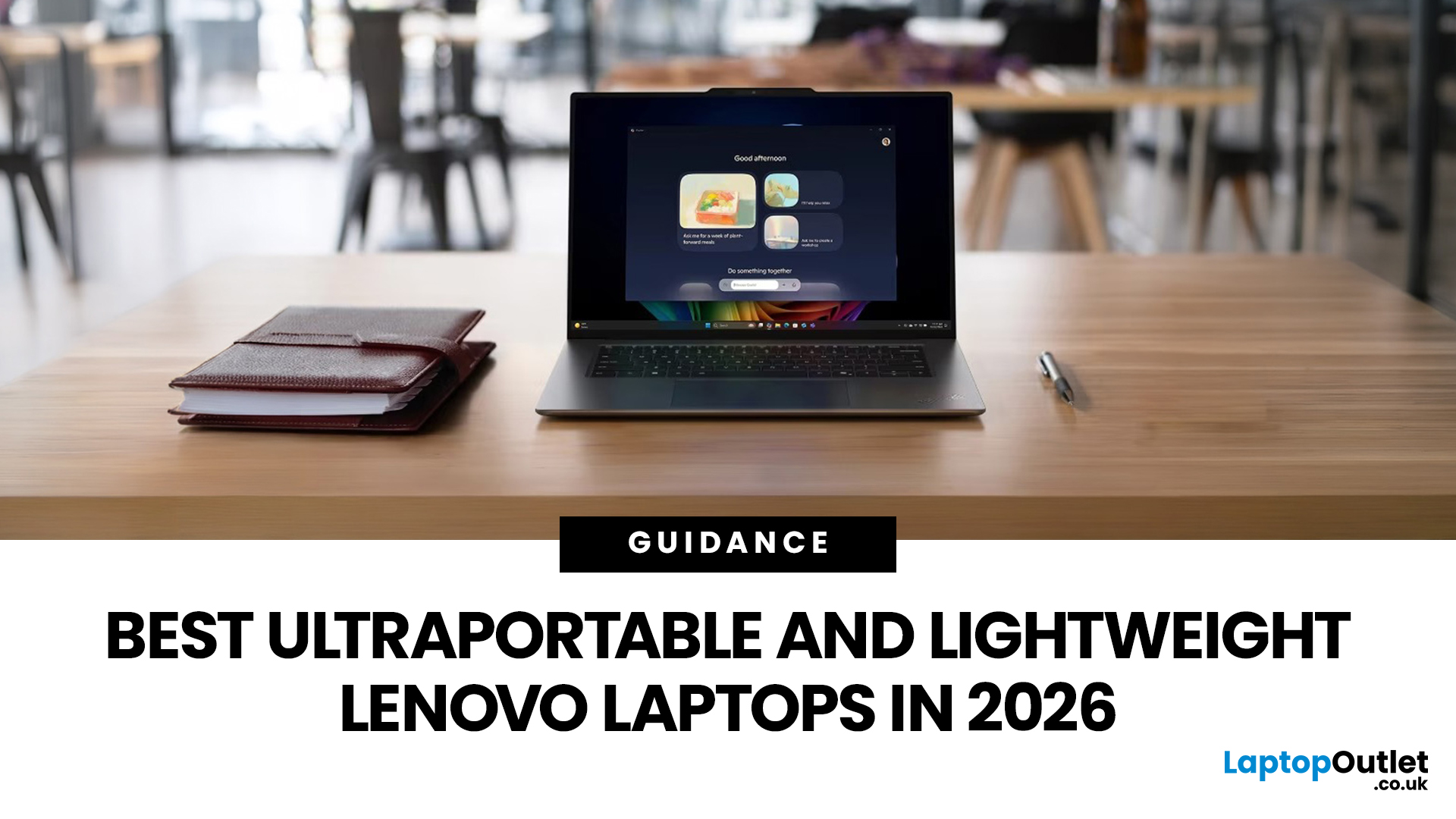
The best lightweight Lenovo laptops in 2026 are not all trying to do the same job. If we want the lightest premium 14-inch option, Lenovo’s Yoga Slim 7i Ultra Gen 11 Aura Edition stands out at 975g with a 75Wh battery. If business travel comes first, the ThinkPad X1 Carbon Gen 13 Aura Edition is still one of the strongest all-round choices thanks to its sub-1kg starting weight on some configs, proper business-grade connectivity, and classic ThinkPad focus.
That matters because buyers looking for ultraportable Lenovo laptops usually care about more than one thing at once: low carry weight, reliable battery life, enough ports to avoid living off dongles, and a screen that still feels good after a full day of work, study or travel. In this guide, we break down the best current Lenovo options for commuters, students, professionals, creators and home users, using Lenovo’s own 2026-era spec sheets first and independent reviews where they add useful trade-offs.
What Counts as a Genuinely Lightweight
Last Updated: July 28, 2026
Last Updated: October 22, 2026
Last Updated: July 29, 2026
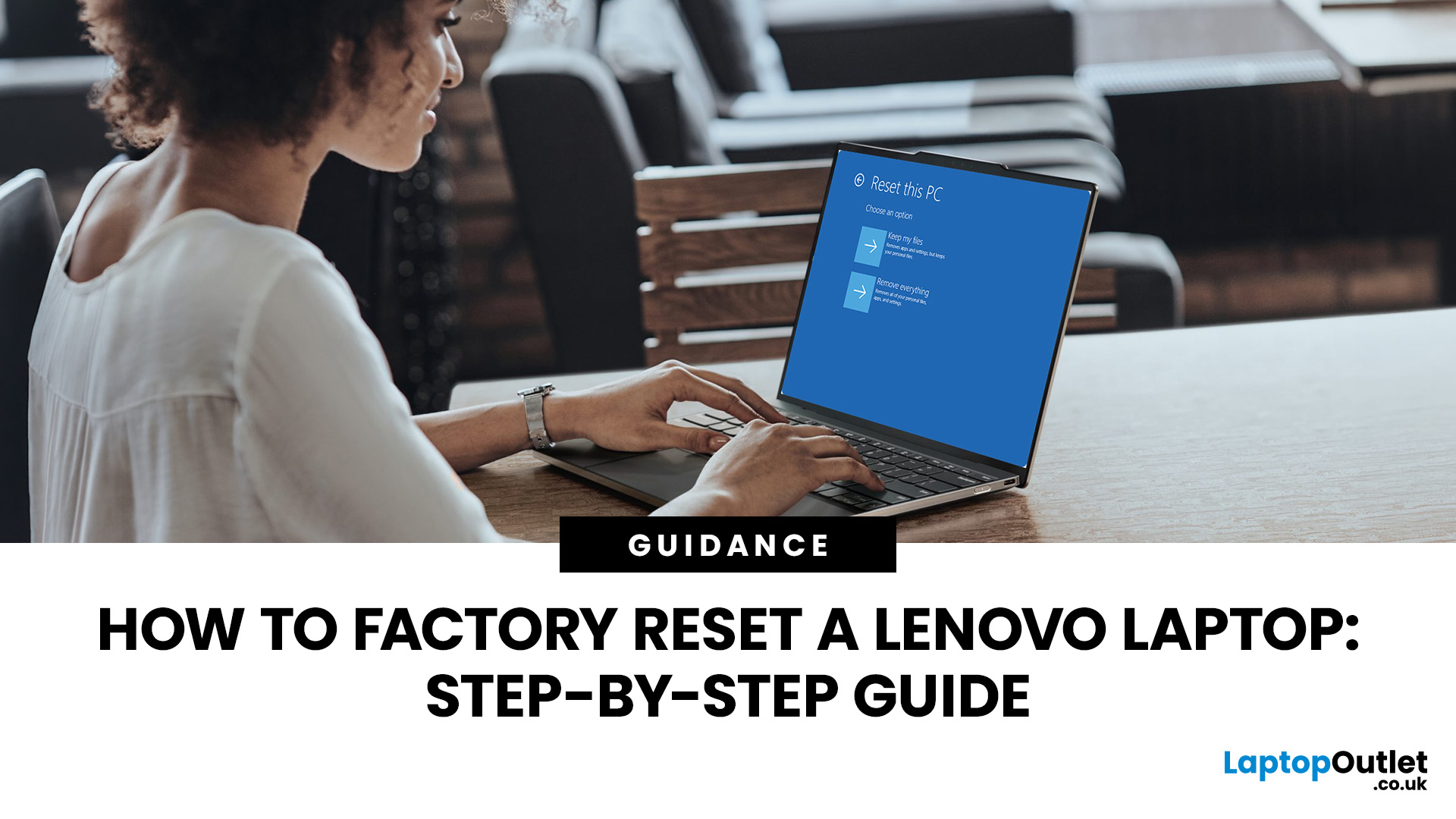
Your Lenovo laptop is slow, crashing, affected by persistent software problems or being prepared for a new owner; don't panic, it’s simply time for a factory reset.
A proper Lenovo factory reset reinstalls Windows and may remove applications, settings and personal data. This guide explains how to reset Lenovo laptop systems through Settings, the sign-in screen, Lenovo recovery mode, the Novo button or recovery media.
Before You Factory Reset Your Lenovo Laptop
- Back up documents, photos and other important files to cloud storage or an external drive.
- Keep the charger connected, remove unnecessary laptop accessories
Last Updated: September 03, 2026
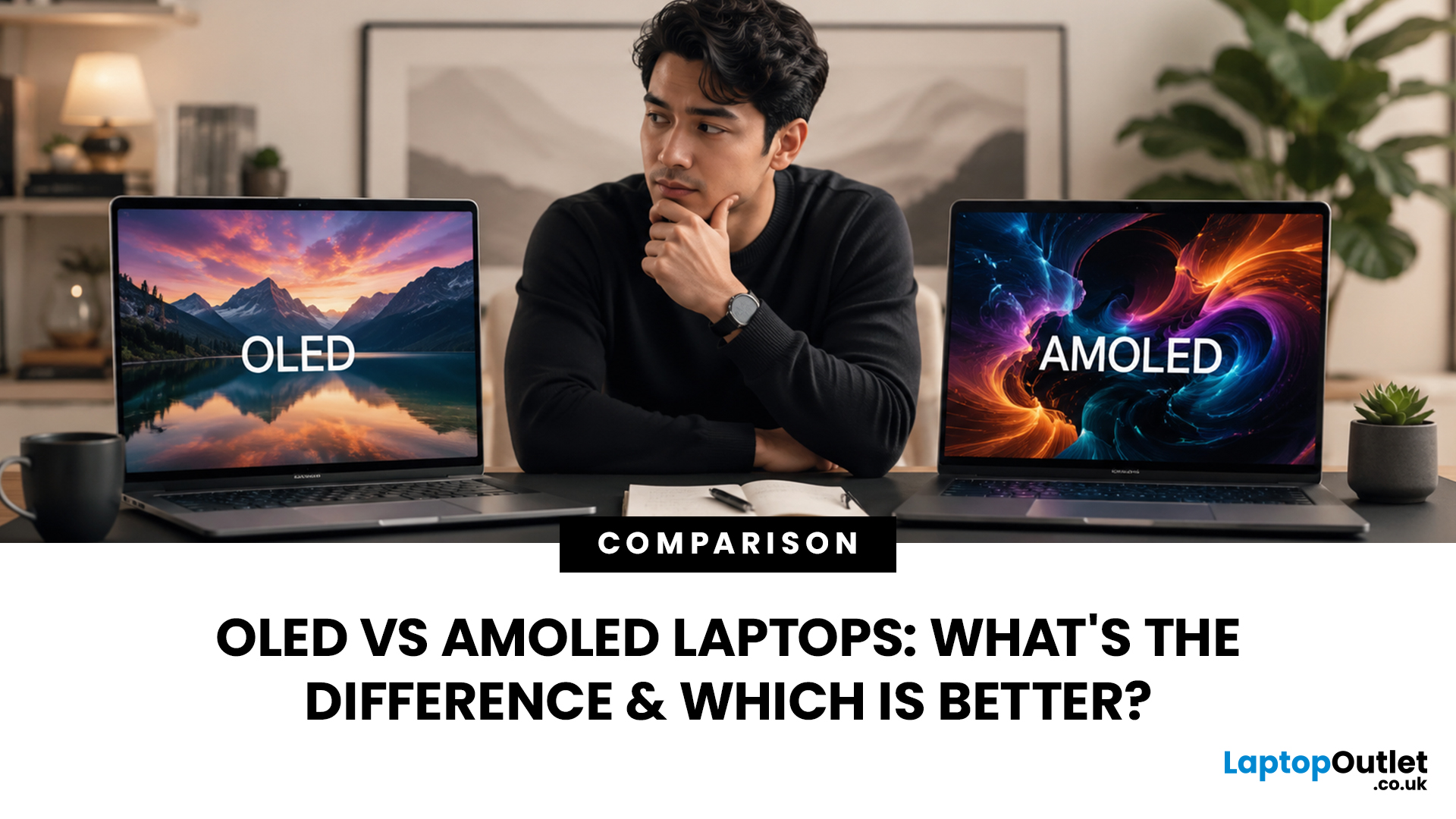
When comparing premium laptop screens, the OLED vs AMOLED debate is simpler than it seems. Both deliver deep blacks, vibrant colours, fast response times and strong contrast. OLED is the broader technology, while AMOLED is a type of OLED that uses an active-matrix system to control pixels. Many modern OLED laptops already use this system, even if not labelled AMOLED. Instead of focusing on the name, buyers should compare resolution, refresh rate, brightness, colour accuracy, battery life and burn-in protection. This guide helps you understand the differences and choose the right display for your needs.
OLED vs AMOLED: The Quick Answer
OLED, or Organic Light-Emitting Diode (OLED), is a display technology in which each pixel creates its own light. An OLED screen does not require the separate backlight used by traditional LCD panels.
AMOLED, or Active Matrix OLED (AMOLED), is a type of OLED display that uses an active-matrix transistor system to control each pixel quickly and individually.

Last Updated: August 17, 2026
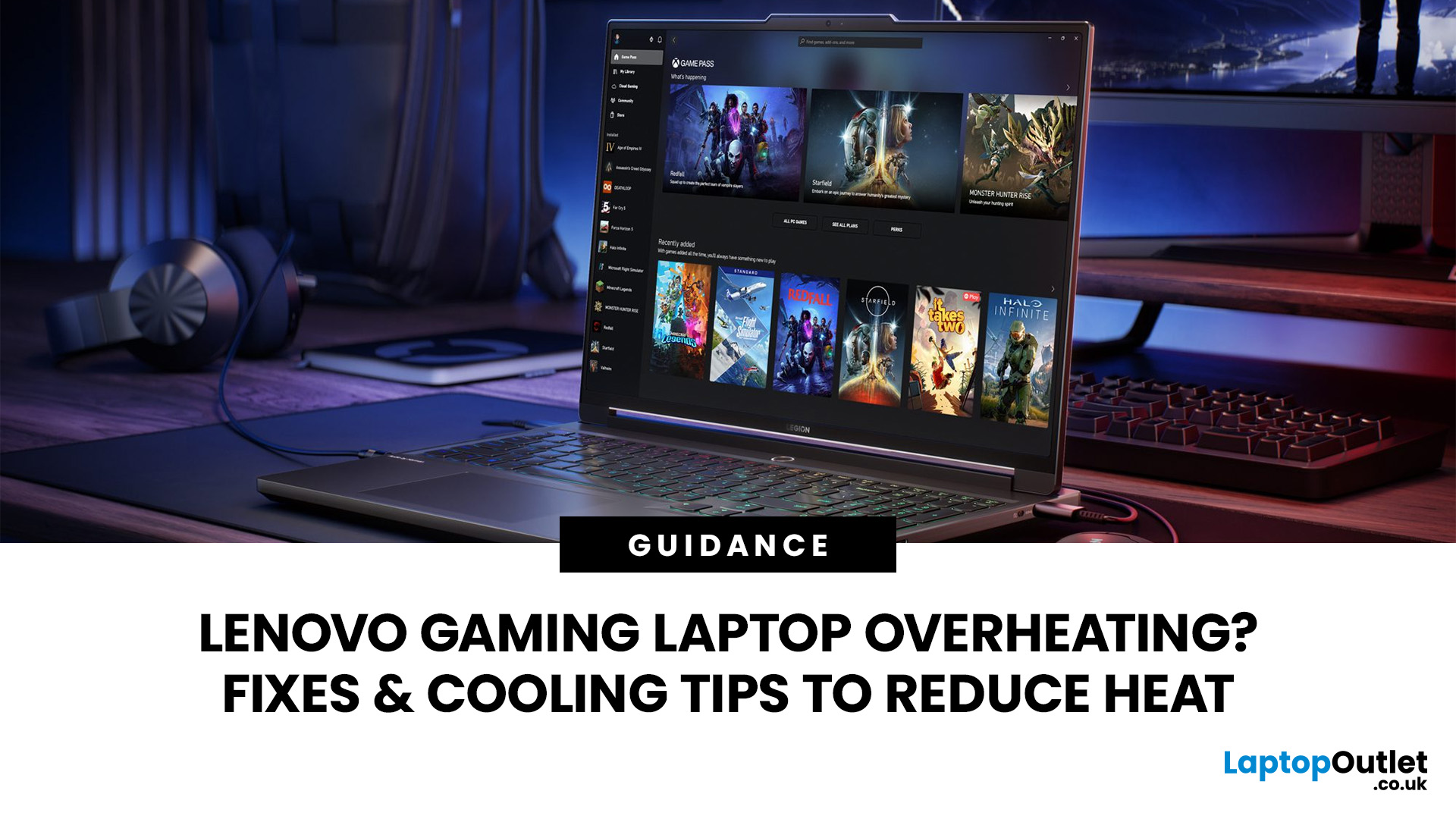
HP OMEN laptops use powerful processors and dedicated graphics, so their cooling systems can become clearly audible during gaming and other demanding work. Some HP OMEN fan noise is normal, but constant noise at idle, grinding or repeated overheating deserves attention. This guide explains how to identify the sound, diagnose the cause and choose a safe fix across the top HP OMEN laptop range.
| HP OMEN Fan Noise: Quick Answer Loud fan noise is normal while an OMEN laptop starts, updates, games, renders or runs a demanding AI task. HP says a brief fan surge for about five to twenty seconds at startup can be normal, while Performance mode deliberately increases fan speed to manage higher CPU and GPU power and temperature. Investigate an HP OMEN loud fan when it remains noisy during light use, produces mechanical sounds or appears with weak airflow, throttling or shutdowns. Many cases improve after reducing background load, changing settings, updating HP software and BIOS, restoring airflow |

Last Updated: August 20, 2026
OLED screens are becoming more common across premium ultrabooks, creator workstations and gaming laptops in 2026. Newer panels offer higher resolutions, faster refresh rates and improved efficiency, while recent tandem OLED developments are also increasing brightness and durability.
However, an OLED screen does not automatically make a laptop suitable for every buyer. Processing power, graphics, memory, ports, battery life and weight remain equally important.
This guide compares the best OLED laptops for students, professionals, creators, gamers and everyday users. It also explains the specifications that matter, helping you understand what each feature means when choosing a laptop.
Quick Picks: Best OLED Laptops in 2026
| Category | Laptop |
| Best Overall | ASUS Zenbook S 16 |
| Best Premium | Samsung Galaxy Book5 Pro |
| Best Value | Samsung Galaxy Book4 |
| Best Student Laptop | ASUS Zenbook 14 OLED |
| Best Business Laptop | Samsung Galaxy XE550XGA |
| Best Creator Laptop | ASUS ProArt PX13 |
| Best Professional Workstation |
Published: August 03, 2026
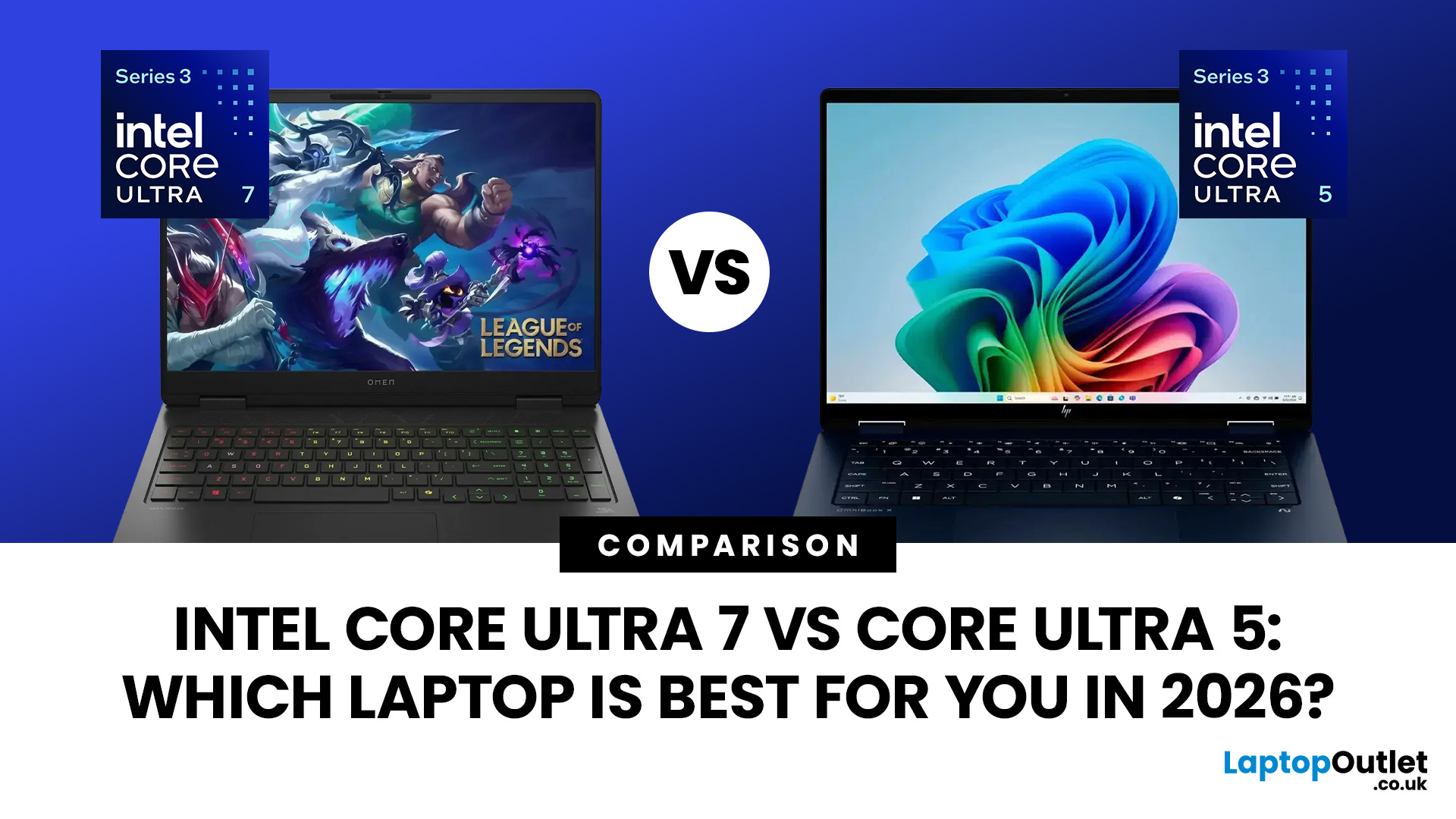
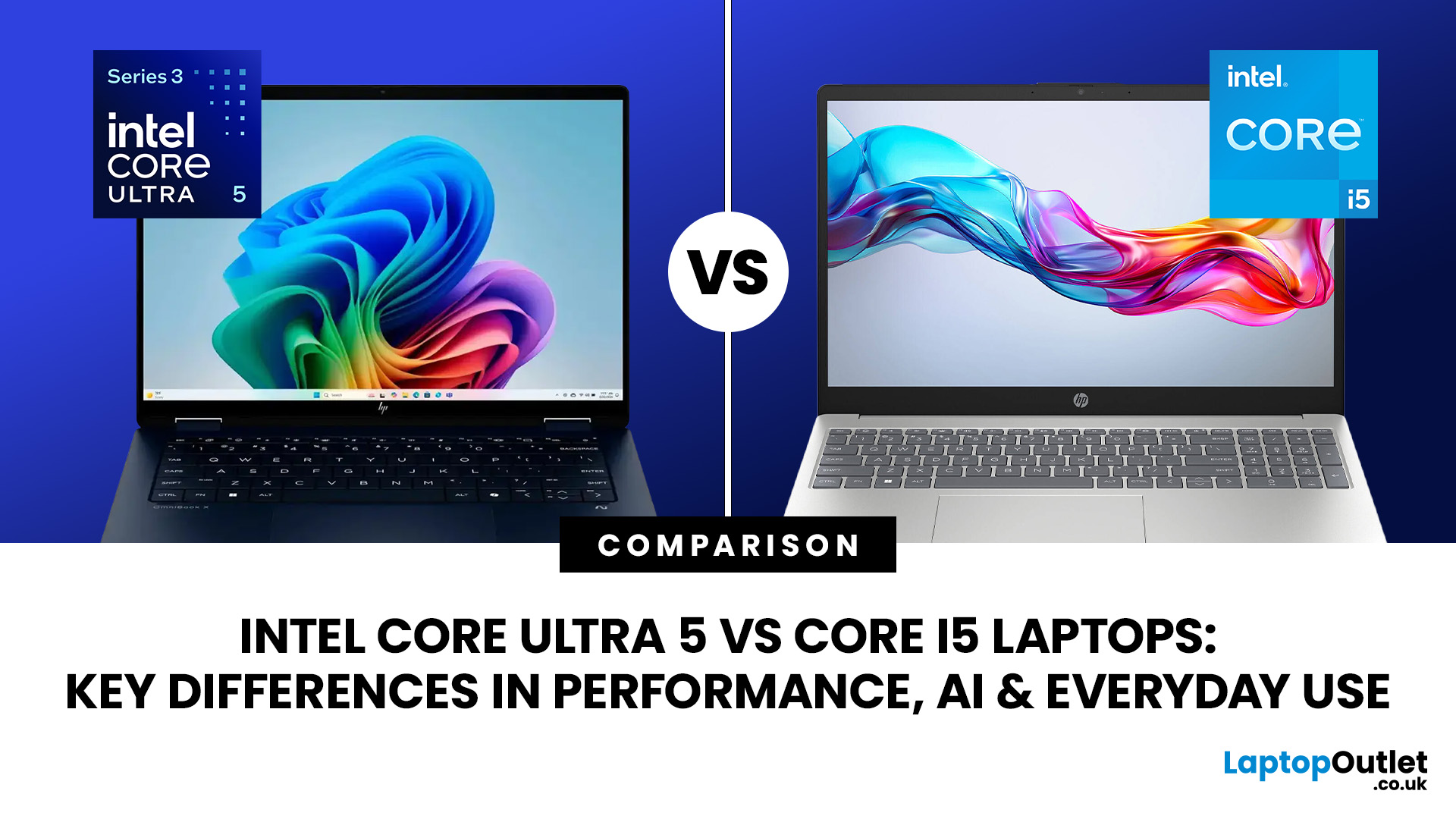
Intel has changed how it names and builds its laptop processors (CPUs). Traditional Core i5 chips remain widely available, but newer premium laptops increasingly use the Core Ultra 5 name, which Intel introduced alongside a major architectural redesign and built-in AI acceleration. That makes the Intel Core Ultra 5 vs i5 comparison more complicated than simply checking which number looks newer.
This guide explains the differences in everyday speed, multitasking, graphics, gaming, AI features, and battery life, without burying the answer under unnecessary technical jargon.
Quick Answer: Should You Buy Intel Core Ultra 5 or Core i5?
Buy Core Ultra 5 for stronger integrated graphics, on-device AI features and generally better efficiency. Buy Core i5 when price matters most, especially for office work or laptops with dedicated graphics card. Always compare the exact processor suffix and laptop configuration.
| If you want... | Buy | Why |
| Lowest price | Core i5 | Older i5 laptops are regularly discounted |
Last Updated: August 13, 2026
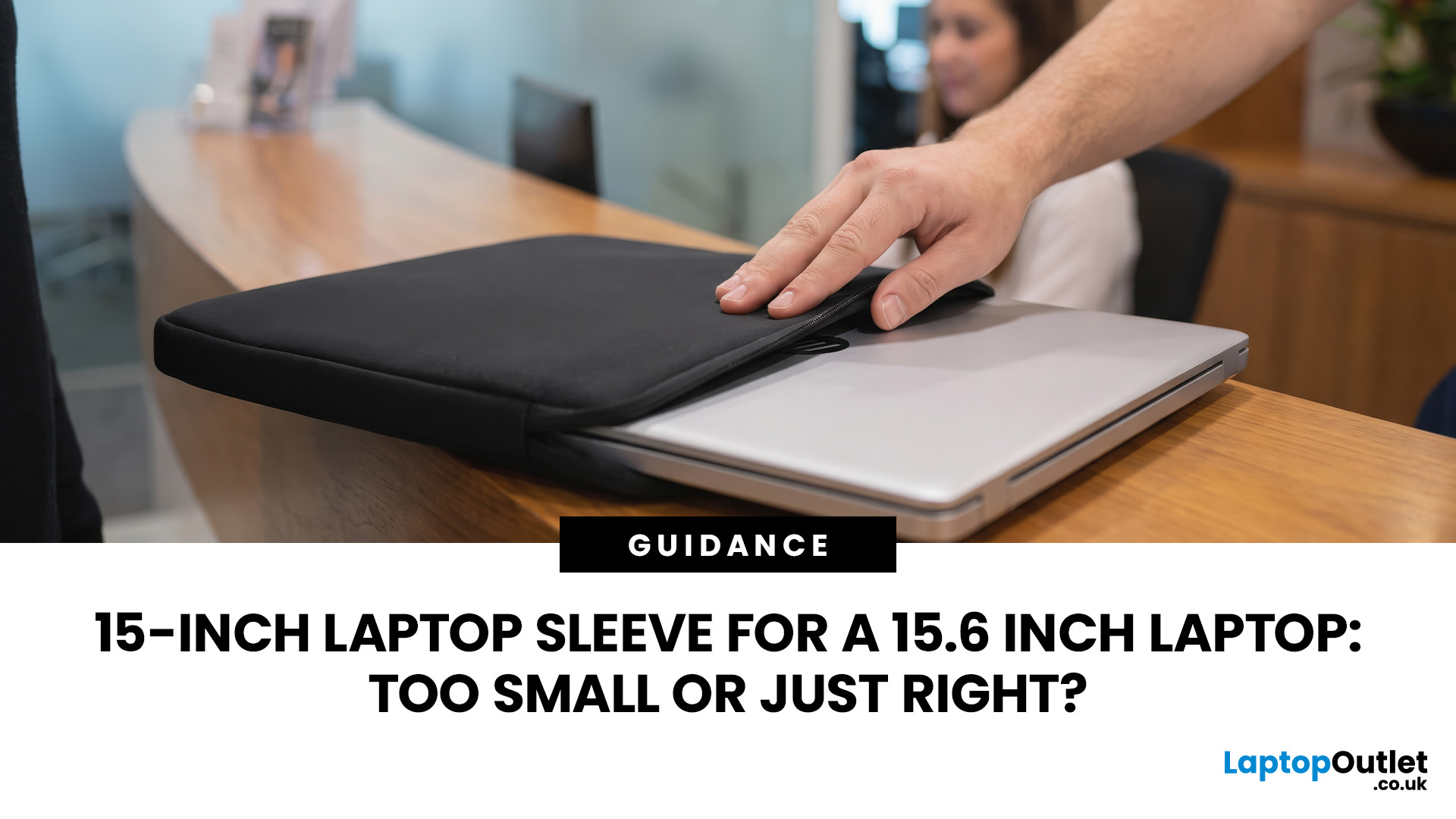
A 15 inch laptop sleeve can fit a 15.6-inch laptop, but the label alone does not guarantee it. The deciding factor is whether your laptop’s actual width, depth, and thickness fit within the sleeve’s internal measurements.
Laptop screen sizes are measured diagonally, whereas sleeves must accommodate the complete device. This means a slim 15.6-inch laptop may fit comfortably inside some 15 inch laptop sleeves, while a thicker model with wide bezels may not.
Before buying, compare the external dimensions of your laptop with the internal dimensions of the sleeve rather than relying only on the advertised screen size.
Why 15-Inch vs. 15.6-Inch Laptop Sleeve Sizing Causes Confusion
The 15-inch measurement usually refers to the diagonal display size, not the overall size of the laptop. It does not tell you the device’s width, depth, or thickness.
Retailers and accessory manufacturers also use “15-inch” as a broad size category. Laptop Outlet, for example, groups many 15-inch and 15.6-inch models

Last Updated: August 05, 2026
I made almost every mistake possible when I bought my first laptop as a student. I focused on the processor name, ignored the RAM, underestimated how heavy it would feel in my backpack and had no idea what half the technical jargon meant.
Within months, I realised I had paid for features I barely used while missing the ones I actually needed. Choosing between Core i5, Core Ultra, SSD sizes and different Dell series can still feel just as confusing today.
To help you avoid the same blunder, we reviewed the best Dell laptops for students in 2026 and narrowed them down based on real student needs, including performance, mobility,

