



Razer vs ASUS ROG Laptops: The Best Gaming Machines Compared
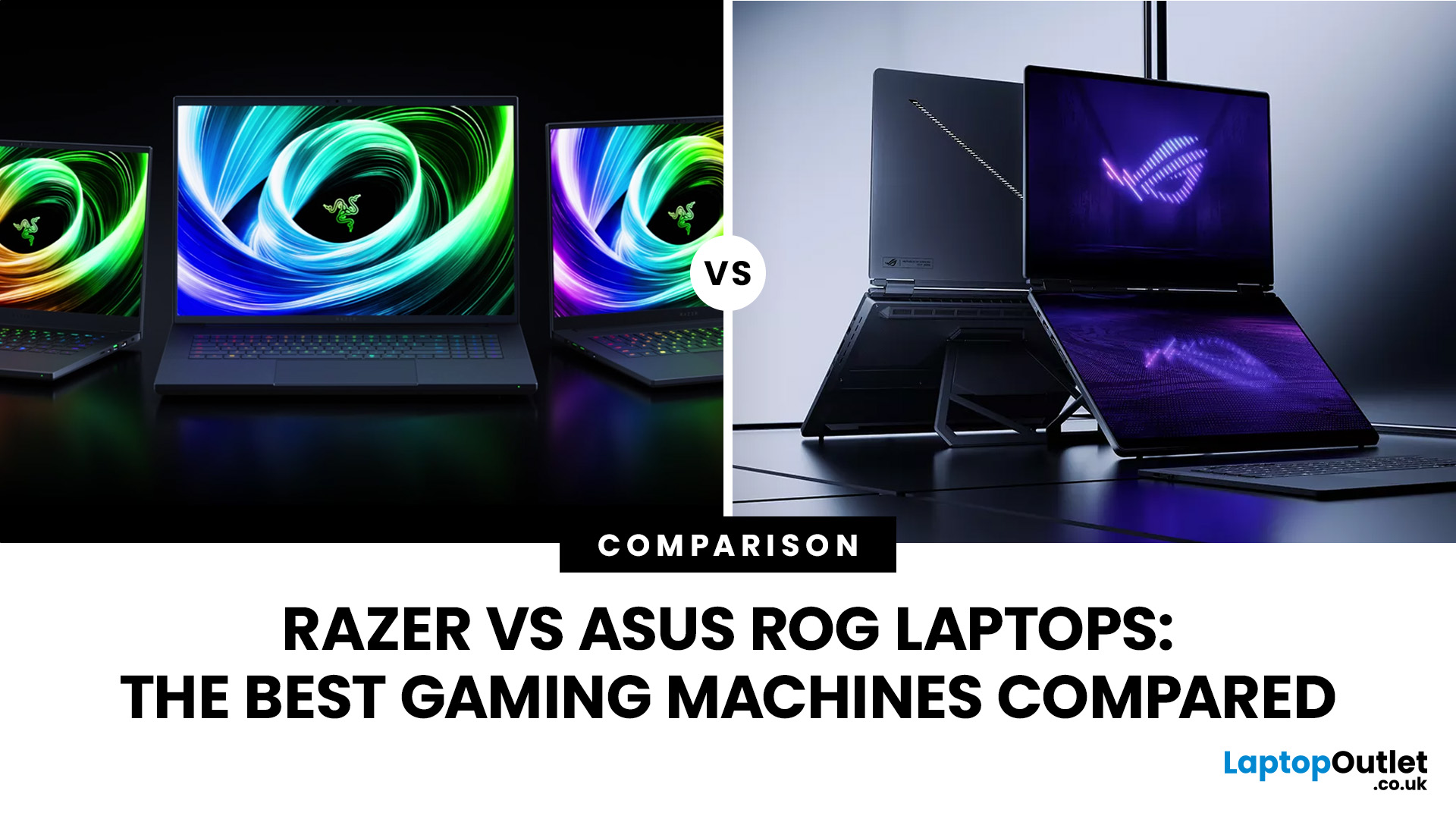
If you’re looking for a serious gaming laptop in 2026, two names will keep cropping up: Razer and ASUS ROG. Both brands produce high-performance machines with premium displays, powerful processors, and NVIDIA GeForce RTX graphics. However, they approach gaming laptops in noticeably different ways.
Razer Blade laptops generally prioritise slim aluminium designs, portability, and a refined user experience. ASUS ROG offers a broader selection, ranging from portable Zephyrus laptops to performance-focused Strix and Strix SCAR machines.
Quick Answer:
- Choose Razer for refinement and portability.
- Choose ASUS ROG for choice, sustained performance and value.
Here’s a practical guide to Razer vs ASUS ROG laptops, covering design, performance, displays, cooling, battery life, value, and the current models worth comparing.
Razer vs ASUS ROG: Key Differences at a Glance
|
Area |
Razer Blade |
ASUS ROG |
|
Portable gaming |
Blade 14 |
Zephyrus G14 |
|
Premium 16-inch |
Blade 16 |
Zephyrus G16 |
|
Desktop replacement |
Blade 18 |
Strix SCAR 18 |
|
Graphics |
Up to RTX 5090 |
Up to RTX 5090 |
|
Displays |
OLED and dual-mode IPS |
OLED, Mini LED and IPS |
|
Upgradeability |
Varies heavily by Blade size |
Strongest on Strix/SCAR |
|
Design priority |
Slim, minimalist, premium |
Wider choice from subtle to gaming-focused |
|
Best for |
Premium portable gaming |
Choice and sustained performance |
If ASUS is one of several gaming or premium laptop brands you are considering, our wider ASUS laptop comparison guide covers its position against other manufacturers too.
Which Brand Gives You the Better Design?
Razer's identity remains its CNC-milled aluminium chassis and restrained styling. Blade laptops look considerably less like conventional gaming systems, which makes them easier to use for gaming, university, creative work, or professional environments without carrying two machines.
ASUS gives you more design choices. Zephyrus G14 and G16 provide the closest ROG alternative to a Blade, while Strix and SCAR use larger cooling systems, stronger RGB styling and more obviously gaming-focused chassis.
Furthermore, if premium design matters beyond gaming laptops, our ASUS Zenbook vs HP Envy comparison looks at how two premium ranges compare for portability, displays and everyday performance.

Which Gives You Better Gaming Performance?
Both brands now use NVIDIA GeForce RTX 50 series laptop GPUs, but the GPU name alone does not determine performance.
Current Razer hardware ranges from an RTX 5070 at up to 115W in the Blade 14 to an RTX 5090 at up to 175W in the Blade 18. The latest Blade 16 combines Intel Core Ultra 9 386H with RTX 50 Series graphics in a 14.9mm chassis.
ASUS ROG has an even wider performance spread. The 2026 Zephyrus G14 reaches RTX 5080 at up to 130W in Manual mode, while the G16 reaches RTX 5090 at up to 160W. The larger Strix SCAR 18 can run an RTX 5090 at up to 175W alongside the Core Ultra 9 290HX Plus.
Current RTX 50 Series systems also support newer NVIDIA technologies including DLSS 4.5 on selected 2026 machines. For more background on Blackwell and Multi Frame Generation, see our NVIDIA RTX 50 Series guide.
For another performance-focused brand comparison, see our ASUS vs Dell laptops guide covering processors, graphics, displays and the differences between ASUS gaming hardware and Dell’s wider laptop range.
Which 2026 Models Should You Compare?
The fairest Razer vs ROG comparison is between machines of similar size and purpose.
|
Match-up |
Razer |
ASUS ROG |
Main Difference |
|
14-inch |
Blade 14: Ryzen AI 9 365, up to RTX 5070 115W, 120Hz OLED |
Zephyrus G14: Core Ultra 9 386H, up to RTX 5080 130W, 120Hz OLED |
Blade prioritises slim portability; G14 pushes GPU choice further |
|
16-inch |
Blade 16: Core Ultra 9 386H, up to RTX 5090, 240Hz OLED |
Zephyrus G16: Core Ultra 9 386H, up to RTX 5090 160W, 240Hz OLED |
Both target premium portable performance |
|
18-inch |
Blade 18: Core Ultra 9 290HX Plus, RTX 5090 175W, dual-mode display |
SCAR 18: Core Ultra 9 290HX Plus, RTX 5090 175W, 4K Mini LED |
Blade favours premium versatility; SCAR prioritises upgrades and gaming |
The 2026 Blade 18 and SCAR 18 are particularly close on raw headline hardware. Both can pair a Core Ultra 9 290HX Plus with an RTX 5090 running at up to 175W. The distinction comes from what surrounds those components.
Which Gives You the Better Gaming Display?
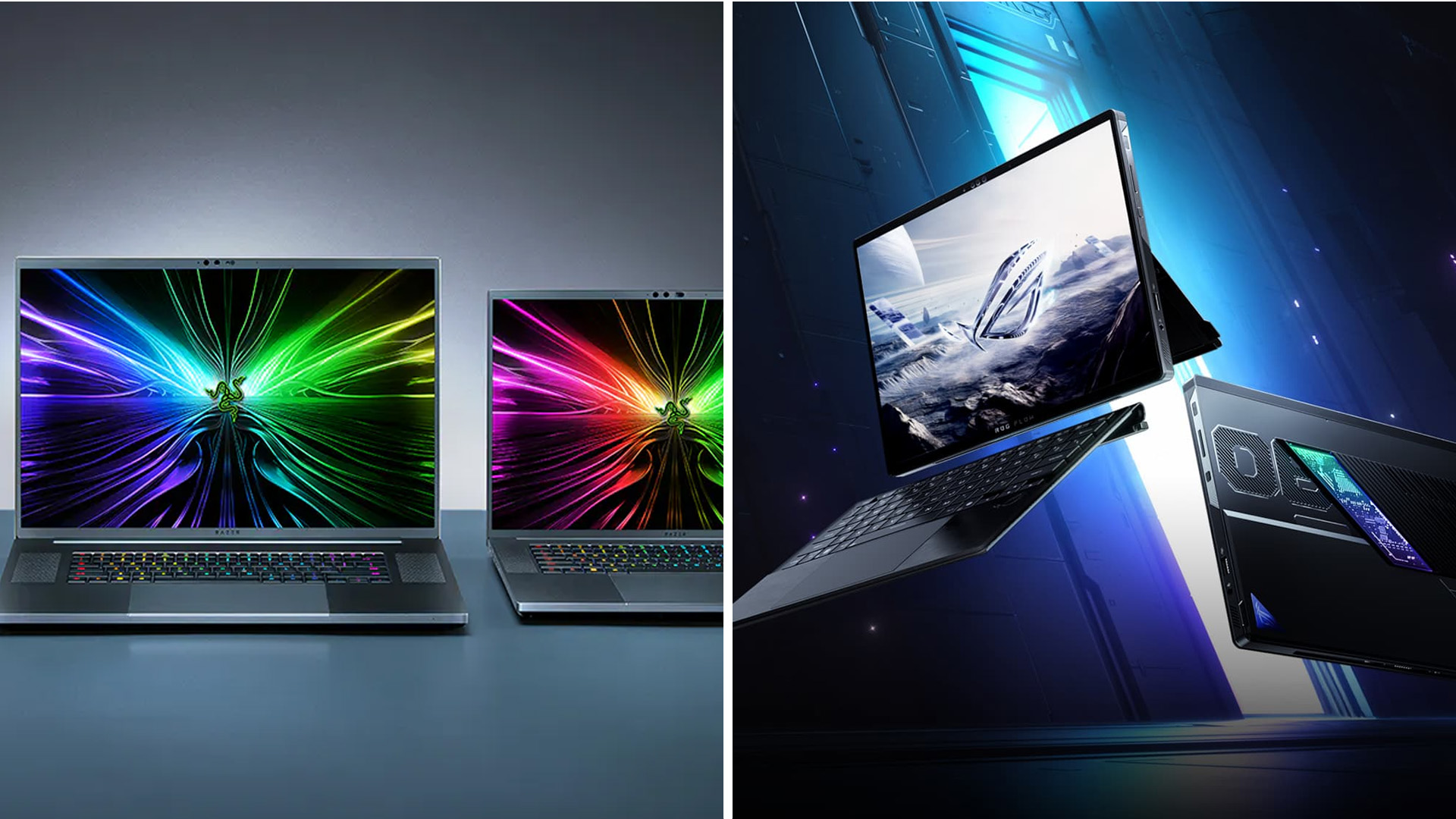
Razer's current range now offers more than just premium OLED.
The Blade 14 uses a 2880 × 1800 120Hz OLED, while Blade 16 moves to QHD+ 240Hz OLED with up to 1,100-nit HDR peak brightness. Blade 18 takes a different route with a dual-mode IPS panel that can switch between UHD+ 240Hz for detail and FHD+ 440Hz for competitive gaming.
ASUS matches that variety with OLED and Mini LED. Zephyrus G14 offers 3K 120Hz OLED, G16 uses 2.5K 240Hz OLED, while SCAR 18 provides an 18-inch 4K 240Hz Mini LED Nebula HDR panel with more than 2,000 dimming zones.
Which Handles Cooling and Upgrades Better?
Thin gaming laptops always have to balance performance against heat and noise.
Razer uses vapour chambers and carefully controlled airflow across Blade models. The 2026 Blade 16, for example, uses a refined vapour chamber with dual fans to fit high-end hardware into its 14.9mm chassis.
ROG Zephyrus works under similar physical constraints, but Strix and SCAR provide much more space for sustained high-power cooling. The SCAR 18 combines a full vapour chamber, Tri-Fan cooling and a larger chassis designed around prolonged performance.
Upgradeability also varies sharply. Blade 14 and Blade 16 use onboard LPDDR memory, whereas the latest Blade 18 has two DDR5 slots. SCAR 18 goes further with tool-less access, supporting up to 128GB DDR5 and up to 8TB PCIe Gen 5 storage.
Moreover, if upgradeability is an important part of your decision, our Lenovo vs ASUS laptops comparison looks more closely at RAM, SSD expansion, processors and hardware flexibility across both brands.
Which is Better for Portability and Battery Life?
For travel, compare Blade against Zephyrus rather than SCAR.
The Blade 14 weighs around 1.63kg, while the latest Zephyrus G14 is approximately 1.5kg in its Intel configuration. Moving to 16 inches, Blade 16 weighs around 2.14kg while Zephyrus G16 is approximately 1.85kg.
Razer has also improved efficiency on its 2026 Blade 16, claiming up to 13 hours of productivity and 15 hours of video playback under its defined test conditions. Those figures should not be interpreted as gaming battery life.
For full GPU performance, either brand should be connected to mains power.
Which Gives You Better Ports and Connectivity?
The latest Blade 16 is unusually well connected for such a thin gaming laptop. It includes Thunderbolt 5, Thunderbolt 4, three USB-A ports, HDMI 2.1, and a UHS-II SD reader, alongside Wi-Fi 7 and Bluetooth 6.
Blade 18 adds desktop-oriented connectivity including Thunderbolt 5, HDMI 2.1, Wi-Fi 7 and 2.5Gb Ethernet.
ASUS ROG also provides broad USB-C, USB-A and HDMI connectivity, with the exact selection depending on whether you choose Zephyrus, Strix or SCAR.
Which Brand Gives You Better Value?
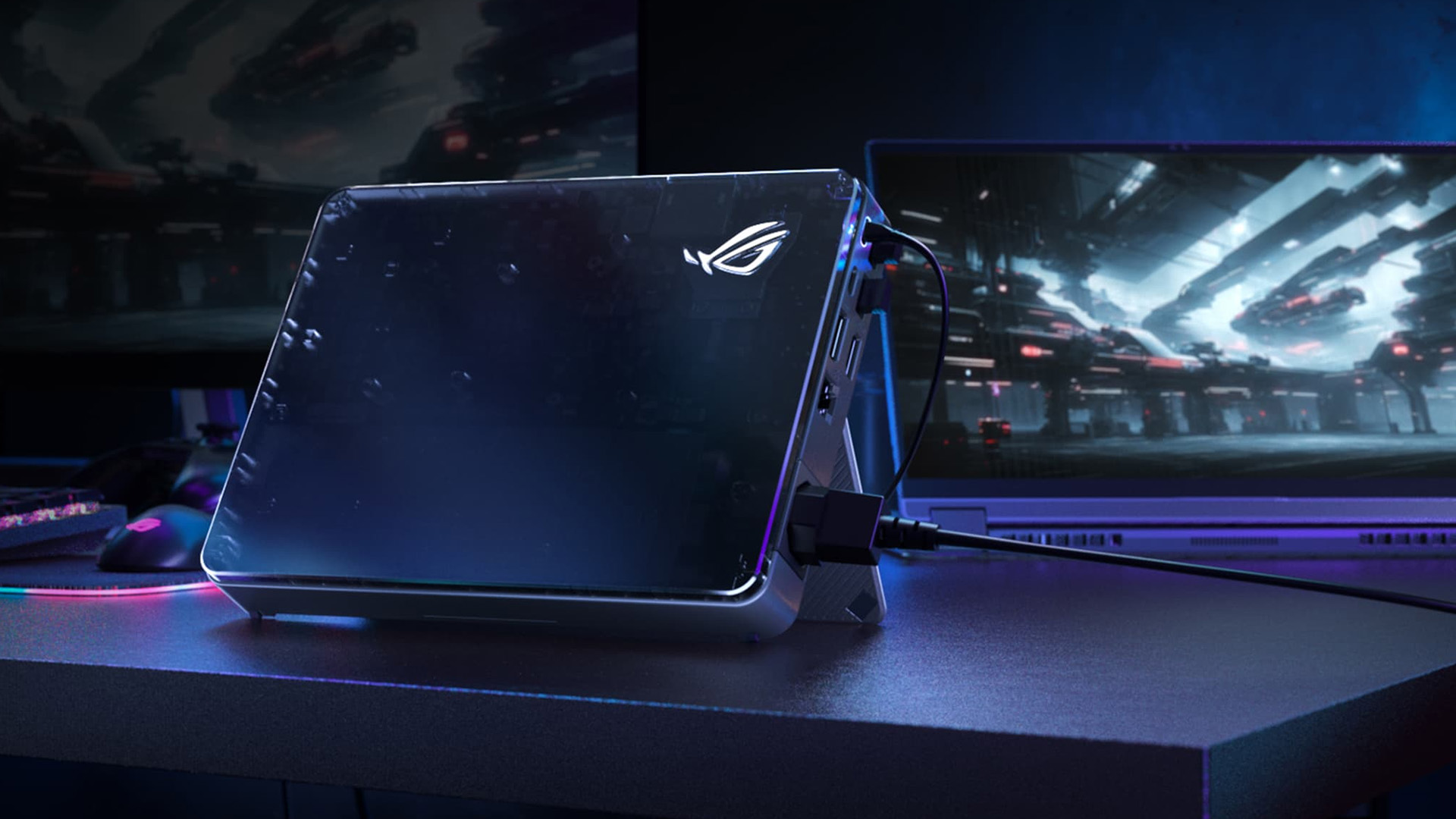
Razer operates almost entirely in the premium end of the gaming laptop market. Part of what you pay for is the aluminium construction, thin chassis and more restrained design rather than raw specifications alone.
ASUS ROG covers more price and performance levels. Zephyrus directly challenges Blade, while Strix and SCAR are better choices when gaming performance, cooling or upgradeability matter more than minimum thickness.

Razer or ASUS ROG: Which Should You Buy?
- Pick Razer Blade laptop if you want high-end gaming hardware in a premium laptop that can comfortably move between gaming, work and creative use. Blade 14 and Blade 16 make the strongest case when size and design matter, while Blade 18 now offers genuine desktop-replacement performance.
- Choose ASUS ROG models if you want more configurations, stronger upgrade options or the freedom to prioritise either portability through Zephyrus or maximum sustained performance through Strix and SCAR.
There is no reason to choose solely by brand. Match the GPU and its TGP, VRAM, processor, RAM, cooling system, and native display resolution to the games you actually play.

Is Razer Blade or ASUS ROG better for competitive gaming?
ASUS ROG provides more high-refresh and high-power gaming configurations, while Blade 18 offers a 440Hz FHD+ mode. The better option depends on your GPU, display resolution and target frame rate.
Can you upgrade RAM in Razer Blade and ASUS ROG laptops?
It depends on the model. Blade 14/16 and Zephyrus commonly use onboard memory, while Blade 18 and ROG Strix or SCAR systems offer substantially more RAM and storage upgradeability.
Is Blade 18 or Strix SCAR 18 better?
Both reach Core Ultra 9 290HX Plus and RTX 5090 at up to 175W. Blade 18 emphasises premium design and its dual-mode screen, while SCAR 18 provides stronger RAM and SSD expansion.
Are Razer Blade laptops good for content creation?
Yes. High-end RTX graphics, colour-focused displays and NVIDIA Studio support make Blade laptops suitable for video editing, rendering and other GPU-accelerated creative work as well as gaming.
Does a higher GPU TGP always mean better performance?
Not automatically. Higher available GPU power can improve sustained performance, but cooling, CPU limits, game optimisation, resolution and system tuning also affect frame rates. Compare complete laptop implementations rather than TGP alone.
| Read More: |
| LG Monitor Uses Explained: Gaming, Work, & Creative Applications |
| Samsung vs ASUS Laptops: Which Brand Wins in 2026? |
| ASUS vs HP Laptops: Design, Performance & Price Compared |
Related Articles

Last Updated: September 09, 2025
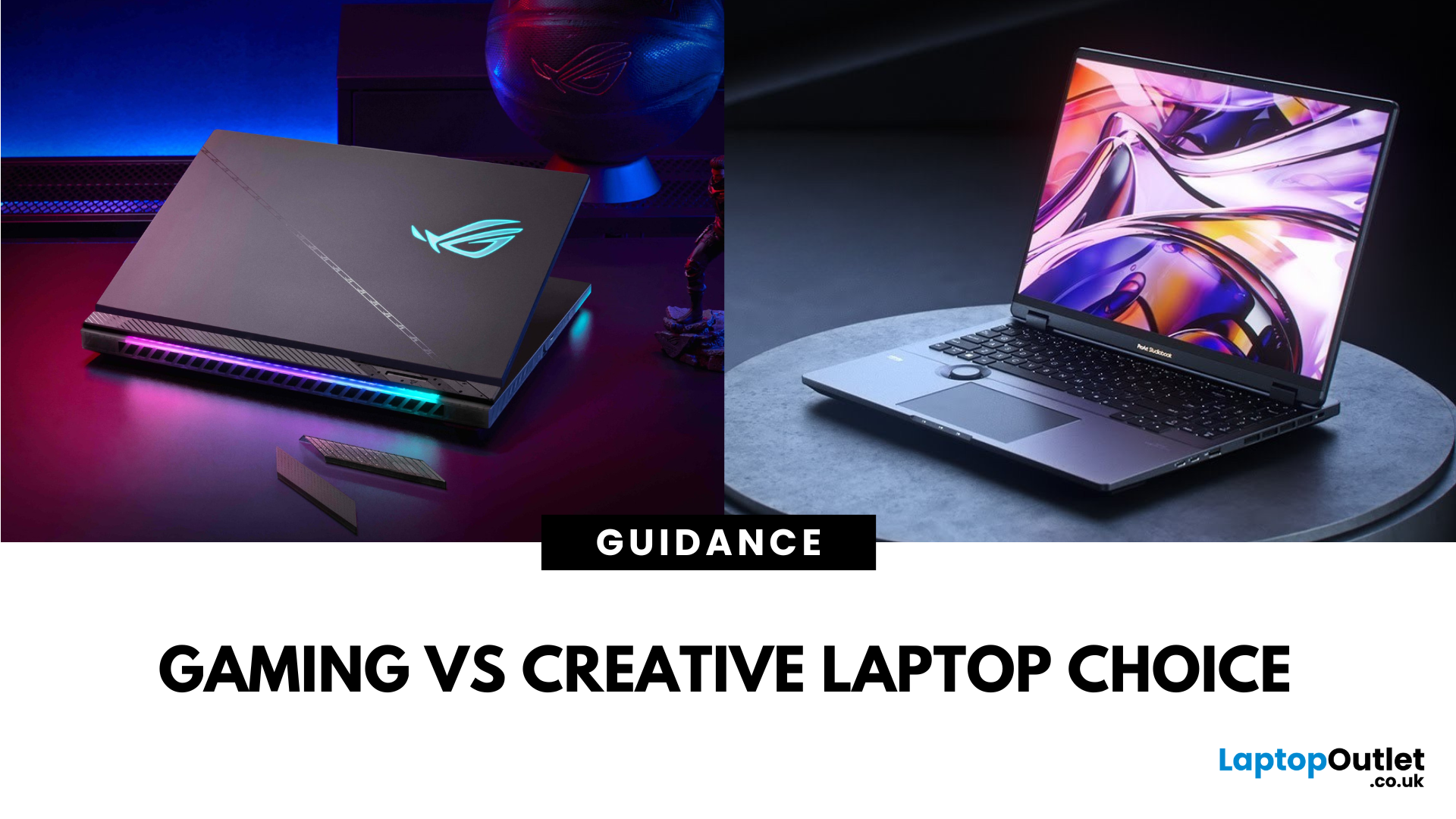
What’s the Main Difference Between ASUS ROG and ASUS ProArt?
ASUS ROG is a gaming-focused laptop series built for maximum performance, featuring powerful GPUs, high-refresh-rate displays, advanced cooling, and gamer-centric designs—perfect for esports, AAA titles, and VR experiences. ASUS ProArt is a creator-focused series designed for visual professionals, offering ultra-accurate OLED displays, creator-specific tools, and powerful hardware optimised for video editing, 3D modeling, and digital art—ideal for photographers, designers, and content creators.
ASUS ROG vs ProArt: Feature Comparison Table
| Feature | ASUS ROG Series | ASUS ProArt Series |
| Primary Purpose | High-performance gaming and esports | Professional creative work - video editing, 3D modelling, photography, design |
| Processor Options | High-end Intel Core i7/i9, AMD Ryzen 7/9, Intel Core Ultra | Intel Core i7/i9, AMD Ryzen 7/9, Intel Core Ultra |
| Graphics (GPU) | Up to NVIDIA GeForce RTX 50-series | Up to NVIDIA RTX Studio/GeForce RTX GPUs |
| Display |
Last Updated: April 02, 2026
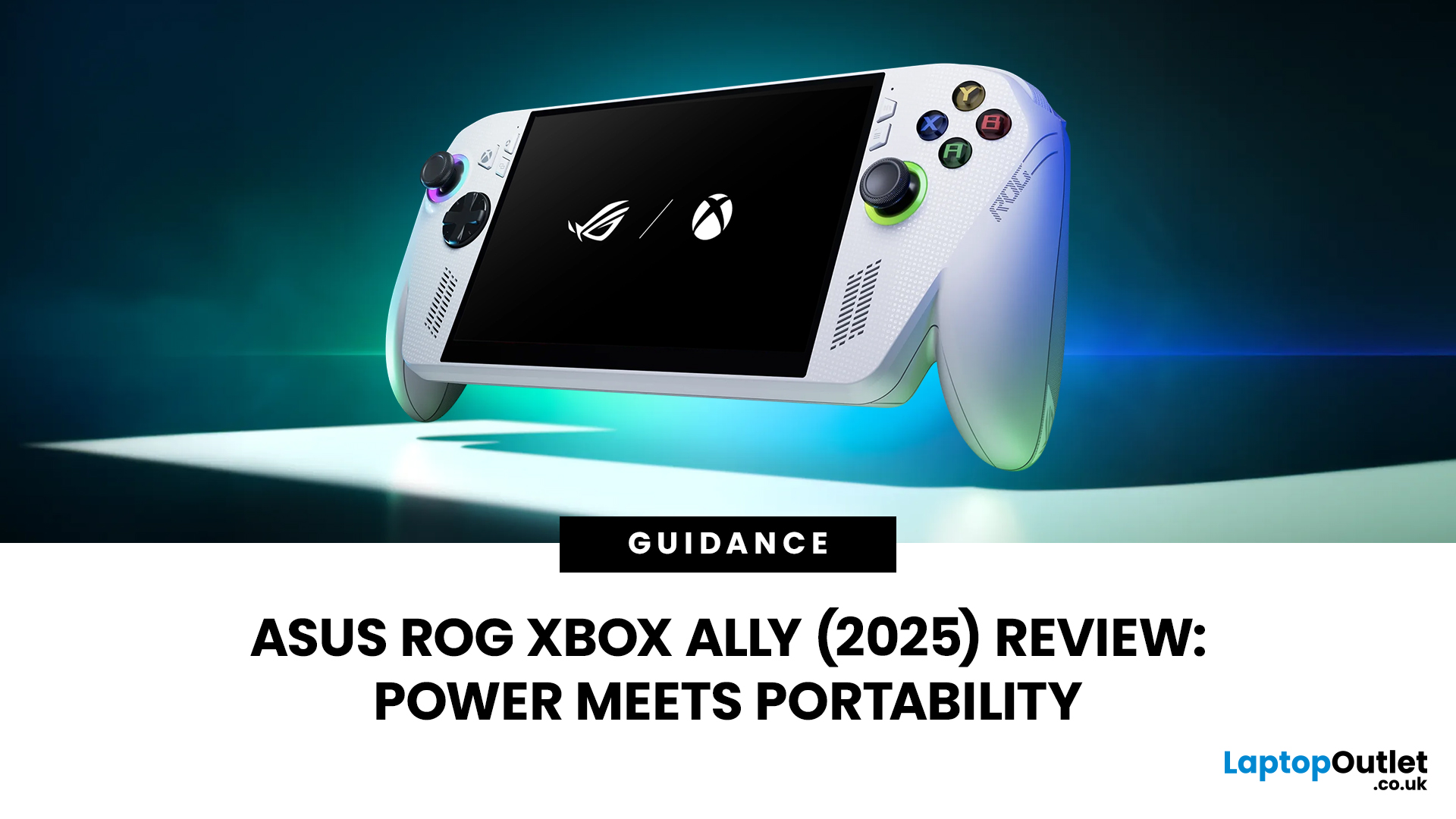
Hands-on Verdict: Ryzen Z2 a Performance, Thermals & Value
When ASUS first launched the ROG Ally in 2023, it was a statement, Windows handheld gaming done properly. But three years later, we’re looking at something subtler: refinement. The 2025 ROG Xbox Ally (RC73YA-NH002W) swaps its original Ryzen Z1 Extreme for AMD’s Ryzen Z2 A — a newer, cooler, and more efficient APU built on Zen 5 and RDNA 3.5 architecture.
The question isn’t whether the Ally is still good - it’s whether this revision is worth the upgrade for existing owners or the clear pick for newcomers. After three weeks of daily use, testing everything from Game Pass titles to Steam AAA releases, here’s the full verdict.
1. Design & Build Quality — Lighter Touch, Same DNA
The 2025 Ally doesn’t reinvent its chassis. At 608 grams, it’s still comfortably lighter than the Steam Deck OLED, with the same 7-inch 120 Hz Full HD display, tactile hall-effect sticks, and well-spaced face buttons.
Subtle tweaks make it nicer to live with:

Last Updated: June 15, 2026
If you run an esports arena, gaming cafe, university esports lab, or content studio, your monitor choice is not a background decision. It directly affects performance, player satisfaction, brand perception, and long-term ROI. Competitive players notice the refresh rate instantly. Streamers notice colour accuracy. Venue owners notice durability. And everyone notices screen quality.
That’s why ASUS gaming monitors have become a staple across esports stages and gaming venues in the UK. From ultra-premium ASUS ROG gaming monitors built for tournament environments to scalable ASUS TUF gaming monitor options designed for multi-station rollouts, ASUS covers every level of competitive deployment.
If you're building or upgrading a gaming business, here’s what you need to know.
Why Esports & Gaming Businesses Choose ASUS
A single hardware issue during a tournament can damage a reputation fast. ASUS has built a strong position in esports by delivering consistency under pressure.
Brand Reputation
Last Updated: September 03, 2026
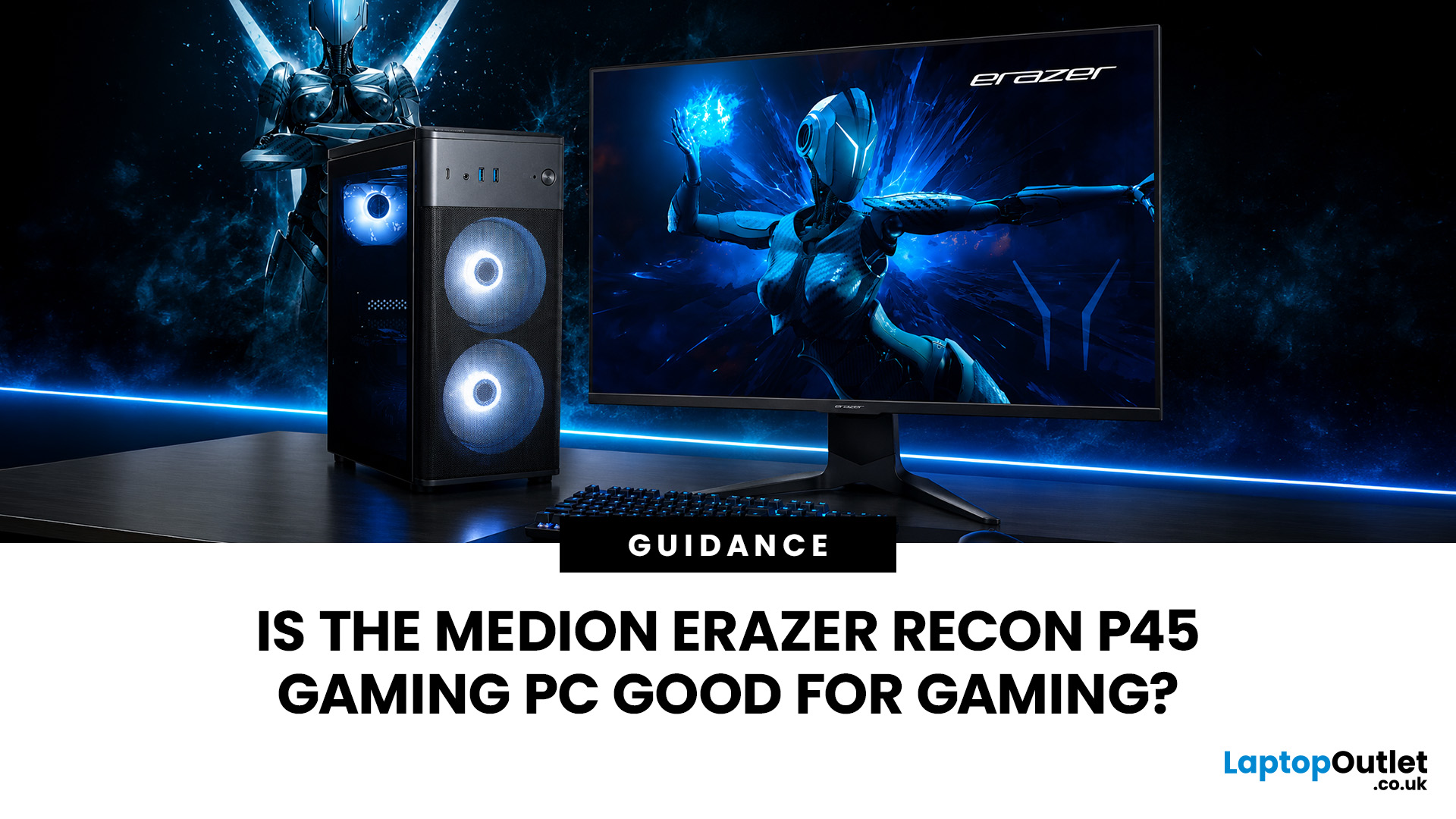
Yes, the Medion Erazer Recon P45 is a good gaming PC for players who want smooth everyday gaming, strong 1080p performance, fast loading times and a ready-to-use desktop without building a PC from scratch.
At Laptop Outlet, current Medion Erazer Recon P45 Gaming PC options include configurations with an AMD Ryzen 5 5500, 1TB SSD, Windows 11 Home, and dedicated NVIDIA RTX graphics, including RTX 5060 and RTX 5050 variants. The RTX 5060 model also includes 32GB RAM in the listed specification, while the RTX 5050 model is listed with 16GB RAM.
Is the Medion Erazer Recon P45 Worth it?
For most UK gamers, the Medion Recon P45 PC makes sense if you want a capable prebuilt gaming desktop that can handle modern games, multitasking, streaming, schoolwork, everyday browsing, and entertainment. It is especially suitable for:
| User Type | Is it a Good Fit? | Why |
| Beginner gamers | Yes | No PC-building knowledge needed |
| 1080p players | Yes | RTX graphics and Ryzen 5 power are well matched |
| Students | Yes | Good for gaming, |
Last Updated: July 27, 2026
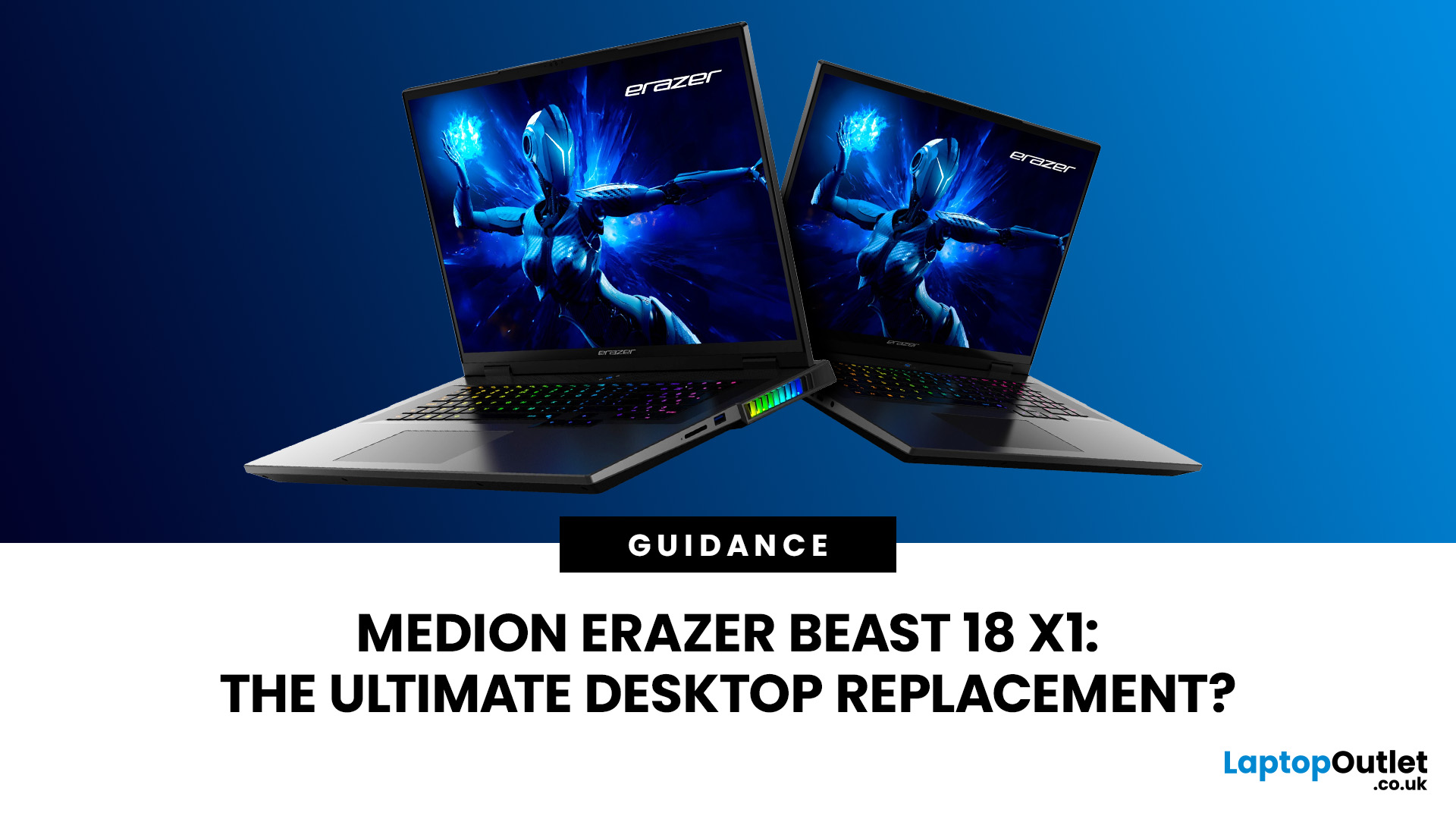
The MEDION ERAZER Beast 18 X1 is an 18-inch high-performance gaming laptop for buyers who want desktop-class hardware in one movable system. Its Intel Core Ultra 9 275HX processor, NVIDIA GeForce RTX 5080 or RTX 5090 Laptop GPU, 240Hz QHD+ display and upgrade options make it a serious desktop-replacement candidate. However, its weight, fan noise and IPS panel mean it will not suit everyone.
This assessment uses official specifications and independent test data rather than presenting third-party results as Laptop Outlet testing.
What Is the MEDION ERAZER Beast 18 X1?
The Beast 18 X1 is MEDION ERAZER’s first 18-inch laptop. It focuses on maximum gaming and creative performance
Last Updated: July 28, 2026
Last Updated: October 22, 2026
Last Updated: August 13, 2026
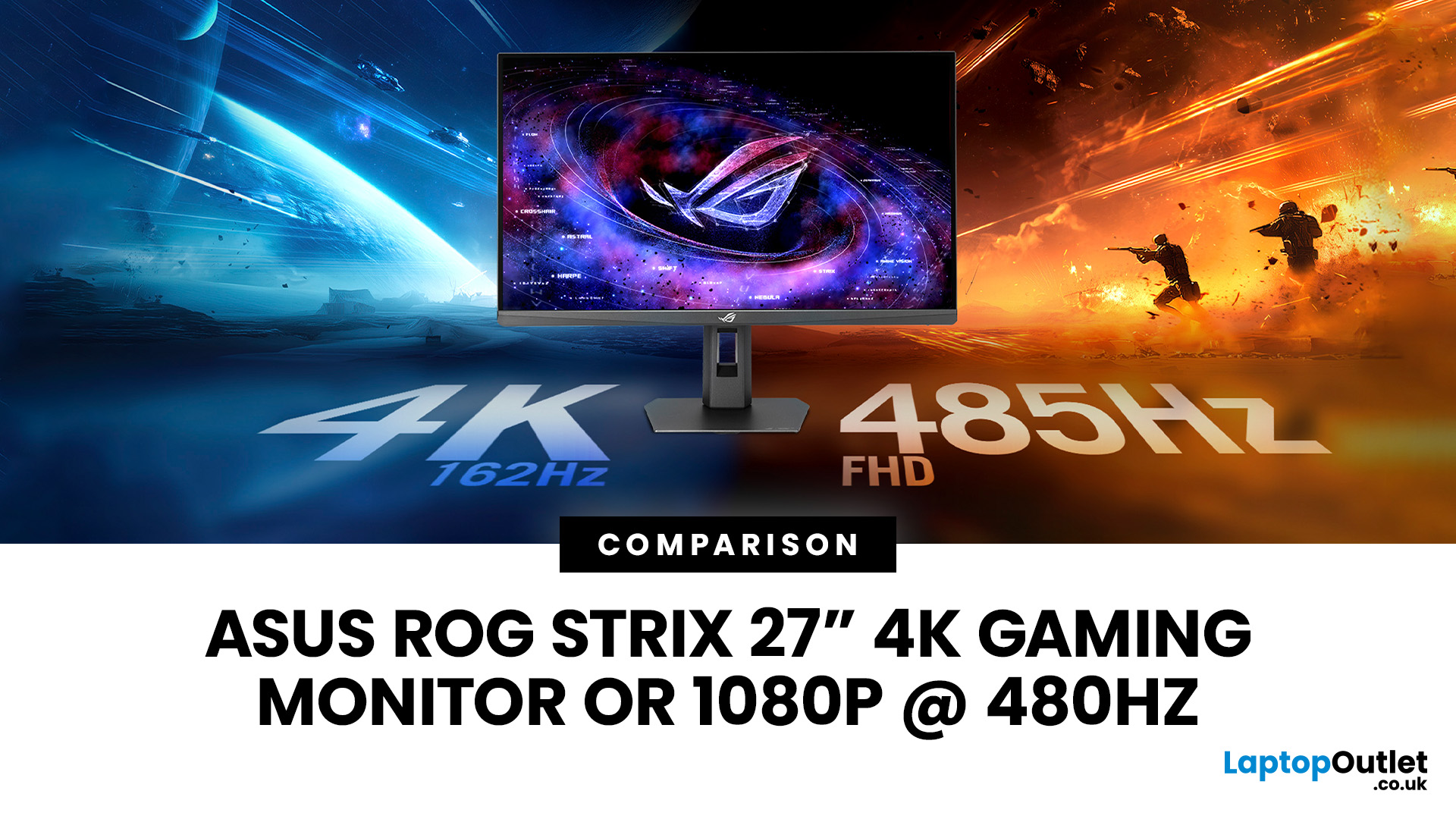
The ASUS ROG Strix XG27UCGR Gen2 is a 27 inch 4K gaming monitor that runs at up to 162Hz in 4K and switches to Full HD at 485Hz for esports. It succeeds the original XG27UCG’s 160Hz and 320Hz dual mode, adding a much faster competitive setting, Smart Pixel processing and a lower quoted minimum response time.
Most gaming monitors make you choose between resolution and refresh rate. A sharp 4K screen suits visually detailed games, while an ultra-fast Full HD display is usually better suited to competitive titles where responsiveness matters more than image detail.
The ASUS ROG Strix XG27UCGR Gen2 attempts to cover both uses. Its native mode delivers 3840 x 2160 resolution at up to 162Hz. Activating Frame Rate Boost changes the monitor to 1920 x 1080 and raises the refresh rate to 485Hz. ASUS confirms both modes for the XG27UCGR, alongside a Fast IPS panel, Smart Pixel processing and a manufacturer-rated minimum response time of 0.3ms.
ASUS ROG Strix XG27UCGR Specifications
The XG27UCGR Gen2

Last Updated: July 29, 2026
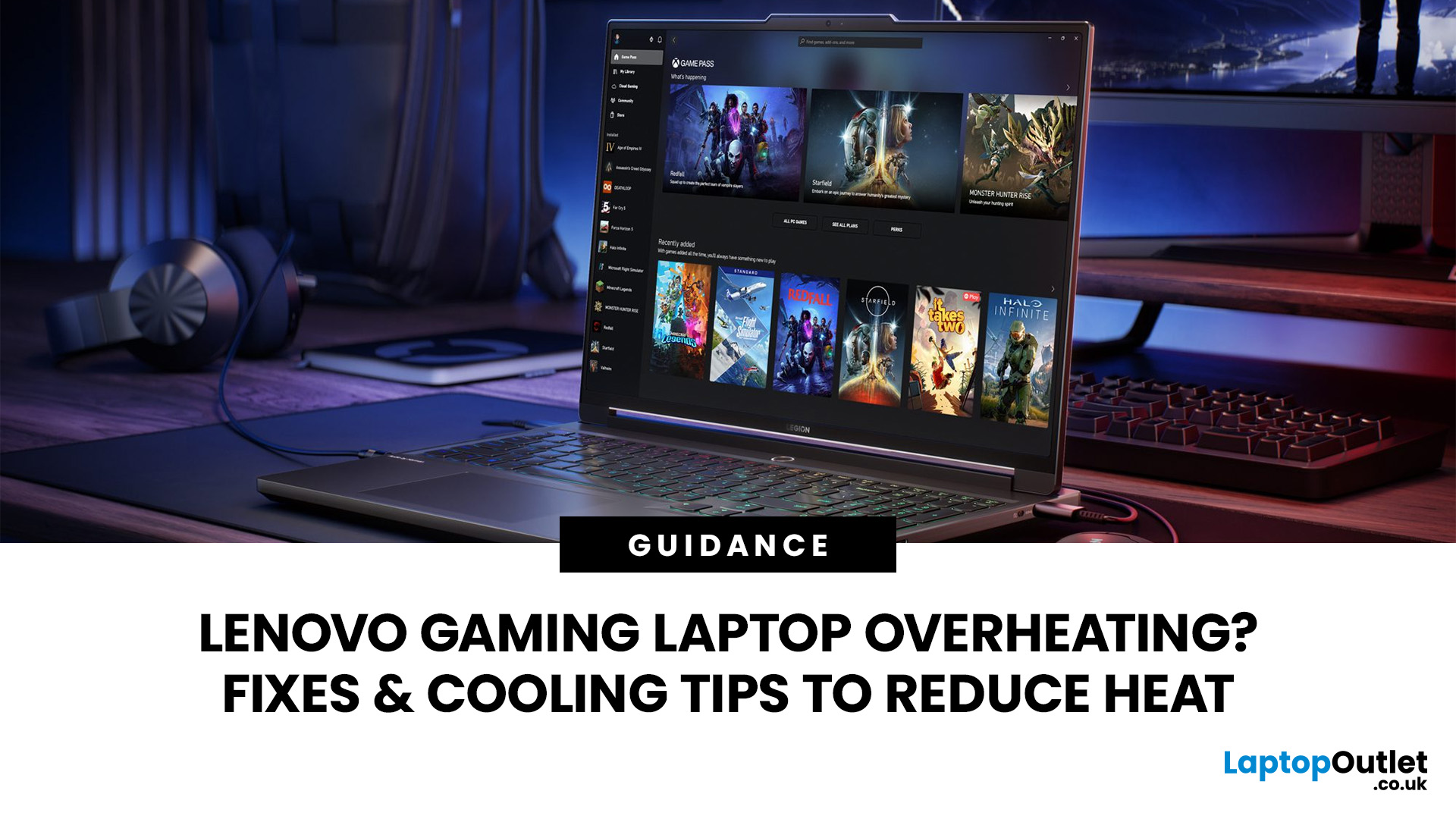
Your Lenovo laptop is slow, crashing, affected by persistent software problems or being prepared for a new owner; don't panic, it’s simply time for a factory reset.
A proper Lenovo factory reset reinstalls Windows and may remove applications, settings and personal data. This guide explains how to reset Lenovo laptop systems through Settings, the sign-in screen, Lenovo recovery mode, the Novo button or recovery media.
Before You Factory Reset Your Lenovo Laptop
- Back up documents, photos and other important files to cloud storage or an external drive.
- Keep the charger connected, remove unnecessary laptop accessories

Last Updated: September 03, 2026
When comparing premium laptop screens, the OLED vs AMOLED debate is simpler than it seems. Both deliver deep blacks, vibrant colours, fast response times and strong contrast. OLED is the broader technology, while AMOLED is a type of OLED that uses an active-matrix system to control pixels. Many modern OLED laptops already use this system, even if not labelled AMOLED. Instead of focusing on the name, buyers should compare resolution, refresh rate, brightness, colour accuracy, battery life and burn-in protection. This guide helps you understand the differences and choose the right display for your needs.
OLED vs AMOLED: The Quick Answer
OLED, or Organic Light-Emitting Diode (OLED), is a display technology in which each pixel creates its own light. An OLED screen does not require the separate backlight used by traditional LCD panels.
AMOLED, or Active Matrix OLED (AMOLED), is a type of OLED display that uses an active-matrix transistor system to control each pixel quickly and individually.

