



Intel Core Ultra 7 Series 3 Laptops: Features, Performance and What’s New
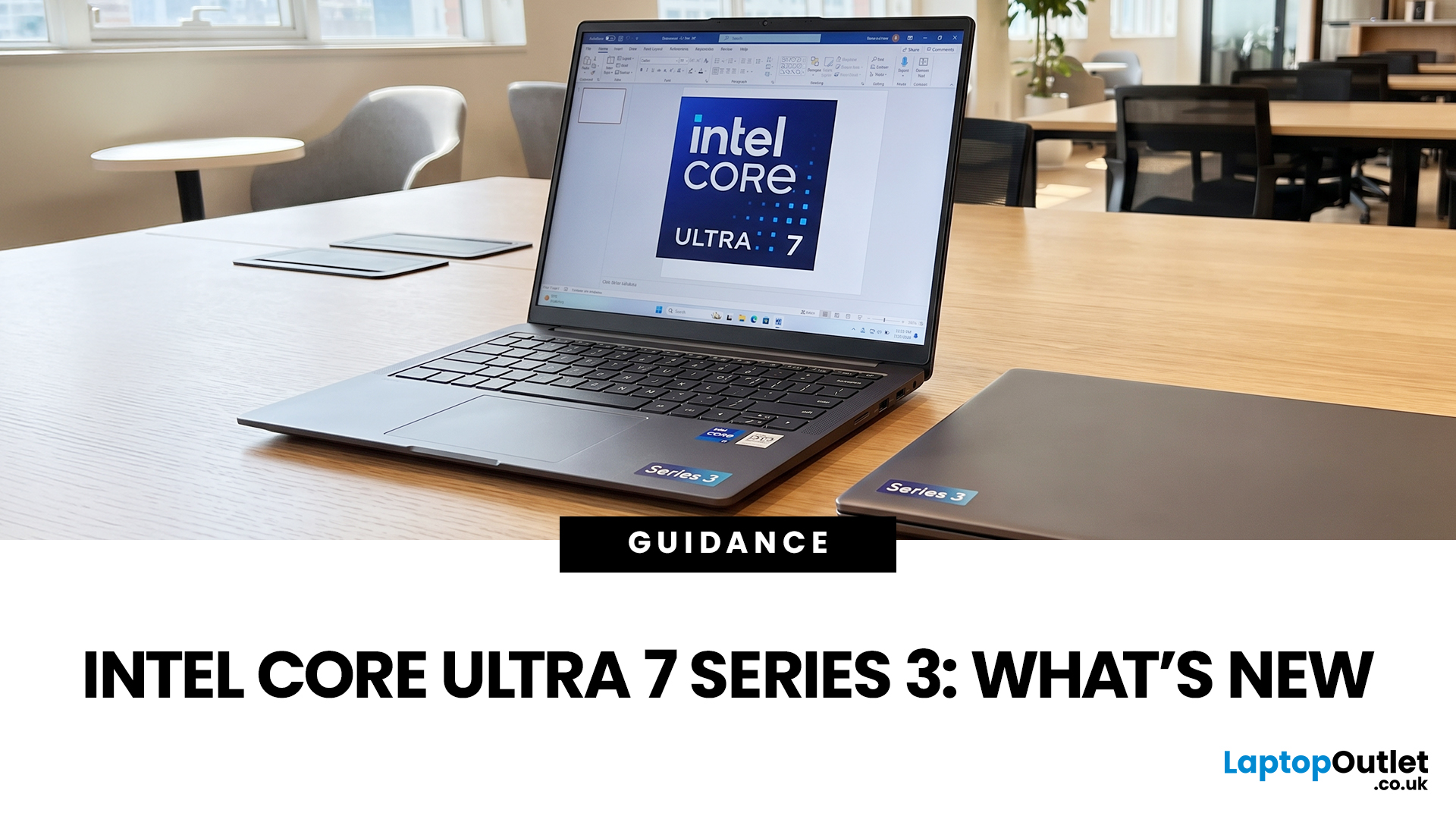
If you’re considering an Intel Core Ultra 7 Series 3 laptop in 2026, the processor name is only part of the story. Intel’s latest Core Ultra Series 3 generation brings a new architecture, Intel 18A process technology, built-in AI acceleration and updated graphics capabilities.
However, different Series 3 processors can have significantly different core and graphics configurations, so it is important to look beyond the “Core Ultra 7” label when choosing a laptop.
Series 3 is aimed at modern laptops that need to balance processing performance, AI capabilities and power efficiency. That makes these processors relevant to business users, students, developers and creators looking for a capable everyday machine. But what has actually changed, how does Series 3 compare with Series 2, and is Core Ultra 7 the right choice for your workload?
What Is Intel Core Ultra 7 Series 3?
Intel Core Ultra Series 3 is Intel’s latest laptop processor generation, introduced in 2026 and built around the Panther Lake platform. It uses Intel’s 18A process and combines CPU processing, integrated graphics and an NPU for supported AI workloads.
Within the Series 3 family, Core Ultra 7 sits between Core Ultra 5 and Core Ultra 9. Intel also offers higher-end Core Ultra X7 and X9 processors, which should not be treated as simply faster versions of every Core Ultra 7 chip.
The current Core Ultra 7 Series 3 range includes processors such as the Core Ultra 7 355, Core Ultra 7 356H, Core Ultra 7 365 and Core Ultra 7 366H. These aren't identical chips: some have eight CPU cores while others have 16, meaning two laptops marketed as intel core ultra 7 series 3 machines can deliver different levels of performance.
That distinction is important when comparing the best Intel Core Ultra laptops. The processor family gives you a useful starting point, but the exact chip and the rest of the laptop configuration ultimately determine what you can expect.
The Core Ultra 7 300 series sits within Intel's wider Core Ultra Series 3 laptop platform, with different models offering different core counts, graphics capabilities and performance levels.
What’s New in Intel Core Ultra 7 Series 3 Laptops?
The biggest changes in Series 3 go beyond a simple increase in processor speed. Intel has redesigned the platform around performance, efficiency, AI processing and graphics.
A New Processor Architecture
Series 3 is built using Intel’s 18A manufacturing process and Panther Lake architecture. The generation combines different processing elements to balance performance and efficiency, with Intel positioning the platform as a major step forward for laptop computing.
For everyday users, the benefit is less about knowing the manufacturing process and more about what the resulting laptop can do. A well-configured Series 3 machine can handle demanding multitasking while also supporting newer AI features and graphics workloads.
Independent testing has also found substantial improvements in CPU and graphics performance on tested Panther Lake systems compared with previous Intel generations, although results vary according to the exact processor and laptop design.
Better On-Device AI Processing
AI is one of the defining features of modern intel core ultra series 3 laptops. The integrated NPU is designed to handle supported AI workloads locally and efficiently instead of placing every task on the CPU.
This can help with features such as background blur, noise removal and other AI-assisted functions in compatible software. Creative applications can also make use of local AI acceleration for supported editing and enhancement tools.
However, having an NPU doesn't mean every AI application will automatically run faster. Software support matters, and demanding AI workloads can still rely heavily on the CPU or GPU.
Updated Integrated Graphics
Graphics capability is another important part of the Series 3 platform, but it varies between processors.
The standard Core Ultra 7 Series 3 processors use Intel Graphics, while higher-end Core Ultra X7 models include Intel Arc B390 graphics.
That means buyers shouldn't assume that every intel core ultra 7 series 3 processor delivers the same integrated graphics performance. If gaming or creative work is important, check the exact processor and whether the laptop includes a dedicated GPU.

Intel Core Ultra 7 Series 3 Performance
For most people, performance is the real reason to consider a new generation of processors. Core Ultra 7 Series 3 is designed to provide enough processing power for demanding everyday work without automatically pushing buyers into the highest-end laptop categories. If you're also considering previous-generation or competing platforms, comparing Core i7 and Ryzen 7 laptops can help put Core Ultra 7's performance and efficiency into perspective.
Everyday Productivity
For office work, web browsing, video calls and multitasking, Core Ultra 7 has plenty of headroom.
A suitable laptop can comfortably handle large numbers of browser tabs alongside spreadsheets, documents, email, collaboration software and streaming. This makes the platform a strong fit for professionals who want their machine to remain responsive throughout a busy working day.
It also makes Series 3 relevant to buyers comparing the latest business laptops, particularly when portability and battery efficiency matter alongside performance.
Content Creation
Photo editing, video editing and other creative workloads can benefit from a faster processor, but the CPU shouldn't be considered in isolation.
RAM, storage, cooling and graphics hardware can all affect the final experience. A Core Ultra 7 laptops with 32GB of RAM and a dedicated GPU may be significantly more useful for demanding creative work than a similarly branded model with 16GB of RAM and integrated graphics.
For lighter creative workloads, however, integrated graphics can be perfectly adequate.
Programming and Professional Applications
Developers can benefit from the combination of CPU performance, fast storage and modern connectivity.
If you're compiling large projects, running virtual machines or working with several development environments at once, a 16-core Core Ultra 7 configuration may be more appropriate than an eight-core model.
For web development, coding, office applications and lighter technical workloads, an eight-core processor can offer a better balance of performance and efficiency.
How AI Features Improve the Laptop Experience
An NPU can make AI features more practical because compatible workloads can be processed locally.
For example, video conferencing applications can use AI acceleration for background effects and noise suppression. Compatible creative software can also use local AI processing for image enhancement, editing and other assisted workflows.
This is particularly useful for people considering affordable AI-powered laptops because you don't necessarily need a premium workstation to get access to hardware-accelerated AI features.
There is still an important caveat: AI features vary by software. A laptop having an NPU does not guarantee that every AI application will use it.
For buyers who mainly use email, documents, web browsing and streaming, an NPU may not make a noticeable difference every day. For people regularly using AI-enabled productivity, communication or creative tools, however, it can become a much more useful part of the laptop.
For buyers specifically looking for Intel Series 3 AI laptops, the built-in NPU is one of the generation's most important features, allowing compatible AI workloads to be processed locally rather than relying entirely on the CPU or cloud services.
Battery Life and Energy Efficiency
Battery life is one of the areas where you should avoid judging a laptop solely by its processor.
Series 3 is designed with efficiency in mind, but actual battery life depends on the complete system. Screen brightness, display technology, refresh rate, battery capacity, workload and power settings can all make a substantial difference.
Independent testing of a Panther Lake laptop recorded strong battery efficiency in certain workloads, but the results also demonstrate why battery claims should be treated as system-specific rather than universal Series 3 figures.
For example, a laptop with a high-resolution OLED display running at a high refresh rate may consume considerably more power than a similarly configured machine with a lower-power display.
Power modes also affect the balance between performance and battery life. Performance modes can allow higher sustained power consumption, while battery-saving modes prioritise longer unplugged use.
This is particularly relevant when choosing thin and light laptops. A slim chassis can be highly portable, but buyers should still check the actual battery capacity and independent testing rather than assuming that every efficient processor guarantees all-day battery life.

Intel Core Ultra 7 Series 3 vs Series 2
So, how much better is Series 3 than Series 2?
The answer depends on the workload and the exact processor. Series 3 introduces a newer architecture, updated graphics and newer AI capabilities, while independent testing has shown meaningful performance improvements in CPU and graphics workloads on tested systems.
For someone buying a new laptop in 2026, Series 3 provides access to Intel's latest platform and technologies.
For someone who already owns a good Series 2 laptop, however, upgrading isn't automatically necessary. If the existing machine handles your applications, battery requirements and workload comfortably, a new processor generation alone may not justify the expense.
The upgrade makes more sense when your current laptop is struggling with demanding applications, lacks newer AI capabilities, has poor battery life or needs replacing for other reasons.
Core Ultra 7 Series 3 vs Core Ultra 5 and Core Ultra 9
The choice between Core Ultra 5, 7 and 9 comes down to how much performance you actually need. If you're comparing Core Ultra 7 with Core Ultra 5, the key differences come down to processing headroom, the specific processor configuration and the type of workloads you regularly run.
Core Ultra 5 is suitable for everyday productivity, study and general use where maximum processing power isn't a priority.
Core Ultra 7 is the middle ground. It makes sense for users who regularly multitask, run demanding applications or want additional performance headroom without automatically moving to the highest-end processor tier.
Core Ultra 9 is better suited to workloads where additional CPU performance can provide a meaningful benefit.
If you're shopping for high-performance laptops, don't automatically choose Core Ultra 9 simply because it sits higher in the range. The complete laptop specification matters, and a well-configured Core Ultra 7 machine can be better value for many users.
Are Intel Core Ultra 7 Series 3 Laptops Good for Gaming?
They can be, but the processor itself doesn't determine gaming performance.
Casual games and less demanding titles can run on suitable integrated graphics, while more demanding games benefit from a dedicated GPU.
This is where the distinction between different Series 3 processors becomes important. The integrated graphics capability isn't identical across the range, and a laptop with a dedicated AMD or NVIDIA GPU will generally be a much stronger choice for demanding gaming.
If gaming is a priority, check:
- The exact processor and integrated GPU
- Dedicated GPU, if included
- VRAM
- Display refresh rate
- Cooling system
- RAM capacity
- SSD storage
In other words, Core Ultra 7 is a processor choice, not a complete gaming specification.
Who Should Buy an Intel Core Ultra 7 Series 3 Laptop?
Core Ultra 7 Series 3 makes the most sense for users who want a modern all-round laptop with strong performance and current AI capabilities.
Business Professionals
Professionals who spend their day switching between documents, browser tabs, video meetings and communication applications can benefit from the extra performance headroom.
Students and Everyday Users
Students can use Core Ultra 7 for research, coursework, presentations, streaming and general multitasking. It may provide more performance than necessary for basic tasks, but that extra capacity can make sense if you plan to keep the laptop for several years.
Creators and Developers
Creators should focus on the complete configuration, particularly RAM and GPU performance. Developers should similarly consider whether they need a higher-core-count processor for virtual machines, compiling or other sustained workloads.
What to Look for When Buying a Core Ultra 7 Series 3 Laptop
The first thing to check is the exact processor number. "Core Ultra 7" alone isn't enough to tell you how a laptop will perform.
Next, look at RAM. 16GB is a sensible starting point for modern productivity, while 32GB can be worthwhile for heavier multitasking, development and creative applications.
Storage is also important. A fast NVMe SSD provides quicker application loading and file access, while 512GB is a reasonable starting point for many users.
Then consider the display. Creators may prioritise colour accuracy and resolution, while gamers should pay attention to refresh rate and response time.
Finally, look at the parts that don't appear in the processor name: battery capacity, ports, webcam, keyboard, chassis quality, weight and cooling.
These details often have a bigger effect on your daily experience than a small difference between processor models.
Are Intel Core Ultra 7 Series 3 Laptops Worth Buying in 2026?
For someone buying a new laptop in 2026, yes - Core Ultra 7 Series 3 is a compelling option, particularly if you want a combination of strong general performance, modern AI acceleration and improved platform efficiency.
The important caveat is that there isn't one universal Series 3 experience. Processor configuration integrated or dedicated graphics, RAM, display, cooling and battery capacity all influence the final result.
For most productivity-focused buyers, Core Ultra 7 occupies a sensible middle position between Core Ultra 5 and higher-end options. For demanding gaming or professional creative work, however, the GPU and complete system configuration may matter more than the processor branding.

Final Verdict
The smartest way to shop for an Intel Core Ultra 7 Series 3 laptop is to treat "Core Ultra 7" as the starting point rather than the final buying decision.
Check the exact processor, graphics, RAM, storage, display and battery before comparing prices. If those components match your workload, Series 3 can provide a strong foundation for work, study, creative applications and everyday use while giving you access to newer AI capabilities.
If you're ready to compare current models, explore Laptop Outlet's Intel Core Ultra 7 laptops to find a configuration that fits your needs.
Related Articles


Last Updated: September 02, 2026
Looking beyond the MacBook Pro in 2026? This guide explores the best high-performance laptop alternatives for creators, developers, designers, and power users who want premium speed, displays, battery life, and value without being locked into Apple’s ecosystem.
If you're searching for the best MacBook Pro alternatives 2026 has to offer, you're not alone. Apple's flagship laptop remains one of the most impressive machines on the market, but it comes at a significant cost, and it isn't the right fit for everyone. Whether you're moving from macOS to Windows, exploring a different ecosystem, or simply want to know your options before spending over £1,500, this guide is for you.
Why Look for MacBook Pro Alternatives in 2026?
Apple's engineering is exceptional, but there are compelling reasons why even dedicated Mac users are reconsidering their options.
Price
The MacBook Pro starts at well over £1,500 in the UK. For many buyers, particularly students, freelancers, and small business owners,

Published: June 04, 2026
Big-screen laptops are becoming essential for UK buyers who want more workspace, stronger performance and immersive entertainment in one device. This 2026 guide compares 16-inch, 17-inch and larger laptops for work, gaming, study and creativity, helping you choose the right model for productivity, portability, battery life and long-term value today.
A larger display gives you more room for spreadsheets, timelines, browser tabs, creative apps, coding windows, and immersive games. Whether you are comparing laptops and notebooks, upgrading your work-from-home setup or searching for a capable gaming machine, large screen laptops now offer a much better balance of performance, display quality and portability than older bulky models.
Why Big Screen Laptops are More Popular Than Ever in 2026
Big-screen laptops are having a strong moment because people expect more from one device. A laptop is no longer used only for emails and web browsing. It may now need to handle video calls, AI meeting notes,
Last Updated: September 03, 2026
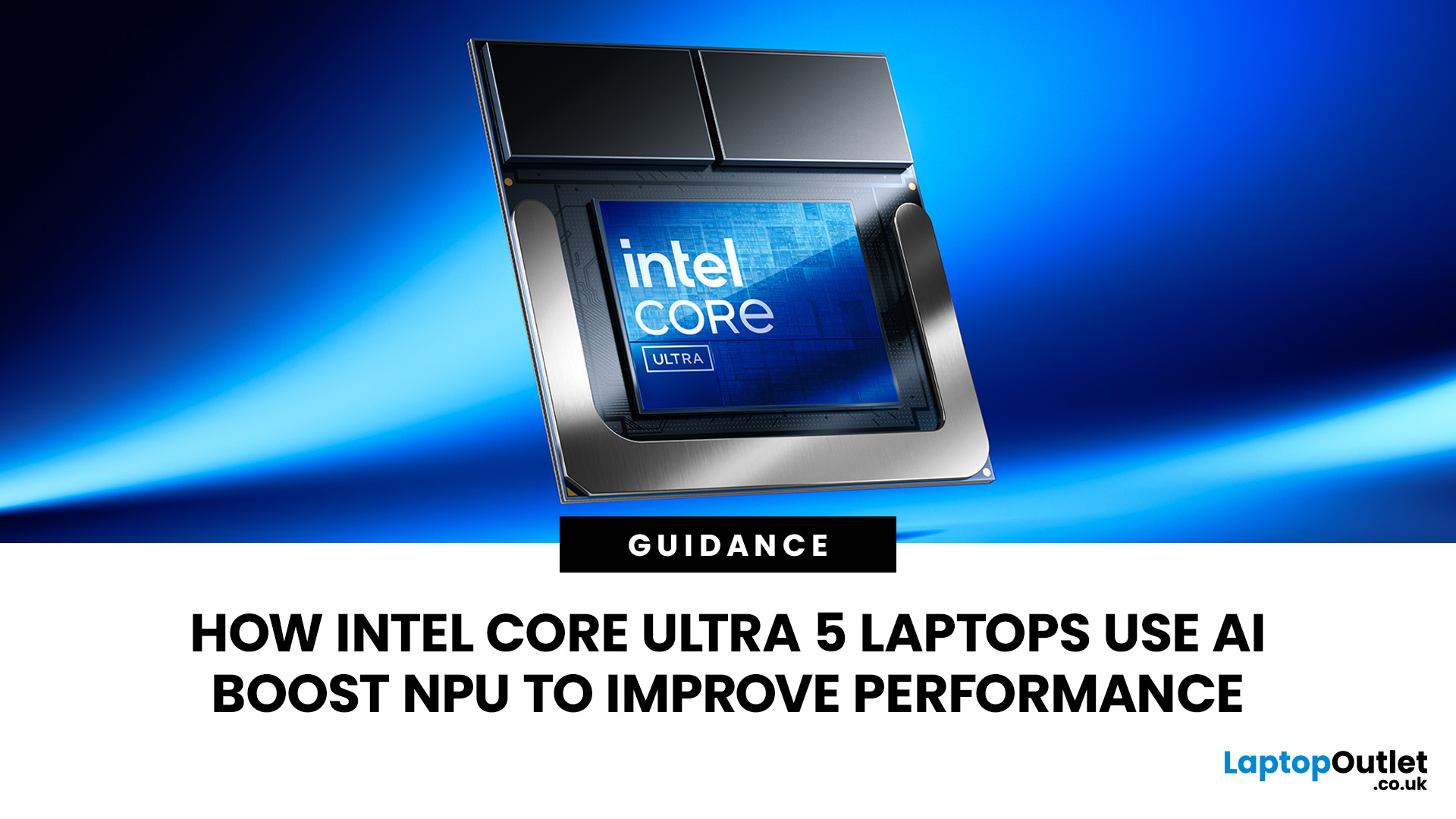
AI is no longer limited to the cloud or research labs. It’s now built into everyday laptops, powering features like clearer video calls, live captions, and smarter editing tools. At the heart of this is the intel core ultra 5 NPU, a dedicated AI engine within the processor that handles machine-learning tasks efficiently. An intel core ultra 5 processor combines CPU, GPU, and NPU, allowing each task to run on the most suitable hardware. This setup improves multitasking and efficiency, though benefits depend on software support and the specific processor model.
What is Intel AI Boost NPU in Core Ultra 5 Laptops?
Intel AI Boost is the name Intel uses for the neural processing hardware integrated into supported Core Ultra processors. It is designed to process AI inference workloads efficiently, particularly tasks that run continuously or repeatedly in the background.
The AI boost NPU complements the CPU and GPU rather than replacing them. It becomes a low-power engine for longer-running AI
Last Updated: September 08, 2026
Two laptops can both say AMD Ryzen 5 on the specification sheet and still be built for very different jobs. One may prioritise battery efficiency and portability, while another is designed to sustain more performance for gaming, coding or creative work.
That is why choosing an AMD Ryzen 5 laptop in 2026 means looking beyond the tier name. AMD currently spans several mobile naming families, from Ryzen 7000 and 8000 to newer Ryzen 100, Ryzen 200 and Ryzen AI ranges. The exact processor, power class, memory, graphics, storage and laptop design all influence the experience.
This guide explains how to read those specifications, avoid misleading shortcuts and match the complete configuration to the way you actually use your laptop.
Quick Answer: How to Choose a Ryzen 5 Laptop
For most buyers, the right Ryzen 5 laptop is the one with a balanced specification rather than simply the largest processor number. Start with your main workload, then check the full CPU name, RAM, storage, graphics, display

Last Updated: July 21, 2026
Using your laptop in public is normal now. Cafés, trains, airports, libraries, lecture halls, shared offices, the laptop comes everywhere. But if the person sitting next to you can casually read your emails, bank details, work chats or assignments, that is not exactly ideal.
That is where privacy screen protectors laptops come in. Whether you are a student, business user, commuter or hybrid worker, this guide explains how privacy screens work, their benefits, disadvantages, types and whether they are actually worth buying.
How Does a Privacy Screen Protector Work?
Most laptop privacy screens use tiny vertical filter layers, often called micro-louvres. These work a bit like blinds. When you look at the laptop straight on, you can see the display clearly. When someone looks from the side, the filter blocks the view.
This is also how laptops and notebooks privacy screens work in everyday spaces. If you are working on a train, someone sitting beside you should find it much harder to read your
Last Updated: July 22, 2026
Last Updated: July 23, 2026
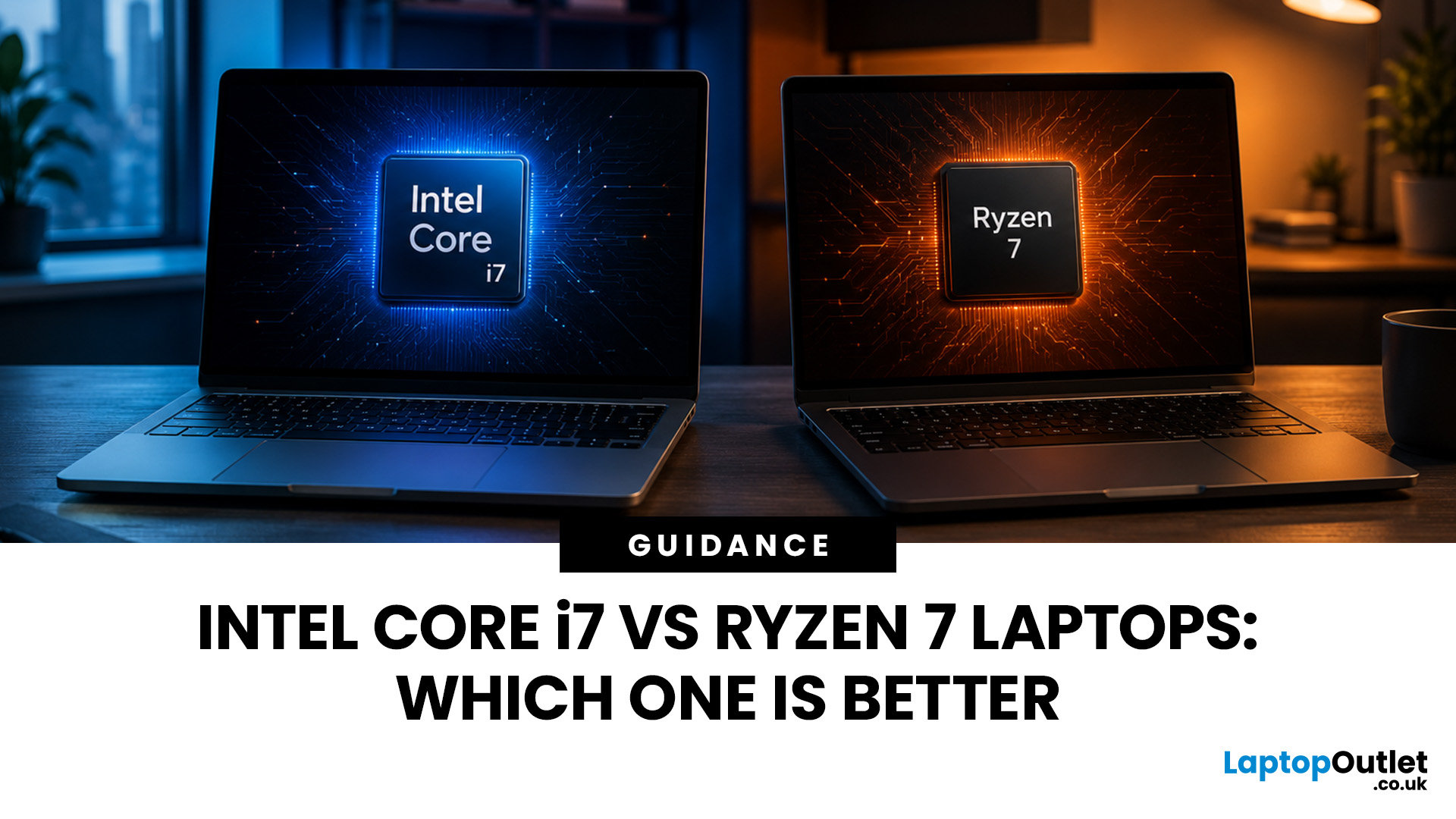
Neither processor family is automatically better. An Intel Core i7 laptop is often a strong choice for demanding productivity, supported video workflows and high-powered gaming configurations. A Ryzen 7 laptop can be especially attractive for efficient multitasking, capable integrated graphics and specification value.
When comparing an i7 vs Ryzen 7 laptop, the exact processor number matters more than the badge. A Core i7 U-series processor designed for a lightweight laptop is not equivalent to a Core i7 H-series gaming chip. The same applies to Ryzen 7 U, HS and HX processors.
For the broader brand-level differences, read our AMD vs Intel laptop guide. This guide goes deeper into the Core i7 and Ryzen 7 performance tier.
Intel Core i7 vs Ryzen 7 Laptops: Quick Answer
| Your priority | Better starting point | What to check |
| Everyday office work | Either | RAM, battery, screen and price |
| Heavy multitasking | Either | Exact CPU model, cooling and at least 16GB RAM |
| Gaming with dedicated graphics | Either | GPU |

Last Updated: September 03, 2026
When comparing premium laptop screens, the OLED vs AMOLED debate is simpler than it seems. Both deliver deep blacks, vibrant colours, fast response times and strong contrast. OLED is the broader technology, while AMOLED is a type of OLED that uses an active-matrix system to control pixels. Many modern OLED laptops already use this system, even if not labelled AMOLED. Instead of focusing on the name, buyers should compare resolution, refresh rate, brightness, colour accuracy, battery life and burn-in protection. This guide helps you understand the differences and choose the right display for your needs.
OLED vs AMOLED: The Quick Answer
OLED, or Organic Light-Emitting Diode (OLED), is a display technology in which each pixel creates its own light. An OLED screen does not require the separate backlight used by traditional LCD panels.
AMOLED, or Active Matrix OLED (AMOLED), is a type of OLED display that uses an active-matrix transistor system to control each pixel quickly and individually.
Last Updated: August 20, 2026
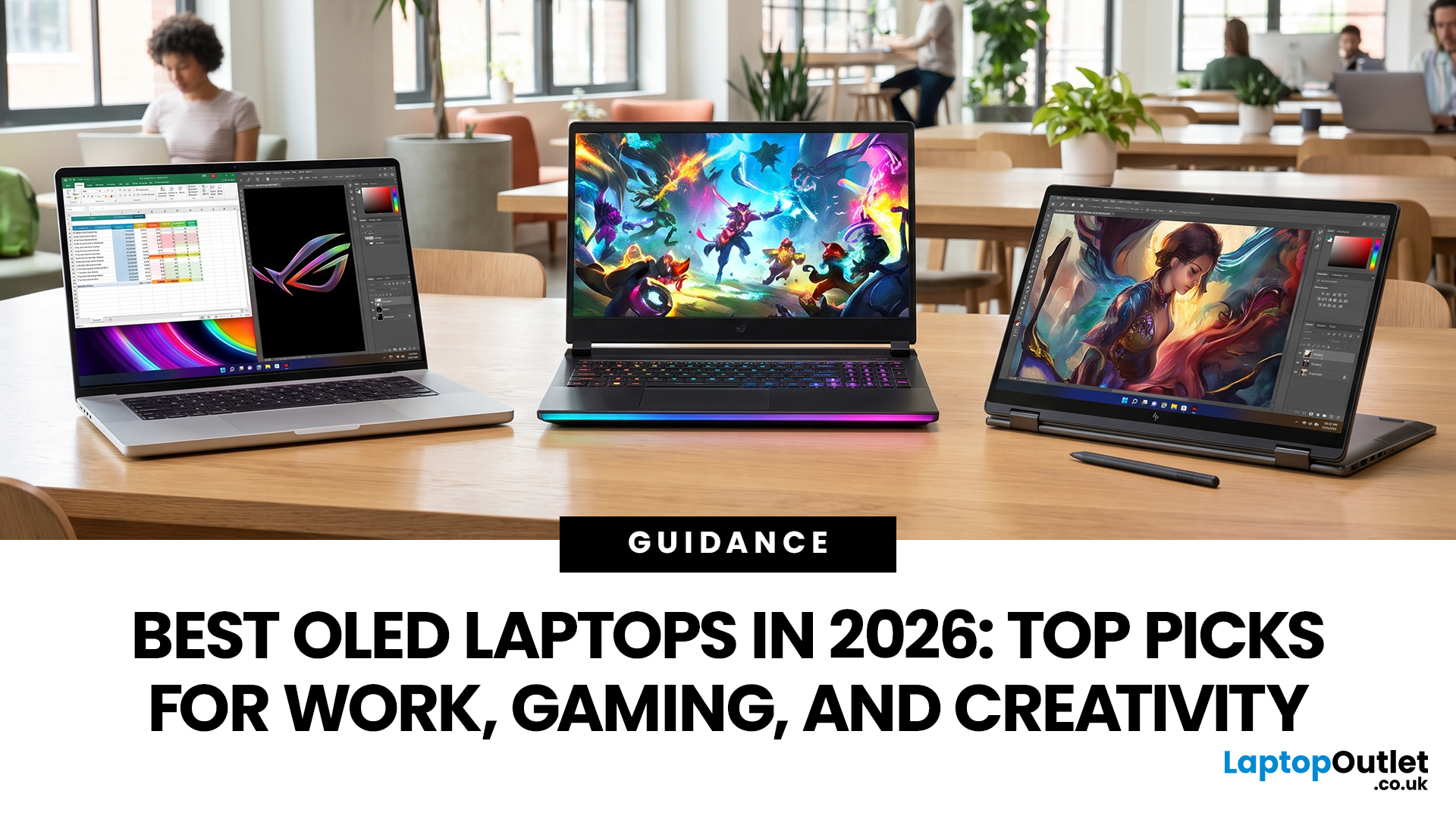
OLED screens are becoming more common across premium ultrabooks, creator workstations and gaming laptops in 2026. Newer panels offer higher resolutions, faster refresh rates and improved efficiency, while recent tandem OLED developments are also increasing brightness and durability.
However, an OLED screen does not automatically make a laptop suitable for every buyer. Processing power, graphics, memory, ports, battery life and weight remain equally important.
This guide compares the best OLED laptops for students, professionals, creators, gamers and everyday users. It also explains the specifications that matter, helping you understand what each feature means when choosing a laptop.
Quick Picks: Best OLED Laptops in 2026
| Category | Laptop |
| Best Overall | ASUS Zenbook S 16 |
| Best Premium | Samsung Galaxy Book5 Pro |
| Best Value | Samsung Galaxy Book4 |
| Best Student Laptop | ASUS Zenbook 14 OLED |
| Best Business Laptop | Samsung Galaxy XE550XGA |
| Best Creator Laptop | ASUS ProArt PX13 |
| Best Professional Workstation |
Published: August 03, 2026
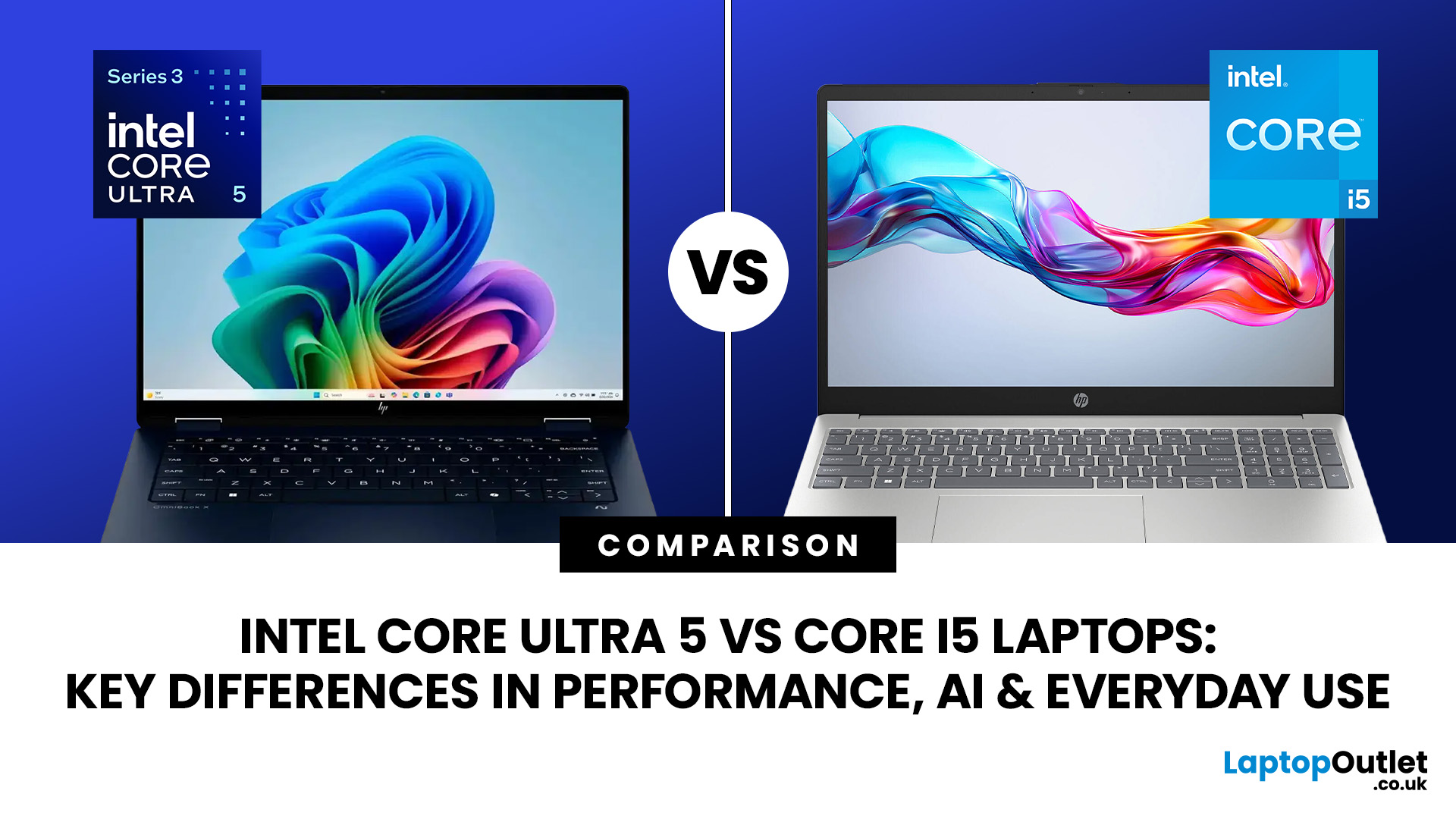
Intel has changed how it names and builds its laptop processors (CPUs). Traditional Core i5 chips remain widely available, but newer premium laptops increasingly use the Core Ultra 5 name, which Intel introduced alongside a major architectural redesign and built-in AI acceleration. That makes the Intel Core Ultra 5 vs i5 comparison more complicated than simply checking which number looks newer.
This guide explains the differences in everyday speed, multitasking, graphics, gaming, AI features, and battery life, without burying the answer under unnecessary technical jargon.
Quick Answer: Should You Buy Intel Core Ultra 5 or Core i5?
Buy Core Ultra 5 for stronger integrated graphics, on-device AI features and generally better efficiency. Buy Core i5 when price matters most, especially for office work or laptops with dedicated graphics card. Always compare the exact processor suffix and laptop configuration.
| If you want... | Buy | Why |
| Lowest price | Core i5 | Older i5 laptops are regularly discounted |

