



Tandem OLED Laptops Explained: Is DisplayHDR True Black 1400 Worth the Upgrade?
OLED laptops are already known for deep blacks, rich colour and fast pixel response, but a newer display design is pushing brightness further.
Tandem OLED laptops use stacked light-producing layers to deliver stronger HDR highlights while retaining the pixel-level control that makes OLED attractive.
That improvement now has an official benchmark. VESA introduced DisplayHDR True Black 1400 in July 2026 as its highest True Black certification tier, aimed at next-generation OLED screens for professional HDR creation and premium entertainment. The first certified laptop display shows that tandem OLED is becoming a buying consideration.
Understanding the Real Impact of True Black 1400 Displays
DisplayHDR True Black 1400 is worth considering if you edit HDR video, review colour-critical content, watch high-quality HDR films or play cinematic games on your laptop. Its combination of bright highlights, sustained brightness and near-perfect black levels can make demanding HDR scenes look more convincing.
It is less important for browsing, office work, video calls and general study laptops. A good conventional OLED laptop can still provide excellent contrast and colour for those tasks. True Black 1400 should therefore be treated as a premium advantage, not the only reason to buy a laptop.
How Does Tandem OLED Laptop Display Work?
A standard OLED panel is self-emissive. Each pixel produces its own light, allowing it to switch off when displaying black. This creates exceptional contrast without the backlight used by an LCD.
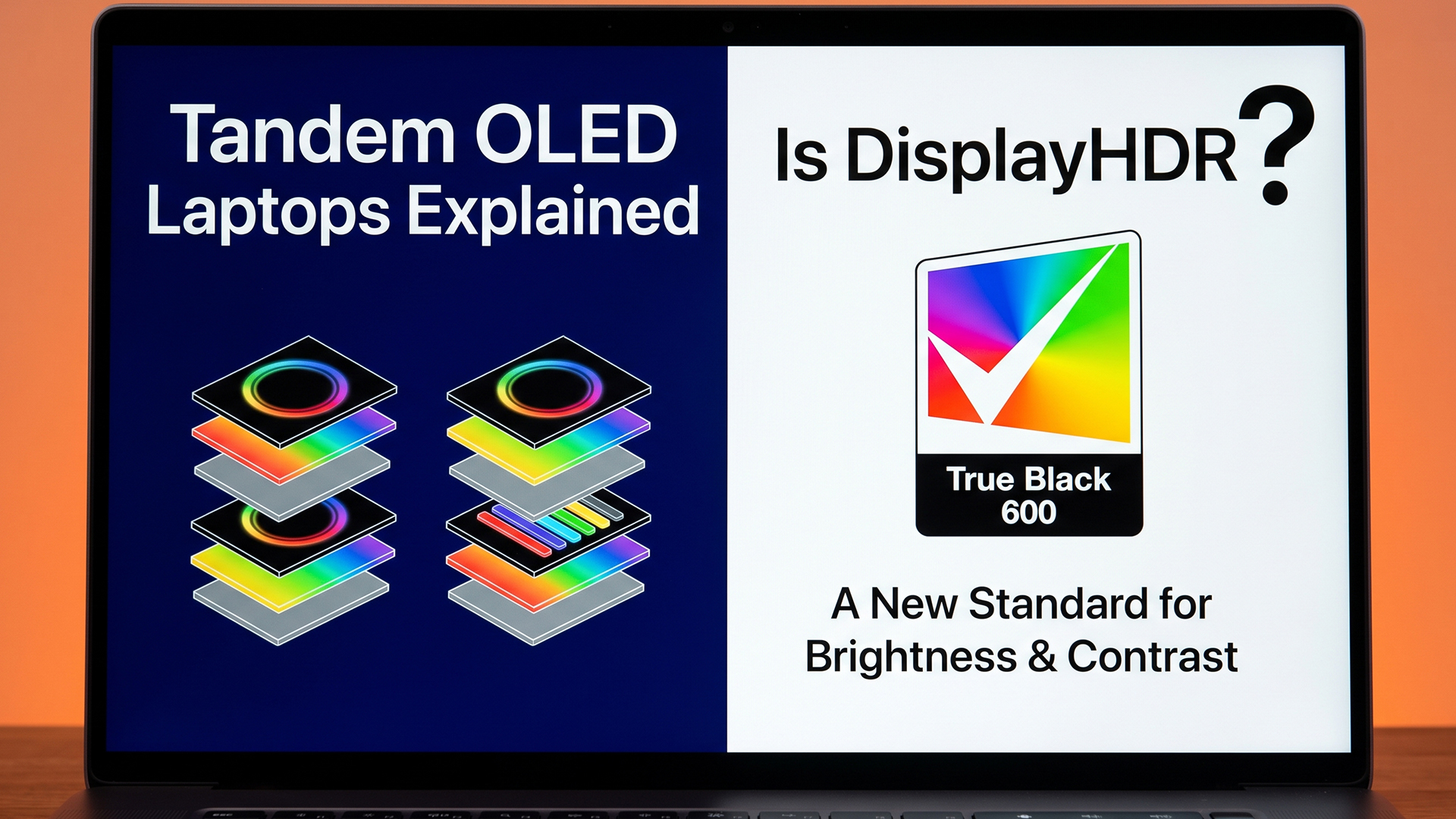
A tandem OLED panel stacks two organic light-emitting layers. The layers work together to produce the required output, so the screen can generate more light without forcing one layer to do all the work. This creates the potential for higher brightness or similar brightness with less stress on each layer.
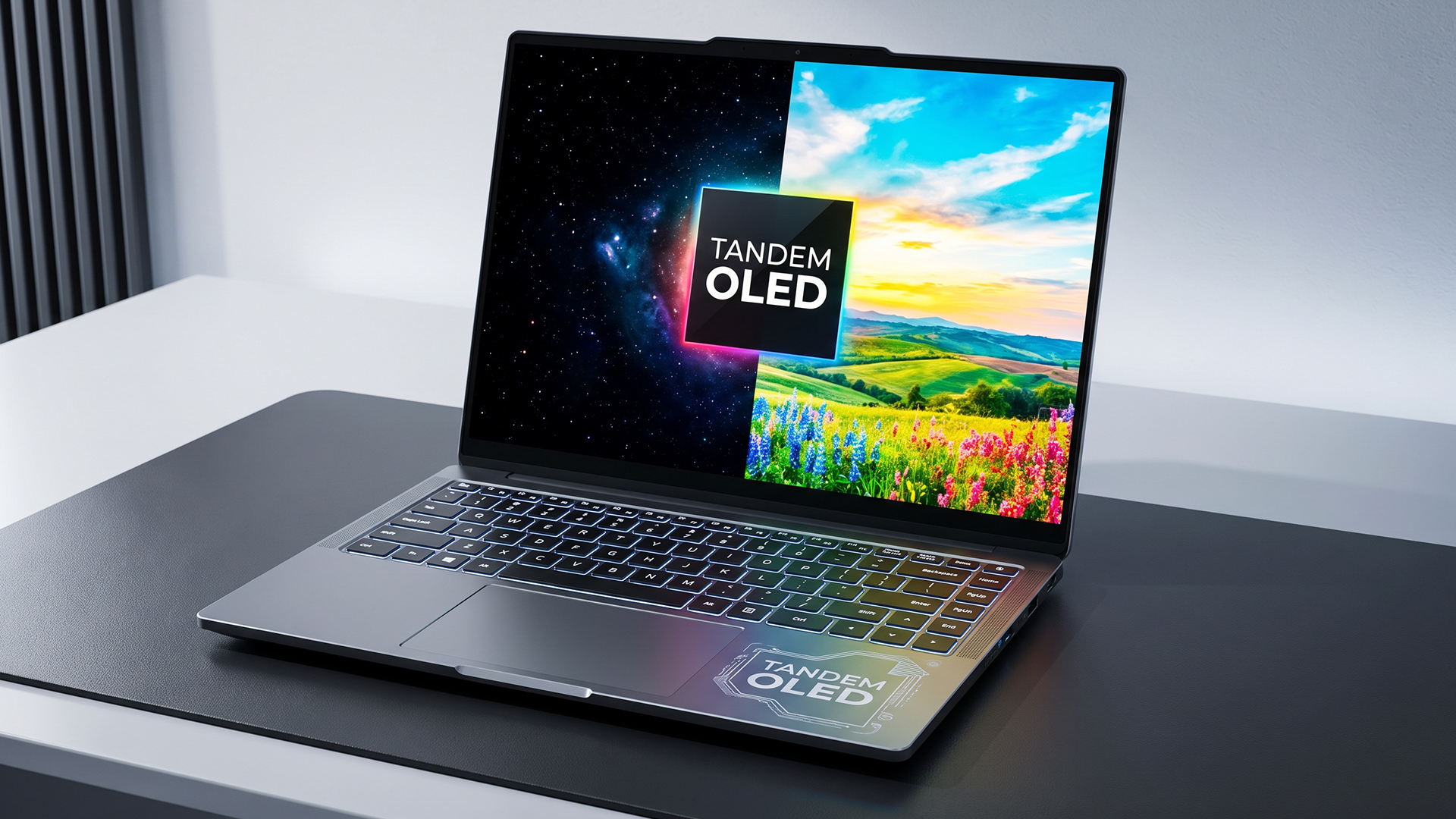
This technology is also called dual-stack OLED. It describes one panel with two internal emitting layers, not two separate screens.
Samsung Display says its latest laptop panel combines this structure with new organic materials to improve brightness and durability. It also claims more than twice the lifespan of a single-stack OLED under comparable conditions. That is not a guarantee for every laptop, because temperature, brightness settings, static content and panel management also affect ageing.
Tandem OLED vs Regular OLED
Regular OLED is not outdated. Many current OLED laptop HDR displays already offer excellent blacks, colour and response. Tandem technology mainly expands performance at the brighter end of HDR.
|
Display area |
Regular OLED |
Tandem OLED |
|
Emitting structure |
Commonly one OLED stack |
Two stacked emitting layers |
|
Black level |
Pixel-level black control |
Pixel-level black control |
|
Peak brightness |
Varies by panel |
Greater brightness potential |
|
HDR highlights |
Strong on premium panels |
Brighter, more impactful highlights |
|
Layer stress |
Higher at equal output |
Potentially lower at equal output |
|
Availability |
Widely available |
Limited to newer premium laptops |
|
Cost |
More price choices |
Usually premium |
Resolution, colour accuracy, refresh rate, coating, touch support and battery performance still matter. A well-calibrated conventional OLED may be a better purchase than a tandem screen attached to a poorly balanced laptop.
For a broader comparison, our guide to Windows 11 laptop display technologies explains how OLED differs from IPS and PixelSense in contrast, brightness, battery efficiency and everyday usability.
What Is VESA DisplayHDR True Black 1400?
VESA DisplayHDR is an open certification programme created to make HDR claims easier to compare. A screen must pass defined tests before carrying a DisplayHDR badge. The True Black branch is intended for self-emissive technologies such as OLED, where individual pixels can reach extremely low black levels.
True Black 1400 raises the performance ceiling. Its headline requirements include:
- At least 1,400 cd/m² peak luminance
- 700 cd/m² full-screen sustained luminance
- Black luminance below 0.0005 cd/m²
- Testing for colour accuracy, contrast and black-level performance
VESA says the certification builds on its CTS 1.2 framework, which expanded validation across several areas affecting HDR quality. That matters because a bright screen is not automatically an accurate one. Certification considers how the display handles both intense highlights and very dark detail.
Peak Brightness Is Not Everyday Brightness
The 1,400-nit figure needs context. Peak brightness normally describes a limited bright area shown for a defined period during testing. In a film, that could represent sunlight reflecting from metal, an explosion or a lamp in a dark room.
It does not mean the whole screen remains at 1,400 nits while you write an email. Doing so would create unnecessary heat, consume more energy and be uncomfortable indoors.
The 700-nit full-screen requirement is equally meaningful because it covers brighter overall scenes. It can also improve visibility in a well-lit room, although glossy surfaces may still reflect surrounding light.
These differences are not limited to laptops, as the comparison between LG OLED, IPS and Nano IPS panels also shows how contrast, brightness, response time and viewing conditions affect the best display choice.
VESA measures the 1,400-nit peak at a 10% On-Pixel-Ratio, meaning roughly one-tenth of the display is illuminated during the test. This is why the figure represents concentrated HDR highlights rather than normal full-screen brightness. In other words, the display cannot sustain 1,400 nits across the entire screen at once.
What Difference Does It Make in Real Use?
The most noticeable benefit is stronger separation between dark areas and bright highlights. An OLED can display a nearly black sky while allowing stars, signs or flames to appear intensely bright. Increasing highlight brightness makes that contrast feel more realistic without lifting the black level.
Creators can benefit when grading HDR footage because the wider luminance range can expose clipped highlights, lost shadow detail and weak scene contrast.
The source still matters. Standard dynamic range web pages will not suddenly look like HDR demonstrations. The laptop needs correctly mastered HDR content, compatible software and suitable Windows settings. Microsoft notes that HDR must be enabled and that laptop power settings may switch it off on battery because HDR can reduce runtime.

Lenovo Yoga Pro 9i Aura Edition: An Early Example
The 16-inch Lenovo Yoga Pro 9i Aura Edition Gen 11 is an important early example. Lenovo UK lists an optional 3.2K PureSight Pro Tandem OLED panel reaching 1,600 nits, while Samsung Display identified a 16-inch Lenovo implementation as the first laptop to receive True Black 1400 certification.
The word “optional” matters. Laptop families can contain several display configurations, so buyers should check the exact model number rather than assuming every Lenovo Yoga Pro 9i Aura includes the certified screen.
This creator-focused positioning also explains the wider hardware. A high-end display is most useful when the processor, graphics, memory and cooling can support editing, rendering and other demanding work. Shoppers comparing top Lenovo laptops should assess the complete system, not only the HDR badge.
Is Tandem OLED Better for Creative Work?
For professional creative work, it can be. Video editors and colourists working with HDR material have the strongest reason to consider the upgrade. Higher highlight brightness and deep blacks allow a portable screen to show a more demanding image than many older laptop panels.
Photographers may appreciate the contrast and colour potential, but certification does not remove the need for calibration. Creators should still check colour-space coverage, bit depth, application support and whether their workflow needs an external reference monitor. True Black 1400 is a useful quality signal, not an automatic substitute for specialist mastering hardware.
Premium creator laptops already demonstrate how OLED can improve colour-rich professional workflows, with ZenBook OLED displays placing particular emphasis on visual quality, colour accuracy and creative productivity.
Is True Black 1400 Useful for Gaming?
It can improve well-made HDR games. Neon lighting, fire, sunlight and reflections can stand out against dark environments, while OLED’s fast pixel response helps motion remain clear.
Windows 11 Auto HDR can expand the colour and luminance range of supported DirectX 11 and DirectX 12 games, although results vary because converted SDR games were not originally mastered for HDR.
Gamers should still prioritise the complete display specification. Refresh rate, response behaviour, resolution, variable refresh support and GPU performance determine smoothness. A 1,400-nit certification cannot compensate for low frame rates. Competitive players may gain more from a faster refresh rate, while cinematic gamers are more likely to appreciate the improved HDR impact.
What About Burn-In?
Tandem OLED does not eliminate burn-in. It remains an organic display technology, so uneven pixel wear is possible when static elements stay visible for very long periods.
The stacked structure may reduce the workload on each emitting layer at an equivalent brightness. Pixel shifting, panel refresh routines and automatic dimming can also manage wear. Users should avoid unnecessary maximum brightness, allow maintenance routines to run and check warranty coverage if static editing interfaces remain visible for many hours.
For a closer look at image retention, static screen elements and protective features, see our guide to OLED laptop screen burn-in and the practical steps that can help reduce the risk.
Battery Life and Other Trade-Offs
A more efficient panel design does not guarantee longer battery life. Tandem OLED may use energy more effectively at matched brightness, but running very high HDR output may consume more power. Resolution, refresh rate, processor load and displayed content also affect runtime.
Microsoft warns that enabling HDR video on battery can reduce battery life. Travellers may prefer SDR mode or lower brightness and reserve full HDR performance for mains power.
Consider cost, availability, reflections and configuration differences.
Samsung Display supplies panels to several PC brands, but that does not mean every Samsung-branded laptop uses tandem OLED or carries True Black 1400 certification. Buyers reviewing the latest Samsung laptops should check whether each model uses AMOLED, Dynamic AMOLED 2X or another display type. Samsung UK lists different AMOLED technologies across its Galaxy Book range.
Who Should Upgrade?
A tandem OLED laptop with True Black 1400 makes the most sense for:
- HDR video editors and colour-focused creators
- Users reviewing premium HDR footage away from a desk
- Film enthusiasts who value strong contrast and highlights
- Gamers who prefer cinematic visuals
- Buyers already considering a premium creator laptop
A regular OLED or good LCD is likely enough for:
- Everyday office applications
- General browsing and streaming
- Students prioritising battery life and value
- Competitive gaming focused on frame rates
- Users who rarely view HDR material
The deciding question is not whether True Black 1400 is technically better. It is whether your normal applications and content can use the extra performance.

Final Verdict
DisplayHDR True Black 1400 is a meaningful step for OLED laptop HDR. It combines the deep blacks expected from OLED with much stronger peak and sustained brightness, while tandem OLED offers a credible route towards improved efficiency and panel longevity.
For HDR creators, premium media viewers and cinematic gamers, the improvement can justify paying more when the rest of the laptop is equally strong. For everyday users, the certification is impressive but not essential. A balanced laptop with a good regular OLED display, suitable performance and longer practical battery life may offer better overall value.
Treat True Black 1400 as evidence of a capable HDR panel, not the entire laptop. You can browse OLED laptop options to compare more widely available OLED specifications before deciding whether tandem OLED is worth the additional premium.

What People Also Ask About Tandem OLED Laptops
Is tandem OLED better than regular OLED in a laptop?
Tandem OLED can reach higher brightness and may place less stress on each emitting layer. However, the final experience also depends on colour accuracy, resolution, refresh rate, coating and calibration. A high-quality regular OLED can still be excellent.
Do tandem OLED laptops have a higher burn-in risk?
Not necessarily. The stacked design may improve longevity at equivalent brightness, but tandem OLED can still experience uneven organic pixel wear. Sensible brightness settings and built-in panel-care features remain important.
Is True Black 1400 useful for gaming?
Yes, particularly for cinematic games with effective HDR. Bright effects can stand out more clearly against dark environments. Competitive gamers should also consider refresh rate, response time and GPU performance.
Does True Black 1400 mean the screen is always 1,400 nits?
No. The figure is a peak HDR requirement measured under defined conditions. True Black 1400 also requires 700 nits of full-screen sustained brightness, which is more relevant to bright overall scenes.
Does tandem OLED improve laptop battery life?
It can be more efficient at the same brightness, but battery life depends on use. High brightness, HDR playback, high refresh rates and demanding applications may offset potential efficiency gains.
Related Articles

Published: July 27, 2026
The Surface Laptop Ultra is Microsoft’s boldest laptop yet, built for local AI, 3D work, coding and demanding creative projects. It combines NVIDIA RTX Spark, Blackwell graphics, full CUDA support, and up to 128GB of unified memory, giving it serious workstation-level potential in a much slimmer design.
The 15-inch Mini-LED PixelSense Ultra display, upgraded cooling, and wider port selection make it even more appealing for power users. The only catch is that the exact UK price, full configurations and release date are still under wraps.
Microsoft Surface Ultra Specs at a Glance
The confirmed Microsoft Surface Ultra specs place the device above Microsoft’s conventional
Last Updated: August 06, 2026
Published: July 27, 2026
Last Updated: August 06, 2026
A safe Lenovo drivers update should begin with Lenovo Vantage or Lenovo Support, followed by Windows Update and, when needed, the official NVIDIA or AMD graphics software. Using these trusted sources helps ensure that chipset, graphics, audio, network, firmware and system drivers are matched to your specific Lenovo Legion or LOQ laptop.
Updating drivers can fix hardware problems, improve compatibility with newer games and address security or stability issues. However, installing every available update immediately is not always necessary. Graphics drivers often change frequently, while BIOS and firmware updates require more caution.
This guide explains how to check your current versions, install Lenovo laptop drivers safely and recover if an update causes problems. The same general process can also apply to professional Lenovo laptops for work, although gaming systems require additional attention to graphics and performance-related drivers.
Quick Driver Update Order
For most Lenovo gaming
Last Updated: July 28, 2026
Last Updated: October 22, 2026
Last Updated: July 29, 2026
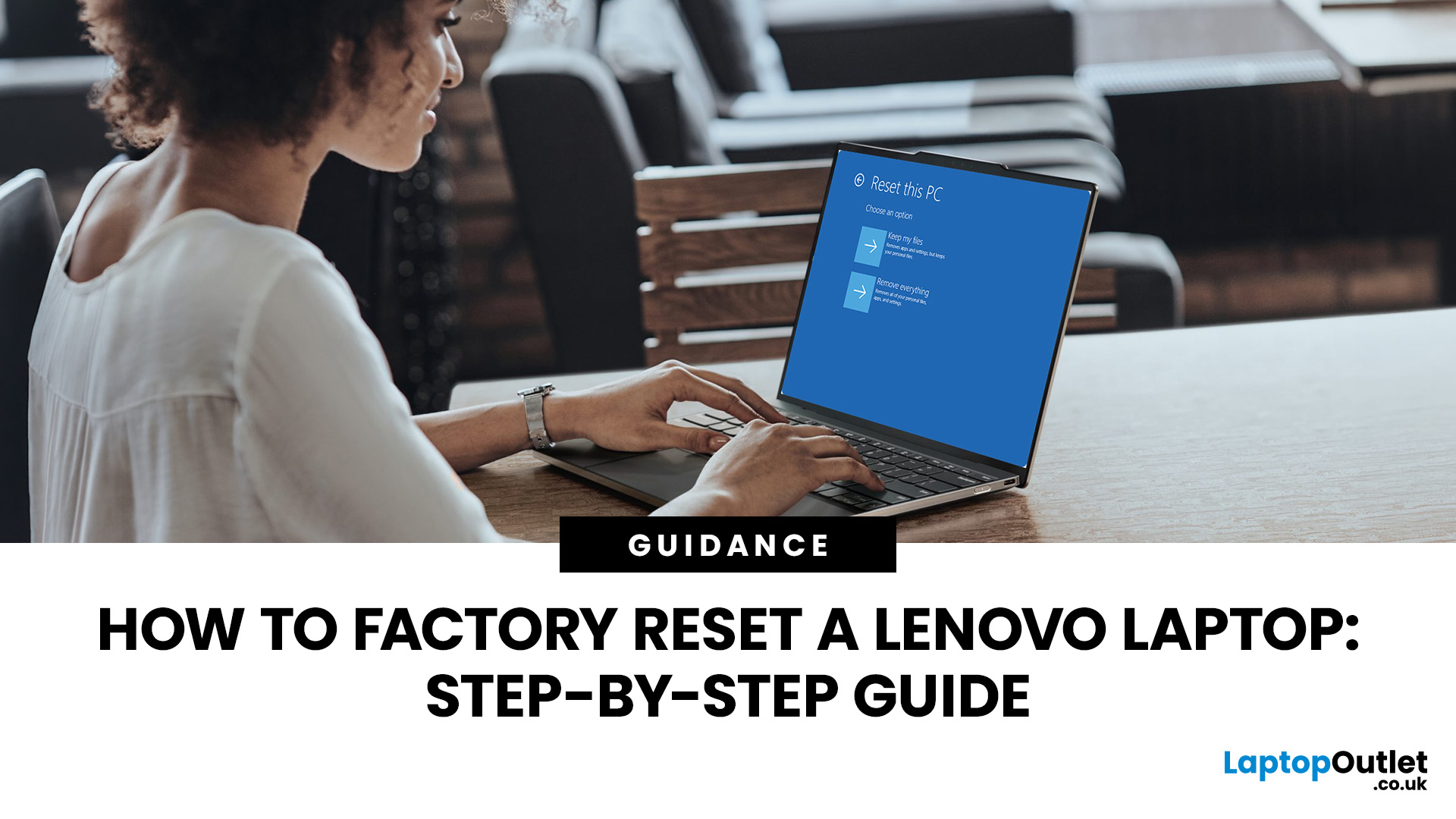
Your Lenovo laptop is slow, crashing, affected by persistent software problems or being prepared for a new owner; don't panic, it’s simply time for a factory reset.
A proper Lenovo factory reset reinstalls Windows and may remove applications, settings and personal data. This guide explains how to reset Lenovo laptop systems through Settings, the sign-in screen, Lenovo recovery mode, the Novo button or recovery media.
Before You Factory Reset Your Lenovo Laptop
- Back up documents, photos and other important files to cloud storage or an external drive.
- Keep the charger connected, remove unnecessary laptop accessories
Last Updated: September 03, 2026
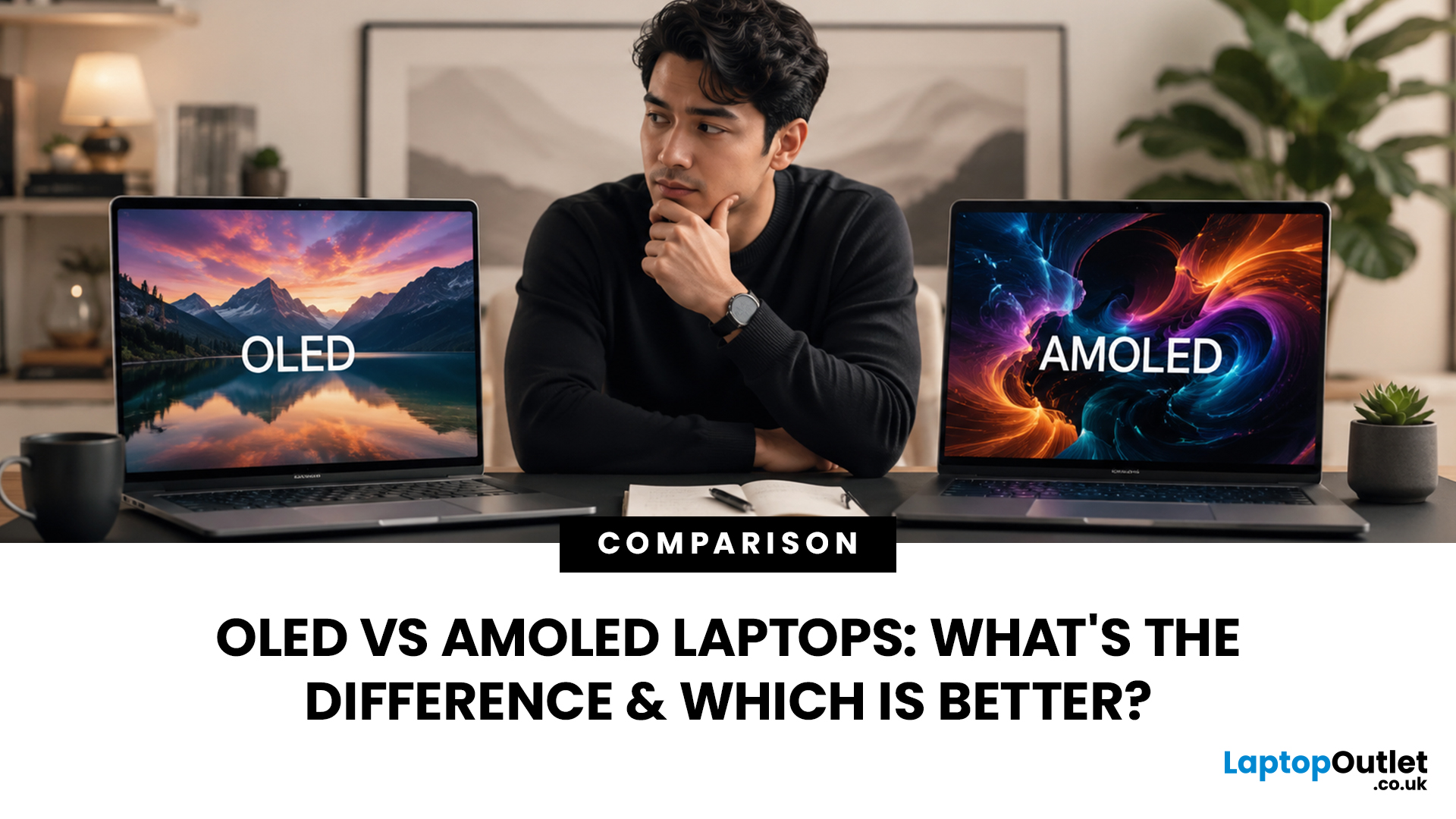
When comparing premium laptop screens, the OLED vs AMOLED debate is simpler than it seems. Both deliver deep blacks, vibrant colours, fast response times and strong contrast. OLED is the broader technology, while AMOLED is a type of OLED that uses an active-matrix system to control pixels. Many modern OLED laptops already use this system, even if not labelled AMOLED. Instead of focusing on the name, buyers should compare resolution, refresh rate, brightness, colour accuracy, battery life and burn-in protection. This guide helps you understand the differences and choose the right display for your needs.
OLED vs AMOLED: The Quick Answer
OLED, or Organic Light-Emitting Diode (OLED), is a display technology in which each pixel creates its own light. An OLED screen does not require the separate backlight used by traditional LCD panels.
AMOLED, or Active Matrix OLED (AMOLED), is a type of OLED display that uses an active-matrix transistor system to control each pixel quickly and individually.

Last Updated: August 17, 2026
HP OMEN laptops use powerful processors and dedicated graphics, so their cooling systems can become clearly audible during gaming and other demanding work. Some HP OMEN fan noise is normal, but constant noise at idle, grinding or repeated overheating deserves attention. This guide explains how to identify the sound, diagnose the cause and choose a safe fix across the top HP OMEN laptop range.
| HP OMEN Fan Noise: Quick Answer Loud fan noise is normal while an OMEN laptop starts, updates, games, renders or runs a demanding AI task. HP says a brief fan surge for about five to twenty seconds at startup can be normal, while Performance mode deliberately increases fan speed to manage higher CPU and GPU power and temperature. Investigate an HP OMEN loud fan when it remains noisy during light use, produces mechanical sounds or appears with weak airflow, throttling or shutdowns. Many cases improve after reducing background load, changing settings, updating HP software and BIOS, restoring airflow |

Last Updated: August 20, 2026
OLED screens are becoming more common across premium ultrabooks, creator workstations and gaming laptops in 2026. Newer panels offer higher resolutions, faster refresh rates and improved efficiency, while recent tandem OLED developments are also increasing brightness and durability.
However, an OLED screen does not automatically make a laptop suitable for every buyer. Processing power, graphics, memory, ports, battery life and weight remain equally important.
This guide compares the best OLED laptops for students, professionals, creators, gamers and everyday users. It also explains the specifications that matter, helping you understand what each feature means when choosing a laptop.
Quick Picks: Best OLED Laptops in 2026
| Category | Laptop |
| Best Overall | ASUS Zenbook S 16 |
| Best Premium | Samsung Galaxy Book5 Pro |
| Best Value | Samsung Galaxy Book4 |
| Best Student Laptop | ASUS Zenbook 14 OLED |
| Best Business Laptop | Samsung Galaxy XE550XGA |
| Best Creator Laptop | ASUS ProArt PX13 |
| Best Professional Workstation |

