



How Long Does a Medion Laptop Battery Last Signs It Needs Replacing
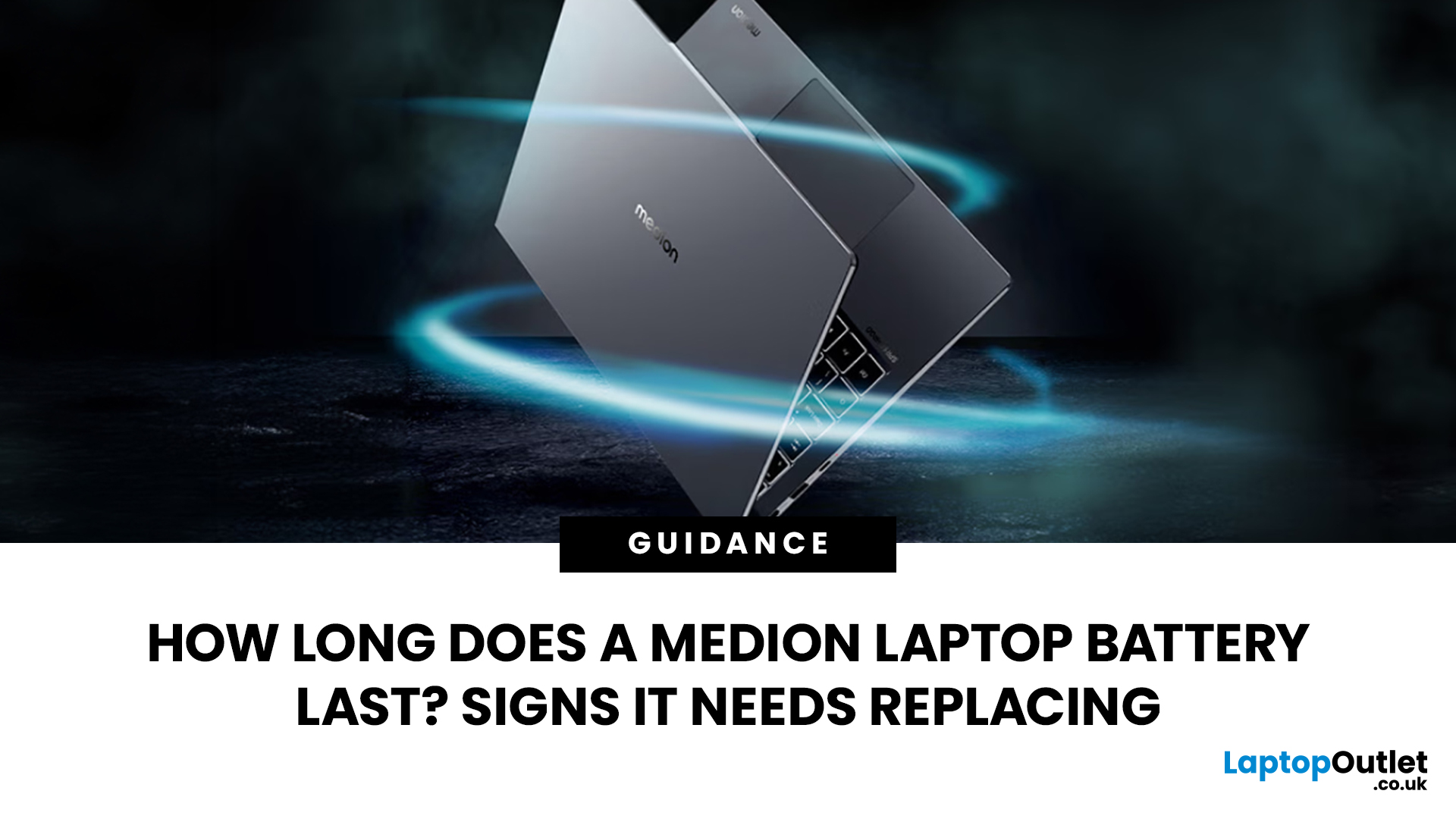
While many Medion laptops can deliver reliable performance for several years, factors such as charging habits, workload, heat and battery age all affect how long a single charge lasts.
The good news is that a shorter battery life doesn't always mean you need a new laptop. In many cases, checking your battery health, adjusting your charging habits or replacing an ageing battery can restore much of your laptop's portability.
Whether you own a lightweight everyday notebook or one of Medion's powerful gaming machines, this guide explains what to expect from your battery, how to spot early warning signs, and when replacing the battery makes more sense than replacing the entire laptop.
How Long Should a Medion Laptop Battery Last?
There are two different ways to think about battery life:
- Many users confuse these two measurements, but they're very different.
- A battery can last four years physically while only providing half the runtime it did when it was new.
Average Lifespan of a Medion Laptop Battery
Most Medion laptop batteries use modern lithium-ion technology. Like all lithium-ion batteries, they slowly lose capacity after repeated charging and discharging cycles. Microsoft explains that this gradual reduction in capacity is normal and unavoidable for all lithium-ion batteries.
In general, you can expect:
These figures are estimates rather than guarantees. Someone who mainly browses the web and edits documents will usually experience slower battery degradation than someone rendering videos or gaming every evening.
If you're considering upgrading instead of repairing an ageing device, it's worth exploring the latest top laptops from Medion, which offer improved battery efficiency alongside newer Intel and AMD processors.
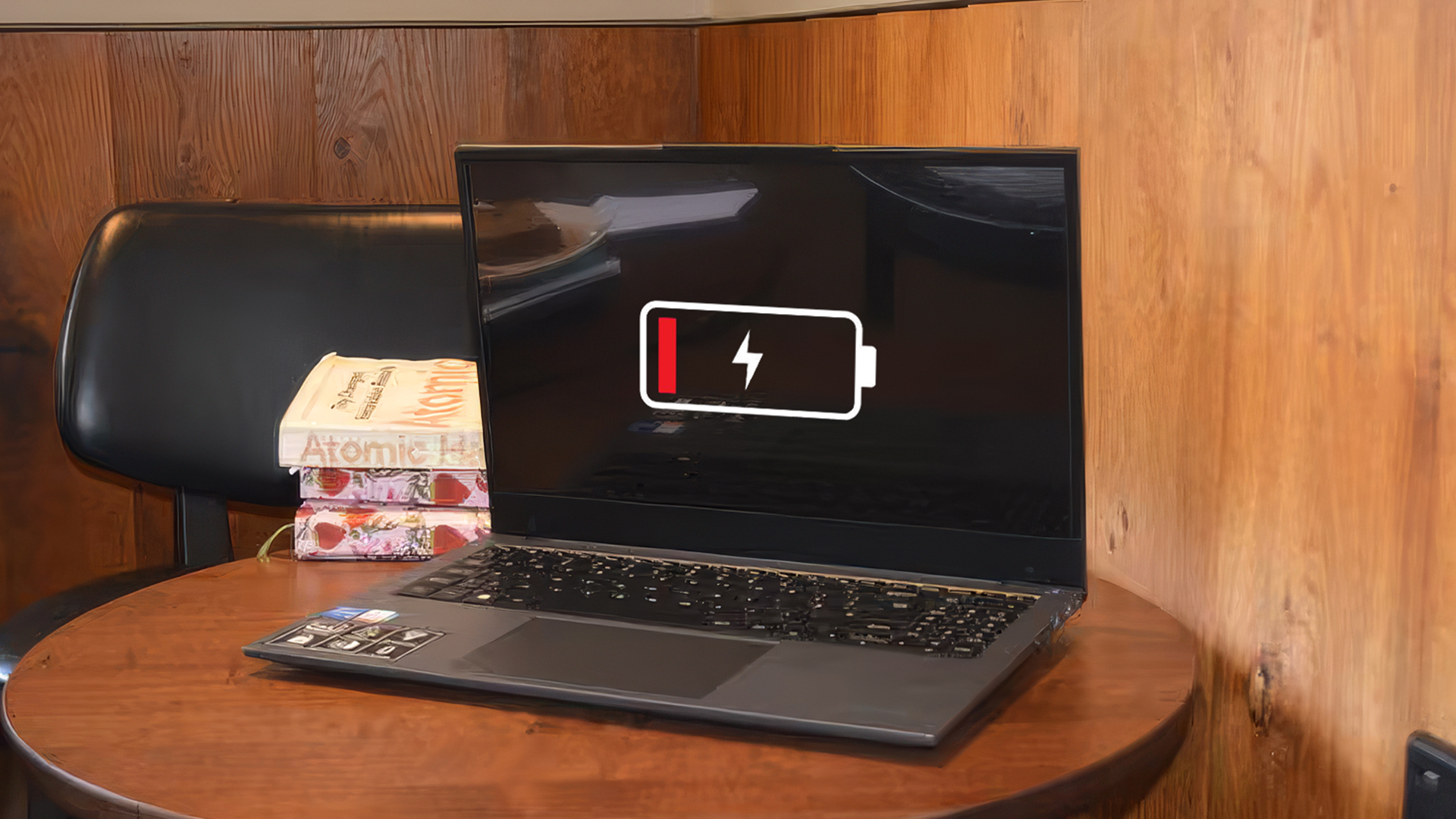
How Many Hours Can a Medion Laptop Battery Hold a Charge?
Battery runtime varies much more than many people expect.
A compact Medion notebook used for web browsing and office work may comfortably deliver between 6 and 10 hours under light workloads, whereas a gaming laptop equipped with a dedicated graphics card could last only 2 to 5 hours when running demanding applications or modern games.
That's perfectly normal.
Activities that consume significantly more power include:
- Gaming
- Video editing
- 3D rendering
- Streaming high-resolution video
- Running multiple displays
- Maximum screen brightness
Medion's own documentation also notes that processor-intensive applications and graphics-heavy workloads significantly reduce operating time on battery power.
If you're shopping specifically for extended unplugged performance, everyday Medion notebooks generally offer longer runtimes than gaming-ready Medion notebooks, which prioritise graphics performance over battery endurance.
What Determines Medion Laptop Battery Lifespan?
No two laptops age in exactly the same way.
Several factors influence Medion battery lifespan, including:
Charge Cycles
Every lithium-ion battery has a limited number of charging cycles.
A cycle isn't simply charging from 0% to 100%. Instead, it's the equivalent of using 100% of the battery's capacity over time. For example:
- 50% used today
- 50% tomorrow
equals one complete battery cycle.
Windows battery reports even display your Medion battery cycle count, helping you understand how much wear the battery has experienced.
Heat
Heat is one of the biggest enemies of lithium-ion batteries.
High internal temperatures accelerate chemical ageing, permanently reducing battery capacity. Microsoft recommends avoiding excessive heat whenever possible because elevated temperatures speed up battery degradation.
Charging Habits
Keeping your laptop plugged in constantly isn't necessarily harmful on modern systems, but regularly draining the battery to empty or exposing it to high temperatures can shorten its lifespan.
Microsoft recommends keeping the battery within a moderate charge range where practical rather than repeatedly allowing deep discharges.
Signs Your Medion Laptop Battery Needs Replacing
Battery ageing is usually gradual rather than sudden.
If you've started noticing one or more of the symptoms below, your battery could be approaching the end of its useful life.
Battery Drains Much Faster Than Before
One of the earliest warning signs is a noticeable reduction in battery runtime.
Perhaps your laptop previously lasted seven hours but now struggles to reach three.
This happens because the battery's laptop battery capacity decreases over time. Even though Windows still shows 100%, that 100% represents much less stored energy than when the battery was new.
Medion Laptop Shuts Down Unexpectedly
A healthy battery should continue powering your laptop until it reaches a critically low charge.
If your Medion laptop shutting down unexpectedly while Windows still reports 20–40% battery remaining, the battery may no longer be delivering power consistently.
This often happens when ageing cells can no longer maintain stable voltage under heavier workloads.
Battery Is Not Charging Properly
Many users search for Medion battery not charging because charging problems can appear in several different ways.
For example:
- Battery stops charging before reaching 100%
- Battery percentage stays the same while plugged in
- Charging is unusually slow
- Windows repeatedly connects and disconnects the charger
Before assuming the battery has failed, check the power adapter and charging cable first.
If you need a replacement charger, using compatible laptop adapters designed for your exact Medion model helps ensure safe charging performance.
Sometimes the charger is the issue rather than the battery itself.
Swollen or Physically Damaged Battery
This is the one symptom that should never be ignored.
A swollen battery can:
- lift the keyboard
- separate the laptop casing
- distort the trackpad
- become a safety hazard
Microsoft advises stopping use immediately if a lithium-ion battery becomes visibly swollen because expanding cells can indicate internal failure.
If you notice any physical swelling, discontinue using the laptop until the battery has been professionally replaced.
Why Does a Medion Laptop Battery Lose Performance Over Time?
If your laptop no longer lasts as long on a single charge as it once did, it doesn't necessarily mean there's a fault. Like all lithium-ion batteries, those used in Medion laptops naturally lose capacity over time due to normal chemical ageing. While you can't stop this process entirely, understanding what causes it can help you slow it down and get the most from your battery.
Natural Battery Wear from Charging Cycles
Every time you charge and discharge your laptop, the battery experiences a small amount of wear. This is measured in battery charging cycles, and each cycle slightly reduces the battery's ability to hold its original charge.
Most modern lithium-ion batteries are designed to maintain a high percentage of their original capacity for several hundred charging cycles. As the cycle count increases, you'll gradually notice shorter battery runtimes, even if your laptop still performs perfectly when plugged in.
This gradual lithium-ion battery degradation is expected and affects all laptop brands, not just Medion.
Heat and Poor Ventilation Damage Battery Health
Heat is one of the biggest contributors to battery wear.
Using your laptop on soft surfaces like beds, sofas or cushions can block ventilation, causing internal temperatures to rise. Likewise, prolonged gaming sessions, video rendering or demanding workloads generate additional heat that places extra stress on the battery.
To minimise heat-related wear:
- Use your laptop on a hard, flat surface.
- Keep air vents free from dust.
- Avoid leaving your laptop in direct sunlight or hot cars.
- Consider using a cooling pad during intensive workloads.
Maintaining good airflow benefits not only your battery but also your processor and other internal components.
Incorrect Charging Habits Affect Battery Condition
Modern laptops are much smarter about charging than older models, but good charging habits still make a difference.
For healthier long-term battery performance:
- Avoid repeatedly draining the battery to 0%.
- Recharge before the battery becomes critically low.
- Unplug the charger occasionally if your laptop spends most of its time on a desk.
- Keep your laptop updated, as manufacturers often release firmware improvements that optimise battery management.
Small changes to your daily routine can help preserve battery capacity over several years.
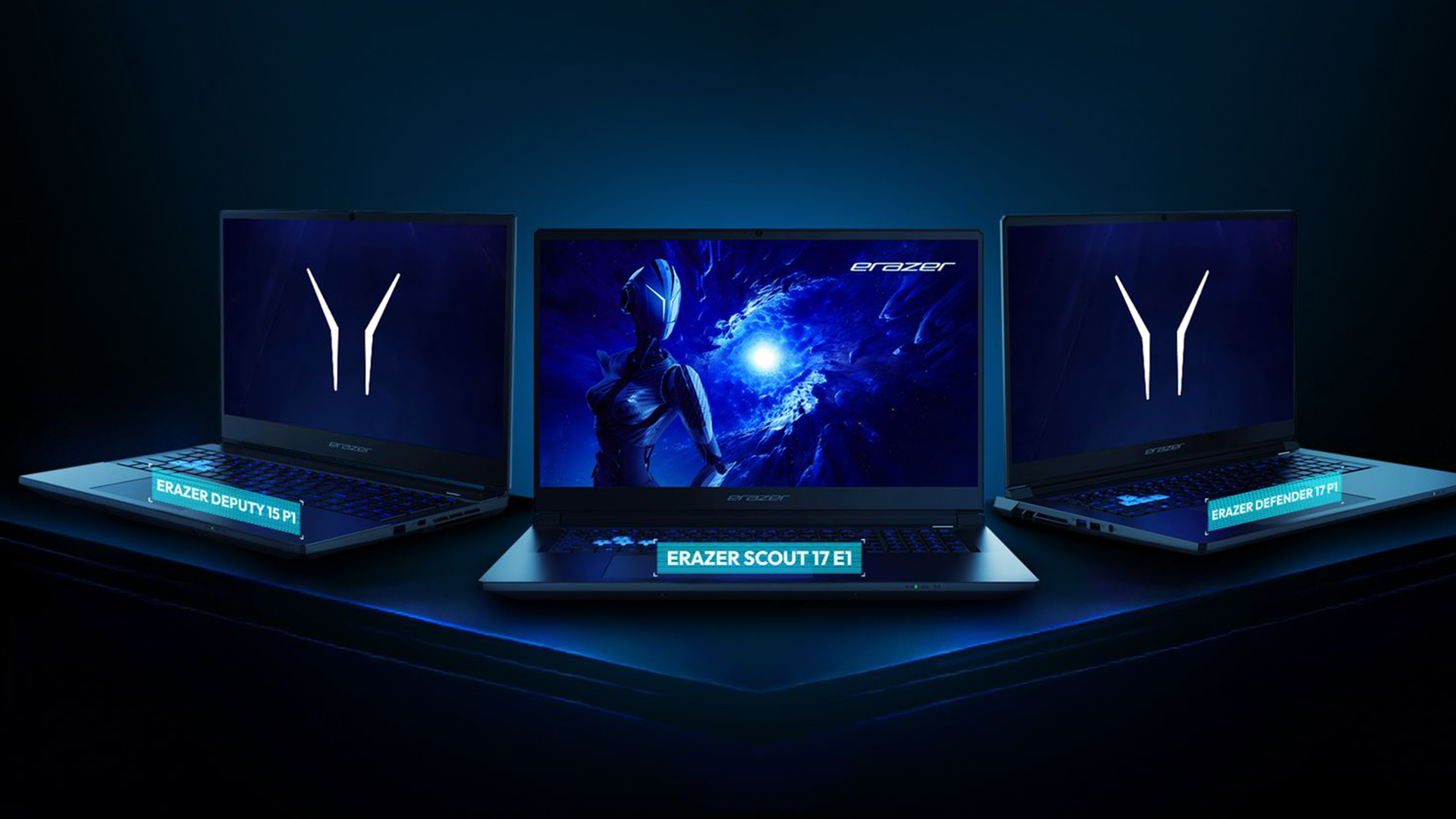
How to Extend Your Medion Laptop Battery Life
Although battery ageing is inevitable, a few simple habits can help your battery stay healthier for longer.
Maintain Better Charging Habits
One of the easiest ways to prolong Medion laptop battery life is to avoid unnecessary stress on the battery.
Good practices include:
- Charge before reaching extremely low percentages.
- Avoid exposing the laptop to excessive heat while charging.
- Use the original charger or high-quality compatible laptop adapters designed for your Medion model.
- Install Windows and BIOS updates regularly, as these can include battery management improvements.
These small habits reduce unnecessary wear over time.
Reduce Battery Stress During Daily Use
Power-hungry applications naturally consume more energy.
If you're working away from a power socket, consider:
- Lowering screen brightness.
- Closing unused applications.
- Switching to Windows' power-saving mode.
- Disconnecting external devices when they're not needed.
- Turning off Bluetooth when it's not required.
These adjustments won't restore lost battery capacity, but they can noticeably extend runtime on each charge.
Keep Your Laptop Cool
Temperature management plays an important role in battery health.
Simple maintenance tasks include:
- Cleaning dust from cooling vents.
- Ensuring adequate airflow around the laptop.
- Avoiding long gaming sessions on battery power whenever possible.
If you regularly play modern titles, Medion gaming-ready notebooks are designed with more advanced cooling systems than standard notebooks, helping to manage the additional heat generated during demanding workloads.
How to Check Your Medion Laptop Battery Health
If you suspect your battery is wearing out, Windows includes built-in tools that can provide useful information before you consider a Medion battery replacement.
Check Battery Status in Windows
Windows can generate a detailed battery report showing:
- Design capacity
- Full charge capacity
- Recent battery usage
- Charging history
- Estimated battery life
- Battery wear over time
To generate the report:
- Open Command Prompt as Administrator.
- Type: powercfg /batteryreport
- Press Enter
- Open the HTML report saved on your computer.
This is one of the easiest ways to perform a reliable laptop battery health check.
Use Battery Monitoring Software
If you prefer a visual interface, several trusted utilities provide additional battery information, including:
- Battery health percentage
- Current voltage
- Temperature
- Charging rate
- Estimated remaining lifespan
These tools can make it easier to monitor gradual changes over time.
Compare Current Capacity with Original Capacity
The most important figure in your battery report is the comparison between:
- Design Capacity (when the battery was new)
- Full Charge Capacity (what it can hold today)
If the current capacity has dropped significantly, your battery has naturally worn down.
For example:
|
Design Capacity |
Current Capacity |
Battery Health |
|
55,000 mWh |
49,000 mWh |
Excellent |
|
55,000 mWh |
39,000 mWh |
Good |
|
55,000 mWh |
28,000 mWh |
Consider Replacement |
|
55,000 mWh |
Below 22,000 mWh |
Replacement Recommended |
This comparison gives a much clearer picture than simply looking at the battery percentage shown in Windows.
Should You Replace Your Medion Laptop Battery?
Not every battery issue means your laptop has reached the end of its life.
When Battery Replacement Is Worth It
A Medion battery replacement is often the best option if:
- The laptop still performs well.
- Only the battery runtime has noticeably decreased.
- Windows reports significantly reduced battery capacity.
- The battery charges inconsistently.
- You're seeing a Medion battery charging slowly message despite using a compatible charger.
Replacing the battery is usually more cost-effective than replacing an otherwise reliable laptop.
If you're troubleshooting persistent battery issues and are considering a system reset, it's worth backing up your important files first to avoid losing valuable documents, photos or settings during the process.
When Buying a New Laptop Makes More Sense
If your laptop is several years old and also suffers from:
- Slow overall performance
- Limited RAM
- Older processors
- Insufficient storage
- Unsupported Windows versions
investing in a newer system may offer better long-term value than replacing the battery alone.
Today'slaptops from Medion feature newer Intel Core Ultra and AMD Ryzen processors, improved power efficiency and longer battery life, making them a worthwhile upgrade for users whose current devices are showing their age.
If you're shopping for a refurbished or pre-owned device, checking the battery's health beforehand can help you judge whether the asking price offers genuine long-term value.
How to Choose a Replacement Medion Laptop Battery
Choosing the correct replacement battery is just as important as deciding to replace it.
Check Your Exact Medion Laptop Model
Different Medion laptops often use different battery designs.
Before purchasing a replacement, check:
- Model number
- Serial number
- Original battery part number
These details are usually printed on the laptop's underside or inside Windows System Information.
Look for Compatible Battery Specifications
A replacement battery should match the original specifications, including:
- Voltage
- Capacity
- Connector type
- Physical dimensions
Using an incompatible battery may lead to charging issues or unreliable performance.
Choose a Reliable Replacement Battery
Whenever possible, purchase genuine or high-quality compatible batteries from reputable retailers.
Avoid extremely cheap, unbranded batteries, as these may not meet the same quality or safety standards.
While you're replacing your battery, it's also a good opportunity to browse affordable accessories for laptop users, such as laptop sleeves, wireless mice or USB hubs, helping you get even more from your Medion device.
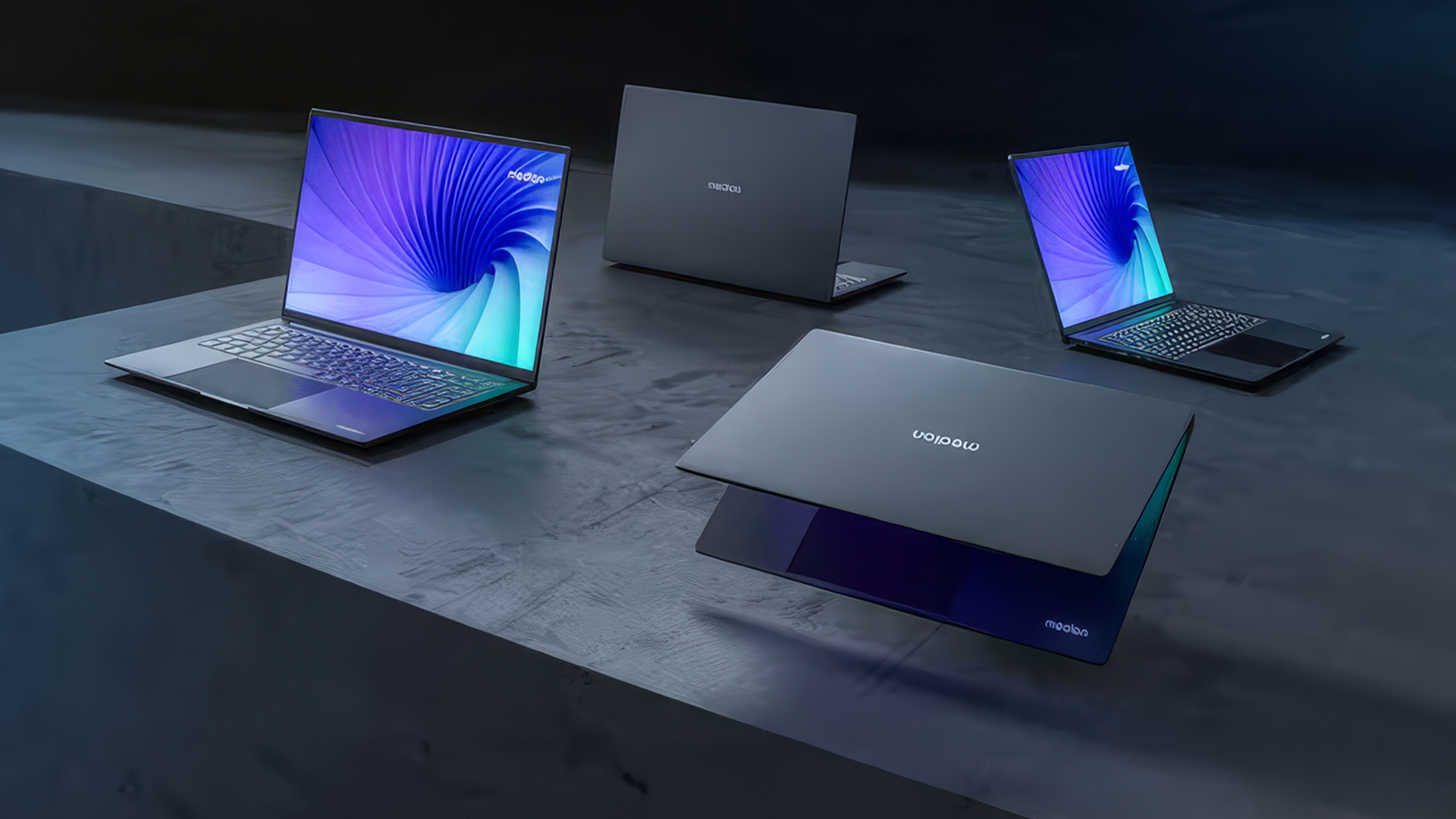
Debunking Common Myths About Medion Laptop Batteries
Not all battery advice you find online is accurate. Some tips are based on outdated technology, while others are simply misconceptions that continue to circulate. Let's clear up some of the most common myths about Medion laptop batteries.
Myth: Leaving your Medion laptop plugged in all the time will ruin the battery.
Reality: Modern Medion laptops use smart charging technology to help prevent overcharging. While staying plugged in occasionally isn't harmful, prolonged exposure to high temperatures can still accelerate battery wear. If you mainly use your laptop at a desk, unplugging it from time to time and keeping it cool can help preserve battery health.
Myth: You should always let the battery drain to 0% before recharging.
Reality: This advice applied to older battery technologies, not today's lithium-ion batteries. Modern batteries perform best when they're topped up before becoming completely flat. Frequent deep discharges can place unnecessary stress on the battery over time.
Myth: A fast-draining battery means you need a new laptop.
Reality: Not always. In many cases, reduced battery life is simply a sign of normal ageing. Running a laptop battery health check can show whether a Medion battery replacement is all that's needed, saving you the cost of buying a new device.
Myth: Battery percentage tells you how healthy your battery is.
Reality: The battery percentage only shows how much charge is left, not the battery's overall condition. To assess battery health accurately, compare the battery's current full charge capacity with its original design capacity using the Windows Battery Report.
Myth: Gaming permanently damages your laptop battery.
Reality: Gaming itself doesn't damage the battery, but it generates more heat and consumes more power than everyday tasks. Over time, excessive heat can speed up battery degradation, so using your laptop on a hard surface with good ventilation can help protect long-term battery health.

Final Thoughts
A shorter battery life doesn't necessarily mean your Medion laptop needs replacing. In many cases, simple changes to your charging habits, a battery health check or a Medion battery replacement can help restore performance and extend its lifespan.
However, if your laptop is struggling with both battery life and overall performance, upgrading to a newer device may be the smarter long-term investment. Explore the latest laptops deals to find a model that delivers longer battery life, improved efficiency and the performance to match your everyday needs.

Still Have Some Questions?
How many years does a Medion laptop battery typically last?
Most Medion laptop batteries last between three and five years under normal use. Heavy workloads, frequent charging cycles and high operating temperatures may shorten this lifespan, while lighter use and good charging habits can help extend it.
Can I replace the battery in a Medion laptop?
Yes. Many Medion laptops allow the battery to be replaced, although some newer models have internal batteries that require partial disassembly. Always check your specific model before purchasing a replacement battery.
Is it worth replacing the battery on an older Medion laptop?
If your laptop still performs well and the battery is the only issue, replacing it is often a cost-effective solution. However, if the device is several years old and struggling with performance, upgrading to a newer laptop may provide better long-term value.
Why is my Medion laptop dying so fast even after a full charge?
Rapid battery drain can result from natural battery ageing, background applications, high screen brightness, overheating or battery wear caused by repeated charging cycles. Running a Windows battery report can help determine whether reduced battery capacity is the underlying cause.
Related Articles

Last Updated: November 03, 2026
Last Updated: September 03, 2026
Yes, the Medion Erazer Recon P45 is a good gaming PC for players who want smooth everyday gaming, strong 1080p performance, fast loading times and a ready-to-use desktop without building a PC from scratch.
At Laptop Outlet, current Medion Erazer Recon P45 Gaming PC options include configurations with an AMD Ryzen 5 5500, 1TB SSD, Windows 11 Home, and dedicated NVIDIA RTX graphics, including RTX 5060 and RTX 5050 variants. The RTX 5060 model also includes 32GB RAM in the listed specification, while the RTX 5050 model is listed with 16GB RAM.
Is the Medion Erazer Recon P45 Worth it?
For most UK gamers, the Medion Recon P45 PC makes sense if you want a capable prebuilt gaming desktop that can handle modern games, multitasking, streaming, schoolwork, everyday browsing, and entertainment. It is especially suitable for:
| User Type | Is it a Good Fit? | Why |
| Beginner gamers | Yes | No PC-building knowledge needed |
| 1080p players | Yes | RTX graphics and Ryzen 5 power are well matched |
| Students | Yes | Good for gaming, |
Last Updated: July 27, 2026
Before you reset MEDION laptop settings or reinstall Windows, copy your personal files to an external drive and create a second copy with Windows Backup and OneDrive or another drive.
Check Desktop, Documents, Downloads, Pictures, Videos, email archives, browser data, game saves and application folders. Open several files directly from the backup to confirm that they work.
Save your BitLocker recovery key, record essential applications and licences, then safely eject and disconnect the external drive before starting the reset.
A factory reset can solve persistent Windows problems, but it may remove applications, settings and personal files. Even when you choose Keep my files, treat it as a recovery option rather than a substitute for a verified backup.
Last Updated: July 27, 2026
The MEDION ERAZER Beast 18 X1 is an 18-inch high-performance gaming laptop for buyers who want desktop-class hardware in one movable system. Its Intel Core Ultra 9 275HX processor, NVIDIA GeForce RTX 5080 or RTX 5090 Laptop GPU, 240Hz QHD+ display and upgrade options make it a serious desktop-replacement candidate. However, its weight, fan noise and IPS panel mean it will not suit everyone.
This assessment uses official specifications and independent test data rather than presenting third-party results as Laptop Outlet testing.
What Is the MEDION ERAZER Beast 18 X1?
The Beast 18 X1 is MEDION ERAZER’s first 18-inch laptop. It focuses on maximum gaming and creative performance
Last Updated: August 17, 2026
HP OMEN laptops use powerful processors and dedicated graphics, so their cooling systems can become clearly audible during gaming and other demanding work. Some HP OMEN fan noise is normal, but constant noise at idle, grinding or repeated overheating deserves attention. This guide explains how to identify the sound, diagnose the cause and choose a safe fix across the top HP OMEN laptop range.
| HP OMEN Fan Noise: Quick Answer Loud fan noise is normal while an OMEN laptop starts, updates, games, renders or runs a demanding AI task. HP says a brief fan surge for about five to twenty seconds at startup can be normal, while Performance mode deliberately increases fan speed to manage higher CPU and GPU power and temperature. Investigate an HP OMEN loud fan when it remains noisy during light use, produces mechanical sounds or appears with weak airflow, throttling or shutdowns. Many cases improve after reducing background load, changing settings, updating HP software and BIOS, restoring airflow |

Last Updated: August 20, 2026
OLED screens are becoming more common across premium ultrabooks, creator workstations and gaming laptops in 2026. Newer panels offer higher resolutions, faster refresh rates and improved efficiency, while recent tandem OLED developments are also increasing brightness and durability.
However, an OLED screen does not automatically make a laptop suitable for every buyer. Processing power, graphics, memory, ports, battery life and weight remain equally important.
This guide compares the best OLED laptops for students, professionals, creators, gamers and everyday users. It also explains the specifications that matter, helping you understand what each feature means when choosing a laptop.
Quick Picks: Best OLED Laptops in 2026
| Category | Laptop |
| Best Overall | ASUS Zenbook S 16 |
| Best Premium | Samsung Galaxy Book5 Pro |
| Best Value | Samsung Galaxy Book4 |
| Best Student Laptop | ASUS Zenbook 14 OLED |
| Best Business Laptop | Samsung Galaxy XE550XGA |
| Best Creator Laptop | ASUS ProArt PX13 |
| Best Professional Workstation |
Published: August 03, 2026
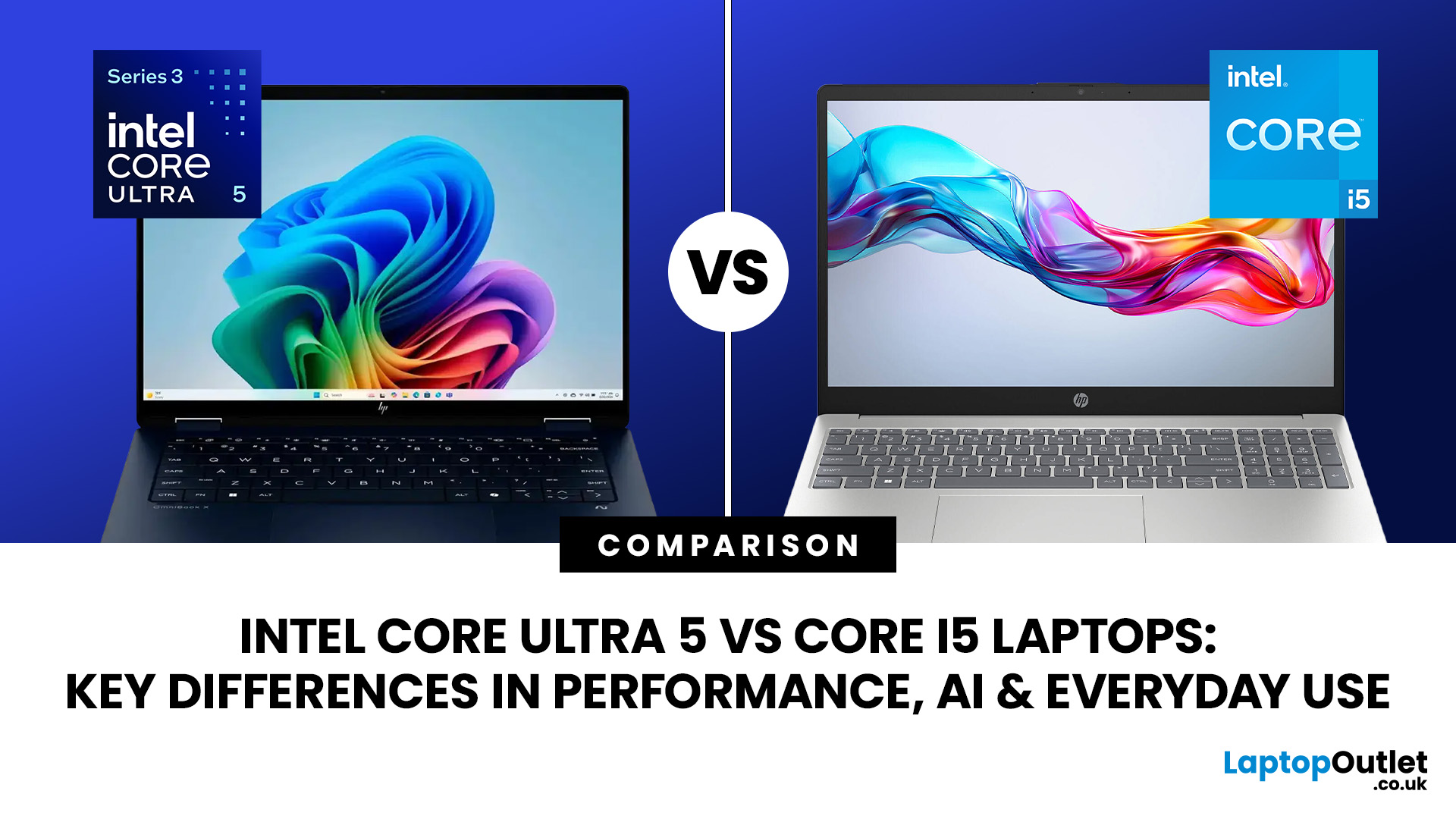
Intel has changed how it names and builds its laptop processors (CPUs). Traditional Core i5 chips remain widely available, but newer premium laptops increasingly use the Core Ultra 5 name, which Intel introduced alongside a major architectural redesign and built-in AI acceleration. That makes the Intel Core Ultra 5 vs i5 comparison more complicated than simply checking which number looks newer.
This guide explains the differences in everyday speed, multitasking, graphics, gaming, AI features, and battery life, without burying the answer under unnecessary technical jargon.
Quick Answer: Should You Buy Intel Core Ultra 5 or Core i5?
Buy Core Ultra 5 for stronger integrated graphics, on-device AI features and generally better efficiency. Buy Core i5 when price matters most, especially for office work or laptops with dedicated graphics card. Always compare the exact processor suffix and laptop configuration.
| If you want... | Buy | Why |
| Lowest price | Core i5 | Older i5 laptops are regularly discounted |
Published: August 03, 2026
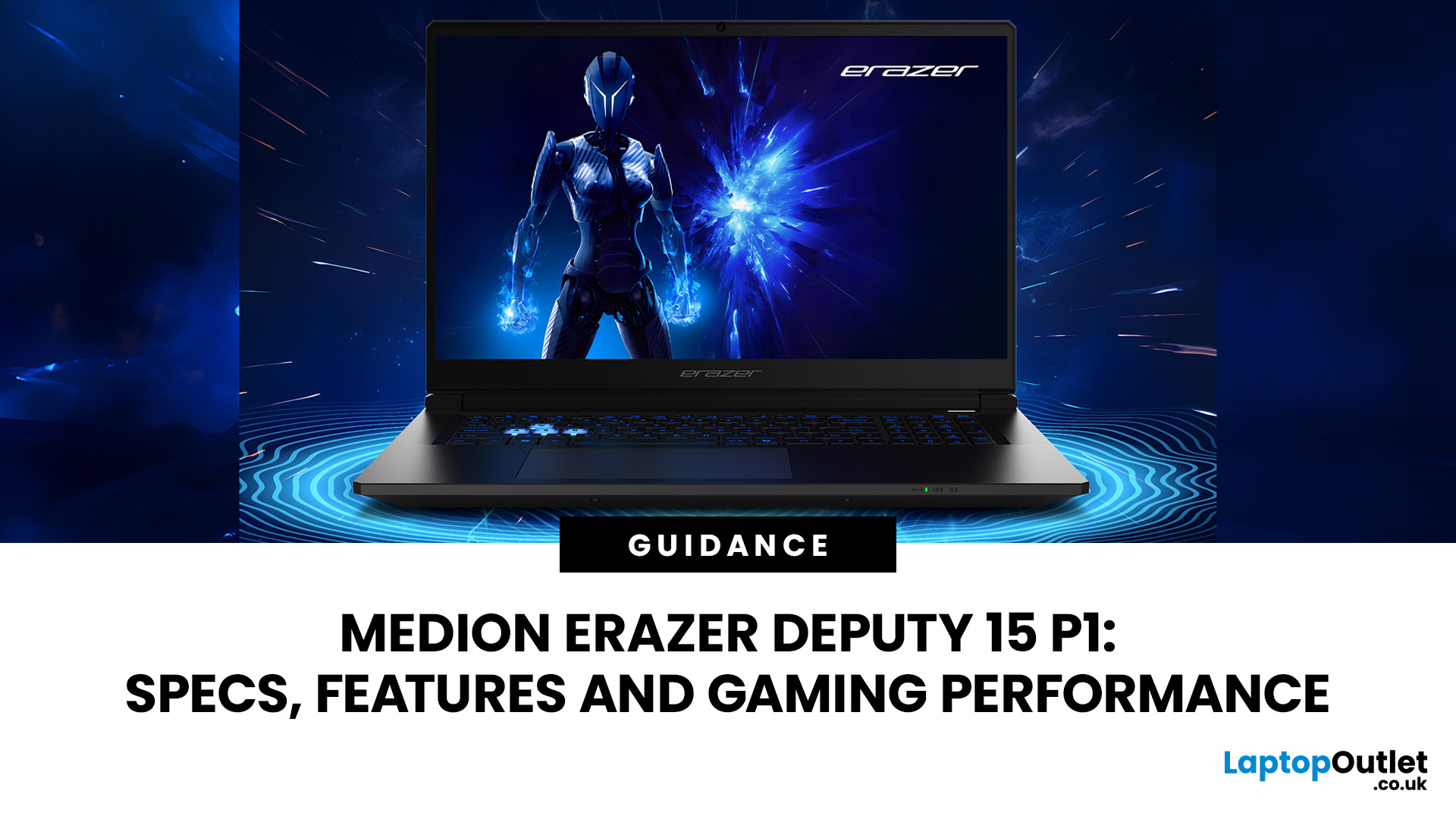
The MEDION ERAZER Deputy 15 P1 targets gamers who value frame rates over luxury finishes. Its RTX 5060 or RTX 5070, 144Hz Full HD display, and upgradeable memory create an appealing package, but the narrow colour gamut, loud fans and small battery reveal the cost-cutting. This review examines Deputy 15 P1 performance and shows where the Medion Erazer Deputy 15 gaming laptop beats or trails its budget rivals.
MEDION ERAZER Deputy 15 P1 Full Specifications
| Specification | RTX 5060 configuration | RTX 5070 configuration |
| Processor | Intel Core i7-13620H | Intel Core 9 270H |
| CPU cores | 10 | 14 |
| Maximum boost speed | Up to 4.9GHz | Up to 5.8GHz |
| Graphics | NVIDIA GeForce RTX 5060 Laptop GPU | NVIDIA GeForce RTX 5070 Laptop GPU |
| Graphics memory | 8GB GDDR7 | 8GB GDDR7 |
| RAM | 16GB | 32GB |
| Storage | 1TB SSD | 2TB SSD |
Last Updated: August 13, 2026
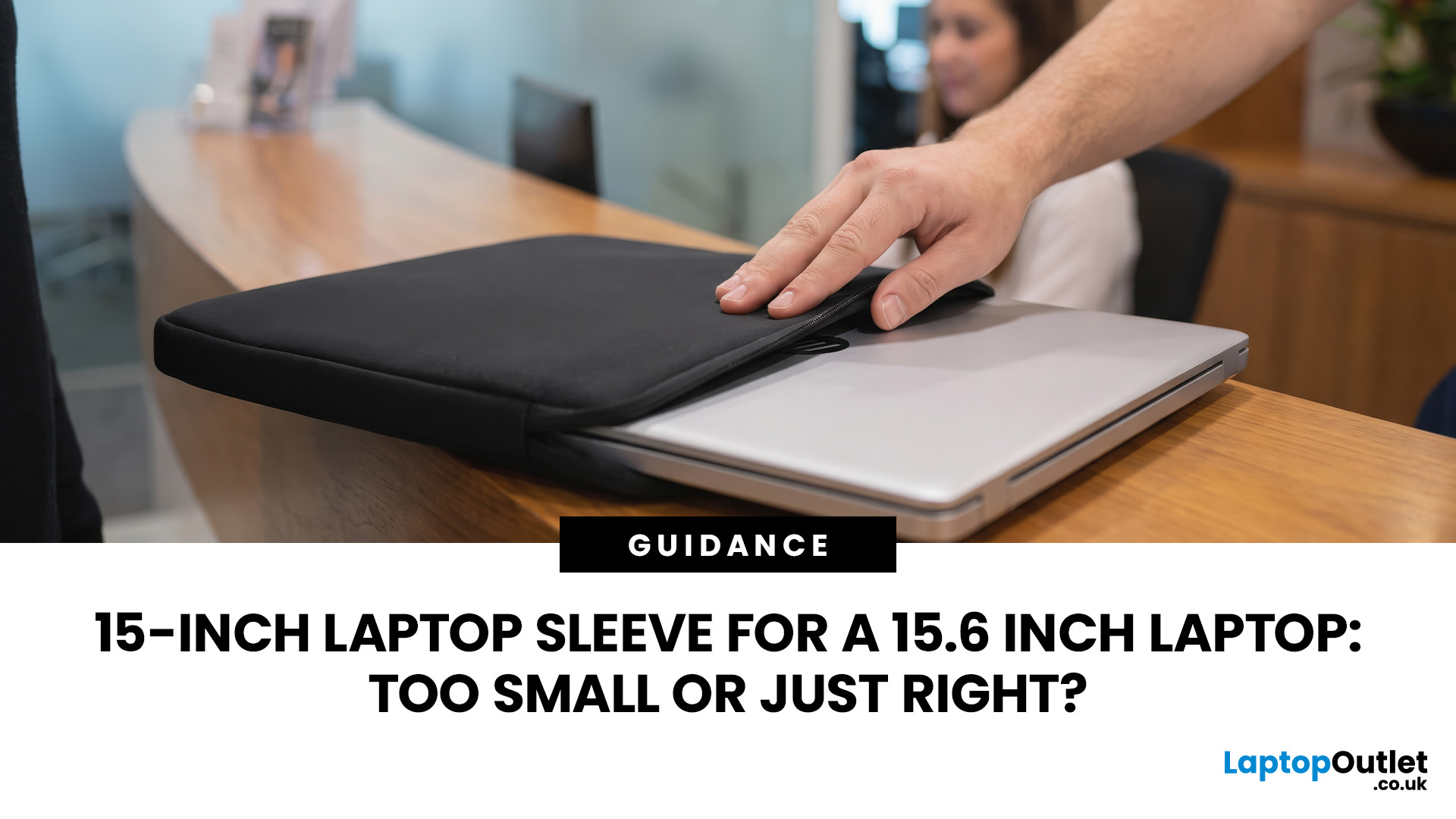
A 15 inch laptop sleeve can fit a 15.6-inch laptop, but the label alone does not guarantee it. The deciding factor is whether your laptop’s actual width, depth, and thickness fit within the sleeve’s internal measurements.
Laptop screen sizes are measured diagonally, whereas sleeves must accommodate the complete device. This means a slim 15.6-inch laptop may fit comfortably inside some 15 inch laptop sleeves, while a thicker model with wide bezels may not.
Before buying, compare the external dimensions of your laptop with the internal dimensions of the sleeve rather than relying only on the advertised screen size.
Why 15-Inch vs. 15.6-Inch Laptop Sleeve Sizing Causes Confusion
The 15-inch measurement usually refers to the diagonal display size, not the overall size of the laptop. It does not tell you the device’s width, depth, or thickness.
Retailers and accessory manufacturers also use “15-inch” as a broad size category. Laptop Outlet, for example, groups many 15-inch and 15.6-inch models

Last Updated: August 05, 2026
I made almost every mistake possible when I bought my first laptop as a student. I focused on the processor name, ignored the RAM, underestimated how heavy it would feel in my backpack and had no idea what half the technical jargon meant.
Within months, I realised I had paid for features I barely used while missing the ones I actually needed. Choosing between Core i5, Core Ultra, SSD sizes and different Dell series can still feel just as confusing today.
To help you avoid the same blunder, we reviewed the best Dell laptops for students in 2026 and narrowed them down based on real student needs, including performance, mobility,

