



Best OLED Laptops in 2026: Top Picks for Work, Gaming, and Creativity
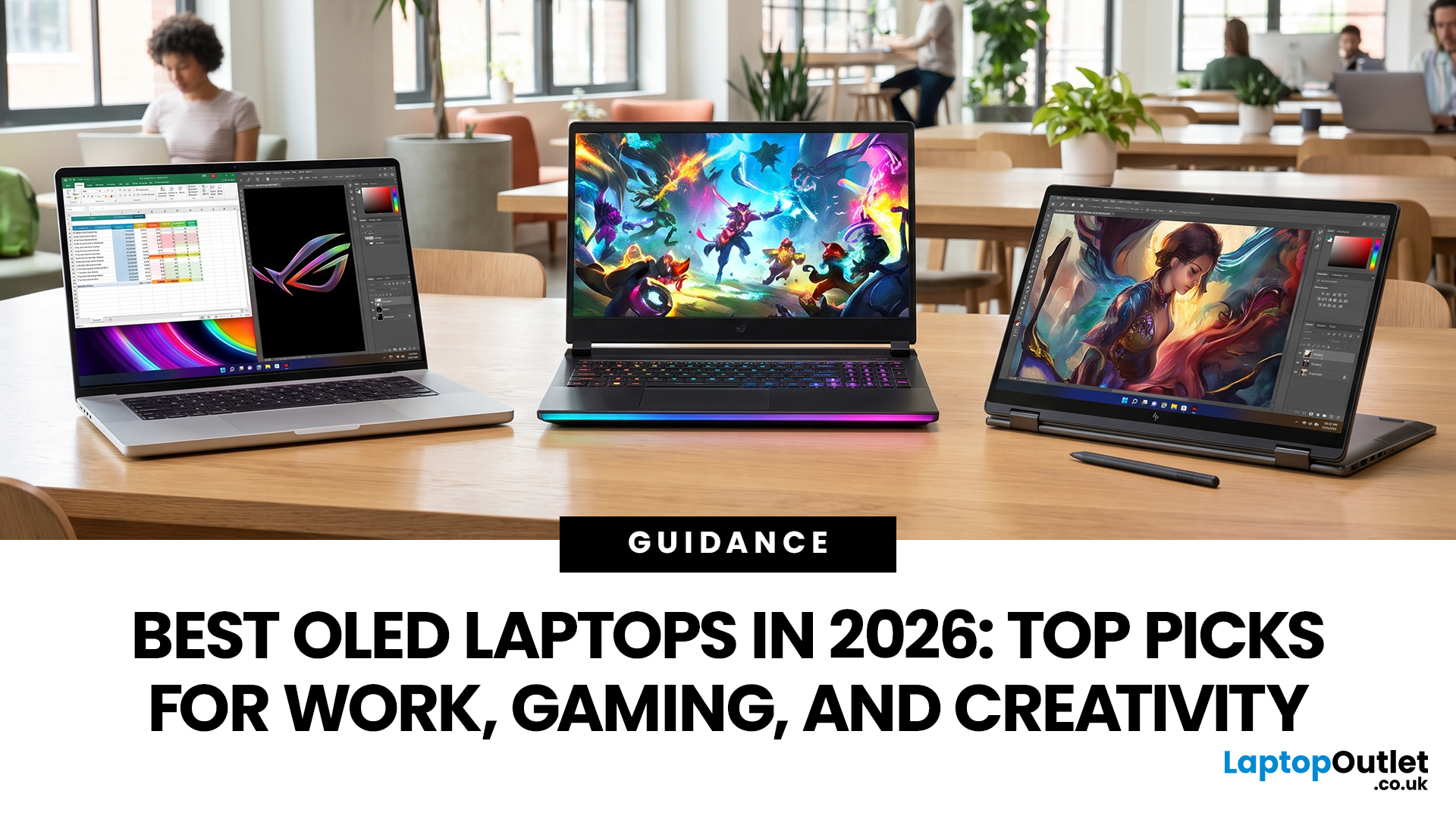
OLED screens are becoming more common across premium ultrabooks, creator workstations and gaming laptops in 2026. Newer panels offer higher resolutions, faster refresh rates and improved efficiency, while recent tandem OLED developments are also increasing brightness and durability.
However, an OLED screen does not automatically make a laptop suitable for every buyer. Processing power, graphics, memory, ports, battery life and weight remain equally important.
This guide compares the best OLED laptops for students, professionals, creators, gamers and everyday users. It also explains the specifications that matter, helping you understand what each feature means when choosing a laptop.
Quick Picks: Best OLED Laptops in 2026
|
Category |
Laptop |
|
Best Overall |
ASUS Zenbook S 16 |
|
Best Premium |
Samsung Galaxy Book5 Pro |
|
Best Value |
Samsung Galaxy Book4 |
|
Best Student Laptop |
ASUS Zenbook 14 OLED |
|
Best Business Laptop |
Samsung Galaxy XE550XGA |
|
Best Creator Laptop |
ASUS ProArt PX13 |
|
Best Professional Workstation |
ASUS ProArt P16 |
|
Best Gaming Laptop |
Lenovo Legion 7 |
|
Best High-Performance Gaming Laptop |
Acer Predator Helios 16 |
|
Best Ultra-Portable |
Samsung Galaxy Book5 Pro |
|
Best Premium Thin & Light |
ASUS Zenbook UX5406 |
Benefits of an OLED Laptop
- True blacks: Individual pixels switch off instead of producing dark grey.
- Effectively infinite contrast: Black pixels emit no light when fully switched off.
- Vibrant colours: Wide colour gamuts improve films, photographs and creative projects.
- Better HDR: Bright highlights appear beside deep shadows with minimal blooming.
- Fast response times: Pixels change quickly, reducing visible motion blur.
- Wide viewing angles: Colours remain consistent when viewed from the side.
These qualities are particularly useful for media consumption, digital art, photography, colour grading and gaming. However, colour coverage, calibration and brightness still vary between individual panels.
OLED vs IPS vs Mini LED
|
Feature |
OLED |
IPS |
Mini LED |
|
Black levels |
True black |
Dark grey |
Very deep black |
|
Contrast |
Excellent |
Moderate |
Excellent |
|
Colour quality |
Usually excellent |
Varies widely |
Usually excellent |
|
Response time |
Very fast |
Moderate to fast |
Moderate to fast |
|
HDR performance |
Excellent contrast |
Limited on most models |
High brightness |
|
Blooming |
Minimal |
Backlight glow possible |
Possible around bright objects |
|
Burn-in risk |
Low but possible |
No |
No |
|
Typical cost |
Mid-range to premium |
Widest price range |
Usually premium |
|
Best suited to |
Media, creativity, gaming |
Everyday productivity |
Bright HDR and professional work |
Choose OLED when black levels, colour and motion clarity matter most. IPS remains practical for general office work and budget-conscious buyers. Mini LED is worth considering when sustained brightness and HDR impact are more important than perfect pixel-level lighting.
Our Top Picks OLED Laptops for Work, Gaming and Creativity
1. ASUS Zenbook S 16 UM5606GA-SR040W
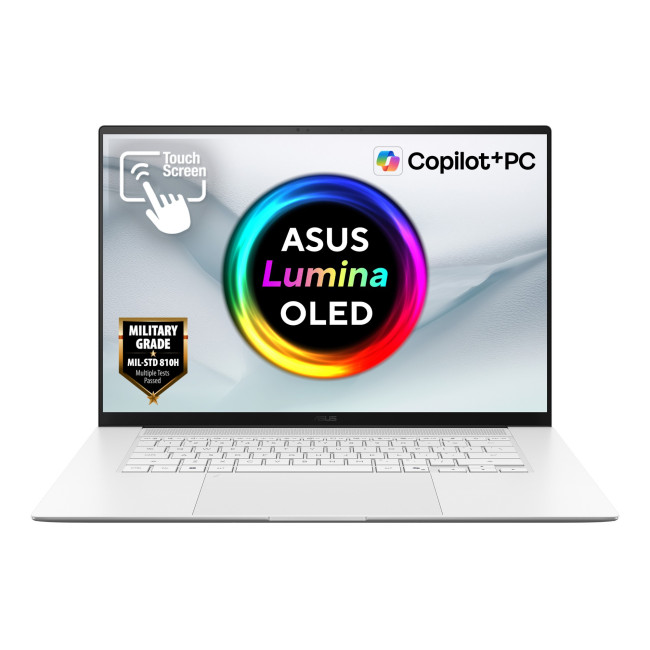
Key Specifications
- Processor: AMD Ryzen AI 7 445
- Processor cores: Six
- Display: 16-inch OLED
- Resolution: 2880 x 1800
- Refresh rate: 120Hz
- Graphics: Integrated AMD Radeon
- Memory: 32GB RAM
- Storage: 1TB SSD
- Connectivity: USB 4, USB-A, HDMI, Wi-Fi 7
- Weight: 1.50kg
Why We Recommend It
The Zenbook S 16 combines a spacious 3K OLED screen with enough memory for heavy multitasking, creative applications and professional productivity. Its 120Hz refresh rate makes scrolling and movement appear smoother than on a standard 60Hz panel. At 1.50kg, this 16 inch OLED laptop provides more workspace than a smaller ultrabook without becoming unusually heavy.
2. Samsung Galaxy Book5 Pro NP944XHA-KG1UK
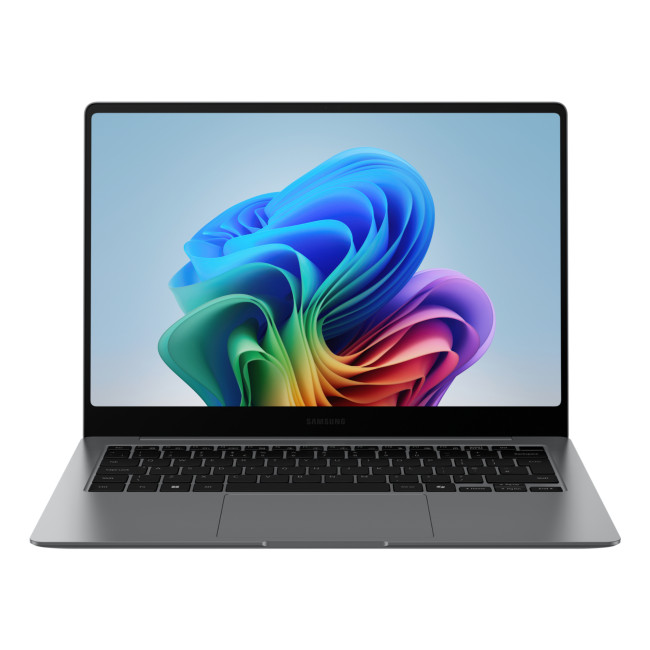
Key Specifications
- Processor: Intel Core Ultra 7 258V
- Processor cores: Eight
- Display: 14-inch AMOLED touchscreen
- Resolution: 2880 x 1800
- Refresh rate: 120Hz
- Graphics: Intel Arc 140V
- Memory: 32GB RAM
- Storage: 512GB SSD
- Connectivity: Thunderbolt 4, USB-A, HDMI, Wi-Fi 7
- Weight: 1.23kg
Why We Recommend It
This premium 14-inch OLED laptop provides 32GB of memory in a highly portable chassis. The high-resolution touchscreen is useful for presentations, document navigation and visual work, while Windows 11 Pro supports business-focused management and security features. Intel Arc graphics are suitable for everyday creative work and casual gaming without requiring a dedicated GPU.
3. Samsung Galaxy Book4 NP754XGK-KG1UK
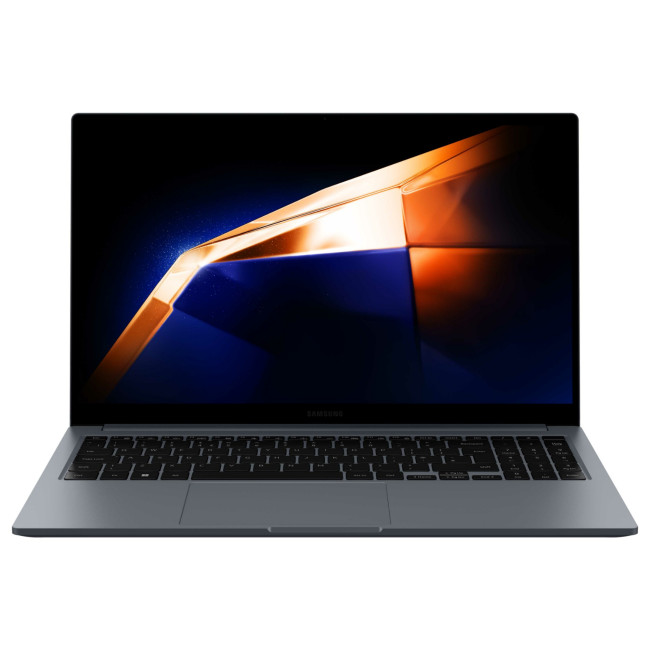
Key Specifications
- Processor: Intel Core 7 150U
- Display: 15.6-inch AMOLED
- Resolution: 1920 x 1080
- Display format: Full HD
- Graphics: Integrated Intel
- Memory: 16GB RAM
- Storage: 512GB SSD
- Operating system: Windows 11 Pro
- Connectivity: USB-C, USB-A, HDMI, Wi-Fi 6E
- Weight: 1.13kg
Why We Recommend It
The Galaxy Book4 balances a large Full HD AMOLED screen with an unusually low weight for its size. Its Intel Core 7 processor and 16GB of RAM are sufficient for office applications, research, video calls and frequent multitasking. Windows 11 Pro also makes it a practical option among affordable professional laptops intended for business use.
4. ASUS Zenbook 14 OLED UM3406GA-QD034W
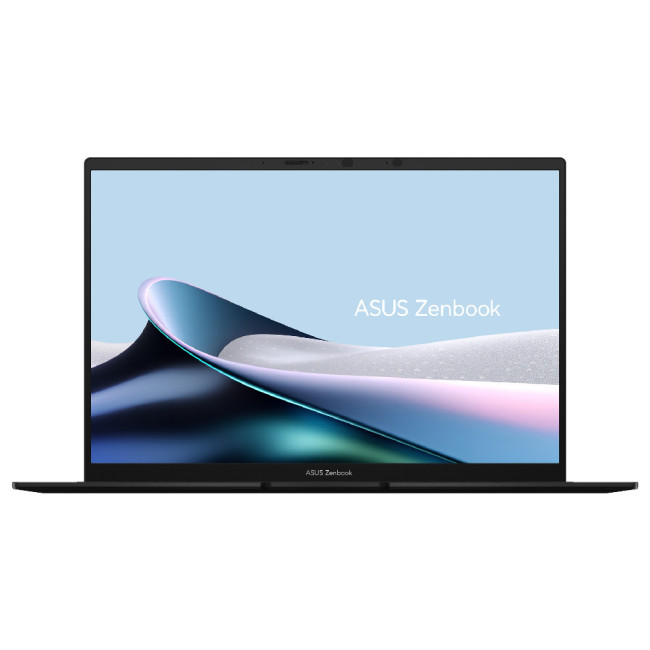
Key Specifications
- Processor: AMD Ryzen AI 5 430
- Processor cores: Four
- Display: 14-inch OLED
- Resolution: 1920 x 1200
- Refresh rate: 60Hz
- Graphics: AMD Radeon 840M
- Memory: 16GB RAM
- Storage: 1TB SSD
- Connectivity: USB 4, USB-C, USB-A, HDMI
- Weight: 1.20kg
Why We Recommend It
This OLED screen laptop is light enough for regular travel between lectures, libraries and workplaces. Its 16GB of RAM handles study, browsing, video calls and office applications comfortably, while the 1TB SSD provides more local storage than many student-focused laptops. The 16:10 display also offers useful vertical space for documents and websites.
5. Samsung Galaxy Chromebook Plus XE550XGA-KC2UK

Key Specifications
- Processor: Intel Core 5 120U
- Processor cores: Ten
- Display: 15.6-inch AMOLED
- Resolution: 1920 x 1080
- Graphics: Integrated Intel
- Memory: 8GB RAM
- Storage: 256GB eUFS
- Operating system: ChromeOS
- Connectivity: USB-C, USB-A, HDMI, Wi-Fi 6E
- Weight: 1.17kg
Why We Recommend It
The Galaxy Chromebook Plus is suited to browser-based work, online learning, streaming and cloud applications. Its 15.6-inch AMOLED panel provides more visual space than a compact Chromebook, yet the device weighs only 1.17kg. Buyers should confirm that their required applications support ChromeOS, particularly when specialist Windows software is needed.
6. Samsung Galaxy Book5 Pro NP944XHA-KG2UK
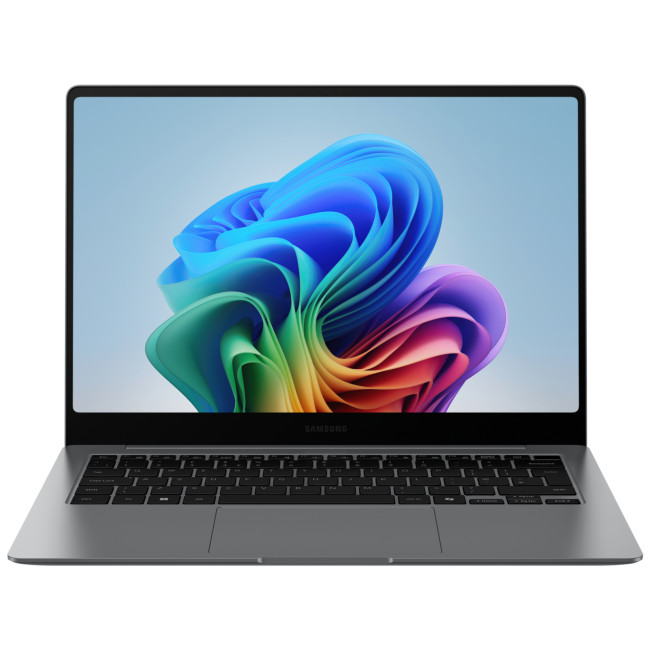
Key Specifications
- Processor: Intel Core Ultra 7 256V
- Processor cores: Eight
- Display: 14-inch OLED touchscreen
- Resolution: 2880 x 1800
- Refresh rate: 120Hz
- Graphics: Intel Arc 140V
- Memory: 16GB RAM
- Storage: 512GB SSD
- Connectivity: Thunderbolt 4, USB-A, HDMI, Wi-Fi 7
- Weight: 1.23kg
Why We Recommend It
This Galaxy Book5 Pro offers the same sharp 3K touchscreen and portable design as the higher-memory configuration, but with 16GB of RAM. That remains sufficient for presentations, office applications, communication and general professional multitasking. Wi-Fi 7, Thunderbolt 4 and HDMI also make it easy to use with modern networks, docks and external displays.
7. ASUS ProArt PX13 HN7306EA-LX037W
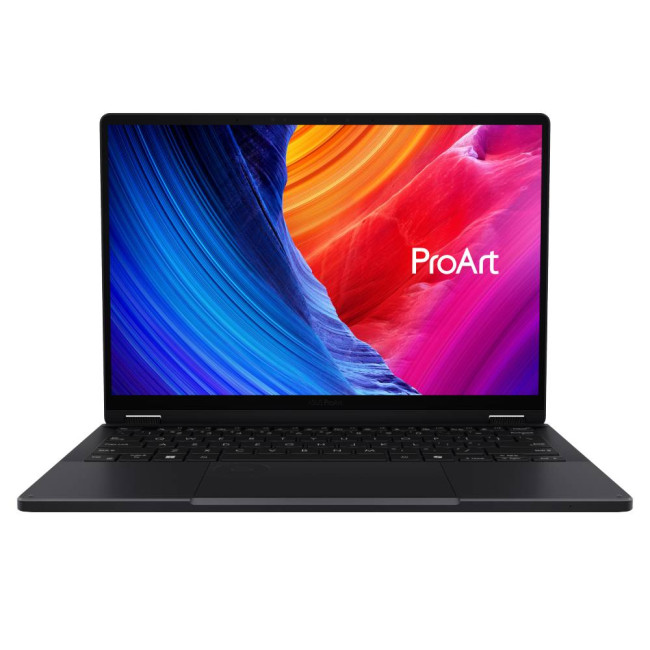
Key Specifications
- Processor: AMD Ryzen AI MAX+ 395
- Processor cores: Sixteen
- Display: 13.3-inch OLED touchscreen
- Resolution: 2880 x 1800
- Refresh rate: 60Hz
- Graphics: Integrated AMD Radeon
- Memory: 64GB RAM
- Storage: 1TB SSD
- Connectivity: USB 4, USB-A, HDMI, Wi-Fi 7
- Weight: 1.39kg
Why We Recommend It
The ProArt PX13 provides workstation-level memory in a compact convertible design. Its 3K OLED touch screen display supports direct interaction, sketching and presentation work, while the 16-core Ryzen AI processor is built for demanding multitasking and AI-assisted applications. Integrated graphics may suit many creative workflows, although GPU-heavy rendering can benefit from dedicated graphics.
8. ASUS ProArt P16 H7606WX-SE001W
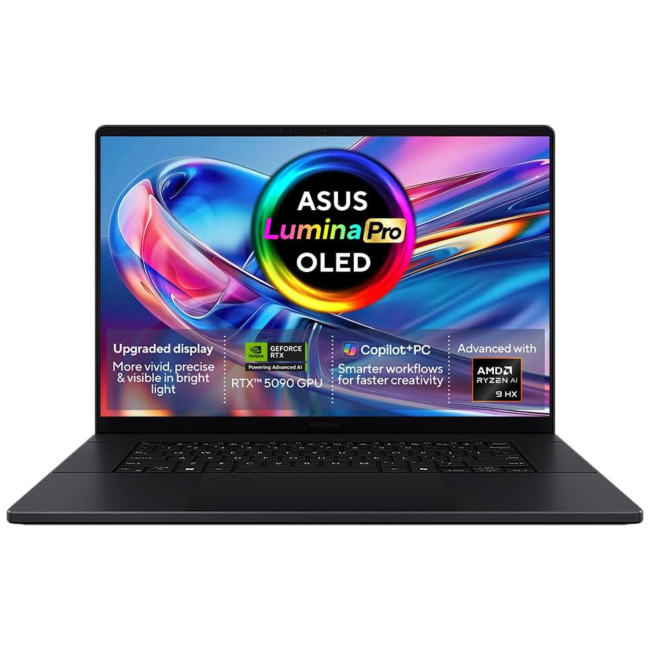
Key Specifications
- Processor: AMD Ryzen AI 9 HX 370
- Processor cores: Twelve
- Display: 16-inch 4K OLED touchscreen
- Resolution: 3840 x 2400
- Graphics: NVIDIA GeForce RTX 5090
- Graphics memory: 24GB GDDR7
- Memory: 64GB RAM
- Storage: 4TB SSD
- Connectivity: USB 4, USB-C, USB-A, HDMI, Wi-Fi 7
- Weight: 1.95kg
Why We Recommend It
The ProArt P16 is the strongest professional workstation in this selection. Its 4K touchscreen provides detailed previews, while 64GB of RAM, extensive storage and RTX 5090 graphics support complex editing, rendering and GPU-accelerated applications. It is one of the most capable OLED laptops for creators, although its hardware exceeds typical everyday requirements.
9. Lenovo Legion 783Q80007UK
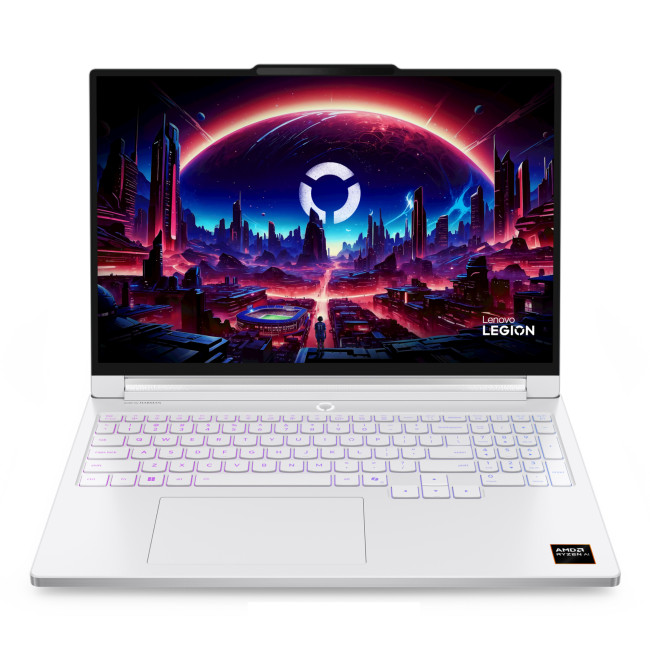
Key Specifications
- Processor: AMD Ryzen AI 7 450
- Processor cores: Eight
- Display: 16-inch OLED
- Resolution: 2560 x 1600
- Refresh rate: 240Hz
- Graphics: NVIDIA GeForce RTX 5060
- Graphics memory: 8GB GDDR7
- Memory: 32GB LPDDR5X
- Storage: 1TB SSD
- Weight: 1.80kg
Why We Recommend It
The Legion 7 combines a 240Hz OLED screen with RTX 5060 graphics, providing the quick response and smooth movement required for fast games. Its 32GB of memory also supports streaming, video editing and heavy multitasking. At 1.80kg, it is more portable than many high-performance immersive gaming notebooks with similar 16-inch displays.
10. Acer Predator Helios 16NH.QW0EK.001
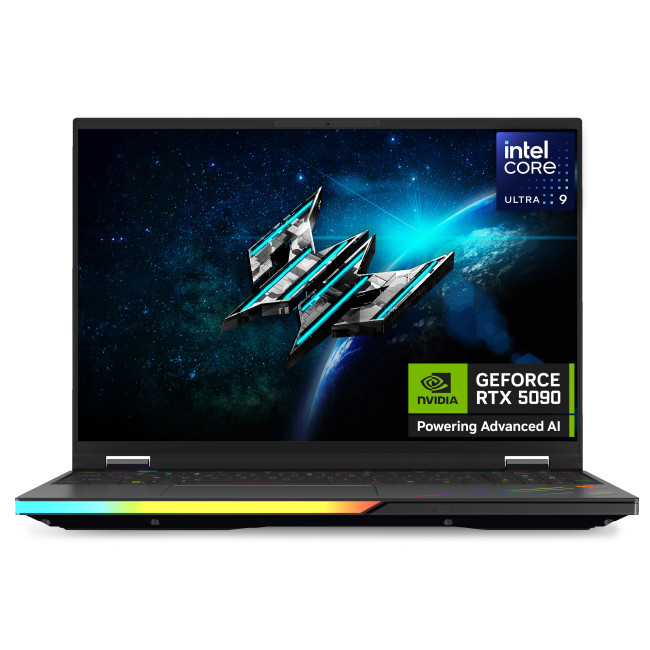
Key Specifications
- Processor: Intel Core Ultra 9 275HX
- Processor cores: Twenty-four
- Display: 16-inch OLED
- Resolution: 2560 x 1600
- Refresh rate: 240Hz
- Graphics: NVIDIA GeForce RTX 5090
- Graphics memory: 24GB GDDR7
- Memory: 64GB RAM
- Storage: 1TB SSD
- Connectivity: Thunderbolt 5, HDMI, USB-C, Ethernet
Why We Recommend It
The Predator Helios 16 prioritises maximum gaming and rendering performance. Its RTX 5090 graphics, 64GB of memory and high-performance Core Ultra 9 processor suit demanding games, 3D projects and GPU-accelerated workloads. The 240Hz OLED panel is also appropriate for competitive gaming, although such powerful hardware is unnecessary for casual play or ordinary productivity.
11. ASUS Zenbook UX5406SA-QJ494W
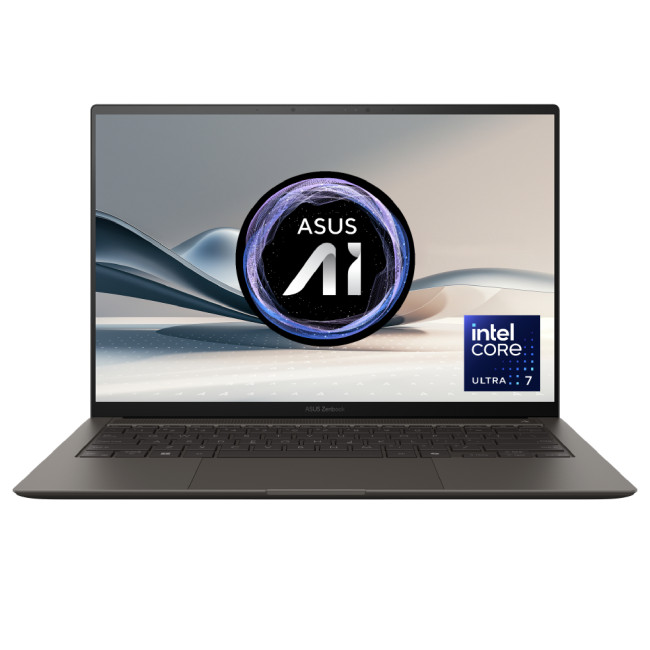
Key Specifications
- Processor: Intel Core Ultra 7 256V
- Processor cores: Eight
- Display: 14-inch OLED
- Resolution: 1920 x 1200
- Refresh rate: 60Hz
- Graphics: Integrated Intel Arc
- Memory: 16GB RAM
- Storage: 1TB SSD
- Connectivity: Thunderbolt 4, HDMI, Wi-Fi 7, audio jack
- Weight: 1.20kg
Why We Recommend It
The UX5406 is designed around portability, efficient performance and practical connectivity. Its Core Ultra processor and 16GB of memory suit office work, communication and frequent multitasking, while the 1TB SSD provides useful space for documents and media. At 1.20kg, it is among the premium OLED laptops for work and regular business travel.
Compare the Best OLED Laptops
|
Laptop |
Display |
CPU |
GPU |
RAM |
Storage |
Weight |
Best For |
|
ASUS Zenbook S 16 |
16-inch 3K, 120Hz |
Ryzen AI 7 445 |
Radeon |
32GB |
1TB |
1.50kg |
Best overall |
|
Galaxy Book5 Pro KG1UK |
14-inch 3K, 120Hz touch |
Core Ultra 7 258V |
Arc 140V |
32GB |
512GB |
1.23kg |
Premium use |
|
Samsung Galaxy Book4 |
15.6-inch Full HD |
Core 7 150U |
Intel |
16GB |
512GB |
1.13kg |
Value |
|
ASUS Zenbook 14 OLED |
14-inch WUXGA, 60Hz |
Ryzen AI 5 430 |
Radeon 840M |
16GB |
1TB |
1.20kg |
Students |
|
Galaxy Chromebook Plus |
15.6-inch Full HD |
Core 5 120U |
Intel |
8GB |
256GB |
1.17kg |
ChromeOS |
|
Galaxy Book5 Pro KG2UK |
14-inch 3K, 120Hz touch |
Core Ultra 7 256V |
Arc 140V |
16GB |
512GB |
1.23kg |
Travel |
|
ASUS ProArt PX13 |
13.3-inch 3K touch |
Ryzen AI MAX+ 395 |
Radeon |
64GB |
1TB |
1.39kg |
Mobile creators |
|
ASUS ProArt P16 |
16-inch 4K touch |
Ryzen AI 9 HX 370 |
RTX 5090 |
64GB |
4TB |
1.95kg |
Professional creation |
|
Lenovo Legion 7 |
16-inch 1600p, 240Hz |
Ryzen AI 7 450 |
RTX 5060 |
32GB |
1TB |
1.80kg |
Gaming |
|
Acer Predator Helios 16 |
16-inch 1600p, 240Hz |
Core Ultra 9 275HX |
RTX 5090 |
64GB |
1TB |
2.65 kg |
Maximum performance |
|
ASUS Zenbook UX5406 |
14-inch WUXGA, 60Hz |
Core Ultra 7 256V |
Intel Arc |
16GB |
1TB |
1.20kg |
Thin and light |
OLED Laptop Buying Guide
1. Screen Size
A 14-inch model is easier to carry and usually fits smaller desks. A 16-inch screen provides more room for timelines, spreadsheets, games and side-by-side windows.
Choose portability for frequent travel. Choose screen space when the laptop will spend most of its time on a desk.
2. Resolution
- Full HD or WUXGA: Suitable for documents, browsing and streaming.
- 2.8K or 3K: Sharper text and images without the graphics demand of 4K.
- 4K: Best for detailed creative work, but may increase power use.
3. Processor
Intel Core Ultra and AMD Ryzen AI processors (CPUs) combine general computing cores with dedicated AI hardware. Traditional Intel Core i7, Core i9, Ryzen 7 and Ryzen 9 chips remain capable, particularly when paired with effective cooling.
For ordinary work, prioritise efficiency. For rendering, development and large creative projects, choose more processor cores and sustained performance.
4. RAM
- 16GB: Recommended for everyday productivity, studying and light creation.
- 24GB: Useful for heavier multitasking and integrated graphics.
- 32GB: Better for advanced editing, development and professional workloads.
- 64GB: Intended for 3D rendering, large datasets and complex production work.
Memory is often soldered in modern thin laptops. Check the installed capacity carefully because later upgrades may not be possible.
5. Storage
A 512GB SSD is adequate for office files and cloud-based workflows. A 1TB SSD gives most buyers more flexibility, while 2TB or more is useful for video, photography, games and large project libraries.
Buyers can often save by choosing moderate internal storage and using external or cloud storage when necessary.
6. Graphics
Integrated graphics are sufficient for web use, office applications, streaming and lighter creative software. Intel Arc and modern Radeon graphics can also support casual gaming.
NVIDIA GeForce RTX graphics are more suitable for demanding games, 3D modelling, video effects, rendering and GPU-accelerated AI tools.
7. Refresh Rate
- 60Hz: Suitable for documents, general work and video.
- 120Hz: Noticeably smoother for scrolling, animation and casual gaming.
- 165Hz or higher: Best for fast games and competitive play.
- 240Hz: Most useful when the GPU can produce very high frame rates.
A high refresh rate does not automatically improve game performance. The processor and GPU must produce enough frames to use it effectively.
8. Ports and Connectivity
Useful connections include USB-C, USB-A, HDMI, Thunderbolt 4 or 5, an audio jack and an SD or microSD reader. Creators may prefer a full-size SD reader, while business users may prioritise Thunderbolt docking.
Wi-Fi 7 and Bluetooth 5.4 improve compatibility with newer networks and accessories. USB-C charging is particularly useful for travel, although powerful gaming laptops may still need their larger dedicated chargers.
9. Battery Life
OLED battery performance varies with brightness and displayed content. Bright white webpages can require more power, while dark interfaces may be more efficient because black pixels switch off.
Manufacturer battery claims are useful for comparison, but real results depend on brightness, refresh rate, applications and power settings. Fast charging can be more valuable than a headline runtime for users who regularly work near a socket.
10. Build Quality
Aluminium and magnesium-alloy designs can provide strength without excessive weight. However, material alone does not guarantee durability.
Check chassis flex, hinge stability, keyboard firmness and overall thickness. Models below approximately 1.4kg are easier to commute with, while gaming systems commonly exceed 2kg because of cooling and graphics hardware.
11. Keyboard, Touchpad and Webcam
A comfortable keyboard and accurate precision touchpad matter more than decorative features for daily work. Look for sensible key travel, consistent feedback and a touchpad large enough for gestures.
Full HD webcams generally produce clearer calls than older 720p cameras. IR cameras support Windows Hello facial recognition, while fingerprint readers provide another secure sign-in option.
Should You Worry About OLED Burn-In?
Burn-in is permanent uneven ageing that can leave a faint outline of static elements such as taskbars, menus or editing panels. It is possible, but it is not inevitable during varied everyday use. Modern laptops may include pixel shifting, screen savers, panel refresh routines, automatic dimming and shorter sleep timers.
- Enable the manufacturer's OLED care features.
- Use automatic screen sleep and avoid leaving static content displayed unnecessarily.
- Keep brightness appropriate for the room instead of permanently maximising it.
- Use dark mode where comfortable and allow full-screen content to vary.
- Check the exact warranty wording because burn-in coverage differs by manufacturer and model.
For a complete explanation, read our guide on causes, prevention, and solutions for OLED laptop screens burn in.

Choose the Right OLED Laptop for Your Needs
The best OLED laptops combine excellent display quality with specifications suited to the buyer’s actual workload. Students and travellers should prioritise portability and battery efficiency, while creators and gamers may need more memory, dedicated graphics and higher refresh rates.
When choosing a laptop, compare the processor, graphics, memory, storage, connectivity, weight and expected battery life. OLED technology can deliver richer colours, deeper contrast and smoother motion, but the overall specifications ultimately determine whether a laptop is best suited to work, gaming, creative projects or everyday use. For a closer look at this display technology, explore our Tandem OLED Laptops guide.

Just So You Know...
Which is the best OLED laptop in 2026?
The ASUS Zenbook S 16 is the best overall choice for most buyers. It combines a 16-inch 3K 120Hz OLED display with 32GB of RAM, 1TB storage, modern AMD processing and a relatively portable 1.50kg design.
Is OLED worth it in a laptop in 2026?
OLED is worth considering when you value deep blacks, strong contrast, vibrant colours and fast response times. It is particularly beneficial for films, gaming and creative work, but an IPS laptop may offer better value for basic office tasks.
What refresh rate should i look for in an OLED gaming laptop?
Choose at least 120Hz for general gaming. A 165Hz or 240Hz display is more suitable for competitive games, provided the graphics processor can produce high frame rates. Casual players may not benefit significantly from the fastest panels.
What is the best OLED laptop for content creators?
The ASUS ProArt P16 is the strongest option for demanding content creation. Its 4K OLED touchscreen, Ryzen AI 9 processor, RTX 5090 graphics, 64GB of RAM and 4TB SSD support high-resolution editing, rendering and large professional projects.
| Read More: |
| Windows 11 Laptop Display Technologies: OLED vs IPS vs PixelSense |
| ZenBook OLED Displays: Visuals, Colour Accuracy & Professional Advantage |
| Best OLED Gaming Monitors to Buy in 2026 |
Related Articles

Last Updated: July 27, 2026
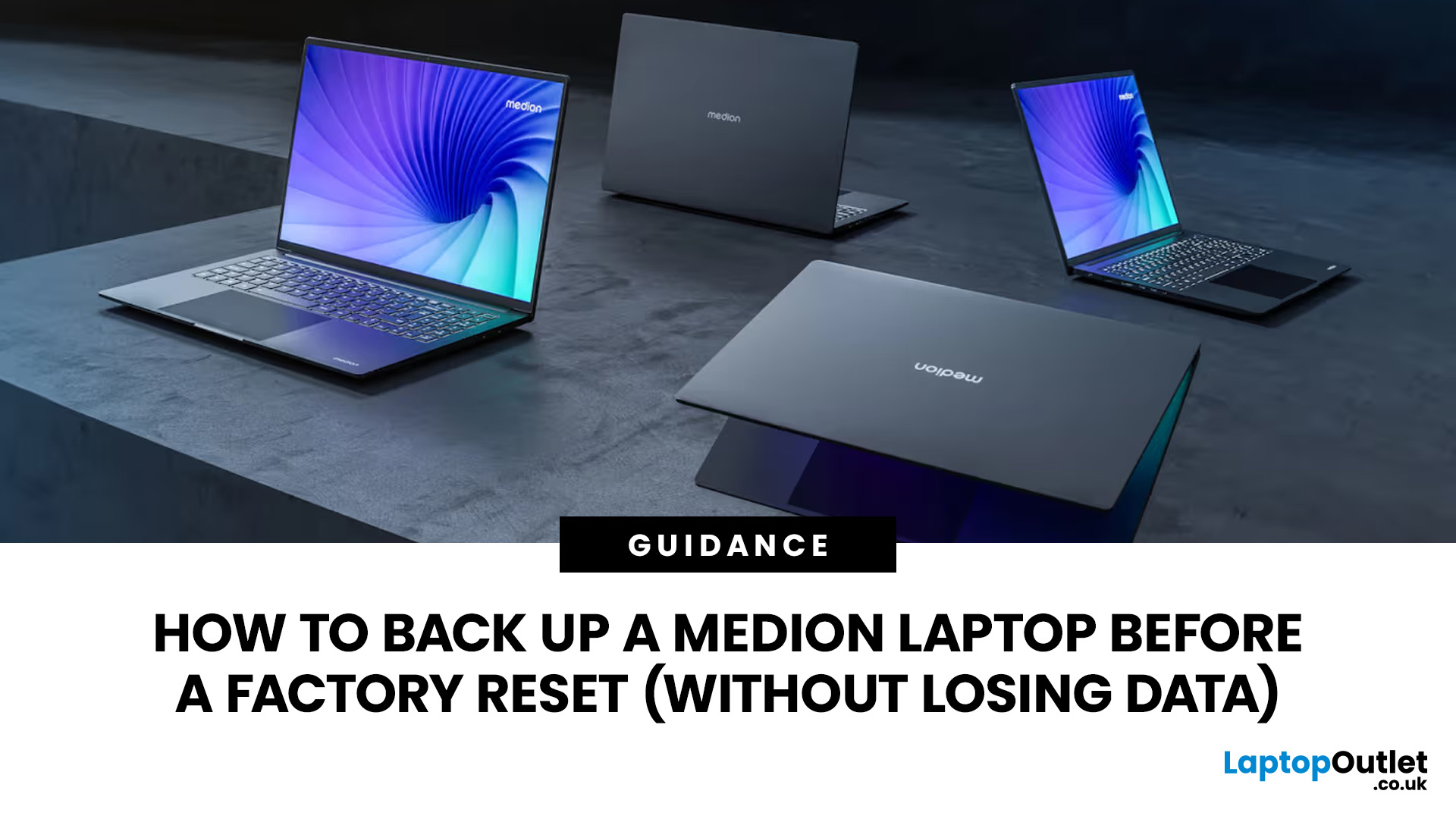
Before you reset MEDION laptop settings or reinstall Windows, copy your personal files to an external drive and create a second copy with Windows Backup and OneDrive or another drive.
Check Desktop, Documents, Downloads, Pictures, Videos, email archives, browser data, game saves and application folders. Open several files directly from the backup to confirm that they work.
Save your BitLocker recovery key, record essential applications and licences, then safely eject and disconnect the external drive before starting the reset.
A factory reset can solve persistent Windows problems, but it may remove applications, settings and personal files. Even when you choose Keep my files, treat it as a recovery option rather than a substitute for a verified backup.
Last Updated: July 23, 2026
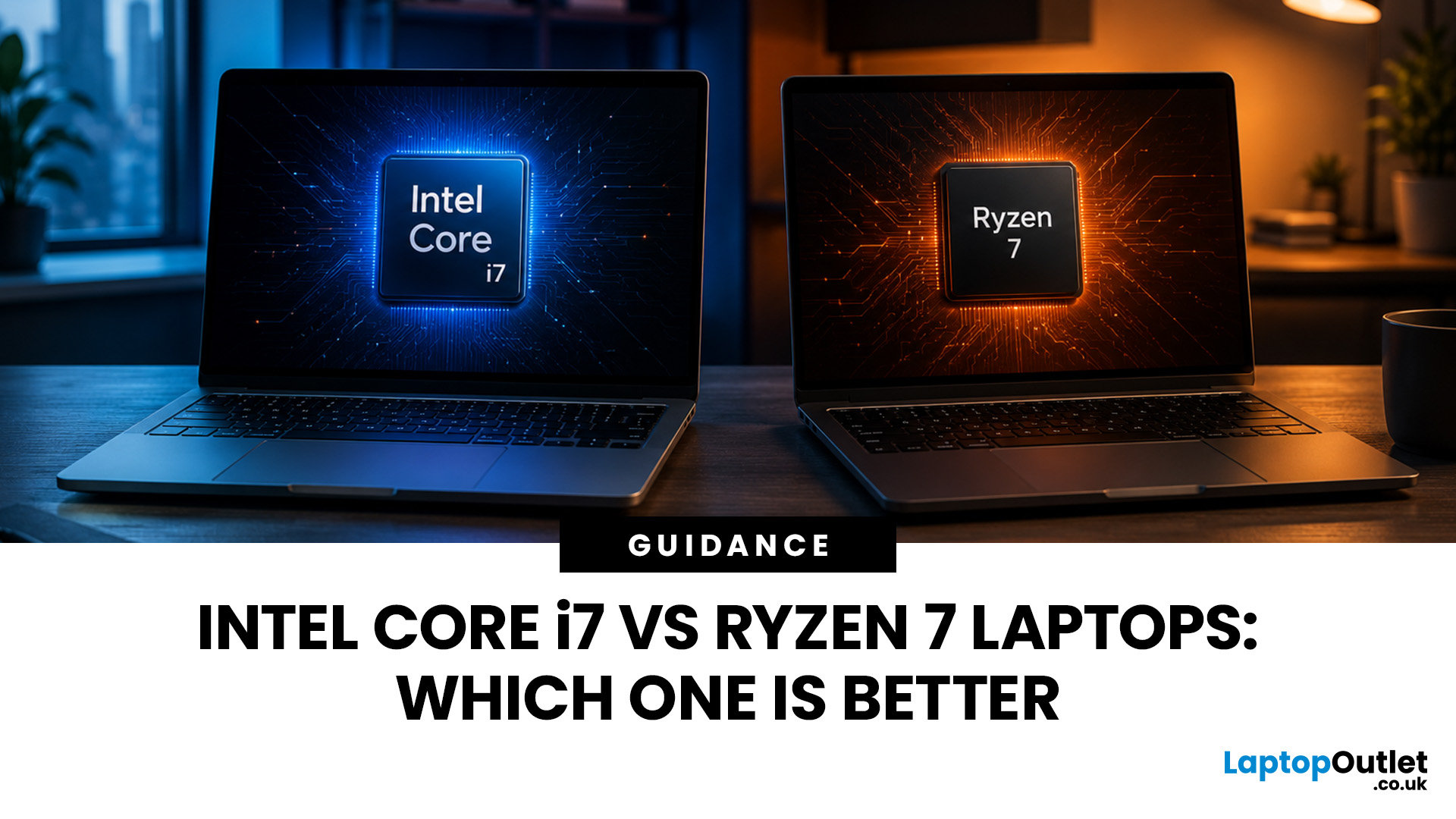
Neither processor family is automatically better. An Intel Core i7 laptop is often a strong choice for demanding productivity, supported video workflows and high-powered gaming configurations. A Ryzen 7 laptop can be especially attractive for efficient multitasking, capable integrated graphics and specification value.
When comparing an i7 vs Ryzen 7 laptop, the exact processor number matters more than the badge. A Core i7 U-series processor designed for a lightweight laptop is not equivalent to a Core i7 H-series gaming chip. The same applies to Ryzen 7 U, HS and HX processors.
For the broader brand-level differences, read our AMD vs Intel laptop guide. This guide goes deeper into the Core i7 and Ryzen 7 performance tier.
Intel Core i7 vs Ryzen 7 Laptops: Quick Answer
| Your priority | Better starting point | What to check |
| Everyday office work | Either | RAM, battery, screen and price |
| Heavy multitasking | Either | Exact CPU model, cooling and at least 16GB RAM |
| Gaming with dedicated graphics | Either | GPU |
Last Updated: September 03, 2026
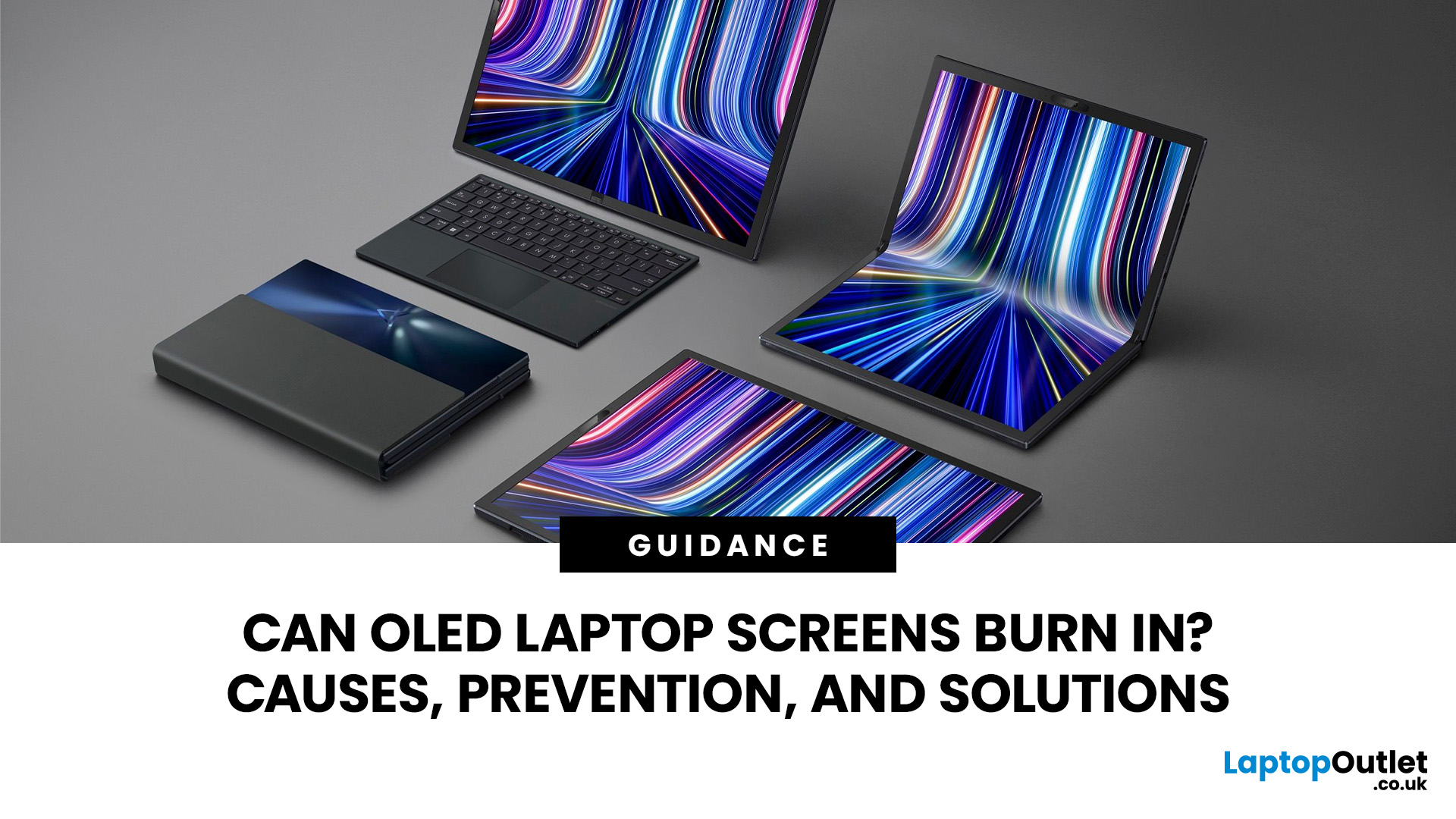
Yes, OLED laptop screens can develop permanent burn-in, but it is unlikely to happen quickly during normal, varied use. Risk increases when the same bright interface elements remain in one position for long periods, particularly at high brightness.
Modern OLED laptops reduce the risk through pixel shifting, automatic dimming and pixel-refresh routines. However, no OLED panel is completely immune.
For buyers considering laptops with OLED screen, burn-in is a manageable long-term consideration rather than a reason to avoid OLED. Sensible settings let you enjoy deep blacks, rapid response times and exceptional contrast while protecting the display.
For help comparing suitable models, see our guide to the best OLED laptops for work, gaming and creative use, covering options for different workloads and performance needs.
What Is OLED Screen Burn-In?
OLED screen burn in is a permanent shadow, outline or colour change caused by some pixels ageing faster than others.
OLED is a self-emissive display.
Published: July 27, 2026
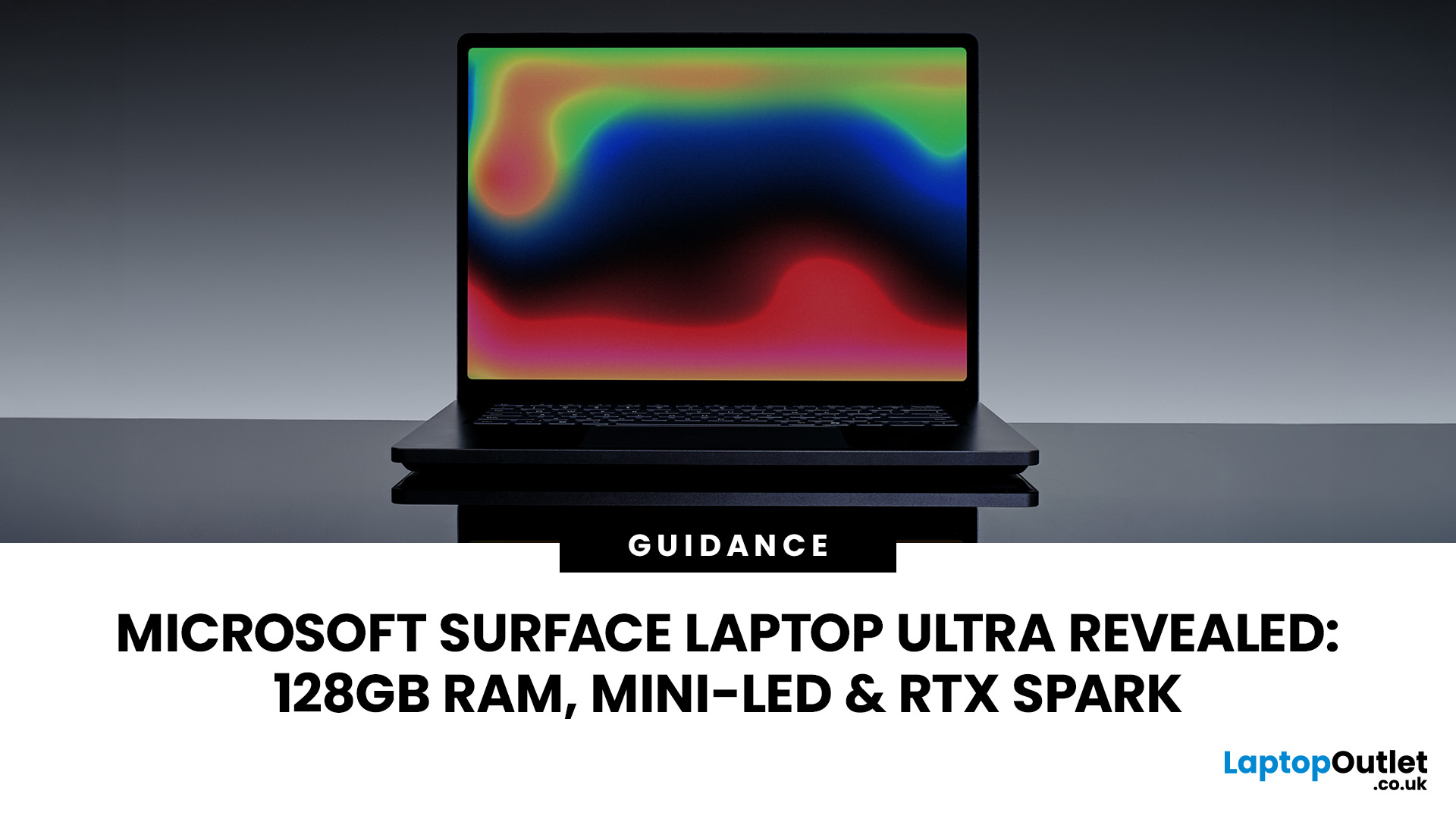
The Surface Laptop Ultra is Microsoft’s boldest laptop yet, built for local AI, 3D work, coding and demanding creative projects. It combines NVIDIA RTX Spark, Blackwell graphics, full CUDA support, and up to 128GB of unified memory, giving it serious workstation-level potential in a much slimmer design.
The 15-inch Mini-LED PixelSense Ultra display, upgraded cooling, and wider port selection make it even more appealing for power users. The only catch is that the exact UK price, full configurations and release date are still under wraps.
Microsoft Surface Ultra Specs at a Glance
The confirmed Microsoft Surface Ultra specs place the device above Microsoft’s conventional
Last Updated: August 06, 2026
Published: July 27, 2026
Last Updated: August 06, 2026
A safe Lenovo drivers update should begin with Lenovo Vantage or Lenovo Support, followed by Windows Update and, when needed, the official NVIDIA or AMD graphics software. Using these trusted sources helps ensure that chipset, graphics, audio, network, firmware and system drivers are matched to your specific Lenovo Legion or LOQ laptop.
Updating drivers can fix hardware problems, improve compatibility with newer games and address security or stability issues. However, installing every available update immediately is not always necessary. Graphics drivers often change frequently, while BIOS and firmware updates require more caution.
This guide explains how to check your current versions, install Lenovo laptop drivers safely and recover if an update causes problems. The same general process can also apply to professional Lenovo laptops for work, although gaming systems require additional attention to graphics and performance-related drivers.
Quick Driver Update Order
For most Lenovo gaming
Last Updated: July 28, 2026
Last Updated: October 22, 2026
Last Updated: July 29, 2026
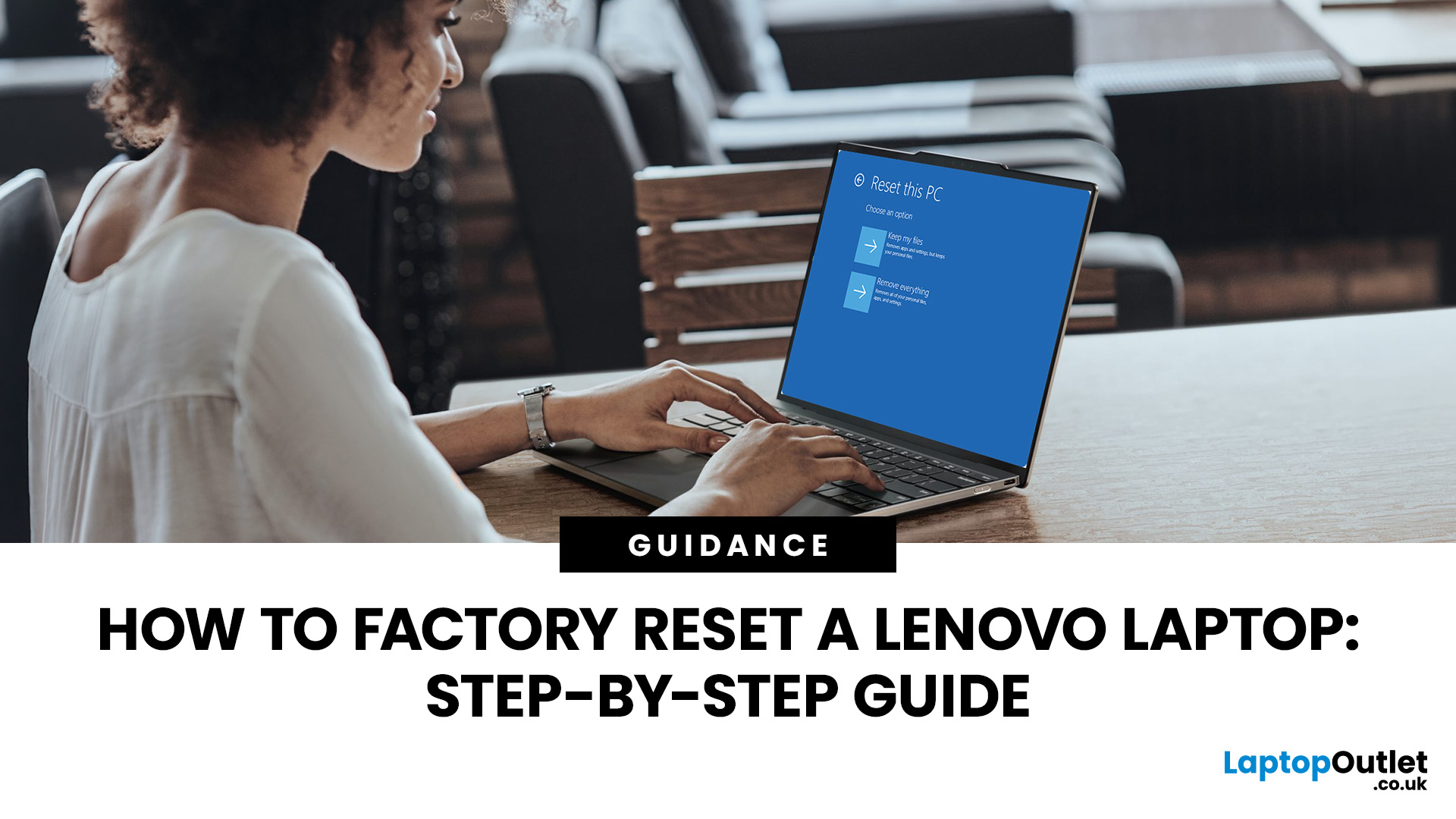
Your Lenovo laptop is slow, crashing, affected by persistent software problems or being prepared for a new owner; don't panic, it’s simply time for a factory reset.
A proper Lenovo factory reset reinstalls Windows and may remove applications, settings and personal data. This guide explains how to reset Lenovo laptop systems through Settings, the sign-in screen, Lenovo recovery mode, the Novo button or recovery media.
Before You Factory Reset Your Lenovo Laptop
- Back up documents, photos and other important files to cloud storage or an external drive.
- Keep the charger connected, remove unnecessary laptop accessories

