



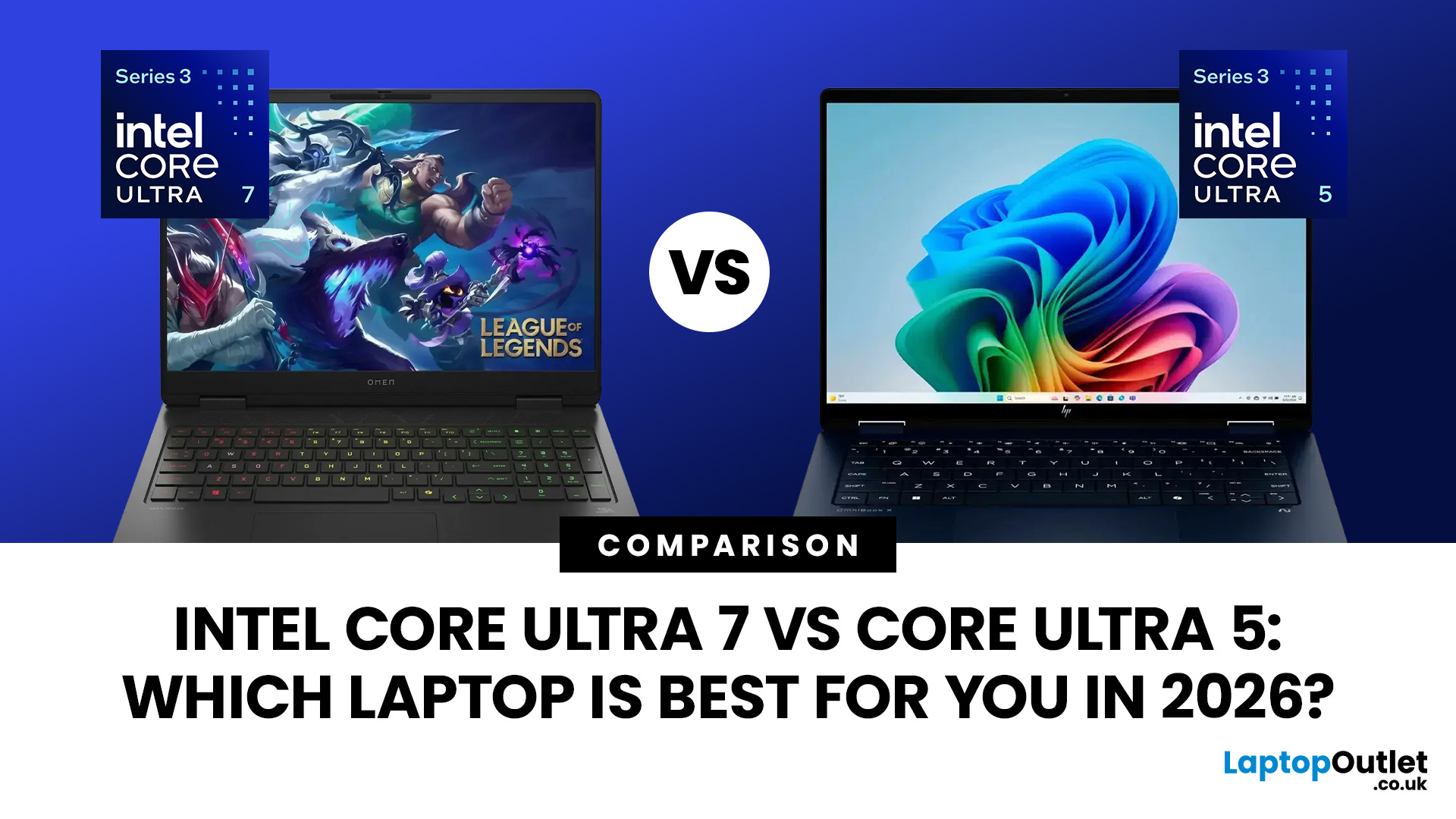
Intel Core Ultra 7 vs Core Ultra 5: Which Laptop Is Best for You in 2026?
Quick Answer
Intel Core Ultra 7 vs Core Ultra 5 comes down to workload, generation and laptop design. Core Ultra 5 is typically sufficient for productivity, study and moderate creative work, while Core Ultra 7 offers more CPU headroom for heavier multitasking and sustained workloads. However, graphics, NPU performance, cooling, RAM and processor suffix can matter more than the tier name alone.
Choosing between Intel Core Ultra 5 and Core Ultra 7 is more complicated in 2026 than simply assuming the higher number will always give you the better laptop.
Intel now has Core Ultra Series 1, Series 2 and Series 3 processors in circulation. Within those generations you will also find different processor classes designed for thin-and-light systems, efficient mobile computing and higher sustained performance. Intel identifies Ultra 5 and Ultra 7 as performance tiers, while the processor number indicates the series or generation.
That means the sensible comparison is not simply Ultra 5 vs Ultra 7. You need to look at the exact processor, its generation, graphics hardware, NPU, laptop cooling and the rest of the system.
This guide explains those differences in detail.
Intel Core Ultra 7 vs Core Ultra 5: Quick Comparison
Intel Core Ultra 5 and Core Ultra 7 are performance tiers rather than individual processors. Specifications vary by generation and suffix, so the table uses popular H-series laptop processors, including the Core Ultra 5 125H and 225H against the Ultra 7 155H and 255H.
|
Feature |
Intel Core Ultra 5 |
Intel Core Ultra 7 |
|
Performance tier |
Mainstream to upper-mainstream |
Upper-mainstream to premium |
|
Example H-series processors |
Ultra 5 125H and 225H |
Ultra 7 155H and 255H |
|
CPU architecture |
Hybrid design with Performance, Efficiency and low-power Efficiency cores |
Hybrid design with more Performance cores in comparable H-series chips |
|
Core count |
14 cores in the 125H and 225H |
16 cores in the 155H and 255H |
|
Core layout |
4 Performance cores, 8 Efficiency cores and 2 low-power Efficiency cores |
6 Performance cores, 8 Efficiency cores and 2 low-power Efficiency cores |
|
Thread count |
18 threads on the 125H; 14 threads on the 225H |
22 threads on the 155H; 16 threads on the 255H |
|
Maximum clock speed |
Up to 4.5GHz on the 125H and 4.9GHz on the 225H |
Up to 4.8GHz on the 155H and 5.1GHz on the 255H |
|
Intel Smart Cache |
18MB on common H-series models |
24MB on common H-series models |
|
Processor base power |
Typically 28W for Series 1 H chips; varies by generation and laptop configuration |
Typically 28W for Series 1 H chips; varies by generation and laptop configuration |
|
Integrated graphics |
Intel Arc graphics, such as 7 Xe-core graphics or Arc 130T on selected models |
Generally stronger Intel Arc graphics, such as 8 Xe-core graphics or Arc 140T |
|
AI acceleration |
Built-in Intel AI Boost NPU |
Built-in Intel AI Boost NPU |
|
NPU performance |
Depends more on generation and suffix than the Ultra 5 name alone |
May be similar to Ultra 5 within the same processor family |
|
Memory support |
Supports modern DDR5 or LPDDR5-class memory, depending on the processor |
Supports modern DDR5 or LPDDR5-class memory, depending on the processor |
|
CPU performance |
Strong for office work, study, coding, multitasking and light creative workloads |
Better suited to sustained development, video editing, rendering and heavier multitasking |
|
Integrated-graphics gaming |
Suitable for esports and lighter games on compatible Arc-equipped laptops |
Usually delivers higher frame rates when comparing similar generations and power limits |
|
Dedicated-GPU gaming |
More than sufficient for many mid-range gaming laptops |
Better for CPU-heavy games, high-refresh-rate gaming and powerful GPUs |
|
Battery life |
Often offers the better balance of performance and efficiency |
Can be efficient, but more powerful laptops may consume more energy under heavy workloads |
|
Laptop price |
Usually more affordable |
Usually carries a noticeable price premium |
|
Best for |
Students, office users, programmers and everyday buyers |
Creators, developers, power users and demanding professionals |
|
Best overall value |
The stronger choice for most laptop buyers |
Worth paying more for when the extra cores and sustained performance will be used |
Key Differences at a Glance
The biggest difference is normally sustained CPU performance. When two processors come from the same generation and power class, the Core Ultra 7 model will usually have one or more advantages:
- More CPU cores
- Higher maximum clock speeds
- More cache on selected models
- Faster integrated graphics on some models
- Slightly higher NPU performance
- Greater headroom for demanding applications
The difference can be much smaller in thin-and-light laptops. The Core Ultra 5 325 and Intel Ultra 7 365 both have eight CPU cores, 12MB of cache and the same listed 25W base power. The Ultra 7 mainly gains faster clock speeds and a slightly faster NPU.
What Does Core Ultra 5 vs Core Ultra 7 Actually Mean?
Core Ultra 5 and Core Ultra 7 are positions within Intel's Core Ultra processor family.
Think of the number as a performance class rather than a complete specification. Core Ultra 7 processors will generally provide some combination of higher clock speeds, additional CPU resources, larger cache or other performance advantages when compared with an equivalent Ultra 5 from the same processor family.
But two CPUs carrying different tier names can also have very different designs.
For example, an efficient processor intended for a thin laptop should not be compared purely by badge against a high-performance processor designed to run at substantially different power levels.
This is one reason looking only at “Ultra 5” or “Ultra 7” can lead to the wrong conclusion.
Series 1, Series 2 and Series 3 Matter More Than You Think
Intel introduced the Core Ultra branding with Series 1 and has continued developing it through Series 2 and Series 3.
Intel Core Ultra Series 3 arrived in the first quarter of 2026. Intel says the platform is its first AI PC processor family built using the Intel 18A manufacturing process.
So you may encounter processors from several generations when comparing laptops in 2026.
A useful rule is:
- 100-series Core Ultra processors belong to Series 1
- 200-series processors belong to Series 2
- 300-series processors belong to Series 3
Intel confirms that the first digit of the processor number identifies the Core Ultra series.
This matters because a newer Core Ultra 5 can introduce architectural, graphics or AI capabilities that are not present in an older Core Ultra 7.
Never compare processor tiers without checking the generation first.
Processor Suffixes Can Change the Comparison
The letters attached to Intel processor names also provide important information.
Intel describes H processors as being optimised for high-performance mobile computing, while U processors focus on power-efficient mobile use. V identifies Intel's Lunar Lake processors.
For example, comparing an Ultra 5 H-series processor with an Ultra 7 U-series processor is not a clean tier comparison.
The H-series chip may be designed for higher sustained performance, while the U-series processor may be aimed at thinner systems where efficiency, temperature and battery life receive greater priority.
When possible, compare:
- the same generation
- the same processor family
- the same suffix or performance class
- laptops with broadly comparable cooling and power limits
Only then does Ultra 5 versus Ultra 7 become a meaningful comparison.
How Much Faster Is Core Ultra 7 Than Core Ultra 5?
There is no single percentage that accurately describes the performance difference.
The gap changes according to the specific processors being compared and the laptop in which they are installed.
A useful 2026 example comes from Intel Core Ultra Series 3.
The Core Ultra 5 338H has:
- 12 CPU cores
- up to 4.7GHz maximum turbo frequency
- 18MB Intel Smart Cache
- Intel Arc B370 graphics
- a 47-TOPS NPU
The Core Ultra 7 366H increases CPU resources to:
- 16 CPU cores
- up to 4.8GHz maximum turbo frequency
- 18MB Intel Smart Cache
- Intel Graphics
- a 50-TOPS NPU
Intel's official specifications therefore show a clear CPU advantage for the 366H in heavily threaded work, but there is an important twist: the Ultra 5 338H carries the substantially larger Arc B370 integrated graphics configuration.
That is a very good example of why you should never assume every feature becomes faster simply because you move from Ultra 5 to Ultra 7.
Everyday Computing
For web browsing, Word documents, spreadsheets, streaming, email and video calls, the difference between two properly configured Core Ultra 5 and Ultra 7 systems may be difficult to notice.
These tasks rarely keep all CPU cores heavily occupied for long periods.
RAM, SSD responsiveness, Windows configuration and background software can have just as much influence on how responsive the machine feels.
For these workloads, paying attention to the complete laptop specification is more useful than concentrating on the CPU tier alone.
Heavy Multitasking
Core Ultra 7 becomes more relevant when several demanding tasks are running at once.
Examples include:
- large spreadsheets alongside collaboration software
- software development environments
- compiling code
- multiple virtual machines
- data analysis
- heavier photo workflows
- long video exports
- running several professional applications together
More CPU resources can reduce the amount of time the processor spends waiting for demanding workloads to finish.
However, memory still matters. A machine with 32GB RAM may cope with a memory-intensive workload better than another system with a faster CPU but only 16GB.
Core Ultra 5 vs Ultra 7 for Creative Work
Both processor tiers can be used for creative applications, but the workload determines how noticeable the difference becomes.
Core Ultra 5 is generally capable of tasks such as:
- photo editing
- graphic design
- short video projects
- basic music production
- social media content creation
- occasional encoding
Core Ultra 7 makes more sense when the work regularly keeps the processor busy for extended periods.
That can include large RAW photo batches, complex timelines, software compilation, CPU rendering or running several creative tools simultaneously.
The important limitation is that CPU tier is only part of a creative laptop.
A dedicated GPU, sufficient RAM, SSD capacity and a colour-accurate display may improve the overall workflow more than moving from one processor tier to another.
Is Core Ultra 7 Better for Gaming?
Not automatically.
For an RTX-equipped system, the dedicated graphics processor has a much larger influence on frame rates than the difference between Core Ultra 5 and Core Ultra 7.
A laptop with Core Ultra 5 paired with a stronger dedicated GPU can therefore outperform an Ultra 7 laptop using a slower graphics processor.
CPU differences become more relevant in:
- high-refresh competitive gaming
- CPU-heavy simulation games
- strategy games with complex calculations
- gaming while streaming or recording
- workloads where the GPU is no longer the main bottleneck
For gaming without dedicated graphics, the exact integrated GPU becomes especially important.
Please notice that: Buyers seeking maximum performance above Ultra 7 may consider a powerful Core Ultra 9 laptop, although the graphics card and cooling system remain critical.
The Processor Badge Does Not Tell You the GPU
This is one of the easiest mistakes to make when comparing Core Ultra processors.
Intel's Series 2 V-family illustrates the point. The Core Ultra 5 226V uses Intel Arc 130V graphics with seven Xe cores, while the Core Ultra 7 256V uses Arc 140V graphics with eight Xe cores. Their NPUs are rated at 40 TOPS and 47 TOPS respectively.
Series 3 introduces another interesting case. As noted earlier, the Core Ultra 5 338H includes Arc B370 graphics, while some higher-tier Core Ultra 7 H-series processors use a smaller Intel Graphics configuration.
Always read the GPU specification separately from the CPU name.
Core Ultra 5 vs Ultra 7 for AI Features
Both Core Ultra 5 and Core Ultra 7 processors can include an NPU, or Neural Processing Unit.
An NPU is dedicated hardware designed to accelerate supported AI workloads without relying entirely on the CPU or GPU.
Depending on the processor and software, NPU acceleration may be used for features such as:
- camera effects
- background processing
- live captions
- transcription
- noise reduction
- local AI tools
- image processing
- compatible Windows AI features
The Core Ultra tier does not tell you the complete AI story.
Series 1 Core Ultra processors introduced Intel's integrated NPU, but newer generations substantially increased NPU performance. Current Series 3 processors reach up to 50 NPU TOPS.
Core Ultra Does Not Automatically Mean Copilot+
This distinction is important in 2026.
Microsoft requires a Copilot+ PC to include an NPU capable of at least 40 TOPS, alongside other hardware and Windows requirements.
That means an older Core Ultra 7 can contain an NPU but still fall below the Copilot+ threshold, while a newer Core Ultra 5 may exceed it.
If AI features matter to you, check:
- The exact processor.
- Its NPU TOPS figure.
- Whether the complete laptop is certified as a Copilot+ PC.
- Whether the software you intend to use actually supports NPU acceleration.
You can read more about what these features actually do in our guide to AI-powered laptop features.
Which Laptop Has Better Battery Life?
Neither tier automatically wins.
Battery life depends on much more than whether the badge says Ultra 5 or Ultra 7.
Important factors include:
- processor family
- manufacturer power limits
- battery capacity
- screen brightness
- display resolution
- refresh rate
- OLED or LCD panel
- dedicated GPU use
- cooling configuration
- background applications
- Windows power settings
An efficient Core Ultra 7 system can last longer than a poorly configured Core Ultra 5 laptop.
Likewise, a high-performance Ultra 5 processor operating under sustained load can consume more power than an efficiency-focused Ultra 7 implementation.
If battery life is important, look for independent testing of the complete laptop rather than trying to predict runtime from the processor tier.
Core Ultra 5 or Core Ultra 7 for University?
For most university workloads, processor tier should not be the first deciding factor.
Coursework involving browsers, Microsoft Office, research, video calls, presentations and standard programming rarely requires the highest CPU tier available.
More important considerations often include:
- 16GB or more RAM for comfortable multitasking
- enough SSD storage for coursework
- good battery life
- low weight
- a comfortable keyboard
- appropriate ports
- software compatibility
Students studying engineering, 3D design, video production, architecture or other computationally demanding subjects may benefit more from higher CPU performance.
Even then, check whether specialist software relies heavily on the GPU before deciding that Ultra 7 alone will solve the performance requirement.
Core Ultra 5 or Core Ultra 7 for Work?
The answer depends on what “work” actually means.
For email, web applications, document editing, meetings, accounting software and standard office multitasking, either tier can provide sufficient performance in a well-configured laptop.
Core Ultra 7 becomes more useful where your working day involves sustained processor-intensive tasks.
Examples include:
- software development
- large-scale Excel models
- data processing
- professional media production
- engineering tools
- frequent encoding
- virtualisation
Business buyers should also consider security, manageability, warranty support, connectivity and Intel vPro requirements rather than choosing a processor purely by performance tier.
What Should You Compare Besides the Processor?
A processor comparison becomes much more useful when you consider the rest of the machine.
RAM
For a modern general-purpose Windows laptop, 16GB is a practical starting point for comfortable multitasking.
Users running development environments, large creative projects or virtual machines may benefit from 32GB or more.
Graphics
Check whether the laptop uses Intel Graphics, Intel Arc integrated graphics or a dedicated GPU.
Do not assume an Ultra 7 automatically has stronger graphics than an Ultra 5.
Cooling
Two laptops using the same processor can behave differently.
A larger cooling system may allow a CPU to maintain higher sustained power for longer, while an ultra-thin chassis may reduce performance to control heat and noise.
Display
Resolution, brightness, colour coverage, refresh rate and panel type can have a greater effect on daily use than a modest CPU performance difference.
Battery
Check battery capacity and independent runtime testing.
Processor efficiency alone cannot predict how long the complete laptop will last.
Storage
A fast SSD improves boot times, application loading and large file transfers. Capacity matters as well, particularly for creative projects and large software libraries.
A Simple Way to Choose Between Them
Instead of asking whether Core Ultra 7 is “better”, work through the decision in this order.
1. Check the generation
Determine whether the processor belongs to Series 1, Series 2 or Series 3.
2. Check the complete processor number
Do not compare only the Ultra 5 and Ultra 7 badges.
3. Compare equivalent processor classes
Where possible, compare processors from the same generation and similar performance class.
4. Look at your actual workload
Routine productivity does not require the same CPU resources as video rendering, software compilation or professional data analysis.
5. Check RAM and graphics
A balanced machine is normally preferable to concentrating all your attention on one component.
6. Check reviews of the complete laptop
Cooling, power settings, display quality and battery capacity can change the experience substantially.
Common Misconceptions About Core Ultra 5 and 7
“Ultra 7 always has better graphics”
No. Integrated graphics differ by individual processor.
Some Ultra 5 processors can have a larger integrated GPU configuration than particular Ultra 7 processors.
“Ultra 7 always has worse battery life”
Not necessarily.
Laptop design, display, battery size, power limits and workload can have a greater effect on battery life than processor tier.
“All Core Ultra processors are Copilot+ compatible”
No.
Copilot+ PCs have specific hardware requirements, including an NPU delivering at least 40 TOPS. Earlier Core Ultra processors may contain an NPU without meeting that threshold.
“Ultra 5 is only for basic computing”
No.
Higher-performance Ultra 5 processors can handle demanding productivity, coding and creative work. The exact processor is more informative than the tier name alone.
“A newer Ultra 5 cannot beat an older Ultra 7”
It can in particular workloads or features.
Processor architecture, power class, integrated graphics and generation all change over time, so cross-generation comparisons require more than comparing the numbers 5 and 7.

Intel Core Ultra 7 vs Core Ultra 5: Final Thoughts
Intel Core Ultra 7 vs Core Ultra 5 is ultimately a comparison of processor tiers, not two fixed specifications.
Core Ultra 5 can comfortably cover everyday productivity, study, programming and moderate creative workloads, while Core Ultra 7 generally provides greater CPU headroom for more demanding sustained work.
Readers who want to see how the two tiers appear across current systems can separately look at the reliable Intel Core Ultra 5 laptops and powerful Core Ultra 7 laptops.
However, the processor generation, exact model number, graphics configuration, NPU, RAM, cooling and laptop power limits can change the outcome significantly. In 2026, the safest approach is to compare complete specifications and your actual workload rather than assuming the Ultra 7 badge automatically makes one laptop the better choice.

People Also Ask...
Is Intel Core Ultra 7 better than Core Ultra 5?
Core Ultra 7 generally occupies a higher performance tier and may offer more cores or higher frequencies. However, generation, processor class, graphics, cooling and laptop configuration mean an Ultra 7 is not automatically faster in every workload.
What is the main difference between Core Ultra 5 and Ultra 7?
The main difference is performance positioning. Core Ultra 7 processors usually provide greater CPU headroom within comparable processor families, while Ultra 5 targets mainstream performance. Exact specifications still vary considerably between generations and individual processor models.
Is Intel Core Ultra 5 enough for gaming?
It can be. Gaming performance depends primarily on the GPU, game and laptop cooling. A Core Ultra 5 paired with a capable dedicated graphics processor can outperform an Ultra 7 laptop using substantially weaker graphics.
Does Core Ultra 7 have a better NPU than Core Ultra 5?
Sometimes, but not always by a large margin. NPU performance varies by processor generation and model. Check the stated TOPS rating rather than assuming the Core Ultra tier accurately predicts AI acceleration performance.
Is Core Ultra 7 worth it for normal office work?
For routine browsing, email, documents, meetings and spreadsheets, Core Ultra 5 is generally capable when paired with sufficient RAM and storage. Ultra 7 becomes more relevant when workloads involve sustained processing or unusually heavy multitasking.
Related Articles


Last Updated: February 03, 2026
Choosing a new processor used to be a simple choice between raw power and budget value. However, as we move through 2026, the landscape has shifted.
The rivalry of Intel vs AMD desktop processors has reached a fever pitch, with both "Team Blue" and "Team Red" offering incredible technology that caters to very specific types of users.
This guide breaks down everything you need to know about the current market to help you decide which brand deserves a spot in your desktop PC.
The State of the Market in 2026
As we move through 2026, both manufacturers have moved beyond simple core-count wars.
Intel has doubled down on its "Arrow Lake" and "Nova Lake" architectures, focusing heavily on integrated AI NPUs (Neural Processing Units) and a refined tiled architecture.
Meanwhile, AMD continues to dominate the enthusiast market with its Zen 5 architecture, led by the legendary 3D V-Cache technology.
Intel’s Current Strategy: The AI PC Era
Intel has successfully transitioned to its LGA 1851 socket.
Last Updated: August 25, 2026
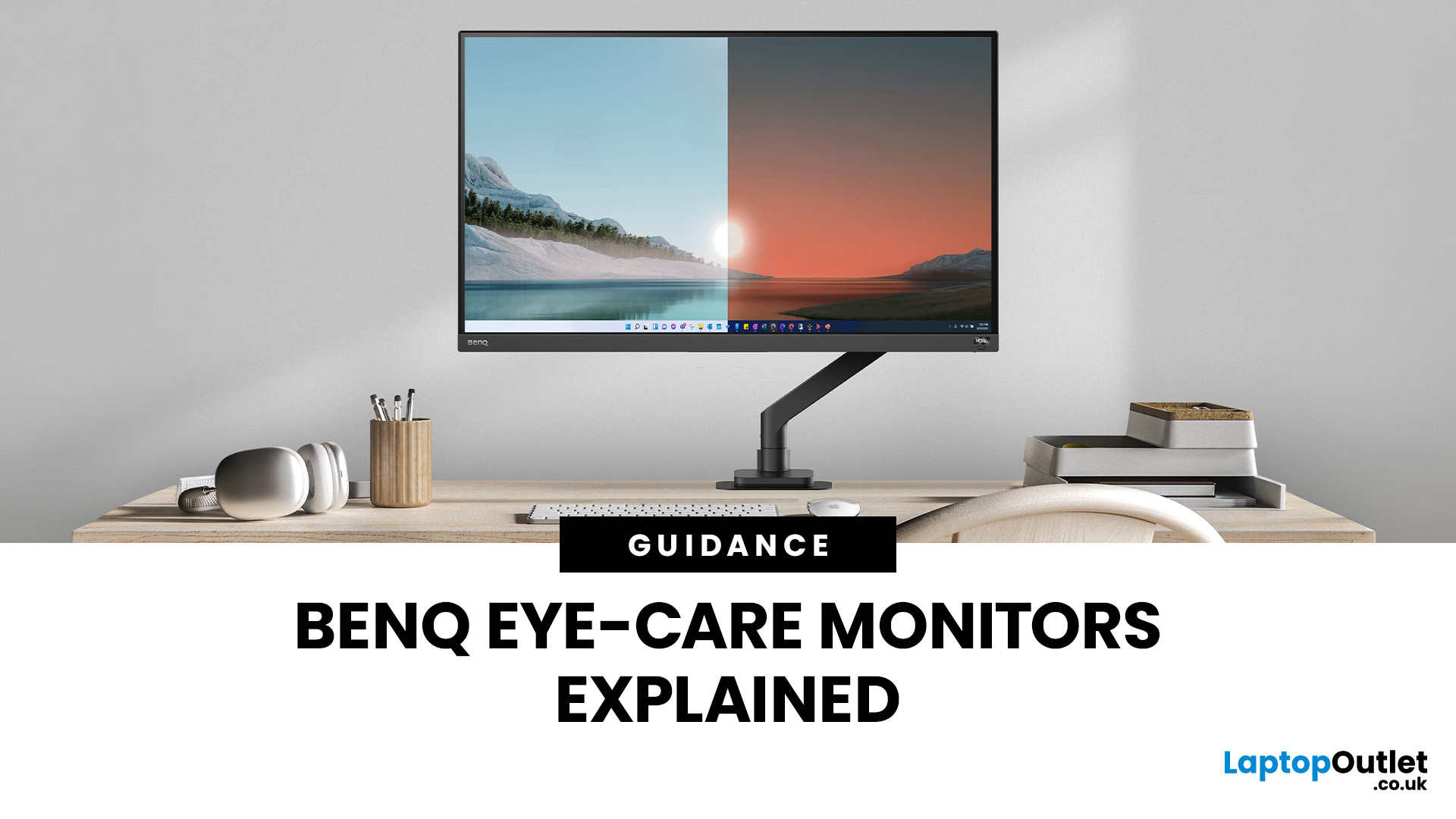
If you spend hours a day on a screen, you’ve probably felt it: tired eyes, headaches, dryness or that slightly gritty end-of-day sensation. While no monitor can solve every cause of screen-related discomfort, BenQ Eye-Care monitors include features designed to make longer sessions more comfortable by managing brightness, reducing flicker and giving you control over blue-heavy light, particularly for evening use.
What BenQ Eye-Care Means: Features and What They’re For
Several BenQ monitor ranges include comfort-focused tools under the Eye-Care umbrella. The exact feature set varies by model, but the typical options include:
- BenQ Brightness Intelligence, sometimes called Brightness Intelligence Plus or B.I.+, to adjust the screen according to your surroundings and displayed content
- Visual Optimizer, the newer name for B.I.+ on supported BenQ monitors, which can adapt brightness and colour temperature
- BenQ Low Blue Light or Low Blue Light Plus modes to reduce blue-heavy light output
- BenQ
Last Updated: April 07, 2026
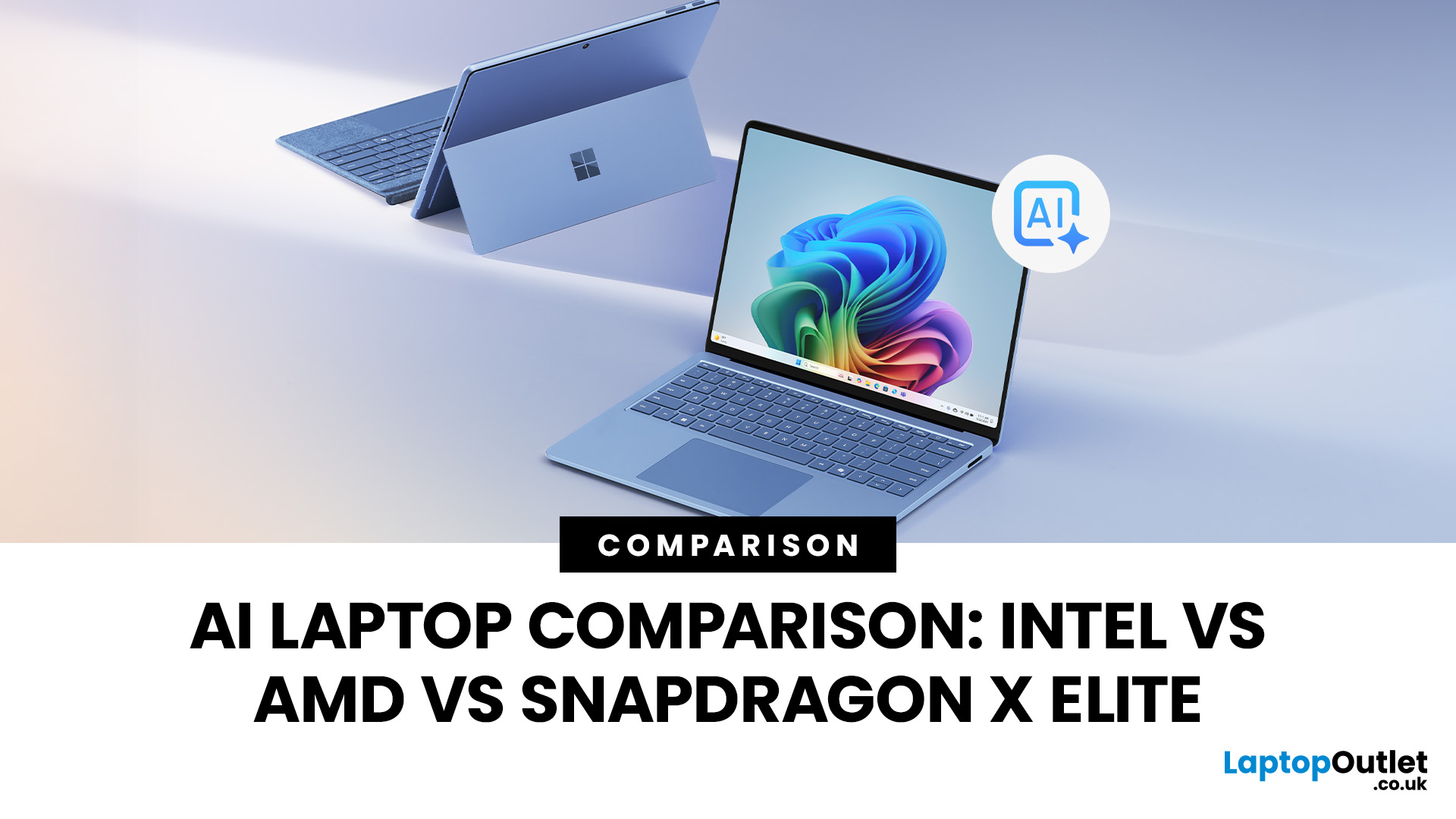
Buying an AI laptop in 2026 should be a quick decision. You pick a size, set a budget, and choose the “best” chip, right? In reality, the AI label is doing far too much work. Two laptops can sit side by side, both advertised as “AI-powered”, yet behave completely differently once you start writing documents, editing photos, joining video calls, or trying the latest Windows features.
That confusion usually comes down to one thing: people treat “AI laptop” as a single spec, when it’s really a mix of three engines working together.
- CPU: the general performance engine for everything you already do
- GPU: the visual and creative engine, also used for some AI workloads
- NPU: the efficiency engine for AI tasks that are built to run locally
This guide compares the 3 platforms shoppers are most likely to cross-shop when searching for an AI laptop today: Intel Core Ultra 200V (Lunar Lake), AMD Ryzen AI 300 (XDNA 2), and Qualcomm Snapdragon X Elite. We’ll keep it practical, explain the specs, and help
Last Updated: April 22, 2026
Choosing between Intel and AMD is no longer a simple case of picking the “faster” processor. If you are comparing Intel Core i5 vs Ryzen 5, you are looking at two highly capable mid-range options that power a large share of laptops available in the UK today.
Both deliver strong everyday performance, but they are designed with slightly different priorities. Understanding those differences is what helps you avoid overspending or buying a laptop that does not quite suit how you use it. This guide focuses on real-world use, not just specs, so you can make a confident decision in 2026.
Core i5 vs Ryzen 5: What is the Real Difference?
At a surface level, both processors handle everyday tasks comfortably. The difference comes from how they manage performance behind the scenes.
Intel’s modern Core i5 processors use a hybrid architecture that splits workloads between performance cores and efficiency cores. This allows the system to stay responsive even when multiple processes are running in the

Last Updated: June 10, 2026
Apple's WWDC26 keynote took place on Monday 8 June 2026 at 10am PT (6pm BST), running through to 12 June. The keynote delivered iOS 27, iPadOS 27, macOS Golden Gate 27, watchOS 27, tvOS 27, and visionOS 27, along with the long-awaited overhaul of Siri, now officially called Siri AI, powered by Apple Foundation Models developed in collaboration with Google's Gemini technology.
There were no major hardware announcements. It also marked a historic moment: the final WWDC keynote delivered by Tim Cook as Apple's chief executive.
What Is WWDC26 and When Did It Start?
WWDC stands for Worldwide Developers Conference, and it is Apple's flagship annual event where the company sets out its software roadmap for the year. This year marked the 37th edition, and it was once again a hybrid affair.
| Keynote Date 8 June 2026 | Keynote Time 10am PT | Conference End 12 June 2026 | Format Hybrid |
How Can You Watch the WWDC26 Keynote From the UK?
The keynote streams for free
Last Updated: July 09, 2026
Choosing a laptop CPU should not feel like decoding a boss fight.
You open five tabs, see terms like Core Ultra, Ryzen AI, Core i7, Ryzen 7, NPU TOPS, HX, U-series, integrated graphics, and suddenly the simple question - AMD or Intel for laptop? - becomes way more stressful than it should be.
This guide breaks down the Intel vs AMD laptop 2026 debate in plain English. You will learn how AMD Ryzen vs Intel laptop performance compares, which processor types in laptops actually matter, when Intel is the smarter buy, when Ryzen gives better value, and which in-stock Laptop Outlet models are
Last Updated: June 16, 2026
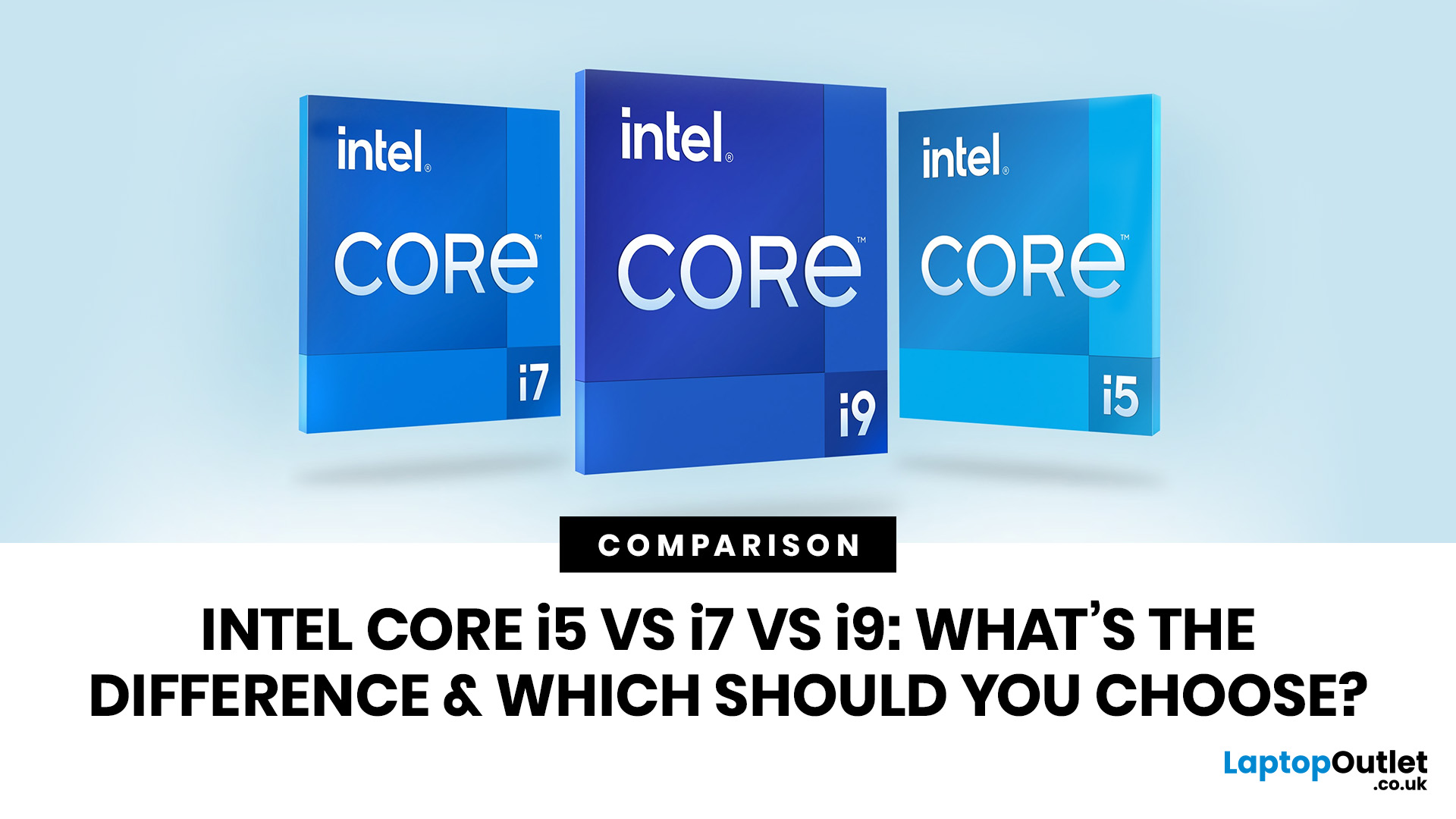
Intel Core i5, i7 and i9 processors all serve different types of laptop users. The right one depends on your daily workload, budget, battery expectations and the laptop’s overall build, not just the number printed on the processor badge.
For most people, Intel Core i5 is the sensible option. It handles study, office work, browsing, streaming, video calls and everyday multitasking without pushing the price too high. Intel Core i7 gives your laptop more breathing room. It suits people who work with heavier apps, play modern games, edit photos or videos, code, or keep lots of tasks open at the same time. Intel Core i9 sits at the top end. It is built for demanding users who need serious speed for 4K editing, 3D rendering, engineering software, large creative projects and premium gaming laptops with strong cooling.
The real answer is not always “i9 is best”. A newer i5 can outperform an older i7. A well-cooled i7 laptop can feel faster than a slim i9 laptop that overheats under pressure. This
Last Updated: July 03, 2026
Last Updated: September 03, 2026
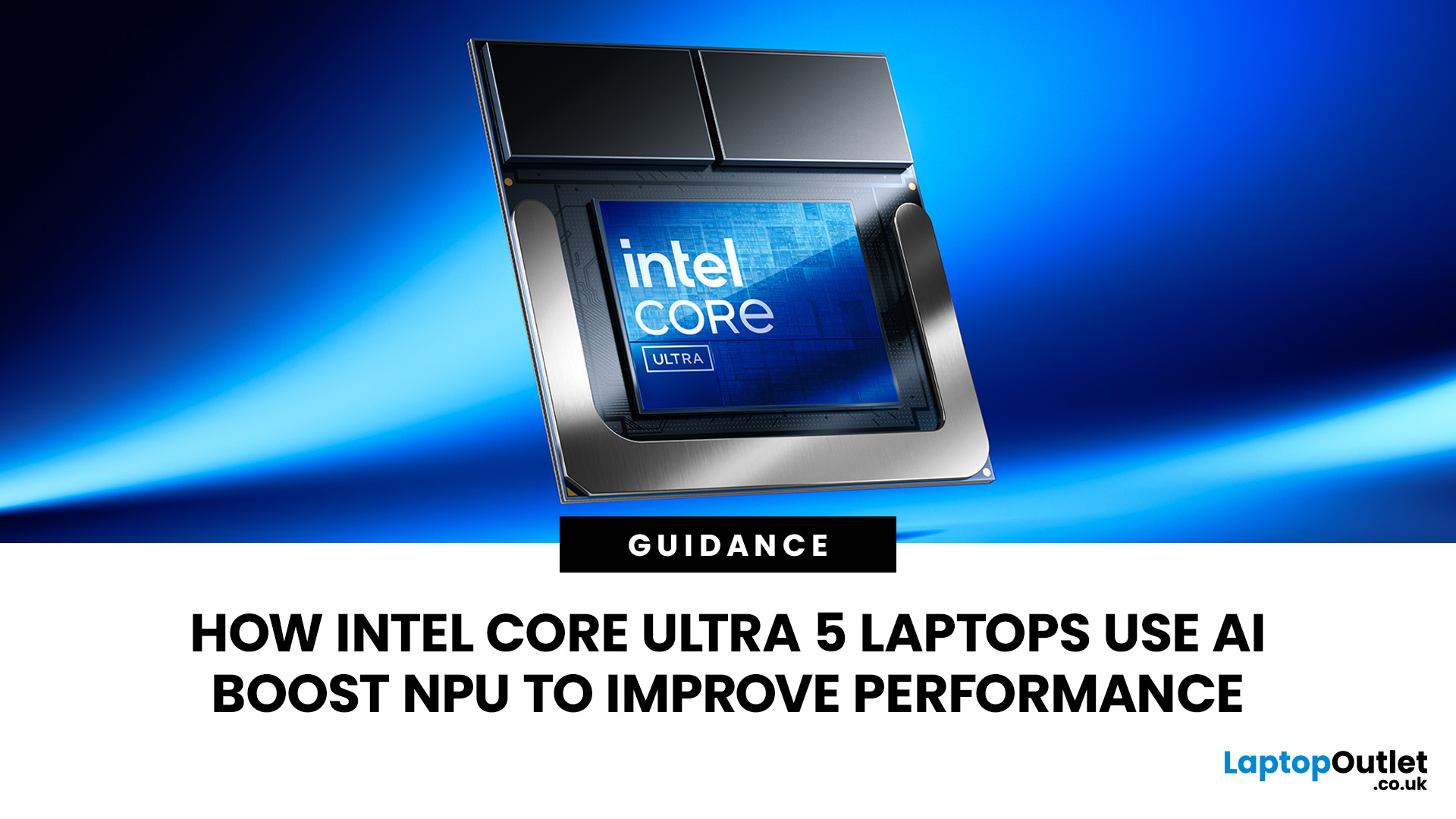
AI is no longer limited to the cloud or research labs. It’s now built into everyday laptops, powering features like clearer video calls, live captions, and smarter editing tools. At the heart of this is the intel core ultra 5 NPU, a dedicated AI engine within the processor that handles machine-learning tasks efficiently. An intel core ultra 5 processor combines CPU, GPU, and NPU, allowing each task to run on the most suitable hardware. This setup improves multitasking and efficiency, though benefits depend on software support and the specific processor model.
What is Intel AI Boost NPU in Core Ultra 5 Laptops?
Intel AI Boost is the name Intel uses for the neural processing hardware integrated into supported Core Ultra processors. It is designed to process AI inference workloads efficiently, particularly tasks that run continuously or repeatedly in the background.
The AI boost NPU complements the CPU and GPU rather than replacing them. It becomes a low-power engine for longer-running AI
Last Updated: August 06, 2026

