



Intel Core Ultra Series 3 Explained: What It Means for Laptop Buyers
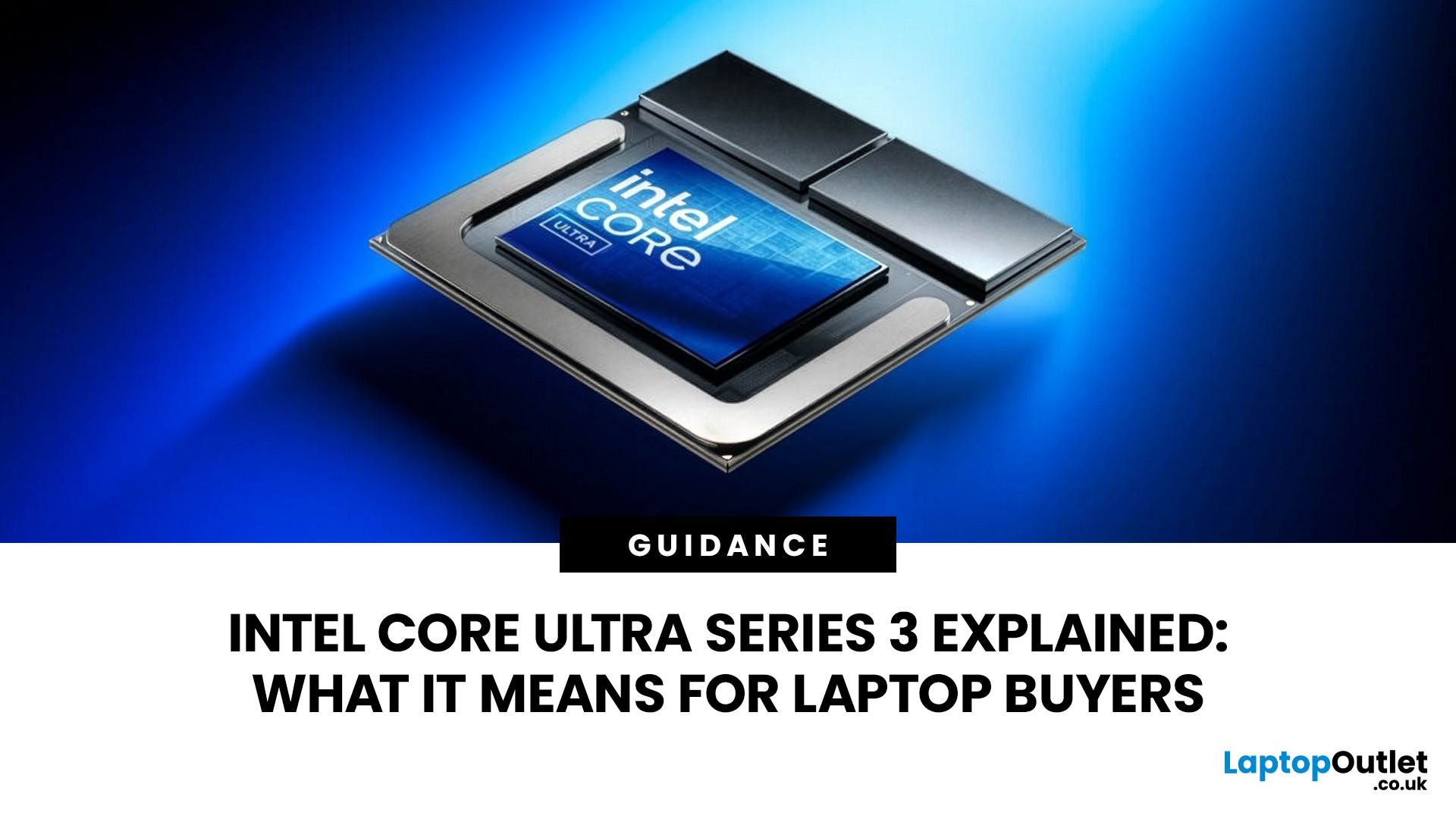
Intel Core Ultra Series 3 is Intel’s 2026 laptop processor family, codenamed Panther Lake. It combines Intel 18A CPU technology, improved graphics, up to 50 TOPS of NPU performance and models with 6 to 16 CPU cores. It can improve speed, gaming and efficiency, but the exact chip, graphics, cooling, memory, and battery determine real-world results.
Intel announced Intel Core Ultra Series 3 at CES on 5 January 2026. Pre-orders opened on 6 January, global availability began on 27th January, and more designs followed in early 2026.
Panther Lake is a broad family, so a Core Ultra 7 355 laptops can differ greatly from an Arc B390-equipped Core Ultra X9 388H system.
What Is Intel Core Ultra Series 3?
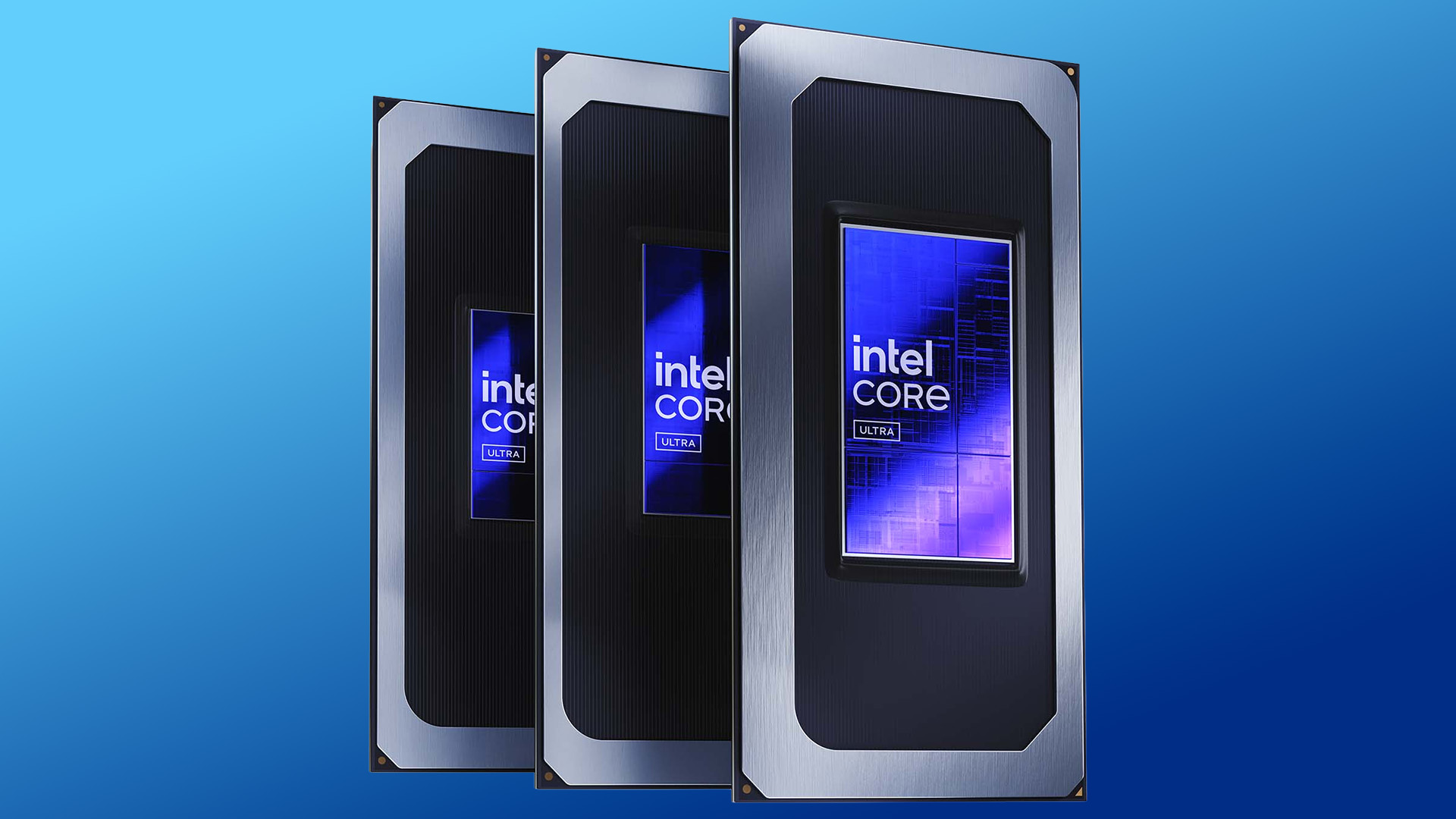
Intel Core Ultra Series 3 is a mobile processor family for thin laptops, premium productivity systems, creator devices and performance-focused portable PCs.
Latest laptop processors combine a CPU for general work, a GPU for graphics and parallel tasks, and an NPU for low-power AI features such as transcription and webcam effects. Windows and supported applications can assign work to the most suitable engine, but software must be designed to use the NPU.
Intel introduced Core Ultra with Meteor Lake in 2023. Lunar Lake later reached about 40 to 48 NPU TOPS, while Panther Lake reaches 50. Its broader advance is the combined CPU, GPU, NPU, and efficiency package.
Intel supports OpenVINO, Windows ML, DirectML, ONNX Runtime and WebNN, although results depend on software and configuration.
What are the Main Intel Core Ultra Series 3 Features?
Intel 18A process node
Series 3 is Intel’s first client processor family with a compute tile manufactured on the Intel 18A process node. Intel 18A introduces RibbonFET gate-all-around transistors and PowerVia backside power delivery to improve power control and efficiency.
Panther Lake remains a tiled processor. The Core Ultra X9 388H uses an Intel 18A CPU tile, while its Arc B390 graphics tile uses TSMC N3E.
A newer process does not guarantee long battery life because the display, battery, cooling, firmware and power settings still matter.
Improved CPU architecture
Panther Lake uses P-cores for demanding work, E-cores for parallel tasks, and low-power E-cores for lighter workloads.
The Core Ultra X9 388H has 16 cores: four P-cores, eight E-cores, and four low-power E-cores. Its maximum turbo frequency is 5.1GHz.
Intel claims up to 60% better Cinebench 2024 multithreaded performance than the Lunar Lake Core Ultra 9 288V at a similar 25 watts. This vendor's result is not universal.
More cores matter most for compilation, video export, rendering and heavy multitasking. For basic work, memory and storage may matter equally.
Built-in AI processing
Higher-end Panther Lake processors provide up to 50 NPU TOPS, meaning trillion operations per second of theoretical AI throughput.
It does not directly predict application speed, which also depends on software, memory, precision, and workload.
Uses may include webcam effects, eye-contact correction, noise suppression, live captions, translation, image editing and compatible local generative AI.
Buyers should not pay a large premium for a small TOPS difference unless they use a specific supported application.
Better integrated graphics
Select processors including Arc B370 or Arc B390 graphics. Arc B390 has 12 Xe cores, hardware ray tracing, AV1 encoding and decoding, DirectX 12 Ultimate support and a maximum graphics frequency of 2.5GHz.
Lunar Lake used Xe2 graphics such as Arc 140V. Higher-end Panther Lake chips move to Xe3 and can include more graphics cores.
Intel reports up to 77% better gaming than the Core Ultra 9 288V across 45 games at 1080p High with 2x upscaling supported. Independent tests found playable 1080p results and, in selected games, performance near entry-level dedicated laptop graphics.
Not every Series 3 chip includes Arc B390 or B370. Several Core Ultra 5, 7 and 9 models use smaller two-core or four-core Intel Graphics configurations. Gaming and creative buyers must check the exact GPU.
Power efficiency and battery life
Intel claims up to 27.1 hours of Netflix streaming for a Core Ultra X9 388H reference system. This is not a general battery life figure.
Real endurance depends on battery capacity, display type, brightness, refresh rate, cooling, firmware, and workload. Use tests for the exact laptop model.
Understanding the Series 3 Range
Intel lists 14 Series 3 processors.
|
Group |
Typical specification |
Graphics |
Suitable for |
|
Core Ultra 5 and 7 |
6 or 8 cores |
Intel Graphics |
Everyday productivity |
|
Core Ultra 5 H |
Up to 12 cores |
Intel Graphics or Arc B370 |
Multitasking and creation |
|
Core Ultra 7 and 9 H |
Up to 16 cores |
Usually Intel Graphics |
CPU-heavy work |
|
Core Ultra X7 and X9 H |
16 cores |
Arc B390 |
Creation and integrated gaming |
X identifies stronger graphics. A Core Ultra 9 386H may offer strong CPU performance but smaller Intel Graphics, while a Core Ultra X7 368H includes Arc B390 and may better suit gaming or creative work.
Intel Panther Lake vs Lunar Lake
|
Feature |
Series 1 |
Lunar Lake Series 2 |
Panther Lake Series 3 |
|
Introduction |
Late 2023 |
2024 |
January 2026 |
|
Main role |
First Core Ultra AI PCs |
Efficient thin-and-light laptops |
Broad portable-to-performance range |
|
Maximum CPU cores |
Up to 16 |
8 |
Up to 16 |
|
NPU |
Early generation |
Up to 48 TOPS |
Up to 50 TOPS |
|
Graphics |
First Arc mobile |
Xe2 Arc 130V or 140V |
Xe3 Arc B370 or B390 on select chips |
|
Compute process |
Intel 4 |
TSMC N3B |
Intel 18A CPU tile |
Choose Lunar Lake when a discounted model offers better value or thin-and-light efficiency matters most. Choose Panther Lake for more CPU cores, Arc B370 or B390 graphics, or wider form-factor choice.
Traditional Core i5 and Core i7 laptops may cost less. affordable Intel Core i5 laptops can handle office work, browsing, learning and streaming.
Buyers comparing next-generation Windows platforms may also want to explore Nvidia’s RTX Spark (N1X) laptop chip, which takes a different approach to competing with Intel and AMD.
What Does Series 3 Mean for Laptop Buyers?
Series 3 offers more choice, but similar labels can hide major differences in cores, graphics and power limits.
Who should buy one?
Series 3 may suit buyers replacing an older laptop, mobile creators, heavy multitaskers, casual gamers choosing Arc B370 or B390, and users interested in supported local AI.
Creators should prioritise a colour-accurate display, memory and storage. AMD laptops for content creation remain worth comparing because performance varies by application.
Who may not need one?
An upgrade may be unnecessary if you own a recent Lunar Lake, Ryzen AI, Apple silicon, dedicated-GPU or Core Ultra Series 1 or 2 system that meets your needs.
Basic users may gain little from paying extra for an X-series flagship.
What else should buyers check?
- Exact model: Compare full names such as Core Ultra 7 355, 366H and X7 368H.
- Graphics: Choose Arc B370 or B390 when GPU performance matters.
- Memory: 16GB is a sensible minimum; 32GB suits creation, development and virtual machines.
- Storage: 512GB suits mainstream use; 1TB is better for games and large files.
- Cooling: The same chip can perform differently across laptops.
- Display: Check brightness, colour coverage, resolution and refresh rate.
- Battery: Compare watt-hours and exact-model testing.
- Ports: Confirm USB, video output, card reader and charging support.
The best practice is to alwasy compare the latest laptop processors before choosing.
Are Intel Core Ultra Series 3 Laptops Good for Gaming?
Some are good for 1080p gaming, especially models with Arc B390 or B370. Performance depends on cooling, power limits, memory bandwidth, drivers, resolution and game optimisation.
Arc B390 can handle esports and many modern games at 1080p using XeSS or frame generation, although early tests found driver and upscaling issues.
A well-cooled Arc B390 laptop may suit esports, occasional AAA games and portable play. Dedicated graphics remain safer for high resolutions, VR, or demanding ray tracing.
Considering a wider device upgrade? See what has changed between the Galaxy Z Flip 8 and Z Flip 7 before deciding whether the newer foldable is worth the switch.
How Good Is Intel AI Performance?
Intel AI performance spans the CPU, GPU, and NPU. The Core Ultra X9 388H offers up to 50 NPU TOPS, 122 peak Int8 GPU TOPS and CPU acceleration.
These numbers should not be added together to predict application speed. Software may use one engine, several engines, or none.
Ask whether the application supports Intel’s NPU or GPU, whether the task runs locally, how much memory it needs, whether performance remains strong on battery and whether the feature requires a subscription.
Software compatibility matters more than a small TOPS difference.
Advantages and Limitations
Advantages
- Broad laptop range
- Stronger high-end integrated graphics
- Modern x86 Windows compatibility
- Dedicated local AI hardware
- Good efficiency potential
Buyers can explore Intel-powered laptops, but should compare complete specifications.
Limitations
- Confusing processor names
- Arc B390 and B370 limited to select chips
- Laptop cooling can restrict performance
- NPU performance only slightly above Lunar Lake
- Early premium models can be expensive
- Integrated graphics cannot replace a powerful dedicated GPU in every task
Common Misconceptions
Every Series 3 laptop has Arc B390: False. Many use Arc B370 or smaller Intel Graphics.
50 TOPS is twice as fast as 25 TOPS: Not necessarily. TOPS is theoretical AI throughput, not overall system speed.
The entire chip uses Intel 18A: False. Panther Lake combines tiles made on different processes.
Core Ultra 9 always beats Core Ultra X7: False. An X7 with Arc B390 may be better for graphics-heavy work.
An AI PC runs all AI locally: False. Many services still rely on cloud processing.
Are Intel Core Ultra Series 3 Laptops Worth Buying?
Series 3 laptops can be worth buying when the exact processor, graphics, memory, display and price fit the workload.
The platform is most attractive for buyers seeking strong multicore performance, capable integrated graphics, modern AI computing laptops hardware, and good battery potential.
It is less compelling when discounted Lunar Lake already meets your needs, tasks are basic, a dedicated-GPU system costs the same, or memory, display and battery are weaker.

Final Recommendation
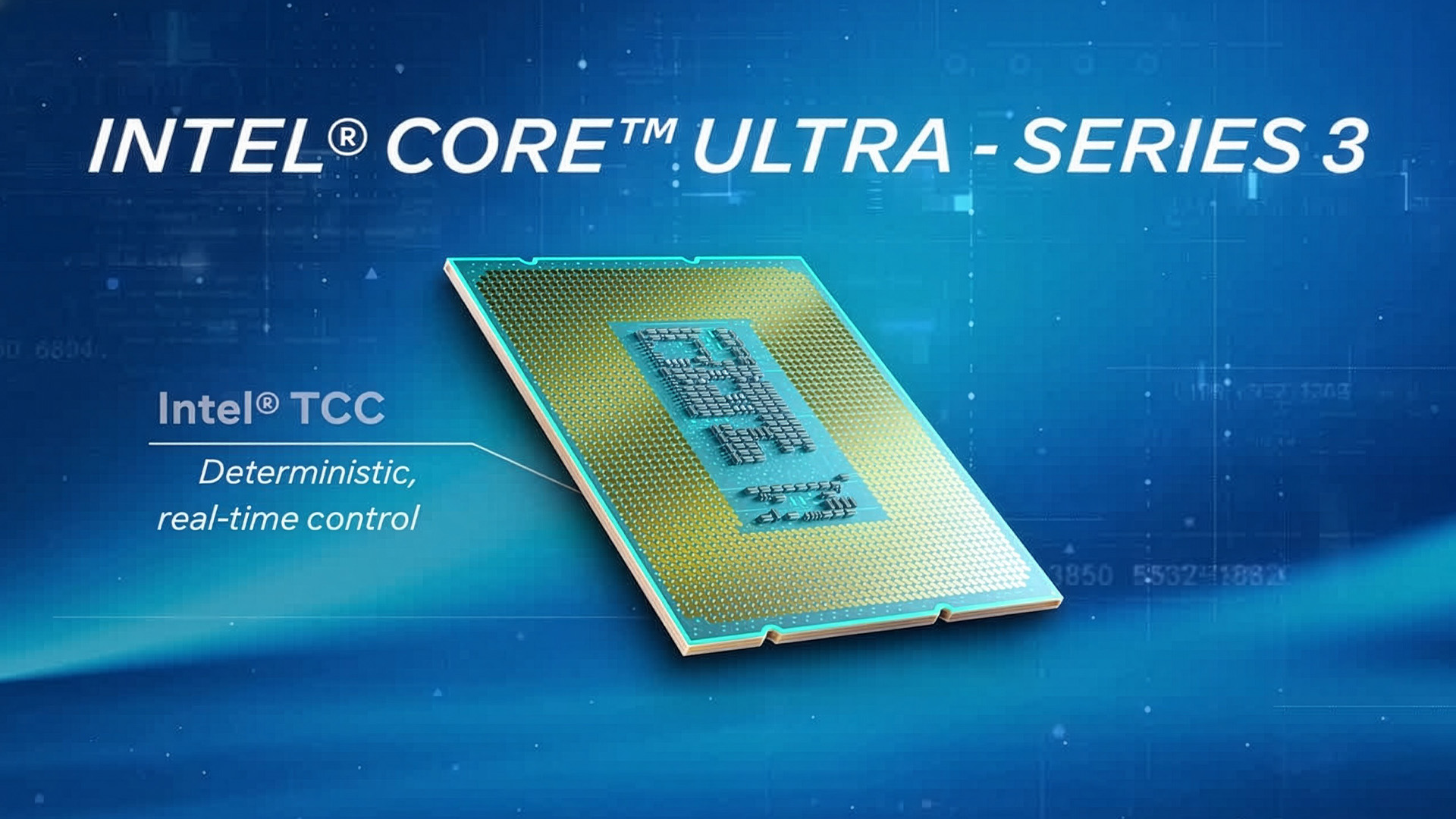
Intel Core Ultra Series 3 combines Intel 18A CPU technology with broader mobile performance, modern AI capability and stronger high-end integrated graphics.
The processor name should begin the comparison, not end it. Check the exact chip, GPU, memory, cooling, battery and display. Intel Core Ultra Series 3 can be a strong 2026 choice, but the complete laptop matters more than the badge.

Frequently Asked Questions
What is Intel Core Ultra Series 3?
Intel Core Ultra Series 3 is Intel’s 2026 Panther Lake mobile family. It combines Intel 18A CPU tiles, hybrid cores, local AI hardware and graphics up to Arc B390.
Are Intel Panther Lake laptops good for gaming?
Some are good for 1080p gaming, especially with Arc B390 or B370. Results depend on cooling, memory, drivers and settings; dedicated graphics suit demanding games.
Should I upgrade to a Core Ultra laptop in 2026?
Upgrade if your current laptop is several years old, has poor battery life or lacks required performance. Owners of recent Lunar Lake, Ryzen AI or Apple silicon systems may see less benefit.
Which laptops are available with Intel Core Ultra Series 3?
Models include the 2026 ASUS Zenbook Duo, Dell XPS 14 and Acer Swift Go 16 AI. UK specifications, prices and availability vary.
What is the Intel Core Ultra Series 3 release date?
Intel announced Series 3 on 5th January 2026. Pre-orders opened on 6 January, initial systems became globally available on 27 January, and more designs followed during the first half of 2026.
Related Articles

Published: October 08, 2025
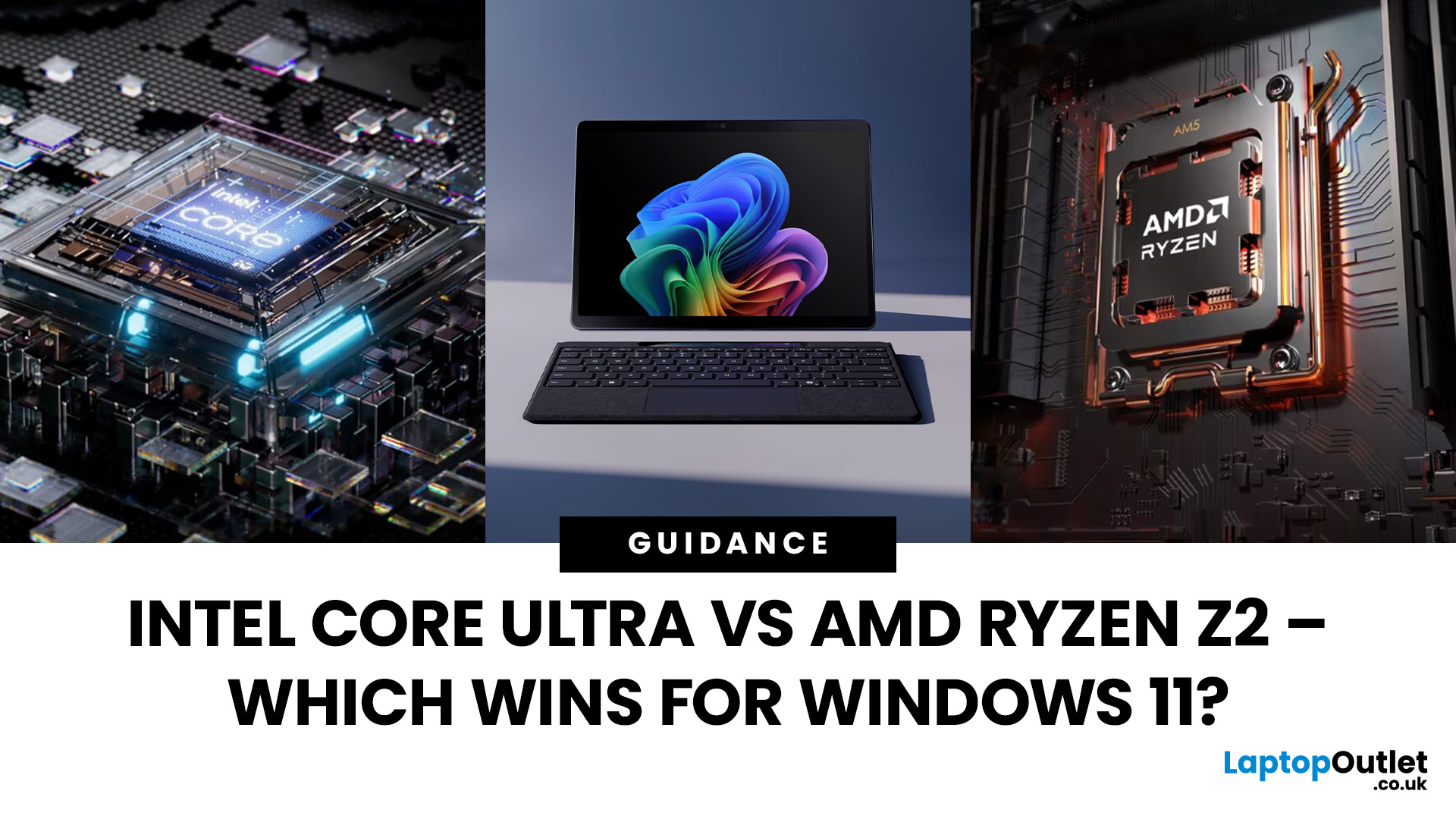
The battle between Intel and AMD has shaped the laptop world for decades. With the release of Intel Core Ultra processors and the new AMD Ryzen Z2 series, that rivalry has entered a new phase - one defined not just by raw speed, but also by AI integration, efficiency, and Windows 11 optimisation.
Intel’s Core Ultra chips (available in Core Ultra 5, 7, and 9 tiers) mark a major shift in design, blending performance and efficiency cores with a dedicated AI NPU (Neural Processing Unit). Meanwhile, AMD’s Ryzen Z2 processors are raising eyebrows with their RDNA 3.5 graphics and strong balance between performance and battery efficiency.
So, which one is better for you? In this guide, we’ll break down the Intel vs AMD Windows 11 laptops debate, comparing performance, AI features, battery life, and creative workloads. Whether you’re a student, gamer, or professional, by the end you’ll know which processor suits your needs.
Intel Core Ultra – What’s New?
Intel’s Core Ultra range is its most significant

Last Updated: January 27, 2026
Intel has remained a titan in the world of PC gaming for decades. Their processors power some of the most capable high-performance gaming desktops on the market today.
Recently, we have seen a massive shift in how these chips operate. The evolution from the classic Core i-series to the brand-new Ultra Core processors marks a new era. These advancements are not just about speed; they are redefining the entire gaming experience.
If you want a top-tier machine, understanding how Intel CPUs work in gaming desktops is essential.
The Role of a CPU in Gaming
The CPU acts as the brain of your computer. It handles every logic calculation and physics instruction required for your game.
CPU vs GPU: Understanding the Balance
The GPU handles the visuals and graphics rendering. Meanwhile, the CPU manages physics, logic, and artificial intelligence.
You need a strong balance between both components to avoid lag. If one is too slow, the other cannot perform at its full potential during intense sessions.

Last Updated: January 27, 2026
Building or buying a high-end gaming PC is an exciting journey for any enthusiast. The market moves fast, and staying updated on the latest hardware is essential for the best experience.
In this gaming desktop PC breakdown, we will explore the core parts that make a machine powerful. We will look at the latest processors from AMD and Intel, the incredible graphics power of NVIDIA RTX and Radeon RX, alongside other core components.
Whether you want to play the newest AAA titles or compete in esports, understanding these parts is vital. Let us dive into the modern world of gaming PC technologies.
Understanding Gaming Desktop PCs
A gaming desktop PC is a high-performance computer designed specifically to handle demanding video games. Unlike standard PCs, these machines focus on graphical power and fast processing speeds. They use specialised parts that can handle high heat and heavy workloads.
While gaming laptops and consoles are popular, the desktop remains the "gold standard" for several

Last Updated: February 03, 2026
Choosing a new processor used to be a simple choice between raw power and budget value. However, as we move through 2026, the landscape has shifted.
The rivalry of Intel vs AMD desktop processors has reached a fever pitch, with both "Team Blue" and "Team Red" offering incredible technology that caters to very specific types of users.
This guide breaks down everything you need to know about the current market to help you decide which brand deserves a spot in your desktop PC.
The State of the Market in 2026
As we move through 2026, both manufacturers have moved beyond simple core-count wars.
Intel has doubled down on its "Arrow Lake" and "Nova Lake" architectures, focusing heavily on integrated AI NPUs (Neural Processing Units) and a refined tiled architecture.
Meanwhile, AMD continues to dominate the enthusiast market with its Zen 5 architecture, led by the legendary 3D V-Cache technology.
Intel’s Current Strategy: The AI PC Era
Intel has successfully transitioned to its LGA 1851 socket.
Last Updated: August 25, 2026
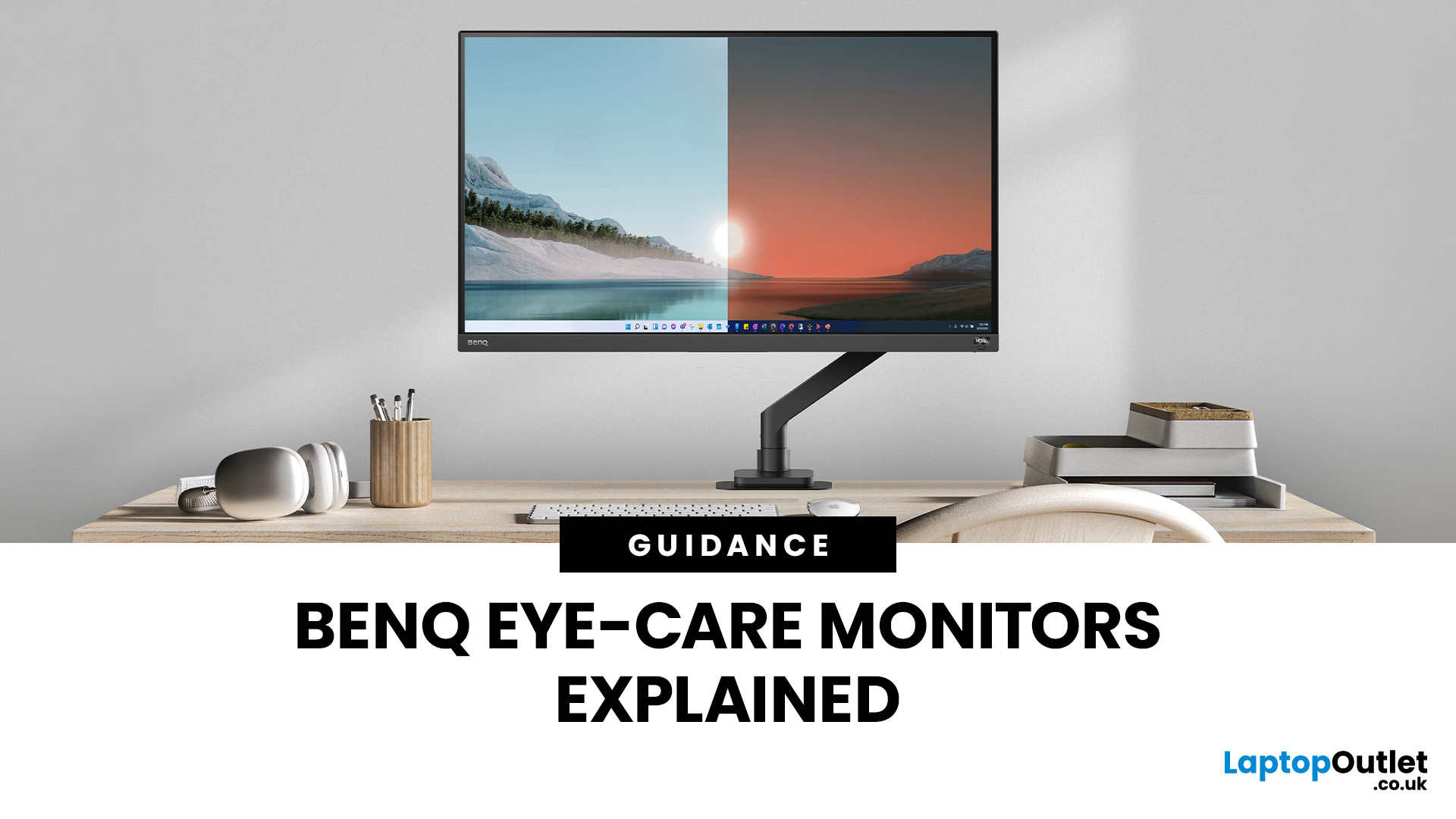
If you spend hours a day on a screen, you’ve probably felt it: tired eyes, headaches, dryness or that slightly gritty end-of-day sensation. While no monitor can solve every cause of screen-related discomfort, BenQ Eye-Care monitors include features designed to make longer sessions more comfortable by managing brightness, reducing flicker and giving you control over blue-heavy light, particularly for evening use.
What BenQ Eye-Care Means: Features and What They’re For
Several BenQ monitor ranges include comfort-focused tools under the Eye-Care umbrella. The exact feature set varies by model, but the typical options include:
- BenQ Brightness Intelligence, sometimes called Brightness Intelligence Plus or B.I.+, to adjust the screen according to your surroundings and displayed content
- Visual Optimizer, the newer name for B.I.+ on supported BenQ monitors, which can adapt brightness and colour temperature
- BenQ Low Blue Light or Low Blue Light Plus modes to reduce blue-heavy light output
- BenQ
Last Updated: April 07, 2026
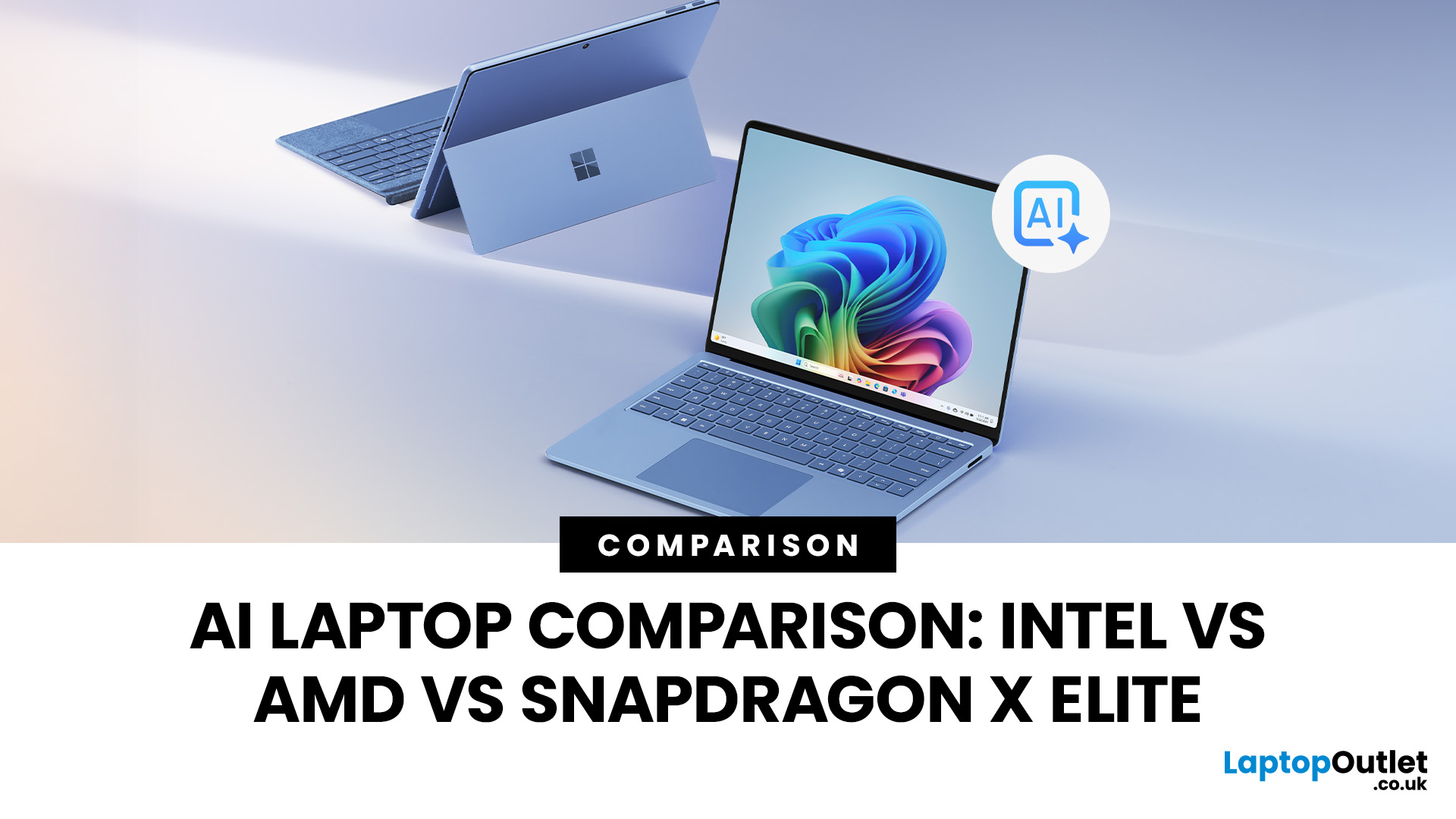
Buying an AI laptop in 2026 should be a quick decision. You pick a size, set a budget, and choose the “best” chip, right? In reality, the AI label is doing far too much work. Two laptops can sit side by side, both advertised as “AI-powered”, yet behave completely differently once you start writing documents, editing photos, joining video calls, or trying the latest Windows features.
That confusion usually comes down to one thing: people treat “AI laptop” as a single spec, when it’s really a mix of three engines working together.
- CPU: the general performance engine for everything you already do
- GPU: the visual and creative engine, also used for some AI workloads
- NPU: the efficiency engine for AI tasks that are built to run locally
This guide compares the 3 platforms shoppers are most likely to cross-shop when searching for an AI laptop today: Intel Core Ultra 200V (Lunar Lake), AMD Ryzen AI 300 (XDNA 2), and Qualcomm Snapdragon X Elite. We’ll keep it practical, explain the specs, and help
Last Updated: April 22, 2026
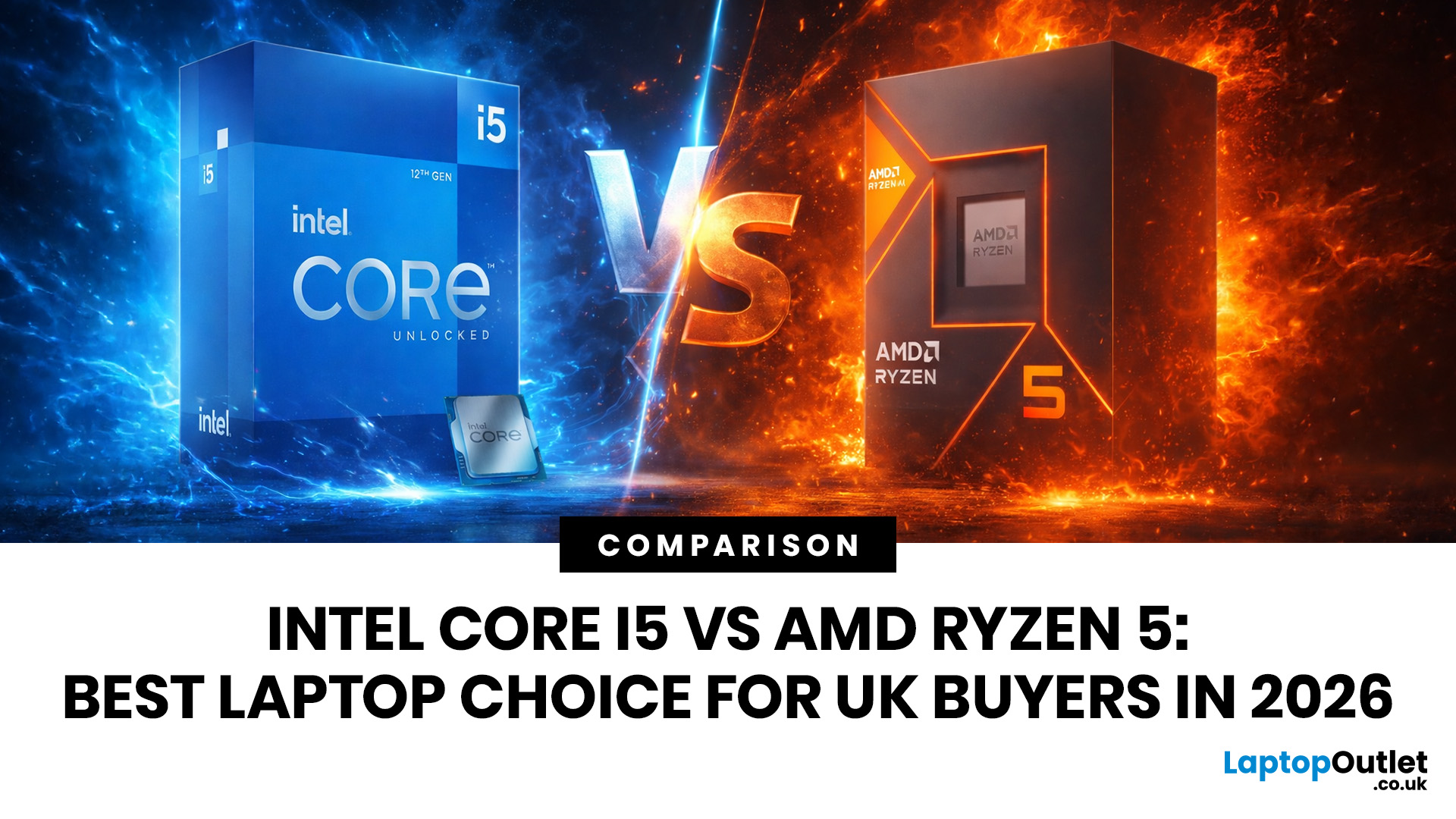
Choosing between Intel and AMD is no longer a simple case of picking the “faster” processor. If you are comparing Intel Core i5 vs Ryzen 5, you are looking at two highly capable mid-range options that power a large share of laptops available in the UK today.
Both deliver strong everyday performance, but they are designed with slightly different priorities. Understanding those differences is what helps you avoid overspending or buying a laptop that does not quite suit how you use it. This guide focuses on real-world use, not just specs, so you can make a confident decision in 2026.
Core i5 vs Ryzen 5: What is the Real Difference?
At a surface level, both processors handle everyday tasks comfortably. The difference comes from how they manage performance behind the scenes.
Intel’s modern Core i5 processors use a hybrid architecture that splits workloads between performance cores and efficiency cores. This allows the system to stay responsive even when multiple processes are running in the

Last Updated: June 10, 2026
Apple's WWDC26 keynote took place on Monday 8 June 2026 at 10am PT (6pm BST), running through to 12 June. The keynote delivered iOS 27, iPadOS 27, macOS Golden Gate 27, watchOS 27, tvOS 27, and visionOS 27, along with the long-awaited overhaul of Siri, now officially called Siri AI, powered by Apple Foundation Models developed in collaboration with Google's Gemini technology.
There were no major hardware announcements. It also marked a historic moment: the final WWDC keynote delivered by Tim Cook as Apple's chief executive.
What Is WWDC26 and When Did It Start?
WWDC stands for Worldwide Developers Conference, and it is Apple's flagship annual event where the company sets out its software roadmap for the year. This year marked the 37th edition, and it was once again a hybrid affair.
| Keynote Date 8 June 2026 | Keynote Time 10am PT | Conference End 12 June 2026 | Format Hybrid |
How Can You Watch the WWDC26 Keynote From the UK?
The keynote streams for free
Last Updated: July 09, 2026
Choosing a laptop CPU should not feel like decoding a boss fight.
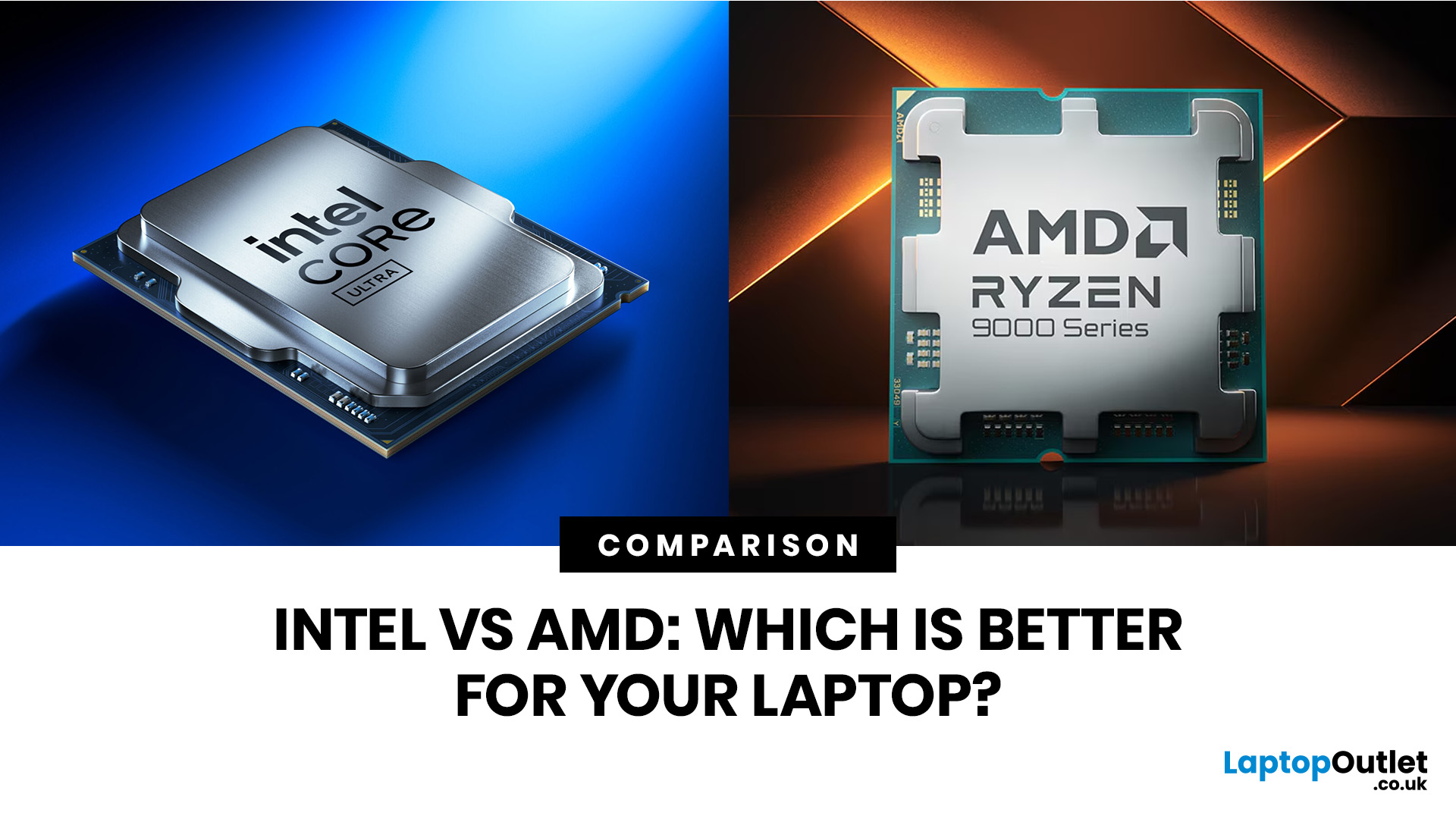
You open five tabs, see terms like Core Ultra, Ryzen AI, Core i7, Ryzen 7, NPU TOPS, HX, U-series, integrated graphics, and suddenly the simple question - AMD or Intel for laptop? - becomes way more stressful than it should be.
This guide breaks down the Intel vs AMD laptop 2026 debate in plain English. You will learn how AMD Ryzen vs Intel laptop performance compares, which processor types in laptops actually matter, when Intel is the smarter buy, when Ryzen gives better value, and which in-stock Laptop Outlet models are
Last Updated: June 16, 2026
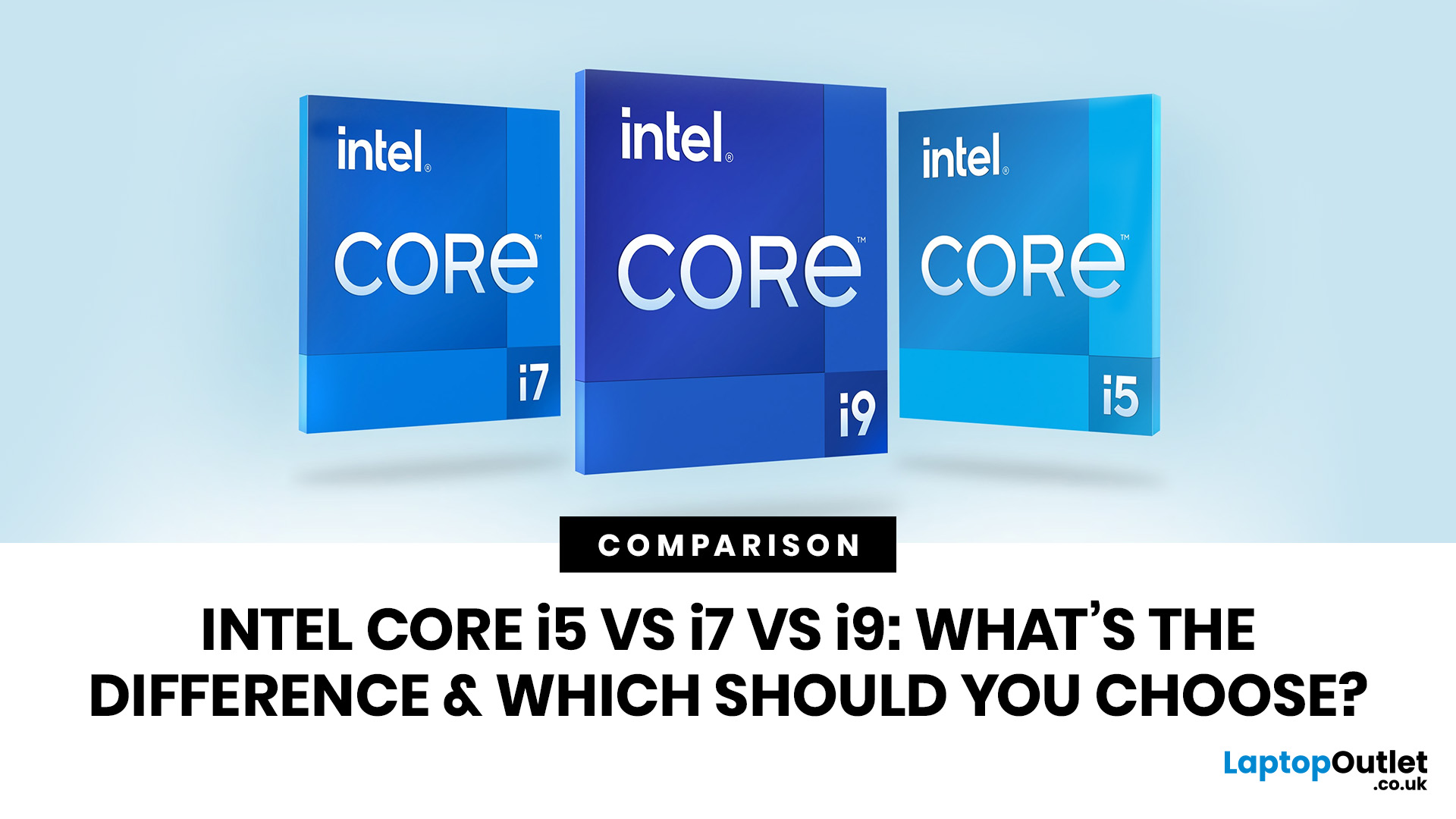
Intel Core i5, i7 and i9 processors all serve different types of laptop users. The right one depends on your daily workload, budget, battery expectations and the laptop’s overall build, not just the number printed on the processor badge.
For most people, Intel Core i5 is the sensible option. It handles study, office work, browsing, streaming, video calls and everyday multitasking without pushing the price too high. Intel Core i7 gives your laptop more breathing room. It suits people who work with heavier apps, play modern games, edit photos or videos, code, or keep lots of tasks open at the same time. Intel Core i9 sits at the top end. It is built for demanding users who need serious speed for 4K editing, 3D rendering, engineering software, large creative projects and premium gaming laptops with strong cooling.
The real answer is not always “i9 is best”. A newer i5 can outperform an older i7. A well-cooled i7 laptop can feel faster than a slim i9 laptop that overheats under pressure. This

