



ZenBook OLED Displays: Visuals, Colour Accuracy & Professional Advantage
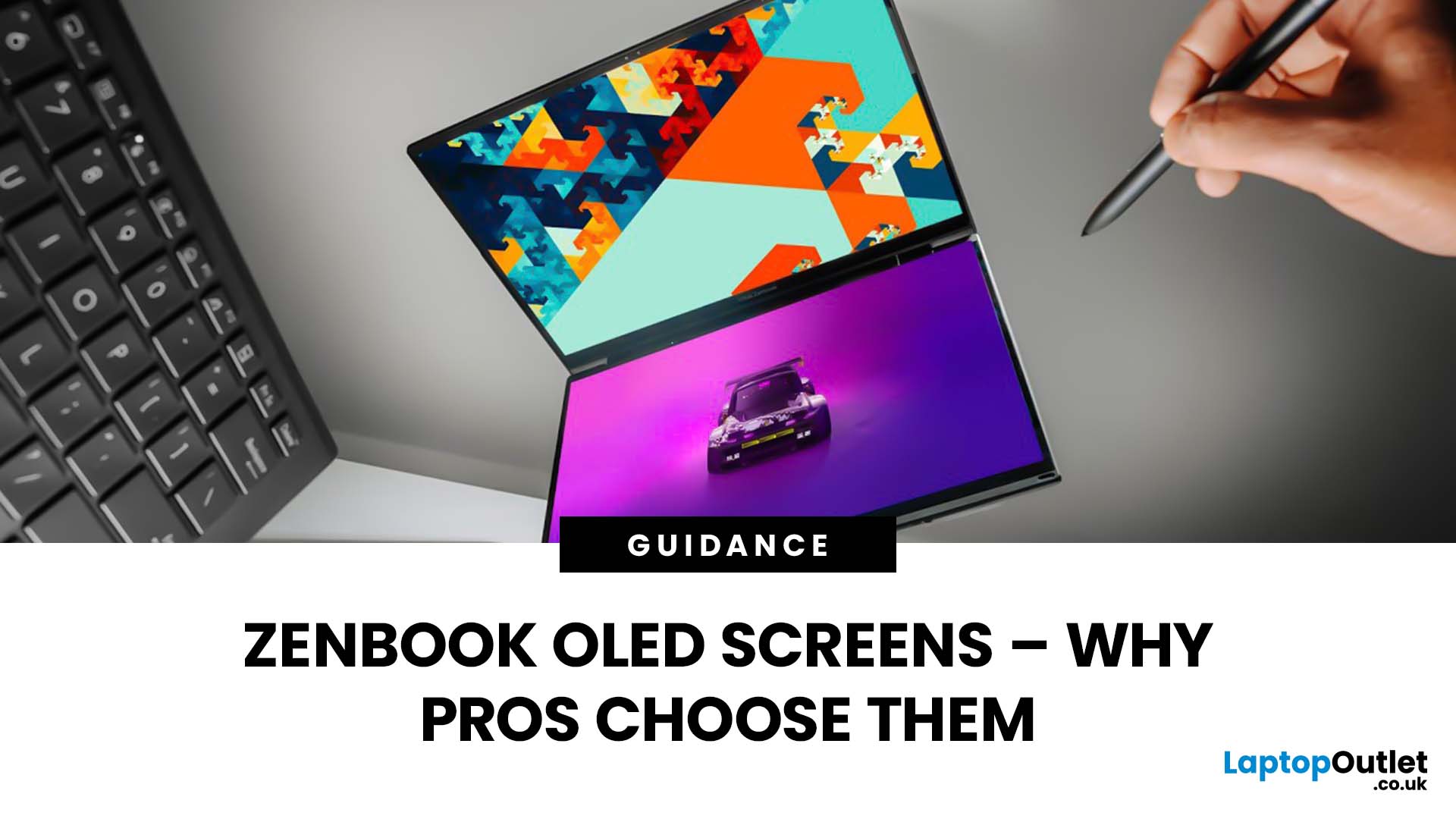
Stunning visuals are essential for modern creators and ASUS delivers. Whether you’re editing photos, grading videos, or designing digital art, display quality defines the precision of your work. That’s where the ASUS ZenBook OLED display steps in, delivering deep blacks, lifelike colour accuracy, and remarkable clarity that outshines traditional screens. In this blog, we’ll explore what makes ZenBook OLED displays so special, how they compare to IPS panels, and why they’ve become a go-to choice for photographers, video editors, and creative professionals who demand exceptional visuals without compromising portability or eye comfort.
What is ZenBook OLED Display?
The term “OLED” (Organic Light-Emitting Diode) refers to a display technology where each pixel emits its own light rather than relying on backlighting as with IPS/LCD panels. In the ASUS ZenBook series, the use of OLED means deeper blacks, higher contrast and more vibrant colours compared to many mainstream IPS laptops.
For example, the 14-inch model features a 3K (2880×1800) 120 Hz OLED panel with 100% DCI-P3 colour gamut, up to 600 nits HDR peak brightness, 0.2 ms response time and TÜV Rheinland low-blue-light certification.
Why “ZenBook OLED” is more than just a marketing term
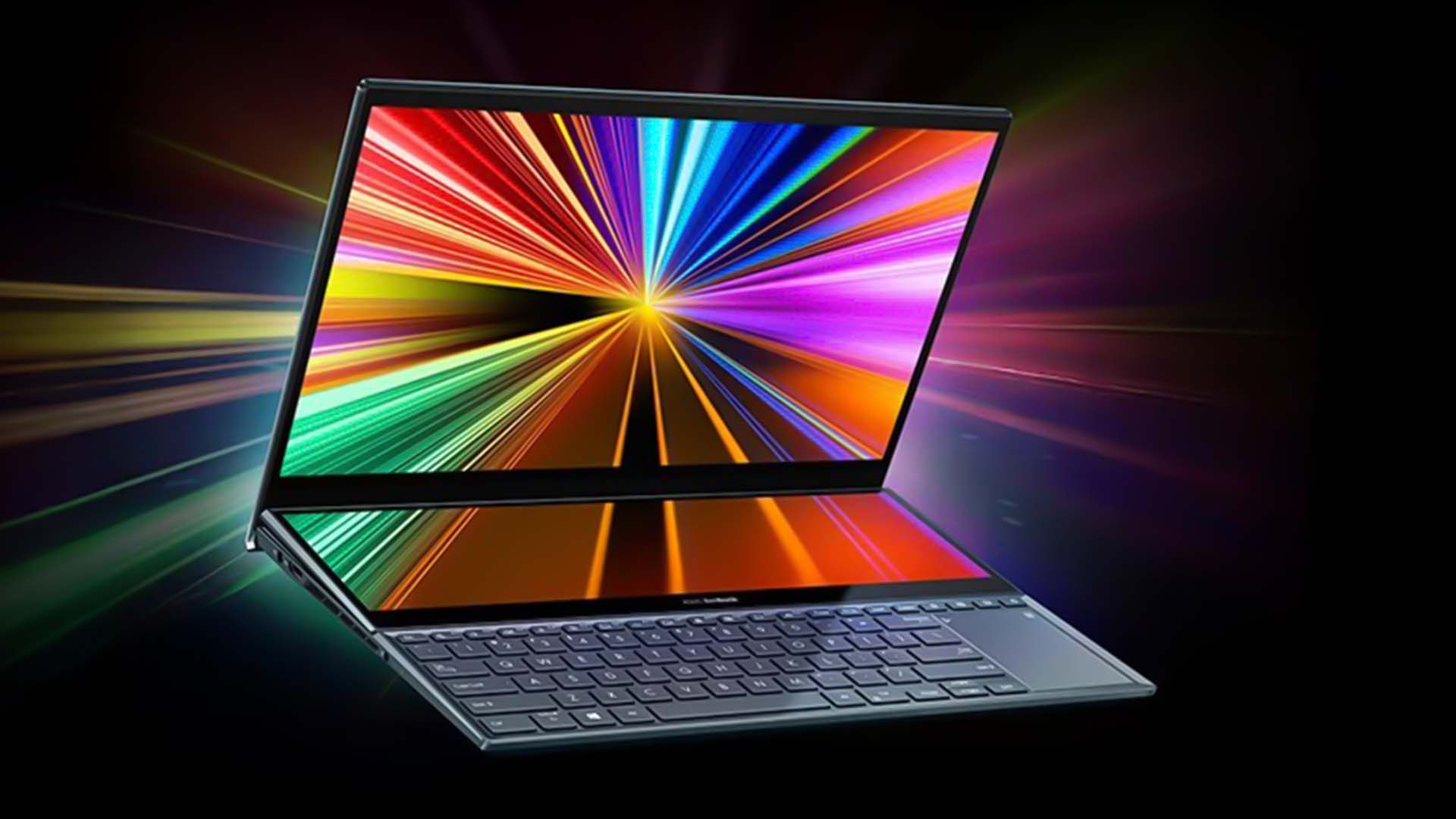
When you see “ZenBook OLED display” it’s not simply “a laptop with an OLED screen”. ASUS pairs the hardware with calibration, colour-gamut validation (e.g., Pantone or 100% DCI-P3), and additional features like low-blue-light certification and high refresh rates. For example, one review noted the display quality allows “you can easily edit photos and videos (in P3 as well as sRGB)”.
This means that if you invest in a ZenBook OLED notebook you’re investing in display quality as a key differentiator, not an after-thought.
OLED vs IPS Display for Creators
For creative professionals, understanding the difference between OLED and IPS is crucial:
- Black Level and Contrast: OLED can switch off individual pixels completely, meaning true black and infinite (or near-infinite) contrast ratios, something IPS panels cannot match.
- Colour Gamut & Accuracy: Many IPS panels support sRGB or ~100% sRGB, but OLED panels like those in ZenBook frequently cover 100% DCI-P3 and Pantone validation. One review states the ZenBook 13 OLED (UX325) has “100% DCI-P3 colour gamut (133% sRGB), Pantone-Validated … 400 nits” brightness.
- Brightness, HDR and Dynamic Range: OLED models offer better HDR peak brightness and can reach higher nits in HDR mode (e.g., 600 nits).
- Refresh Rate & Response Time: Whereas IPS may be limited to 60 Hz and slower response times, ZenBook OLED models offer 90Hz, 120Hz and response times of ~0.2 ms.
- Viewing Angles & Uniformity: OLED typically offers very good viewing angles and uniformity, though you should check individual reviews for colour shift.
- Eye-Care and Flicker: Many IPS panels use PWM dimming at lower brightness. OLED in ZenBook is TÜV Rheinland certified for reduced blue light and flicker-free (when the appropriate mode is on) which is valuable for long editing sessions.
In short: for users working in colour-critical fields (photo editing, video editing, design), the move from IPS to an OLED panel like those in the ZenBook range is a very meaningful upgrade.
Key Specs of ZenBook OLED Displays & What They Mean
Resolution, Aspect Ratio & Refresh Rate
The modern ZenBook OLED models often use 14″ displays with a 16:10 aspect ratio and resolutions around 2880×1800 (3K) or sometimes Full-HD+ (1920×1200) depending on configuration.
The 16:10 ratio gives more vertical screen space than traditional 16:9, which is helpful for timelines in editing software, spreadsheets, and multi-window workflows.
Refresh rates go as high as 120 Hz in premium configurations, making motion and animations smoother, not just useful for gaming, but beneficial for timeline scrubbing in video editing.
Colour Gamut, Calibration and Colour Accuracy
For creative professionals, colour gamut (the range of colours that the display can reproduce) is vital. The ZenBook OLED displays often support 100% DCI-P3 colour gamut and some are Pantone-validated.
Accuracy is about how closely the display reproduces the target colours (typically measured by Delta-E). While I couldn’t locate exact Delta-E figures for every ZenBook model, review sites consistently praise the screen for “accurate colour profiles” and suitability for photo/video editing work.
Also, calibration tools are supported. For example, the ZenBook 14 OLED allows hardware calibration via software like ASUS ProArt Calibration paired with third-party devices for ultimate colour fidelity.
Brightness, Contrast & HDR
Brightness (measured in nits) and contrast significantly affect visibility in bright rooms, and the ability to render shadows and highlights effectively in editing contexts.
High contrast ratios and deep blacks are particularly beneficial when editing video or photo footage with shadow detail or when grading colour.
While HDR specs sound impressive, real-world external lighting (e.g. in studio or on location) can affect what you see, so it pays to calibrate and check the display under your working conditions.
Eye‐Care Technology and Long Session Comfort

Working long hours looking at displays is commonplace for creators, so features that reduce eye-strain matter. The ZenBook OLED displays incorporate:
- Low blue-light certification (often TÜV Rheinland) to reduce harmful blue-light emissions.
- Flicker-free dimming / reduced PWM usage, especially when “OLED Flicker-Free Dimming” is enabled. One review warns that PWM (Pulse-Width Modulation) is still observed if settings are not enabled.
- High refresh rates (90 Hz / 120 Hz) and fast response time (0.2 ms) help reduce ghosting and motion blur when playback or scrubbing through footage.
The Professional Advantage – Photo Editing & Video Editing with ZenBook OLED
ZenBook OLED for Photo Editing
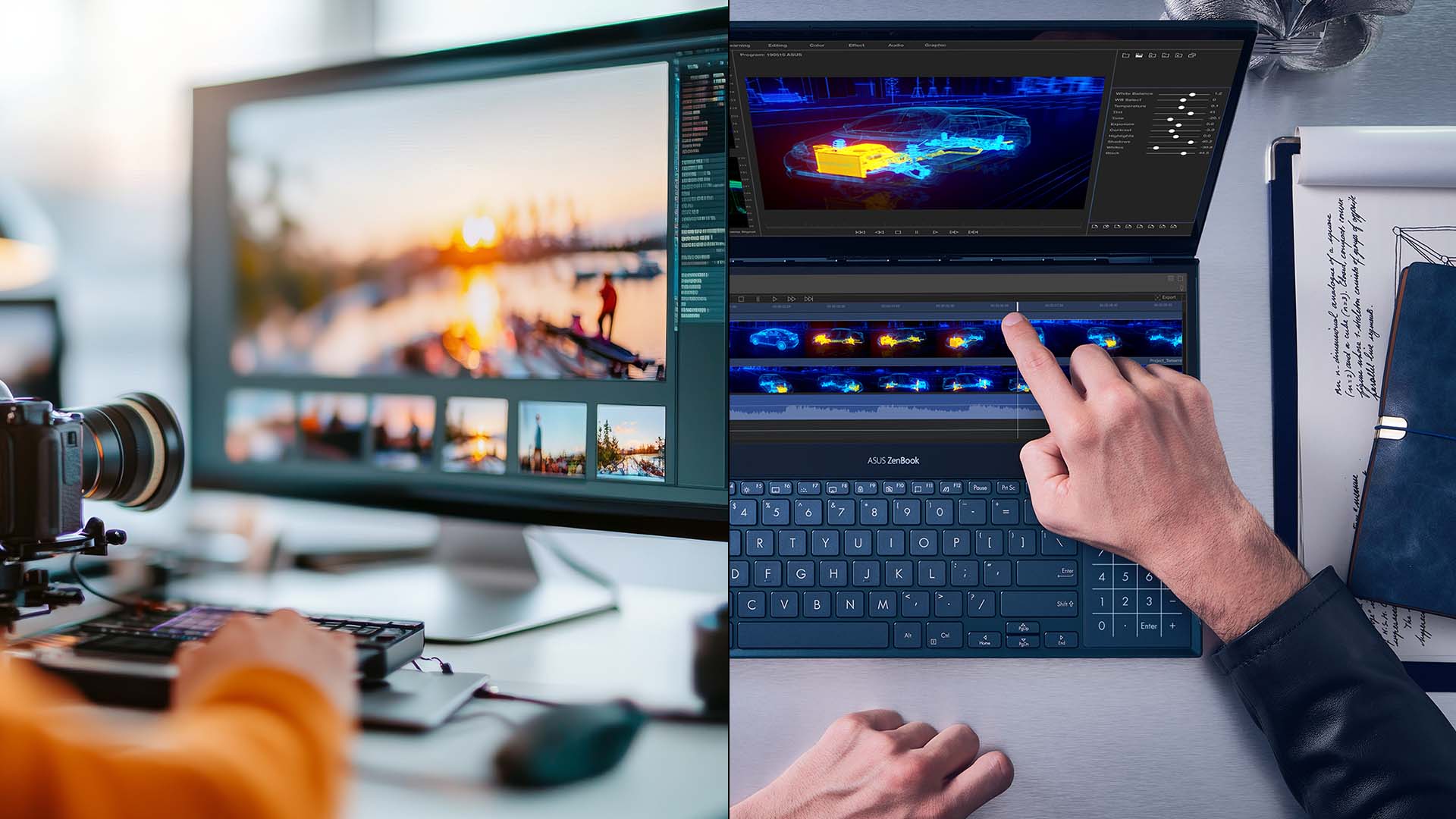
When you’re working with RAW files, applying subtle colour corrections, masking and retouching for print or digital use, your display needs to deliver two things: accurate colours and reliable consistency. The ZenBook OLED models address this by offering:
- 100% DCI-P3 colour gamut (meaning a wider palette and closer match to cinema-grade standards)
- Pantone validation or at least calibration support (ensuring what you see is what you get)
- Ultra‐contrast blacks and high brightness to pick up highlight/shadow detail
ZenBook OLED for Video Editing
Video editing places additional demands: moving image playback, colour grading, timeline scrubbing and rendering. A ZenBook OLED display supports that workflow in these ways:
- High refresh rate (90Hz or 120Hz) for smoother playback and less motion stutter when skimming footage.
- Wide colour gamut and HDR brightness let you see a closer approximation of how your footage will look in broadcast/online delivery or HDR presentation.
- High contrast and excellent black levels help when grading shadows or working on dark footage (think night scenes).
- A display with low latency and fast response time contributes to a more fluid user experience when zooming/panning, scrubbing or applying effects.
In addition, you can read our article on ASUS ZenBooks for video editing for more details and some top models before buying.
Practical Workflow Benefits for Creatives
Let’s tie this into practical advantages you’ll notice day-to-day:
- Faster editing decisions: When the display renders colour and shadow detail accurately, you spend less time toggling settings or verifying on external displays.
- Confidence when presenting to clients: Knowing your laptop’s screen is “trusted” means you can review edits or show footage without needing a studio monitor every time.
- Portability without compromise: Many creative laptops force a trade-off (portable vs display quality). With ZenBook OLED, you’re getting a slim, light machine that still gives high-end visuals. If you’re a remote worker, you can read our guide ASUS ZenBook for remote work to learn how is it suitable for your daily tasks.
- Flexibility: If you work across photography and video, one laptop can serve both tasks effectively thanks to the display versatility.
- Reduced eye fatigue: Longer sessions of editing, colour grading or reviewing footage become less tiring thanks to eye-care features.
Why Choose ASUS ZenBook Laptops with OLED Displays Over Standard Laptops
Comparing to "laptops for creative professionals" with IPS screens
Many laptops marketed at creatives will feature IPS screens with 100% sRGB or 100% AdobeRGB. But a standard IPS screen may still fall short in one or more areas: contrast, black levels, HDR support, refresh rate, or colour gamut beyond sRGB. Choosing an ASUS laptop with an OLED display (such as in the ZenBook range) gives you:
- A more immersive visual experience (thanks to deep blacks and high contrast)
- Better suitability for HDR work and video playback
- More accurate and wider colour gamut support (especially useful for premium workflows)
- Advanced features for eye comfort and motion clarity
In other words: the difference is real — it's not subtle.
Future-proofing your workflow
If you’re working today in photo/video, chances are you’ll be working with increasingly colour-rich workflows, HDR, 10-bit depth, and more demanding delivery platforms. By choosing a ZenBook OLED display now, you’re future-proofing your visual workspace. Also, the inclusion of high refresh rates and premium panels means you’ll be ready for next-generation editing tools.
In addition, the portability of the ZenBook line means you don’t sacrifice mobility for display quality.
Value proposition — Is it worth it?
Of course, no laptop is flawless. OLED panels may sometimes carry higher cost, the display can be glossy (which may produce reflections), and some configurations have non-upgradeable RAM/storage. But for a creative professional, the incremental cost is often justified because the display is a key tool in the workflow.
Practical Tips for Getting the Best from Your ZenBook OLED Display
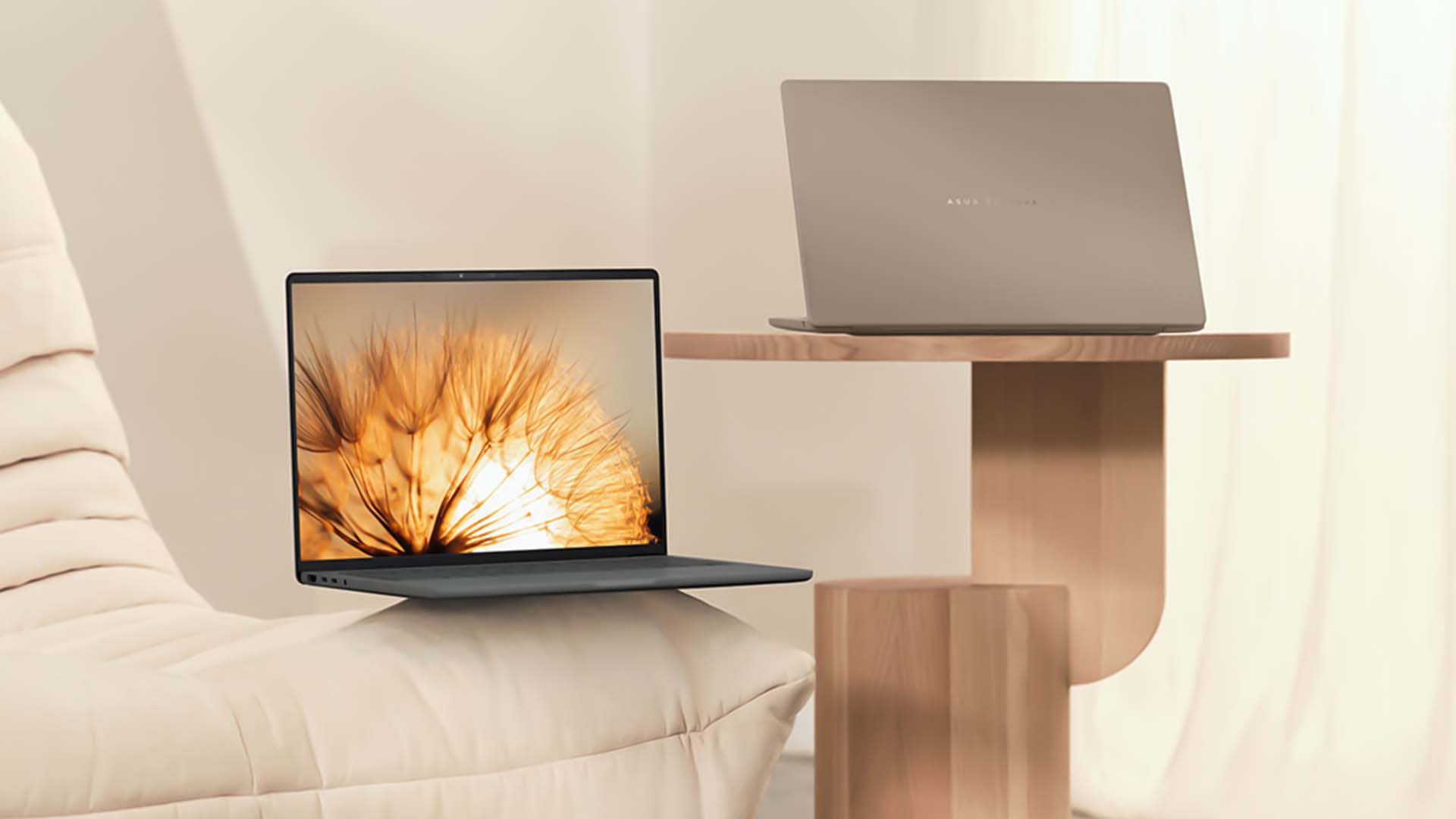
Calibration and Profiling
Even the best panel needs calibration to deliver optimum results. On a ZenBook OLED you should:
- Use built-in software like ASUS ProArt Calibration (if supported) to create or load a calibration profile.
- Calibrate your display with a hardware colourimeter (e.g., X-Rite i1Display Pro or Datacolor Spyder) especially if you’re delivering print work or high-end client work.
- Set your working colour space to match your output (e.g., sRGB for web, DCI-P3 for video, AdobeRGB for print) and make sure your display prints well.
- Re-calibrate periodically or after extended usage or when you find colours drifting.
Optimal Brightness & Environment
- Use the display’s brightness to match your workspace lighting. While OLED can reach high peaks (e.g., 600 nits HDR), your typical editing environment might not need that high, so avoid overdriving brightness unnecessarily.
- Ensure ambient lighting is neutral (no coloured lighting) to help colour accuracy.
- Use a hood or anti-glare when necessary, especially if reflections are an issue (the ZenBook OLED panels tend to be glossy).
- Enable the low-blue-light / eye-care mode when working long sessions to reduce fatigue.
Workflow Habits for Creators
- Use external monitors if collaborating or showing work to clients to ensure the broader audience sees what you intend (though the ZenBook’s panel makes this far easier).
- Use colour-managed software (e.g., Adobe Photoshop, Premiere Pro, DaVinci) and ensure your GPU supports full colour depth (many ZenBook models pair with Intel Arc or discrete GPUs).
- If editing video, make use of the 120 Hz refresh rate to scrub through timelines more smoothly.
- Export and check your work on different devices (phones, tablets, external monitors) to ensure consistency, good display quality helps but does not replace cross-device checks.
- Keep the laptop’s software (drivers, firmware) up to date, some early OLED laptops had driver issues with colours or minor glitches.
Long-Term Care of Your OLED Display
- Avoid static images for extremely long periods (e.g., leaving the laptop on a paused timeline frame overnight) to reduce burn-in risk (though modern OLEDs are much improved).
- Use screen-off or sleep modes when not in use for extended periods.
- Mind brightness settings: while high brightness is tempting, consistent moderate brightness may help longevity.
- Use a desktop background or content that changes over time if you leave your machine idle for long stretches.
The Professional Advantage of ZenBook OLED Displays
To bring it all together, the phrase “ZenBook OLED display” indicates a high-quality panel with excellent specs, wide colour gamut, high contrast, fast refreshes, built into the ASUS ZenBook laptops.
- For creators in the UK and beyond, such displays offer real advantages in photo editing, video editing, colour grading and presentation work.
- Compared to IPS laptops, ZenBook OLED models deliver deeper blacks, richer colour, better HDR potential, and better motion clarity for editing workflows.
- When selecting a model, focus on display resolution, refresh rate, colour gamut, brightness and eye-care certifications. Also ensure the rest of the laptop supports your creative workflow (processor, GPU, connectivity).
- Finally, calibrate the display, maintain good workflow habits and you’ll maximise your investment in the display as a professional tool.
If you’re looking for creative laptops, the ZenBook OLED range is a compelling pick. And if you’re browsing for ASUS laptops with OLED display or comparing all-display-type laptops (IPS vs OLED vs Mini-LED), the ZenBook OLED models should be high on your shortlist.

In Case You’re Wondering...
What makes the ZenBook OLED display better than a standard laptop display?
The key benefits are deeper blacks and very high contrast (thanks to OLED technology), wider colour gamut (commonly 100% DCI-P3), faster refresh rates (90 Hz/120 Hz) and built-in eye-care/flicker-free features. All of these add up to a superior visual experience and better suitability for creative workflows.
Is the ZenBook OLED display worth the extra cost for photo or video editors?
Yes, if you regularly work in colour-critical fields (photo retouching, video editing, colour grading, client proofs) then the display is a significant part of your workflow toolkit. If you only do light editing or general use, you may not extract all the value.
Do I still need to calibrate the display on a ZenBook OLED laptop?
Absolutely. Even high-quality panels benefit from calibration. The ZenBook OLED models support calibration (e.g., via ASUS ProArt Calibration software) and hardware colourimeters give you the best results. Calibration ensures the screen output matches your target – print, web, HDR, etc.
What should I look for in the display specs when comparing ZenBook OLED models?
Key specs include resolution (2.8K or 3K is better for editing than FHD), refresh rate (90Hz or 120Hz preferred), colour gamut (100% DCI-P3 is excellent), brightness (400 nits or higher for typical use; 600 nits HDR peak is a plus), calibration support, eye-care certifications and physical aspects like bezel size and chassis reflectivity.
Are there any drawbacks to OLED displays in the ZenBook line I should be aware of?
Only a few OLED screens can be glossy (causing reflections), cost a bit more than IPS models, and still carry a minor risk of burn-in if static images stay on too long. Otherwise, the benefits far outweigh these small trade-offs.
| Read More: |
| ASUS ZenBook 14 vs ZenBook 16: Which Is Right for You? |
| Best ASUS ZenBooks for Video Editing & Creative Work |
| Battery Life & Performance Optimisation Tips for ZenBook Users |
Related Articles

Last Updated: September 09, 2025
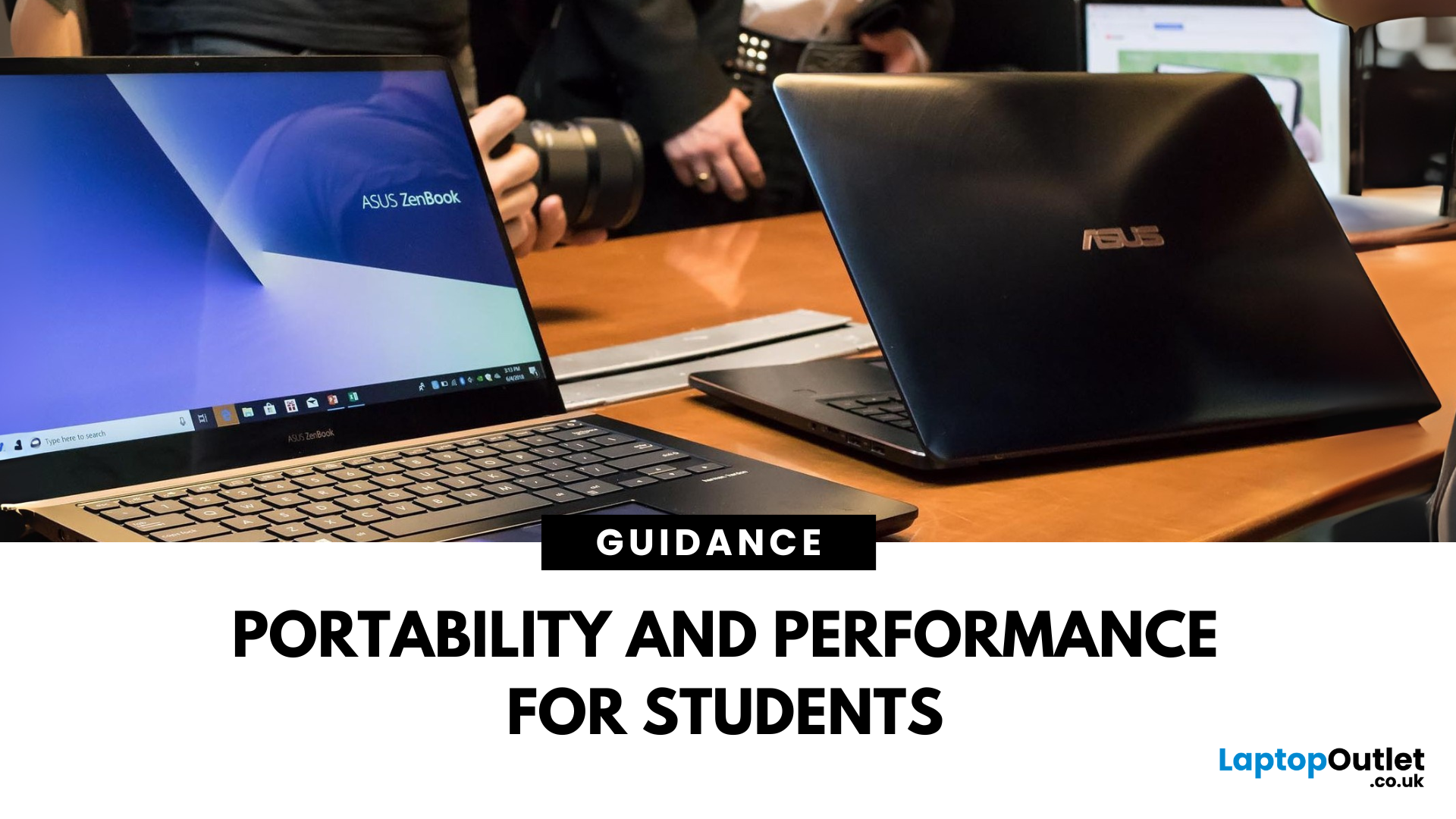
A Smart Choice for Smarter Study?
Choosing a laptop for school or university? The ASUS ZenBook is often praised for its sleek design and solid specs—but is it really the best laptop for students in 2025? Let’s break down its strengths, weaknesses, and whether it’s right for your academic life.
What Is the ASUS ZenBook?
The ZenBook is ASUS’s premium ultrabook range—lightweight, stylish, and packed with high-performance components. Designed for productivity and mobility, it’s a go-to for professionals, creatives, and yes—students.
Why Students Love the ZenBook
- Lightweight design – easy to carry to lectures or cafes
- Long battery life – up to 10–14 hours depending on model
- Fast processors – Intel Core i5/i7 or AMD Ryzen 5/7
- Full HD or OLED screens – clear visuals for research and video
- Great keyboard & trackpad – for comfortable writing and multitasking
ZenBook Models for Students (2025 Picks)
ZenBook 14 (UX425)
- Ultra-light (1.2kg)
- 11th/12th Gen Intel or Ryzen processors
Last Updated: October 03, 2025
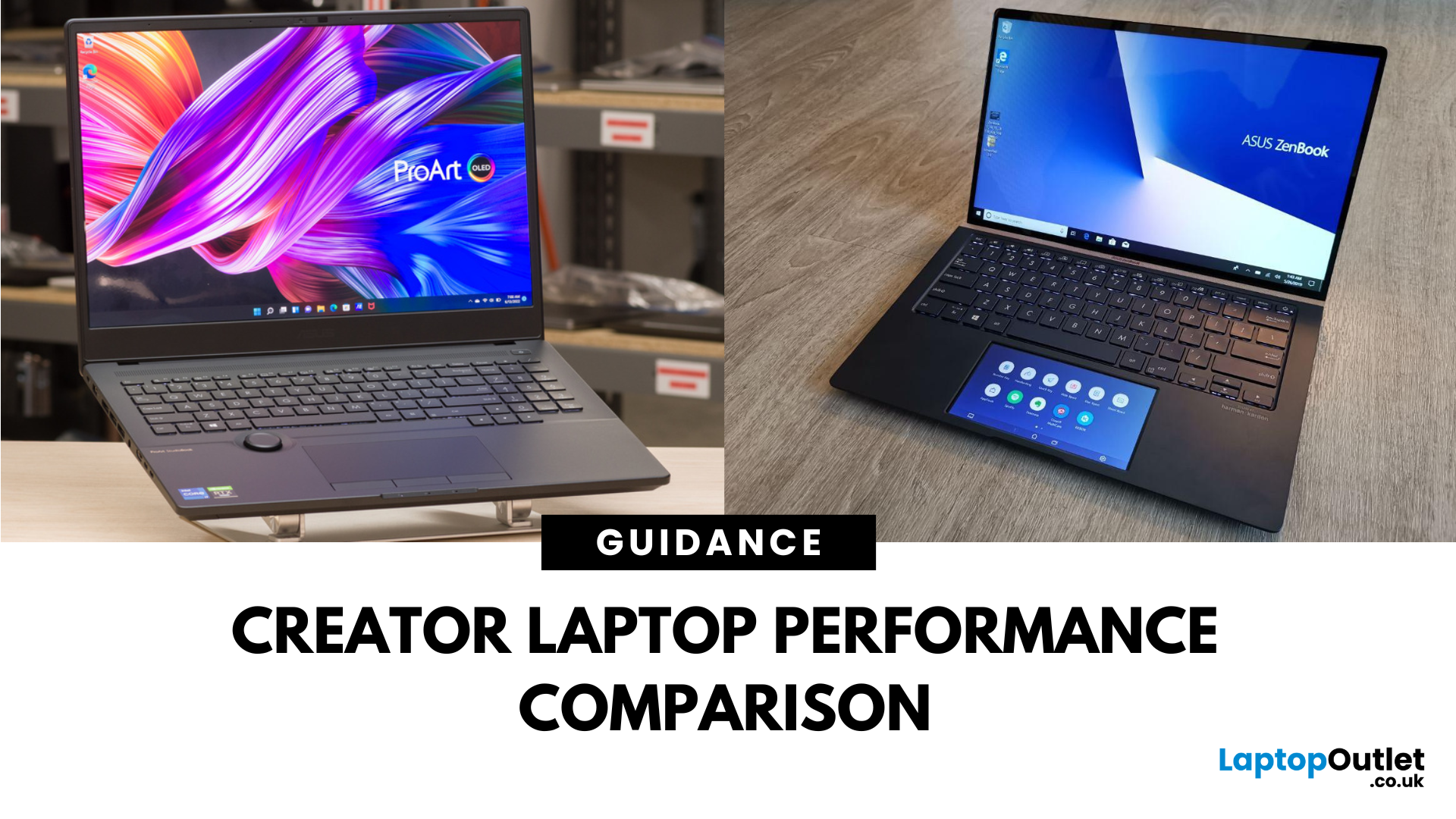
What’s the Main Difference Between ASUS ProArt and ZenBook?
The ASUS ProArt series is engineered for professional content creators working in video production, photography, animation, and 3D modelling. It delivers ISV-certified performance, ultra-accurate colour displays, and AI-powered creator tools like ASUS DialPad and Creator Hub.
The ASUS ZenBook series targets professionals and creatives who need portability, battery endurance, and sleek aesthetics. While still capable for creative work, ZenBooks are tuned for light-to-moderate creative tasks, multitasking, and on-the-go use rather than maximum workstation output.
Specs Face-Off: ASUS ProArt vs ZenBook
| Feature | ASUS ProArt Series | ASUS ZenBook Series |
| Target Audience | Professional creators needing maximum power and colour precision | Mobile creatives, designers, and professionals seeking portability and style |
| Performance Focus | Workstation CPUs & NVIDIA RTX GPUs, ISV-certified for Adobe/Autodesk | Efficient CPUs, integrated or mid-tier GPUs, |
Last Updated: April 02, 2026
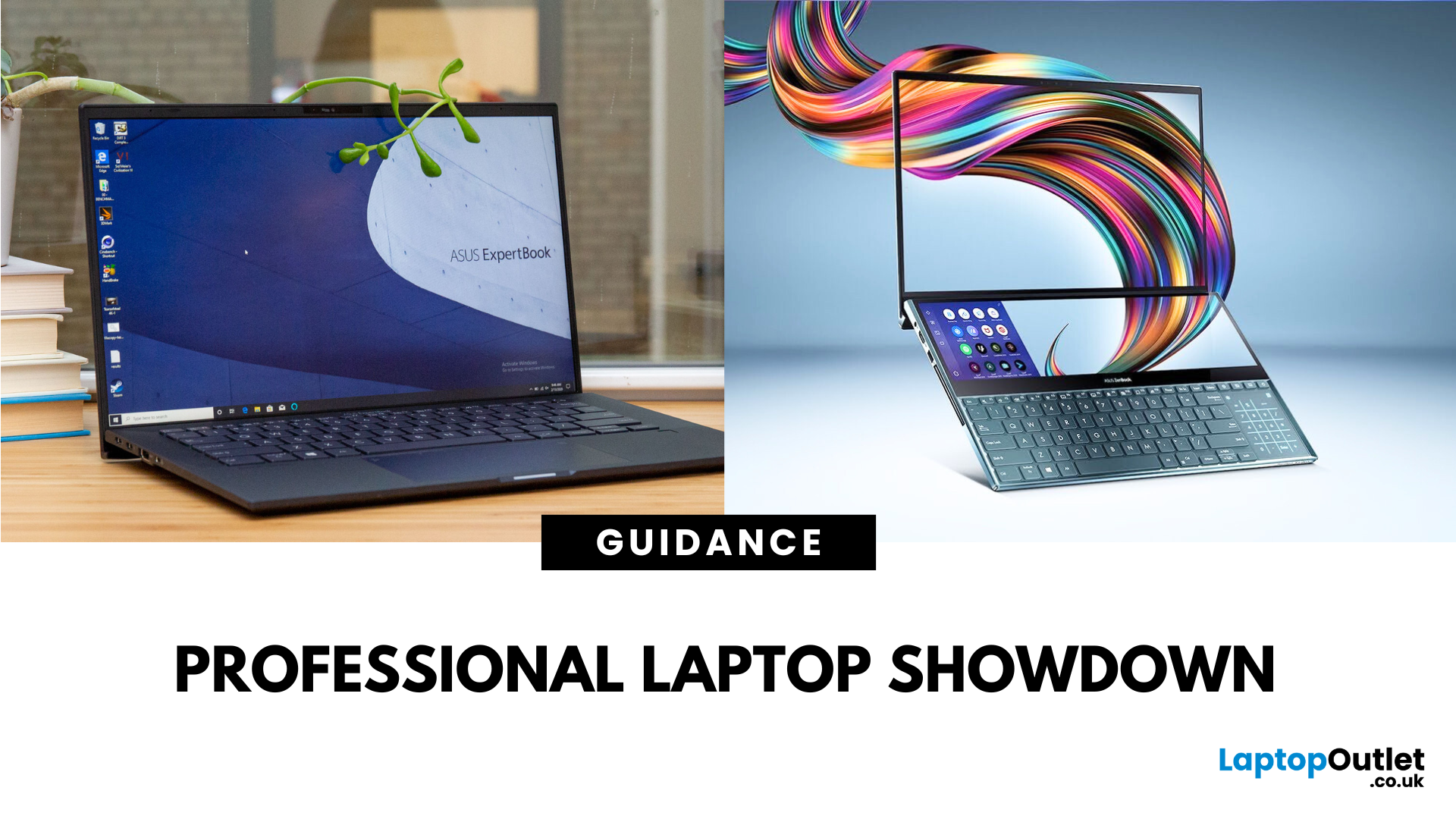
What’s the Difference Between ExpertBook and ZenBook?
The ExpertBook line is designed for professionals who demand durability, lightweight builds, enterprise features, and long battery life often with vPro support and MIL-STD testing. The ZenBook series decks out innovators and creators with premium OLED (and even dual-screen) displays, ultra-light designs, and high-end performance geared toward aesthetics and mobility.
Specs Face-Off: ExpertBook vs ZenBook
| Spec Category | ExpertBook (e.g., B5, B1, P3) | ZenBook (e.g., 14 OLED, Duo, S16) |
| Build & Weight | Ultra-light (~1.27–1.41 kg), MILSTD durability | Super-slim (~1.2–1.5 kg), aluminium/titanium builds, dual-screen option |
| Display & Visuals | Business-friendly 14" FHD or WQXGA screens, optional touch/stylus | Stunning 14" 2.8K OLED at 120 Hz, vivid dual-screen Duo models, immersive S16 displays |
| Performance | Up to Intel Ultra 7 with vPro, optional Arc/RTX GPU in some models | Core Ultra 7 or Ryzen AI CPUs, upgraded for creatives and heavy multitasking |
Last Updated: September 09, 2025
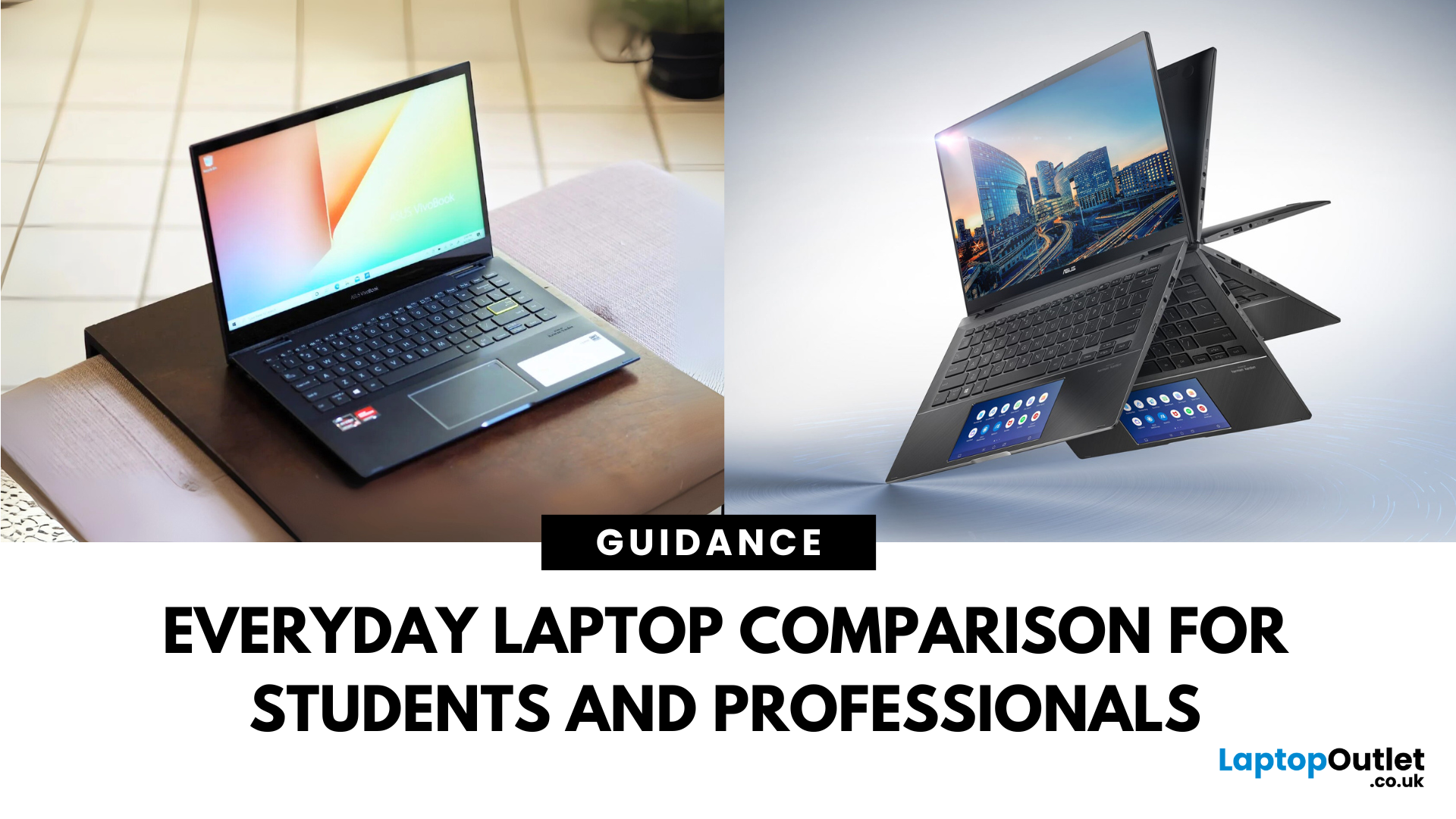
What’s the Difference Between VivoBook and ZenBook?
VivoBook is ASUS’s mainstream lineup—affordable, performance-balanced laptops for everyday use, students, and casual users. On the other hand, ZenBook is the premium alternative—sleek, aluminum builds, slim profiles, higher specs, and aimed at professionals or users who want long-term durability and style.
Feature Comparison Table
| Feature | VivoBook | ZenBook |
| Build & Design | Plastic/metal mix, budget-friendly | All-metal, ultra-slim premium build |
| Performance | Good everyday CPUs (e.g. Ryzen 5, Intel U-series) | Higher-end CPUs, often Core Ultra or better |
| Display | Reliable FHD panels | Often OLED or higher-quality touchscreens |
| Battery Life | Solid, entry-level (~8–10 h) | Excellent endurance—up to ~16 h on OLED ZenBook 14 OLED |
| Portability | Moderate—lighter options available | Thinner and lighter overall |
| Price | Very budget-friendly | Premium pricing, but great value for specs |
Performance & Design
- VivoBook: Offers solid specs for
Last Updated: July 02, 2026
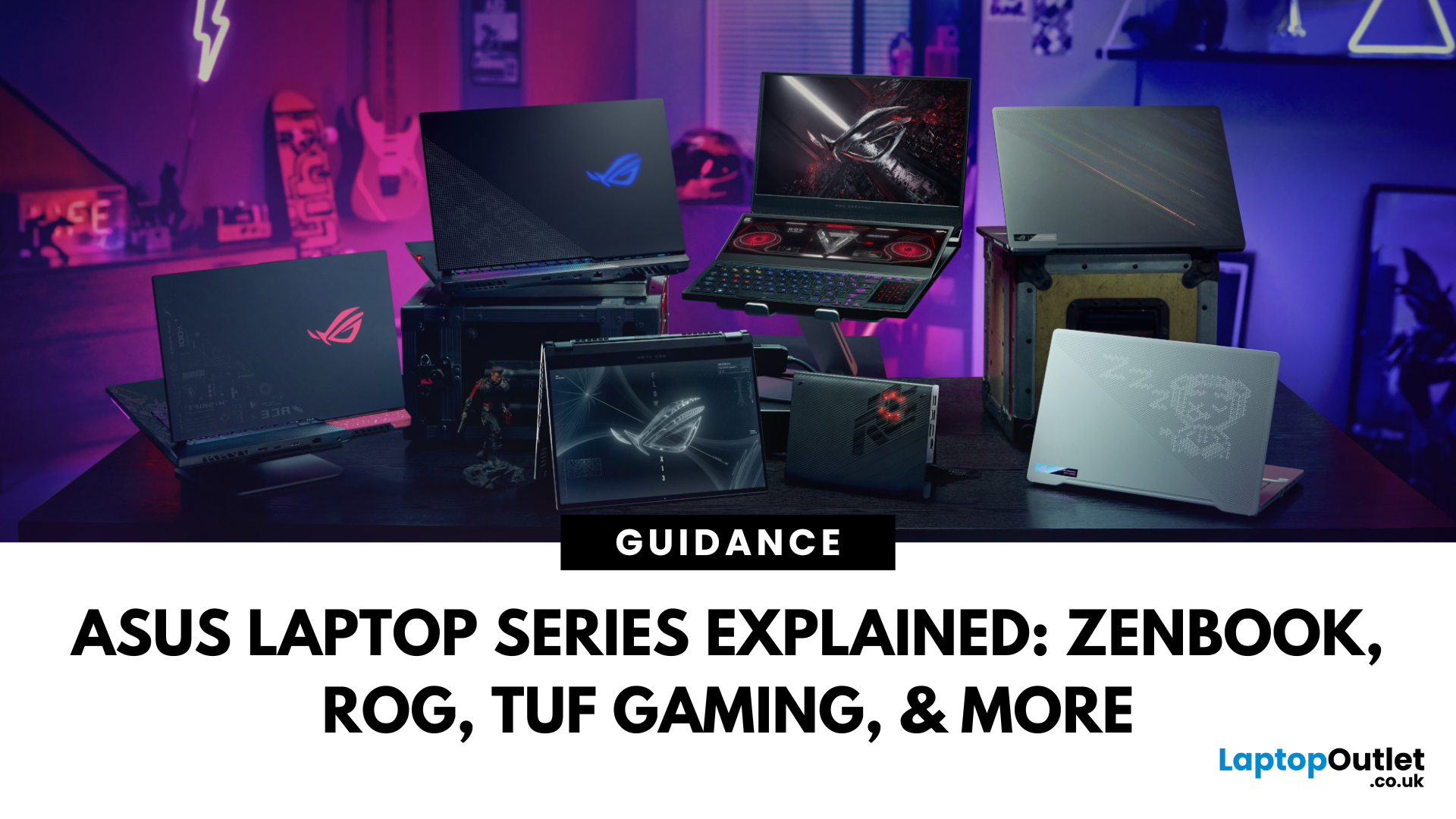
Choosing the right laptop in 2025 can feel like a challenge. With endless options in the UK market, different brands, specifications, and price points, it’s easy to feel overwhelmed. This is where ASUS makes the decision simpler. Over the years, ASUS has built a reputation as one of the most trusted technology brands by offering laptops that combine performance, reliability, and affordability.
Think about the wide variety of users today: a student who needs a lightweight laptop for lectures, a business professional who spends hours travelling, a gamer chasing the ultimate performance, or a creative tackling demanding design projects. Each has unique needs, but ASUS has carefully designed a laptop series for all of them.
In this ASUS laptop Series explained blog, we’ll explore the full 2025 lineup: ZenBook, VivoBook, ROG, TUF Gaming, ExpertBook, Chromebook, and ProArt StudioBook, so you can confidently choose the ASUS laptop that fits your life.
A Quick Overview of the ASUS Laptop Series
Last Updated: October 30, 2025
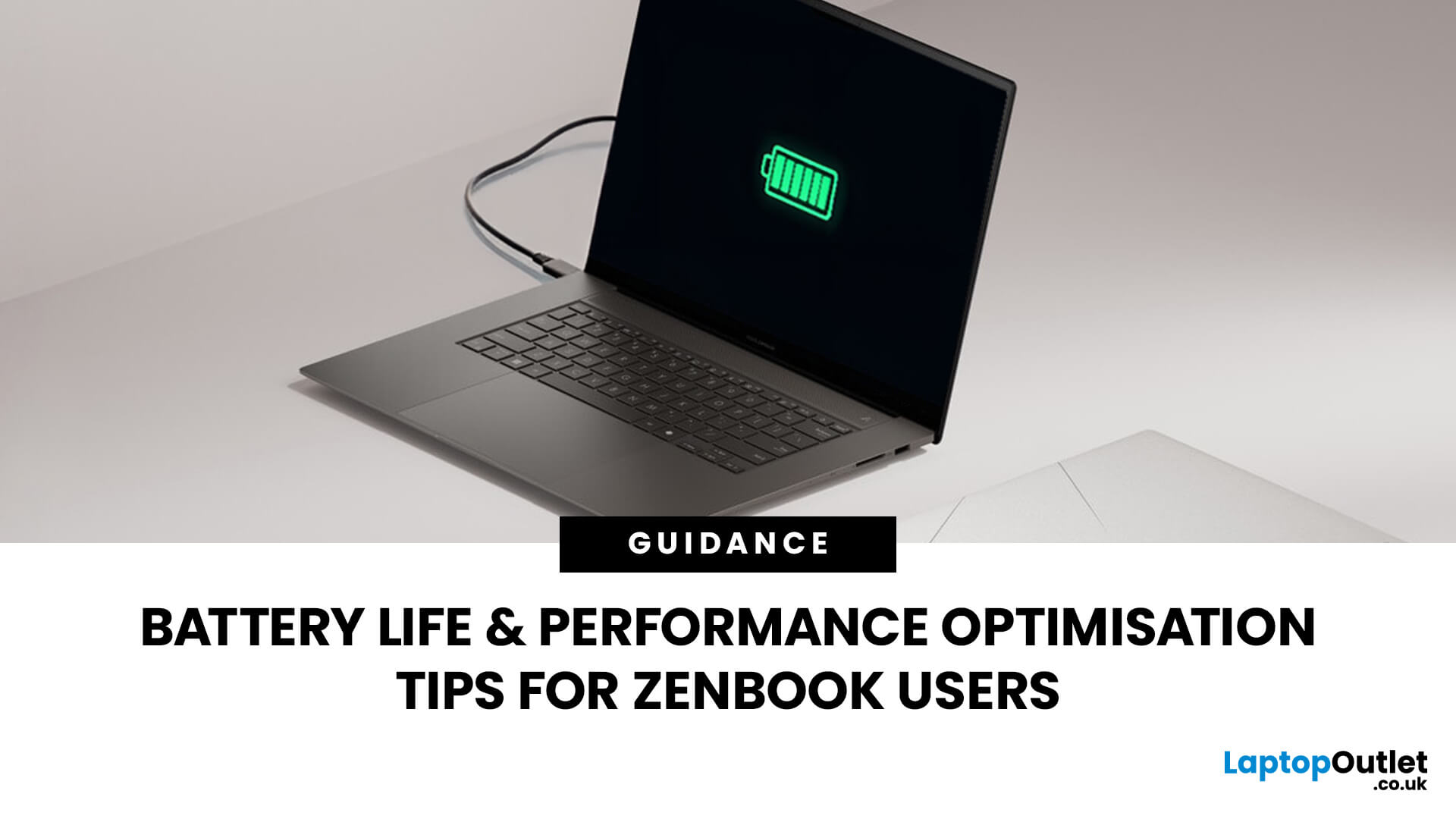
Ever been in the middle of editing a video, sending that last-minute client report, or streaming a movie and your ZenBook suddenly flashes the dreaded ‘save me, lord, I’m dying (low battery) warning?’ You’re not alone. Even the most efficient ASUS ZenBooks can drain faster than expected if they’re not set up for peak performance.
The good news? These laptops are packed with smart power management tools, hidden Windows settings, and ASUS-exclusive features that can stretch every per cent of your battery while keeping your system running smoothly. Whether you use your ZenBook for creative projects, business, or all-day multitasking, a few intelligent tweaks can make it feel like new again.
In this guide, we’ll skip the generic “dim your screen” advice and dive into real ZenBook-specific tips that actually make a difference.
Understanding How ZenBook Power Management Actually Works
So, here’s the thing - your ZenBook isn’t just another sleek slab of metal with a keyboard. It’s got a mini
Published: October 28, 2025
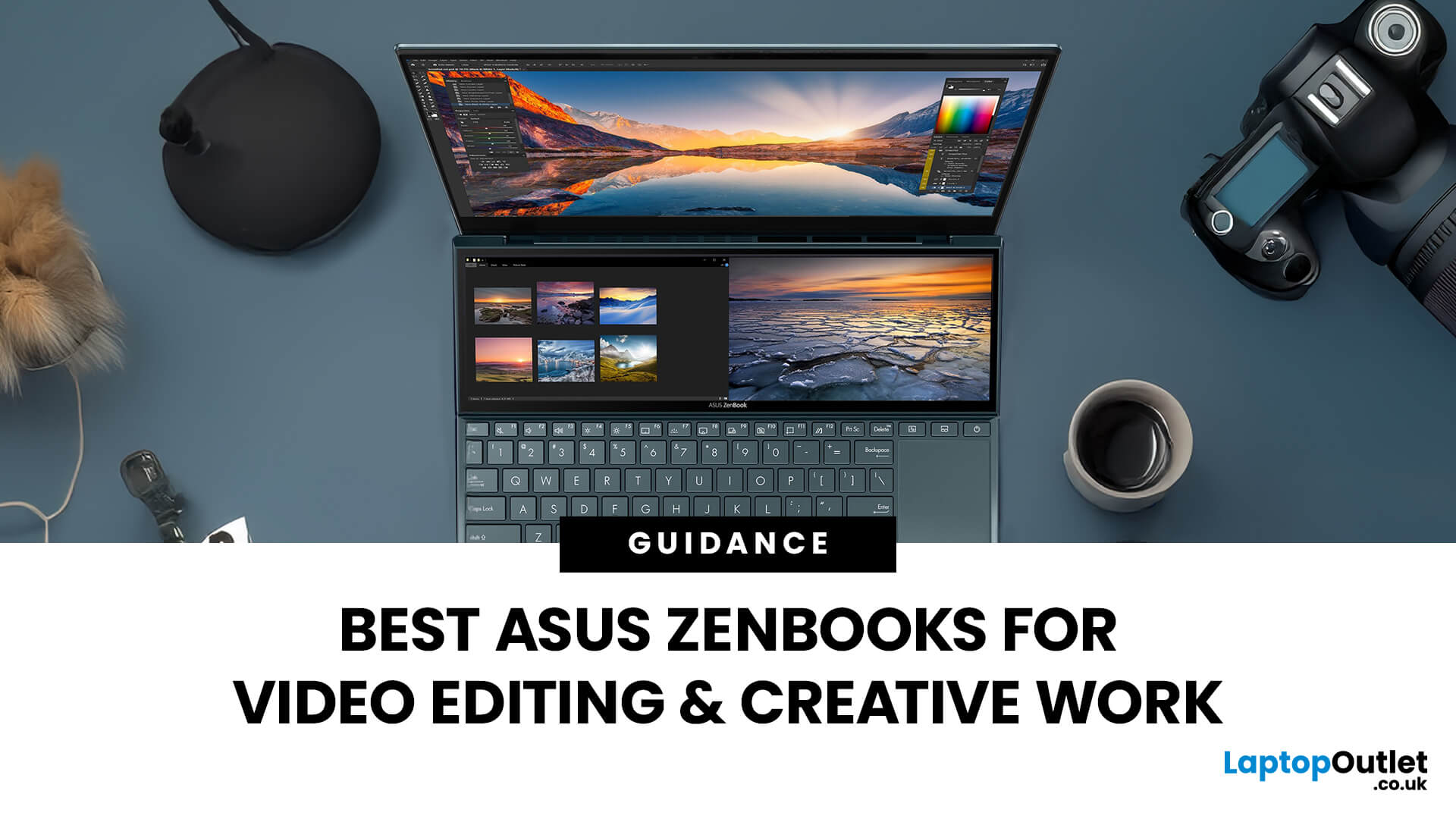
In the world of video editing, motion graphics and creative workflows, picking the right laptop isn’t just about getting “something that works” - it’s about securing a machine that gives you freedom, performance and accuracy. If you’re a professional creator in the UK (or serve the retail/B2C market), you’ll want something that doesn’t compromise when you’re rendering timelines, colour‐grading in 10-bit, switching between apps, or hauling your work between studio and location. That’s where the ASUS ZenBook line comes in.
Why ASUS ZenBooks Are Ideal for Video Editing & Creative Work
The ZenBook range has carved out a strong position for creators, offering a blend of build quality, lightweight design, powerful internals and premium displays. According to ASUS, their “creator” ZenBooks are designed specifically for editing, design and graphics-intensive workflows.
Here are some of the key features that make them stand out:
- Display quality: Many ZenBooks offer OLED panels, high refresh rates,
Published: October 28, 2025
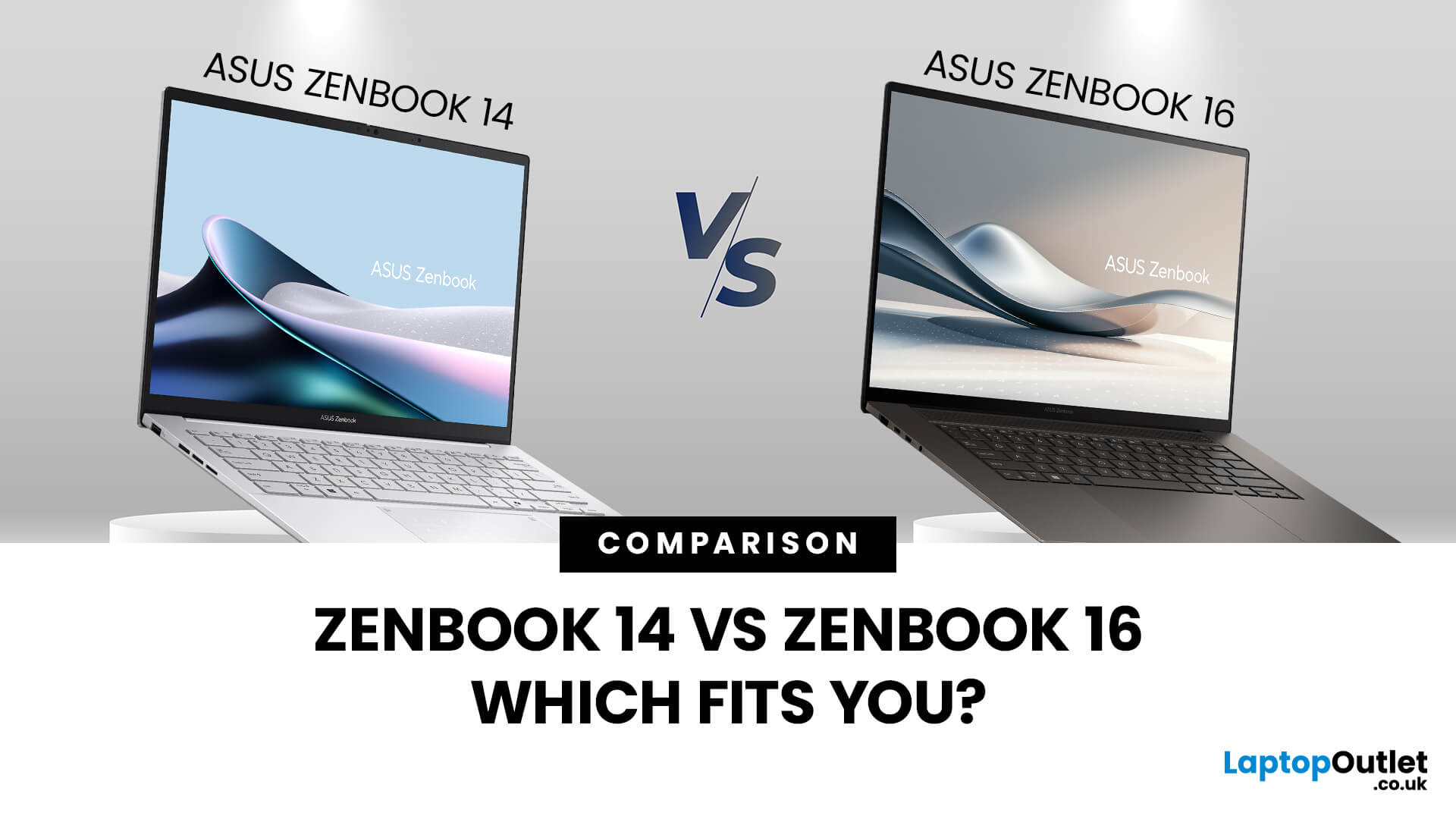
When you’re shopping around and weighing up the choice between the ASUS ZenBook 14 vs ZenBook 16, you’ll find there’s more than just the screen size difference. The ASUS ZenBook 14 and ZenBook 16 bring together premium design, OLED displays, and strong performance in sleek ultrabook form. The ZenBook 14 is ideal for portability and everyday productivity, while the ZenBook 16 offers a larger screen and extra power for creative professionals. Both models reflect ASUS’s commitment to quality and innovation, making them top choices for modern users. This blog is a comparison of both for user to choose according to their requirements.
Overview of the ZenBook Series
The Appeal of Ultrabooks
Ultrabooks such as the ZenBook line from ASUS deliver a potent mix of portability, premium build quality and enough performance for modern tasks. As the ultra-thin, ultra-light category has matured, buyers have come to expect metal-chassis design, high-resolution or OLED displays, quick SSD storage and long

