



Microsoft Surface Laptop Ultra Revealed 128GB RAM, Mini-LED & RTX Spark
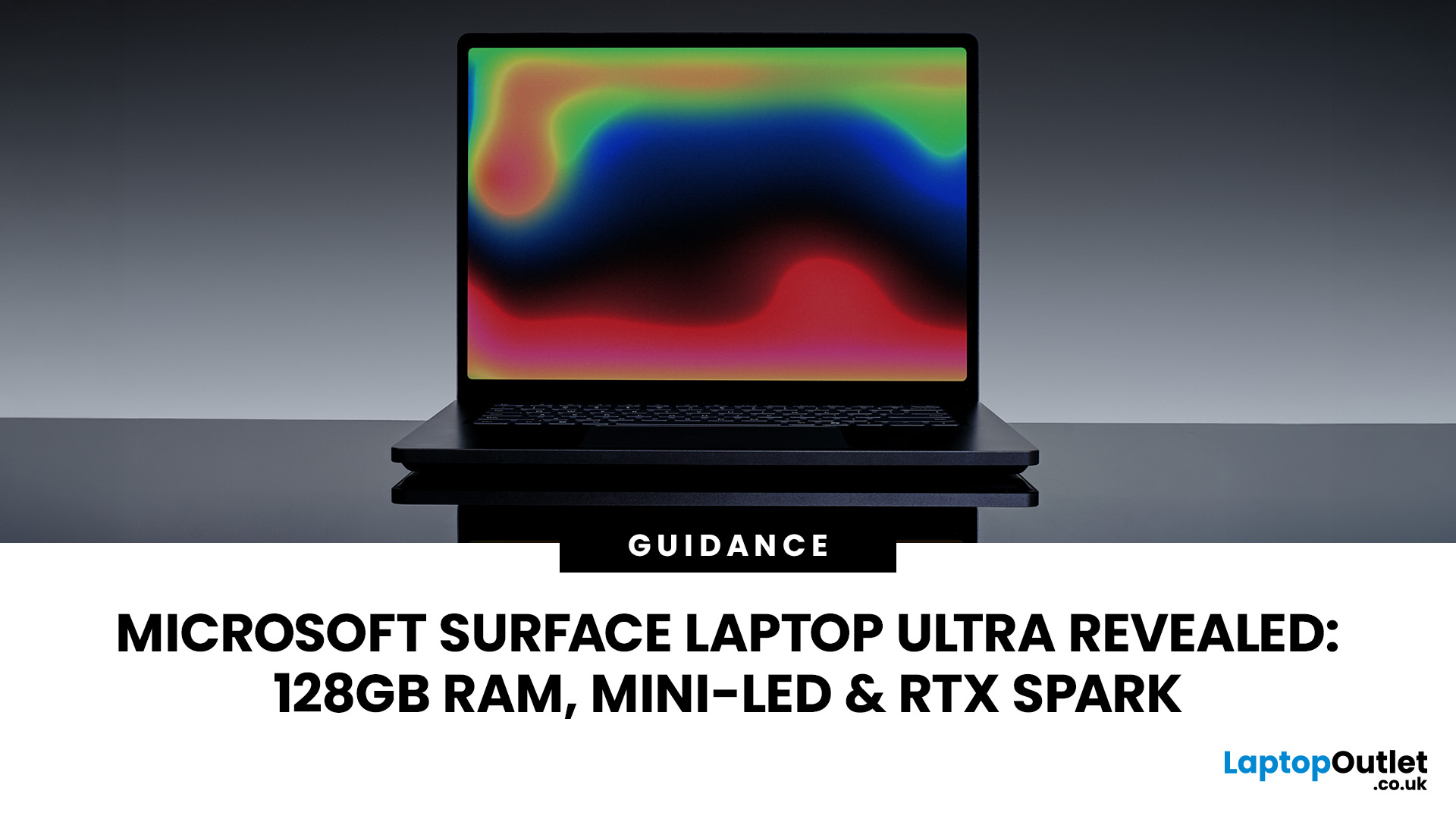
The Surface Laptop Ultra is Microsoft’s boldest laptop yet, built for local AI, 3D work, coding and demanding creative projects. It combines NVIDIA RTX Spark, Blackwell graphics, full CUDA support, and up to 128GB of unified memory, giving it serious workstation-level potential in a much slimmer design.
The 15-inch Mini-LED PixelSense Ultra display, upgraded cooling, and wider port selection make it even more appealing for power users. The only catch is that the exact UK price, full configurations and release date are still under wraps.
Microsoft Surface Ultra Specs at a Glance
The confirmed Microsoft Surface Ultra specs place the device above Microsoft’s conventional productivity laptops. It is intended for users whose work involves large datasets, AI models, demanding creative software, or GPU-accelerated development.
|
Specification |
Officially Confirmed Information |
|
Display |
15-inch Mini-LED PixelSense Ultra touchscreen |
|
Aspect ratio |
3:2 |
|
Pixel density |
262 pixels per inch |
|
HDR brightness |
Up to 2,000 nits’ peak brightness |
|
Computing platform |
NVIDIA RTX Spark |
|
Graphics |
NVIDIA Blackwell RTX GPU |
|
Memory |
Up to 128GB unified memory |
|
AI performance |
Up to one petaflop of theoretical AI compute |
|
Local AI capability |
Models containing up to 120 billion parameters |
|
Development support |
Full NVIDIA CUDA support |
|
Thickness |
Less than 18mm |
|
Weight |
Under 2kg |
|
Connections |
USB-C, USB-A, HDMI, headphone jack and full-size SD card reader |
|
Colours |
Platinum and Nightfall |
|
Storage |
User-serviceable storage drive |
|
Availability |
Later in 2026 |
|
UK price |
Not announced |
NVIDIA Blackwell and One Petaflop of AI Performance
The new NVIDIA chip combines an efficient processor with an NVIDIA Blackwell RTX GPU. Microsoft claims that it can deliver up to one petaflop of theoretical AI compute.
One petaflop represents one quadrillion floating-point operations per second. However, Microsoft’s figure refers specifically to theoretical FP4 AI performance with sparsity enabled. It is not a measurement of general processor speed, gaming frame rates, or performance in every creative application. Actual performance will depend on:
- The final processor and GPU configuration
- Memory capacity
- AI model size and precision
- Application support
- Cooling performance
- Power settings
- Driver optimisation
- Whether the workload supports CUDA or RTX acceleration
Microsoft has not published final gaming results, rendering scores, or application benchmarks. Performance claims beyond the official AI compute figure should therefore be treated as unconfirmed until the retail hardware can be tested.
How Surface Laptop Ultra 128GB RAM Works
The Surface Laptop Ultra supports up to 128GB of unified memory, shared between the CPU and GPU according to workload demands.
Unlike traditional laptops with separate system RAM and fixed graphics memory, the AI-enabled laptops shared pool gives demanding applications access to more memory when needed. It can benefit large AI models, complex 3D scenes, high-resolution video and multiple development tools running at once.
Microsoft says the laptop can run AI models with up to 120 billion parameters locally, although performance will depend on the model, memory requirements and software optimisation. This architecture may help with local AI processing, confidential datasets, 3D rendering, video editing, and AI-assisted creative tools.
Surface Laptop Ultra Mini-LED Display
The Surface Laptop Ultra Mini-LED screen is one of its most distinctive features.
Microsoft has confirmed a 15-inch PixelSense Ultra display with a 3:2 aspect ratio, touchscreen input, 262 pixels per inch and up to 2,000 nits of peak HDR brightness. Mini-LED displays use many small backlight elements arranged into independently controlled lighting zones. Compared with a basic LCD backlight, this can provide:
- Brighter HDR highlights
- Stronger contrast in mixed scenes
- Better control of darker image areas
- Greater visibility in bright environments
- More impactful video and gaming visuals
The taller 3:2 aspect ratio also provides additional vertical workspace. This can be helpful when editing documents, viewing code, managing creative toolbars or working with long web pages.
The quoted 2,000-nit figure applies to peak HDR display brightness. It does not mean the full panel will maintain that brightness continuously. Microsoft has not yet disclosed the number of local-dimming zones, refresh rate, colour-gamut coverage or exact screen resolution.
Creative Work and Local AI
Microsoft is positioning the Surface Laptop Ultra for users who need more computing power than a standard productivity laptop can provide. Supported applications will be able to use its GPU for AI-assisted noise reduction, intelligent masking, video upscaling and code completion directly on the device. Local processing can reduce latency, provide more control over sensitive material and limit dependence on cloud computing.
Video and Content Production
The Blackwell GPU, unified memory and SD card reader could make the laptop useful for editing high-resolution footage, applying GPU-accelerated effects and transferring media directly from compatible cameras. AI-supported applications may also use the hardware for subject masking, noise removal, enhancement and video upscaling.
3D Design and Rendering
Full CUDA compatibility should allow supported software to use the RTX GPU for rendering, simulation and viewport acceleration. The unified-memory design may prove useful when working with detailed environments, large textures, complex models or AI-generated assets.
Software Development
Developers can use the laptops for creative workflows like compiling code, testing local AI models, working with AI agents and running CUDA-supported development tools. The ability to process larger models locally may also make experimentation faster while giving developers more control over cloud costs and private datasets.
Can the Surface Laptop Ultra Be Used for Gaming?
Microsoft says the new NVIDIA chip is designed both for advanced creation and for playing current games. The wider RTX Spark platform supports NVIDIA RTX graphics technologies and is intended for creators, AI developers and gamers. However, Microsoft has not yet confirmed several details needed to judge gaming performance accurately:
- Exact GPU core count
- Graphics power limit
- GPU clock speeds
- Display refresh rate
- Supported gaming resolution
- Frame-rate benchmarks
- Performance while unplugged
- Compatibility results across individual games
The presence of an NVIDIA Blackwell RTX GPU gives the laptop genuine gaming potential. Its final position will depend on whether Microsoft prioritises maximum graphics performance, efficiency or a balance between the two. Until detailed benchmarks are available, it is safest to view gaming as an additional capability rather than the laptop’s primary purpose.
New Cooling System for Sustained Workloads
Microsoft says the Surface Laptop Ultra has a completely redesigned thermal system with up to 2.5 times the thermal capacity of the 15-inch Surface Laptop 7th Edition. It is intended to maintain performance during longer workloads rather than delivering only short bursts of speed. This may be particularly important during:
- Extended rendering
- Software compilation
- Local AI inference
- Video exports
- 3D simulation
- Long gaming sessions
Microsoft also describes the device as operating quietly, but it has not provided measured fan-noise levels or surface-temperature results. Those claims will require testing on final retail hardware.
Thin Design with Practical Connectivity
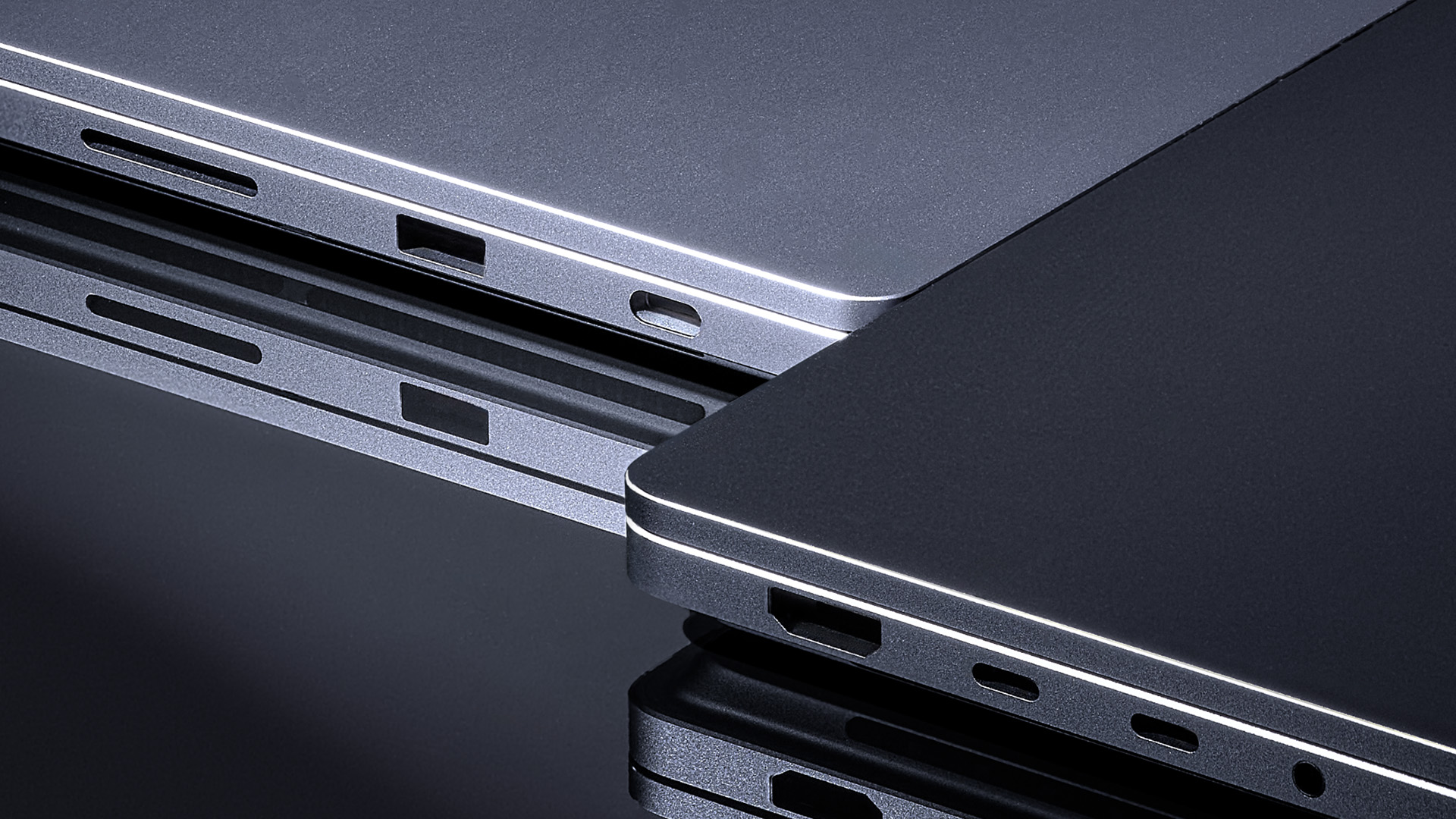
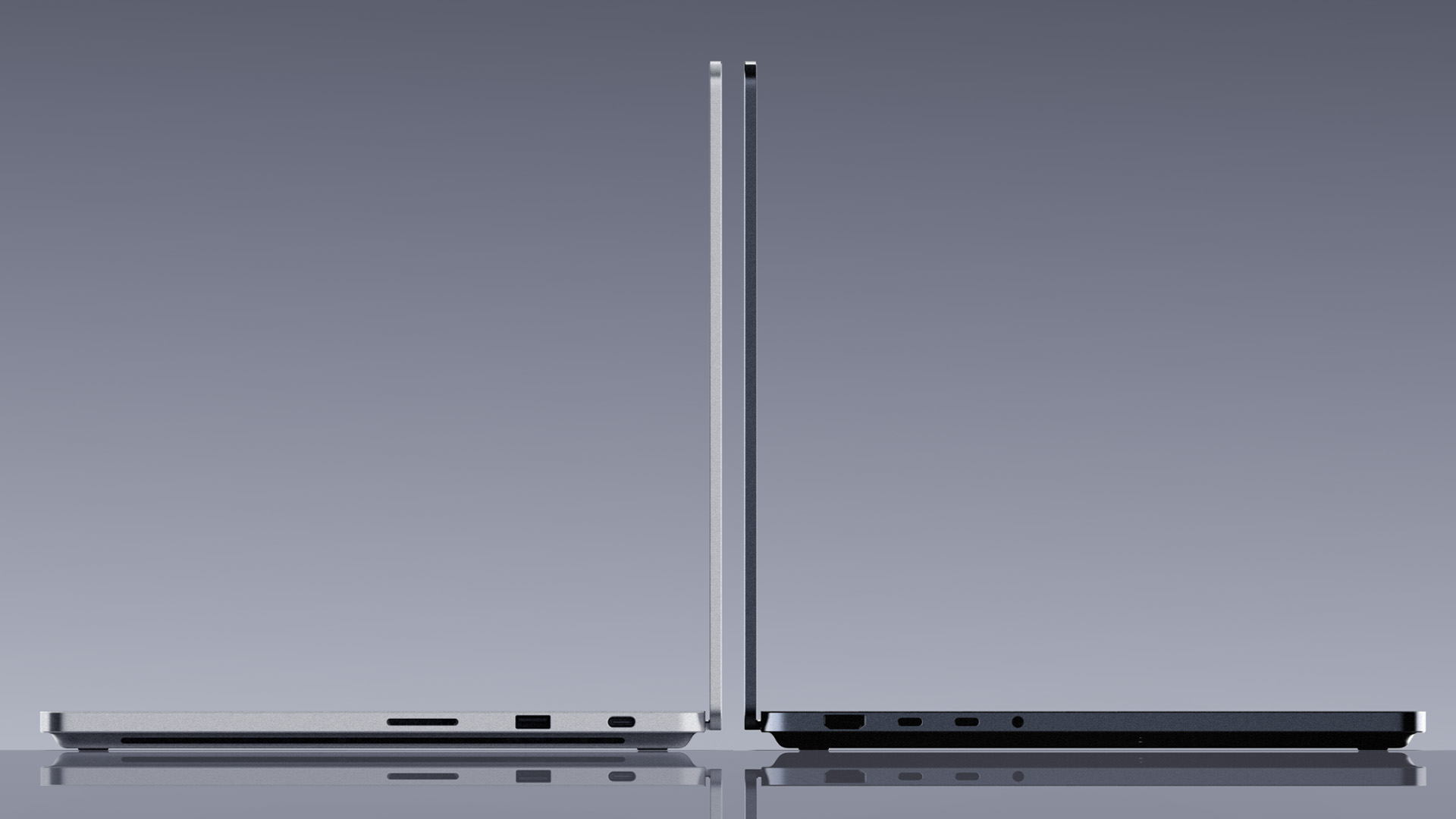
The Microsoft Surface Laptop Ultra measures less than 18mm thick and weighs under 2kg. It will be offered in Platinum and Nightfall, although available colours may depend on the configuration, market, and retailer.
Its confirmed connections include:
- USB-C
- USB-A
- HDMI
- Headphone jack
- Full-size SD card reader
This selection should make it easier to connect cameras, displays, external storage, and conventional accessories without depending entirely on adapters. Microsoft has not yet confirmed how many USB-C ports are included or whether they support standards such as USB4 or Thunderbolt.
The haptic touchpad is more than 30 per cent larger than the touchpad used on the comparison Surface Laptop model. It is designed to provide precise cursor movement and haptic feedback in supported functions and applications.
Windows 11, Microsoft Copilot, and RTX Spark
RTX Spark has been created for a new generation of Windows PCs. Microsoft says devices based on the platform will join the Copilot+ PC category and combine CPU, GPU, NPU, and unified-memory resources. This gives the Surface Laptop Ultra several forms of processing hardware:
- A CPU for general computing
- An RTX GPU for graphics and demanding AI workloads
- Tensor acceleration for supported AI tools
- An NPU for efficient on-device Windows features
- Unified memory shared across major workloads
Microsoft has not yet confirmed the specific edition of Windows 11 that will ship with each configuration. It has also not provided a complete list of supported Microsoft Copilot or Copilot+ PC features.
The final software experience may depend on the operating-system version, application compatibility, and configuration selected at launch.
Battery Life Remains Unconfirmed
Microsoft describes the Surface Laptop Ultra as offering all-day battery life and says it can retain performance while operating on battery power. These claims are based on internal testing of pre-release hardware. The company has not announced:
- Battery capacity
- Tested runtime in hours
- Video-playback endurance
- Charging speed
- Runtime during GPU-heavy tasks
- Battery life when using the HDR display
Actual endurance is likely to vary significantly between document editing, video playback, local AI processing, 3D rendering and gaming. Until Microsoft publishes its final testing method and runtime figures, “all-day battery life” should be viewed as a general claim rather than a guaranteed number of hours.
Replaceable Storage and Repairability
Microsoft has confirmed that the storage drive will be user-serviceable.
The internal design includes labels intended to guide repair procedures. Microsoft also plans to provide service documentation and compatible replacement parts for supported repairs. Technical knowledge and separately purchased tools may still be required.
Replaceable storage may allow users to:
- Upgrade capacity
- Replace a failed SSD
- Extend the laptop’s useful life
- Retain greater control over stored data
- Simplify repairs in managed IT environments
Microsoft has not said that the unified memory can be upgraded. Buyers who need the 128GB configuration should assume that memory capacity must be selected when purchasing unless Microsoft later confirms otherwise.
Surface Laptop Ultra Rumours Versus Confirmed Facts
Earlier Surface Laptop Ultra rumours suggested that Microsoft was developing a new professional laptop around an NVIDIA processor sometimes referred to as NVIDIA N1x.
Microsoft has not used NVIDIA N1x as the official name of the Surface Laptop Ultra processor. Its official announcement describes the system as using a new NVIDIA chip optimised for RTX Spark.
NVIDIA N1x should therefore be treated as an unofficial or development-related name rather than a confirmed retail processor specification.
The following details are confirmed:
- Surface Laptop Ultra is an official Microsoft product
- It uses NVIDIA RTX Spark
- It includes NVIDIA Blackwell RTX graphics
- It supports up to 128GB of unified memory
- It has a 15-inch Mini-LED PixelSense Ultra touchscreen
- It supports full CUDA
- It will be available later in 2026
Pricing, detailed configurations, benchmark performance and the precise launch date remain unconfirmed.
Surface Laptop Ultra Release Date and UK Price
Microsoft says the Surface Laptop Ultra release date will fall later in 2026, but it has not provided an exact day or month. As of 22 July 2026:
- UK pricing has not been announced
- Pre-orders have not opened
- Storage configurations remain unknown
- Lower memory configurations have not been detailed
- Final CPU and GPU specifications are unavailable
- Regulatory approval is still required before sale and delivery
Microsoft warns that the Surface Laptop Ultra remains a pre-release product, so its specifications and regional availability may change. Until the new model arrives, shoppers can compare currently available top-rated Microsoft laptops.

Wrapping Up
The Microsoft Surface Laptop Ultra is the most ambitious performance laptop Microsoft has announced under the Surface name.
Its NVIDIA RTX Spark platform, Blackwell GPU, full CUDA support, Mini-LED screen and maximum 128GB unified-memory configuration give it far greater AI and creative potential than latest Windows laptops for productivity.
Microsoft has also addressed practical requirements with HDMI, USB-A, an SD card reader, replaceable storage and a cooling system built for sustained workloads.
The main uncertainties are price, battery life, individual configurations and real-world performance. Until Microsoft confirms these details, the Surface Laptop Ultra should be viewed as a promising professional platform rather than a fully assessed buying recommendation.

Relevant Queries
Is Microsoft Surface Laptop Ultra officially confirmed?
Yes. Microsoft officially announced the Surface Laptop Ultra on 31 May 2026. It is a pre-release product scheduled to become available later in 2026, subject to regulatory approval and regional availability.
How does the Surface Laptop Ultra compare to the MacBook Pro M5 Max?
A reliable performance comparison cannot yet be made because Microsoft has not announced the Surface Laptop Ultra’s final configurations, pricing or benchmark results. The confirmed Surface advantages include an NVIDIA Blackwell RTX GPU, CUDA support, touchscreen input, Mini-LED display and up to 128GB of unified memory. Its real performance and value should be compared only after final retail testing.
What display does the Surface Laptop Ultra have?
It has a 15-inch Mini-LED PixelSense Ultra touchscreen with a 3:2 aspect ratio, 262 pixels per inch and up to 2,000 nits of peak HDR brightness. Microsoft has not yet confirmed the exact resolution, refresh rate or number of local-dimming zones.
Could Surface Laptop Ultra include an RTX GPU?
The RTX GPU is officially confirmed rather than merely rumoured. Microsoft says the Surface Laptop Ultra uses an NVIDIA Blackwell RTX GPU as part of the RTX Spark platform. It also supports CUDA and provides up to one petaflop of theoretical AI compute, although individual GPU configurations have not been announced.
Related Articles


Last Updated: October 12, 2026
Last Updated: June 11, 2026
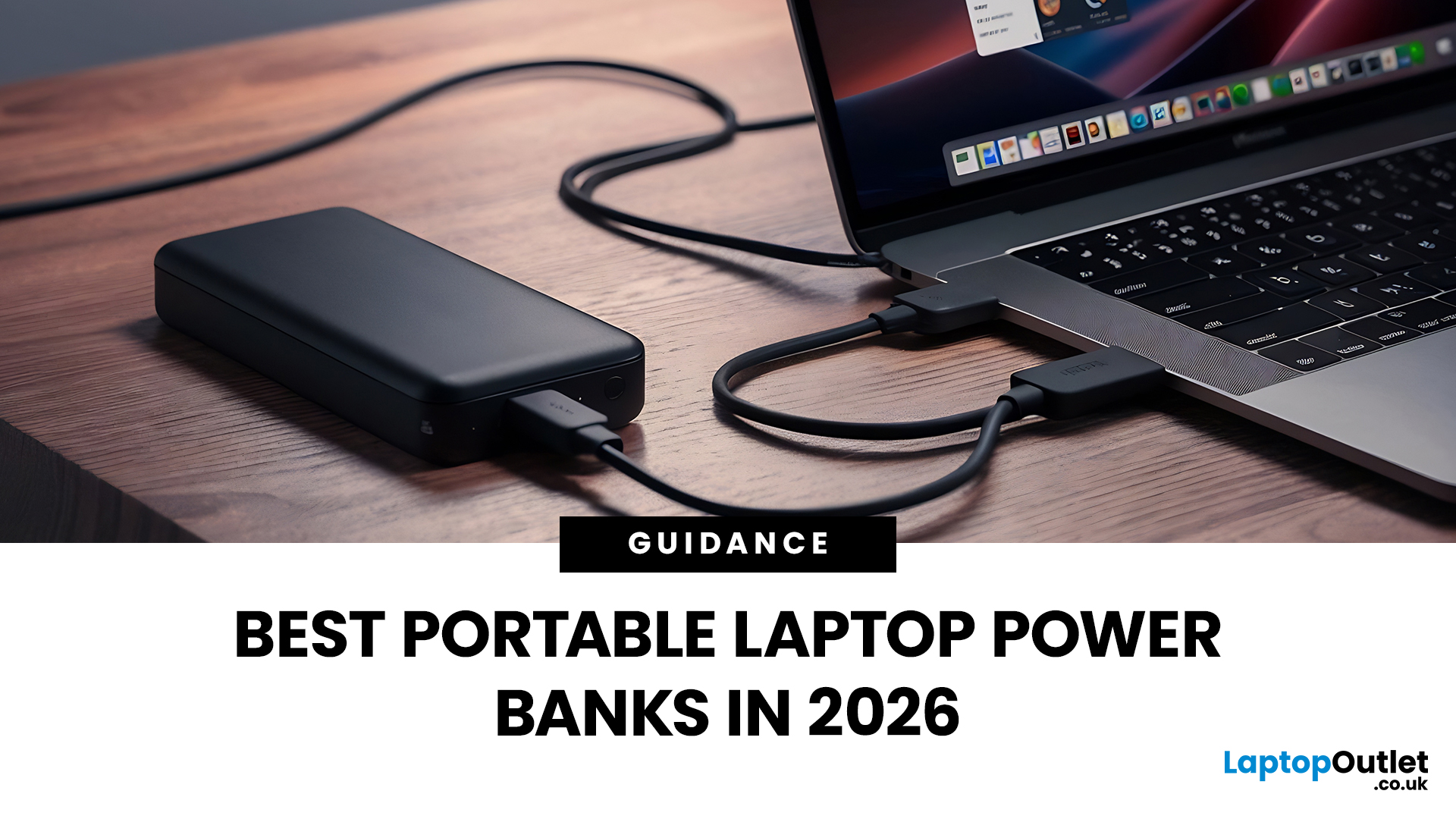
A laptop power bank is not the same as a phone power bank. A charger may look powerful because it has 20,000mAh or 30,000mAh capacity, but that does not automatically mean it can charge your laptop properly.
| The best laptop power banks in 2026 are USB-C PD models that match your laptop’s wattage. For most users, 65W is enough, while MacBook Pro and creator laptops may need 100W to 140W. Choose at least 20,000mAh for backup power and check the Wh rating before flying. |
For laptops, the most important detail is output wattage. A small phone power bank may only deliver 18W or 22.5W, while many laptops need 45W, 65W, 100W, or more to charge efficiently. That is why choosing the best power bank for laptops is less about picking the biggest number on the box and more about matching the power bank to your laptop’s real charging needs.
In this guide, we explain how to choose a laptop power bank for work, study, commuting, business travel, and everyday use. We will cover wattage, battery capacity,
Last Updated: June 18, 2026
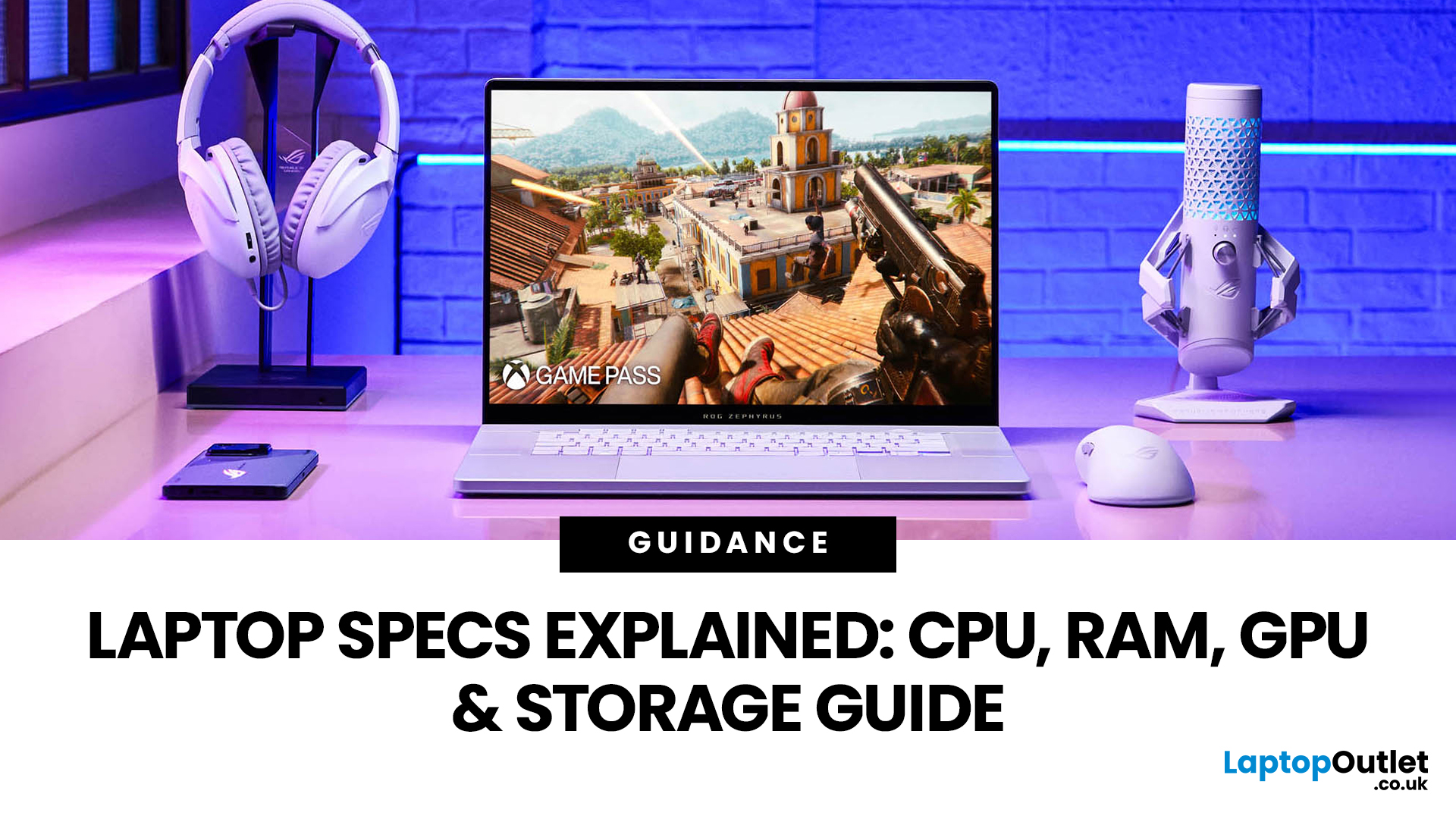
For most buyers in 2026, the best laptop specs are a modern Intel Core Ultra 5/7 or AMD Ryzen AI 5/7 processor, 16GB RAM, 512GB SSD storage, and integrated graphics. Choose 32GB RAM, 1TB storage, and a dedicated GPU if you edit videos, create content, play demanding games, or use professional software.
Buying a new laptop in 2026 can feel confusing, especially when every product page is packed with technical words, numbers, and abbreviations. This processors & specs explained guide breaks everything down in plain English so you can understand what matters before you spend your money.
For most buyers, the four most important laptop components are the CPU, RAM, GPU, and storage. Once you understand these, it becomes much easier to compare models, avoid overspending, and choose a laptop that actually suits your daily needs.
What are Laptop Specs and Why Do They Matter?
Understanding laptop specifications becomes important. Specs affect:
- How fast your laptop feels when opening apps.
- How many
Last Updated: July 09, 2026
Choosing a laptop CPU should not feel like decoding a boss fight.
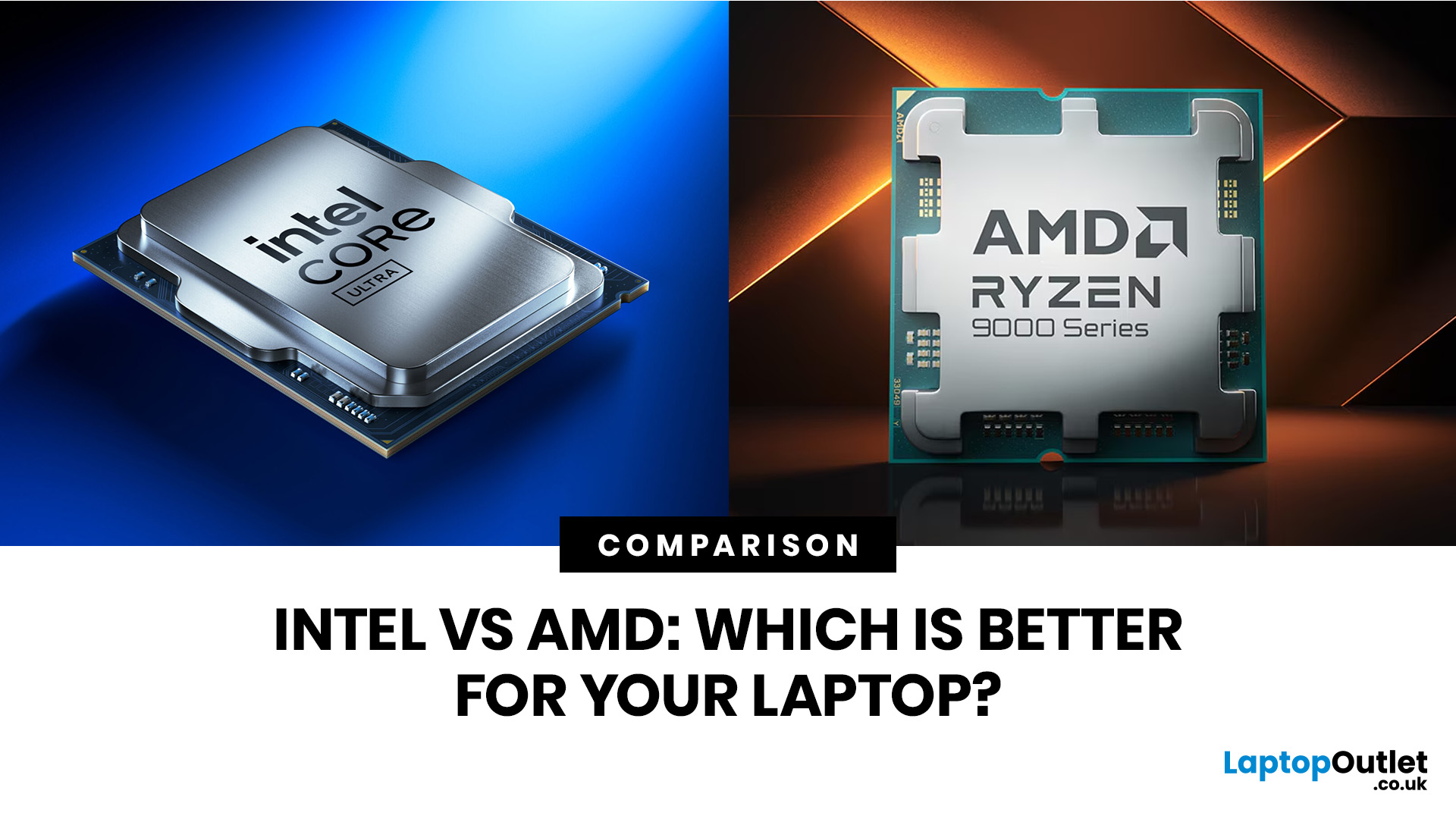
You open five tabs, see terms like Core Ultra, Ryzen AI, Core i7, Ryzen 7, NPU TOPS, HX, U-series, integrated graphics, and suddenly the simple question - AMD or Intel for laptop? - becomes way more stressful than it should be.
This guide breaks down the Intel vs AMD laptop 2026 debate in plain English. You will learn how AMD Ryzen vs Intel laptop performance compares, which processor types in laptops actually matter, when Intel is the smarter buy, when Ryzen gives better value, and which in-stock Laptop Outlet models are
Last Updated: June 30, 2026
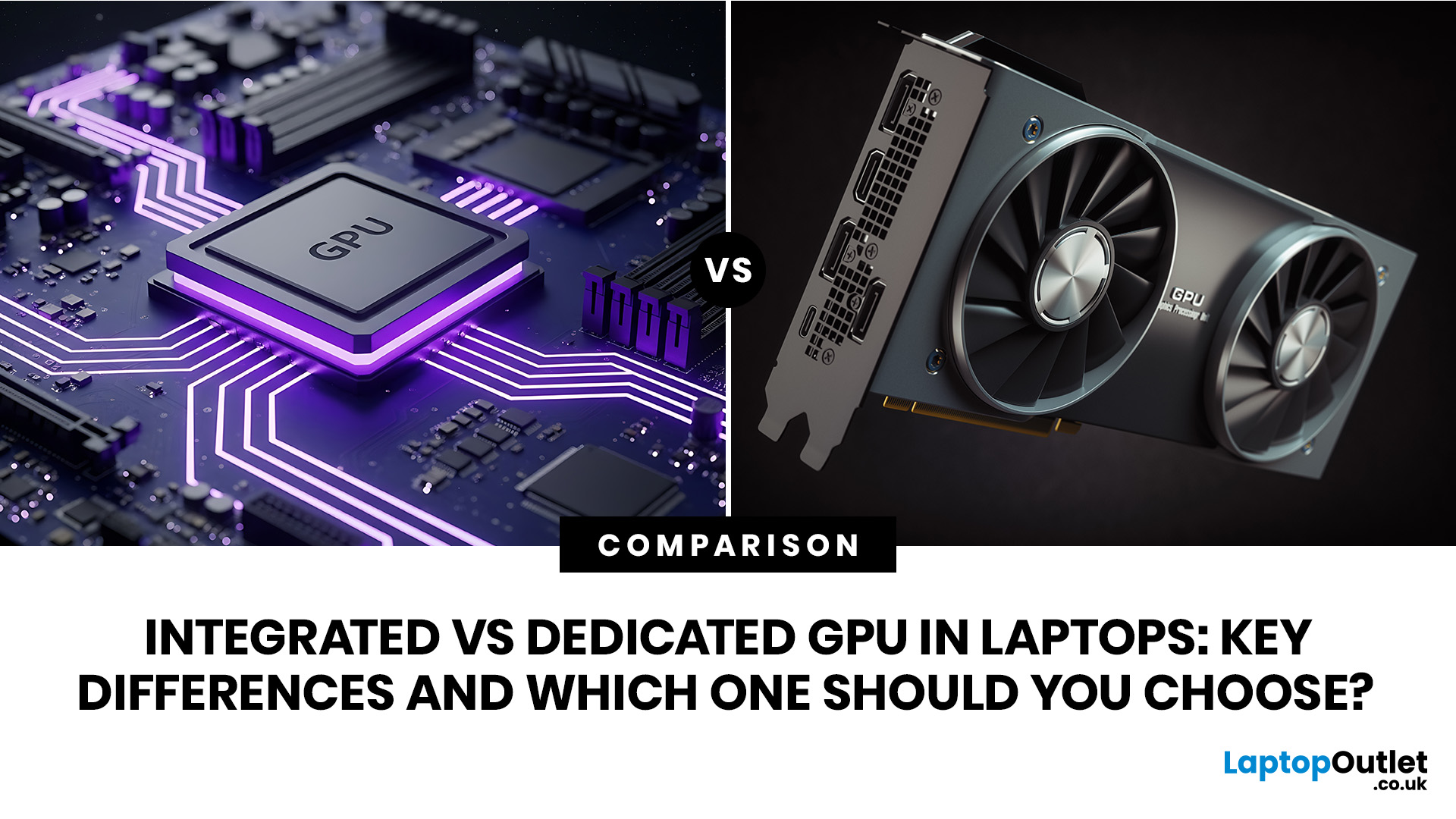
An integrated vs dedicated GPU laptop decision comes down to one simple question: do you need strong graphics performance every day, or do you mostly need a cooler, lighter, longer-lasting laptop for normal work?
For everyday browsing, office work, video calls, streaming, study and light photo editing, integrated graphics are usually enough. For serious gaming, 3D work, video editing, CAD, AI workloads or high-refresh creative work, a laptop with dedicated graphics card hardware is usually the better option.
Quick answer: Integrated vs dedicated GPU explained
Integrated graphics are built into the processor sharing, system memory. They are efficient, affordable and good for everyday laptop use.
A dedicated GPU is a separate graphics processor with its
Last Updated: June 24, 2026
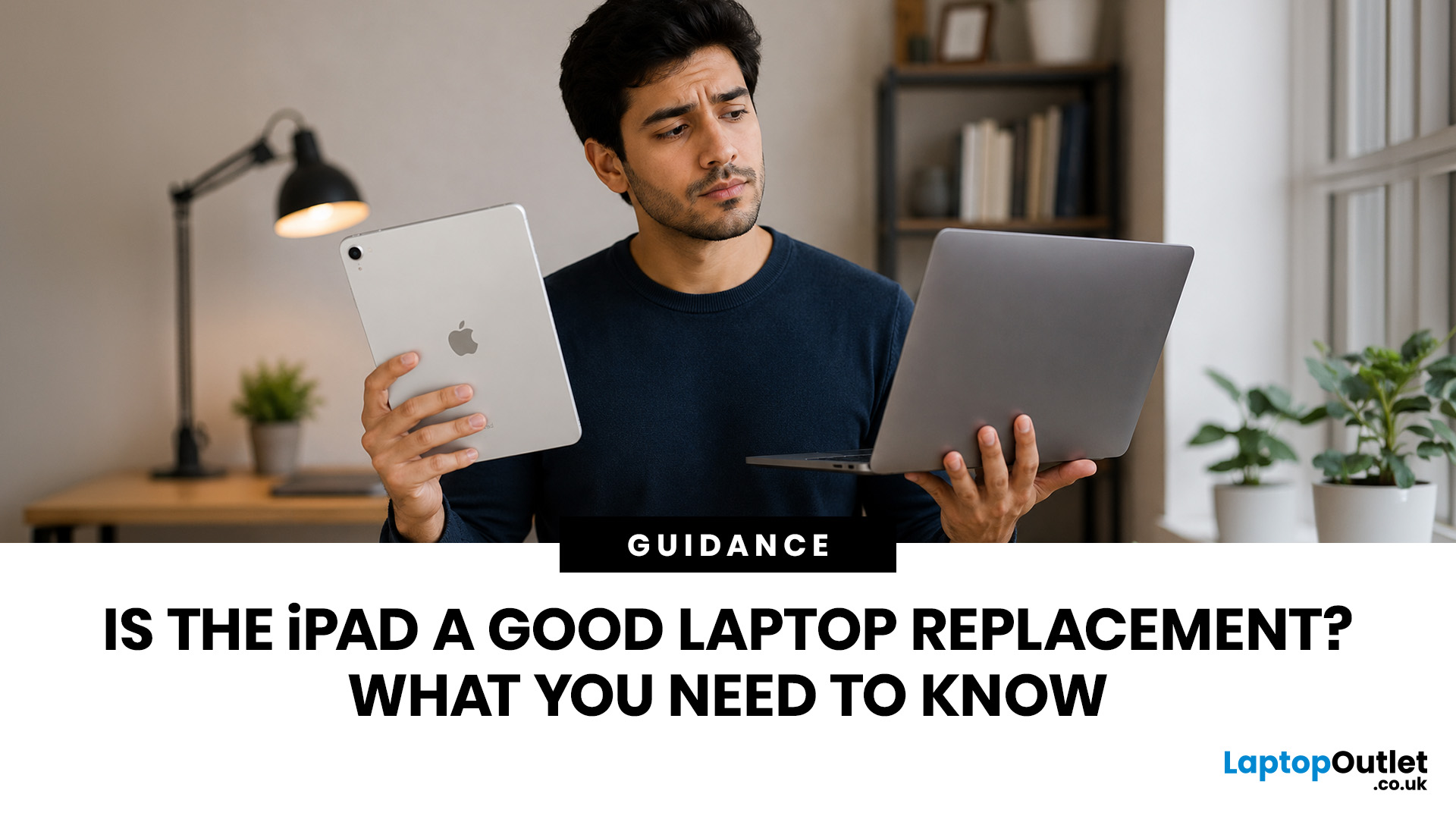
Yes, an iPad can replace a laptop for browsing, emails, documents, video calls, note-taking, and other everyday tasks, especially with a keyboard and accessories. However, laptops remain better for desktop software, coding, advanced spreadsheets and demanding professional workflows. For many users, an iPad is a laptop alternative.
The iPad has evolved from a simple entertainment device into a powerful tool for work, study, and creativity. With support for keyboards, Apple Pencil, multitasking features, and productivity apps, many people now consider it a genuine alternative to a traditional laptop. Whether you are a student, remote worker, creative professional, or frequent traveller, an iPad may be able to handle most of your daily tasks. However, it is not the right choice for everyone. This guide explores the benefits, limitations, and key considerations to help you decide if an iPad can truly replace your laptop.
iPad Laptop Replacement Short Comparison
| TASK | CAN AN IPAD REPLACE A LAPTOP? |
|---|
Last Updated: September 03, 2026
Buying an HP gaming laptop in 2026 can feel like being asked to pick between “save money now” and “avoid regret later.”
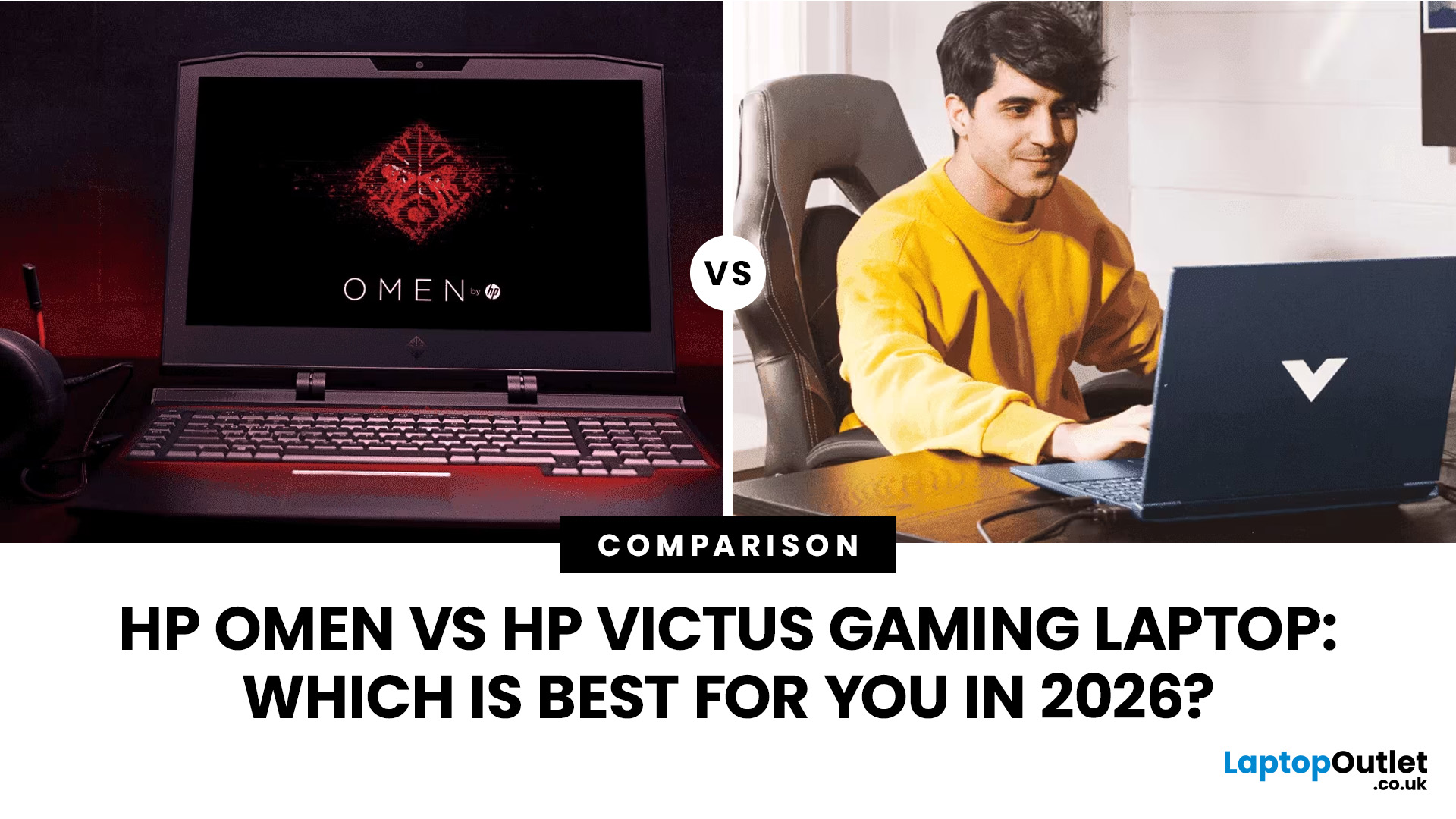
Choose HP Victus if you want the best price-to-performance balance for esports, coursework, everyday use, and casual AAA gaming. Choose HP OMEN if you want higher frame rates, better display quality, stronger cooling, and a laptop that feels ready for heavier games over the next few years.
The HP Victus gaming laptop is the value pick: more affordable, more student-friendly, and solid for 1080p gaming. The HP OMEN gaming laptop is the performance pick: stronger cooling, better displays, higher-end GPUs, and more headroom for AAA games, streaming, and long-term use.
So, which one should you actually buy?
HP OMEN vs HP Victus: The Simple Difference
HP uses Victus and OMEN for different types of gamers.
The HP Victus gaming laptop is built for mainstream buyers who want a proper gaming laptop without paying premium money. It usually targets 1080p gaming, 144Hz displays, and
Last Updated: September 03, 2026
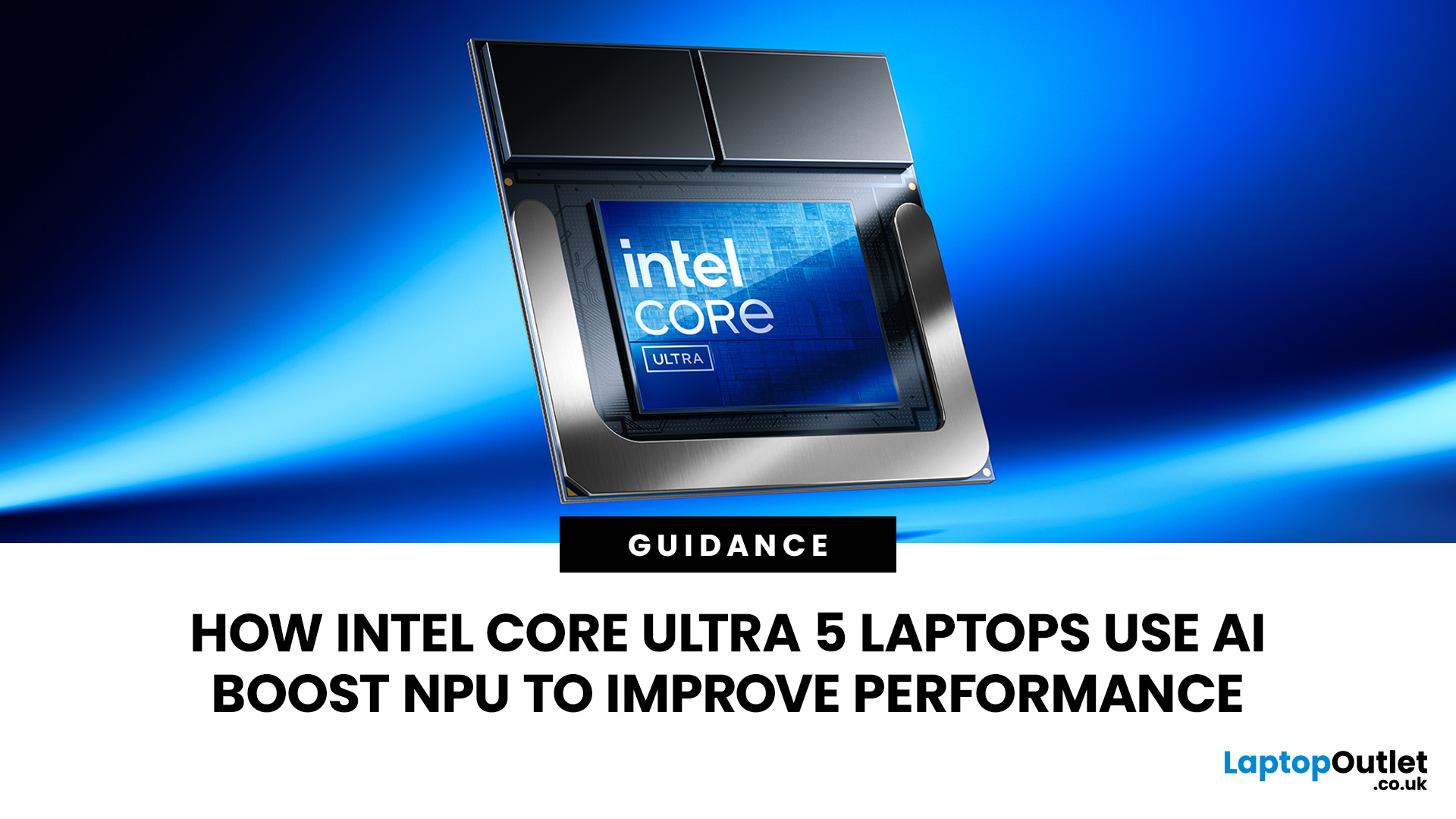
AI is no longer limited to the cloud or research labs. It’s now built into everyday laptops, powering features like clearer video calls, live captions, and smarter editing tools. At the heart of this is the intel core ultra 5 NPU, a dedicated AI engine within the processor that handles machine-learning tasks efficiently. An intel core ultra 5 processor combines CPU, GPU, and NPU, allowing each task to run on the most suitable hardware. This setup improves multitasking and efficiency, though benefits depend on software support and the specific processor model.
What is Intel AI Boost NPU in Core Ultra 5 Laptops?
Intel AI Boost is the name Intel uses for the neural processing hardware integrated into supported Core Ultra processors. It is designed to process AI inference workloads efficiently, particularly tasks that run continuously or repeatedly in the background.
The AI boost NPU complements the CPU and GPU rather than replacing them. It becomes a low-power engine for longer-running AI
Last Updated: September 08, 2026
Two laptops can both say AMD Ryzen 5 on the specification sheet and still be built for very different jobs. One may prioritise battery efficiency and portability, while another is designed to sustain more performance for gaming, coding or creative work.
That is why choosing an AMD Ryzen 5 laptop in 2026 means looking beyond the tier name. AMD currently spans several mobile naming families, from Ryzen 7000 and 8000 to newer Ryzen 100, Ryzen 200 and Ryzen AI ranges. The exact processor, power class, memory, graphics, storage and laptop design all influence the experience.
This guide explains how to read those specifications, avoid misleading shortcuts and match the complete configuration to the way you actually use your laptop.
Quick Answer: How to Choose a Ryzen 5 Laptop
For most buyers, the right Ryzen 5 laptop is the one with a balanced specification rather than simply the largest processor number. Start with your main workload, then check the full CPU name, RAM, storage, graphics, display

Last Updated: July 21, 2026
Using your laptop in public is normal now. Cafés, trains, airports, libraries, lecture halls, shared offices, the laptop comes everywhere. But if the person sitting next to you can casually read your emails, bank details, work chats or assignments, that is not exactly ideal.
That is where privacy screen protectors laptops come in. Whether you are a student, business user, commuter or hybrid worker, this guide explains how privacy screens work, their benefits, disadvantages, types and whether they are actually worth buying.
How Does a Privacy Screen Protector Work?
Most laptop privacy screens use tiny vertical filter layers, often called micro-louvres. These work a bit like blinds. When you look at the laptop straight on, you can see the display clearly. When someone looks from the side, the filter blocks the view.
This is also how laptops and notebooks privacy screens work in everyday spaces. If you are working on a train, someone sitting beside you should find it much harder to read your

