



Best OLED Gaming Monitors to Buy in 2026

Gaming has changed forever. If you are still using an old LCD screen, you are missing out on the best visuals possible. In 2026, the best OLED gaming monitors have become the gold standard for every serious player. Whether you want a competitive edge in shooters or deep immersion in RPGs, OLED is the answer.
But why is everyone switching? It comes down to speed and colour. OLED panels offer near-instant response times. They also provide "true blacks" that no other screen can match. In this guide, we will look at the top OLED gaming screens available. We will also explain what to look for so you can find the perfect match for your PC or console.
1. AOC Gaming Q27G41ZDF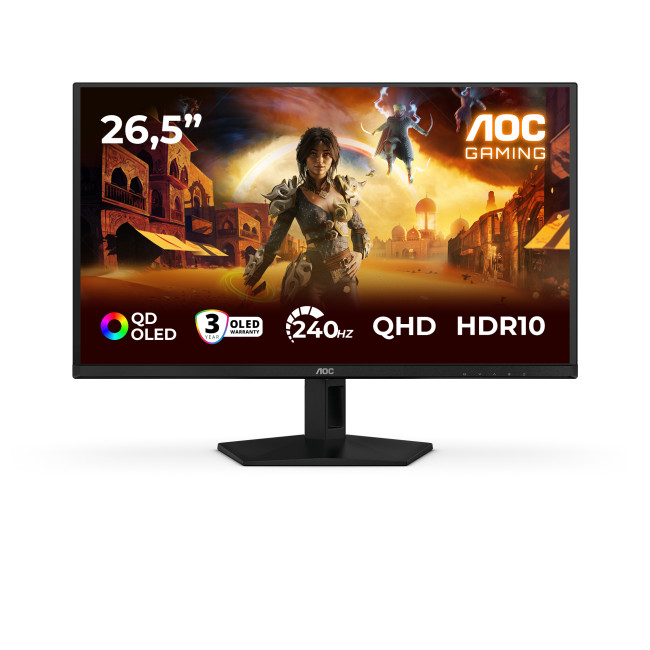
Key Specifications:
- Screen Size: 26.5-inch
- Panel Type: QD OLED
- Resolution: 2560 x 1440 (QHD)
- Refresh Rate: 240Hz
- Response Time: 0.03ms
- Aspect Ratio: 16:9
- Screen Shape: Flat
- Sync Technology: G-SYNC Compatible, Adaptive Sync
- Low Blue Light Technology: Yes
- HDR Standards: HDR10
- VESA Mounting: Yes
- Connectivity: HDMI, DisplayPort
- Weight: 4.95 kg
The AOC Q27G41ZDF is a frontrunner for the best 27-inch OLED monitor this year. By combining the speed of a 240Hz OLED gaming monitor with the vibrancy of Quantum Dot tech, it creates a stunningly sharp image. The 0.03ms response time is the gold standard for 2026, ensuring that motion blur is a thing of the past.
For gamers, this means absolute precision in titles like Valorant or Counter-Strike 2. The G-SYNC compatibility ensures that even if your frame rate dips, the image stays tear-free. The 10-bit colour depth and high Adobe RGB coverage make this a dual-threat for gamers who also dabble in content creation. It is a compact powerhouse that fits perfectly on most desks.
This monitor is also highly versatile for console users. While it is a PC-first screen, it handles modern gaming consoles with ease. It provides the low input lag and high refresh rates needed for competitive play on PS5 or Xbox Series X. If you want elite performance without the "luxury tax" of some other brands, this is your best bet.
2. Philips Evnia 27M2N8500/00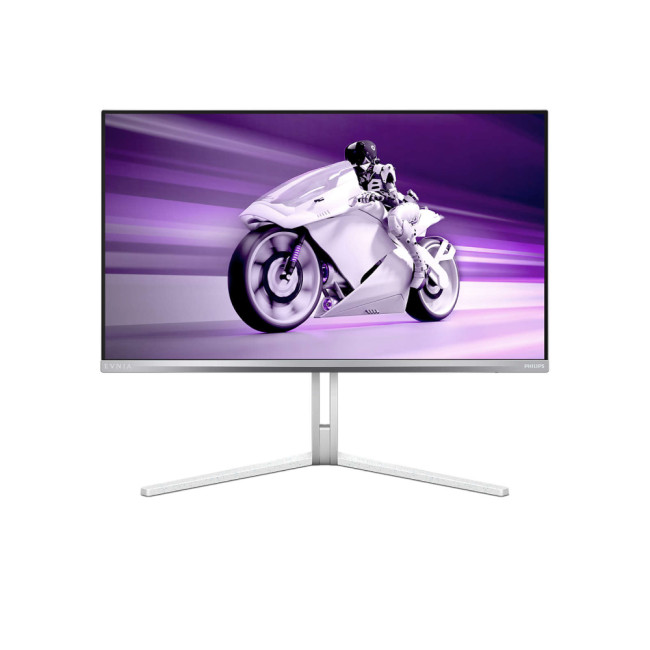
Key Specifications:
- Screen Size: 27-inch
- Panel Type: QD-OLED
- Resolution: 2560 x 1440 (QHD)
- Refresh Rate: 360Hz
- Response Time: 0.03ms
- Aspect Ratio: 16:9
- Screen Shape: Flat
- HDR Standards: DisplayHDR True Black 400 certified
- Adaptive Sync: AMD FreeSync Premium Pro, NVIDIA G-SYNC Compatible
- Low Blue Light Technology: Yes
- Flicker-Free Technology: Yes
- Connectivity: 2x HDMI 2.0 | DisplayPort | USB
- Weight: 7.35 kg
If you think 240Hz is fast, the Philips Evnia 27M2N8500 will blow you away. This OLED gaming monitor 240Hz plus variant pushes the limits to 360Hz. It provides a level of fluid motion that traditional monitors simply cannot match. Every frame is rendered with absolute precision.
Gamers will love the FreeSync Premium Pro integration. It prevents screen tearing even when using HDR. The 0.03ms response time ensures zero ghosting in fast-paced games like Valorant. With a 1440p resolution on a 27-inch screen, the pixel density is excellent. This keeps everything from text to textures looking crisp and realistic.
This monitor is a dream for console gaming as well. With HDMI, it fully supports 120Hz and Variable Refresh Rate (VRR) on modern consoles.
It also features Ambiglow lighting, which projects colours onto the wall behind. This makes your games feel much more immersive. It is a top-tier HDR OLED monitor for PC users who want their games to look cinematic yet feel incredibly snappy.
3. AOC AGON PRO AG326UD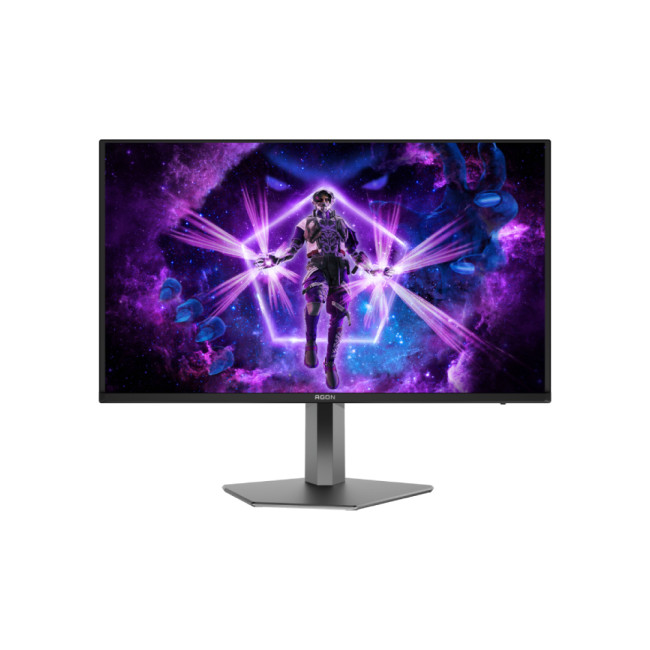
Key Specifications:
- Screen Size: 31.5-inch
- Panel Type: QD-OLED
- Resolution: 3840 x 2160 (4K UHD)
- Refresh Rate: 165Hz
- Response Time: 0.03ms
- Aspect Ratio: 16:9
- Screen Shape: Flat
- HDR: VESA DisplayHDR True Black 400
- Adaptive Sync: Yes
- Low Blue Light Technology: Yes
- Flicker-Free Technology: Yes
- Connectivity: 2x HDMI 2.1 | DisplayPort 1.4 | 3x USB-A | USB-B | Headphone Out
- Built-in Speakers: Yes (2 x 8W)
- Weight: 10.23 kg
The AOC AGON PRO AG326UD is built for gamers who want 4K clarity without giving up the speed that makes OLED so appealing. Its 31.5-inch QD-OLED panel delivers rich colour, deep blacks and razor-sharp detail, making everything from competitive shooters to cinematic open-world games look impressive. The flat 16:9 format also makes it easy to use across both PC and console setups.
A 165Hz refresh rate and 0.03ms response time keep fast movement crisp and responsive. Adaptive Sync helps reduce tearing during demanding scenes, while DisplayHDR True Black 400 adds extra depth to darker environments. The combination works especially well in games where contrast and fine detail matter as much as frame rate.
Connectivity is another strong point. Two HDMI 2.1 ports, DisplayPort 1.4 and a built-in USB hub give you plenty of flexibility for multiple devices. The height-adjustable stand and 2 x 8W speakers round out a premium setup that feels equally suited to serious gaming and everyday use.
4. Philips Evnia 34M2C6500/00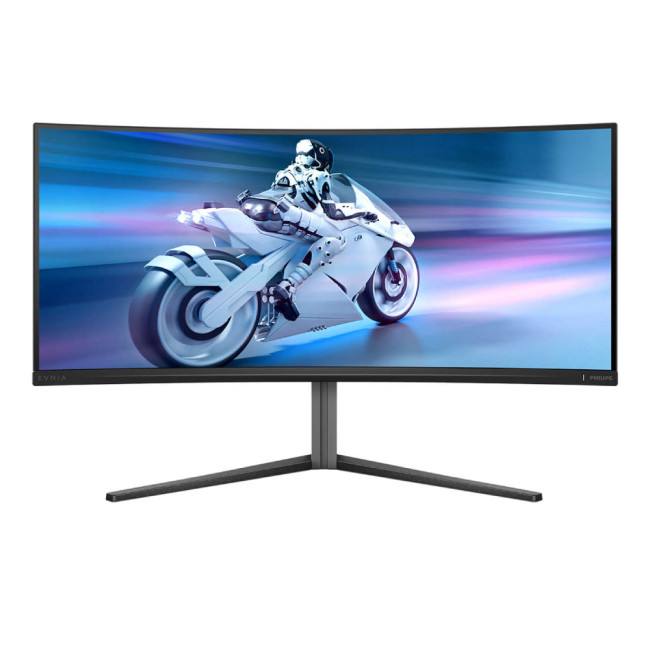
Key Specifications:
- Screen Size: 34-inch
- Panel Type: QD-OLED
- Resolution: 3440 x 1440 (UWQHD)
- Refresh Rate: 175Hz
- Response Time: 0.03ms (GtG)
- Aspect Ratio: 21:9
- Curvature: Curved (1800R)
- HDR: DisplayHDR True Black 400 Certified.
- Sync Tech: AMD FreeSync Premium Pro
- Low Blue Light Technology: Yes
- Flicker-Free Technology: Yes
- Connectivity: 2x HDMI 2.0 | DisplayPort | USB
- Weight: 7.72 kg
The Philips Evnia 34M2C6500 is a top-tier ultrawide OLED gaming monitor. The 21:9 aspect ratio expands your field of view. This is a massive advantage in racing simulators or open-world games. The 1800R curve wraps the action around your eyes. This reduces strain and makes the virtual world feel much more "real" and tangible.
The QD-OLED panel ensures that colours pop with life. Its 175Hz refresh rate is perfect for smooth gameplay in atmospheric adventures like Elden Ring. It features a 0.03ms response time for instant pixel transitions. Adaptive-Sync technology is included to stop screen tearing. This keeps your immersion unbroken during fast camera movements.
Connectivity is modern and efficient with HDMI and DisplayPort. While consoles don't natively support ultrawide, you can still play in 16:9 mode with perfect OLED blacks. It also includes OLED protection features such as pixel orbiting to help reduce the risk of image retention during extended gaming sessions.
5. LG UltraGear 39GX950B evo GX9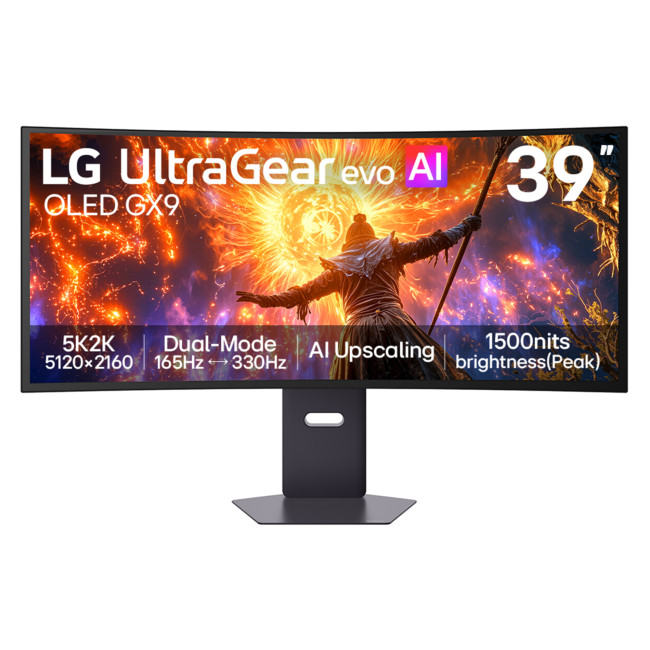
Key Specifications:
- Screen Size: 38.86-inch
- Panel Type: OLED
- Resolution: 5120 x 2160 (5K2K)
- Refresh Rate: 165Hz
- Response Time: 0.03ms
- Aspect Ratio: 21:9
- Curvature: Curved (1500R)
- Dual Mode: 5K2K at 165Hz | WFHD at 330Hz
- HDR: VESA DisplayHDR True Black 500
- Sync Tech: NVIDIA G-SYNC Compatible | AMD FreeSync Premium Pro
- Connectivity: 2x HDMI 2.1 | DisplayPort 2.1 | USB-C with 90W Power Delivery | 2x USB-A | Headphone Out
- Built-in Speakers: Yes (2 x 7W)
- Height Adjustable: Yes
- VESA Mounting: Yes
- Weight: 10.7 kg
The LG UltraGear 39GX950B is made for gamers who want a wider, more cinematic view without sacrificing OLED speed. Its 38.86-inch 21:9 screen uses a 5120 x 2160 resolution, giving you far more horizontal space than a standard 16:9 display while keeping fine details sharp. The 1500R curve pulls the edges of the screen closer, which works especially well in racing games, flight simulators and expansive open-world titles.
Performance is just as strong. At its full 5K2K resolution, the monitor runs at 165Hz with a rapid 0.03ms response time. Dual Mode can switch to WFHD at 330Hz when you want extra speed for competitive titles. NVIDIA G-SYNC compatibility and AMD FreeSync Premium Pro help reduce tearing and stuttering, while the OLED panel delivers deep blacks and vivid colour. VESA DisplayHDR True Black 500 adds extra depth to supported games.
Its connectivity also suits a high-end setup. DisplayPort 2.1, two HDMI ports and USB-C with 90W Power Delivery make it easy to connect several devices, while the built-in speakers and height-adjustable stand add useful everyday flexibility for gaming, media and productivity.
6. MSI MPG 491CQP QD-OLED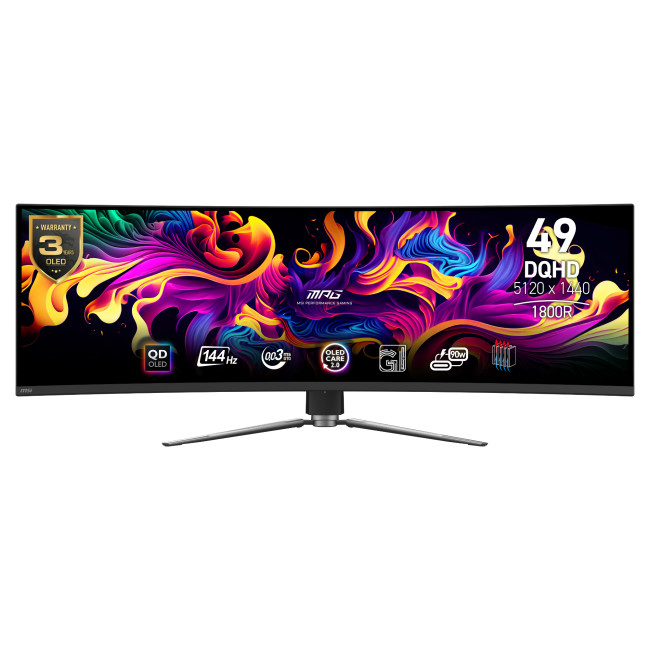
Key Specifications:
- Screen Size: 49-inch
- Panel Type: QD-OLED
- Resolution: 5120 x 1440 (DQHD)
- Refresh Rate: 144Hz
- Response Time: 0.03ms (GtG)
- Aspect Ratio: 32:9
- Screen Shape: Curved
- Curvature: Curved (1800R)
- HDR: DisplayHDR True Black 400
- Sync Tech: Adaptive-Sync, FreeSync
- Connectivity: 2x HDMI 2.1 | DisplayPort | USB | USB-C
- Weight: 10.3 kg
The MSI MPG 491CQP is a literal game-changer. It is the equivalent of two 27-inch monitors side-by-side but without the gap in the middle. This ultrawide OLED gaming monitor offers a 32:9 aspect ratio. It is perfect for flight simulators and massive RPGs. The 1800R curve makes the massive screen feel easy to view.
The 144Hz refresh rate and 0.03ms response time make for a buttery-smooth experience. It uses next-gen QD-OLED panel tech for amazing colour conversion. Adaptive-Sync support keeps your frames in sync regardless of the action. Despite its size, it stays cool thanks to a graphene film and custom heatsink.
For console gamers, its HDMI 2.1 ports support 120Hz, VRR and ALLM on compatible consoles. MSI OLED Care 2.0 helps reduce the risk of image retention and burn-in during long-term use. USB-C with up to 90W Power Delivery can also charge compatible laptops and other devices. It is a strong choice for an immersive "command centre" setup.
Key Features to Look for in 2026
When looking for the best OLED gaming monitors, you should check for specific features. These ensure your monitor lasts a long time and works with your hardware.
OLED vs IPS for Gaming
In the battle of OLED vs IPS for gaming, OLED is the winner for visual quality. IPS panels are great, but they cannot achieve true black. They often look grey in dark rooms. OLED solves this. However, IPS is still a good choice if you work in a very bright room with lots of windows.
VRR: G-SYNC and FreeSync
A G-SYNC compatible OLED or a FreeSync Premium OLED is vital. These technologies sync the monitor's refresh rate to your GPU’s frame rate. This prevents screen tearing. Most modern OLEDs support both, but always double-check.
OLED Burn-in Protection
Modern screens have many layers of OLED burn-in protection. Look for features like "Pixel Shift" or "Logo Detection." These slightly move the image to prevent static icons from leaving a permanent mark. Manufacturers now offer long warranties to cover this.
Console Compatibility
If you want the best OLED monitors for PS5/Xbox, look for HDMI 2.1 ports. This allows for 4K at 120Hz. It also supports Auto Low Latency Mode (ALLM). This ensures your TV or monitor switches to the fastest settings as soon as you start a game.
Finding the Best OLED Gaming Monitor UK Deals
Prices for OLED technology are more competitive than ever. When searching for OLED gaming monitor UK deals, it is important to look at more than just the sticker price. Consider the warranty, especially regarding burn-in coverage.
At Laptop Outlet, we often have promotions on the best OLED gaming monitors from AOC, Philips, Acer, LG, ASUS, ViewSonic, HP, MSI, and more. As a reputable UK retailer, we ensure you get local support and fast shipping, which is vital for fragile high-end tech.
Ready to upgrade your setup? Explore the full range of affordable gaming monitors today.

Finding Your Perfect Match
Choosing the best OLED gaming monitor in 2026 depends on your primary genre. If you play Apex Legends or Warzone, the 27-inch 240Hz or 360Hz models are your best bet. If you prefer exploring the stars in Starfield or driving through the UK in Forza, the 34-inch, 39-inch and 49-inch ultrawides provide unmatched immersion.
OLED technology is no longer a niche luxury; it is the new standard for anyone serious about visual quality and performance. By choosing one of the models listed above, you are securing a display that will remain at the cutting edge for years to come.

Things You Might Want to Know…
Are OLED monitors good for long gaming sessions?
Yes, they offer excellent eye comfort and low blue light. Modern models include advanced cooling and pixel-cleaning features to ensure long-term reliability.
What GPU do I need for a 4K OLED gaming monitor?
For 4K OLED gaming, you need a powerful GPU if you want high settings and smooth frame rates. Current options such as the GeForce RTX 5070 Ti/5080 or Radeon RX 9070 XT are well suited to demanding 4K gaming, with technologies such as DLSS or FSR helping improve performance.
Is an OLED monitor better than IPS for gaming?
Yes. OLED offers much faster response times and infinite contrast. Unlike IPS, OLED has no backlight glow, making dark games look much better.
Can I use an OLED monitor with a PS5 or Xbox?
Absolutely. Many models feature HDMI 2.1, which supports 120Hz gaming and VRR. This makes them perfect for the latest gaming consoles.
Are there affordable OLED gaming monitors available?
While OLED is a premium technology, prices are falling. You can find great deals on 27-inch models that offer elite performance for a fair price.
Can I spread out the cost of my monitor?
Yes, with Laptop Outlet: PayPal Pay in 3 lets you split your purchase into three interest-free payments, while PayPal Credit offers up to 24 months of 0% interest on qualifying purchases. We also offer several flexible Klarna payment methods at checkout including, Pay Now, Pay in 30 Days, Pay in 3 instalments, or Finance over 6–36 months.
| Read More: |
| Dual Mode vs Standard Gaming Monitors: Which One Should You Choose? |
| he 5 Best Philips Evnia Monitors for Gamers in 2026 |
| Best Budget-Friendly 4K Monitors for Xbox Series X |
Related Articles

Last Updated: May 23, 2025
Gaming monitors have become increasingly popular in recent years due to advancements in technology and increased demand for competitive or high-end gaming performance. In the current era of fast paced gaming, it is essential for gamers to have the right equipment to make their gaming experience as enjoyable as possible. Different monitors offer different features and specs to enhance game play and can have a big impact on the quality of game play.
Are you looking for the best gaming monitor to enjoy seamless and hypnotic gaming sessions? Look no further! This article will provide an overview of the benefits and features of gaming monitors. Moreover, you will get to know why you should opt for the best gaming monitor if you are a gaming enthusiast. We will discuss the features and specs that make a gaming monitor stand out and provide the best gaming experience. We will also look at some of the best options on the market to help you make an informed decision. So, if you are looking for the
Last Updated: September 29, 2026
Last Updated: June 17, 2026
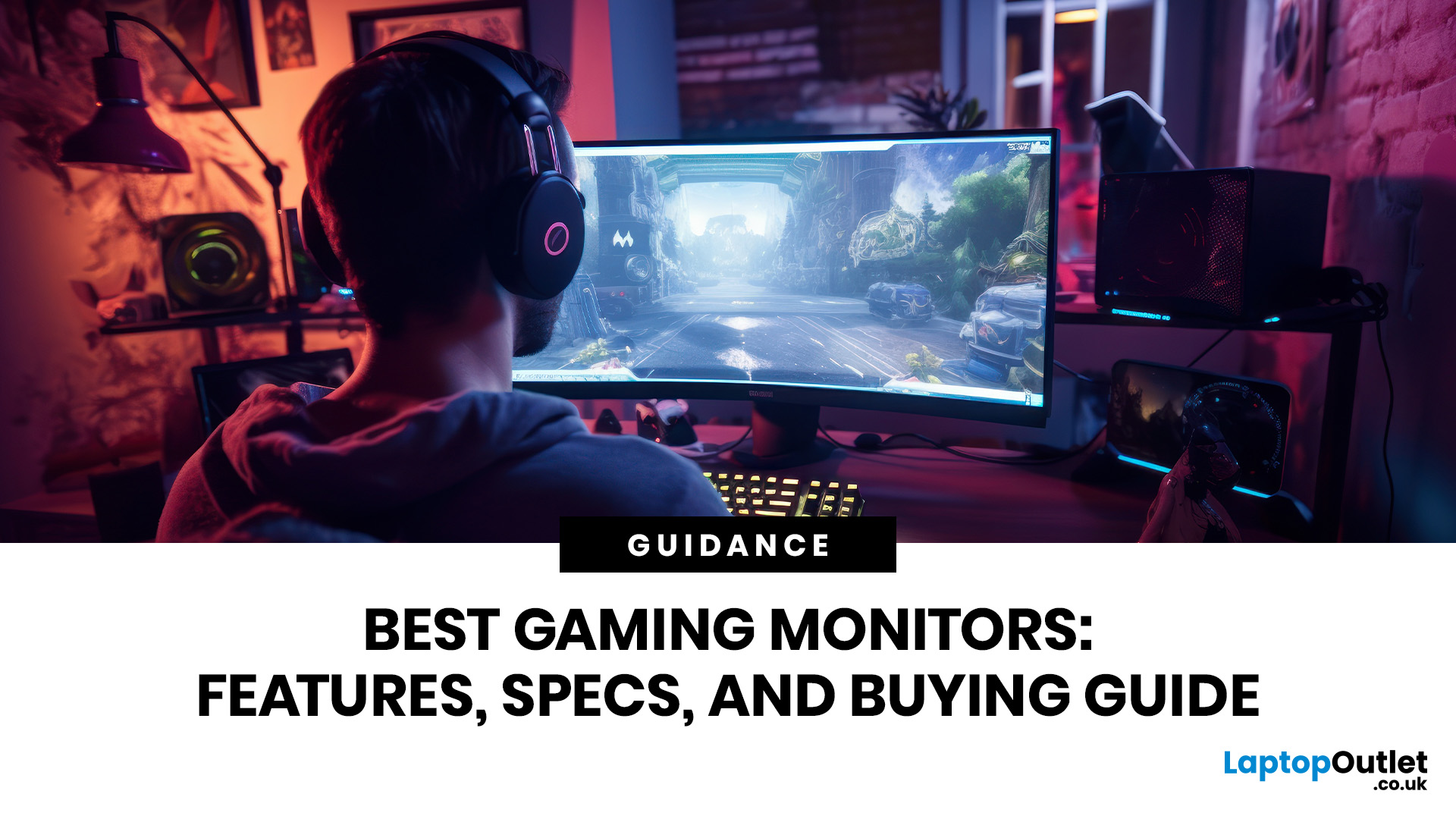
Gaming monitors enhance your setup with sharper visuals, faster response times, smoother motion, and richer detail for every genre. From PC gaming display screens to 4K monitors for gaming, the right screen helps you play comfortably, react quickly, and enjoy immersive performance whether you game casually or compete seriously online.
In 2026, the gaming monitor market has matured into something remarkable, OLED panels have gone mainstream, refresh rates have hit 480Hz on consumer hardware, AI-assisted rendering has changed how we think about resolution, and next-generation connectivity standards are finally living up to their promise.
Whether you are chasing frags in Counter-Strike 2 or Valorant, grinding through the sprawling open world of GTA VI, experiencing the photorealistic environments of Monster Hunter Wilds, or building your way through this year's AAA lineup, the display you choose will fundamentally shape that experience. It affects how smooth motion appears, how accurately
Last Updated: September 02, 2026
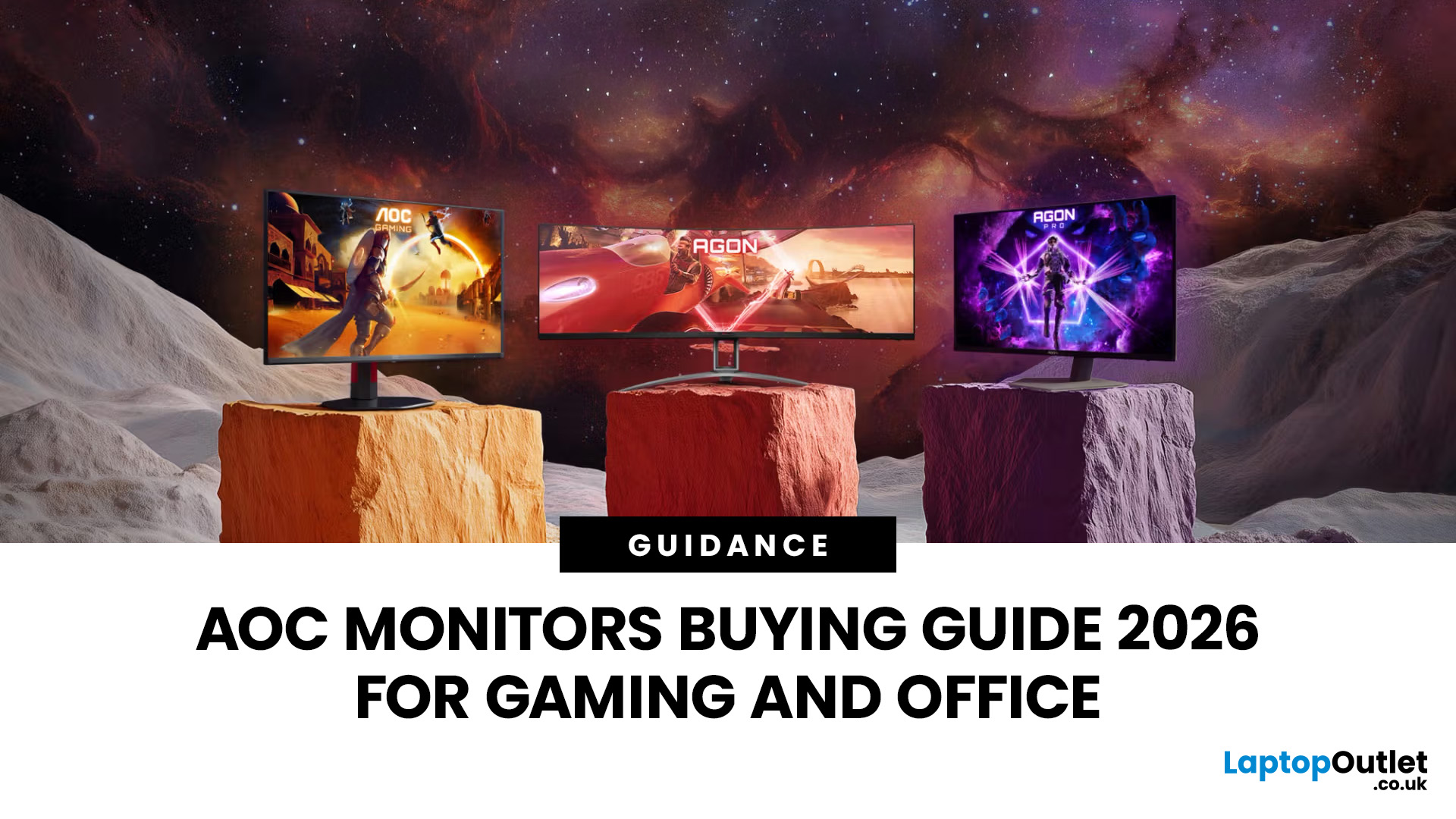
Choosing the right monitor can completely change the way you play, work, or create in 2026. Whether you’re looking for razor-sharp visuals for competitive gaming or a clear, comfortable screen for long workdays, AOC monitors for office and gaming stand out as one of the most versatile options on the UK market. Known for balancing affordability with high-end performance, AOC has become a go-to brand for gamers, students, and professionals alike.
From lightning-fast AOC gaming monitors to ergonomically designed AOC office monitors, the range is packed with options for every need and budget. Whether you want a sleek widescreen display, a powerful 4K setup, or a cost-friendly Full HD panel, there’s an AOC model for you.
Ready to level up? Let’s explore the best AOC monitors in 2026 and find the one that matches your setup.
Why Choose AOC Monitors in 2026?
- Affordable performance: Great value, even for budget AOC monitors.
- Gaming-first design: Fast refresh rates and ultra-low response times.
Last Updated: September 24, 2026
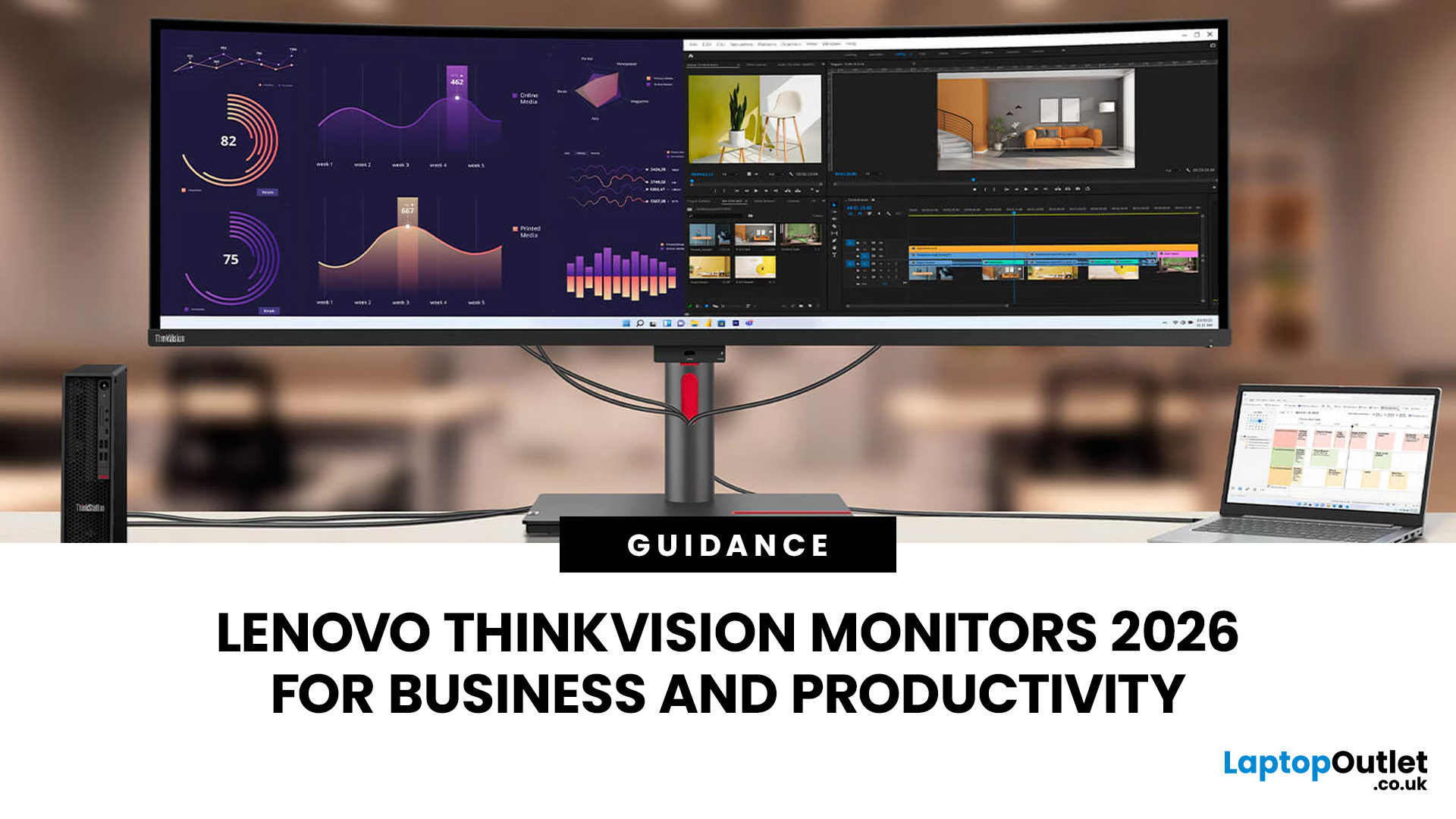
Productivity at work can be significantly improved with the right display, especially when handling spreadsheets, switching between multiple applications, attending video meetings or working with detailed visual content. Lenovo ThinkVision monitors are designed for business environments, offering a range of QHD and 4K resolutions, USB-C connectivity, conferencing tools and ergonomic flexibility.
Different users have different needs, from balanced 27-inch QHD setups for everyday office tasks to USB-C docking for hybrid working and 4K panels for colour-critical or detail-focused work. Lenovo also advises evaluating resolution, refresh rate, panel type and connectivity rather than screen size alone. This guide compares the best Lenovo ThinkVision monitors available from Laptop Outlet for business use.
Best Lenovo ThinkVision Monitors for Business: Quick Comparison
| Model | Best for | Size | Resolution | Refresh rate | USB-C | Key feature | View price |
| Lenovo ThinkVision P27Q-40 | All-round office work and multitasking |
Last Updated: June 10, 2026
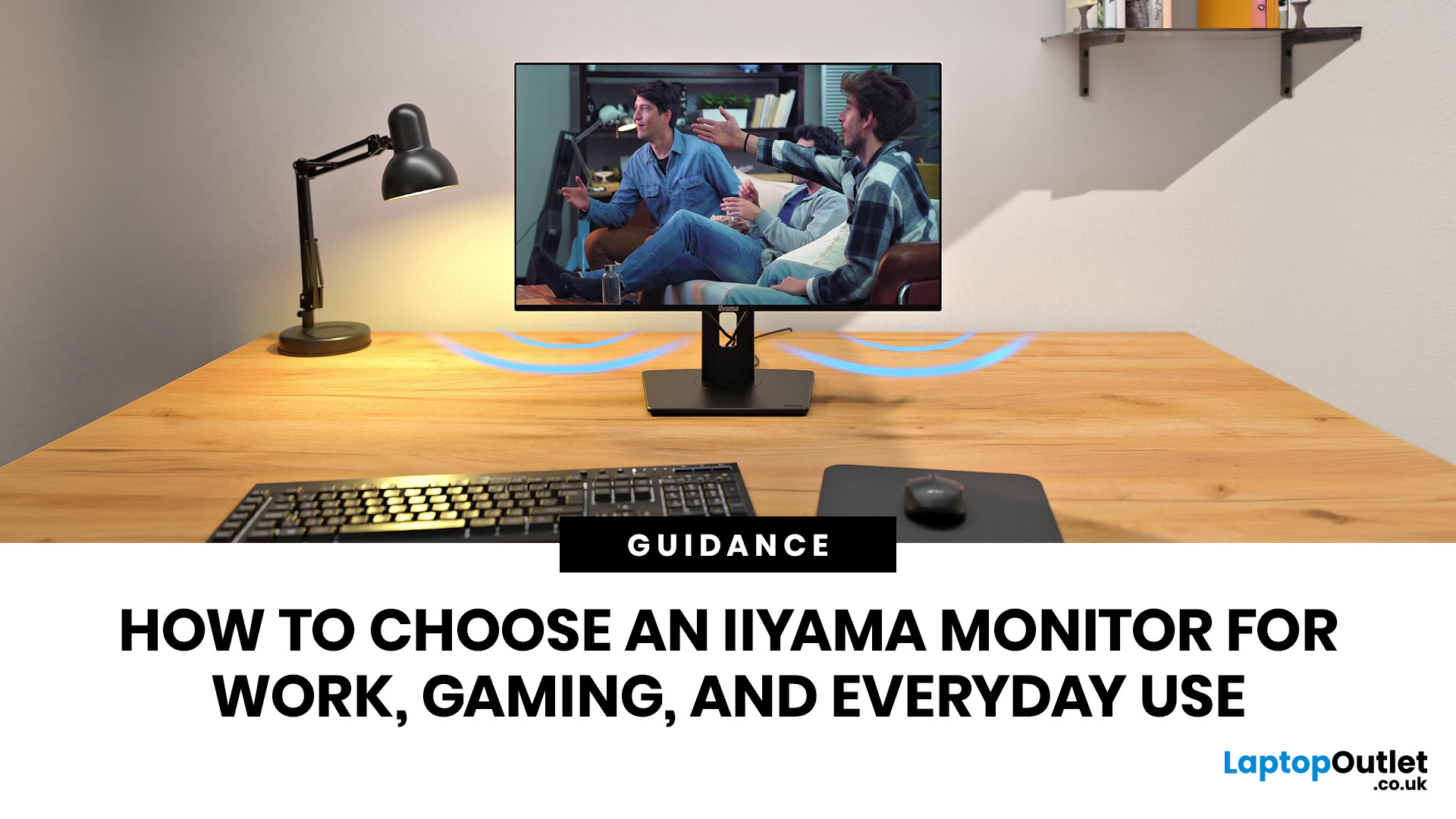
Choosing an iiyama monitor starts with one question: what will you use the screen for most often?
If you mainly work, look for comfort, clear text, useful ports and ergonomic adjustment. If you mainly game, focus on refresh rate, response time and smooth motion. If you need one screen for everyday use, choose a balanced monitor that fits your desk, your device and your daily routine.
This iiyama monitor selection guide explains the main iiyama monitor types, features and specifications, so you can choose the right screen for work, gaming, study, browsing or mixed use.
Quick answer: Which iiyama monitor should you choose?
- Choose an iiyama ProLite monitor if your main use is work, study, business productivity or hybrid working.
- Choose an iiyama G-Master monitor if your main use is gaming, esports or fast-moving entertainment.
- Choose a balanced iiyama monitor if you use the same screen for work, streaming, browsing and occasional gaming.
Here is the simple way to think about it:
| YOU MAIN USE |
|---|
Last Updated: August 28, 2026
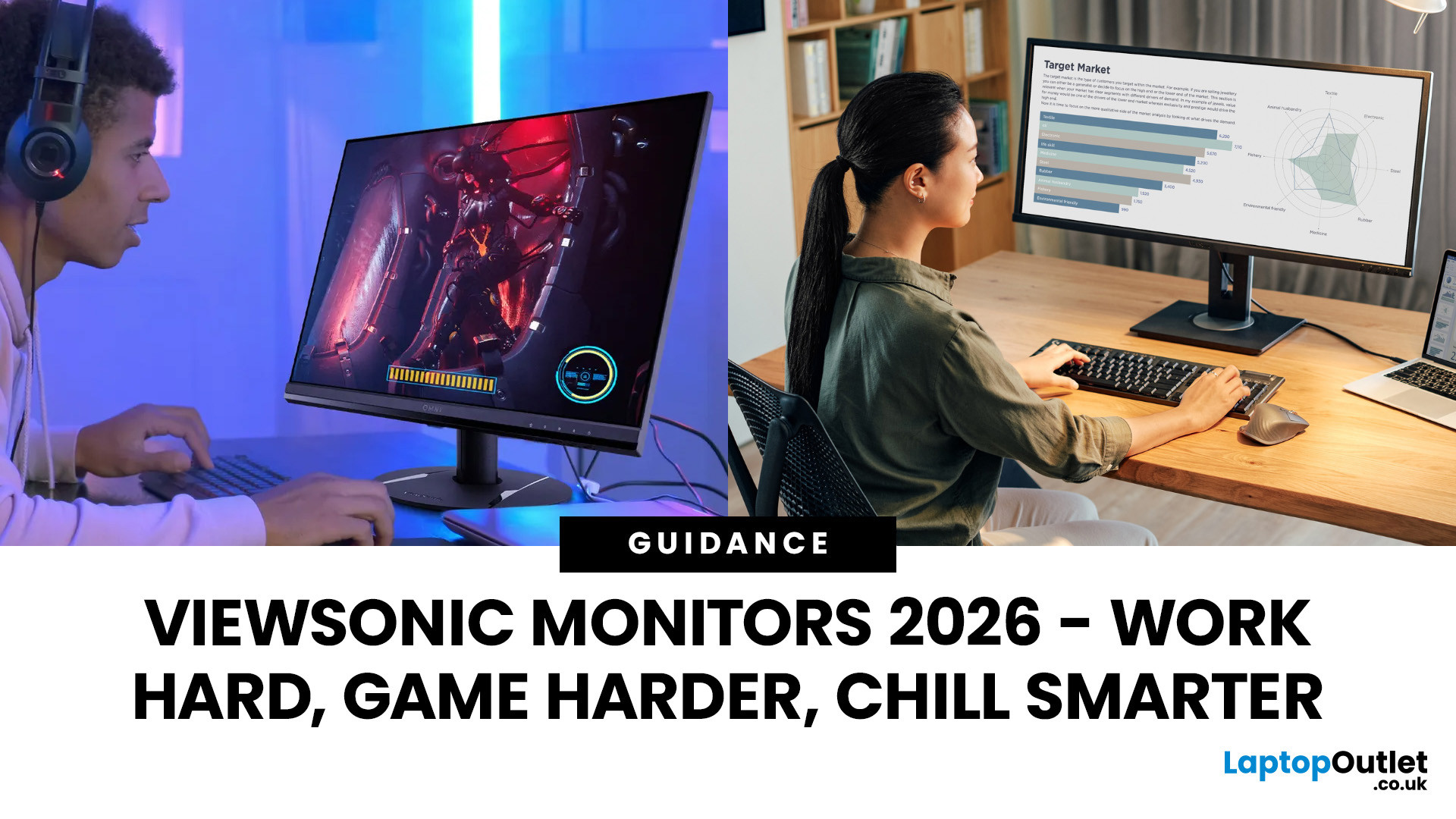
Here’s a fact: You’re probably reading this on a screen that’s either too small, too slow, or just… Shrug. Don’t worry, we didn’t hack your device; it’s the most predictable thing.
In 2026, good enough isn’t good enough anymore. You're on your third Zoom call of the day, mid-rank in Valorant, or pulling an all-nighter before your design portfolio is due, your monitor isn't just a screen. It’s your command centre, your creative canvas, your second (possibly better) brain.
And that’s where ViewSonic professional monitors come in.
This isn't about tossing fancy terms like “IPS” or “ergonomics” at you without context. It’s about what matters: sharp visuals, fast refresh rates, wide screens, and prices that don’t trigger a full-blown financial crisis. You want the best ViewSonic monitors that match your workflow and your weekend vibe? Cool. We are here to help you out.
Let’s break it down…. without boring you to death.
Why ViewSonic? (No Corporate Jargon, Just Facts)
ViewSonic has built its
Last Updated: April 07, 2026
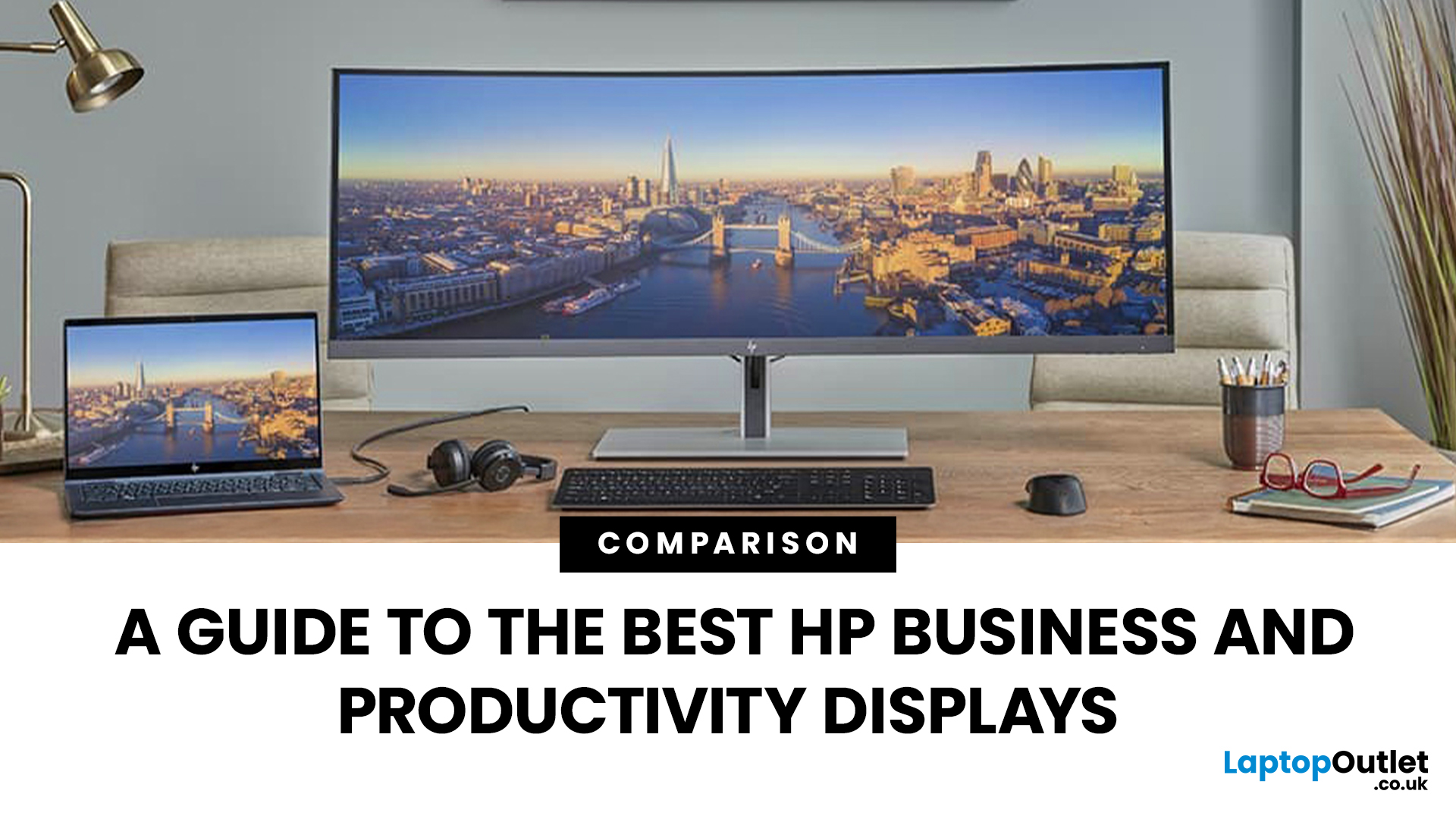
Walk into any modern office in the world and you’ll see how much the workplace has changed. Some desks sit empty while their owners log in from home; others are built around dual screens, webcams, and docking stations. A monitor used to be a passive rectangle on your desk. In 2026, it’s the centre of your working day.
A good business monitor now is about how well it supports the way you work, whether that means sharper spreadsheets, smoother scrolling, cleaner video calls, or simply reducing eye fatigue after hours of screen time.
HP has quietly positioned itself as one of the most dependable names in this space. Its business and productivity monitors don’t rely on gimmicks. Instead, they focus on the fundamentals professionals actually need: clear panels, comfortable ergonomics, sensible refresh rates, and connectivity that fits real office setups. HP also continues to build around eye comfort features like HP Eye Ease on many models, with an always on low blue light approach that’s designed
Last Updated: August 21, 2026
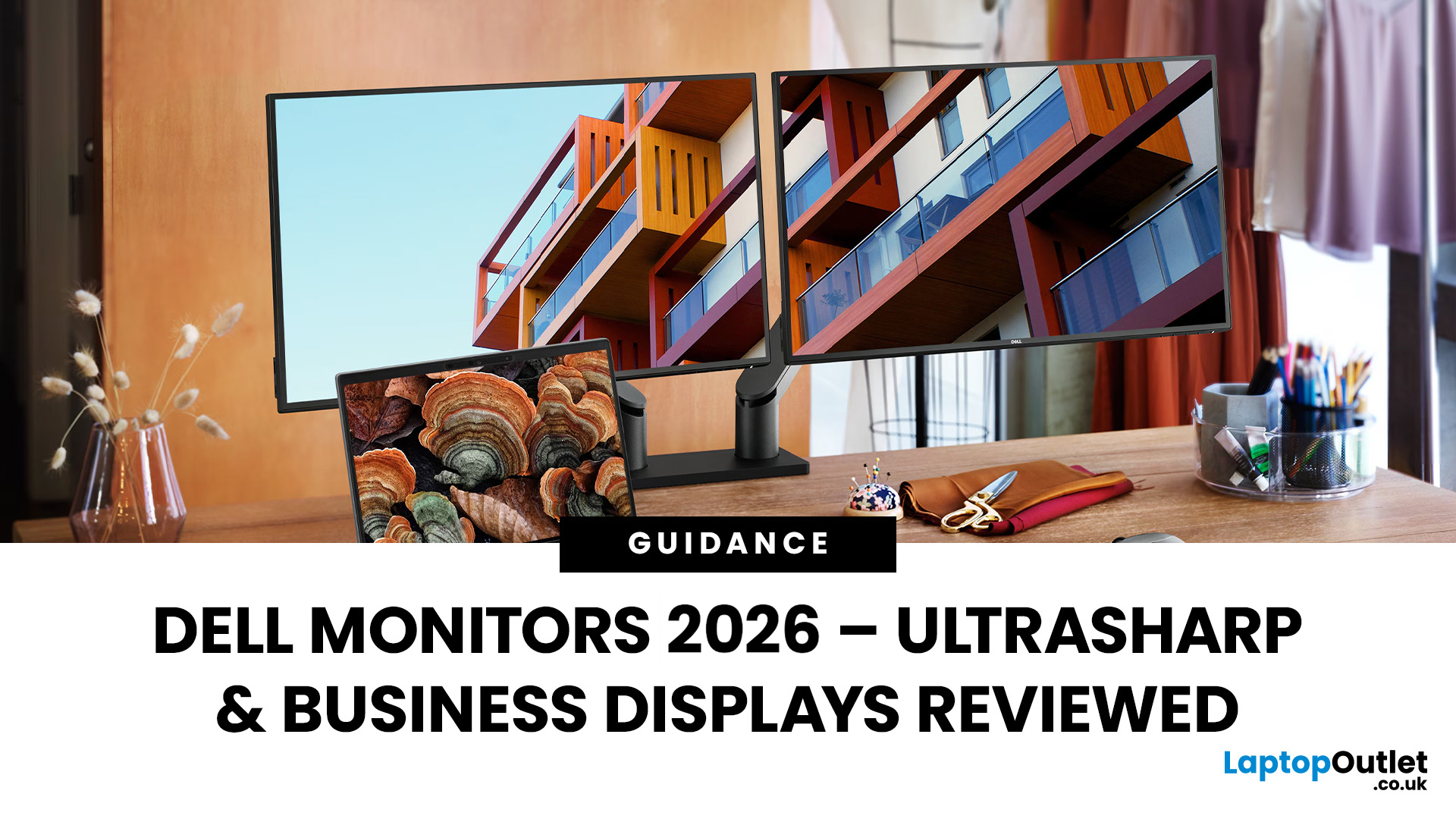
Dell UltraSharp business monitors are the strongest choice for colour-sensitive work, complex multitasking and premium USB-C or Thunderbolt setups. Dell Pro Plus models suit most office and hybrid workers, while Dell Pro displays cover essential everyday tasks at a lower cost. In 2026, choose by resolution, connectivity, ergonomics and workload, not by screen size, series name or headline price alone.
Read the complete guide for a deep dive into the world of Dell UltraSharp monitors and their broader Dell office and productivity ranges.
Which Dell Monitor Range Should You Choose?
Dell's business monitor range now covers several distinct needs. UltraSharp sits at the premium end, Dell Pro Plus focuses on productive office features and Dell Pro covers essential workplace requirements. Dell Plus serves broader home and mixed-use setups, while Alienware remains the gaming-focused family.
| Your Main Requirement | Best Starting Point | Features to Prioritise |
| Everyday admin, email and web work | Dell |
Last Updated: August 25, 2026
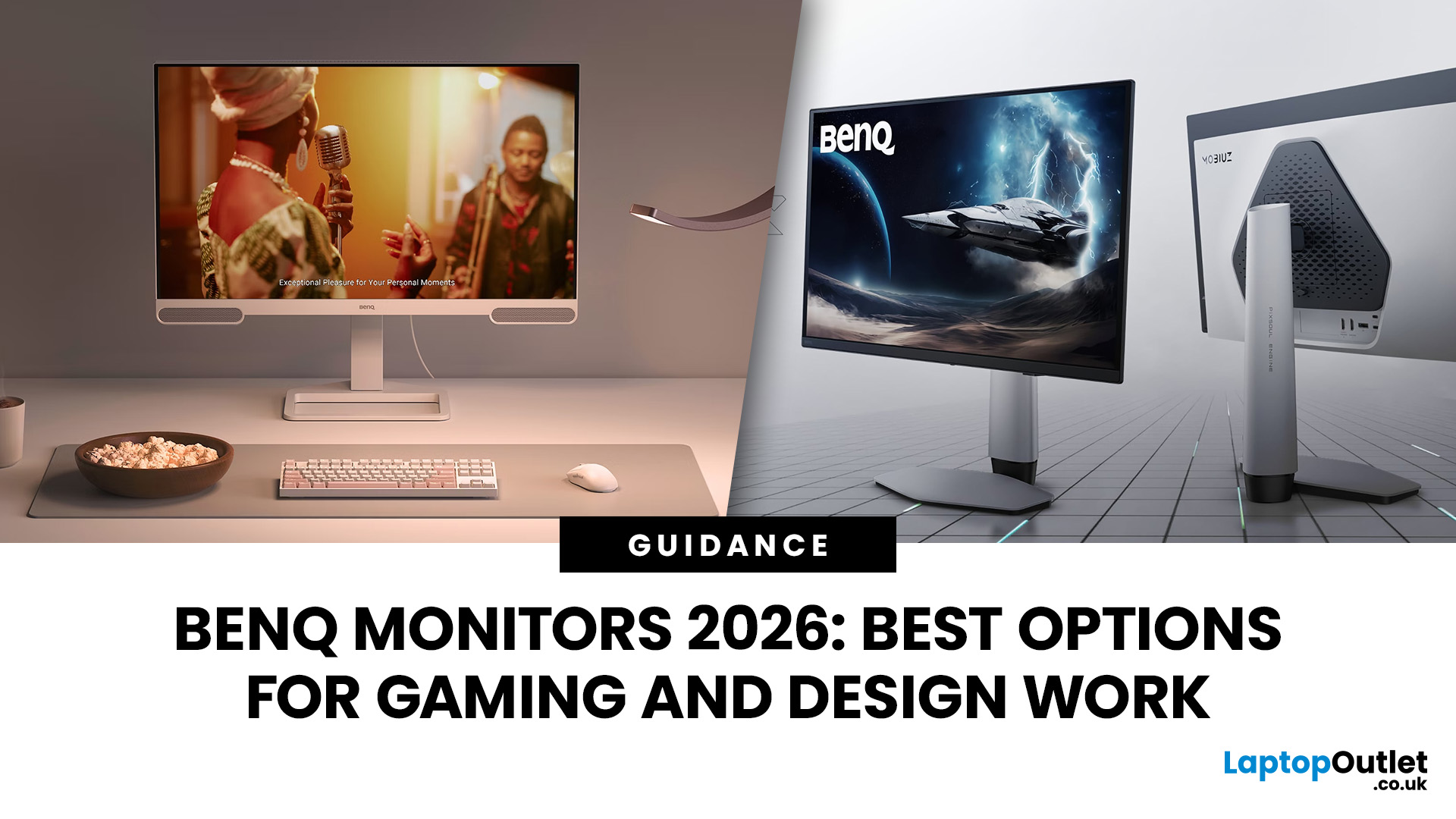
In 2026, BenQ screens for gaming and design stand out as some of the most versatile displays available, combining advanced technology, eye-care features, and excellent build quality. From BenQ gaming monitors designed for esports and AAA titles to BenQ design monitors aimed at creative professionals, the BenQ monitor lineup covers every need. This blog highlights the best BenQ monitors you can buy at Laptop Outlet, with a breakdown of their features, benefits, and why they’re trusted worldwide.
Why Choose BenQ Monitors in 2026?
Before diving into specific models, let’s explore why BenQ remains a top choice for professionals and gamers.
Innovation Across Categories
For competitive players, BenQ gaming monitors now feature refresh rates up to 240Hz, 1ms response times, and adaptive sync technologies like AMD FreeSync Premium and NVIDIA G-Sync compatibility. On the other hand, its design monitors offer factory-calibrated colour accuracy, HDR10 support, and wide gamut coverage (sRGB, AdobeRGB,

