



Windows 11 Laptop Display Technologies: OLED vs IPS vs PixelSense

Think back a few years... when you bought a laptop, what did you care about most? Probably the processor, maybe RAM, and the graphics card if you were into gaming. The display? It was usually just “good enough.”
Fast forward to 2025, and the screen has become just as important as the hardware inside. Whether you’re streaming, gaming, editing photos, or juggling multiple apps, the display is what you interact with most — and it shapes your entire experience.
This is especially true with Windows 11 laptops, as the operating system is designed to take full advantage of modern display technologies. Its sharper interface, multitasking layouts, HDR support, and gaming optimisation features really shine when paired with quality screens.
That’s why today’s Windows 11 laptop display comparison often comes down to three main types: OLED, IPS, and Microsoft’s PixelSense. Each has unique strengths, trade-offs, and ideal use cases. Understanding them will help you pick the best display type for Windows 11 laptops that fits your lifestyle and workflow.
If you’re still exploring which laptop suits your needs best, beyond just the display - check out our complete guide to choosing the right Windows 11 laptop.
Why Display Technology Matters in Windows 11 Laptops
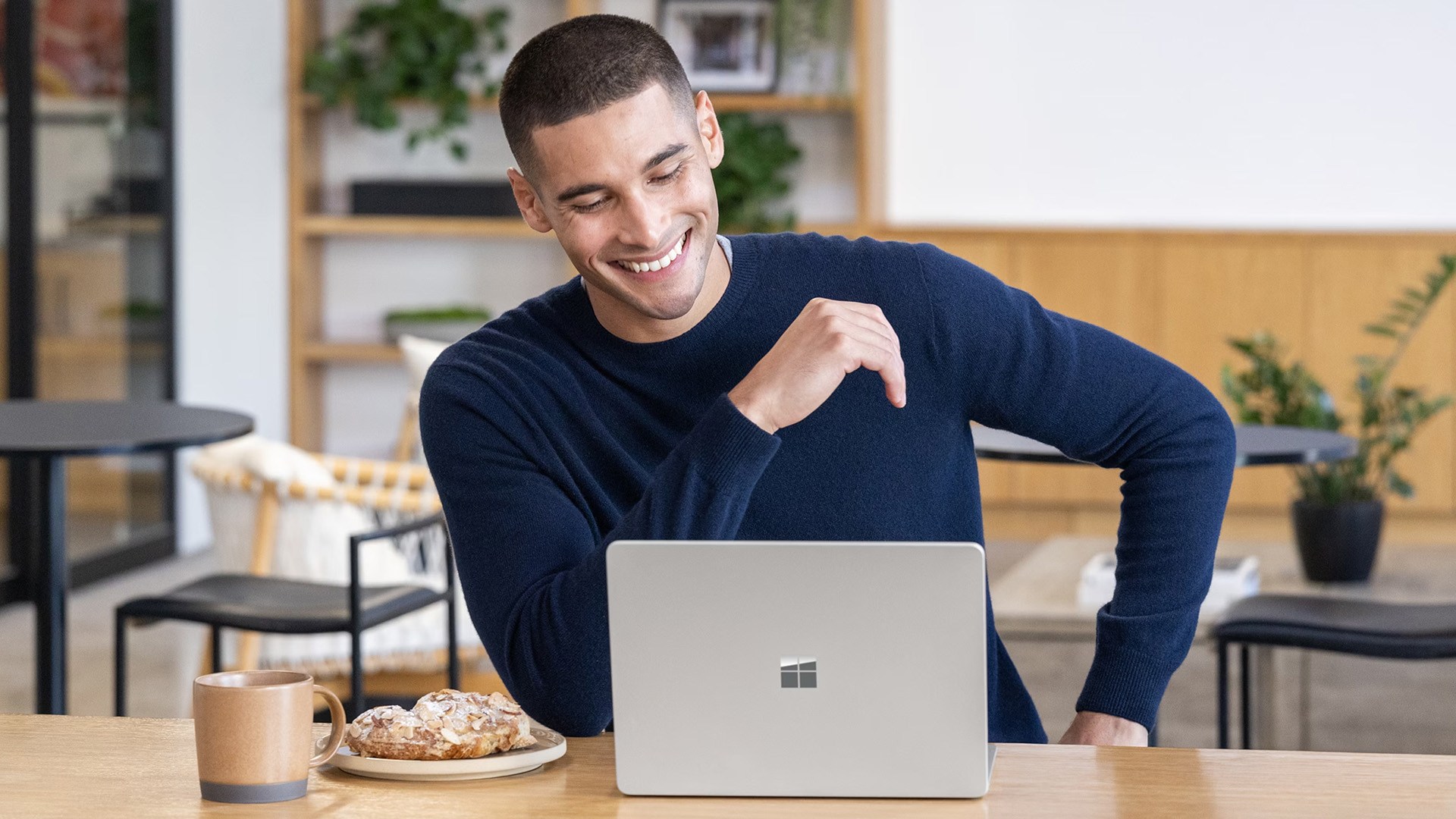
Windows 11 has pushed displays from being “just a panel” to being a core part of performance. Here’s why:
- Smooth User Experience: High-refresh displays make Windows 11 animations and Snap Layouts feel fluid.
- Gaming Optimisation: Features like DirectX 12, Auto HDR, and ray tracing look dramatically better on OLED and advanced IPS screens.
- Creative Workflows: Designers and video editors rely on accurate colour reproduction, which varies by panel type.
- Everyday Comfort: Higher resolutions and adaptive brightness reduce eye strain for long study or work sessions.
In other words, the display is now the centre stage where Windows 11 delivers its full potential.
OLED Laptop Displays: Vibrance Meets Depth

If you’ve ever seen an OLED TV, you’ll understand why laptops featuring vibrant OLED panels are so popular. Each pixel produces its own light, delivering true blacks, infinite contrast, and stunning colour depth.
Strengths of OLED Laptops
- Deep Blacks & Infinite Contrast: Perfect for watching films or playing games with dark environments.
- Vivid Colours: Excellent for content creators who need lifelike colour reproduction.
- High Refresh Rates: Many gaming-focused OLED laptops now support 120Hz+ refresh rates, ensuring buttery smooth visuals.
- Slim Designs: Without the need for bulky backlighting, OLED panels can make laptops thinner and lighter.
Trade-offs to Consider
- Price Premium: OLED laptops often cost more than IPS equivalents.
- Burn-In Risk: Prolonged static images can cause ghosting, although new OLED panels include mitigation tech.
- Power Consumption at High Brightness: Running OLED at max brightness can drain the battery faster.
Who Should Choose OLED?
- Movie lovers
- Graphic designers and photographers
- Gamers
Explore the latest laptops featuring vibrant OLED panels at Laptop Outlet.
IPS Laptop Displays: Dependable and Balanced

While OLED dominates the headlines, IPS (In-Plane Switching) panels remain the backbone of most Windows 11 laptops with advanced display options. They may not match OLED’s deep blacks, but they strike an impressive balance between quality, reliability, and price.
Strengths of IPS Displays
- Colour Accuracy: Consistent reproduction across the screen, ideal for office and educational use.
- Wide Viewing Angles: No significant colour shift when viewed from the side.
- Affordability: Often significantly cheaper than OLED, making it the go-to option for budget-friendly laptops.
- Stability: No burn-in issues; panels generally last longer.
Trade-offs to Consider
- Contrast: Blacks appear more grey compared to OLED.
- Brightness: Some IPS displays struggle in direct sunlight.
- Punchiness: Colours aren’t as vivid as OLED.
Who Should Choose IPS?
- Students and professionals
- Casual gamers and general users
- Value-seekers
Discover reliable Windows 11 laptops with advanced display options at Laptop Outlet
PixelSense Display Technology: Microsoft’s Creative Edge

PixelSense is Microsoft’s in-house display innovation, which is found primarily in its Surface lineup of laptops and tablets. It’s designed to combine high resolution, touch sensitivity, and stylus support, making it a favourite among digital creatives.
Strengths of PixelSense
- Touch + Pen Support: Optimised for Surface Pen, making drawing and note-taking natural.
- Ultra-High Resolution: PixelSense often features higher pixel densities than standard IPS.
- Colour Calibration: Panels are tuned for professional design workflows.
- Adaptive Brightness: Reduces eye strain with smart light adjustments.
Trade-offs to Consider
- Limited Availability: Found only in Microsoft Surface devices.
- Premium Pricing: Higher cost compared to equivalent IPS laptops.
- Less Variety: Fewer models to choose from compared to IPS and OLED.
Who Should Choose PixelSense?
- Digital artists, architects, and creative professionals
- Design students
If you need a display that feels like a digital canvas, PixelSense is unmatched among innovations in Windows 11 laptops.
OLED vs IPS vs PixelSense: Which is the Best Windows 11 Laptop Display?
Specs and features can sound overwhelming when you’re just trying to pick up a laptop. So, here’s a quick Windows 11 laptop screen comparison to help you choose.
|
Feature |
OLED |
IPS |
PixelSense |
|
Visual Quality |
Deep blacks, infinite contrast, vibrant colours |
Good colour accuracy, wide viewing angles, balanced performance |
Ultra-high resolution, colour-calibrated, very sharp text & images |
|
Refresh Rates |
120–240Hz (premium gaming laptops) |
60–360Hz (common in gaming & mainstream) |
60–120Hz, optimised for creative workflows |
|
Response Time |
Extremely fast (great for smooth motion) |
Fast, but slightly behind OLED |
Fast enough for productivity & design, not gaming-focused |
|
Touch & Pen Support |
No |
Rare |
Yes |
|
Durability |
Risk of burn-in over long use |
No burn-in, stable over years |
Durable, but only available on Microsoft Surface devices |
|
Price Range |
Premium (higher cost laptops) |
Affordable to mid-range |
Premium (Surface lineup only) |
|
Best Use Case |
Cinematic gaming, movies, design work |
Everyday use, students, professionals, competitive esports |
Creatives, designers, architects |
Display quality is one part of the story -performance is another. Compare the latest Intel Core Ultra and AMD Ryzen Z2 processors to see which delivers the best Windows 11 experience.

Conclusion: Choosing the Right Display for Your Windows 11 Laptop
Choosing between OLED, IPS, and PixelSense is not about finding a universal winner. It comes down to matching the display to the way you use your laptop.
If you want cinema-quality visuals for films or immersive single-player games, OLED delivers with its deep blacks and vibrant colours. If you need a dependable all-rounder for studying, working, or competitive esports, IPS offers balance, reliability, and value for money. And if your work involves design, illustration, or digital creativity, PixelSense stands out with touch and pen support that feels tailor-made for Windows 11.
The advantage is that Windows 11 has been designed to make the most of all 3 display types. Whether you choose OLED, IPS, or PixelSense, you will benefit from sharper multitasking, richer graphics, and a smoother overall experience.
Ultimately, the display is no longer a background feature of your laptop. It has become central to seeing, interacting, and enjoying everything your device can do.For an even wider selection, browse laptops by display technology at Laptop Outlet.'

Everything You Need to Know About Laptop Displays
Which display type is best for Windows 11 laptops?
It depends on usage. OLED is best for visuals and entertainment, IPS balances performance and cost, and PixelSense is ideal for creatives who need touch and pen input.
Are OLED laptops worth it for gaming?
Yes, especially for immersive single-player games. OLED offers deep blacks and vibrant colours. IPS with high refresh rates may be a better choice for competitive esports.
Do PixelSense displays only come with Microsoft devices?
Yes. PixelSense is exclusive to Microsoft Surface laptops and tablets, offering stylus support and colour-calibrated screens.
Is IPS outdated compared to OLED?
Not at all. IPS is still widely used because it is affordable, reliable, and offers good colour accuracy with no burn-in risk.
Do OLED displays still suffer from burn-in?
Modern OLED laptops include technologies to minimise burn-in, but long sessions with static images can still cause issues over time.
Which display type is best for students?
IPS is generally the most practical for students. It offers good clarity, wide viewing angles, and affordable pricing.
Do all Windows 11 laptops support HDR?
Not all, but many modern OLED and higher-end IPS laptops support HDR, which enhances colour and contrast in movies and games.
| Read More: |
| Windows 11 Copilot+ Features: AI Tools That Boost Productivity |
| Top Windows 11 Gaming Laptops with RTX Graphics in 2025 |
| How to Choose the Right Windows 11 Laptop: Complete Buying Guide |
Related Articles

Last Updated: October 29, 2025
Last Updated: November 13, 2025
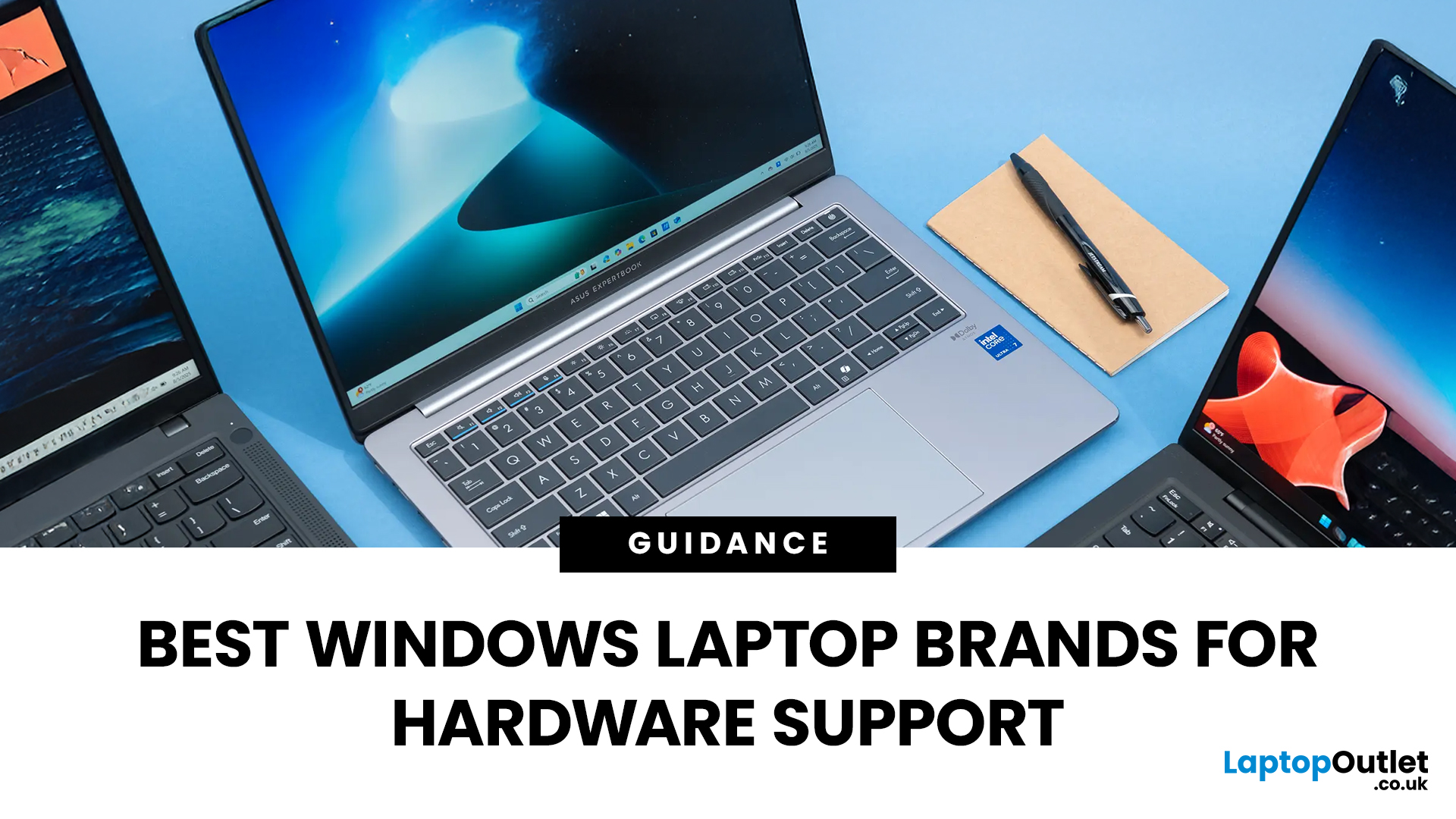
Shopping for a new laptop can be tricky as the best brands go head-to-head to grab your attention, and you want a model that does everything you need and lasts for years.
Although some brands are well regarded for their high-quality laptops, even the best brand manufacturers' models have flaws or performance lags. We've all had that friend who got a fantastic deal on a laptop with a large screen and impressive features, only to hear about its slow performance, sluggish battery, and dim screen later.
Simply put, there isn't the best laptop brand, as it depends entirely on your needs and tastes. However, several options stand out, like ASUS, MSI, Dell, and Lenovo.
To keep it simple, we have tested and reviewed models from dozens of brands and below are our recommendations for the best brands in terms of hardware support.
ASUS
ASUS is also known as ASUSTeK, a Taiwanese brand. It is one of the largest laptop manufacturers in the world today, featuring gaming and business machines.
Last Updated: September 11, 2025
Ready to Install Windows 11?
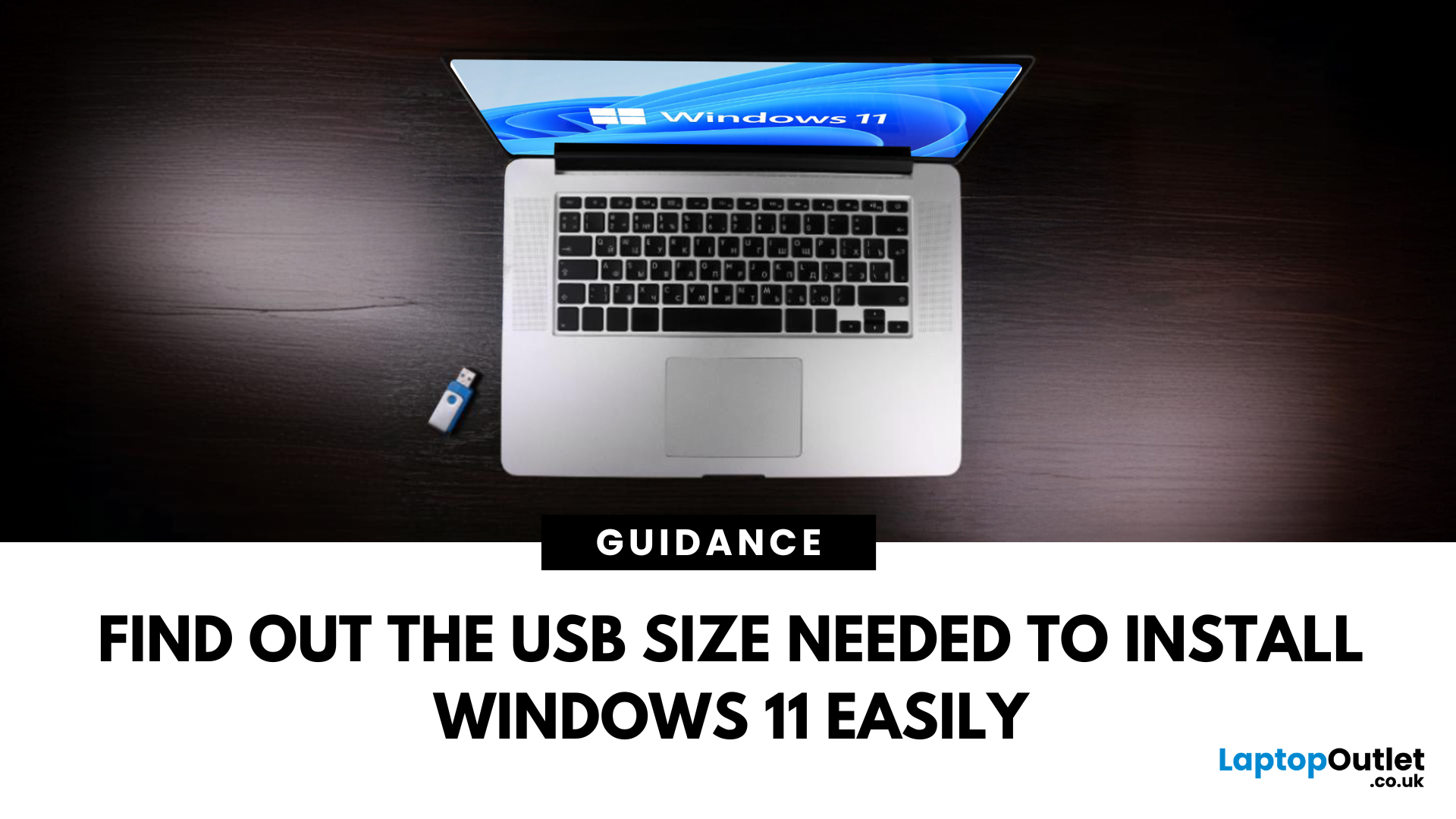
If you're planning to install Windows 11 using a USB stick, one of the first things to sort out is the size. Too small, and it won’t fit the installer. Too large, and it’s unnecessary. Let’s clear up exactly what size USB you need to install Windows 11 and how to get it ready.
Minimum USB Size for Windows 11 Installation
- At least 8GB of storage is required
- Recommended: 16GB or more for extra space and reliability
Microsoft officially recommends a USB drive with 8GB minimum, but using a 16GB or 32GB USB stick ensures you won’t run into space issues.
USB Format Requirements
Before using the USB stick:
- Format it as FAT32 (for UEFI systems) or NTFS (for BIOS/Legacy systems)
- Use tools like Rufus (Windows) or Disk Utility (Mac) to format and prepare the drive
Create a Bootable USB for Windows 11
Using Microsoft’s Media Creation Tool:
- Download the Media Creation Tool from Microsoft’s website
- Run the tool and choose Create installation media
Last Updated: June 25, 2025
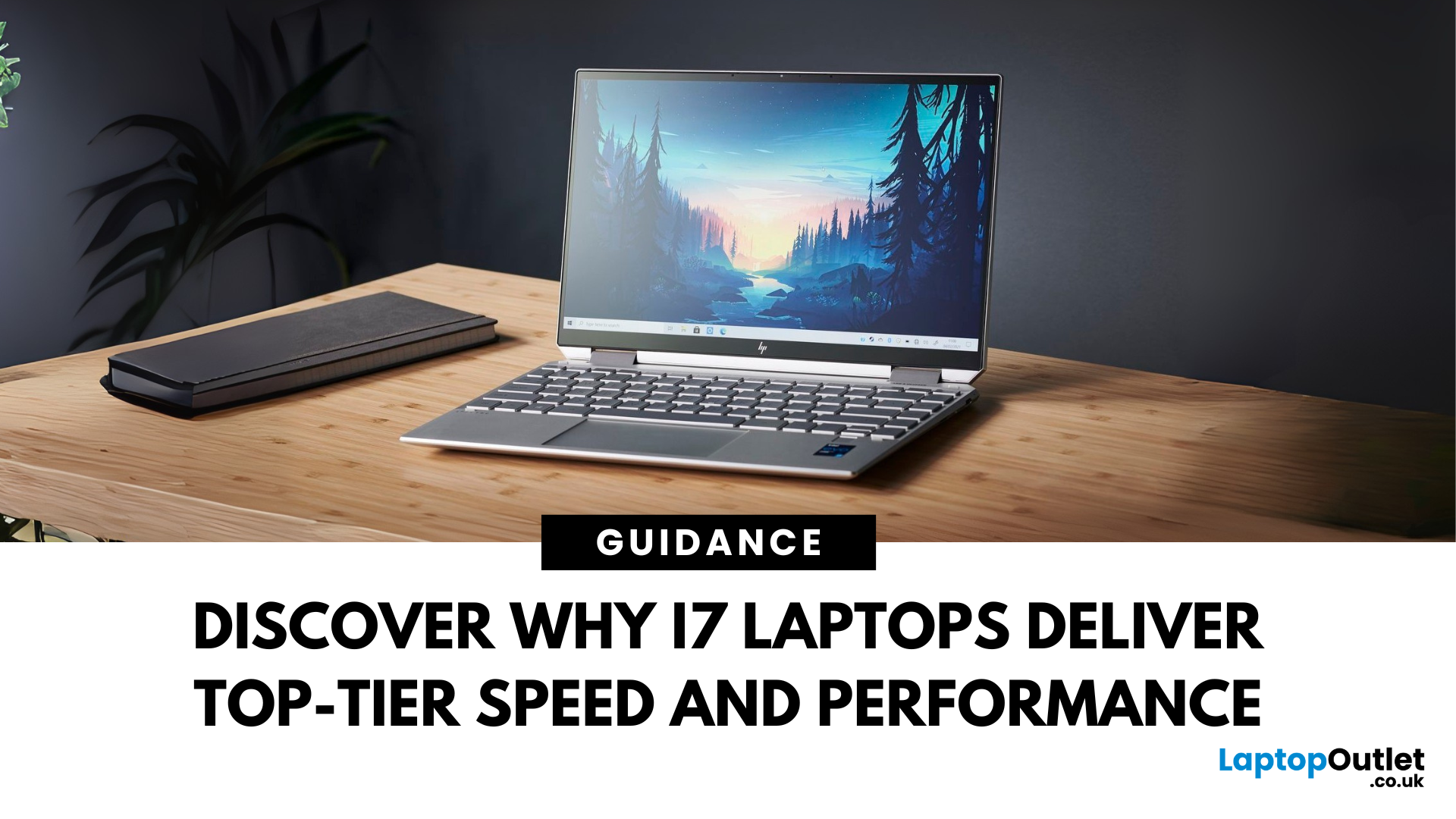
When it comes to high-performance computing, Intel Core i7 Windows laptops stand out as the ultimate choice for power users. Whether you're a professional handling complex tasks, a student managing heavy workloads, or a gamer seeking seamless performance, i7 laptops offer the speed, efficiency, and reliability you need. In this comprehensive guide, we'll explore why i7 Windows laptops are the go-to option for those who demand top-tier performance.
Why Choose an i7 Windows Laptop?
For those who demand more from their tech—whether it's lightning-fast performance, reliable efficiency, or future-ready multitasking—Intel Core i7 laptops stand out as the ultimate choice. Here's why:
Power-Packed Multicore Performance
With high core and thread counts, Intel Core i7 Windows laptops make light work of processor-intensive tasks like 4K video rendering, software development, AI training, and advanced simulations. Power users like content creators and engineers can expect lag-free editing, real-time
Last Updated: March 17, 2026
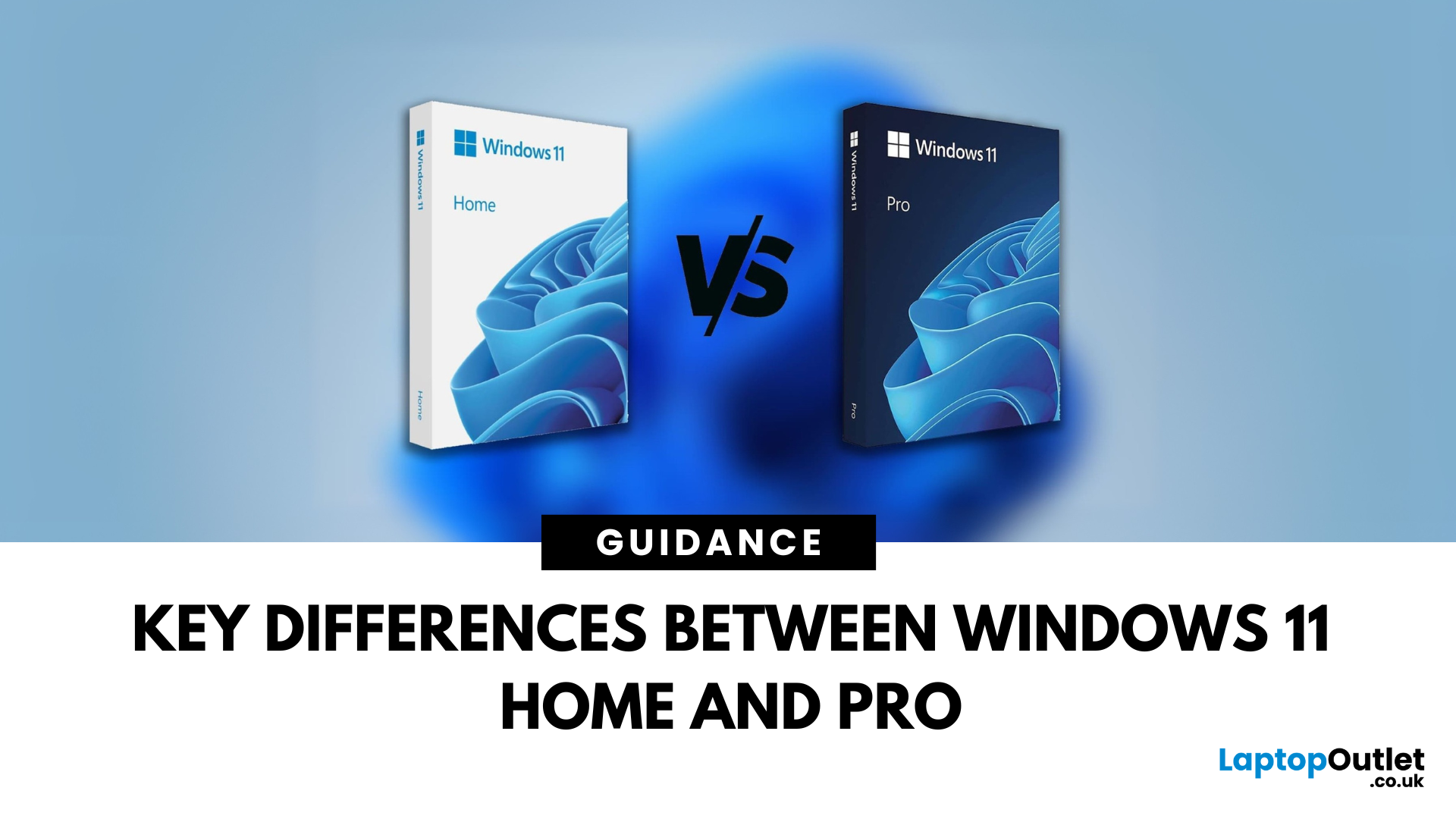
Planning an upgrade or buying a new laptop? You’ve probably noticed two editions of Windows 11: Home and Pro. But which one is right for you? Let’s compare their features to help you decide.
Who Should Choose Windows 11 Home?
Perfect for: Everyday users, students, gamers
- Clean, modern interface with widgets and Snap Assist
- Gaming-friendly with Auto HDR and DirectStorage
- All the essentials for secure and fast performance
- Supports Microsoft Store apps, voice access, and touchscreens
Think of Home as the all-rounder version—smooth for work, play, and everything in between.
Who Should Choose Windows 11 Pro?
Perfect for: Professionals, business users, advanced power users
Includes everything in Home plus extra business tools:
- BitLocker (for advanced device encryption)
- Hyper-V (virtualisation for running multiple OSes)
- Windows Information Protection (WIP)
- Remote Desktop for secure access on the go
Enhanced security with Windows Hello for Business and TPM 2.0
Can join
Published: October 08, 2025
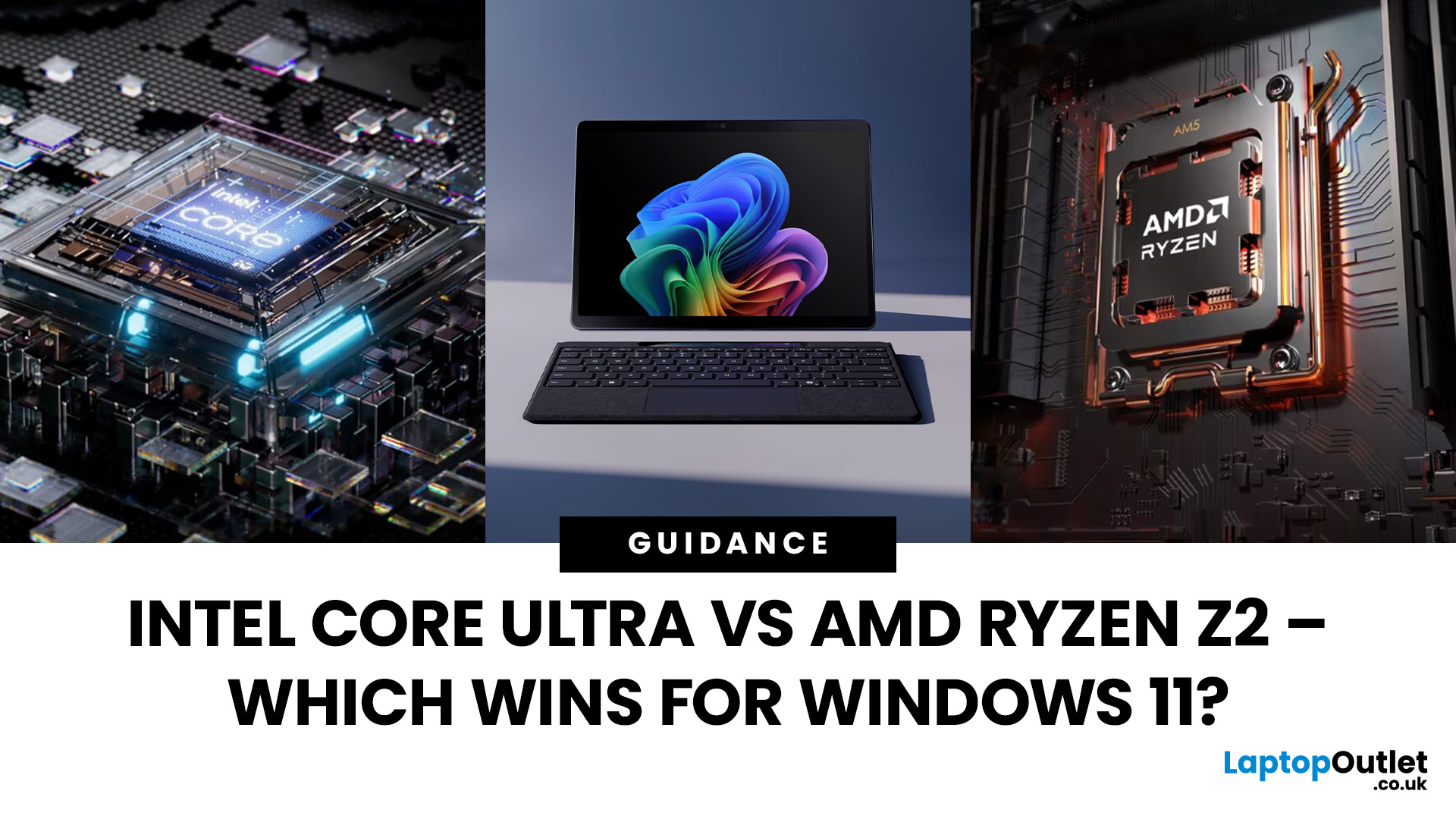
The battle between Intel and AMD has shaped the laptop world for decades. With the release of Intel Core Ultra processors and the new AMD Ryzen Z2 series, that rivalry has entered a new phase - one defined not just by raw speed, but also by AI integration, efficiency, and Windows 11 optimisation.
Intel’s Core Ultra chips (available in Core Ultra 5, 7, and 9 tiers) mark a major shift in design, blending performance and efficiency cores with a dedicated AI NPU (Neural Processing Unit). Meanwhile, AMD’s Ryzen Z2 processors are raising eyebrows with their RDNA 3.5 graphics and strong balance between performance and battery efficiency.
So, which one is better for you? In this guide, we’ll break down the Intel vs AMD Windows 11 laptops debate, comparing performance, AI features, battery life, and creative workloads. Whether you’re a student, gamer, or professional, by the end you’ll know which processor suits your needs.
Intel Core Ultra – What’s New?
Intel’s Core Ultra range is its most significant
Last Updated: February 24, 2026
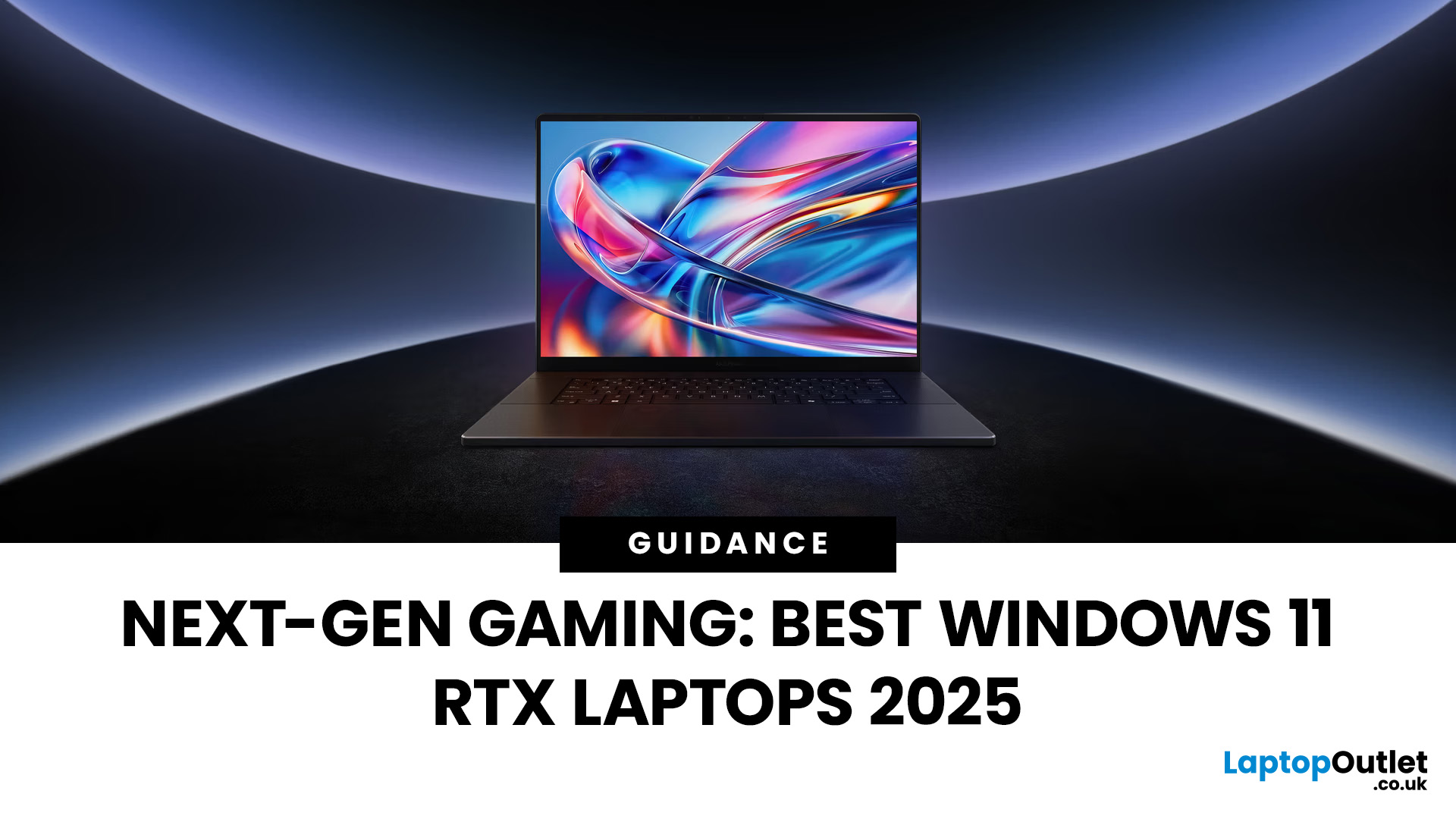
Choosing the right gaming laptop in 2025 comes down to striking a balance between raw power, intelligent features, and future-ready design. With Windows 11 now fully optimised for AI-powered performance, Auto HDR, and DirectStorage 1.2, gaming has never been smoother or more immersive. Pair that with the latest NVIDIA RTX 40 and 50-series GPUs, and you get a portable machine that rivals desktop-level experiences.
This guide explores the best Windows 11 gaming laptops with RTX graphics, helping you understand which models deliver the most value for gamers in different categories — from budget RTX 4060 machines to ultra-premium RTX 5090 rigs. Whether you’re into esports, AAA titles, or content creation alongside gaming, these laptops are designed to keep up with your demands.
Why Windows 11 Gaming Laptops with RTX Graphics Stand Out
AI-Driven Gaming Features
Windows 11 laptops in 2025 integrate Windows Game Mode, Copilot, and AI-based resource management. Together, they ensure your CPU

Published: October 08, 2025
Choosing the right laptop in 2025 can be overwhelming, given the wide range of options available across budgets, designs, and performance levels. With Microsoft’s Windows 11 becoming the most optimised OS for hybrid work, gaming, and everyday use, selecting the right device is more important. In this Windows 11 laptops buying guide, we’ll cover everything you need to know before purchasing. From Windows 11 laptop comparisons to use-case specific recommendations for students, business users, and gamers, this guide ensures you make an informed decision.
Why Choose a Windows 11 Laptop?
Enhanced Performance
In 2025, Windows 11 is fully optimised for the latest Intel Core Ultra (Meteor Lake) and AMD Ryzen 8000/9000 series processors. These chips integrate dedicated NPUs (Neural Processing Units), which offload AI workloads from the CPU and GPU, resulting in:
- Faster multitasking across productivity apps like Microsoft 365, Adobe Creative Suite, and Teams.
- Improved power efficiency, extending
Last Updated: April 08, 2026
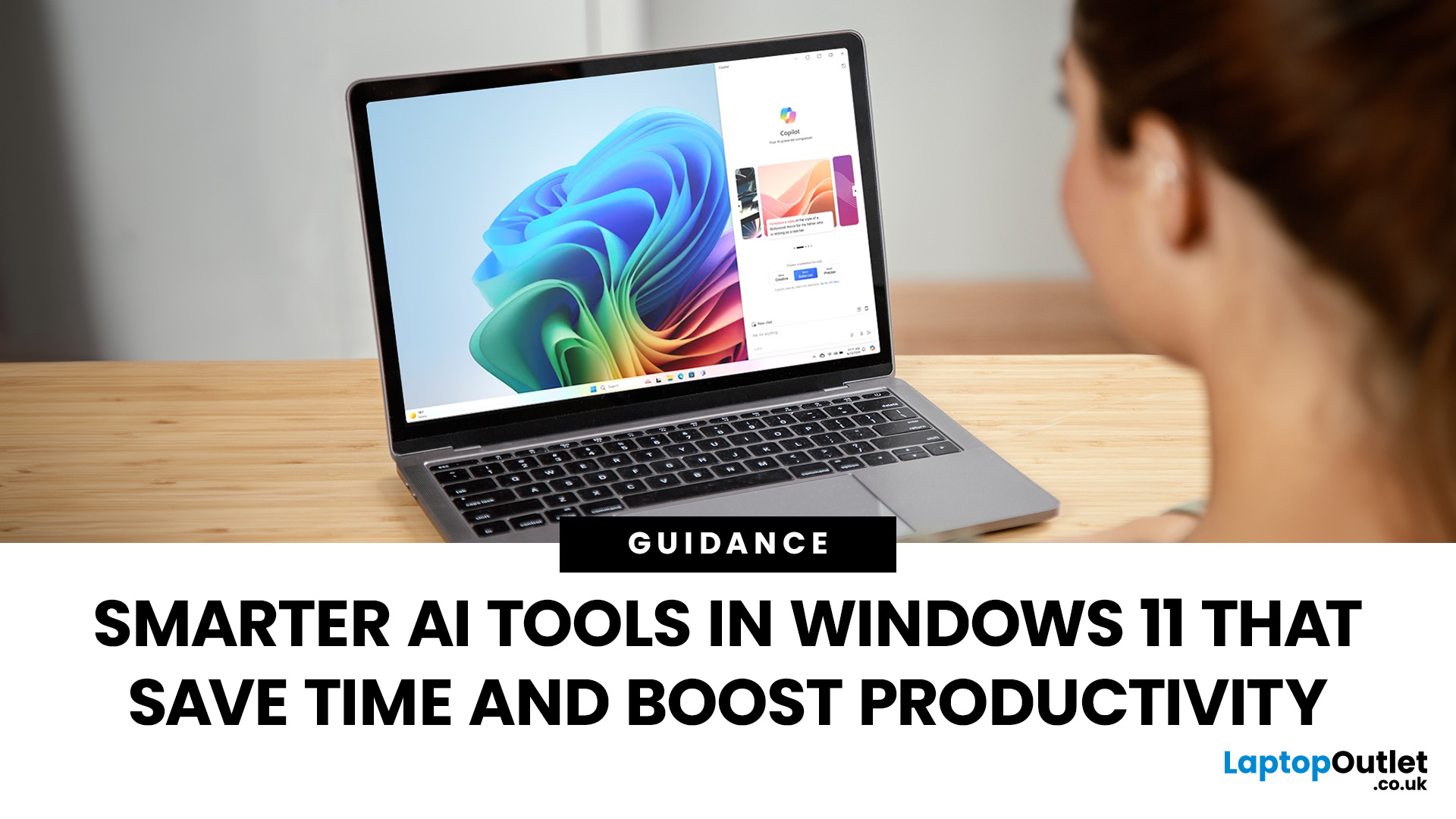
Remember when using a laptop was all about speed and specs i.e. faster processors, bigger storage, sharper screens? Those things still matter, but in 2025, the real game-changer is AI built directly into your PC. Microsoft’s new Windows 11 Copilot+ PCs are designed for exactly that.
Instead of just running apps faster, these laptops think alongside you. They can find files you barely remember creating, relight a photo as if you’re in a studio, or even recall what you were working on hours ago with a simple search. In short, they’re not just computers anymore - they’re collaborators.
In this post, we’ll dive into what makes Copilot+ special, unpack the latest AI tools in Windows 11, and show how customers can best benefit from these features.
What Makes a Copilot+ PC Different?
A Copilot+ PC is more than just a Windows 11 device. At its core is a Neural Processing Unit (NPU), a chip designed specifically to handle AI tasks. With this hardware in place, features like Recall and Windows

