



ASUS Zenbook A14 vs Vivobook S14: Which One Should You Buy?
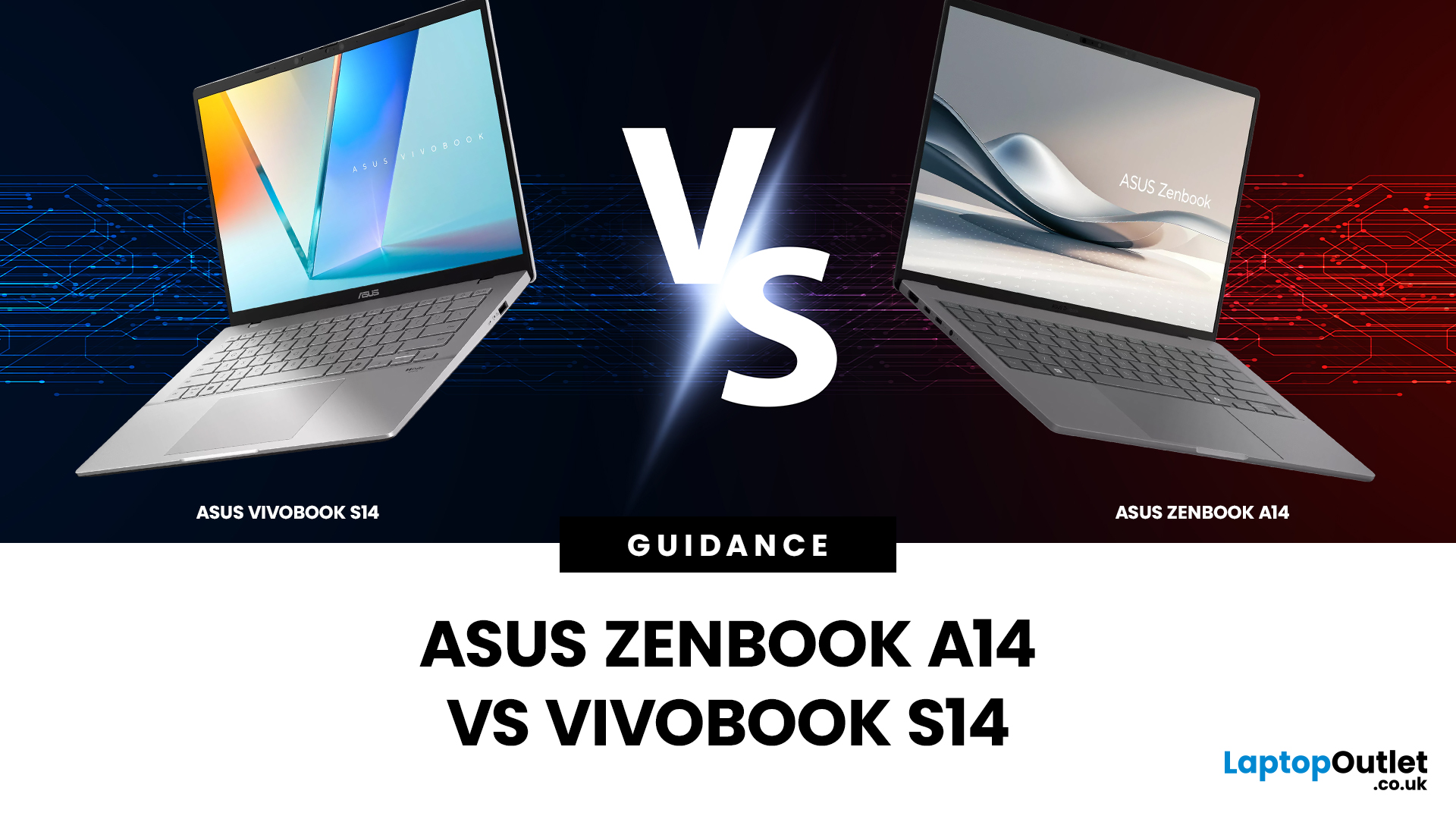
Choosing the right laptop isn’t just about specs on paper; it’s about finding a device that fits your lifestyle, workload, and budget. If you’re deciding between two of ASUS’s most popular lightweight laptops, this ASUS Zenbook A14 vs Vivobook S14 comparison will help you make the right call.
Both models are designed for portability, productivity, and everyday performance, but they target slightly different users. The Zenbook A14 leans towards premium design and long battery life, while the Vivobook S14 focuses on versatility and value. In this guide, we’ll compare everything from build quality and display to performance, battery life and real-world use cases, so you can choose with confidence.
Which Laptop Looks and Feels Better? Design and Build Quality Compared
Design is often the first thing you notice when choosing a laptop, especially if you’re carrying it around every day.
ASUS Zenbook A14: Premium and Minimalist
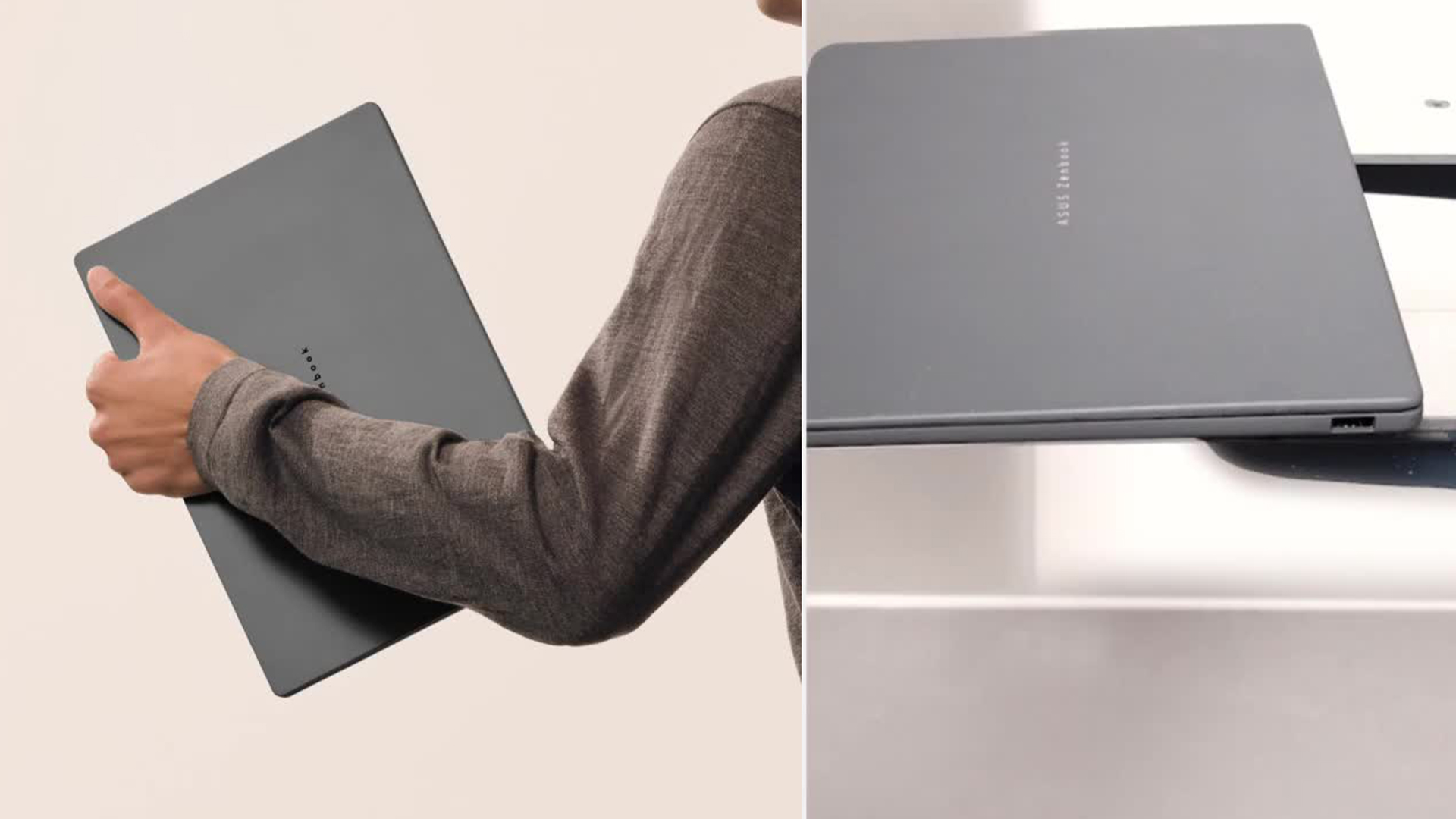
The Zenbook A14 is built with portability and elegance in mind. It features a slim, lightweight chassis with a clean, modern aesthetic that feels premium from the moment you pick it up.
Key design highlights include:
- Ultra-thin profile ideal for commuting and travel
- Lightweight build that’s easy to carry all day
- Refined finish that resists fingerprints
This laptop is clearly aimed at professionals, students and remote workers who want something stylish without sacrificing practicality.
ASUS Vivobook S14: Practical and Modern

The Vivobook S14 has a more casual, contemporary design. While it may not feel as premium as the Zenbook, it’s still well-built and visually appealing.
Notable features include:
- Sturdy construction suitable for everyday use
- Slightly thicker chassis, but still portable
- A youthful design that appeals to students and home users
Verdict: If premium feel and ultra-light portability matter most, the Zenbook A14 takes the lead. If you want a solid, stylish laptop at a more accessible price, the Vivobook S14 is a strong contender.
Is the Display Better on Zenbook A14 or Vivobook S14?
The screen plays a huge role in how enjoyable a laptop is to use, whether you’re working, streaming or browsing.
Zenbook A14 Display Quality
It’s well suited to productivity, document work and long browsing sessions. The Zenbook A14 typically offers a high-quality display designed for comfort and clarity:
- Sharp resolution for crisp text and images
- Good colour accuracy for everyday creative tasks
- Excellent brightness for indoor and office use
For a deeper look at what sets ASUS screens apart, explore our guide on ZenBook OLED Displays: Visuals, Colour Accuracy & Professional Advantage, where we break down how display technology enhances creative work and everyday viewing.
Vivobook S14 Display Quality
While it may not match the Zenbook’s refinement, it performs reliably for most users. In many ASUS Vivobook S14 review discussions, the display is highlighted as a solid performer for the price:
- Bright and clear panel
- Good viewing angles
- Suitable for streaming, presentations and general use
Verdict: The Zenbook A14 generally offers a more refined viewing experience, but the Vivobook S14 display quality is more than good enough for everyday tasks.
Zenbook vs Vivobook Differences in Performance
Performance is where buying decisions often become clearer, especially if you multitask or run demanding applications.
ASUS Zenbook A14 Specs and Performance
Its performance is smooth and consistent, focusing on efficiency rather than raw power. The Zenbook A14 is designed for efficient, responsive performance. With modern processors and fast storage, it handles:
- Web browsing with multiple tabs
- Office applications
- Video calls and remote working
- Light photo editing
If you’re working on the go or from home, our article on Remote Work with ASUS ZenBook: Portability & Productivity Boost explores how ZenBook laptops are designed to support flexible working and boost productivity wherever you are.
Vivobook S14 Specs and Performance
Depending on the configuration, the Vivobook S14 can offer more flexibility for users who want extra power at a competitive price. When discussing Vivobook S14 performance, versatility is the key word. This laptop is built to handle a wider range of tasks, including:
- Multitasking with productivity apps
- Light creative workloads
- Casual gaming and media use
Verdict: The Zenbook A14 excels at smooth, efficient everyday performance, while the Vivobook S14 is better suited to users who want more versatility.
Which Laptop Has Better Battery Life?
Battery life is crucial if you work on the move or don’t want to carry a charger everywhere.
Zenbook A14 Battery Life
One of the Zenbook’s standout features is its excellent battery efficiency. Its energy-efficient design ensures you can stay productive without constantly searching for a power socket. Zenbook A14 battery life is designed to comfortably last a full working day, making it ideal for:
- Students attending lectures
- Professionals working remotely
- Long commutes or travel days
If you’re looking to get even more out of your device, our guide on Battery Life & Performance Optimisation Tips for ZenBook Users shares practical advice to help you maximise efficiency and keep your laptop running smoothly throughout the day.
Vivobook S14 Battery Performance
However, it generally doesn’t last quite as long as the Zenbook when pushed hard, the Vivobook S14 offers respectable battery life, suitable for:
- A standard workday with moderate use
- Streaming and browsing
- Study sessions at home or in libraries
Verdict: If battery life is a top priority, the Zenbook A14 is the better choice.
Keyboard, Trackpad and Everyday Usability
Comfort matters, especially if you type for long periods.
Typing Experience on Zenbook A14
The Zenbook A14 features a comfortable keyboard with:
- Well-spaced keys
- Good key travel
- A responsive trackpad
This makes it ideal for writing, emails and extended work sessions.
Vivobook S14 Usability
The Vivobook S14 also offers a pleasant typing experience, though it feels slightly more utilitarian:
- Reliable keyboard for daily use
- Accurate trackpad for navigation
It’s practical and functional, even if it lacks some of the Zenbook’s polish.
Which Laptop is Better for Students and Professionals?
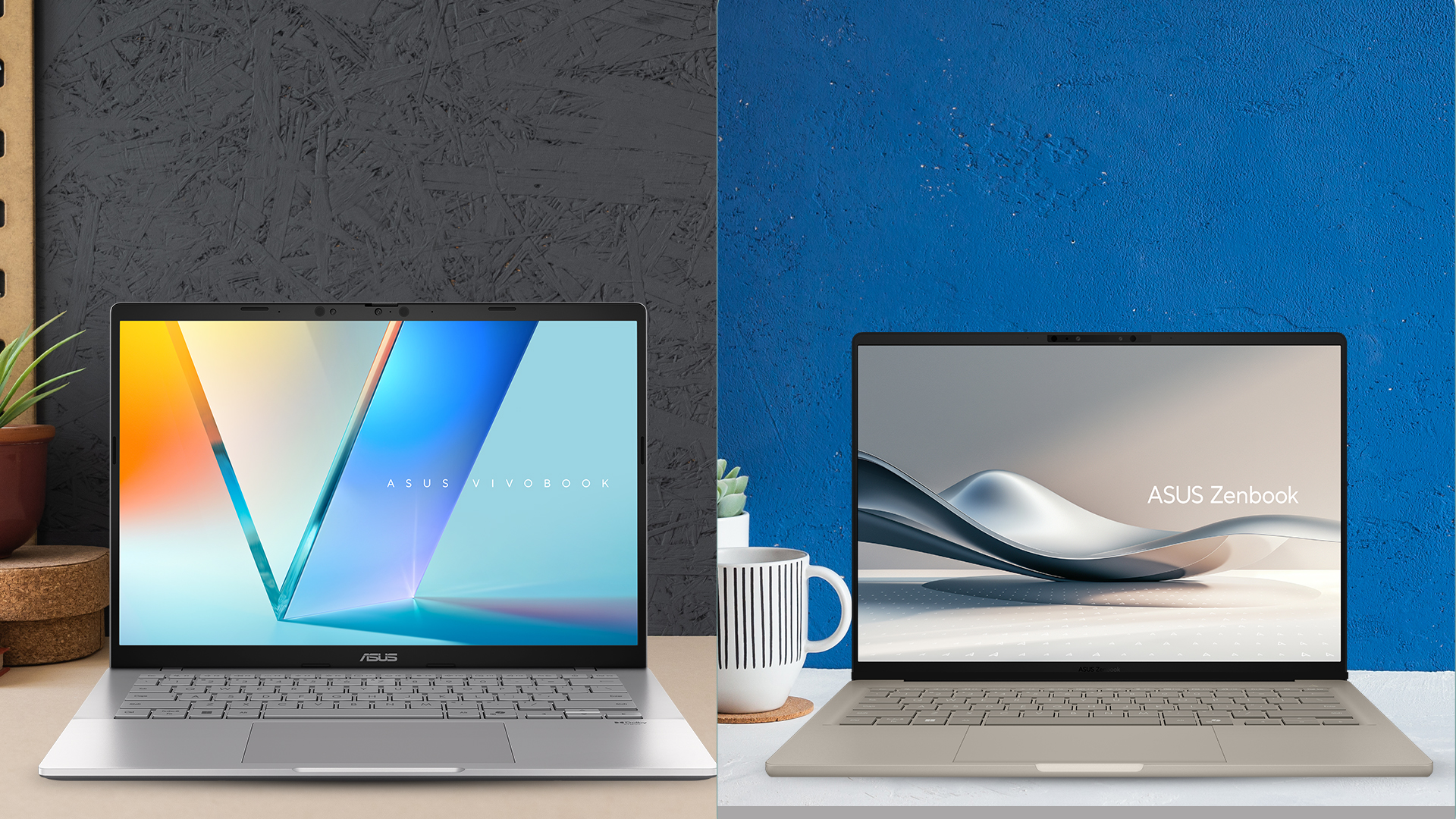
Different users have different needs, and this is where the Zenbook vs Vivobook differences become more apparent.
Best Choice for Students
- Vivobook S14: Great value, versatile performance and suitable for coursework, streaming and light creative tasks
- Zenbook A14: Ideal for students who prioritise portability, premium design and long battery life
Best Choice for Professionals
- Zenbook A14: Excellent for business users, remote workers and frequent travellers
- Vivobook S14: Better for professionals who need more flexibility at a lower cost
Price, Value and ASUS Laptop Deals in the UK
Pricing often plays a decisive role. The Vivobook S14 is generally more affordable, making it attractive for budget-conscious buyers. The Zenbook A14 sits at a higher price point but justifies it with a premium design and efficiency. If you’re searching for ASUS laptop deals UK, both models regularly appear in competitive offers, especially during seasonal sales.

ASUS Zenbook A14 vs Vivobook S14: Final Verdict
ASUS has built a strong reputation for delivering reliable, well-designed laptops that cater to different types of users, and this is clearly reflected across its product range. The Zenbook laptops are designed for those who value premium build quality, lightweight portability and long battery life. In contrast, the Vivobook series focuses on versatility and affordability, offering solid performance and modern features that suit students, home users and anyone looking for a dependable everyday laptop without stretching their budget. So, which one should you buy?
Choose the ASUS Zenbook A14 If You:
- Want a lightweight, premium laptop
- Need excellent battery life
- Value design and portability
- Mainly use productivity and everyday apps
Choose the ASUS Vivobook S14 If You:
- Want better value for money
- Need more versatile performance
- Use your laptop for study, entertainment and light creative work
- Prefer a practical, well-rounded device
There’s no wrong choice here, only the right laptop for your needs.

Still Wondering What to Choose?
Which is better, ASUS Zenbook A14 or Vivobook S14?
The Zenbook A14 is better for portability and battery life, while the Vivobook S14 offers better value and versatility.
Is the Vivobook S14 good for students?
Yes, it’s a popular choice for students thanks to its performance, display quality and affordable pricing.
Does the Zenbook A14 have good battery life?
Yes, the Zenbook A14 is known for lasting a full working day under typical use.
Can the Vivobook S14 handle multitasking?
Yes, Vivobook S14 performance is well suited to multitasking, productivity apps and everyday workloads.
Which ASUS laptop is better for work from home?
The Zenbook A14 is ideal for remote work due to its lightweight design and long battery life, while the Vivobook S14 is better if you need more power at a lower cost.
| Read More: |
| 5 Hidden Features and Tips Every Asus Laptop User Should Know |
| ASUS Laptop Comparisons: Which Series is Best for You? |
| Are ASUS Laptops Any Good |
Related Articles

Last Updated: September 09, 2025
Choosing the right ASUS laptop in the UK can be confusing. ASUS has a wide range of laptops, and each is designed for different needs. Some are perfect for students who want a lightweight device for lectures and assignments. Others are built for business professionals who need strong performance and security features. If you are into gaming, ASUS has powerful models with dedicated graphics. For creative work like video editing or design, ASUS also offers laptops with high-quality displays and fast processors.
This ASUS laptop buying guide will explain the main series, their key features, and the type of users they suit best. We will also highlight some of the latest ASUS laptops available in the UK, including refurbished options that offer excellent value. By the end, you will be able to choose the right ASUS laptop for business or your other needs.
Why ASUS Laptops Stand Out
ASUS has built a strong reputation in the laptop market and continues to be a trusted brand for students, professionals,
Last Updated: September 08, 2026
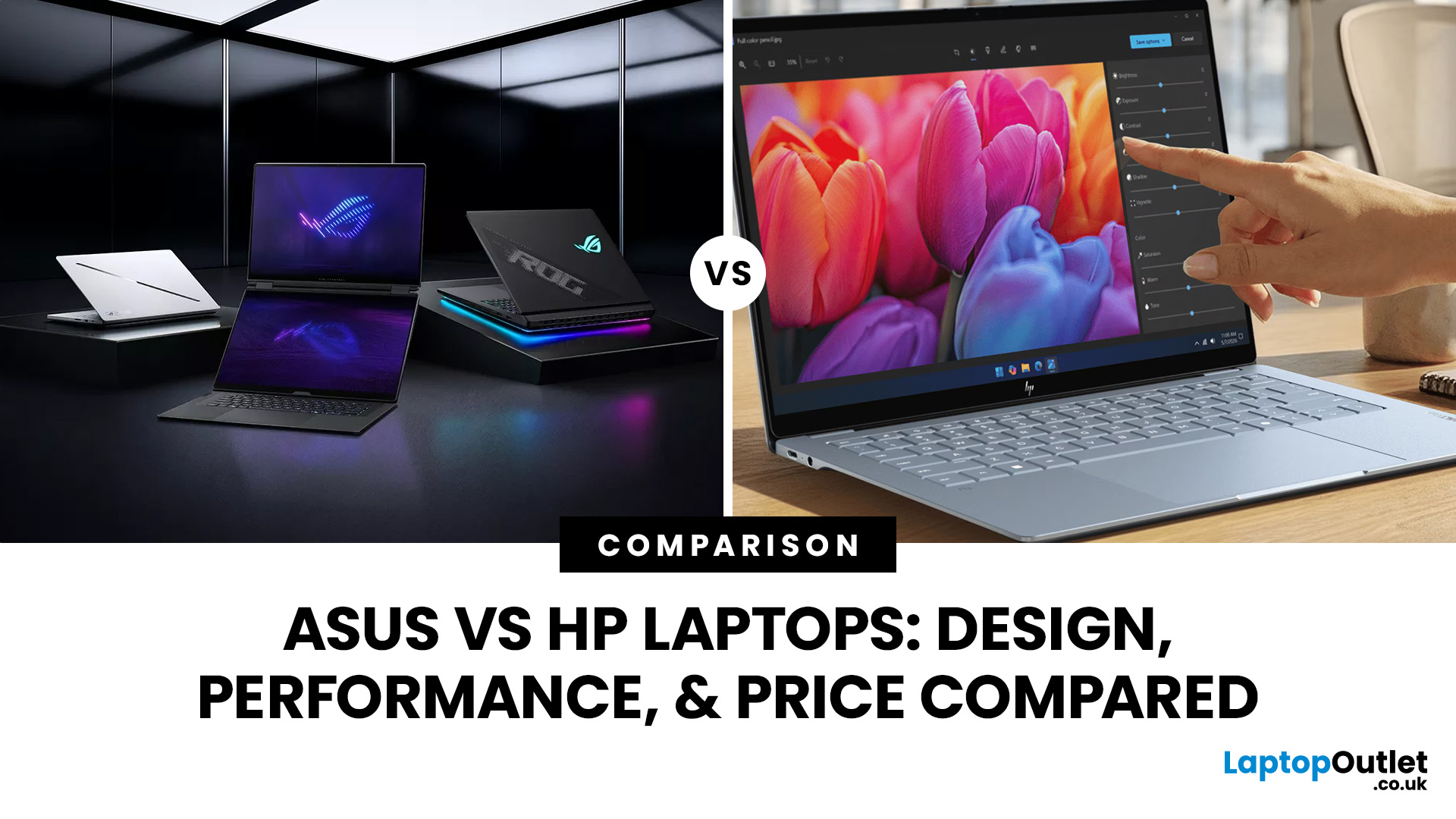
ASUS and HP now compete across almost every type of Windows laptop, from lightweight AI PCs to business machines and RTX-powered gaming systems. The real differences appear when you compare their processors, memory, storage, displays, portability, and product families. This ASUS vs HP laptops guide breaks those areas down so you can match the right brand and specification to the way you actually use your laptop.
ASUS vs HP: Quick Comparison
| Feature | ASUS | HP |
| Everyday laptops | Vivobook | OmniBook 3/5 |
| Premium laptops | Zenbook | OmniBook X/Ultra |
| Business | ExpertBook | ProBook/EliteBook |
| Gaming | TUF Gaming/ROG | Victus/OMEN |
| Creator/workstation | ProArt | ZBook |
| Processors | Intel Core Ultra, AMD Ryzen AI, Snapdragon | Intel Core Ultra, AMD Ryzen AI, Snapdragon |
| Displays | Strong OLED, Mini LED and high-refresh choice | IPS, OLED, touch and high-refresh options |
| Best suited to | Broad display and gaming choice | Consumer, business and workstation depth |
Neither company wins every category. Compare equivalent ranges first rather
Last Updated: September 08, 2026
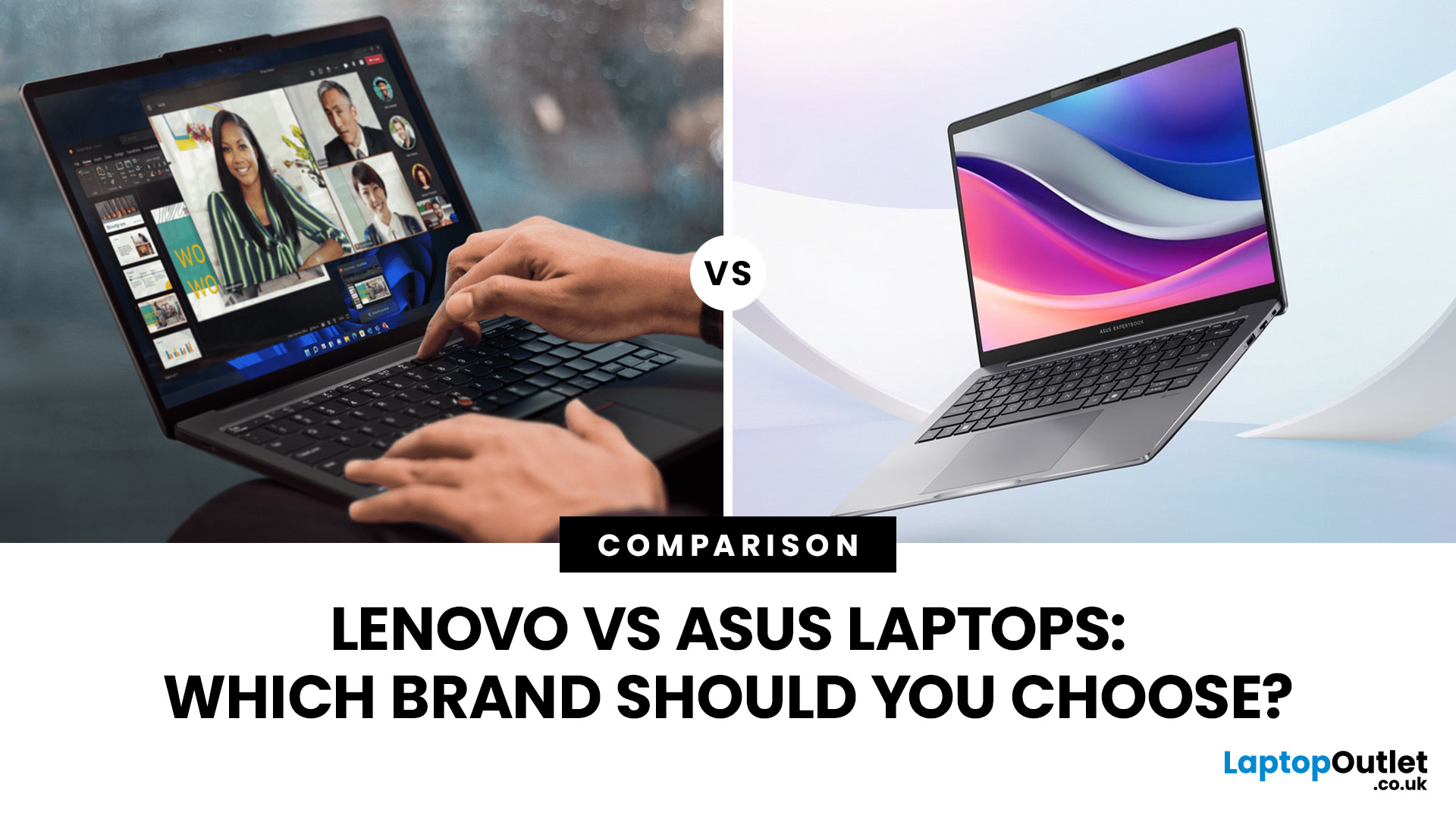
Lenovo and ASUS both cover everything from everyday laptops to premium business machines and high-performance gaming systems, but their strengths are not identical. Lenovo stands out through ThinkPad, Yoga, IdeaPad and Legion, while ASUS counters with Zenbook, Vivobook, ExpertBook, TUF Gaming and ROG. This Lenovo vs ASUS laptops comparison looks at processors, RAM, storage, displays, battery life, upgradeability and gaming hardware to help you see which brand fits your needs in 2026.
Lenovo vs ASUS: Quick Comparison
| Area | Lenovo | ASUS |
| Everyday laptops | IdeaPad | Vivobook |
| Premium thin-and-light | Yoga | Zenbook |
| Business | ThinkPad | ExpertBook |
| Gaming | Legion / LOQ | ROG / TUF Gaming |
| Current processors | Intel Core Ultra, AMD Ryzen AI, Snapdragon options | Intel Core Ultra, AMD Ryzen AI, Snapdragon options |
| Memory | Soldered or upgradeable depending on model | Soldered or upgradeable depending on model |
| Displays | IPS, OLED, touch and high-refresh options | IPS, OLED, touch, Mini LED and high-refresh options |
| Main strength |
Last Updated: September 07, 2026
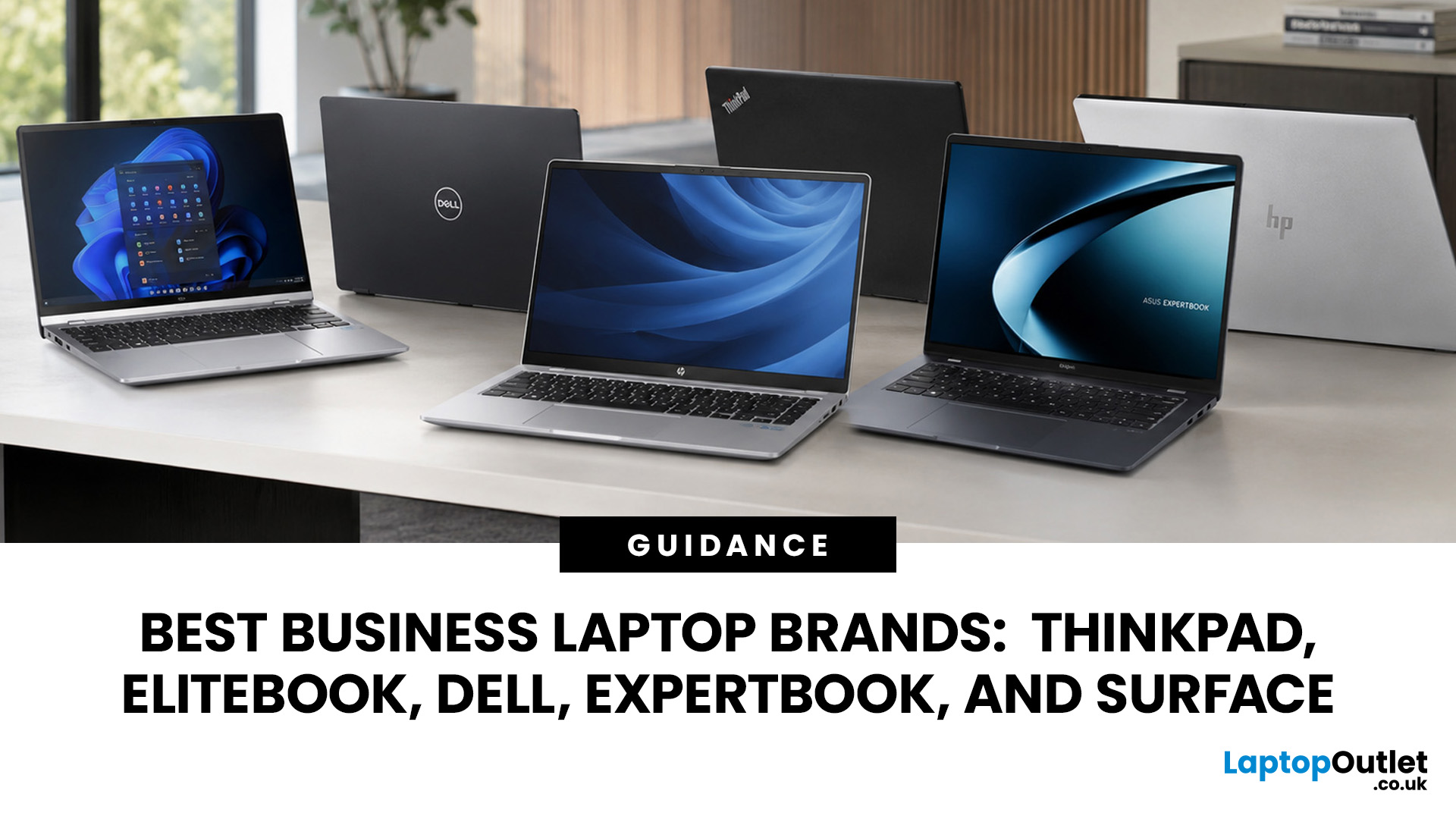
A dependable business laptop must do more than open emails and spreadsheets. It should support your applications, protect company data, connect to workplace equipment, and remain comfortable through long working days. However, even the best business laptop brands take different approaches to these requirements. This guide compares Lenovo ThinkPad, HP EliteBook, Dell Latitude, and Dell Pro, ASUS ExpertBook, and Microsoft Surface so you can identify the most suitable range for your work.
Which Business Laptop Brand is Best?
There is no single best brand for every professional. Lenovo ThinkPad offers one of the broadest selections, while HP EliteBook places strong emphasis on security and collaboration. Dell Latitude and newer Dell Pro systems suit managed IT environments, ASUS ExpertBook provides practical options for SMEs, and Microsoft Surface combines premium mobility with close Windows integration.
The right choice ultimately depends on your software, security policies, working location,
Last Updated: September 08, 2026
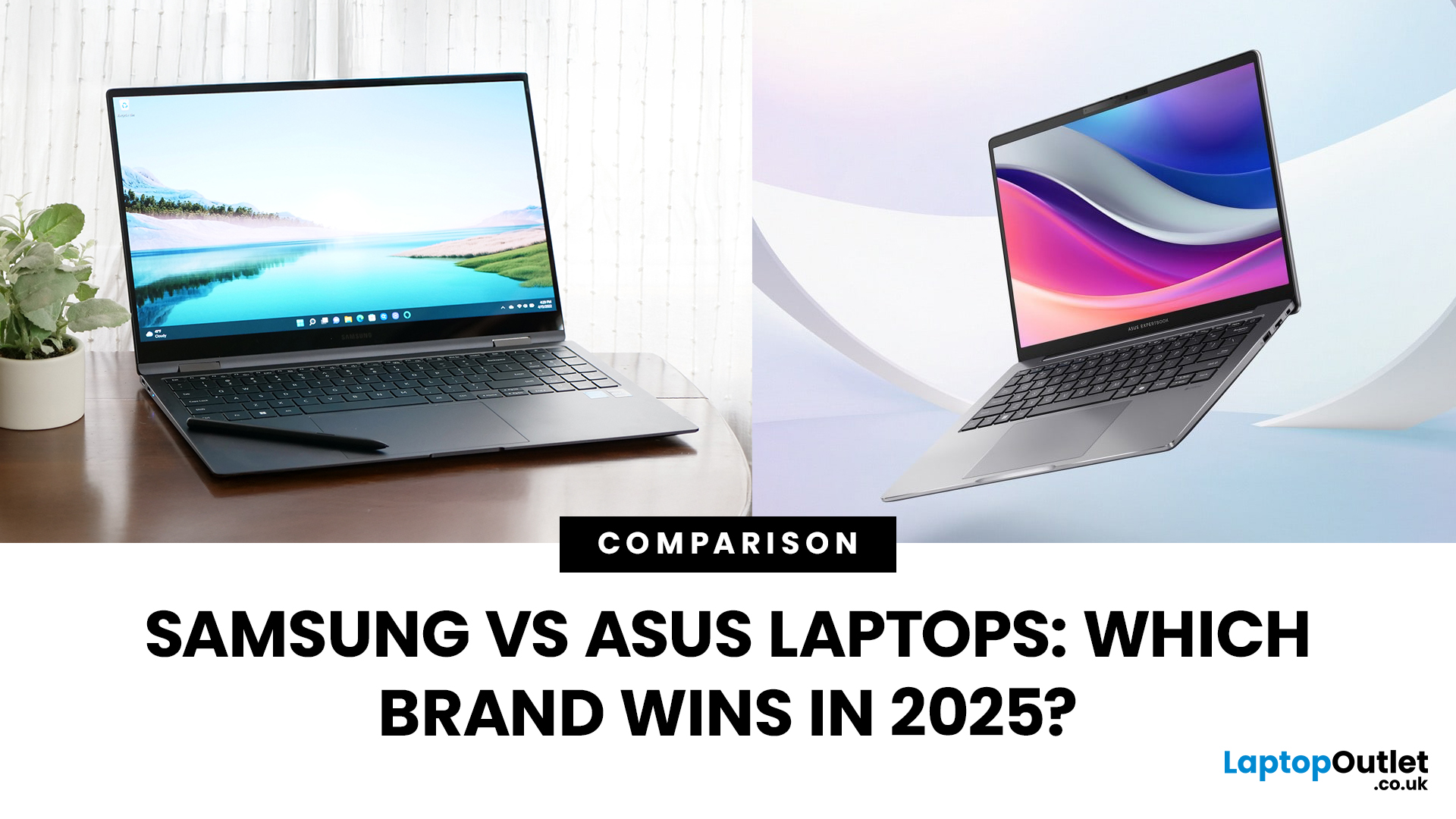
Samsung and ASUS take noticeably different approaches to laptops in 2026. Samsung concentrates its Windows range around the Galaxy Book6 family, combining slim designs with Galaxy device integration, while ASUS spreads its options across Vivobook, Zenbook, ExpertBook, ProArt, TUF Gaming, and ROG. This Samsung vs ASUS laptops comparison looks at processors, RAM, storage, displays, battery life, connected features, and graphics to help you decide which approach suits you.
Samsung vs ASUS: Key Differences at a Glance
| Area | Samsung | ASUS |
| Everyday | Galaxy Book6 | Vivobook |
| Premium | Galaxy Book6 Pro | Zenbook |
| High performance | Galaxy Book6 Ultra | ProArt / ROG |
| Business | Galaxy Book6 / Pro | ExpertBook |
| Processors | Mainly Intel Core/Core Ultra | Intel Core Ultra, AMD Ryzen AI, Snapdragon |
| Displays | IPS and Dynamic AMOLED 2X | IPS, OLED, Mini LED, dual OLED |
| Dedicated graphics | Up to RTX 5070 on Book6 Ultra | Broad RTX range through ProArt, TUF and ROG |
| Key advantage | Galaxy ecosystem | Wider hardware and form-factor choice |

Last Updated: September 08, 2026
ASUS and Dell compete across everyday laptops, premium ultraportables, business machines and high-performance gaming systems, but they take different routes to get there. ASUS offers a particularly broad mix through Vivobook, Zenbook, ExpertBook, ProArt, TUF Gaming and ROG, while Dell covers consumer computing, XPS, Dell Pro, and Alienware. This ASUS vs Dell laptops comparison looks beyond the badge at the specifications and features that actually affect your experience.
ASUS vs Dell: Key Differences at a Glance
| Area | ASUS | Dell |
| Everyday | Vivobook | Inspiron |
| Premium | Zenbook | XPS |
| Business | ExpertBook | Dell Pro |
| Creator | ProArt | XPS / Dell professional systems |
| Gaming | TUF Gaming / ROG | Alienware |
| Current CPUs | Intel Core Ultra, AMD Ryzen AI, Snapdragon | Intel Core / Core Ultra |
| Displays | IPS, OLED, Mini LED, high-refresh | IPS/LCD, OLED, high-refresh |
| Main strength | Range depth and specialist hardware | Premium and business focus |
Dell's current XPS family includes 13-, 14- and 16-inch options, while ASUS spreads

Last Updated: August 04, 2026
Choosing the right monitor makes a real difference. Whether you're gaming at high frame rates, editing photos, or managing spreadsheets all day, the display in front of you shapes your entire experience.
ASUS has become one of the most trusted monitor brands in the UK — and for good reason. Their line-up covers everything from portable office screens to ultrawide gaming monitors and colour-accurate displays for creative work.
In this guide, we've broken down the best ASUS monitors for 2026 by use case, so you can find exactly what you need, fast.
Best ASUS Monitors for Office Workers
Office monitors need to be reliable, comfortable, and practical. ASUS's business and ZenScreen ranges tick every box, offering everything from portable displays to large 4K screens designed for long working days.
1. ASUS ZenScreen Go MB16AHP — Best Portable Office Monitor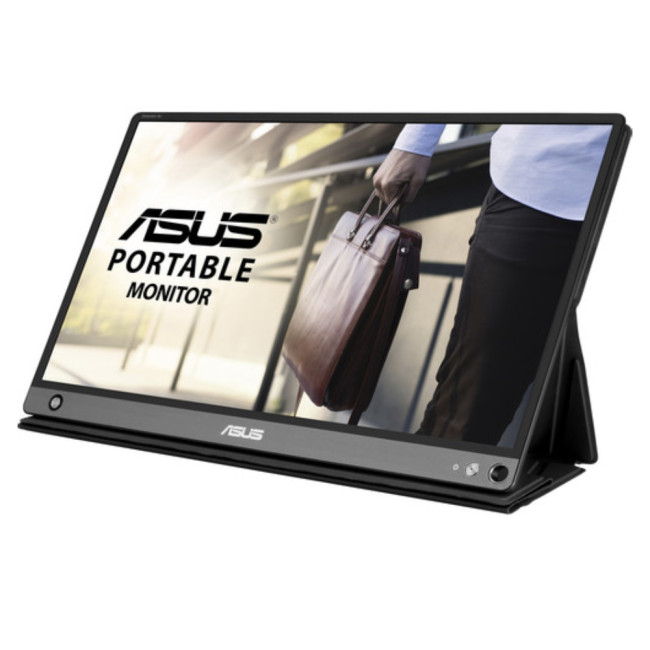
- Screen Size: 15.6"
- Panel Type: IPS
- Resolution: 1920 x 1080 (Full HD)
- Refresh Rate: 60 Hz
- Response Time: 5 ms
- Brightness: 220
Last Updated: September 08, 2026
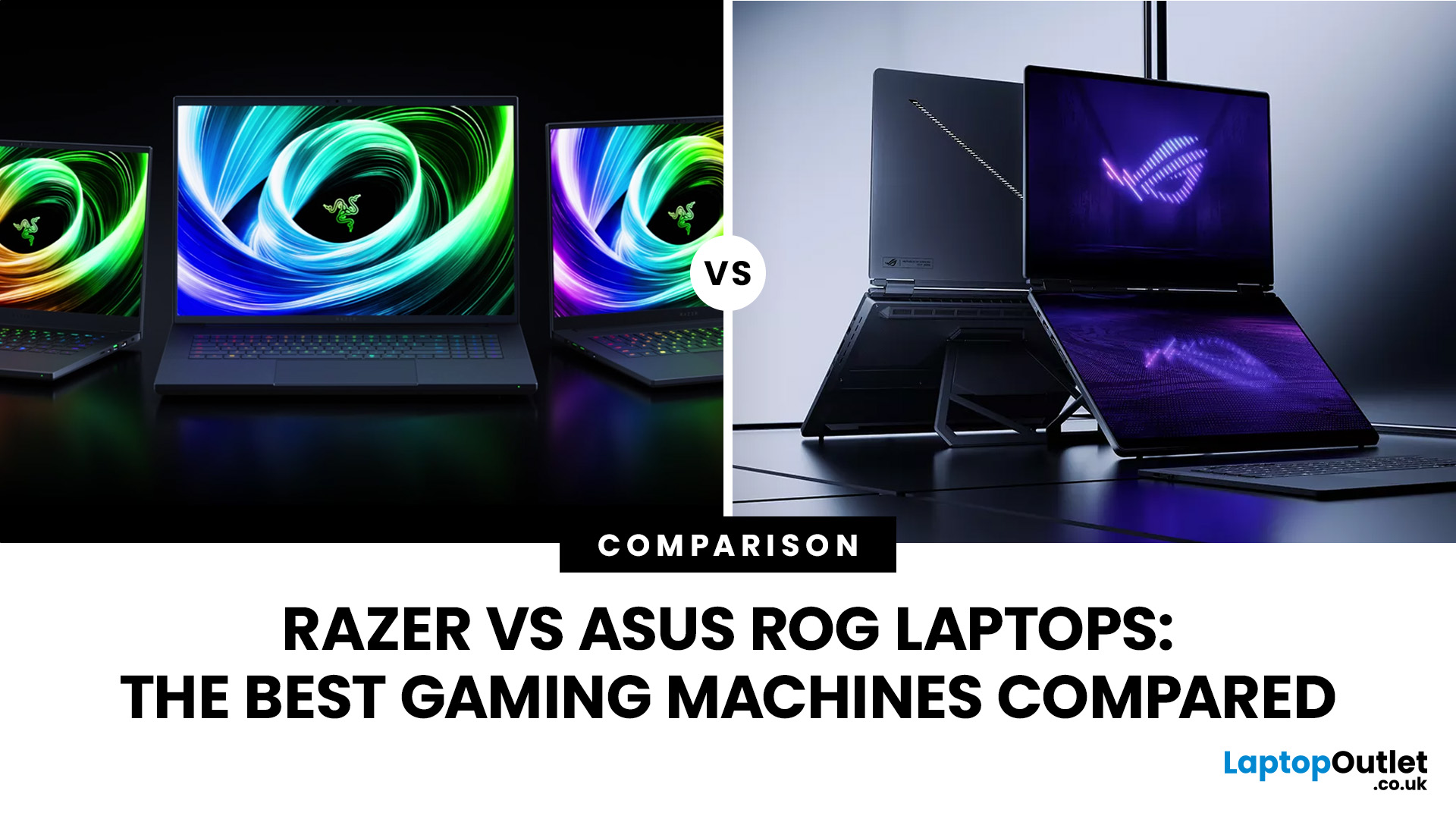
If you’re looking for a serious gaming laptop in 2026, two names will keep cropping up: Razer and ASUS ROG. Both brands produce high-performance machines with premium displays, powerful processors, and NVIDIA GeForce RTX graphics. However, they approach gaming laptops in noticeably different ways.
Razer Blade laptops generally prioritise slim aluminium designs, portability, and a refined user experience. ASUS ROG offers a broader selection, ranging from portable Zephyrus laptops to performance-focused Strix and Strix SCAR machines.
Quick Answer:
- Choose Razer for refinement and portability.
- Choose ASUS ROG for choice, sustained performance and value.
Here’s a practical guide to Razer vs ASUS ROG laptops, covering design, performance, displays, cooling, battery life, value, and the current models worth comparing.
Razer vs ASUS ROG: Key Differences at a Glance
| Area | Razer Blade | ASUS ROG |
| Portable gaming | Blade 14 | Zephyrus G14 |
| Premium 16-inch | Blade 16 | Zephyrus G16 |
| Desktop replacement | Blade 18 |

Last Updated: September 09, 2026
LG and ASUS now overlap far more than their reputations suggest. LG gram still specialises in exceptionally light laptops, but its latest range adds OLED displays, Intel Core Ultra and AMD Ryzen AI processors, Copilot+ features, and improved connectivity. ASUS stretches much further, from portable Zenbooks and everyday Vivobooks to creator-focused ProArt and powerful ROG gaming machines.
This LG vs ASUS laptops comparison looks at performance, RAM, storage, displays, battery life, AI features and graphics so you can see which approach suits you.
Which LG and ASUS Range Fits Your Needs?
LG's current family includes gram Book, gram, gram Pro, and gram Pro 2-in-1. The focus remains thin-and-light computing, but the latest gram Pro hardware is considerably more capable than the “light office laptop” label suggests.
The current 16-inch gram Pro, for example, combines a 3K OLED screen, Intel Core Ultra processor, LPDDR5X memory and a 77Wh battery while weighing just 1.199kg.
ASUS separates different
Last Updated: October 08, 2025
If you’ve ever owned an ASUS laptop - whether it’s a VivoBook for uni work, a TUF machine for gaming, or a Zephyrus for serious creative projects - you’ll know that things don’t always run perfectly forever. Over time, you might notice your battery draining faster, your fans spinning louder, or a game stuttering that used to run smoothly. Nine times out of ten, that’s down to drivers or firmware needing an update.
Updating drivers and the BIOS isn’t glamorous, but it’s one of the most effective ways to keep your ASUS laptop running at its best. The latest drivers squash bugs, improve compatibility with Windows 11, and even unlock new features. A BIOS update can go further still, ironing out stability issues, boosting performance, and extending hardware lifespan.
The good news? ASUS gives you proper tools like MyASUS, Armoury Crate, EZ Flash, and WinFlash, which make updates far less intimidating than they sound. Whether you’re rocking an ASUS VivoBook, TU F, or Zephyrus, this walkthrough

