



ASUS Chromebook vs ZenBook: Which Ultrabook Offers Better Value in 2026?
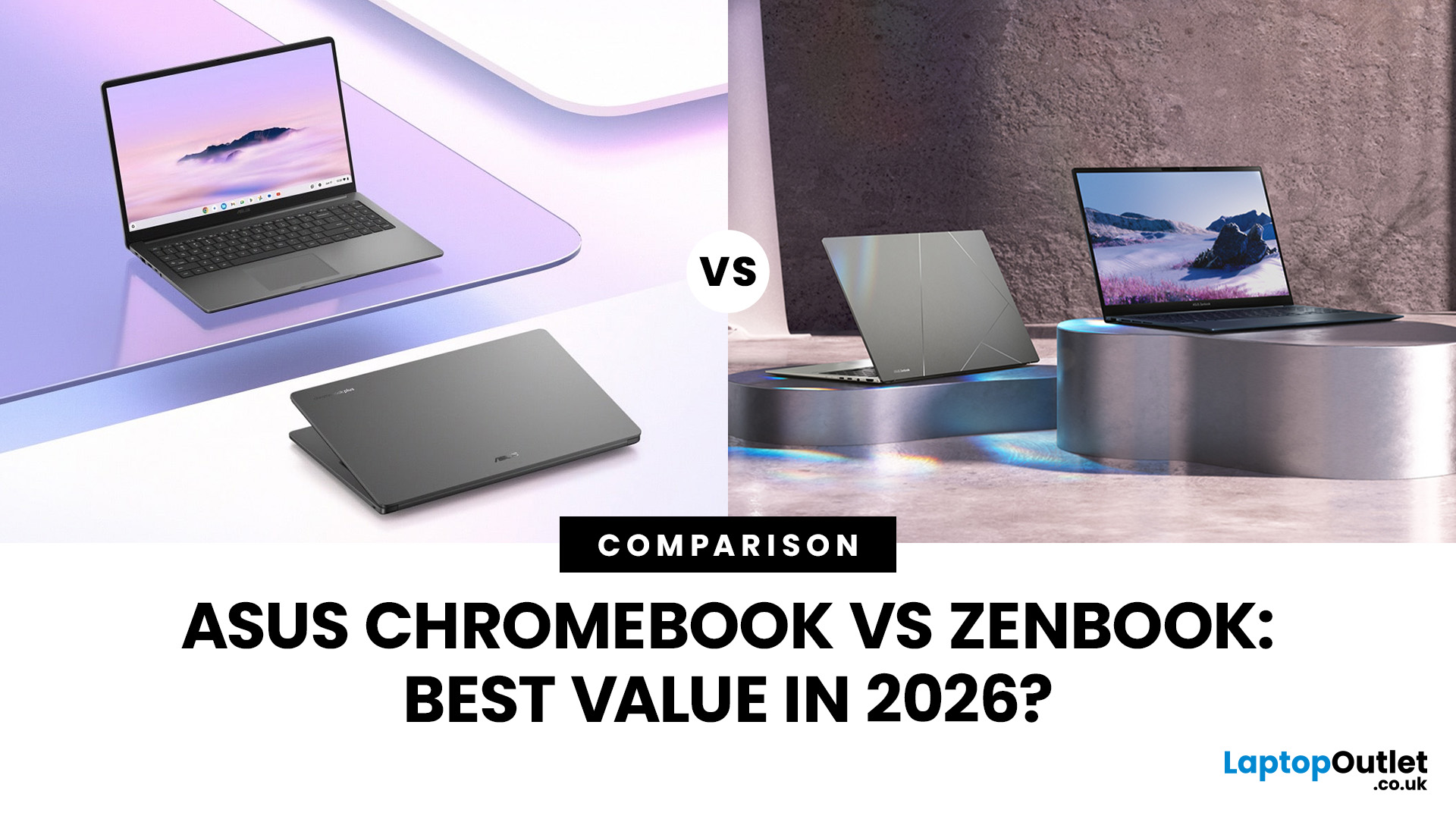
In 2026, ASUS continues to lead the ultrabook market with two standout options, the ASUS Chromebook and the ASUS ZenBook. Both deliver sleek design, portability, and performance, but they cater to different users. ASUS Chromebooks are lightweight, affordable, and perfect for students and everyday tasks, while ZenBooks offer premium craftsmanship, powerful hardware, and superior productivity for professionals and creators.
This comparison explores their specs, performance, battery life, and value, helping you decide which ultrabook suits your needs best. Whether you’re after effortless portability or all-day performance, we’ll uncover which ASUS laptop truly offers better value in 2026.
ASUS Chromebook vs ZenBook – The 2026 Ultrabook Showdown
In 2026, ASUS continues to lead the ultrabook arena with two stellar lineups that capture the essence of modern computing, the ASUS Chromebook and the ASUS ZenBook. Both are sleek, reliable, and performance-driven, but they serve very different lifestyles.
If you’re a student or casual user seeking simplicity, all-day battery life, and great value, the ASUS Chromebook is your everyday hero. But if you’re a professional craving power, style, and seamless multitasking, the ASUS ZenBook stands out as your productivity powerhouse.
In this guide, we’ll dive into how these two ultrabooks compare in design, performance, display quality, and overall value, so you can choose the ASUS laptop that fits your work, studies, and ambitions in 2026.
ASUS ZenBook – Premium Design with a Purpose
Every curve and contour of the ASUS ZenBook screams sophistication. Built from brushed aluminium and engineered with precision, it offers a truly premium feel that’s both sturdy and lightweight. Its ultra-slim profile, edge-to-edge keyboard, and stunning finishes like Celestial Blue and Jade Black make it a showpiece for professionals on the move.
Beyond looks, ZenBooks are designed for function, from the ergonomic ErgoLift hinge to adaptive cooling and compact bezels that maximise screen space. Whether you’re working remotely or presenting in a boardroom, this is the laptop that turns heads and boosts productivity. Explore the full range of ASUS ZenBook laptops for productivity.
ASUS Chromebook – Lightweight, Durable, and Made for Everyday Life
The ASUS Chromebook takes a more practical approach to design: slim, portable, and built to handle daily wear and tear. Many models feature reinforced edges and spill-resistant keyboards, making them perfect companions for students and professionals on the go.
Chromebooks favour a minimalist aesthetic, often weighing under 1.5 kg, which makes them easy to slip into a backpack. Despite their affordability, they retain a modern look with bright displays and compact form factors.
If you’re after portability without compromising usability, the ASUS Chromebook’s design hits the sweet spot between durability and style. Browse ASUS Chromebooks for students and find your ideal everyday companion.
Display & Visual Experience
When it comes to visuals, both ASUS lineups deliver impressive clarity, but they cater to very different audiences.
ASUS ZenBook models shine with their OLED and NanoEdge displays, offering vibrant colours, deep contrast, and crisp 4K options ideal for creators and professionals. Whether you’re editing photos, watching a film, or running multiple windows, the ZenBook’s near-borderless screen and high brightness create a truly immersive experience. Many ZenBooks now include Pantone Validated panels and 100% DCI-P3 colour coverage, ensuring colour accuracy that creative users will love.
Meanwhile, the ASUS Chromebook focuses on accessibility and eye comfort. Most models feature Full HD IPS displays, delivering excellent brightness and clarity for studying, browsing, or streaming. Touchscreen variants make navigating ChromeOS effortless, perfect for note-taking and quick multitasking.
So, if you’re after stunning visual fidelity for design or content creation, the ZenBook is your match. But for students and everyday users, the Chromebook’s display balances affordability with great day-to-day performance, bright, sharp, and reliable wherever you work.
If you’re deciding between different ZenBook sizes, check out our guide on ASUS ZenBook 14 vs ZenBook 16: Which Is Right for You? to see how each model fits different work styles and needs.
Performance & Processing Power
ASUS ZenBook – Engineered for Power and Productivity
When it comes to raw performance, ZenBooks set the standard for ultrabooks. Equipped with the latest Intel Core Ultra, AMD Ryzen 7000, or even discrete NVIDIA graphics, ZenBooks are built to handle demanding tasks effortlessly. From photo editing and video rendering to multitasking between design tools, browsers, and communication apps, everything runs with buttery-smooth precision.
Performance-wise, the ZenBook isn’t just powerful; it’s intelligent. Features like adaptive performance tuning, whisper-quiet fans, and AI-powered battery optimisation ensure that you get the perfect balance between speed and efficiency. It’s ideal for professionals, creators, and hybrid workers who rely on consistent performance in every environment.
If you’re a content creator, the ZenBook’s combination of CPU power, high-end graphics, and advanced cooling gives you workstation-grade performance in a portable form factor, making it one of the best ultrabooks for productivity in 2026.
ASUS Chromebook – Speed and Simplicity Redefined
ASUS Chromebooks may not compete on raw horsepower, but they excel where it matters most for students and everyday users: speed, simplicity, and efficiency. Powered by Intel Core i3/i5 or MediaTek processors, these laptops boot instantly, update automatically, and run smoothly thanks to ChromeOS’s lightweight architecture.
The result? A fast, secure, and responsive experience that’s tailor-made for web-based apps, document editing, and cloud storage. If your daily workflow revolves around Google Workspace, video calls, or browsing, the ASUS Chromebook delivers exceptional value and reliability.
For most casual users, it’s a stress-free experience, fast enough for schoolwork and flexible enough for remote learning or lightweight productivity. If you’re into video editing, animation, or digital design, explore our roundup of theBest ASUS ZenBooks for Video Editing & Creative Work to find the perfect model for creative professionals.
Operating System & Software Ecosystem
The biggest difference between these two ASUS ultrabooks lies in the software that powers them, Windows 11 for ZenBooks and ChromeOS for Chromebooks.
Windows 11 on ASUS ZenBook
With the ZenBook, you’re entering the full-featured Windows ecosystem, complete with Microsoft Office, Adobe Creative Suite, and an endless selection of professional tools. Windows 11 also brings seamless integration with Android and cloud apps, making it ideal for multitasking professionals. Its advanced security features, custom layouts, and intuitive interface make the ZenBook a powerhouse for both productivity and creativity.
Paired with ASUS’s proprietary software, like MyASUS and ScreenXpert utilities, users can optimise performance, split screens, and sync data across devices effortlessly.
ChromeOS on ASUS Chromebook
ASUS Chromebooks, on the other hand, run ChromeOS, a lightweight system built around simplicity, speed, and cloud access. It’s perfect for students, teachers, and families who rely on Google Workspace and web-based tools. With access to the Google Play Store, users can download Android apps for entertainment, productivity, or study, bridging the gap between laptop and tablet.
Chromebooks also come with automatic updates and built-in virus protection, ensuring a secure experience with zero maintenance.
Choose ChromeOS if you prioritise speed, affordability, and effortless setup. Go with Windows 11 if you need flexibility, professional-grade software, and desktop-level performance.
Battery Life & Charging
Battery life is one of the most important factors when choosing an ultrabook and here, ASUS delivers excellence on both fronts, though in different ways.
ASUS Chromebook – Marathon Battery for Everyday Use
If endurance is what you need, the ASUS Chromebook is hard to beat. Designed for mobility and efficiency, most Chromebooks can last up to 12–14 hours on a single charge. Thanks to the lightweight ChromeOS and low-power processors, you can breeze through a full day of lectures, study sessions, or work meetings without hunting for a power socket.
ASUS also includes USB-C fast charging across many Chromebook models, allowing you to regain several hours of battery life in under 30 minutes. For students and travellers who value unplugged productivity, this kind of longevity is a huge advantage.
ASUS ZenBook – Balanced Power and Performance
The ASUS ZenBook, meanwhile, prioritises power efficiency without sacrificing performance. Depending on the model, users can expect 8–10 hours of real-world use, supported by AI-enhanced battery optimisation and ASUS’s intelligent cooling design.
ZenBooks with OLED displays and high-performance CPUs are power-hungry by nature, but ASUS compensates with fast-charging technology, up to 60% charge in under 49 minutes, and smart energy management via the MyASUS app.
For all-day portability and study sessions, the Chromebook wins. But for those balancing demanding workloads with a sleek, premium design, the ZenBook offers a well-optimised battery experience that keeps pace with your productivity.
To get even more out of your ZenBook, check out our Battery Life & Performance Optimisation Tips for ZenBook Users for practical ways to extend runtime and boost efficiency.
Display & Graphics for Creators
When it comes to visuals and creative performance, the differences between the ASUS ZenBook and ASUS Chromebook are clear — one is built for everyday efficiency, the other for visual brilliance and creative mastery.
ASUS ZenBook – Vivid OLED Powerhouse for Creators
If your work revolves around design, photography, or video editing, the ZenBook takes the lead with its brilliant OLED display technology. Offering deep blacks, true-to-life colour accuracy, and 100% DCI-P3 coverage, it’s tailor-made for creative professionals. Some ZenBook models also include discrete NVIDIA RTX graphics or Intel Arc GPUs, giving them the muscle needed for rendering, 3D modelling, and graphic design.
Pair that with adaptive refresh rates and HDR support, and you get visuals that rival professional monitors. The ZenBook’s superior display quality makes it one of the best ultrabooks for productivity and creators in 2026, especially for remote professionals who rely on portability and performance in equal measure.
ASUS Chromebook – Clear, Reliable, and Classroom-Ready
The ASUS Chromebook, while not built for heavy creative workloads, still offers great visual performance for students and general users. Most models feature Full HD IPS panels, delivering crisp visuals and wide viewing angles — ideal for streaming, note-taking, or light design tasks via web-based apps like Canva or Google Photos.
Touchscreen options make Chromebooks even more versatile for artistic users who prefer sketching, annotating, or presenting ideas directly on-screen.
For professionals, content creators, and digital artists, the ZenBook’s OLED brilliance and GPU options are unmatched. For students or casual users, the Chromebook’s clear and energy-efficient display strikes the right balance between quality and practicality.
Learn more about how OLED technology enhances colour accuracy and professional workflows in our in-depth guide, ZenBook OLED Displays: Visuals, Colour Accuracy & Professional Advantage.
Connectivity, Ports & Expandability
In a world of remote work and hybrid learning, connectivity is more important than ever, and ASUS has mastered this across both its ultrabook ranges.
ASUS ZenBook – Feature-Rich Connectivity for Professionals
The ASUS ZenBook lineup is all about versatility. With Thunderbolt 4, USB-C, HDMI, and microSD card readers, it offers everything professionals and creators need. ZenBooks support Wi-Fi 6E and Bluetooth 5.3, ensuring super-fast wireless connections for online meetings, cloud transfers, or streaming.
For those who rely on external monitors or high-speed drives, the dual Thunderbolt ports deliver up to 40 Gbps transfer speeds. It’s the ideal setup for productivity, especially for designers or remote workers juggling multiple peripherals.
ASUS Chromebook – Simple, Smart, and Reliable
The ASUS Chromebook keeps things streamlined but effective. Most models feature USB-C and USB-A ports, along with headphone jacks and microSD support for expandable storage. They’re built for simplicity and compatibility, whether you’re connecting a projector in class or transferring files on the go.
While it lacks the advanced expandability of a ZenBook, ChromeOS’s seamless integration with cloud storage makes physical connections less critical for its target users.
Professionals needing multiple device connections should go for the ZenBook. For students and casual users who live mostly online, the Chromebook’s minimalist connectivity hits just the right balance.
Price, Value & Affordability
Price is where the ASUS Chromebook truly flexes its appeal, while the ZenBook delivers value through long-term performance and build quality.
ASUS Chromebook – Affordable Power for Students
Starting from as little as a few hundred pounds, the ASUS Chromebook offers unbeatable affordability. You get solid performance, strong battery life, and a clean user experience at a fraction of the price of a traditional ultrabook.
For students and educators, this makes it a go-to choice for reliable computing on a budget. Even premium Chromebook models with touchscreens and 2-in-1 flexibility remain cost-effective options.
ASUS ZenBook – Premium Value for Professionals
The ASUS ZenBook may come at a higher upfront cost, but it offers exceptional long-term value. You’re investing in superior build quality, faster processors, premium displays, and durability that stands the test of time.
ZenBooks are ideal for anyone who needs a laptop to double as a workstation, from creative professionals to business executives.
Explore the full range of Best ASUS ultrabook for value to find deals that balance premium quality with great pricing.
The Chromebook is best for affordability and simplicity. The ZenBook wins on all-round value, combining long-term durability, power, and premium performance.
Target Audience Breakdown
For Students – The ASUS Chromebook Advantage
Lightweight, affordable, and hassle-free, the ASUS Chromebook is tailor-made for students. With its seamless integration with Google Workspace, cloud-based learning tools, and long battery life, it’s ideal for studying, streaming, and collaborating online.
Browse ASUS Chromebooks for students and discover reliable learning companions built for everyday success.
For Professionals & Creators – The ZenBook Edge
If performance, power, and portability are your priorities, the ASUS ZenBook is unmatched. With cutting-edge displays, next-gen processors, and premium design, it’s the go-to ultrabook for remote workers, content creators, and business users. Explore ASUS ZenBook laptops for productivity and find a system that meets your creative and professional demands.
Durability, Security & Cloud Integration
Both ASUS ultrabooks prioritise user protection and device reliability, but they do so in distinct ways.
- ASUS Chromebook devices feature automatic updates, sandboxing, and built-in virus protection, ensuring long-term security with minimal effort. Integration with Google Drive means your files are always safe in the cloud, even if your laptop isn’t.
- ASUS ZenBook, on the other hand, focuses on professional-grade security. With TPM 2.0 chips, Windows Hello facial recognition, and BIOS-level protection, your data stays safe whether you’re online or offline.
In terms of build, both series undergo rigorous ASUS durability testing, including drop, vibration, and temperature resistance, ensuring your device is built to last.
Which Offers Better Value in 2026?
So, after all the comparisons, which ASUS ultrabook truly offers better value in 2026?
If your priorities are simplicity, battery life, and affordability, the ASUS Chromebook is an excellent choice. It’s lightweight, efficient, and perfect for students, families, or casual users who live mostly in the cloud.
However, if you’re after power, premium aesthetics, and performance that grows with you, the ASUS ZenBook is the smarter long-term investment. It’s ideal for professionals, creators, and remote workers who want a stylish, future-ready ultrabook capable of handling serious workloads.
The Chromebook wins on cost-effectiveness and portability. The ZenBook wins on performance, display quality, and longevity.
ASUS Chromebook vs ZenBook (2026) – Quick Comparison Table
|
Feature |
ASUS Chromebook |
ASUS ZenBook |
|
Operating System |
ChromeOS – lightweight, cloud-focused |
Windows 11 – full-featured and productivity-driven |
|
Processor Options |
Intel Core i3/i5, MediaTek, Snapdragon |
Intel Core Ultra, AMD Ryzen 7000, or Intel Arc/NVIDIA GPU |
|
Display Quality |
Full HD IPS, some touchscreen models |
OLED or 4K NanoEdge, Pantone Validated, 100% DCI-P3 colour gamut |
|
Performance Focus |
Web apps, browsing, and cloud tasks |
Multitasking, creative work, and professional applications |
|
Battery Life |
Up to 12–14 hours (lightweight efficiency) |
Around 8–10 hours (with fast-charging support) |
|
Graphics |
Integrated graphics for daily tasks |
Integrated or dedicated (RTX/Intel Arc) for creators and gamers |
|
Build & Design |
Lightweight plastic/aluminium blend, portable |
Premium aluminium chassis, durable and ultra-slim |
|
Connectivity |
USB-C, USB-A, microSD, Wi-Fi 6 |
Thunderbolt 4, HDMI, USB-C, Wi-Fi 6E, Bluetooth 5.3 |
|
Ideal Users |
Students, educators, casual users |
Professionals, creators, remote workers |
|
Price Range |
Budget-friendly (£200–£500) |
Mid to premium (£700–£1,500+) |
|
Best For |
Simplicity, portability, and value |
Productivity, performance, and creative power |

Sum Up for ASUS Chromebook vs ZenBook
When it comes to ASUS Chromebook vs ZenBook, it’s not about which is better overall - it’s about which is better for you.
- Choose the ASUS Chromebook if you need a dependable, budget-friendly ultrabook with simplicity and battery life that lasts all day.
- Choose the ASUS ZenBook if you want premium design, powerful specs, and professional-grade performance that keeps up with modern workflows.
Both series represent ASUS’s commitment to innovation, craftsmanship, and reliability - making either option a smart choice for 2026.
Explore the full range of laptops and notebooks for every budget at Laptop Outlet and discover the perfect balance of style, speed, and value for your lifestyle.

Some Why and What’s for ASUS Chromebook vs ZenBook
What is the main difference between an ASUS Chromebook and an ASUS ZenBook?
The biggest difference lies in their design purpose. ASUS Chromebooks run on ChromeOS, focusing on simplicity, speed, and cloud-based apps, ideal for students and everyday users. ASUS ZenBooks, on the other hand, run on Windows 11, offering premium performance, superior build quality, and advanced multitasking capabilities suited for professionals and creators.
Which is better for students: ASUS Chromebook or ZenBook?
For most students, the ASUS Chromebook is the best choice. It’s lightweight, affordable, and built for web-based tasks like online learning, research, and streaming. However, if you’re a university student studying design, engineering, or media, a ZenBook offers more power and flexibility for demanding software.
Is the ASUS ZenBook worth the extra cost compared to a Chromebook?
Yes, if you value performance, display quality, and longevity, the ASUS ZenBook is worth the investment. It features faster processors, vibrant OLED screens, and durable aluminium builds that last for years. While Chromebooks win on affordability, ZenBooks deliver greater long-term value for professionals and heavy users.
Which lasts longer on battery: ASUS Chromebook or ZenBook?
The ASUS Chromebook typically wins in battery life, lasting up to 12–14 hours on a single charge, thanks to its lightweight ChromeOS and energy-efficient hardware. The ASUS ZenBook offers around 8–10 hours, but compensates with fast-charging and more powerful components that drive higher performance.
Which ASUS laptop is better for remote work or creative tasks?
For remote work, content creation, and multitasking, the ASUS ZenBook is the clear winner. With Intel Core Ultra or AMD Ryzen CPUs, OLED displays, and discrete GPU options, it’s built to handle demanding tasks efficiently. The ASUS Chromebook, while excellent for light productivity and online collaboration, is better suited for web-based workflows.
Related Articles

Last Updated: September 09, 2025
A Smart Choice for Smarter Study?
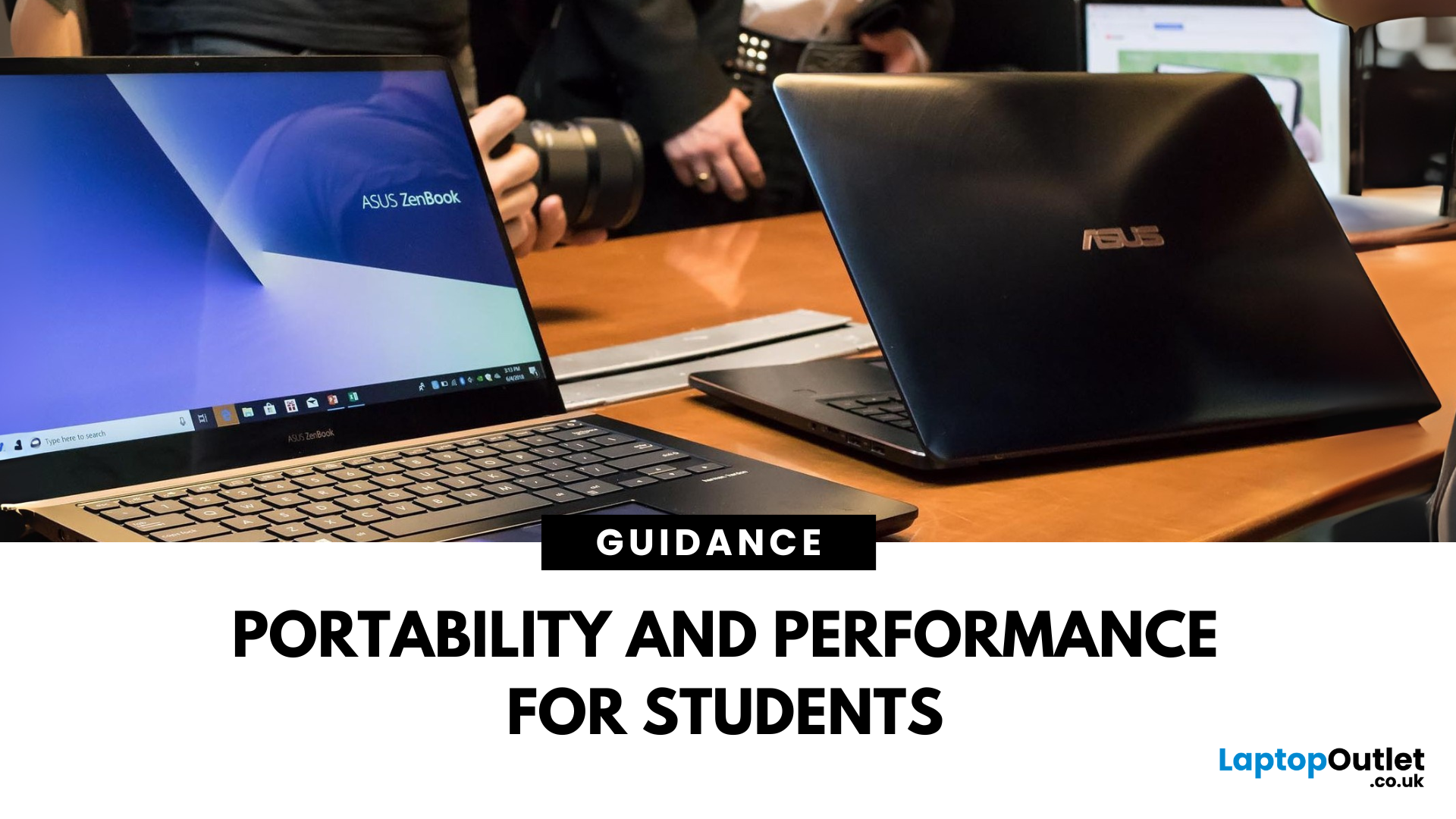
Choosing a laptop for school or university? The ASUS ZenBook is often praised for its sleek design and solid specs—but is it really the best laptop for students in 2025? Let’s break down its strengths, weaknesses, and whether it’s right for your academic life.
What Is the ASUS ZenBook?
The ZenBook is ASUS’s premium ultrabook range—lightweight, stylish, and packed with high-performance components. Designed for productivity and mobility, it’s a go-to for professionals, creatives, and yes—students.
Why Students Love the ZenBook
- Lightweight design – easy to carry to lectures or cafes
- Long battery life – up to 10–14 hours depending on model
- Fast processors – Intel Core i5/i7 or AMD Ryzen 5/7
- Full HD or OLED screens – clear visuals for research and video
- Great keyboard & trackpad – for comfortable writing and multitasking
ZenBook Models for Students (2025 Picks)
ZenBook 14 (UX425)
- Ultra-light (1.2kg)
- 11th/12th Gen Intel or Ryzen processors
Last Updated: March 30, 2026
What’s the Main Difference Between HP Chromebook and Chromebook 14a?
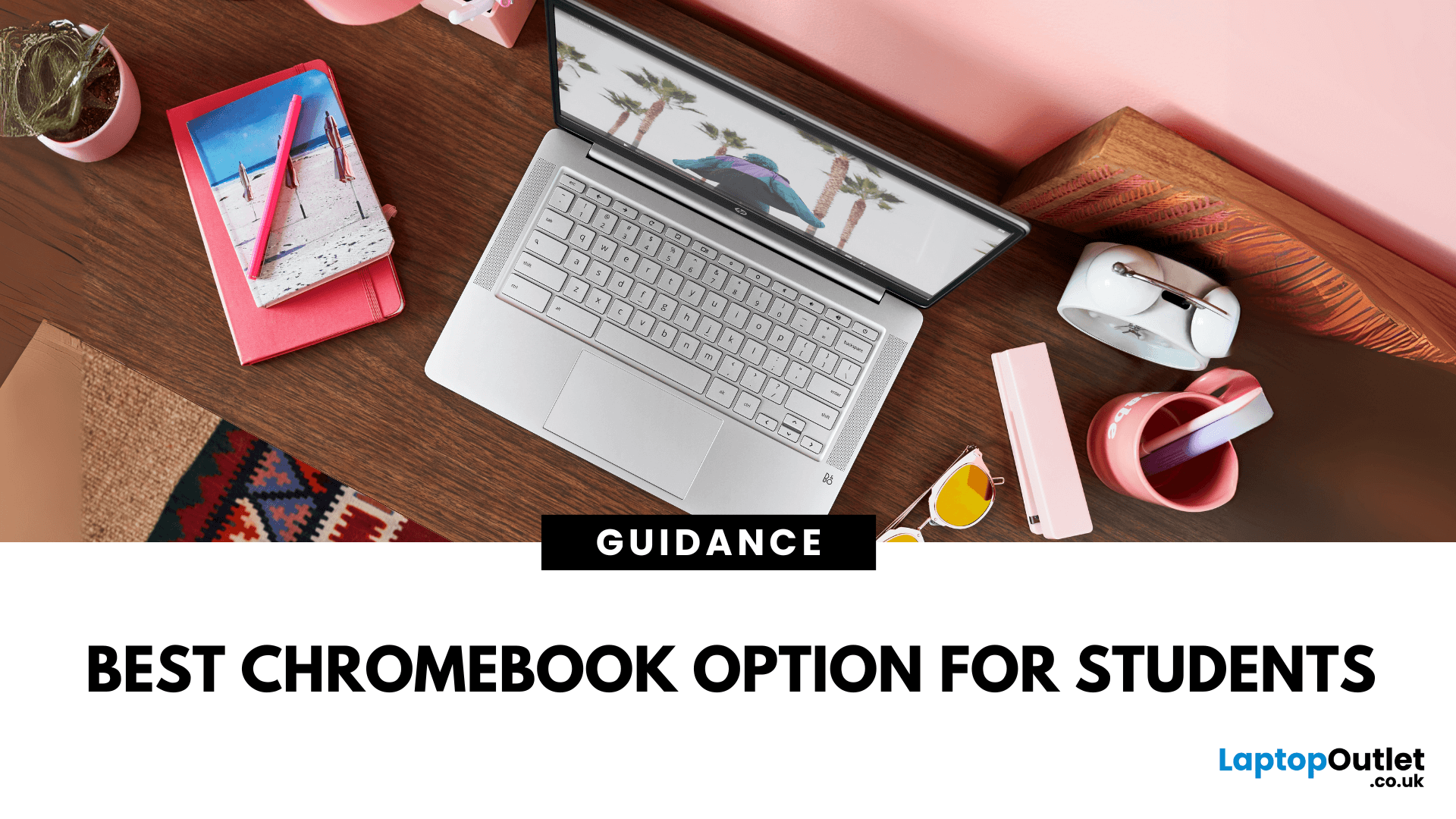
The HP Chromebook name refers to HP’s whole family of ChromeOS laptops, which includes various screen sizes, processors, and features. The Chromebook 14a is a specific model in that range, optimised for portability and studentfriendly performance at a budget price.
Feature Comparison Table
| Feature | HP Chromebook (General) | HP Chromebook 14a |
| Screen Size Options | 11″, 14″, 15.6″ | 14″ |
| Display Quality | HD or FHD depending on model | HD or FHD IPS, slim bezels |
| Processor Options | Intel Celeron, Pentium, some Core i3 options | Intel Celeron N4020 / N4120 / MediaTek options |
| RAM & Storage | 4–8 GB RAM, 32–128 GB eMMC | 4 GB RAM, 32–64 GB eMMC |
| Battery Life | 10–13 hours depending on model | Up to 13 hours |
| Weight | 1.2–1.6 kg | ~1.46 kg |
| Price Range | £200–£500+ | £220–£300 |
1. Portability & Everyday Use
- HP Chromebook: You can choose smaller 11″ or 13″ models for maximum portability, or larger 15.6″ models for more screen space.
- Chromebook 14a:
Last Updated: October 03, 2025
What’s the Main Difference Between ASUS ProArt and ZenBook?
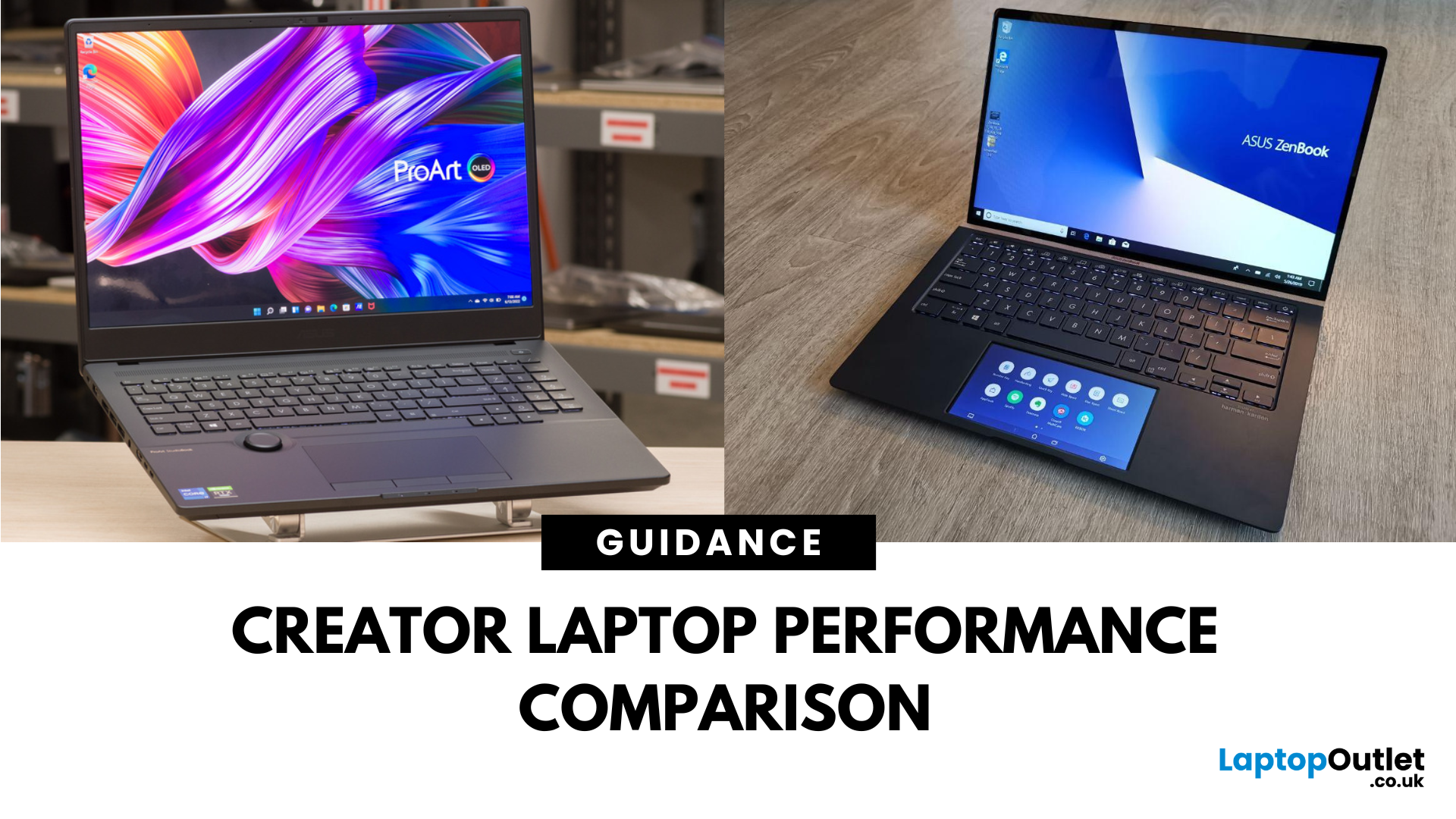
The ASUS ProArt series is engineered for professional content creators working in video production, photography, animation, and 3D modelling. It delivers ISV-certified performance, ultra-accurate colour displays, and AI-powered creator tools like ASUS DialPad and Creator Hub.
The ASUS ZenBook series targets professionals and creatives who need portability, battery endurance, and sleek aesthetics. While still capable for creative work, ZenBooks are tuned for light-to-moderate creative tasks, multitasking, and on-the-go use rather than maximum workstation output.
Specs Face-Off: ASUS ProArt vs ZenBook
| Feature | ASUS ProArt Series | ASUS ZenBook Series |
| Target Audience | Professional creators needing maximum power and colour precision | Mobile creatives, designers, and professionals seeking portability and style |
| Performance Focus | Workstation CPUs & NVIDIA RTX GPUs, ISV-certified for Adobe/Autodesk | Efficient CPUs, integrated or mid-tier GPUs, |
Last Updated: April 02, 2026
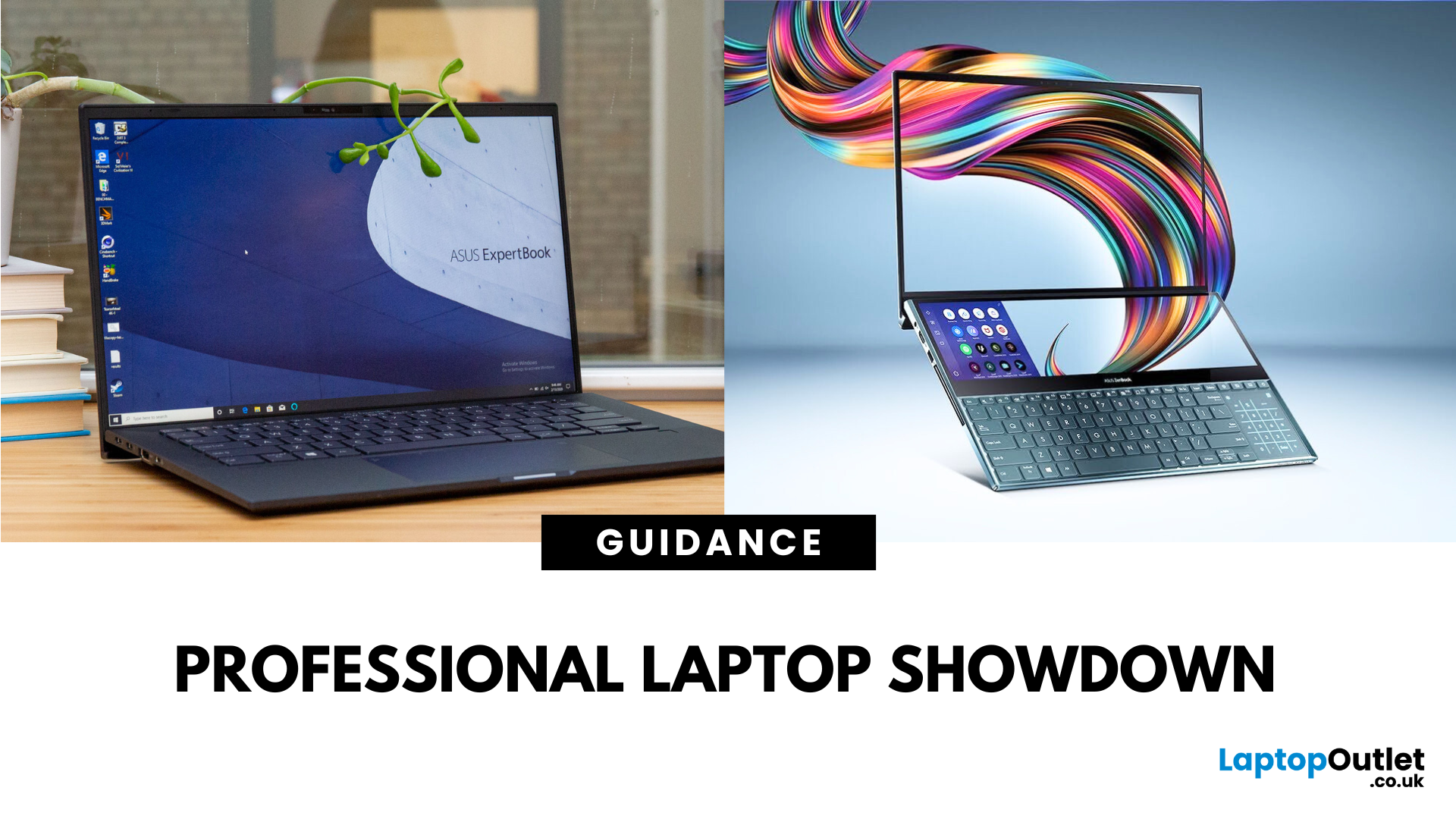
What’s the Difference Between ExpertBook and ZenBook?
The ExpertBook line is designed for professionals who demand durability, lightweight builds, enterprise features, and long battery life often with vPro support and MIL-STD testing. The ZenBook series decks out innovators and creators with premium OLED (and even dual-screen) displays, ultra-light designs, and high-end performance geared toward aesthetics and mobility.
Specs Face-Off: ExpertBook vs ZenBook
| Spec Category | ExpertBook (e.g., B5, B1, P3) | ZenBook (e.g., 14 OLED, Duo, S16) |
| Build & Weight | Ultra-light (~1.27–1.41 kg), MILSTD durability | Super-slim (~1.2–1.5 kg), aluminium/titanium builds, dual-screen option |
| Display & Visuals | Business-friendly 14" FHD or WQXGA screens, optional touch/stylus | Stunning 14" 2.8K OLED at 120 Hz, vivid dual-screen Duo models, immersive S16 displays |
| Performance | Up to Intel Ultra 7 with vPro, optional Arc/RTX GPU in some models | Core Ultra 7 or Ryzen AI CPUs, upgraded for creatives and heavy multitasking |
Last Updated: September 09, 2025
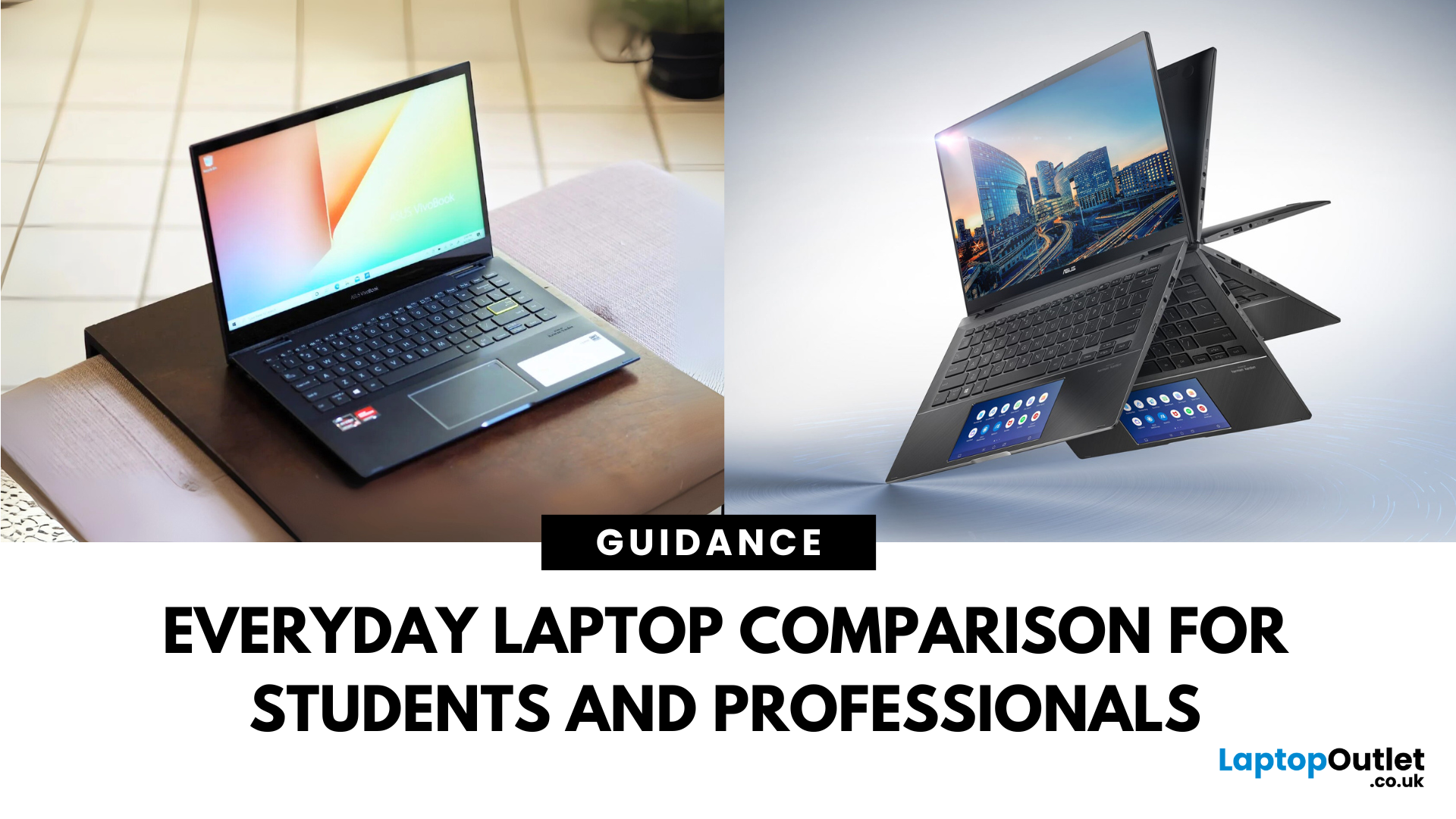
What’s the Difference Between VivoBook and ZenBook?
VivoBook is ASUS’s mainstream lineup—affordable, performance-balanced laptops for everyday use, students, and casual users. On the other hand, ZenBook is the premium alternative—sleek, aluminum builds, slim profiles, higher specs, and aimed at professionals or users who want long-term durability and style.
Feature Comparison Table
| Feature | VivoBook | ZenBook |
| Build & Design | Plastic/metal mix, budget-friendly | All-metal, ultra-slim premium build |
| Performance | Good everyday CPUs (e.g. Ryzen 5, Intel U-series) | Higher-end CPUs, often Core Ultra or better |
| Display | Reliable FHD panels | Often OLED or higher-quality touchscreens |
| Battery Life | Solid, entry-level (~8–10 h) | Excellent endurance—up to ~16 h on OLED ZenBook 14 OLED |
| Portability | Moderate—lighter options available | Thinner and lighter overall |
| Price | Very budget-friendly | Premium pricing, but great value for specs |
Performance & Design
- VivoBook: Offers solid specs for
Last Updated: July 02, 2026
Choosing the right laptop in 2025 can feel like a challenge. With endless options in the UK market, different brands, specifications, and price points, it’s easy to feel overwhelmed. This is where ASUS makes the decision simpler. Over the years, ASUS has built a reputation as one of the most trusted technology brands by offering laptops that combine performance, reliability, and affordability.
Think about the wide variety of users today: a student who needs a lightweight laptop for lectures, a business professional who spends hours travelling, a gamer chasing the ultimate performance, or a creative tackling demanding design projects. Each has unique needs, but ASUS has carefully designed a laptop series for all of them.
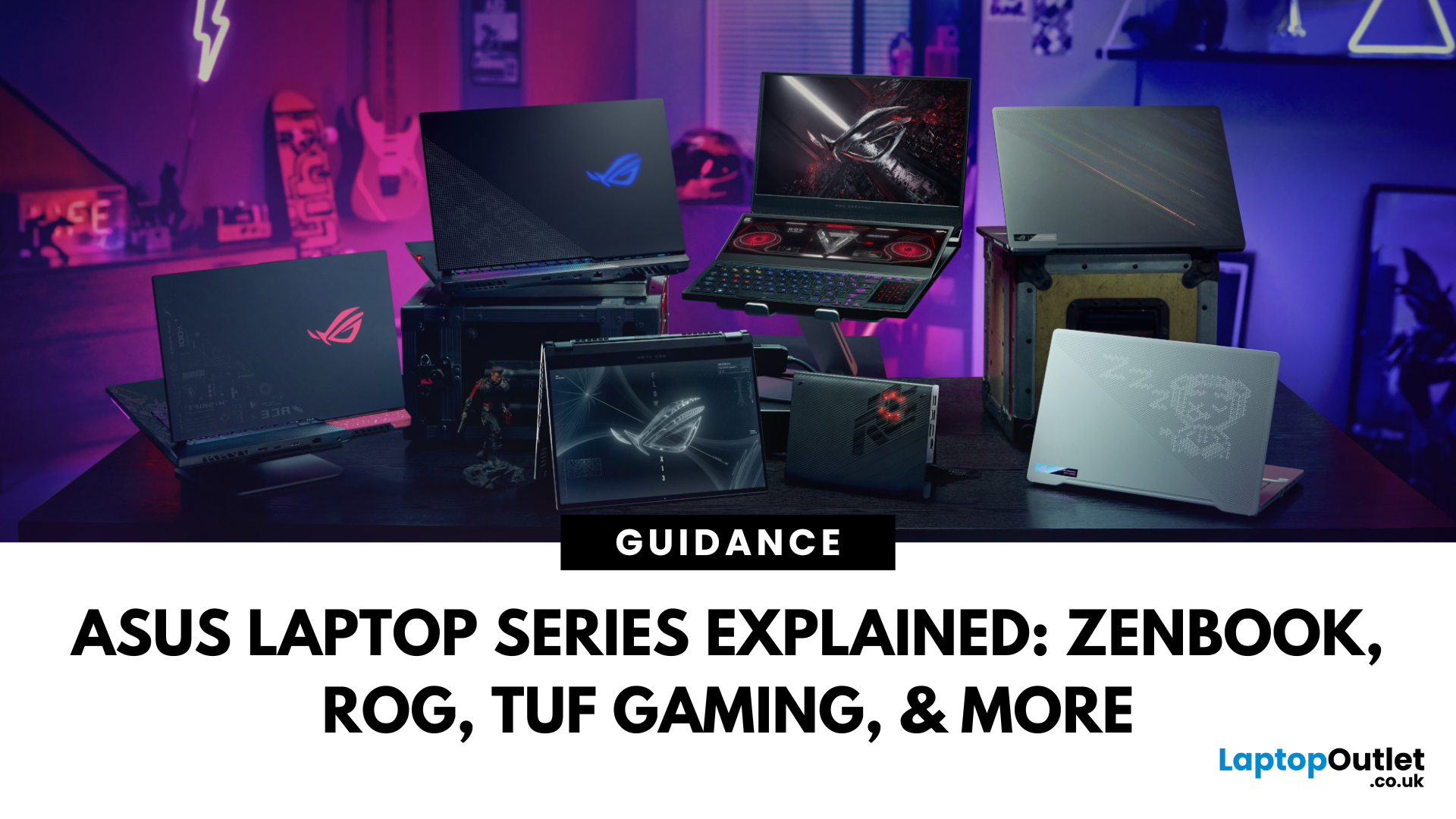
In this ASUS laptop Series explained blog, we’ll explore the full 2025 lineup: ZenBook, VivoBook, ROG, TUF Gaming, ExpertBook, Chromebook, and ProArt StudioBook, so you can confidently choose the ASUS laptop that fits your life.
A Quick Overview of the ASUS Laptop Series
Last Updated: October 30, 2025
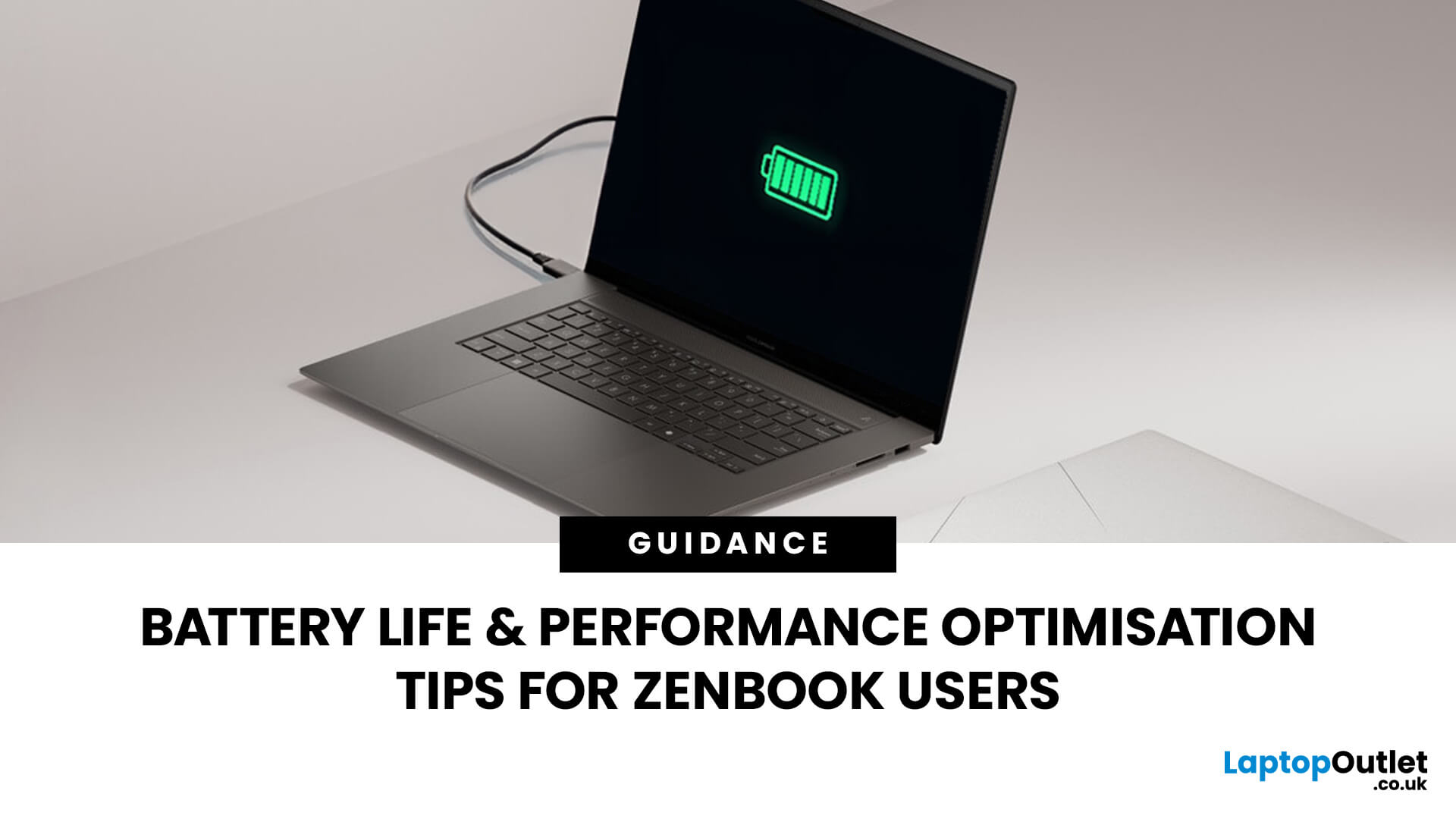
Ever been in the middle of editing a video, sending that last-minute client report, or streaming a movie and your ZenBook suddenly flashes the dreaded ‘save me, lord, I’m dying (low battery) warning?’ You’re not alone. Even the most efficient ASUS ZenBooks can drain faster than expected if they’re not set up for peak performance.
The good news? These laptops are packed with smart power management tools, hidden Windows settings, and ASUS-exclusive features that can stretch every per cent of your battery while keeping your system running smoothly. Whether you use your ZenBook for creative projects, business, or all-day multitasking, a few intelligent tweaks can make it feel like new again.
In this guide, we’ll skip the generic “dim your screen” advice and dive into real ZenBook-specific tips that actually make a difference.
Understanding How ZenBook Power Management Actually Works
So, here’s the thing - your ZenBook isn’t just another sleek slab of metal with a keyboard. It’s got a mini
Published: October 28, 2025
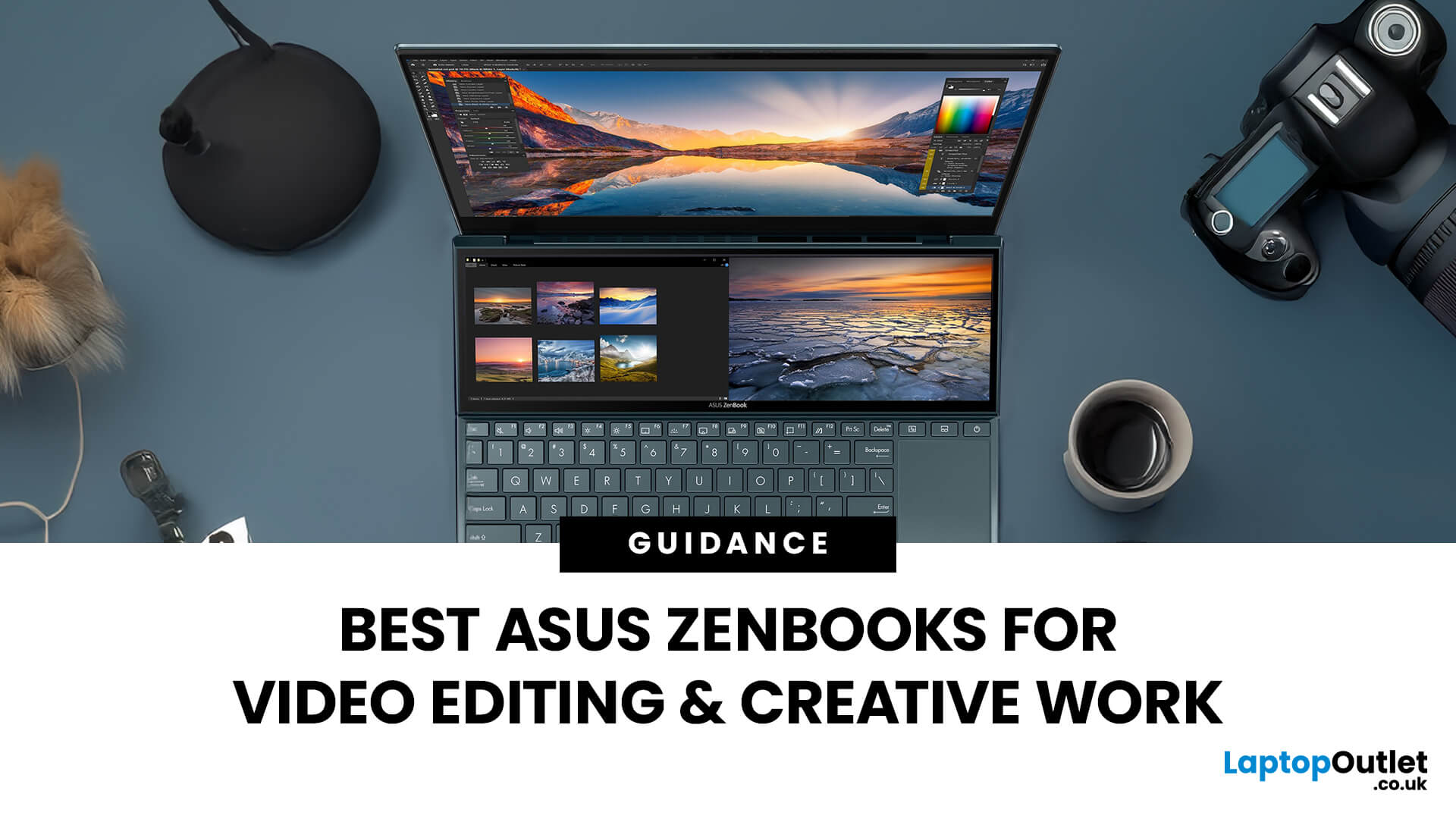
In the world of video editing, motion graphics and creative workflows, picking the right laptop isn’t just about getting “something that works” - it’s about securing a machine that gives you freedom, performance and accuracy. If you’re a professional creator in the UK (or serve the retail/B2C market), you’ll want something that doesn’t compromise when you’re rendering timelines, colour‐grading in 10-bit, switching between apps, or hauling your work between studio and location. That’s where the ASUS ZenBook line comes in.
Why ASUS ZenBooks Are Ideal for Video Editing & Creative Work
The ZenBook range has carved out a strong position for creators, offering a blend of build quality, lightweight design, powerful internals and premium displays. According to ASUS, their “creator” ZenBooks are designed specifically for editing, design and graphics-intensive workflows.
Here are some of the key features that make them stand out:
- Display quality: Many ZenBooks offer OLED panels, high refresh rates,
Published: October 28, 2025
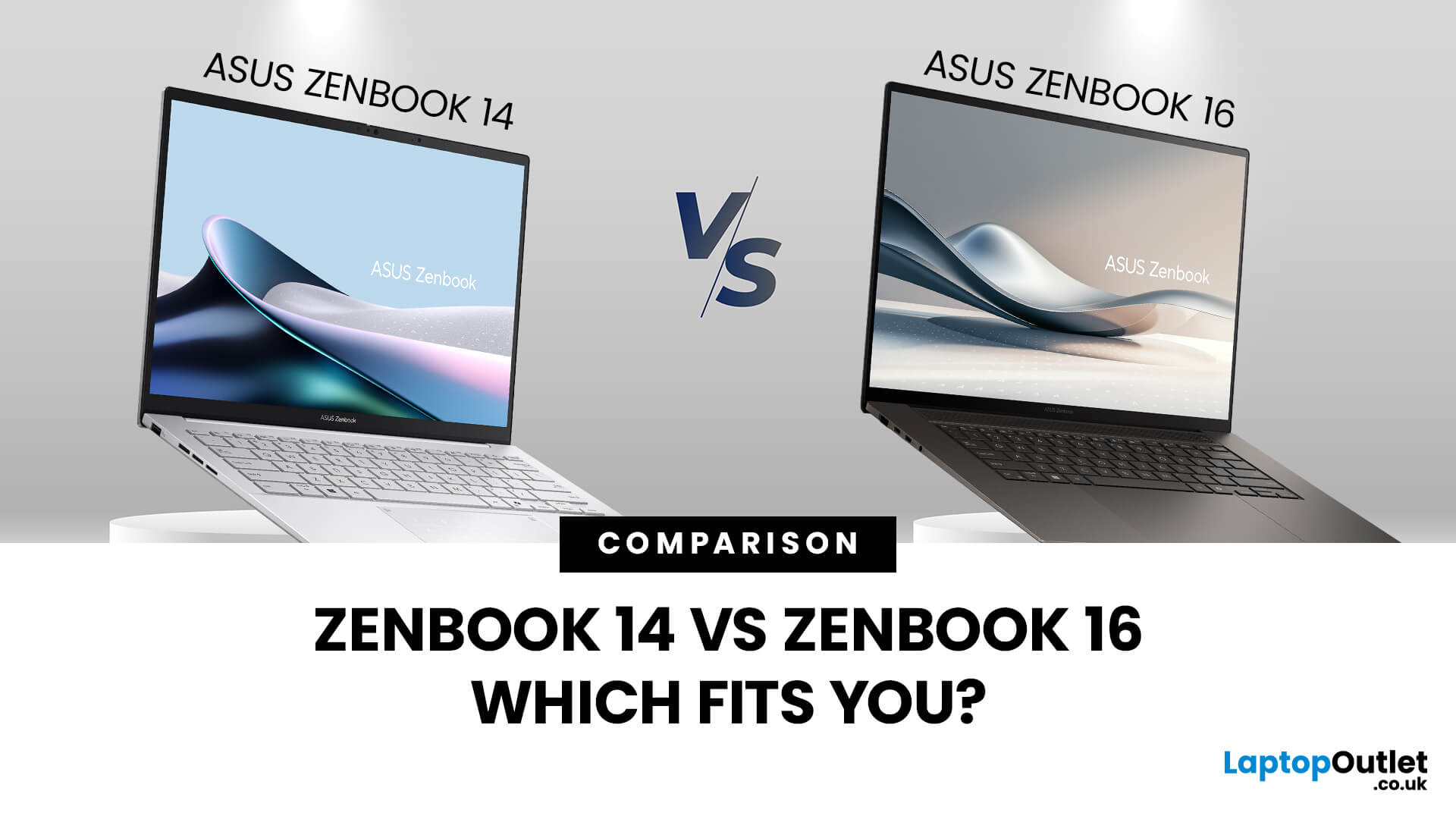
When you’re shopping around and weighing up the choice between the ASUS ZenBook 14 vs ZenBook 16, you’ll find there’s more than just the screen size difference. The ASUS ZenBook 14 and ZenBook 16 bring together premium design, OLED displays, and strong performance in sleek ultrabook form. The ZenBook 14 is ideal for portability and everyday productivity, while the ZenBook 16 offers a larger screen and extra power for creative professionals. Both models reflect ASUS’s commitment to quality and innovation, making them top choices for modern users. This blog is a comparison of both for user to choose according to their requirements.
Overview of the ZenBook Series
The Appeal of Ultrabooks
Ultrabooks such as the ZenBook line from ASUS deliver a potent mix of portability, premium build quality and enough performance for modern tasks. As the ultra-thin, ultra-light category has matured, buyers have come to expect metal-chassis design, high-resolution or OLED displays, quick SSD storage and long
Last Updated: November 05, 2025
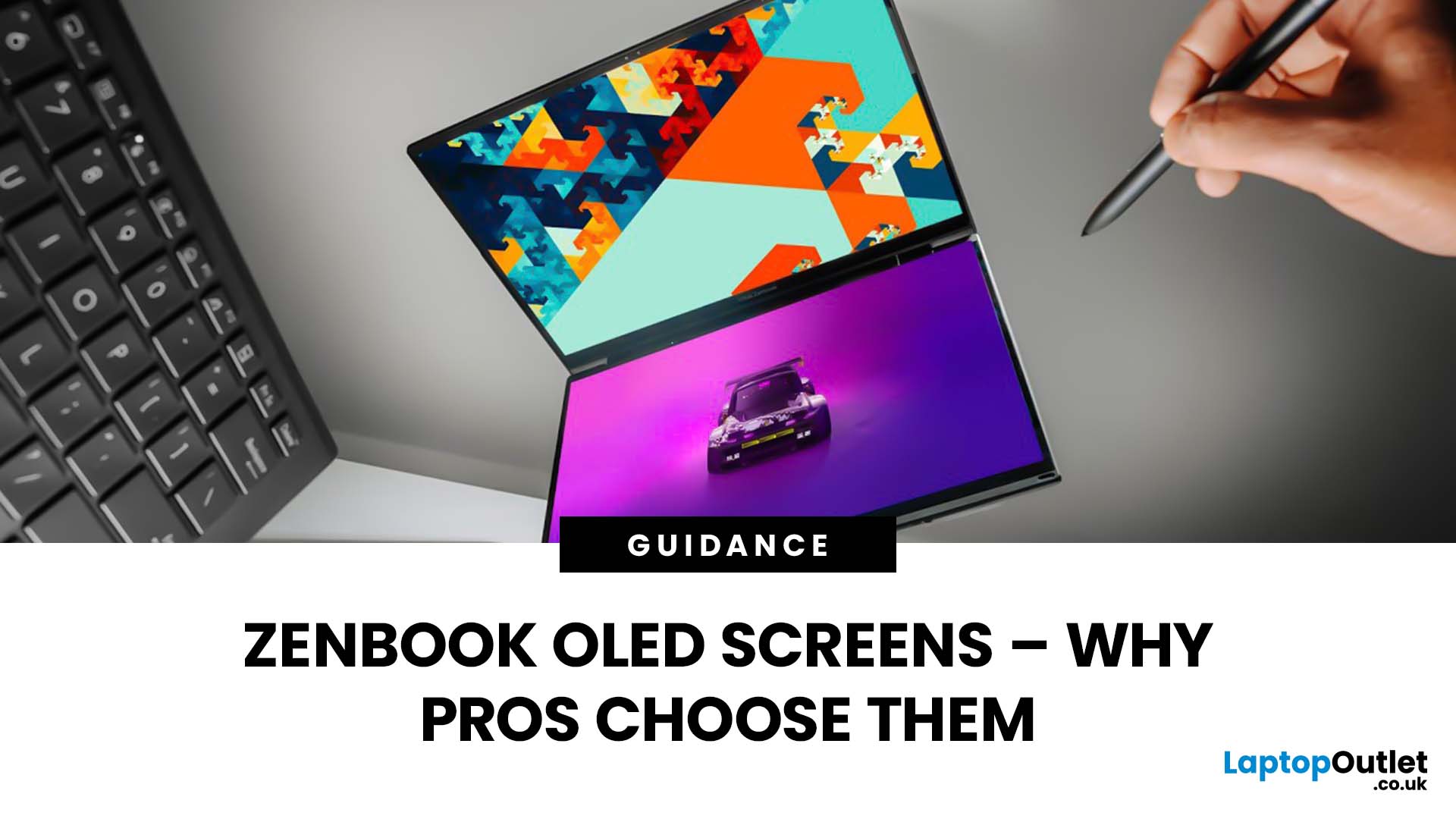
Stunning visuals are essential for modern creators and ASUS delivers. Whether you’re editing photos, grading videos, or designing digital art, display quality defines the precision of your work. That’s where the ASUS ZenBook OLED display steps in, delivering deep blacks, lifelike colour accuracy, and remarkable clarity that outshines traditional screens. In this blog, we’ll explore what makes ZenBook OLED displays so special, how they compare to IPS panels, and why they’ve become a go-to choice for photographers, video editors, and creative professionals who demand exceptional visuals without compromising portability or eye comfort.
What is ZenBook OLED Display?
The term “OLED” (Organic Light-Emitting Diode) refers to a display technology where each pixel emits its own light rather than relying on backlighting as with IPS/LCD panels. In the ASUS ZenBook series, the use of OLED means deeper blacks, higher contrast and more vibrant colours compared to many mainstream IPS laptops.
For example,

