



Remote Work with ASUS ZenBook: Portability & Productivity Boost

Remote work has become part of everyday life. Whether you’re working from home, hopping between meetings, or travelling across cities, a reliable laptop can make all the difference. That’s where the ASUS laptops come in - sleek, powerful, and designed for people who get things done on the move.
It’s not just about specs or looks. The ASUS ZenBook laptop is built for real-world use: strong performance for multitasking, battery life that actually lasts, and a design that doesn’t hold you back. If your workdays shift between kitchen tables, co-working spaces, and coffee shops, this laptop fits right in.
Why the ASUS ZenBook Is Ideal for Remote Work

For anyone who works remotely, the perfect laptop should be light enough to carry everywhere, powerful enough to multitask, and reliable enough to last the entire working day. The ZenBook range hits this sweet spot effortlessly.
Modern ZenBook models are thin, light, and stylish – yet surprisingly powerful under the hood. They combine Intel Core Ultra processors, stunning OLED displays, and impressive ZenBook battery life, giving professionals everything they need for seamless productivity. Whether you’re joining video calls, editing presentations, or working across multiple tabs, the best ZenBook for remote work can handle it all without slowing you down.
If you’re unsure which size suits your workflow best, explore our detailed comparison of the ASUS ZenBook 14 vs ZenBook 16 and see which one fits your remote work style.
Portability That Makes Remote Work Effortless

The ZenBook portability features are one of its biggest strengths. Many models weigh just over a pound, with slim, sturdy bodies that slip easily into a backpack or carry-on bag. They’re crafted with premium materials, meaning they’re durable enough for daily commutes or long-haul travel.
For anyone constantly moving between meetings, homes, and cities, that lightness makes a real difference. You can take your entire workspace with you without feeling weighed down. And with their refined design and compact chargers, ASUS ZenBook laptops for remote work are perfect companions for those who prefer working freely and flexibly, wherever they go.
Power That Lasts the Whole Day
When you’re working remotely, access to a plug socket isn’t always guaranteed. That’s why ZenBook battery life matters so much. The latest models come with large-capacity batteries that can last well over a full working day and, in some cases, stretch towards the 30-hour mark depending on usage.
You can jump between video calls, documents, and creative tools without constantly worrying about recharging. Fast-charging support also means that even a quick coffee break can give you hours of extra juice.
For anyone who likes to work outdoors, from cafés, or on the move, this kind of endurance means freedom. You can stay focused on your work instead of the battery icon in the corner of your screen.
Built-In Quality for Clear Communication

Remote work often means spending hours on Zoom, Microsoft Teams, or other video-conferencing platforms so a good webcam and microphone setup are non-negotiable.
ZenBooks are equipped with Full HD webcams, often enhanced with AI features that improve clarity, adjust lighting automatically, and add background blur. The built-in noise-cancelling microphones filter out unwanted sounds, so your voice stays clear even if you’re working in a busy café or a shared workspace.
With strong performance and reliable audio-visual clarity, the ASUS ZenBook for Zoom and Teams meetings is a perfect companion for digital communication and collaboration.
Smooth Multitasking for Modern Professionals
Remote professionals rarely do just one thing at a time. A typical day might involve video meetings, file sharing, content creation, browser research, and chat tools all running at once. The ZenBook multitasking performance is built for exactly that.
With the latest Intel Core Ultra processors, fast SSD storage, and up to 32 GB of memory, these laptops handle multiple demanding apps effortlessly. You can edit a document during a video call, stream music, and have several tabs open — all without lag or overheating.
Some models, such as the ZenBook Duo, even feature dual OLED screens, letting you spread your workflow across two displays for better productivity. For creative professionals balancing remote projects, the ZenBook range offers serious performance for editing and design. Discover our top picks in the best ASUS ZenBooks for video editing & creative work.
Designed for Collaboration and Connectivity
When your job depends on staying connected, reliable connectivity is key. ZenBooks feature Wi-Fi 6 and Wi-Fi 7 for faster, more stable online performance, along with Bluetooth 5 for smooth pairing with peripherals like headphones and keyboards.
Their ports are another strong point. With USB-C / Thunderbolt, HDMI, and USB-A ports all built-in, you can easily connect external monitors, storage devices, or other accessories. For laptops for remote professionals, this means you can turn any space — from a coffee table to a hotel desk — into a full workstation in seconds.
The ZenBook Advantage for Digital Nomads

If you travel frequently or work from unpredictable locations such as cafés, co-working spaces, airports, or hotels, the combination of portability, battery life, connectivity, and strong video capabilities makes the ZenBook for digital nomads especially relevant.
Key benefits for digital nomads:
- Lightweight build: Travel-friendly, easy to carry
- All-day battery: Less dependence on power sockets
- Good connectivity: USB-C/Thunderbolt, HDMI → you can connect to local displays / teleconference setups
- Durable build and premium materials (e.g., ceraluminium chassis in some models) → suited to travel environments
- Strong display and input experience → you can work long hours comfortably
Indeed, the ASUS site describes its 2025 ZenBook range as “portable, sustainable and powerful”. For remote professionals who alternate between home, travel, coffee, client-sites, the ZenBook offers a compelling mix.
Choosing the Best ZenBook for Remote Work
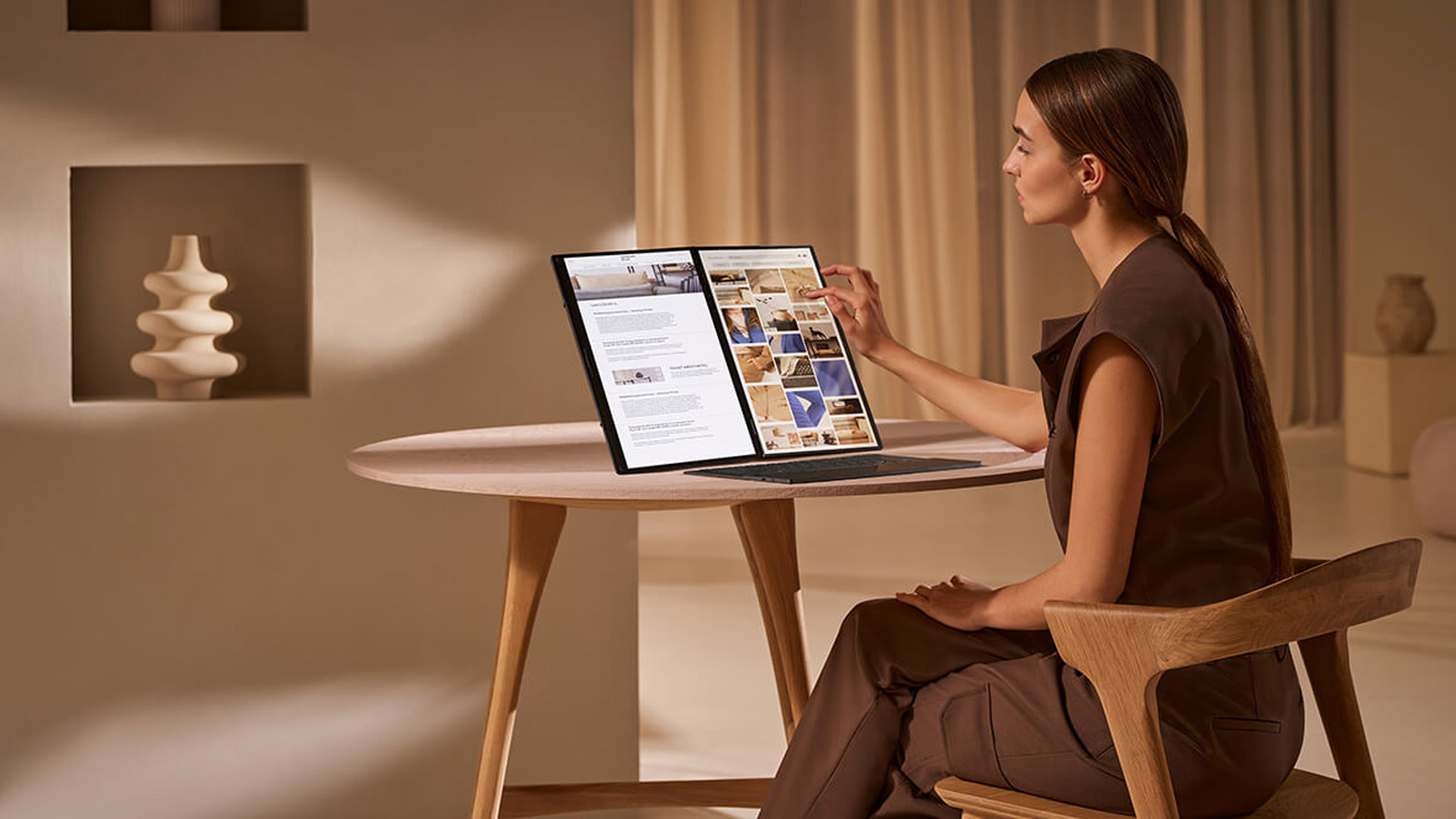
Not all remote workers have the same needs, so it’s worth finding the best ZenBook for remote work based on your daily routine. Here are some tips to guide your choice:
1. PrioritisePortability
If you’re always on the go, look for a 13- or 14-inch ZenBook weighing around 1.2 kg or less. These models are ideal for travel, hybrid work and daily commuting.
2. Focus on Battery and Charging
Look for models with 70 Wh batteries or above and fast-charging support. That ensures you can work long hours without needing to recharge constantly.
3. Go for a Premium Display
ZenBooks often feature 3K or 2.8K OLED panels that deliver bright, colour-accurate visuals - great for creative professionals and anyone who spends long hours on screen. Learn more about how ZenBook OLED displays offer colour accuracy and visual brilliance for professionals
4. Make Sure It Can Multitask
For smooth productivity, aim for 16 GB RAM (or more) and one of the latest Intel Core Ultra processors. If you handle larger workloads, consider a higher-spec model like the ZenBook Duo or ZenBook 16X.
5. Think About Connectivity
Choose a model with Thunderbolt 4 / USB-C ports, HDMI, and Wi-Fi 6 or 7 for seamless remote work, regardless of location.
ASUS ZenBook: A Laptop Built for the Way We Work Today
The ASUS ZenBook for remote work is built for the way we work today - mobile, connected, and always on the move. ASUS blends a ZenBook lightweight laptop design with powerful internals, making it ideal for anyone who works remotely or travels often.
Its slim build slips easily into a bag, the ZenBook battery life keeps you going through long days, and the vibrant OLED display makes every task clearer and easier on the eyes. With a crisp webcam, clear mic, and smooth performance on Zoom and Teams, it’s made for effortless communication and productivity.
Behind that elegant exterior, the latest Intel Core Ultra processors handle demanding workloads without slowing down. Whether you’re managing spreadsheets, editing content, or presenting online, the ZenBook stays cool, quick, and reliable.
You can explore the full range of ASUS ZenBook laptops for remote work or browse ASUS laptops for productivity and all laptops and notebooks to find the one that suits your routine.
In short, the ZenBook is a work companion that moves with you. Light, powerful, and reliable, it gives remote professionals the freedom to stay productive anywhere. For those who value flexibility and focus, the ZenBook makes working from anywhere feel effortless.

Your Questions About the ASUS ZenBook, Answered
Can I control my ASUS laptop with my phone?
Yes, you can. ASUS includes the Link to MyASUS feature, which connects your laptop and smartphone seamlessly. It lets you mirror your phone’s screen, share files, make calls, and even access mobile apps directly from your ZenBook, perfect for staying organised without switching between devices.
What are common problems with ZenBooks?
ZenBooks are well-built and dependable, but like any laptop, they can occasionally face minor issues such as touchpad responsiveness, software updates, or battery calibration after long-term use. Thankfully, most of these are easy to resolve through ASUS’s built-in support tools or regular driver updates.
Is ASUS good for work from home?
Definitely. The ZenBook range is designed for modern professionals. With its light build, impressive battery life, sharp OLED display, and noise-cancelling microphone, it’s ideal for remote work, video meetings, and multitasking without interruptions.
Does the ASUS ZenBook have Copilot?
Yes. The latest ASUS ZenBook models come with Microsoft Copilot in Windows 11, bringing built-in AI assistance to your laptop. It helps you draft content, manage tasks, search faster, and boost productivity with simple commands.
Which ASUS ZenBook is best for remote work?
If you want the perfect balance of performance and portability, the ASUS ZenBook 14 is a great choice. It’s lightweight, powerful, and built with long battery life — ideal for remote professionals who need reliable performance on the move. For multitaskers and creators, the ZenBook Duo with its dual OLED screens offers even more flexibility for work and collaboration.
| Read More: |
| ZenBook OLED Displays: Visuals, Colour Accuracy & Professional Advantage |
| ASUS ZenBook 14 vs ZenBook 16: Which Is Right for You? |
| Best ASUS ZenBooks for Video Editing & Creative Work |
Related Articles

Last Updated: December 09, 2025
Two ZenBooks, One Big Decision
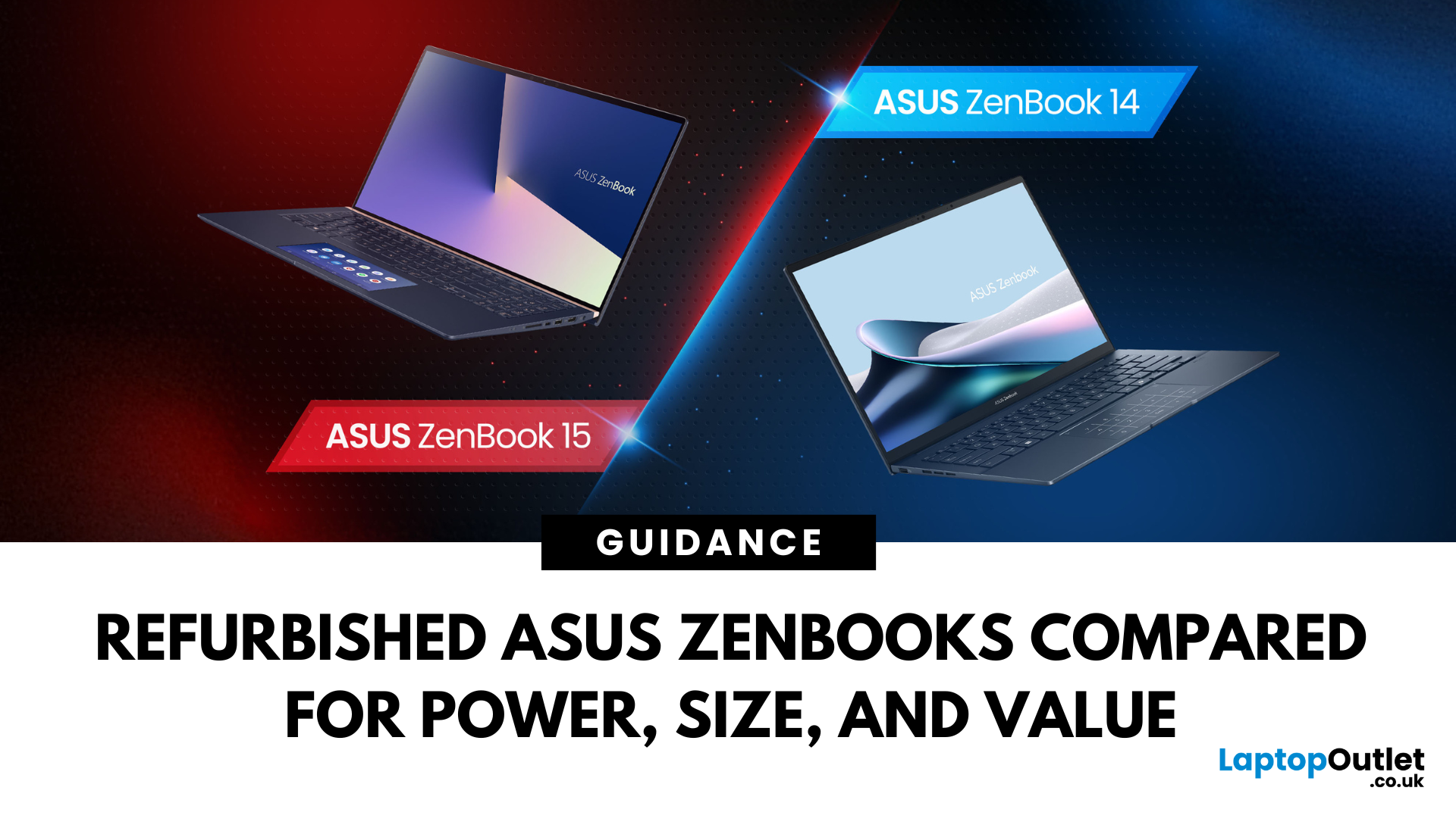
Looking for a slick ASUS ZenBook but stuck between the 14 and 15? Whether you’re a student on the move or a creator chasing peak performance, the refurbished ASUS ZenBook 14 and 15 pack serious punch — without the premium price tag.
In this guide, we break down the key differences in size, specs, and use cases, and help you decide which one’s right for you. Refurbished laptops offer incredible value – and we’re here to help you score the best one for your setup.
Key Differences Between Refurbished ASUS ZenBook 14 and ZenBook 15
While both the ASUS ZenBook 14 and 15 deliver premium performance at unbeatable prices when refurbished, their differences go beyond screen size. If you're choosing between them, it's all about how and where you'll use your laptop — whether you're on the go, creating content, or just want a smooth daily experience.
Portability and Everyday Use
The Refurbished ZenBook 14 OLED is built for mobility. Weighing just around 1.39kg and measuring
Last Updated: September 09, 2025
A Smart Choice for Smarter Study?
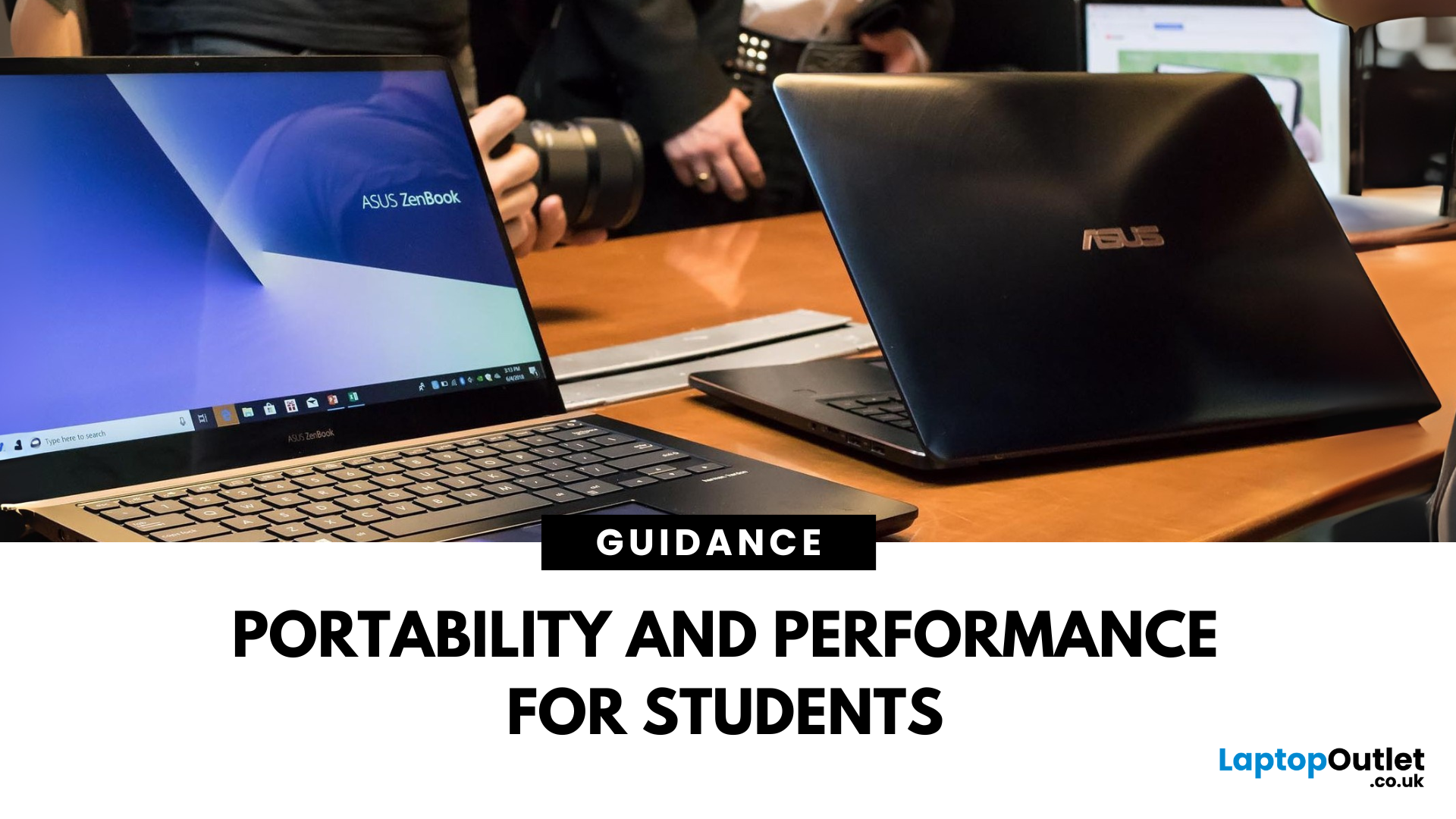
Choosing a laptop for school or university? The ASUS ZenBook is often praised for its sleek design and solid specs—but is it really the best laptop for students in 2025? Let’s break down its strengths, weaknesses, and whether it’s right for your academic life.
What Is the ASUS ZenBook?
The ZenBook is ASUS’s premium ultrabook range—lightweight, stylish, and packed with high-performance components. Designed for productivity and mobility, it’s a go-to for professionals, creatives, and yes—students.
Why Students Love the ZenBook
- Lightweight design – easy to carry to lectures or cafes
- Long battery life – up to 10–14 hours depending on model
- Fast processors – Intel Core i5/i7 or AMD Ryzen 5/7
- Full HD or OLED screens – clear visuals for research and video
- Great keyboard & trackpad – for comfortable writing and multitasking
ZenBook Models for Students (2025 Picks)
ZenBook 14 (UX425)
- Ultra-light (1.2kg)
- 11th/12th Gen Intel or Ryzen processors
Last Updated: October 03, 2025
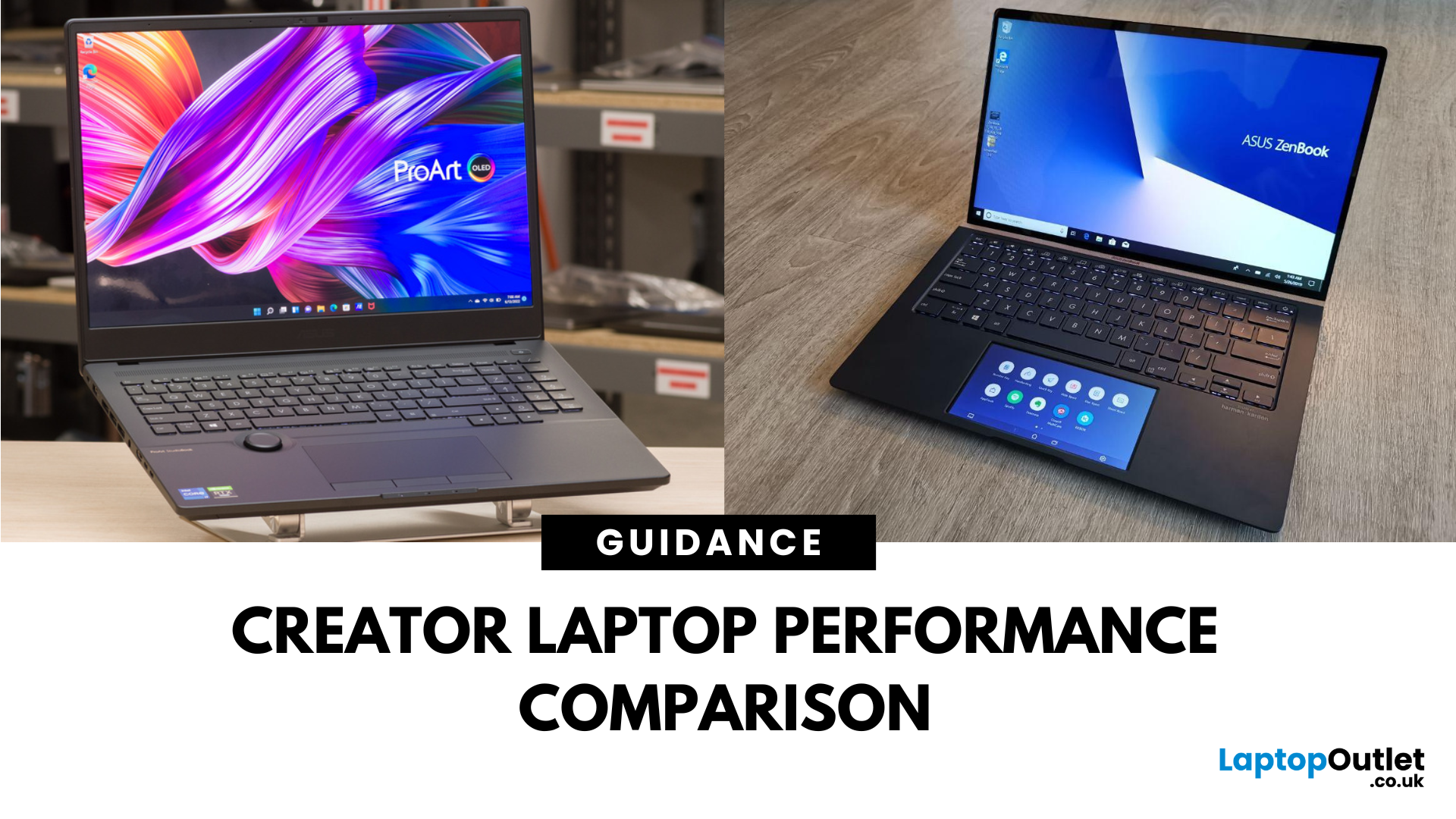
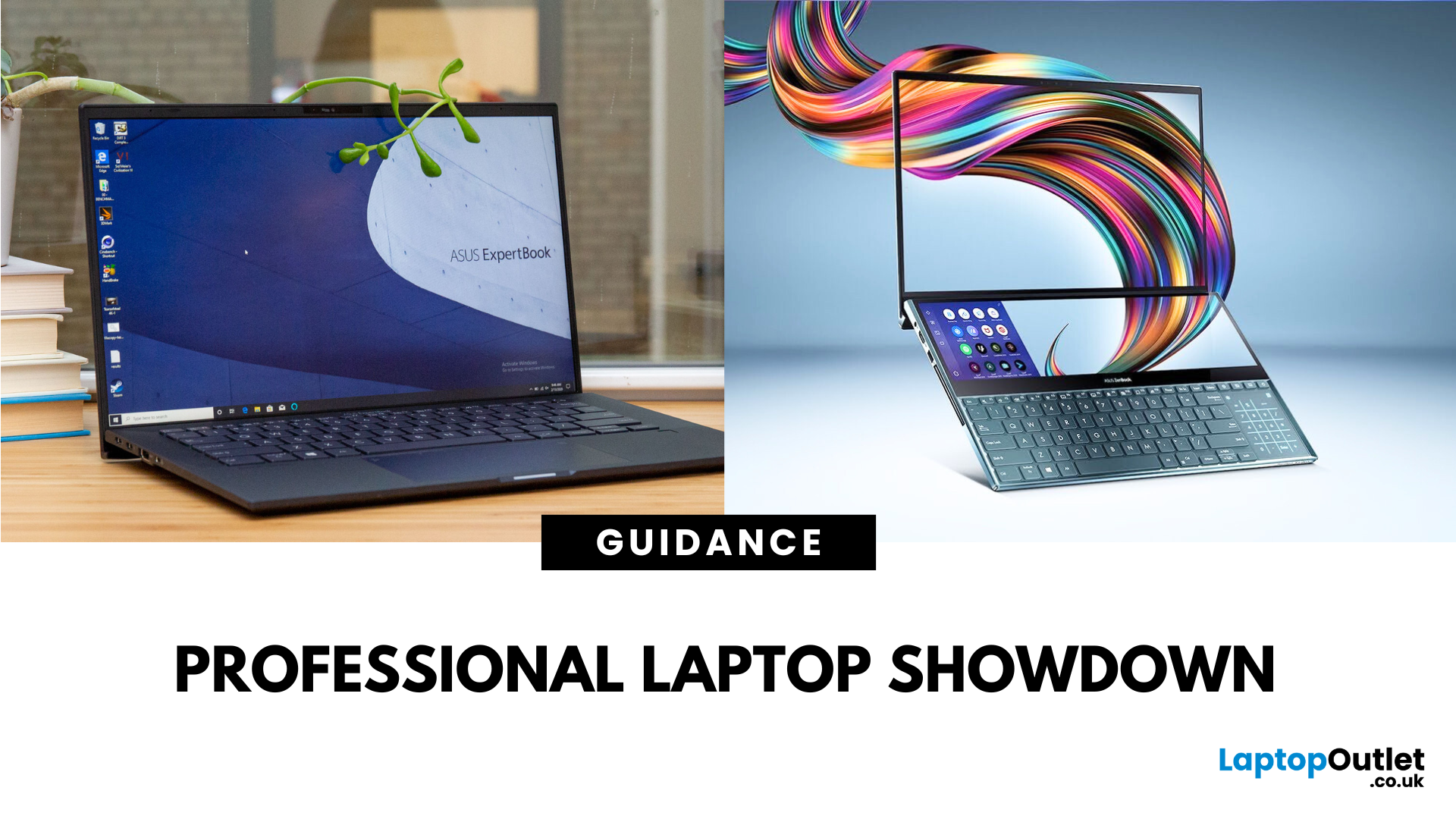
What’s the Main Difference Between ASUS ProArt and ZenBook?
The ASUS ProArt series is engineered for professional content creators working in video production, photography, animation, and 3D modelling. It delivers ISV-certified performance, ultra-accurate colour displays, and AI-powered creator tools like ASUS DialPad and Creator Hub.
The ASUS ZenBook series targets professionals and creatives who need portability, battery endurance, and sleek aesthetics. While still capable for creative work, ZenBooks are tuned for light-to-moderate creative tasks, multitasking, and on-the-go use rather than maximum workstation output.
Specs Face-Off: ASUS ProArt vs ZenBook
| Feature | ASUS ProArt Series | ASUS ZenBook Series |
| Target Audience | Professional creators needing maximum power and colour precision | Mobile creatives, designers, and professionals seeking portability and style |
| Performance Focus | Workstation CPUs & NVIDIA RTX GPUs, ISV-certified for Adobe/Autodesk | Efficient CPUs, integrated or mid-tier GPUs, |
Last Updated: April 02, 2026
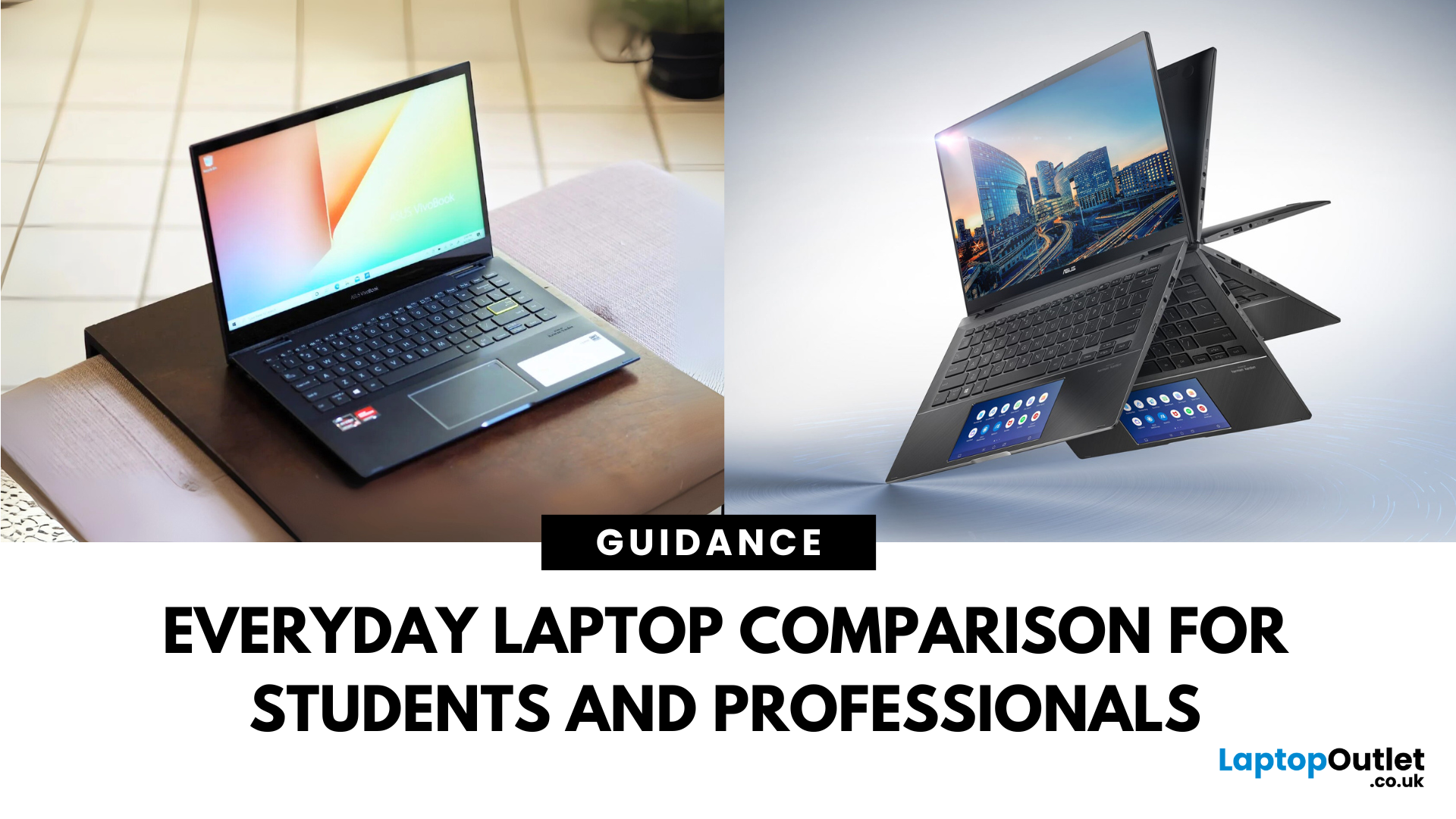
What’s the Difference Between ExpertBook and ZenBook?
The ExpertBook line is designed for professionals who demand durability, lightweight builds, enterprise features, and long battery life often with vPro support and MIL-STD testing. The ZenBook series decks out innovators and creators with premium OLED (and even dual-screen) displays, ultra-light designs, and high-end performance geared toward aesthetics and mobility.
Specs Face-Off: ExpertBook vs ZenBook
| Spec Category | ExpertBook (e.g., B5, B1, P3) | ZenBook (e.g., 14 OLED, Duo, S16) |
| Build & Weight | Ultra-light (~1.27–1.41 kg), MILSTD durability | Super-slim (~1.2–1.5 kg), aluminium/titanium builds, dual-screen option |
| Display & Visuals | Business-friendly 14" FHD or WQXGA screens, optional touch/stylus | Stunning 14" 2.8K OLED at 120 Hz, vivid dual-screen Duo models, immersive S16 displays |
| Performance | Up to Intel Ultra 7 with vPro, optional Arc/RTX GPU in some models | Core Ultra 7 or Ryzen AI CPUs, upgraded for creatives and heavy multitasking |
Last Updated: September 09, 2025
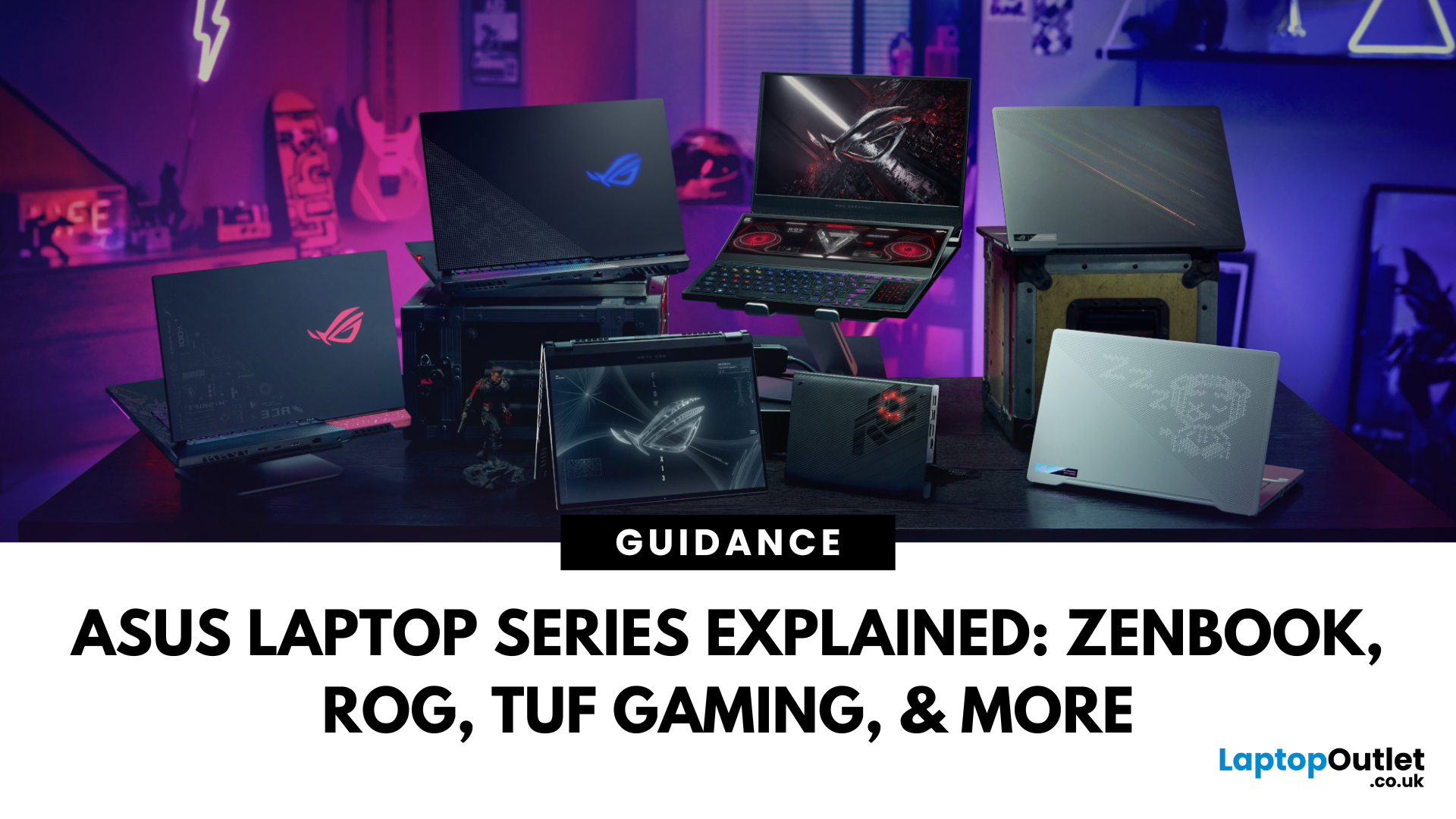
What’s the Difference Between VivoBook and ZenBook?
VivoBook is ASUS’s mainstream lineup—affordable, performance-balanced laptops for everyday use, students, and casual users. On the other hand, ZenBook is the premium alternative—sleek, aluminum builds, slim profiles, higher specs, and aimed at professionals or users who want long-term durability and style.
Feature Comparison Table
| Feature | VivoBook | ZenBook |
| Build & Design | Plastic/metal mix, budget-friendly | All-metal, ultra-slim premium build |
| Performance | Good everyday CPUs (e.g. Ryzen 5, Intel U-series) | Higher-end CPUs, often Core Ultra or better |
| Display | Reliable FHD panels | Often OLED or higher-quality touchscreens |
| Battery Life | Solid, entry-level (~8–10 h) | Excellent endurance—up to ~16 h on OLED ZenBook 14 OLED |
| Portability | Moderate—lighter options available | Thinner and lighter overall |
| Price | Very budget-friendly | Premium pricing, but great value for specs |
Performance & Design
- VivoBook: Offers solid specs for
Last Updated: July 02, 2026
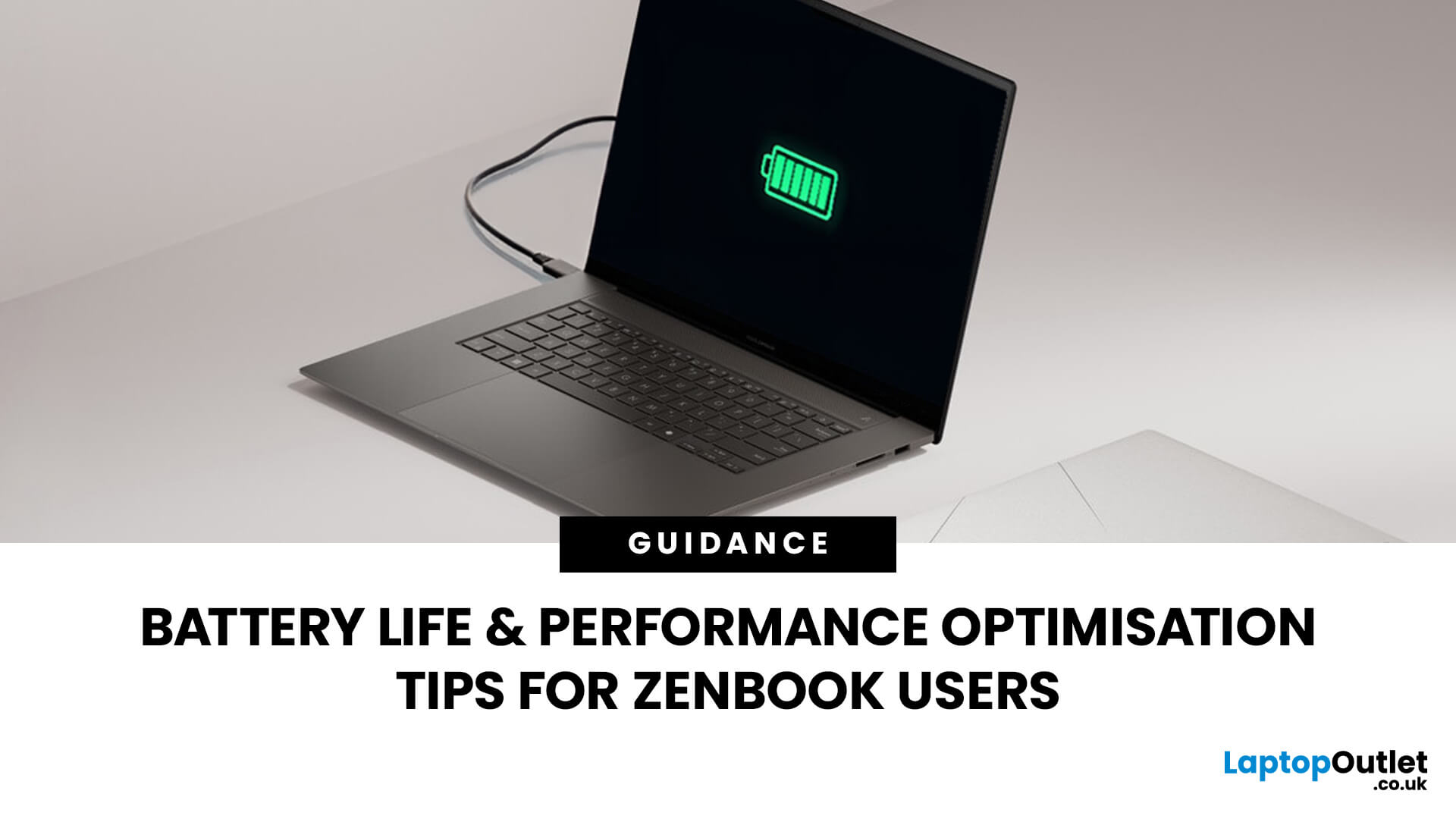
Choosing the right laptop in 2025 can feel like a challenge. With endless options in the UK market, different brands, specifications, and price points, it’s easy to feel overwhelmed. This is where ASUS makes the decision simpler. Over the years, ASUS has built a reputation as one of the most trusted technology brands by offering laptops that combine performance, reliability, and affordability.
Think about the wide variety of users today: a student who needs a lightweight laptop for lectures, a business professional who spends hours travelling, a gamer chasing the ultimate performance, or a creative tackling demanding design projects. Each has unique needs, but ASUS has carefully designed a laptop series for all of them.
In this ASUS laptop Series explained blog, we’ll explore the full 2025 lineup: ZenBook, VivoBook, ROG, TUF Gaming, ExpertBook, Chromebook, and ProArt StudioBook, so you can confidently choose the ASUS laptop that fits your life.
A Quick Overview of the ASUS Laptop Series
Last Updated: October 30, 2025
Ever been in the middle of editing a video, sending that last-minute client report, or streaming a movie and your ZenBook suddenly flashes the dreaded ‘save me, lord, I’m dying (low battery) warning?’ You’re not alone. Even the most efficient ASUS ZenBooks can drain faster than expected if they’re not set up for peak performance.
The good news? These laptops are packed with smart power management tools, hidden Windows settings, and ASUS-exclusive features that can stretch every per cent of your battery while keeping your system running smoothly. Whether you use your ZenBook for creative projects, business, or all-day multitasking, a few intelligent tweaks can make it feel like new again.
In this guide, we’ll skip the generic “dim your screen” advice and dive into real ZenBook-specific tips that actually make a difference.
Understanding How ZenBook Power Management Actually Works
So, here’s the thing - your ZenBook isn’t just another sleek slab of metal with a keyboard. It’s got a mini
Published: October 28, 2025
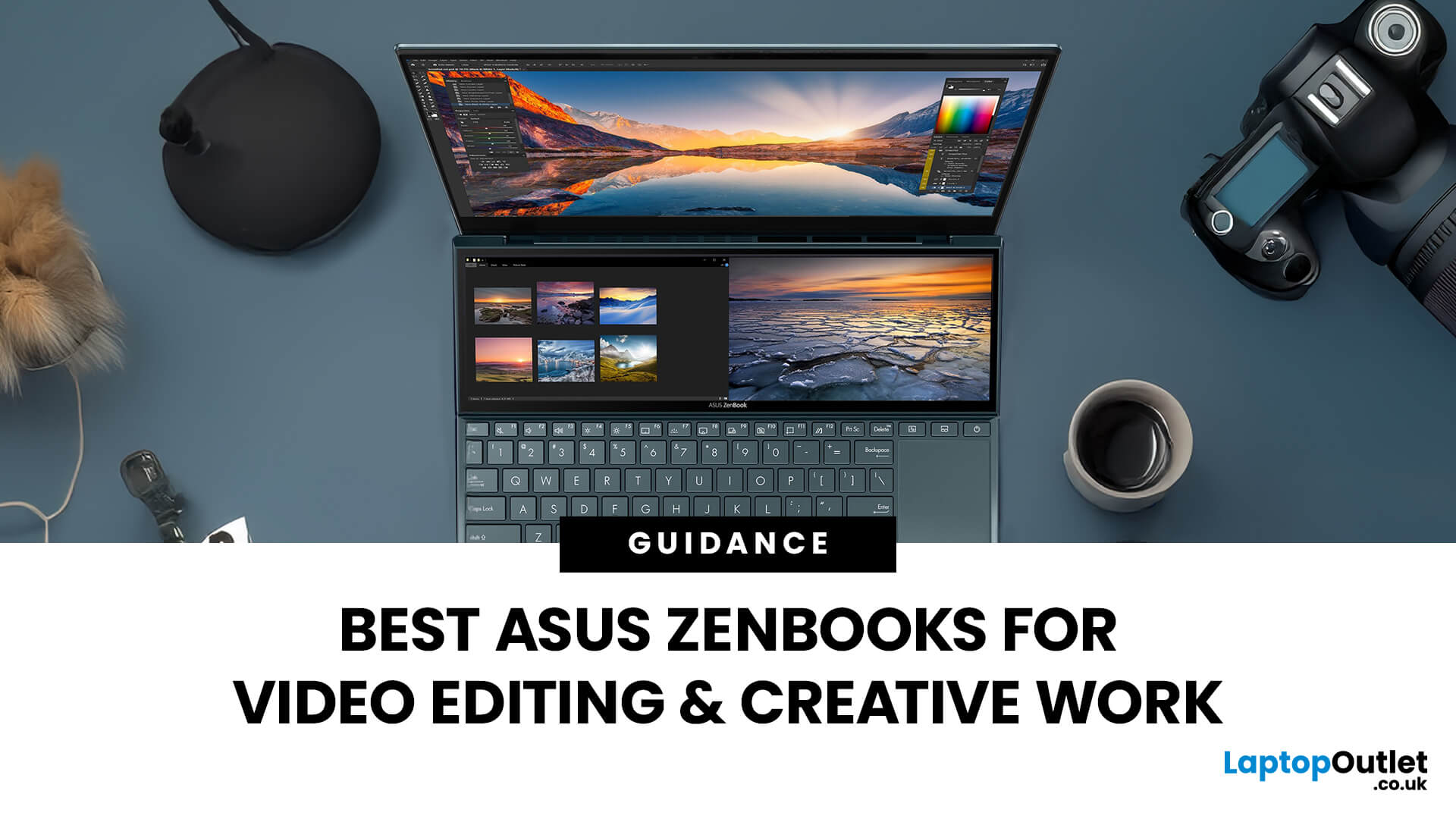
In the world of video editing, motion graphics and creative workflows, picking the right laptop isn’t just about getting “something that works” - it’s about securing a machine that gives you freedom, performance and accuracy. If you’re a professional creator in the UK (or serve the retail/B2C market), you’ll want something that doesn’t compromise when you’re rendering timelines, colour‐grading in 10-bit, switching between apps, or hauling your work between studio and location. That’s where the ASUS ZenBook line comes in.
Why ASUS ZenBooks Are Ideal for Video Editing & Creative Work
The ZenBook range has carved out a strong position for creators, offering a blend of build quality, lightweight design, powerful internals and premium displays. According to ASUS, their “creator” ZenBooks are designed specifically for editing, design and graphics-intensive workflows.
Here are some of the key features that make them stand out:
- Display quality: Many ZenBooks offer OLED panels, high refresh rates,
Published: October 28, 2025
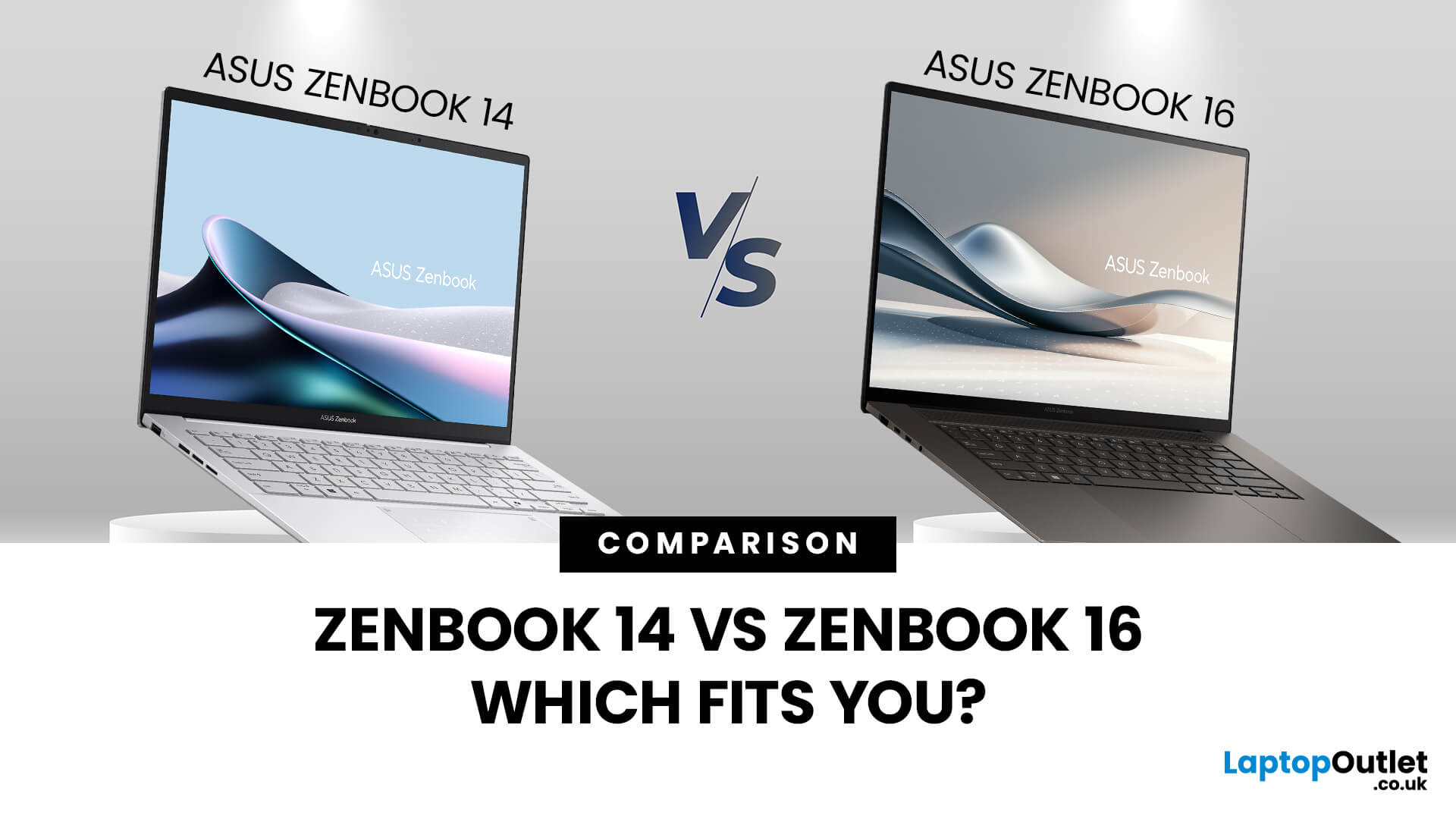
When you’re shopping around and weighing up the choice between the ASUS ZenBook 14 vs ZenBook 16, you’ll find there’s more than just the screen size difference. The ASUS ZenBook 14 and ZenBook 16 bring together premium design, OLED displays, and strong performance in sleek ultrabook form. The ZenBook 14 is ideal for portability and everyday productivity, while the ZenBook 16 offers a larger screen and extra power for creative professionals. Both models reflect ASUS’s commitment to quality and innovation, making them top choices for modern users. This blog is a comparison of both for user to choose according to their requirements.
Overview of the ZenBook Series
The Appeal of Ultrabooks
Ultrabooks such as the ZenBook line from ASUS deliver a potent mix of portability, premium build quality and enough performance for modern tasks. As the ultra-thin, ultra-light category has matured, buyers have come to expect metal-chassis design, high-resolution or OLED displays, quick SSD storage and long
Last Updated: November 05, 2025
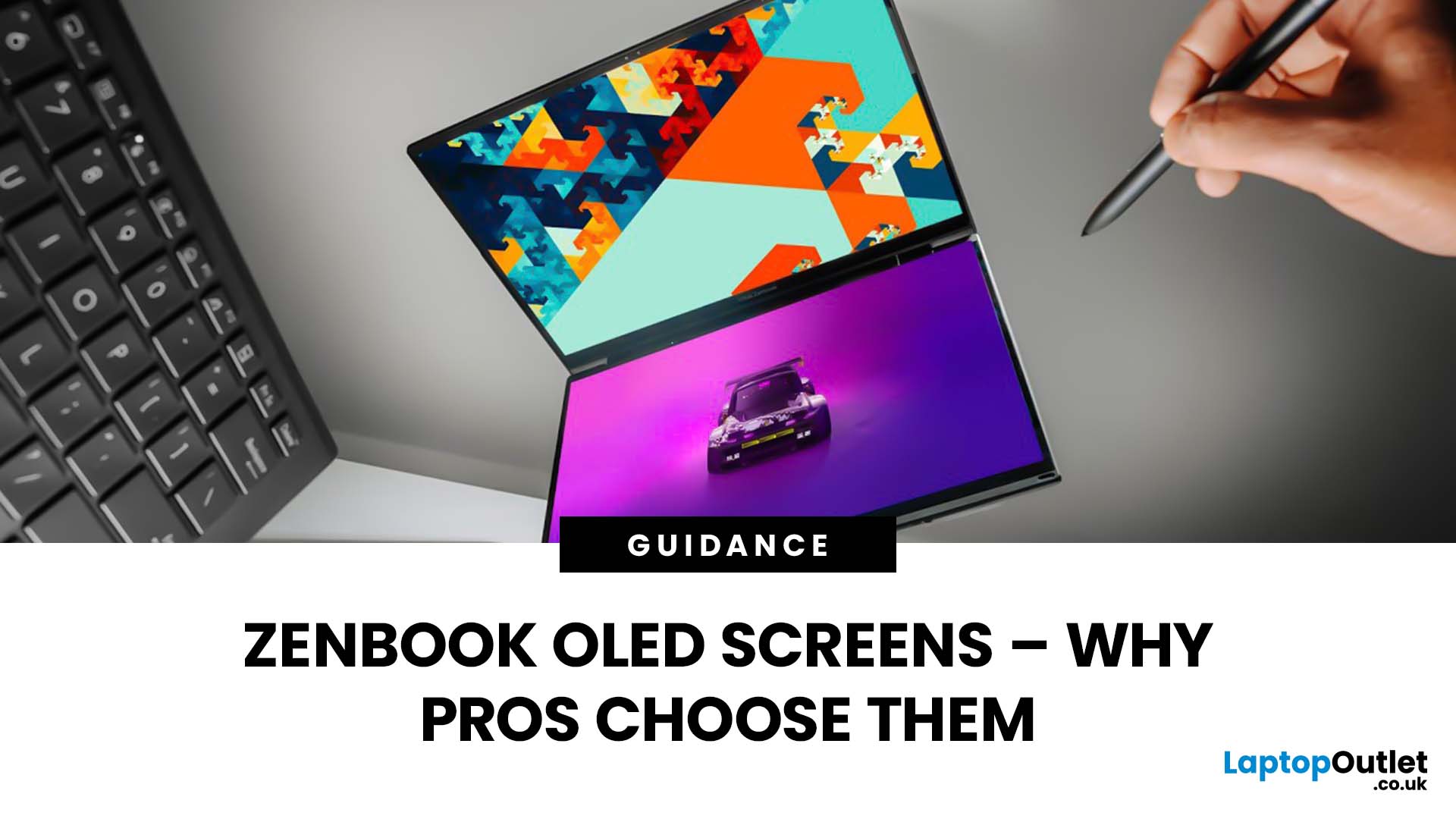
Stunning visuals are essential for modern creators and ASUS delivers. Whether you’re editing photos, grading videos, or designing digital art, display quality defines the precision of your work. That’s where the ASUS ZenBook OLED display steps in, delivering deep blacks, lifelike colour accuracy, and remarkable clarity that outshines traditional screens. In this blog, we’ll explore what makes ZenBook OLED displays so special, how they compare to IPS panels, and why they’ve become a go-to choice for photographers, video editors, and creative professionals who demand exceptional visuals without compromising portability or eye comfort.
What is ZenBook OLED Display?
The term “OLED” (Organic Light-Emitting Diode) refers to a display technology where each pixel emits its own light rather than relying on backlighting as with IPS/LCD panels. In the ASUS ZenBook series, the use of OLED means deeper blacks, higher contrast and more vibrant colours compared to many mainstream IPS laptops.
For example,

